Background
AD
trending_flat

How to Create a Radio Station Player with Elementor [Radio WordPress Theme]

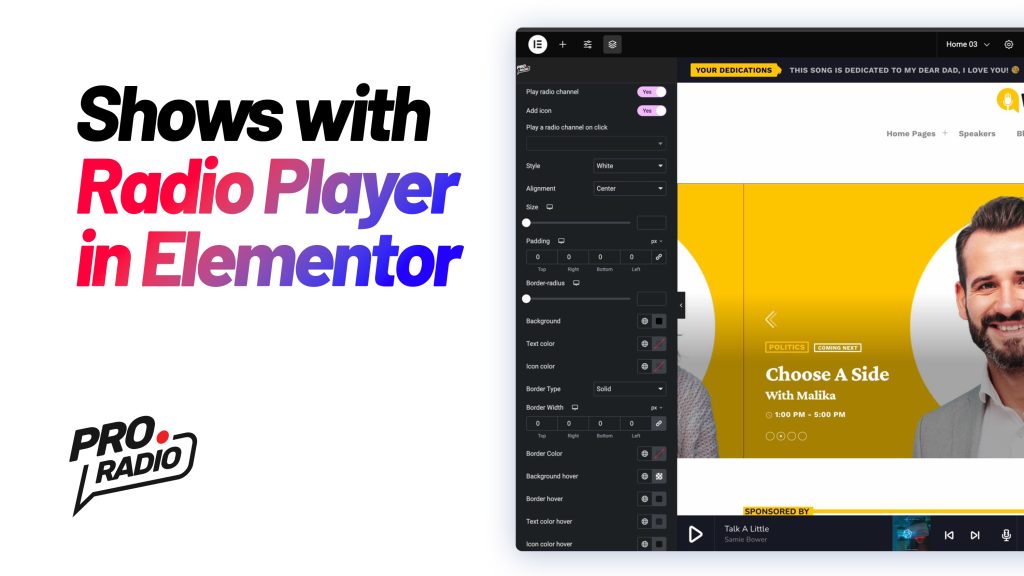
https://www.youtube.com/watch?v=SUKAQTpQqaQ   In this tutorial, we'll show you how to build a custom radio player from scratch using Elementor and the Pro Radio WordPress theme. Instead of relying on the default custom player widget, we'll create a fully customized player for your radio station website. This includes the current song title, artwork, and a button to play the radio stream. Let’s dive into the process! Step 1: Analyze the Default Player Structure First, let’s take a look at how the default player in one of the Pro Radio demo templates is structured: Section: The player is built using a section with three columns: Button Column (where the play button is located). Song Column (displays the current song title and artwork). Show Column (displays the current radio show). To make things easier, we can rename the columns for better clarity: Button […]

trending_flat

Radio Website Builder Video Tutorial: How to customize your Speakers and Djs carousel

https://www.youtube.com/watch?v=fjiYsUlZBJA   The Pro Radio WordPress Theme includes a versatile widget called Post or Page Grid. This widget allows you to display various post types with unique designs. In this tutorial, we’ll demonstrate how to customize the Team Members post type, perfect for showcasing your DJs, speakers, or guests. Step 1: Select the Post Type Open your page in Elementor and locate the Post or Page Grid widget. Set the post type to Team Members. Step 2: Filter Content Filter by Category: Choose specific member types to display (e.g., DJs, speakers, or guests). Exclude Categories: Remove specific member types (e.g., exclude the "DJ" category). Step 3: Adjust Design Settings Meta Information: Show or hide details like member type or other metadata. Maximum Items: Set the number of members displayed in the grid. Order Options: Arrange items in ascending or descending […]

trending_flat

How to Build a Cool Magazine Radio Station Page with the Post Mosaic Widget [Pro Radio WordPress Theme Tutorial]

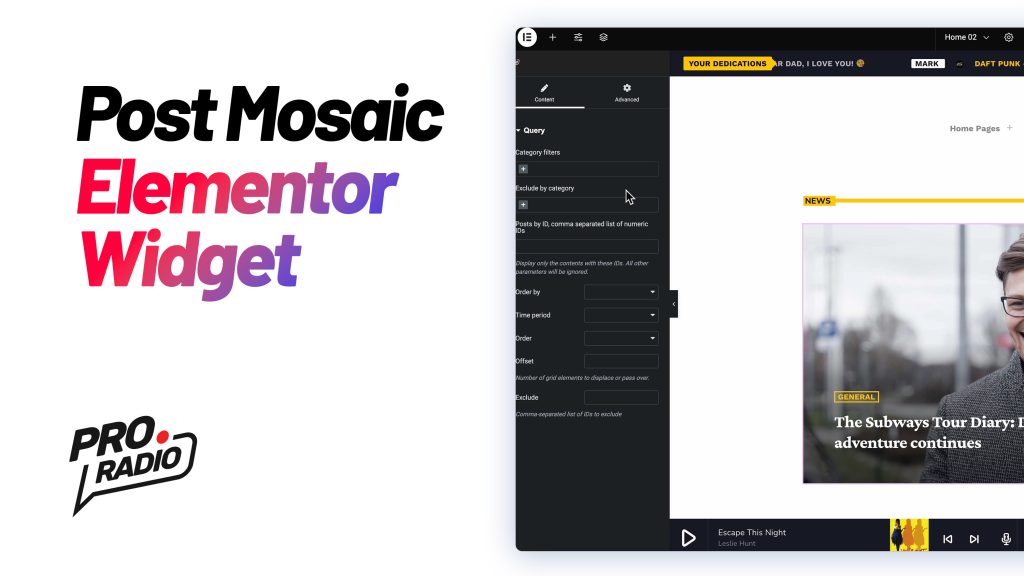
https://www.youtube.com/watch?v=tvKmGQinvy8 Want to create a stylish magazine-style page for your radio station website? The Post Mosaic widget, included with the Pro Radio WordPress theme, is an excellent tool for showcasing content in an engaging and visually appealing grid format. In this guide, we’ll walk you through the steps to modify the Post Mosaic widget and build a dynamic, magazine-style layout for your site. Step 1: Edit the Page with Elementor To begin, you’ll need to edit the page where you want to display the Post Mosaic widget. Right-click on the page and select Edit with Elementor. Once inside the Elementor editor, find the Post Mosaic widget in your panel. Step 2: Filter Posts by Category The Post Mosaic widget allows you to easily filter the posts displayed based on their category. Here’s how you can set it up: On the […]

trending_flat

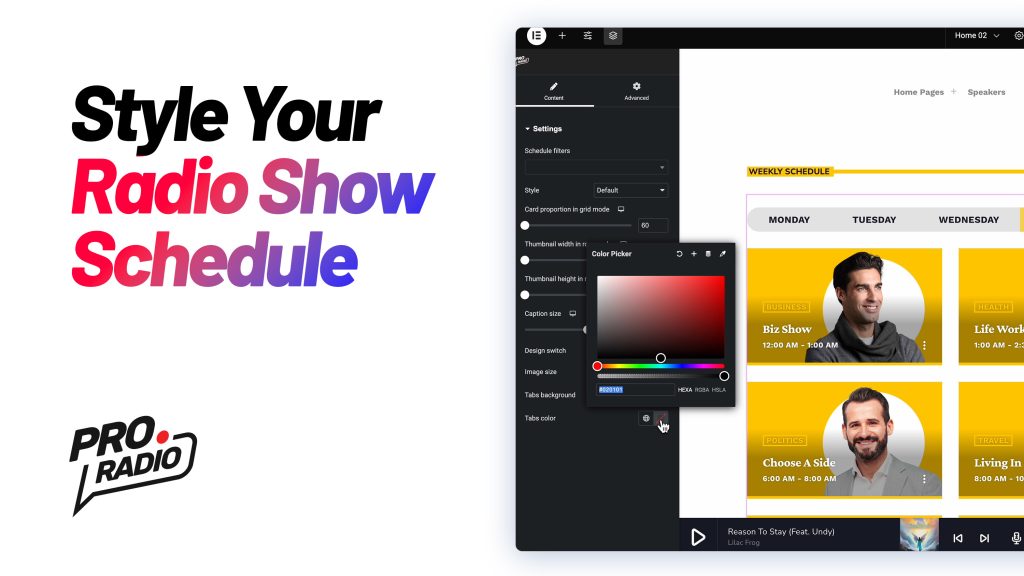
Customizing the Radio Show Schedule with the Elementor Widget [Pro Radio WordPress Theme Tutorial]

  https://www.youtube.com/watch?v=vWiAtdooTeM   Learn how to personalize the Radio Show Schedule in the Pro Radio WordPress Theme using Elementor. Follow these steps to achieve a design that suits your style and needs: Step 1: Open the Schedule Widget Navigate to your page and click Edit with Elementor. Scroll down to locate the Schedule section. Right-click the schedule and select Edit Schedule. Step 2: Adjust the Widget Options In the options panel, you’ll find various customization settings: Card Proportions in Grid Mode: Adjust for responsive display across different screen sizes. Caption Size: Modify text size for longer show titles. Image Size: Choose a balance between image quality and faster loading times. Tabs Background and Text Colors: Ensure good contrast for readability. Step 3: Switch to Row Mode Change the style to Rows for a different layout. Adjust Thumbnail Width and Height […]

trending_flat

How to Build a Cool Radio Station Header with Elementor and Music Player [Pro Radio WordPress Theme]

https://www.youtube.com/watch?v=Xxc3135jpjM   Welcome to this tutorial for the Pro Radio WordPress theme! In this guide, we'll show you how to use Elementor to create a stunning radio station header that includes an Upcoming Shows slideshow and a Custom Music Player. This design is based on one of our demo templates and features a clean, modern layout with two columns: one for the player and one for the slideshow. Let’s get started! Step 1: Understand the Structure The header structure consists of two columns: Left Column: Contains the Custom Music Player. Right Column: Contains the Upcoming Shows Slideshow. To get a better understanding of the layout, let’s break it down: Two Columns: You can view and adjust the columns by using the eye icon from the Elementor structure panel. This allows you to hide and focus on one column at a […]

trending_flat

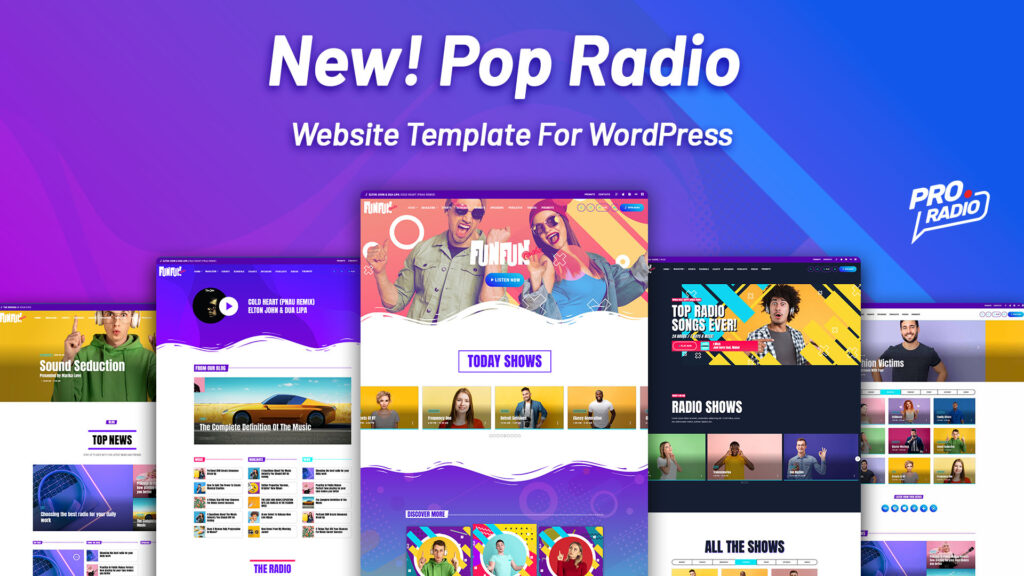
Discover the new Pop Radio Website Template! Included with Pro Radio WordPress Theme

With the new Pro Radio theme for WordPress we just added many new demos, each of them including different templates created with Elementor for your radio station. All demos are included with the standard license of Pro Radio WordPress Theme! The Pro Radio Demo 02 was built to match a joyful and colorful radio station style, perfect for pop, rock, and other fresh music styles. It comes with 6 radio station homepage templates, that can be edited and combined using Elementor. Every demo is included with the standard Pro Radio WordPress Theme license, and includes the Photoshop templates in style with the demo for your social networks, and the PSD source images for the featured picture of your website, bakgrounds, 3D image and more. Click here for more information about the new demo 02 and to see the included templates […]

trending_flat

We just added support for new streaming providers to Pro Radio WordPress Theme v.2.0

If you're searching how to create a radio station website, you're in the right place, in fact with Pro Radio you can count on the most flexible player on the market, which can integrate any popular audio stream out there. The WordPress theme Pro Radio, in fact, comes with a built-in player that can play the music and display title, author and artwork of any radio station audio stream out there (aac and mp3). The player has a huge variety of compatible formats, and our documentation will guide you in a couple easy steps to configure your radio channel in no time. We also recently added 4 new streaming providers to the existing list, taking it to 18 total compatible formats for our music player, which are the following: MP3 / AAC audio stream The player can reproduce any mp3 […]

trending_flat

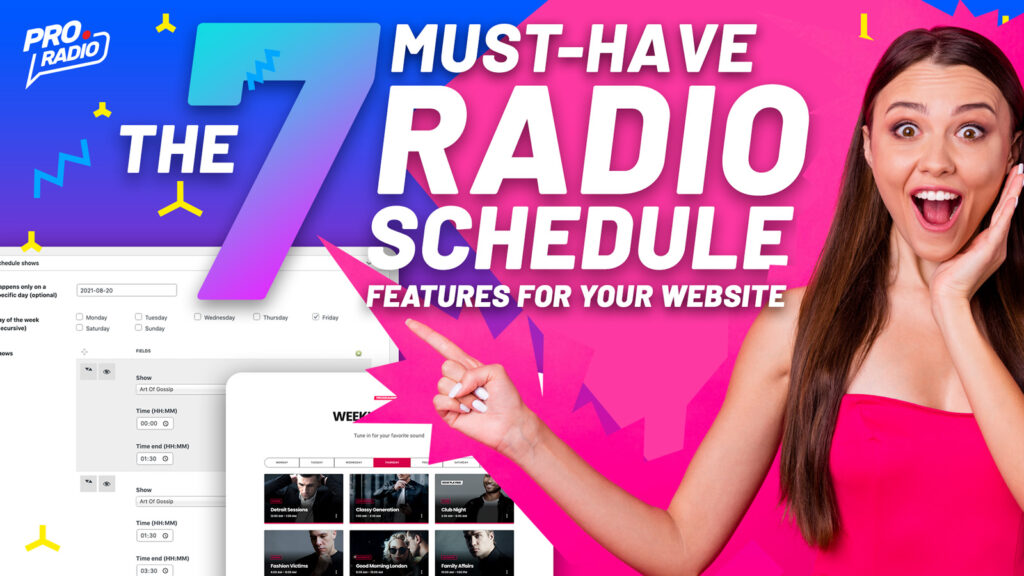
The 7 Must-Have Radio Schedule Features for Your Website

The show's schedule is core functionality for a healthy and engaging radio station website. Its relevance is clear when you see the radio from the point of view of a listener: not every show has the same appeal on every listener and is important to know when your favorite DJ or speaker will be on air. Just think about the show schedule that still is part of many printed magazines, and used by the people to remember when to tune in. The thing is clear: let your fans know when to come back for more! Also, as explained in our previous post, Pro Radio adds stunning features to a radio show page, making it a mini-website for the DJ of the show. But how hard is it to create and maintain a schedule? if you ever had to deal with […]

trending_flat

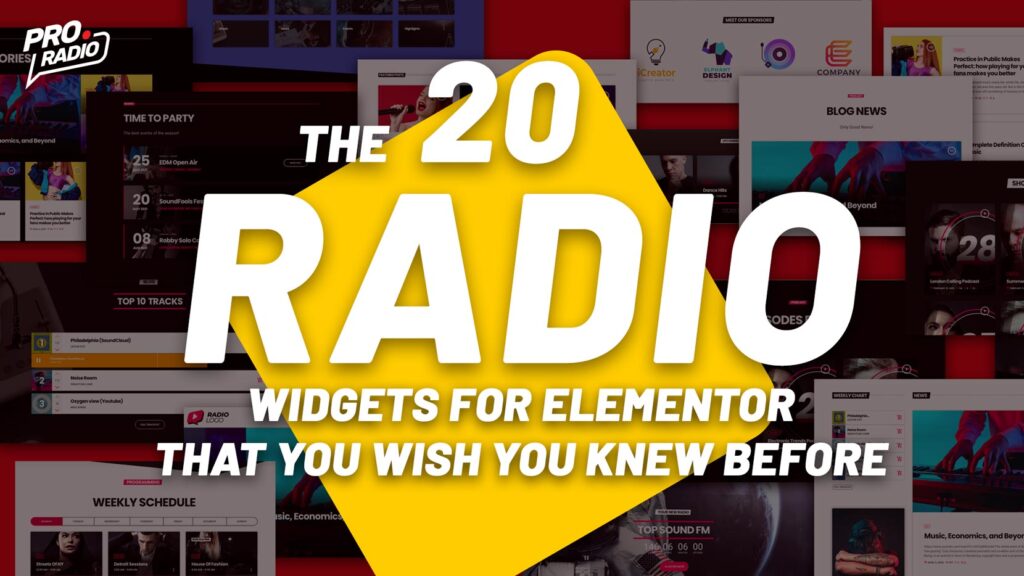
The 20 Radio Station Widgets for Elementor that you wish you knew before.

The easiest way to build a website for your Radio is for sure using the most popular builder on the market: Elementor. But its native widgets do not cover the specific requirements that your radio station website has. This is why, with the Pro Radio theme, we added for your WordPress website a huge amount of unique, efficient, and easy-to-use custom widgets, specially crafted for radio station websites. In this article, we will make an introduction to the most important ones, and explain how they work and how they look. The possibilities are really endless, so we will just see some quick examples for each one of them. So, here we go with: The Most Important Widgets for Elementor in a Radio Station Website Custom buttons The custom buttons added by the Pro Radio theme for WordPress are more than […]

AD

Login to enjoy full advantages

Please login or subscribe to continue.

Go Premium!

Enjoy the full advantage of the premium access.

Stop following

Unfollow Cancel

Cancel subscription

Are you sure you want to cancel your subscription? You will lose your Premium access and stored playlists.

Go back Confirm cancellation