




Radio Website Launch Checklist (Before You Go Live)
Learn how to properly prepare and test your radio station website before launch, so your stream, pages, and mobile experience work flawlessly from day one.
Launching a radio website is exciting.
You’ve worked on the branding, set up the stream, created your shows, maybe even promoted the launch date on social media. It feels like you’re ready.
But here’s the truth:
Going live is not the same as being ready.
A radio website is not a static brochure. It’s a living system. It has a stream, a player, a schedule, metadata, mobile behavior, and real listeners trying to press Play from different devices.
Before you announce your launch, take a breath. Then go through this checklist calmly. It will save you embarrassment, support tickets or messages from your listeners, and lost followers.
Streaming and player
If your stream does not play, nothing else matters. Not your logo. Not your design. Not your schedule.
Start here.
- Stream URL is correct and plays on desktop
- Stream plays on mobile (iOS Safari and Android Chrome)
- Website is HTTPS and stream endpoints are compatible with HTTPS
- Song title/artist metadata updates correctly (if supported by provider)
- Artwork behavior is correct (provider support or fallback)
Do not test only on your office computer. Take your phone. Turn off Wi-Fi. Use mobile data. Open the site like a normal user would.
On iPhone, use Safari. On Android, use Chrome. Press the Play button and wait.
Does it start immediately?
Does it stop unexpectedly?
Does metadata update correctly?
If users press Play and nothing happens, they do not try twice.
This is the single most important test before launch.
With Pro Radio WordPress Theme for instance, you can specify 2 different streaming URLs for the same radio channel (one for desktop and one for mobile), and the player will automatically give the user the optimal stream for his device. Saving previous 5G bandwidth to your listeners and ensuring a smooth experience.
Core pages and navigation
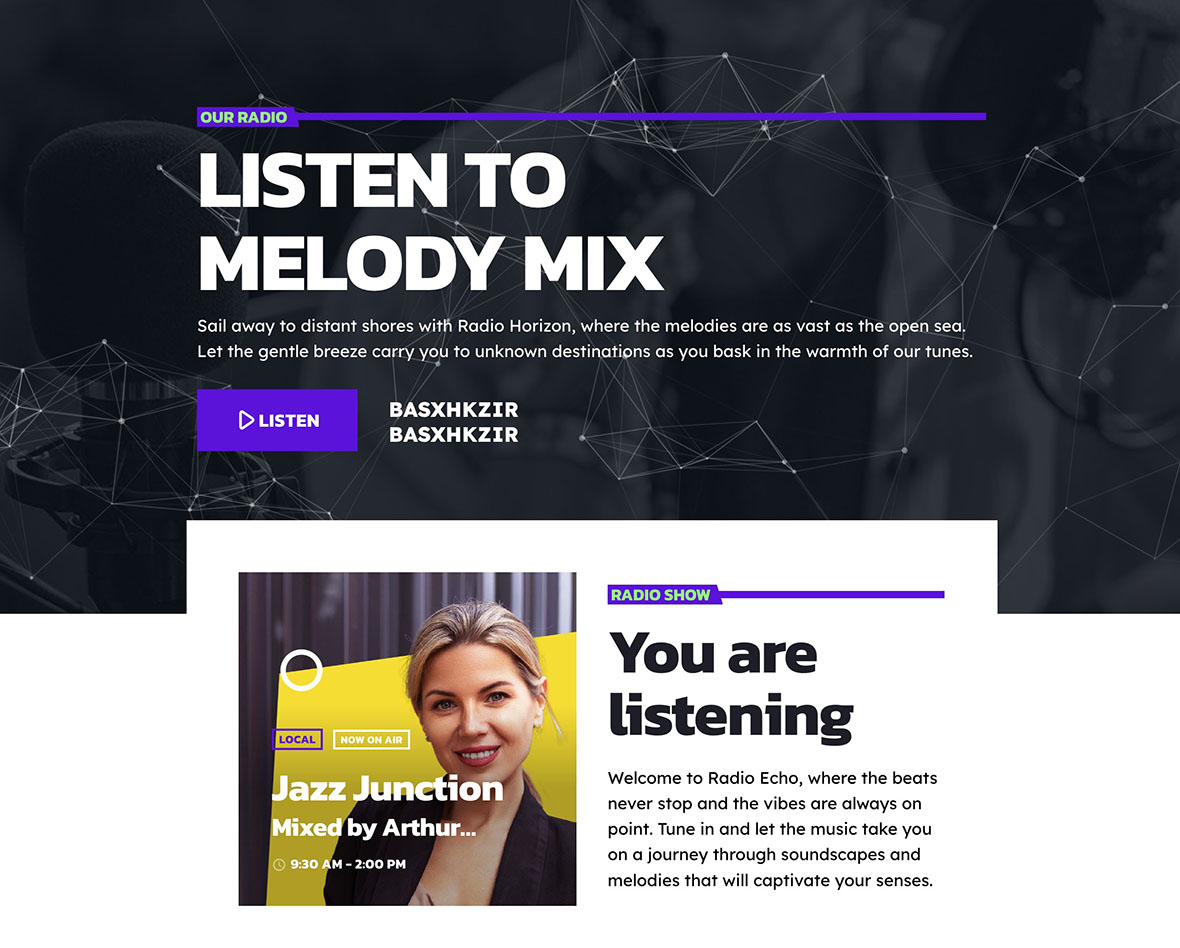
Now step into the shoes of a new visitor.
They land on your homepage. What do they see first? Is the Listen experience obvious?
In Pro Radio, remember that the homepage header already acts as the primary Listen page. In multi-channel setups, each Radio Channel page can act as a dedicated Listen page. Make sure this is clear and intentional.
Check:
- Listen page is visible in the main menu (if you use a separate one)
- Schedule page is published and easy to find
- Shows archive is published
- Contact page works (forms tested)
- Footer links are correct
Click every link. Every button. Fill in your contact form and send a real test message.
Broken forms and dead links make a station look abandoned.
Schedule and shows

A radio station with an empty schedule feels unfinished.
Even if you are just starting, your schedule must look alive.
- At least 3–8 shows created with featured images
- Schedule is filled for the week (no empty “dead” days)
- Current day is displayed clearly and current show is highlighted
- “Music Rotation” show created to fill time gaps if needed
If you do not yet have enough live shows, create a “Music Rotation” or “Auto Playlist” block to cover empty slots. Visually empty days reduce credibility.
A full schedule builds trust. An empty grid raises doubts.
Also check your show pages. Do they have descriptions? Images? Clear broadcast times? These details matter more than you think.
Branding and trust

People decide in seconds whether your station feels serious.
Look at your site with fresh eyes.
- Logo, colors, typography consistent
- Station description clear (what you play, where you’re based)
- Social links working
- About page or short station intro block exists
Avoid vague phrases like “The best music ever.” Be specific. Say what genre you play. Mention your city or audience. Define your identity clearly.
Clear positioning helps listeners understand if your station is for them.
SEO basics
Even if most of your first listeners come from friends or social media, search engines will matter over time.
Before launch, confirm:
- Permalinks structure confirmed (no repeated changes)
- Page titles and meta descriptions set for core pages
- XML sitemap enabled
- Search Console connected
- Robots settings verified (site is indexable)
Choose your permalink structure once. Then leave it. Changing it later can break URLs and create confusion.
Make sure your core pages — Listen, Shows, Schedule, Podcasts — have meaningful titles and descriptions. Think like a listener searching on Google.
Performance and reliability
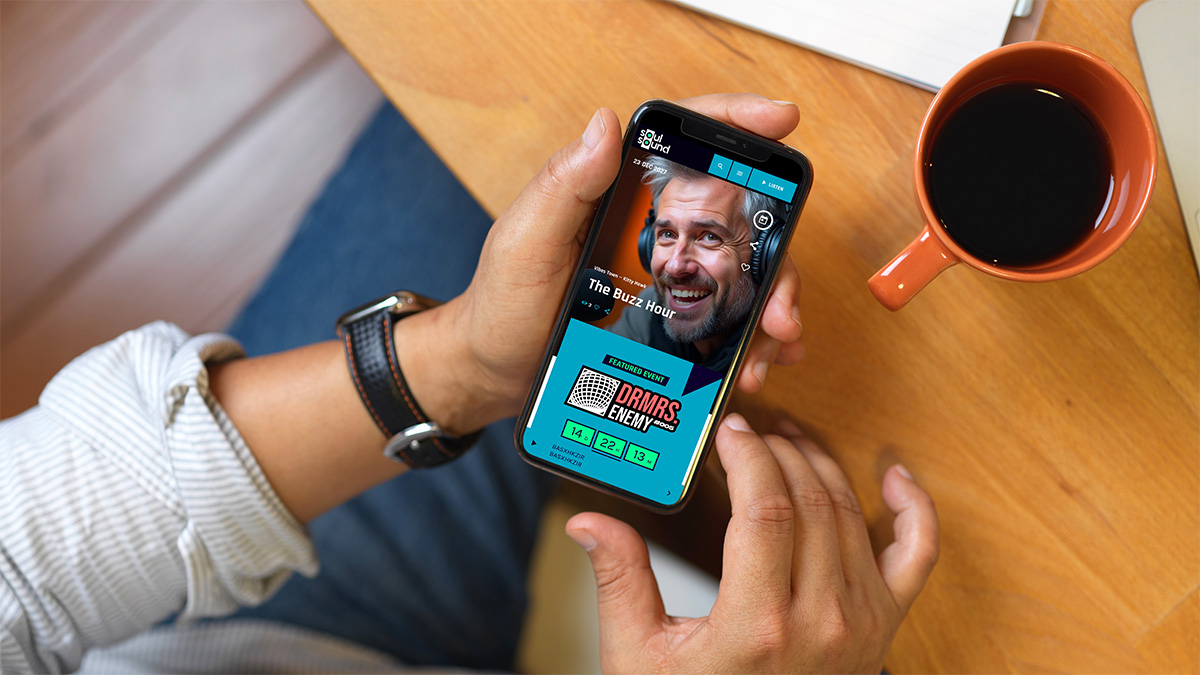
Radio users are often on the move. In the car. On the train. On mobile data.
Test your site under realistic conditions.
- Page loads tested on mobile data connection
- No broken images or 404 pages
- Backup system active
- Security plugin / firewall baseline active
If the homepage takes too long to load, many users will never reach the Play button.
Also, make sure backups are running. A hacked or broken site without backups is a nightmare scenario.
Compliance and privacy
Finally, do not ignore the boring but important details.
- Cookie consent configured (if required)
- Privacy policy and terms published (if required)
- Music licensing requirements verified for your country
Streaming music without proper licensing can create serious legal problems. Verify your obligations before you promote your station publicly.
Launching is not about pressing “Publish”. It is about pressing Play with confidence.
When you go live, you should feel calm, not nervous. If you’ve tested everything on this list, you are not just launching a website.
You are launching a reliable, professional radio platform that listeners can trust from day one.
Related guides
- How to Start a Radio Station (Online + FM) Step-by-Step
- Radio Station Website Pages (Listen, Shows, Schedule, Podcasts)
- Best Radio Station Website Design (Layouts That Convert)
- How to Create a Radio Station Website (Pages + Structure)
- Create a Radio Station Coming Soon Page (In 5 Minutes)
- Radio Station Website on WordPress (Step-by-Step)
Copyright 2019-2026 ProRadio® Qantum Themes SL® ESB02979078 All Rights Reserved