




Create a Radio Station Coming Soon Page (In 5 Minutes)
When building or redesigning a radio station website, a Coming Soon page is essential to hide unfinished content without taking the radio offline.
Why a Coming Soon Page Matters for a Radio Station
When you launch a new radio station website, or when you are redesigning an existing one, it is a best practice to temporarily hide the work-in-progress website behind a Coming Soon or Maintenance page.
Generic WordPress coming soon plugins are designed for standard websites. For radio stations, they usually fail at the most important task: keeping the stream alive.
Most solutions block navigation completely and prevent listeners from playing music, seeing what is on air, or staying connected with the station.
With Pro Radio and Elementor, you can create a fully functional Coming Soon page that keeps your radio online, playable, and branded, without installing any third-party plugins.
What Makes a Pro Radio Coming Soon Page Different
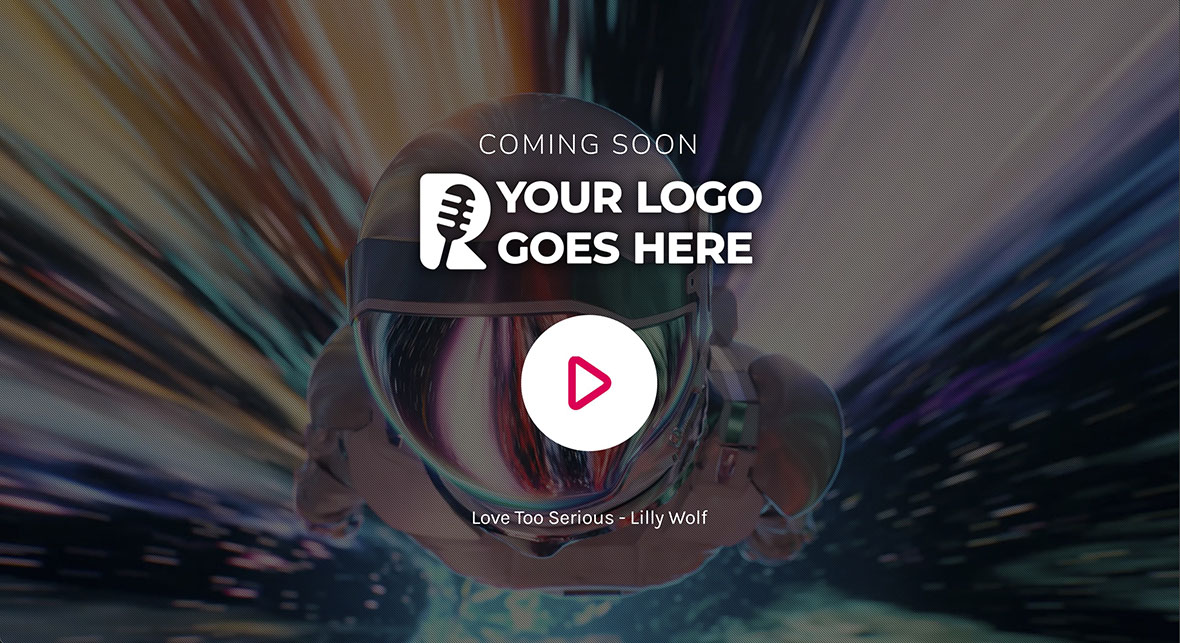
A Pro Radio Coming Soon page is not just a placeholder.
It allows you to:
- Play the radio stream directly from the page
- Show on-air information and player controls
- Maintain brand visibility during maintenance or launch
- Use video backgrounds, overlays, and visual effects
- Build everything visually with Elementor
The entire setup takes only a few minutes and uses native Pro Radio features.
Create the Coming Soon Page with Elementor
Start by creating a new page from the WordPress admin.
Go to Pages and add a new page.
From the page settings, select the ProRadio Empty Canvas template.
Give the page a clear name, such as Coming Soon or Under Maintenance, and publish it.
This template removes menus and footers automatically, keeping visitors focused on a single page and preventing navigation to unfinished content.
Now click Edit with Elementor.
Build a Full Screen Layout
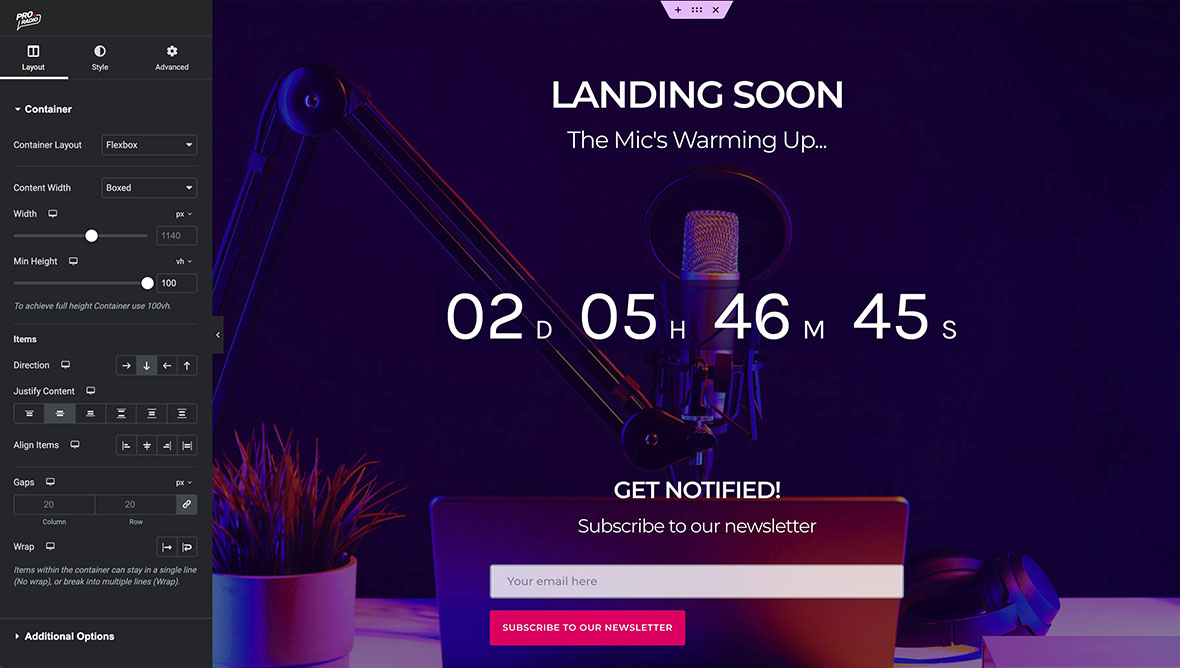
Add a new container in Elementor.
Set the minimum height to 100vh.
This means the container will always fill the entire screen height.
Choose a background color, or use a background image for a more visual result.
Set the image size to Cover and the position to Center to ensure it scales correctly on all screens.
Optionally, you can enable the Pro Radio particles animation to add subtle motion and make the page feel more alive.
Add Logo, Text, and Countdown
Insert your station logo using the Image widget.
In the container layout options, center the content horizontally and vertically.
Add a short text message to explain that the website is under maintenance or launching soon.
You can fully customize fonts, colors, and sizes to match your station branding.
Next, add the Pro Radio Countdown widget.
Select a target date and time and customize the labels, alignment, and colors.
This gives listeners a clear expectation of when the website will be live.
Keep the Radio Stream Online
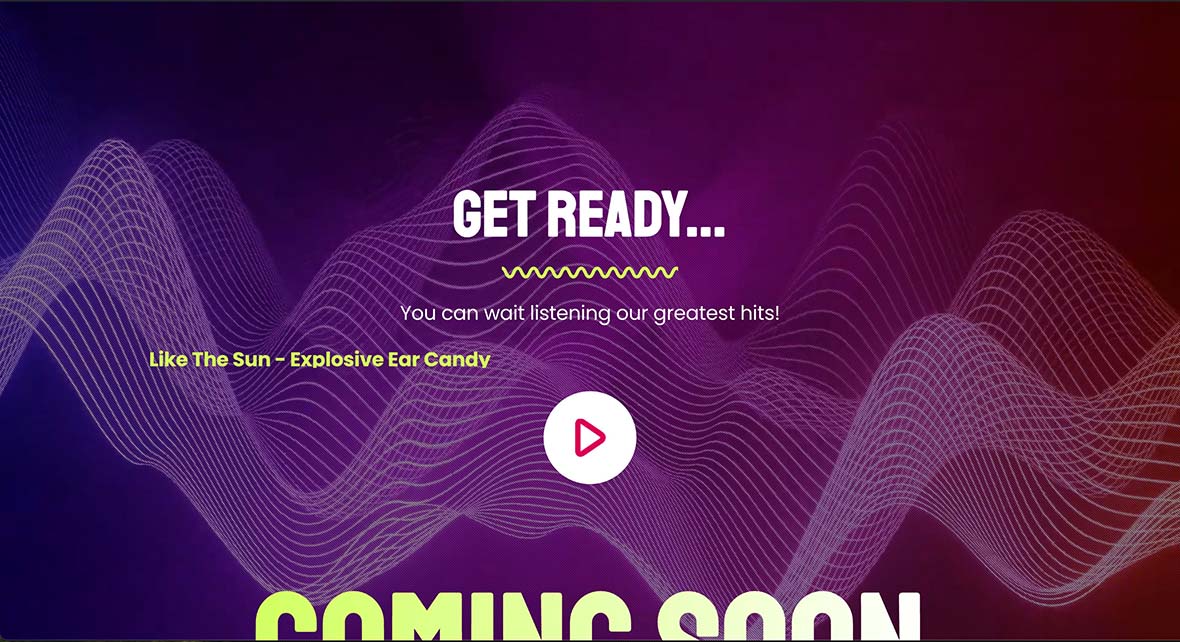
One of the key advantages of the ProRadio Empty Canvas template is that it keeps the player system active.
Even though the page looks empty by default, the full radio player logic is still available.
Simply add a Play button widget.
No embedded players or external plugins are required.
Listeners can keep listening to your radio while the website is under construction, avoiding audience loss during downtime.
Improve Visual Hierarchy
To improve readability and contrast, you can add a dark overlay to the container background.
This helps separate the logo, text, and countdown from background images or videos and improves accessibility on all devices.
Once the design is ready, publish the page.
Activate the Coming Soon Mode
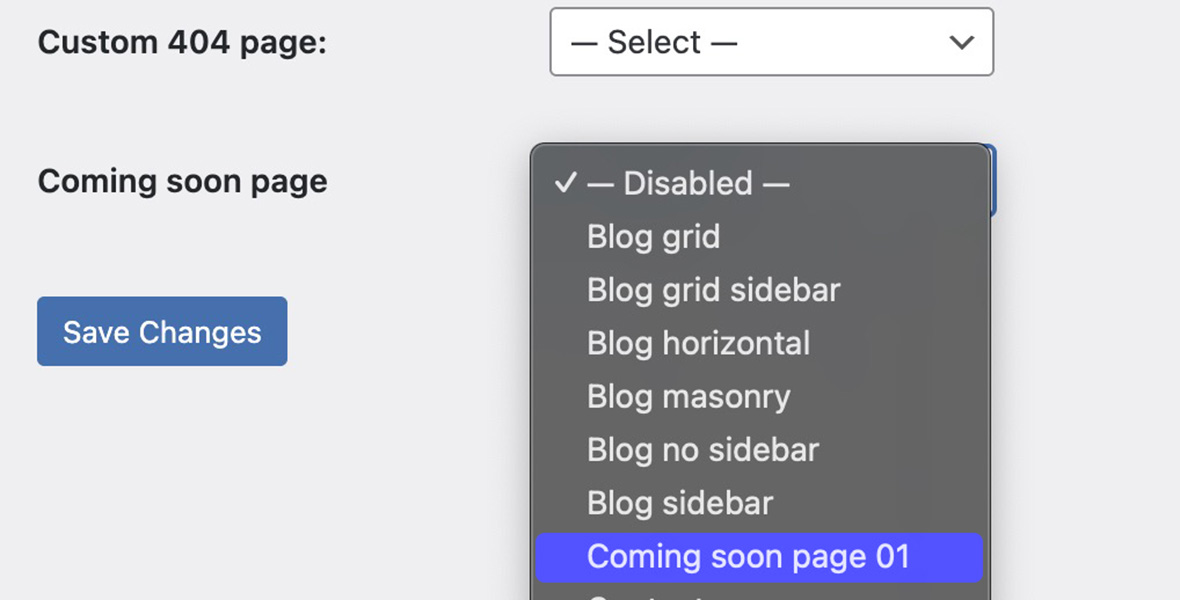
To enable the Coming Soon page, go to Settings and then Reading.
Select the Coming Soon page from the dropdown list and save.
From now on, any visitor who is not logged in as an administrator will be automatically redirected to this page.
When you are logged in, you will still see the real homepage.
In an incognito window, all URLs will redirect to the Coming Soon page.
Use Ready-Made Coming Soon Templates
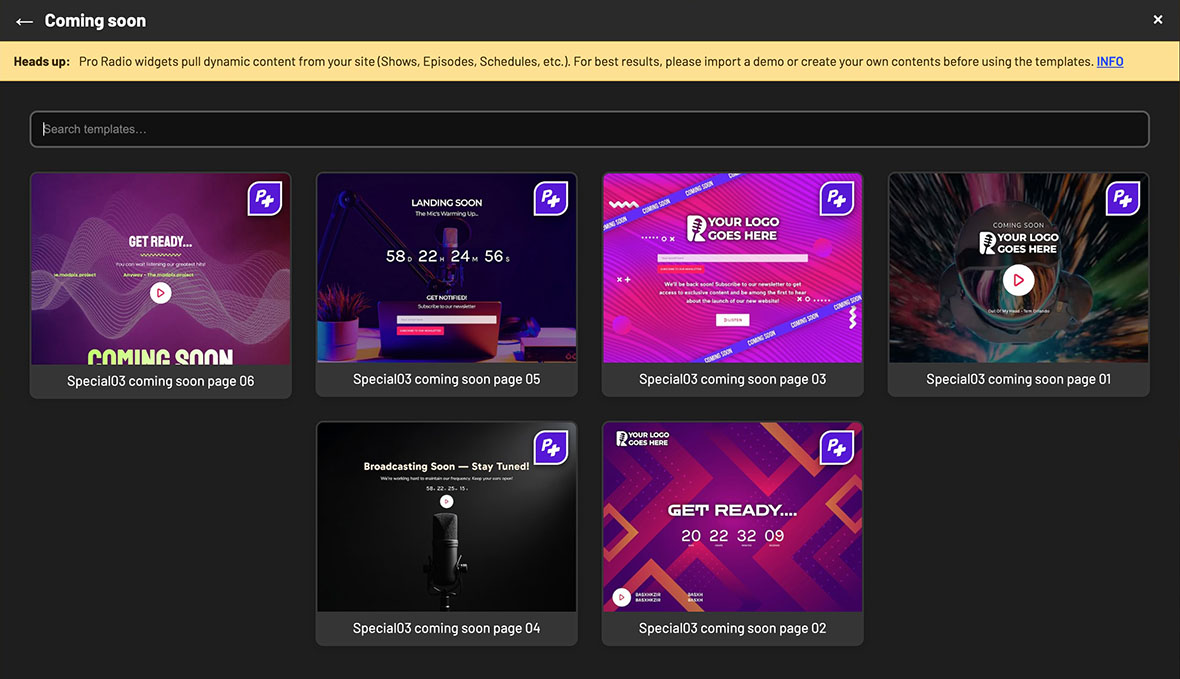
If you prefer not to build the page manually, Pro Radio Plus includes ready-made Coming Soon and Maintenance templates.
These templates already include:
- Logo placement
- Radio player button
- Song title and on-air elements
- Optimized layout and spacing
You can import a template in one click and customize it visually with Elementor.
Disable the Coming Soon Page
When your website is ready to go live, simply return to Settings and Reading.
Disable the Coming Soon option, and your site will immediately become accessible again.
No content changes are required.
Pro Radio documentation references
Related guides
- How to Start a Radio Station (Online + FM) Step-by-Step
- Radio Station Website on WordPress (Step-by-Step)
- Add a Radio Stream to WordPress (Shoutcast/Icecast)
- How to Start an Online Radio Station (Fast Setup)
- Import Podcast RSS Into WordPress (Clean Import)
- WordPress Radio Player (What to Look For)
- Add a Radio Schedule to Your Website (Best Practice)
Copyright 2019-2026 ProRadio® Qantum Themes SL® All Rights Reserved