




Radio Station Website Pages (Listen, Shows, Schedule, Podcasts)
Discover how to structure Listen, Shows, Schedule, and Podcast pages for a high-performing radio station website that boosts engagement and retention.
A radio station website is not just a collection of WordPress pages.
It is a system.
Every page has a specific role. Every click should move the listener closer to pressing Play, discovering a show, or coming back tomorrow.
If your structure is random, your audience behavior will be random too.
If your structure is intentional, listening time and retention increase naturally.
In this guide, we break down the 4 core pages that make a radio website actually work.
Page 1: Listen
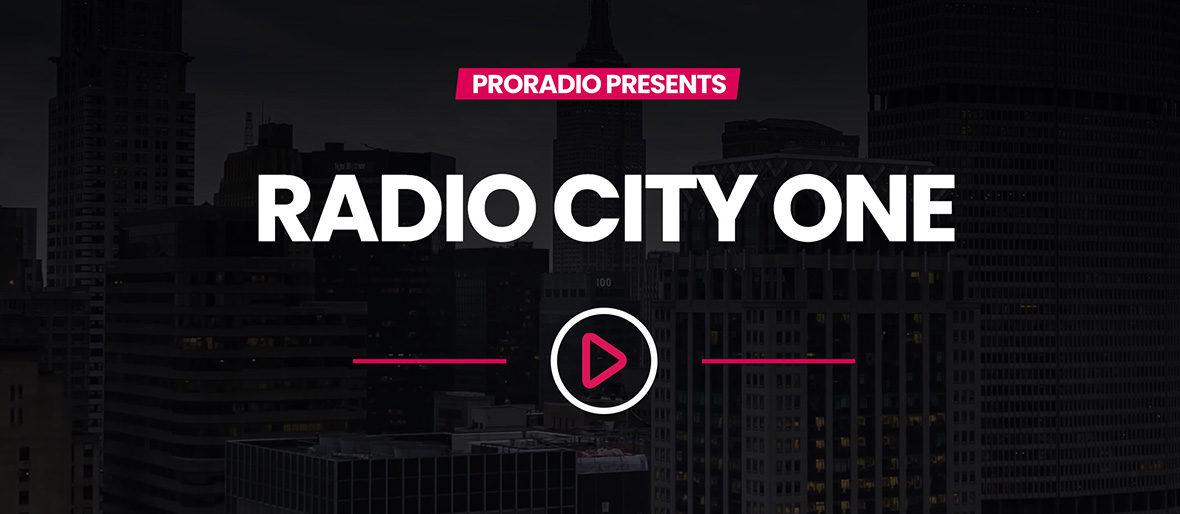
The Listen experience is the core of a radio station website.
With Pro Radio, this is not necessarily a separate page. By design, the homepage header already acts as the main Listen page. The primary Play button is built directly into the header, making the first screen your main conversion point.
The moment a visitor lands on your homepage, they should be one click away from listening.
In multi-channel setups, each Radio Channel single page can also function as a dedicated Listen page. Every channel page includes a built-in primary Play button in the header, allowing you to create multiple listening entry points without extra configuration.
A strong Listen structure includes:
- Player visible immediately (homepage header or channel header)
- Clear station identity (genre, vibe, positioning)
- Now playing information when supported (title, artist, artwork)
- Current show with “up next” preview
This is not just design. It is conversion architecture.
For example, if someone arrives from social media, they should instantly understand:
What kind of station this is.
What is playing right now.
How to start listening immediately.
No scrolling. No searching for the player. No confusion.
If users cannot find the Play button in seconds, they leave.
The Listen experience must be clear, fast, and mobile-optimized. Since most radio traffic is mobile, the header must prioritize the Play action above everything else.
In Pro Radio, this logic is already built into the theme structure. Your job is simply to keep the layout focused and avoid distracting elements above the player.
Because in radio, everything starts with one action:
Press Play.
Page 2: Shows
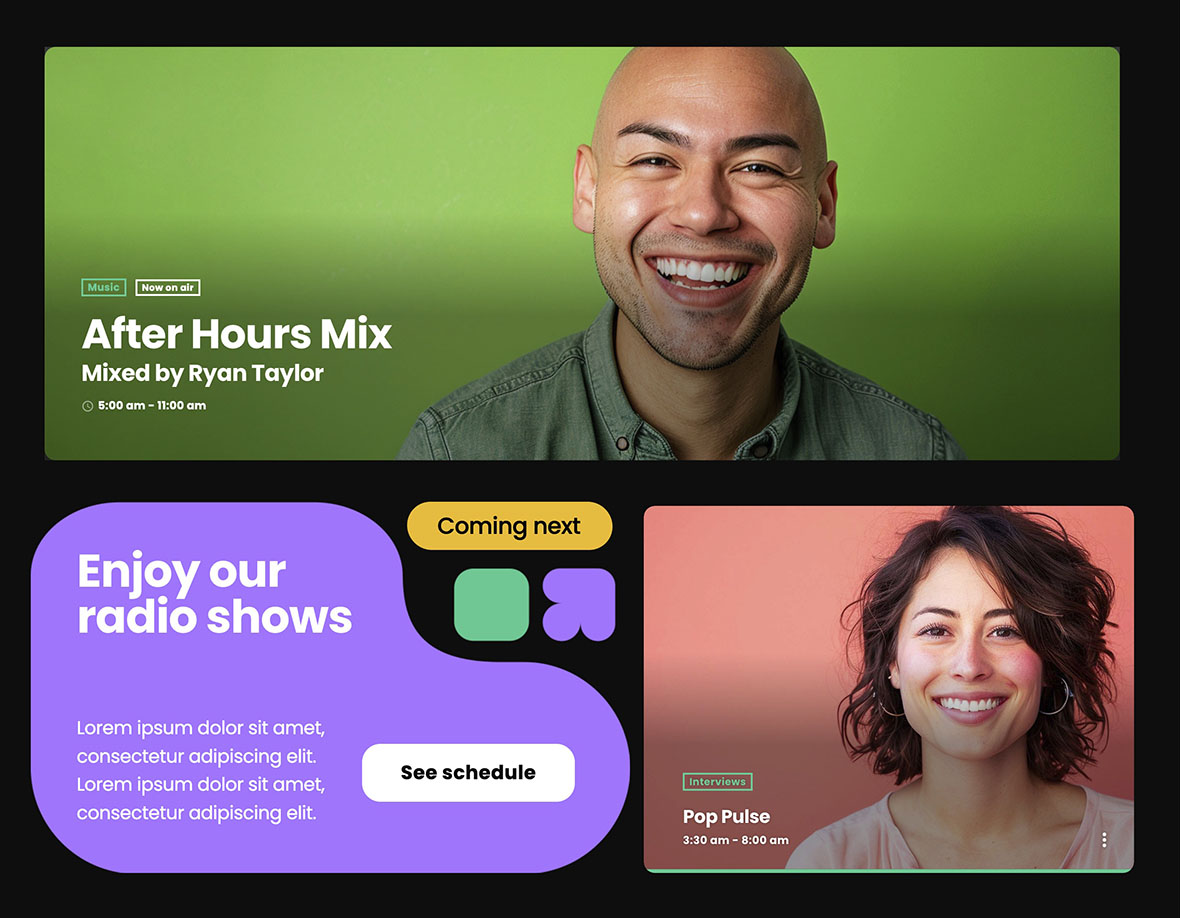
Shows are your long-term assets. They give identity and personality to your station.
Each show deserves its own page. Not only for organization, but because these pages are shareable. Hosts can link them. Guests can promote them. Fans can bookmark them.
A good Shows structure includes:
- A shows archive page (grid)
- One page per show with featured image and description
- Host bio and social links
- Links to related podcast/replay episodes when available
Think of each show page as a mini landing page. It should clearly explain what the show is about, who hosts it, and when it airs.
For example, if you run a weekly “Tech & Trends” talk show, that page becomes a reference hub. People can read about the host, check past episodes, and share the page with their community.
Shows create loyalty. Loyalty creates returning listeners.
Page 3: Schedule
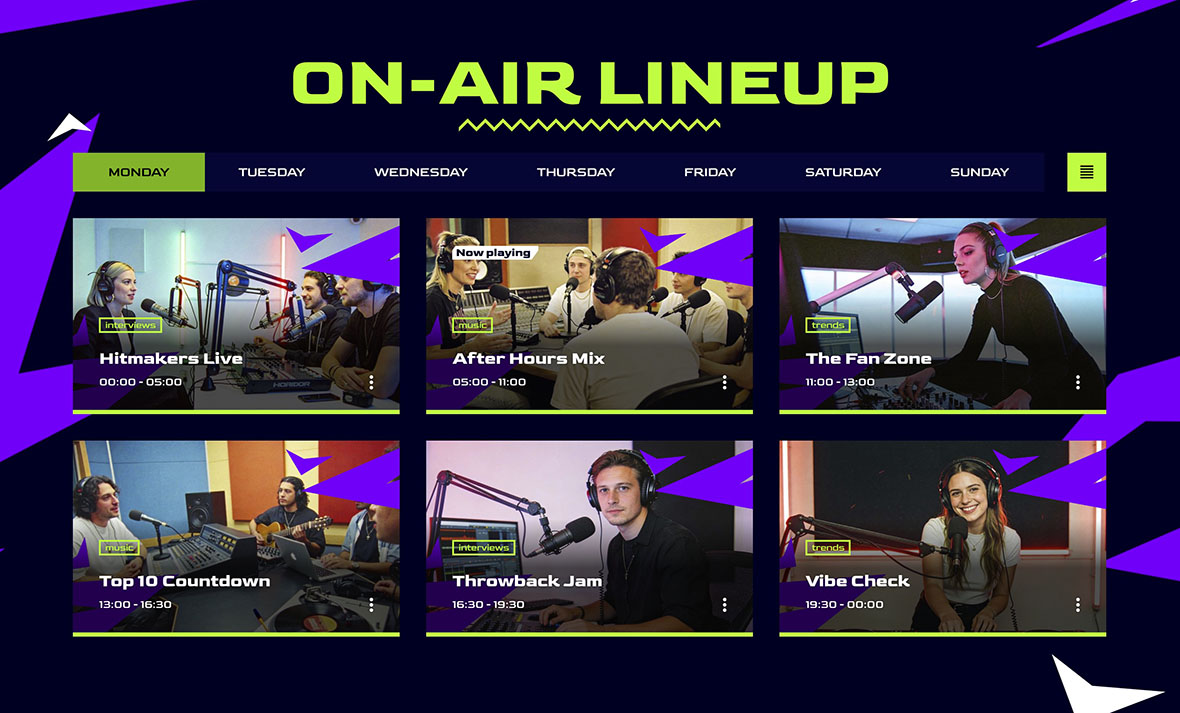
The Schedule is your retention engine.
It answers one crucial question: “When should I come back?”
A modern schedule should:
- Highlight the current day
- Highlight the current show
- Show upcoming shows clearly
- Feel alive, not like an outdated static table
When users visit your site, they should instantly see what is on air right now. If they like a show, they need to know exactly when it airs next week.
For example, if someone discovers your Friday night DJ set, the schedule should make it obvious that it airs every Friday at 21:00. That clarity creates habit.
A static table that requires zooming on mobile or scrolling endlessly reduces engagement. A dynamic, highlighted schedule increases it.
Page 4: Podcasts
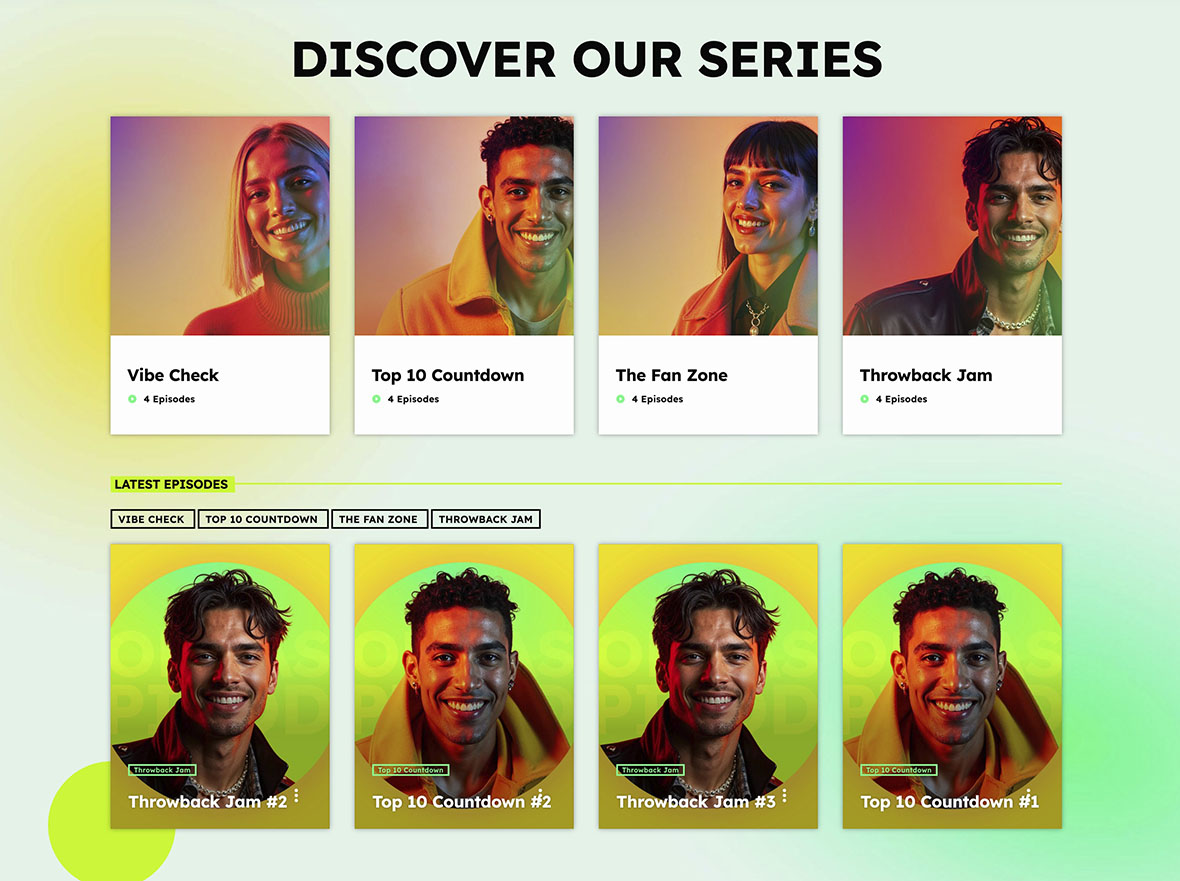
Podcasts and replays transform live broadcasts into evergreen content.
They allow people to listen on their own time. They expand your reach beyond the live moment.
A good Podcasts page includes:
- Podcast series structure (one series per show or content type)
- Episode grids with pagination
- Optional filters/categories if you publish frequently
- Internal linking back to show pages for retention
For example, if a listener misses yesterday’s interview, they should be able to find it quickly in your podcast archive. From that episode page, they should easily navigate back to the show page or explore other episodes.
Podcasts increase session time, improve SEO visibility, and create more entry points into your website.
Why these pages work together
These four pages are not isolated. They form a loop:
- Listen → Schedule → Show → Podcast → back to Show
A user might start on the Listen page (or homepage), check who is on air, visit the show page, explore past episodes, and then return to the schedule to see when the next live broadcast happens.
This loop increases time on site and multiplies internal navigation paths. It also creates many shareable URLs, which improves organic traffic and discoverability.
The more connected your pages are, the stronger your engagement becomes.
Pro Radio advantage (practical)
Pro Radio is structured specifically around this radio logic.
It includes dedicated post types and layouts so you do not need to combine unrelated plugins to simulate a radio structure.
- Radio Channels (stream setup)
- Shows and Schedule
- Podcast archives and importing workflows
- Elementor layouts made for radio websites
This allows you to build a coherent system where Listen, Shows, Schedule, and Podcasts work together smoothly.
You are not forcing WordPress to behave like a radio website. You are using tools built for it.
Related guides
- How to Start a Radio Station (Online + FM) Step-by-Step
- Radio Website Launch Checklist (Before You Go Live)
- Best Radio Station Website Design (Layouts That Convert)
- How to Create a Radio Station Website (Pages + Structure)
- Create a Radio Station Coming Soon Page (In 5 Minutes)
- Radio Station Website on WordPress (Step-by-Step)
Copyright 2019-2026 ProRadio® Qantum Themes SL® All Rights Reserved