



Make Your Radio Stand Out with 7 Free Social Media Designs
AD
Keeping your station’s branding consistent across Facebook, Instagram, YouTube and other social platforms can take quite a bit of work, especially when you’re also busy running your radio.
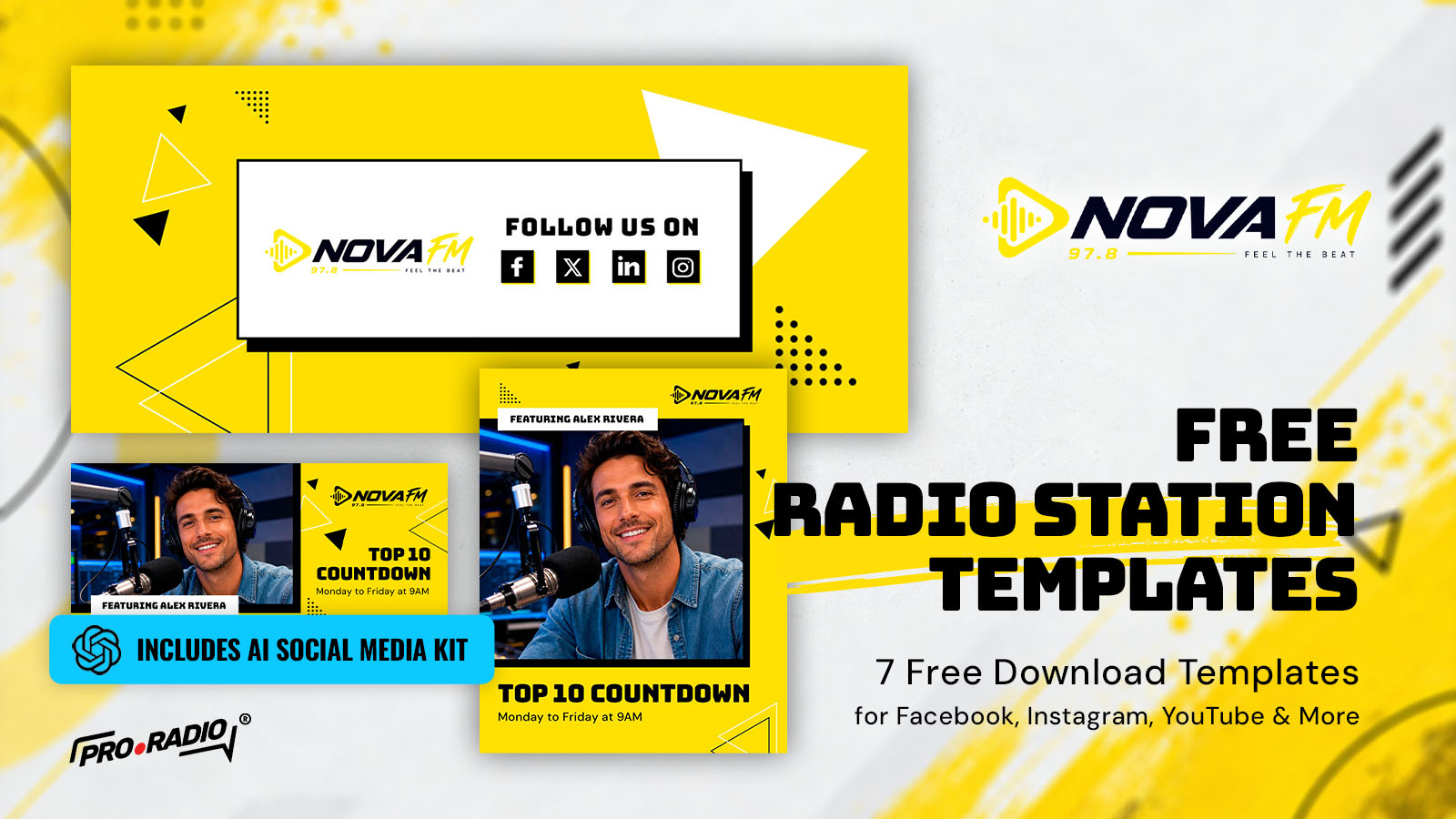
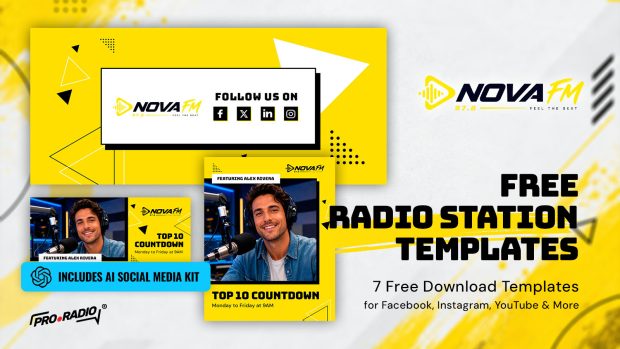
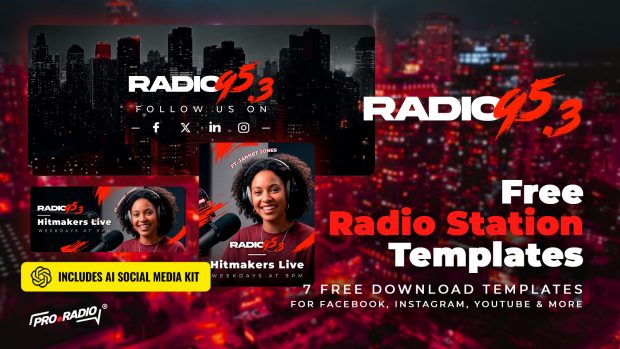
That’s why we’ve created a brand-new collection of 7 free radio station social media templates, featuring the bold and energetic NovaFM style.
With bright yellow backgrounds, bold black typography and modern geometric details, these templates are designed to help your station stand out.
And we’ve also included our AI Social Media Kit, so you can personalize the designs with your own presenters, logos and show details, even if you’ve never used Photoshop.
👉 GET YOUR FREE RADIO TEMPLATES NOW
Contents
hide
- 1. Meet NovaFM: Bright, Modern and Full of Energy
- 2. 7 Free Templates for Facebook, Instagram, YouTube & More
- 3. Create Your Own Radio Graphics with the AI Social Media Kit
- 4. Prefer Photoshop? Edit the Original PSD Templates!
- 5. Download Your 7 Free NovaFM Radio Templates
- 6. Pro Radio Black Weeks: Get 20% OFF Your Radio Website!
Meet NovaFM: Bright, Modern and Full of Energy
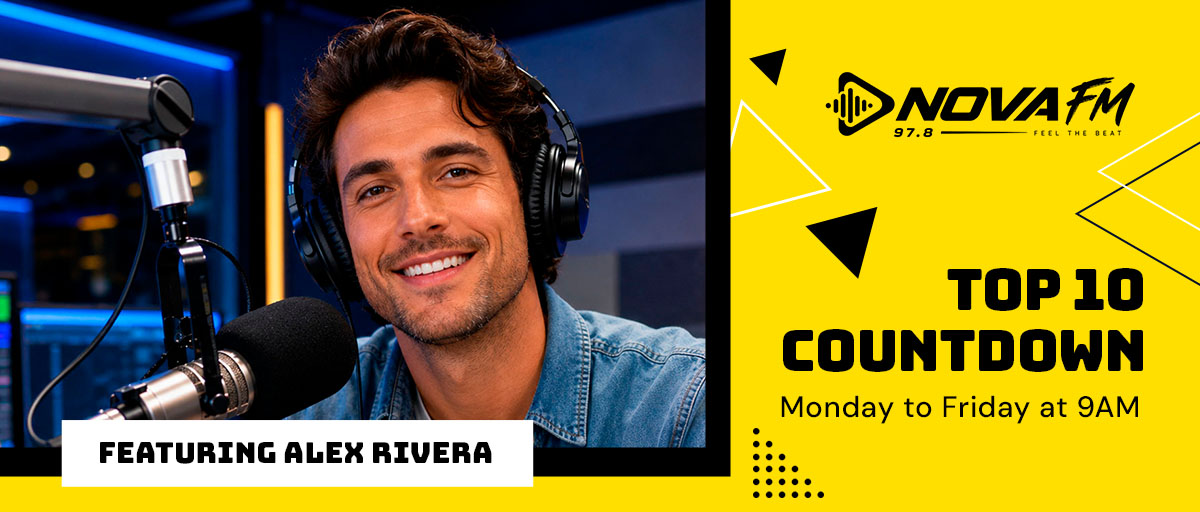
NovaFM is all about making a strong first impression. Its combination of bright yellow, black and white, bold typography and geometric shapes creates a fresh, energetic look that works perfectly for modern music radio stations.
We’ve brought this style into a complete collection of social media graphics, with matching designs that make it easy to create a consistent visual identity for your station.
Whether you’re announcing a new show, introducing a DJ or promoting your next live broadcast, these templates help you give your social media posts a recognizable, professional look.
And the best part? All 7 templates are completely free to download and customize!
7 Free Templates for Facebook, Instagram, YouTube & More
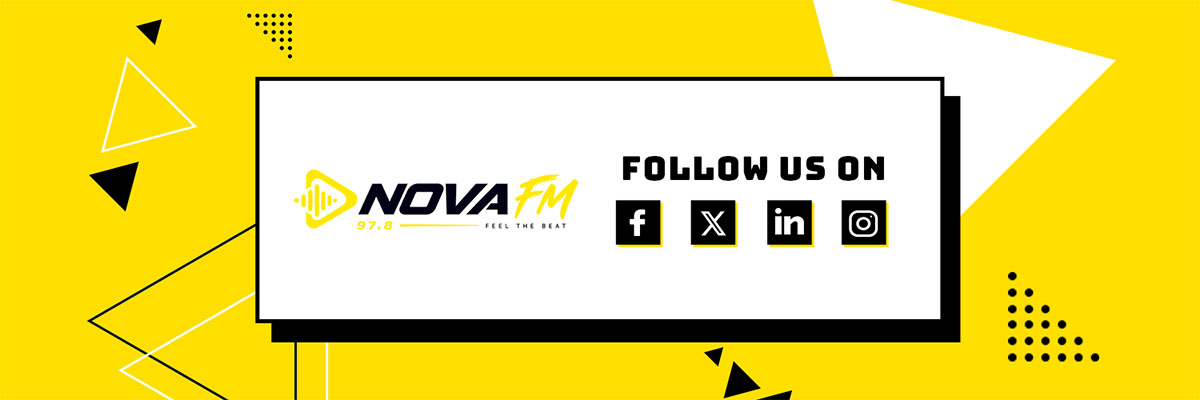
The NovaFM pack includes 7 free downloadable radio social media templates, designed for different formats and promotional needs.
Instead of creating every graphic from scratch, you can start with a professionally designed layout and simply make it yours.
Use the templates for:
- Radio station branding: create a consistent look across your Facebook, Instagram, YouTube and other social profiles.
- Radio show promotion: announce your programs, show times and special broadcasts with eye-catching designs.
- DJ and presenter graphics: introduce the people behind your radio station and give them their own spotlight.
- Social media announcements: promote upcoming events, guest DJs, new programs and station updates.
- Cross-platform branding: keep the same colors, typography and style wherever your listeners find you.
All seven templates share the same NovaFM visual identity, helping your station look more recognizable without spending hours designing graphics.
The download also includes the original editable Photoshop PSD files and the AI Social Media Kit, so you can choose how you prefer to customize them.
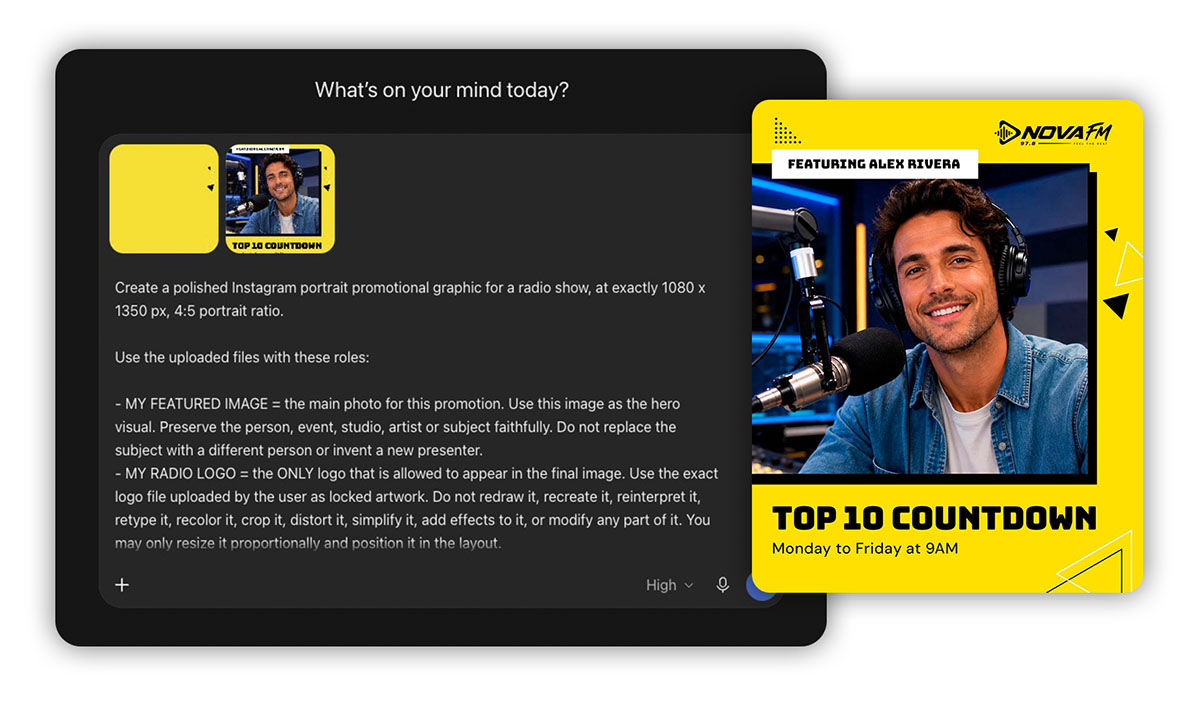
Don’t know Photoshop? No problem!
We know that not everyone running a radio station is a graphic designer, and sometimes you just need a new graphic for tomorrow’s show without spending your entire evening editing it.
That’s where our AI Social Media Kit comes in.
Instead of asking AI to create a design from scratch, we’ve already done the creative work for you. The kit uses our original templates as visual references, helping AI follow the same style while adapting the content to your station.
Simply choose your favorite design, follow the included instructions and use the customizable prompt with your own station details and reference images.
You can personalize the graphics with your radio logo, presenters, show names and broadcasting times, even without Photoshop experience.
It’s a practical way to create graphics that feel like they belong to your station, while saving time on everyday social media promotion.
Prefer Photoshop? Edit the Original PSD Templates!
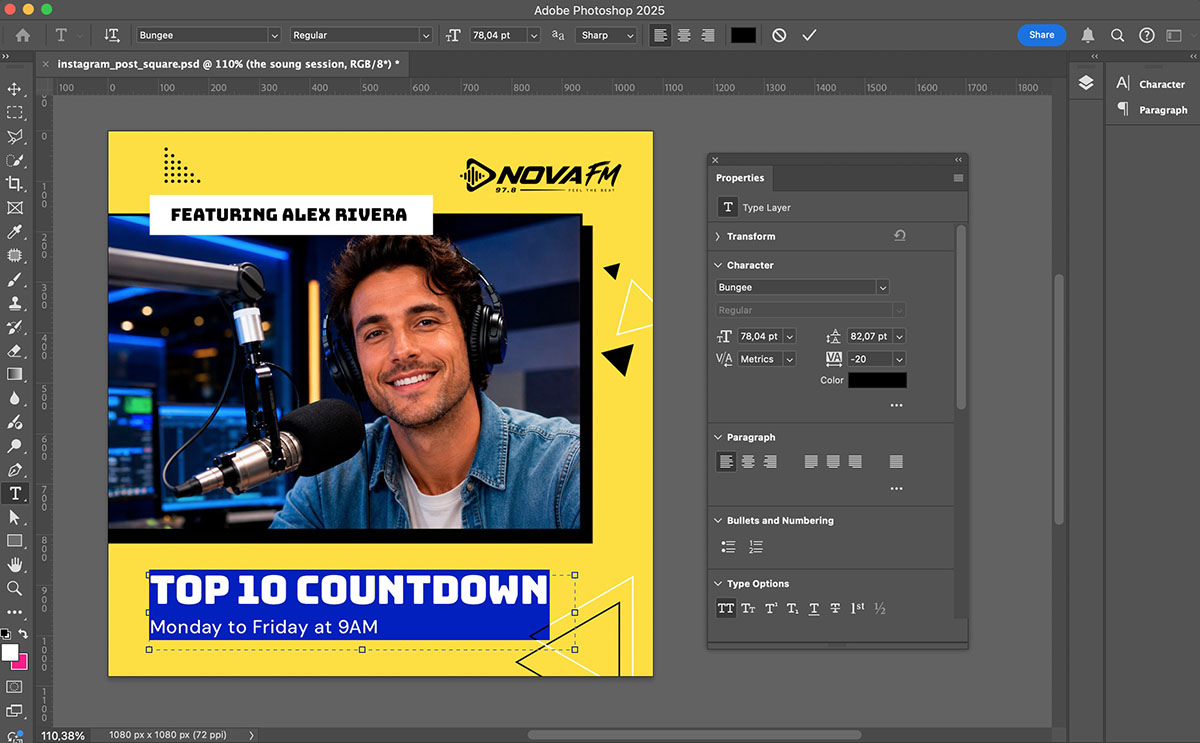
If you’re comfortable working with Adobe Photoshop, you’ll find the original editable PSD files included in the download.
You can replace the example photos with your own DJs and presenters, add your radio station logo, update the text and adjust the colors to match your branding.
Keep NovaFM’s bright yellow and black style, or use the templates as a starting point for something completely different.
Working with the original files gives you more control over every detail, without having to rebuild the design yourself.
Whether you choose Photoshop or our AI Social Media Kit, the goal is the same: make your radio station look professional and recognizable across social media, without starting from zero every time.
Download Your 7 Free NovaFM Radio Templates
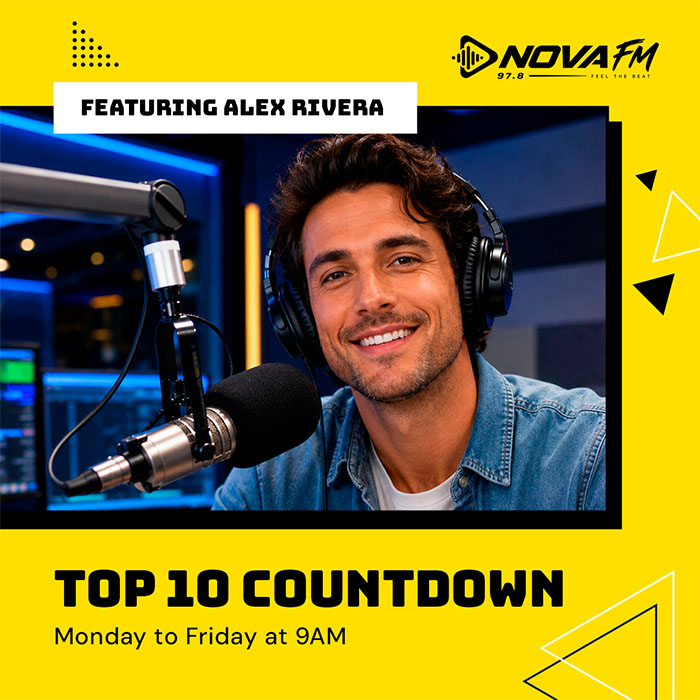
Ready to give your station’s social media a fresh new look?
The NovaFM pack gives you 7 free radio station templates, editable PSD files and our AI Social Media Kit, all designed to make creating your next promotional graphic easier.
Use them for your radio shows, presenters, special broadcasts or everyday station announcements.
Replace the NovaFM branding with your own, add your content and make the designs part of your radio’s identity.
And next time you need a graphic for your latest show, you’ll already have a great starting point!
👉 DOWNLOAD THE 7 FREE NOVAFM RADIO TEMPLATES
Pro Radio Black Weeks: Get 20% OFF Your Radio Website!
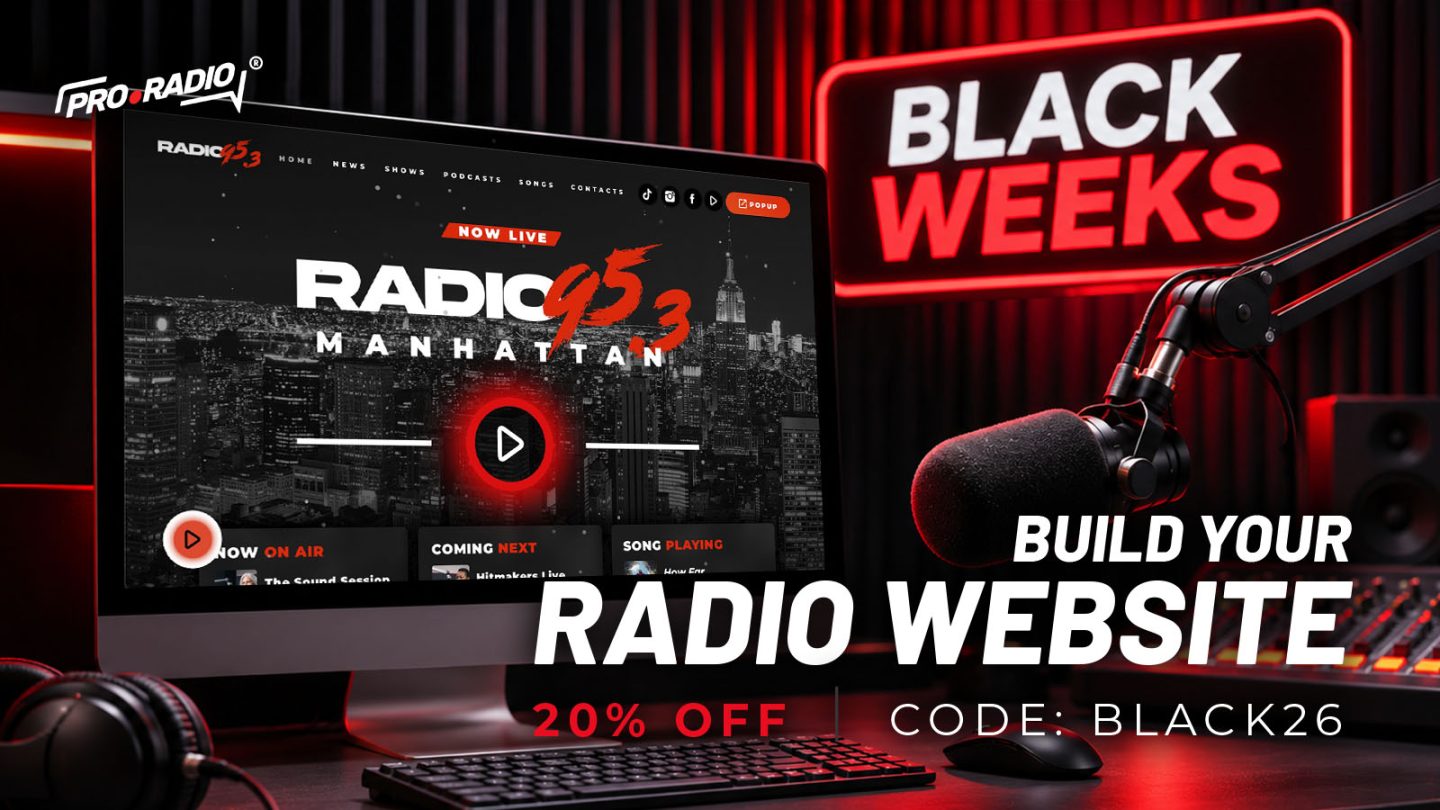
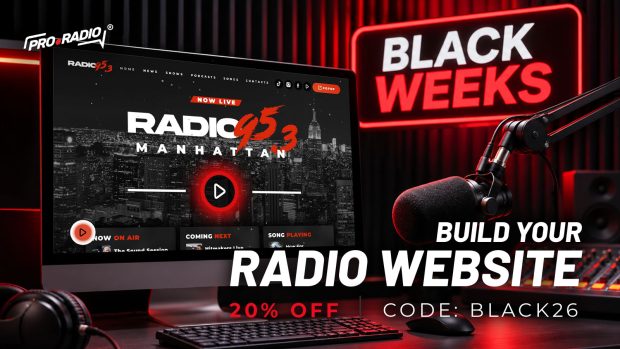
Thinking about launching a new radio website or upgrading your current one? Our Black Weeks promotion is here!
Get 20% OFF Pro Radio WP, Pro Radio Plus, All-in-One Radio and all premium add-ons with coupon code BLACK26.
It’s a great opportunity to give your station the professional website and radio features it deserves, for less!
 GET 20% OFF PRO RADIO – USE CODE BLACK26
AD
You may also like
Copyright 2019-2026 ProRadio® Qantum Themes SL® ESB02979078 All Rights Reserved