

'/%3E%3Cpath%20fill='%23b2b2b2'%20d='M241%20382q0%2016%2017%2026%2017%2011%2042%2011t42-11q16-11%2017-26V269H241'/%3E%3Cpath%20fill='%239f7e00'%20d='M241%20379q0%2014%208%2023%209%209%2021%209%2014%200%2021-9%209-9%209-23V269h-59'/%3E%3Cpath%20d='M241%20339v-70h59v110q0%2014-9%2023l-6%205v-68h-15v72q-8%200-14-4v-68zm59%2040c0%2022%2015%2032%2029%2032%2021%200%2030-18%2030-32v-40h-59'/%3E%3Cpath%20fill='%239f7e00'%20d='M266%20277v5h2v12h-3v-5h2v-5h-9v5h2v5h-4v9h3v18h-5v10h34v-10h-5v-18h3v-9h-4v-5h2v-5h-9v5h2v5h-3v-12h2v-5zm42%20101q0%2010%206%2017%206%206%2015%207%2010-1%2016-7%206-7%206-17v-29h-43'/%3E%3Ccircle%20fill='%230044ad'%20cx='329.5'%20cy='372'%20r='6'/%3E%3Cellipse%20fill='%230044ad'%20cx='300'%20cy='340'%20rx='16'%20ry='21'/%3E%3C/svg%3E)
 NEW!
NEW!

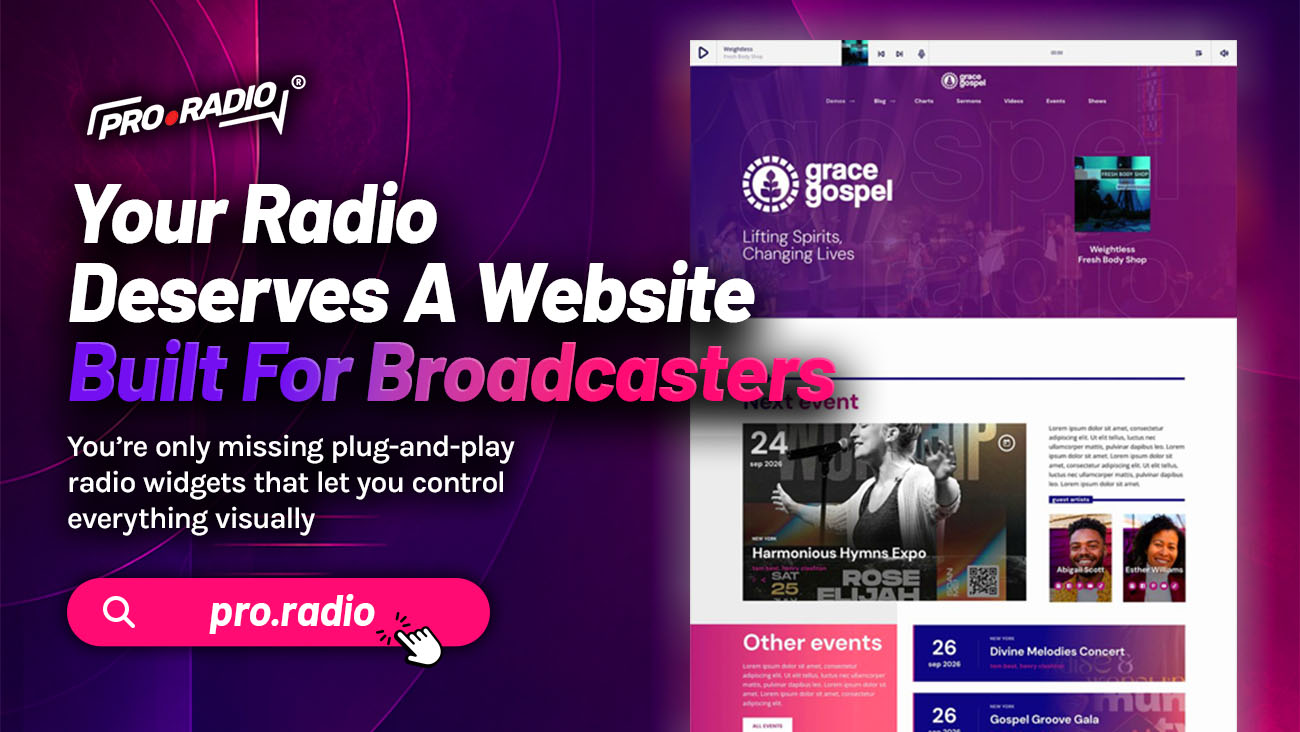
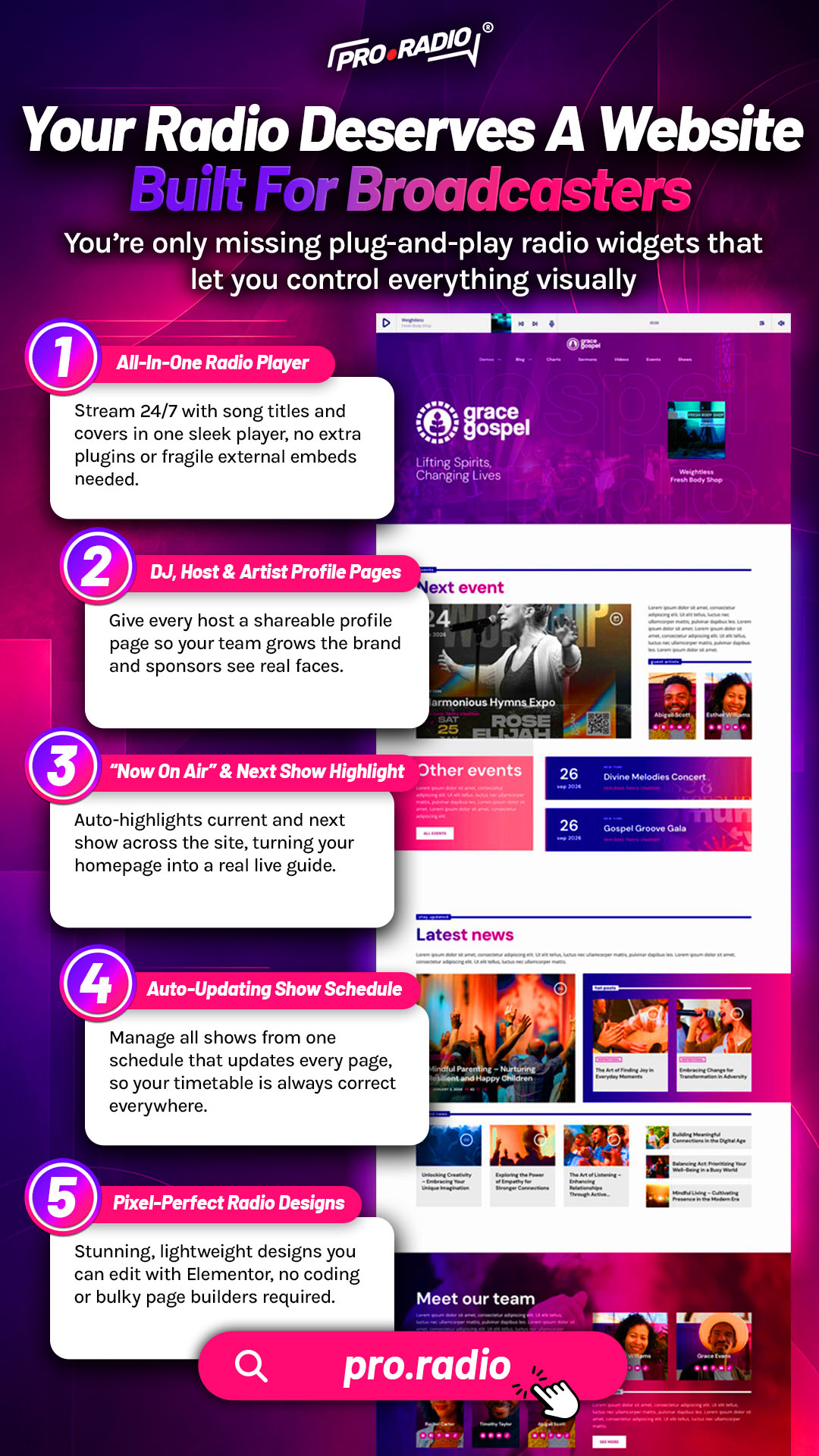
Your Radio Deserves A Website Built For Broadcasters
AD
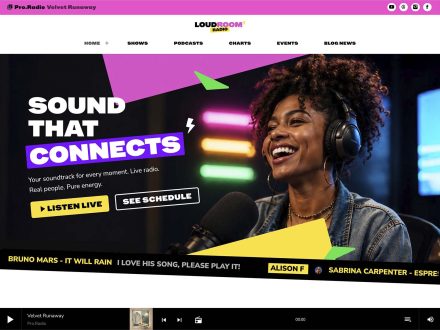
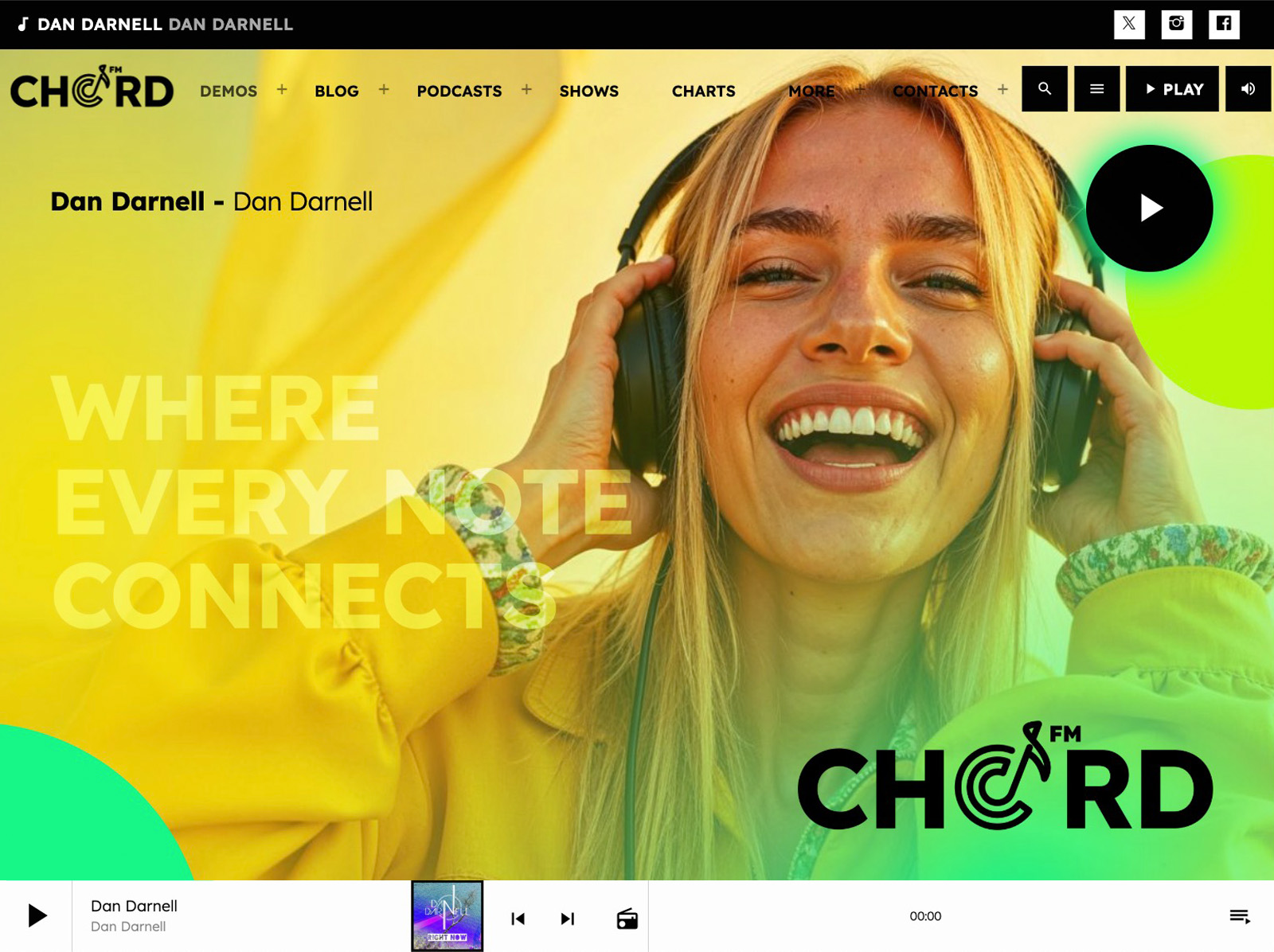
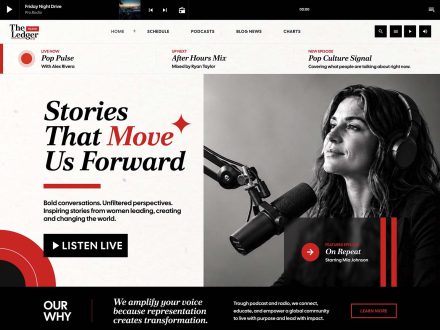
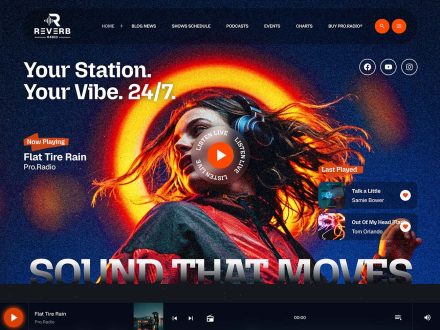
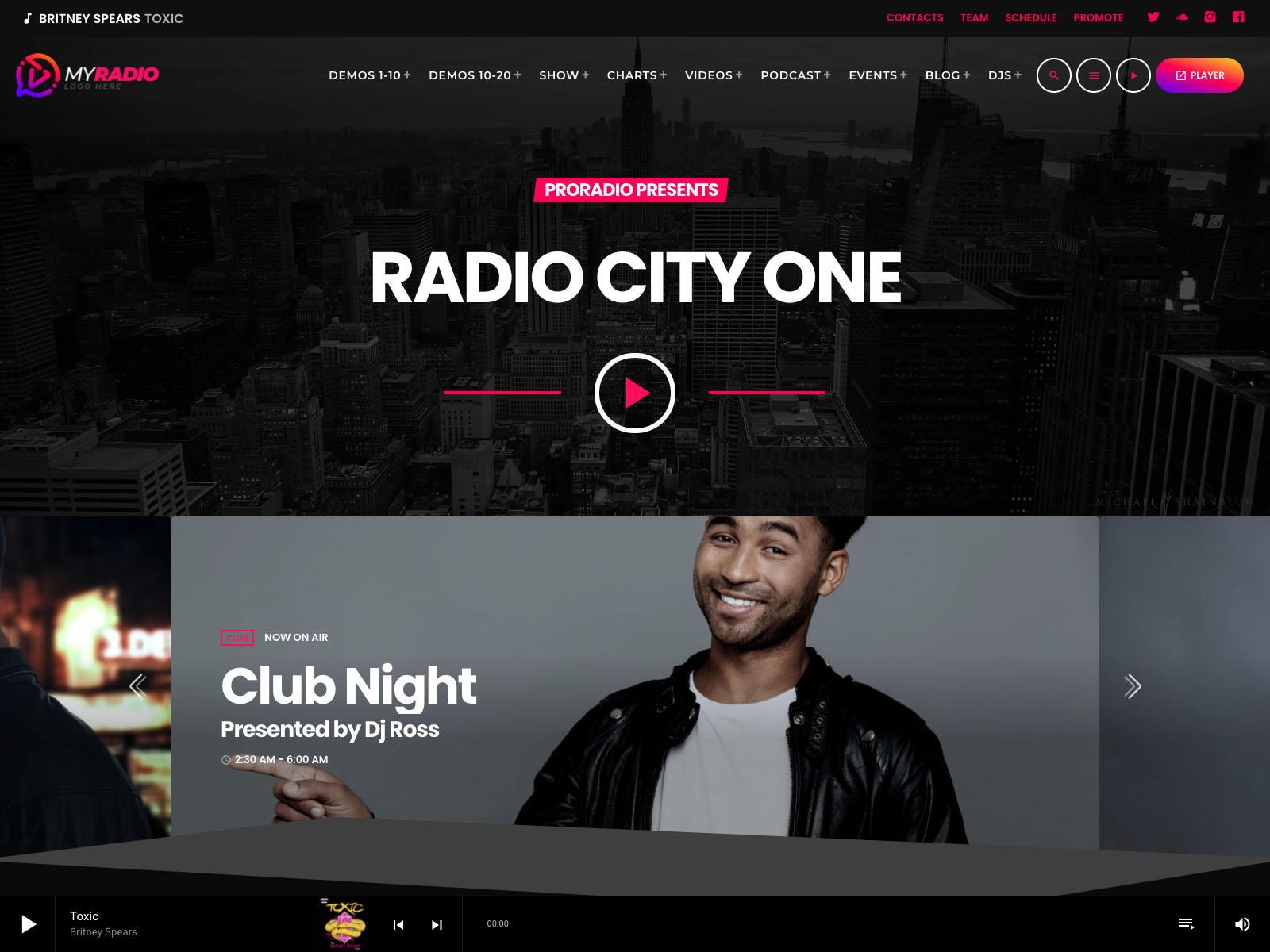
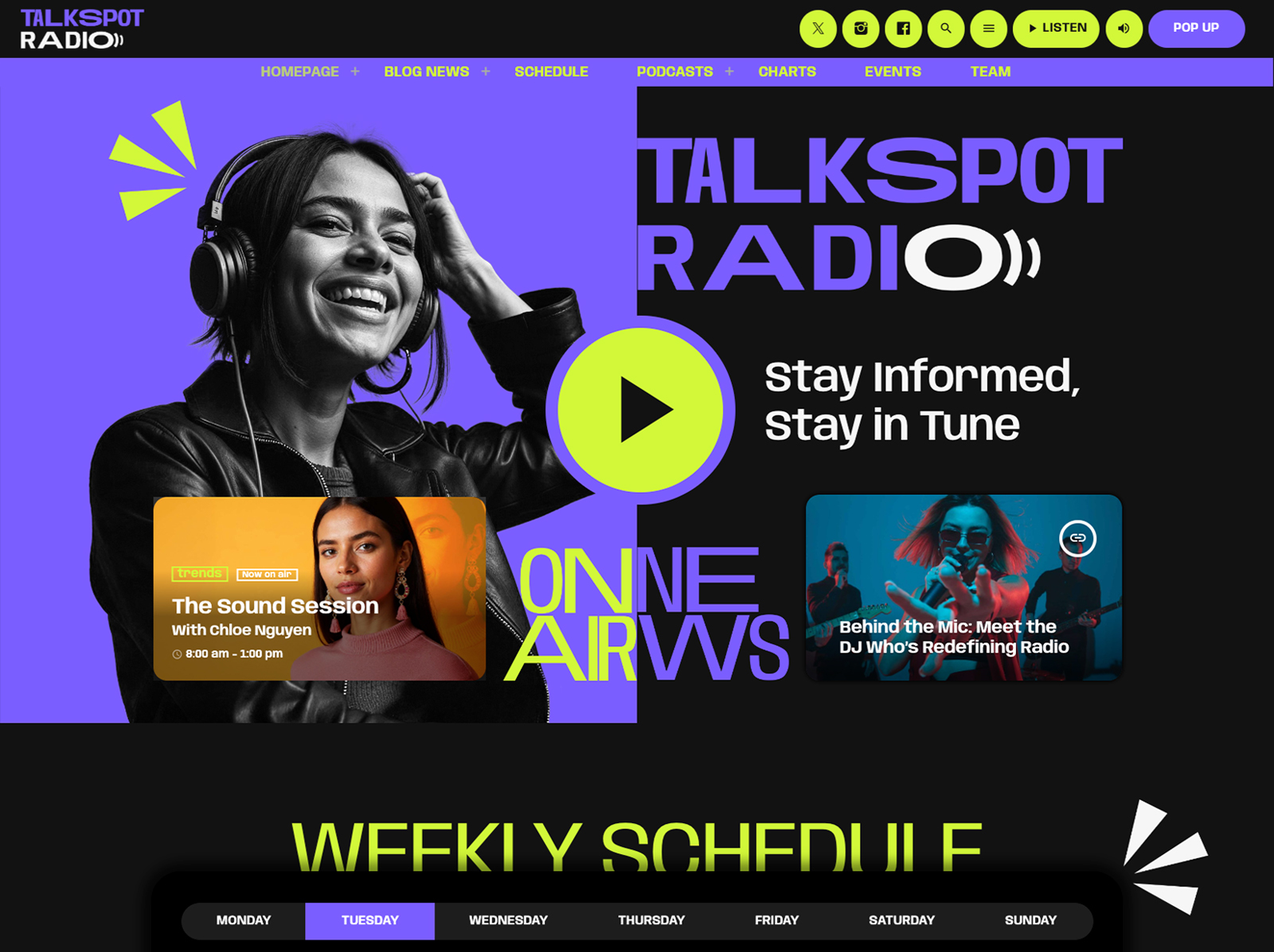
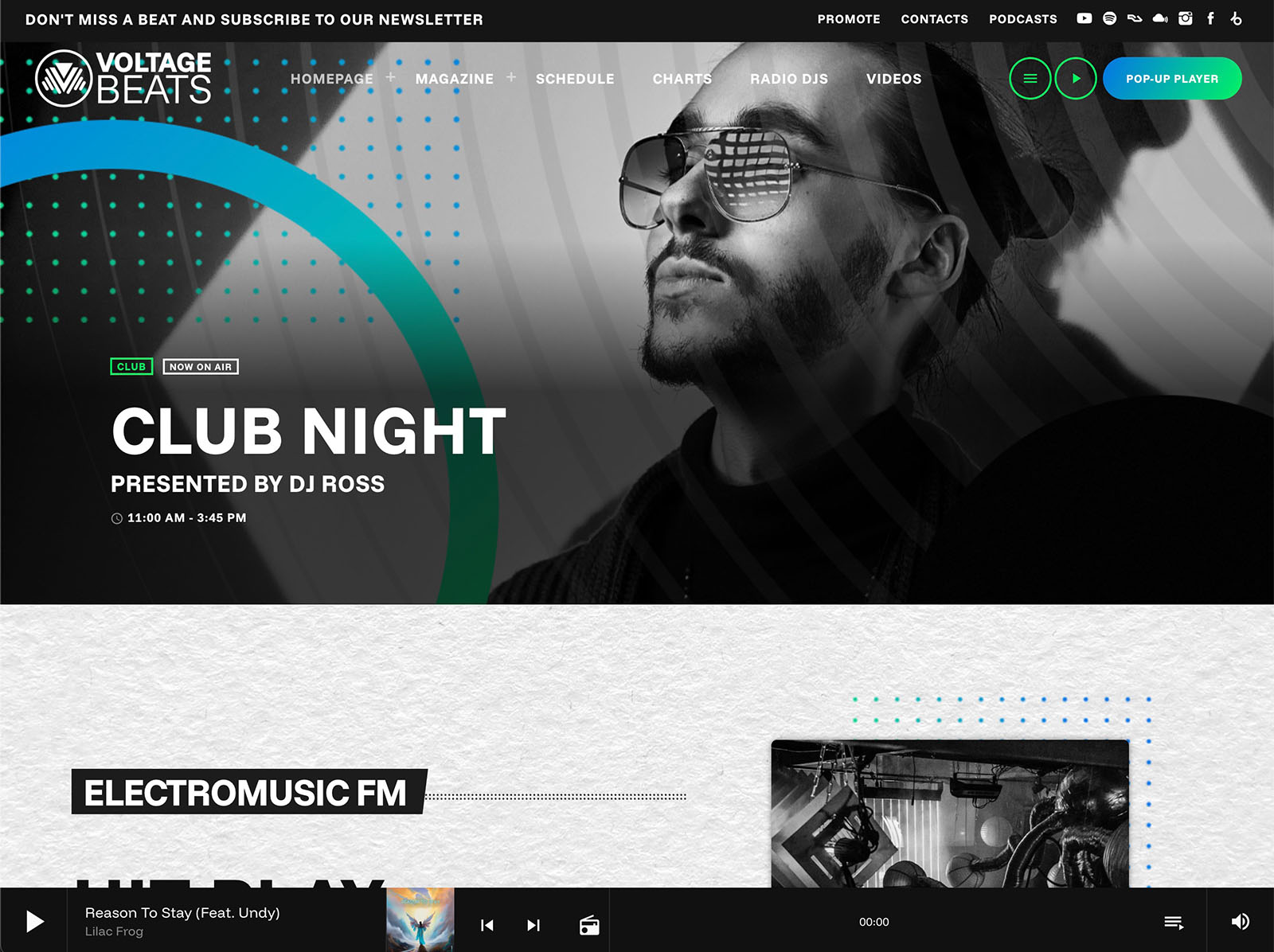
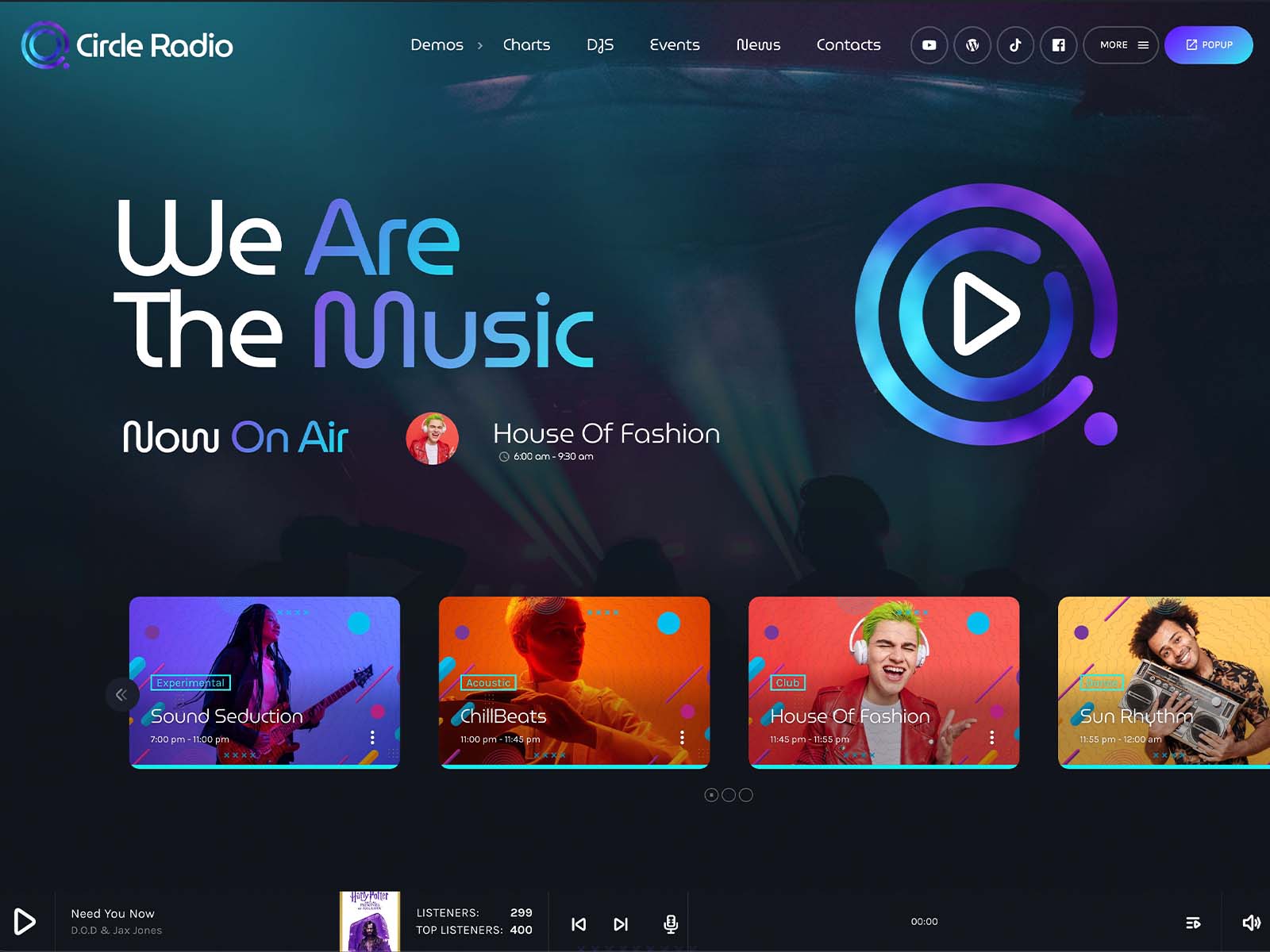
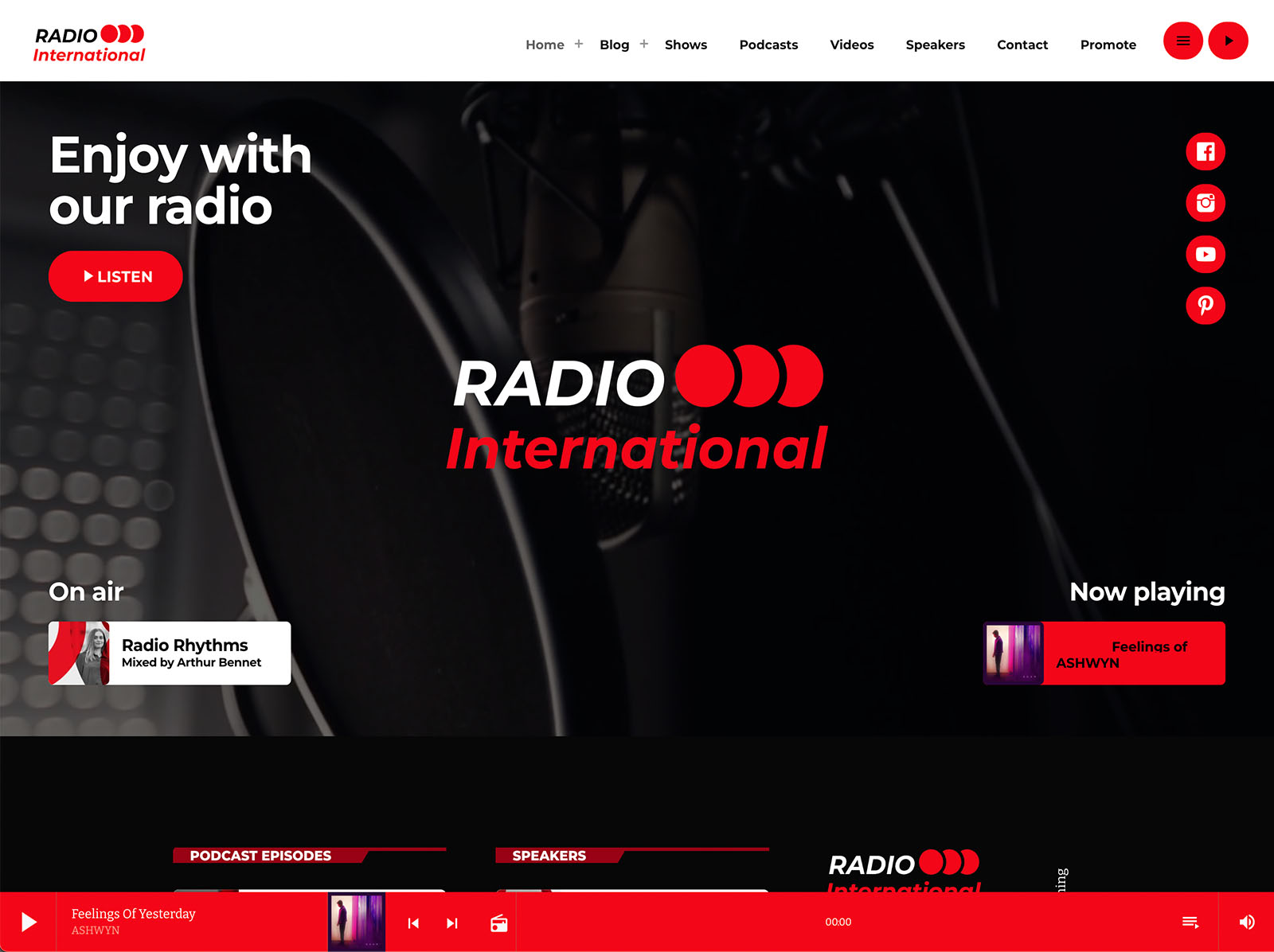
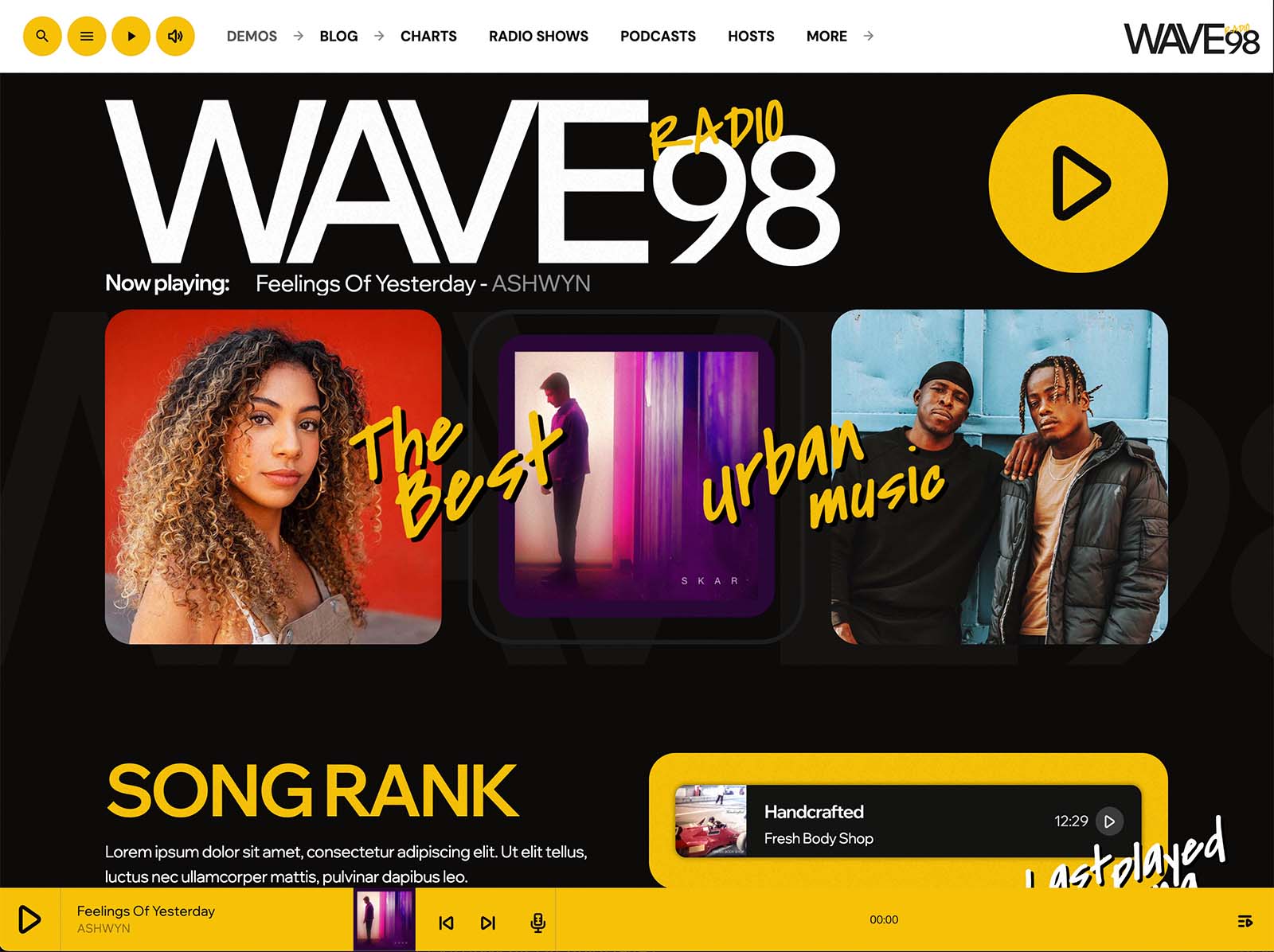
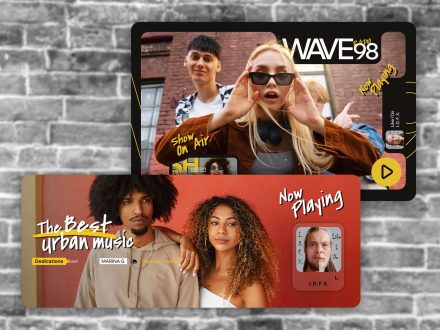
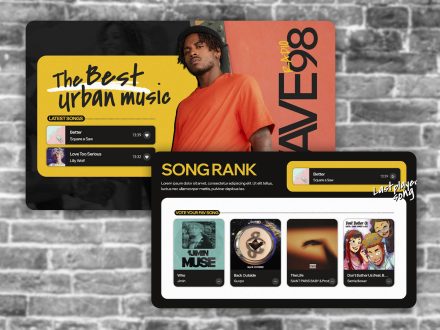
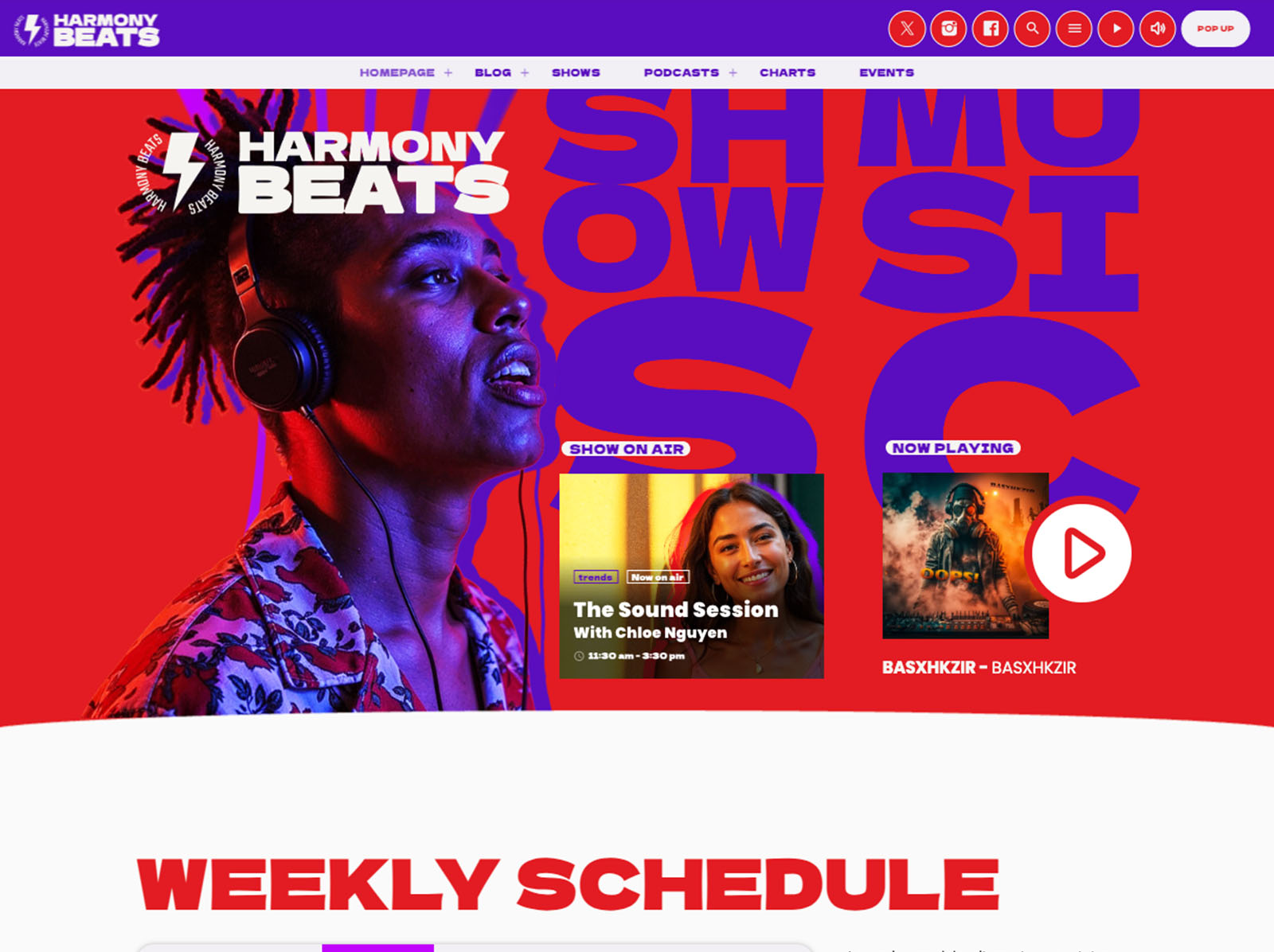
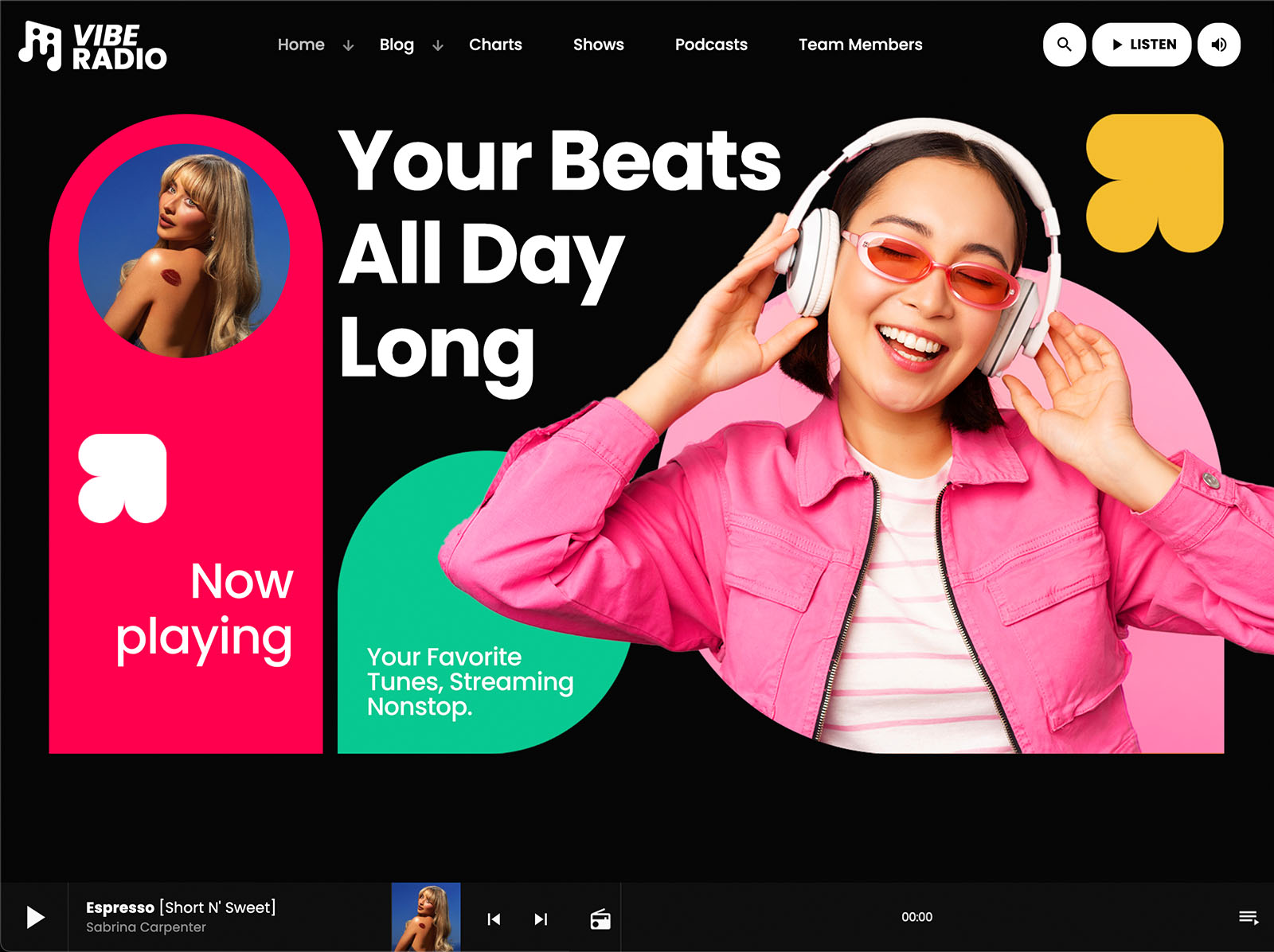
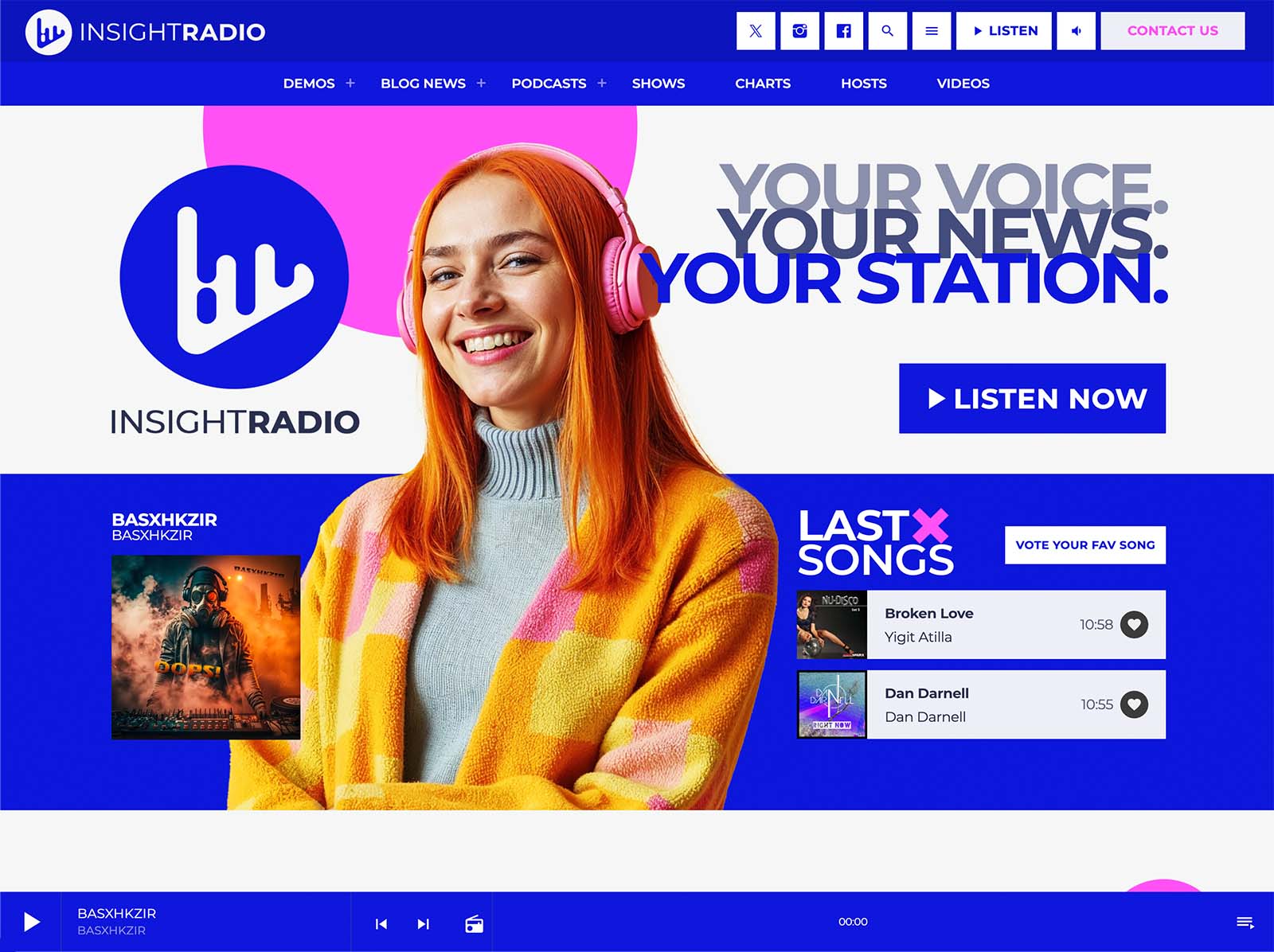
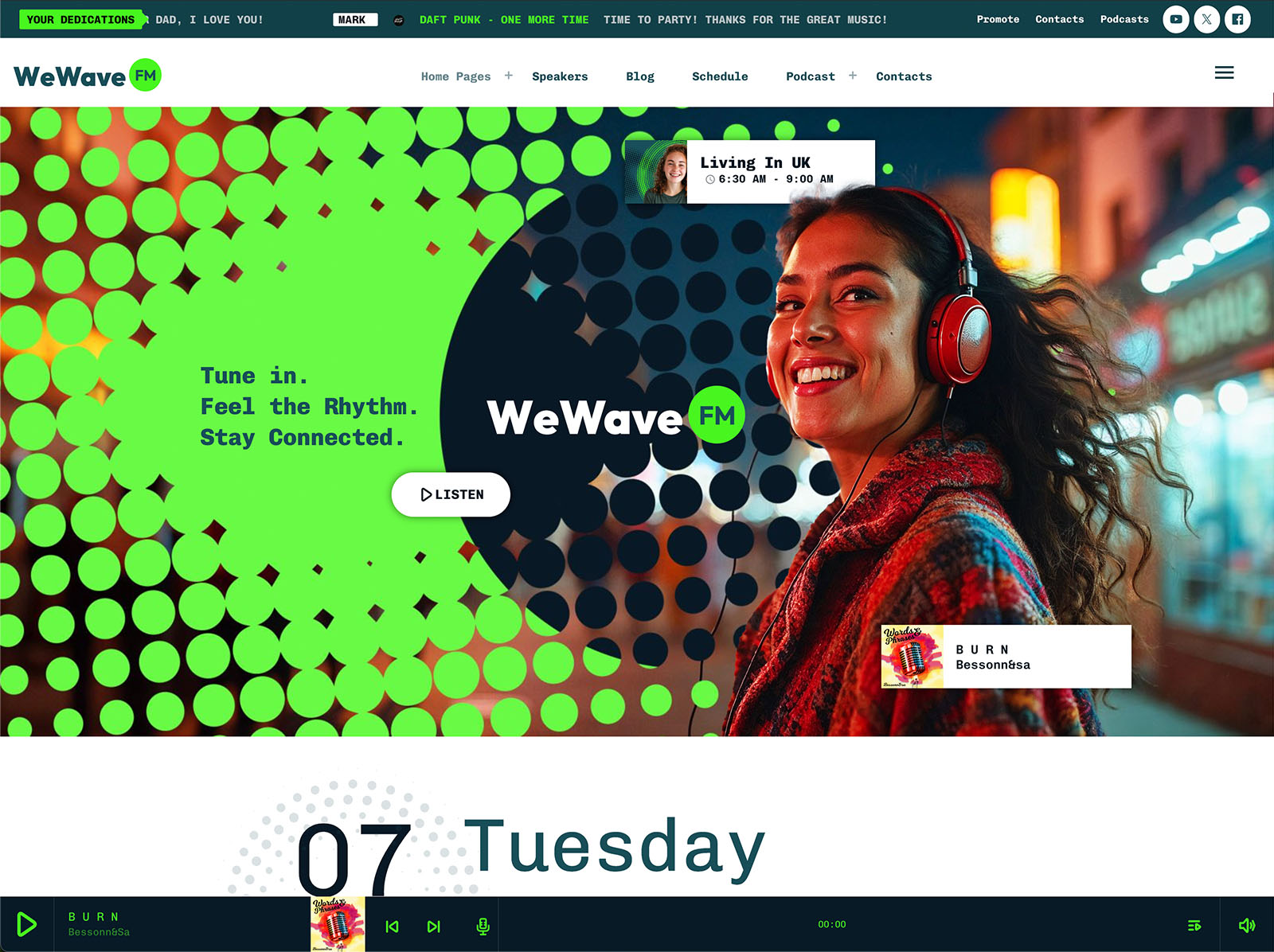
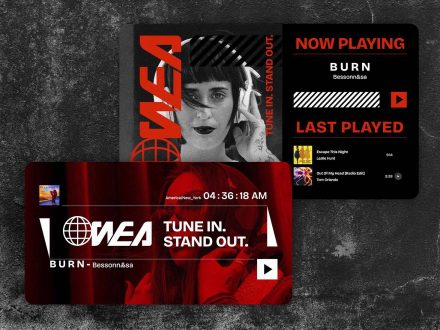
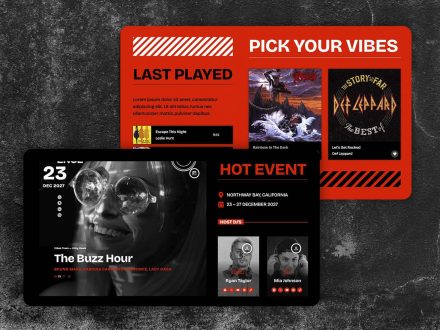
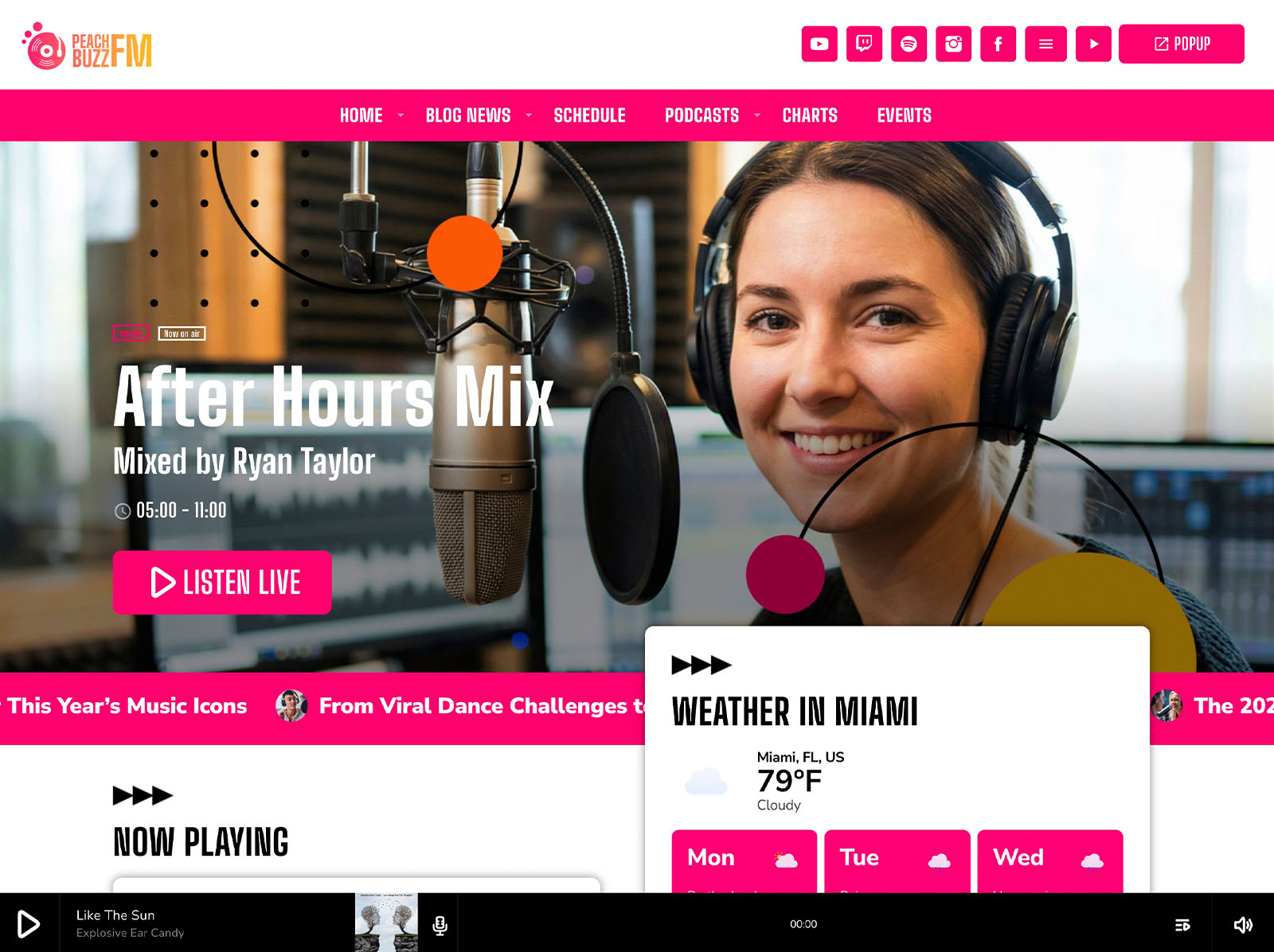
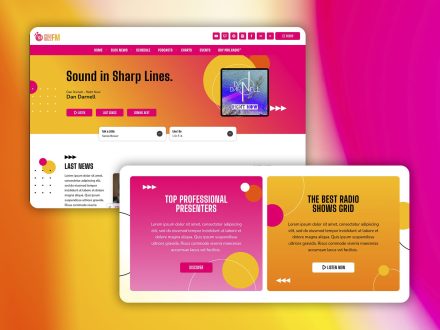
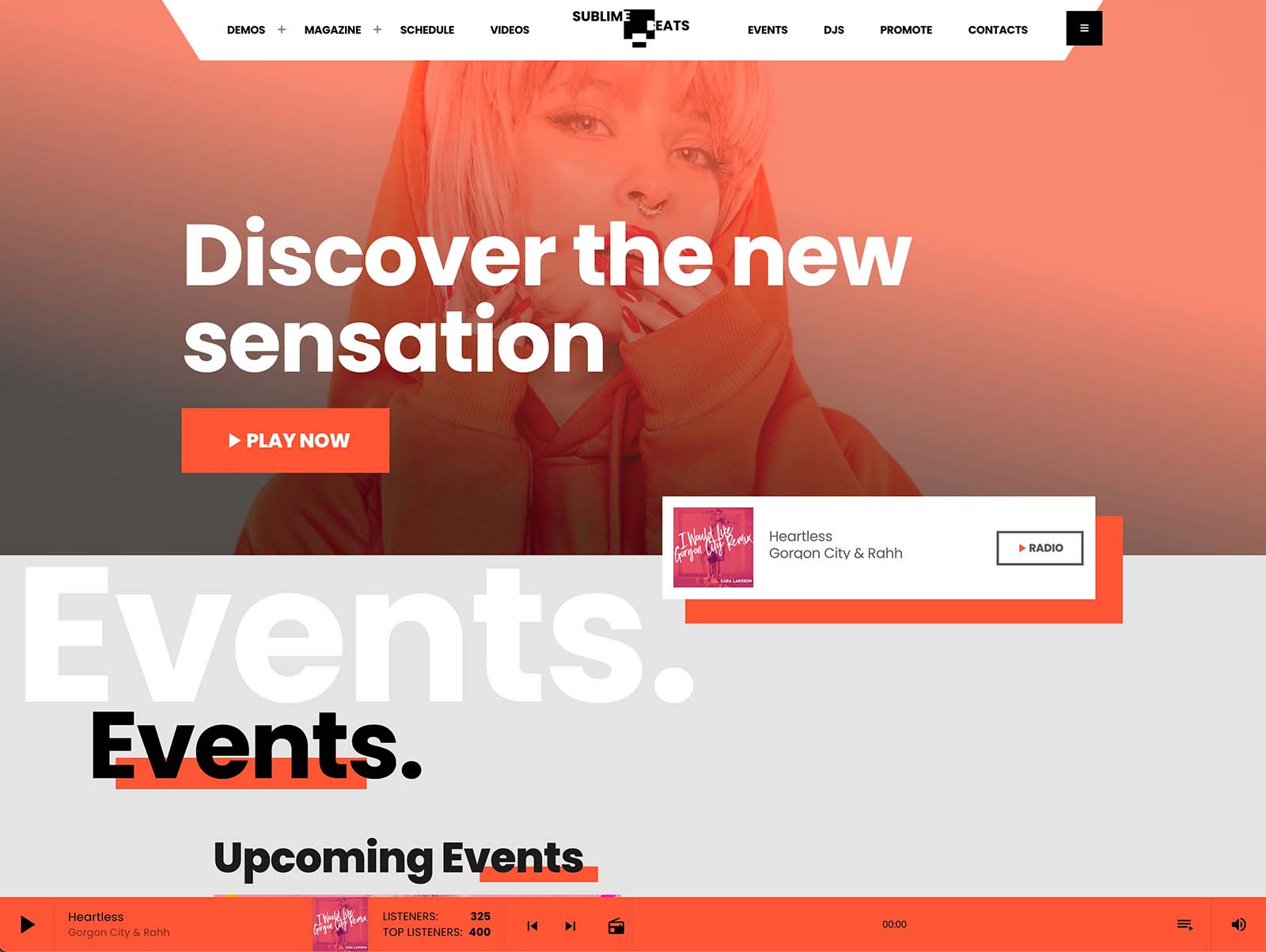
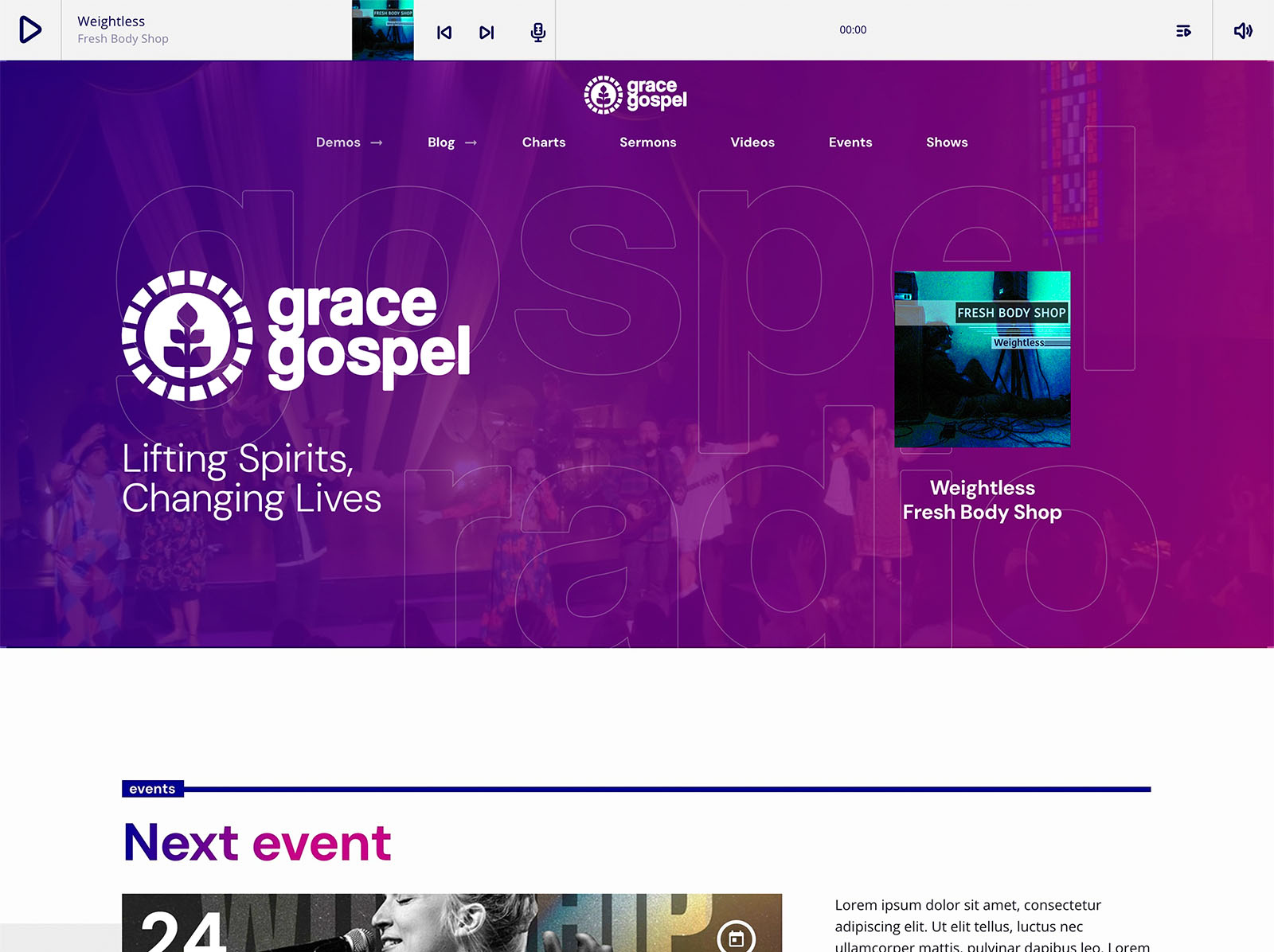
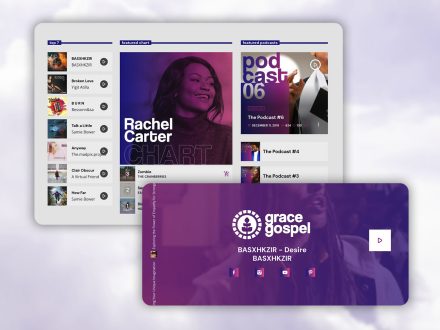
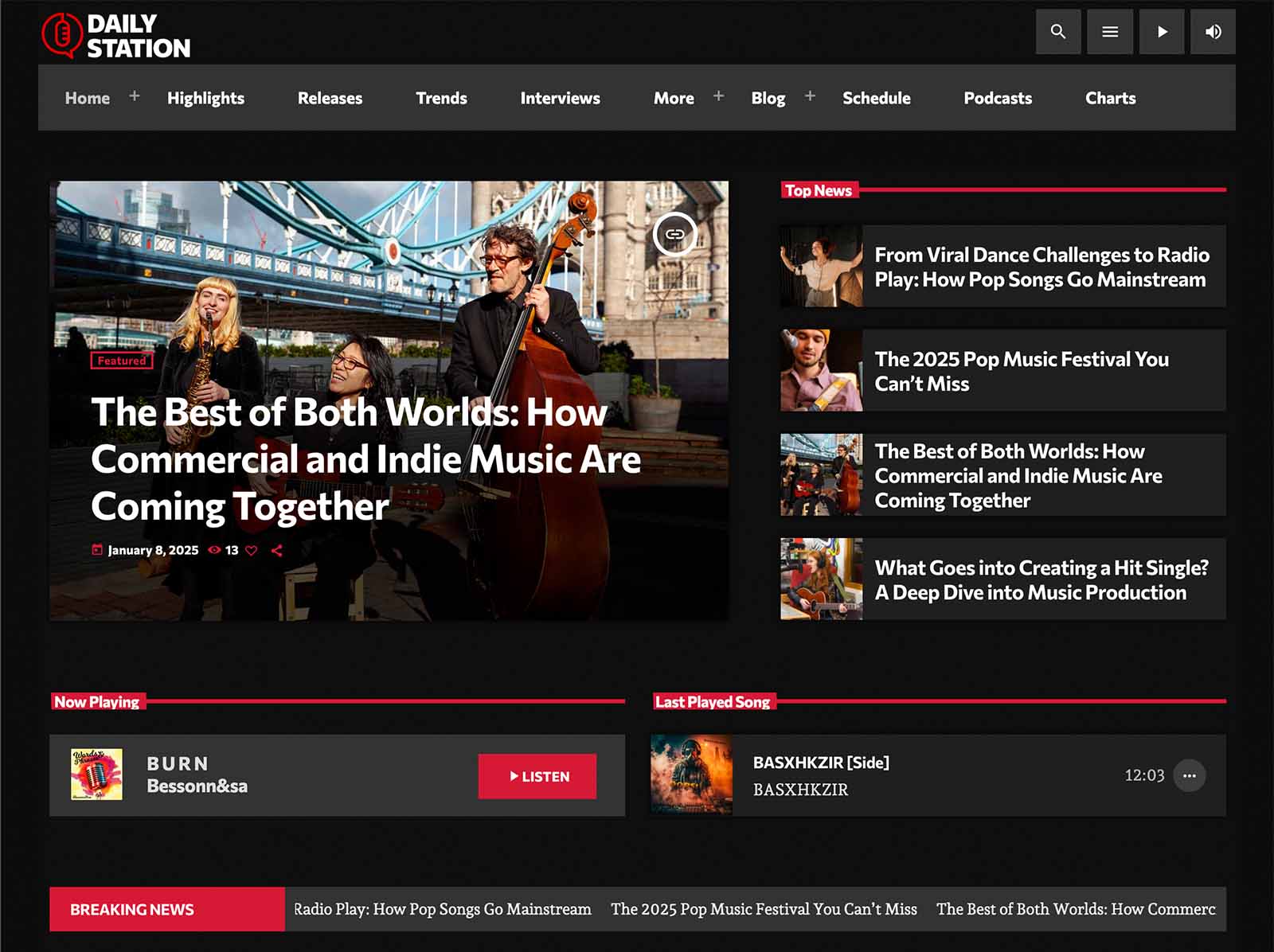
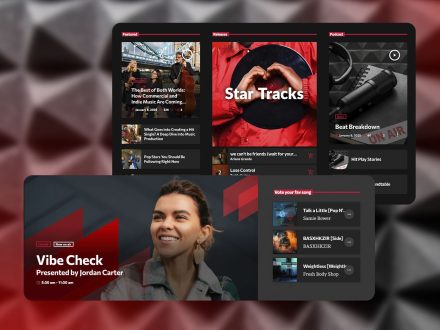
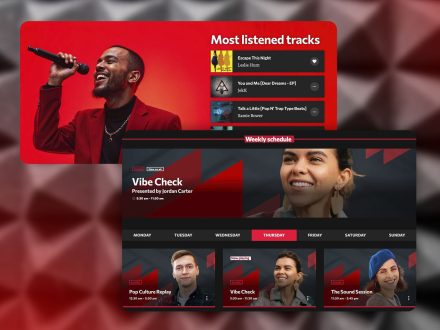
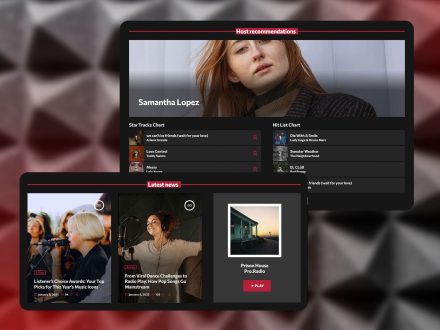
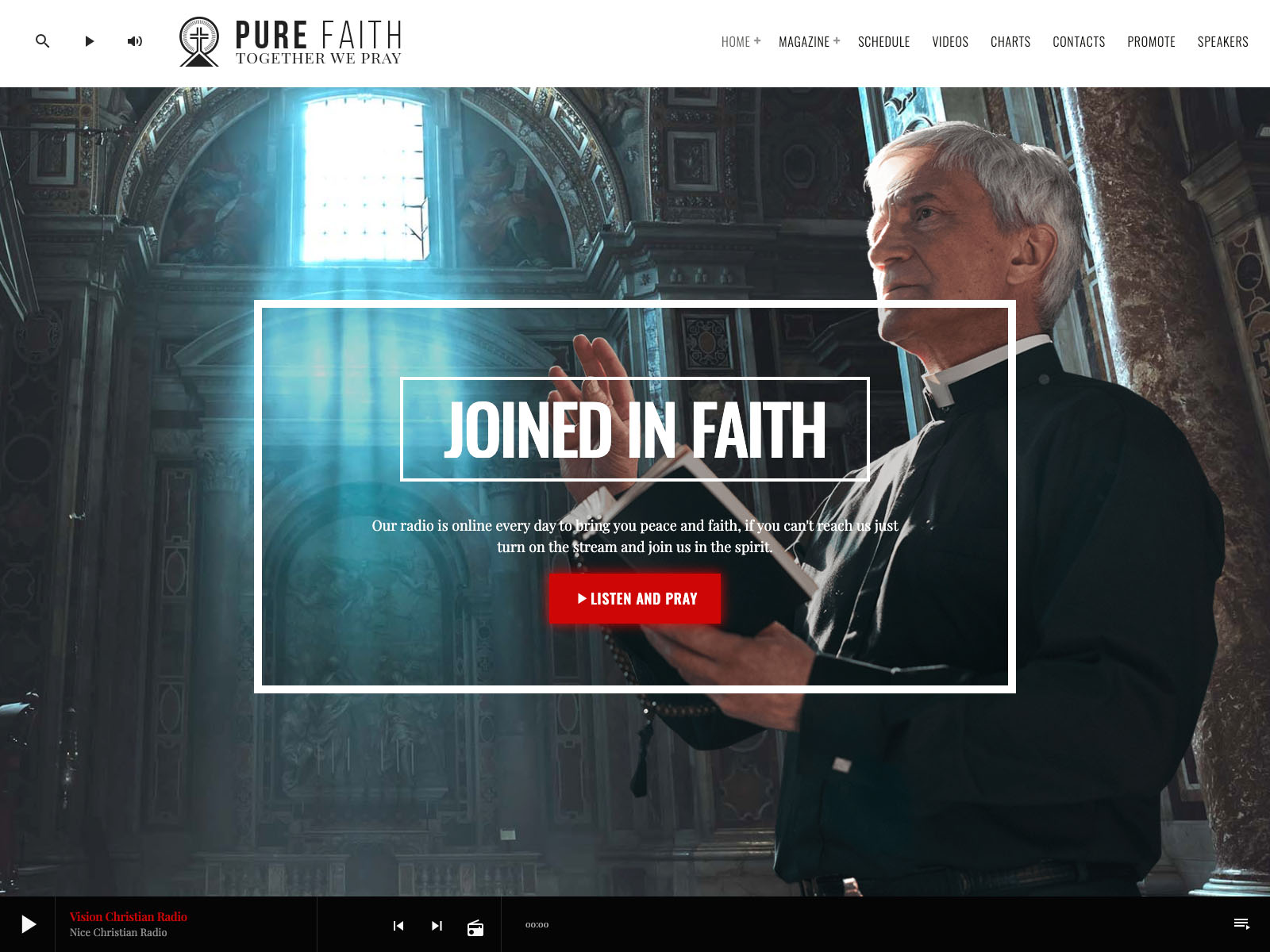
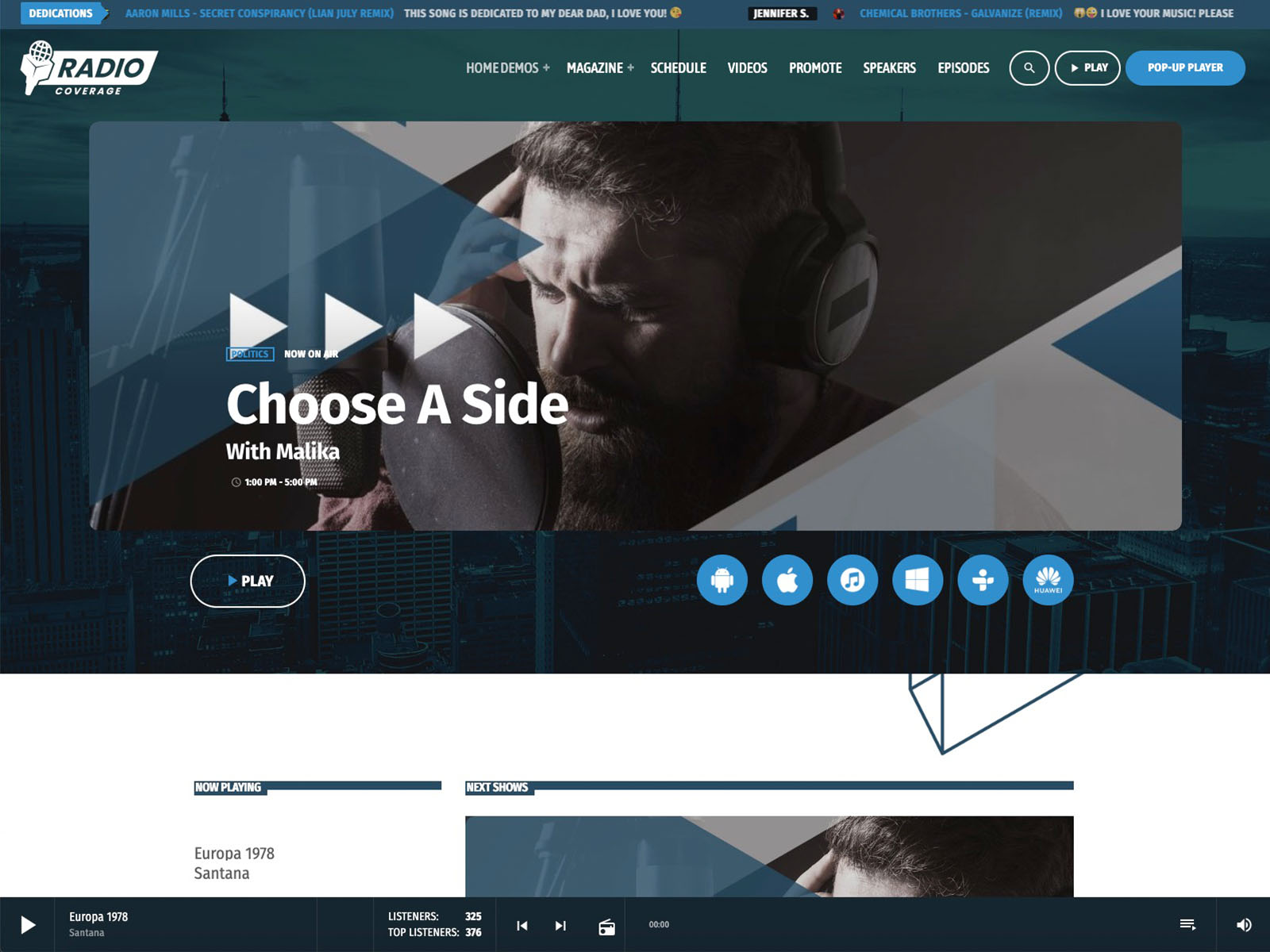
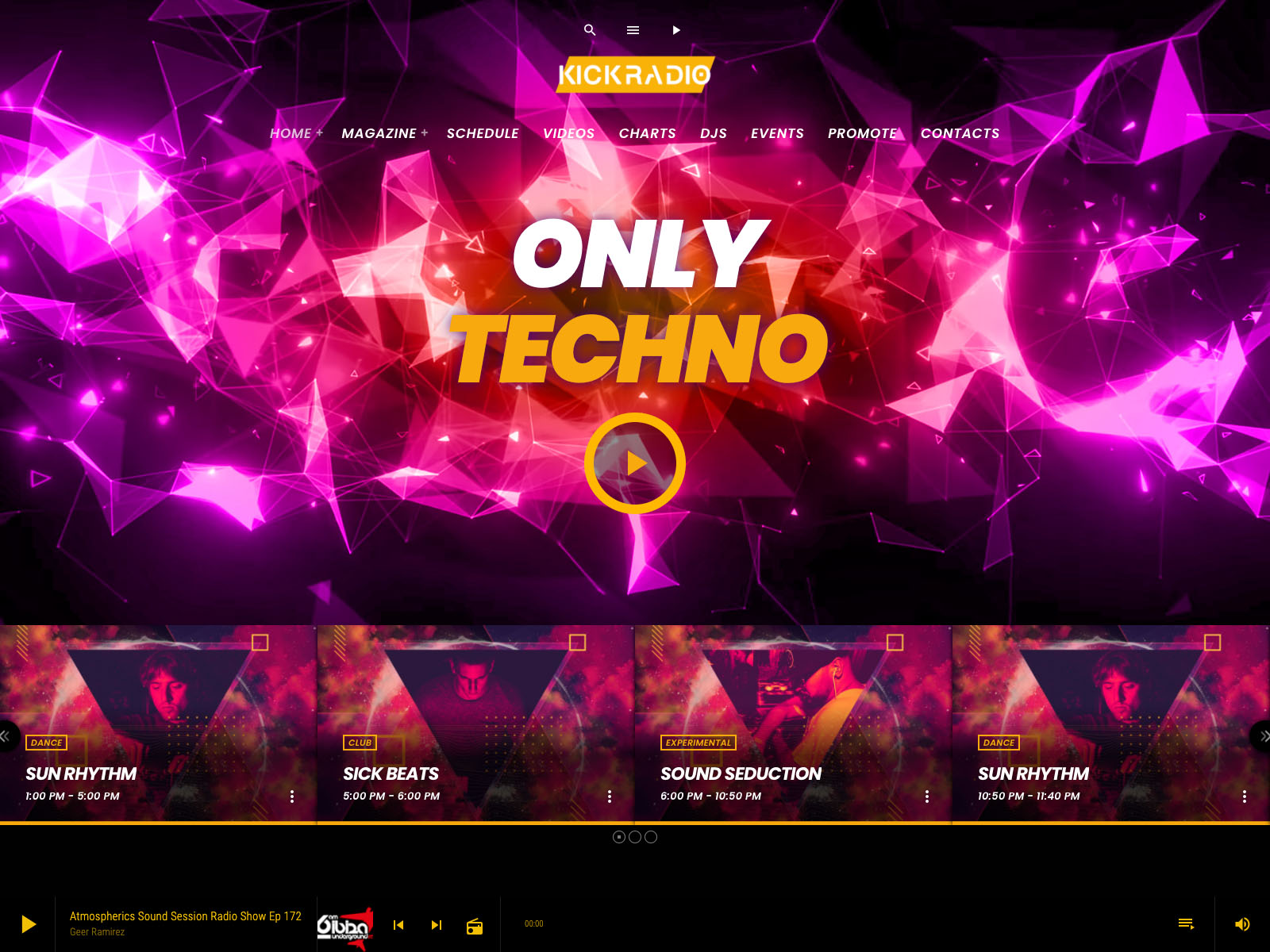
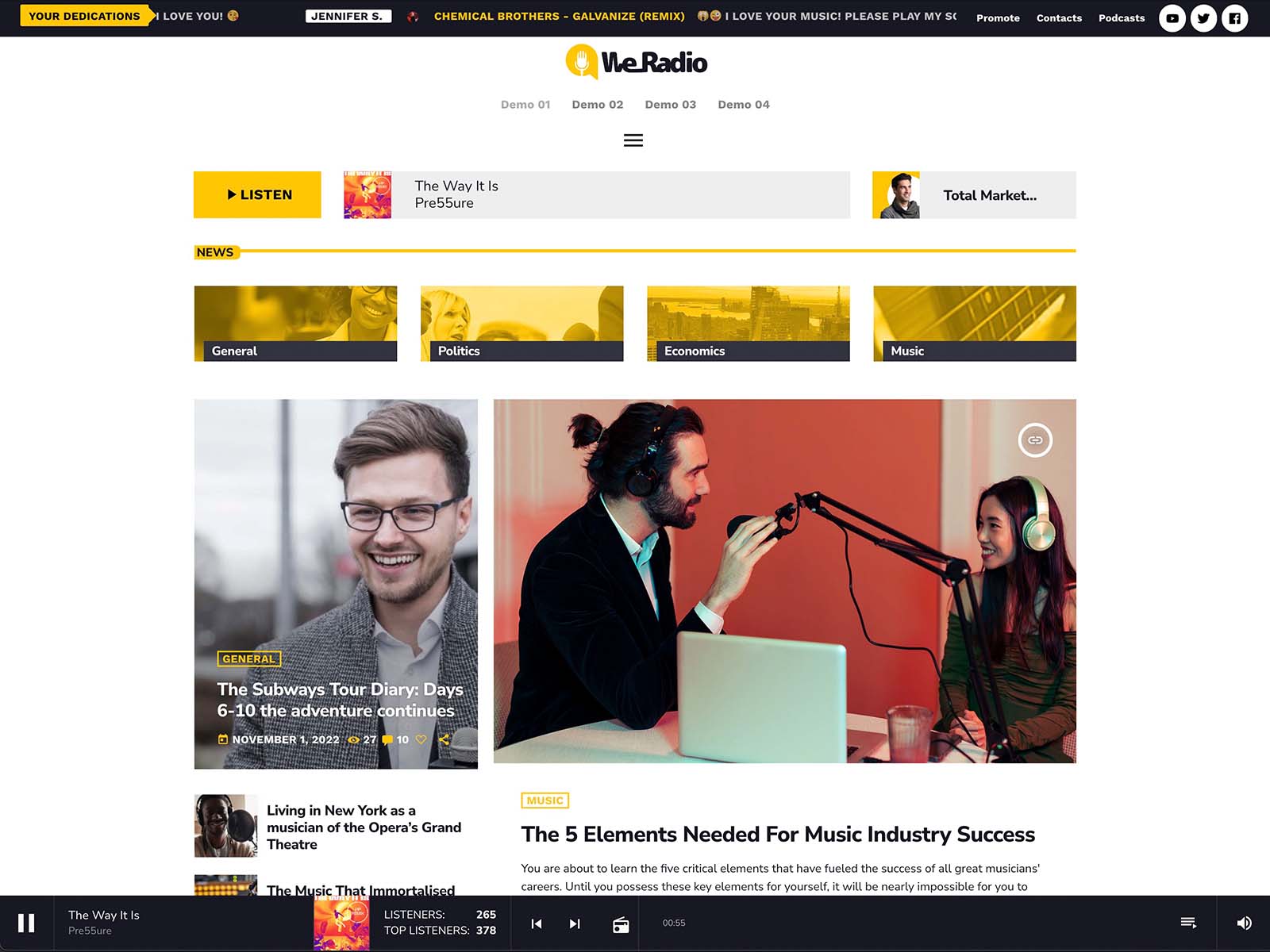
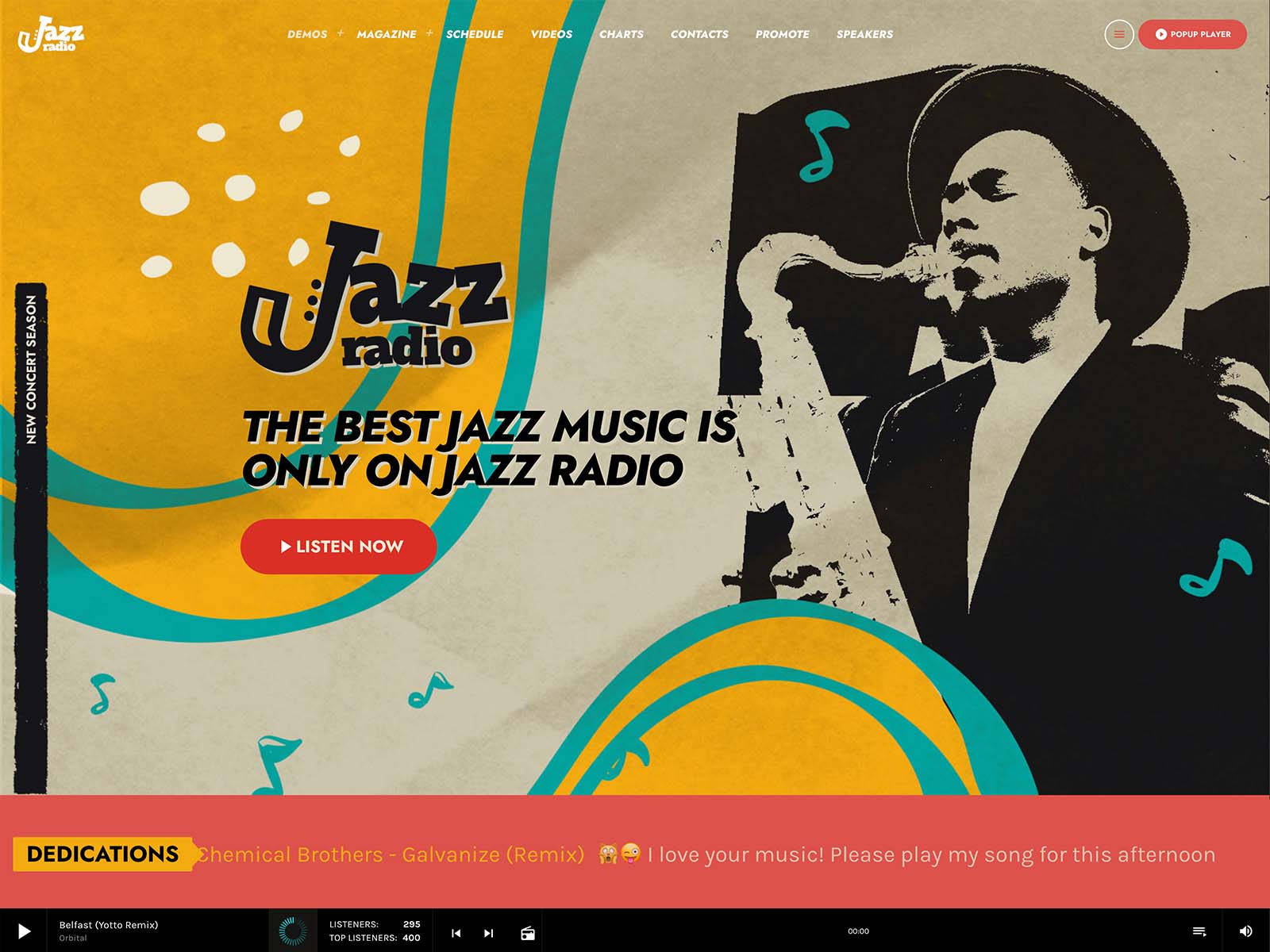
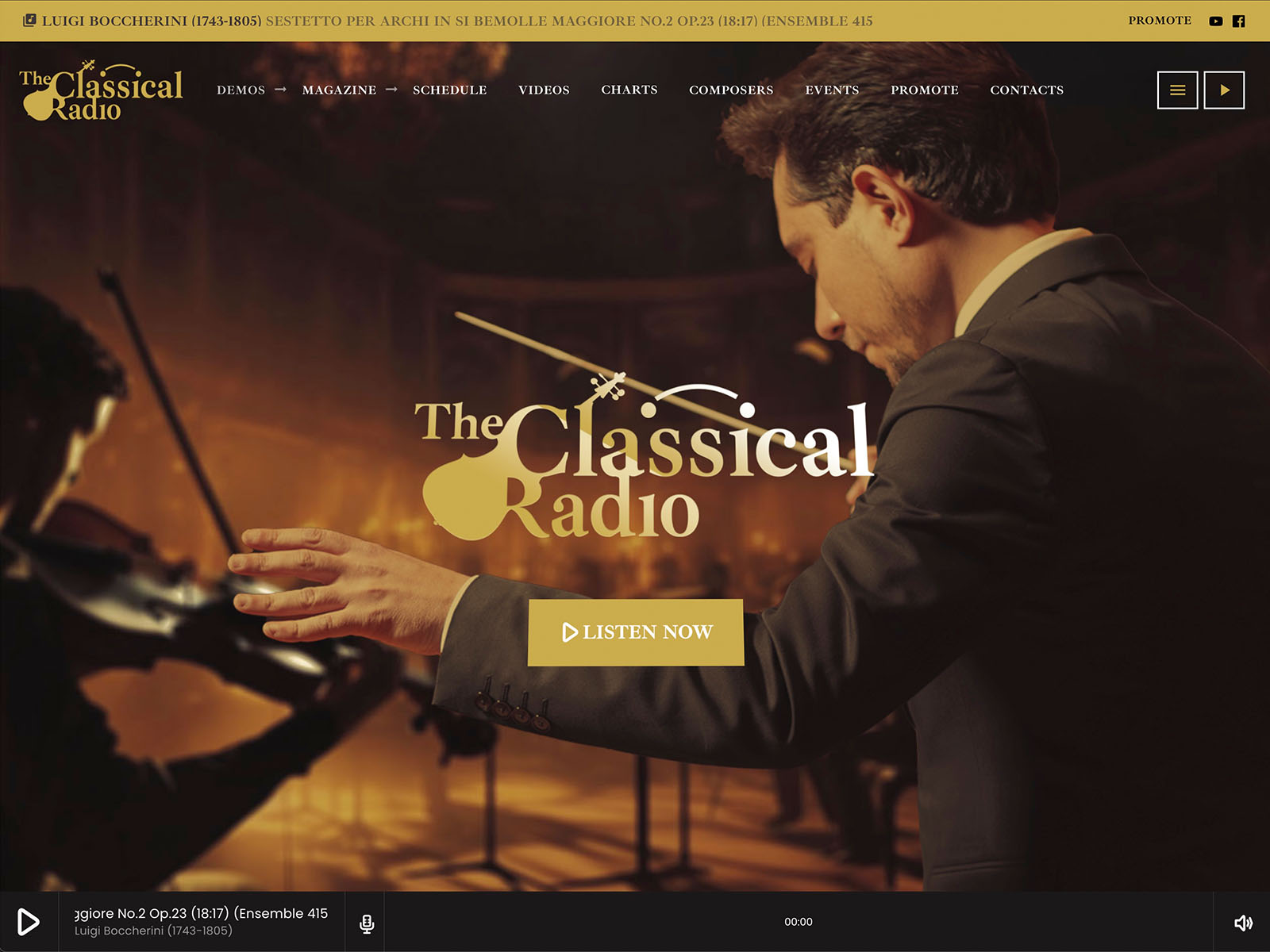
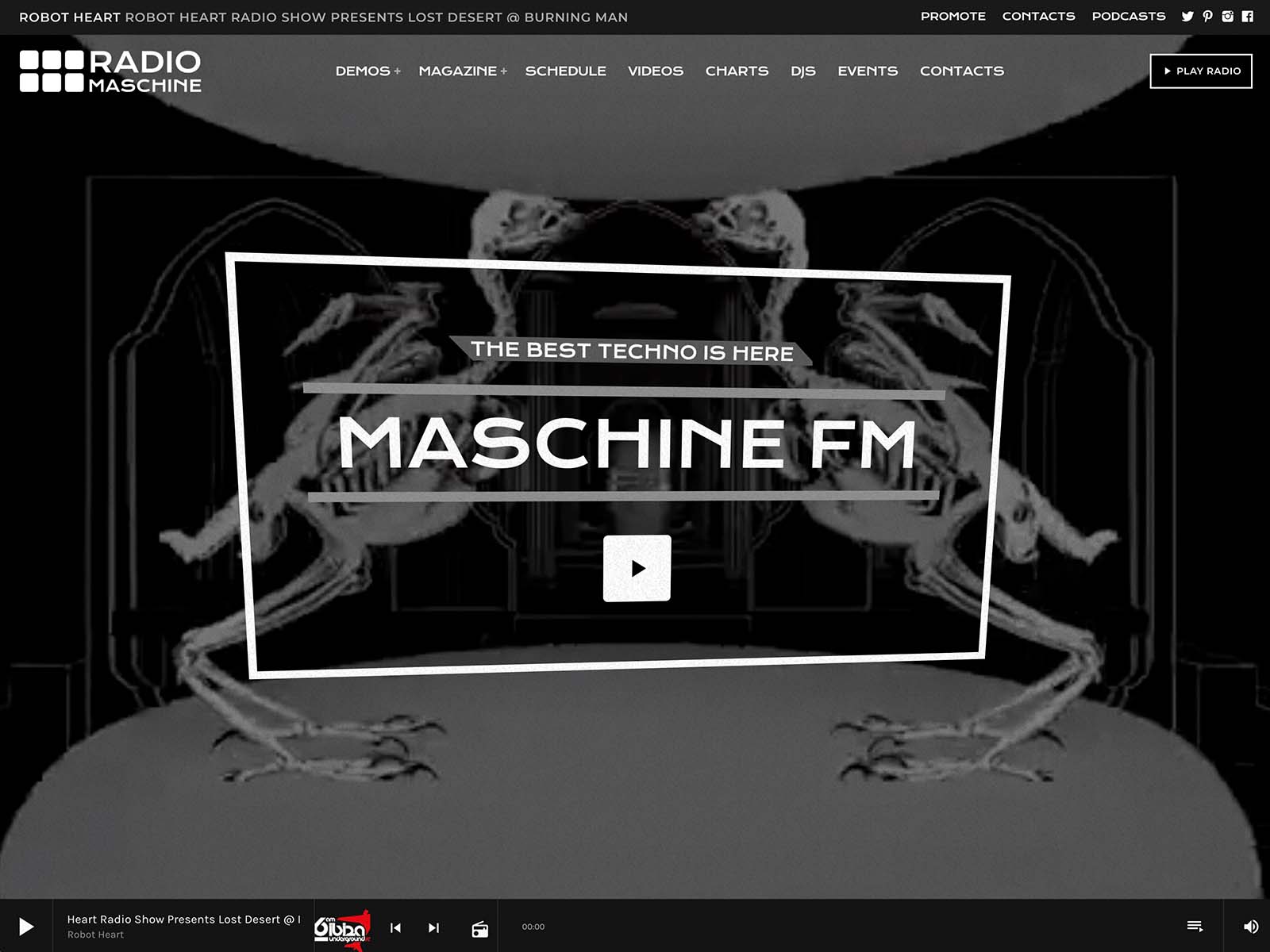
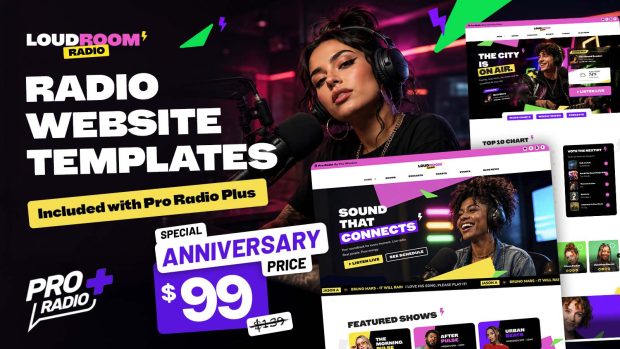
Generic themes miss crucial radio features; this one is built around your daily workflow. There is a small kindness in software design when a tool understands the work you do. The right radio website does not ask you to bend it into shape. It already knows how a station runs, what a daily workflow looks like, and where the friction usually lives. Pro Radio is a theme built around broadcasters.
Before you add more content, promotions, or shows, it is worth asking one simple question: does your website really help people listen? These tips will help you create a radio site that feels easier, faster, and more useful from the first visit. That decision affects every part of the daily experience.
Contents
hide
- 1. What “Built For Broadcasters” Actually Means
- 2. Streams As A First-Class Concept
- 3. Shows As A First-Class Concept
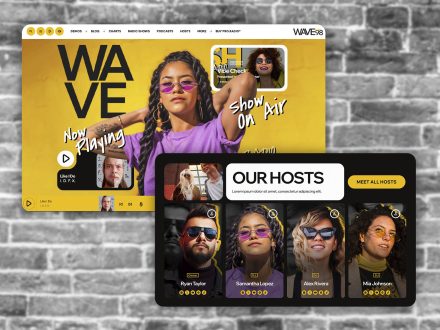
- 4. Hosts As A First-Class Concept
- 5. Podcasts As Part Of The Same Flow
- 6. Engagement As A Built-In Layer
- 7. Events As A Real Broadcast Asset
- 8. Sponsors As Part Of The Broadcaster Workflow
- 9. Design That Matches Broadcaster Habits
- 10. Why One Broadcaster-Centric Ecosystem Beats A Patched Generic Stack
- 11. Use The Tool That Was Built For You
What “Built For Broadcasters” Actually Means
A theme built for broadcasters does not start from a generic page-and-post structure. It starts from the building blocks of a radio station: streams, shows, schedules, hosts, podcasts, charts, events, dedications, and sponsors. Each of those is a first-class object in the system, not a workaround.
The result is a website where the daily work of a broadcaster matches the daily work of the admin interface. You add a show. You schedule it. You publish a podcast. You approve a dedication. You activate a sponsor campaign. Each task corresponds to a real workflow inside the theme.
Pro Radio is built around this principle from the ground up.
Streams As A First-Class Concept
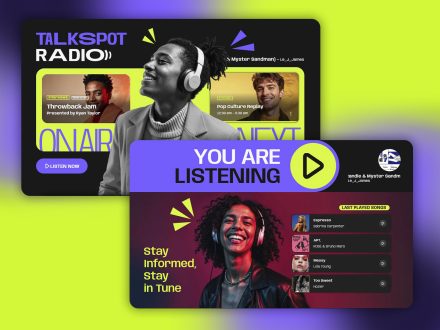
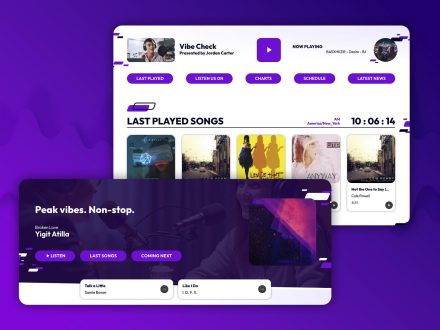
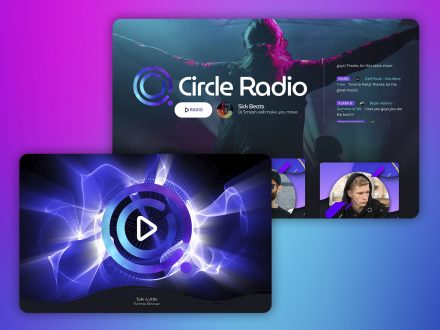
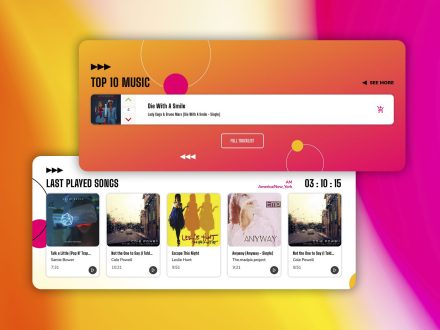
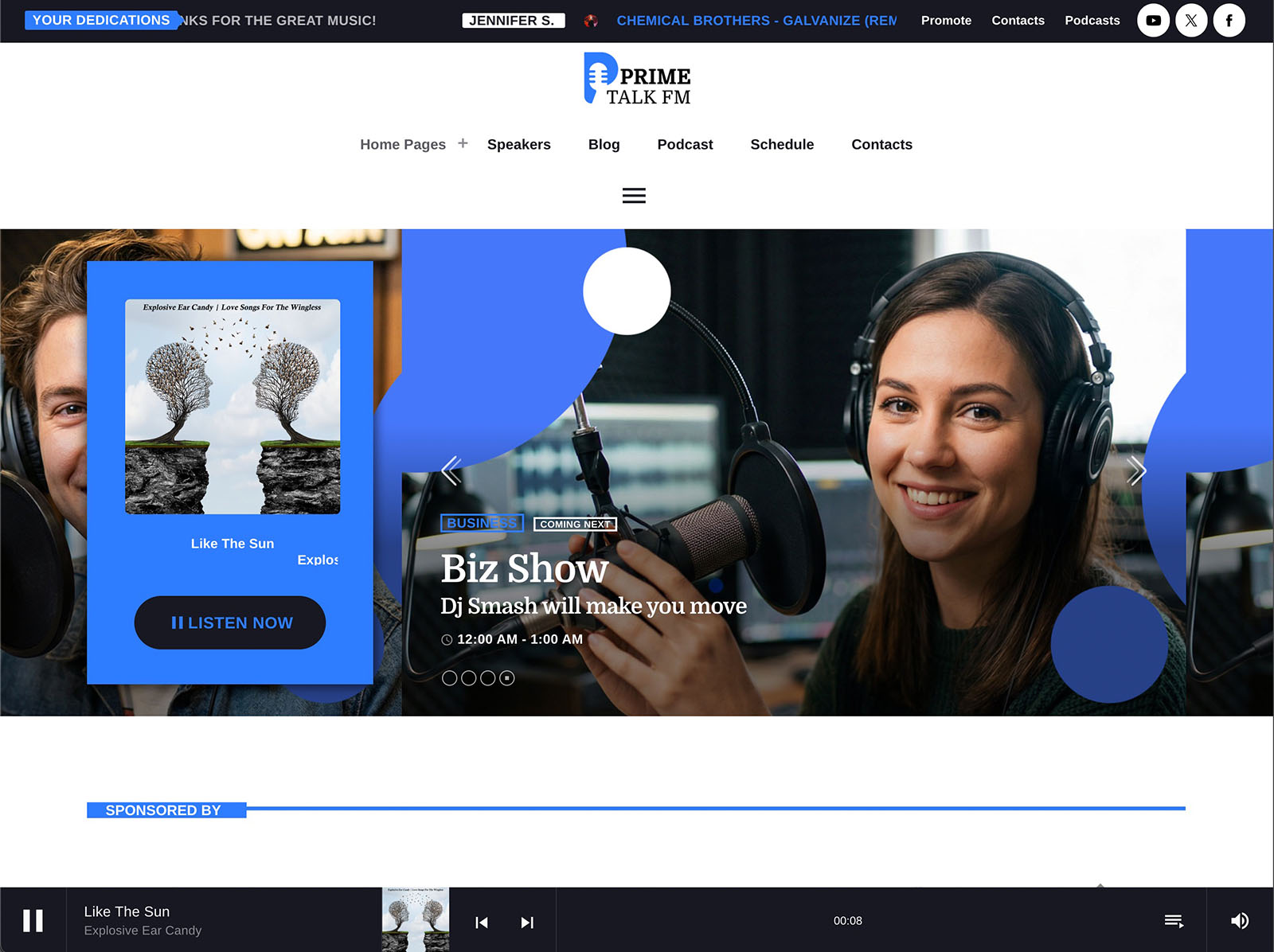
The Radio Channels post type lets you handle unlimited streams. You can reorder channels and decide which appear in the player. Custom playlists with single tracks, prices, icons, and purchase links are also available if you sell music. The non-stop player supports Shoutcast, Icecast, Radio.co, Airtime Pro, Airtime, Live365, Radionomy, RadioKing, Azuracast, and plain MP3 or AAC streams. ICY metadata reads real-time song titles. Album covers load automatically for public commercial releases.
A station with one stream uses one channel. A multi-channel network uses many. The system grows with the broadcaster, not against them.
Shows As A First-Class Concept
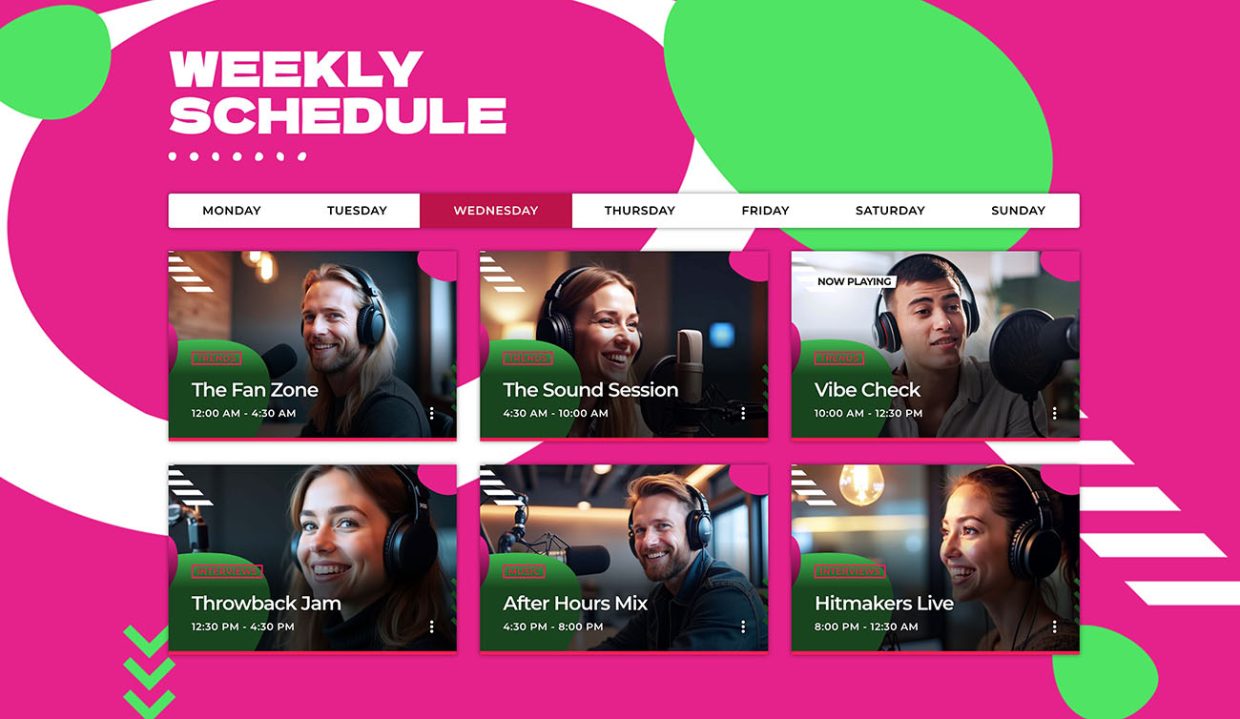
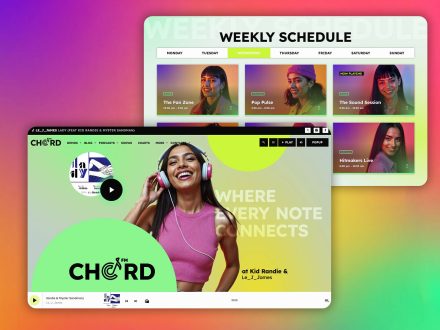
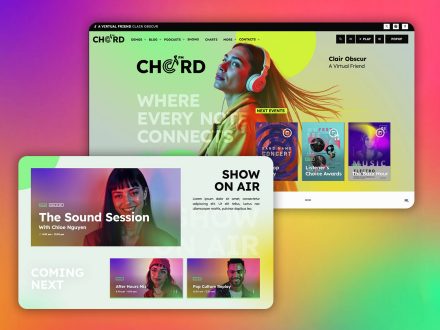
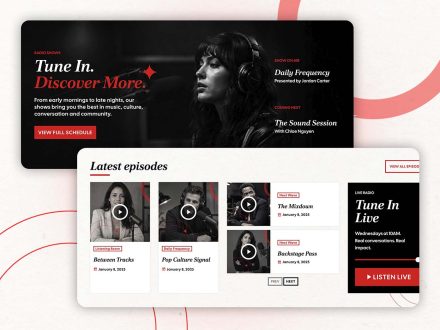
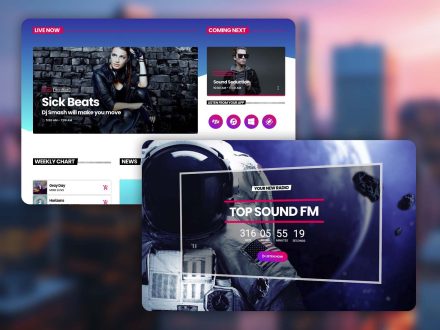
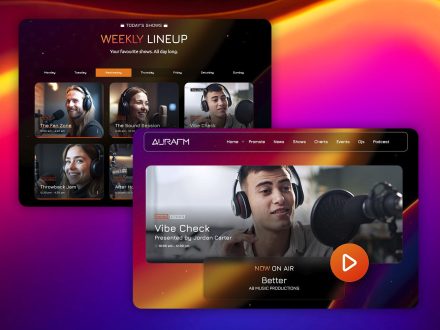
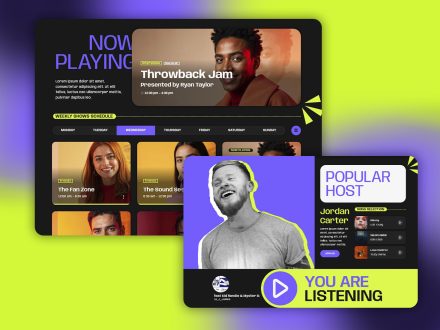
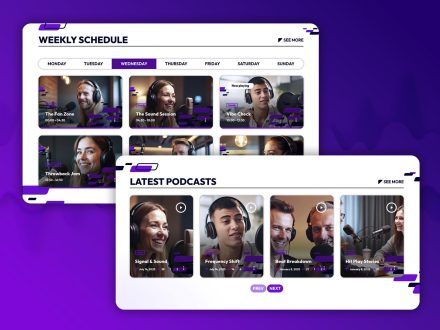
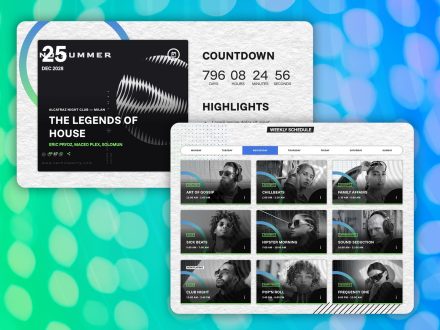
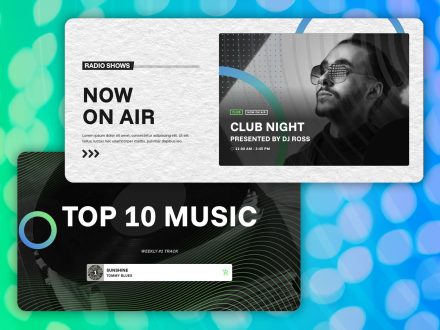
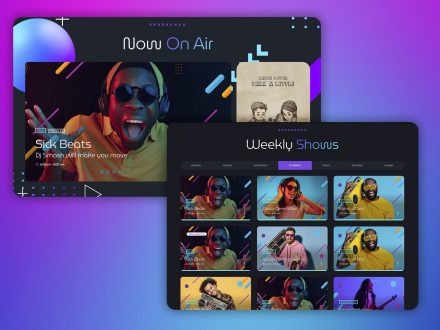
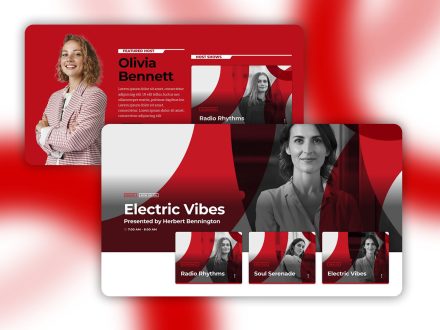
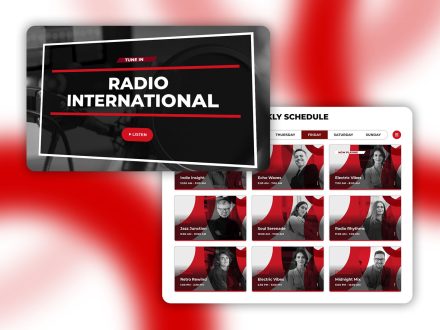
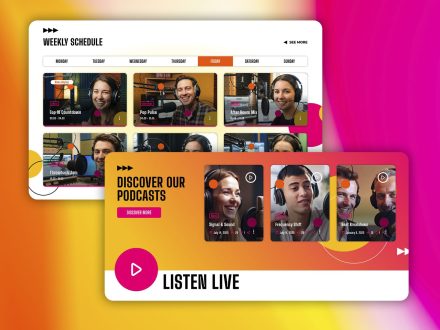
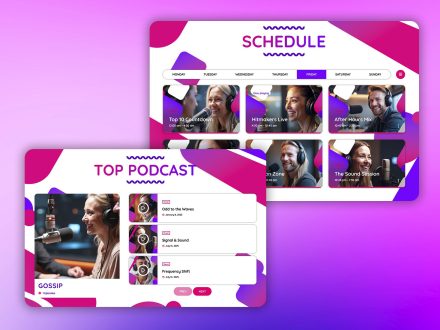
Shows in Pro Radio are not blog posts in disguise. They are dedicated objects with timetables, podcasts, related blog posts, charts, presenters, and events automatically linked. The interactive weekly schedule supports unlimited shows. Dynamic linking ensures that editing a show updates every time slot it occupies. Setup takes three steps: create the show, link it to slots, publish.
This is what daily show management looks like for a broadcaster. The theme matches that workflow, not the other way around.
Hosts As A First-Class Concept
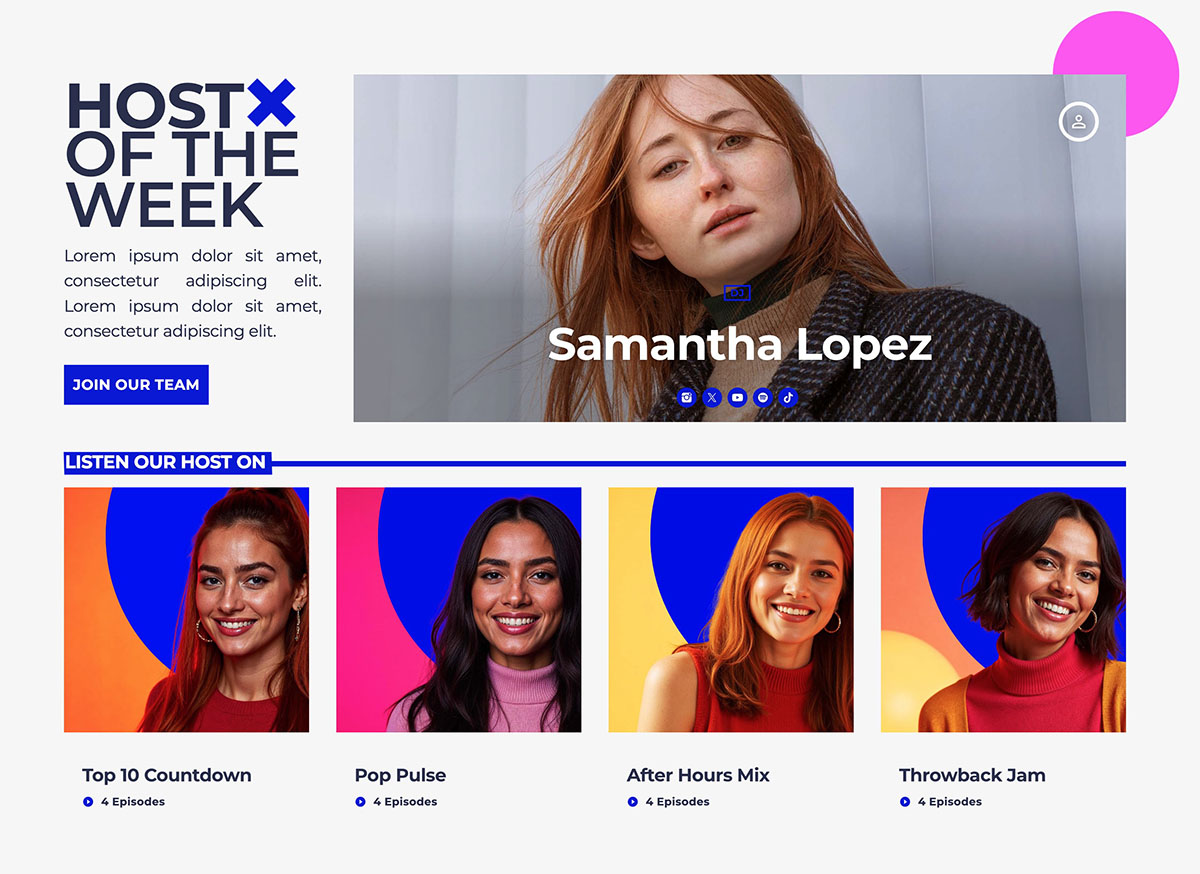
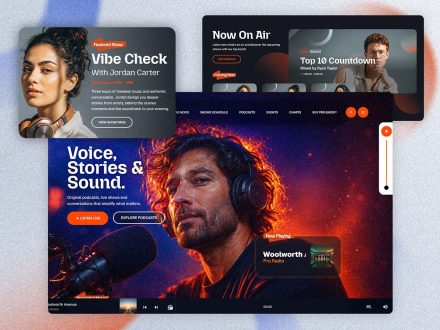
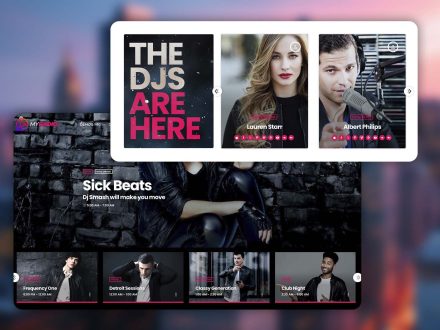
The Members post type handles DJs, speakers, journalists, and other team members. Each profile has a role label, a short bio, and social network icons. Custom taxonomies group them by show, genre, or team. They appear on related show pages, carousels, and archives automatically.
A broadcaster thinks about the team in terms of roles and shows. The theme thinks about it the same way. Adding a host is a quick task, not a project.
Podcasts As Part Of The Same Flow
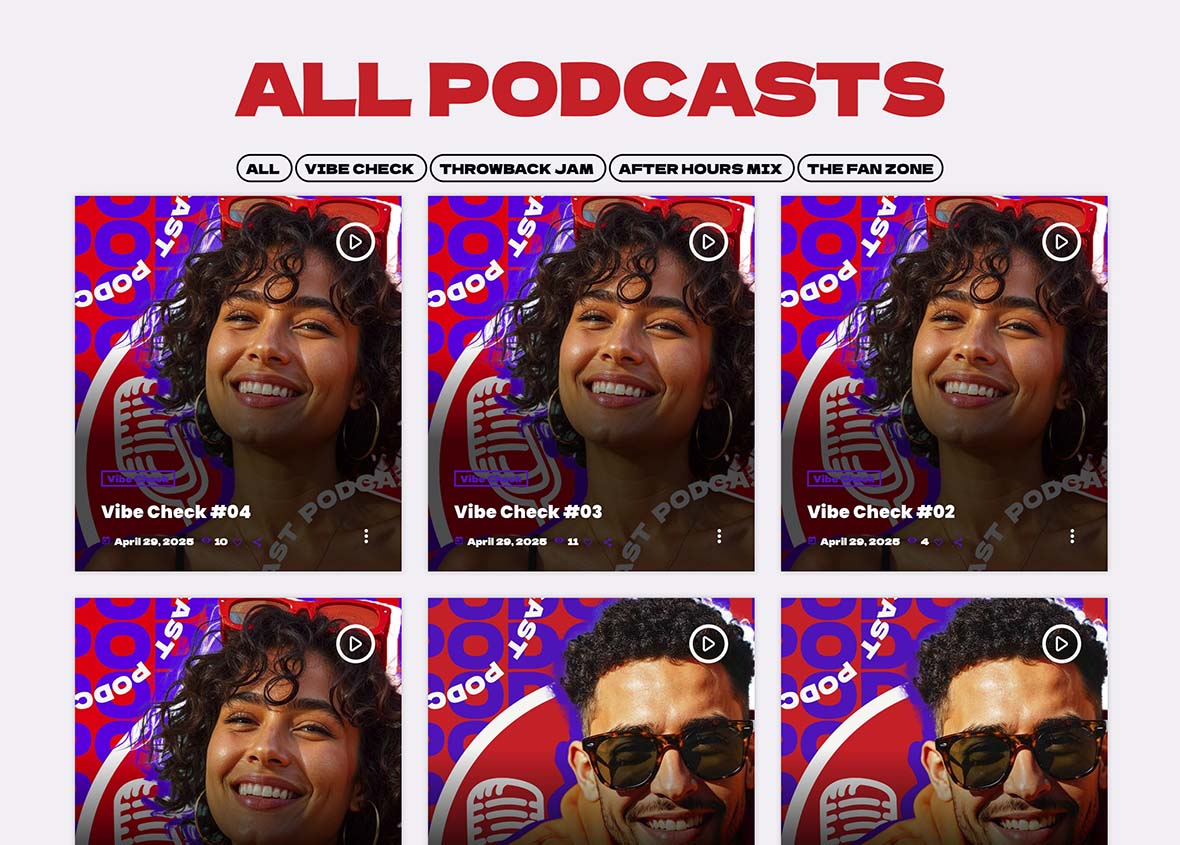
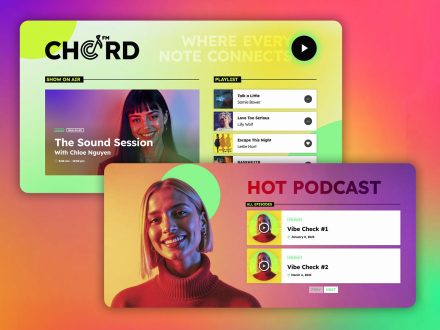
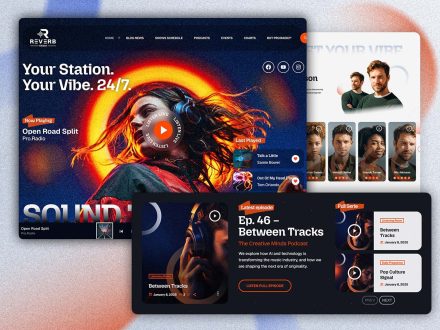
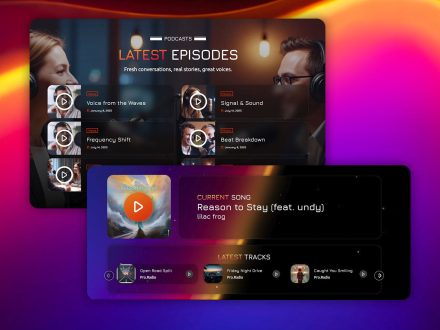
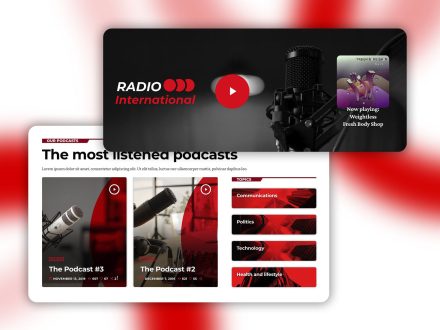
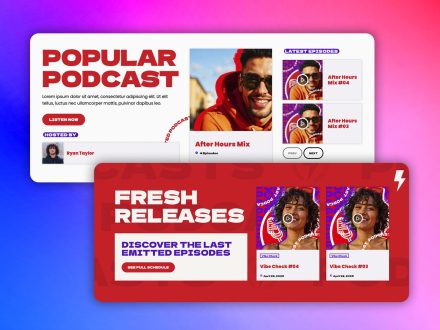
Podcasts in Pro Radio are part of the broadcasting workflow, not a separate platform. Upload MP3 files directly, or embed from Anchor.fm, Blubrry, Mixcloud, Soundcloud, Spotify, or YouTube. The same radio player handles podcasts. Past broadcasts can be archived as podcasts, live re-airs, or recordings.
The latest episode can be preloaded in the player. The show page picks up new episodes automatically. A broadcaster publishes once and the network of pages updates itself.
Engagement As A Built-In Layer
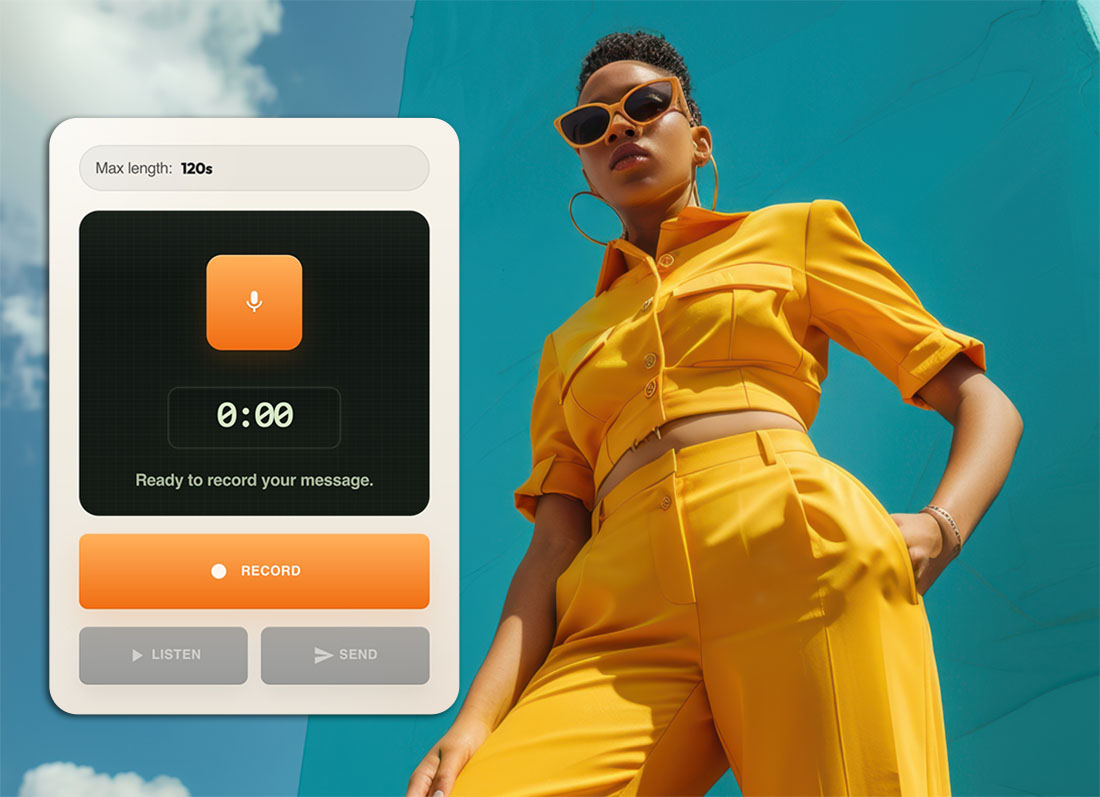
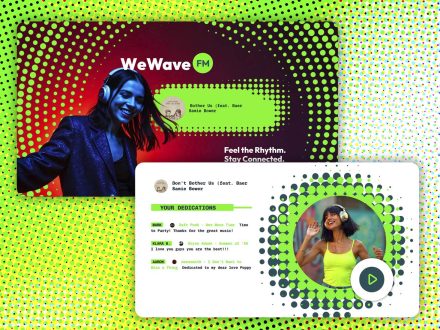
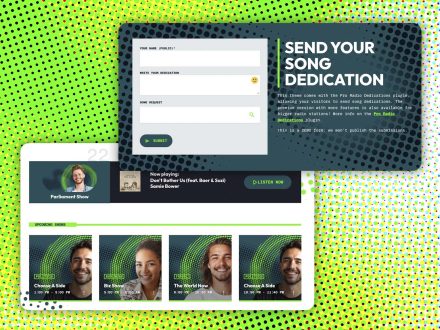
The Dedications add-on and Voiceline are not optional plugins from third parties. They are integrated parts of the Pro Radio Plus ecosystem, designed around how broadcasters interact with listeners.
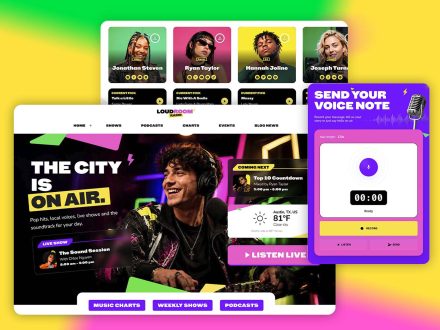
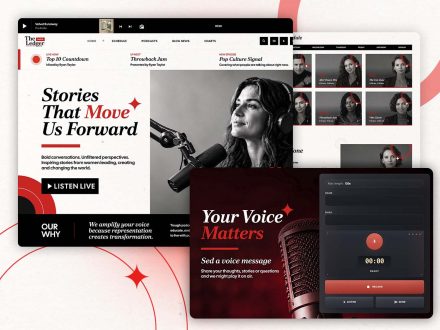
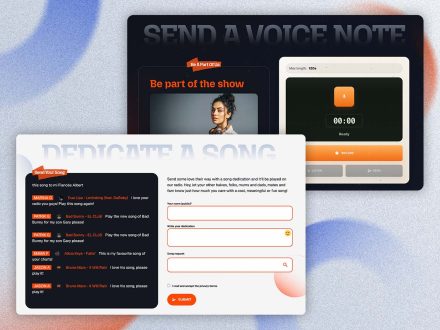
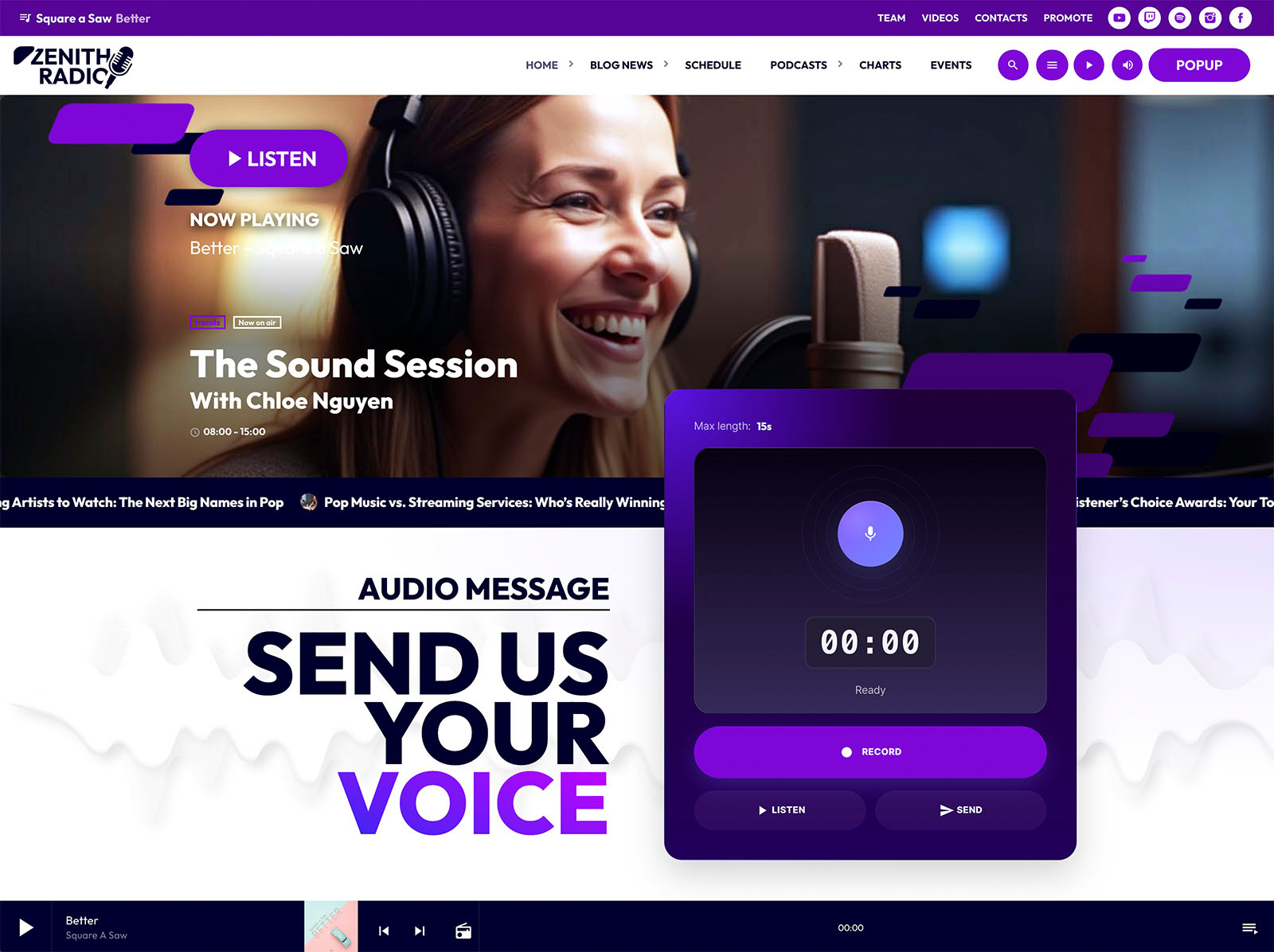
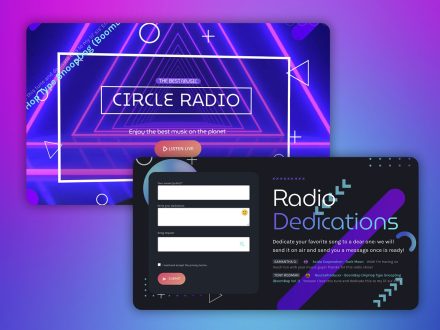
Dedications processes listener dedications through a moderated form. Antispam filtering, IP blacklist, submission limits, email notifications, and one-click approval handle the management. Voiceline lets listeners record voice messages directly from the site through an Elementor widget. You collect downloadable voice messages for live airing, editorial review, or audience interaction. Approved messages can display on a playlist.
These features mirror the real workflows of broadcasters who already air dedications and listener voice messages. The theme makes them easy.
Events As A Real Broadcast Asset
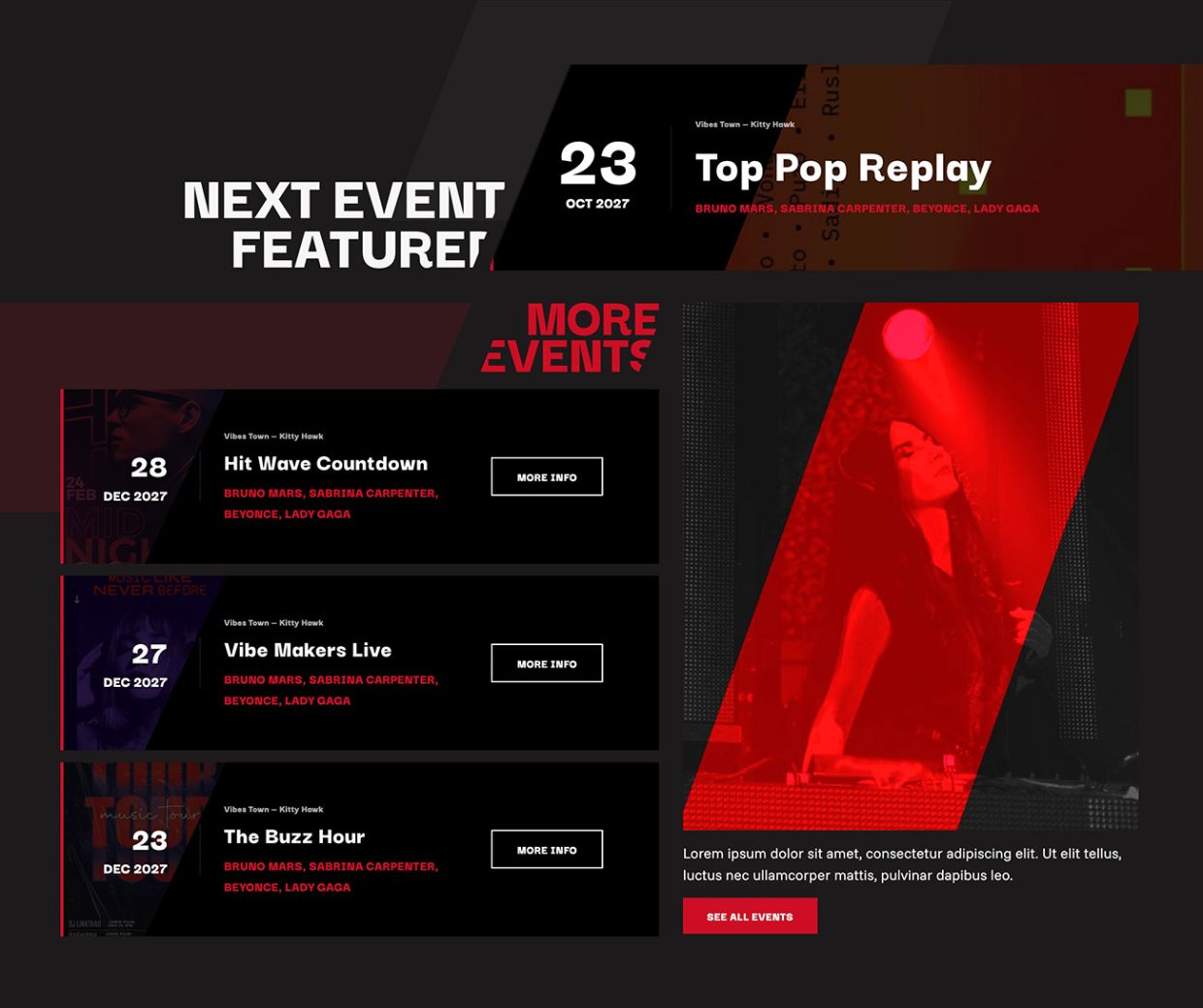
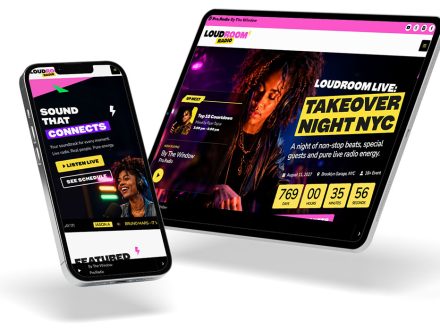
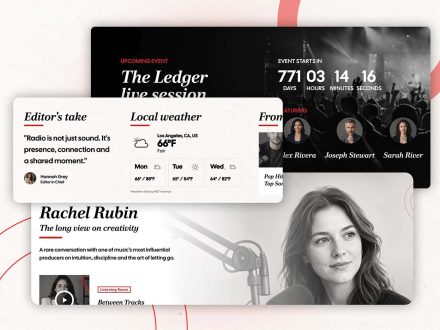
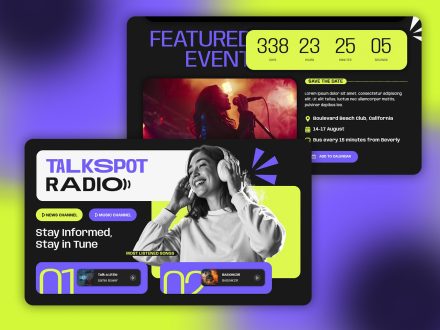
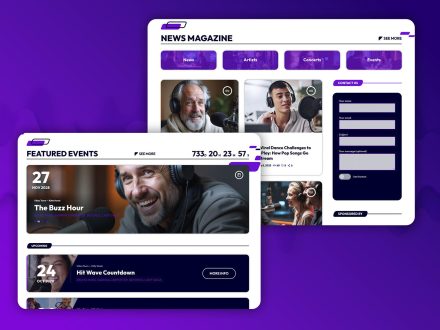
The events manager covers parties, concerts, station events, and community activities. Events have automatic date ordering, multiple display styles, countdown shortcodes, automatic hiding of past events, Add to Calendar buttons, and Google Maps integration. Display options include hero events, event lists, event cards, and carousels. Each event can include details, address, contacts, and ticket links.
Broadcasters who run real-world events get a real-world events system inside the website, not a generic calendar plugin.
Sponsors As Part Of The Broadcaster Workflow
The Business Tools ad manager addon is designed for the way broadcasters actually sell sponsorship. Banner positions through Elementor widgets, AdSense and affiliate codes mixed with direct campaigns, unlimited campaigns with automatic start and end dates, frontend submission via WooCommerce with manual approval, automatically generated statistics pages per campaign, shareable sponsor access, and payments via PayPal, credit card, cash, or bank transfer.
The system understands that broadcasters sell to local businesses, niche audiences, and community partners, not just programmatic ad networks. The Business Tools page notes that the system is suitable for local, community, college, business, and sports stations selling access to niche audiences. That description fits most real broadcasters.
Design That Matches Broadcaster Habits
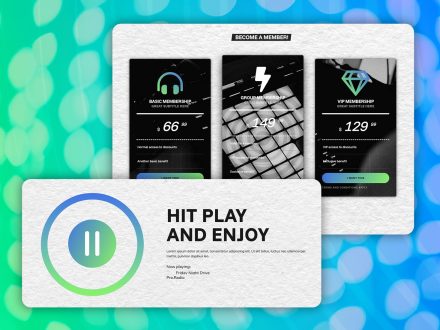
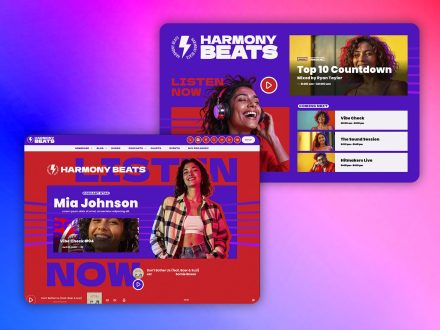
The customizer holds more than two hundred options on one page with a live preview, including the radio-specific ones broadcasters care about. Player colors, player design header or footer placement, show cover in player, sticky and transparent menus, page header effects including parallax, waves, duotone, grayscale, and gradient.
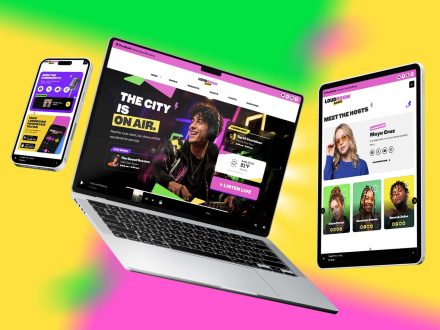
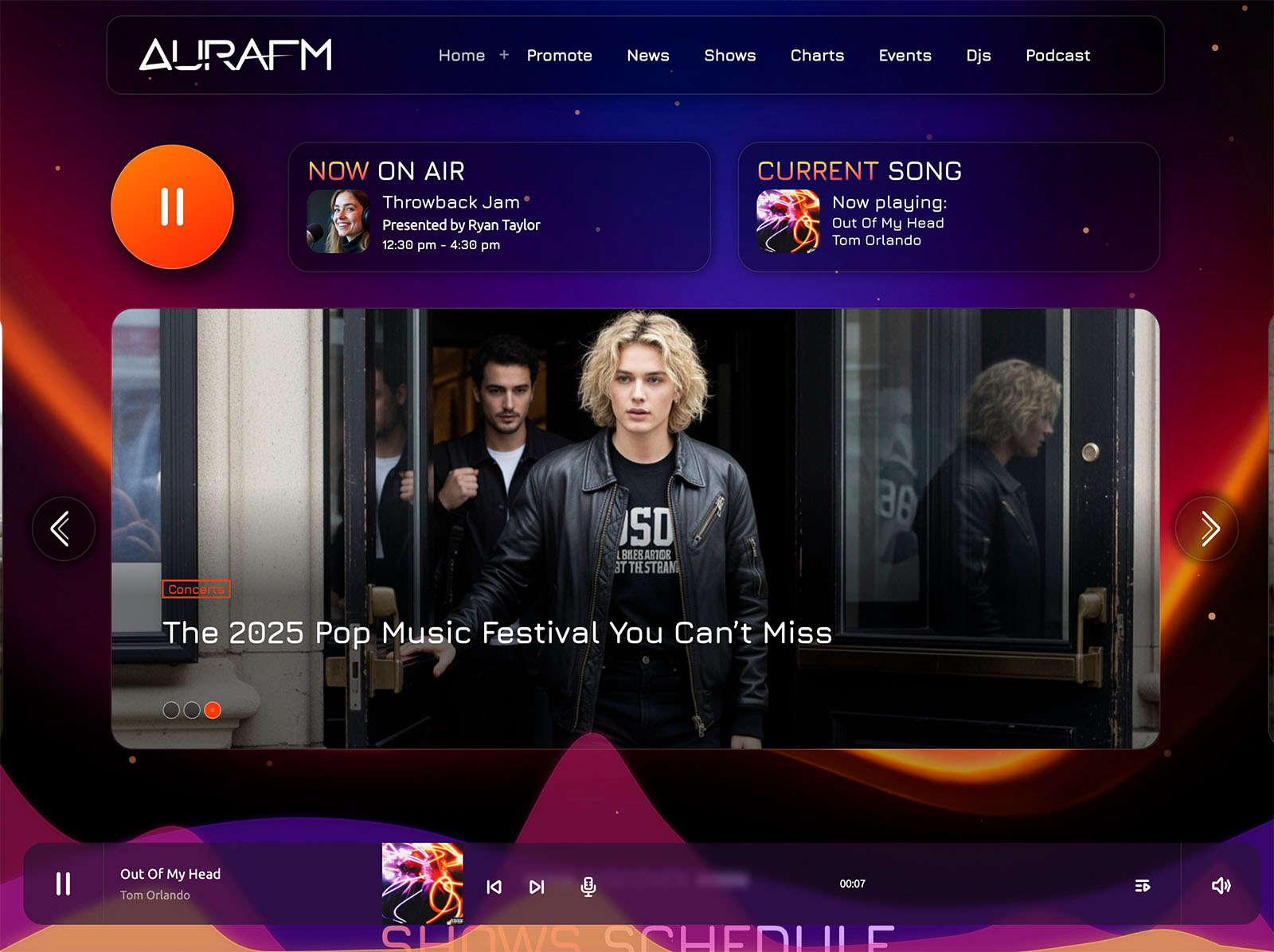
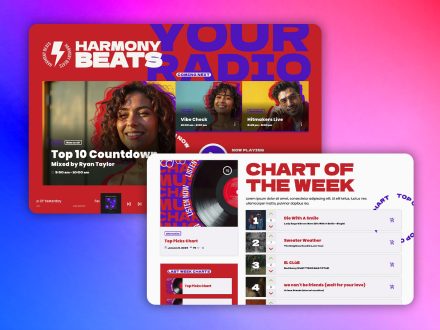
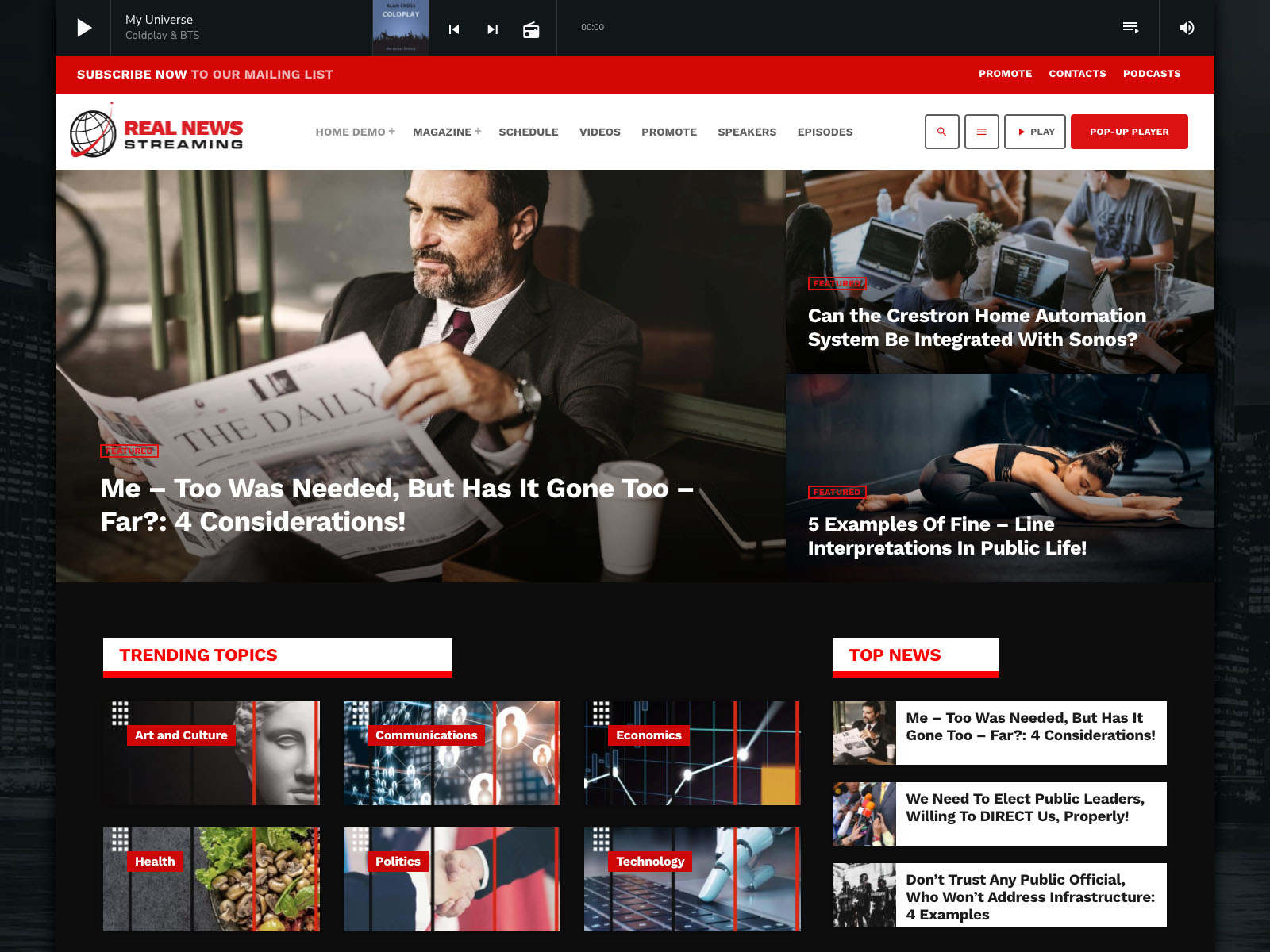
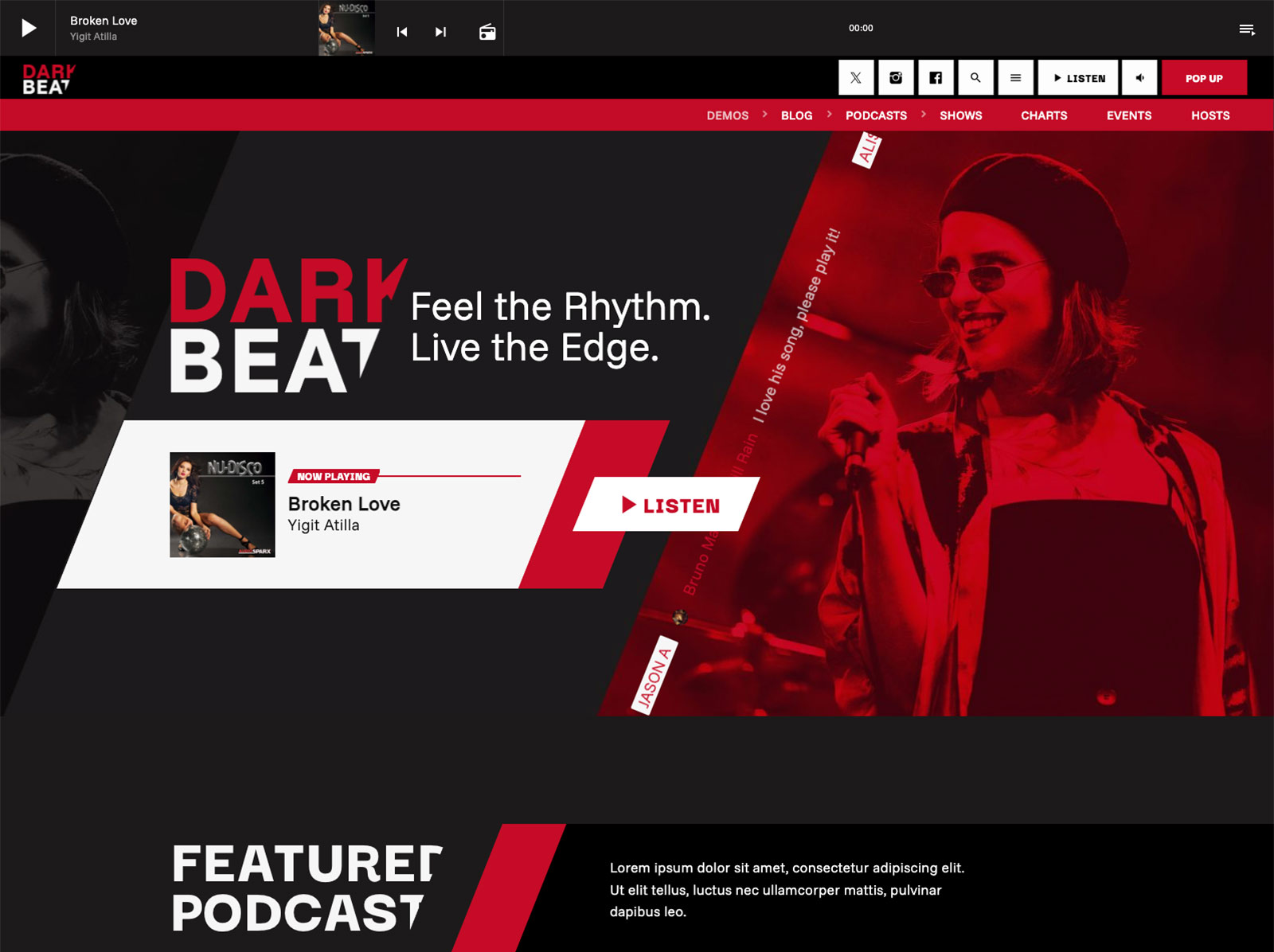
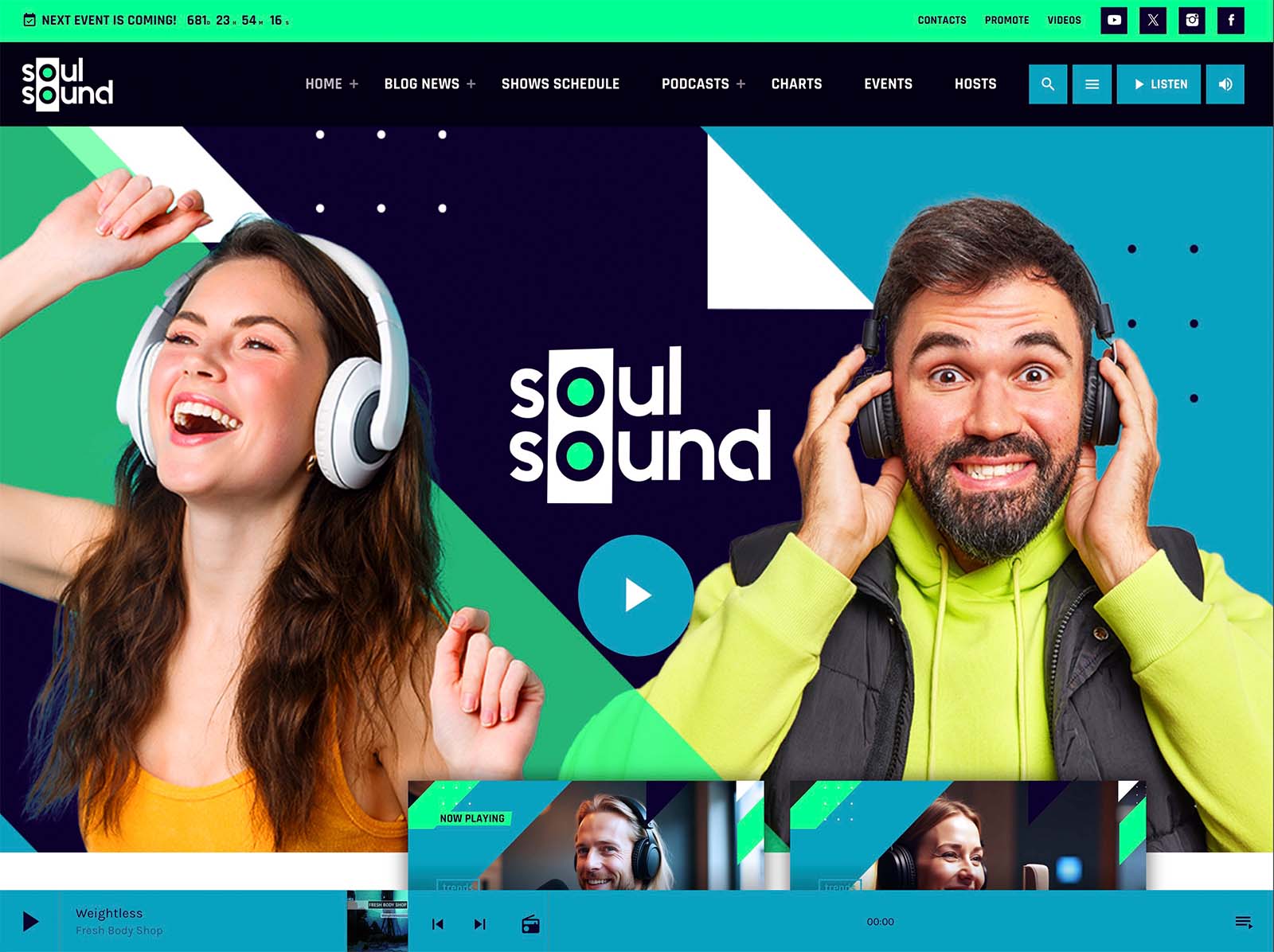
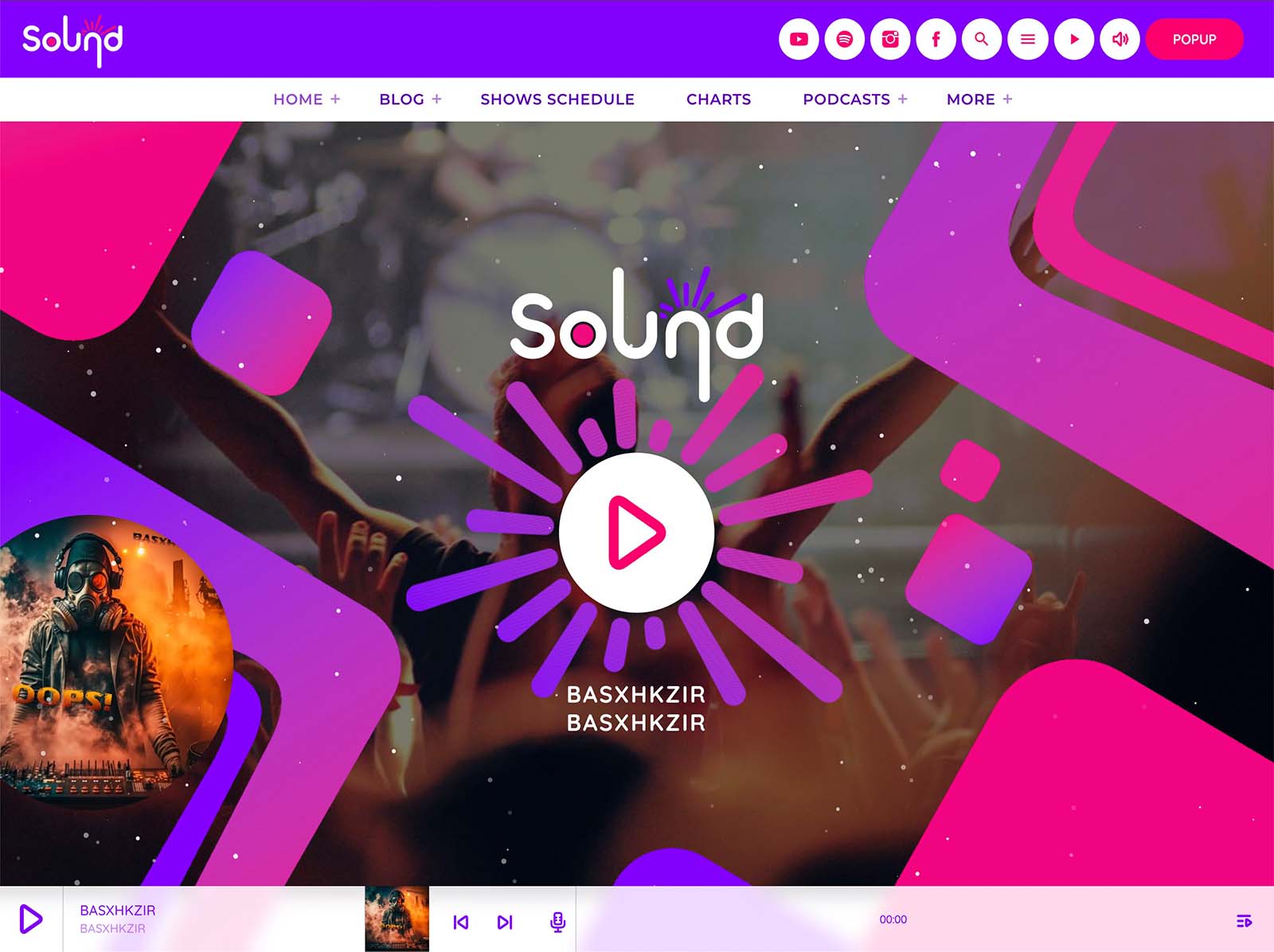
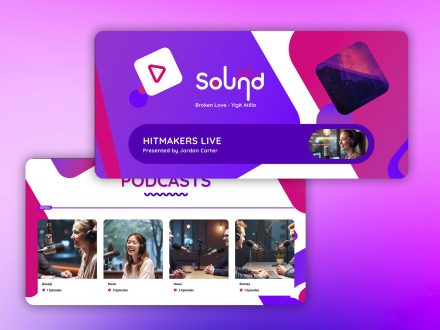
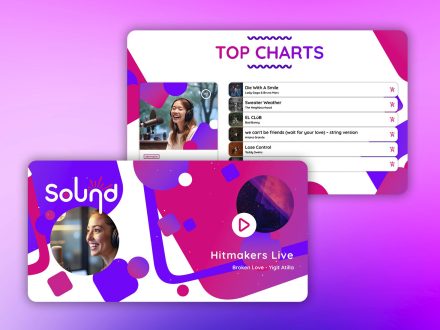
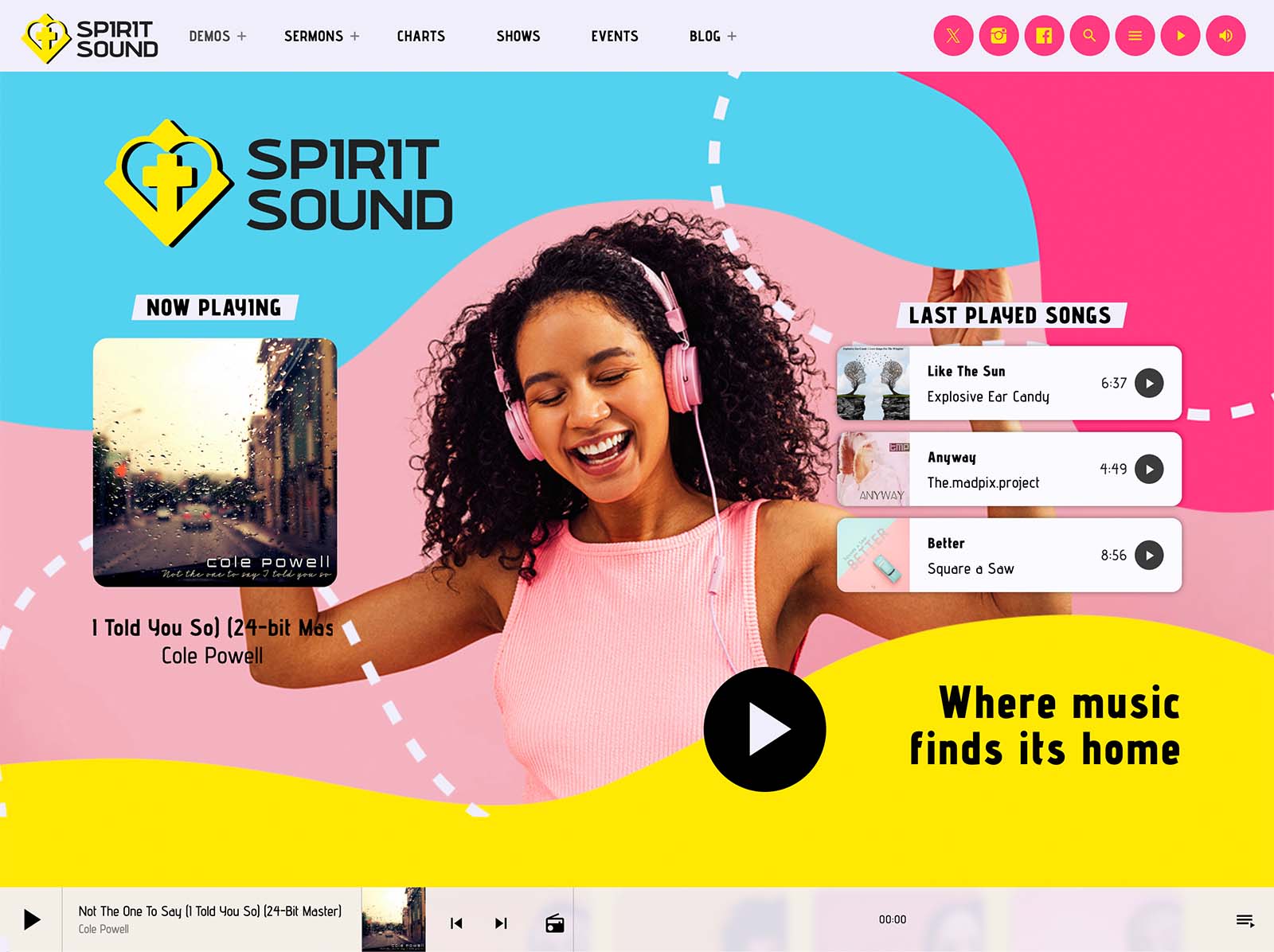
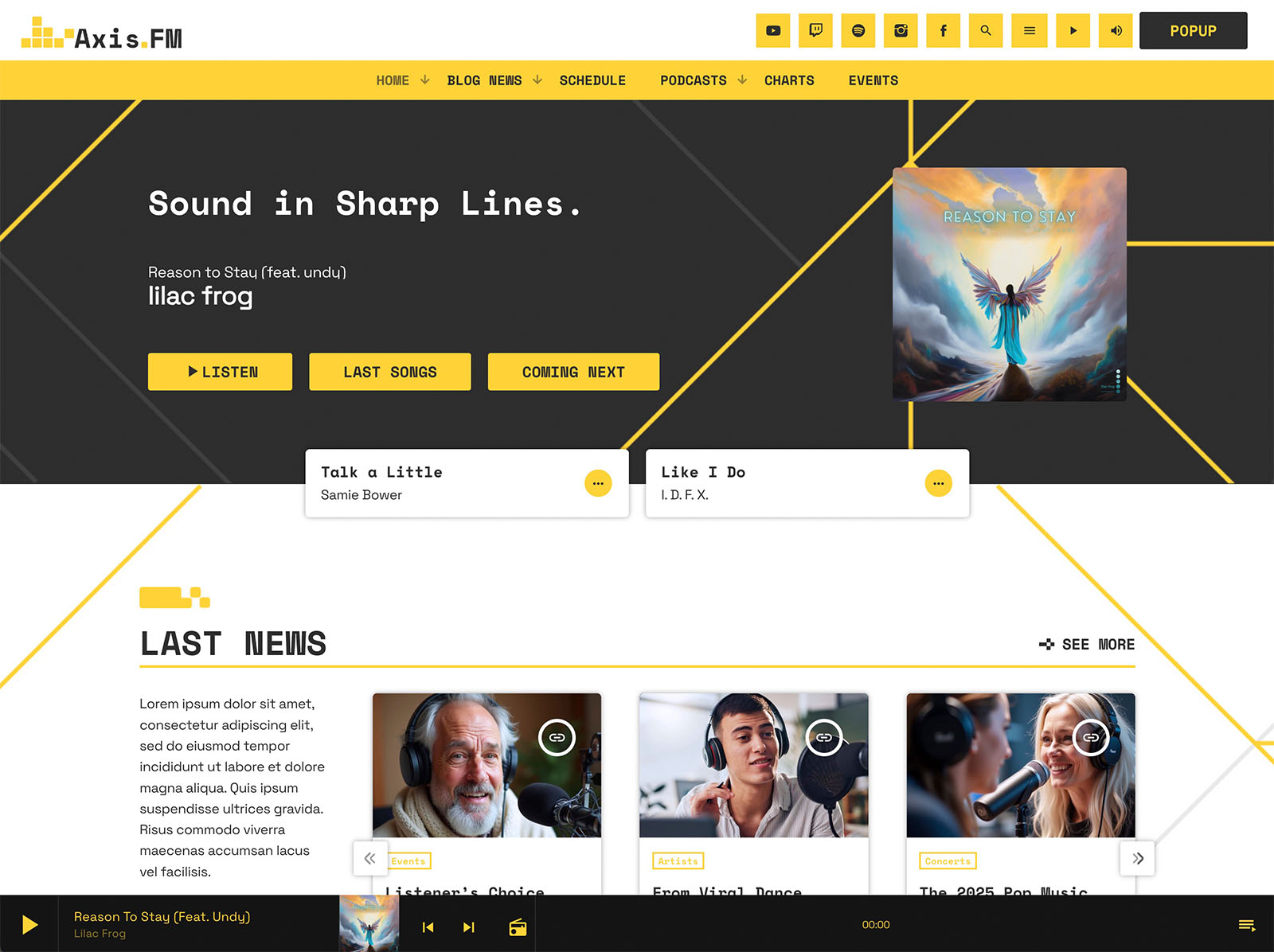
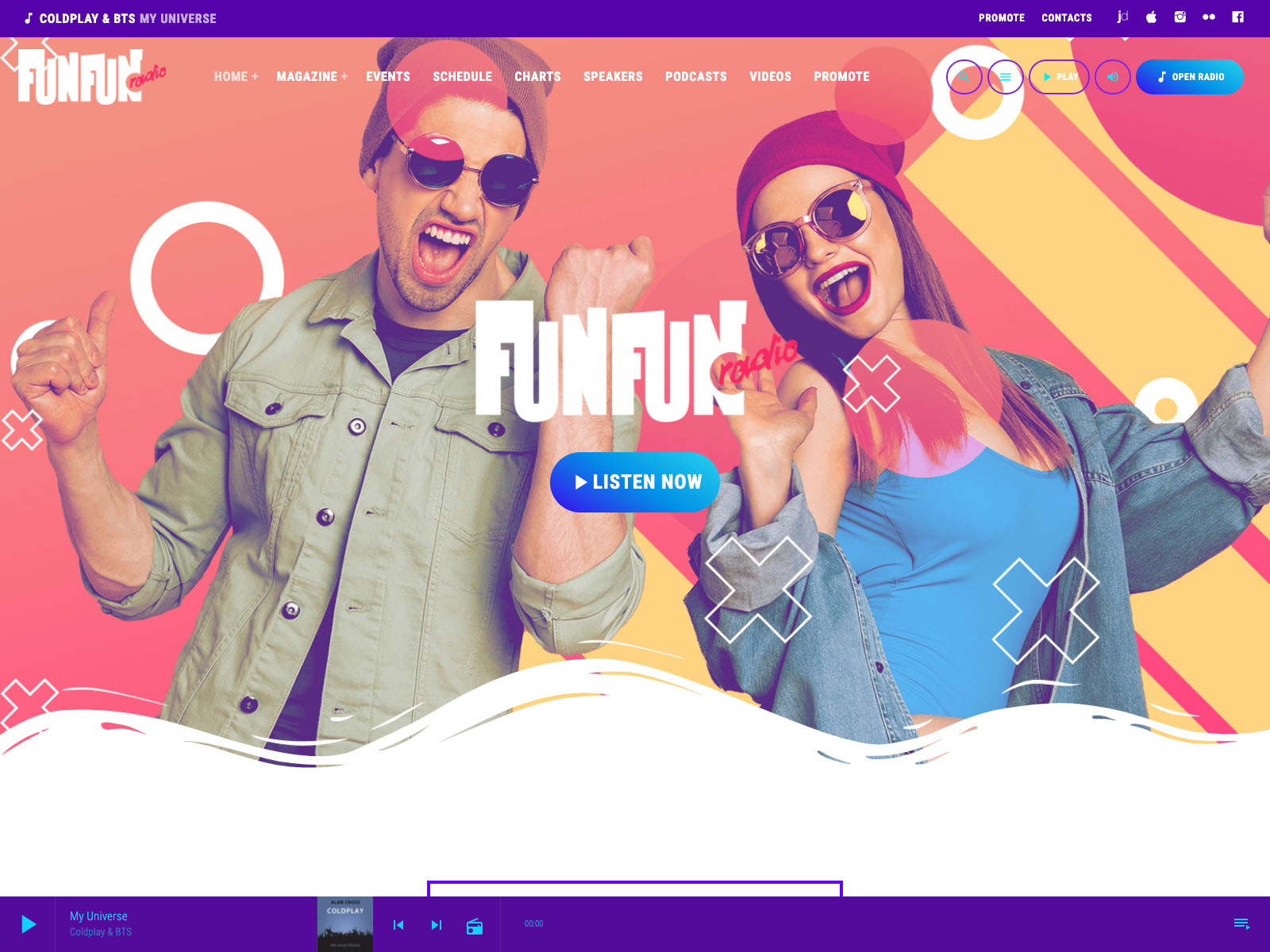
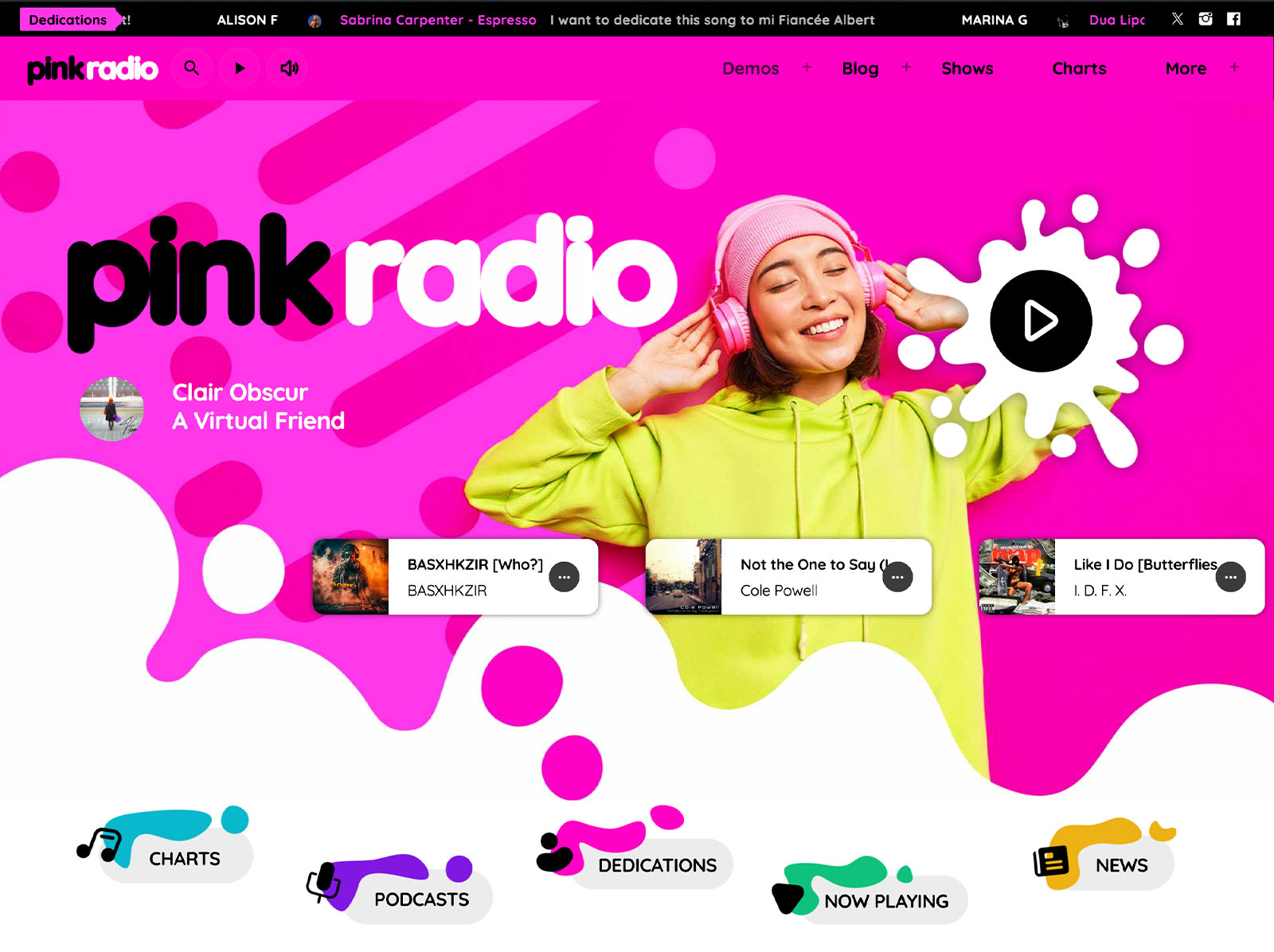
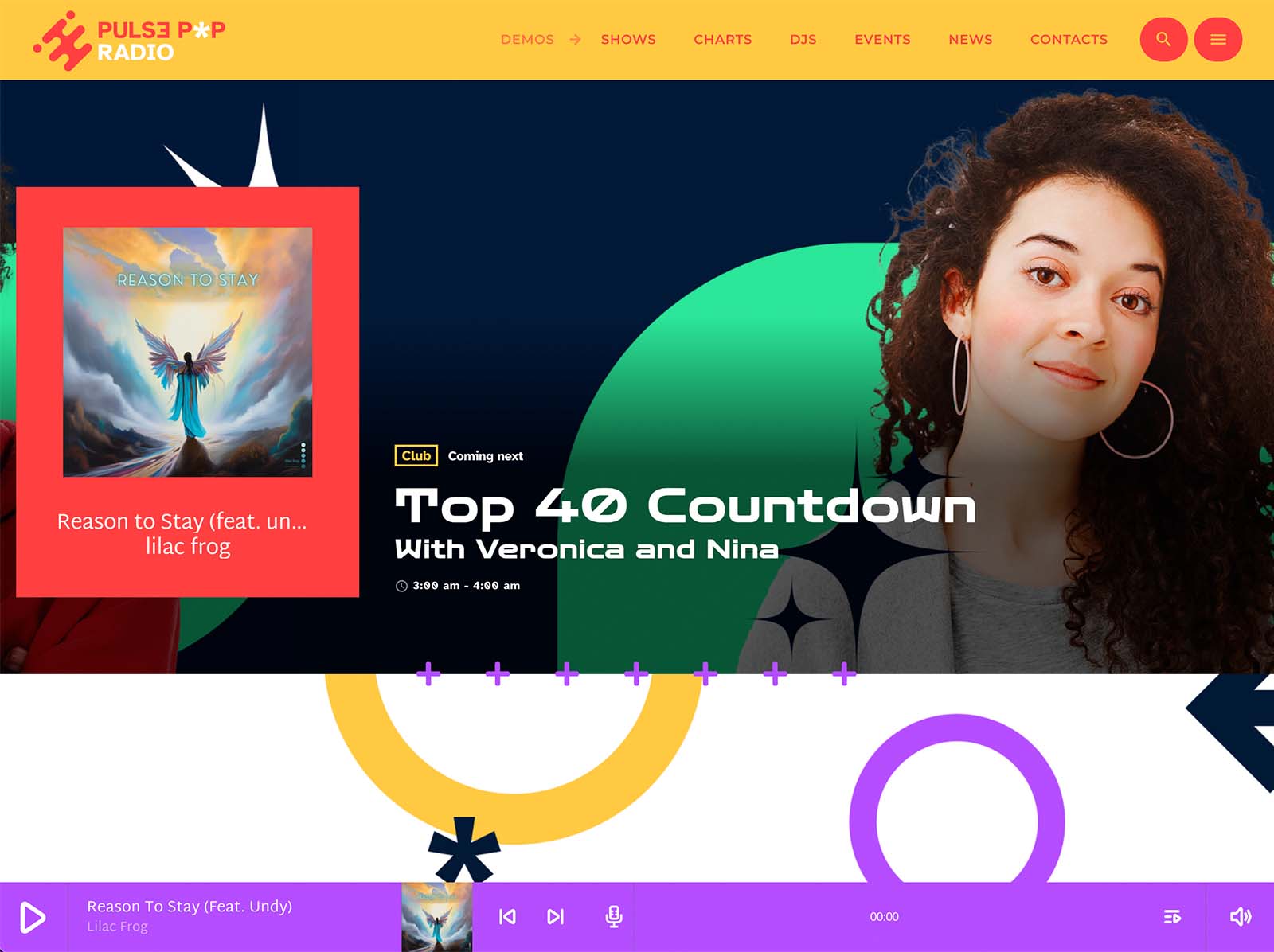
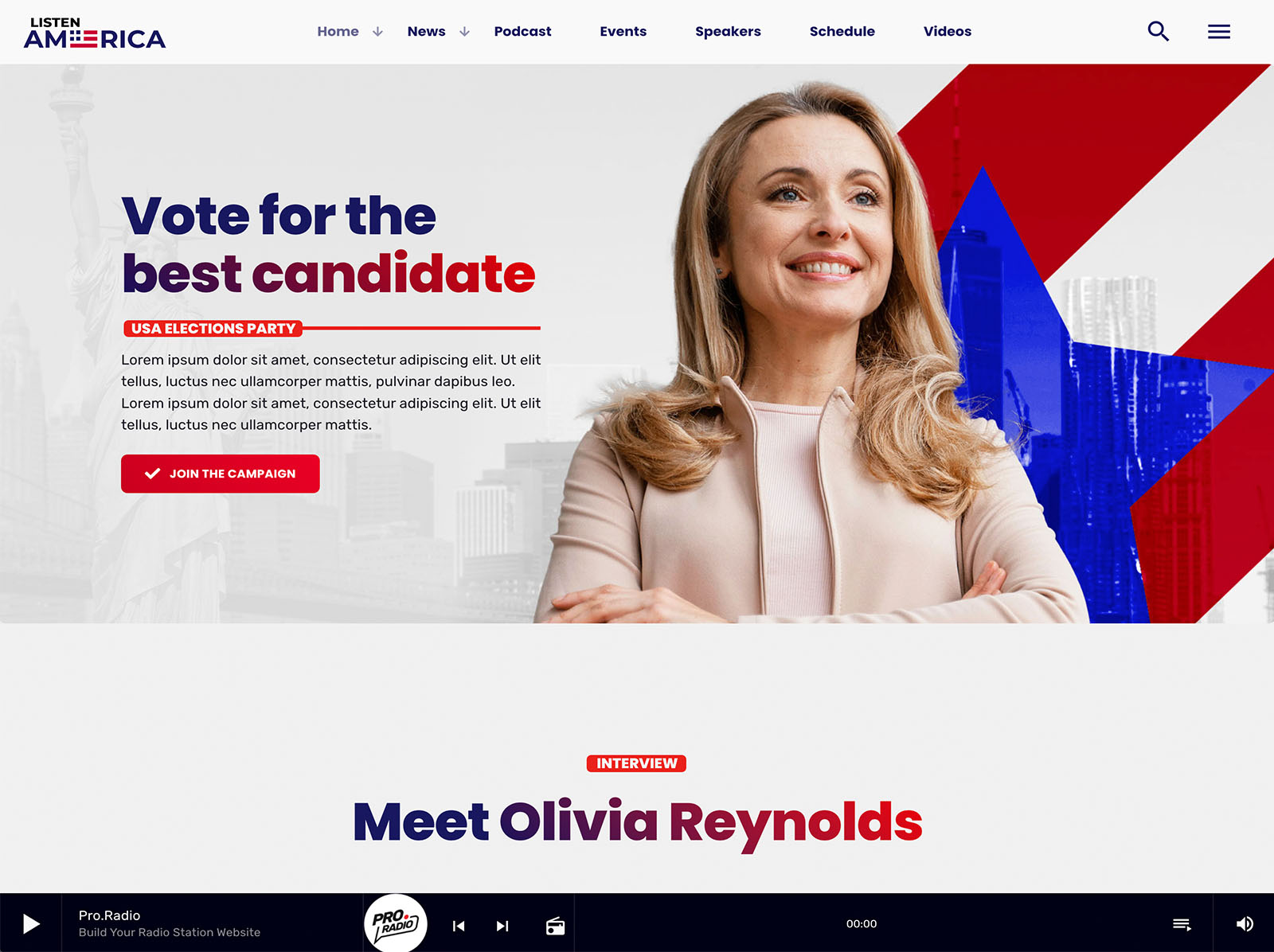
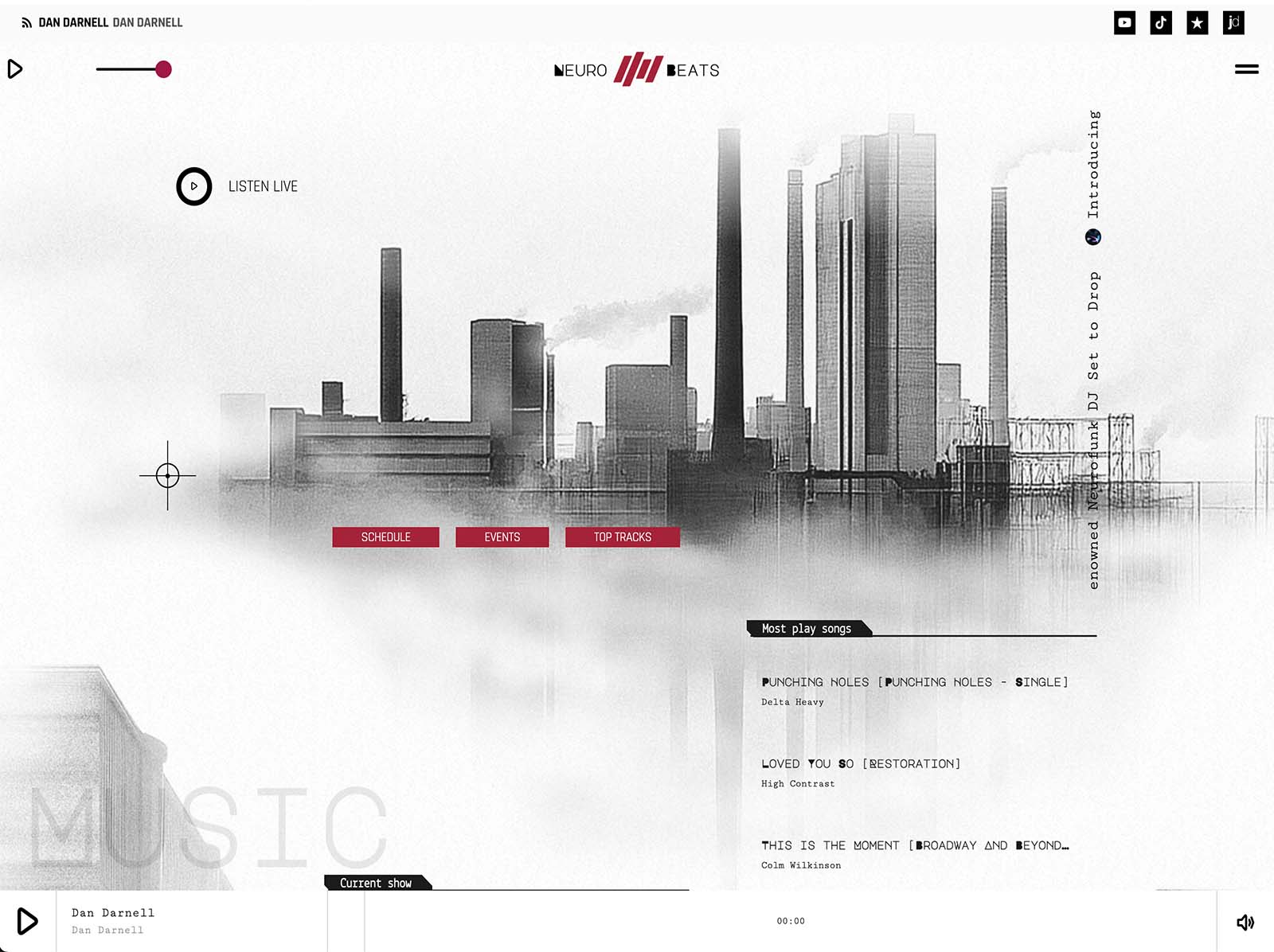
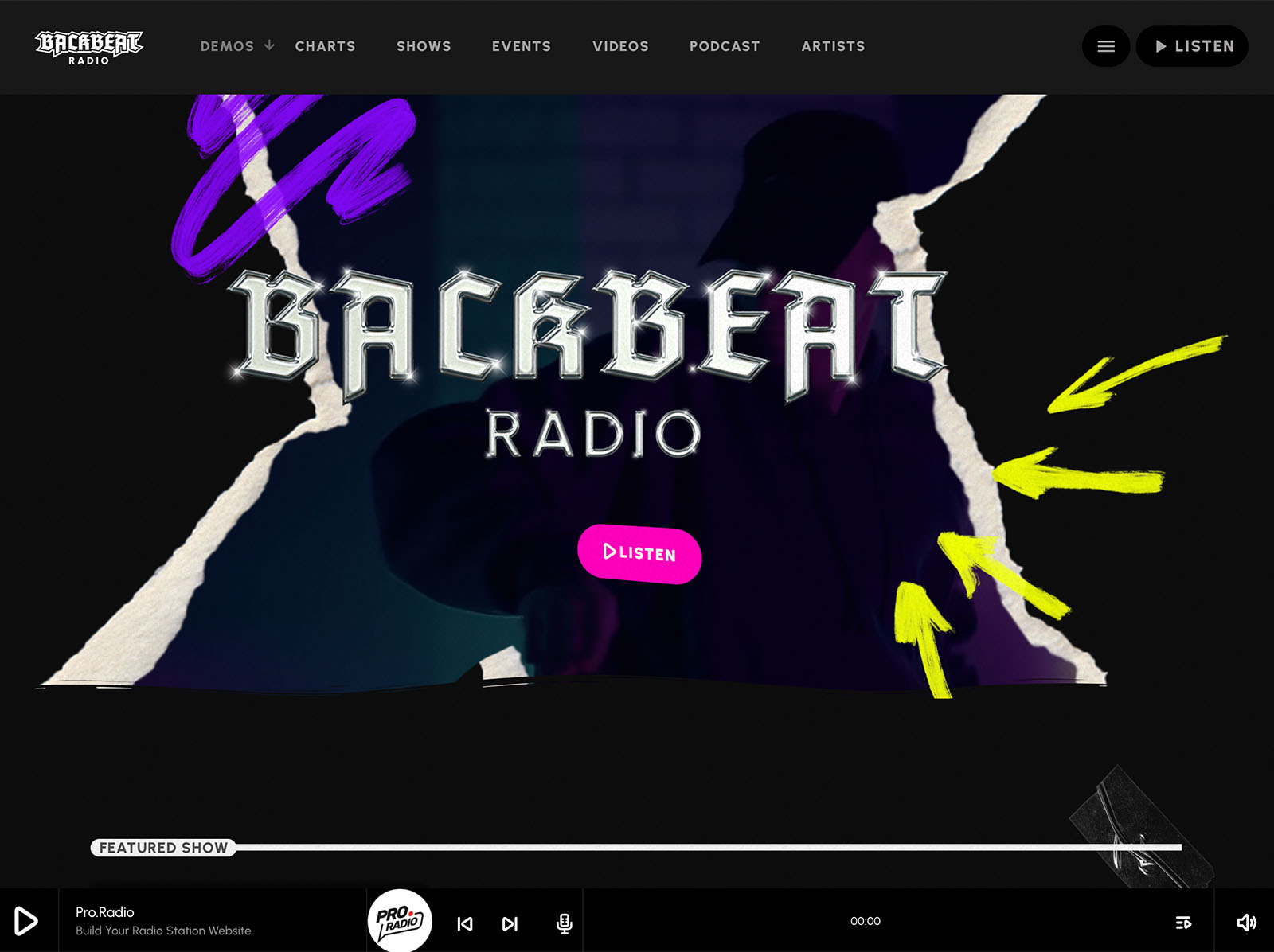
Elementor integration brings more than thirty radio-specific widgets and over eighty templates. The Plus bundle adds well over three hundred more. Every widget is named for a thing a broadcaster recognizes: play button, schedule, current show, upcoming shows carousel, chart, podcast, dedication, Voiceline.
This is what a tool built for the job looks like.
Why One Broadcaster-Centric Ecosystem Beats A Patched Generic Stack
A generic theme with a stack of plugins always feels like a translation. The radio concepts are filtered through a system built for something else. The broadcaster spends part of every day working around that mismatch.
Pro Radio is the opposite. The whole ecosystem speaks broadcaster from day one. The Plus subscription brings the premium plugins under unified updates and support. The customizer, the Elementor widgets, the player, the schedule, the show pages, the podcasts, the charts, the events, the team profiles, the dedications, the Voiceline, and the sponsor system all share the same broadcaster-centric design.
The daily work feels easier because the tool was built for it.
Use The Tool That Was Built For You
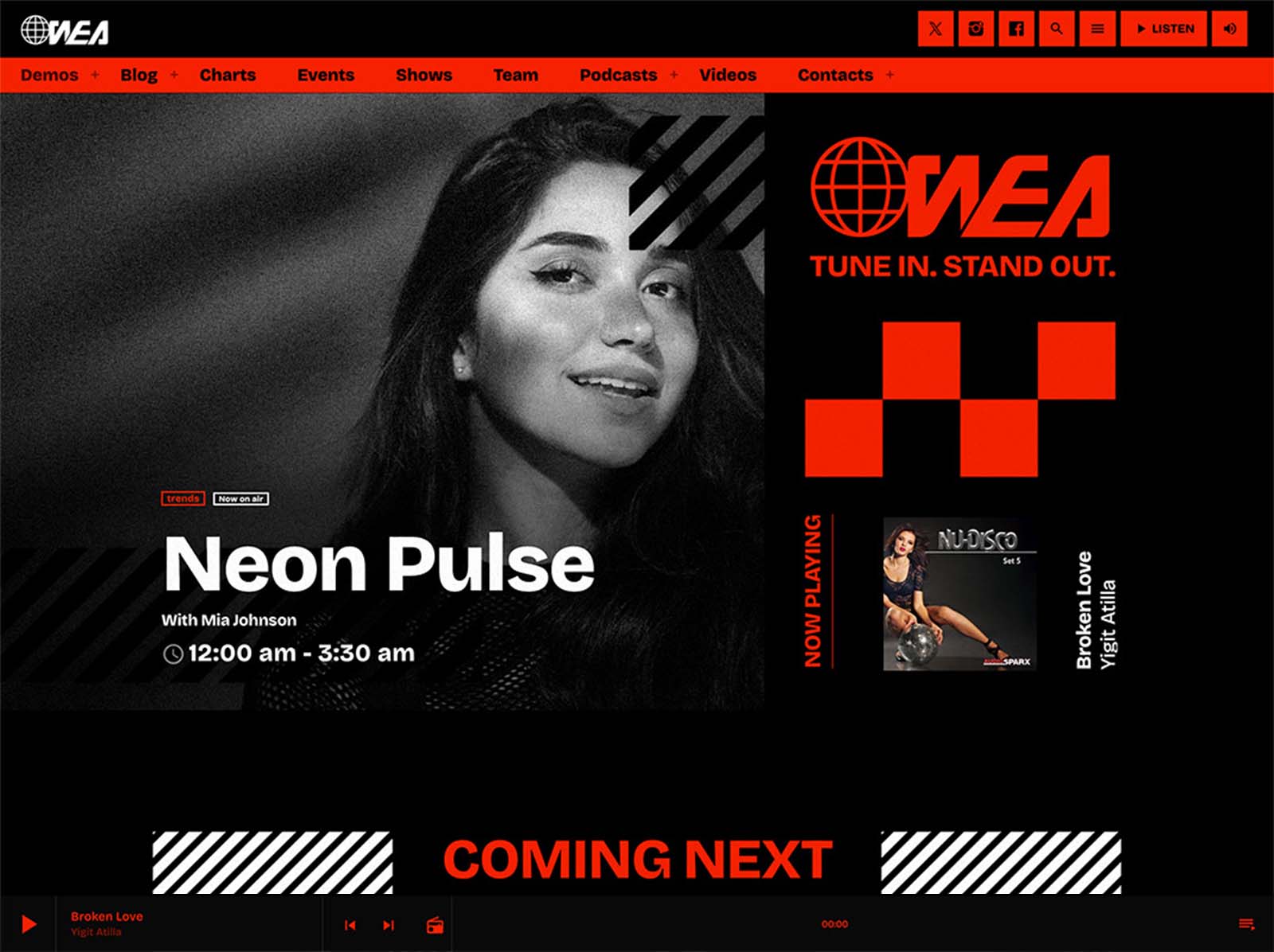
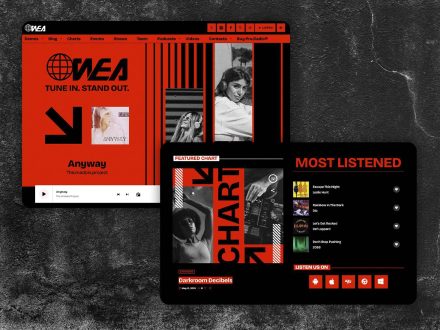
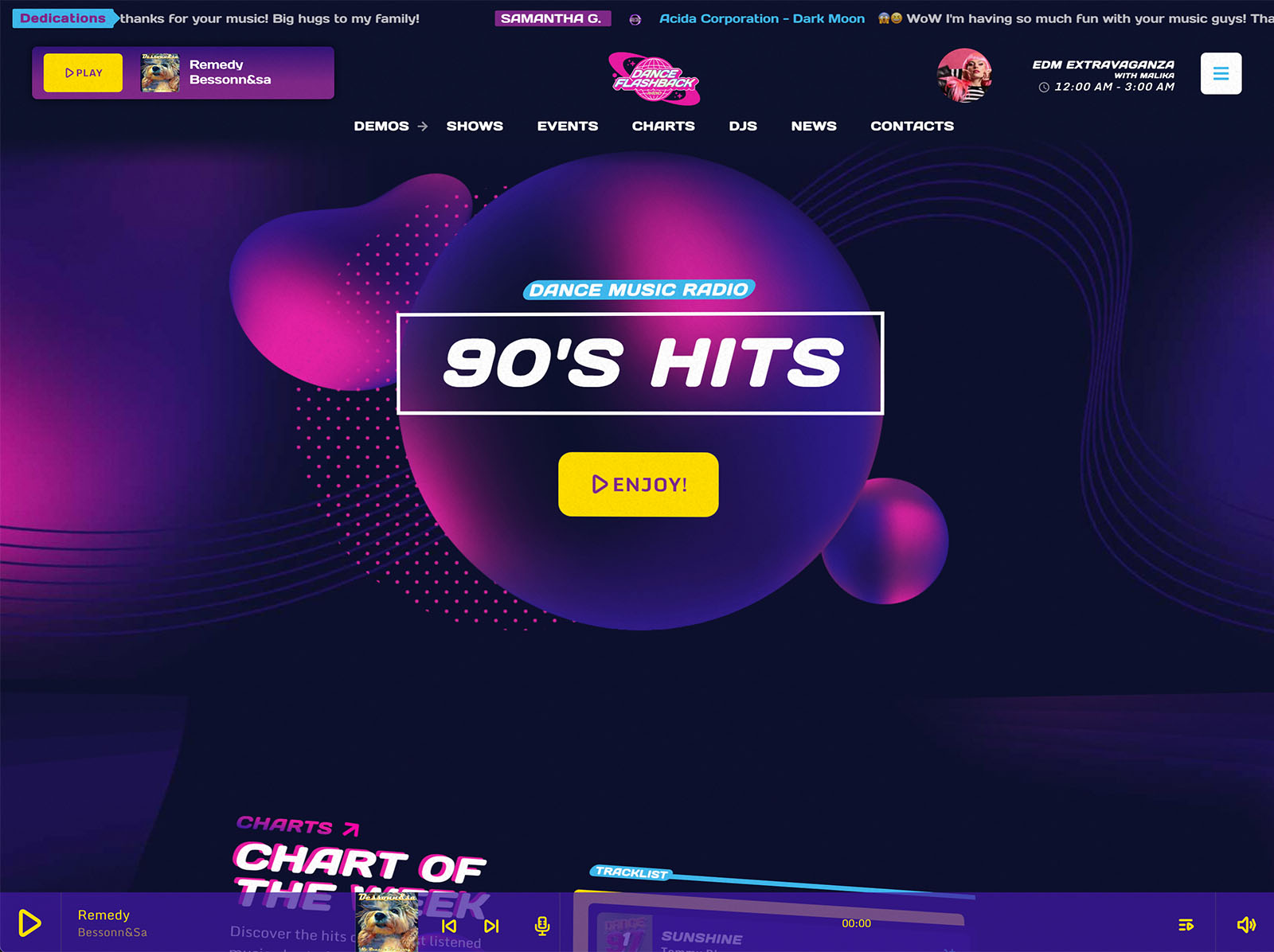
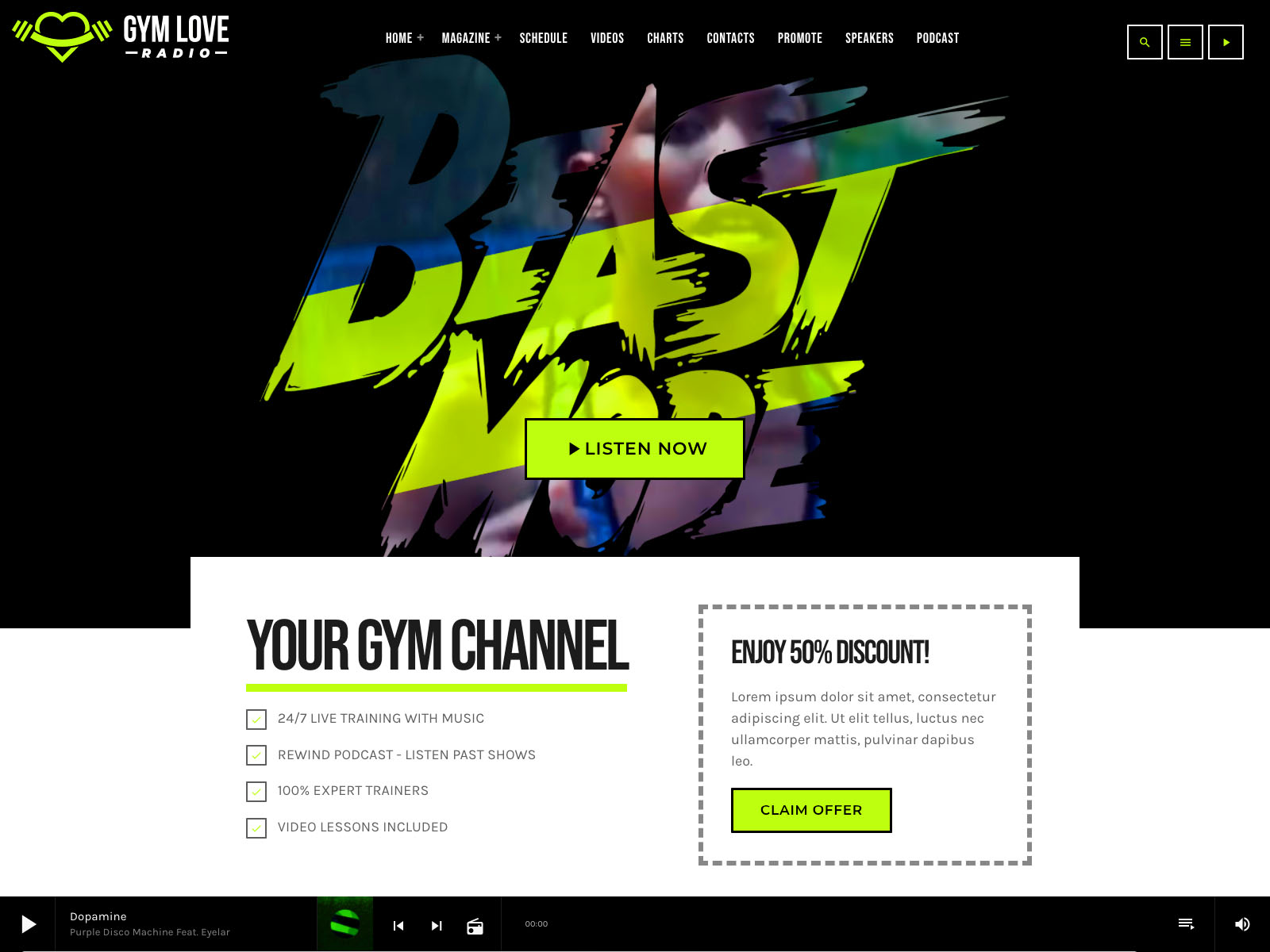
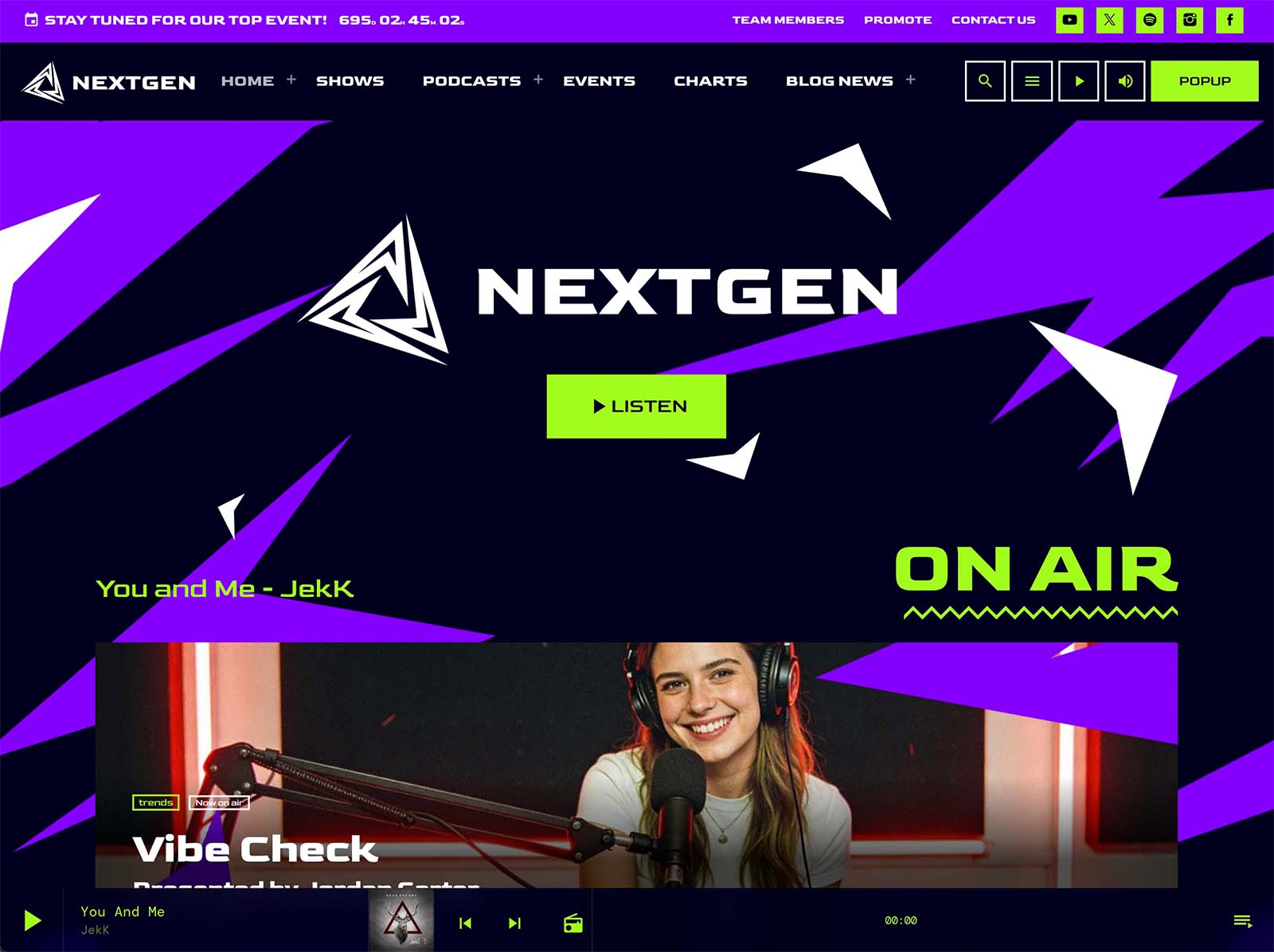
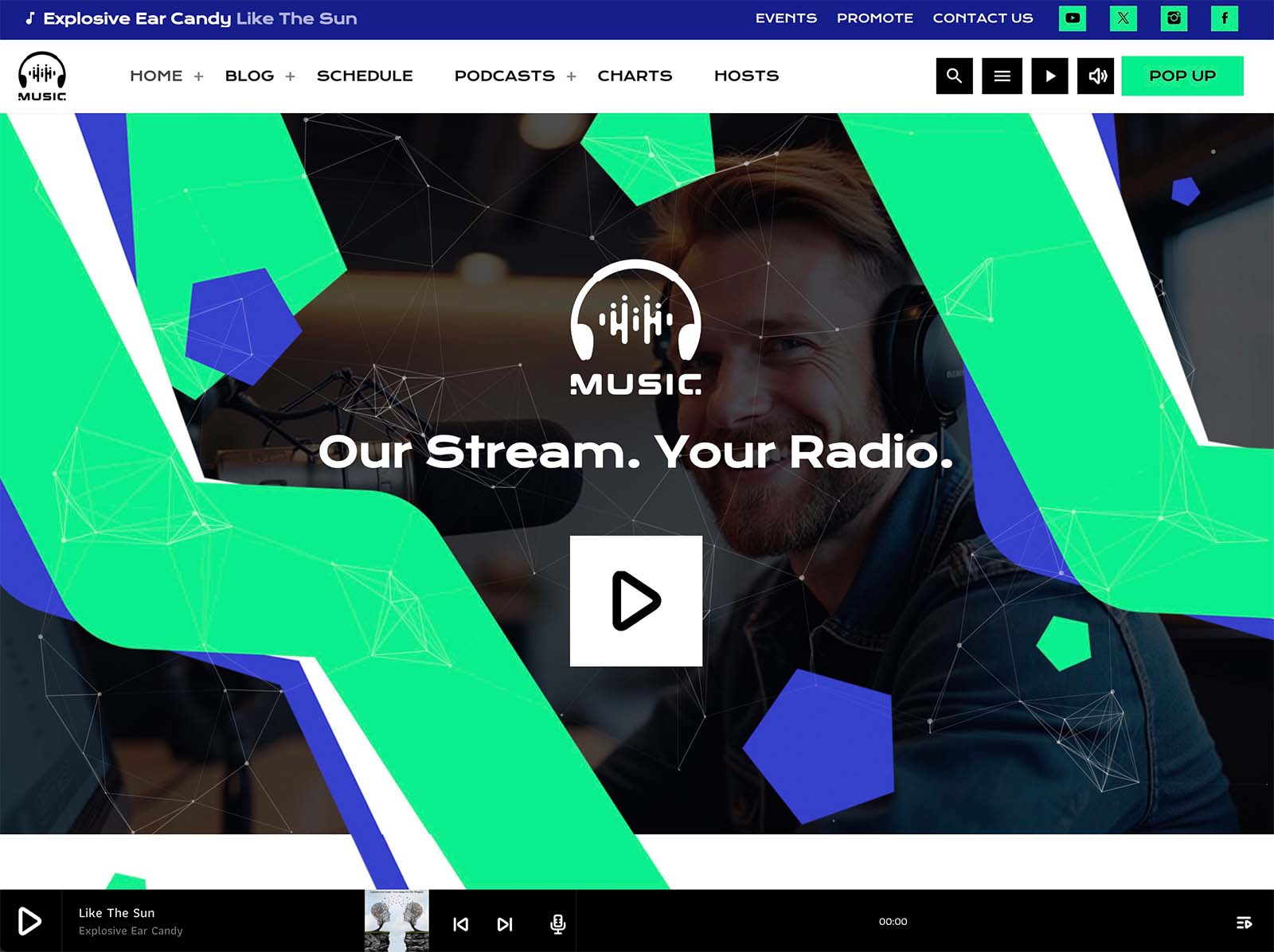
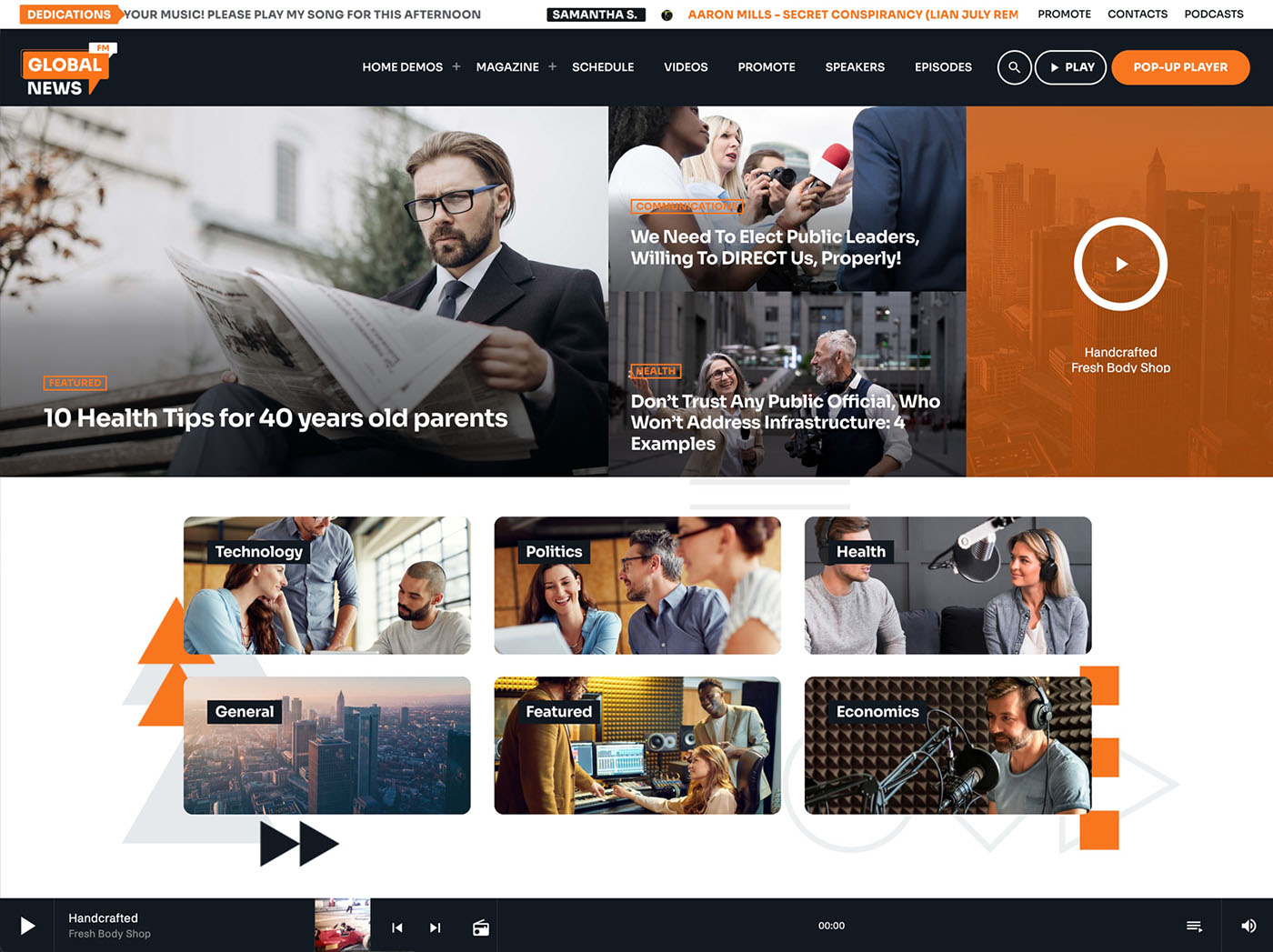
If you have spent years bending generic themes into shape for your station, the experience deserves to change. Pro Radio is the theme built for broadcasters. Pick a demo, import in minutes, and let the system handle the radio-specific layer so you can focus on running the station.
Your radio deserves a website that already understands the job.



AD
You may also like
Copyright 2019-2026 ProRadio® Qantum Themes SL® ESB02979078 All Rights Reserved