




Tired Of DIY Radio Sites That Look Amateur
AD
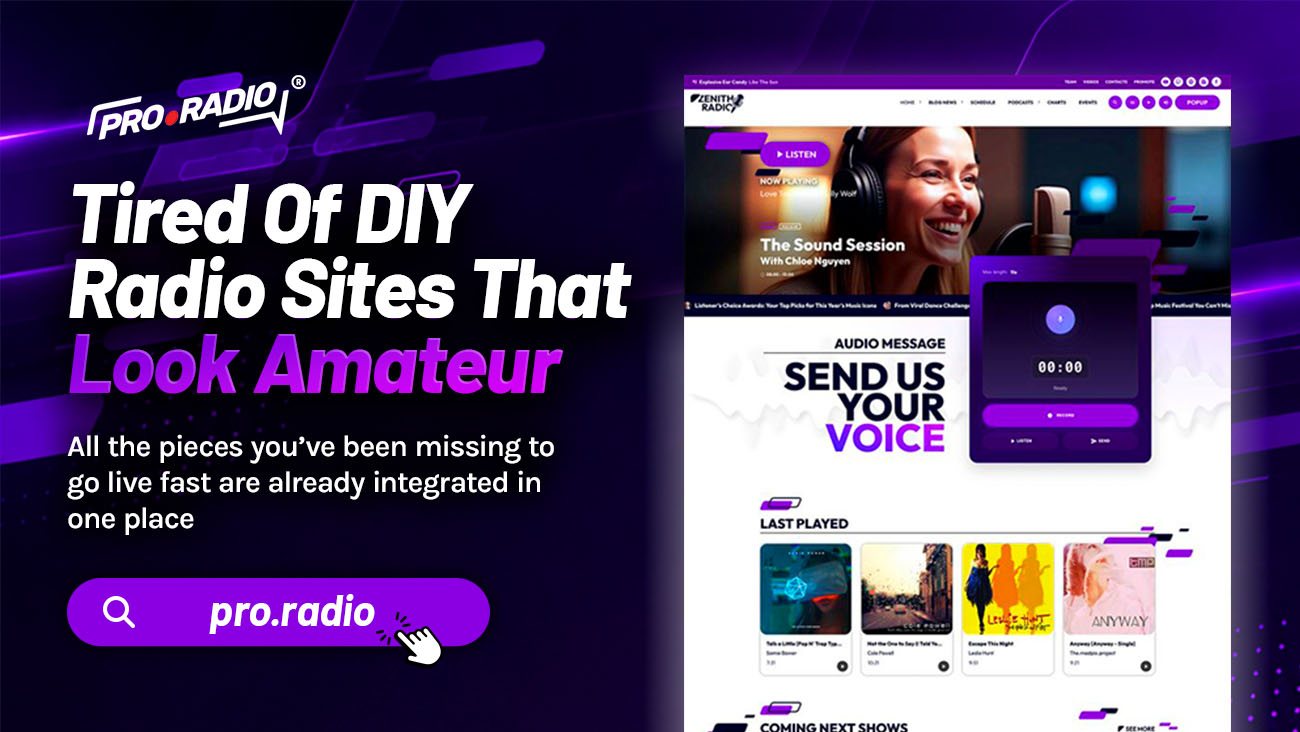
Swap the generic theme for radio-ready features designed to impress listeners on arrival. There is a familiar moment for anyone who has built their own station website. You finished the homepage, you uploaded a logo, you added the stream link, and it still looks like a hobby site. The reason is not your taste. The reason is the template.
A generic theme cannot fake being a radio platform. If your station website feels outdated or confusing, this guide will help you understand how to build your radio website with a clearer structure, better content, and a stronger listener experience.
Contents
hide
- 1. Why DIY Radio Sites Look DIY
- 2. Radio-Ready Demos That Save Weeks
- 3. Elementor Widgets That Speak Radio
- 4. A Customizer That Makes The Brand Yours
- 5. A Player That Looks And Behaves Pro
- 6. Show Pages That Look Like Real Programs
- 7. The Practical Outcomes That Sponsors Notice
- 8. One Toolkit Replaces A Pile Of Hacks
- 9. Stop Faking It With A Generic Theme
- 10. Explore our prebuilt radio websites
Why DIY Radio Sites Look DIY
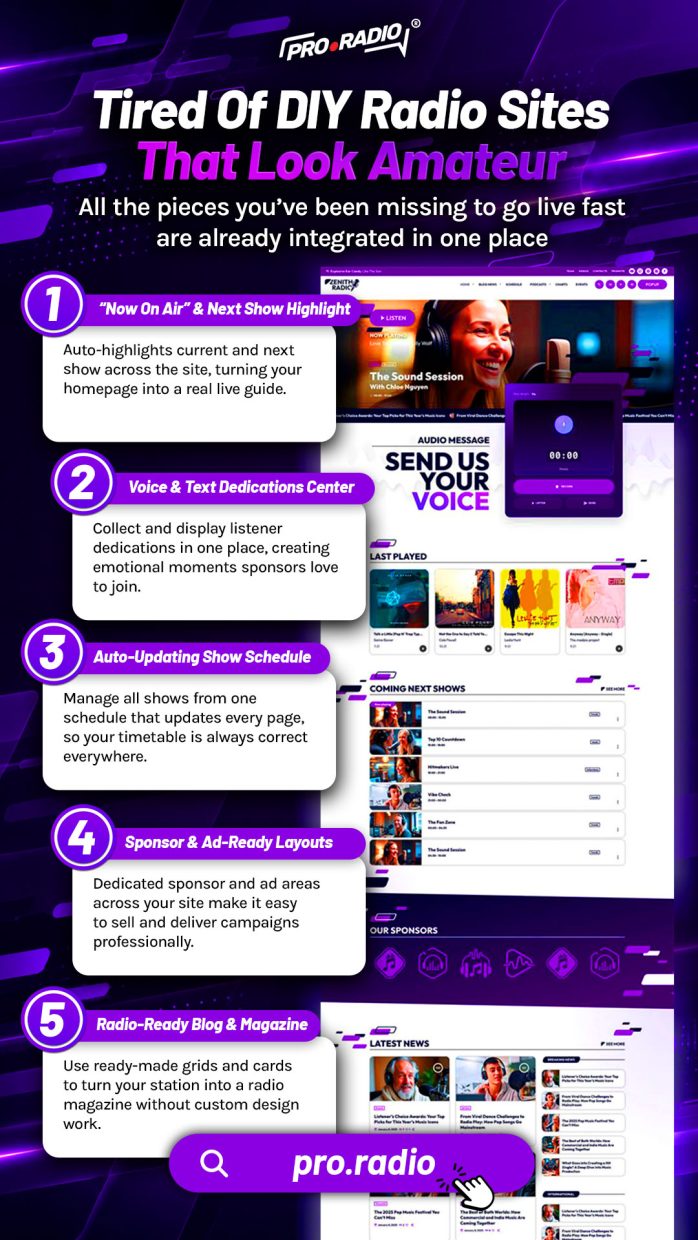
The honest truth is that most generic WordPress themes were built for restaurants, real estate, or freelance portfolios. Trying to retrofit them for a radio station is a daily fight. The play button is bolted on through a plugin. The schedule is a static image. The podcast page is a list of external links. The presenters have no real profiles. The homepage hero shows a stock image because the theme has no widget for the current show.
You did the best you could with what the theme offered. The theme just did not offer enough.
The fix is to start from a system designed for radio behavior. Pro Radio is a theme built specifically around stations, broadcasters, and DJs. The features you have been forcing into a generic template are already part of the foundation.
Radio-Ready Demos That Save Weeks
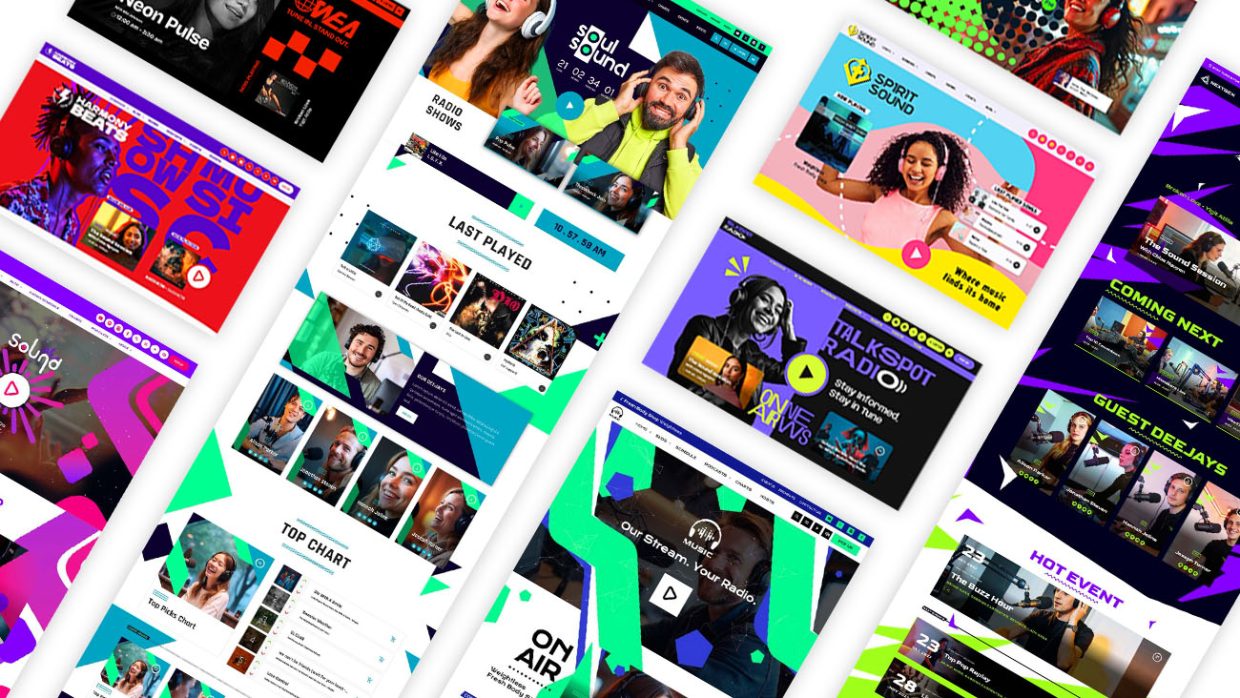
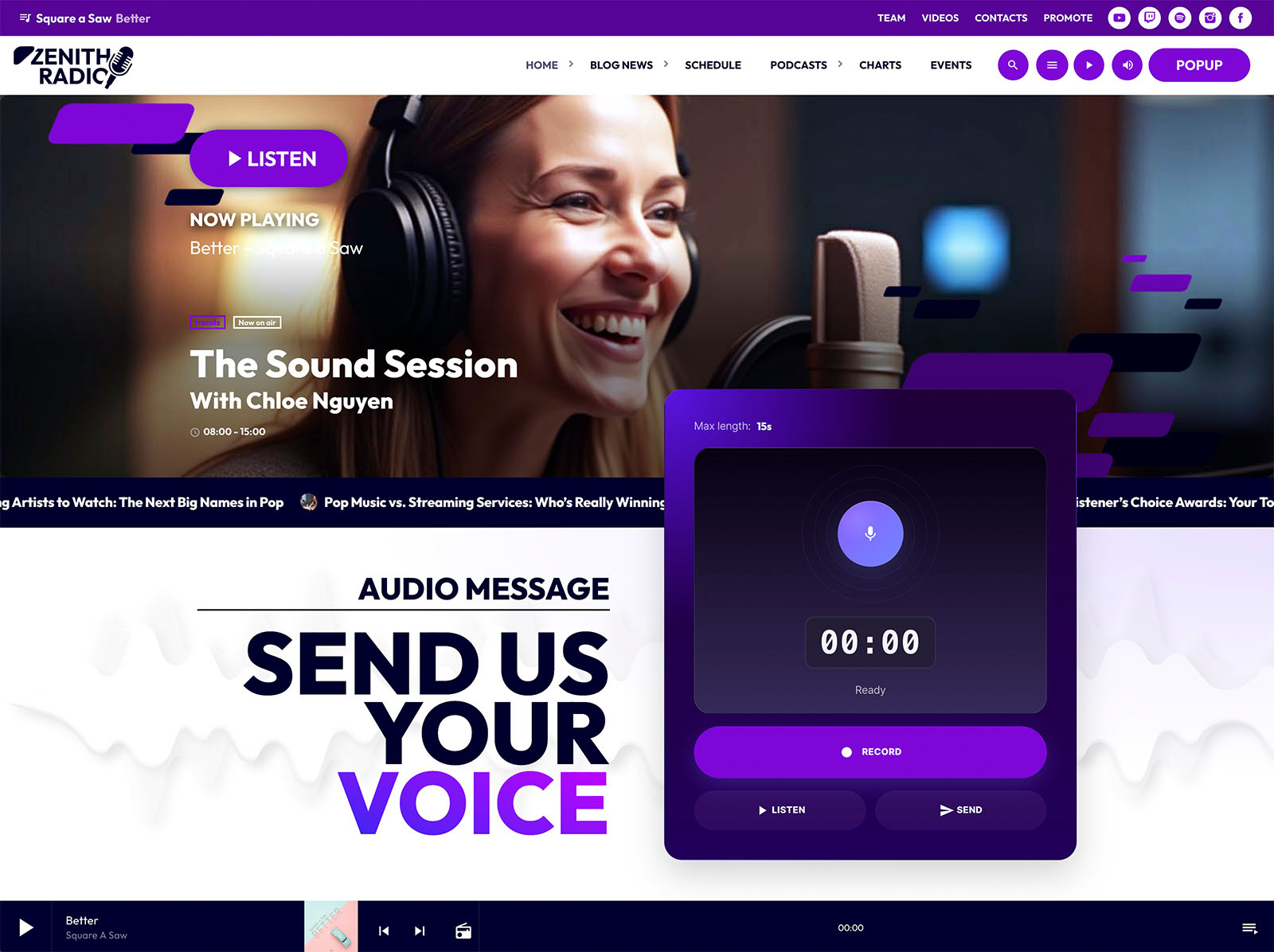
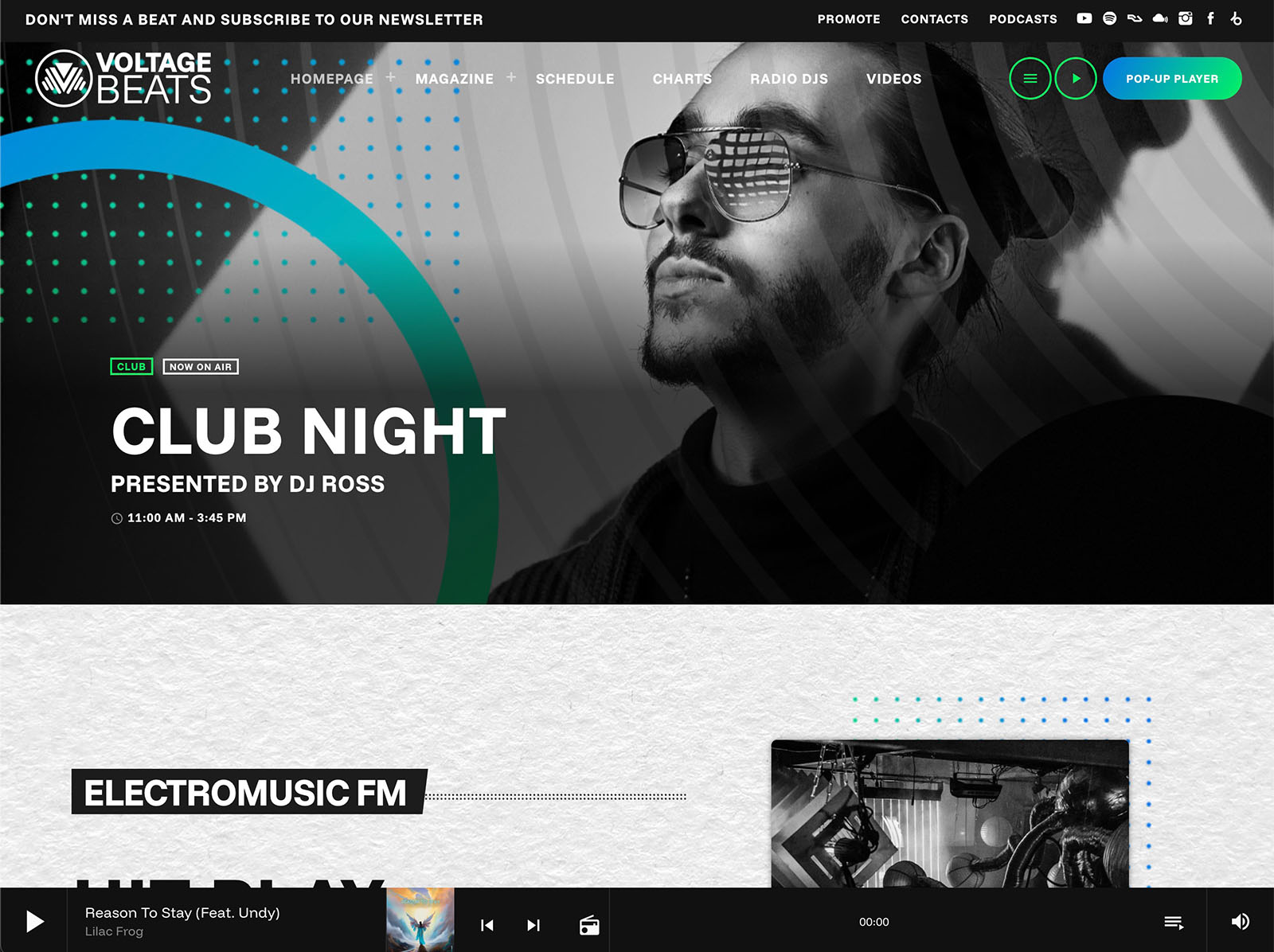
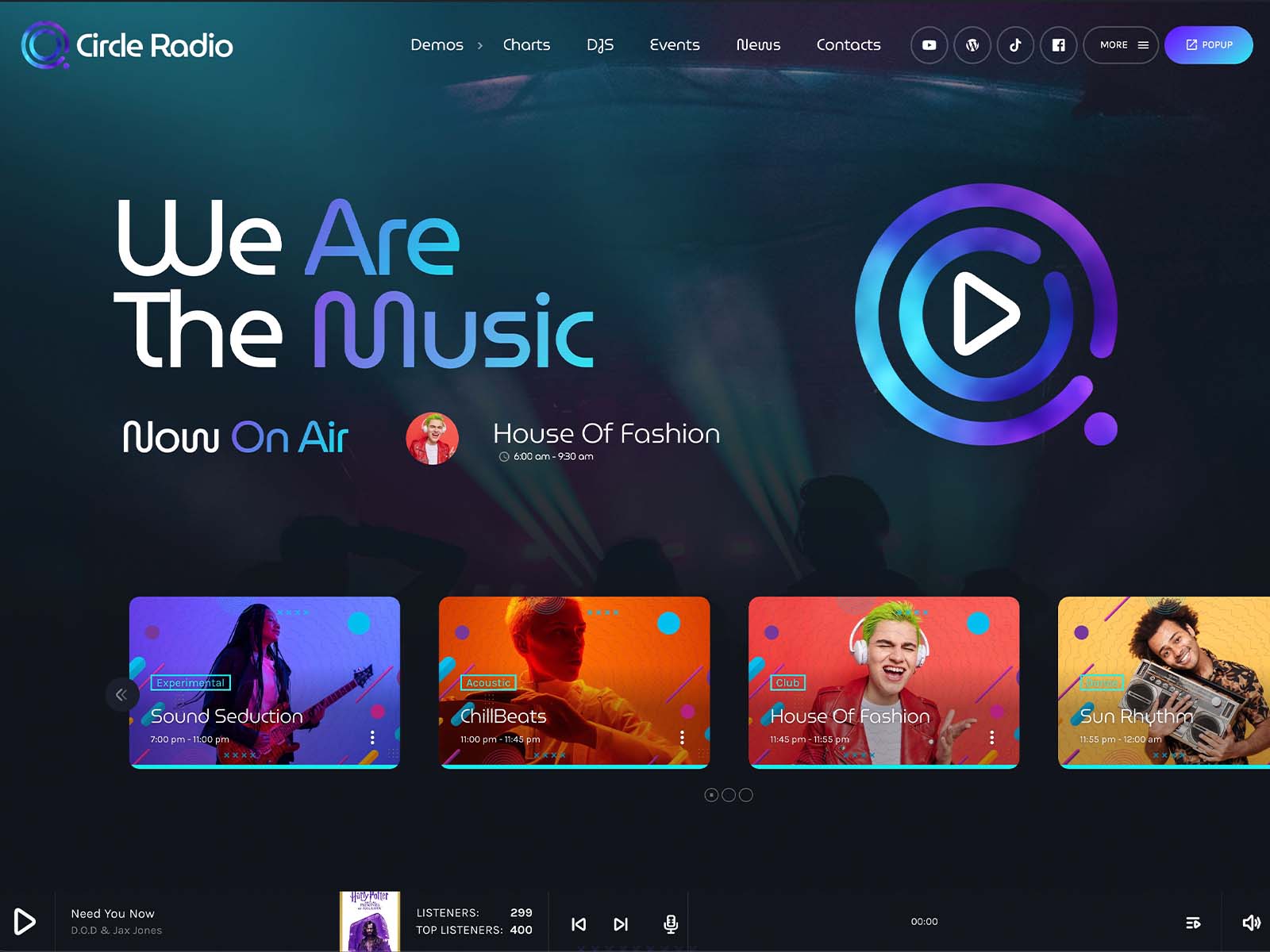
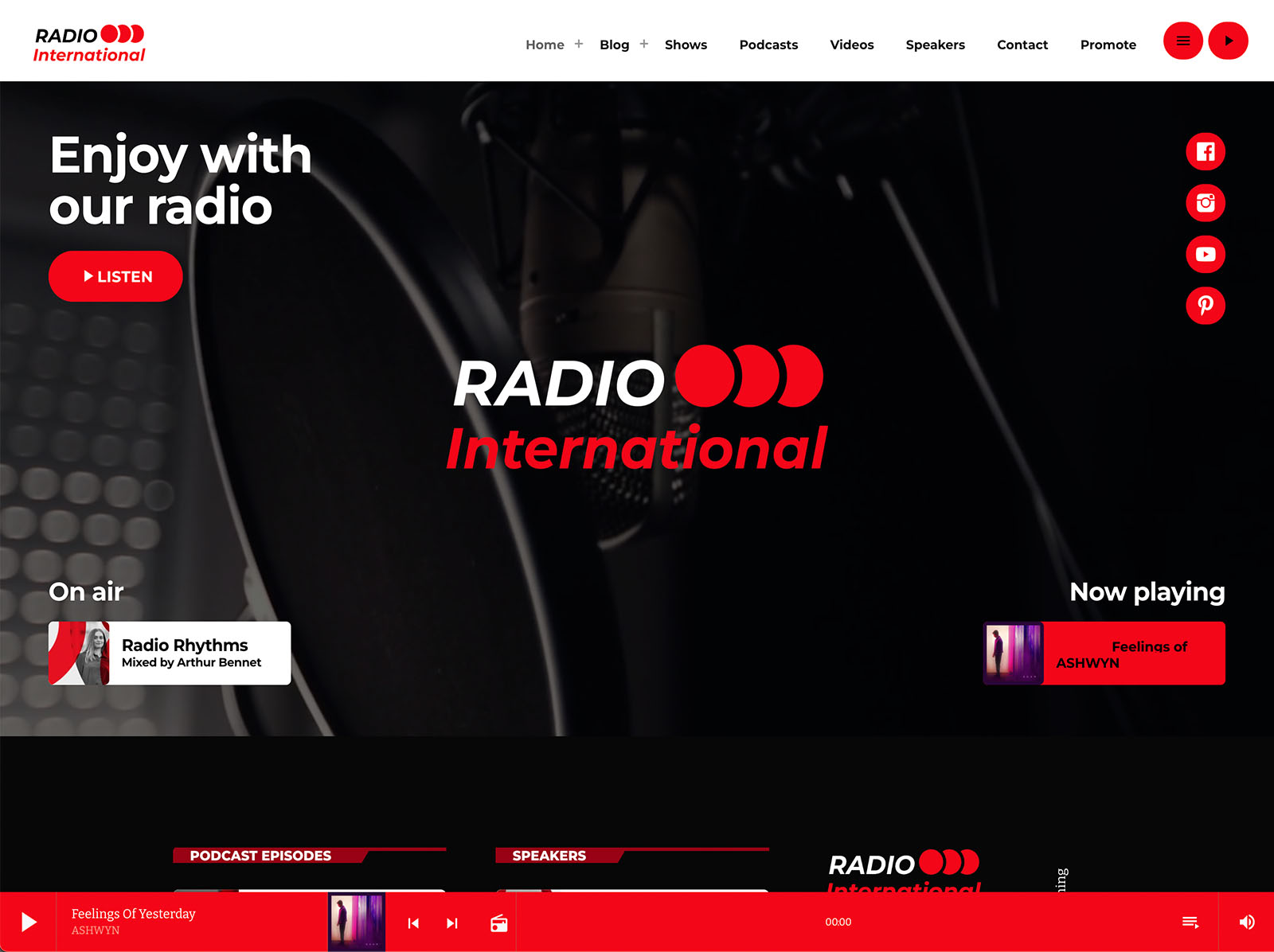
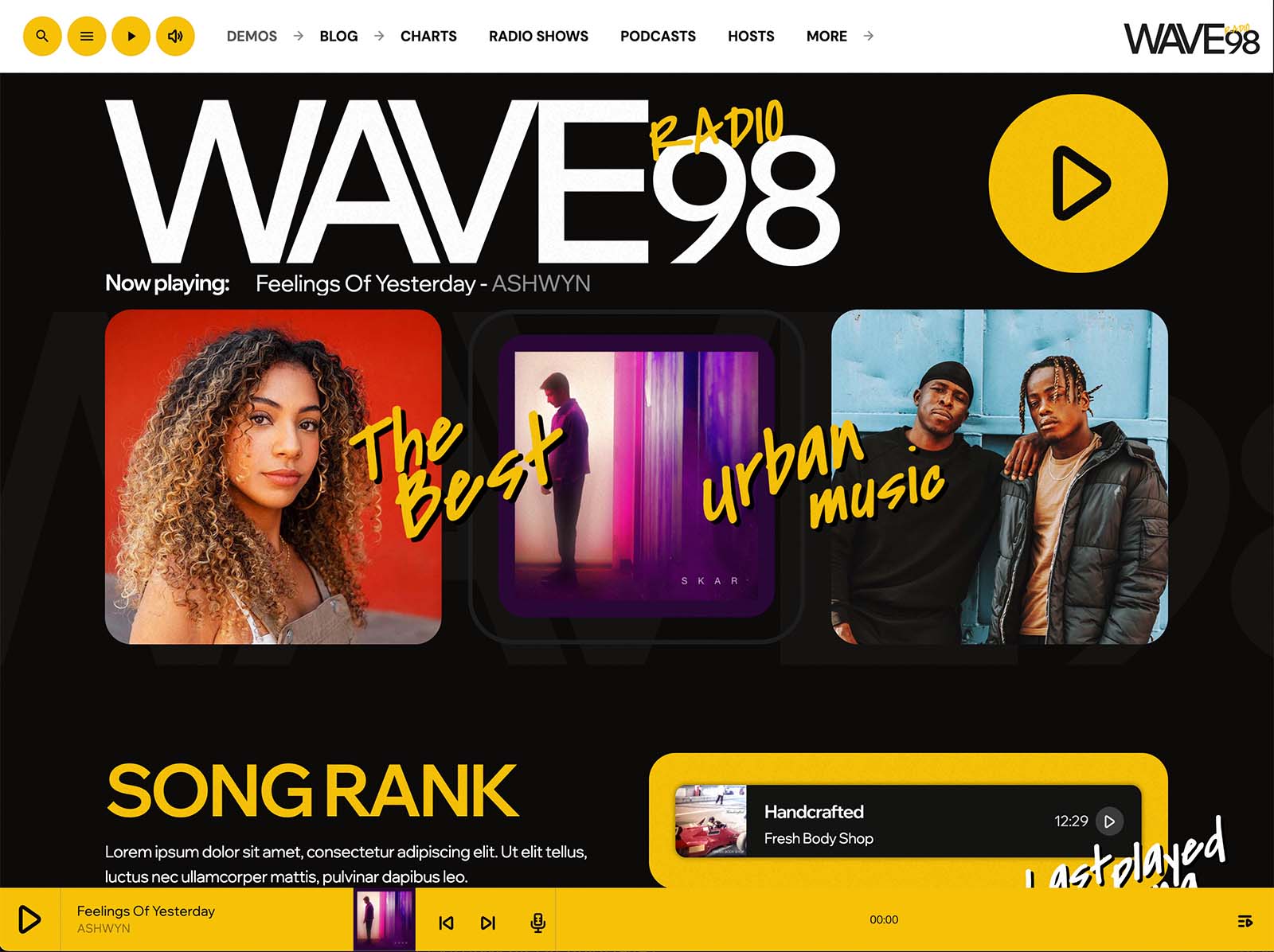
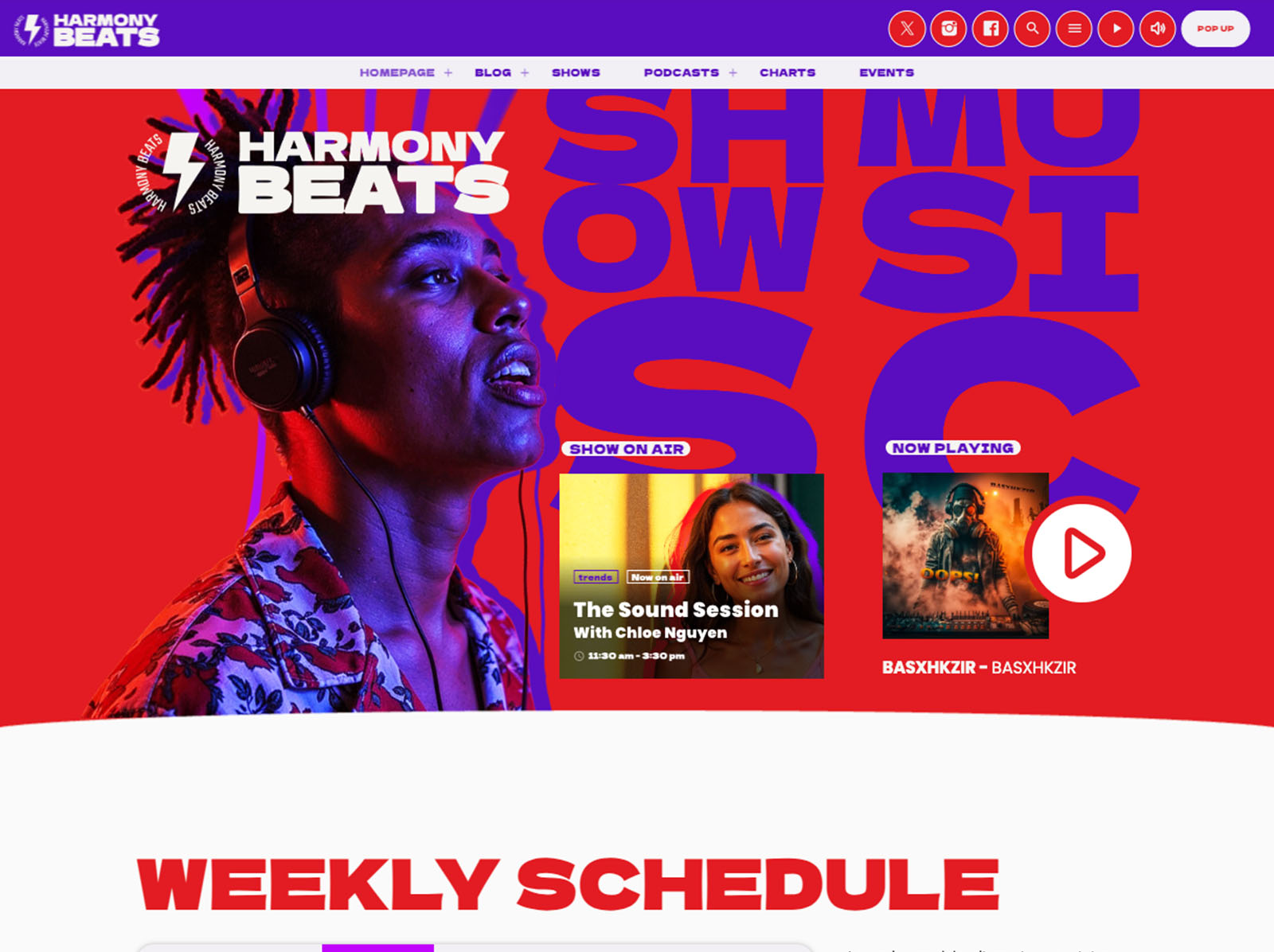
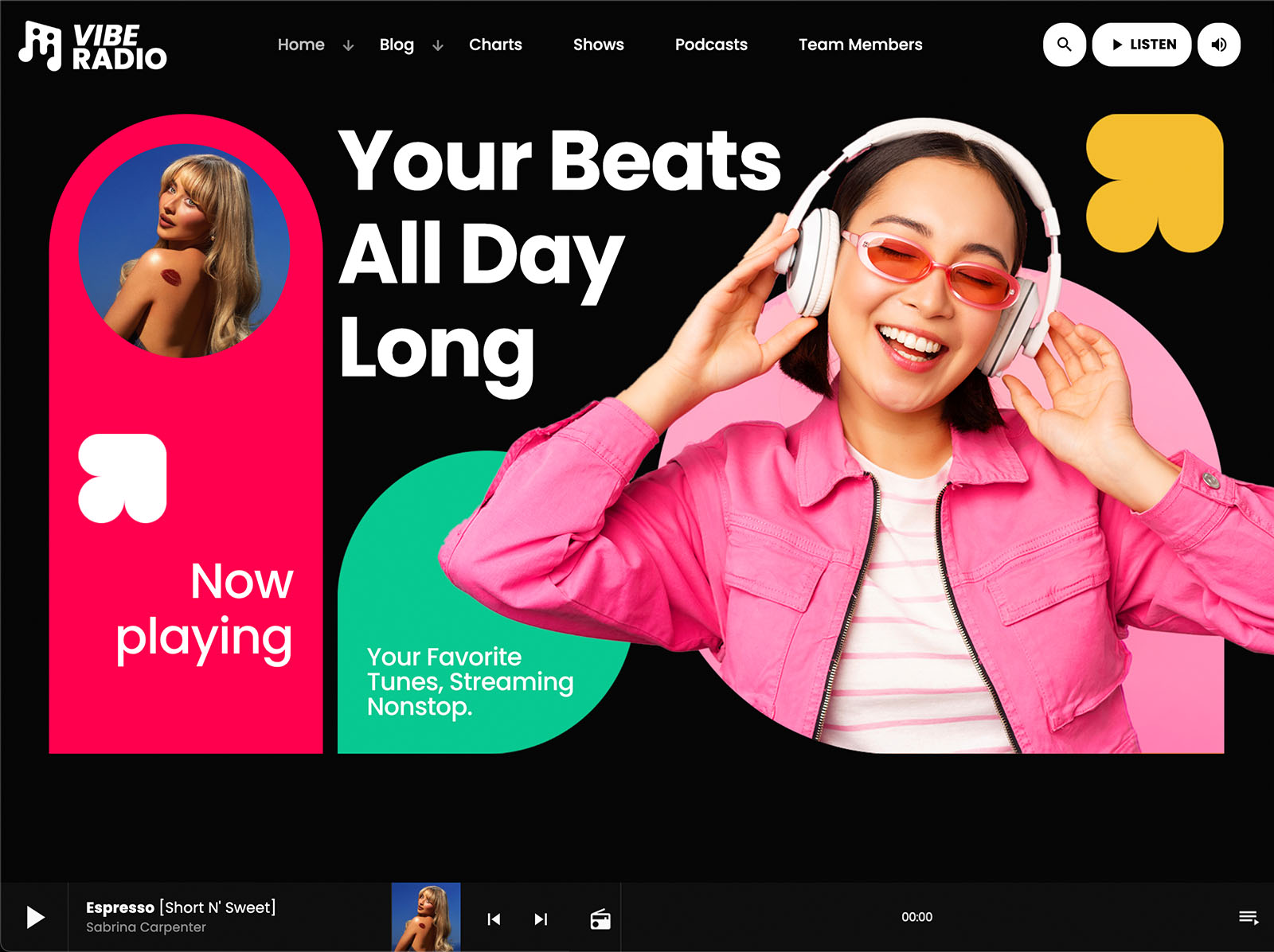
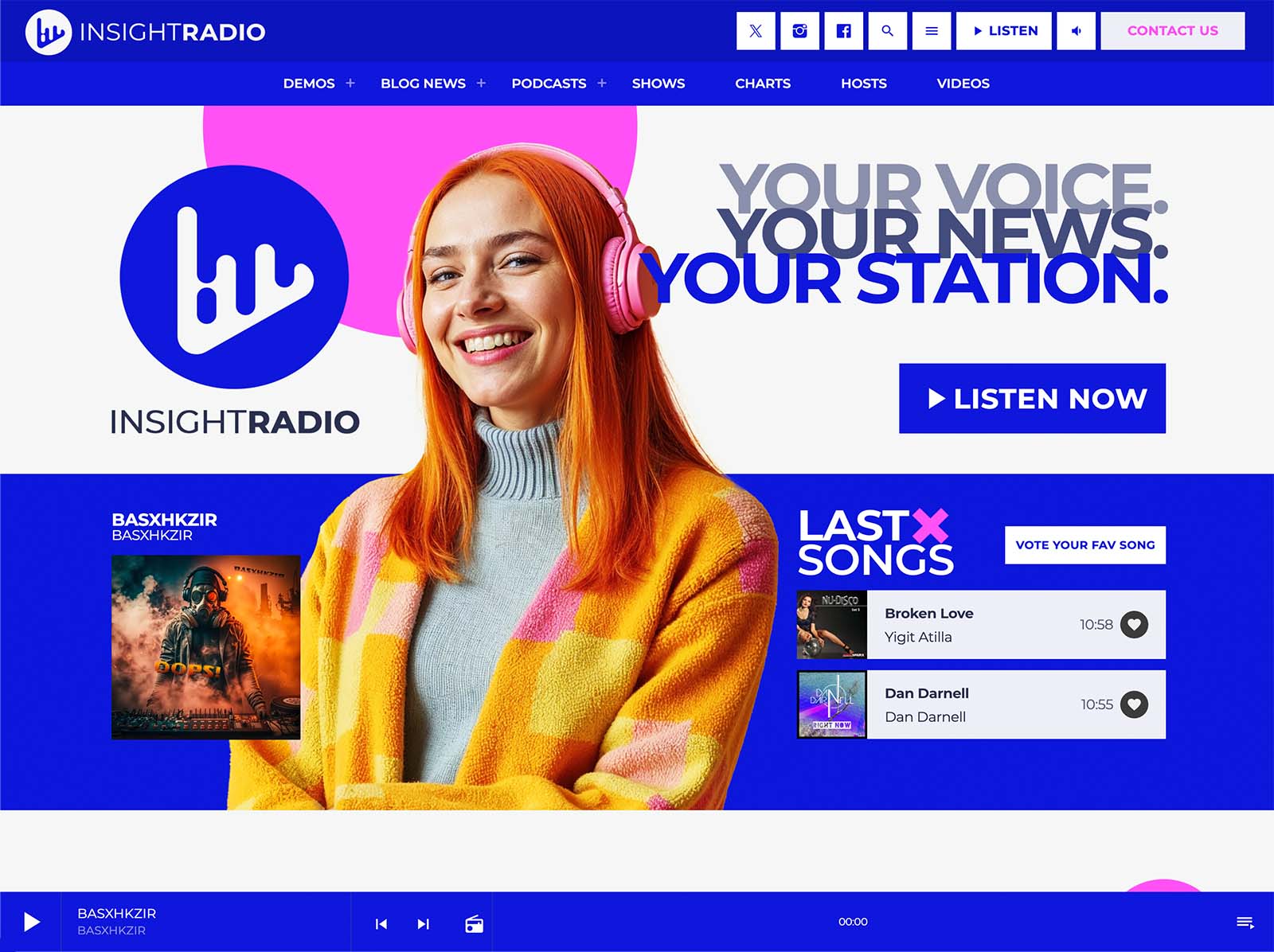
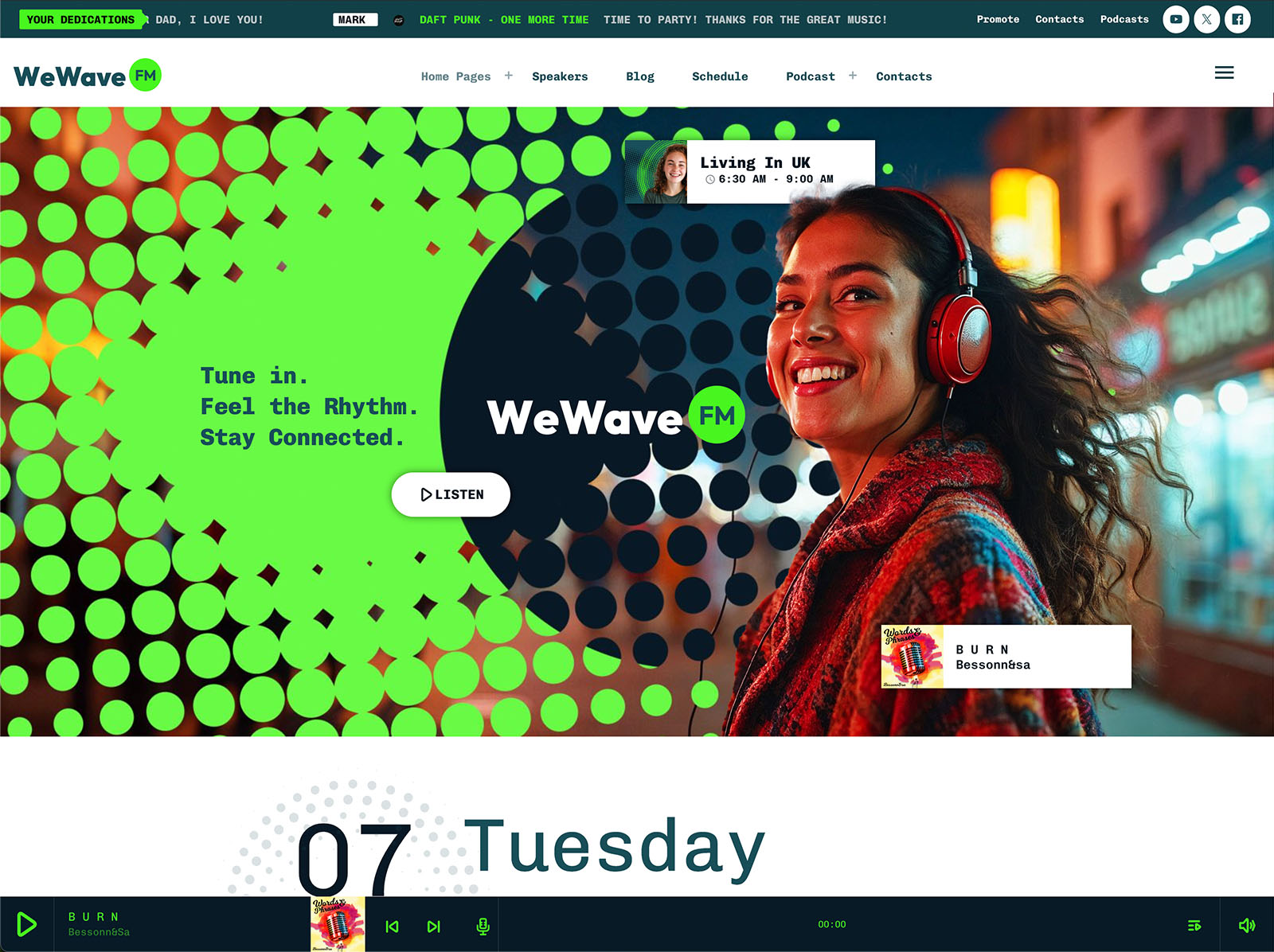
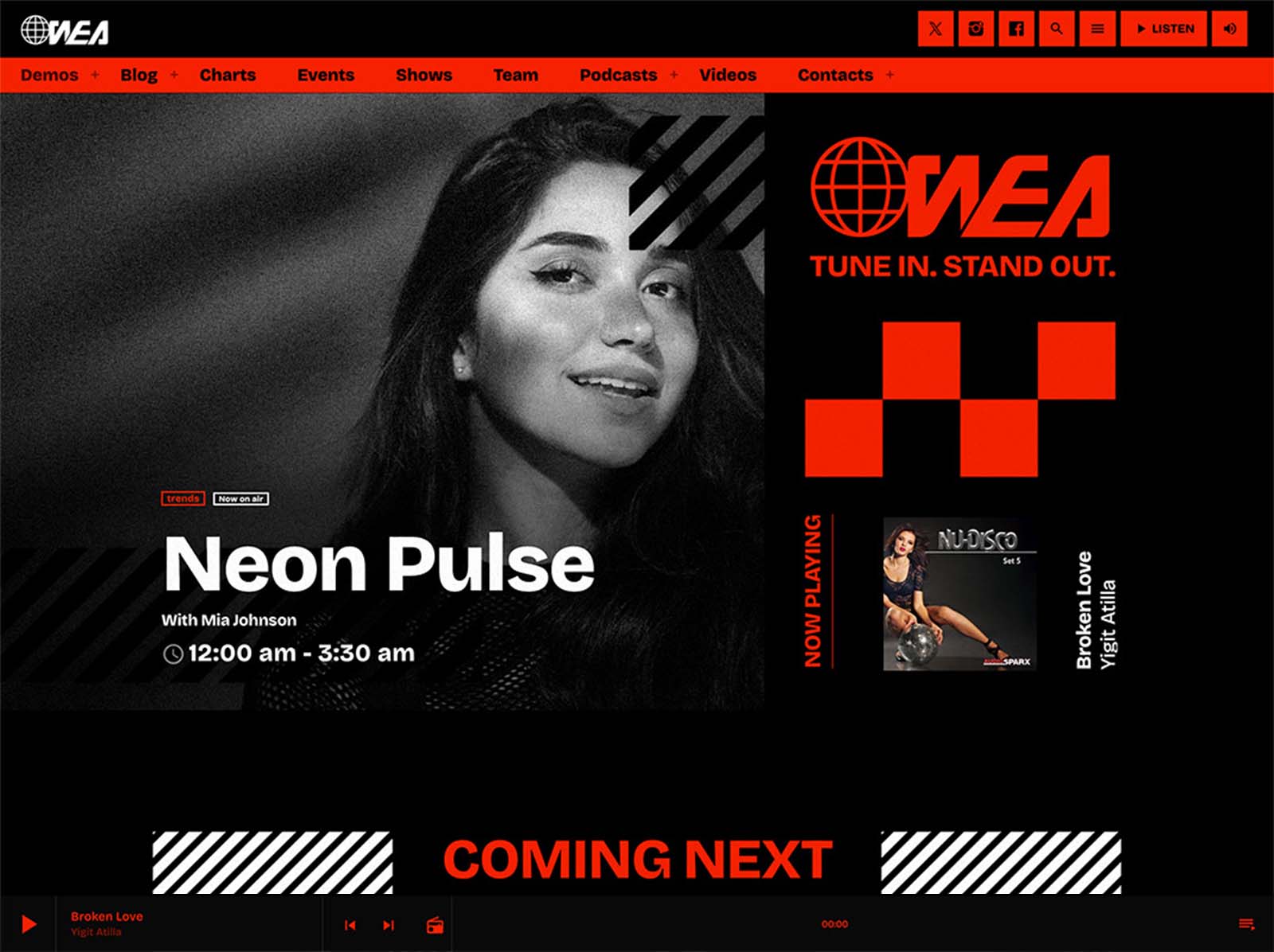
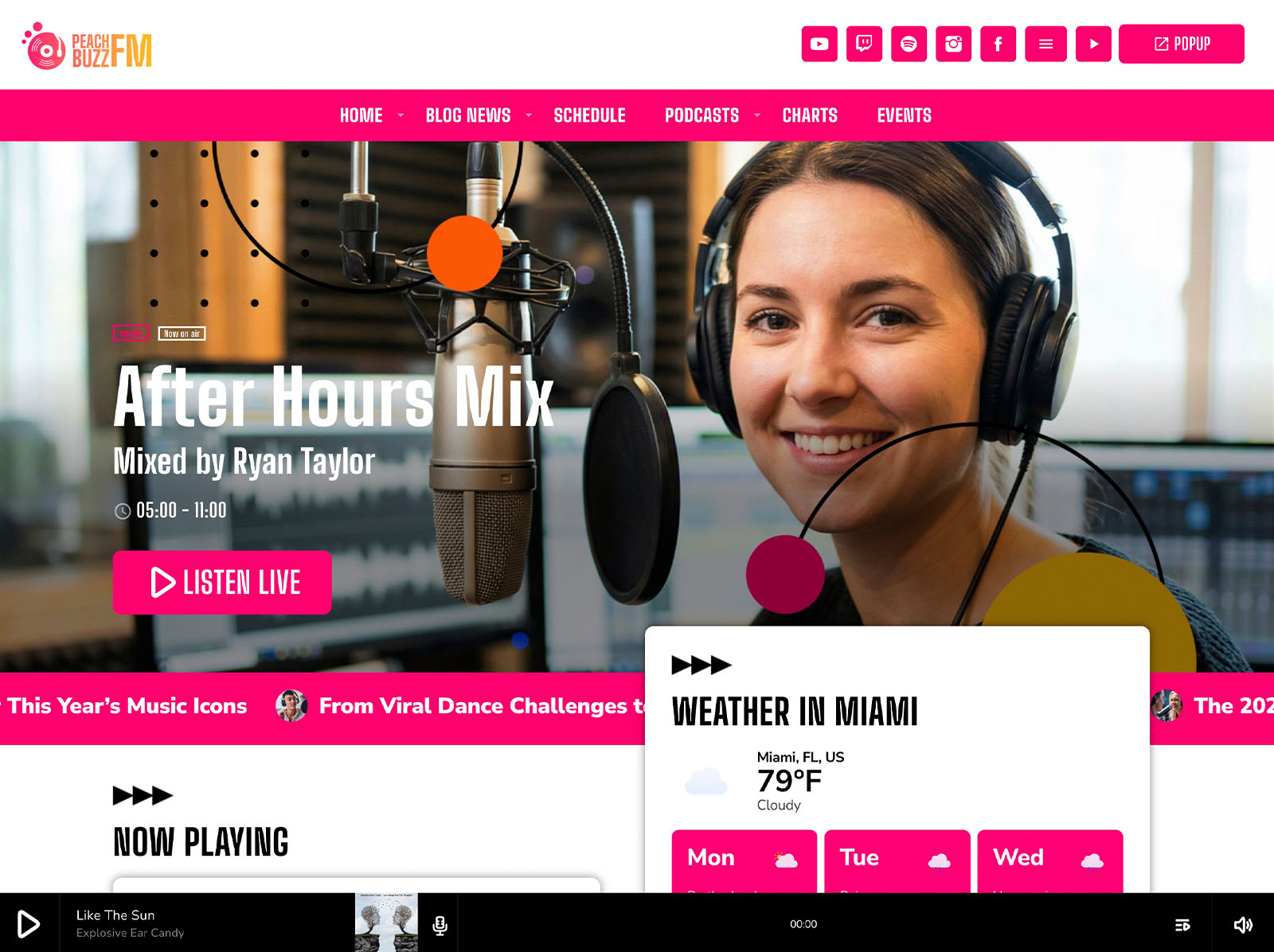
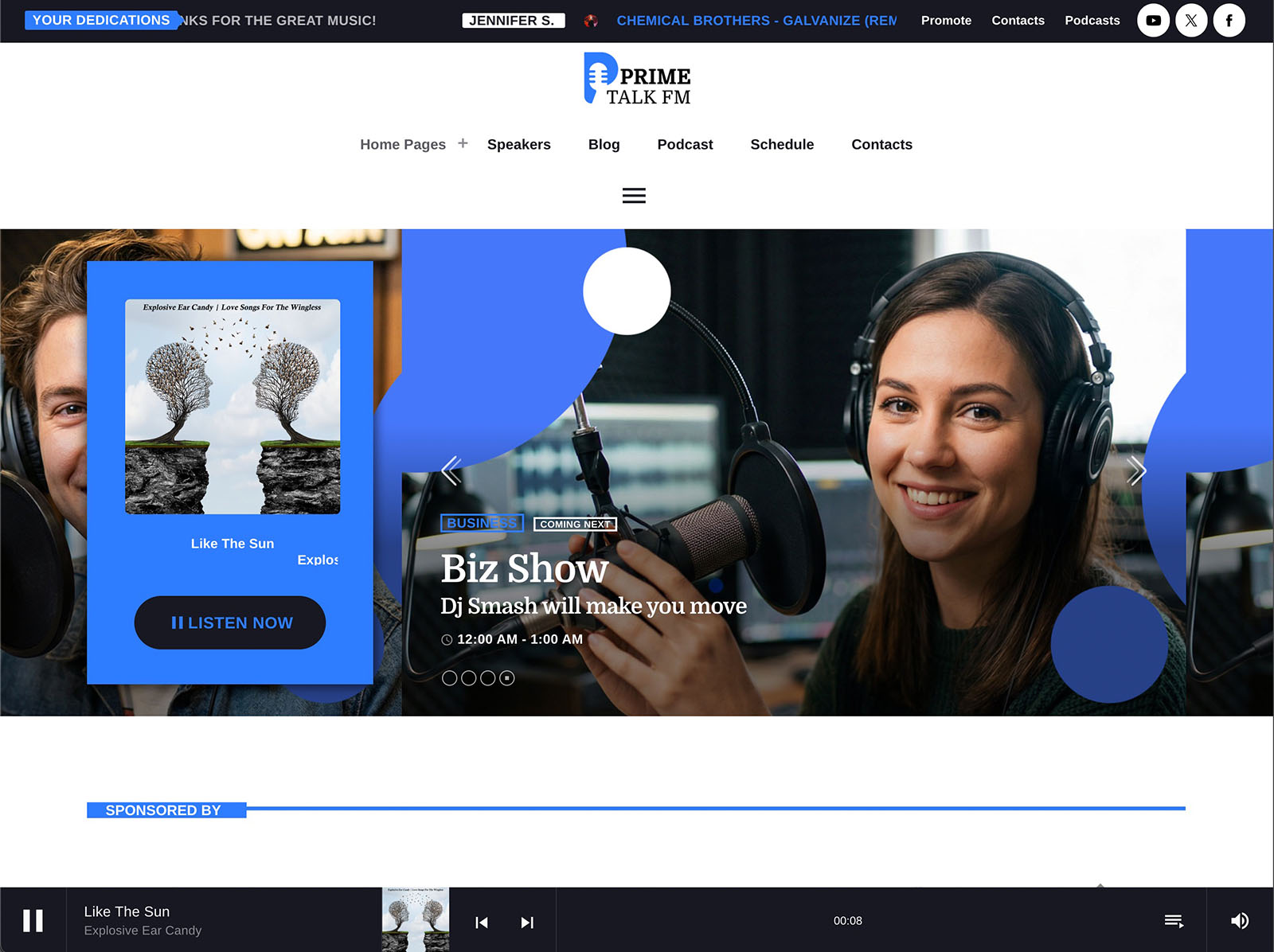
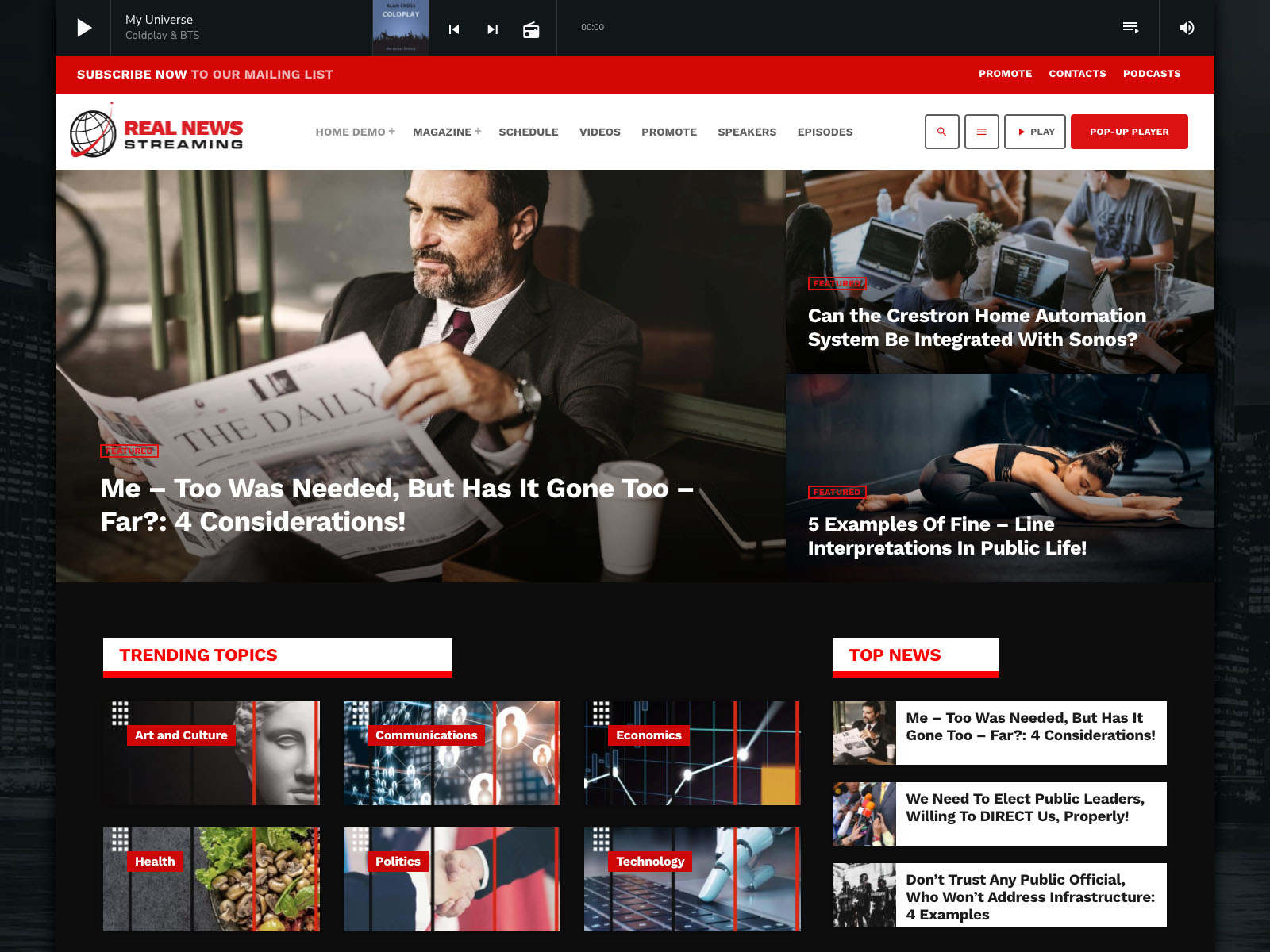
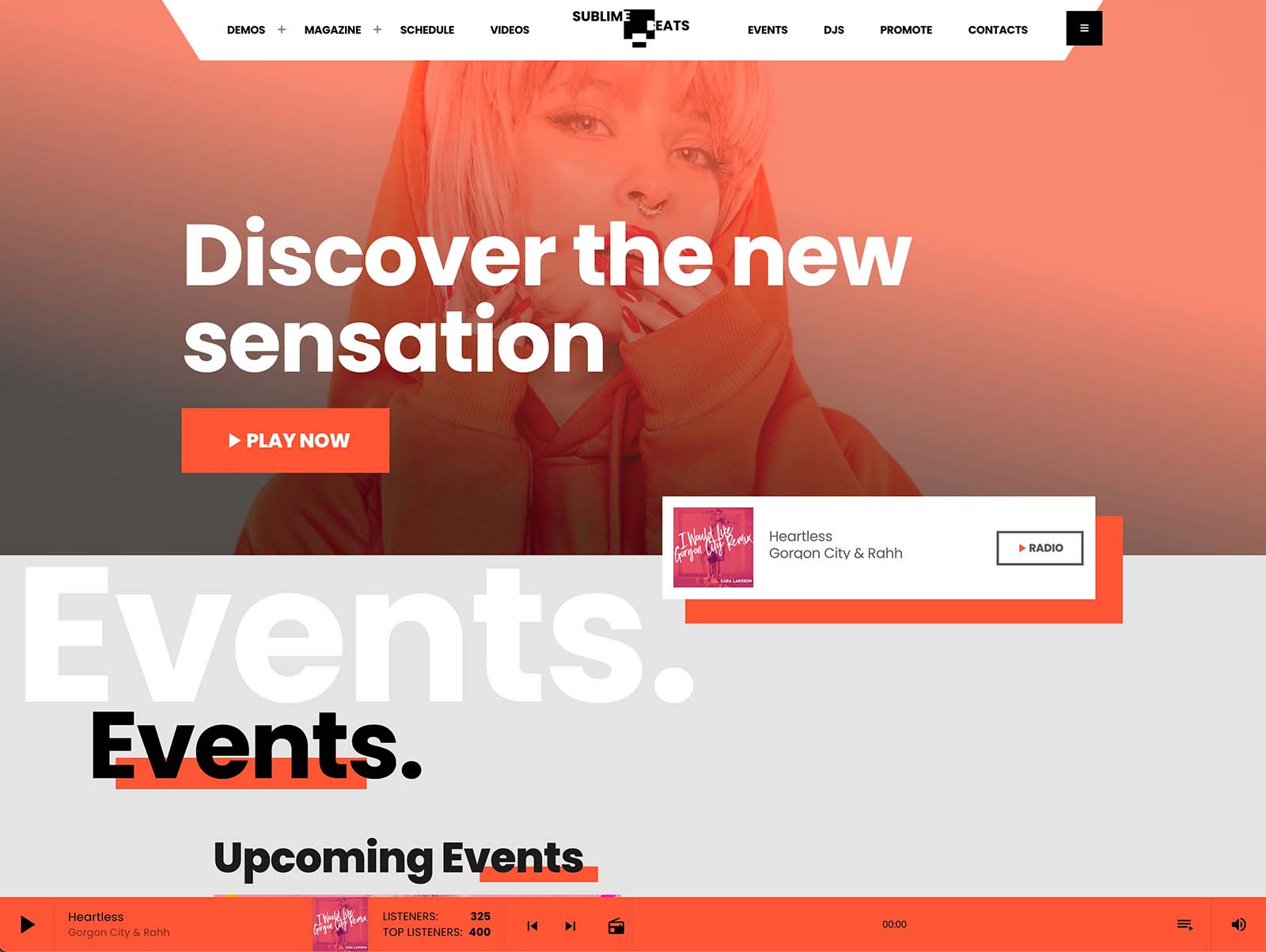
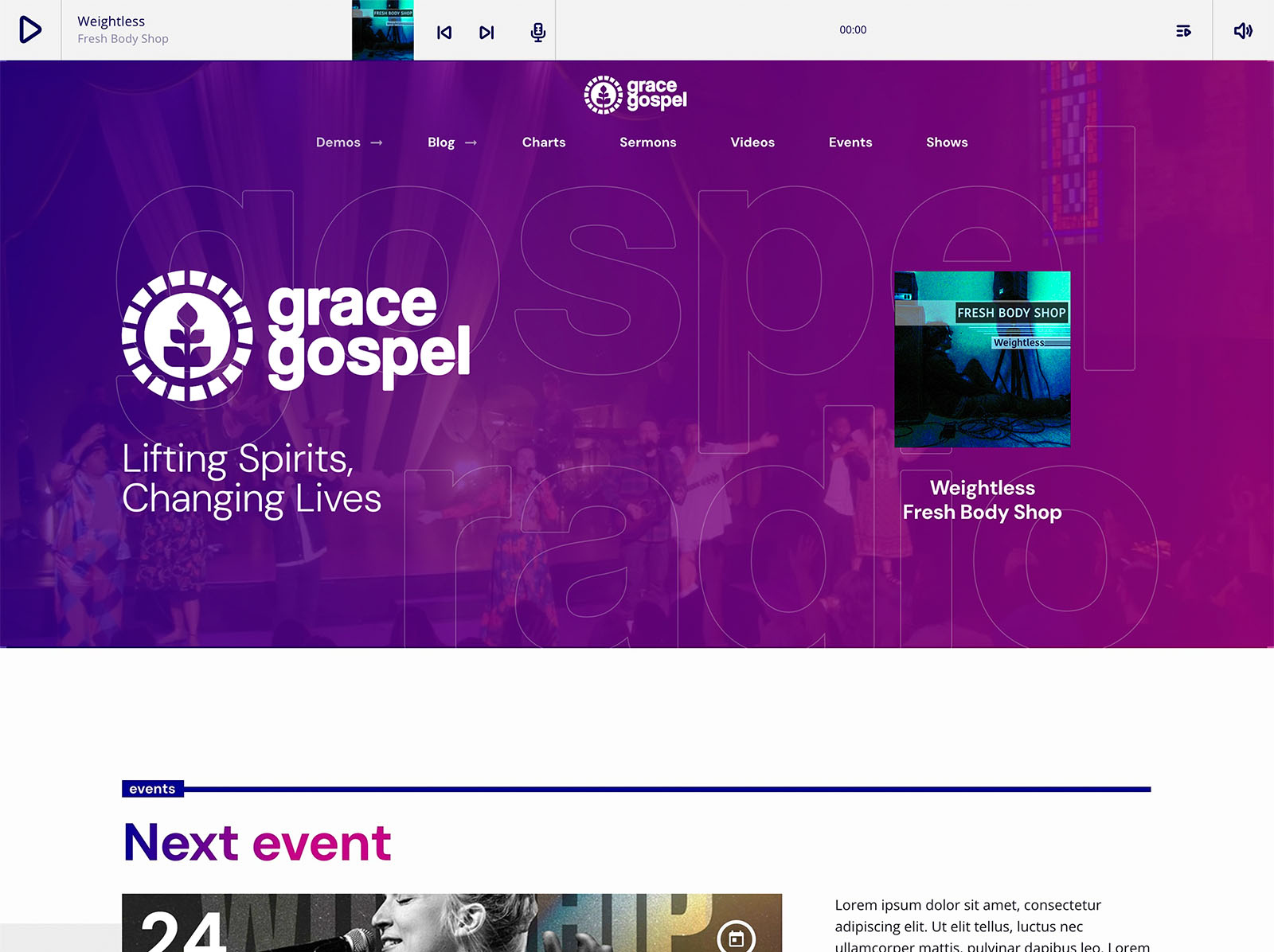
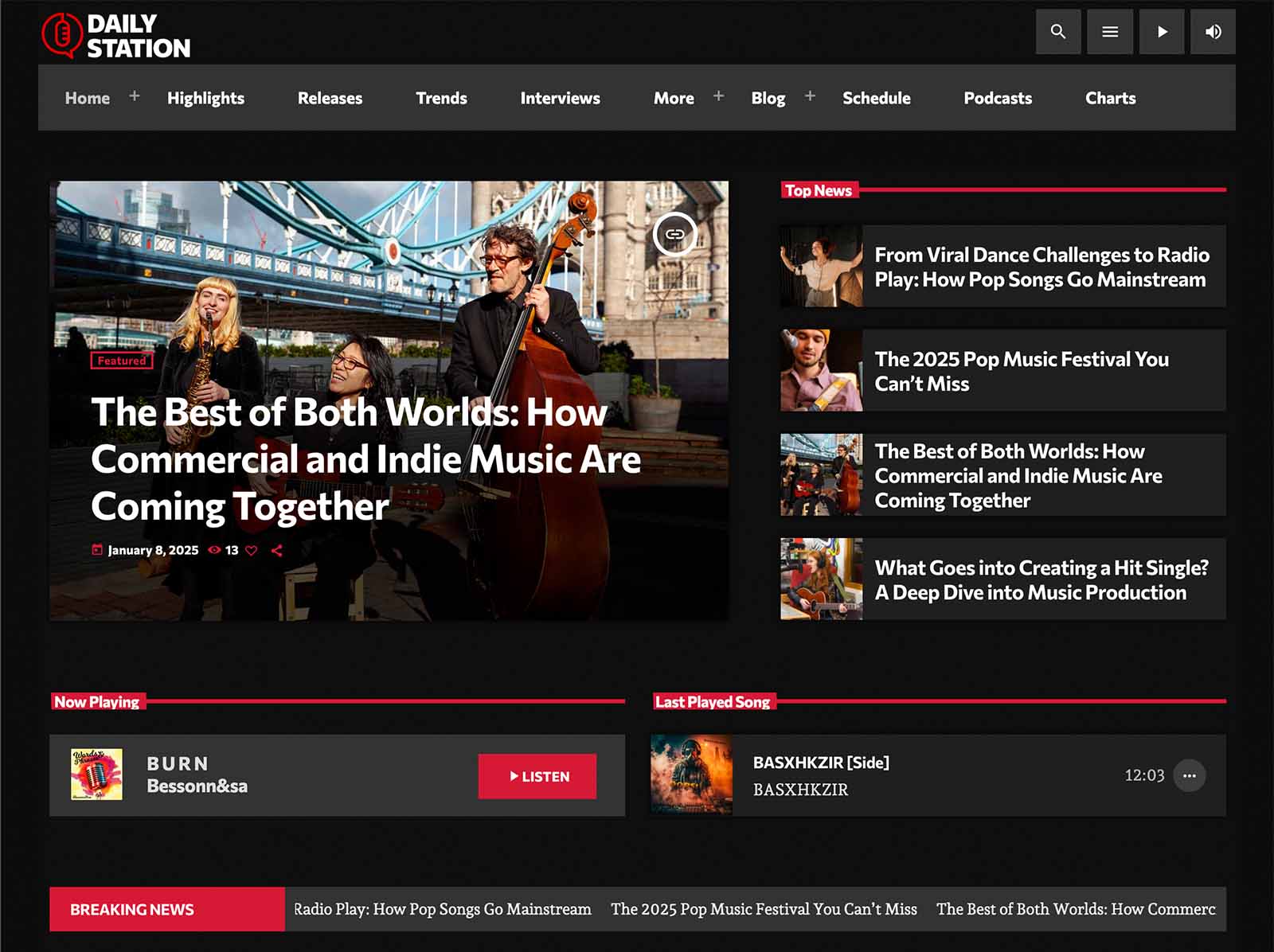
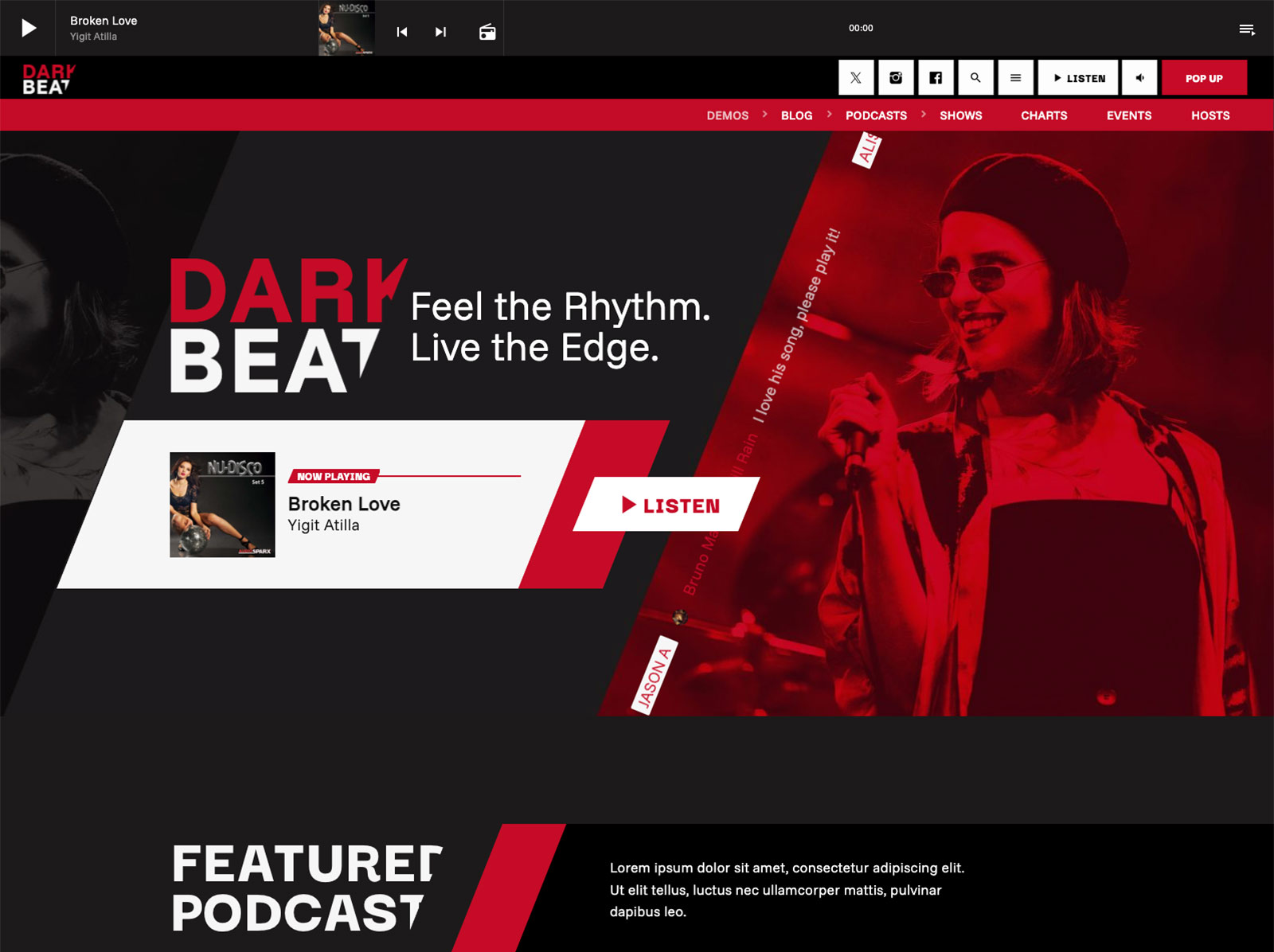
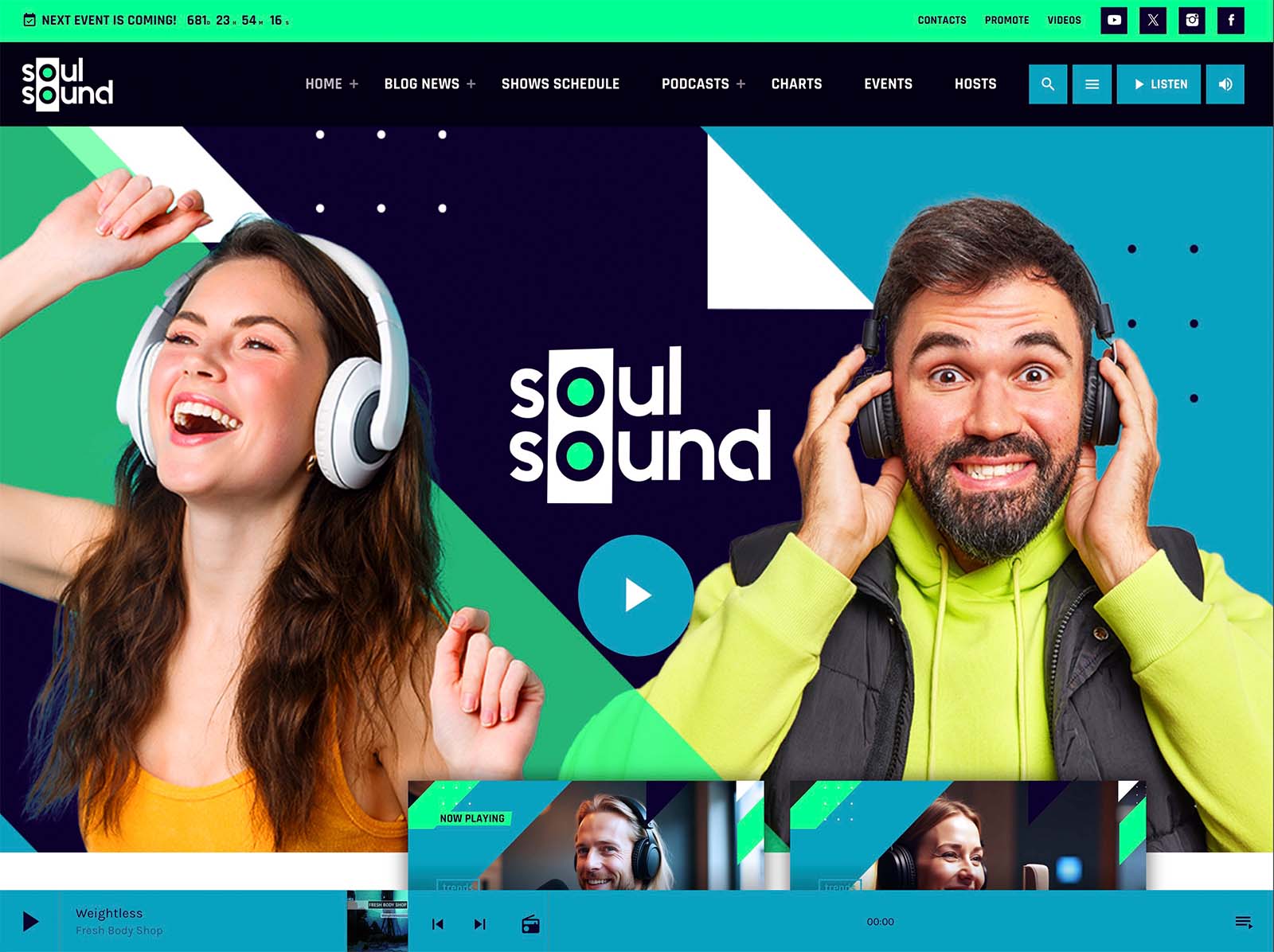
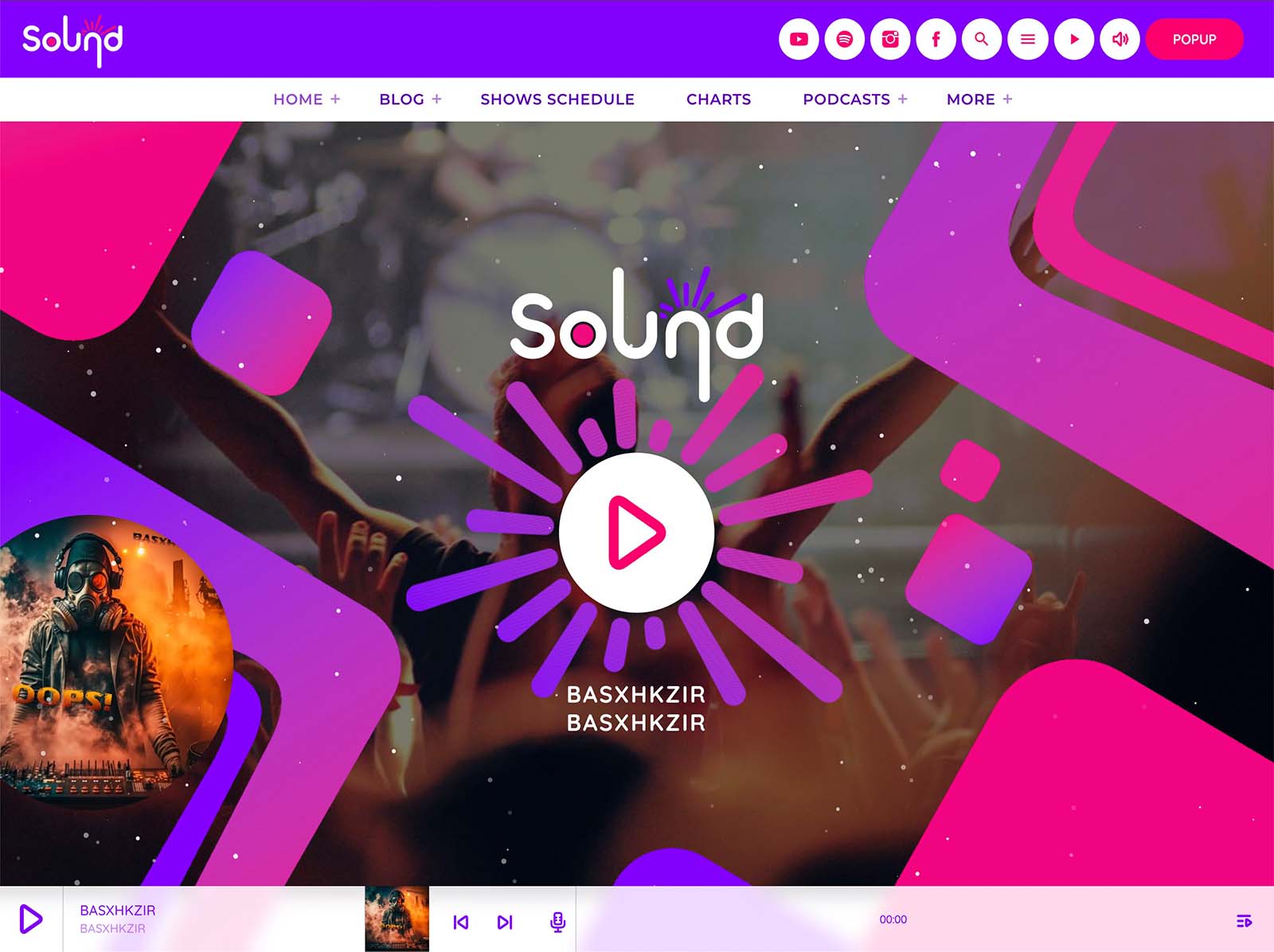
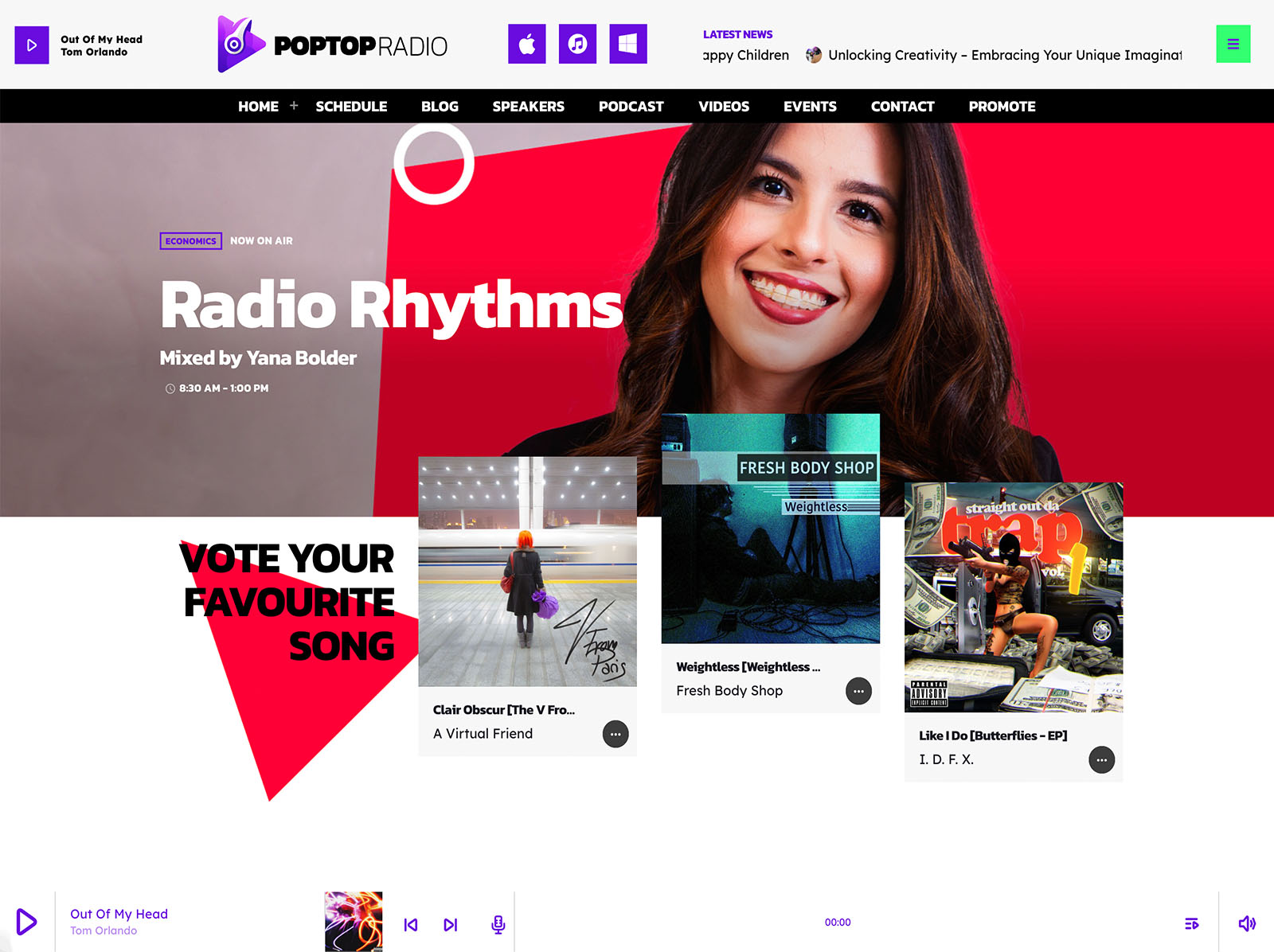
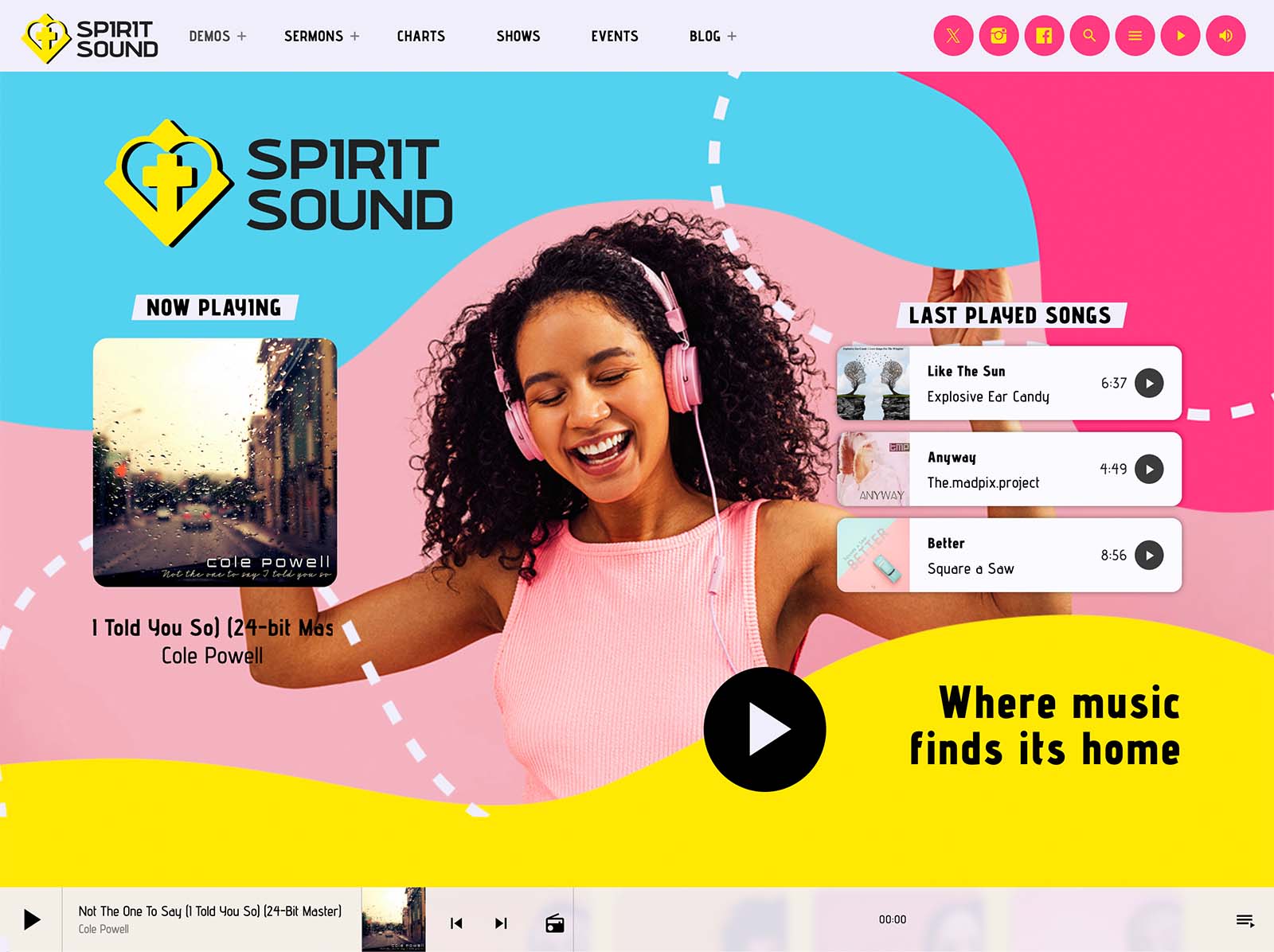
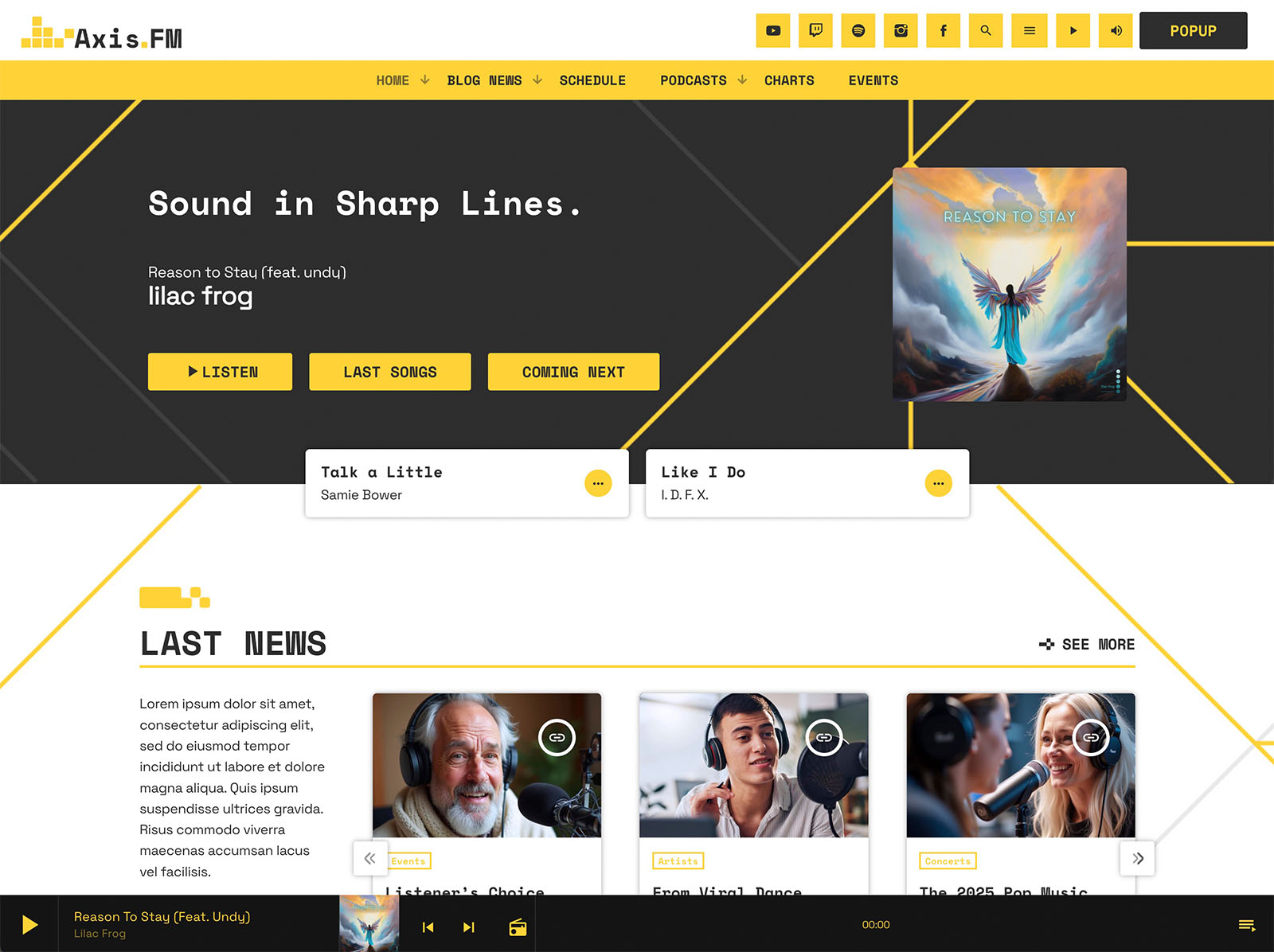
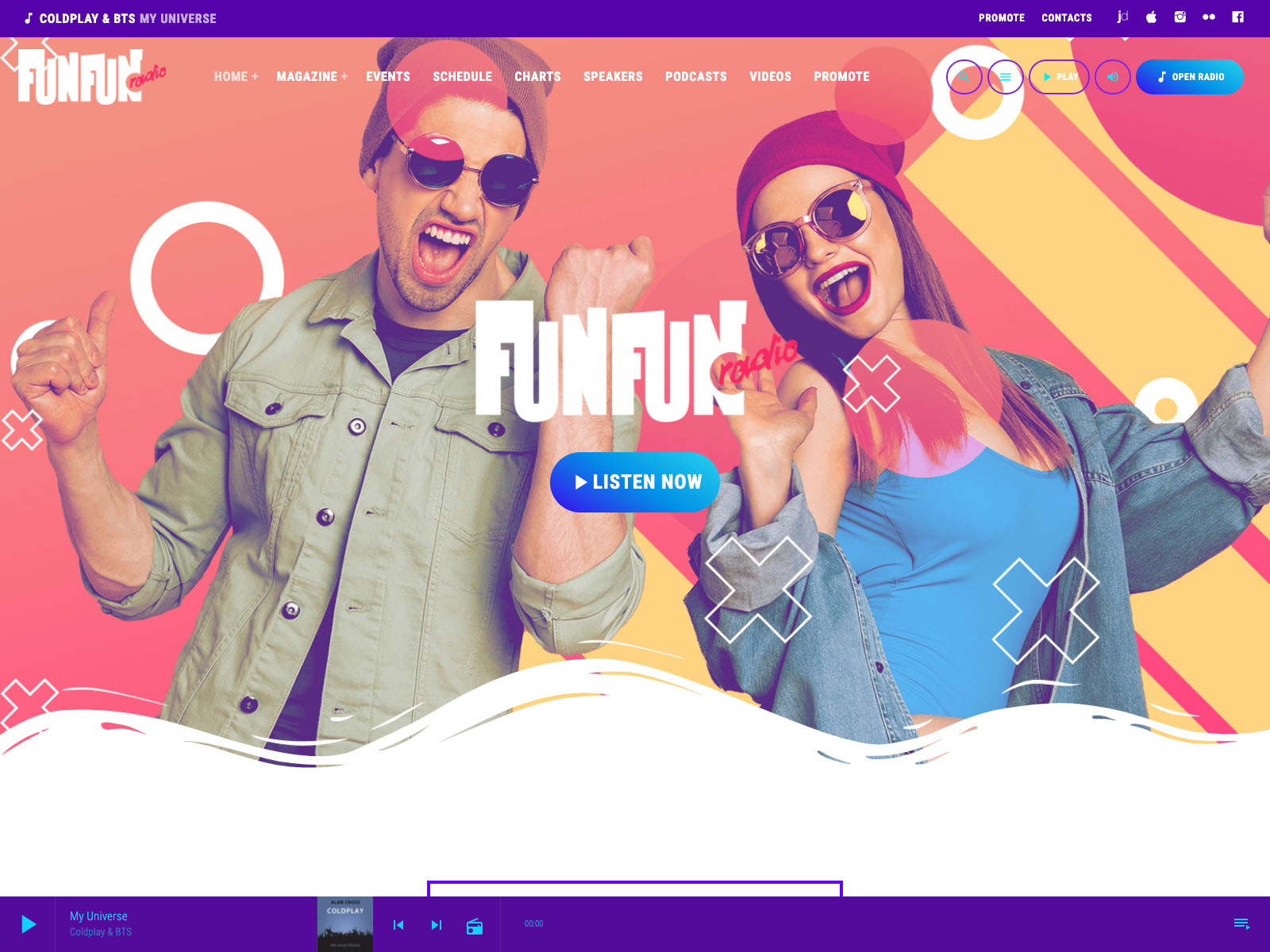
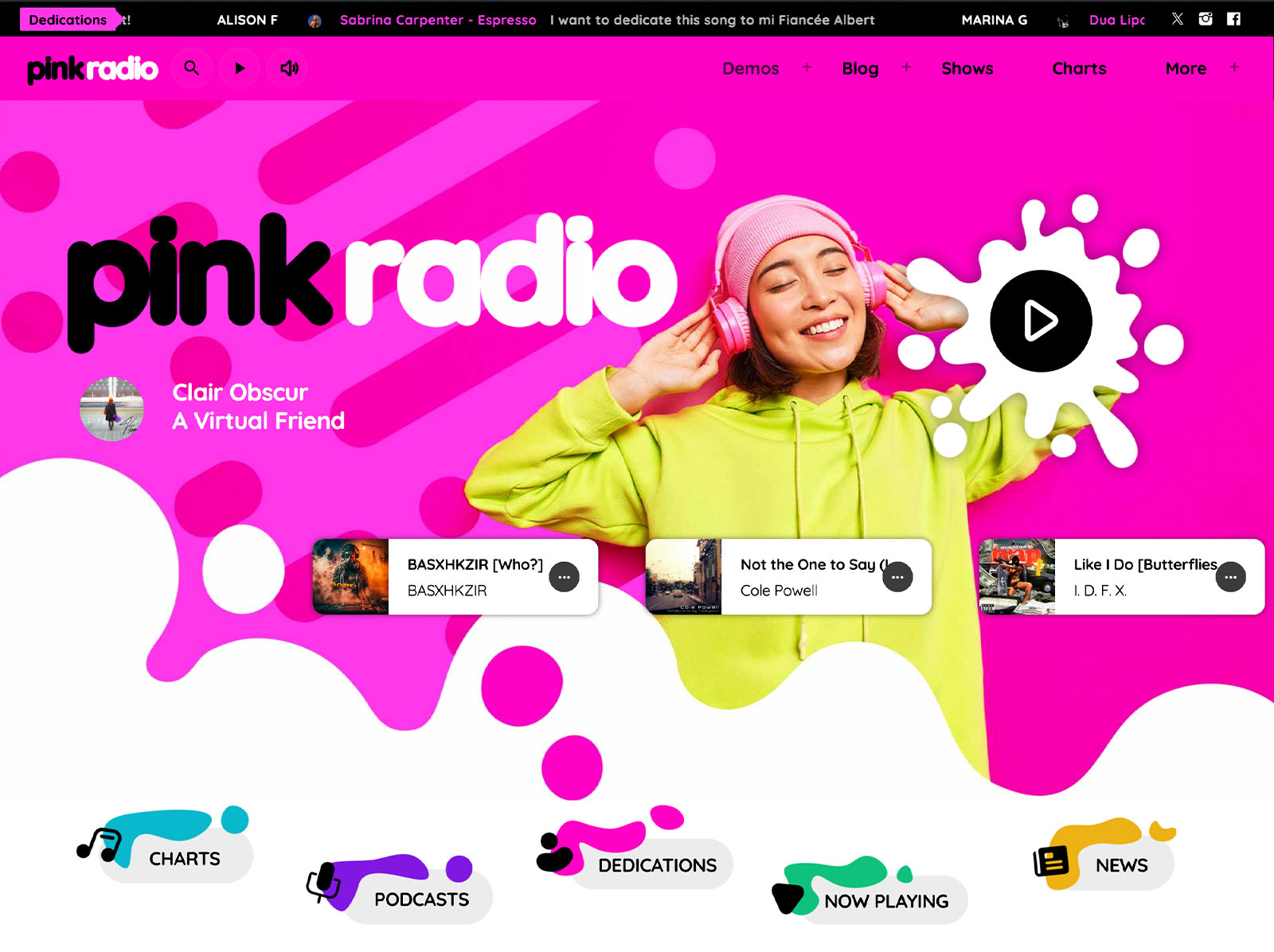
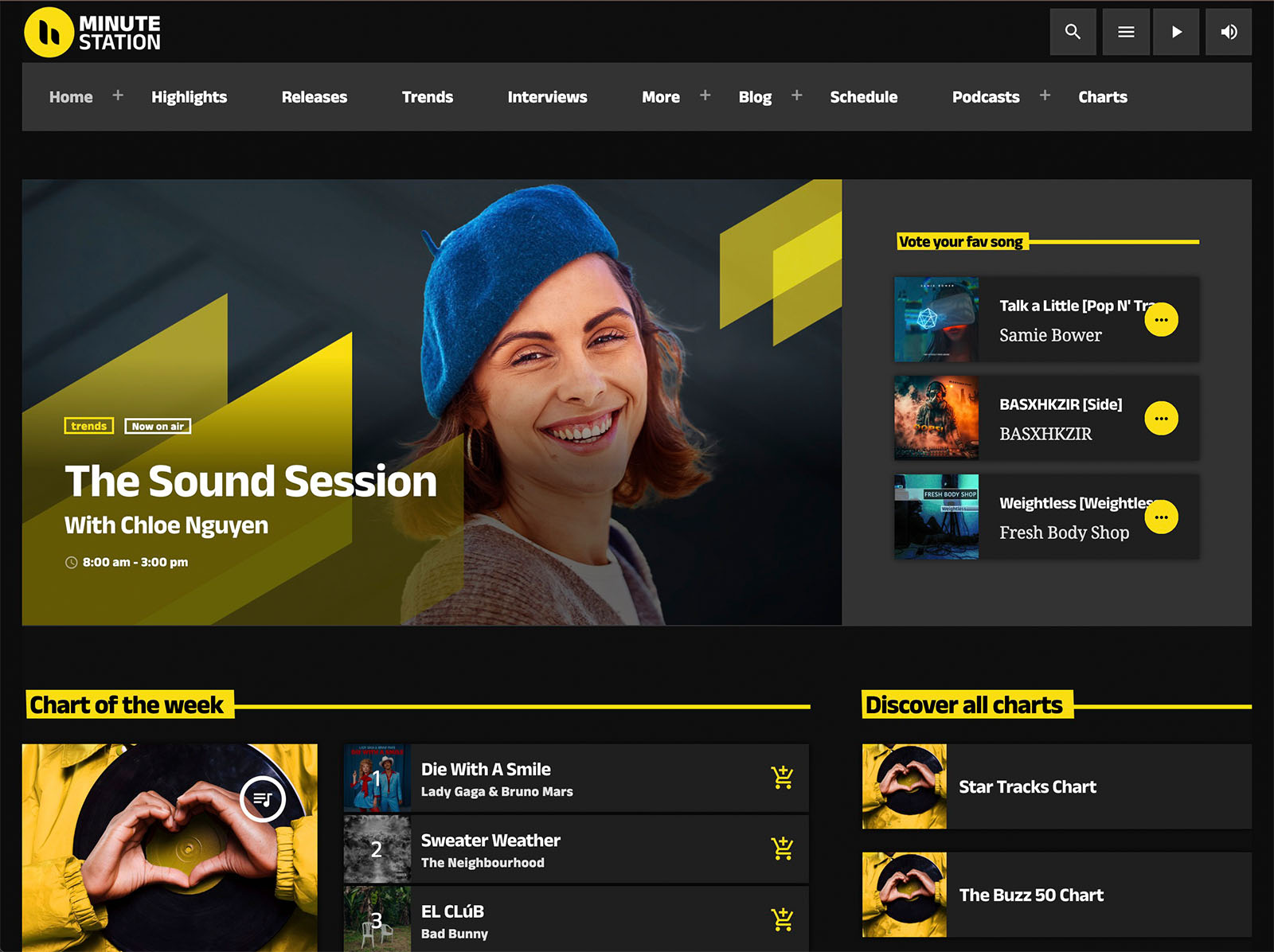
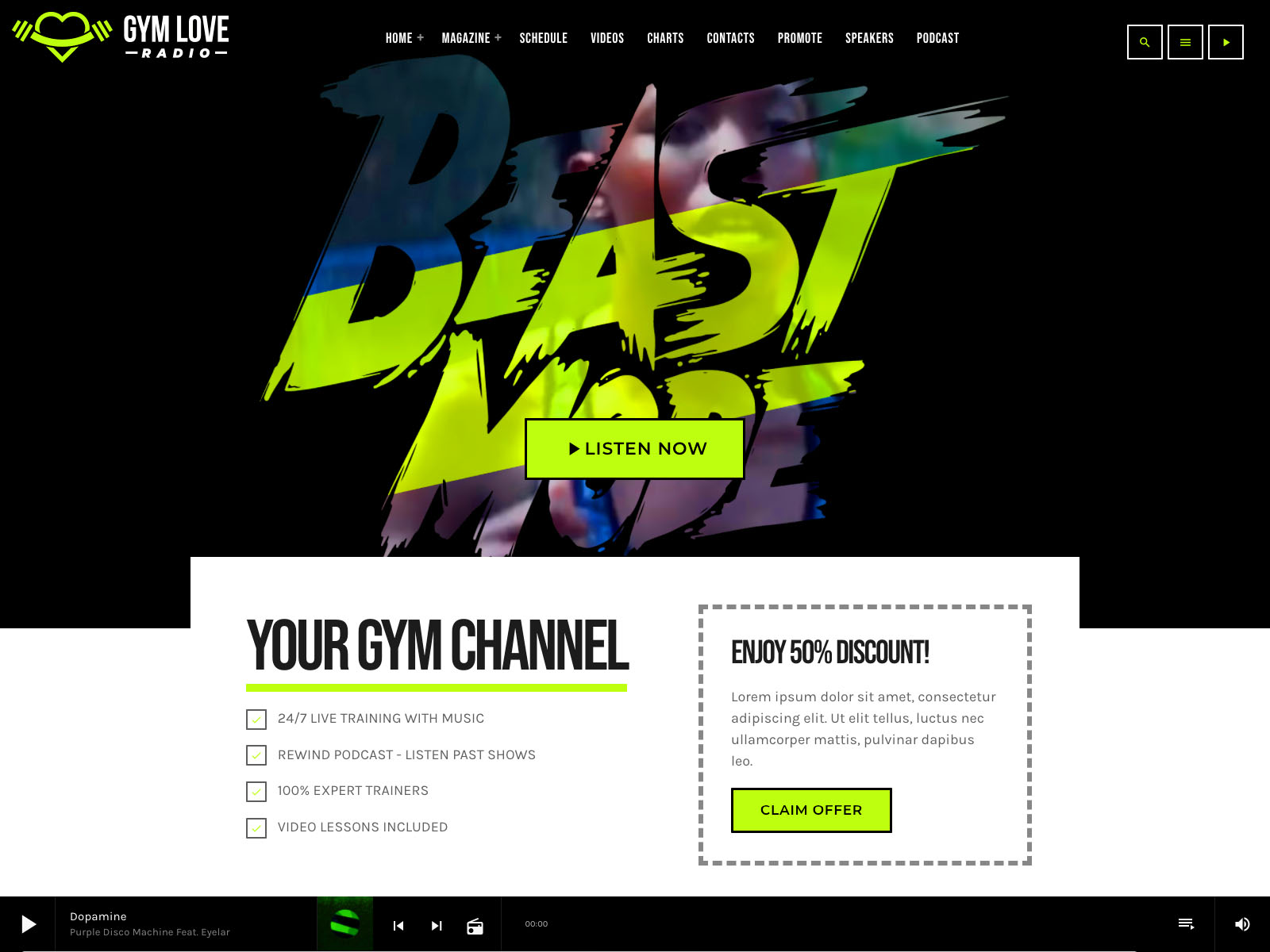
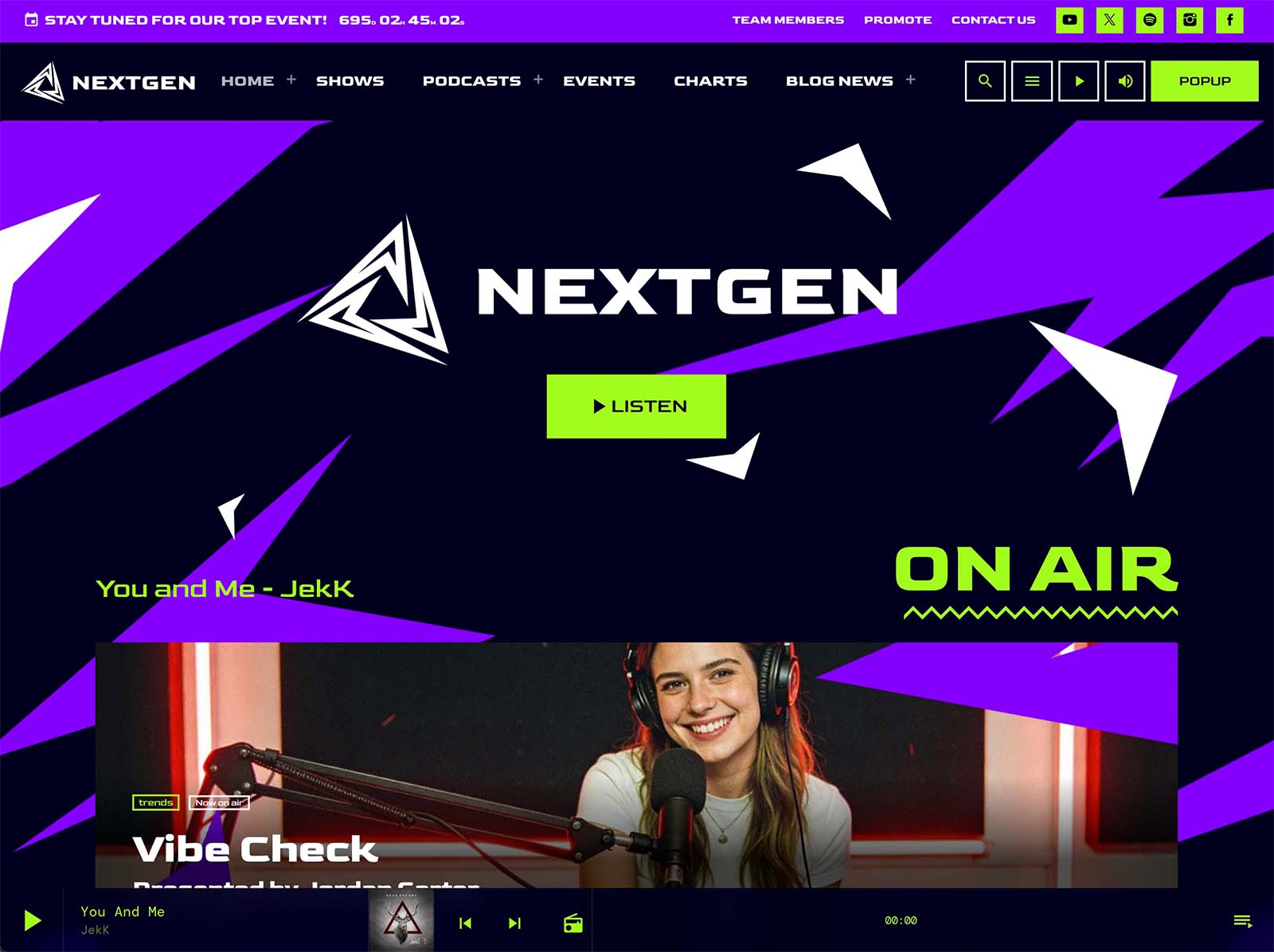
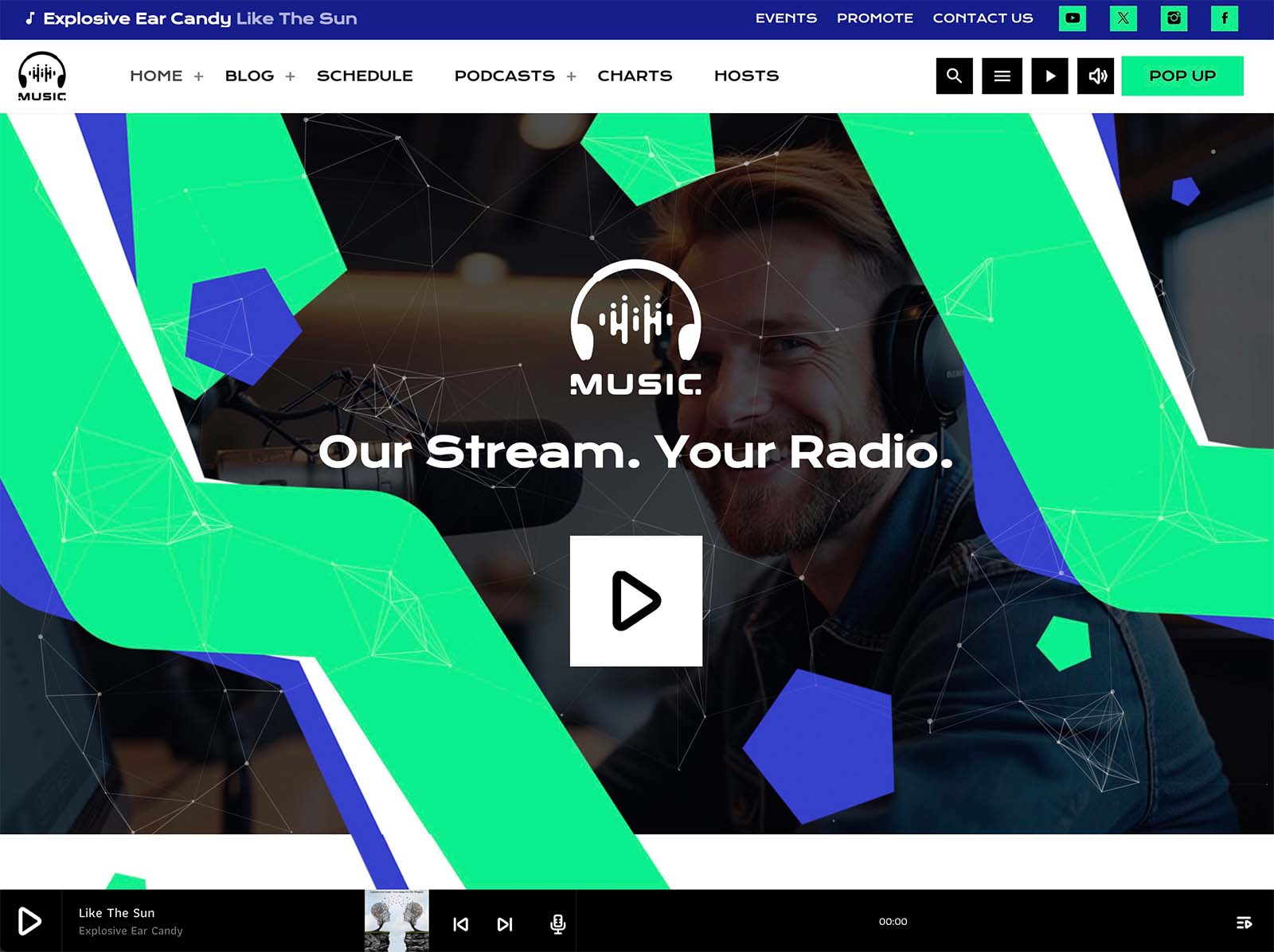
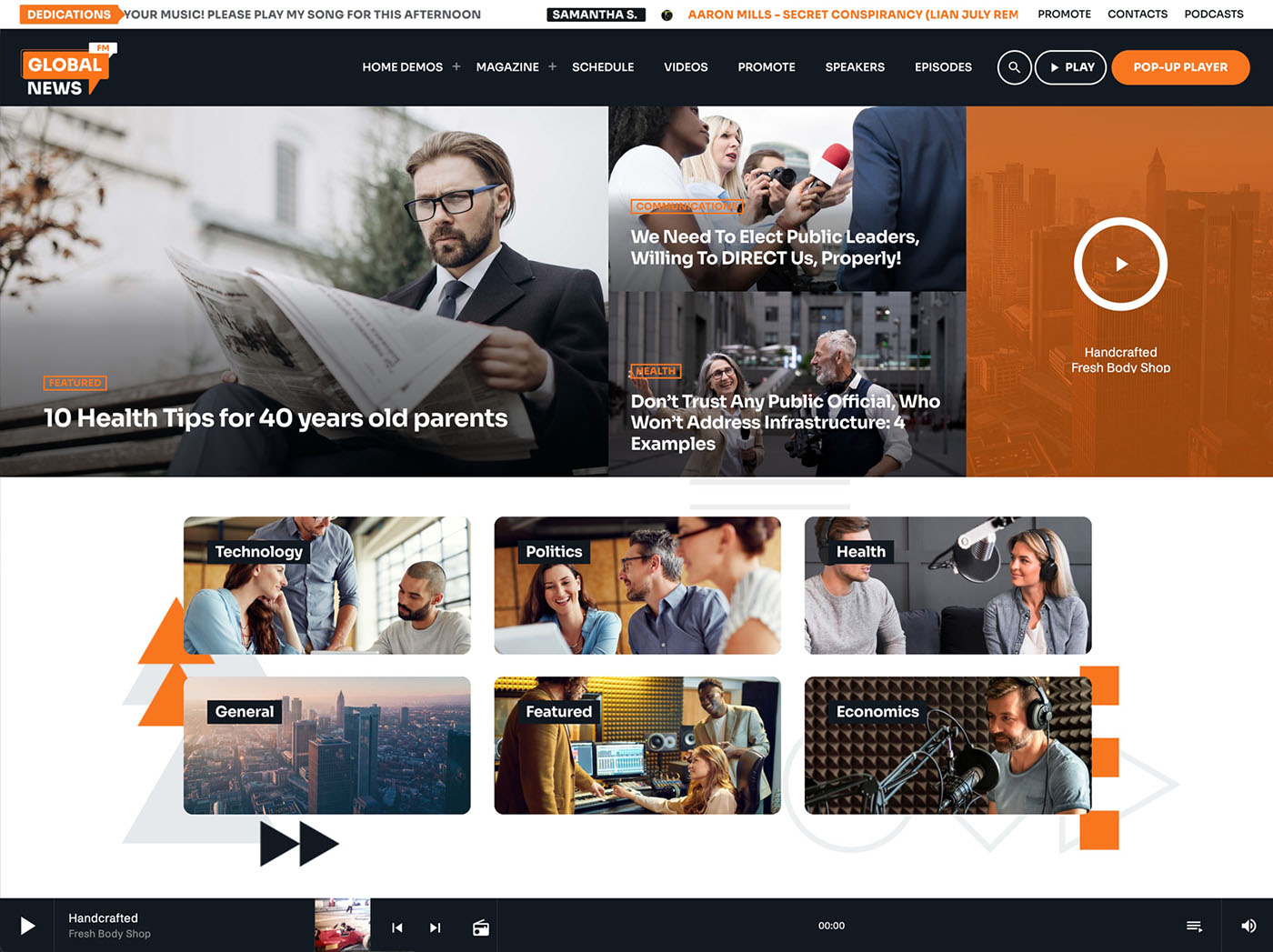
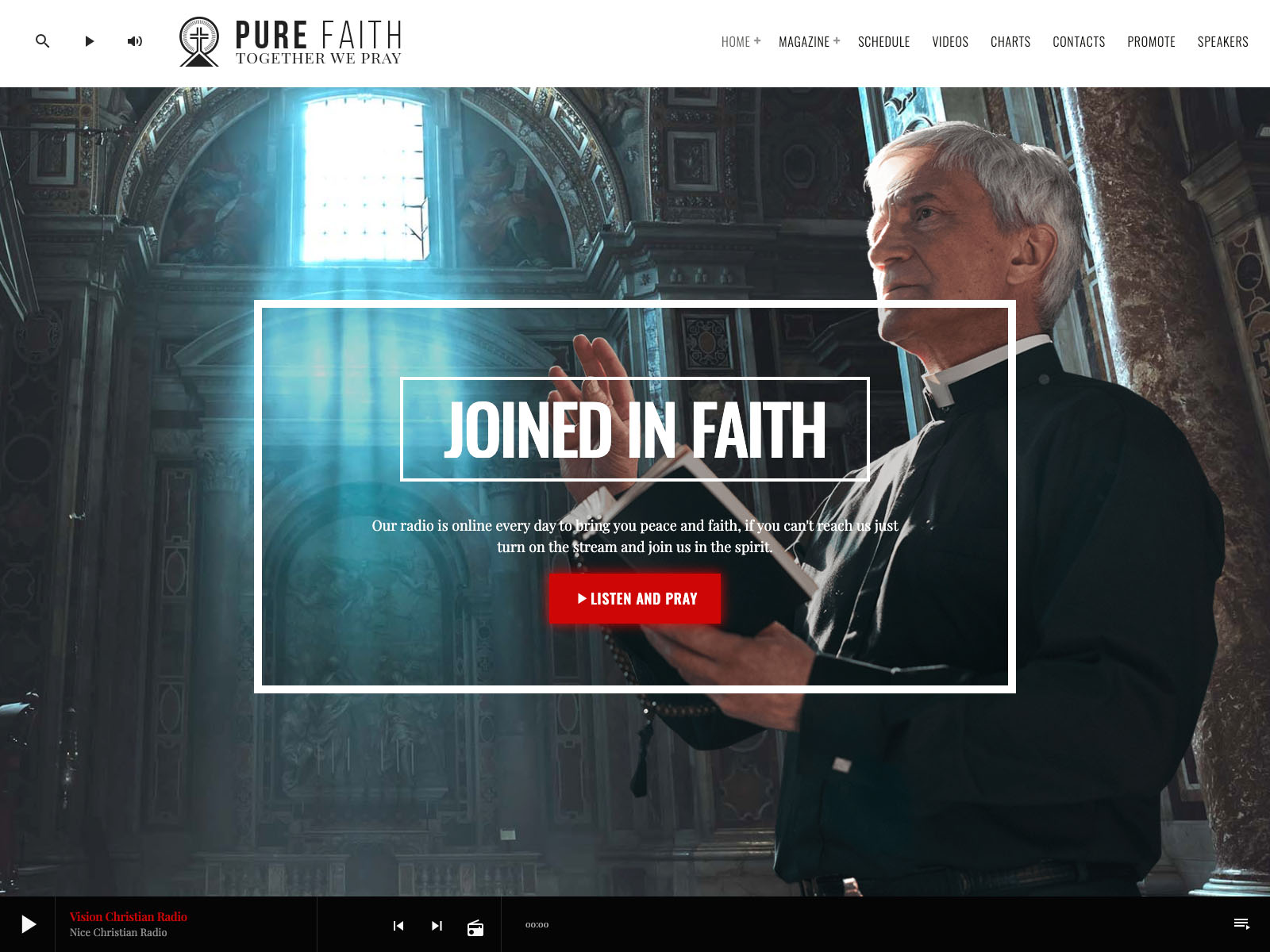
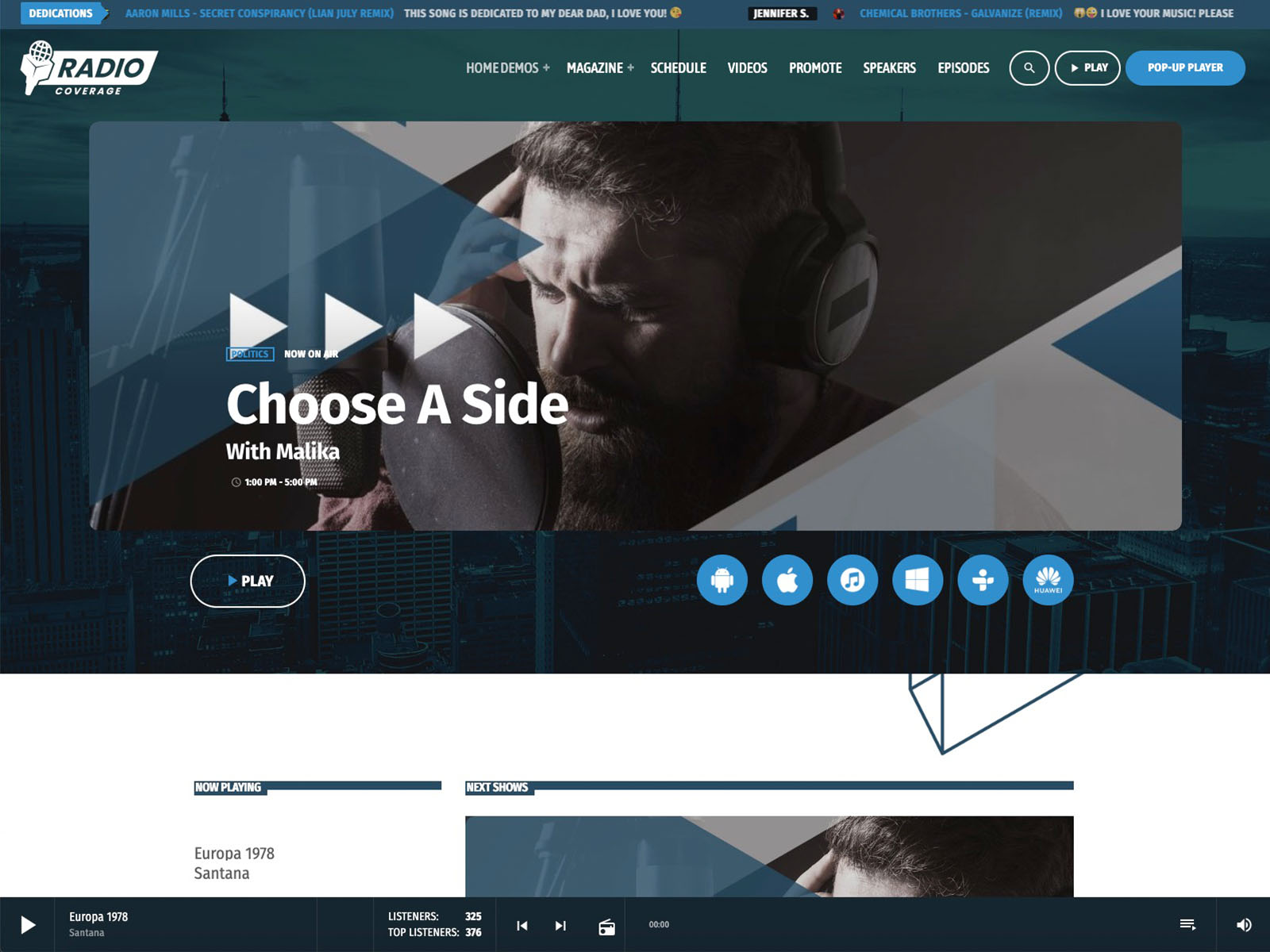
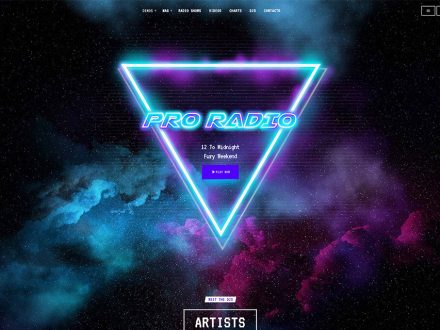
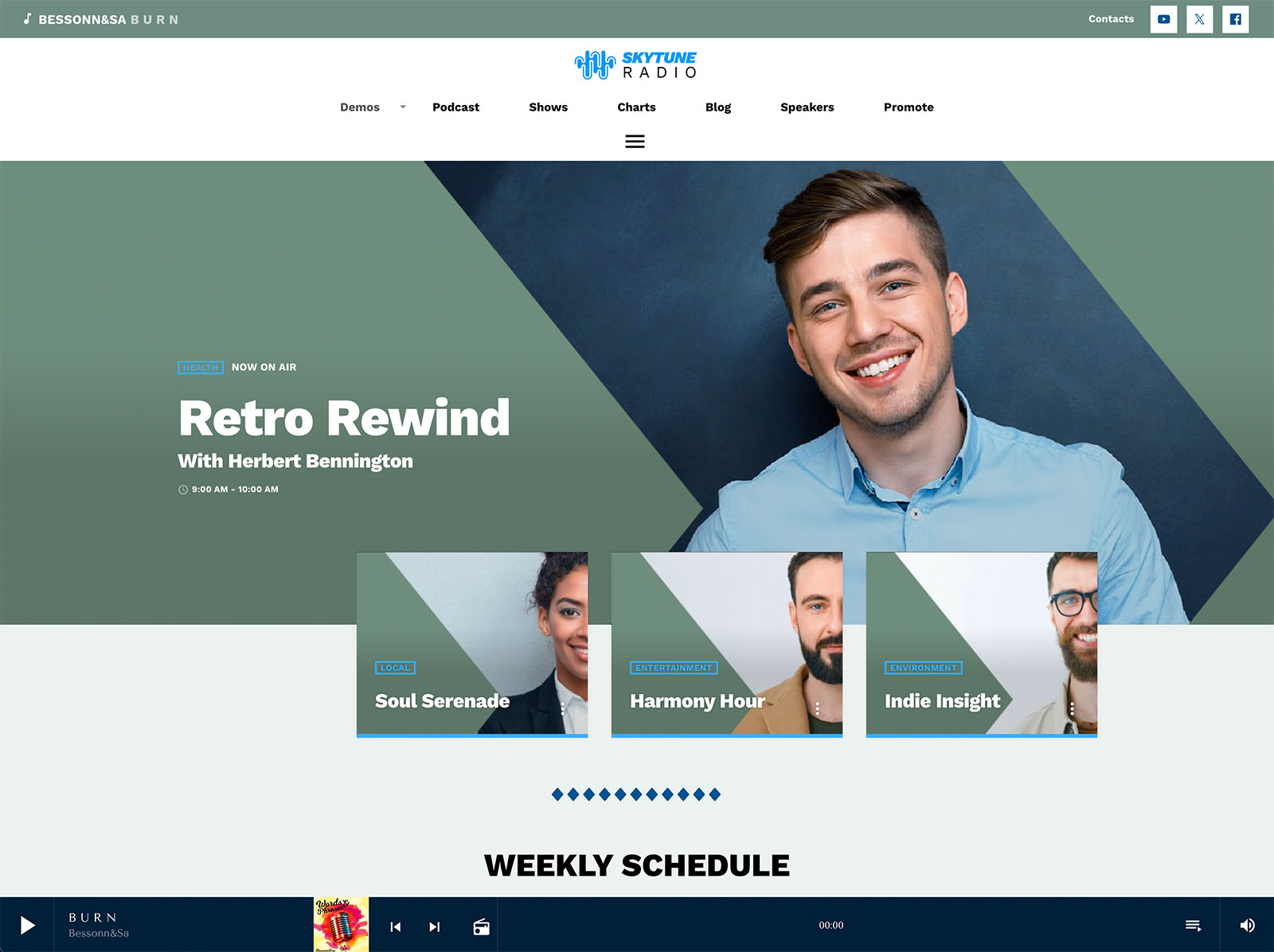
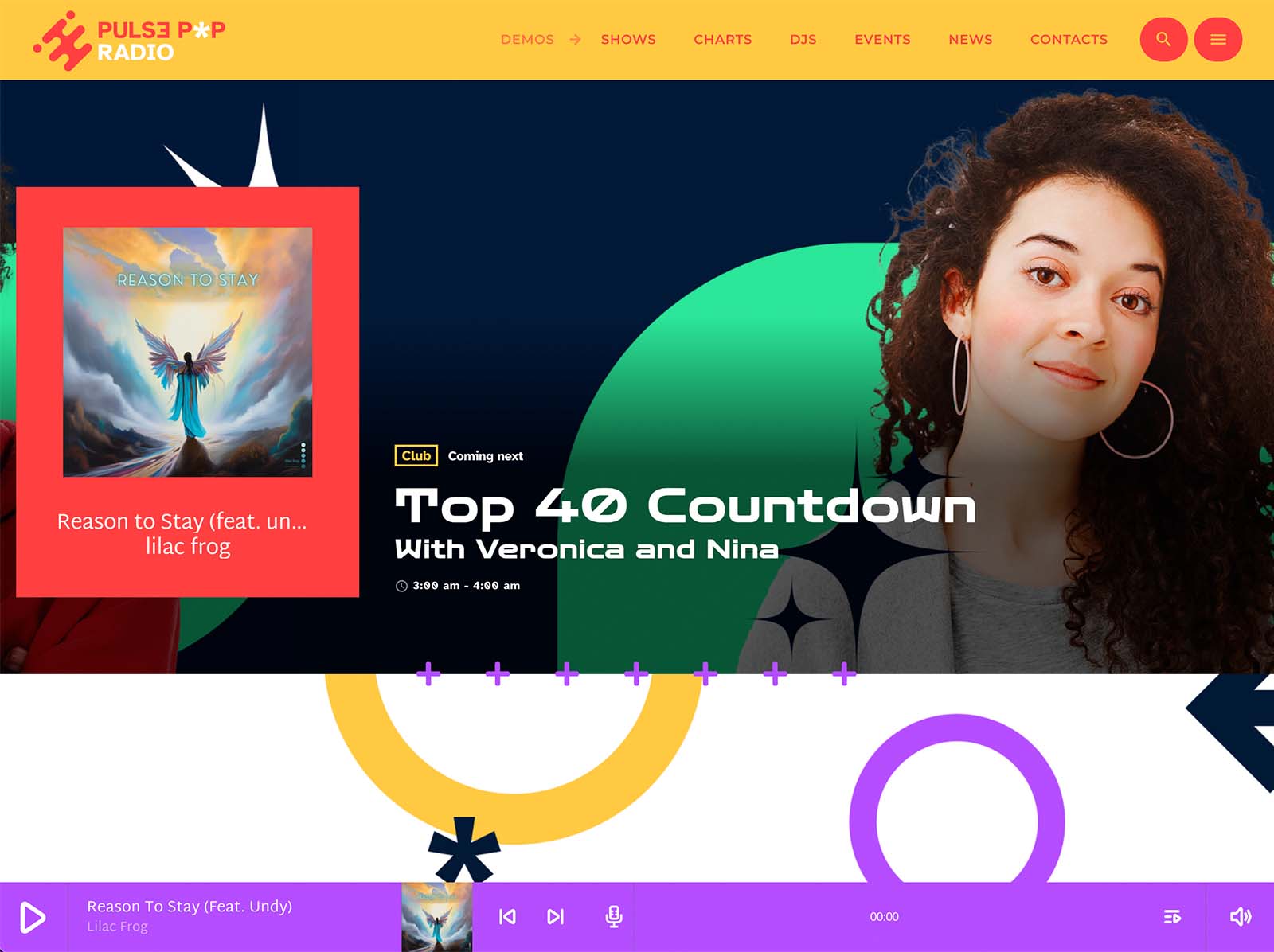
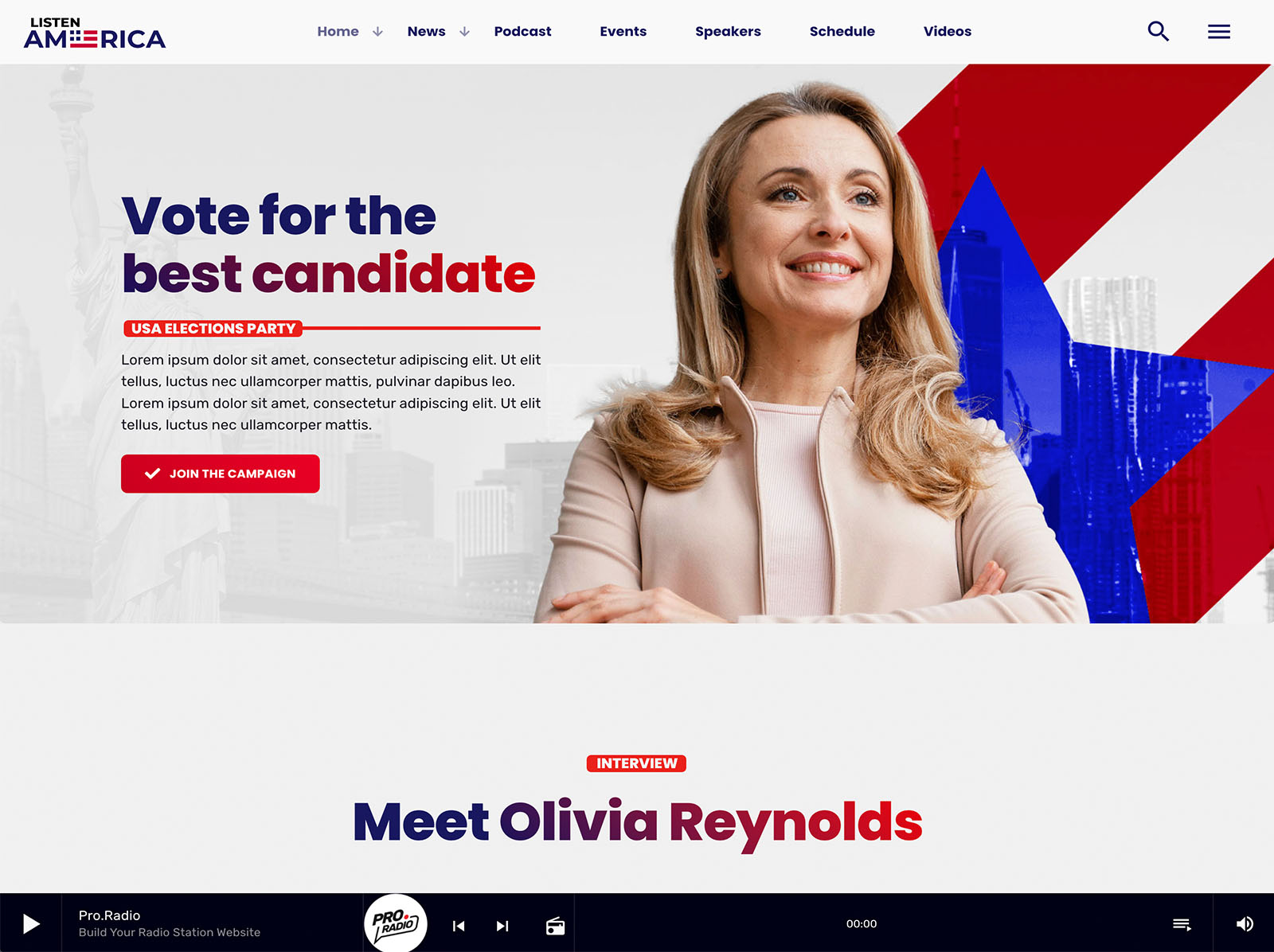
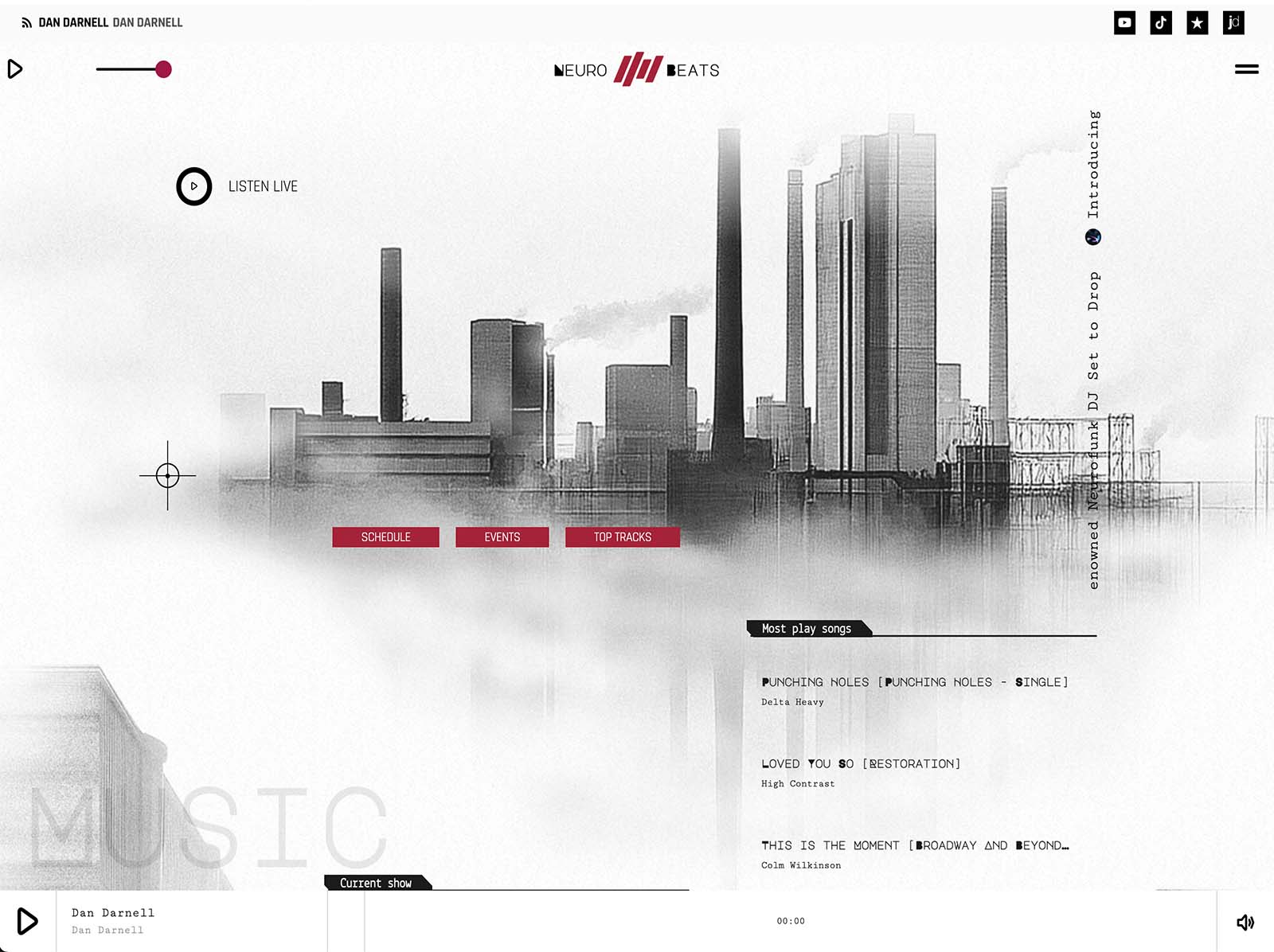
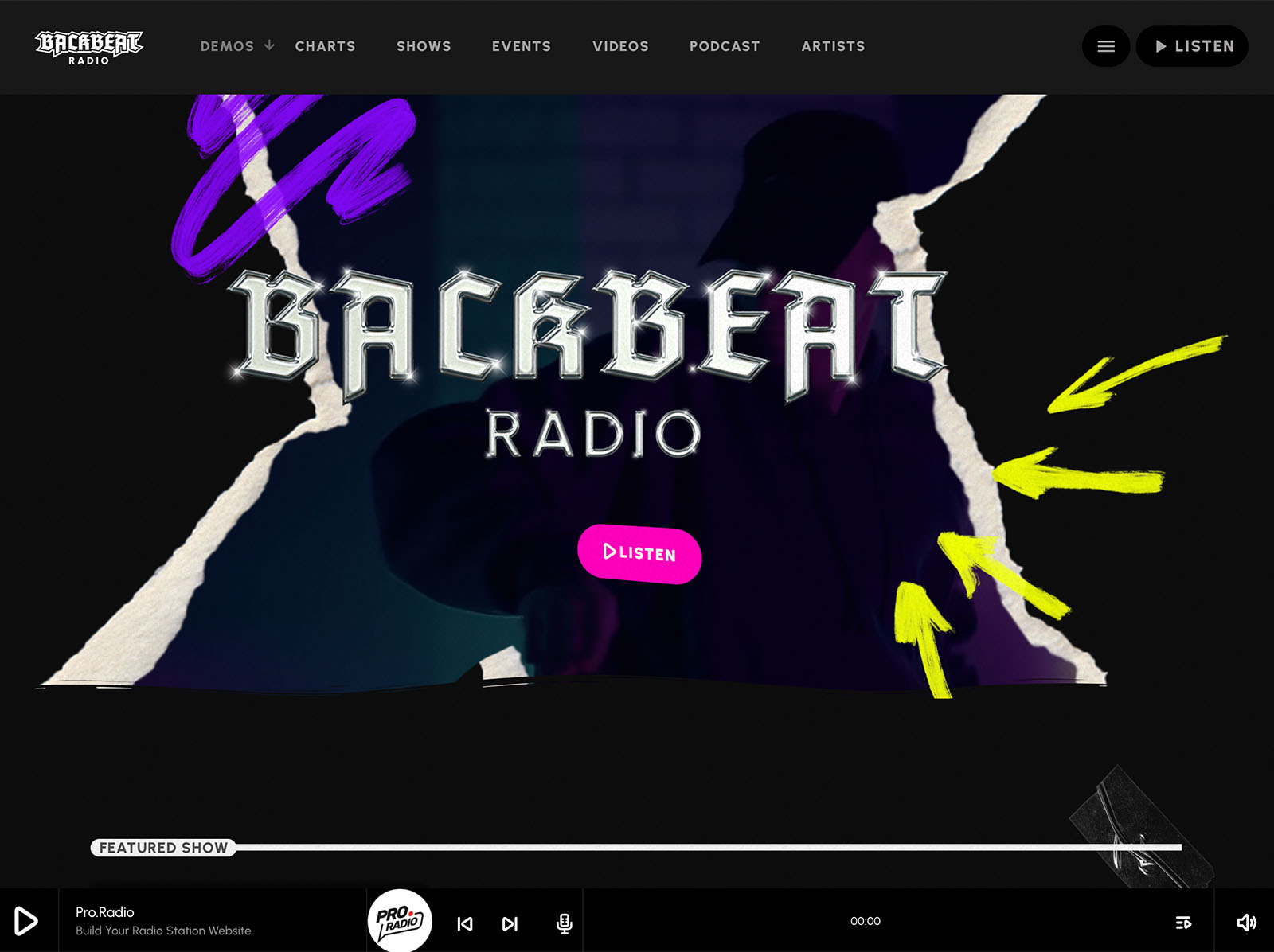
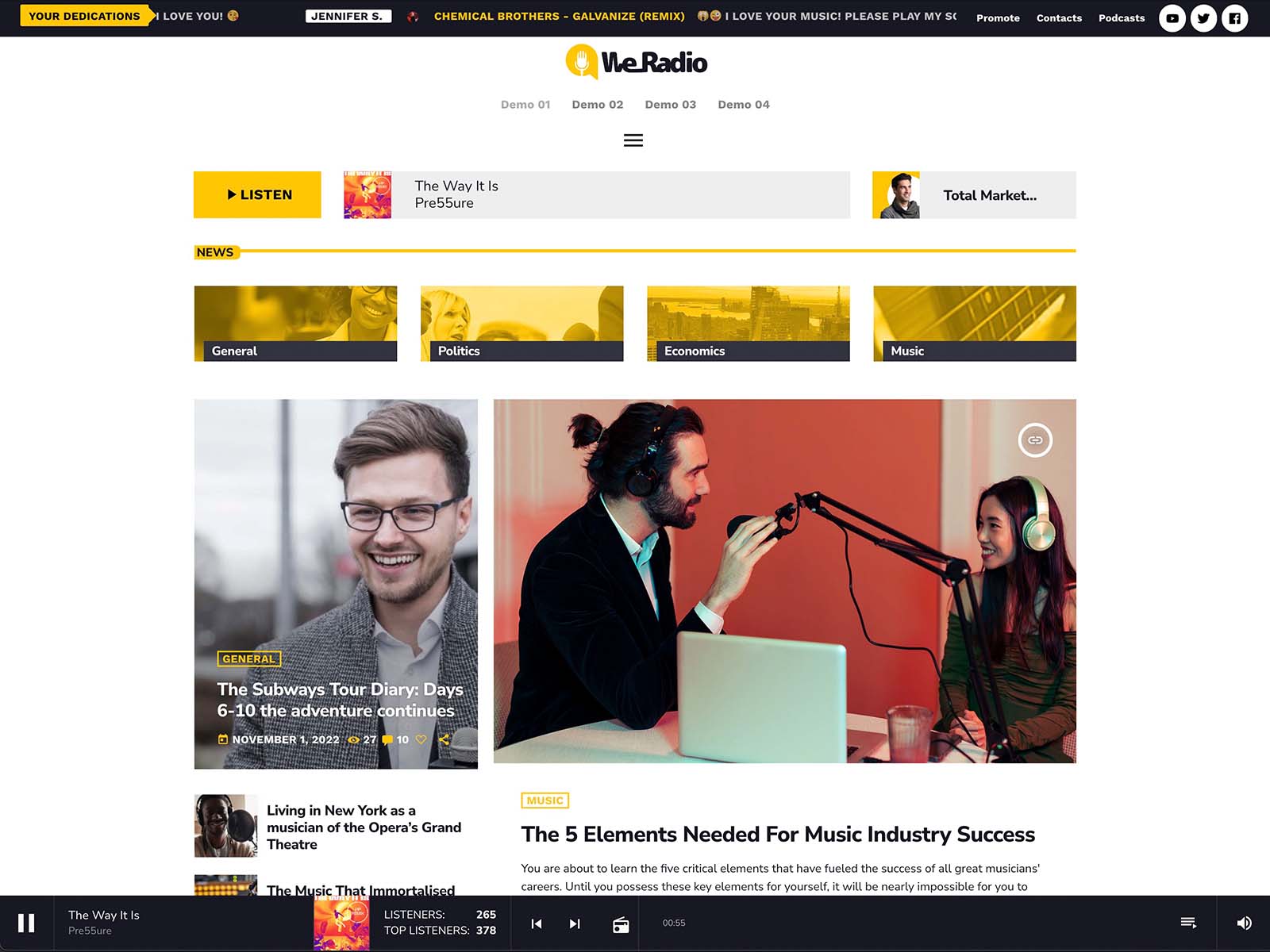
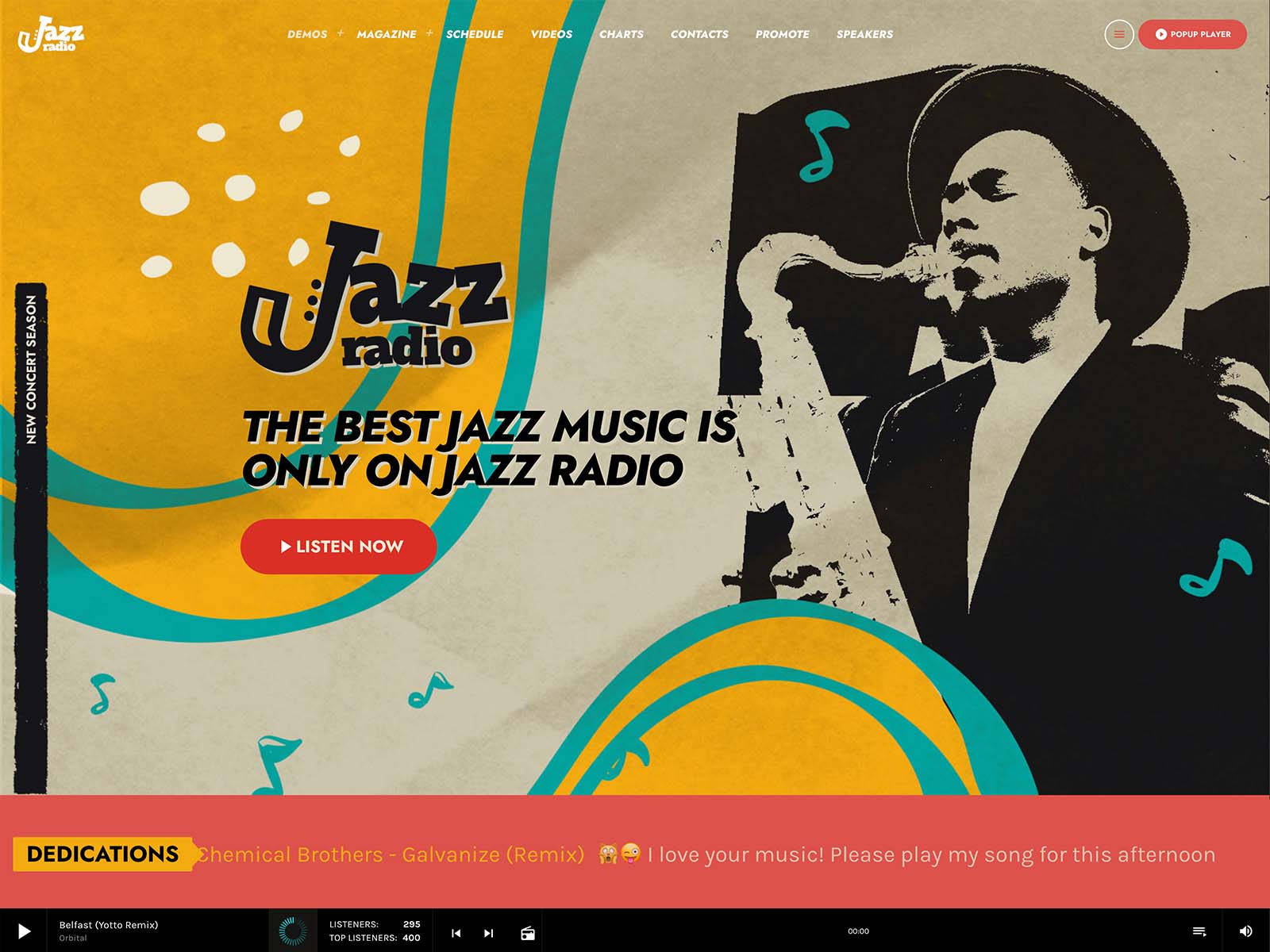
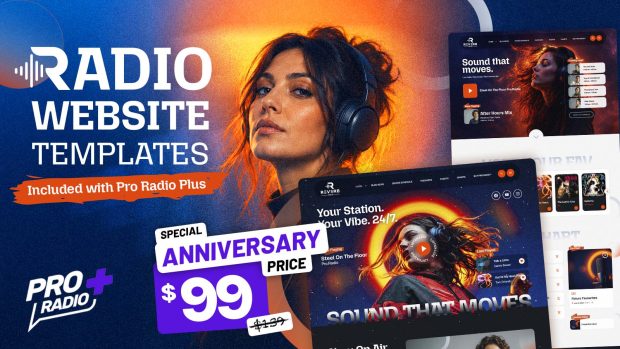
Pro Radio includes a library of prebuilt radio websites, with one-click demo import that takes about five minutes. The all-in-one hosted package includes pre-installed WordPress, the theme, the required plugins, and your chosen demo, ready in around one minute. The hosted package also includes 10GB SSD storage, three daily backups, and the usual professional hosting controls like cPanel and FTP.
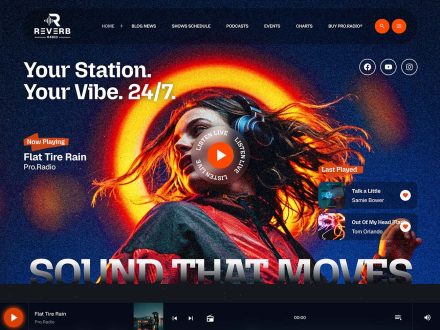
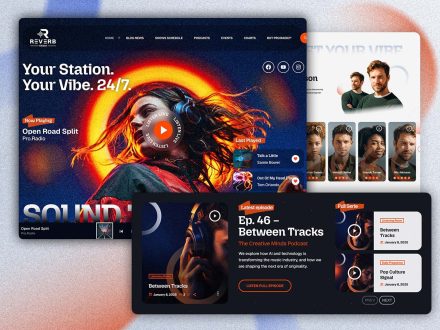
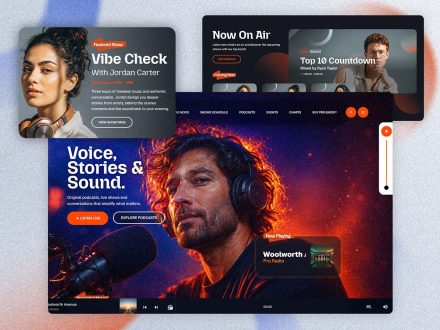
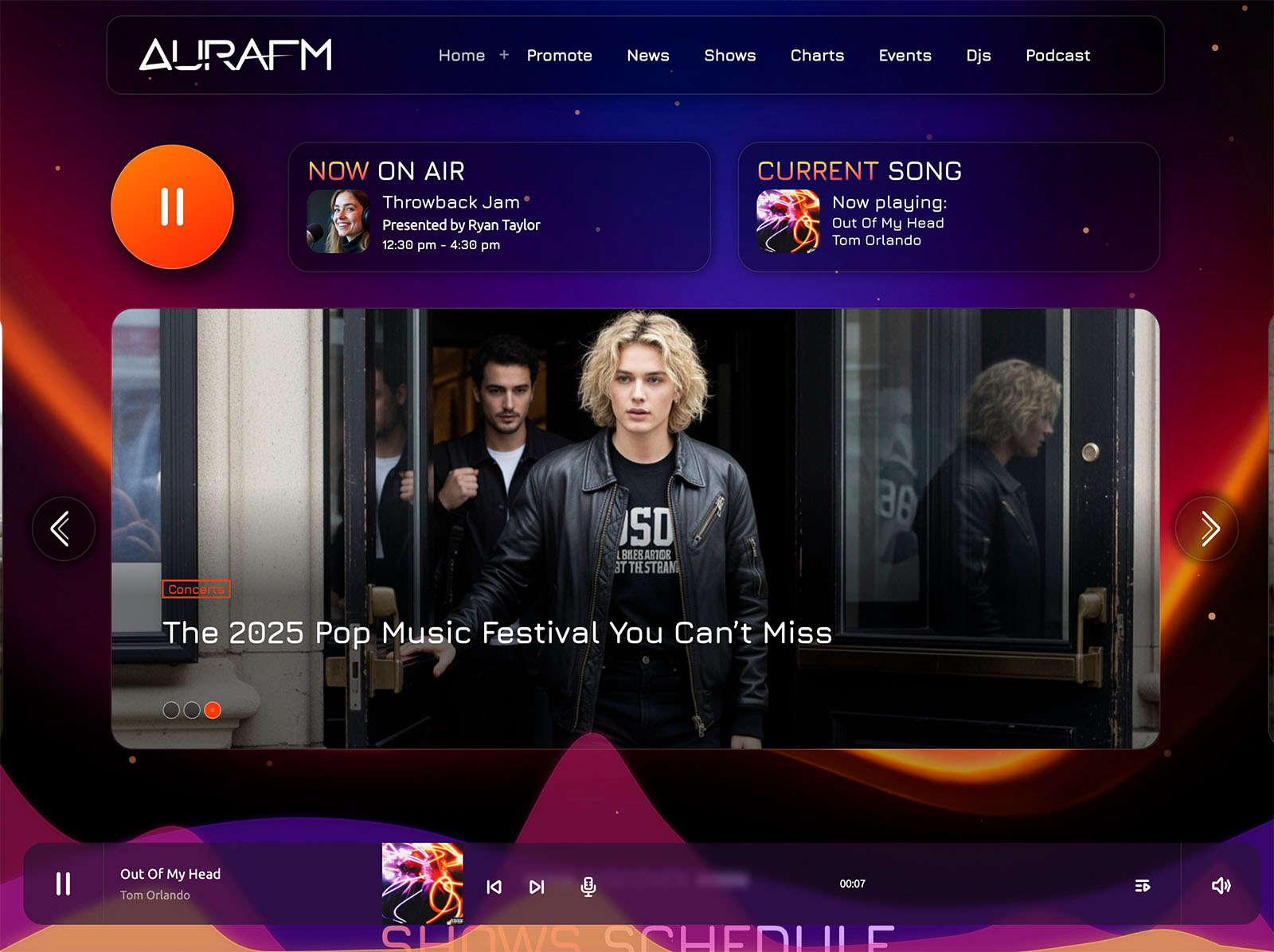
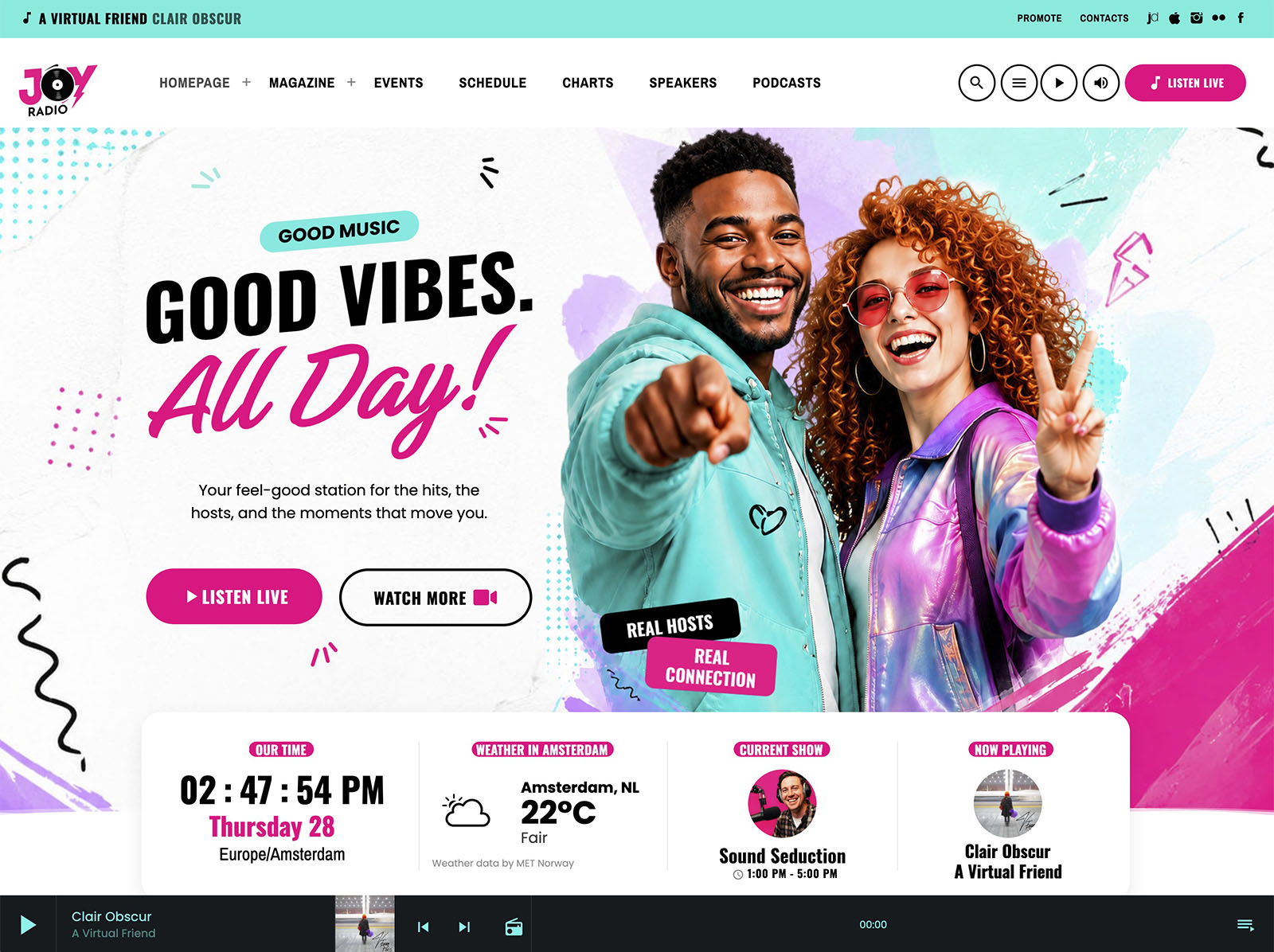
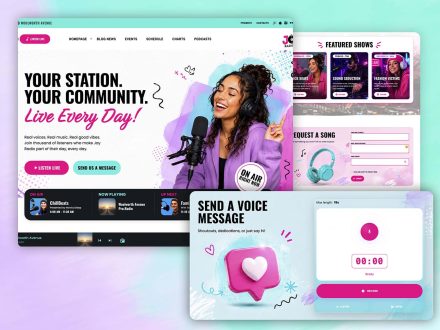
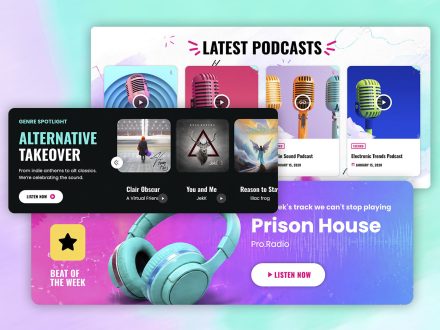
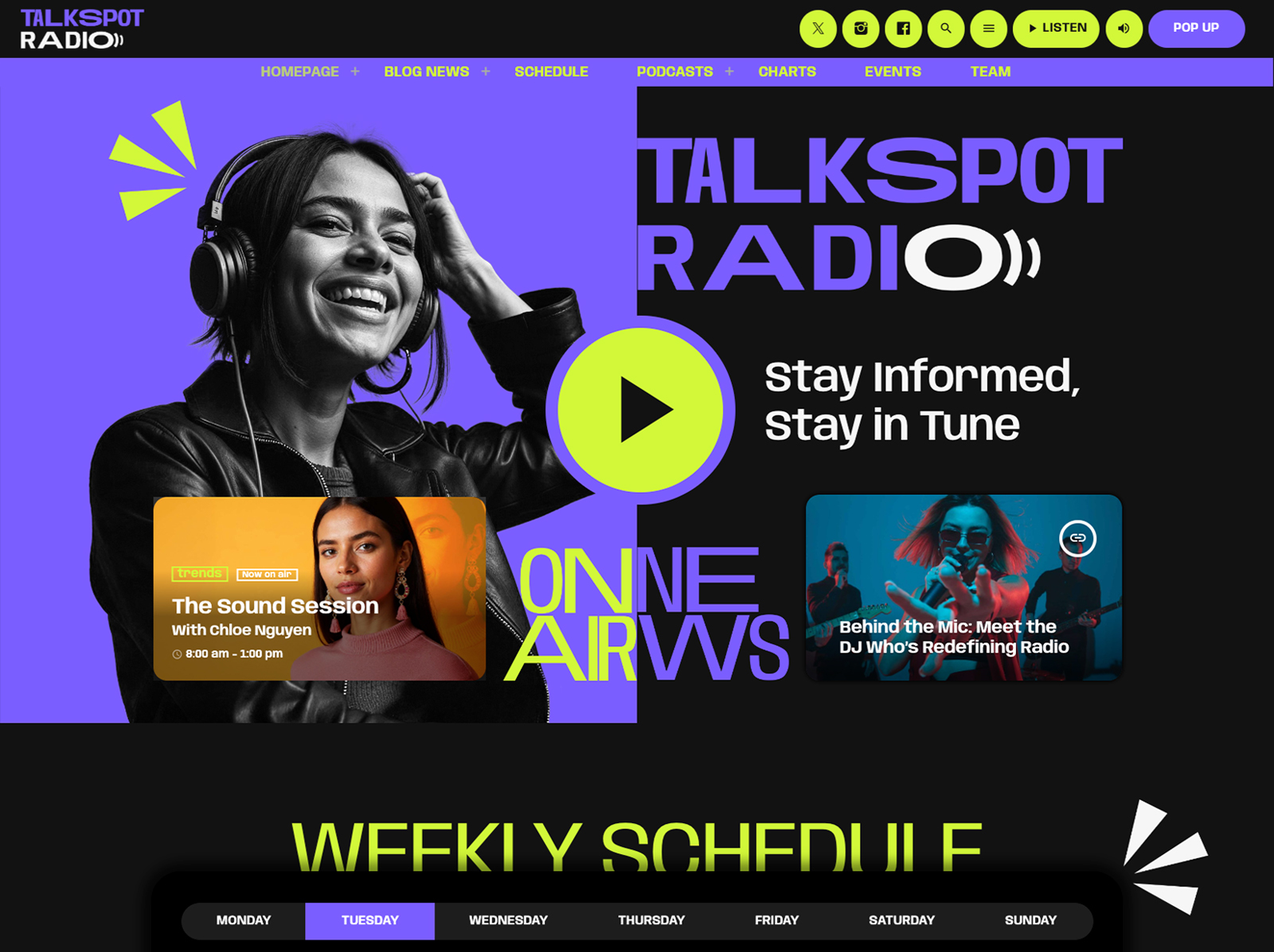
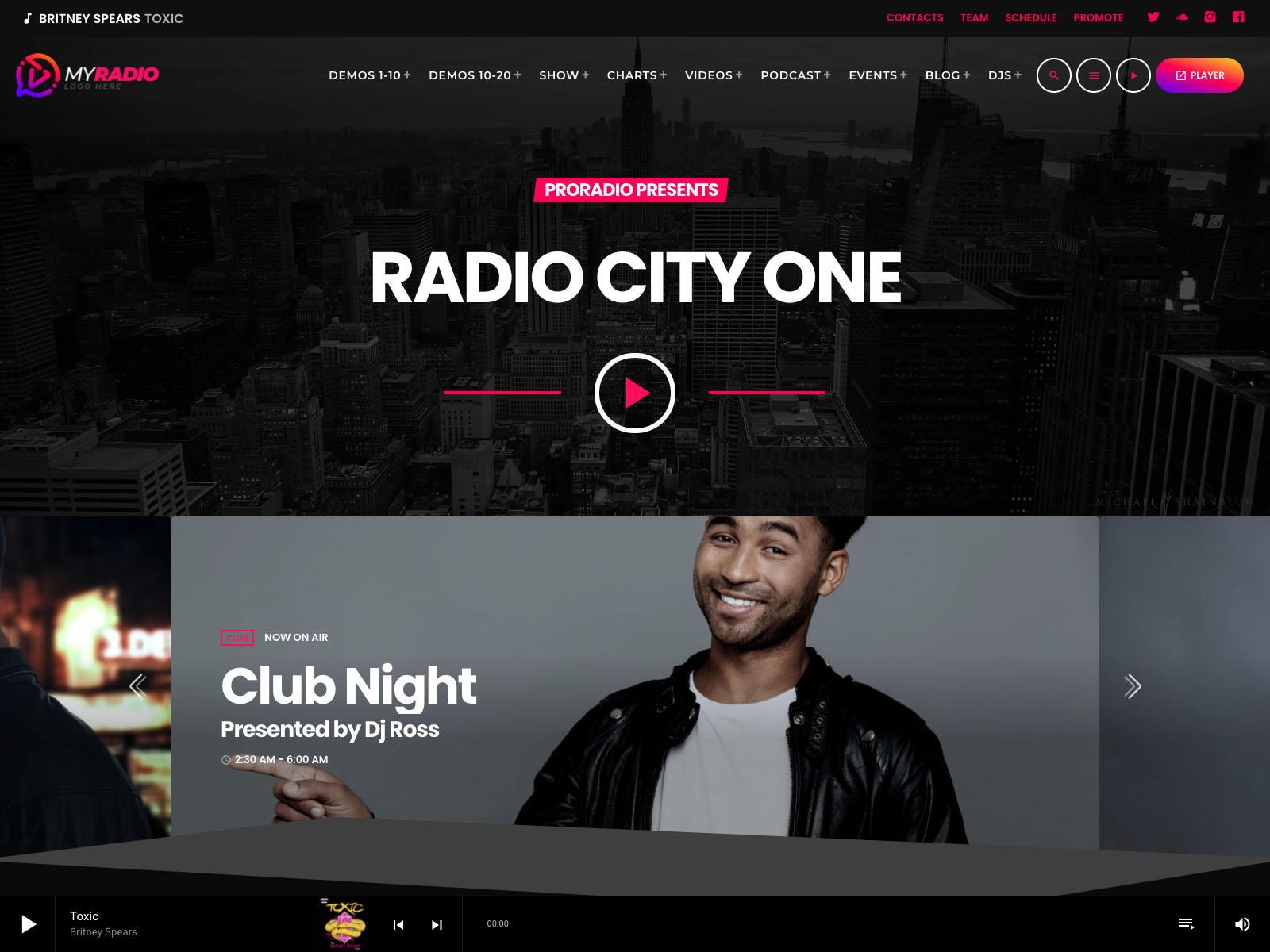
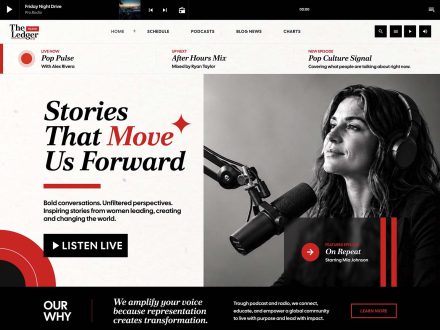
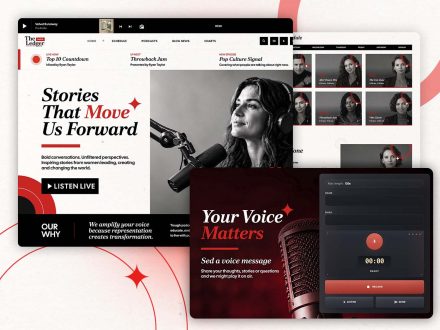
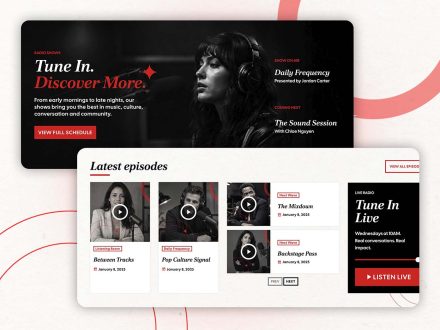
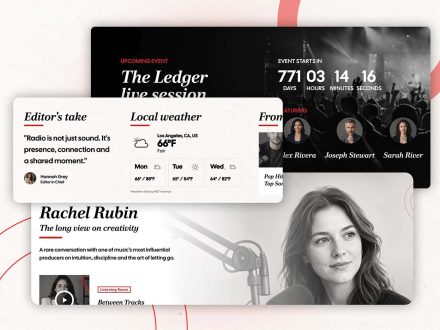
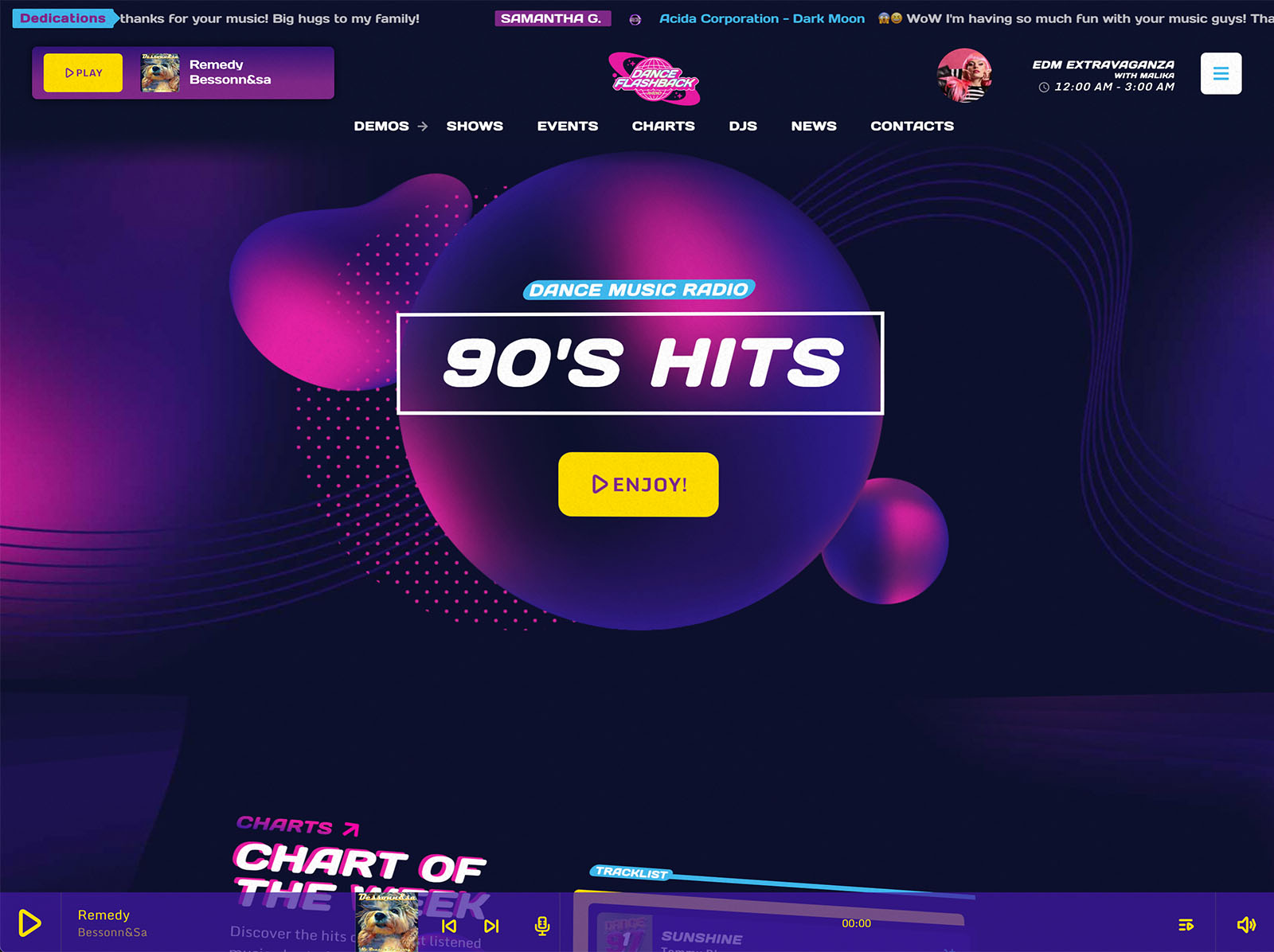
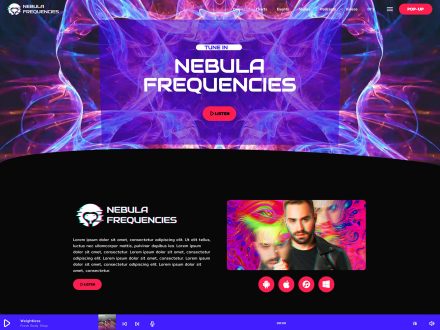
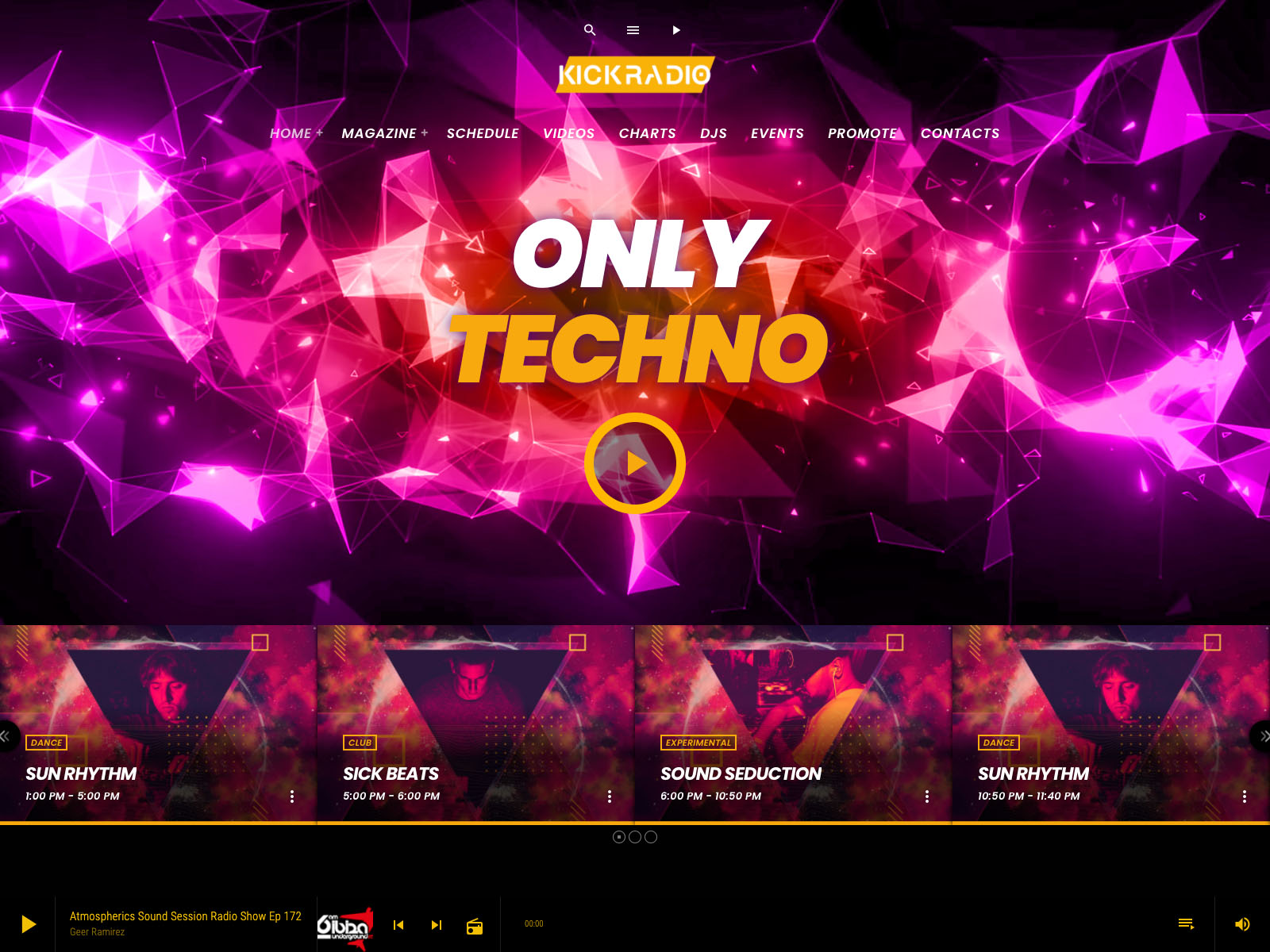
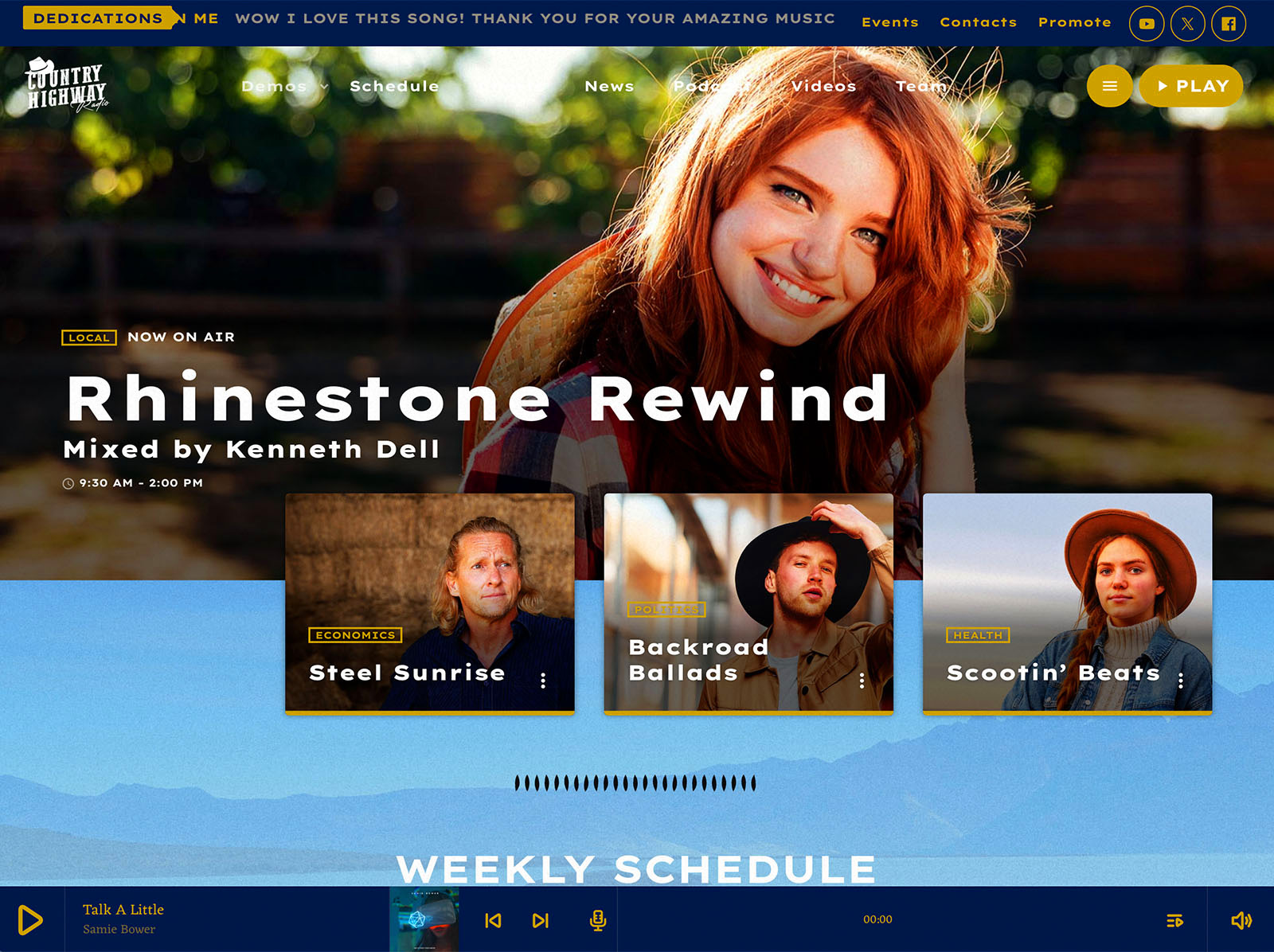
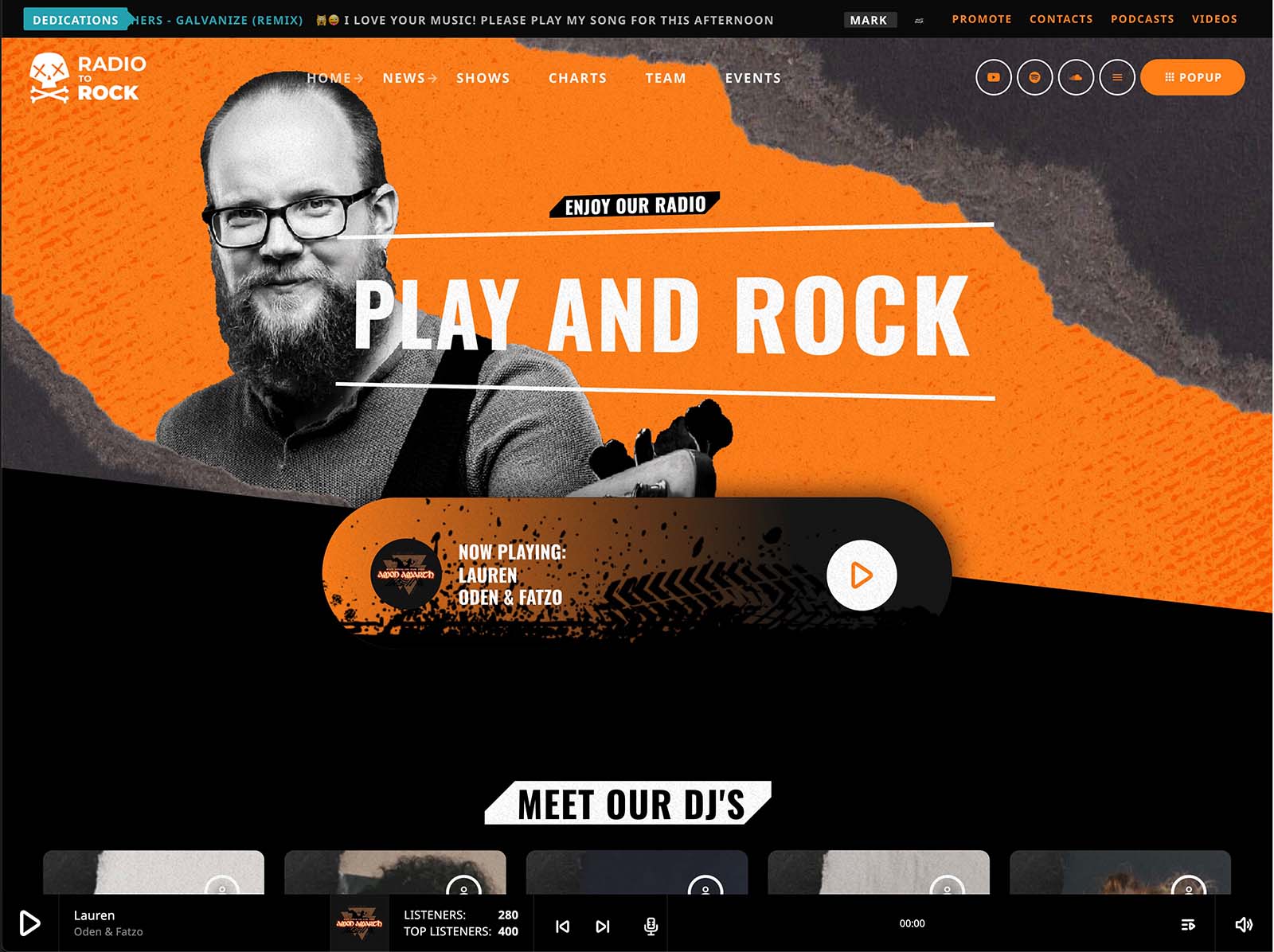
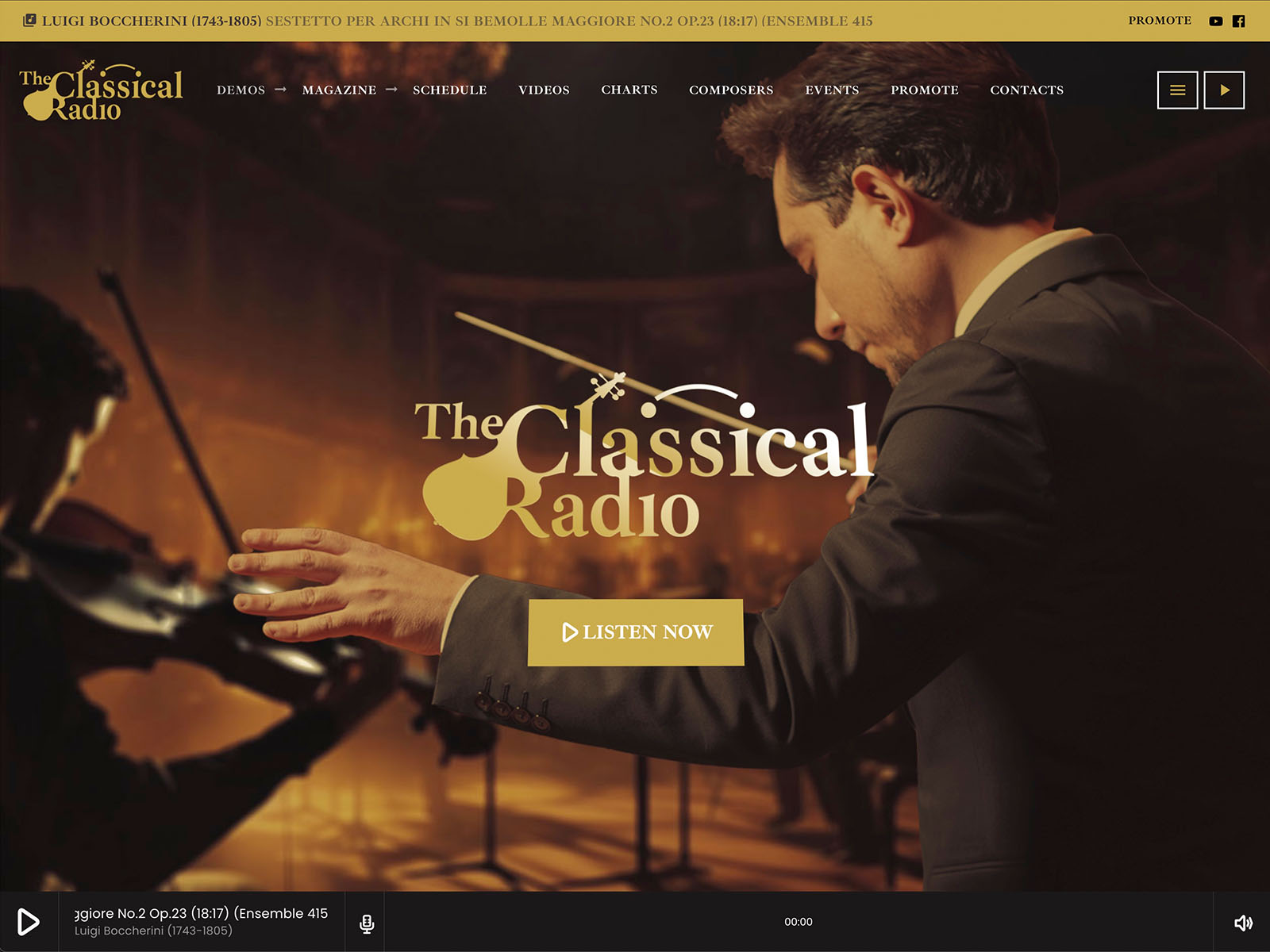
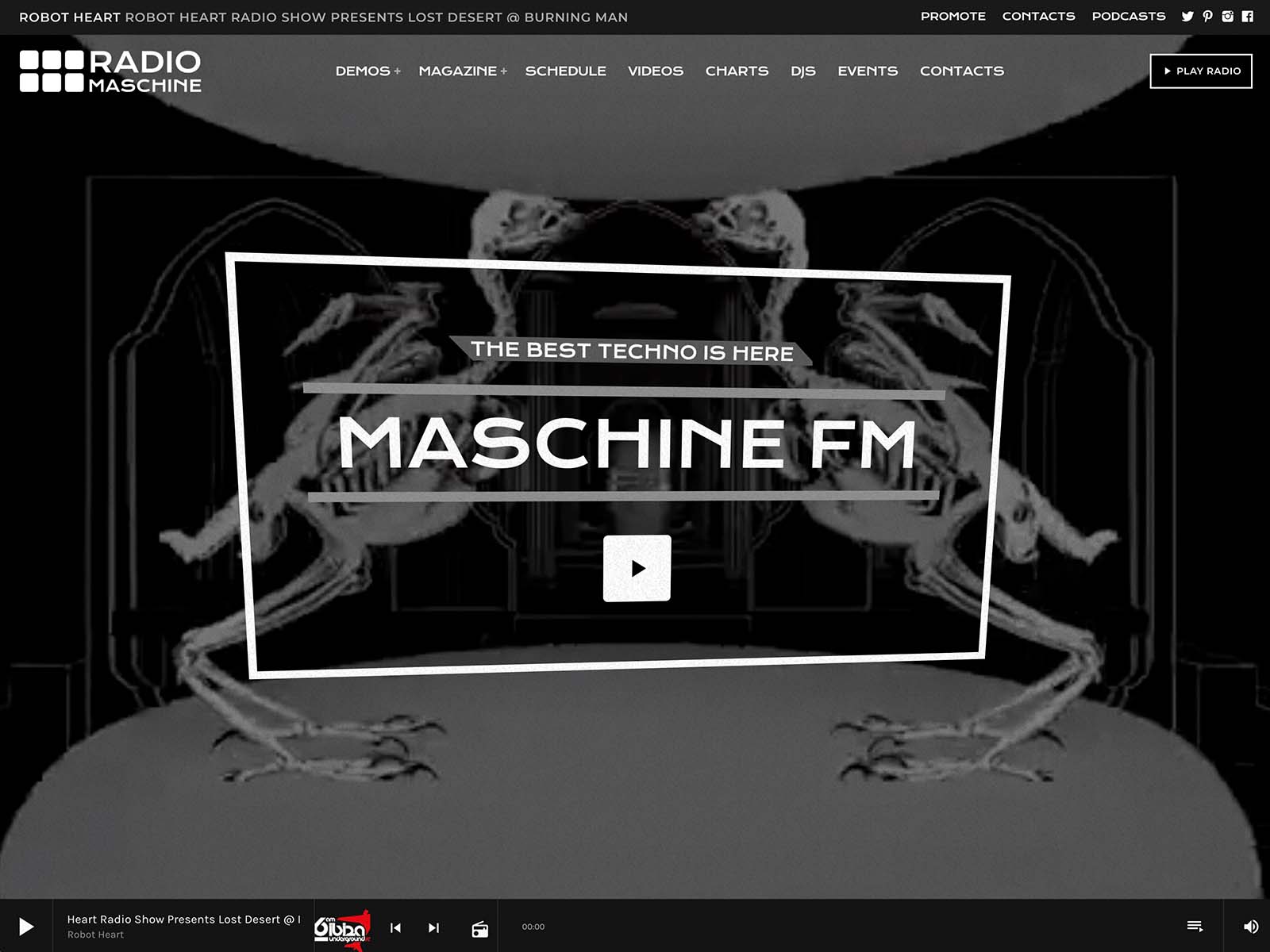
Each demo is a complete radio website. Homepage, live player, schedule, shows, podcasts, presenters, charts, events, news. Visually, it already looks like a professional station. You spend your time customizing colors, copy, and the parts that make your brand different, not inventing structure from scratch.
That single decision, starting from a radio demo instead of a generic theme, is often the difference between looking amateur and looking professional.
Elementor Widgets That Speak Radio
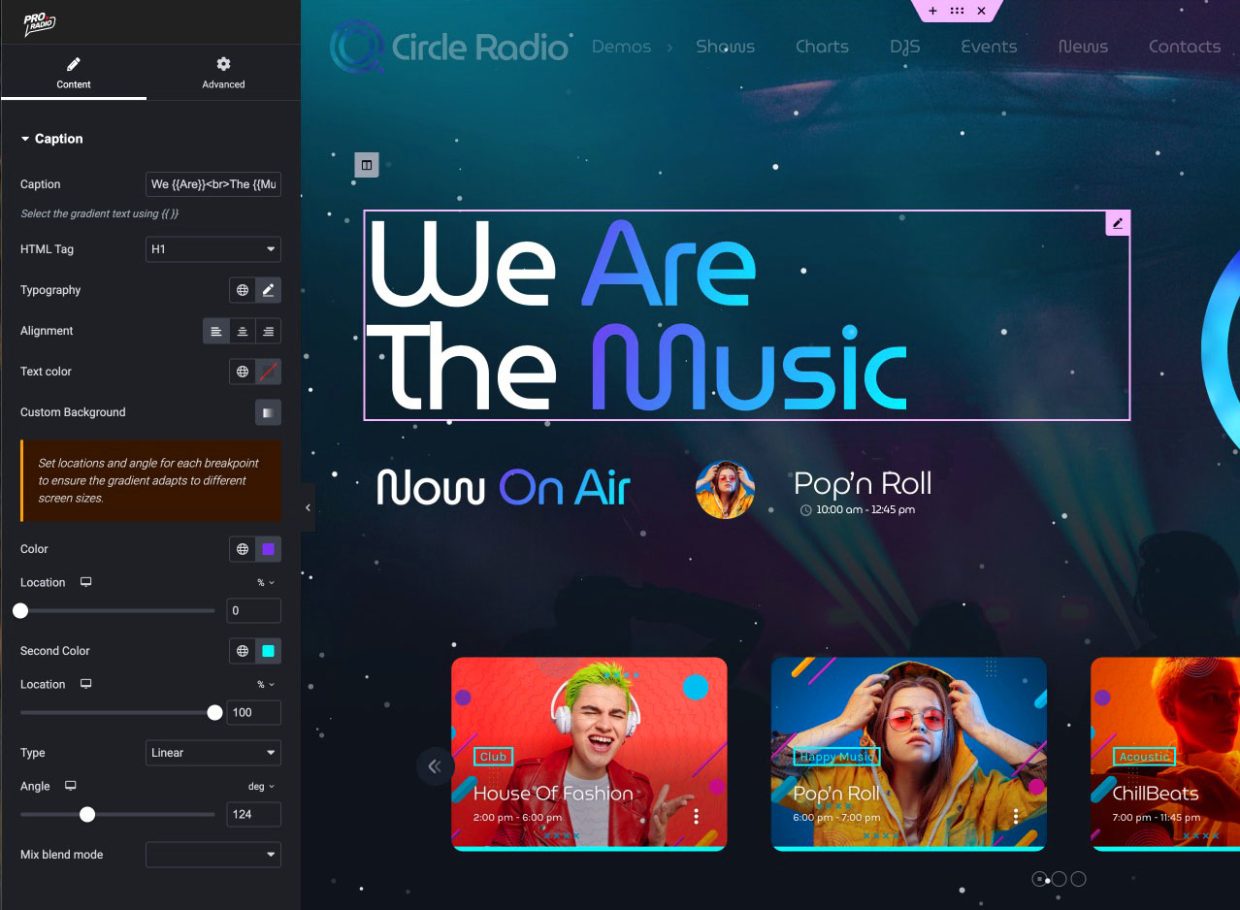
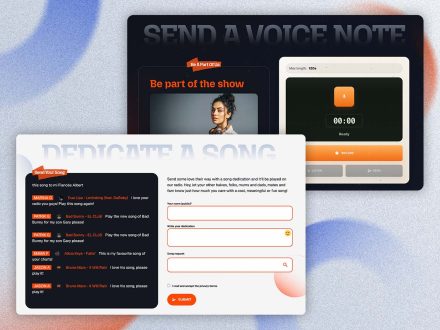
When you do build custom layouts, Pro Radio gives you Elementor with more than thirty radio-specific widgets. The list includes play buttons, real-time song titles, current and upcoming shows, schedule blocks, animated captions, carousels, sliders, charts, podcast players, dedication forms, and Voiceline message recorders.
Over eighty Elementor templates are included with the theme. The Plus bundle adds well over three hundred more. Every section of the demos is available as a reusable template. You drag, you drop, you publish.
This is what separates a real radio site from a styled blog. The widgets do radio things. They do not pretend to.
A Customizer That Makes The Brand Yours
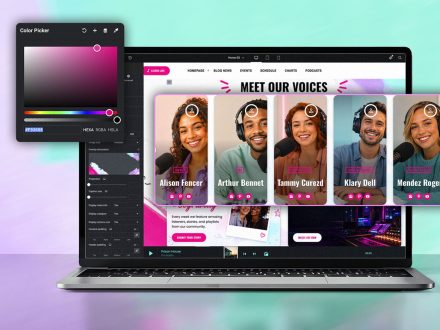
The customizer is where DIY sites usually drown in tiny CSS edits. Pro Radio puts more than two hundred options in one place with a live preview. You change colors with material-design-based palettes for menu, button, footer, and player. You set typography for content, bold, headings, and captions independently. You pick CTA icons from a hundred options. You choose menu and sidebar locations. You decide whether your page headers use parallax, waves, duotone, grayscale, or gradient.
You see each change immediately. No code, no guesswork. The result is a site that looks intentional rather than improvised.
A Player That Looks And Behaves Pro

A weak player is the easiest way to spot a DIY radio site. Pro Radio provides a non-stop player that follows the visitor across pages, supports the major streaming providers, displays real-time song titles, and shows album covers for public commercial releases. It can sit in the header, the footer, or as a custom popup. Volume and play controls can live in the menu bar.
If you grow into multiple channels, the Radio Channels post type handles unlimited streams, with reorder and visibility controls. You can also build custom playlists with single tracks, prices, and purchase links if you sell music. The same player handles streams, podcasts, and chart samples, so visitors never have to learn a different interface for different content.
Show Pages That Look Like Real Programs
Each show in Pro Radio has a self-updating page. It can include the show’s timetable, recent podcast episodes, related news posts, the speakers and DJs, music charts tied to the show, and upcoming events. You add a show once and the connections happen automatically.
This is what turns a list of programs into a network of real-looking pages. Presenters can share a single page like a portfolio. Listeners can fall into a program’s history and discover everything it has produced. The site stops looking like a hobby site the moment shows have their own homes.
The Practical Outcomes That Sponsors Notice
When you stop looking amateur, the practical effects show up quickly.
- Local sponsors take meetings more seriously because the site looks like a real broadcaster.
- New hosts agree to join because they see they will have a real profile, not a paragraph.
- Visitors stay longer because the player keeps playing while they browse.
- Search engines see fresh, cross-linked content through show pages and related blog posts, which slowly improves visibility.
These are not abstract claims. They are the side effects of having a real radio platform under the brand instead of a stitched-together theme.
One Toolkit Replaces A Pile Of Hacks
The DIY pattern usually means three or four plugins glued onto a generic theme, with conflicts that show up at the worst moments. Pro Radio gives you the theme, the Elementor widgets, the customizer, and the optional Plus bundle with Sidekick, Business Tools, Dedications, Podcast Importer, and more, all designed to work together.
That single design choice removes most of the late-night maintenance work. The player does not break when the schedule plugin updates. The widgets stay consistent with the customizer colors. The performance optimizations apply across the system. The site you launched still looks polished a year later.
Stop Faking It With A Generic Theme
If you are tired of looking at your own homepage and quietly wishing it looked more professional, the issue is rarely your taste. It is the foundation. Pro Radio gives DIY stations a real radio platform with everything a serious broadcaster needs already in place.
Pick a demo, run the import, swap the colors for yours, and watch the site stop looking like a DIY project. Your audience will see the change before you finish describing it to them.
Explore our prebuilt radio websites



AD


You may also like

Copyright 2019-2026 ProRadio® Qantum Themes SL® ESB02979078 All Rights Reserved