


 NEW!
NEW!

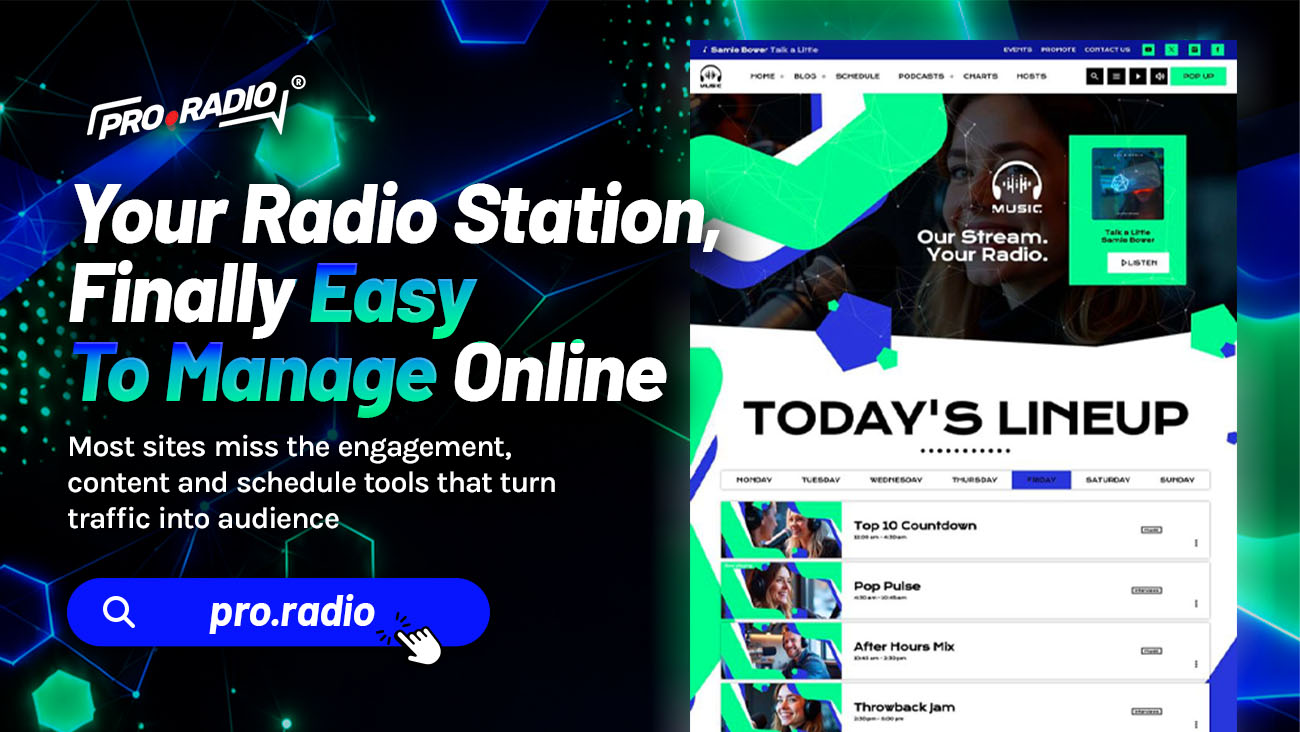
Your Radio Station, Finally Easy To Manage Online
AD
Hello dear radio lovers! We are here with some useful piece of information for your radio station website! Today we’re talking about plugins and maintenance.
One of the biggest challenges of handling a station website is for sure matching hundreds of functions in the same website.
WordPress makes it sound easy as you go on the plugins list and it seems there is a solution for everything, but when it comes to put the pieces together, is when you’re facing the real challenge. Like stitching together the pieces from a plane and a car and hoping it flies.
This is where we started, over 10 years ago, when takinng in charge the first radio websites for some private customer. And what happens is that every plugin you add, can increase problems, complexity and software conflicts.
That’s why the only solution was to create our own system, our own ECO-SYSTEM of features, which has been improved over the years with every tiny feedback we had from our customers. And this is where Pro Radio becomes a unique piece of art, a solution that wipes all of your problems at ones, with a simple package that features every feature you were looking for, without conflicts, without errors, without searches.
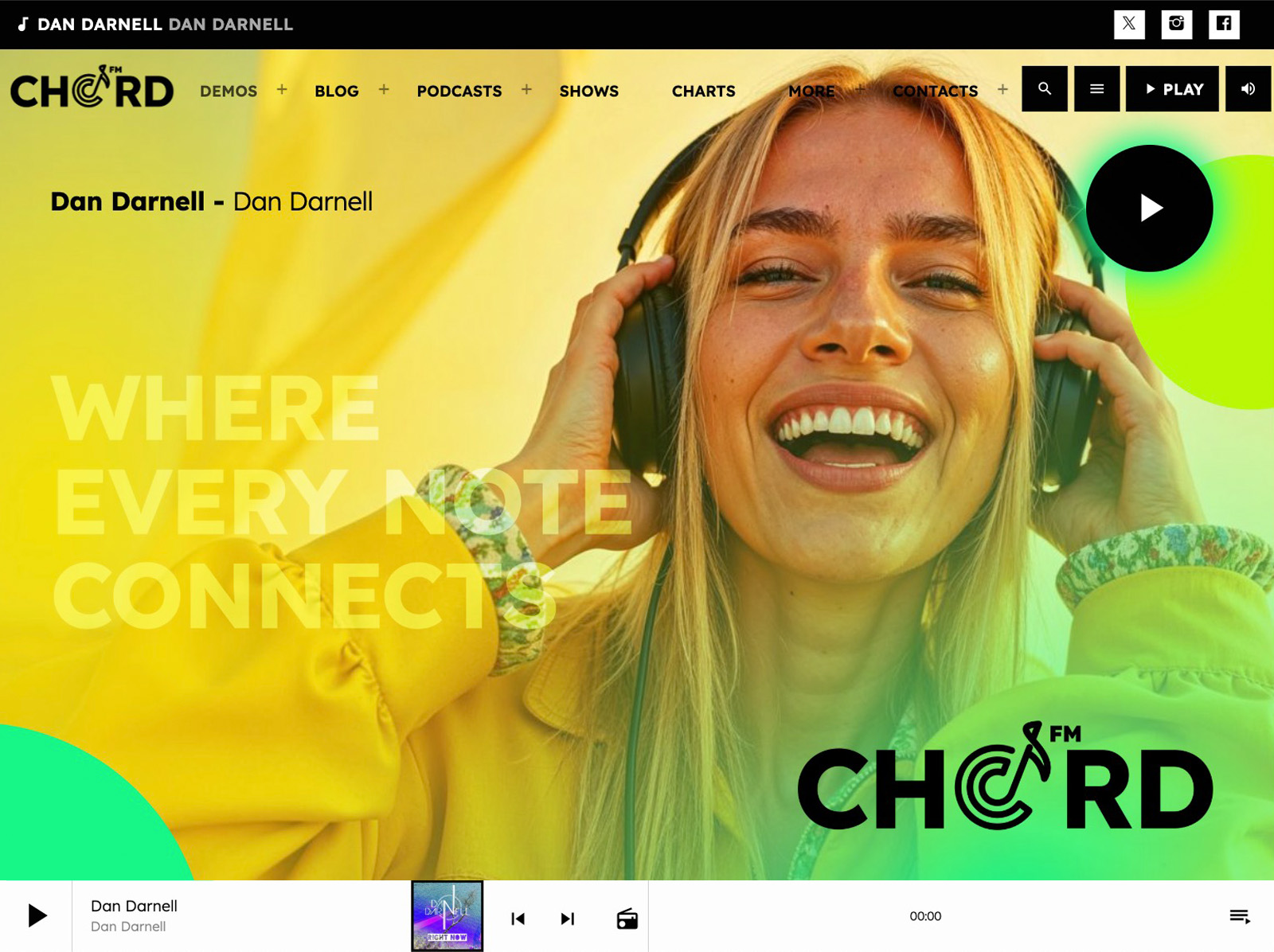
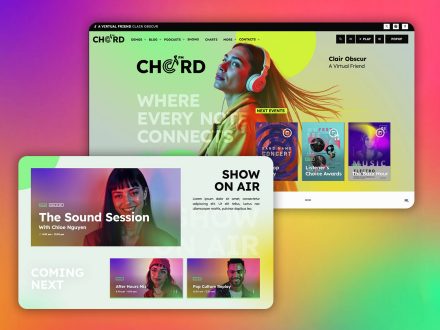
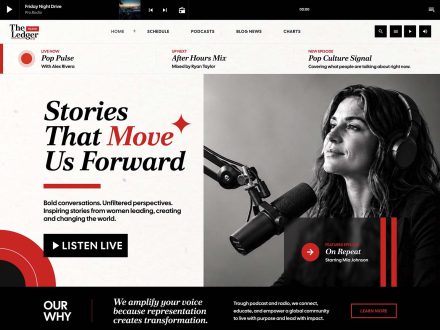
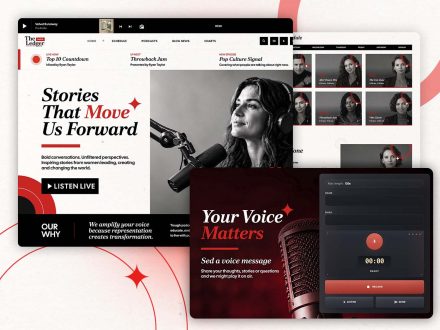
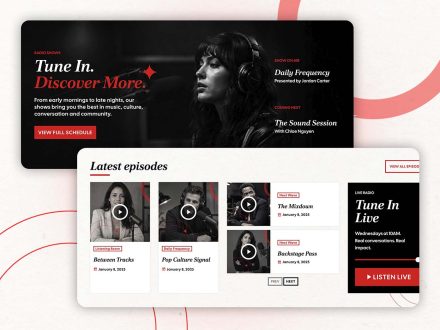
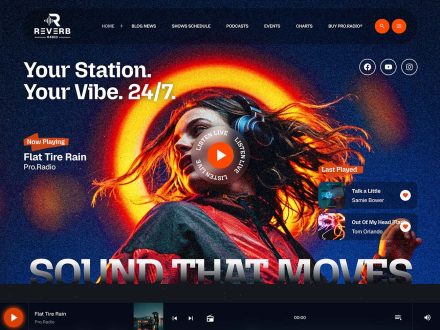
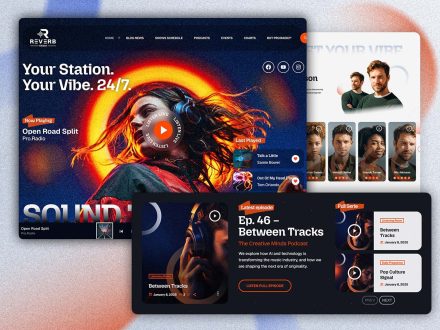
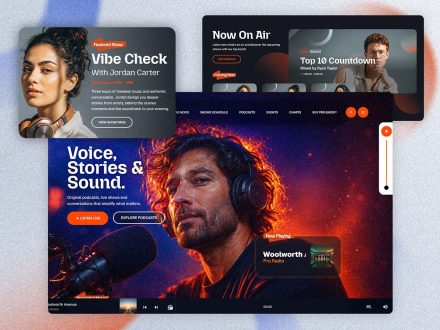
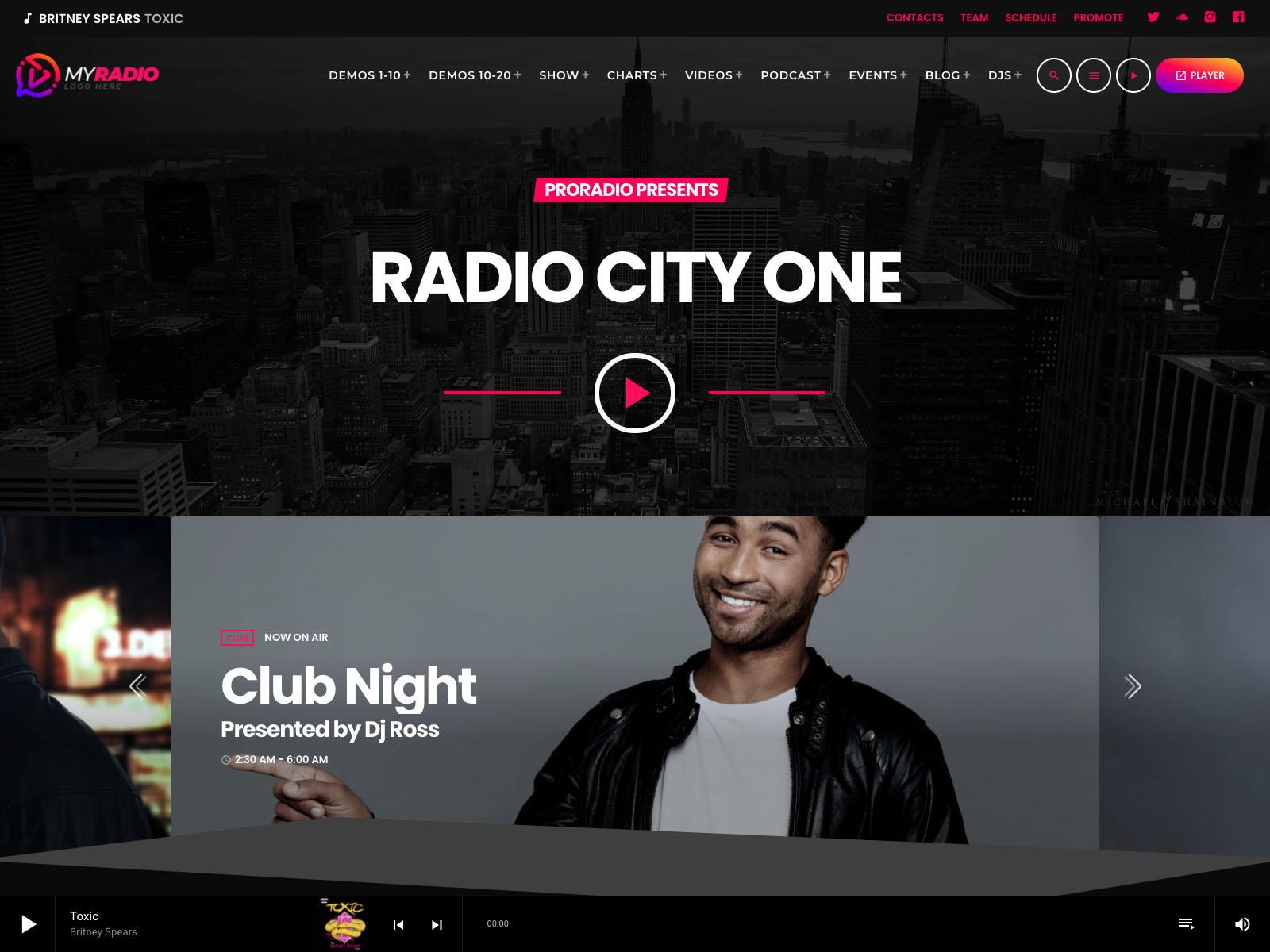
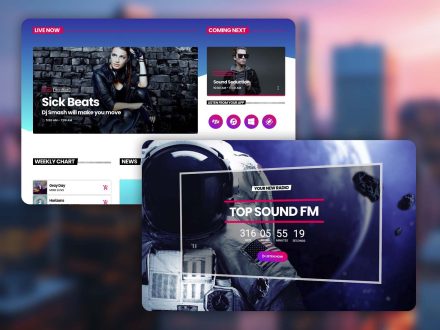
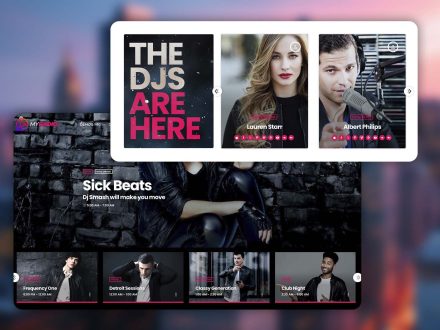
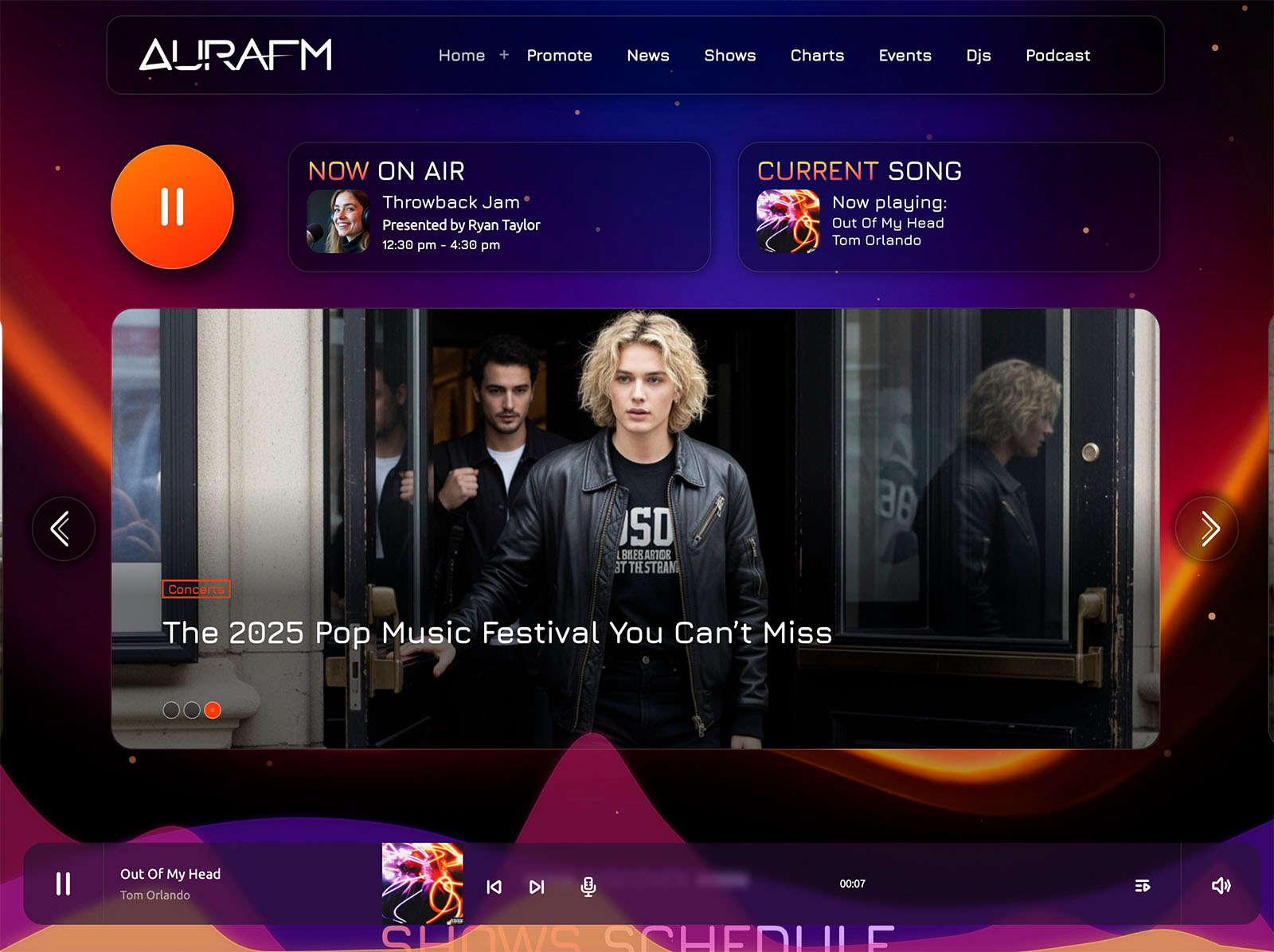
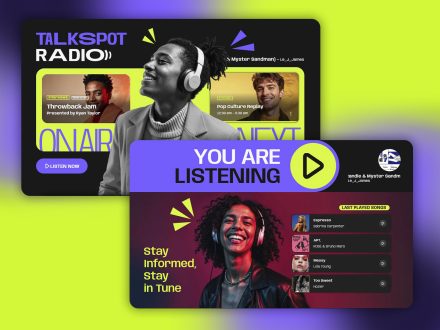
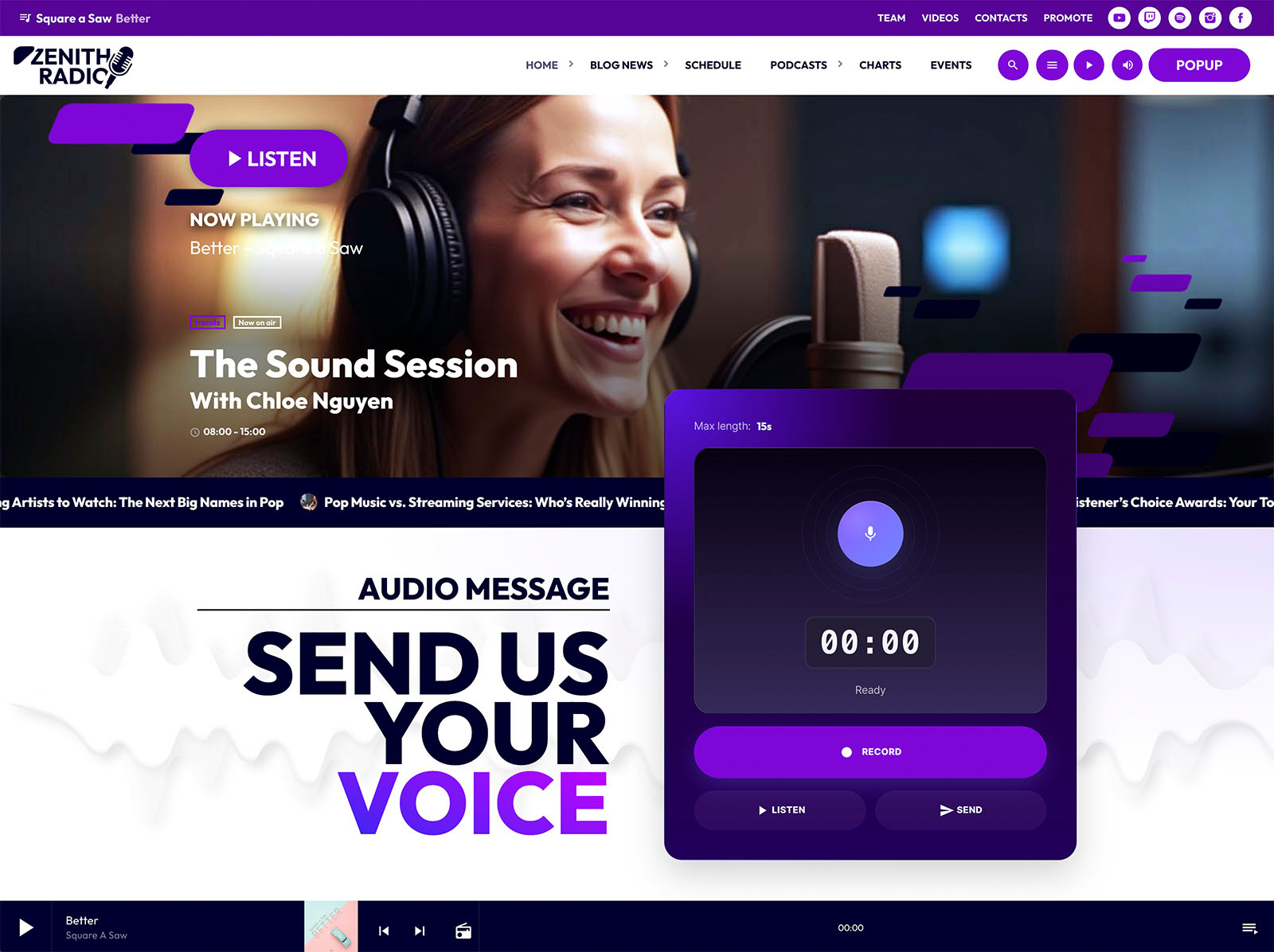
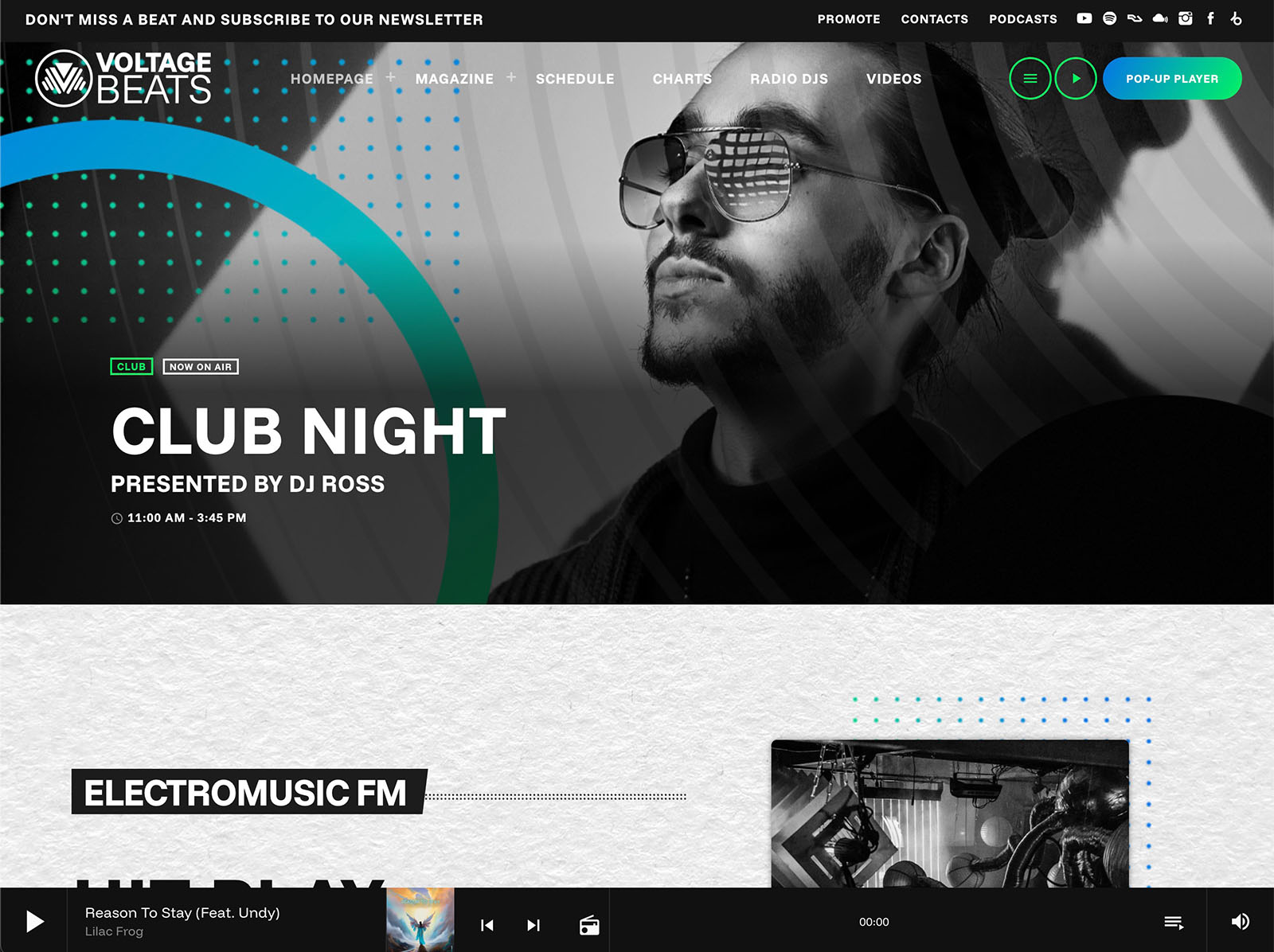
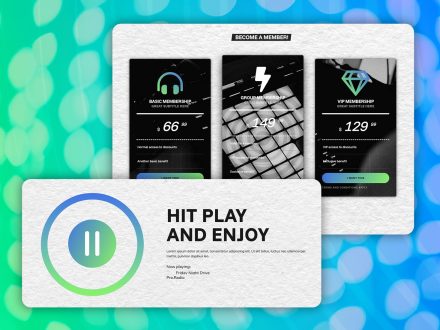
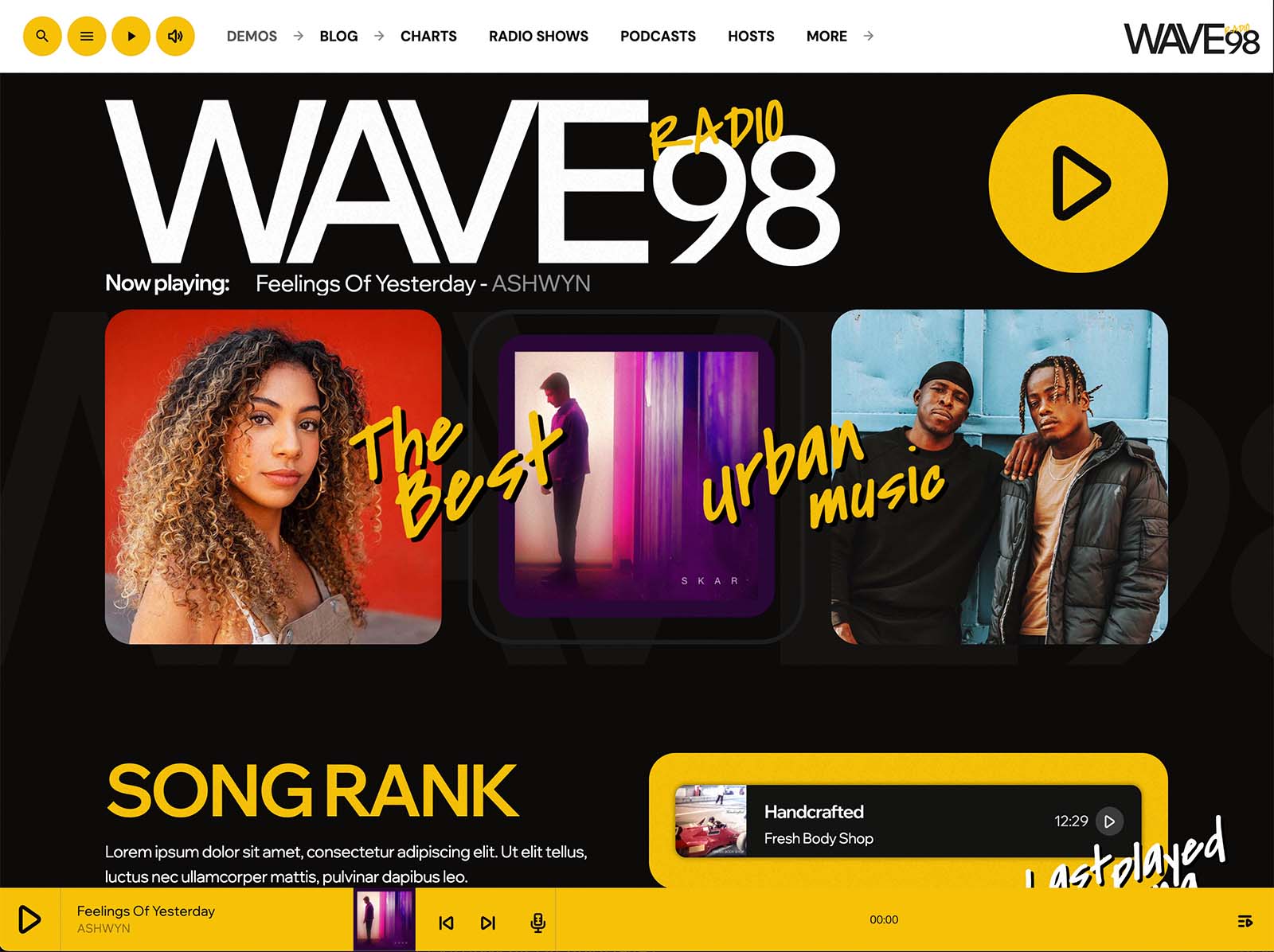
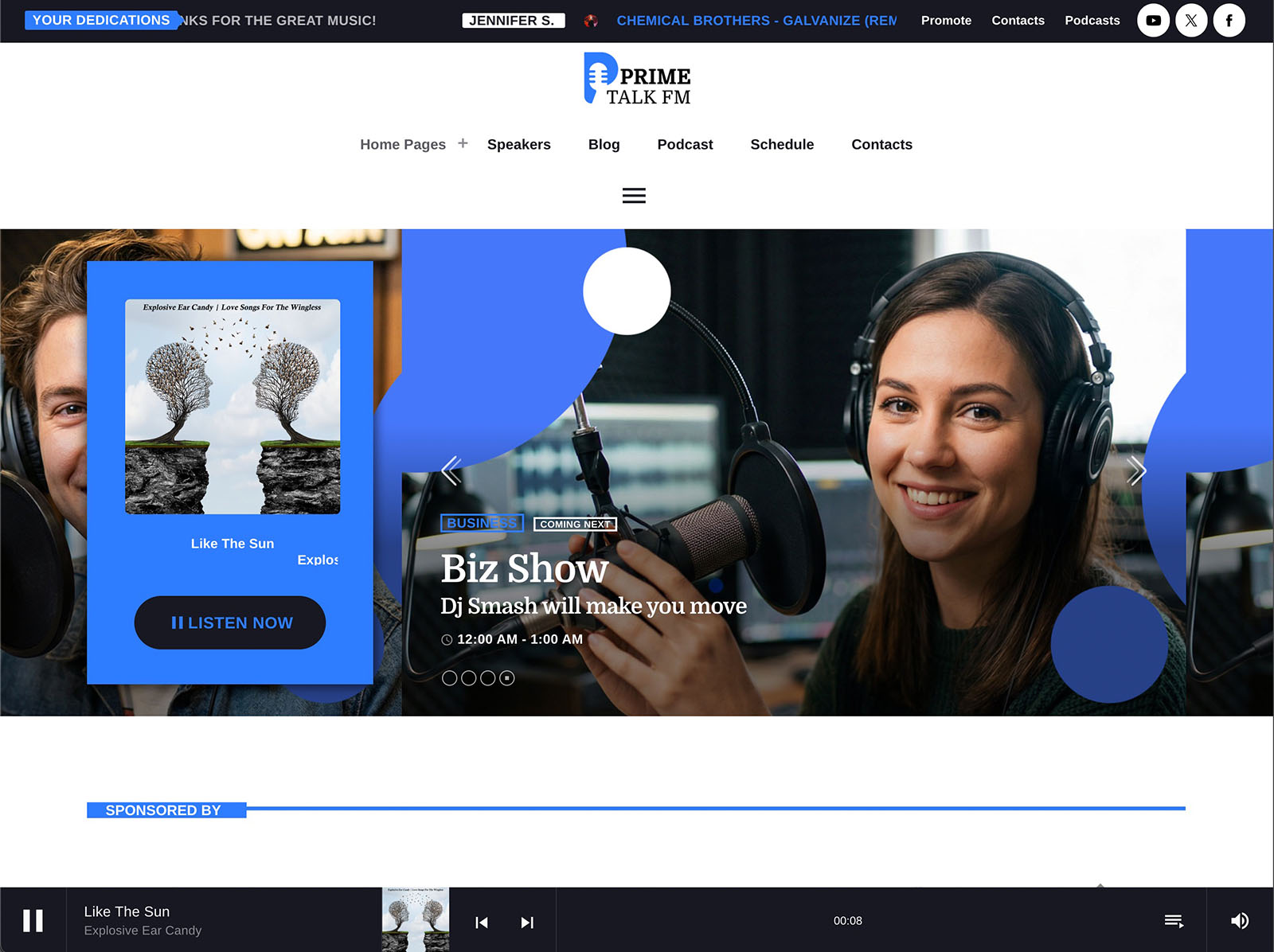
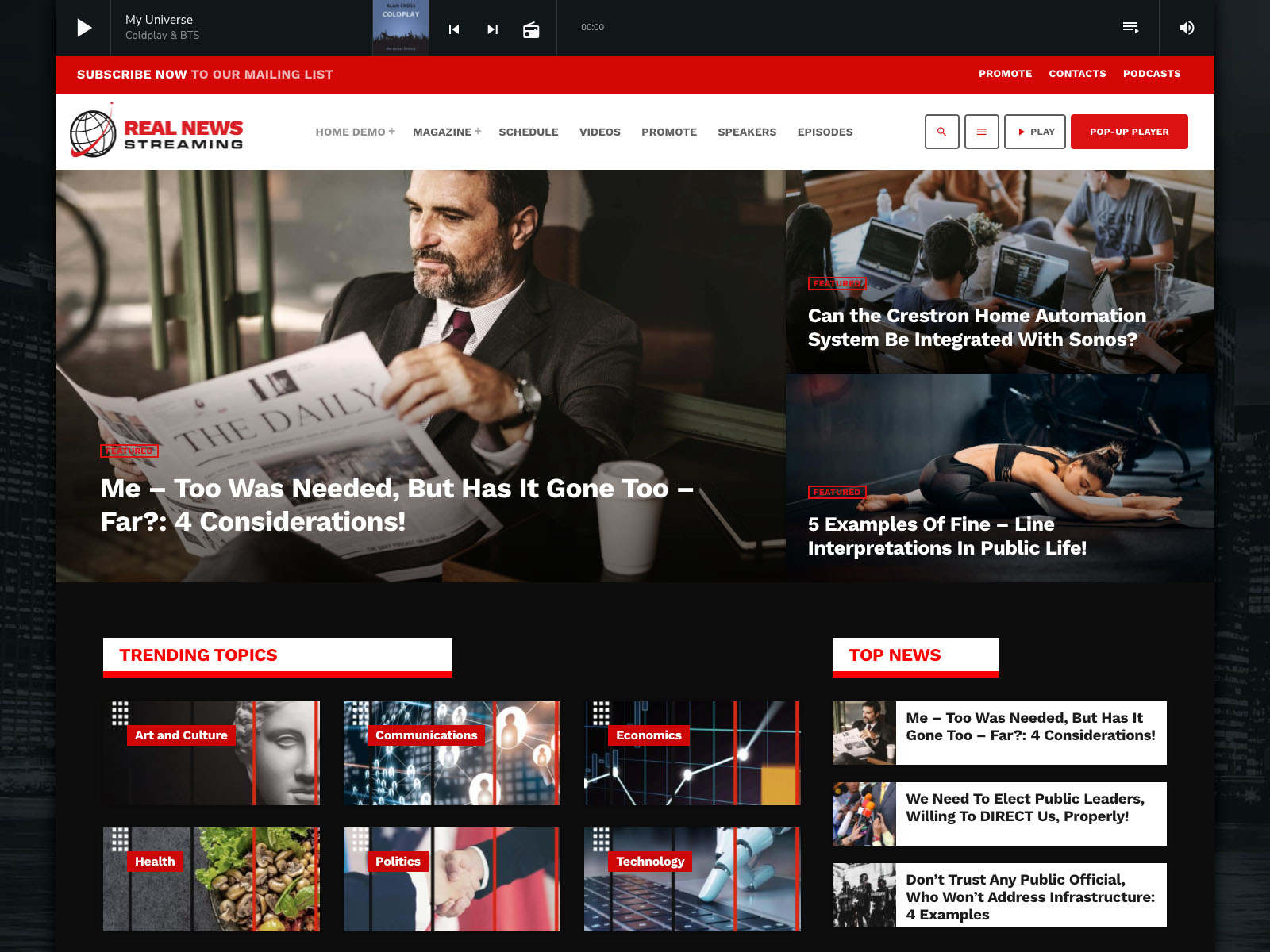
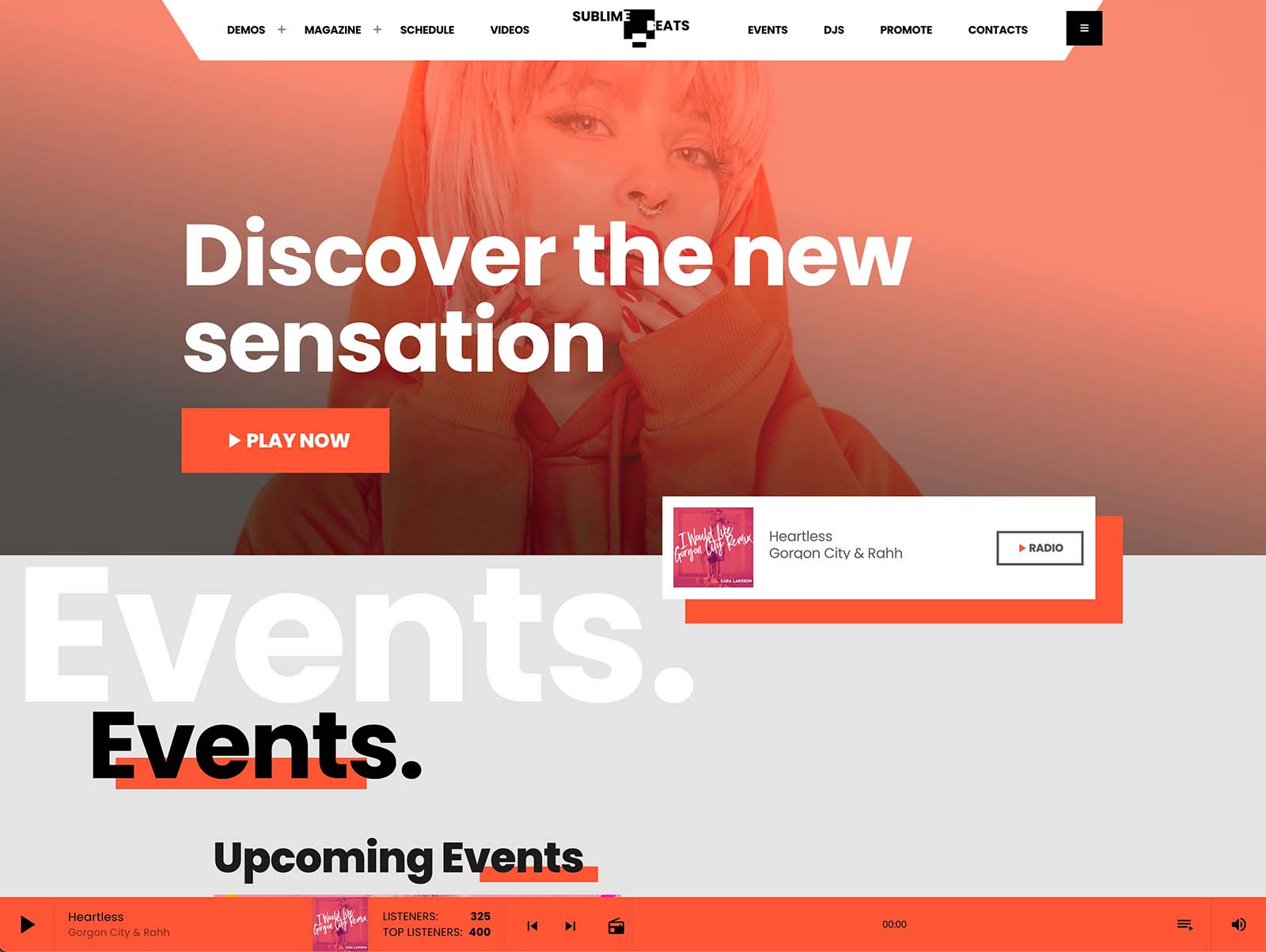
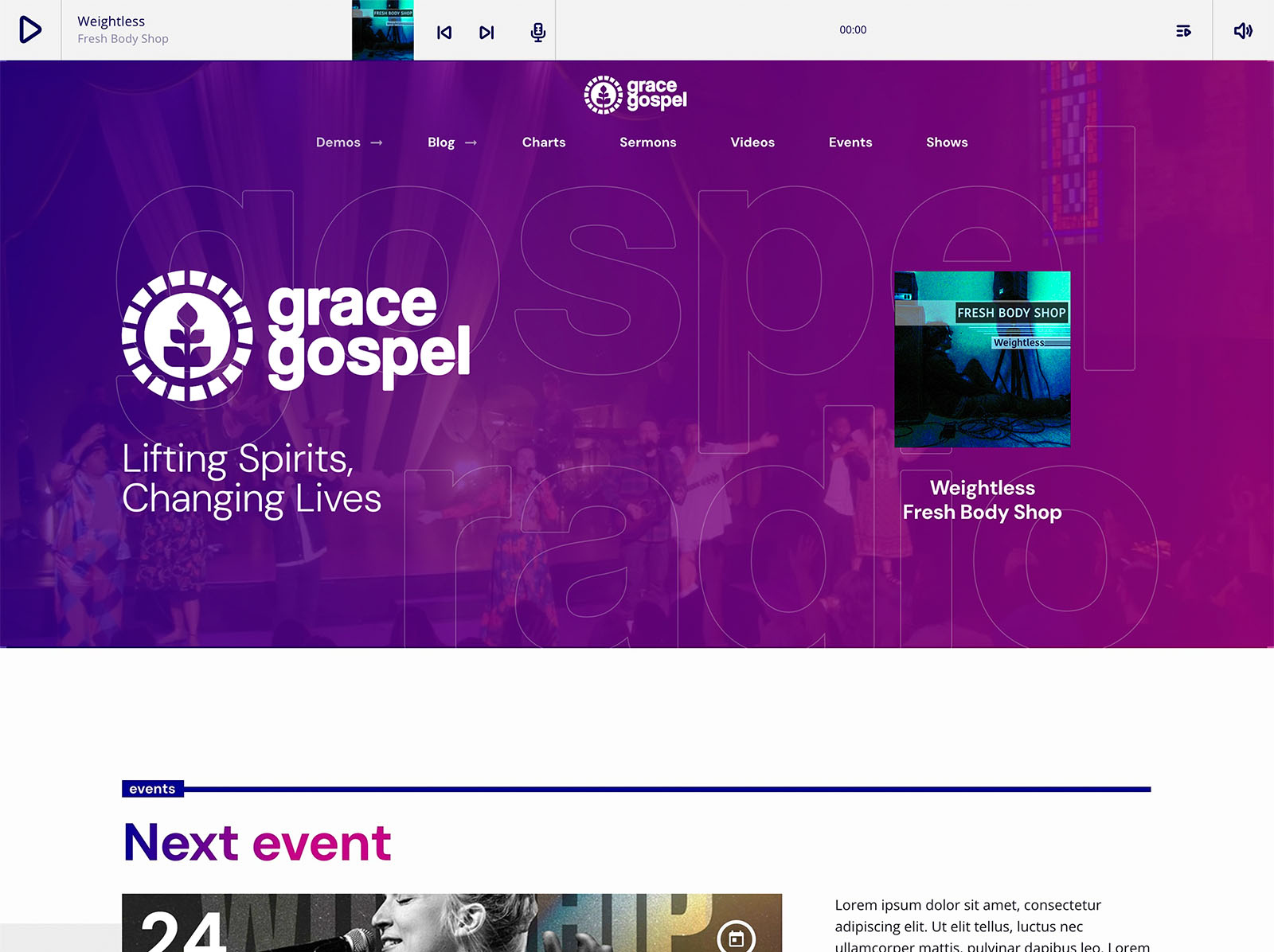
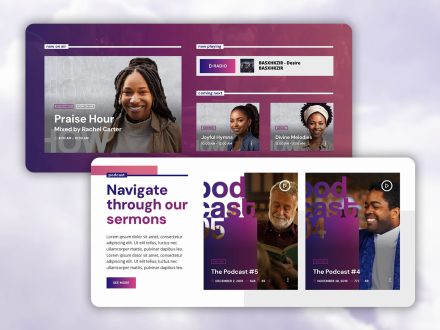
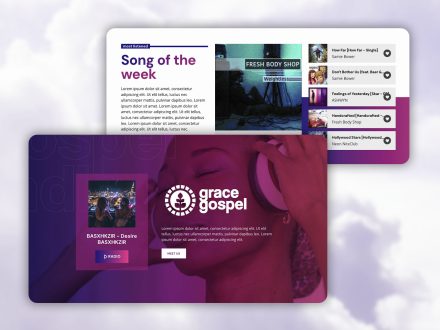
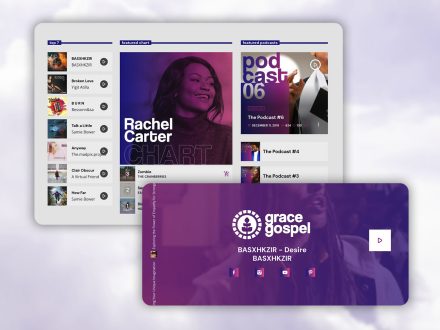
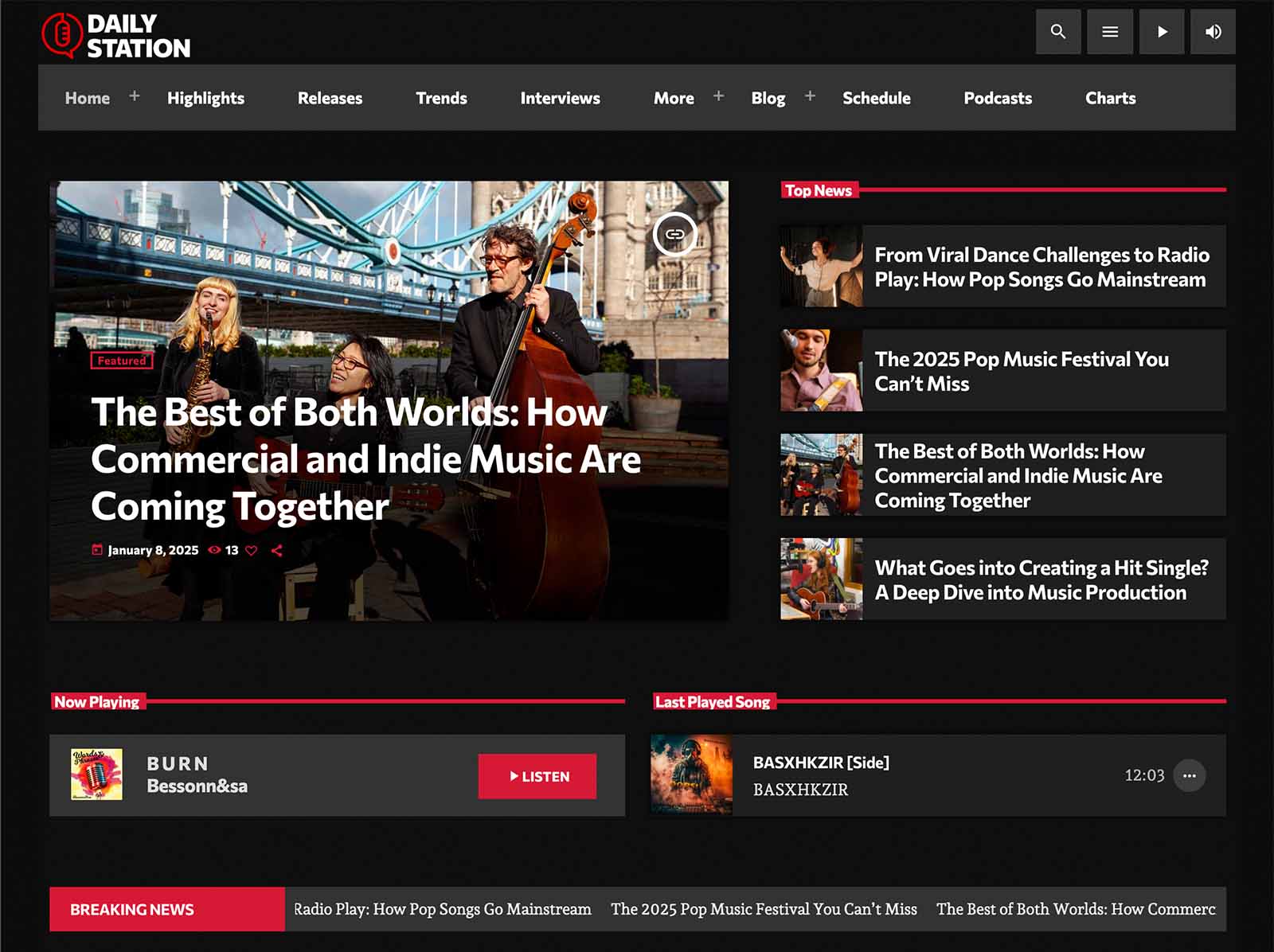
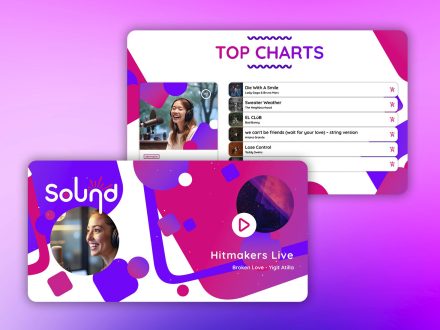
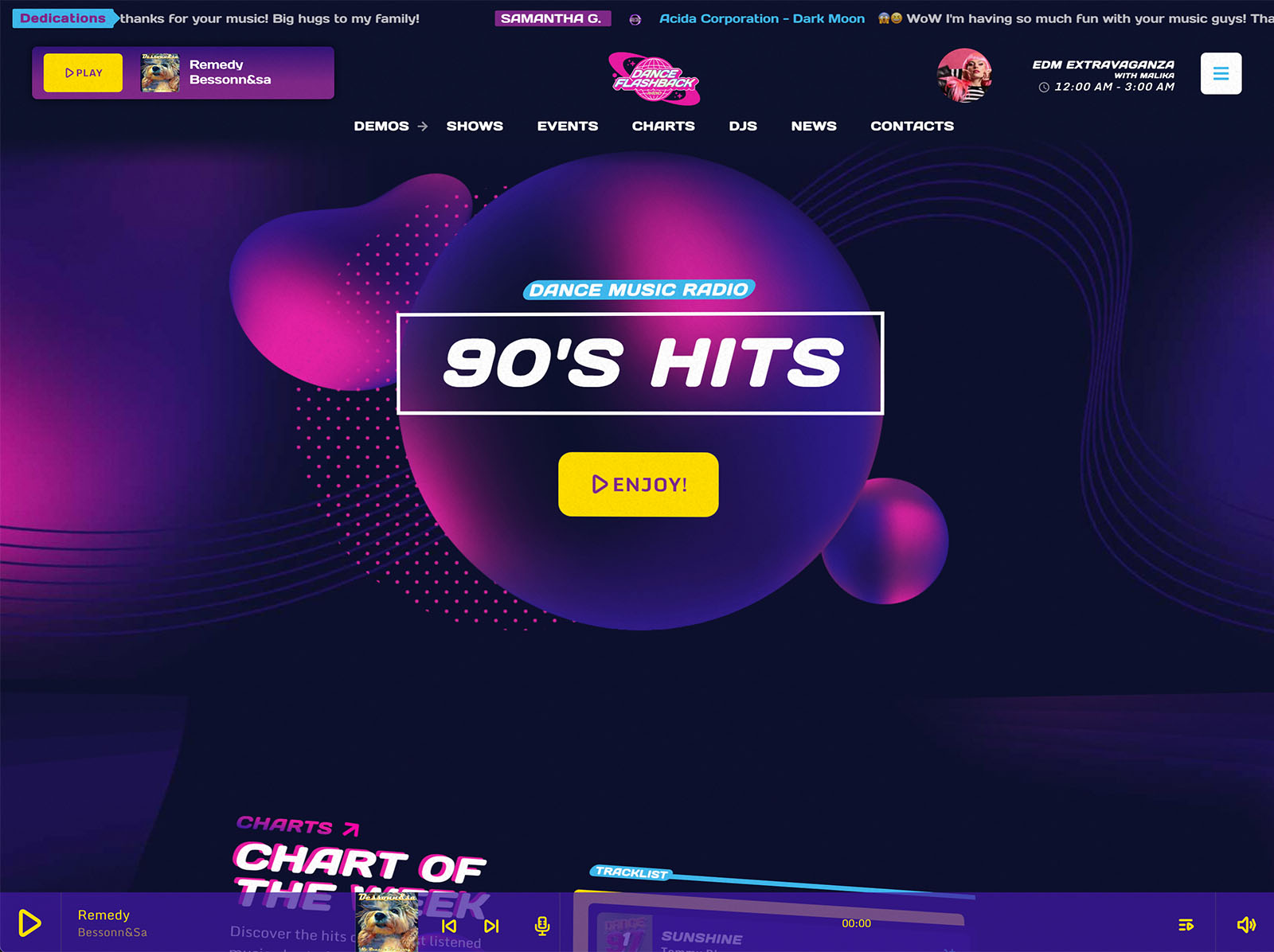
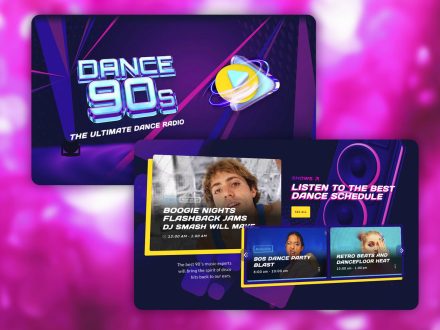
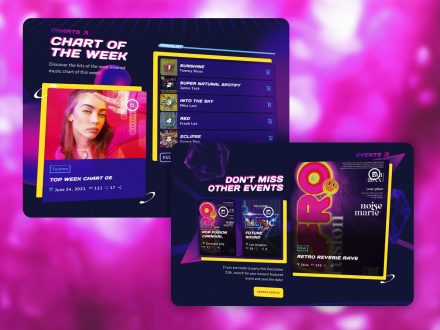
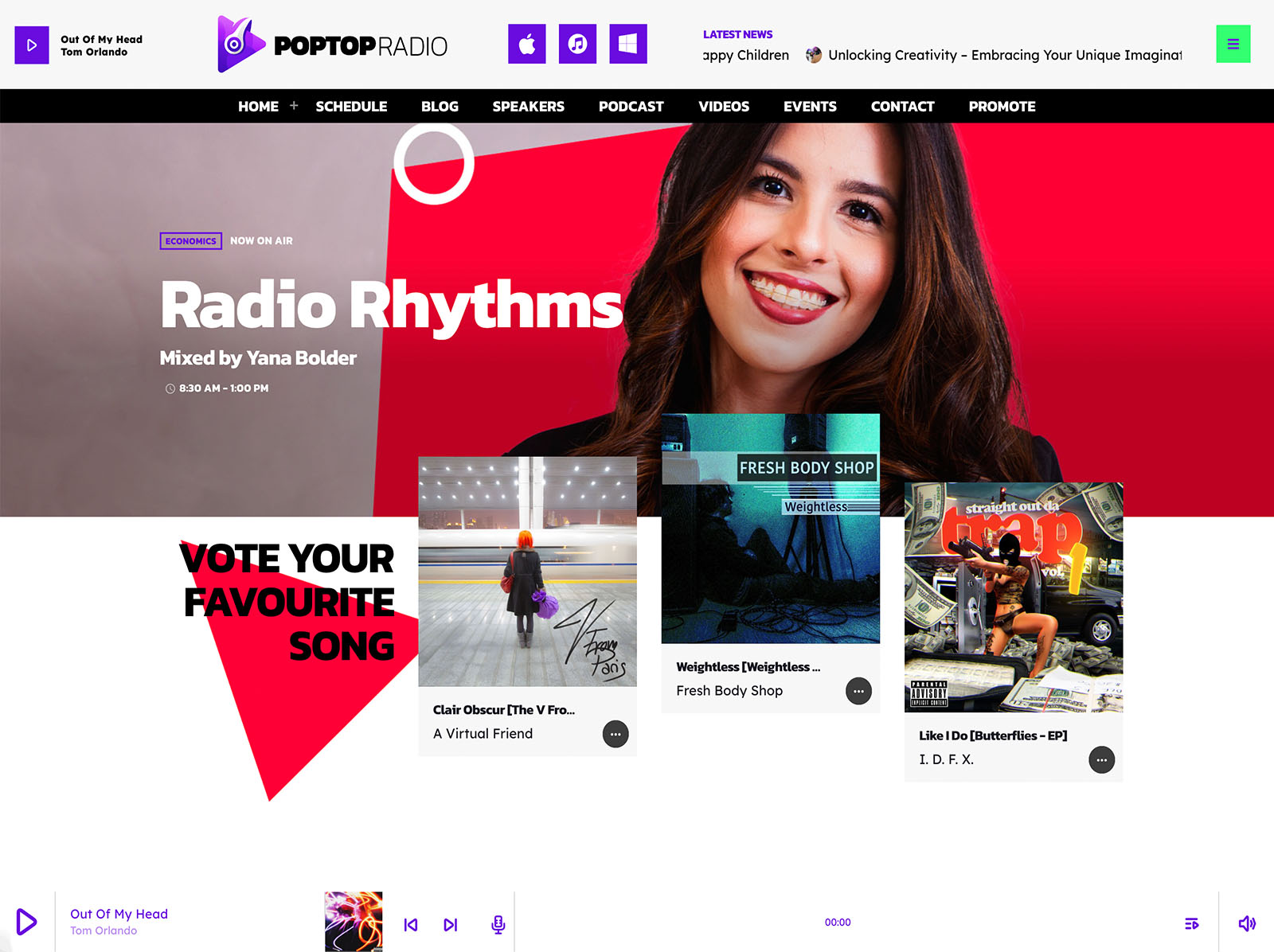
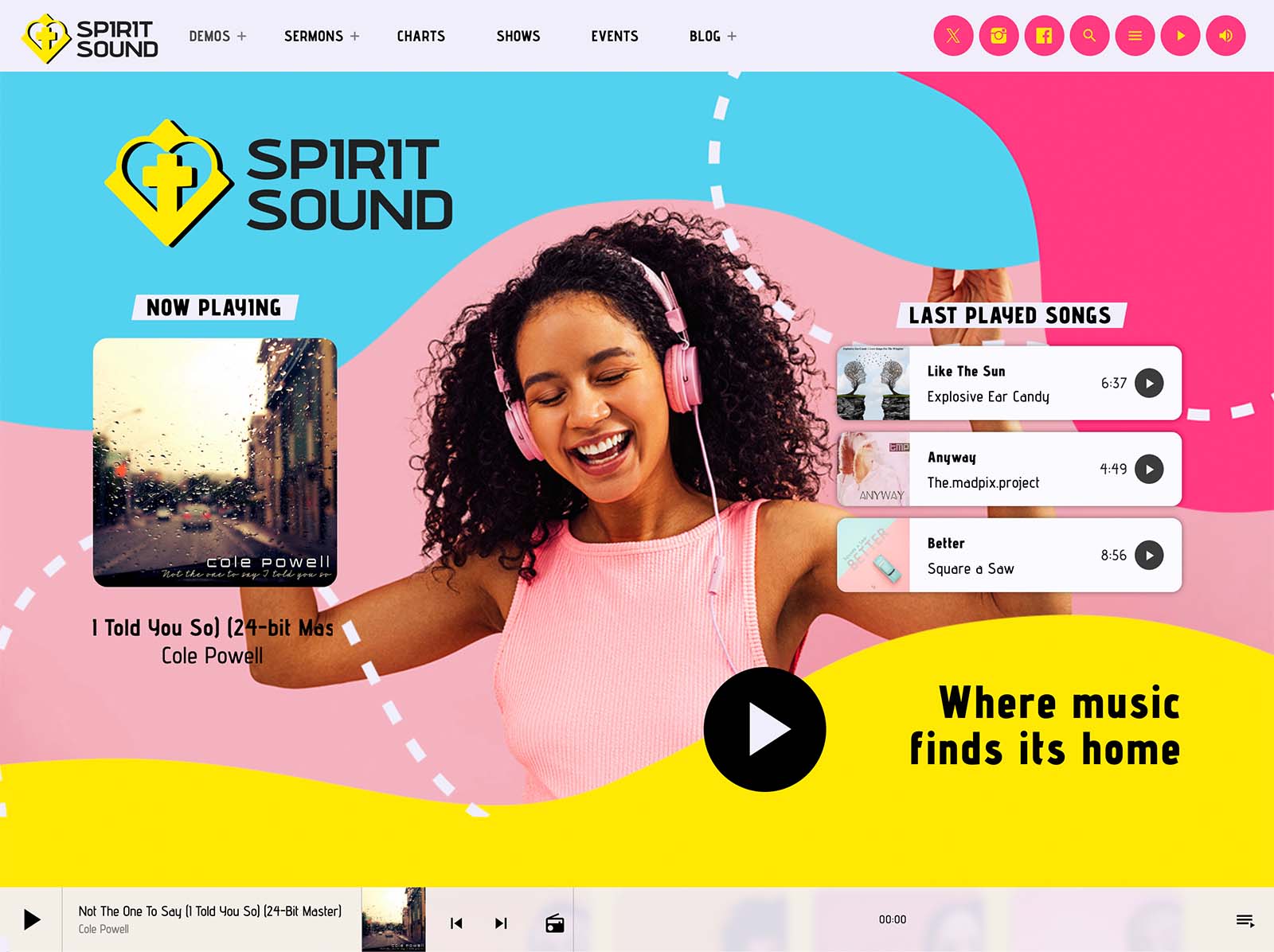
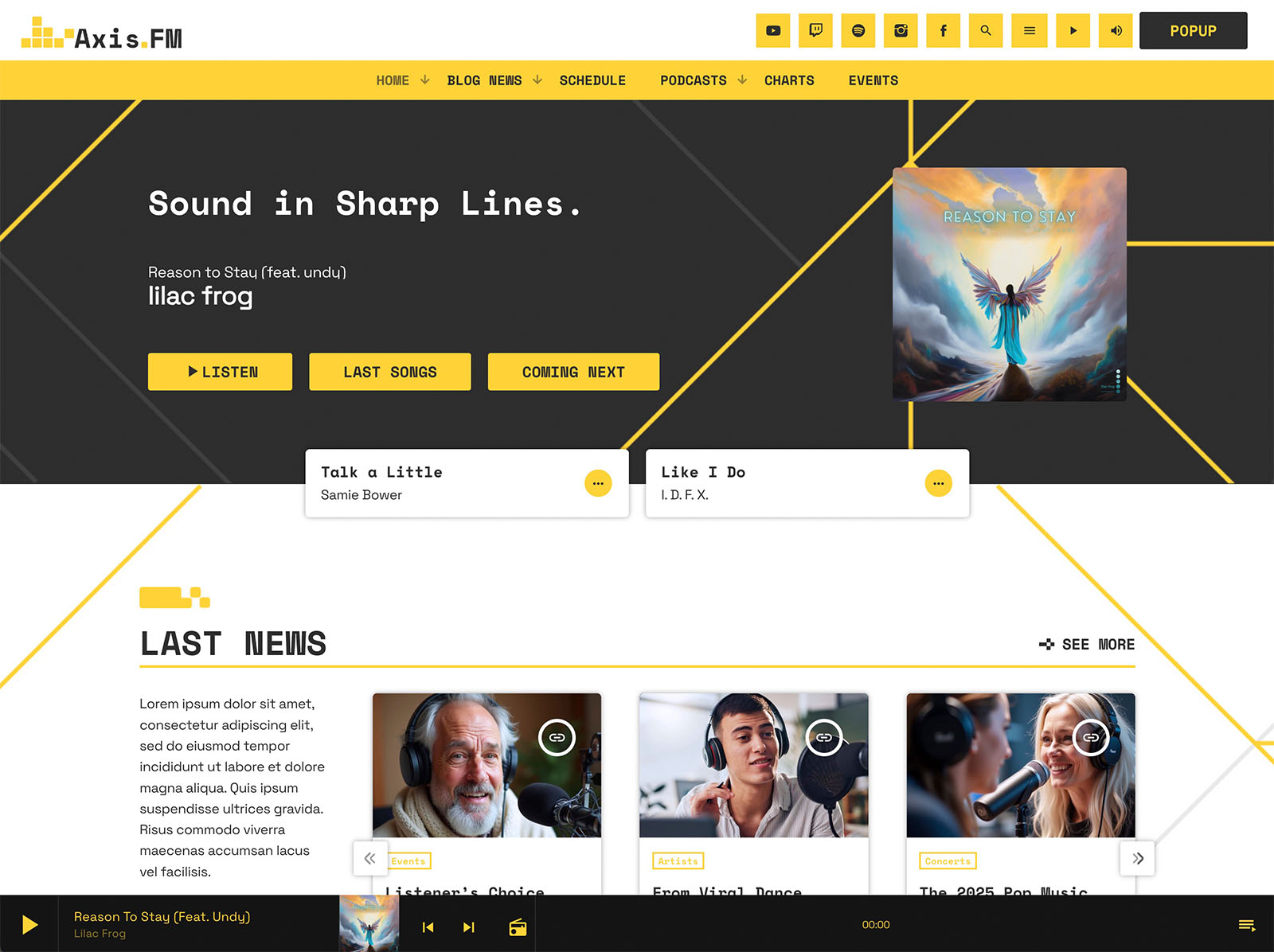
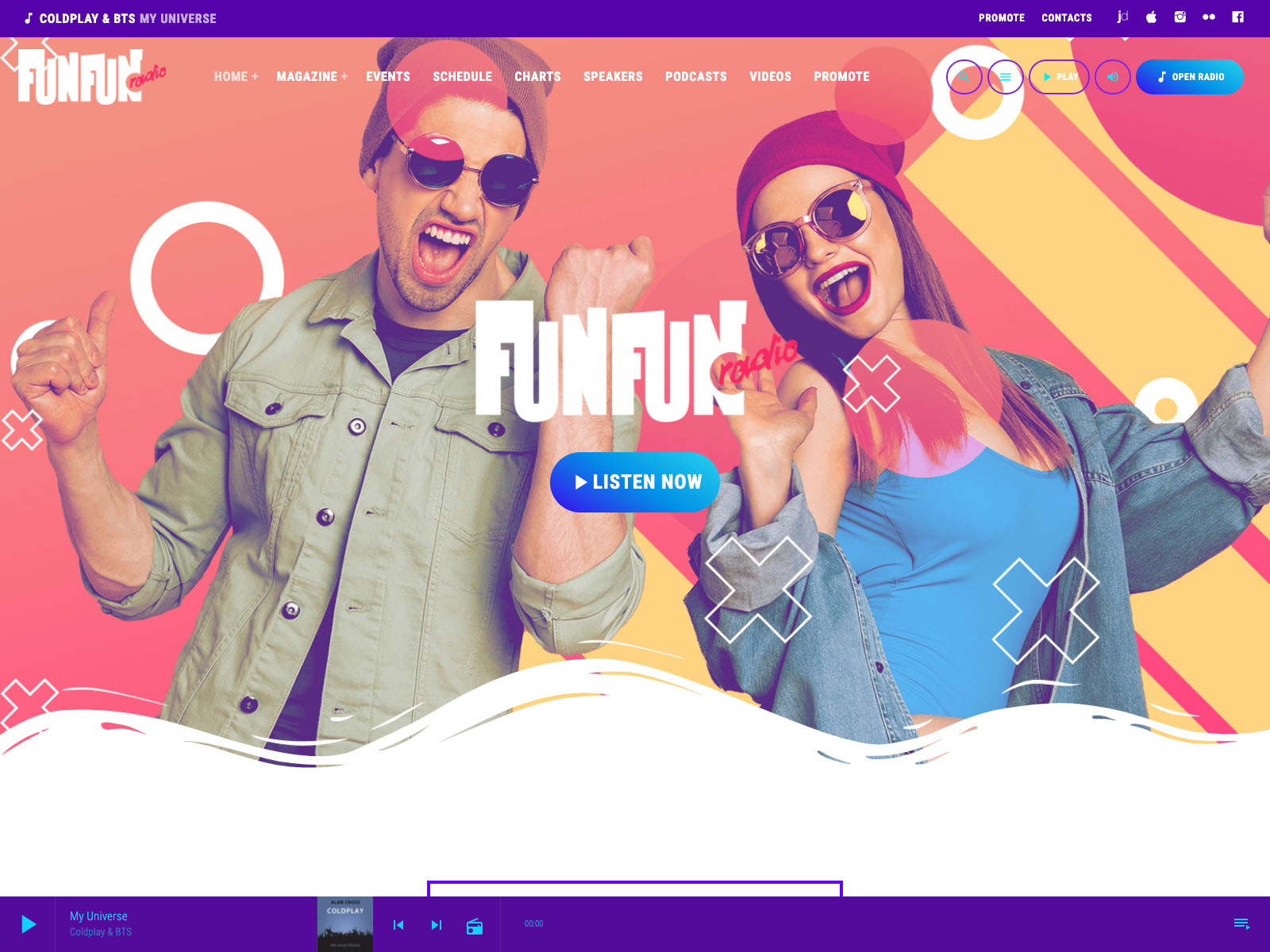
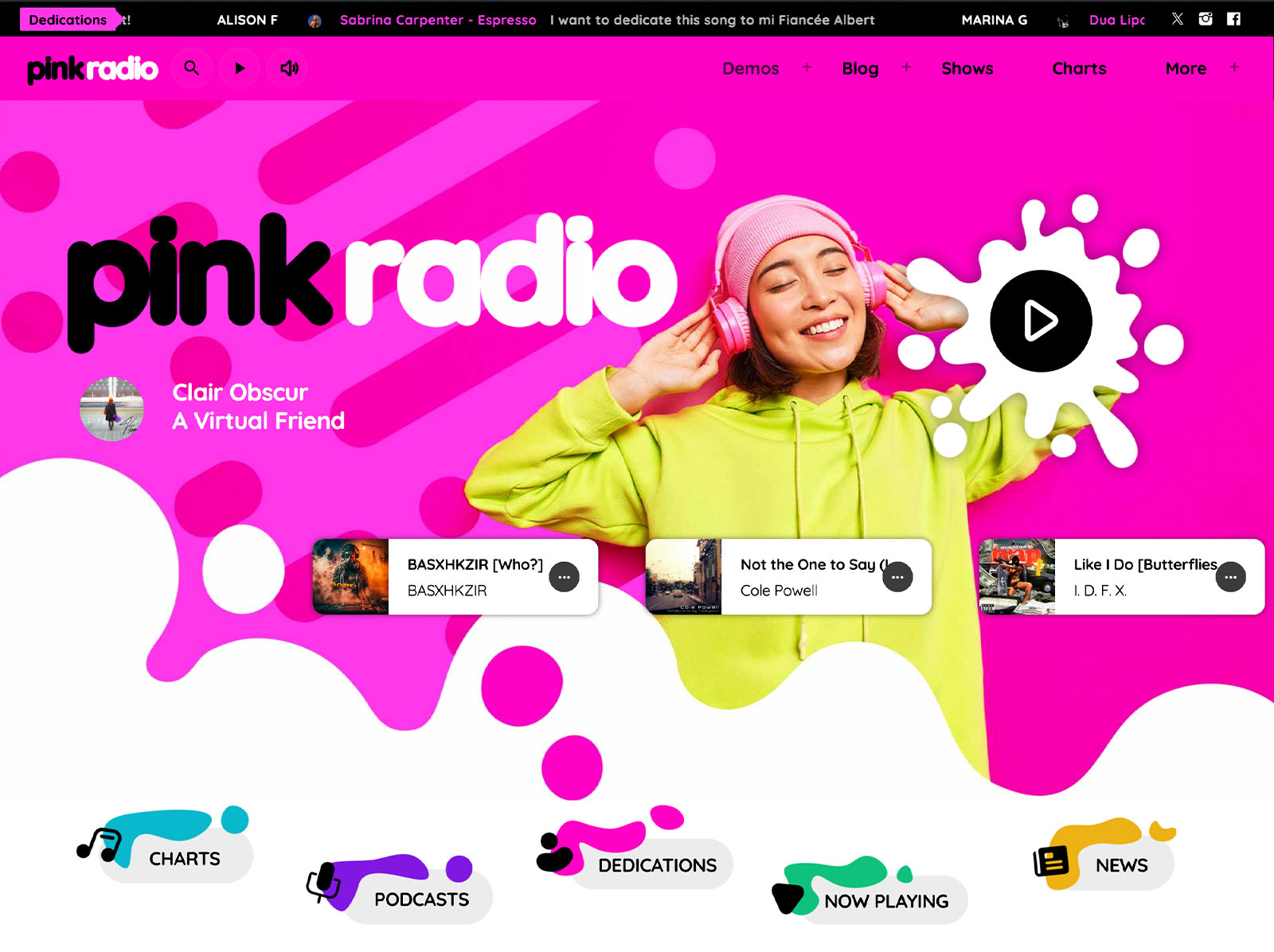
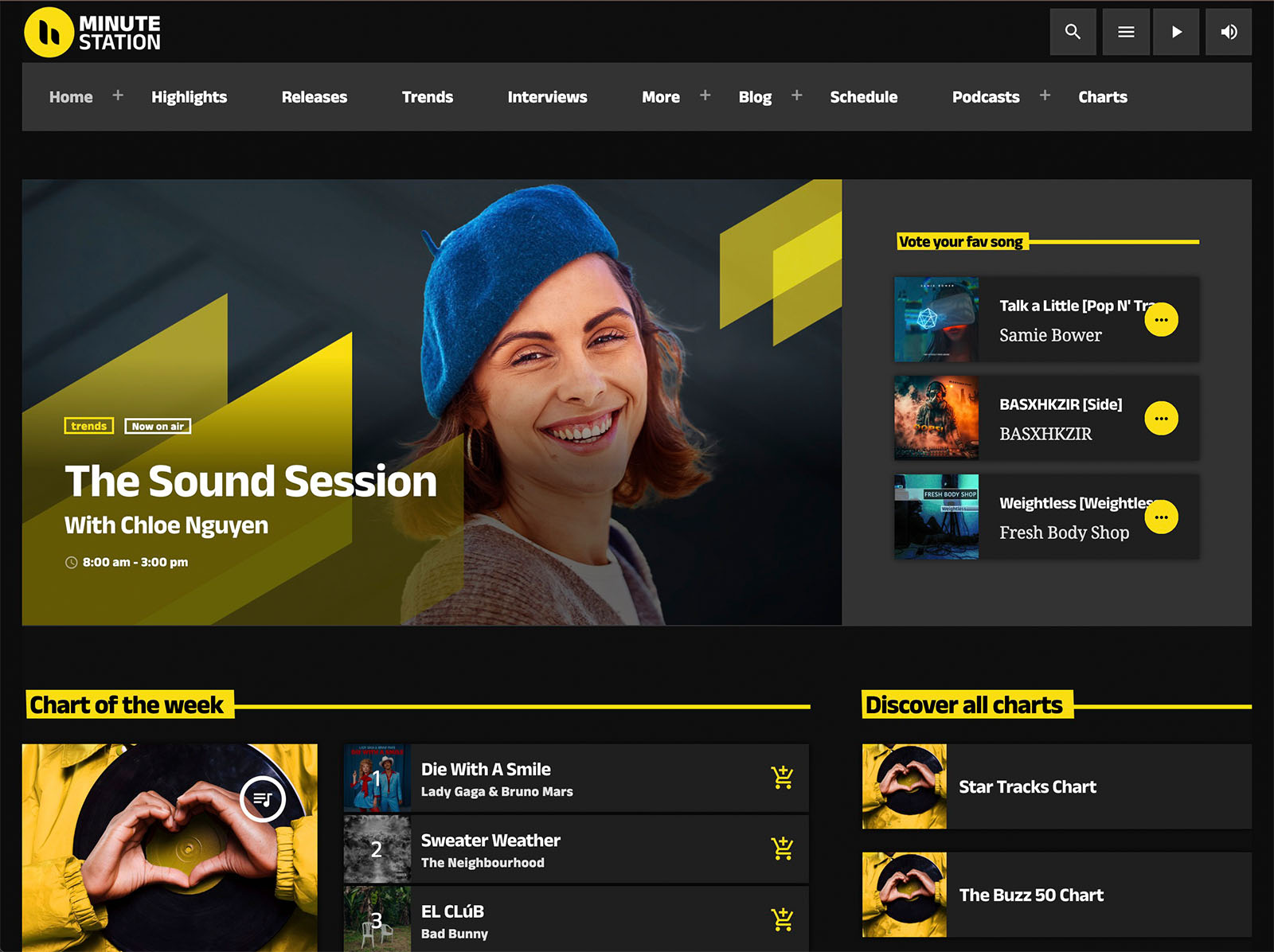
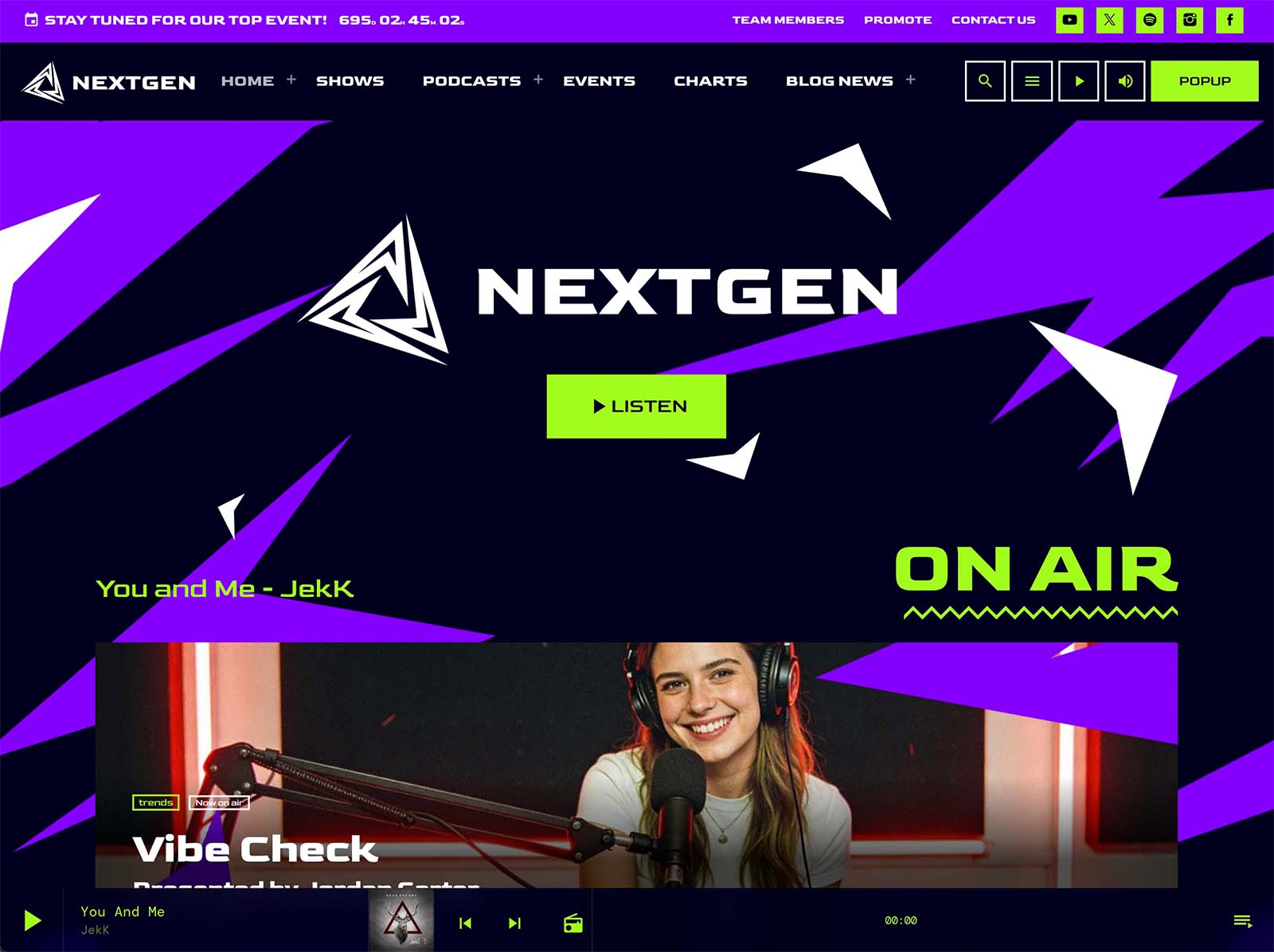
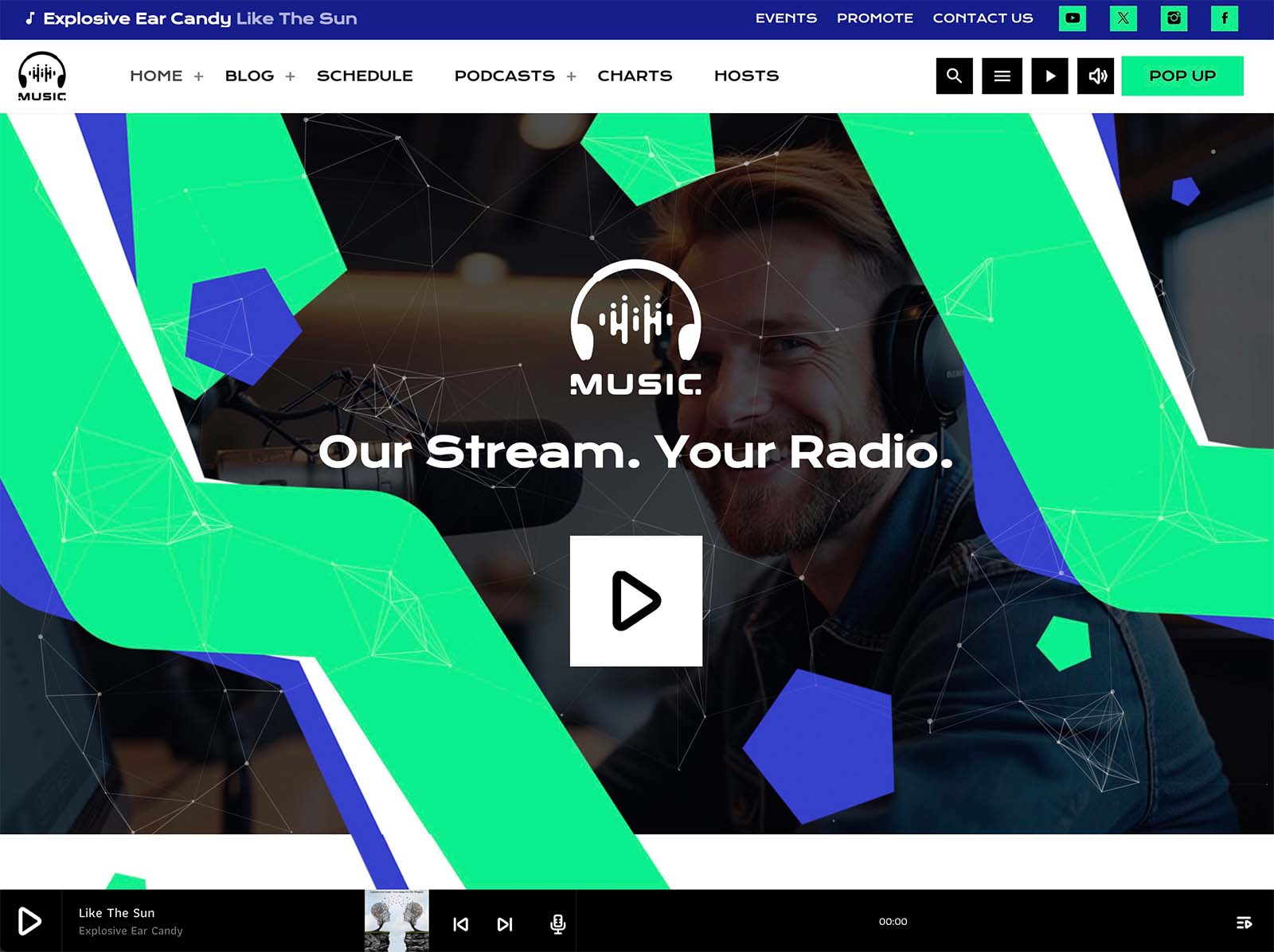
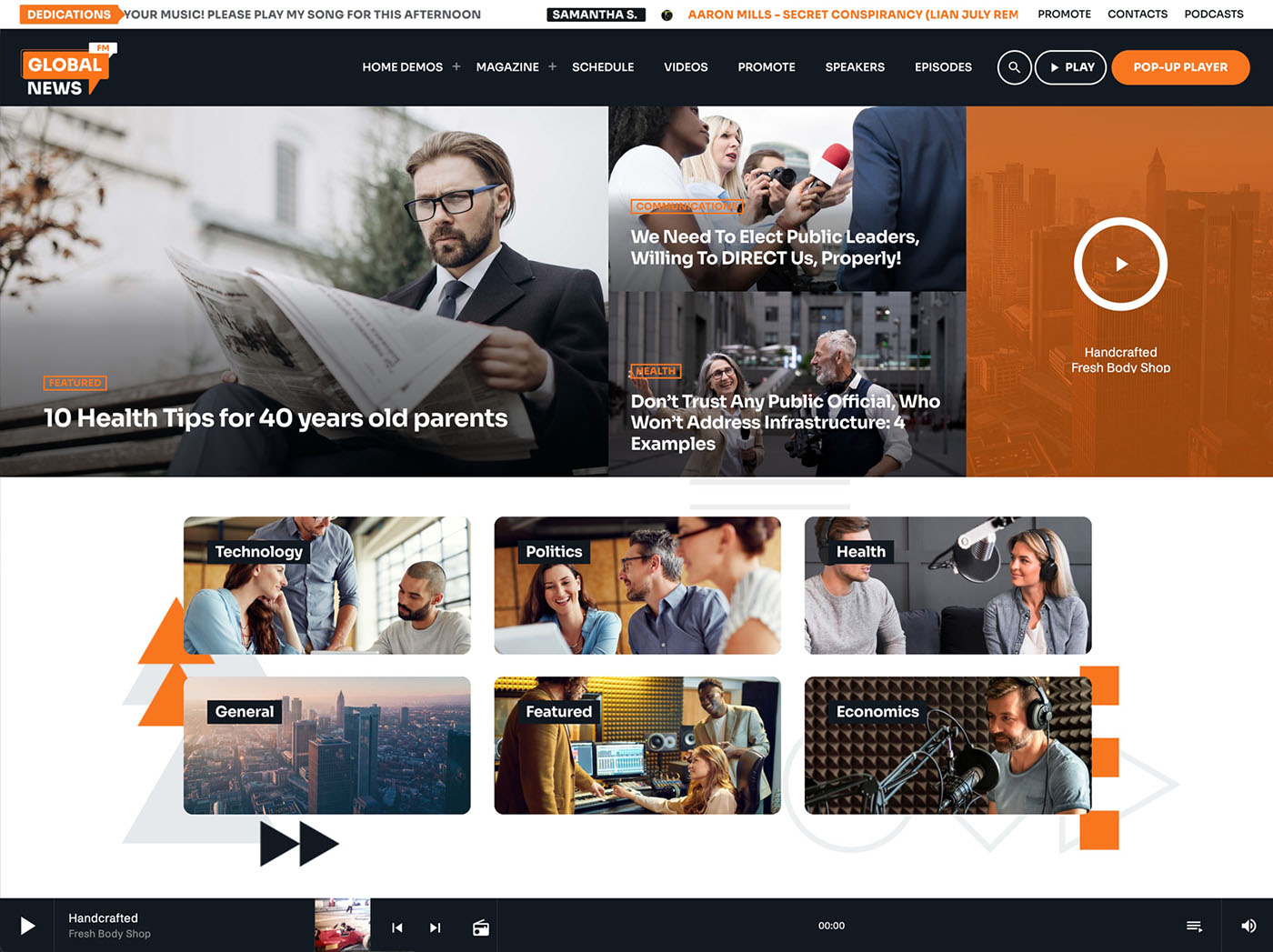
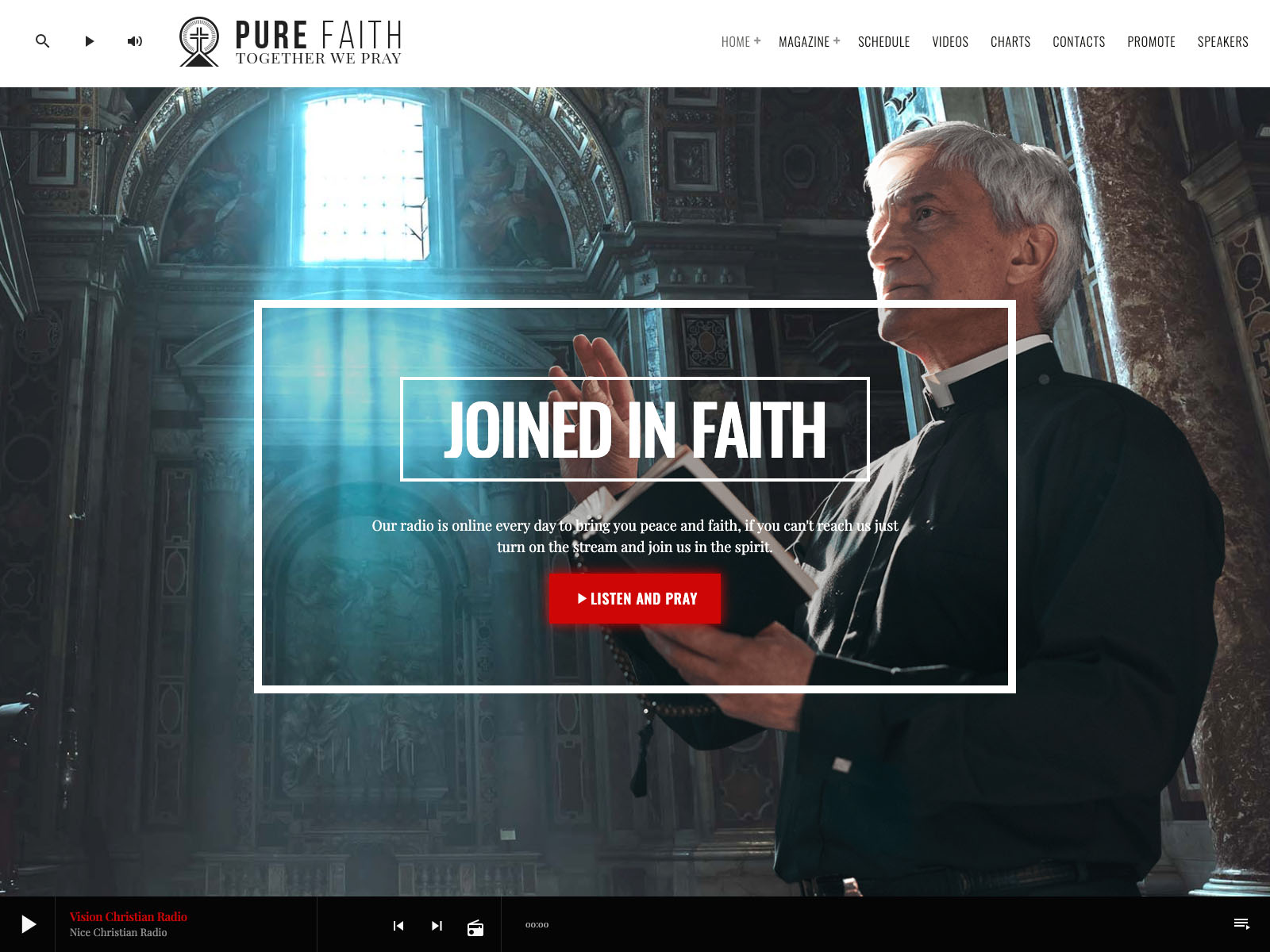
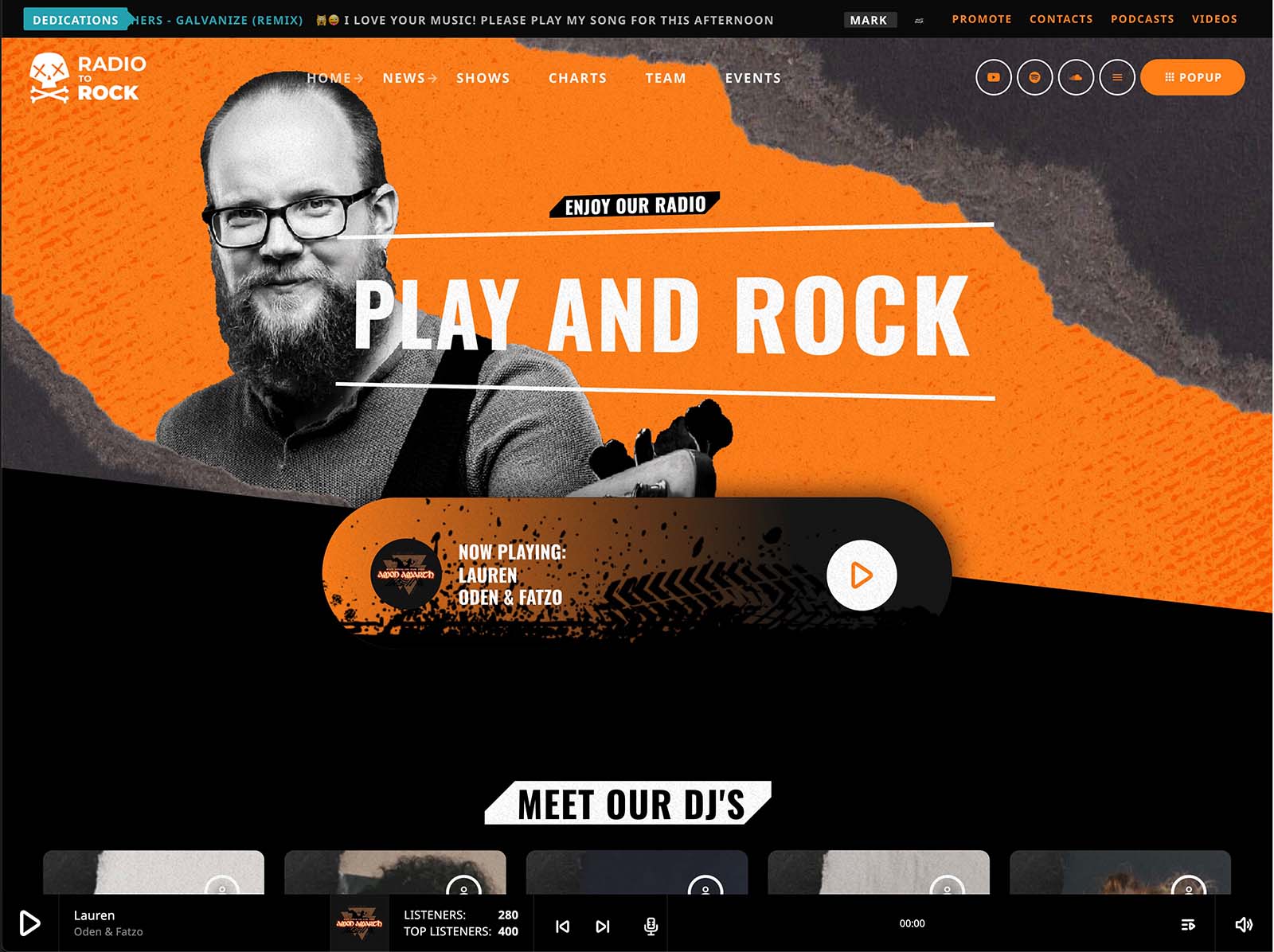
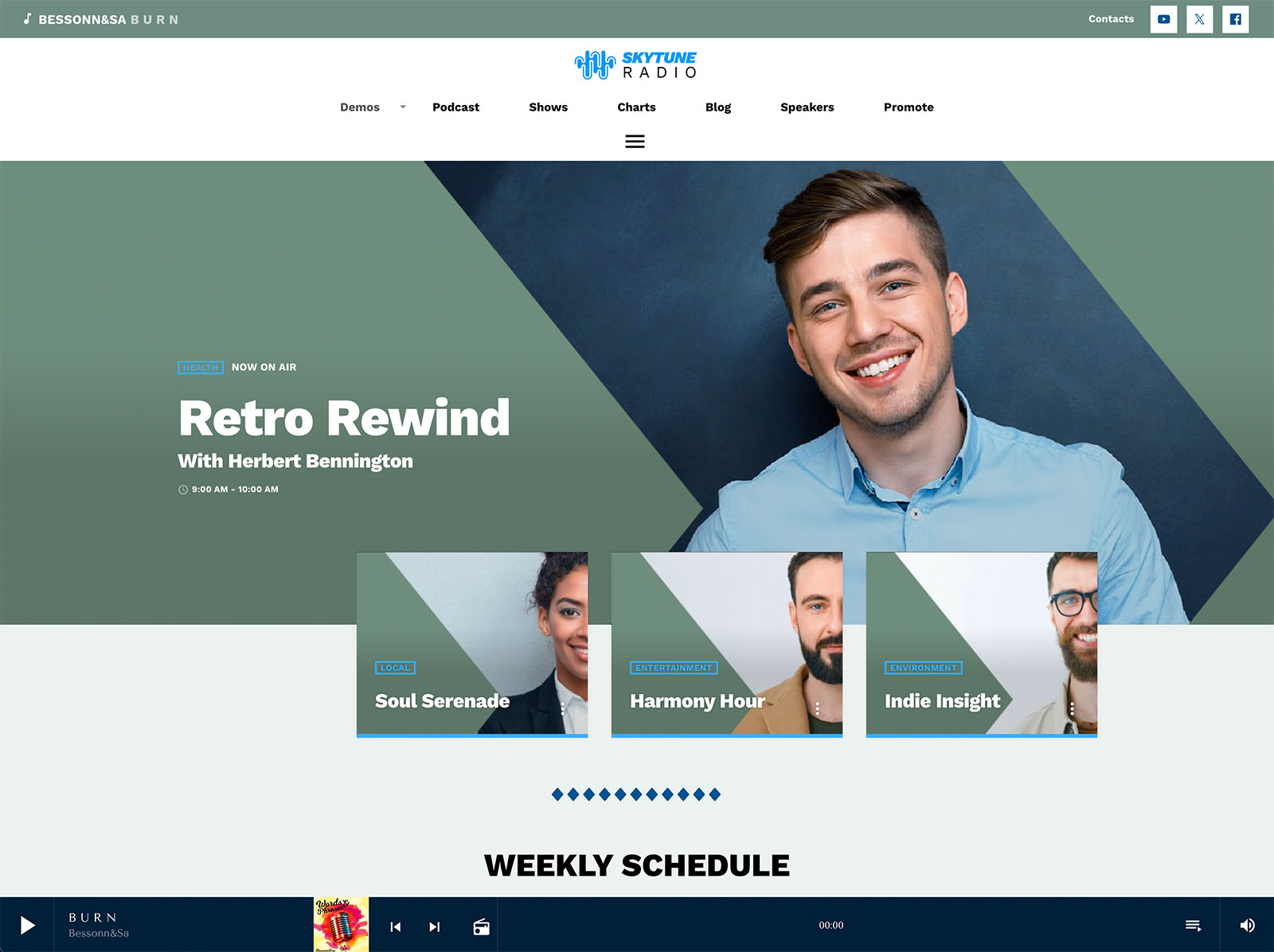
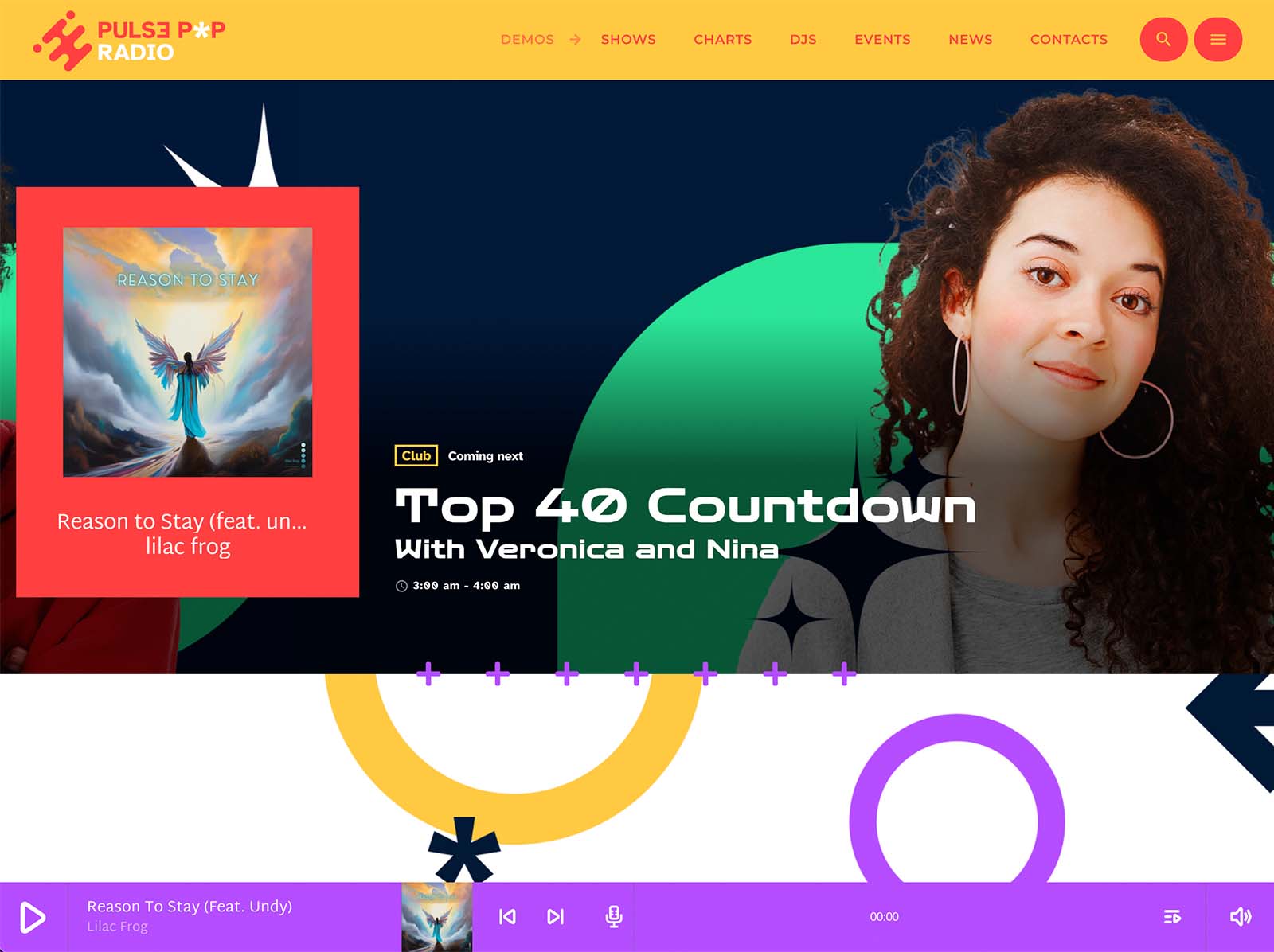
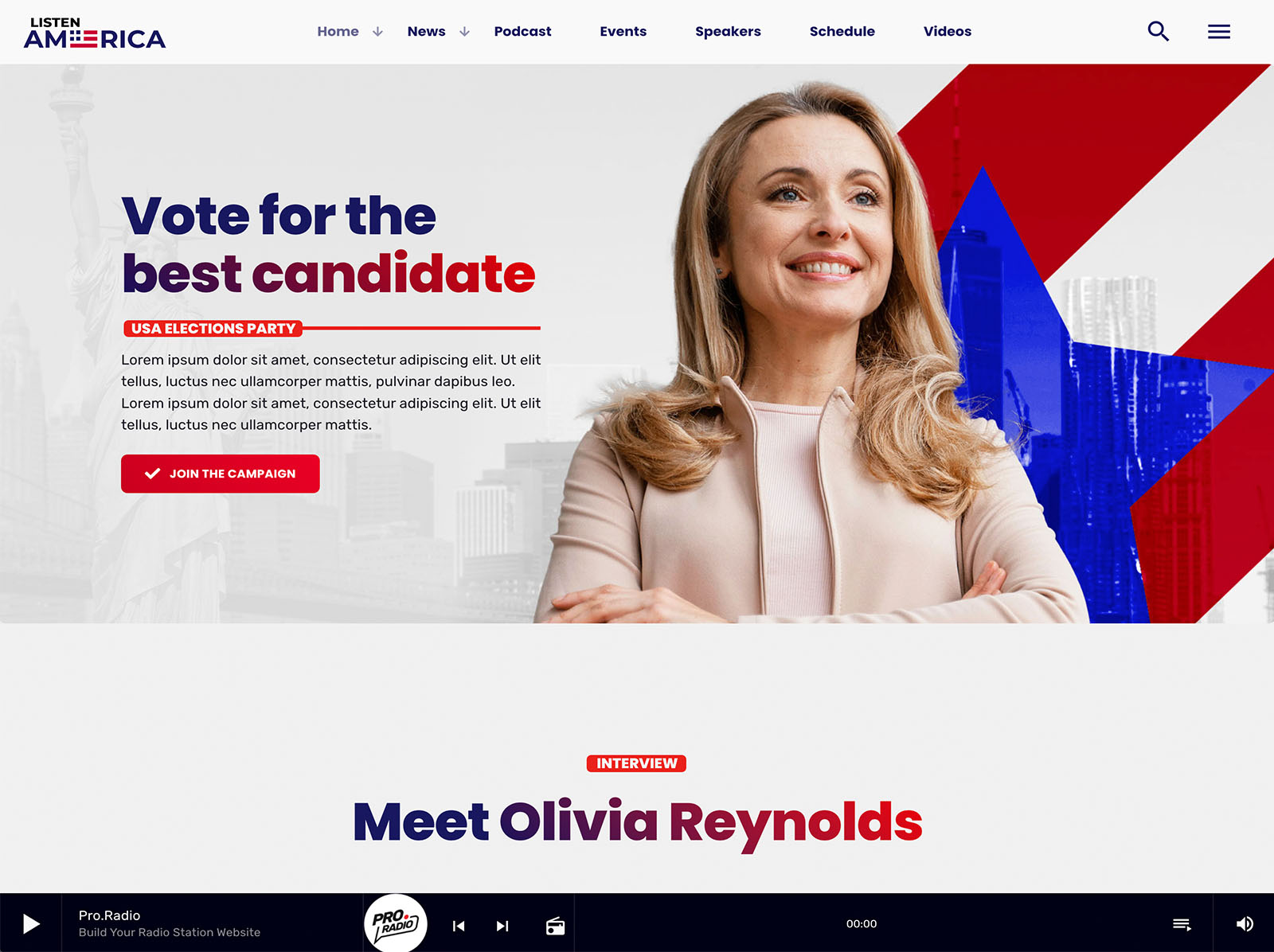
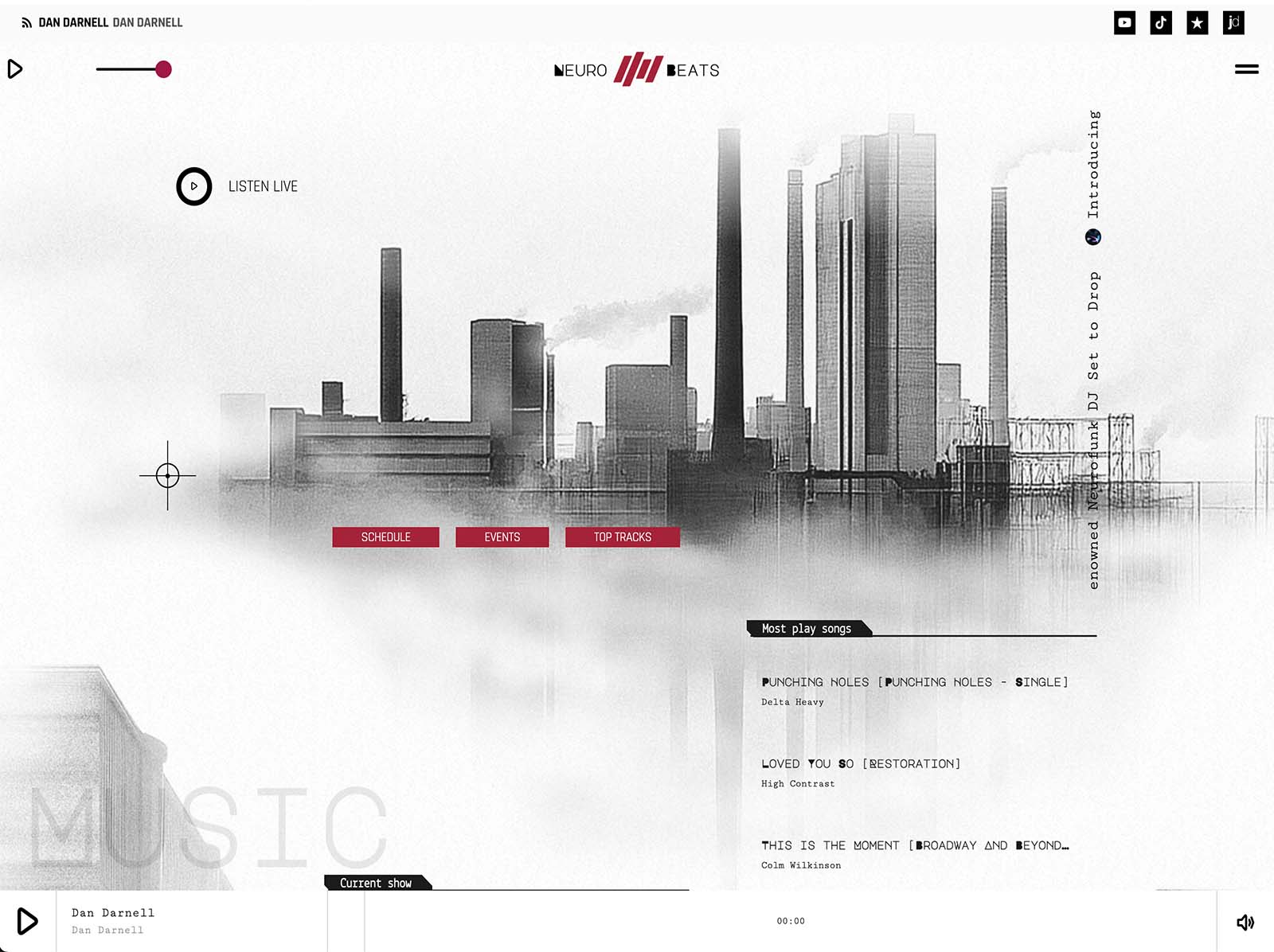
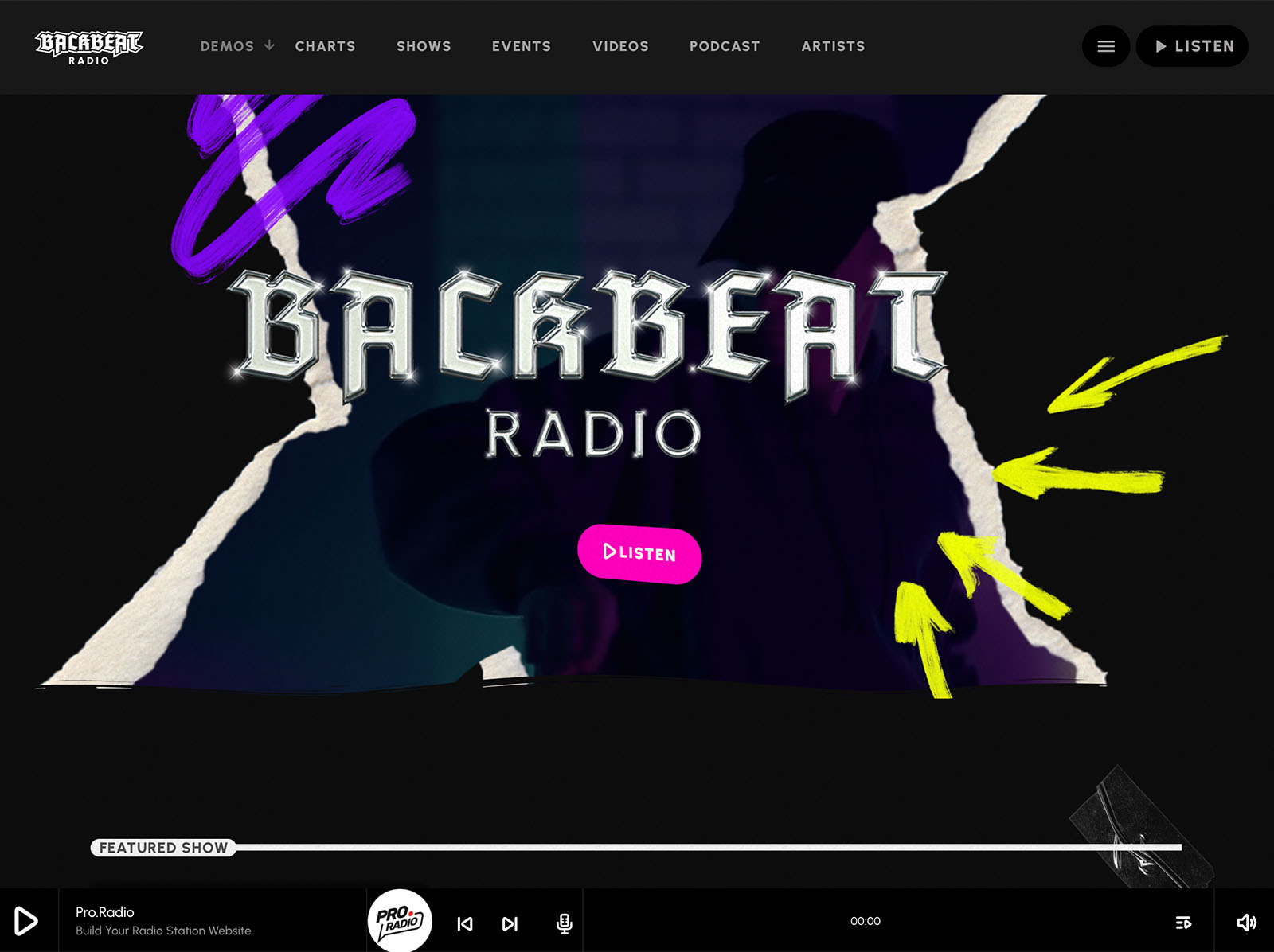
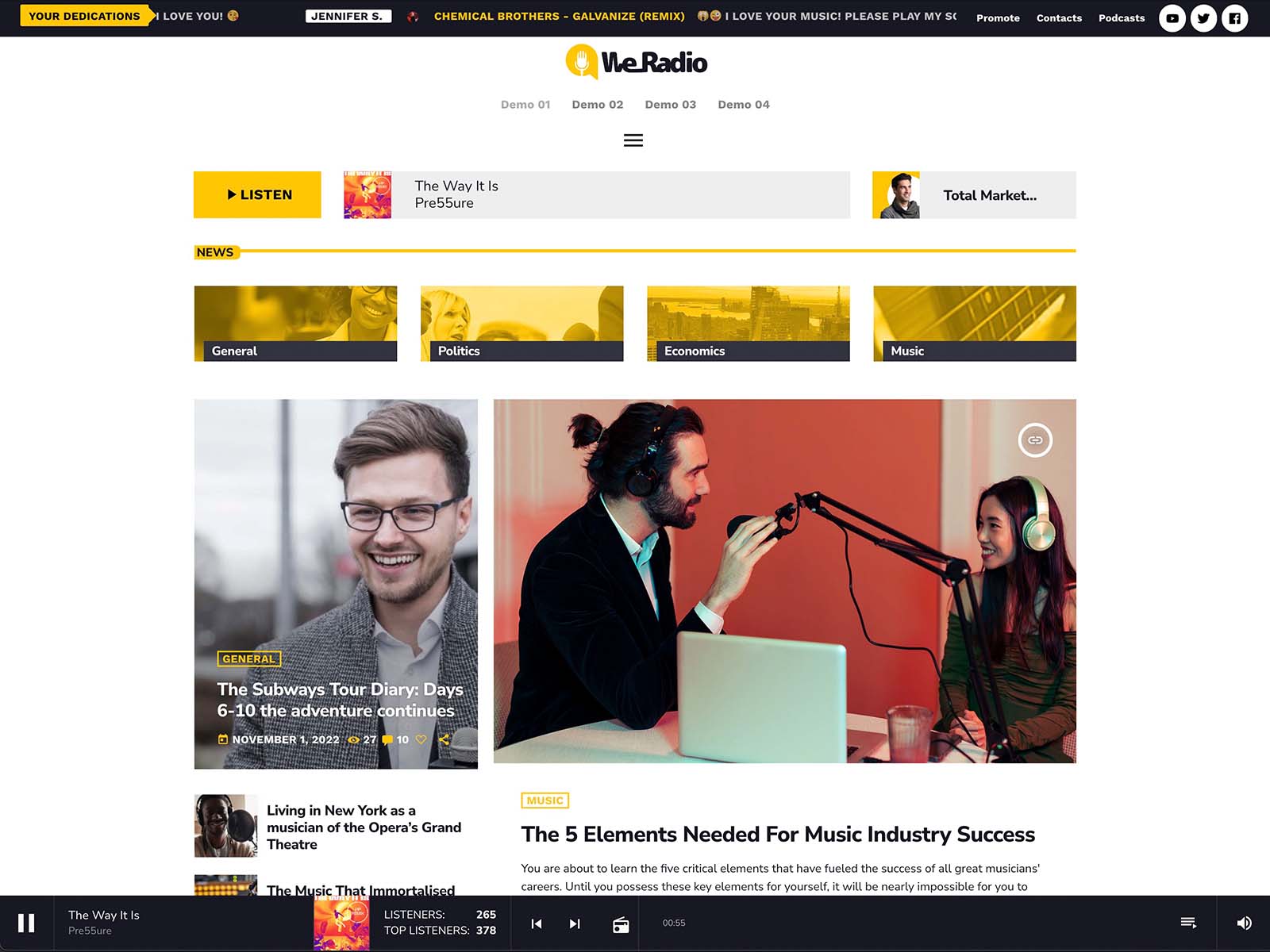
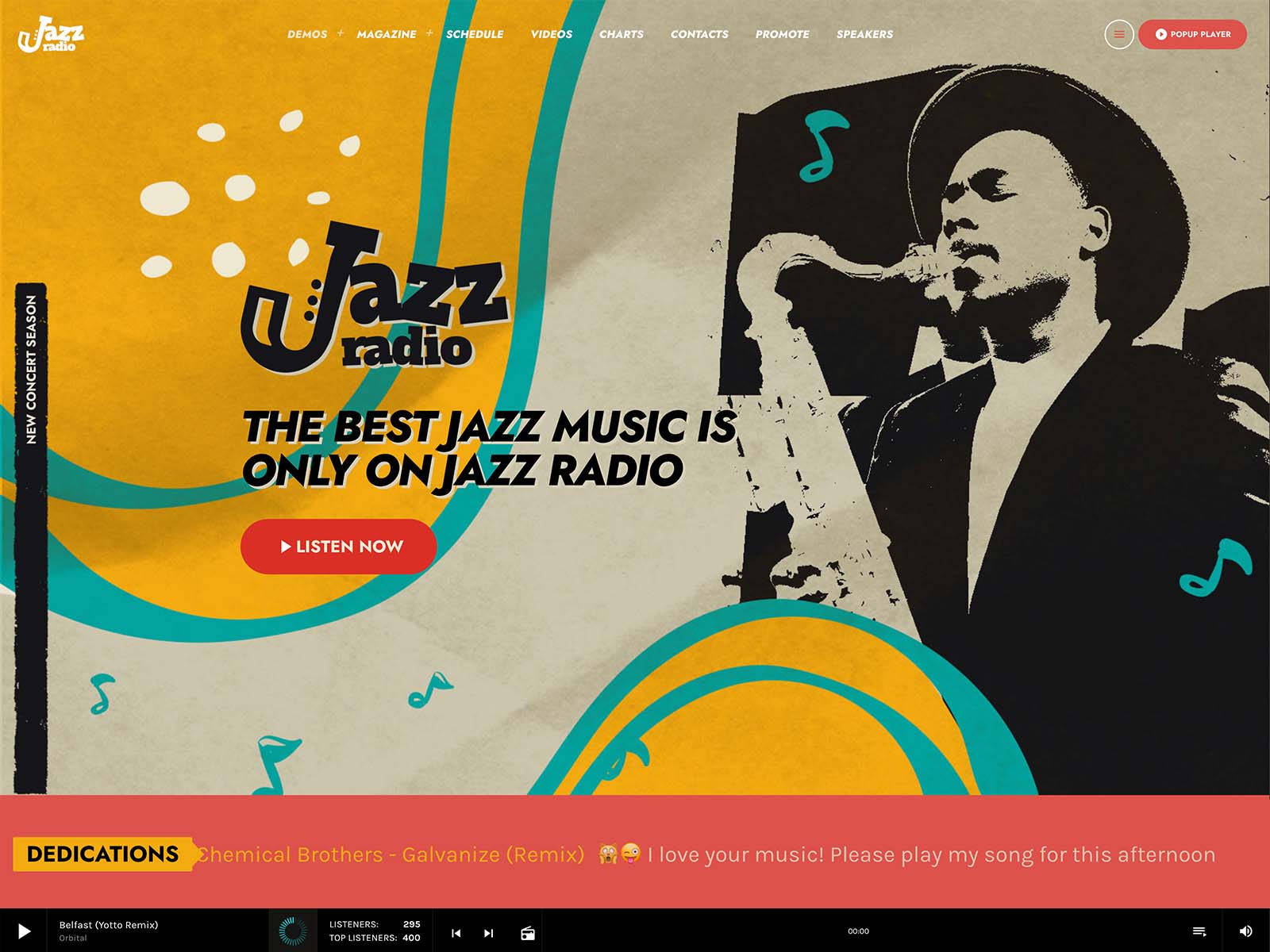
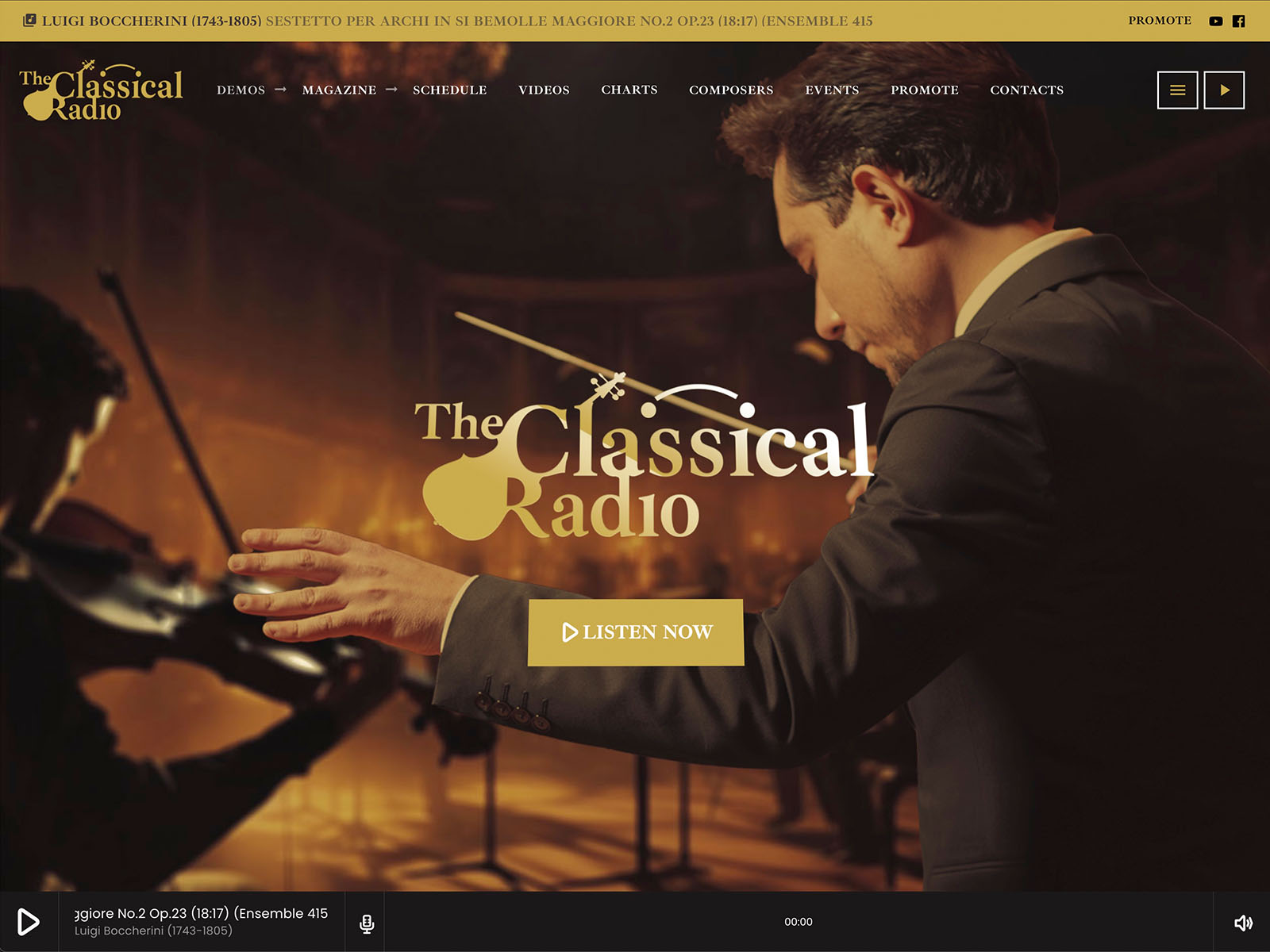
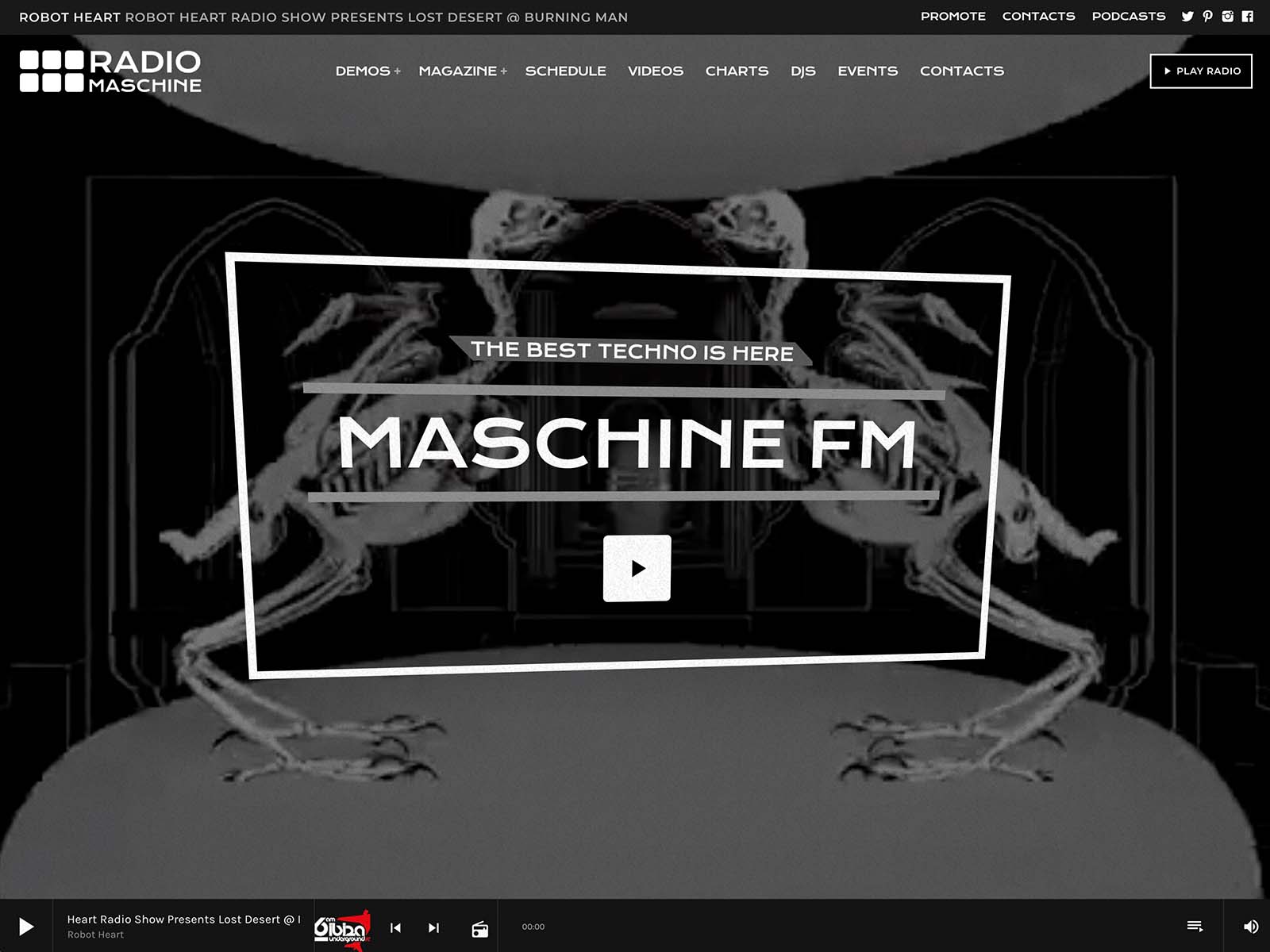
We’re talking of a player that works along with streams, podcasts and tracks, not to mention music charts, podcasts, events, news, speakers, schedule, and all with Elementor widgets integration and over 50 fully crafted radio websites included.
Think only at the amount of time such a solution would have saved us when we had to make the first websites for radios a few years ago.
Luckily, you’re not going to live that struggle, as you landed on the right page. Running a radio station online should not feel like running ten small businesses at once. One service for the stream. Another for the podcast. Another for the website. Another for the schedule. Another for the dedications. Another for the sponsors. The mental overhead piles up until the website becomes a chore instead of a tool.
You do not need a complicated setup to create a radio site that feels professional. A few smart changes can make your station easier to listen to, easier to browse, and easier to remember.
The fix is fewer moving parts, not better juggling skills.
Contents
hide
- 1. The Cost Of Plugin Chaos
- 2. One Dashboard For The Whole Station
- 3. Shows And Schedule Without Friction
- 4. Podcasts In The Same Workflow
- 5. Hosts And Team Managed Centrally
- 6. Listener Participation Without A Maintenance Headache
- 7. Events That Manage Themselves
- 8. Sponsor Management As Part Of The Same System
- 9. Music History And Charts In One Layer
- 10. Why One Subscription Means One Less Headache
- 11. Real-World Station Patterns
- 12. Make The Station Easy To Run
The Cost Of Plugin Chaos
Every plugin you add to a station website increases three costs at once. The maintenance cost, because the plugin needs updates and may conflict with others. The cognitive cost, because you have to remember where each piece lives. The design cost, because each plugin has its own style language.
Multiply this by the number of plugins in a typical patched station setup, and the website stops being a tool. It becomes a system that demands attention before it gives any value back.
Pro Radio reduces all three costs by collapsing the radio-specific functionality into one ecosystem.
One Dashboard For The Whole Station
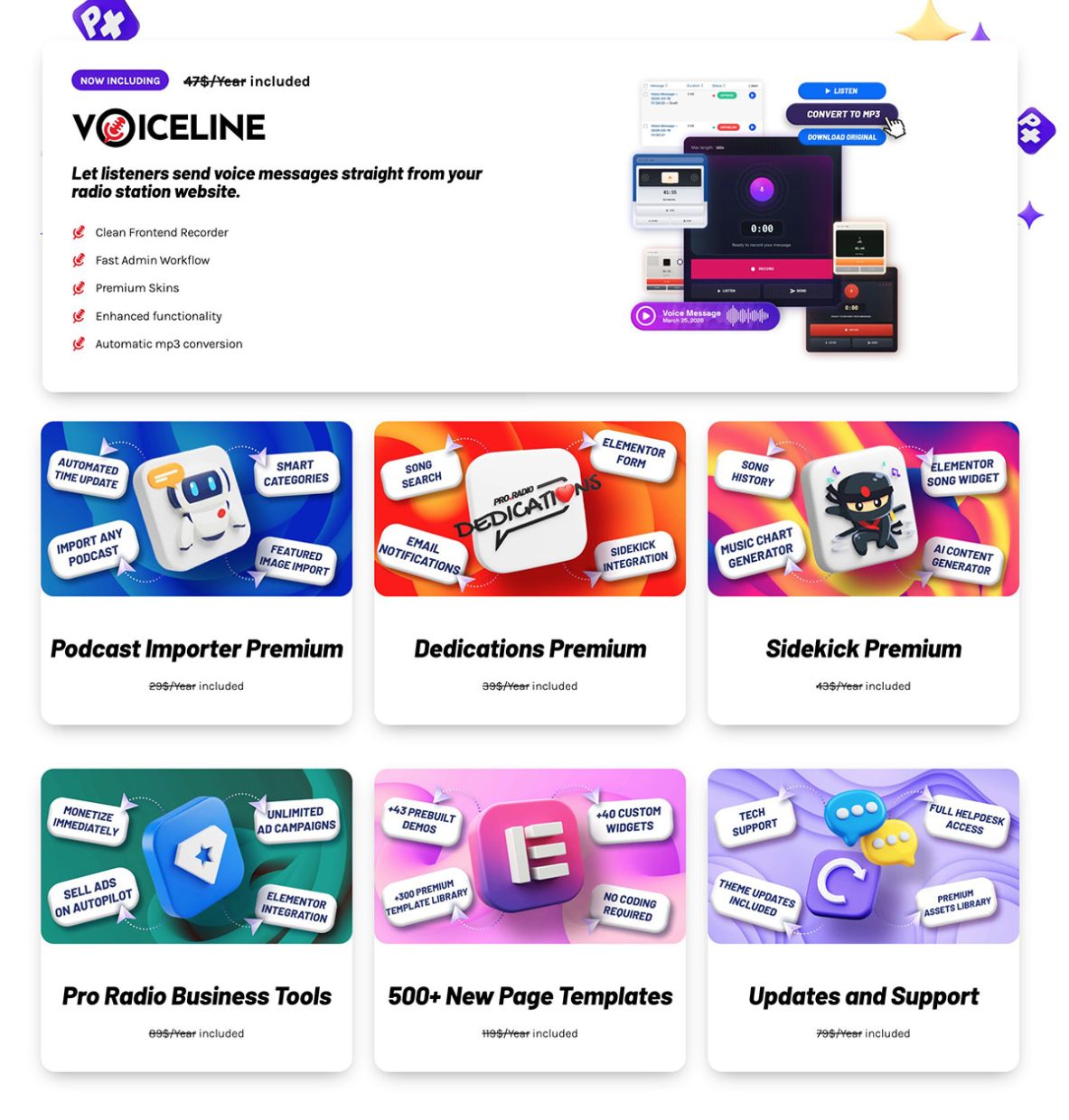
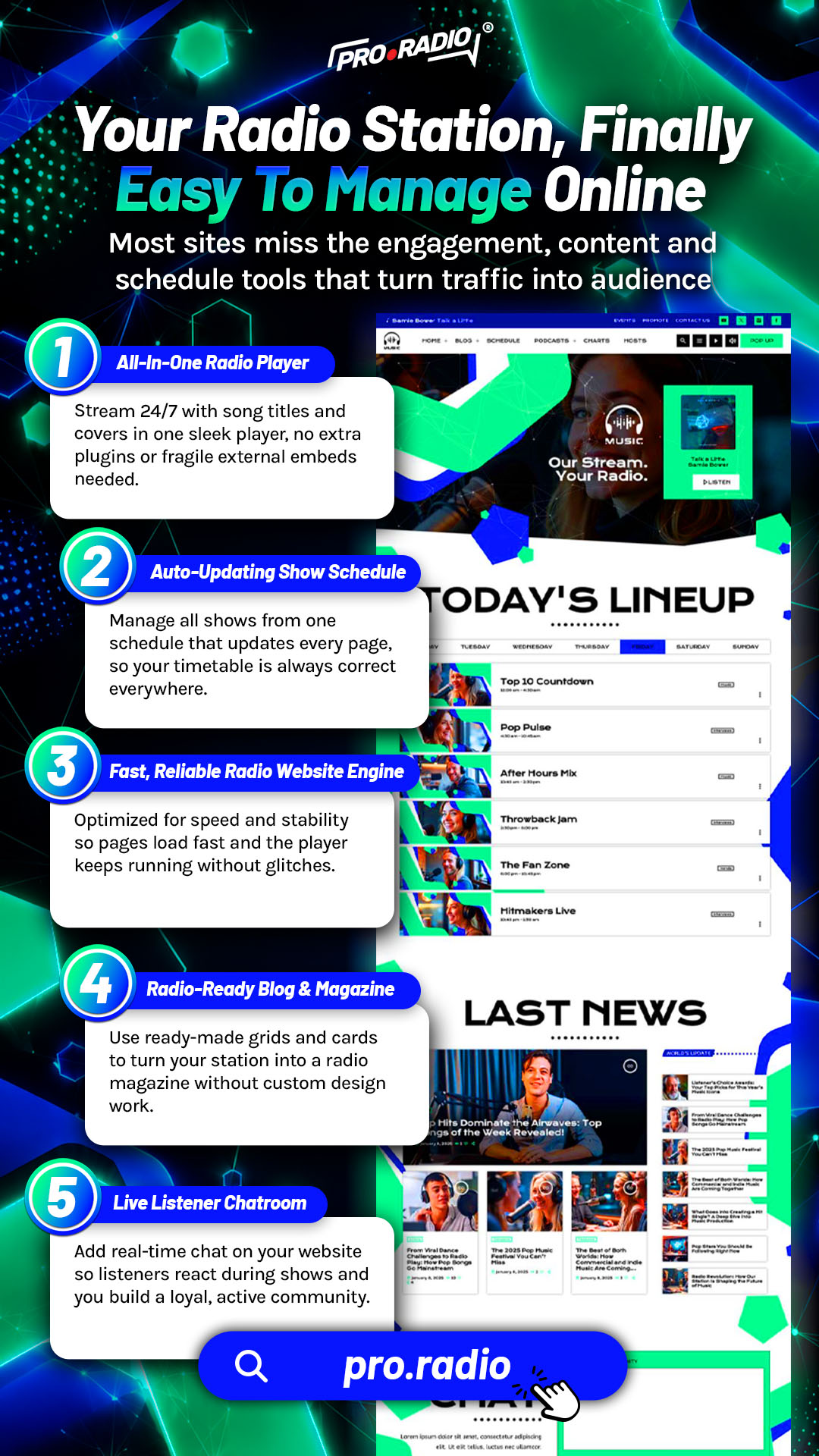
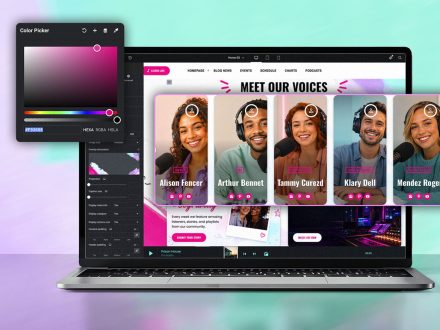
When everything is part of the same theme and the same Plus subscription, the day-to-day management collapses into one workflow. You open WordPress. You manage shows, podcasts, presenters, charts, events, dedications, Voiceline messages, and sponsor campaigns from the same admin interface. The customizer holds the global design. Elementor handles the page-by-page work.
You do not switch between five different vendor dashboards to update the station. One login, one place, one workflow.
Shows And Schedule Without Friction
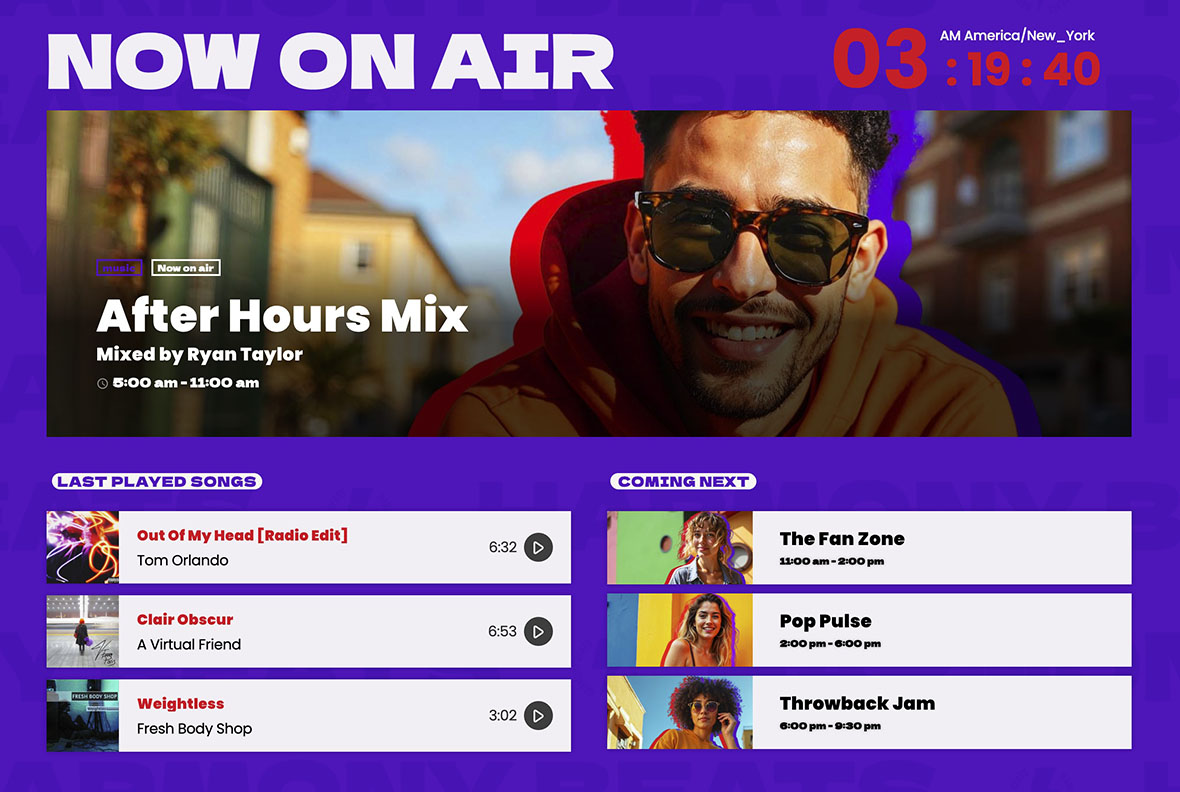
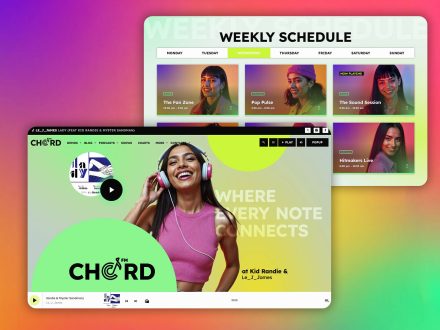
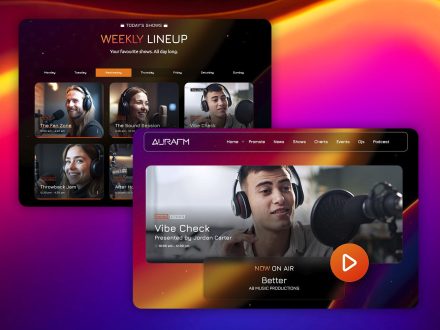
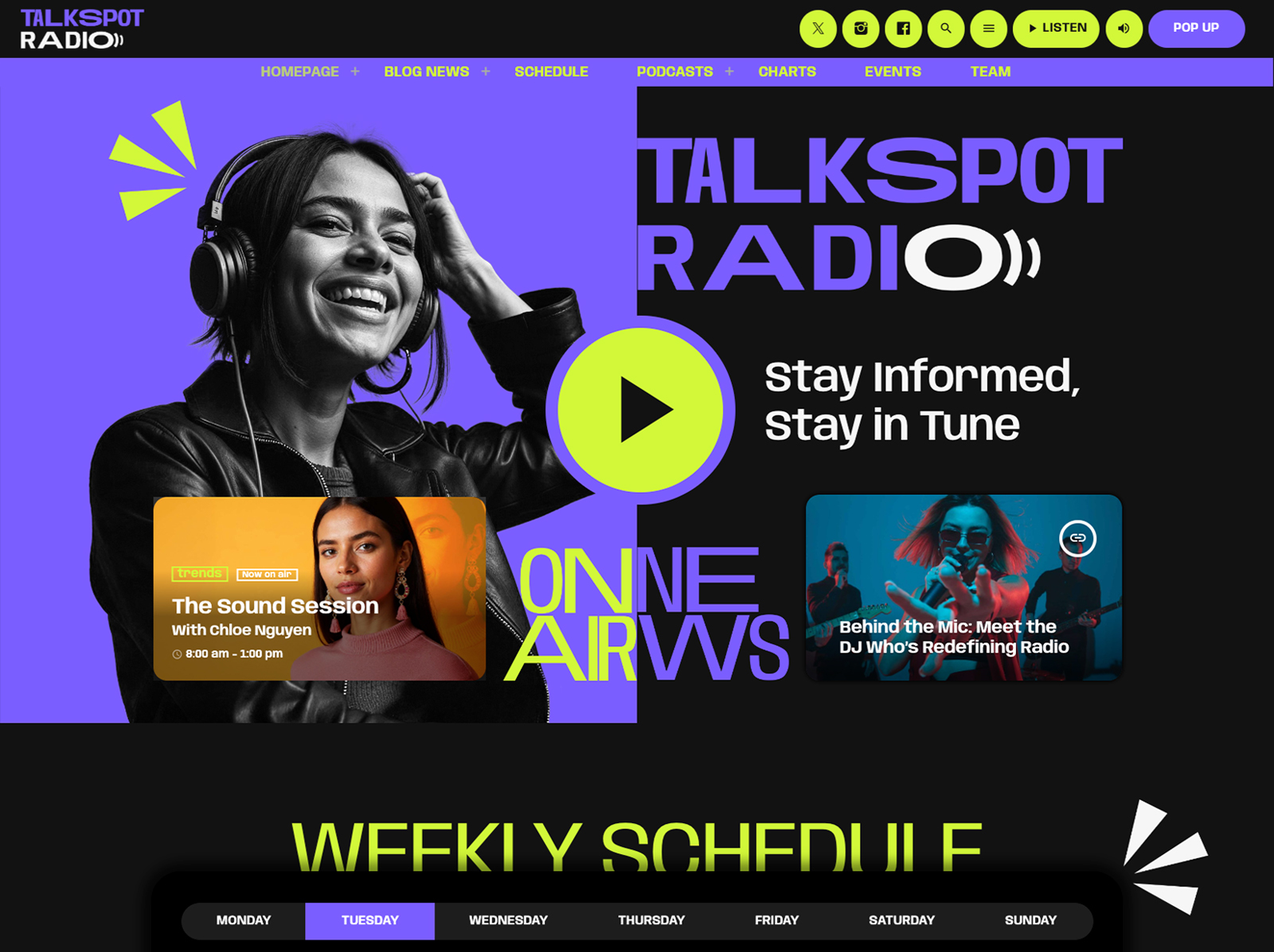
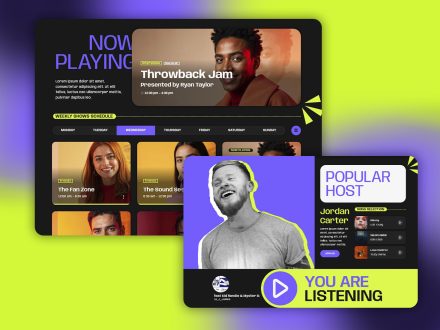
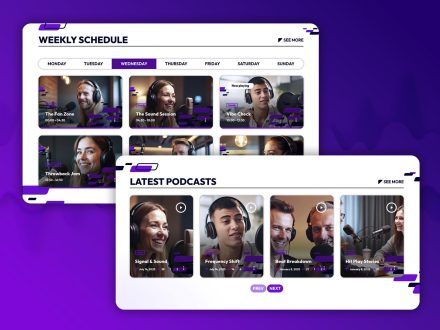
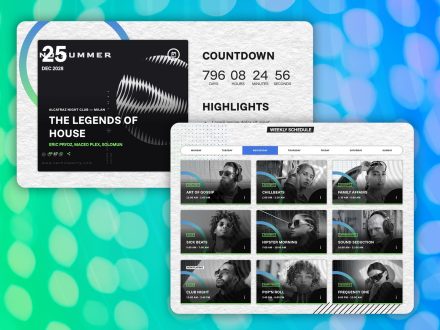
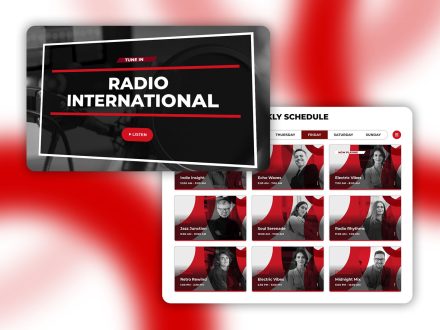
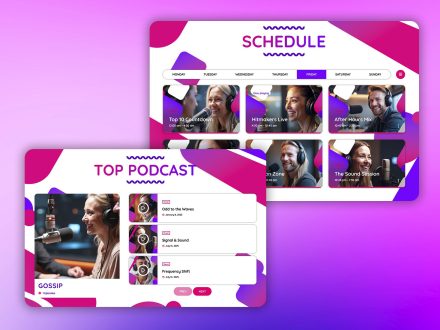
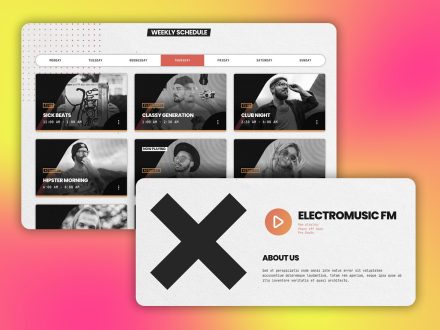
The interactive weekly schedule supports unlimited shows. Each show is created once. If it airs in multiple slots, you link it to each slot. Editing the show updates every instance automatically. Automatic time and day detection highlights the show on air. The current day is preselected.
For multi-channel stations, the filter system handles up to five channels on the same schedule. Show pages are self-updating hubs that gather related podcasts, news, charts, presenters, and events. You add a show once. The site does the rest.
Podcasts In The Same Workflow
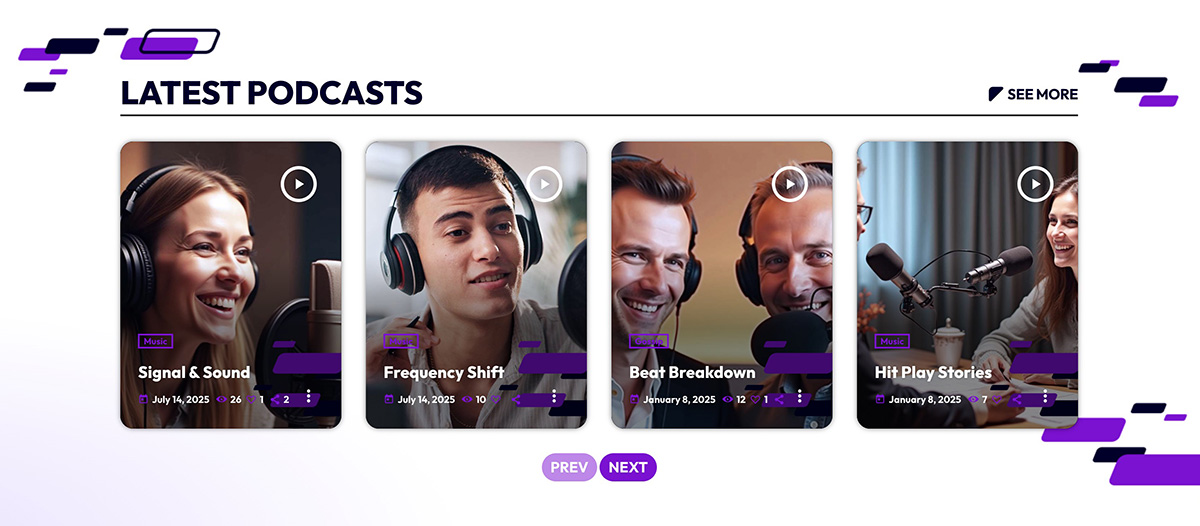
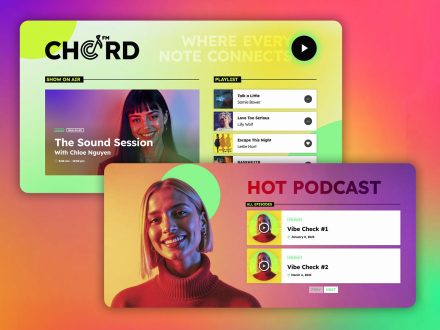
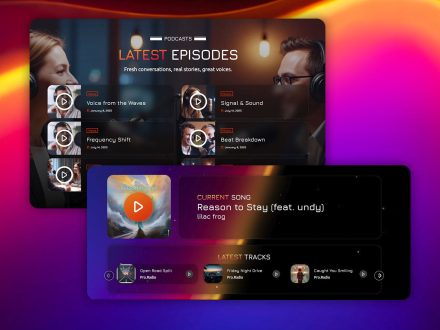
Podcast publishing should not require a separate platform. Pro Radio lets you upload MP3 files directly, or embed from Anchor.fm, Blubrry, Mixcloud, Soundcloud, Spotify, or YouTube. The same radio player handles podcasts. Past broadcasts can be archived as podcasts, live re-airs, or recordings. You decide how each piece is reused.
The latest episode can be preloaded in the player, so visitors hear it on the homepage without searching. The podcast workflow is part of the same content workflow you already use for shows.
Hosts And Team Managed Centrally
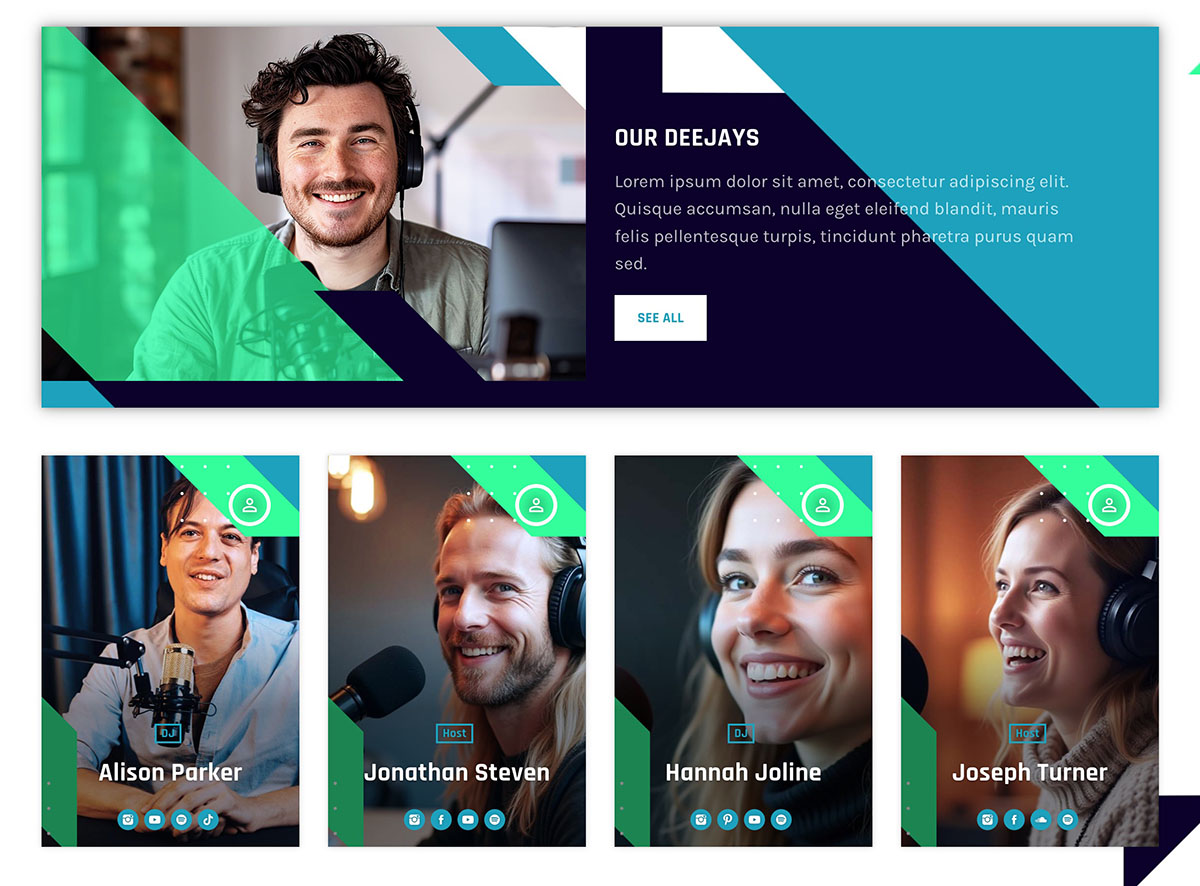
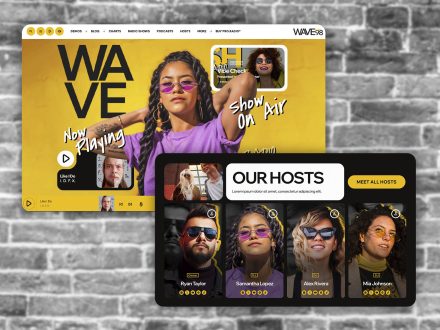
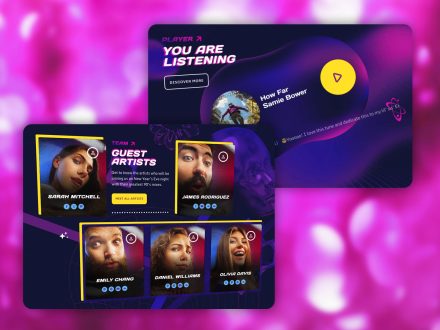
The Members post type handles DJs, speakers, journalists, and other team members. Each profile has a role label, a short bio, and social network icons. Custom taxonomies group them by show, genre, or team. They appear on related show pages, carousels, and archives automatically.
You add a new host once. They appear everywhere. You retire a host once. They disappear everywhere. That is what proper centralization feels like.
Listener Participation Without A Maintenance Headache
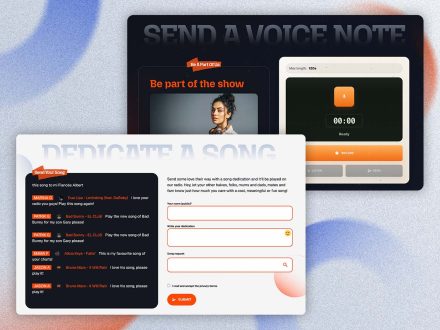
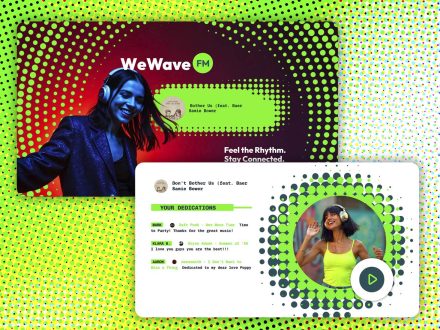
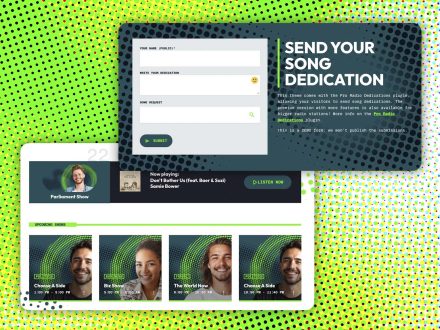
The Dedications add-on processes listener dedications through a moderated form. Antispam, IP blacklist, submission limits, and email notifications handle the boring parts. One-click approval pushes a dedication to the page. Real-time visitor notifications can announce new dedications. Listeners receive notifications when their submission is approved.
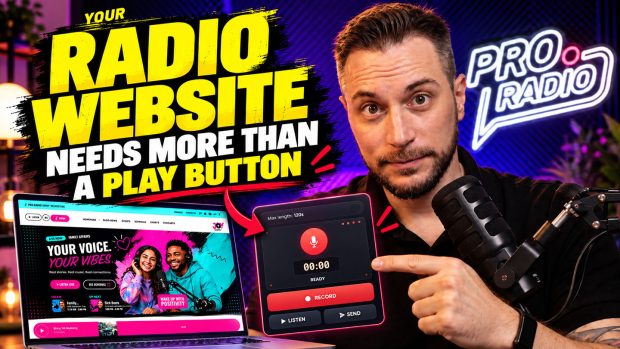
Voiceline handles listener voice messages through an Elementor widget. You moderate, approve, and air. The settings cover privacy consent, admin notifications, user notifications, custom notification emails, IP blacklist, user waiting times, default pending-submission rate limit, hourly global rate limit, storage check, maintenance mode, and email test.
You spend a few minutes a week on moderation. You do not spend hours wiring tools together.
Events That Manage Themselves
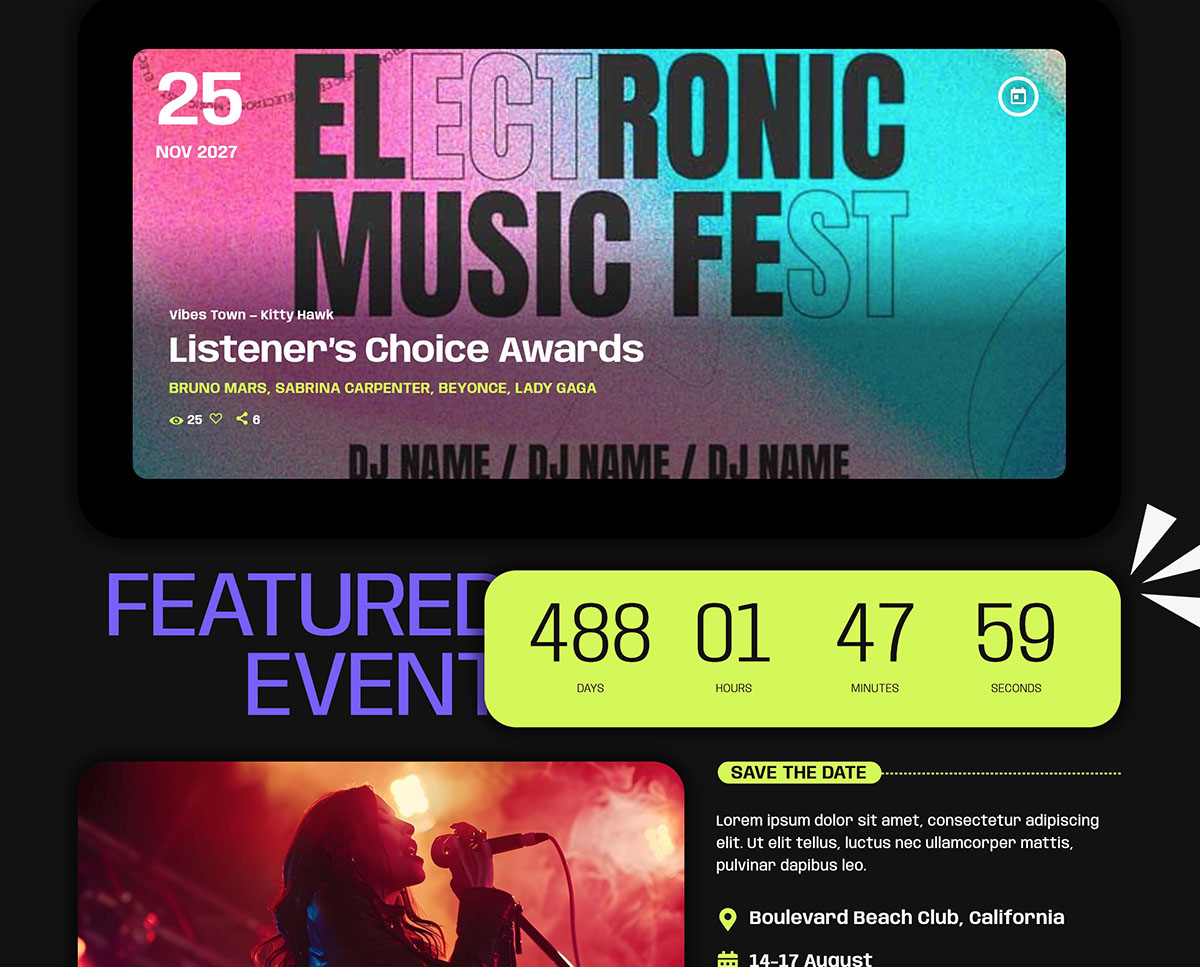
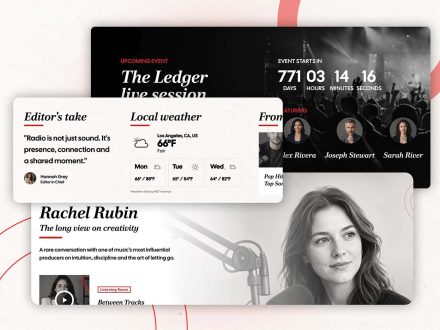
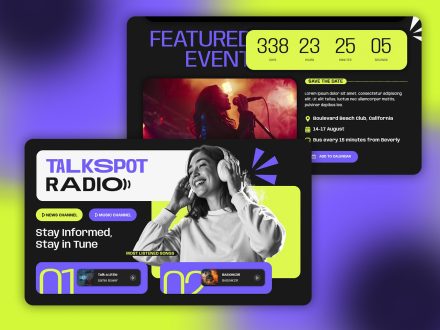
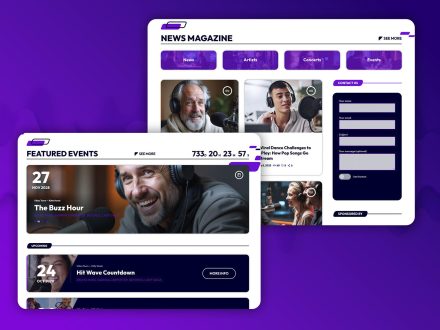
The built-in events manager handles parties, concerts, station events, and community activities. Events have automatic date ordering, multiple display styles, countdown shortcodes, automatic hiding of past events, Add to Calendar buttons, and Google Maps integration. Display options include hero events, event lists, event cards, and carousels.
You publish an event once. The calendar updates automatically. The countdown ticks down. The event hides itself when the date passes. Past events drop off without your attention.
Sponsor Management As Part Of The Same System
The Business Tools ad manager addon installs in about five minutes through a 3-step automatic setup. Banner positions through Elementor widgets, AdSense and affiliate codes mixed with direct campaigns, unlimited campaigns with automatic start and end dates, frontend submission via WooCommerce with manual approval, automatically generated statistics pages per campaign, shareable sponsor access, and payments via PayPal, credit card, cash, or bank transfer.
Sponsors check their own statistics pages with real-time click data. Renewals happen because the sponsor sees value, not because you remind them. The website handles a meaningful part of the ad sales operations work.
Music History And Charts In One Layer
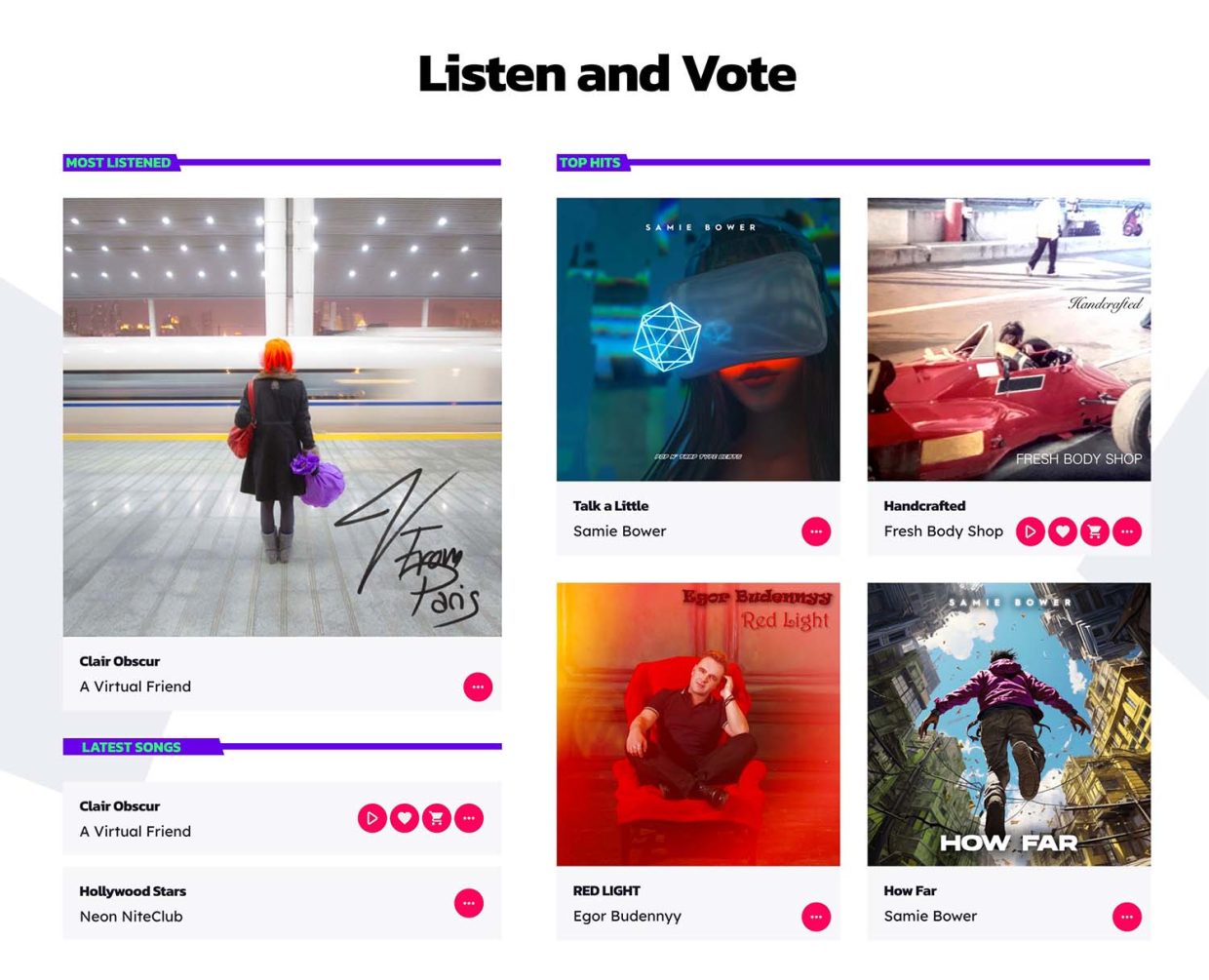
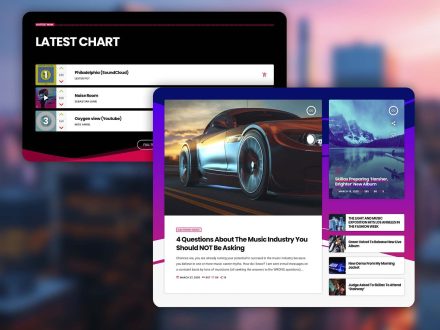
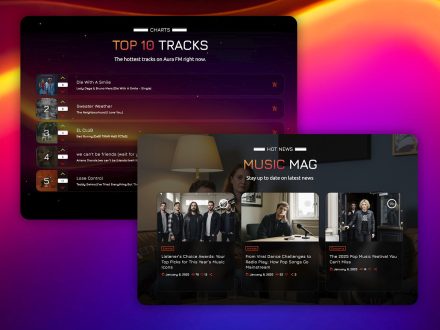
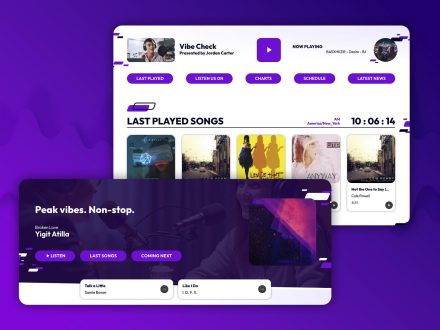
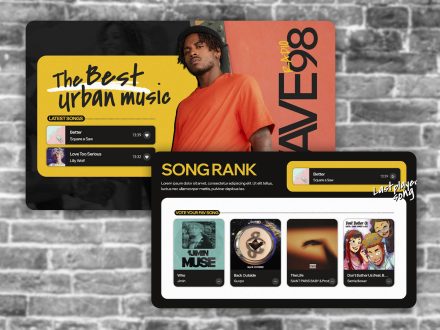
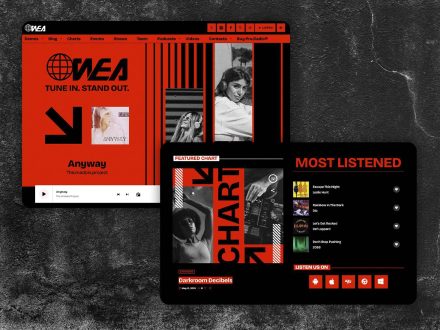
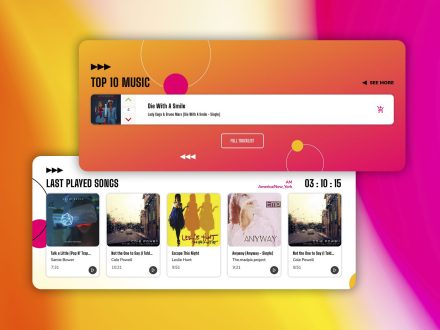
Sidekick adds song recognition and history. It maintains global rankings by likes and played time, generates charts automatically, and offers Elementor widgets that display tracks by play date, by likes, by history, or by hand-picked selections. The Sidekick AI Content Writer in beta can draft chart-related content from existing charts, with you reviewing the results before publishing.
These layers add interactivity without adding maintenance. They are part of the same Pro Radio Plus subscription, with continuous updates and helpdesk support.
Why One Subscription Means One Less Headache
Pro Radio Plus bundles the theme’s premium plugins, including Sidekick, Business Tools, Dedications, Podcast Importer, Voiceline, and over three hundred Elementor templates. Continuous updates, helpdesk support, and unified plugin management mean one renewal, one support channel, one platform to learn.
That is the practical difference between a manageable station and a constant chore.
Real-World Station Patterns
- Solo broadcaster: one person handles audio, schedule, podcasts, and dedications without ever touching the codebase.
- Small team: the audio engineer handles the stream, the program director manages shows, the marketing person handles sponsors. All inside the same platform.
- Community station: rotating volunteers can manage their assigned shows and podcasts inside the same Elementor workflow.
- Multi-channel network: the filter system handles multiple channels in one schedule, with separate banner positions per channel and one unified sponsor manager.
Make The Station Easy To Run
If your week feels heavier on website management than on actual broadcasting, the system is wrong. Pro Radio puts the entire station inside one ecosystem with one customizer, one Elementor editor, one player, one schedule, one set of show pages, one sponsor manager, and one Plus subscription for the premium tools.
Switch to Pro Radio and watch the management overhead shrink. The station becomes easy again.





AD
You may also like


Copyright 2019-2026 ProRadio® Qantum Themes SL® ESB02979078 All Rights Reserved