



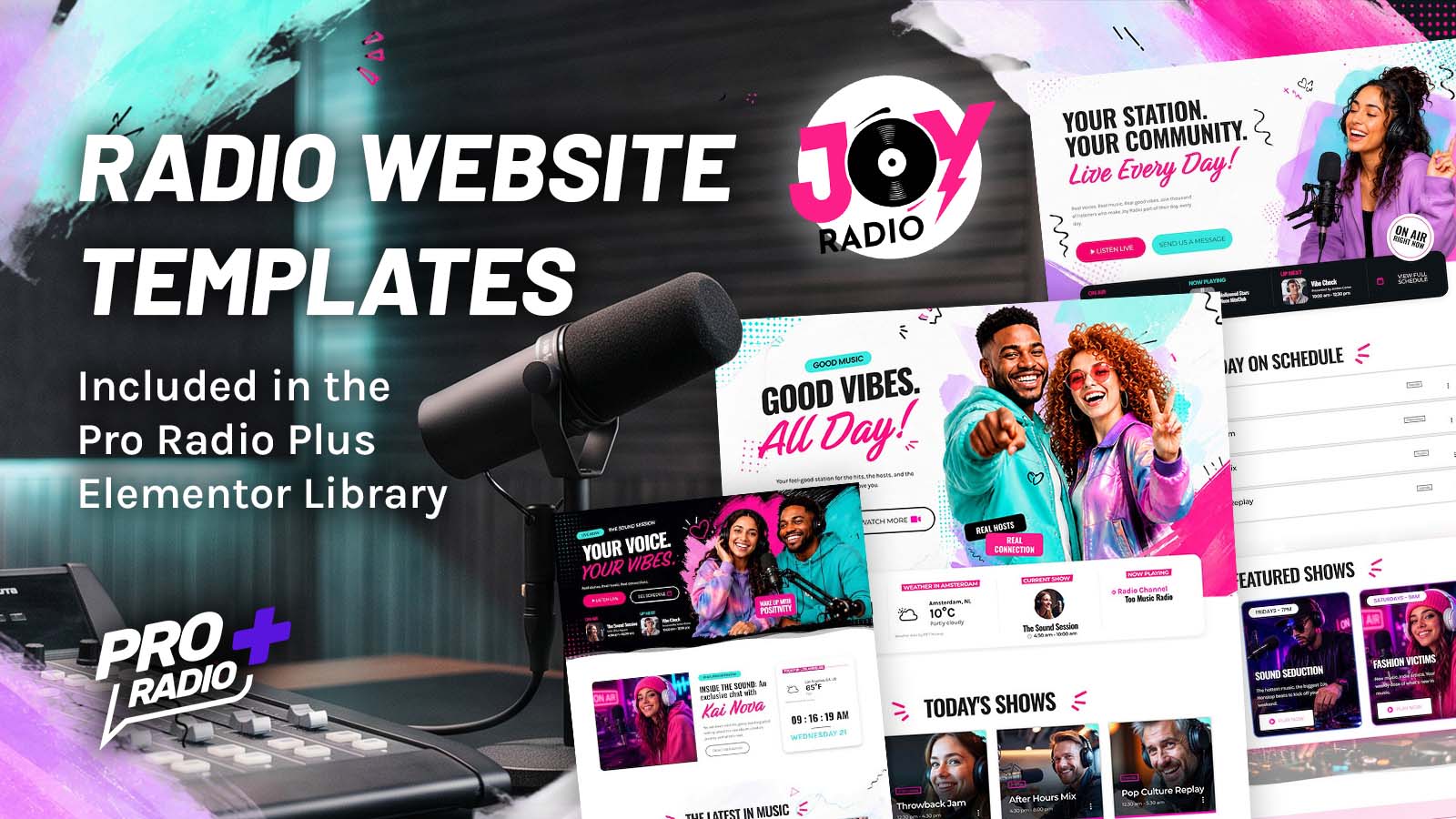
Joy Radio Elementor Templates Are Now Available for Pro Radio Plus
AD
Import the Joy Radio templates without rebuilding your entire radio website
Have you ever looked at your radio website and thought it could use a fresh new look, but the idea of rebuilding everything from scratch immediately made you change your mind?
Well, here’s some good news.
We’ve just added a new collection of exclusive radio website templates to the Pro Radio Plus Elementor Library, based on our Joy Radio demo!
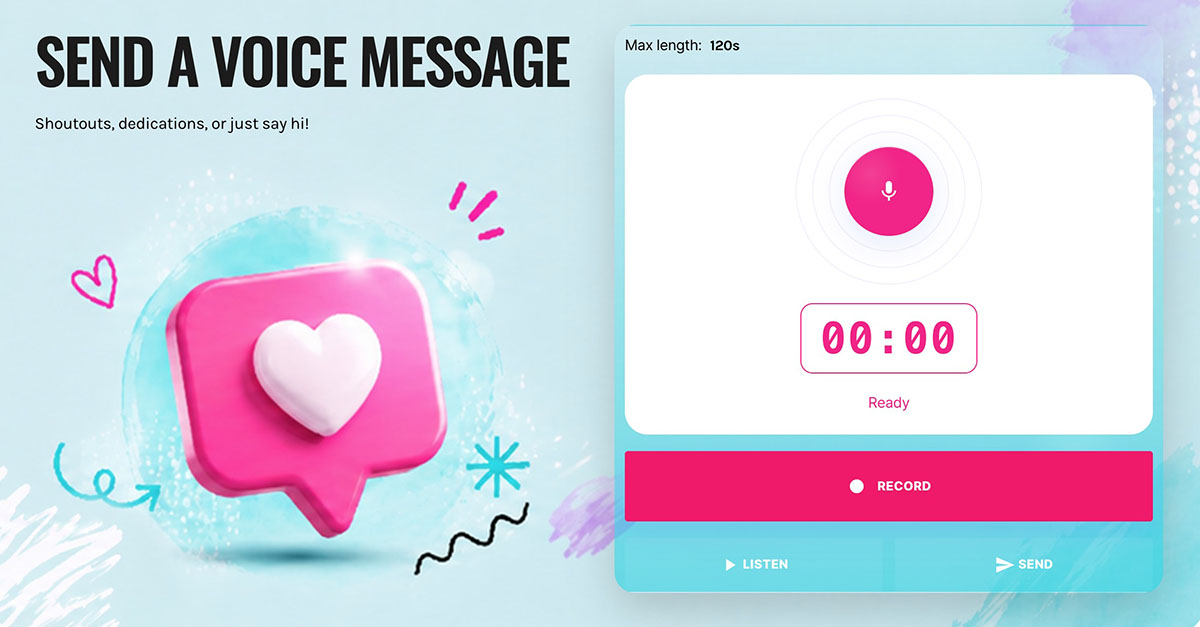
If you’ve already explored Joy Radio, you’ll recognize its colorful personality, bold typography, fresh graphics and modern radio layouts. And now you can import these designs directly into your existing Pro Radio website, without installing the entire demo or rebuilding your station from zero.
And yes, they’re included with Pro Radio Plus, at no additional cost.
Contents
hide
- 1. Import the Joy Radio templates without rebuilding your entire radio website
- 2. Meet Joy Radio: A Fresh Look for Your Radio Website
- 3. Three Complete Homepage Templates, Ready to Make Your Own
- 4. Additional Templates Covering Schedule, Podcasts, Charts, Events, News, Contacts & Sponsorship
- 5. Already Have a Radio Website? You Don’t Need to Start Again
- 6. How To Install The New Templates
- 7. Exclusive for Pro Radio Plus Users
- 8. Already Using Pro Radio? Here’s How to Upgrade to Plus
- 9. Get Your Templates at the Anniversary Price
Meet Joy Radio: A Fresh Look for Your Radio Website
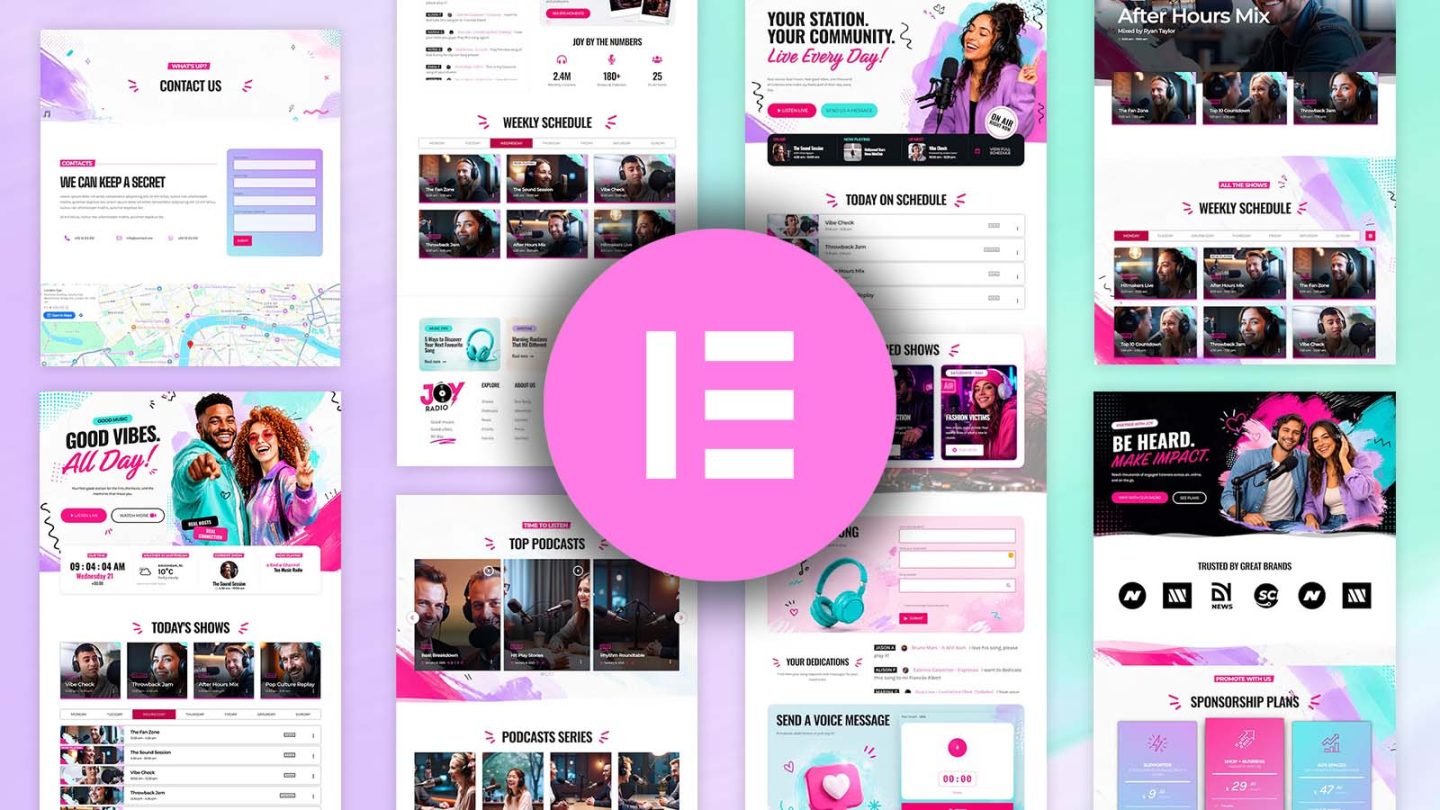
Joy Radio was designed around a simple idea: a radio website should feel just as alive as the station behind it.
Music, presenters, conversations, live shows, podcasts, events… There’s always something happening on a radio station, and your website should reflect that energy.
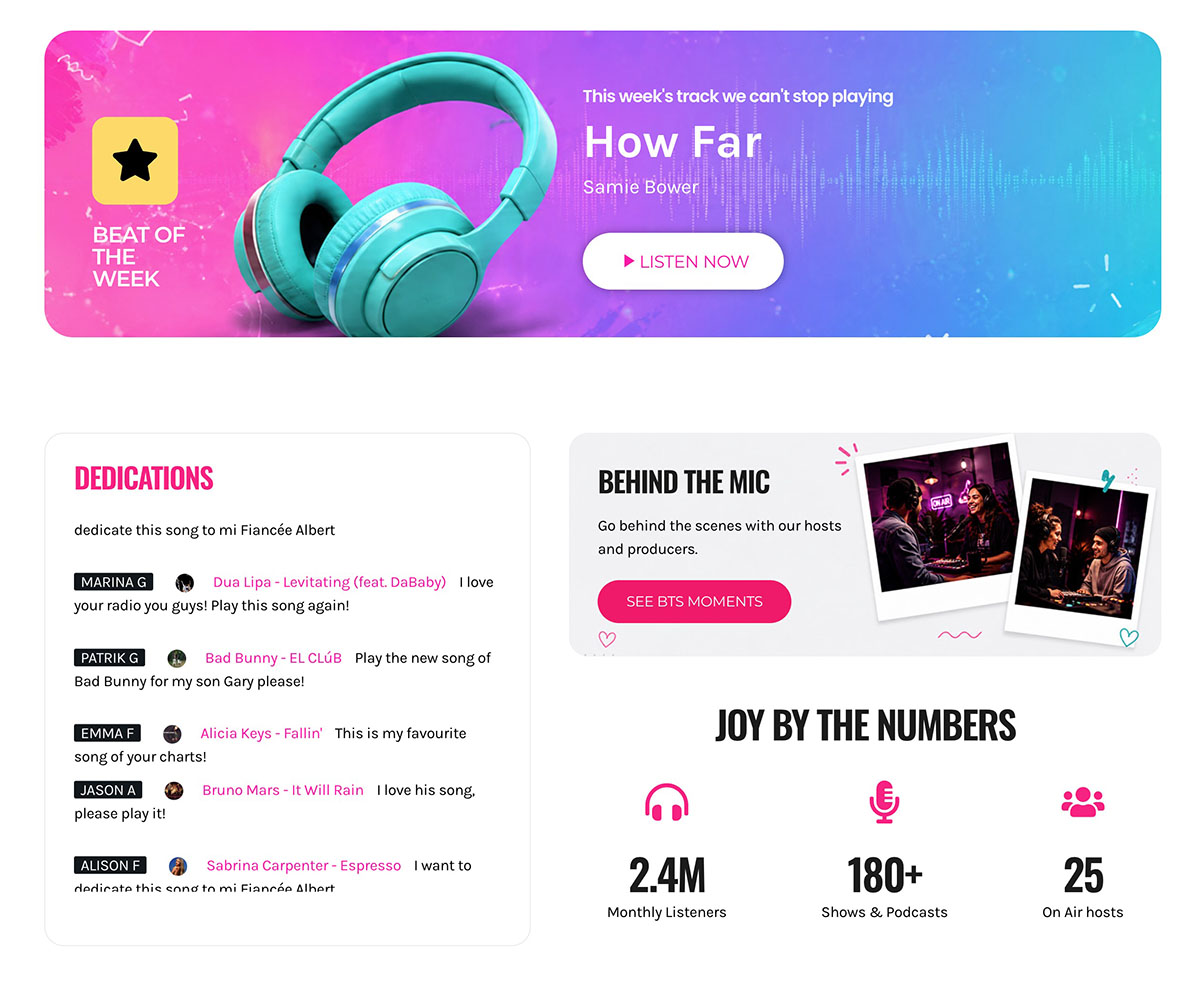
That’s why Joy Radio combines bold typography, vibrant pink and turquoise accents, expressive photography and modern layouts that give your content plenty of personality.
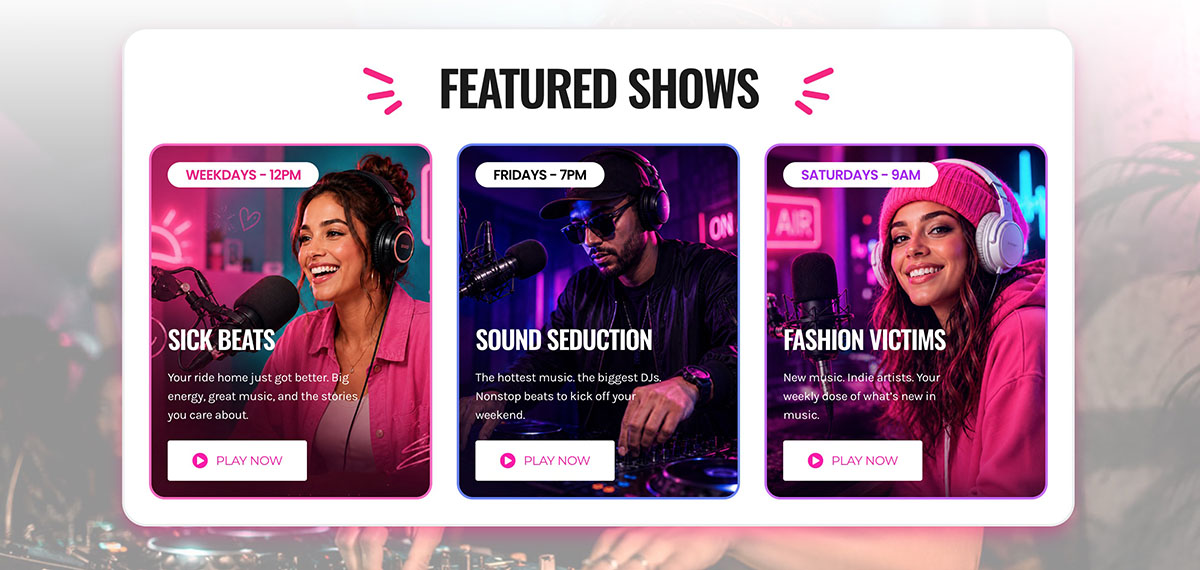
It’s a particularly good fit for music stations, pop radio, entertainment brands, community broadcasters and anyone who wants a contemporary website with a friendly, energetic identity.
But the design isn’t just about looking good. Behind those colorful pages, you’ll find the radio-specific features that make Pro Radio different from a generic WordPress website: live listening, on-air information, weekly schedules, shows, podcasts, music charts and ways for your listeners to interact with your station.
Three Complete Homepage Templates, Ready to Make Your Own

One of the best things about this new collection is that you’re not limited to one homepage design.
We’ve included all three Joy Radio homepage layouts in the Pro Radio Plus Elementor Library, giving you different ways to present your station.
Additional Templates Covering Schedule, Podcasts, Charts, Events, News, Contacts & Sponsorship
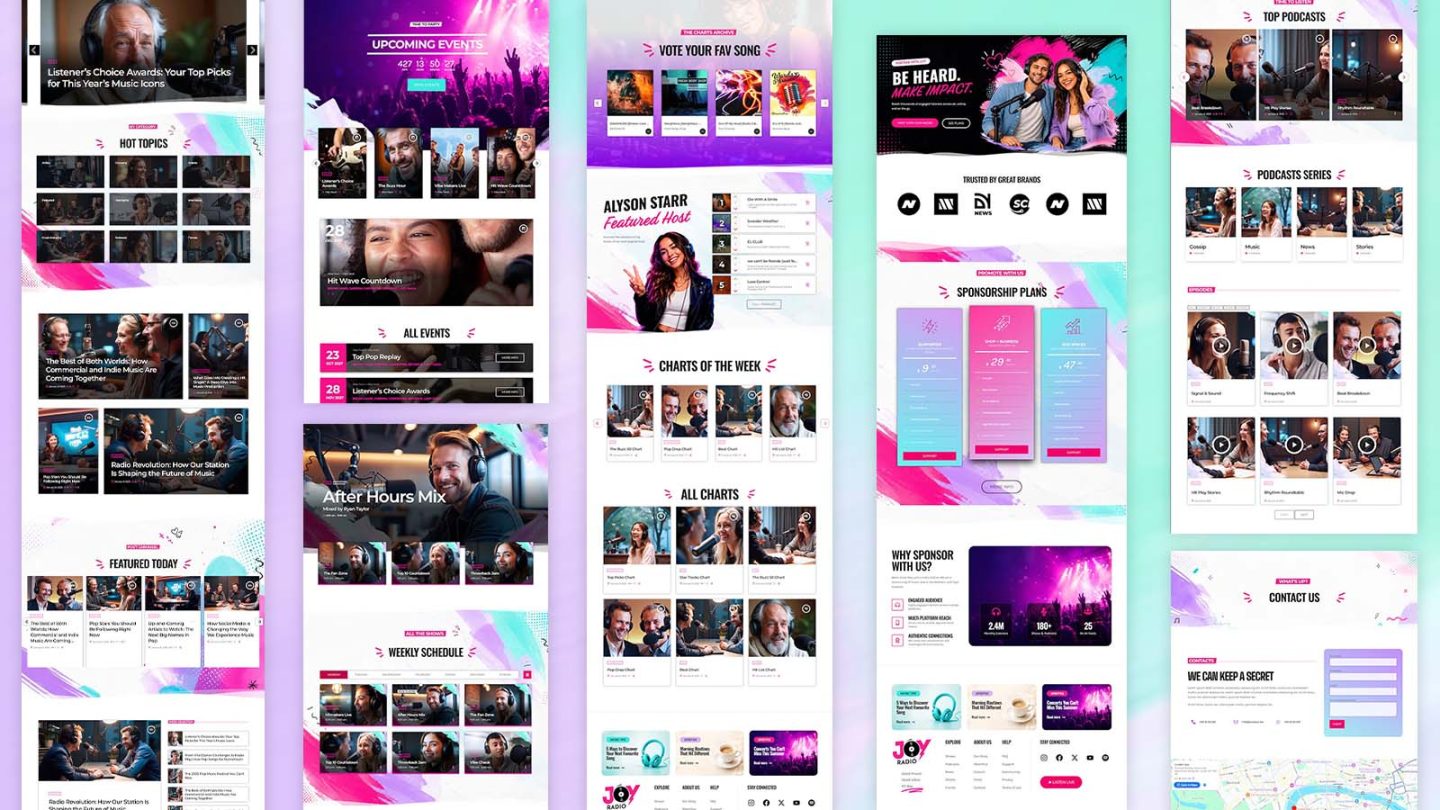
Of course, a radio website needs more than a great homepage.
What happens when someone wants to listen to yesterday’s show? Discover your upcoming events? Check the latest charts? Or find out when their favorite presenter is back on air?
That’s why the new Joy Radio Elementor collection also includes ready-made layouts for the internal pages of your station website.
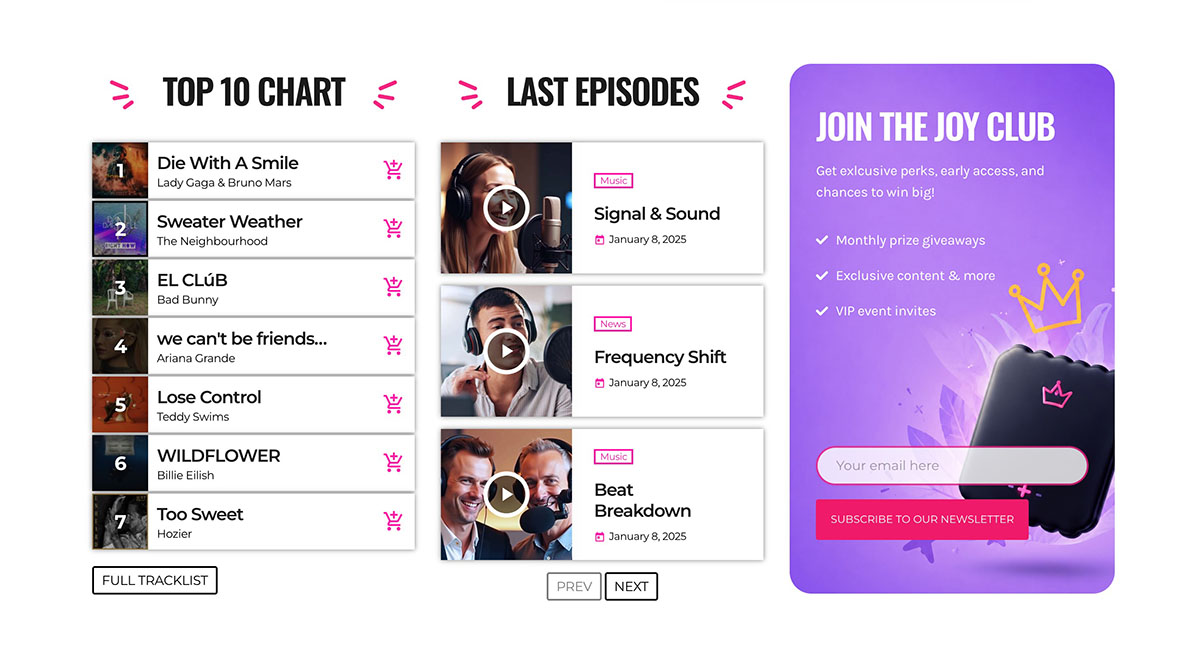
You’ll find designs for:
- Podcasts: organize your shows and episodes so listeners can easily discover and enjoy your on-demand content.
- Music charts: showcase the tracks your station is playing and help your audience discover new music.
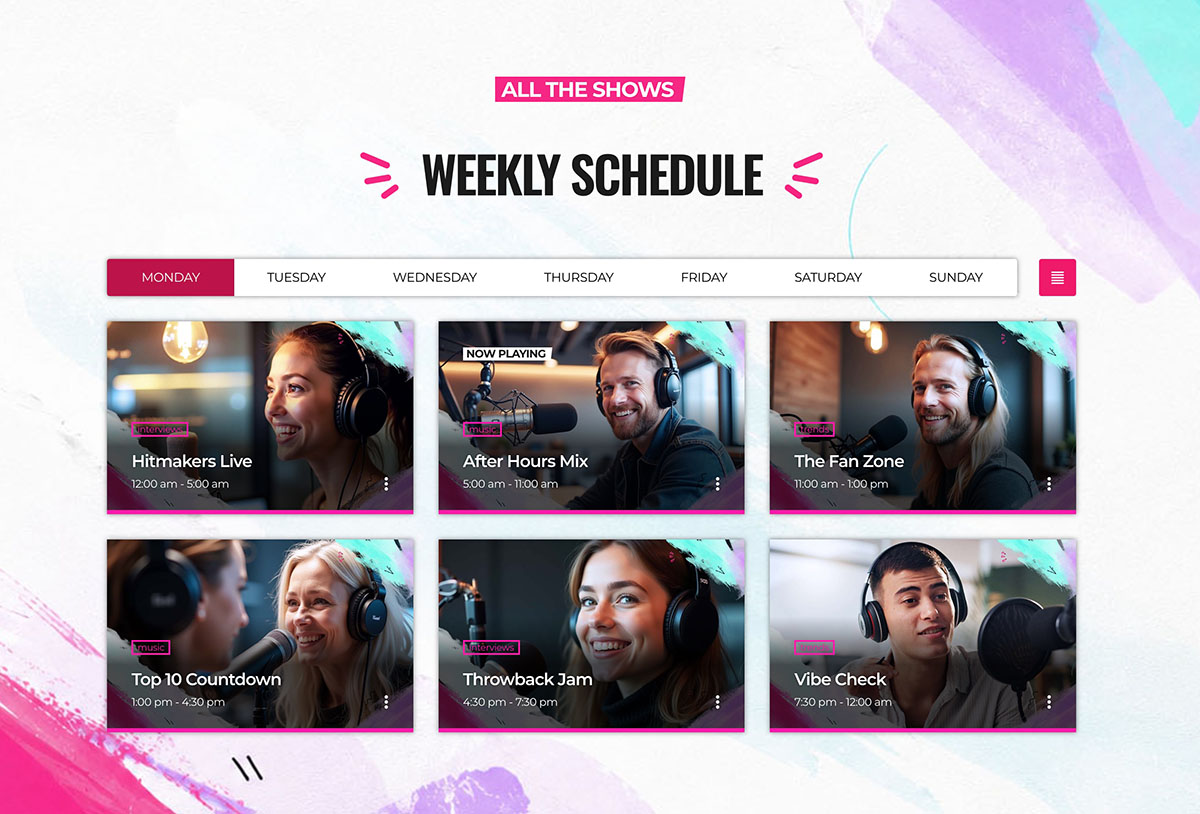
- Radio shows and schedules: present your weekly programming clearly, with the information listeners actually need.
- Events: promote upcoming concerts, station events, live broadcasts and special activities.
- Blog and news: give your station’s stories, interviews and updates a professional editorial layout.
- Contact and promotional pages: complete your website with designs for communicating with listeners and promoting your station.
And because these layouts share the same visual identity, you can build a consistent website without having to design every single page individually.
Already Have a Radio Website? You Don’t Need to Start Again
You don’t need to start from scratch to use the new Joy Radio designs.
With the Pro Radio Plus Elementor Library, simply choose a template, import it into your existing website and customize the colors, images and content to match your station.
Your existing shows, podcasts and schedules remain intact, and Pro Radio’s dynamic widgets can automatically display that content in the new layouts.
A fresh look for your radio website, without rebuilding everything.
How To Install The New Templates
If you’re already using Pro Radio Plus, installing the new templates is simple.
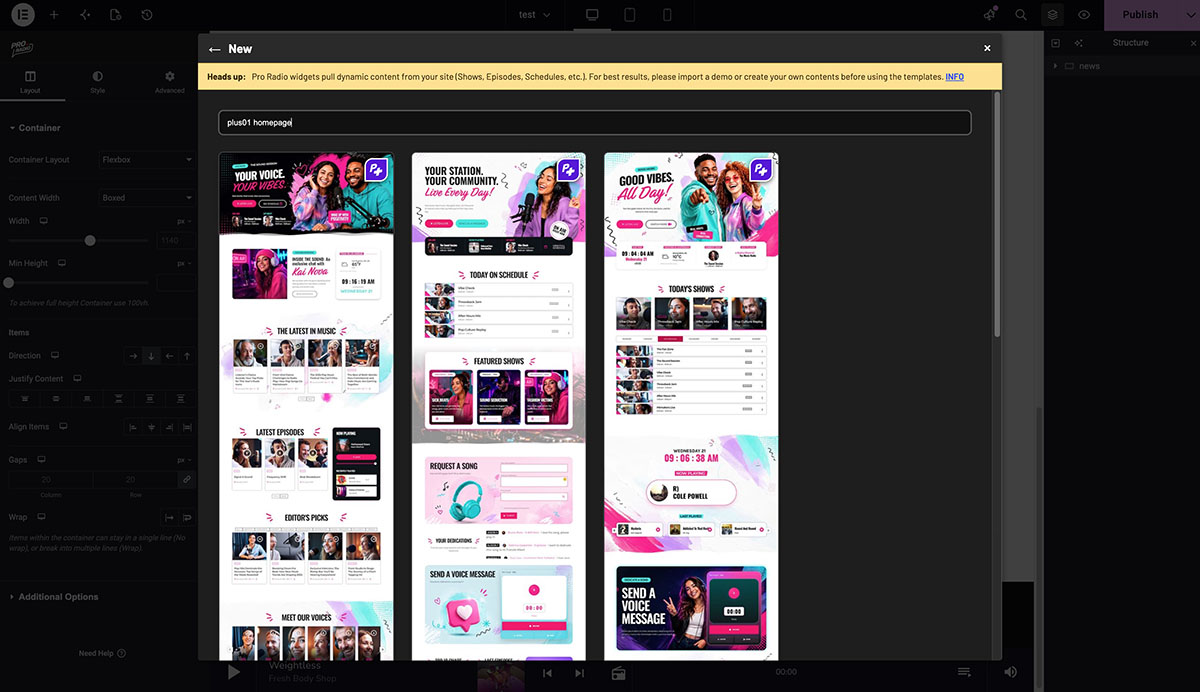
- Open the Elementor editor in your WordPress dashboard.
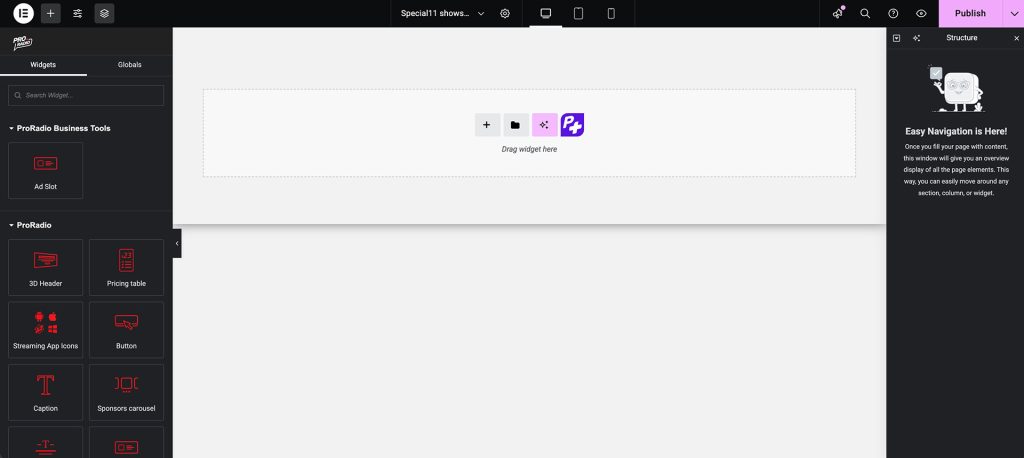
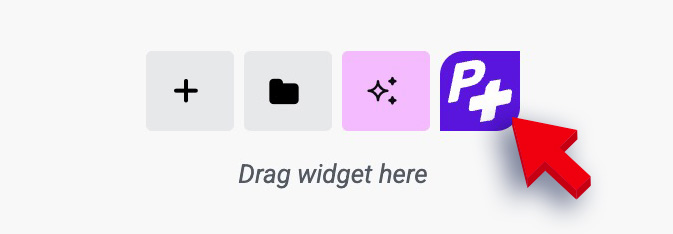
- Click the purple P+ button to access the Pro Radio templates library.
- Search for this week’s releases: Write Joy Radio in the New category to search for this templates, or you can search directly in each category, such as Homepages, Charts, Shows, Podcasts or Events to find the page you want to import.
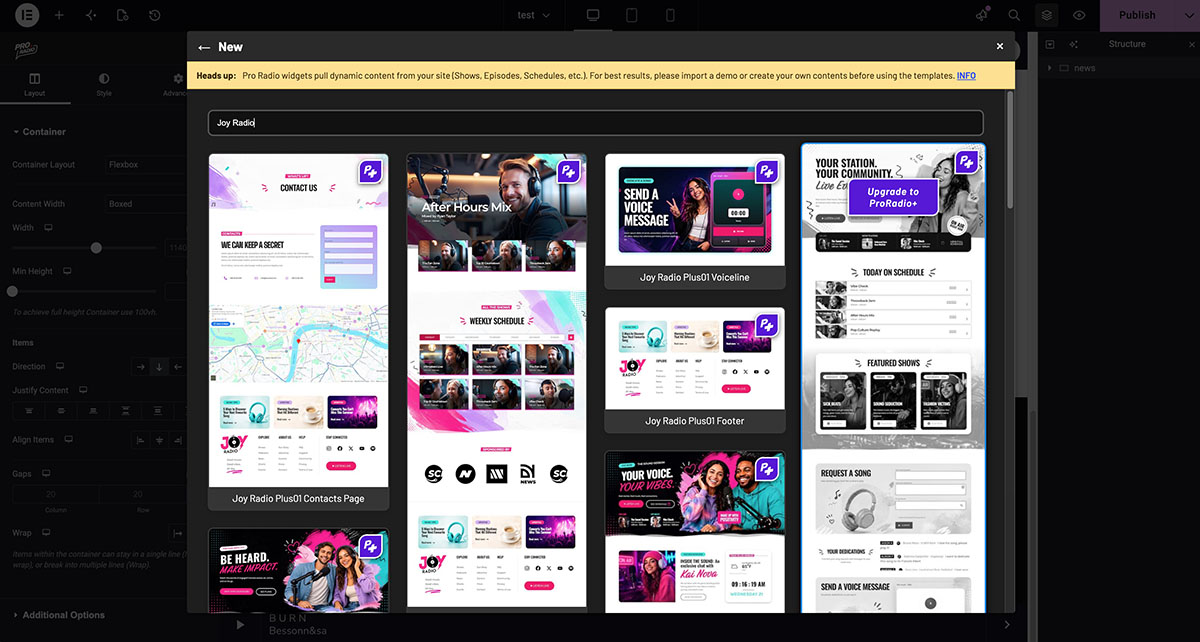
- Insert them into your site and customize colors, titles, and links to fit your radio brand.
One important tip: Pro Radio widgets display dynamic content from your website. If you’re starting with an empty installation, make sure you’ve created your shows, schedules, podcasts and other relevant content so those sections have something to display.
For more information about importing templates, you can also watch our tutorial:
Exclusive for Pro Radio Plus Users
The new Joy Radio templates are available exclusively to users with an active Pro Radio Plus license.
They’re part of the growing library of 550+ Elementor templates created specifically for radio stations.
And the library is only one of the advantages of Plus.
Your subscription also includes the Pro Radio WordPress theme, access to exclusive complete website demos, Premium plugins, updates and support.
That means you can redesign your website whenever you need a change, add new radio-specific features and keep everything under one subscription, without purchasing individual templates or Premium add-ons separately.
You can discover everything included with Pro Radio Plus here.
Already Using Pro Radio? Here’s How to Upgrade to Plus
If you’re using a standard Pro Radio WP or Pro Radio Bundle license, you don’t need to purchase everything again to access these templates.
You can upgrade your existing active license to Pro Radio Plus directly from your customer area.
Here’s the procedure:
- Log in to your Pro Radio client area.
- Open the active Pro Radio license you want to upgrade.
- Click the Upgrade button.
- Select Pro Radio Plus using the Choose Product option.
- Continue to checkout, where the applicable upgrade discount will be reflected, and complete your order.
- Return to your WordPress dashboard, open ProRadio Admin and click Refresh License and Plugins.
Once your upgrade is active, you’ll have access to the Plus Elementor template library and the Premium features included with your subscription.
For the complete procedure, including the upgrade discount and license activation, follow our official guide: How to Upgrade Your Existing Pro Radio License to Pro Radio Plus
If you’re new to Pro Radio, you can also get Pro Radio Plus directly.
Get Your Templates at the Anniversary Price
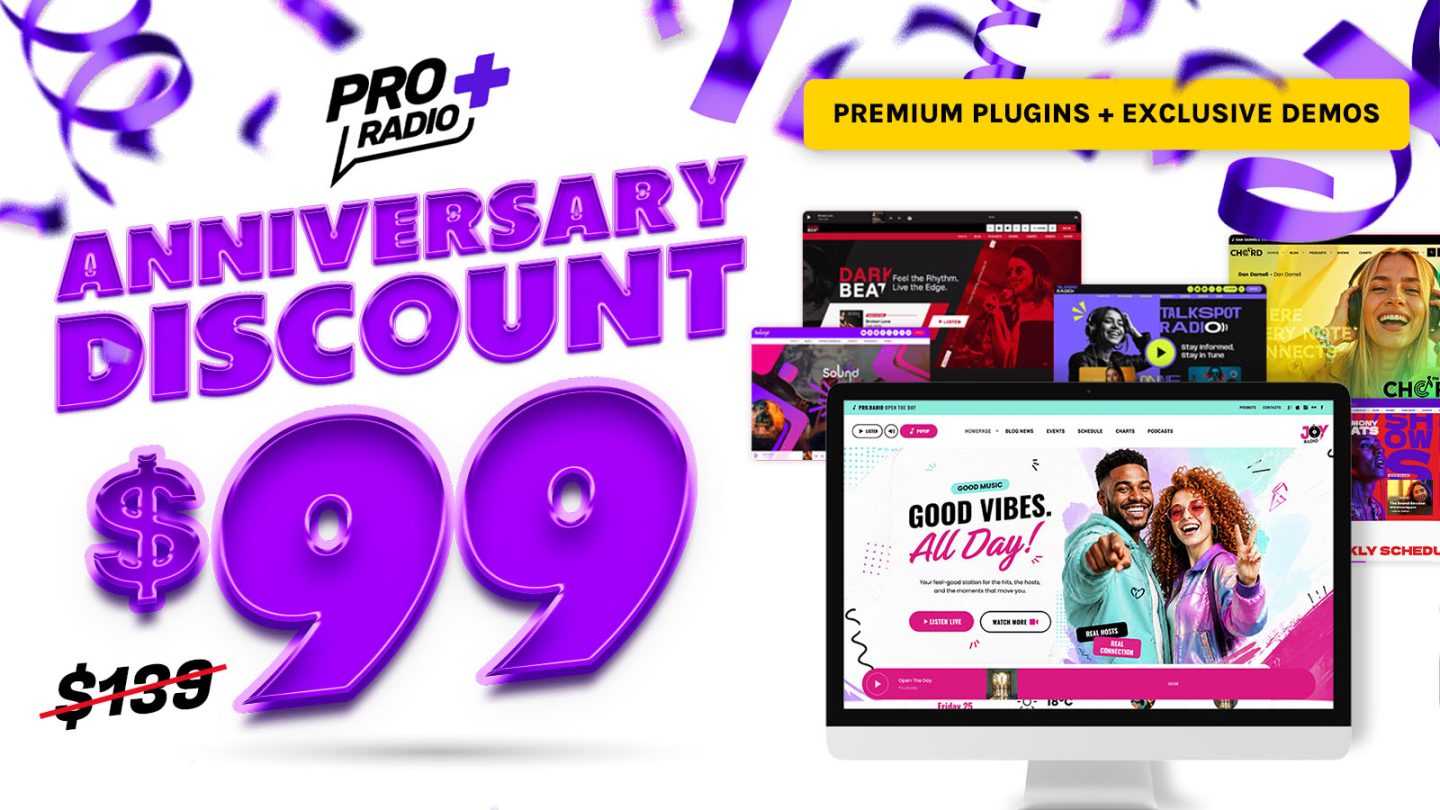
To celebrate the anniversary of Pro Radio Plus, you can currently get access to these Plus templates and the complete Pro Radio Plus toolkit with our special Anniversary Discount.
For a limited time, Pro Radio Plus is available for only $99/year.
That includes:
- Pro Radio WP Theme and plugins
- Access to premium Pro Radio plugins
- Extra radio website templates
- Dedicated support from developers
- Documentation and video tutorials
- No coding required
- 14-day money-back guarantee
If you want to launch a professional radio website with a modern design and real radio features, this is the best moment to get started.
👉 Get Pro Radio Plus with Anniversary Discount
AD

You may also like


Copyright 2019-2026 ProRadio® Qantum Themes SL® ESB02979078 All Rights Reserved