




Cyber Tech Elementor Templates for Radio Websites — Exclusive for Pro Radio Plus
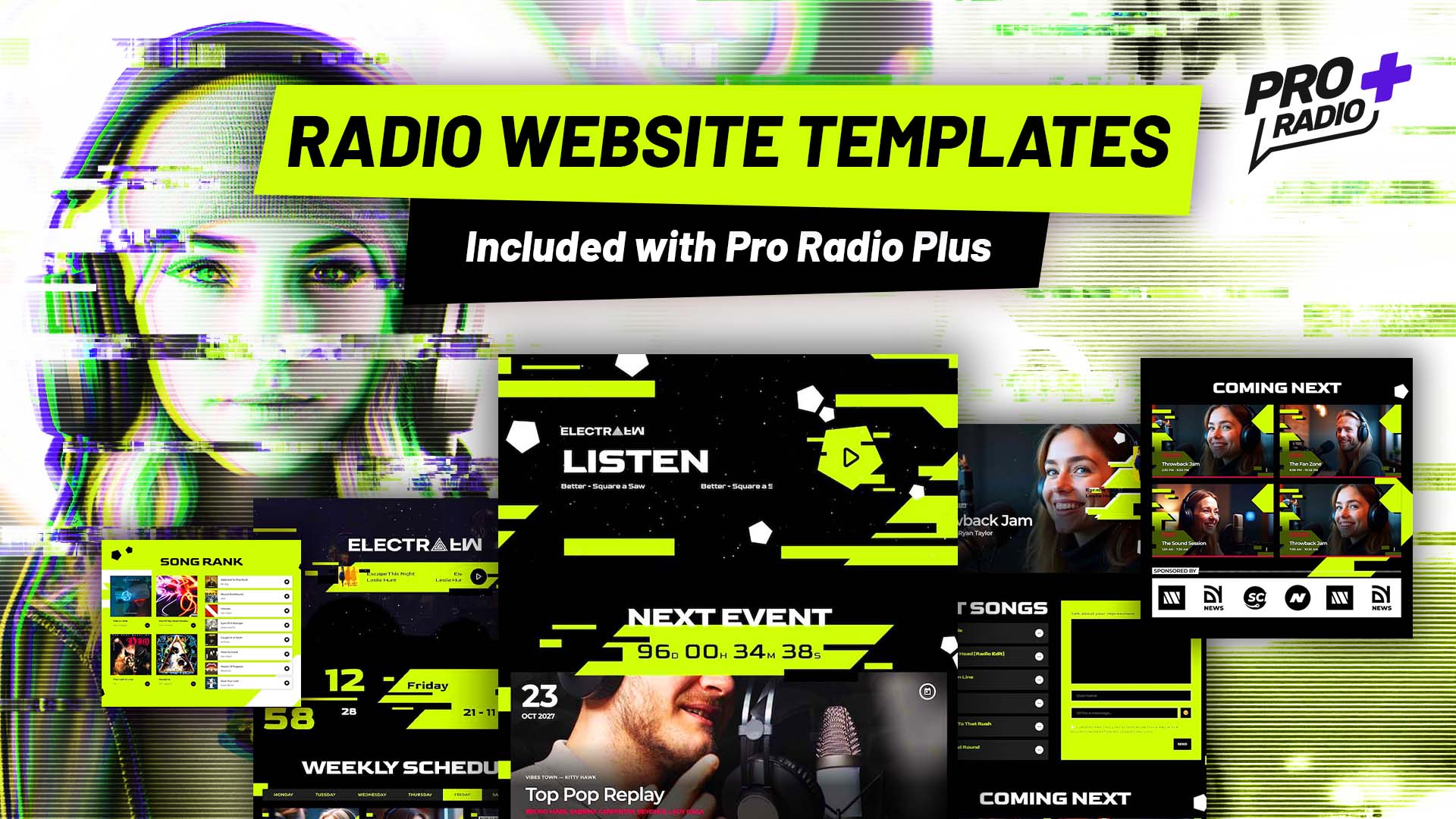
A New Techno-Cyber Experience for Modern Radio Stations
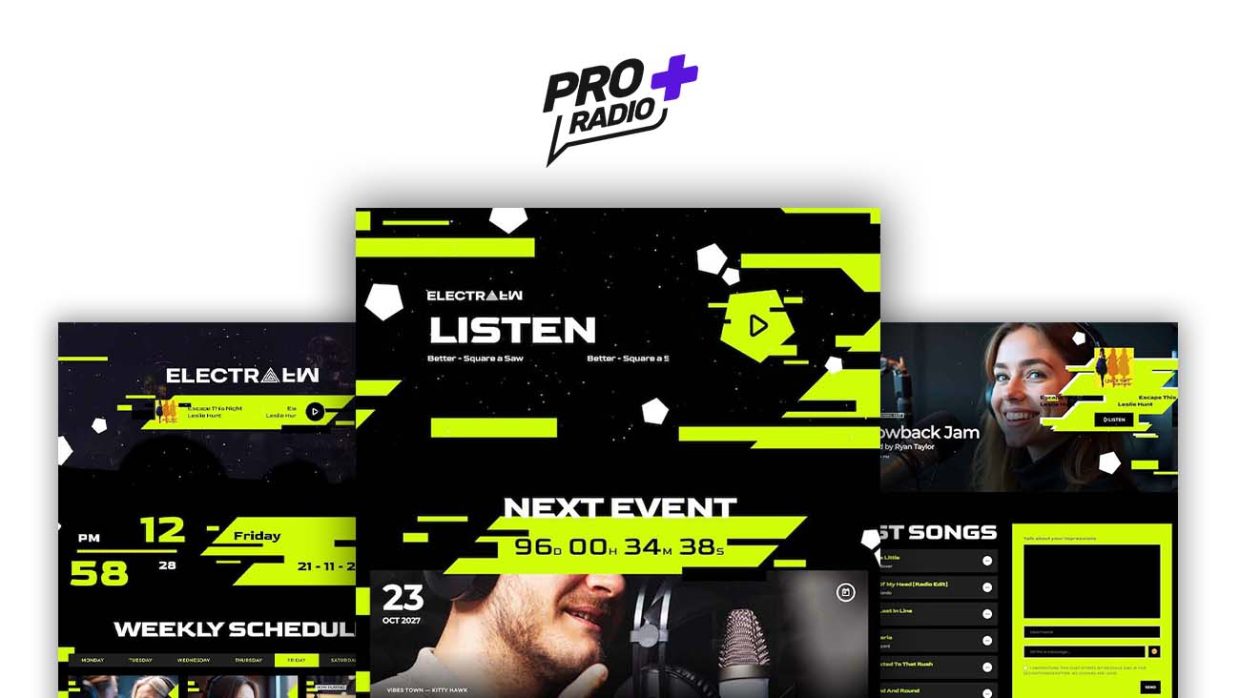
These new exclusive Elementor templates for Pro Radio Plus are designed for radio stations that want a bold, futuristic identity. Built around a black and green techno-cyber style, glitchy decorations, and strong interactive sections, they are perfect for webradio, internet radio, podcasting, and live broadcasting websites.
Each homepage focuses on what matters most for radio stations: listening first, engagement, events promotion, and audience interaction — all powered by Pro Radio’s advanced radio features.
What is Pro Radio Plus? Click here for more info
- 1. A New Techno-Cyber Experience for Modern Radio Stations
- 2. Homepage 01 — Instant Listening & Maximum Engagement
- 3. Homepage 02 — Visual Impact & Radio Scheduling
- 4. Homepage 03 — Community, Chat & Podcasting
- 5. Built for Pro Radio Plus Users
- 6. How To Install The New Templates
- 7. Upgrade to Plus
- 8. Templates included with Pro Radio Plus
Homepage 01 — Instant Listening & Maximum Engagement
Homepage 01 is designed to push listeners to press play immediately and stay connected during live broadcasts.
Strong Listening-First Hero Section
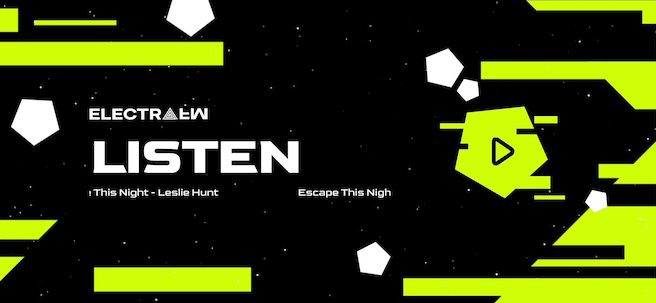
The page opens with a huge Play button, the currently playing song, your radio logo, and the word Listen displayed prominently. This layout removes friction and increases live stream engagement from the very first second. With the powerful Pro Radio non-stop player, your streaming will always be playing from any page.
Events & Live Programming Focus
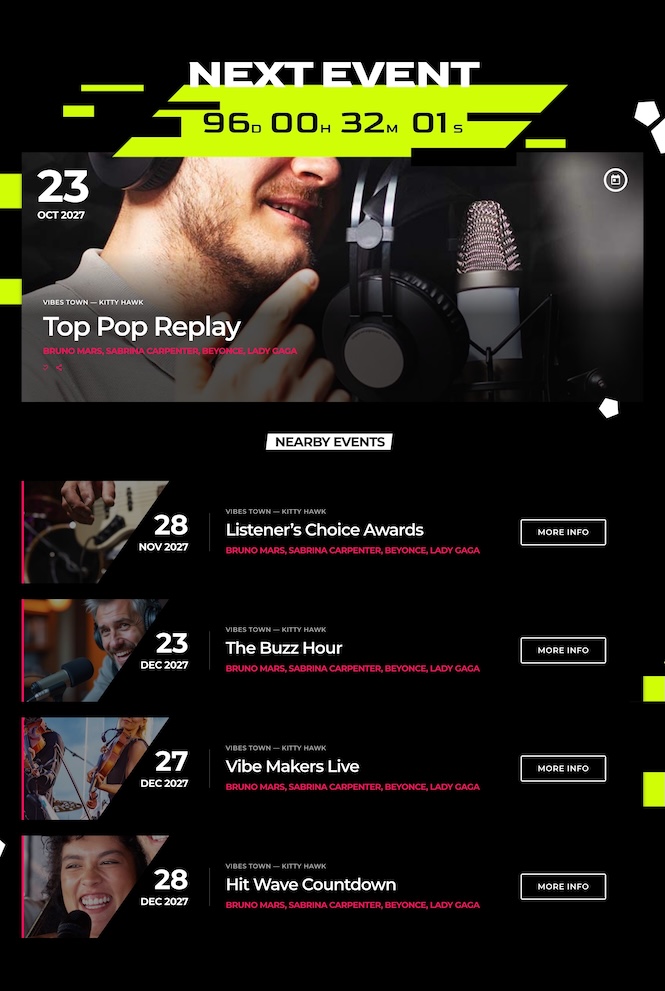
Right after the hero, a featured upcoming event is highlighted with a live countdown timer, followed by a list of nearby or upcoming events. This is ideal for radio stations that promote shows, DJ sets, or live broadcasts.
Live Radio Interaction Sections
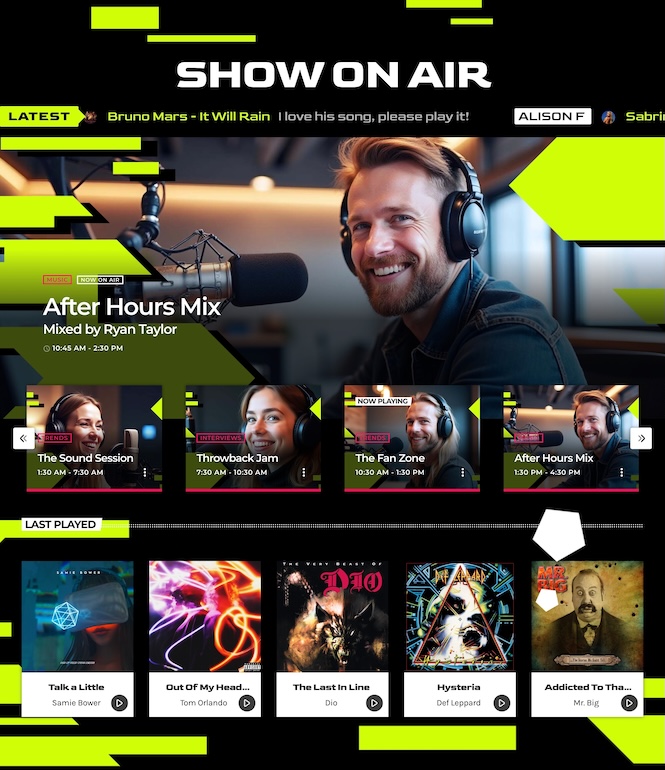
A full-width section showcases:
- The show currently on air, keeping listeners informed
- A dedications scroller to display listener messages in real time
- A Coming Next shows carousel to retain listeners longer
- A 5-column grid of last played songs, perfect for music discovery
Charts & Listener Participation
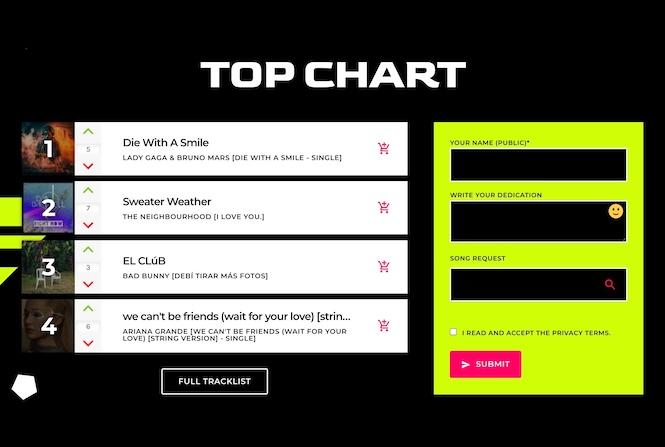
The page continues with a Top Chart section featuring the top 4 tracks, combined with a Pro Radio Dedications form that allows listeners to send messages directly from your radio website — a proven way to boost interaction and loyalty.
Smart Footer for Continuous Listening
The footer keeps listeners connected with:
- Your logo
- The current song playing
- A large Play button
- A useful links menu
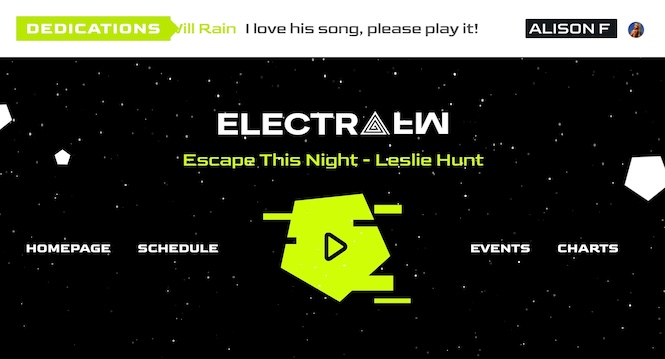
This structure ensures your stream is always one click away, even at the bottom of the page.
Homepage 02 — Visual Impact & Radio Scheduling
Homepage 02 is ideal for stations that want a strong visual identity combined with clear scheduling and event promotion.
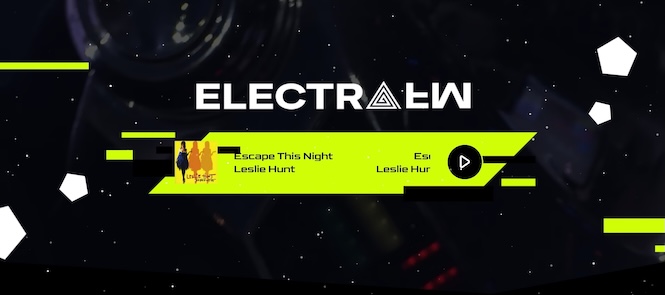
Video Background Header with Player
The page starts with a clean header featuring your logo and radio player, enhanced by a video background that adds atmosphere and energy without distracting from the listening experience.
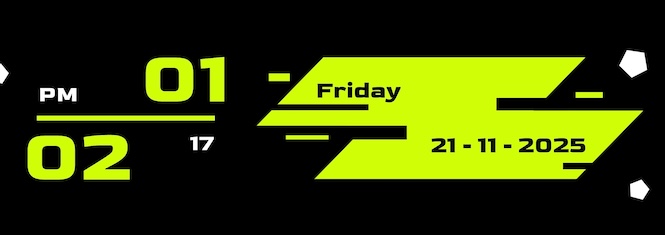
Time Awareness for Live Broadcasting
A dedicated clock and date section reinforces the idea of live radio, helping listeners feel connected to real-time programming.
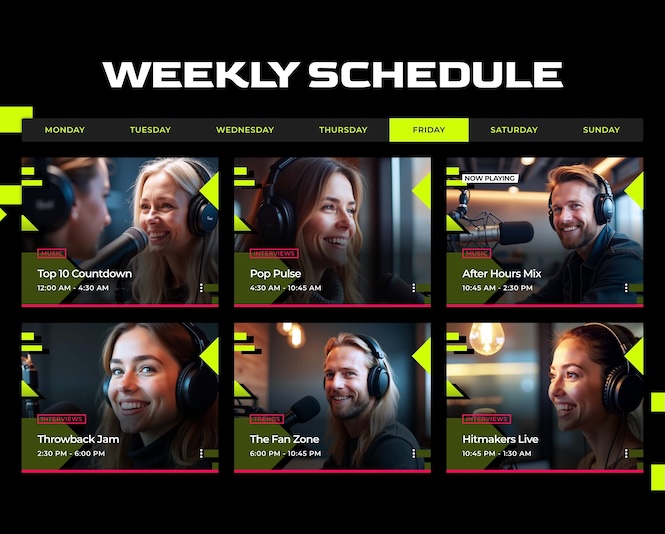
Weekly Show Schedule
The weekly show schedule gives your audience a clear overview of your programming, helping them plan when to tune in and increasing repeat visits. Pro Radio allows to schedule your shows seamlessly with an easy and intuitive scheduling tool.
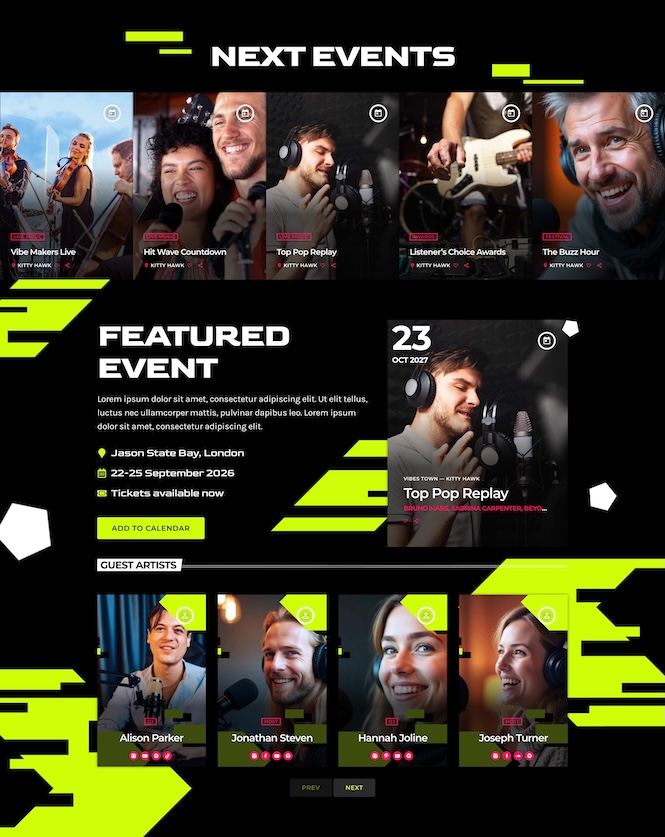
Events Promotion with Real Utility
A Next Events carousel highlights a featured event and displays:
- Date and time
- Location
- Guest artists
- An Add to Calendar button
This is a powerful Pro Radio tool for promoting live broadcasts, festivals, or station-hosted events.
Music Charts & Voting
The homepage closes with:
- A Top 5 music chart
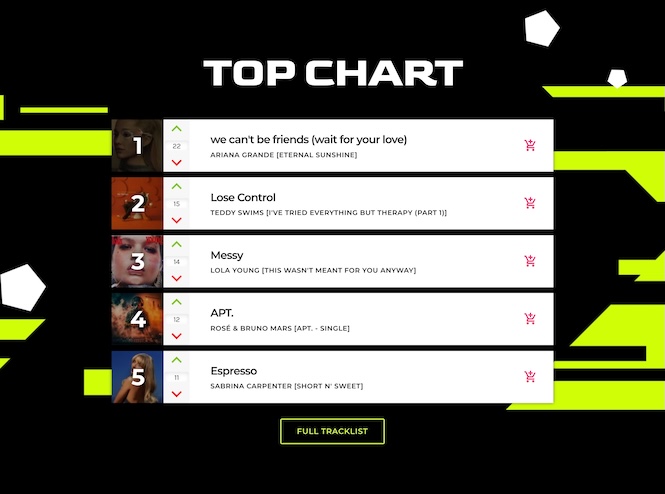
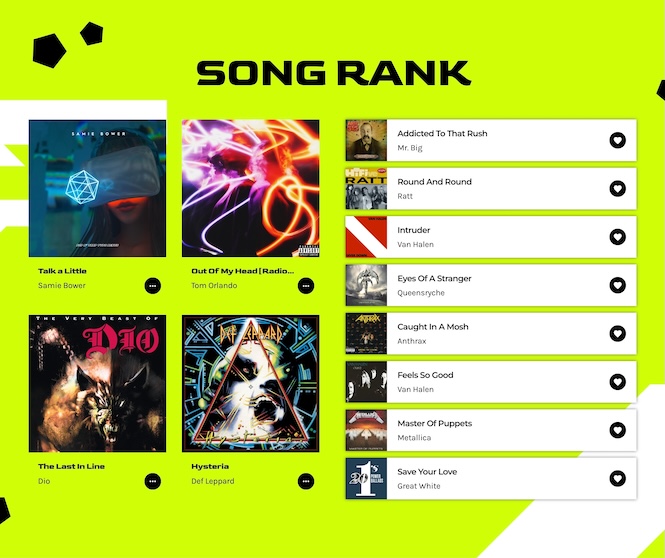
- A song ranking powered by the Sidekick voting tool, allowing listeners to vote for their favorite tracks
This feature increases on-site interaction and encourages listeners to return regularly.
Homepage 03 — Community, Chat & Podcasting
Homepage 03 is built for radio stations that want to create a community-driven experience around music and shows.
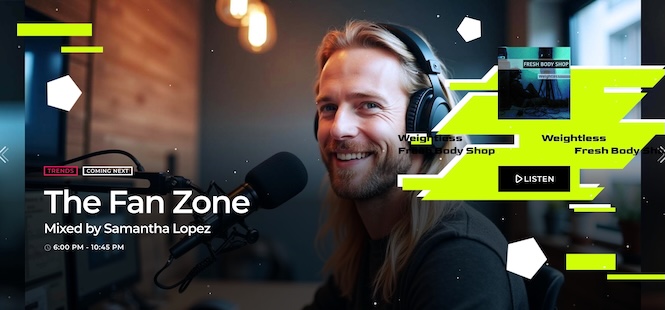
Shows Slider with Integrated Player
The page opens with a shows slider and live player, showcasing your programs while keeping playback always accessible.
Live Chat & Last Songs Played
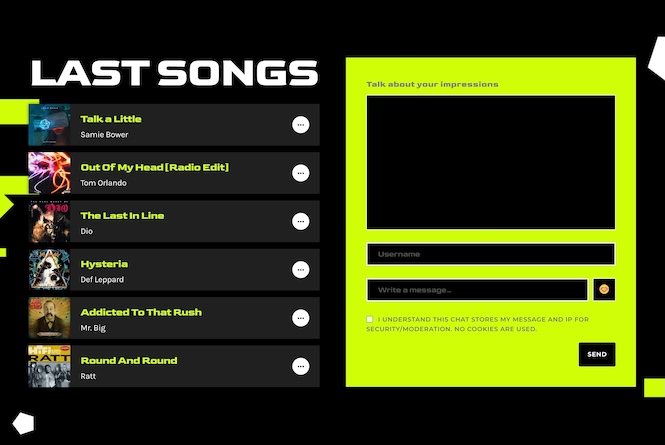
A section combines:
- A list of last played songs
- A live chat, one of the newest Pro Radio features
This allows listeners to interact with each other and with the station during live broadcasts, increasing session time and engagement.
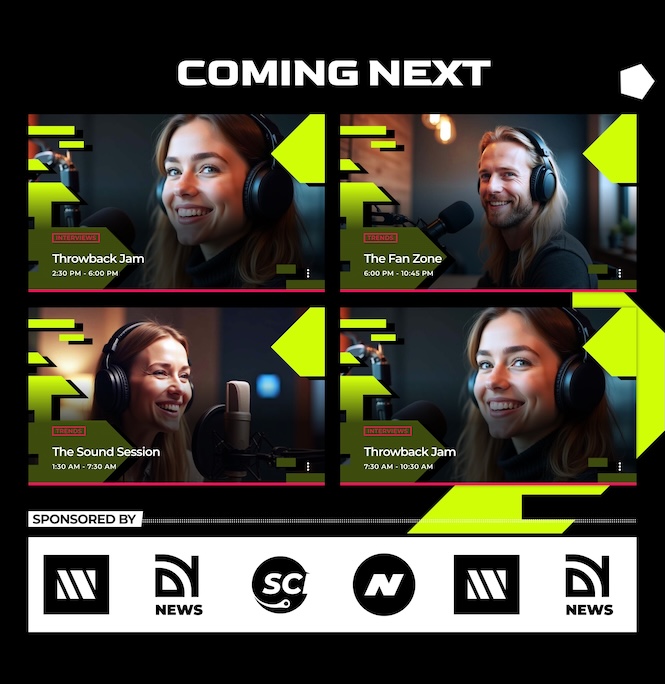
What’s Coming Next & Sponsors
A Coming Next grid previews upcoming shows, paired with a sponsors carousel — perfect for monetization and partner visibility.
Podcast Section — On-Demand Content That Grows Your Audience
Homepage 03 gives importance to podcasting, with a dedicated section showcasing your latest podcast episodes in a clean, high-impact layout. This area is perfect for turning live listeners into long-term subscribers by offering on-demand content they can enjoy anytime.
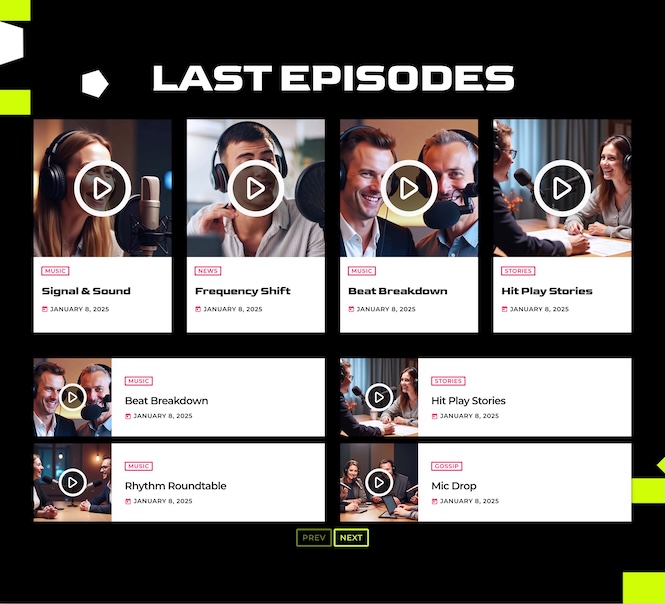
Thanks to the Pro Radio Podcast Importer tool, you can automatically import episodes from external podcast platforms and keep your website always up to date — no manual uploads, no extra work. It’s an ideal solution for radio stations expanding into podcasting while keeping everything centralized in one professional radio website.
Charts & Music Curation
After the podcast section, the focus shifts to music discovery and community interaction with a complete charts ecosystem:
- A Top Tracks section featuring a highlighted chart
- DJ profiles showcasing the collaborators behind that chart
- An All Charts carousel that lets listeners explore rankings and trends
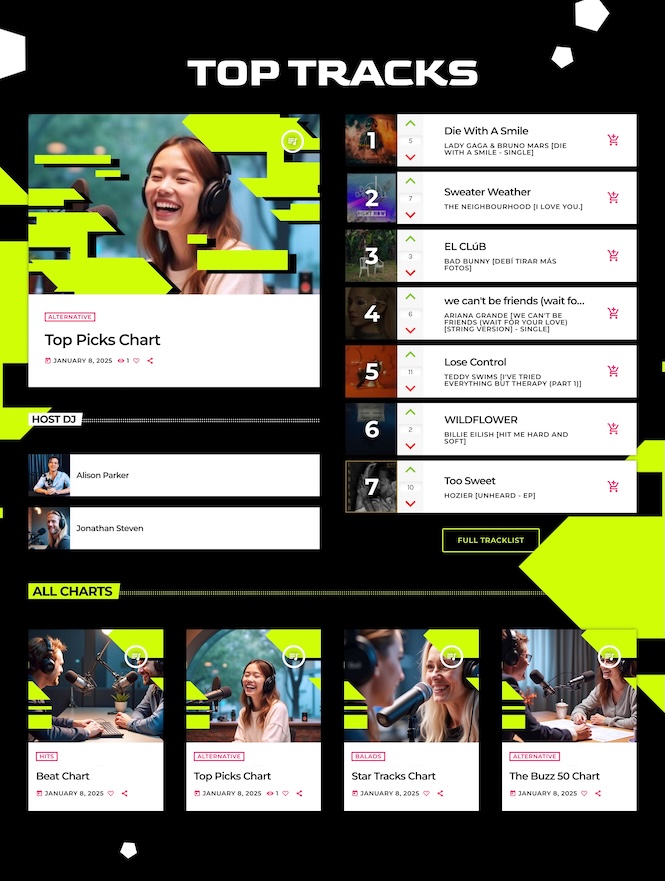
This combination of podcasting and curated charts makes Homepage 03 perfect for radio stations that blend broadcasting, internet radio, and podcasting into one powerful and engaging radio website experience.
Built for Pro Radio Plus Users
All these templates are:
- Exclusive to Pro Radio Plus
- Fully editable with Elementor
- Installable on top of any existing Pro Radio website
- Optimized for radio streaming, events, charts, dedications, and audience interaction
If you’re looking for a radio WordPress theme, or radio website builder that combines futuristic design with real broadcasting tools, these cyber-tech Elementor templates give you everything you need to stand out.
How To Install The New Templates
- Open the Elementor editor in your WordPress dashboard.
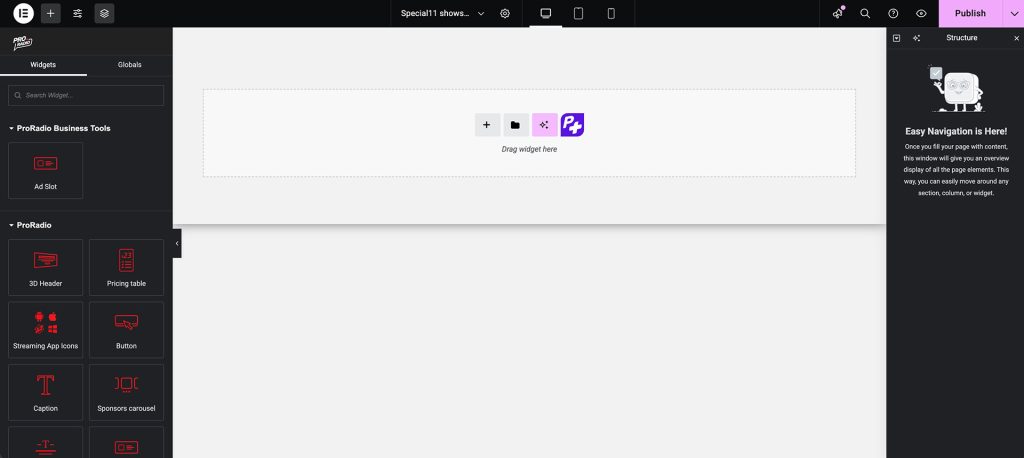
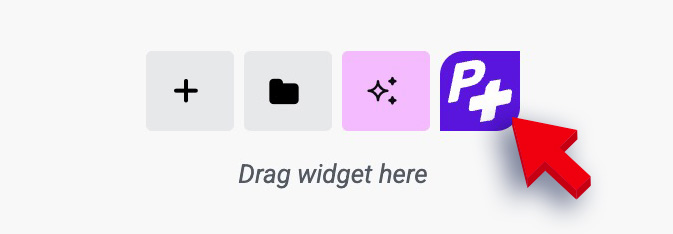
- Click the purple P+ button to access the Pro Radio templates library.
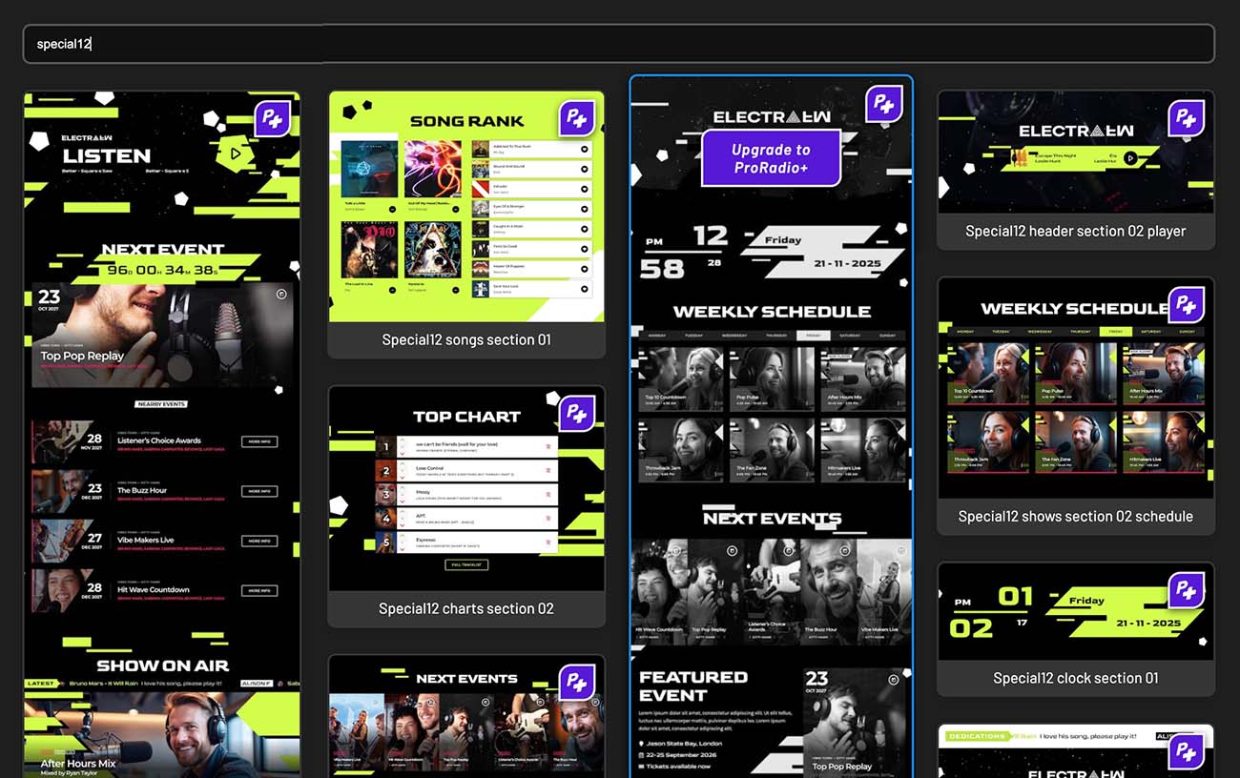
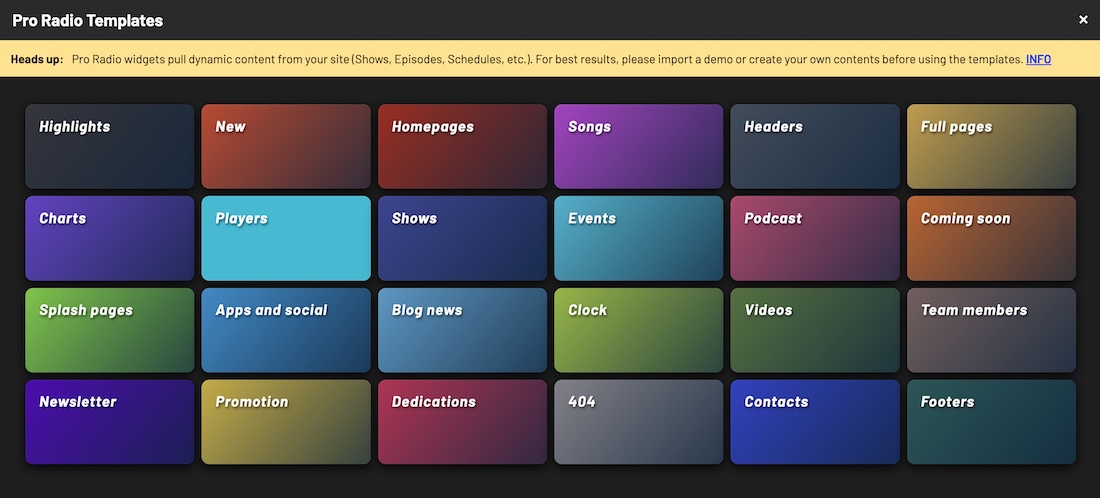
- Search for this week’s releases: Demo12 homepage 01, Demo12 homepage 02 or Demo12 homepage 03 (in Homepages).
- Insert them into your site and customize colors, titles, and links to fit your radio brand.
Subscribe to our newsletter to get exclusive access to content, discover new templates before anyone else, enjoy amazing discounts and much more!
Upgrade to Plus
You can upgrade from standard to Plus with a huge discount. Contact us for more info
Templates included with Pro Radio Plus


You may also like


Copyright 2019-2026 ProRadio® Qantum Themes SL® All Rights Reserved