



Free Radio Elementor Templates of the Week: Charts, a Full Homepage, and a Splash Page for Your Station
A radio website should not feel frozen.
It should show what is happening now, what people can listen to next, what songs are moving, and why your station is worth coming back to.
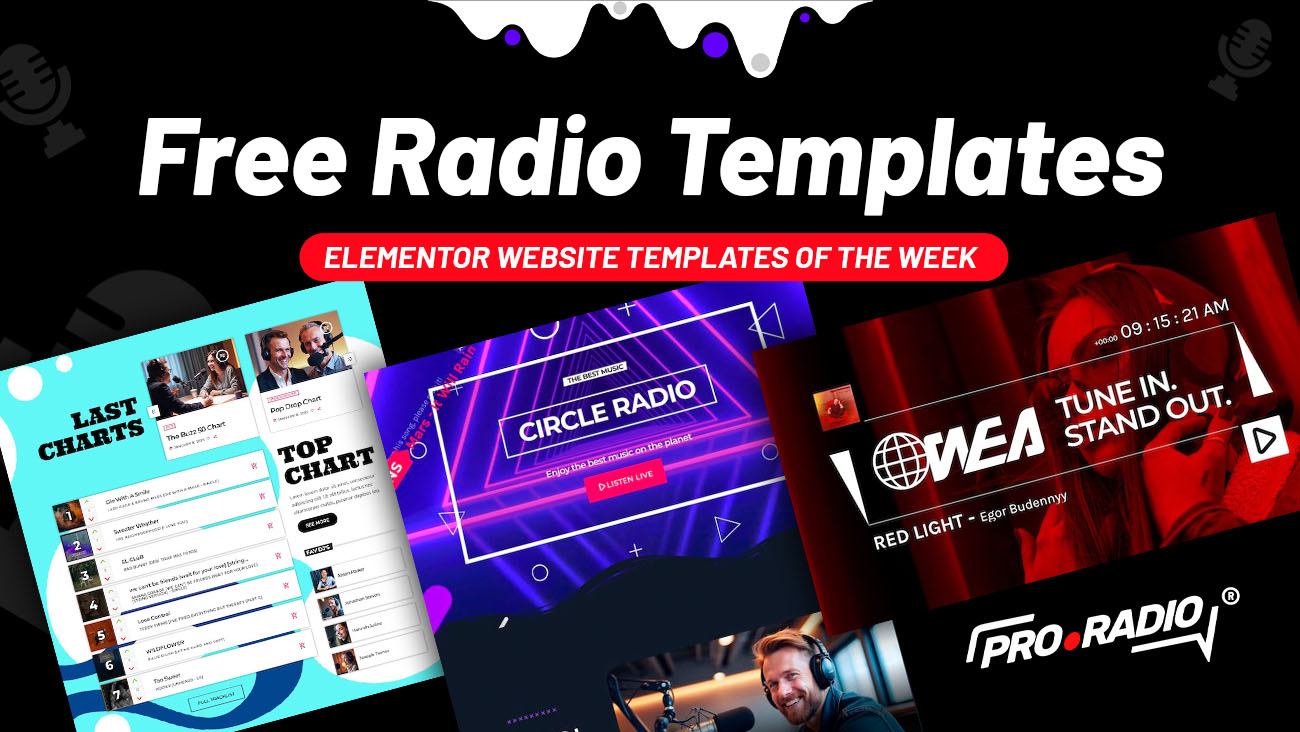
That is the idea behind this week’s free Pro Radio Elementor templates. You can refresh your website with three very different layouts: an interactive music chart section, a complete Circle Radio homepage, and a bold WEA splash page with a clock-style radio player.
Three templates. Three different ways to make your radio website feel more alive – available for all Pro Radio users for a limited time.
- 1. What’s Included in This Week’s Free Radio Template Pack
- 2. Special14 Charts Section 01: Make Your Music Rankings Interactive
- 3. Circle Radio Homepage: A Complete Website Starting Point
- 4. WEA Splash Page: A Bold Entrance With the Clock Widget
- 5. Free for Pro Radio Users for a Limited Time
- 6. How to Get These Templates
- 7. Customize in Minutes with the Pro Radio Elementor Library
- 8. Want More Templates Like These?
- 9. Upgrade Your Radio Website This Week
What’s Included in This Week’s Free Radio Template Pack
This week’s pack gives you three useful layouts for different parts of your radio website:
- Special14 charts section 01: a music ranking section built with the Pro Radio Charts Tracklist widget, including voting and listener interaction.
- Circle Radio homepage: a full homepage layout with live listening, on-air content, weekly shows, podcasts, dedications, and sponsors.
- WEA splash page: a bold red landing page with the Pro Radio clock widget, ideal for a focused station entrance, campaign page, or special music promotion.
You can import the templates from the Pro Radio Elementor Library on top of your existing website, customize them with your own logo, colors, images, shows, tracks, and station identity, and use them as a quick upgrade for your current website.
No coding. No blank-page panic. No “where do I even start?” moment.
Special14 Charts Section 01: Make Your Music Rankings Interactive
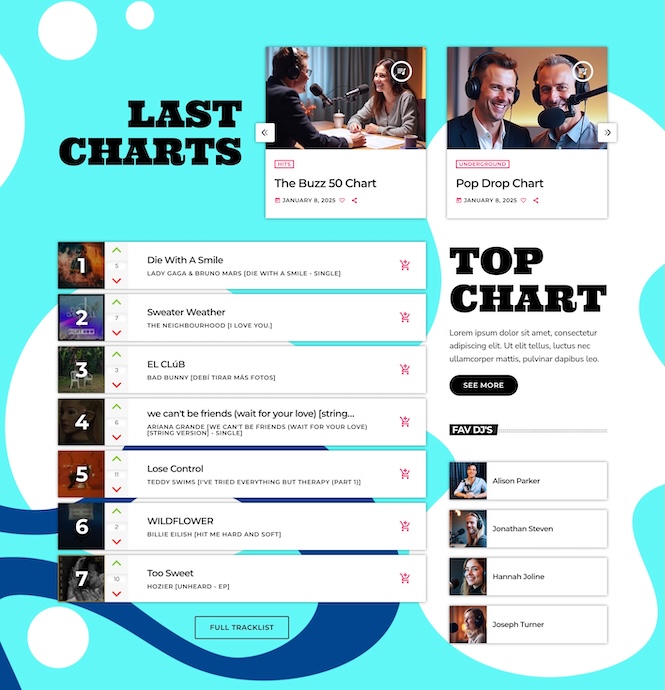
The first template is the blue Special14 charts section.
This section is built around one of the most engaging parts of a music radio website: the chart. Why does this matter? Because a chart is not just a list of songs.
A good chart gives listeners a reason to participate. They can check what is trending, discover what other listeners are following, and vote for the tracks they want to see move up.
With the Pro Radio Charts Tracklist widget, this section can show a real music ranking with voting and interaction, turning your website into more than a place where people press play and leave.
It becomes a place where listeners can do something.
This is especially useful for music stations, pop radios, electronic stations, urban stations, local broadcasters, online DJs, or any project where music discovery is part of the experience.
You can use it to show:
- Weekly music rankings: highlight what is popular on your station right now.
- Listener voting: let your audience participate instead of just watching a static list.
- Featured chart content: promote your top songs, artists, shows, or music categories.
- More return visits: give listeners a reason to come back and see how the ranking changes.
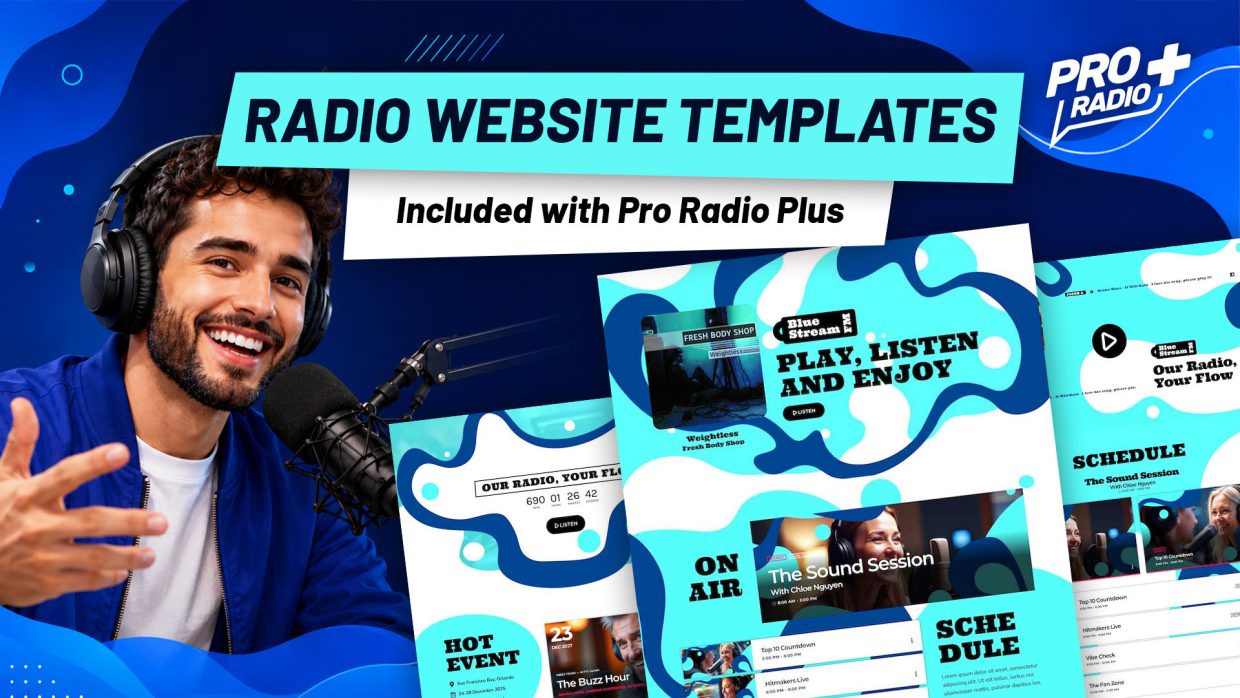
And if you like this template style, there is more: you can build your entire radio website in the same style using the homepage templates included with the Pro Radio Plus license. These templates can be installed on top of any existing Pro Radio website, so there’s no need to rebuild your internet radio from scratch.
Discover Pro Radio Plus at this link.
Circle Radio Homepage: A Complete Website Starting Point
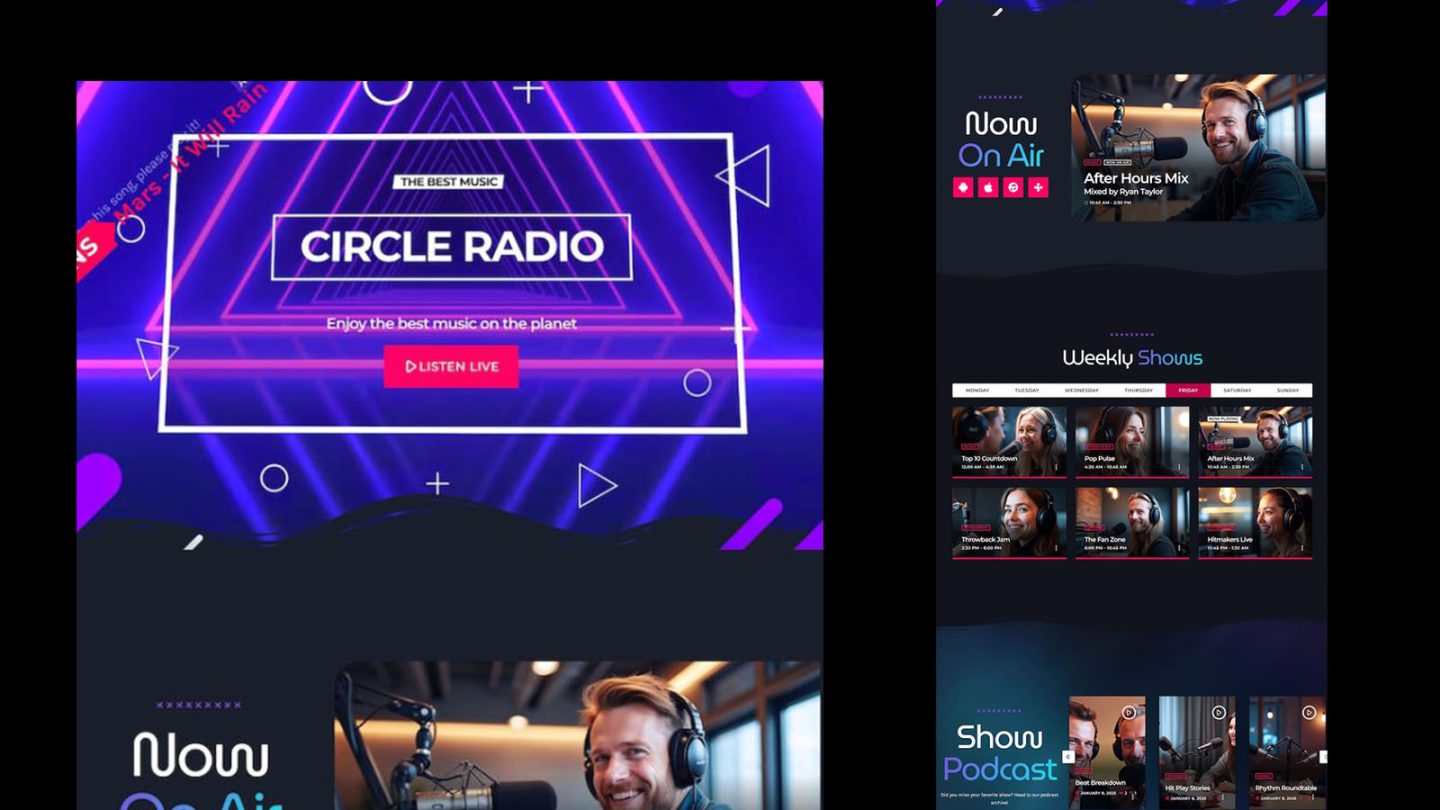
The second template is a full homepage from the Circle Radio website template.
This is not just one decorative section. It is a complete homepage structure designed for a real radio station experience.
It starts with a strong visual hero section, where the listener immediately understands the station identity and sees a clear live listening action. That first impression matters. When someone lands on a radio website, they should not need to search for the station. The website should feel like the station is already on air.
Then the page moves into a Now On Air area, helping visitors understand what is happening at that moment. This is one of those small things that makes a website feel current instead of static.
The homepage also includes a Weekly Shows section with show cards organized by day. This is very useful for stations that want to promote their programming clearly. Your listeners can see what is coming, recognize the show names, and understand the rhythm of your schedule without digging through menus.
There is also a Show Podcast area, perfect for replays, interviews, radio episodes, DJ mixes, or extra content that lives beyond the live stream.
And then comes one of the most important parts: Radio Dedications.
This section invites listeners to send a message or request a song directly from the website. It gives your audience a simple way to participate, which is exactly what many radio websites are missing.
The homepage finishes with a sponsor area, useful for displaying partners, advertisers, local businesses, or station supporters.
So what is the advantage?
You are not starting from a blank page.
You get a homepage that already understands what a radio website needs:
- Live listening: make the stream easy to find.
- On-air content: show what is happening now.
- Weekly shows: help listeners understand your schedule.
- Podcasts: give people more content to explore.
- Dedications: turn visitors into participants.
- Sponsors: create space for partners and monetization.
That is the difference between a generic website and a radio website.
A generic website says “here is some information.”
A good radio website says “come in, we are live.”
WEA Splash Page: A Bold Entrance With the Clock Widget
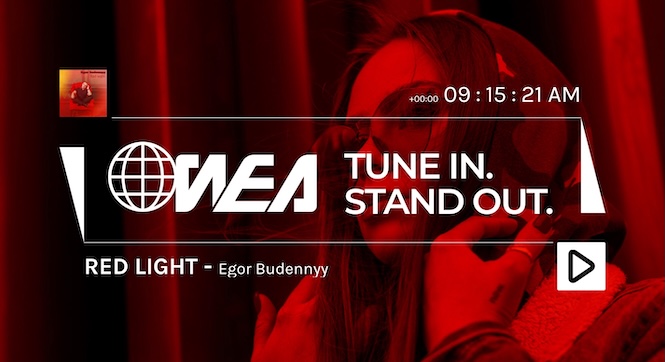
The third template is the red WEA radio splash page.
This one has a completely different purpose.
It is bold, direct, visual, and focused.
A splash page can be very useful when you want to send visitors to one clear place instead of a full homepage with many options. Maybe you are promoting a new show. Maybe you are launching a special broadcast. Maybe you want a strong landing page for social media traffic. Maybe you just want a modern radio entrance where the action is obvious.
The WEA splash page uses a strong red visual style, station branding, a featured track area, a play action, and the Pro Radio clock widget.
The clock detail is important because it makes the page feel alive.
A static landing page can feel like a poster.
A radio splash page with time, sound, branding, and a player feels like something is happening right now.
This type of template is perfect for:
- Station launch pages: give new visitors a strong first impression.
- Campaign links: send social media traffic to a focused radio page.
- Special shows: promote a program, DJ set, event, or music feature.
- Simple listening pages: reduce distractions and make the play action clear.
- Brand moments: create a visual page that feels different from a standard homepage.
Sometimes your visitor does not need a full website journey.
Sometimes they just need to understand three things fast:
This is the station.
This is the vibe.
This is where I press play.
That is exactly what a good splash page can do.
Free for Pro Radio Users for a Limited Time
These templates are available for a limited time for all Pro Radio users. You can import them directly from the Pro Radio Elementor Library, add them to your existing website, and customize them to match your station’s brand.
That means you do not need to rebuild your full radio website just to make it feel fresher. You can add one new chart section, test a new splash page, or use the Circle Radio homepage as the base for a bigger redesign.
Small update or full refresh — you choose.
How to Get These Templates
These new Pro Radio Elementor templates are free to import this week only. Once added to your site, they remain available forever — no Pro Radio Plus plan needed.
- Open your Elementor editor inside WordPress.
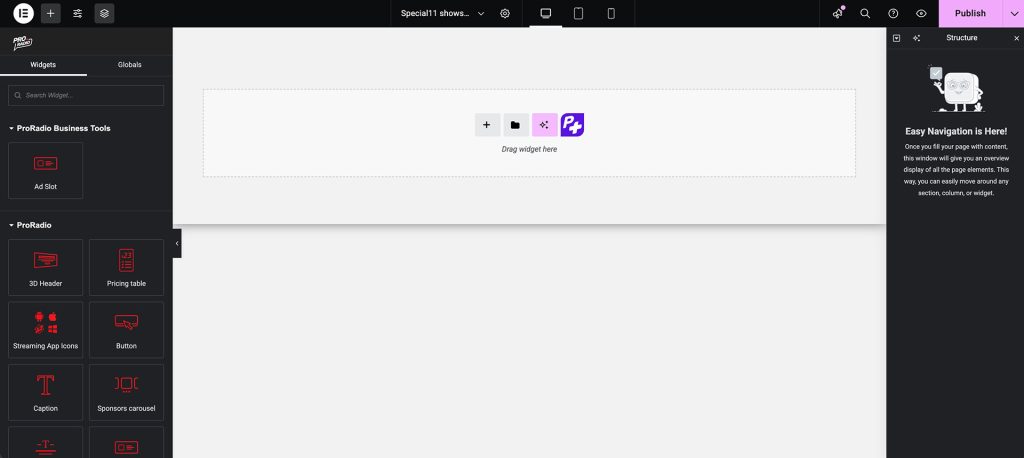
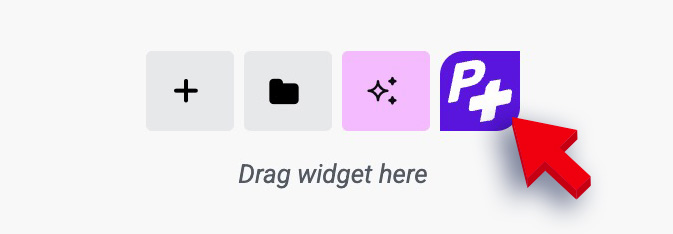
- Click the purple P+ button to open the Pro Radio templates library.
- Search for this week’s designs: Demo15 homepage 02 (in Homepages), Demo43 homepage 04 (in Splash pages), and Special14 charts section 01 (in Charts).
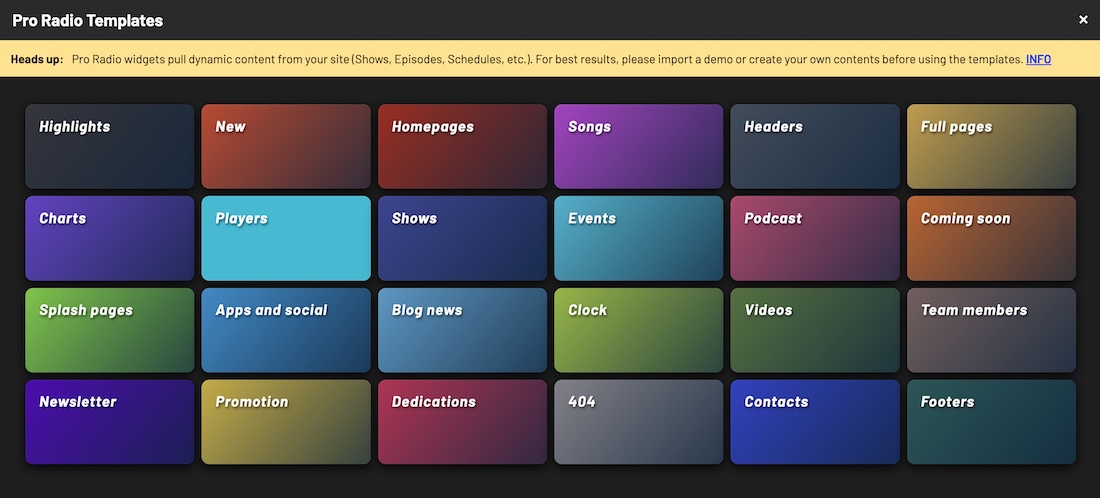
- Insert your preferred templates and customize them with your own images, text, and colors — without affecting existing content.
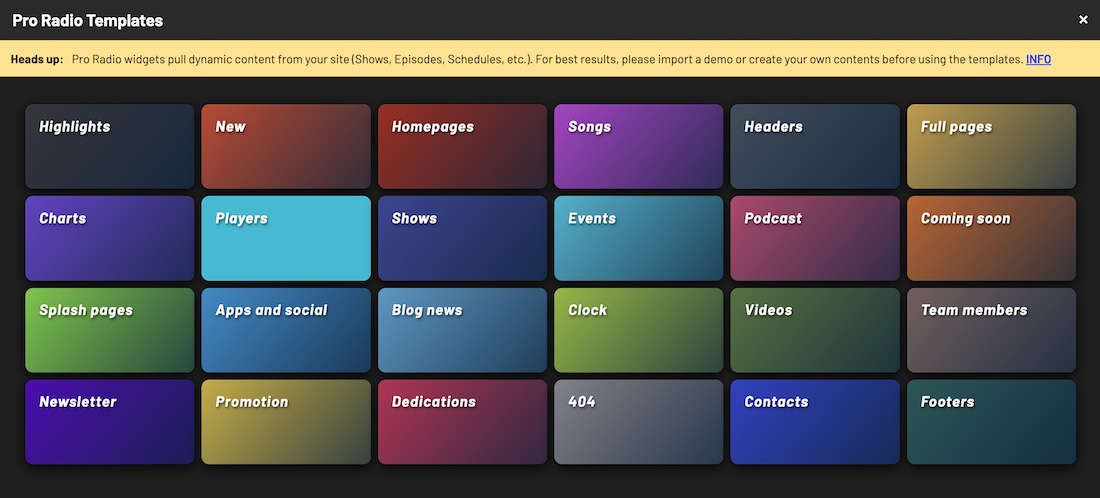
Customize in Minutes with the Pro Radio Elementor Library
With the Pro Radio Elementor Library, updating your website has never been easier. Import your favorite sections, tweak the design to match your brand, and launch — all in just a few clicks. Your next radio website upgrade starts right here.
Want More Templates Like These?
This weekly free pack is a great way to refresh your radio website one section at a time.
But if you want to unlock many more templates, Pro Radio Plus includes the premium Elementor template library with more than 500 ready-made radio templates.
That means you can redesign sections, create new pages, test different styles, promote shows, improve your homepage, build landing pages, and refresh your station visually without starting from zero every time.
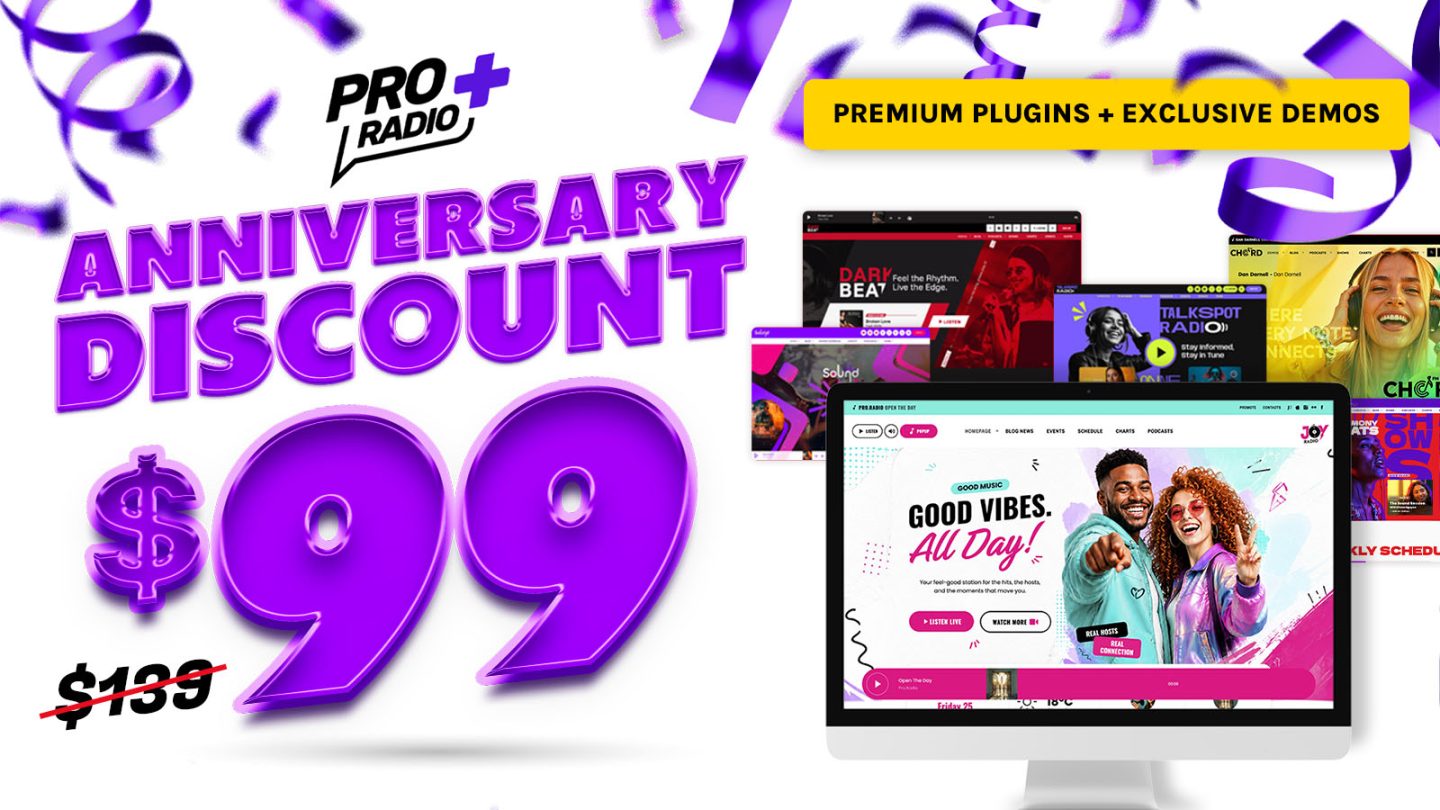
And right now, Pro Radio Plus is celebrating its anniversary with a special discount.
Get now your discount here 👉 Pro Radio Plus Anniversary Discount
Upgrade Your Radio Website This Week
This week’s free Pro Radio Elementor templates are a practical way to make your website feel more active, more interactive, and more radio-focused.
Maybe your station needs a better music chart.
Maybe your homepage needs to feel more complete.
Maybe you want a strong splash page for a special campaign.
Or maybe you simply want your website to look like your radio is actually alive.
Start with one template, customize it around your station, and give your listeners a better place to listen, explore, vote, follow, and come back.
Available for a limited time for all Pro Radio users.
Stay tuned for next week’s free radio templates, and keep building a website your listeners actually want to use.


You may also like


Copyright 2019-2026 ProRadio® Qantum Themes SL® ESB02979078 All Rights Reserved