




Give Your Radio Site a Makeover: 3 Free Elementor Templates This Week
Refresh Your Station with Ready-to-Use Designs
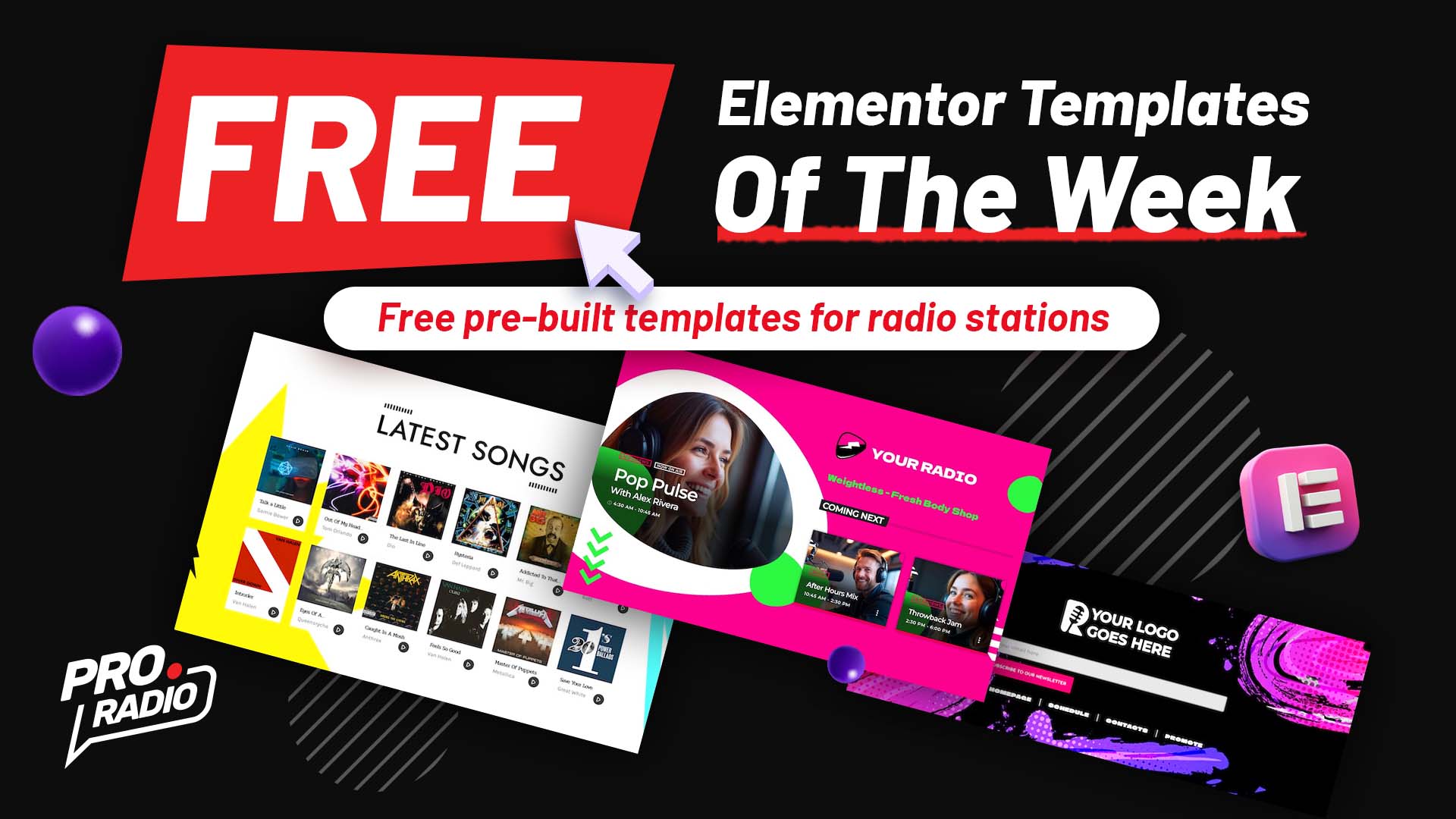
This week we’re releasing three fresh, free Elementor templates built for radio pros: a dynamic Shows Section, a practical and stylish Cool Footer, and a clean Latest Songs Grid. Whether you run a local FM, a webradio, or a podcast network, these layouts help you deliver a modern, interactive experience that keeps listeners coming back.
Grab these free templates this week only with Pro Radio and the new Elementor templates library! Once imported, each free template is yours to keep forever — no Pro Radio Plus subscription required.
What’s Included This Week
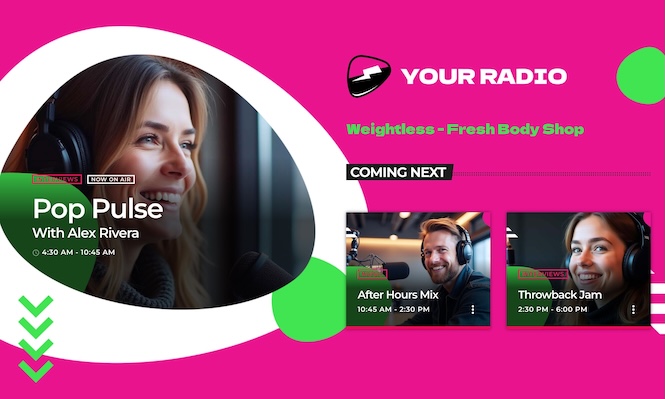
Special 09 header section 03 shows: Live Show & Upcoming Lineup
This showcase section puts your stream front and center. Includes your radio logo, the show and song currently on air, and a neat scroller that lists the next shows. Perfect for homepages or show pages where you want listeners to see what’s live now and what’s coming up — fast.
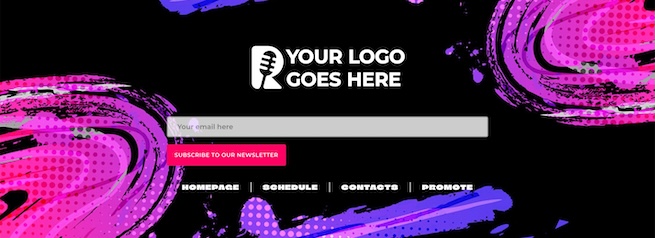
Special 03 footer 03: Logo, Newsletter & Quick Links
This cool footer gives your site a professional finish while improving conversions. Features a prominent logo, an easy newsletter subscription form, and space for important site links (homepage, schedule, contacts, promote). A tidy, user-friendly footer that helps you capture emails and keep navigation tight across your internet radio station website.
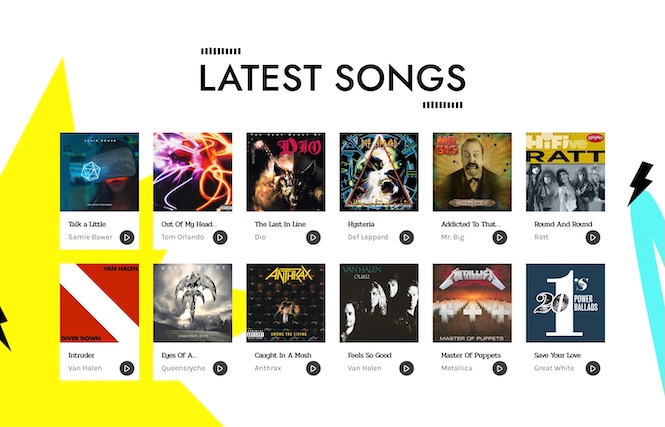
Special 06 songs section 01: Simple 6-Column Tracklist
This latest songs grid is a minimalist, high-impact block to display recent tracks. A responsive 6-column layout shows album art, title and artist — ideal for charts, playlists, or a “what’s hot” section on your site. Lightweight, fast, and perfect for stations that want a clean way to showcase music history and listener favorites.
How to Add These Templates to Your Site
These templates are free to import this week via the Pro Radio Elementor Library. They can be installed on top of your current Pro Radio site without touching existing content.
- Open the Elementor editor inside WordPress.
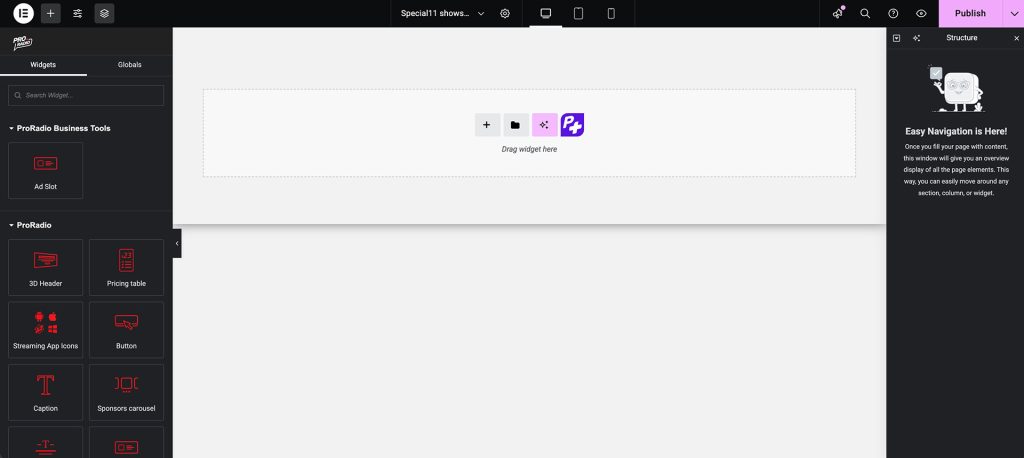
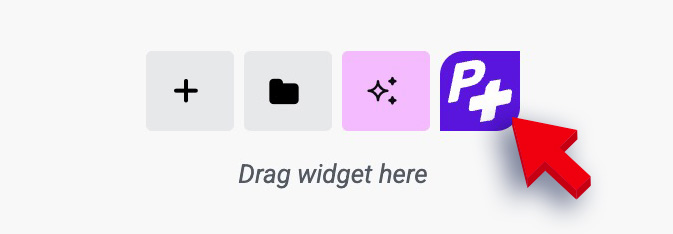
- Click the purple P+ button to open the Pro Radio templates library.
- Search for this week’s templates: Special09 header section 03 shows (in Headers/Shows), Special03 footer 03 (in Footers), and Special06 songs section 01 (in Songs).
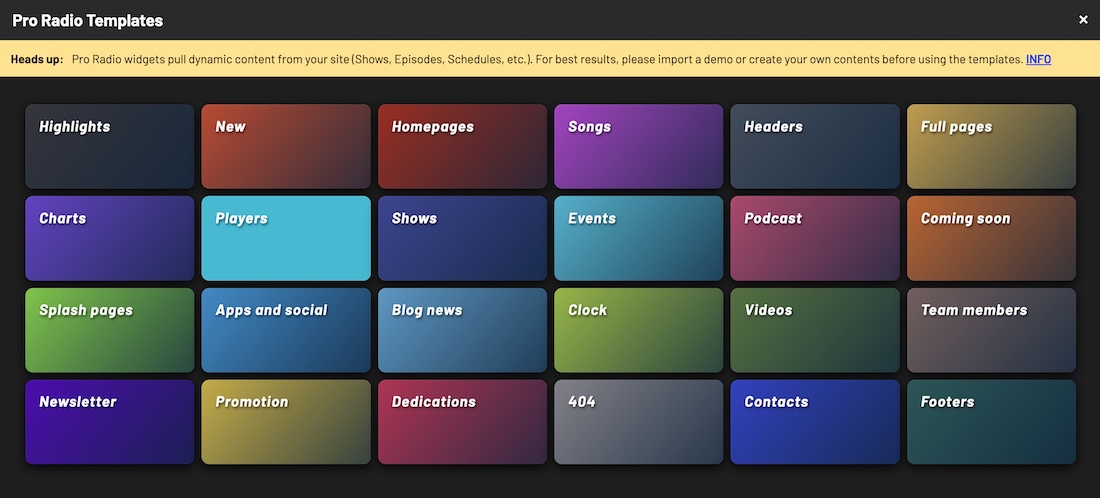
- Insert the templates into your pages and customize colors, text, and links to match your brand.
Why These Templates Matter
- The shows Section improves listener retention by making live content and coming shows instantly visible.
- The cool Footer increases email signups and gives visitors fast access to key pages.
- Latest Songs Grid highlights your music catalog in a compact, attractive layout optimized for mobile and desktop.
Get These Exclusive Templates — Free This Week
These three radio website templates are available to download for free this week only. Refresh your station’s look and launch new pages in minutes with Pro Radio — the complete radio WordPress theme for broadcasters, podcasters, and webradio creators.
Don’t miss next week’s releases! Subscribe to our newsletter to receive new templates, tutorials, and exclusive Pro Radio tips straight to your inbox.
Quick Install Walkthrough
With the Pro Radio Elementor library, importing a ready-made section takes only a few clicks — import, tweak, and publish. Build faster and keep your station sounding great online.


You may also like






Copyright 2019-2026 ProRadio® Qantum Themes SL® All Rights Reserved