




Launch Your Radio Website in Style with 3 New Free Templates
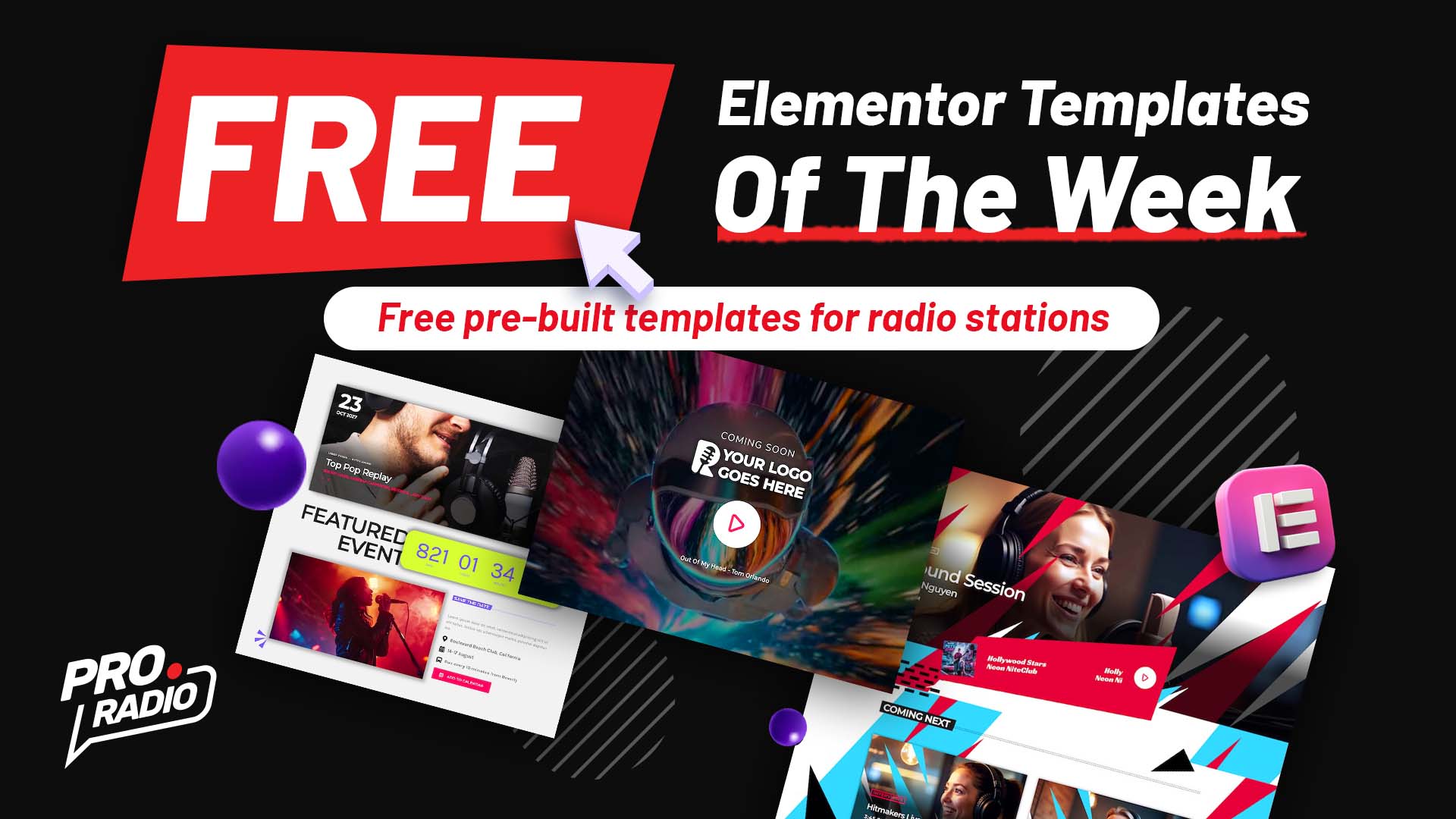
This week only! Download three exclusive free Elementor templates from the Pro Radio library and give your radio website a professional edge. Once imported, they’re yours to keep forever — no Pro Radio Plus subscription required.
Prepare, Engage, and Broadcast with Confidence
Whether you’re building your new station site, promoting an upcoming event, or showing what’s live on air, these templates will help you do it with modern design and seamless functionality. Created specifically for broadcasters, podcasters, and internet radio creators, they’re designed to impress and perform on any device.
Discover This Week’s Free Radio Templates
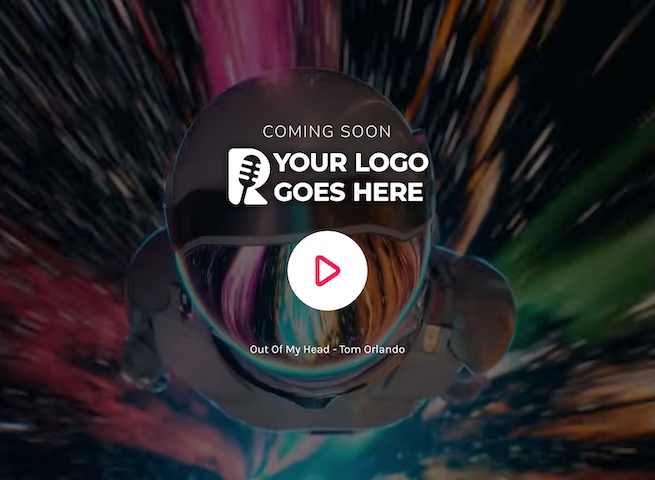
Special 03 coming soon page 01: Stream While You Build
Keep your radio online while your website is under construction with the new dynamic coming soon page. Featuring a video background for extra impact, your station logo in the center, and a large play button that lets visitors keep listening to your live stream, this template ensures your radio never goes silent — even while you work behind the scenes.
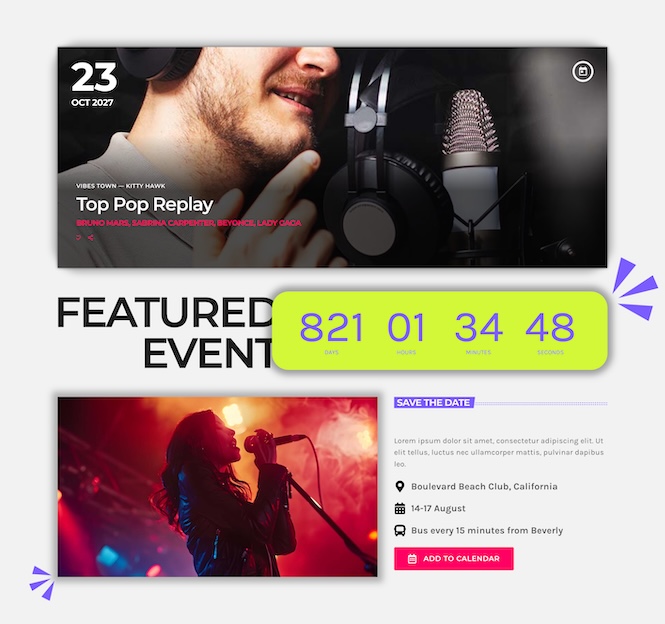
Demo 39 event section 01 countdown: Countdown & Add to Calendar
Build excitement and anticipation with the featured event section. Highlight your next big live show or concert with a countdown timer and a quick-access Add to Calendar button so your audience never misses a thing. Include all key event details — date, time, and description — in one visually engaging layout that perfectly fits your Pro Radio website.
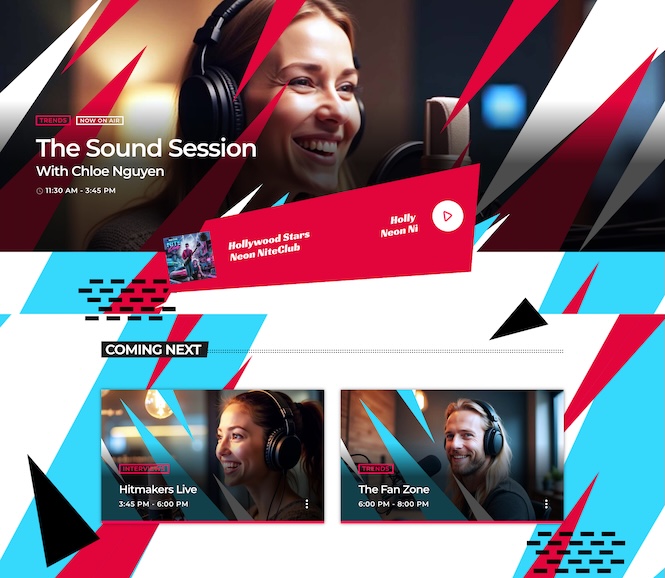
Special 07 header section 02: On Air & Coming Next
Introduce your broadcasts with energy using the live show header. At the top, you’ll find your current show on air and a sleek music player displaying the song that’s playing right now. Just below, a coming next grid previews what’s up next on your schedule. This is the perfect layout to keep visitors tuned in and connected to your programming.
How to Get These Templates
These three exclusive templates are available for free this week through the Pro Radio Elementor Library. You can install them in seconds on top of your Pro Radio website and fully customize them to match your brand — with no risk to your existing content.
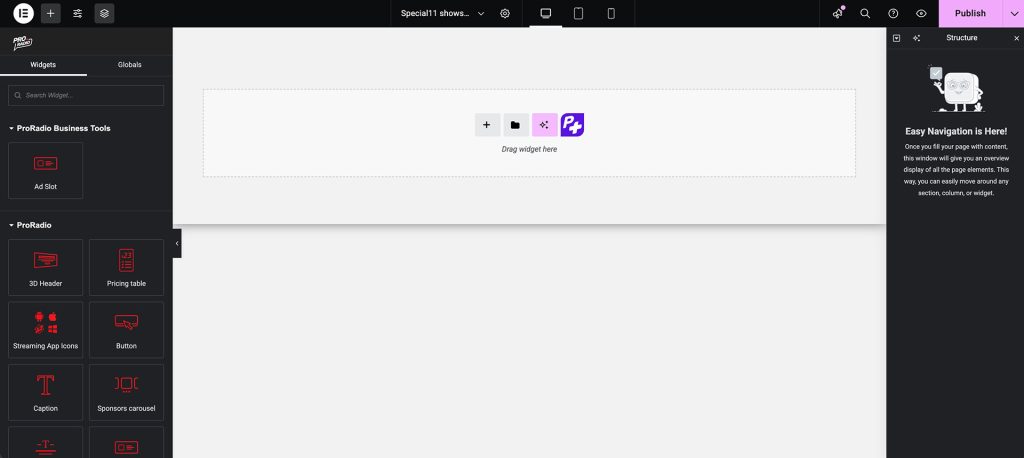
- Open your Elementor editor in your WordPress dashboard.
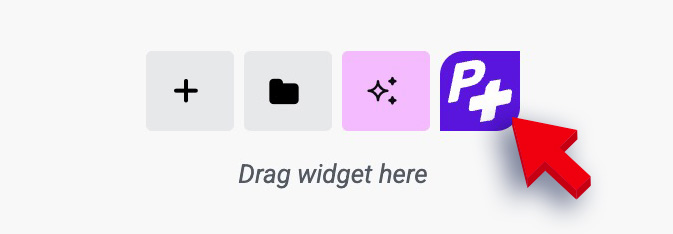
- Click the purple P+ button to access the Pro Radio templates library.
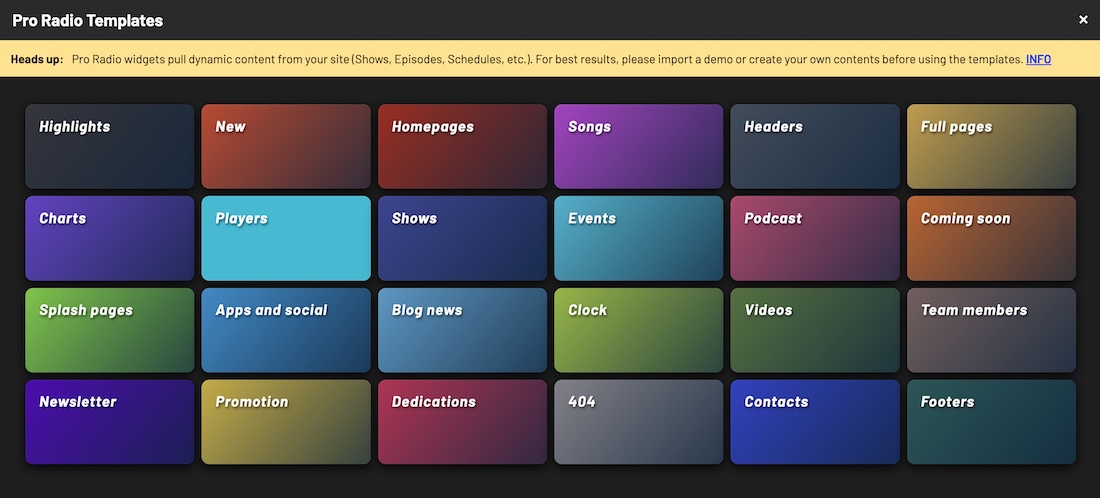
- Search for this week’s designs: Special03 coming soon page 01 (in Coming Soon), Demo39 events section 01 countdown (in Events), and Special07 header section 02 (Headers).
- Insert them into your site and personalize colors, titles, and text to reflect your station’s voice.
Why These Templates Are a Must-Have
- Coming Soon page: Keep streaming and stay visible while your main site is in progress.
- Featured Event Section: Engage your audience with countdowns and event reminders.
- Live Show Header: Showcase your on-air program and upcoming shows with modern flair.
Free to Download for a Limited Time
These radio website templates are free to import and use this week only! Give your station a professional boost with Pro Radio — the ultimate radio WordPress theme for webradios, podcasters, and broadcasters.
Stay updated on next week’s free releases — subscribe to our newsletter and get new templates, design tips, and Pro Radio content directly in your inbox.
See How Easy It Is to Customize
With the Pro Radio Elementor Library, creating or updating sections on your radio website takes just a few minutes. Import, customize, and launch — the fastest way to keep your radio site fresh, dynamic, and always on air.


You may also like



Copyright 2019-2026 ProRadio® Qantum Themes SL® All Rights Reserved