




Pro Radio 8.4 – Save the space! Critical updates, new features and a new demo
Hello dear radio lovers! Also this month we are here with another great update for Pro Radio WordPress Theme! The most popular template for radio stations never stops improving, and this month we have an important series of upgrades that you absolutely can’t miss.
So let’s go straight to the point and find out why this update is absolutely a must for your radio station, and how to install it. (Spoiler: no magic spells required.)
Pro.Radio Sidekick 8.4: Cleaning Functions, Cron Fixes, Performance Boost and Servers Compatibility
If you’re new to Pro Radio Sidekick, here’s the quick intro: it’s the biggest “automation buddy” your radio website can have. Automatic track storage from many providers, automatic charts, user voting, powerful AI content writing… basically a mini press office that doesn’t drink all your coffee.
And it never stops getting better. Version 8.4 fixes long-standing issues, boosts performance, and helps your website run smoother and faster.
News number 1: improved Litespeed and Siteground hosting compatibility
Over the past couple of months, we investigated specific issues reported by some customers, such as disappearing cron jobs and music history stopping unexpectedly. We discovered a common pattern behind those cases: server architecture and how scheduled tasks are handled under the hood.
Sidekick relies on WordPress Cron and scheduled events. It creates a queue of tasks (for example storing tracks and artworks) and runs them automatically every few minutes.
In some environments, scheduled tasks could disappear. So we refactored the scheduling logic to make it more reliable on servers that use aggressive caching, special PHP handlers, or custom execution layers that sometimes interfere with standard WordPress cron behavior.
Result: more stability, better consistency for music history tracking, and a performance boost by preventing duplicated tasks and useless background work. Your server will thank you. Quietly. In its own server-ish way.
ProRadio Sidekick Songs Cleaning
Sidekick has been running for a little more than a year on many customer websites. Since it can store every song and artwork for each radio channel, some stations with huge libraries started asking the classic question: “Ok… how do I trim disk usage without breaking stuff?”
The main challenge is that Sidekick can also generate music charts automatically. So deleting tracks and artworks just by date (without checking real usage) could be disruptive and cause missing images, missing samples, and a parade of 404 errors. Not exactly the kind of chart you want.
That’s why we designed a smarter approach.
With Sidekick Premium, you now have a brand new maintenance function that can delete only tracks that are truly eligible: songs you don’t use anymore, don’t play anymore, and don’t display on any chart content that must remain intact.
How it works?
You choose a date threshold (the limit after which you want to keep your songs). Sidekick can then delete songs, artwork images, and MP3 preview/sample files older than that date.
But it will carefully check two important things before deleting anything:
- If a song has been played recently, it will be kept (even if it was originally added before your chosen date).
- If a track is used in charts (so images and samples must stay available), it will be kept to avoid broken pages and missing media.
It also includes a simulation mode that shows, one by one, what would be deleted and what would be kept, with a clear interface, progress feedback, and an output log. So you can review everything before running the real cleanup.
And yes, we added strong safety measures too: multiple confirmation steps to prevent “oops clicks”. Because nobody wants to explain to their team why the station suddenly has “mystery album covers” everywhere.
Pro.Radio Elementor Widgets 8.4: Important security fixes and new widget options
The almighty Pro Radio Elementor Widgets plugin (now with 50+ flexible widgets built for radio stations) has been updated with an important security patch.
We won’t share technical details about the issue (for obvious reasons), but the takeaway is simple: updating is strongly recommended to keep your website protected and aligned with the latest hardening work we’ve done.
Good news: we have no reports of real-world exploitation. Even better news: the patch is in, tested, and ready.
If you need clarification about impact or recommended update steps for your specific setup, feel free to ask us via ticket.
New widget options!
Three different customers requested the exact same feature, for the exact same widget, in the same week. That’s not a coincidence. That’s a feature demand with a megaphone.
So, despite the already packed release, we shipped it.
New options are available for the Post Scroller and the Dedications Scroller:
- A “Pause on hover” option, so scrolling content stops when the user points the cursor on it.
- A “Gap between loops” option, so you can add a blank space between the end of the list and the restart, making the loop feel more natural (and less “infinite treadmill”).
Where is this feature?
Edit a Post Scroller widget or a Dedications Scroller widget, open the design panel, and you’ll find the new “Pause on hover” switch and the “Gap” options.
ProRadio Dedications 8.4
The Dedications plugin has no new features on its own in this release, but it includes the compatibility update required to support the new “Pause on hover” and “Gap” options mentioned above.
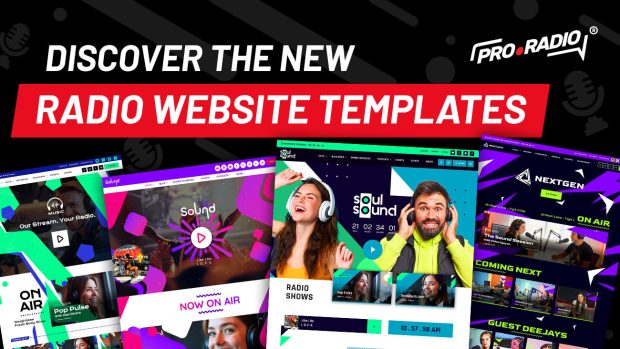
Demo 44 – Soul Sound Radio Website Template
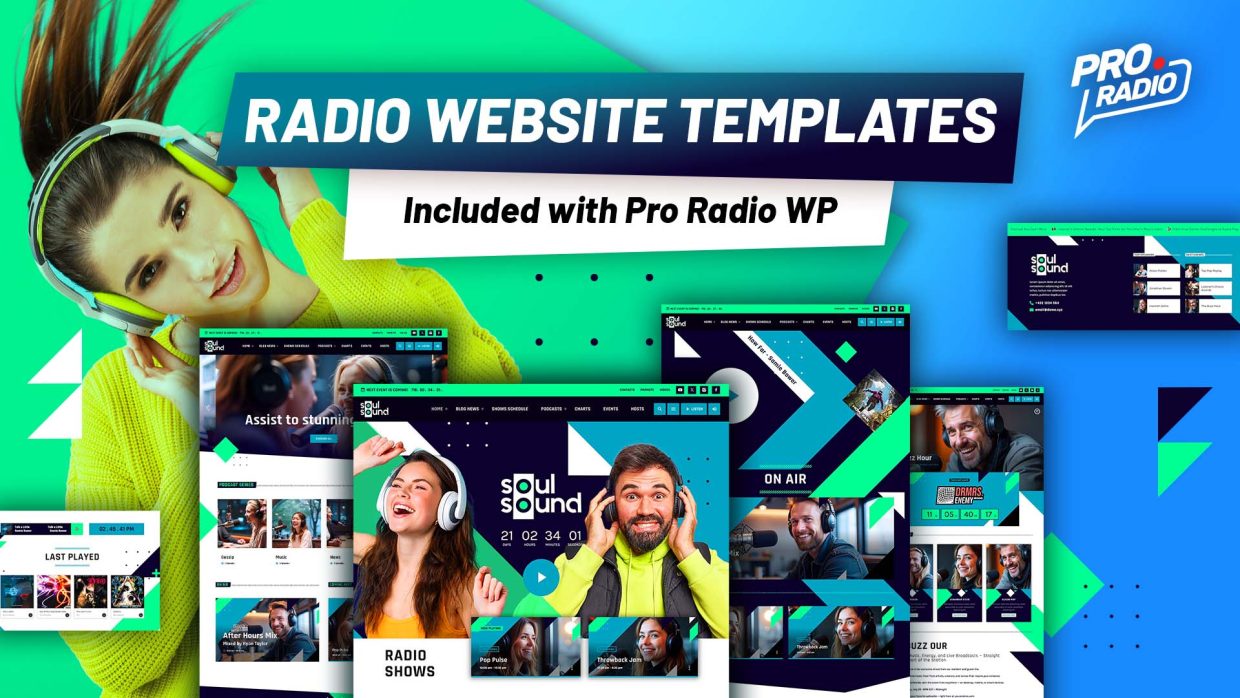
And here we are, at the fun part. Pro Radio 8.4 also brings a brand new demo: a fresh new face designed to engage, attract, and captivate your listeners (without shouting at them).
Demo 44 is available with any Pro Radio license (Standard, Plus, or All in One) and it’s called Soul Sound. But don’t be fooled by the name: it’s not only for soul music radios.
Its bright colors and clear layout are perfect for music or talk stations, and it can easily adapt to pop, dance, gospel, news, and more.
A radio template Built for Podcasting, Radio Shows & More
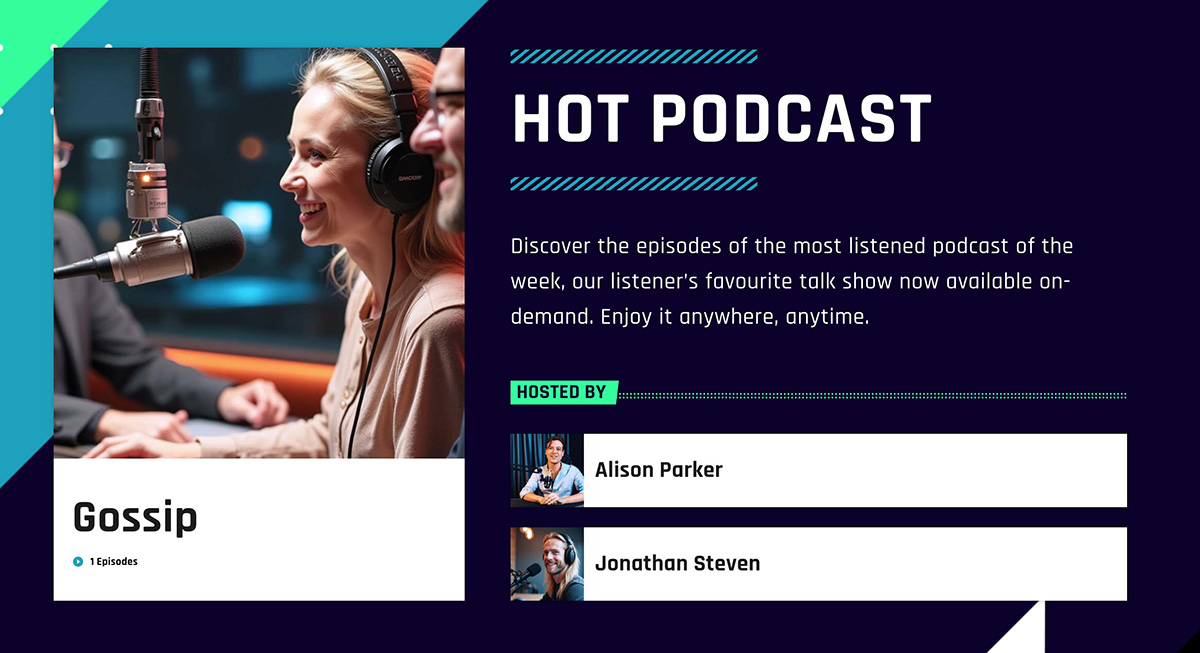
Soul Sound embraces simplicity with a layout that’s both visually appealing and functional. The soft but striking palette in shades of blue and teal creates a friendly vibe that’s ideal for informative content, news segments, and spoken-word shows.
Typography is thoughtfully chosen — Rajdhani gives headlines energy and character, while Karla keeps text readable and approachable.
This balance helps your visitors instantly understand what your station is about and where to find live shows, podcasts, schedules, and news — without overwhelming them with clutter.
Ready to upgrade?
The latest Pro Radio 8.4 update is now available for all users with active Updates and Support. Updating is easy and totally automatic. Learn more
If your coverage expired, you can reactivate it here or take advantage of the Pro Radio Plus launch offer before it ends.
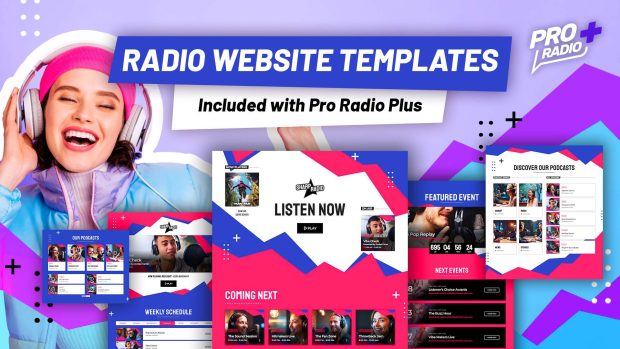
Upgrade to Plus and enjoy more features and 500 new templates
With Pro Radio Plus we wanted to open the door to many smaller and mid-size radios that need advanced tools, without forcing an enterprise budget.
Upgrade or switch to Pro Radio Plus and you’ll get:
- Access to Sidekick Premium features
- Business Tools for campaigns, sponsorships and promotions
- The Podcast Importer for automated podcast integration
- Over 500 extra Elementor templates to build pages in minutes
Many improvements in this update — from Sidekick reliability and maintenance tools to the new widgets options — shine even more when combined with the full Plus ecosystem.
It’s like putting a bigger, brighter Christmas tree in the middle of your station’s digital home and having all the ornaments ready to use.


You may also like


Copyright 2019-2026 ProRadio® Qantum Themes SL® All Rights Reserved