


Free Social Media Templates for Your Radio Station — Now with an AI Generator Kit: Meet the Joy Radio Pack
If you run a radio station, you probably know this situation: you have a show tonight. You need a post for Instagram or Facebook. You have the presenter photo, the time, the logo… but now somebody has to actually make the graphic.
And doing that every week gets old pretty quickly.
But here’s the good news! We have here something new that will save you a ton of time!
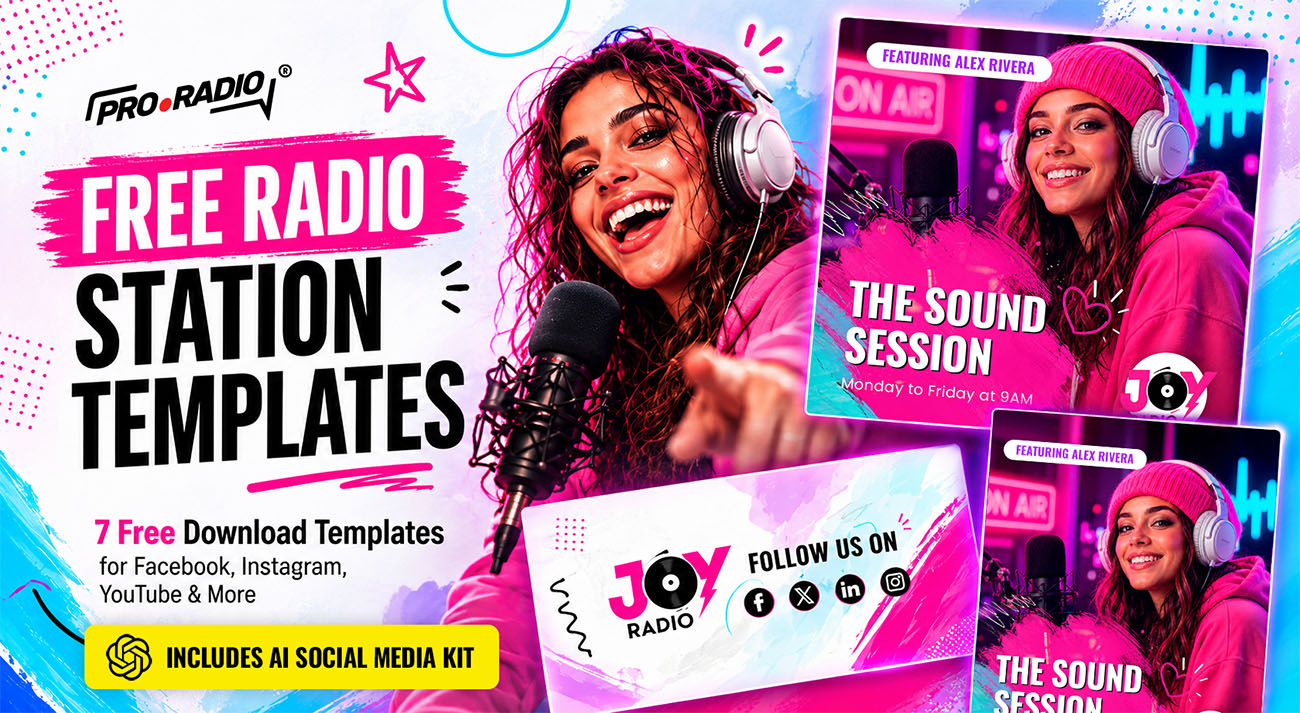
The Joy Radio free social media template pack gives you a set of ready-made designs for promoting shows, presenters, schedules, and your station on social media.
They are based on the visual style of Joy Radio, one of our new radio website designs, which will also be available soon for Pro Radio Plus users.
But this time we wanted to go a bit further.
Along with the editable PSD templates, we have prepared a complete AI Social Media Generator Kit that lets you create your own versions of these designs using your photos, your logo, your show names, and your information.
So if Photoshop is not really your thing, that’s completely fine.
Important: to download the templates, you need to be subscribed to our newsletter. Just enter your email and if you’re registered, the download will start immediately. If not, you can subscribe right now.
👉 GET YOUR FREE TEMPLATES NOW
- 1. Don’t Use Photoshop? Try the AI Social Media Generator Kit
- 2. Watch the video:
- 3. A Free Template Pack Inspired by Joy Radio
- 4. What’s Inside the Pack?
- 5. And Yes, the PSD Templates Are Still There
- 6. Your Radio Probably Needs More Graphics Than You Think
- 7. Keep Your Station Looking Like the Same Station
- 8. Make the Templates Yours
- 9. Download the Free Joy Radio Templates
- 10. One More Thing: New Pro Radio Plus Demos Start Tomorrow
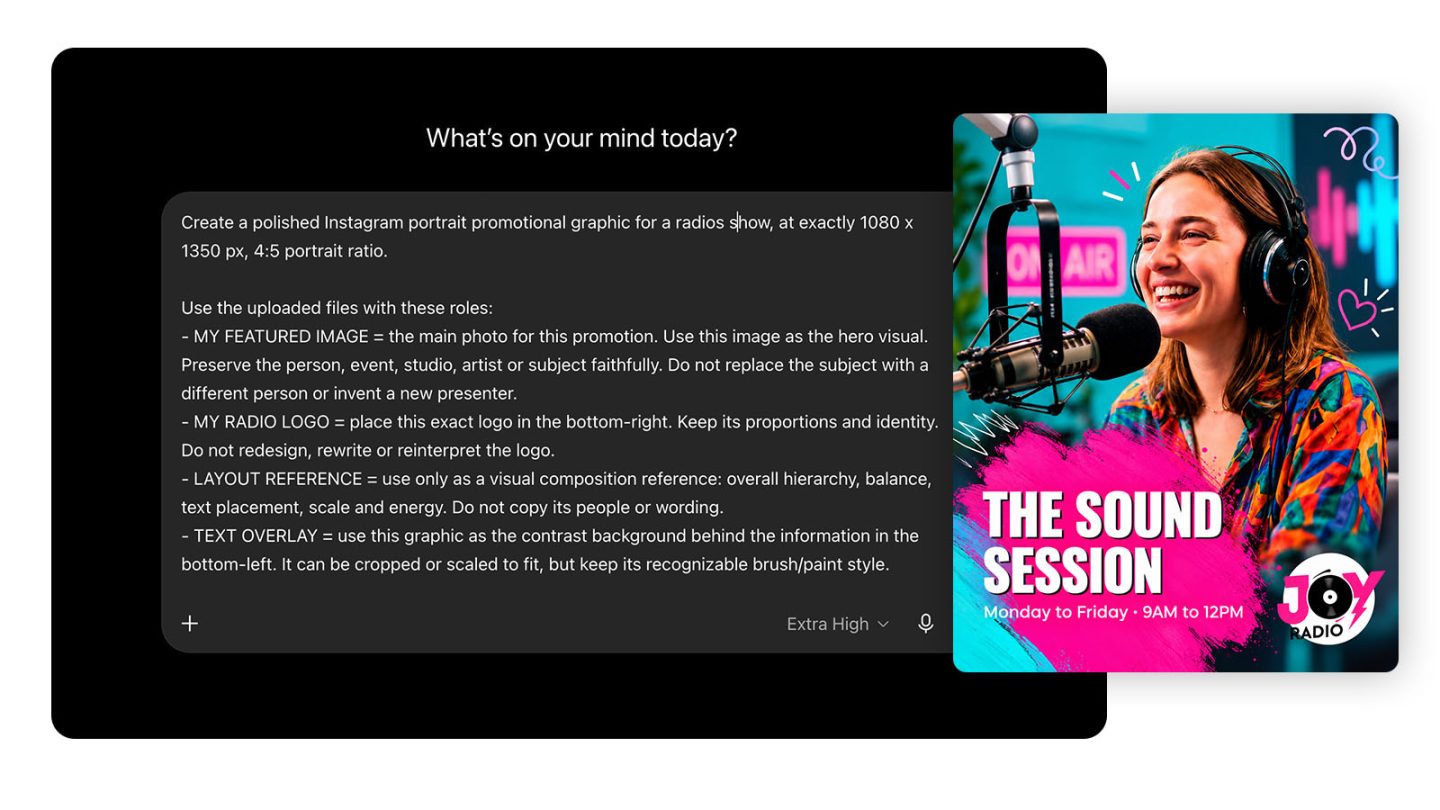
The cool part is that this new template, first of the series, contains an extra sparkle: a full AI generator to get the exact same result, without going crazy with prompts.
We give you exactly what you neeed, including the prompt. New to AI? No worries, this video tutorial explains exactly the steps you need to take.
Watch the video:
This is the new part, and probably the one I am most curious to see people use.
We did not want to give you one of those generic prompts that basically says:
“Create a cool social media post for a radio station.”
That is usually where things start becoming very random.
Instead, our designer created the actual visual templates first.
Then we built the AI kit around those designs.
What we provide:
Inside the folder you will find the instructions, the prompt to copy and customize, and the images you need to upload as references.
So the process is much more guided.
You start with one of our designs, upload the required images, change the information inside the prompt, and use your own:
- Station logo
- Presenter or DJ photo
- Show name
- Time and date
- Extra information you want to include
Then you generate your own version.
That makes it particularly handy for show promotion on Facebook and Instagram.
A Free Template Pack Inspired by Joy Radio
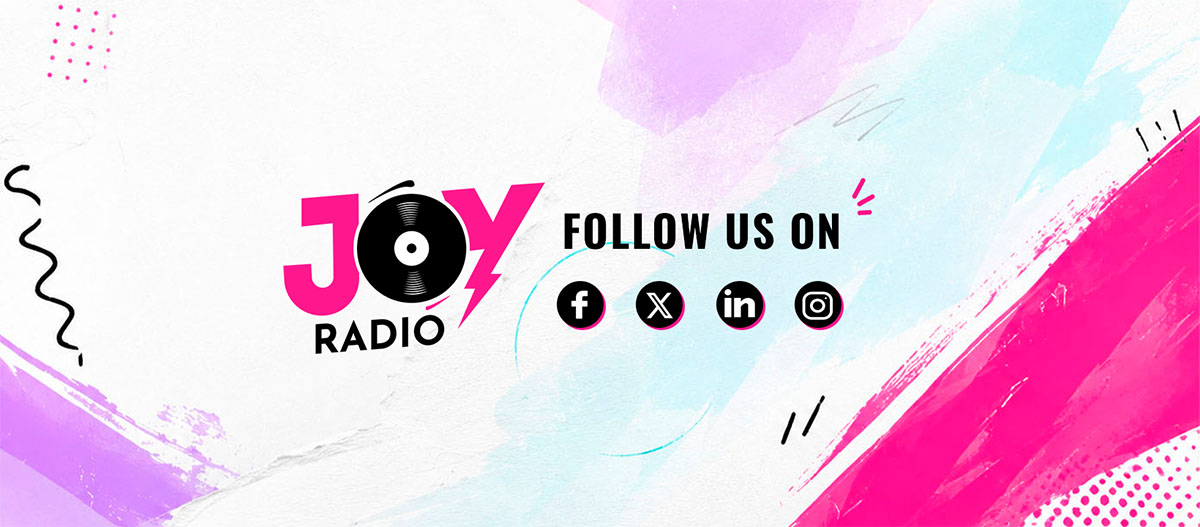
This incredible graphic design template, Joy Radio, has a colorful, young and energetic style.
Strong typography, bright colors, brush textures, big photos… Want to attract new listeners and grow your radio on the socials? This is the kind of visual language that works particularly well for pop stations, music shows and stations that are active every day on social media.
We took that same style and created a small collection of graphics that you can adapt for your own radio.
The idea is not complicated.
Instead of starting from an empty canvas every time you need to promote something, you already have a design to work with.
- Change the photo.
- Change the show name.
- Change the time.
- Add your station logo.
- Done.
The pack can be useful for all kinds of radio projects, but especially if you regularly need to promote:
- Radio shows and weekly programs.
- Presenters and DJs.
- Special broadcasts or guest appearances.
- Schedule changes and programming announcements.
- Your social channels and station branding.
It is simply a way to make this part of running your station a little quicker and more consistent.
What’s Inside the Pack?
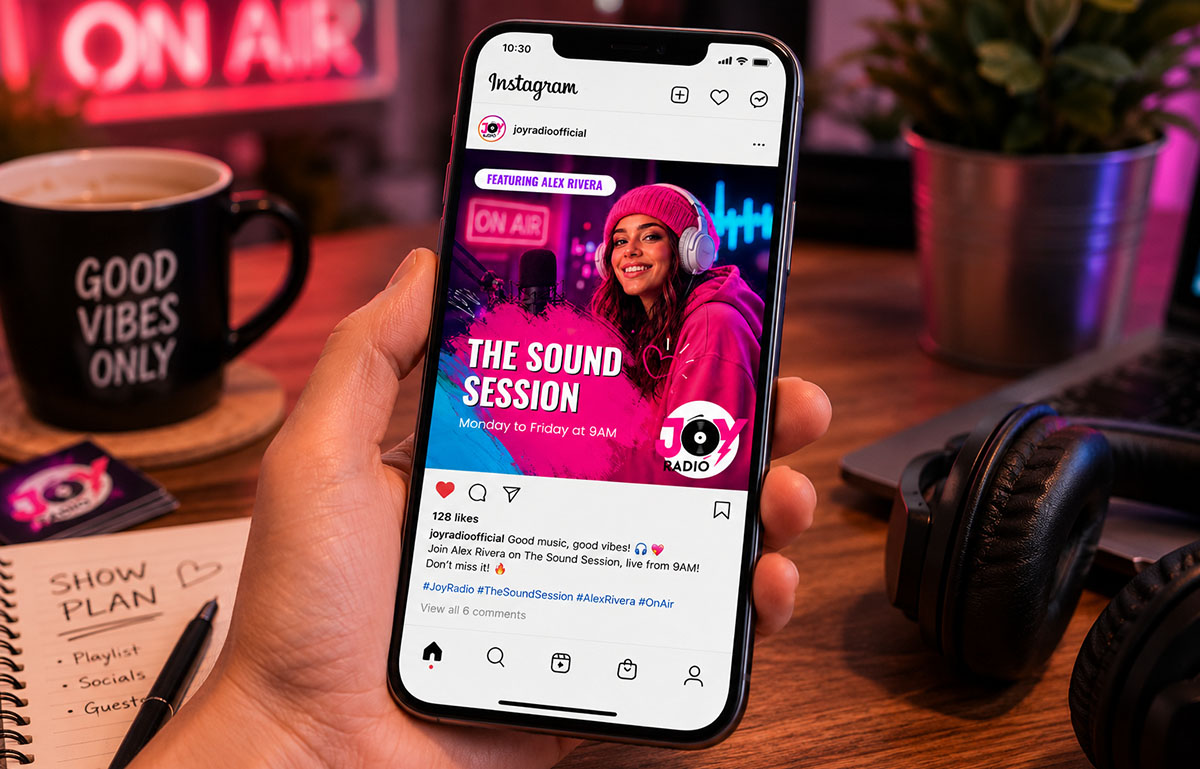
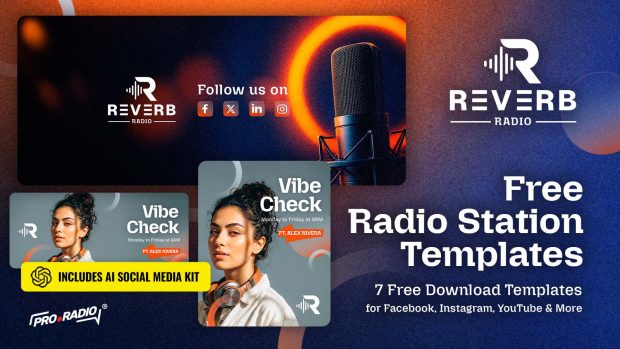
We included templates for some of the things radio stations need most often on social media:
- Facebook headers
- Instagram square posts
- Instagram Stories
- Follow-us graphics
- Show promotion posts
They all follow the same visual direction, so you can create several posts without your Facebook or Instagram page looking like five different people designed it.
And you have two ways to customize them.
You can use the original PSD files if you are comfortable with Photoshop or Photopea.
Or you can try the new AI kit.
And Yes, the PSD Templates Are Still There
Do you prefer Photoshop? You still get the editable PSD templates.
Open one, replace the image, change the text, add your logo and export it. You can also use Photopea if you want to edit the PSD directly in your browser.
Personally, I think having both options makes more sense.
Sometimes you want the control of the original design file.
Sometimes you just need a social post quickly and the AI workflow is easier.
Use whichever works better for you.
Your Radio Probably Needs More Graphics Than You Think
One of the funny things about running a station is that there is always something new to announce.
Tonight’s show…
Tomorrow’s guest….
A new presenter….
And every one of those things can become a reason for somebody to notice your station.
I know… if creating the graphic becomes a job every single time, eventually you stop doing it.
That is really what these templates are trying to solve.
Keep Your Station Looking Like the Same Station
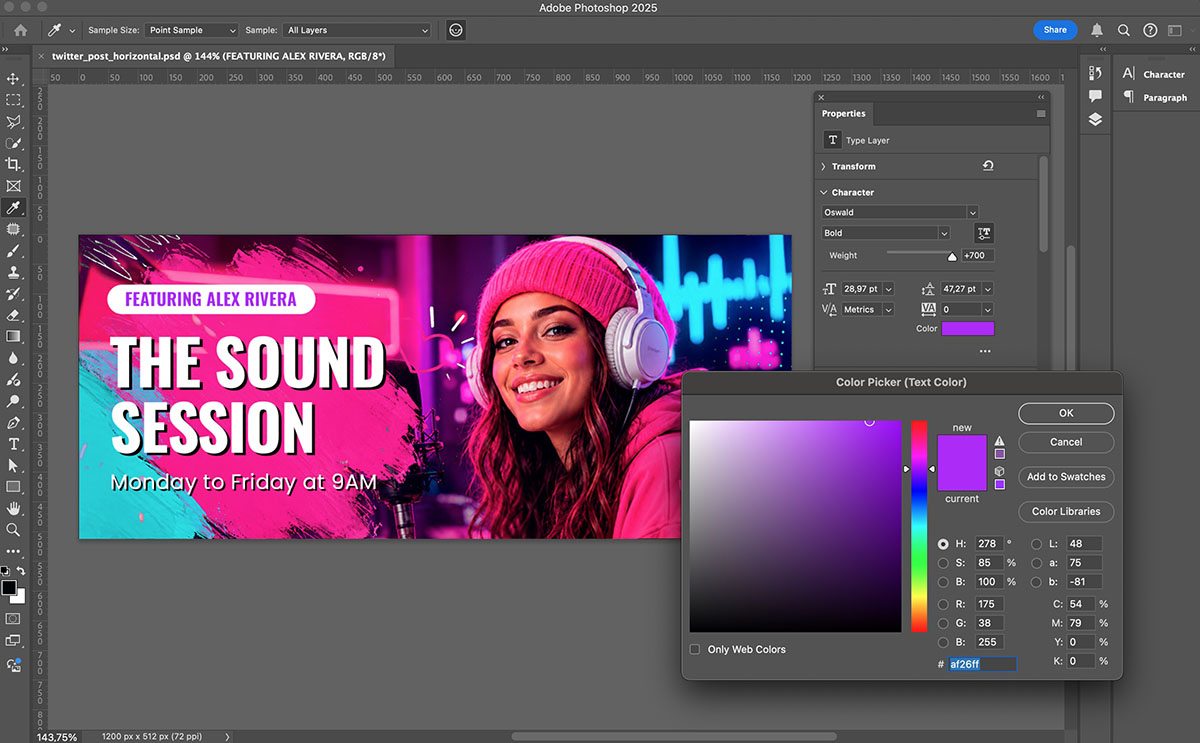
There is another small advantage to working from templates: your station becomes easier to recognize. If somebody sees one of your posts today and another one next week, they should feel connected.
The same happens when somebody moves from Instagram to your website.
Your website does not need to look identical to every social post, of course.
But the colors, attitude and general personality should feel like they come from the same place.
That little bit of consistency makes a station feel much more cared for.
And you do not need to be a designer to achieve it.
Make the Templates Yours
You can replace the logo, the picture, the text and upload this to your socials. Both with Photoshop or using Chatgpt, Gemini or similar.
Download the Free Joy Radio Templates
The Joy Radio social media templates are free to download.
Inside you will find the editable designs and the new AI Social Media Generator Kit, so you can choose the workflow that feels easiest for you.
👉 GET YOUR FREE TEMPLATES NOW
One More Thing: New Pro Radio Plus Demos Start Tomorrow
Before you go, there is something else we have been working on.
Tomorrow we are releasing the first of a new series of Pro Radio Plus demos.
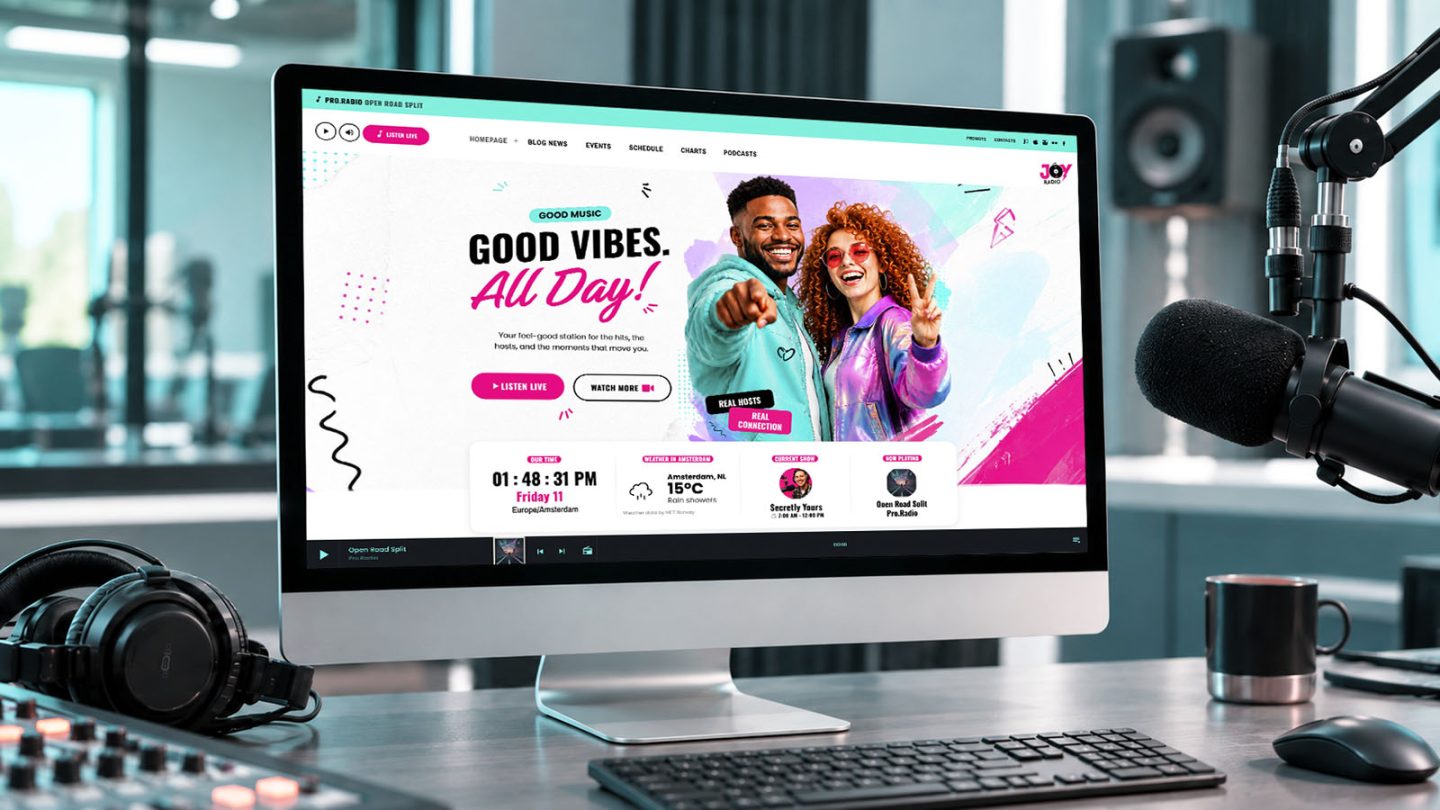
We have been preparing new starting points for Pro Radio Plus, and the first one will be available tomorrow for all Pro Radio Plus users.
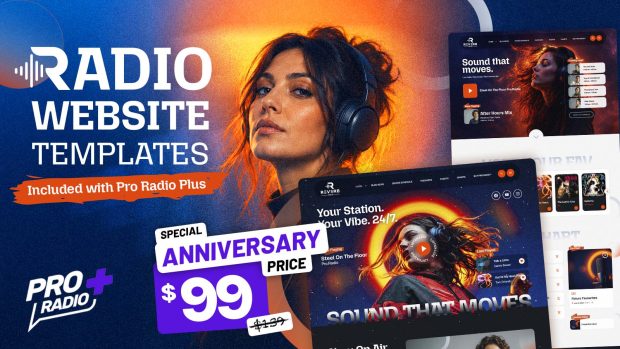
We’re talking about high-grade web design templates ready to use, and ready to publish the best radio station web design result you’ve ever seen. Forget AI-generated website templates, this is real hand made graphic design stuff to make your radio unique, and give it the strong visual identity you need to make your radio stand out.
Tomorrow also marks the start of the Pro Radio Plus anniversary promotion.
So if you are already using Pro Radio Plus, come back and have a look at the new demo.
And if you have been curious about Plus for a while, tomorrow might be a good moment to see what we have been building.
For today, download the Joy Radio pack and have some fun with it.

You may also like
Copyright 2019-2026 ProRadio® Qantum Themes SL® ESB02979078 All Rights Reserved