




Build A Serious Radio Site In One Weekend
AD
When you stop missing these built-in tools, launching a real station website becomes fast. A weekend is plenty of time if the system you use is built for radio. The trouble is that most people start with the wrong tools, then spend Friday night learning that a generic theme has no live player, the schedule is a static HTML table, and the podcast page is just a list of links.
If you are trying to create a radio site that feels clear, modern, and easy to use, these simple improvements can make a big difference. A real radio site does not have to take three months. Here is the realistic two-day plan.
Contents
hide
- 1. Friday Night: The Foundation
- 2. Saturday Morning: Brand, Player, And Schedule
- 3. Saturday Afternoon: Shows And Schedule
- 4. Saturday Evening: Hosts, Podcasts, And Engagement
- 5. Sunday Morning: Charts And Events
- 6. Sunday Afternoon: Sponsors, Performance, And Launch
- 7. Why One Toolkit Beats A Pile Of Plugins For A Weekend Build
- 8. Two Days, A Real Station
Friday Night: The Foundation
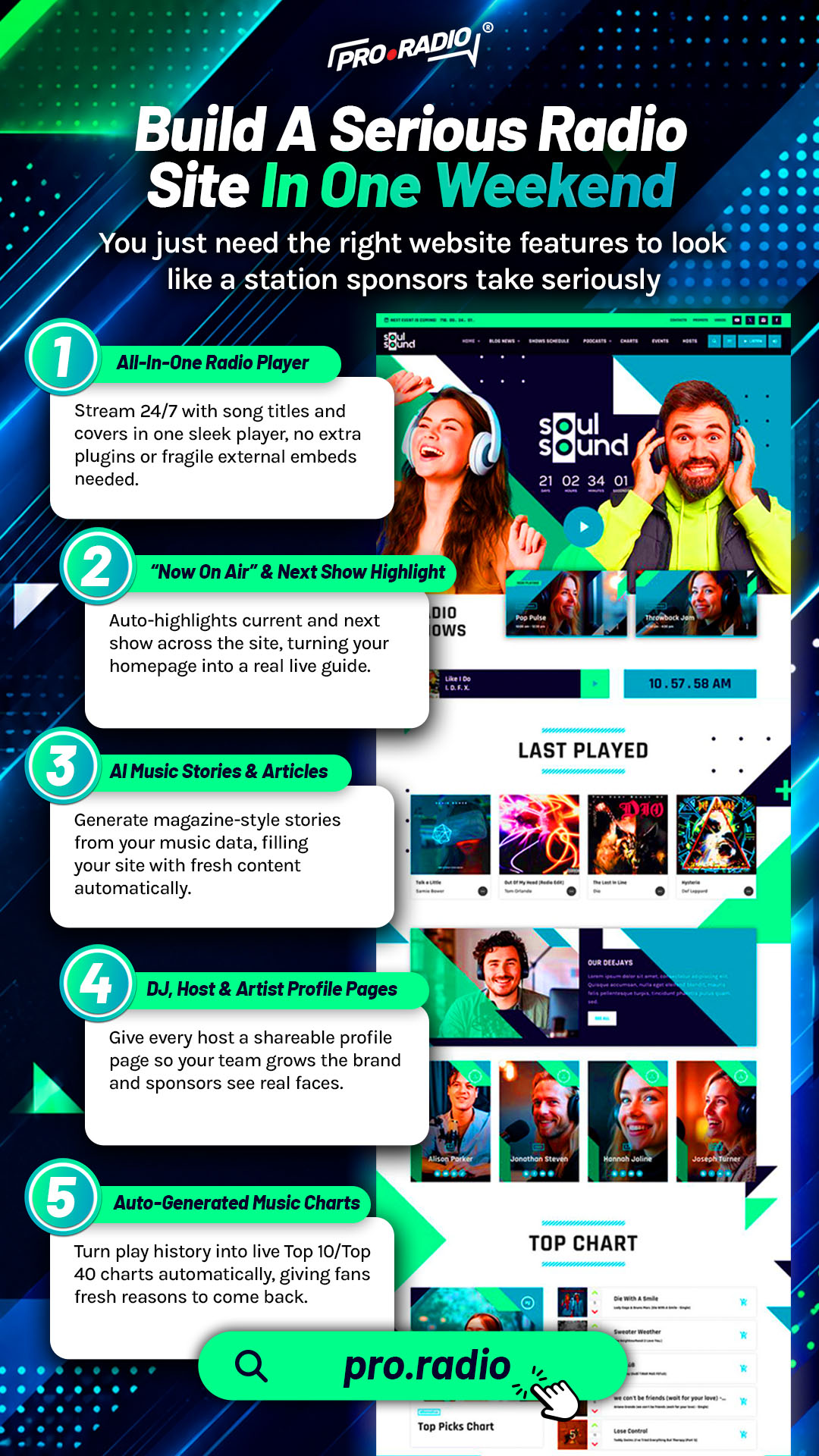
The first hours are about not getting stuck. The all-in-one hosted Pro Radio setup installs WordPress, the Pro Radio theme, the required plugins, and a demo of your choice in about one minute. If you prefer to install on your own hosting, the demo import takes about five minutes. Either way, by the end of the first evening you have a working radio site with a non-stop player, a homepage, a schedule, sample shows, podcasts, news, and presenter pages already in place.
This is not a blank shell. It is a finished radio website that already understands radio behavior. The work from here is to make it yours, not to invent it.
Saturday Morning: Brand, Player, And Schedule
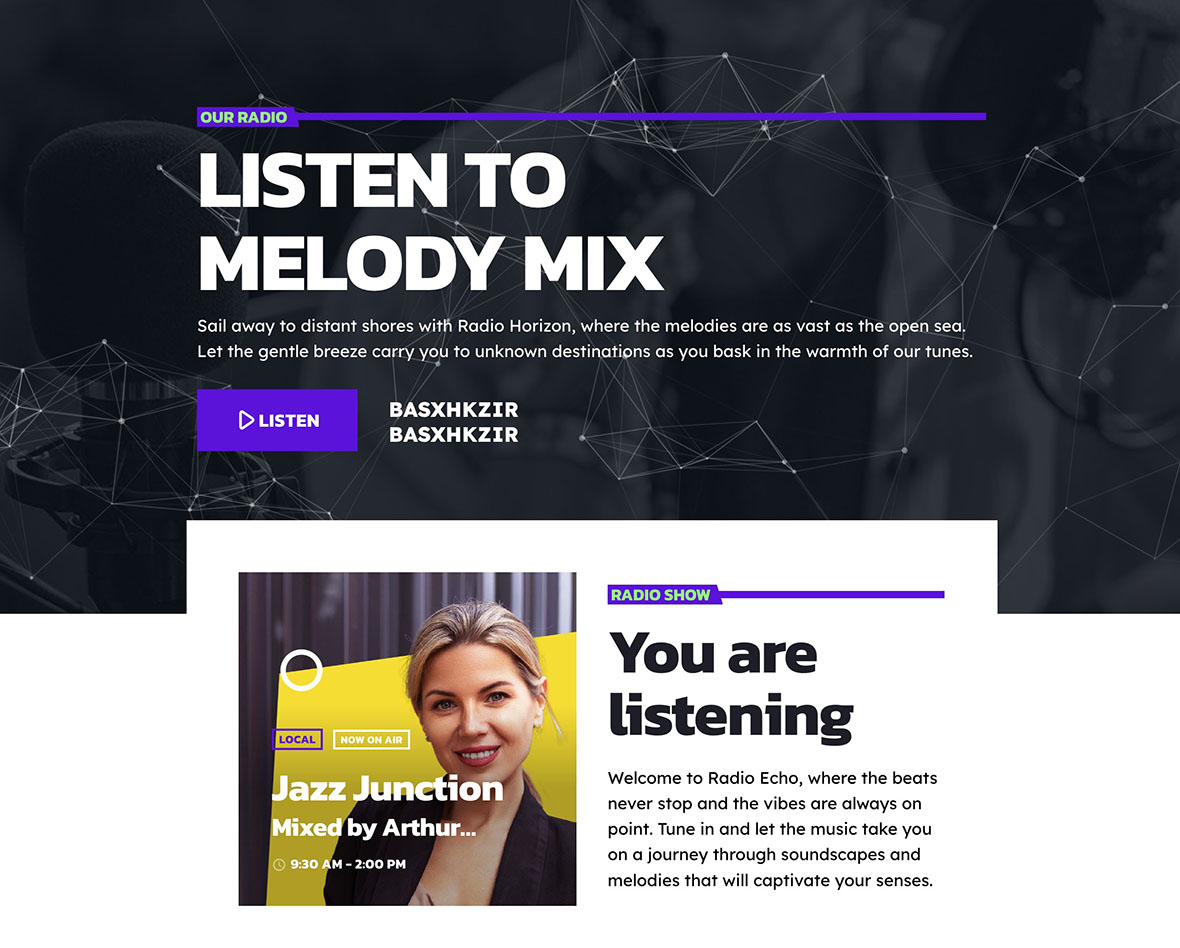
This is the visual block. The Pro Radio customizer holds more than two hundred design options, all on one page with a live preview. You set your colors using material-design-based palettes, pick typography for content and headings, choose menu and footer treatments, and decide whether your page headers use parallax, waves, duotone, grayscale, or gradient effects.
Then you connect the player. Pro Radio supports Shoutcast, Icecast, Radio.co, Airtime Pro, Airtime, Live365, Radionomy, RadioKing, Azuracast, and plain MP3 or AAC streams. You paste your stream URL, set an alternative lower-bitrate source for mobile listeners, and decide where the player lives: header, footer, popup, or all of them through Elementor widgets.
By lunch, your station has its brand colors, its logo, its player, and a working live stream that keeps playing when visitors browse between pages.
Saturday Afternoon: Shows And Schedule
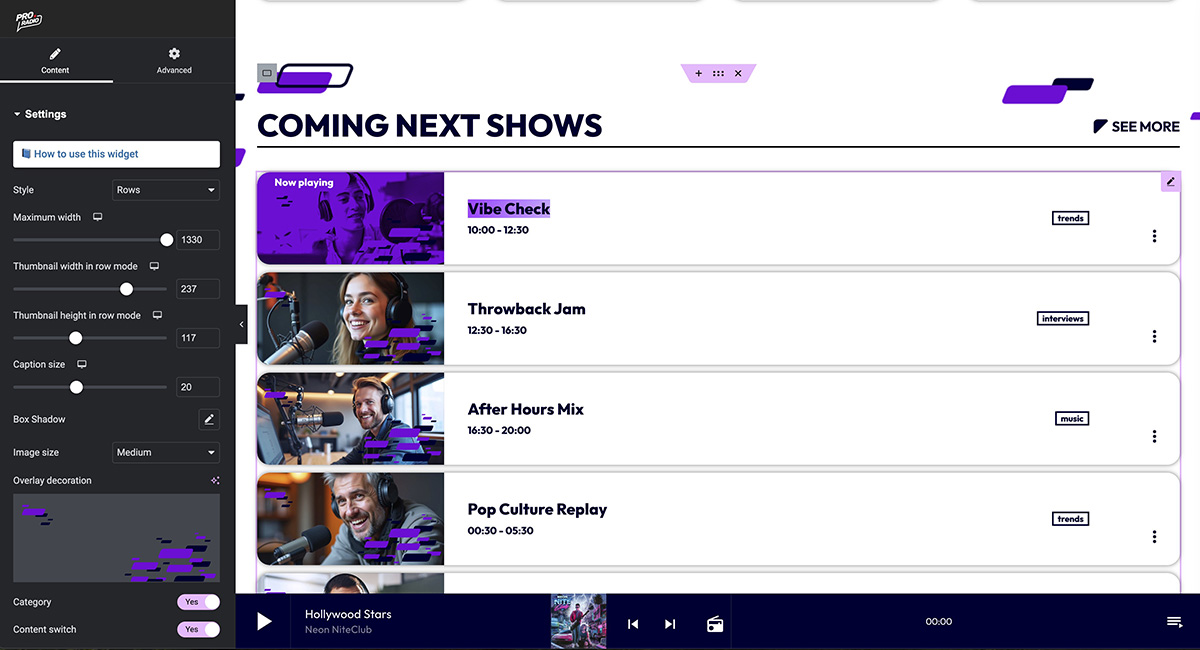
The most underrated part of a serious radio site is the schedule. Pro Radio gives you an interactive weekly schedule with unlimited shows, automatic day and time detection, and a system that highlights the show currently on air. Setup takes three steps: create a show, link it to one or more time slots, and publish.
For each show you create, the show page automatically pulls in related podcasts, blog posts, events, music charts, speakers, and DJs. You do not have to wire those connections by hand. The page becomes a self-updating hub. A DJ can share their show page like a portfolio. A listener can fall into thirty minutes of content tied to that program.
If you run more than one stream, the built-in filter system handles up to five channels on the same schedule. By the end of the afternoon, your week looks alive on screen, not like a homework assignment.
Saturday Evening: Hosts, Podcasts, And Engagement
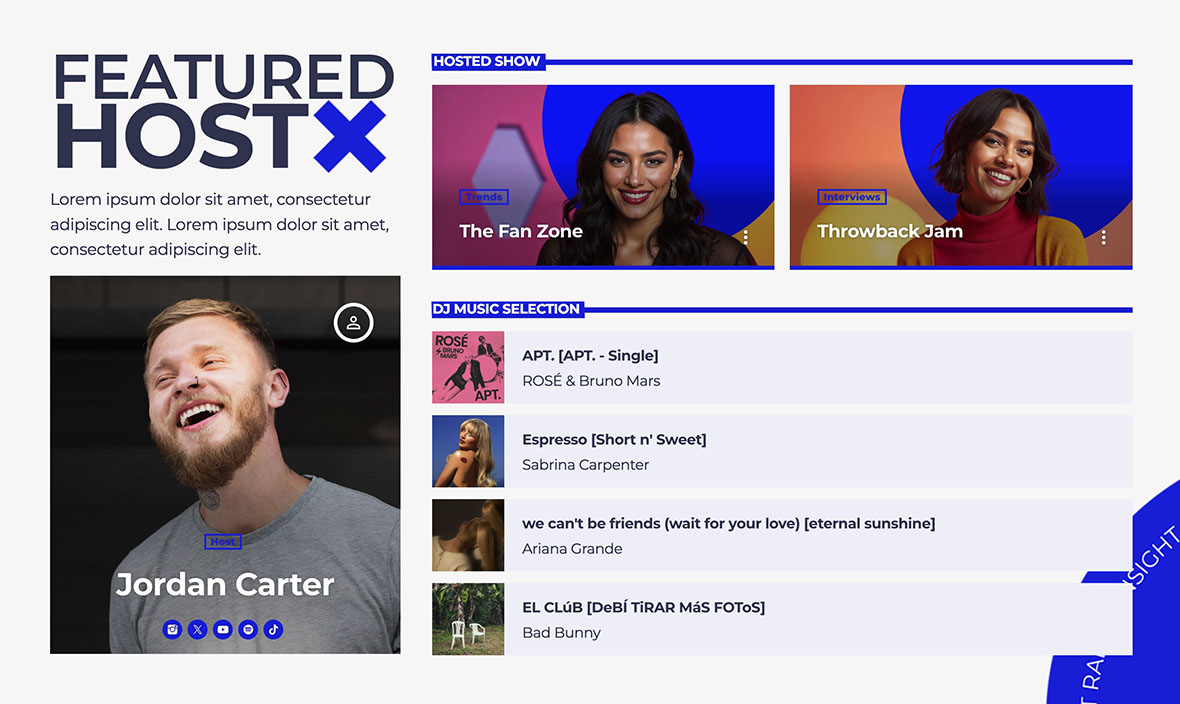
Add your hosts to the Members archive. Each profile has a role label, a short bio, and social icons. They appear automatically on related show pages and homepage carousels.
Then bring in the podcasts. You can upload MP3 files directly, or embed from Anchor.fm, Blubrry, Mixcloud, Soundcloud, Spotify, or YouTube. The same player handles podcasts, so listeners do not switch interfaces. A new visitor can hear the latest show without searching, because you can preload the most recent podcast in the player.
If you want to start engagement immediately, add a Dedications widget through Elementor. Listeners submit dedications via a form, you approve them, and they appear on the page automatically. The system handles antispam filtering, IP blacklists, email notifications, and one-click approval. The same evening, your station has a way for visitors to participate.
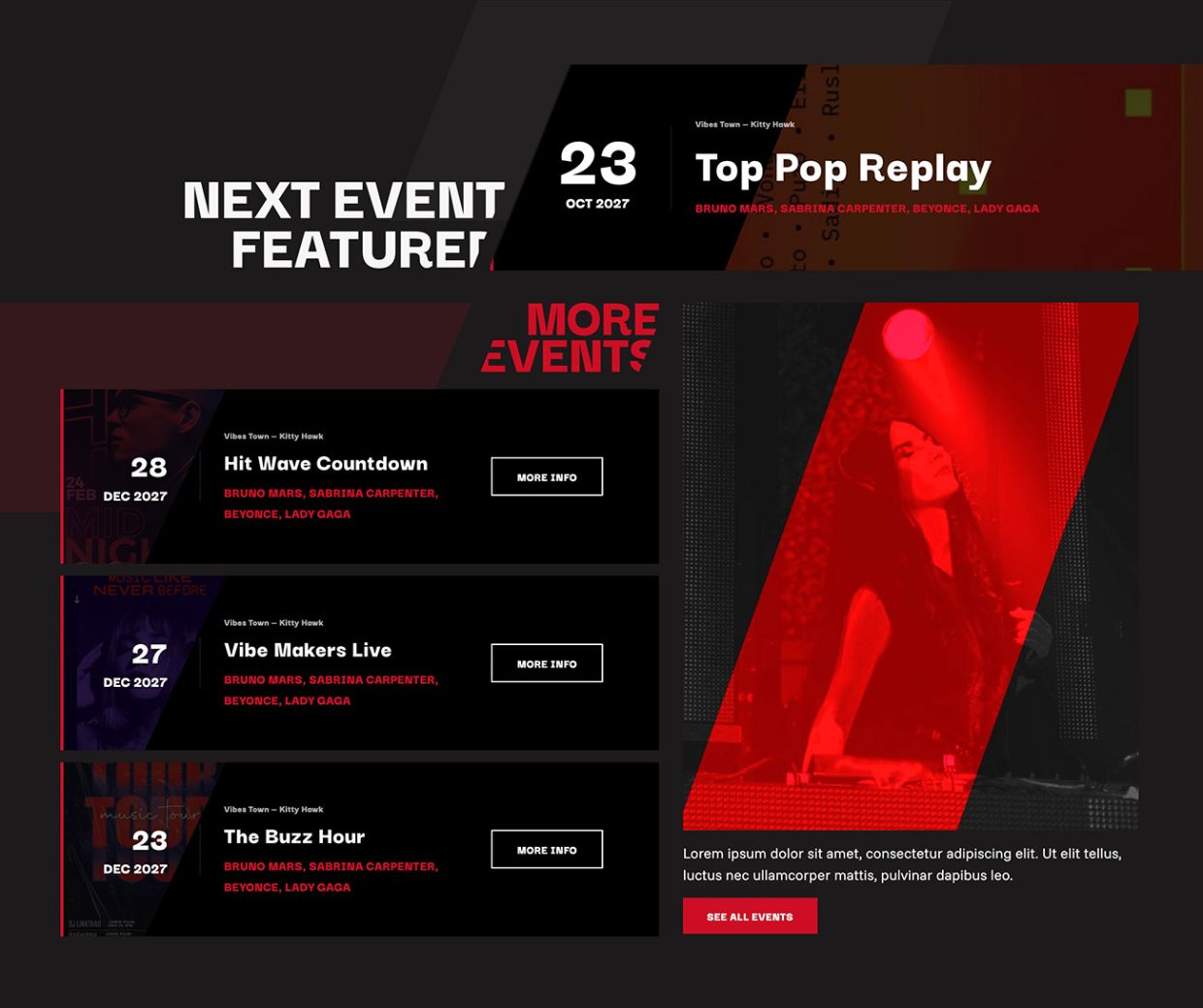
Sunday Morning: Charts And Events
Sunday Afternoon: Sponsors, Performance, And Launch
If you plan to monetize, this is the time to set up the Business Tools ad manager. The 3-step automatic setup takes about five minutes. Once installed, you can place rotating banner positions through Elementor widgets, mix AdSense and affiliate codes with direct sponsor campaigns, and provide each sponsor with an automatically generated statistics page. The autopilot selling integration with WooCommerce even lets you accept sponsor submissions from the frontend.
Before going live, the customizer offers minified styles and JavaScript, and the bundled Ajax page load keeps the stream playing when visitors browse between pages. Permalink settings are clean by default. Mobile logo and call-to-action controls are separate from desktop, so the small-screen version of the site does not feel like a leftover.
Final check, take a screenshot, send the link to a few friends, and go live.
Why One Toolkit Beats A Pile Of Plugins For A Weekend Build
A weekend build collapses if you spend hours hunting plugins, fixing conflicts, and styling tools that were not made to look the same. Pro Radio works as one toolkit. The customizer, the Elementor widgets, the player, the schedule, the podcasts, the charts, the events, the team profiles, and the sponsor system share the same design system and the same performance optimizations.
You get more than thirty Pro Radio custom Elementor widgets, more than eighty ready-to-use Elementor templates, and a deep customizer with hundreds of options. That is enough to launch a serious site without writing code or chasing compatibility problems.
Two Days, A Real Station
A serious radio site in a weekend is realistic when the foundation already understands radio. With Pro Radio you spend the time on choices that matter: your brand, your shows, your hosts, your sound. You do not spend it gluing plugins together.
Block a weekend, pick a demo, follow the plan above, and on Sunday night your station has a website that finally matches the broadcast.
AD


You may also like

Copyright 2019-2026 ProRadio® Qantum Themes SL® ESB02979078 All Rights Reserved