


 NEW!
NEW!

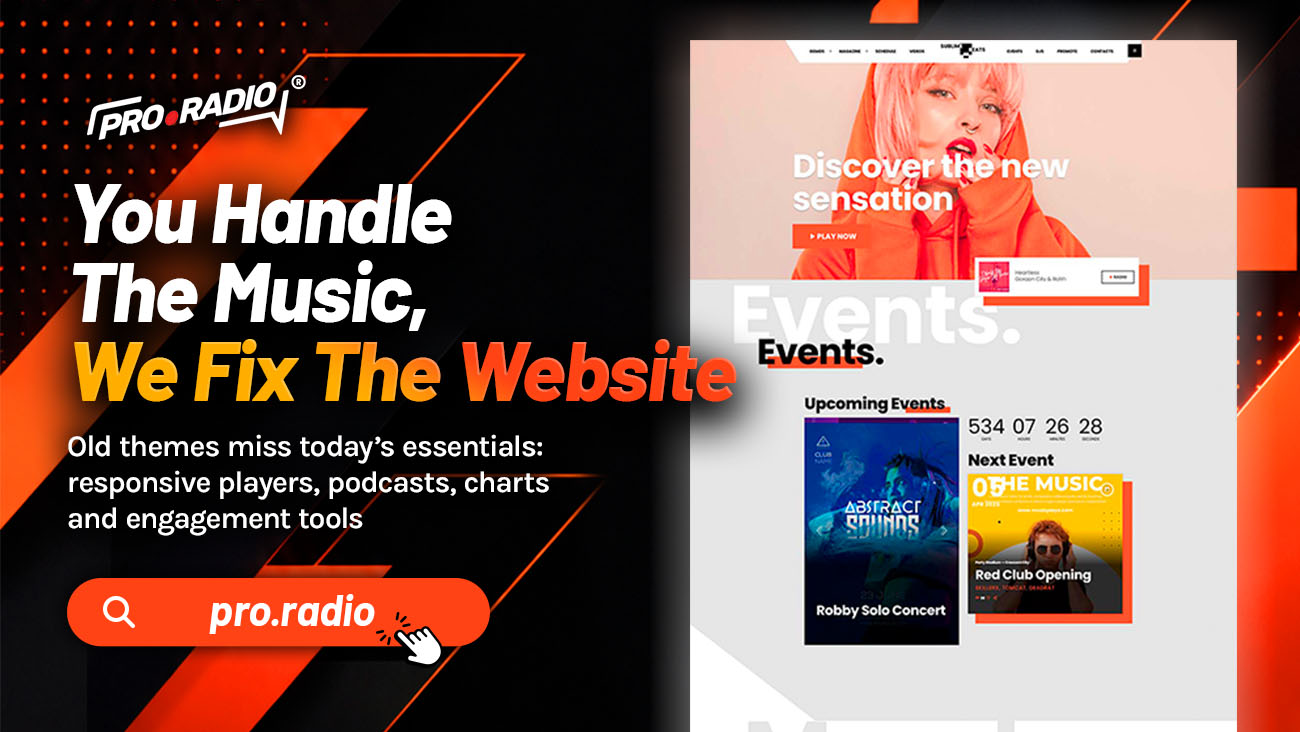
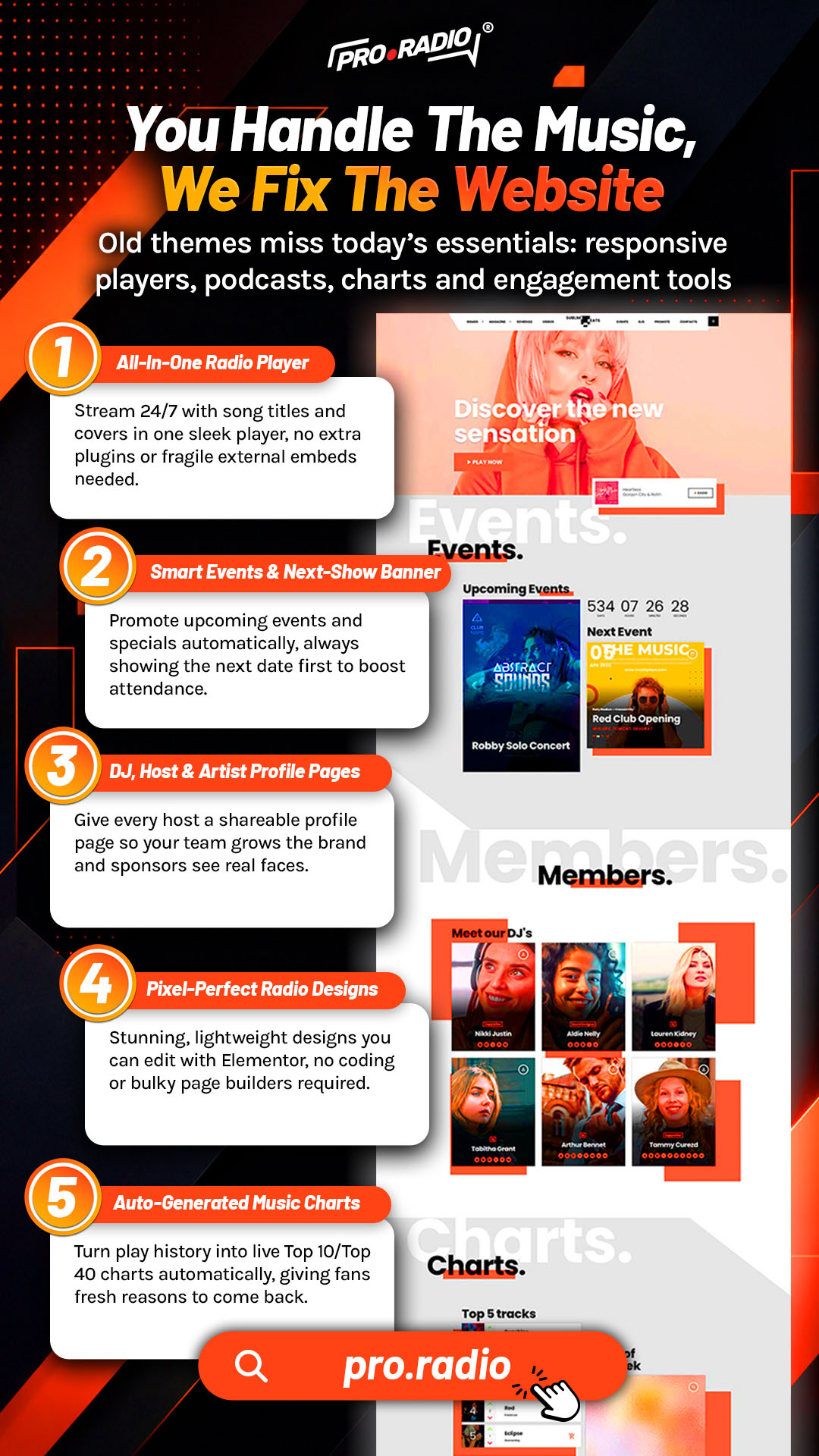
You Handle The Music, We Fix The Website
AD
Let a radio-focused theme supply the features you’re tired of hacking together yourself. Your day is full. You curate music. You prepare shows. You communicate with hosts. You record promos. You answer messages. The last thing you should be doing at midnight is debugging why the play button stopped working after a plugin update.
The right division of labor is simple. You make the radio. Pro Radio handles the website. These tools will help you build your radio website with more clarity, personality, and purpose.
Contents
hide
- 1. Why You Keep Touching The Website
- 2. A Player That Maintains Itself
- 3. A Schedule That Updates Itself
- 4. Show Pages That Build Themselves
- 5. Podcasts You Publish Once
- 6. Engagement That Does Not Become A Second Job
- 7. Sponsors Managed By The System
- 8. Design Without Constant Tweaks
- 9. Why One Ecosystem Is The Whole Point
- 10. Spend Your Time Where It Belongs
Why You Keep Touching The Website
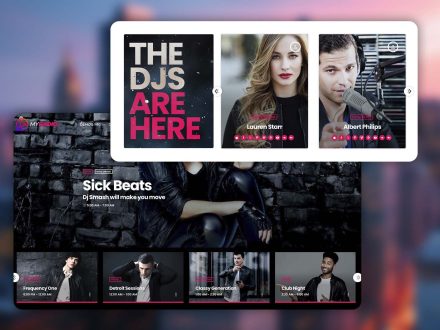
Most station owners did not plan to become amateur web developers. It happened because the original theme could not handle radio behavior. The schedule needed a plugin. The podcasts needed another. The dedications needed a custom form. The mobile player needed CSS tweaks. Each addition created another small thing to maintain.
A year later, you are spending more time touching the website than the audio. The website does not need that much attention. It needs the right foundation, then small adjustments.
Pro Radio is built so the website demands less of you, not more.
A Player That Maintains Itself

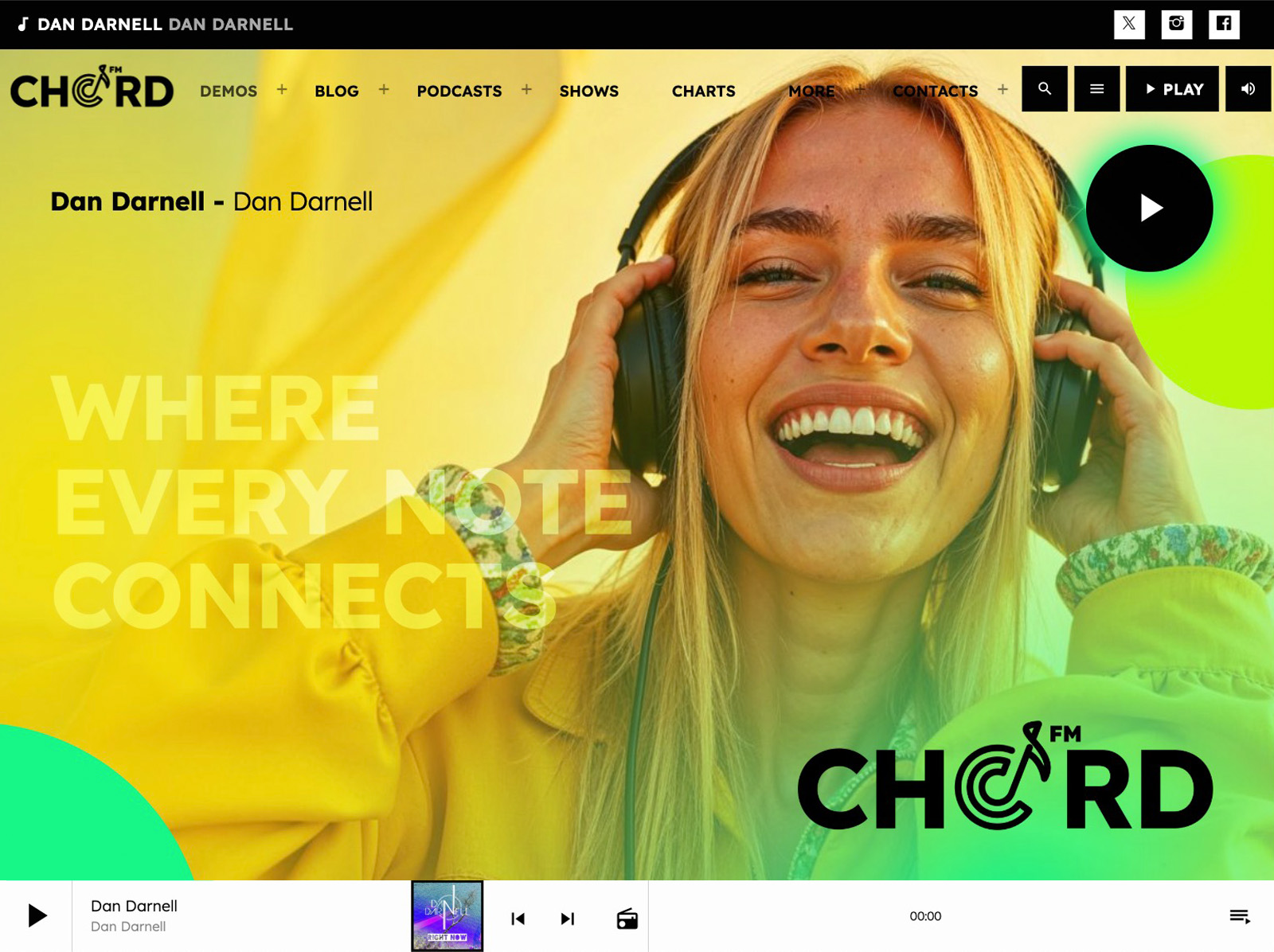
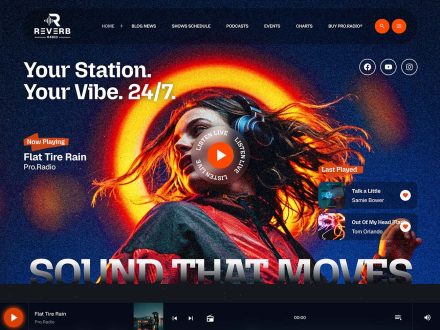
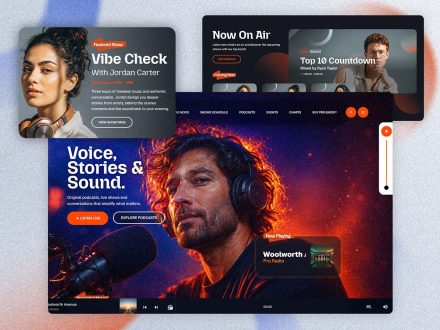
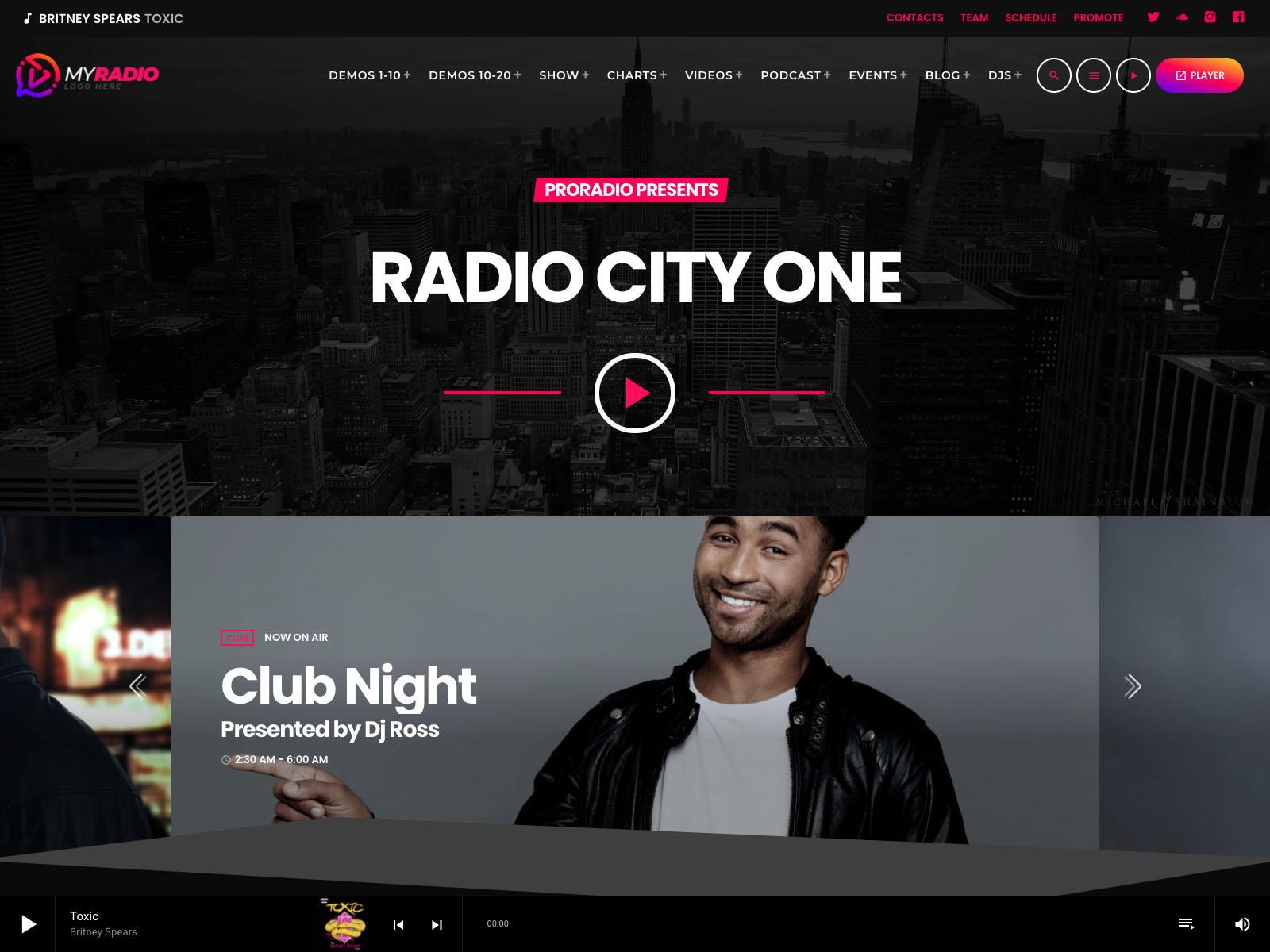
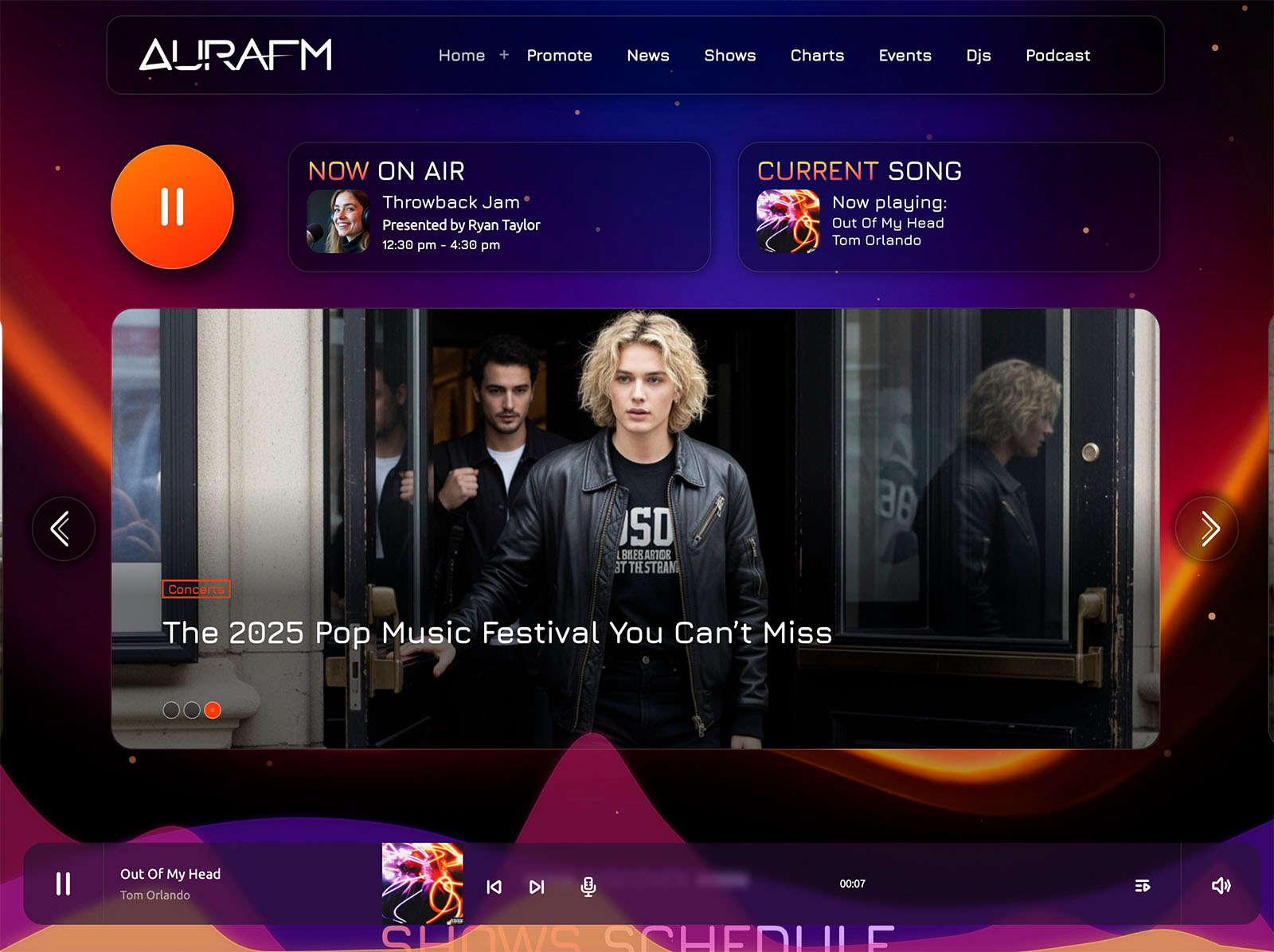
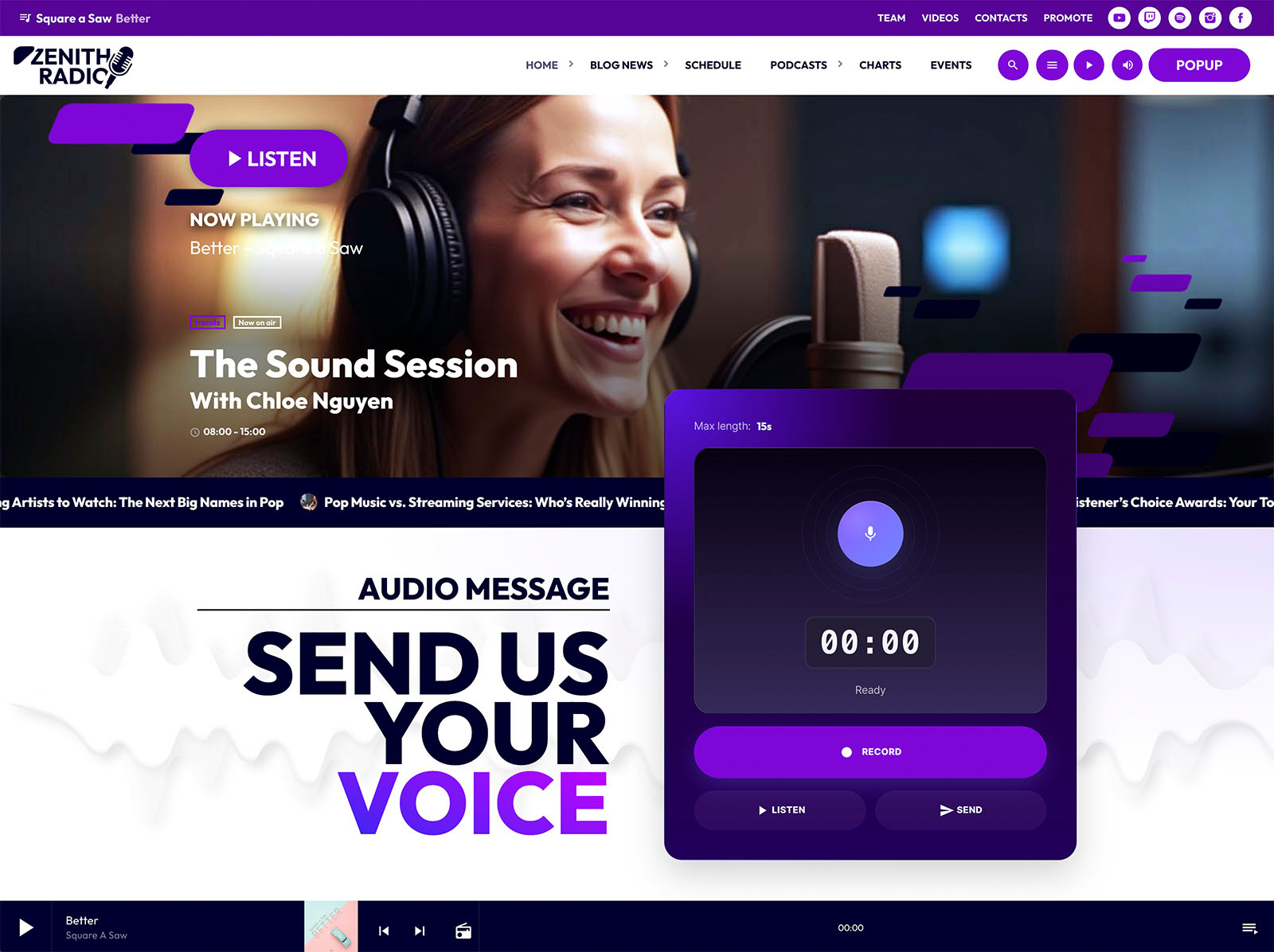
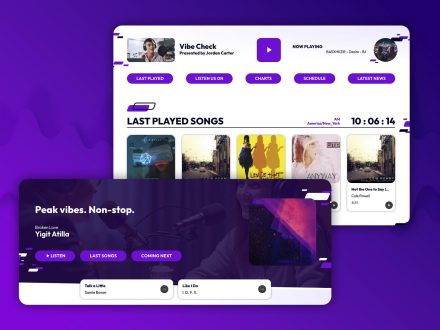
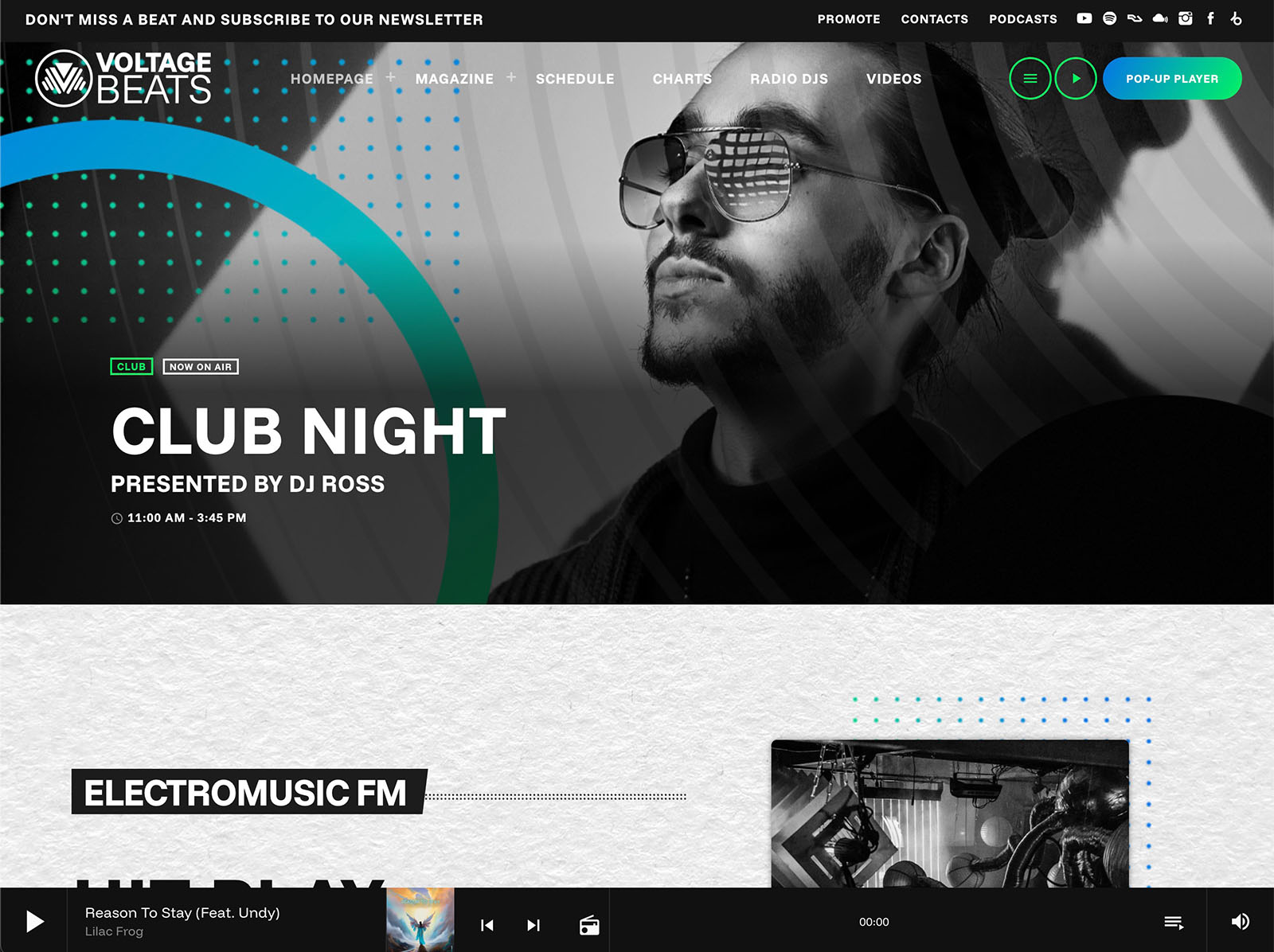
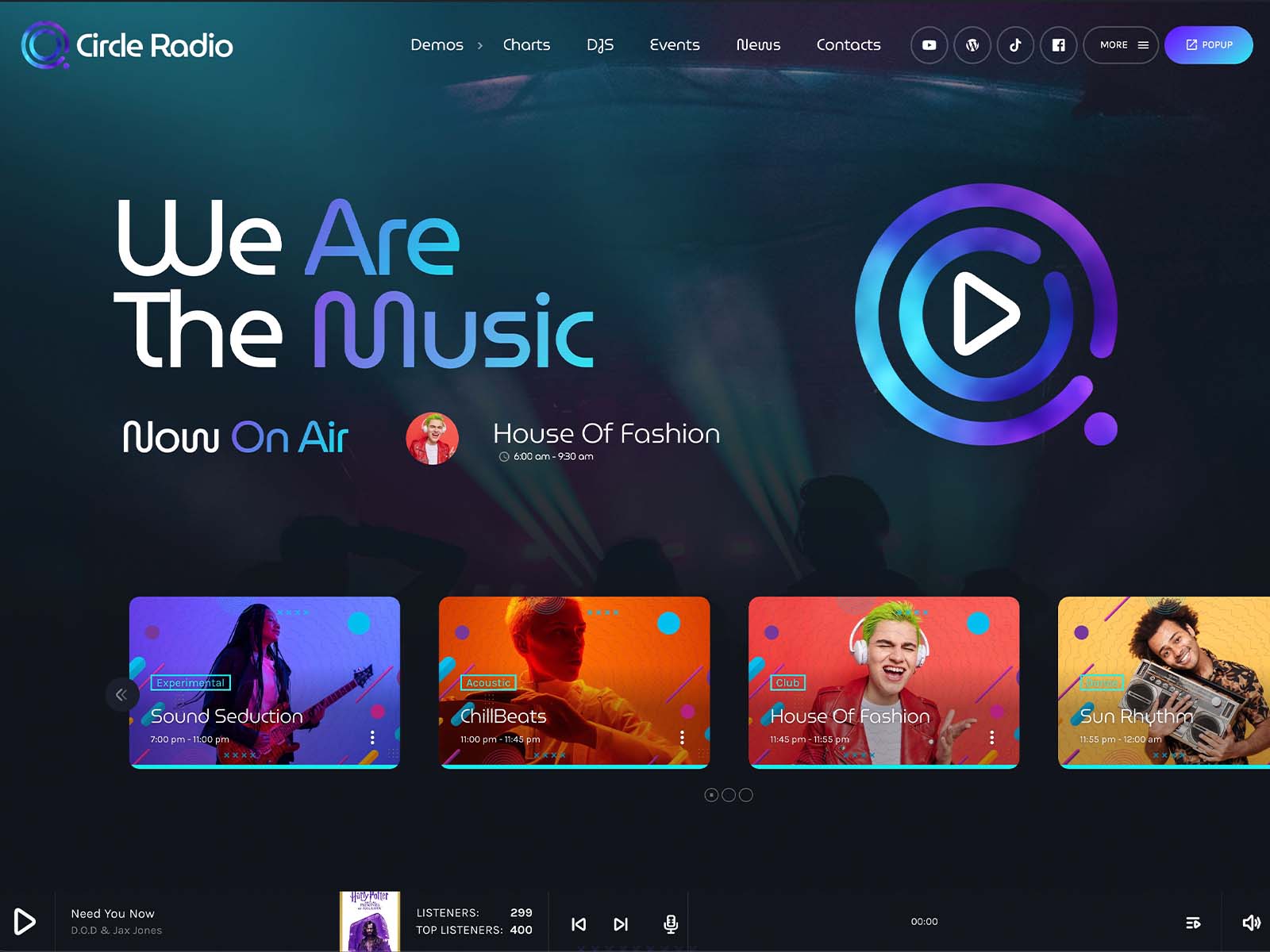
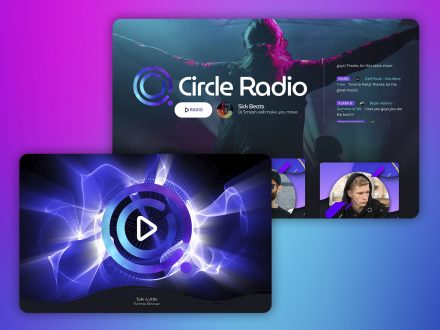
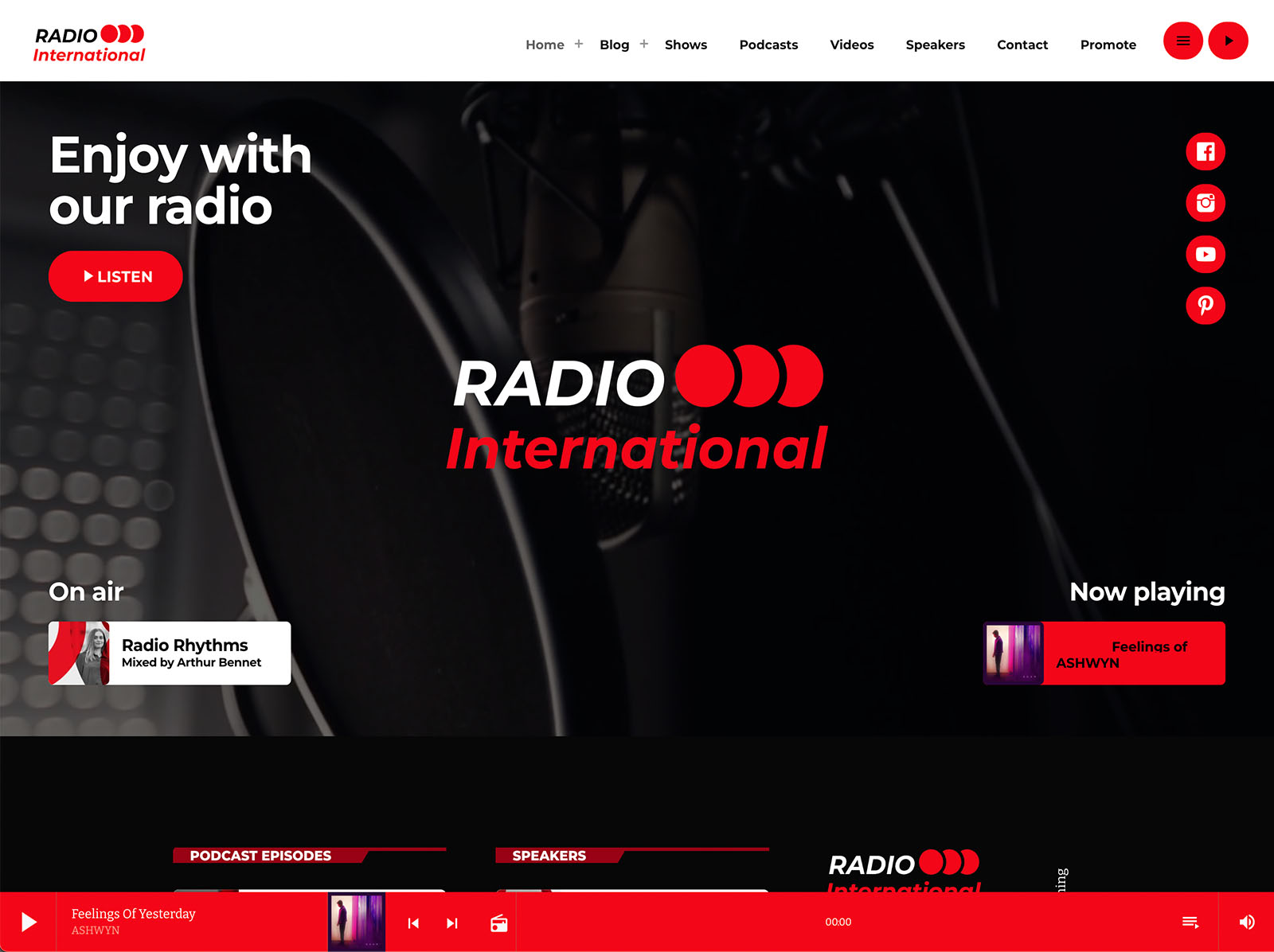
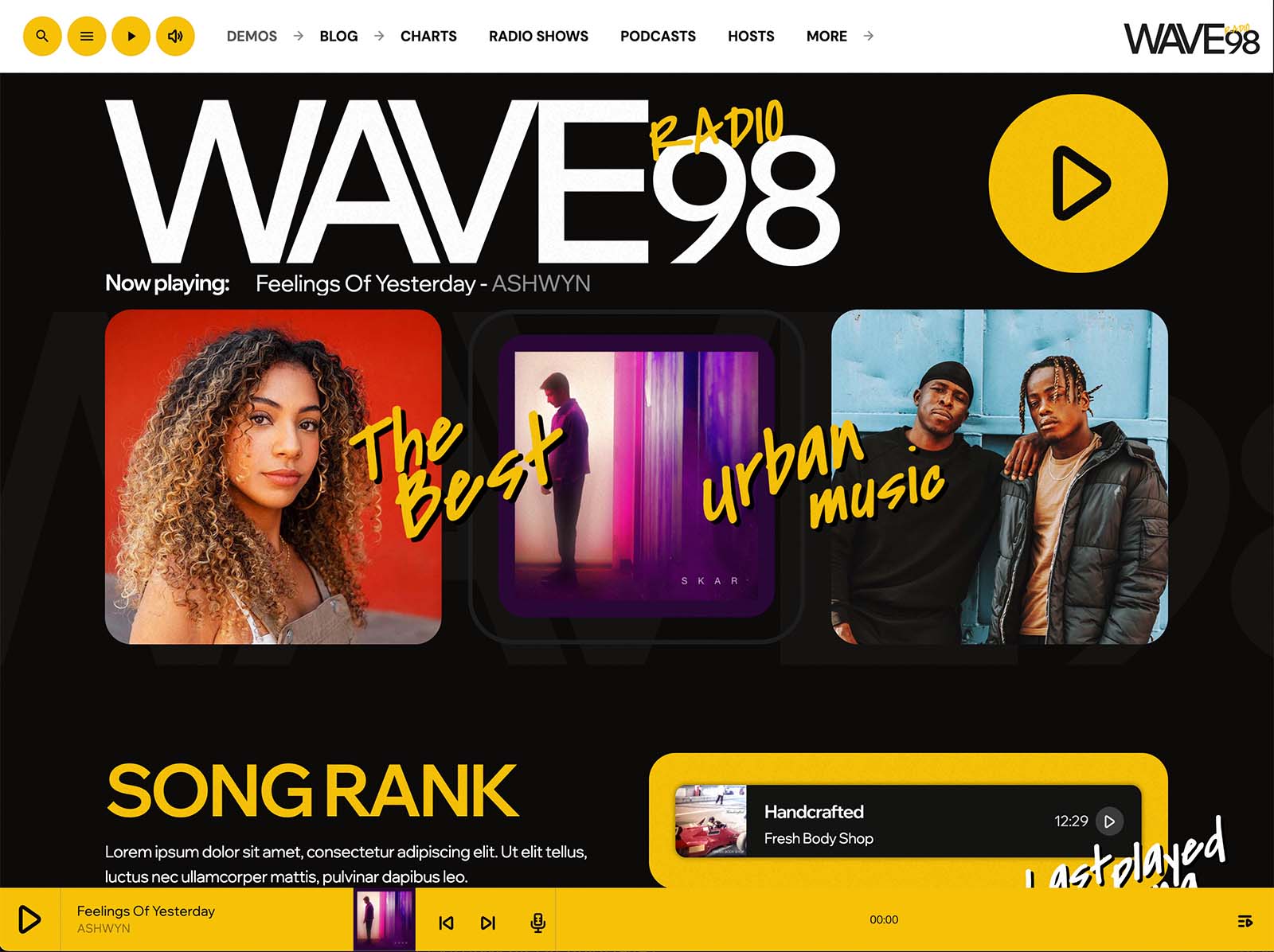
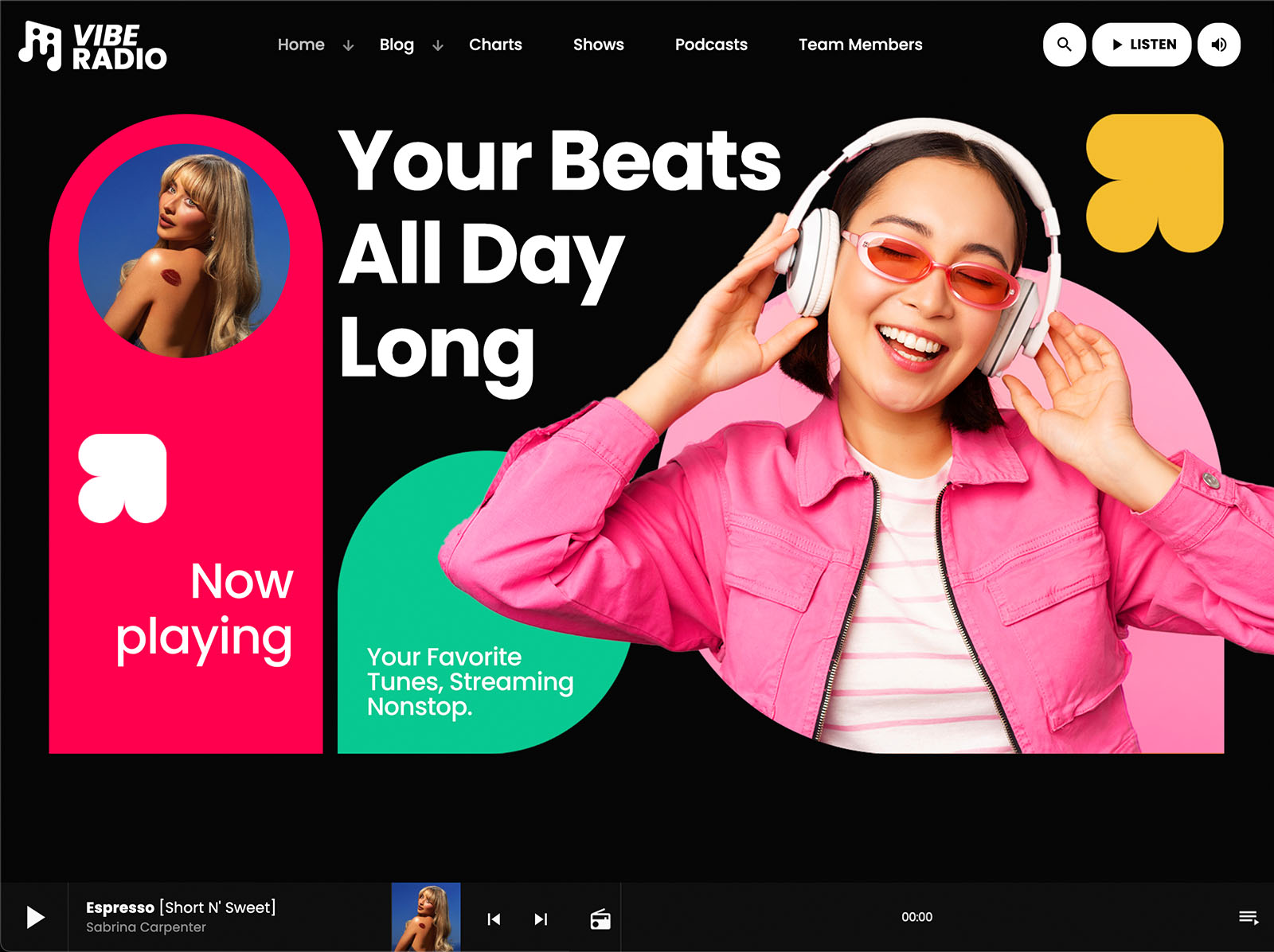
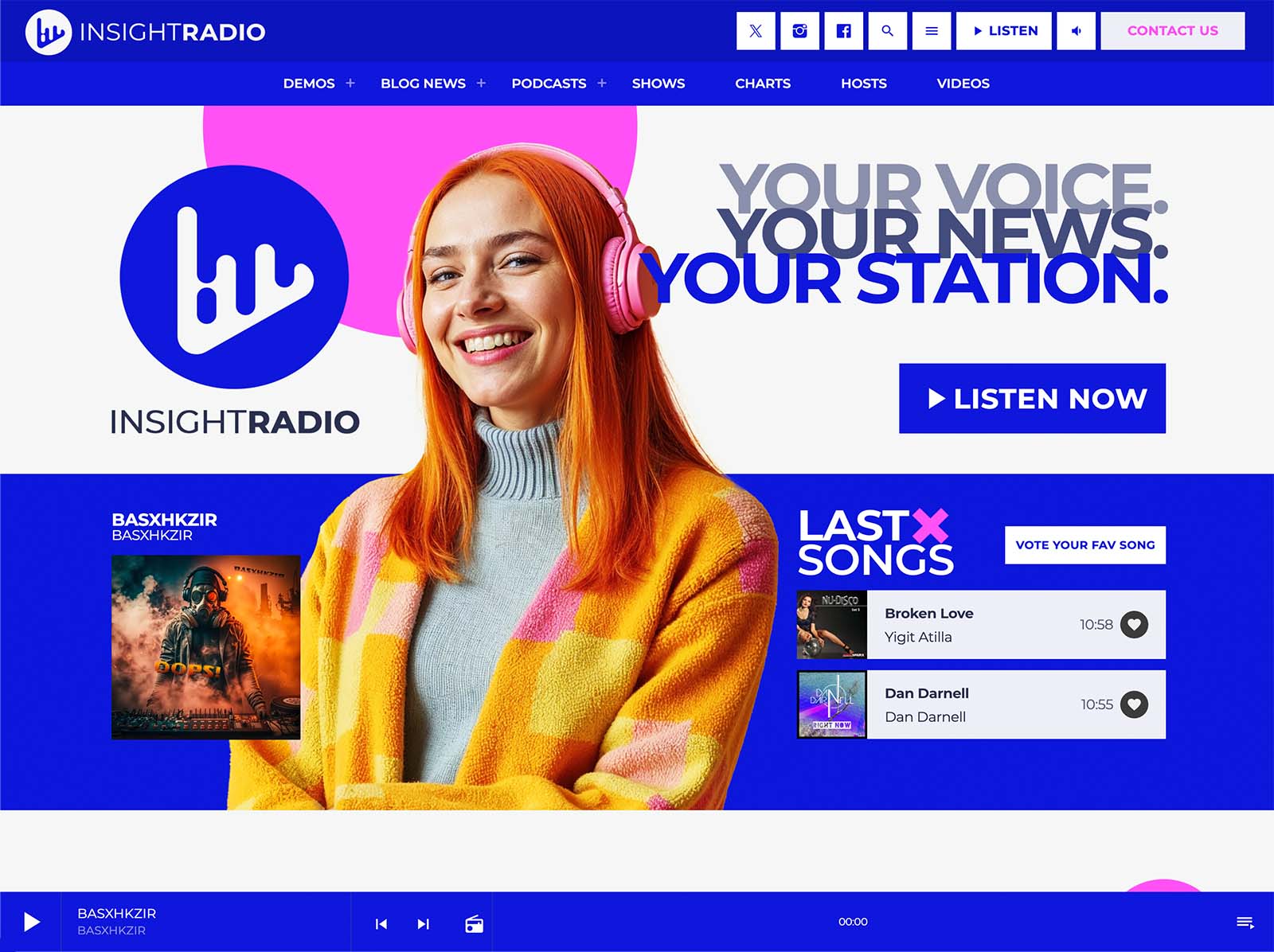
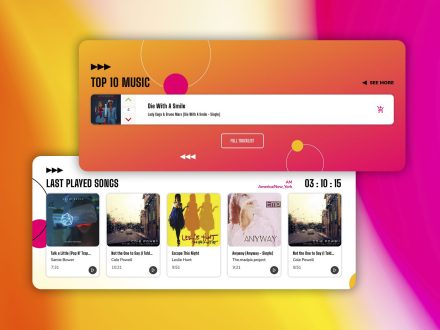
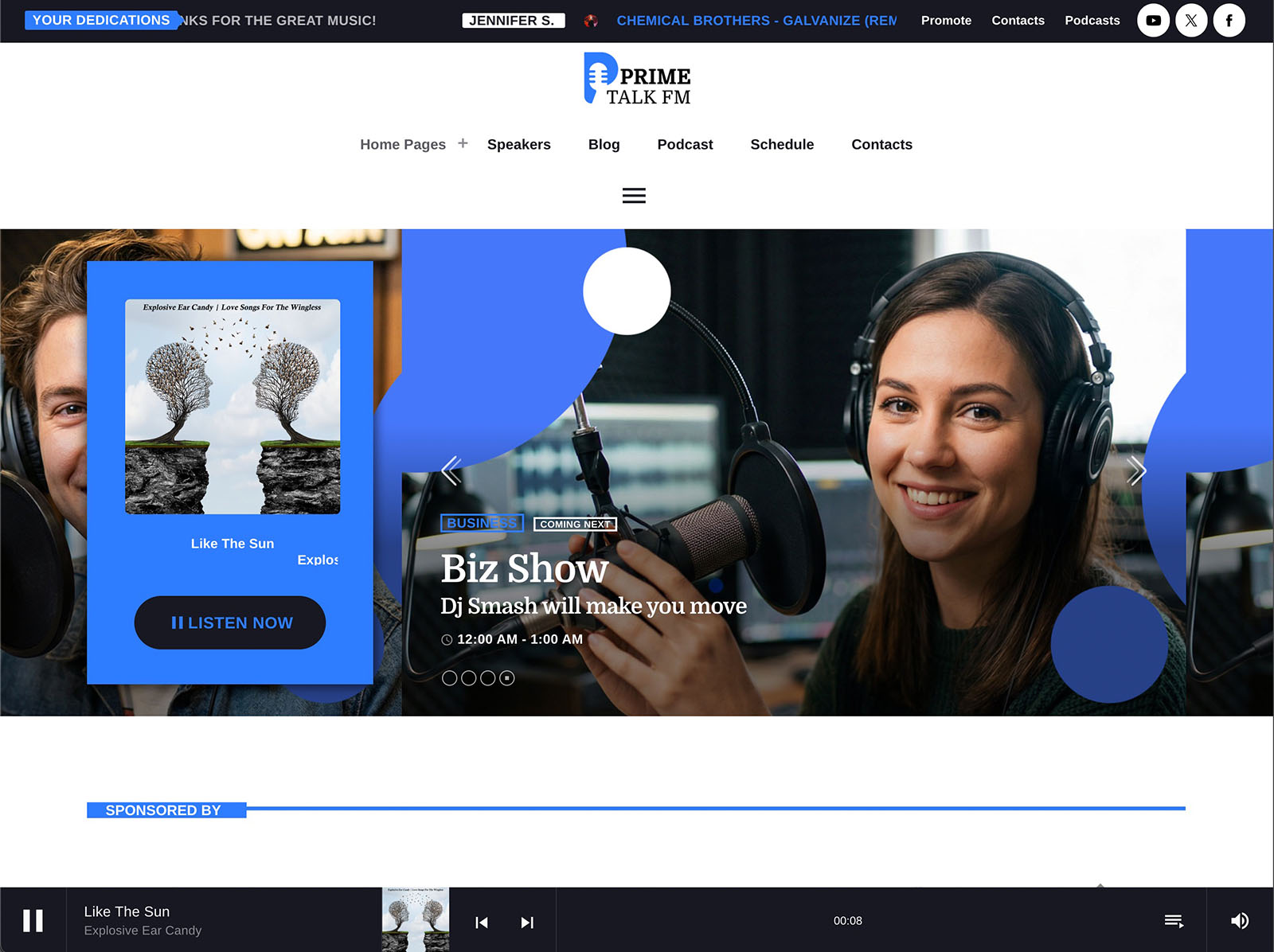
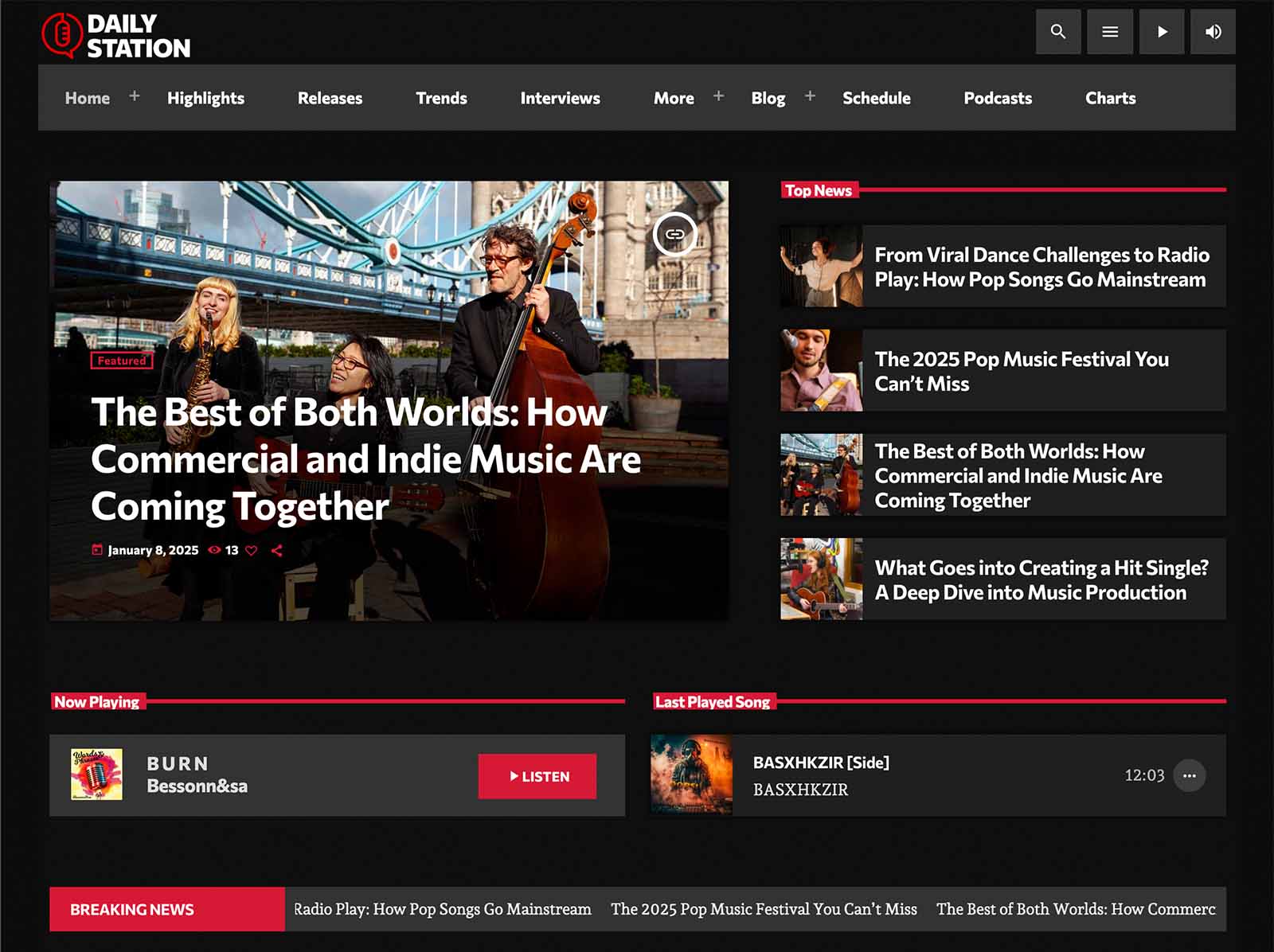
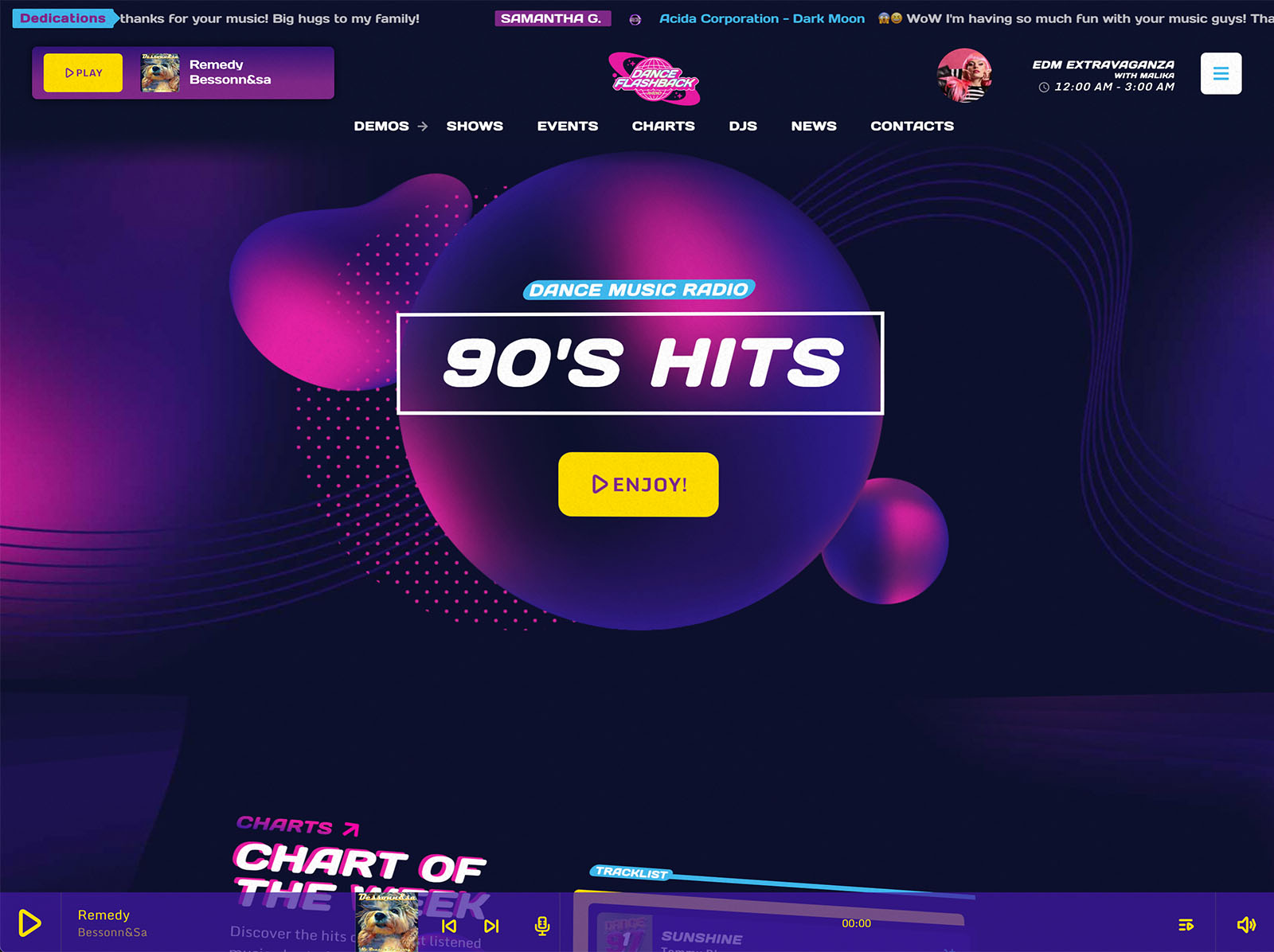
The non-stop player supports Shoutcast, Icecast, Radio.co, Airtime Pro, Airtime, Live365, Radionomy, RadioKing, Azuracast, and plain MP3 or AAC streams. You paste your stream URL once. ICY metadata reads real-time song titles automatically. Album covers load from public archives for public commercial releases. The bundled Ajax page load keeps the stream alive while visitors browse.
When a streaming provider updates their setup or you change your bitrate, you change one URL in the player settings and the entire site reflects it. No plugin reconfiguration. No CSS edits. No new compatibility headaches.
A Schedule That Updates Itself
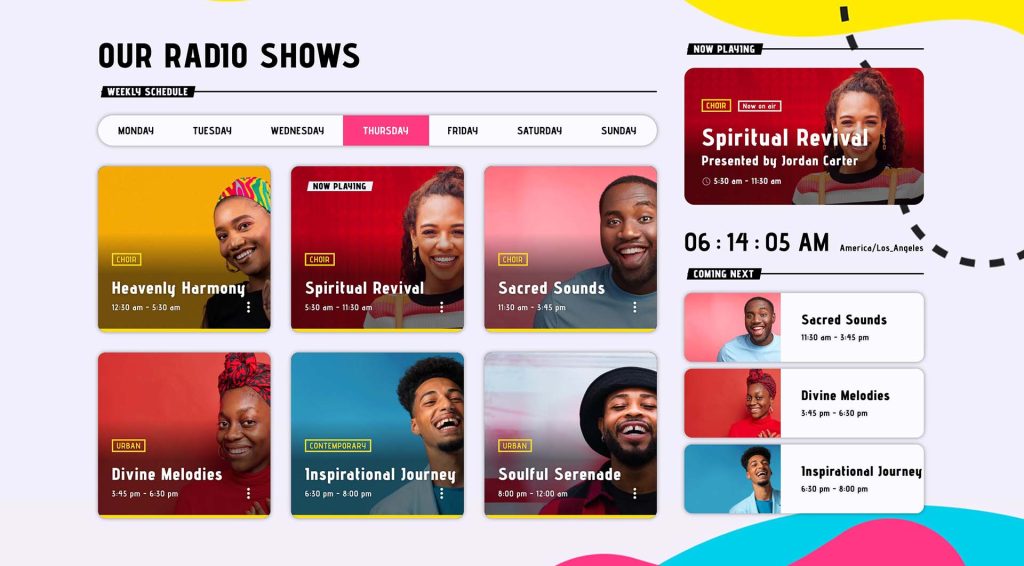
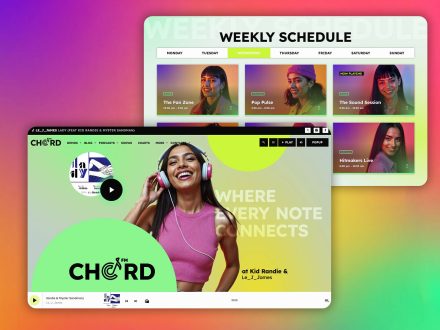
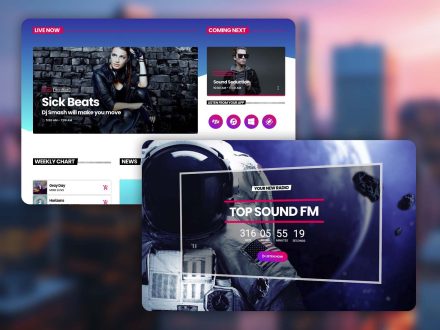
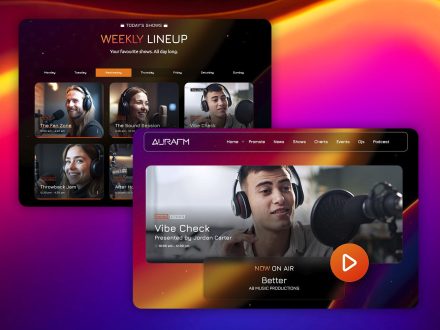
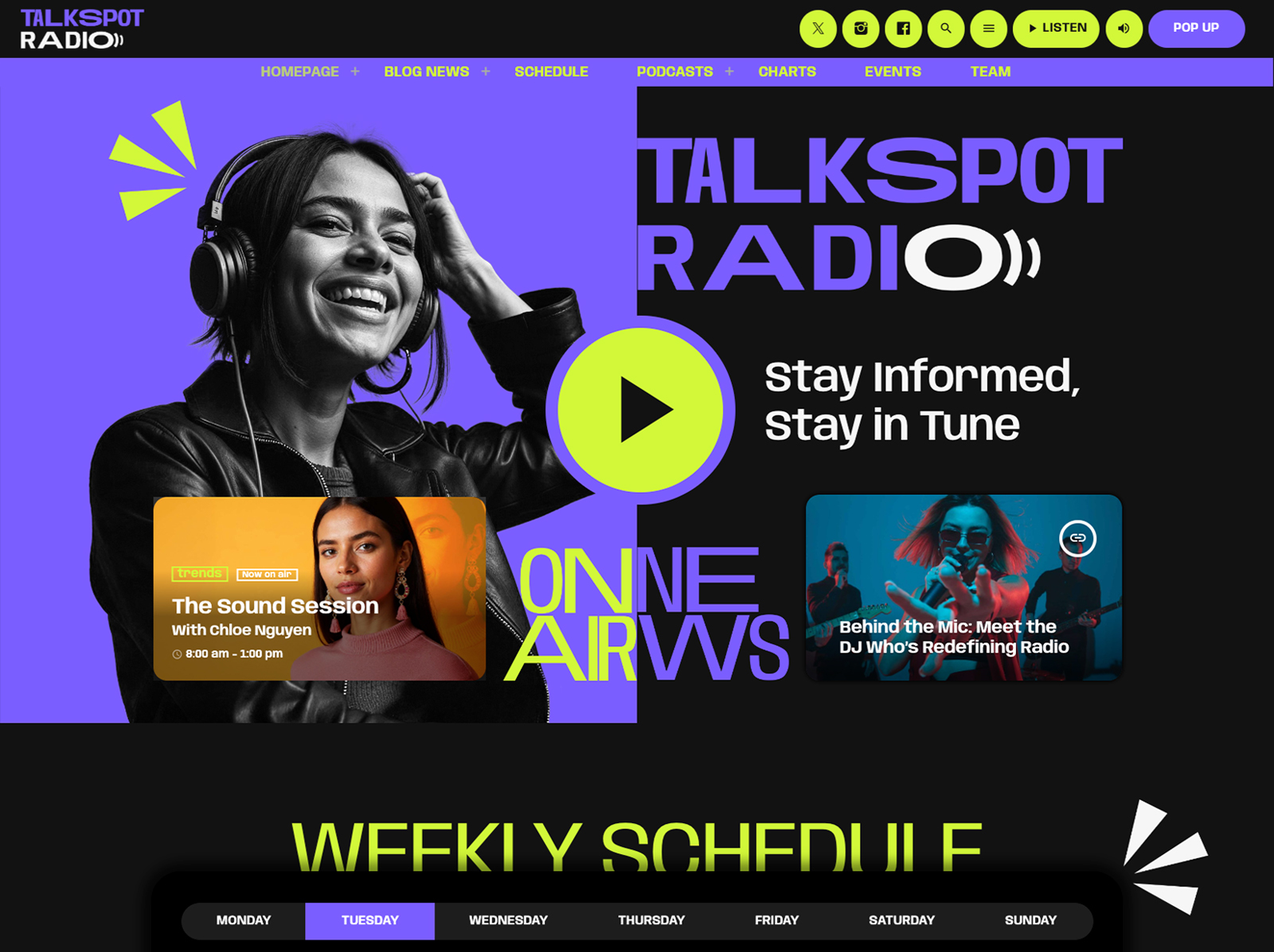
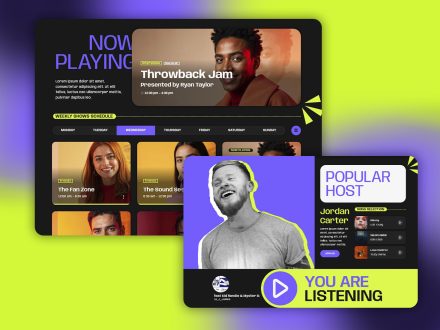
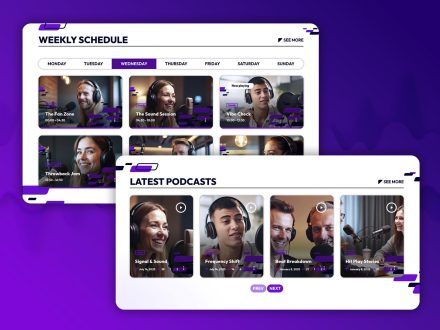
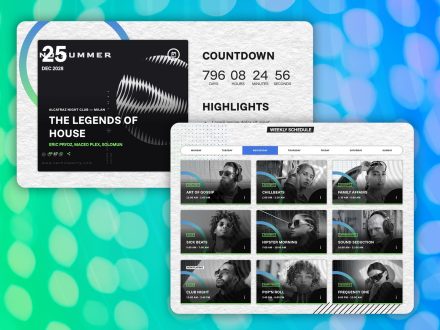
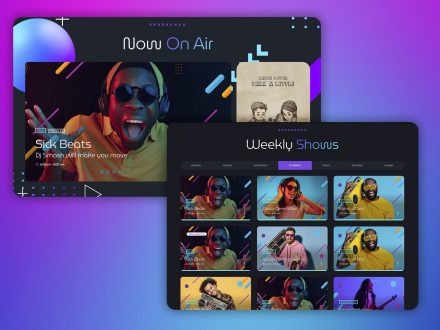
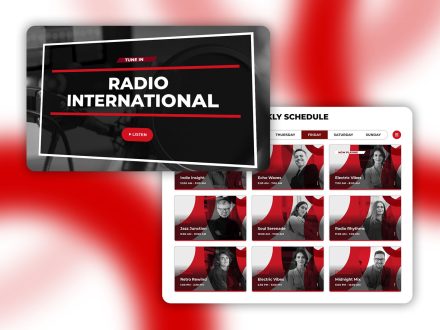
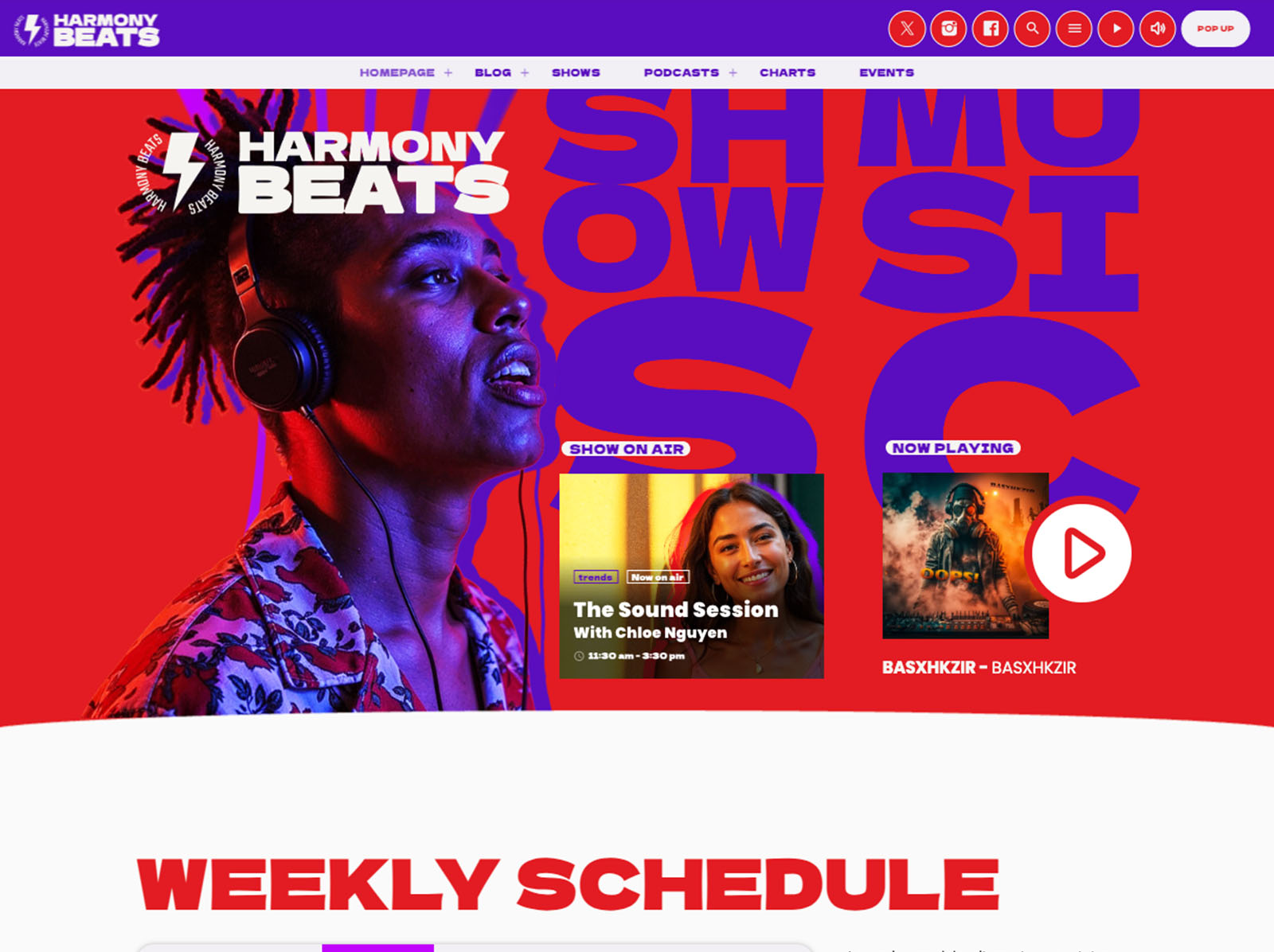
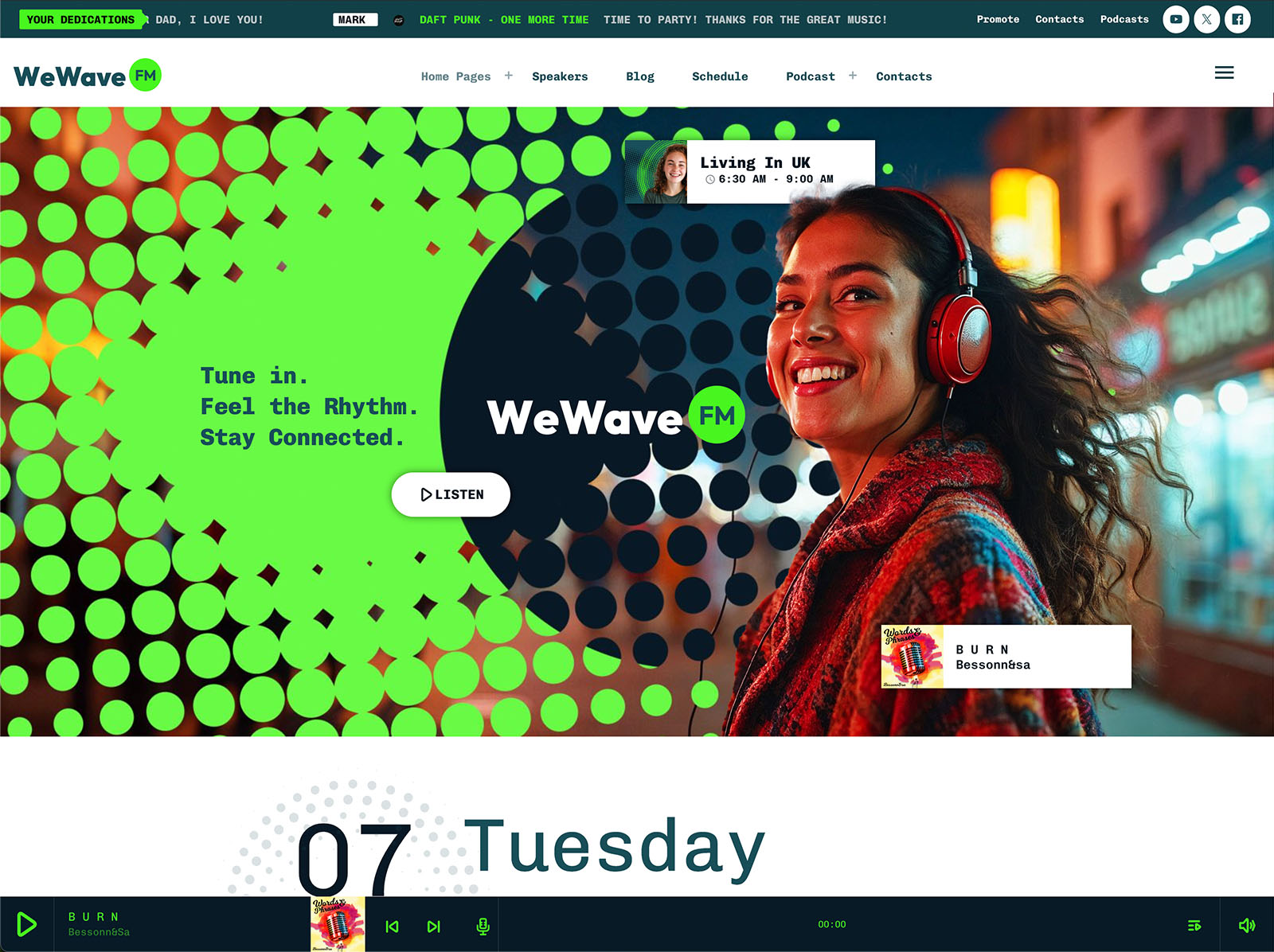
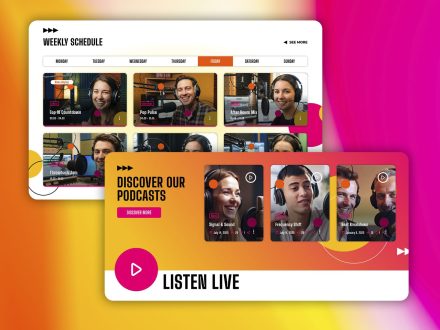
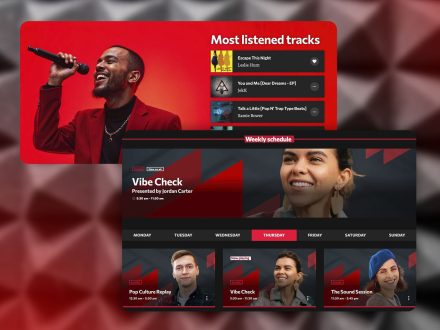
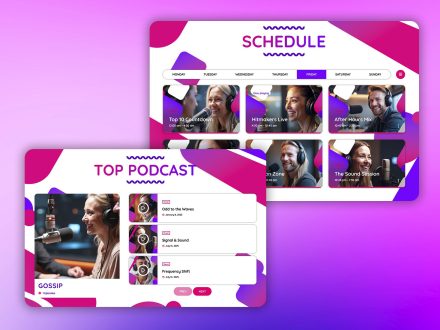
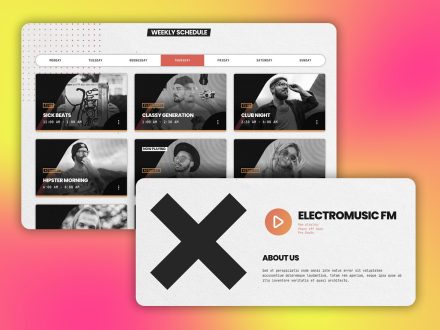
The interactive weekly schedule supports unlimited shows. Each show is created once. If it airs in multiple slots, you link it to each slot. Editing the show updates every instance automatically. Automatic time and day detection highlights the current show. The current day is preselected for visitors.
The point is not that the schedule is powerful. The point is that you stop maintaining a weekly grid by hand. The same show airing on Monday and Friday is one record, not two. The same host across three shows is one profile, not three. Each edit happens once.
That is the kind of feature that gives you back your evening.
Show Pages That Build Themselves
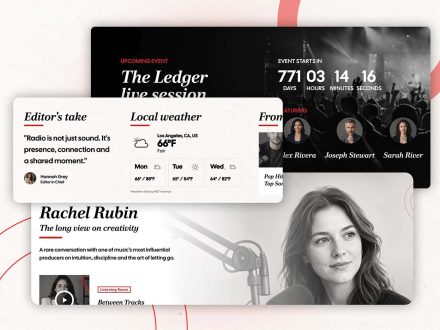
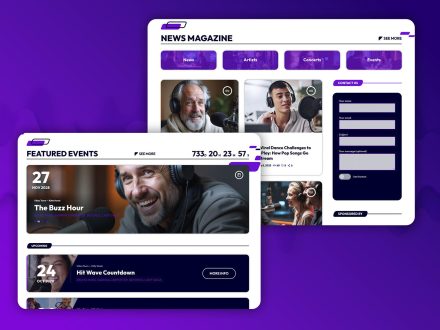
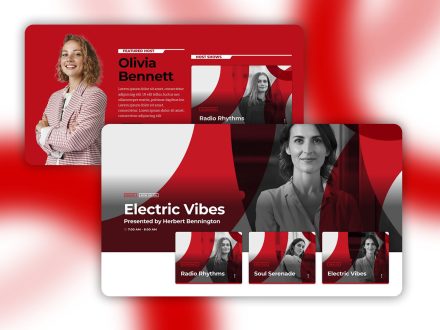
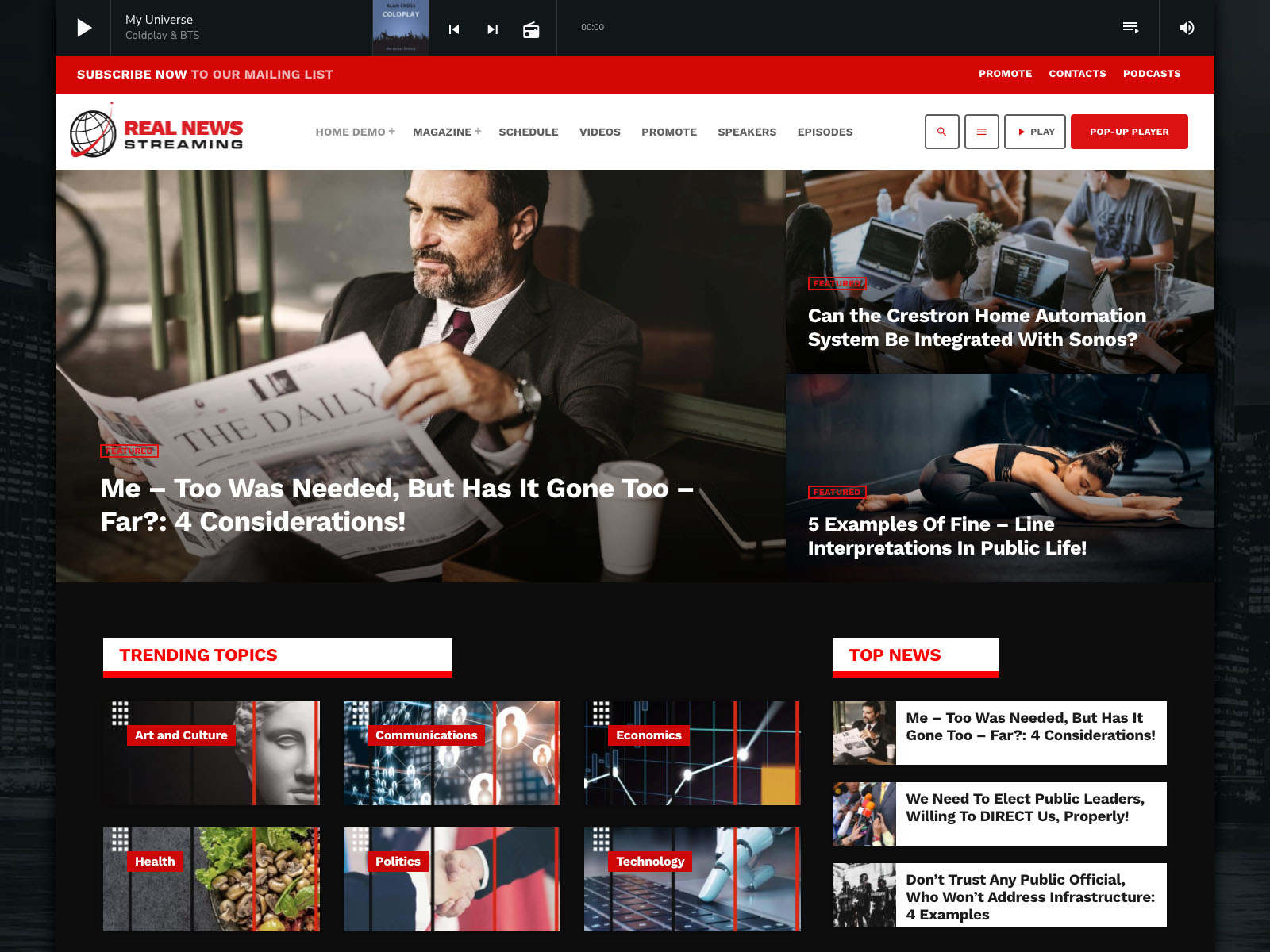
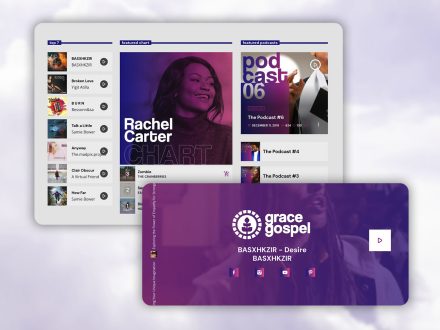
Each show page is self-updating. It can include the show’s timetable, recent podcast episodes, related news posts, music charts tied to the show, presenters, and upcoming events. You add a podcast episode and it appears on the right show page. You publish a related news post and it appears in the right place. You add an upcoming event and the show page picks it up.
You do not link anything by hand. The site organizes itself around the structure you defined.
Podcasts You Publish Once
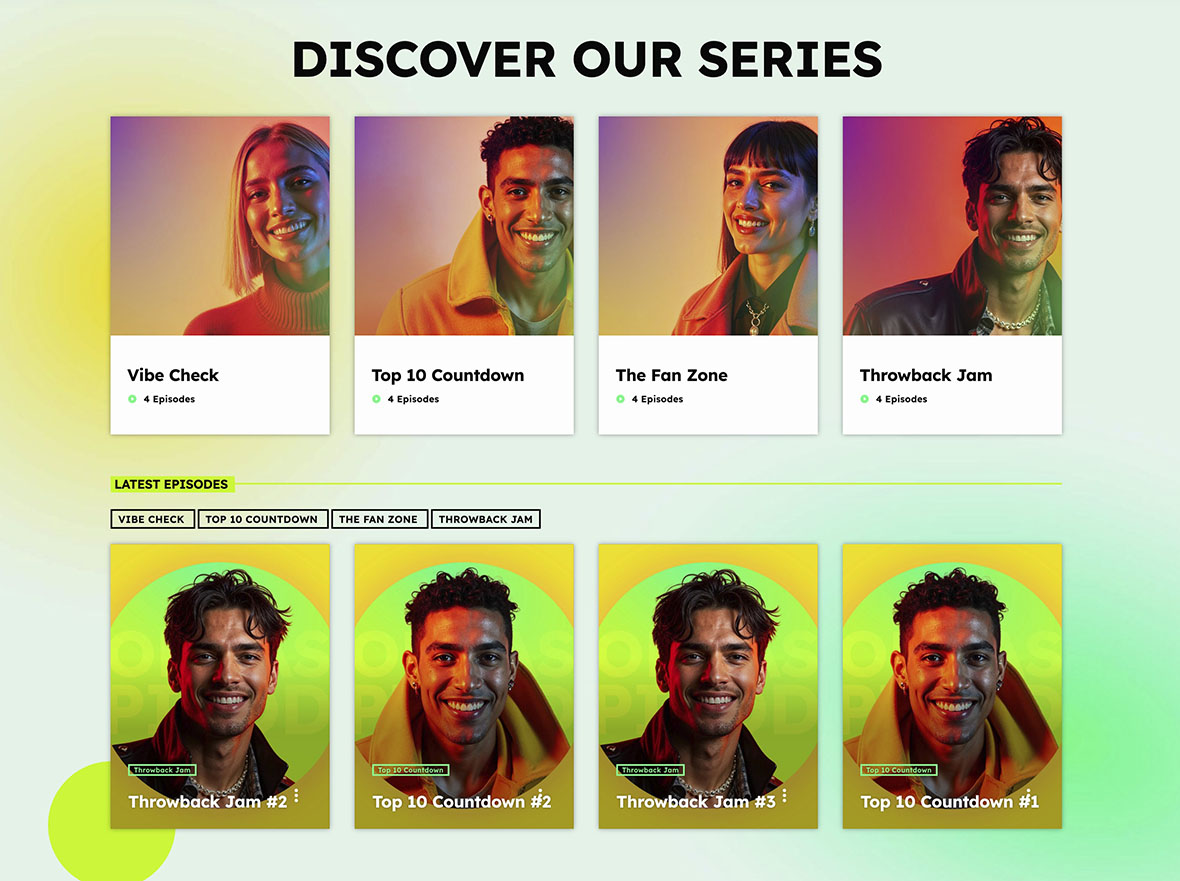
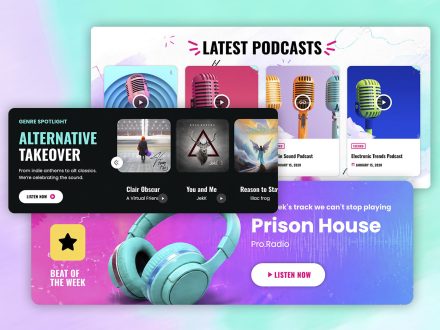
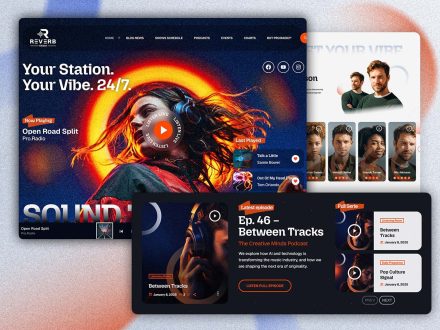
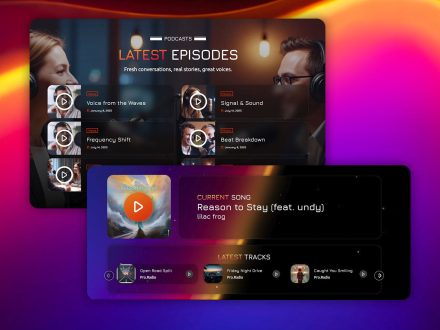
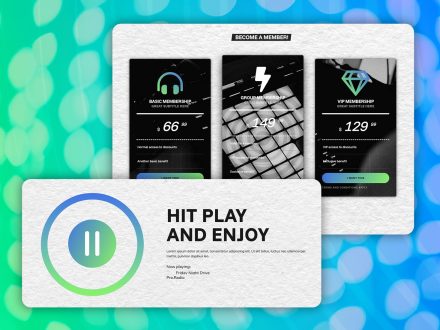
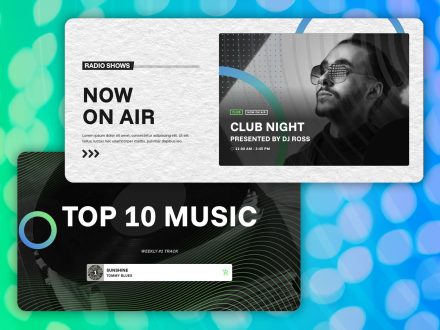
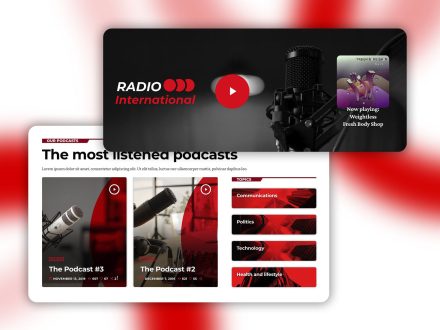
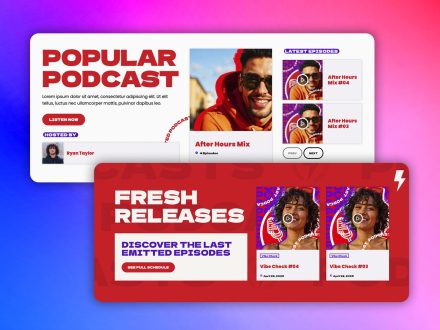
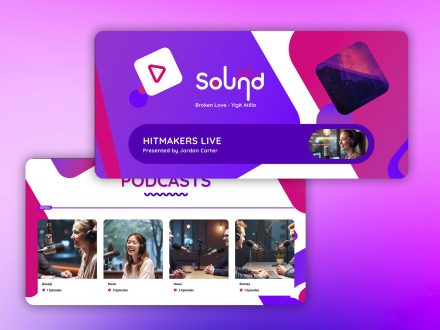
Pro Radio handles podcasts directly. Upload MP3 files, or embed from Anchor.fm, Blubrry, Mixcloud, Soundcloud, Spotify, or YouTube. The same radio player handles podcasts, so there is no second player to maintain. You publish an episode once and it appears on the show page, in the archive, and optionally as the latest episode preloaded in the player.
Past broadcasts can become podcasts, live re-airs, or recordings. You decide how each piece of content is reused, but you only manage it in one place.
Engagement That Does Not Become A Second Job
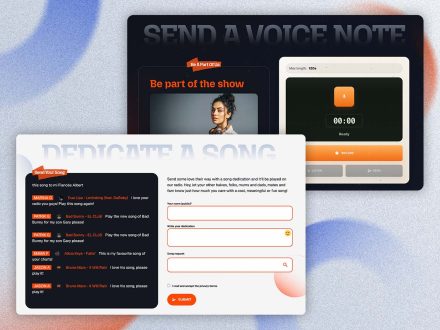
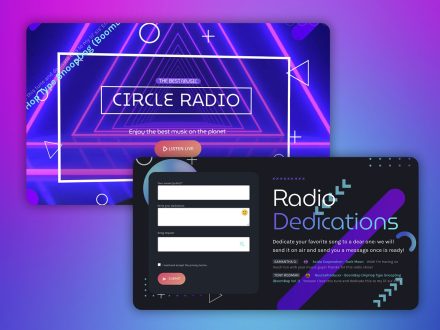
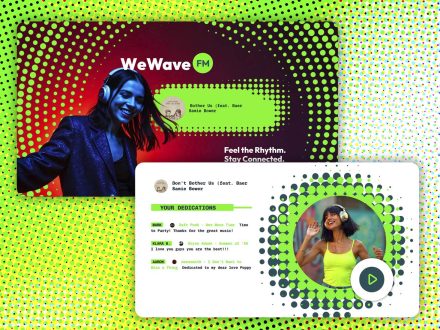
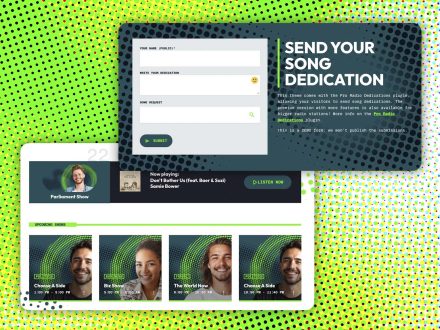
The Dedications add-on processes listener dedications through a moderated form. Antispam filtering, IP blacklist, submission limits, and email notifications handle the boring parts. One-click approval pushes a dedication to the page. Real-time visitor notification announces it. Listeners receive notification when their submission is approved.
Voiceline handles listener voice messages. The Elementor widget collects recordings. You moderate, approve, and air. Settings can require name, email, phone, and privacy consent. Admin notifications, user notifications, custom notification emails, IP blacklist, user waiting time, default pending-submission rate limit, and a global hourly rate limit are all built in.
You spend a few minutes a week on moderation, not on system maintenance. The participation feature does its own work.
Sponsors Managed By The System
The Business Tools ad manager addon installs in about five minutes through a 3-step automatic setup. Banner positions through Elementor widgets, AdSense and affiliate codes mixed with direct campaigns, unlimited campaigns with automatic start and end dates, frontend submission via WooCommerce with manual approval, automatically generated statistics pages per campaign, shareable sponsor access, and payments via PayPal, credit card, cash, or bank transfer cover the whole sales process.
You define banner positions once. The system rotates campaigns automatically. Sponsors check their own statistics page. Renewals happen because the sponsor sees results, not because you push them. The website is doing your sales operations work in the background.
Design Without Constant Tweaks
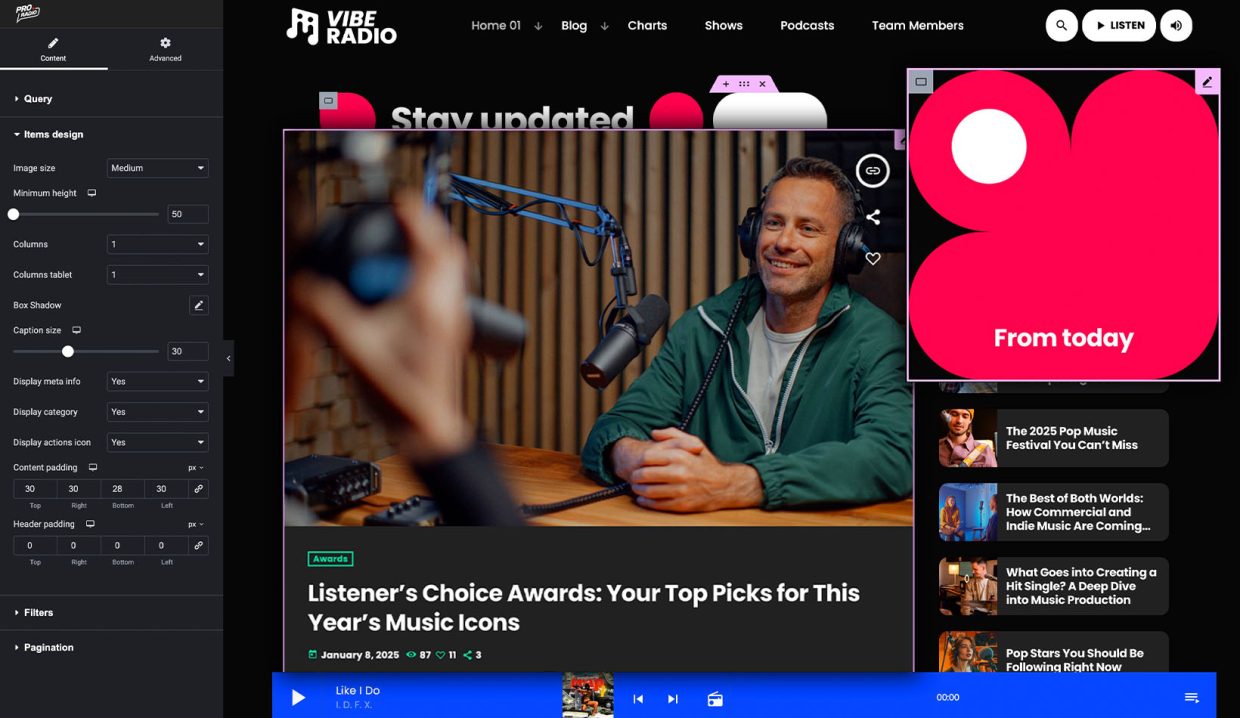
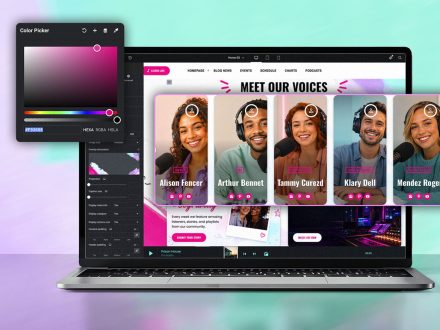
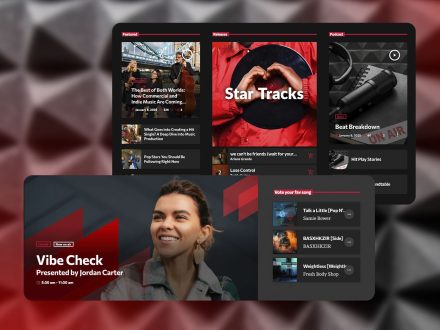
The customizer holds more than two hundred options on one page with a live preview. Material-design-based colors, typography controls for content, bold, headings, and captions, four menu locations, two sidebar locations, a hundred CTA icons, a hundred secondary menu icons, sticky and transparent menus, page header effects including parallax, waves, duotone, grayscale, and gradient. You set the global look once. The whole site follows.
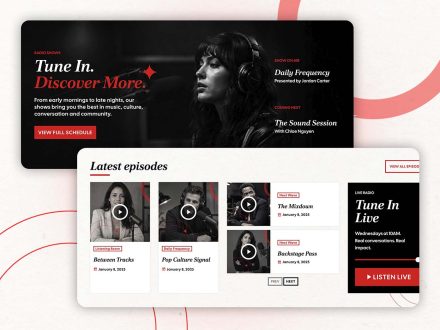
For special pages, Elementor handles the visual work with over thirty Pro Radio widgets and over eighty templates. The Plus bundle adds well over three hundred more. You build a page when you need one, then go back to the music.
Why One Ecosystem Is The Whole Point
Every late-night maintenance session you have ever had started with a conflict between two tools that were never meant to coexist. Pro Radio replaces the patched stack with one ecosystem. The theme, the customizer, the Elementor widgets, the player, the schedule, the show pages, the podcasts, the charts, the events, the team profiles, the dedications, the Voiceline, and the sponsor system all share the same foundation.
The Plus subscription brings Sidekick, Business Tools, Dedications, Podcast Importer, and over three hundred Elementor templates under one umbrella, with continuous updates, helpdesk support, and unified plugin management. The website becomes a known quantity instead of a moving target.
Spend Your Time Where It Belongs
If your week has too much website and not enough music, the problem is the system, not your discipline. Pro Radio is designed to handle the website so you can handle the radio. Audio is your craft. The platform should support it without demanding constant attention.
Move to Pro Radio, configure the parts that matter, and let the system do its job. Your music will sound better when you have time to think about it.





AD

You may also like
Copyright 2019-2026 ProRadio® Qantum Themes SL® ESB02979078 All Rights Reserved