Background
trending_flat

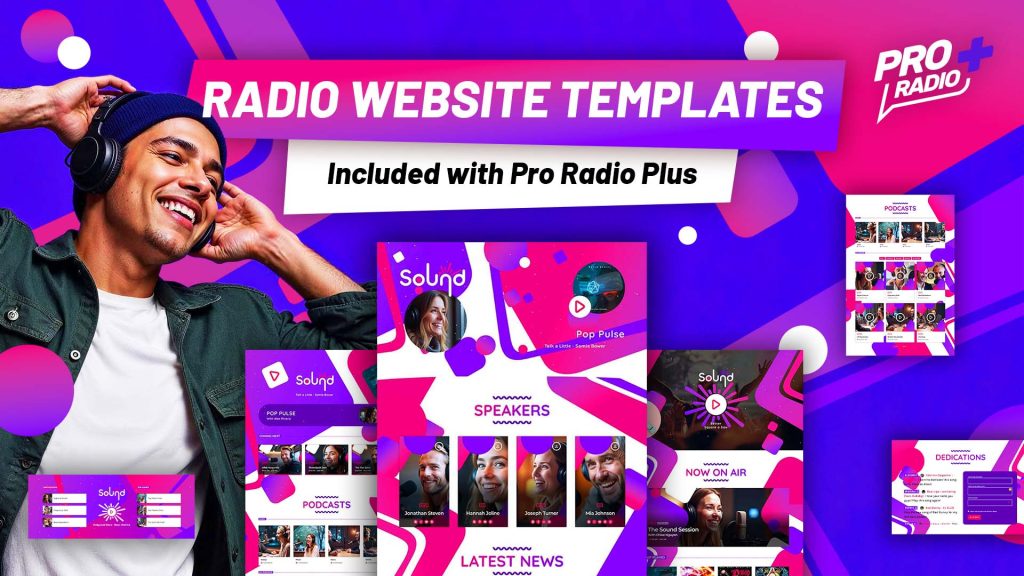
Transform Your Broadcast: The Ultimate Professional Radio Website Template

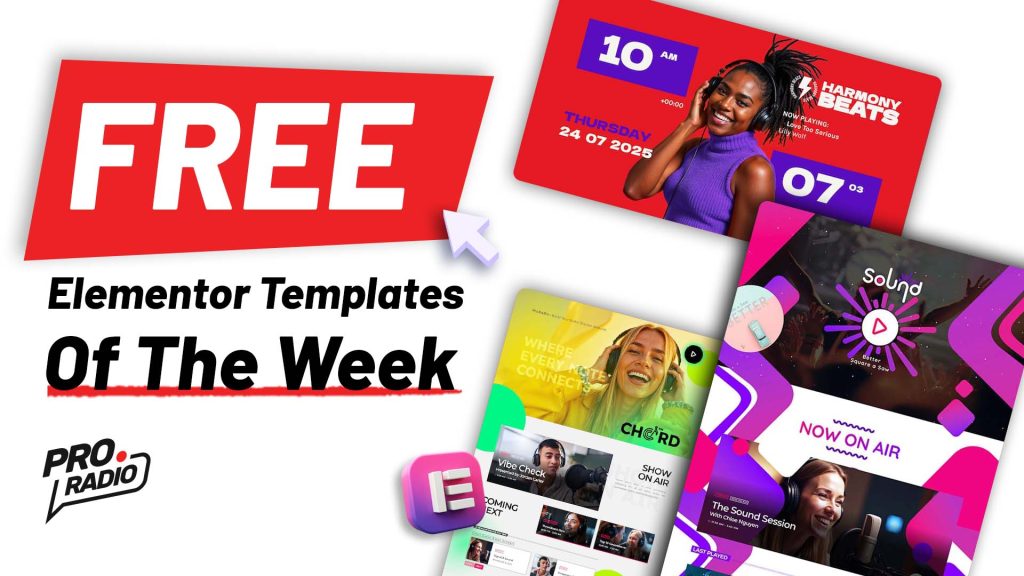
Introduction Imagine turning your passion for music into a thriving online platform that reaches listeners worldwide. With the Harmony Beats demo template—included with Pro Radio WordPress Theme—you can launch a professional-grade radio station without writing a single line of code. This vibrant, magazine-style layout empowers creators at every stage, whether you’re diving into how to start a radio station or scaling your existing broadcast. Design That Speaks Volumes From the moment your audience lands on your homepage, they’re greeted by bold red-purple gradients and dynamic hero sections. Animated countdowns build anticipation, while oversized headlines and geometric accents deliver a modern magazine feel. Every element—from the “Listen Live” button to the rotating podcast carousel—has been crafted to amplify your brand’s personality. And because it’s fully editable with Elementor, you can fine-tune every detail in minutes. Your Sound, Your Style Harmony Beats […]

trending_flat

Introducing Spirit Sound: The Gospel Radio WordPress Template That Brings Your Ministry to Life!

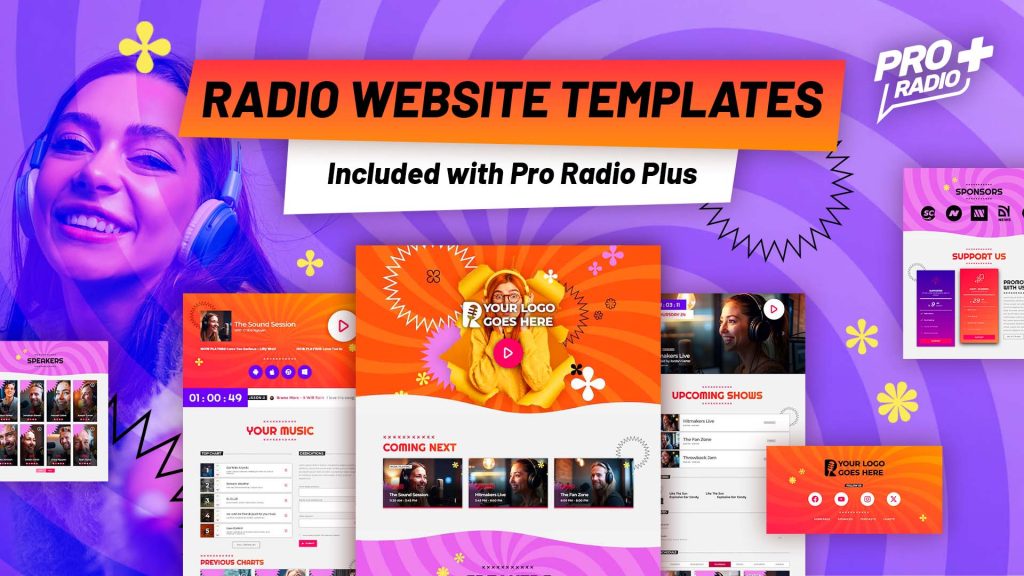
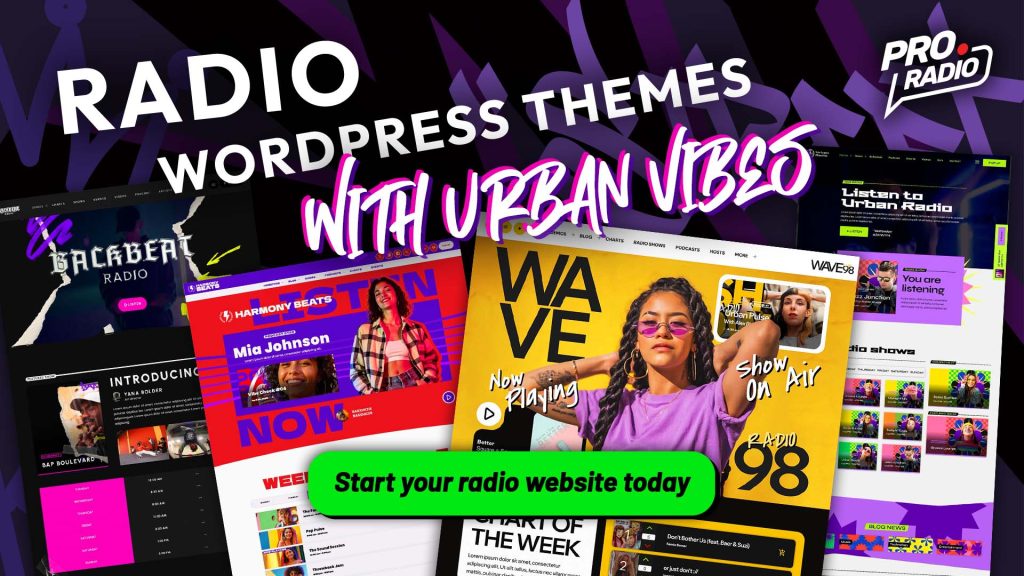
We are thrilled to introduce a brand-new, radiant addition to the Pro Radio website builder family: Spirit Sound – The New Gospel Radio Station WordPress Template!Designed to capture the heart and soul of Gospel broadcasting, this vibrant and colorful template is perfect for stations that want to share their message with energy, passion, and style. Built specifically for Gospel radio stations, ministries, Christian podcasts, and joyful musical communities, Spirit Sound, included with Pro Radio WordPress Theme,  shines with a lively design that’s both welcoming and professional — a perfect harmony for your online presence. Check details and demo Open demo in new tab Purchase Pro Radio In this post: A Celebration of Color and Spirit From the very first glance, Spirit Sound welcomes visitors with a burst of color and joyful energy. Every page is thoughtfully designed to reflect the […]

trending_flat

Pro Radio 7.4 – Fresh features for your station

 Get ready for a smoother, faster, and more dynamic experience with the latest Pro Radio 7.4 update. Here’s what’s new: New Clock Widget for Elementor Now available in Elementor: the new Clock widget. It displays the current date and time based on your website’s time zone—perfect for helping listeners understand your show schedule at a glance. This widget is cache-free, updates every second, and pulls the correct time from your WordPress settings. Fully customizable, you can choose what to display (hours, minutes, date, etc.), pick the format, set fonts, and style it as you like—giving you the freedom to create a unique clock that fits perfectly in your site design. New Upcoming Shows Grid & Lists A brand new way to display your current and next shows: the Upcoming Shows Grid. Unlike the old carousel, this version loads faster, […]

trending_flat

We Wave FM: A Bold, Bright Radio Template for the Next-Gen Broadcaster

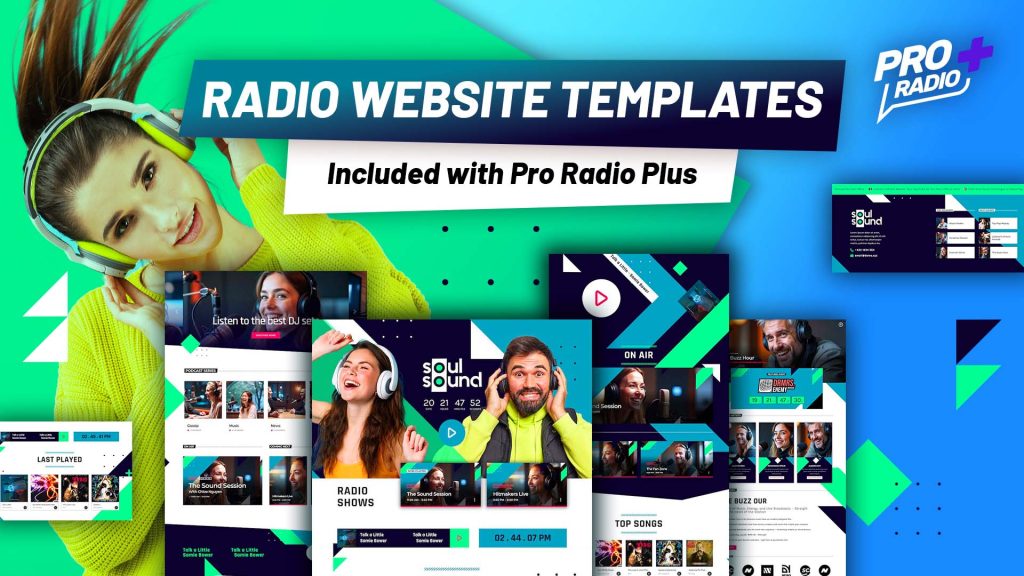
In a world where every radio station is fighting for attention, We Wave FM cuts through the noise — not by being louder, but by being fresher. Designed for creators who want to make a bold first impression, this radio website template, included with Pro Radio WordPress Theme is a celebration of vibrant design, forward-thinking layouts, and features that let your content shine. From the moment you land on the homepage, it’s clear that We Wave FM isn’t following trends — it’s setting them. The electric green palette, punchy halftone decorations, and sharp typography built with Outfit and Chivo Mono come together to create a visual identity that feels alive. Everything about the design says: This station has something to say — and it sounds great doing it. Explore features and live demo Open demo in a new tab Get […]

how to start a radio station
trending_flat

How to start a radio station

https://www.youtube.com/watch?v=YQq1Z58q3hk https://www.youtube.com/watch?v=9Kv6M5Lo3vg https://www.youtube.com/watch?v=kvxcZxHhAbE This is how to start a radio station from zero How to start a radio station? This comprehensive guide is designed to provide you with all the information you need to successfully launch your very own radio. From setting up the necessary equipment to selecting a brand, creating a radio show schedule, promoting your channel, attracting new listeners, streaming online, and monetizing your radio station, we've compiled the best insights from renowned experts in the field. You're unstoppable on your journey to start your very own radio station! You may thing this guide is too much, get scared and close the page, but hold on! Before you start reading: We've compiled an abundance of information that covers EVERYTHING you need to know about starting a radio station. Don't feel overwhelmed—you don't have to read it all in […]

trending_flat

Your New All-In-One Radio Website for Just 1$? Now It’s Possible!

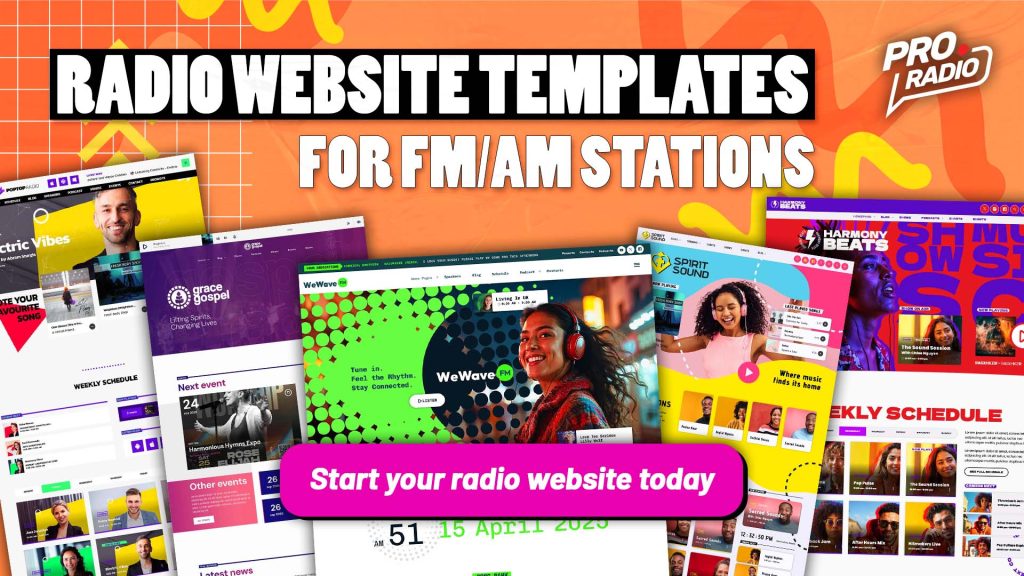
We’re celebrating our latest upgrade with 9 brand-new Radio Website Templates and a SUPER discount! Get your first month for ONLY 1$ on ANY of our packages, including Hosting + Pro Radio pre-installed! What is All-In-One Radio? https://www.youtube.com/watch?v=9Kv6M5Lo3vg   It’s a complete radio website solution: ✅ Professional Hosting optimized for radio streaming ✅ Pre-installed WordPress + Pro Radio ✅ Choose from 40 stunning radio website templates ✅ Easily edit colors, logo, music and contents VISUALLY! ✅ Live in just 60 seconds – No coding needed! ✅ Compatible with any streaming provider ✅ 3 Professional Email Accounts included! LIMITED OFFER – Only This Week! First 20 customers get the first month for just 1$ (renews at $19.99/month) Annual plan? Just $121 for a FULL YEAR (Hosting + Pro Radio license included!) Important: The discount is applied at checkout! Valid only for new […]

trending_flat

TalkSpot Radio: The Ultimate Radio Station Template for WordPress

Creating a professional and engaging online presence is essential for any modern radio station. If you're running a digital station, having a website that not only streams your content but also engages your audience with interactive features is key. This is where the TalkSpot Radio Template, designed for the Pro Radio WordPress Theme, comes in. With a bold design, intuitive layout, and full compatibility with essential streaming and podcasting tools, this radio website builder is a complete solution for broadcasters, DJs, and music networks. The TalkSpot template is included with the Pro Radio WordPress Theme. https://www.youtube.com/watch?v=8RNUpMLVfiw Envision a radio station website that radiates vibrancy—TalkSpot is bold and dynamic. Featuring striking bold color accents, modern typography, and immersive visuals, this template is built to captivate audiences from the moment they land on your site. Designed to reflect the rhythm of contemporary music […]

trending_flat

Introducing Chord: A Modern, High-Energy Website Template for your Radio Station

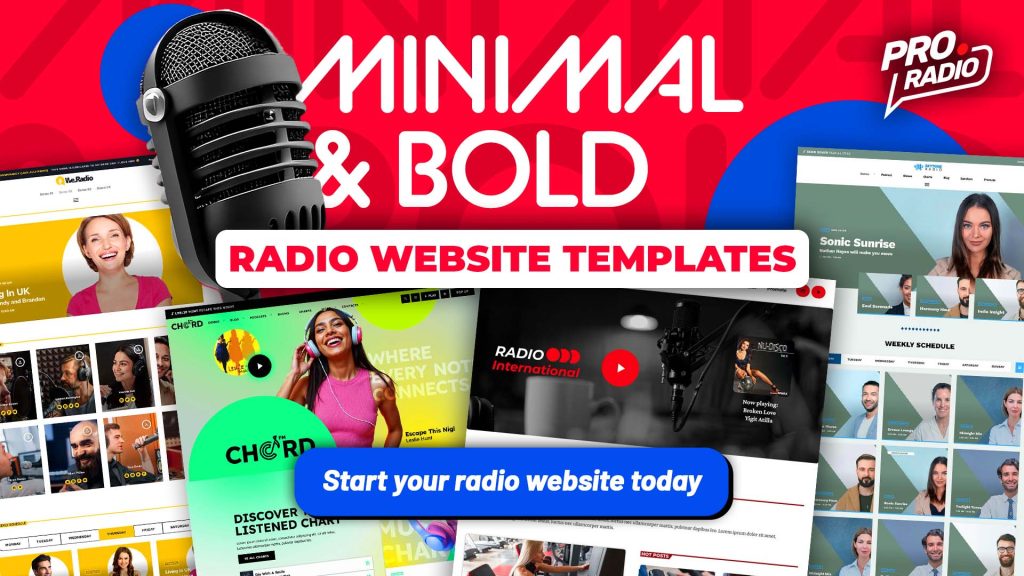
Creating a professional and engaging radio website has never been easier. With the new radio station template included in the Pro Radio WordPress Theme, broadcasters, DJs, and media professionals can now design a fully functional, visually striking platform tailored to their needs. Built exclusively for Elementor, this powerful radio website builder brings seamless customization, modern aesthetics, and advanced features designed specifically for radio stations. https://youtu.be/U_zF2RV5_w4 The template "Chord" is included with Pro Radio WordPress Theme. Imagine a radio station website that pulses with energy—CHORD is electric. With its fluorescent gradients, high-contrast typography, and immersive imagery, this template captures attention instantly. Designed to match the pulse of the music industry, CHORD blends neon vibes, professional layouts, and interactive elements to keep listeners hooked. Check details and demo Open demo in new tab Purchase Pro Radio In this post: A Modern, High-Energy […]

trending_flat

Radio Station Owners: Stop Wasting Time on Website Updates!

https://www.youtube.com/watch?v=sr-0ubpf9bI Running a radio station is all about music, content, and engaging your audience—but if you’re drowning in endless website updates, you’re missing out on what really matters. Between updating show schedules, adding podcasts, managing charts, and selling ad space, your website can feel like a full-time job. But what if you could automate it all and take back your time? With the Pro Radio WordPress Theme, you can! Here’s how it helps you eliminate tedious tasks so you can focus on growing your station. 10 Ways Pro Radio Saves You Hours Every Week 1. No More Manual Schedule Updates Stop updating your show schedule manually! With Pro Radio, your DJ lineup syncs across your entire site automatically—so when a schedule changes, your homepage, DJ profiles, and program grid all update instantly. 2. Smart Auto-Refreshing Now Playing Info Keep your […]

trending_flat

How to Hide an Unwanted Category in the Category Grid Widget for Elementor [Pro Radio WordPress Theme Tutorial]

https://www.youtube.com/watch?v=3Sbe897Vmjg   If you’re using Elementor and need to remove a specific category from the Category Grid Widget from the Pro Radio WordPress Theme, follow this quick guide: Step 1: Find the Category ID Log in to your WordPress dashboard. Navigate to Posts > Categories. Locate the category you want to hide and click Edit. In the URL of the edit page, look for the category ID (a number). Copy it. Step 2: Exclude the Category in Elementor Open the page you want to edit using Elementor. Select the Category Grid Widget in the editor. In the widget options, find the Exclude by ID field. Paste the copied category ID into this field. Step 3: Save and Preview Click Publish to save your changes. Visit the page on the front end to confirm the category is no longer visible. That’s […]

Login to enjoy full advantages

Please login or subscribe to continue.

Go Premium!

Enjoy the full advantage of the premium access.

Stop following

Unfollow Cancel

Cancel subscription

Are you sure you want to cancel your subscription? You will lose your Premium access and stored playlists.

Go back Confirm cancellation