



Custom Halloween Elementor Templates for Radio Stations
AD
Your Halloween radio campaign does not have to stop at social media.
If your station is running Halloween specials, spooky playlists, late-night shows, DJ sessions, horror podcasts or seasonal broadcasts, your website should feel part of the campaign too.
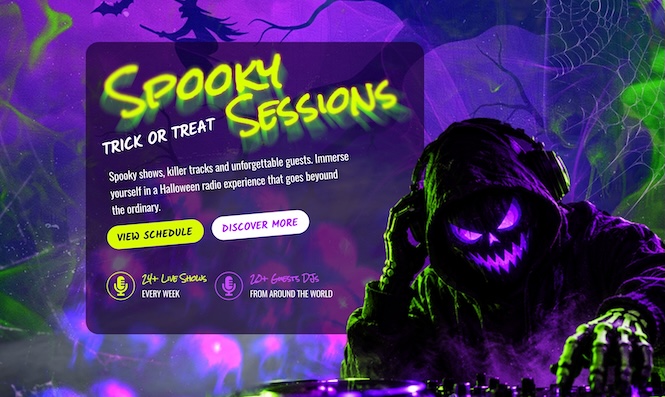
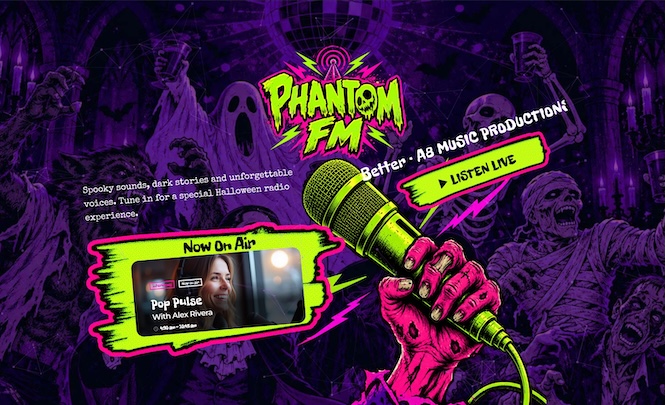
That is why we created a new set of Halloween Elementor templates for radio stations.
There are two ways to use them.
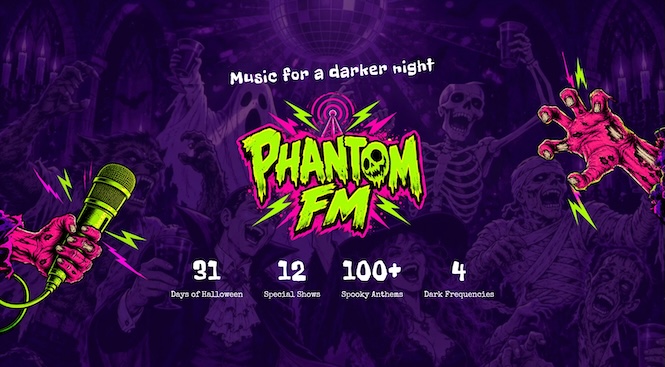
The first one is completely free: you can download 3 generic Halloween Elementor templates as .json files and import them into any WordPress website using Elementor.
The second one is for Pro Radio Plus users: if you have Pro Radio Plus, you can also install 3 additional Halloween templates that use Pro Radio widgets and connect better with your radio website.
So whether you simply want a free Halloween section for your Elementor website, or you want a more complete Pro Radio layout with radio-specific widgets, this release gives you a practical way to bring Halloween onto your station website.
Contents
hide
- 1. Halloween website sections for your radio campaign
- 2. 3 free Elementor templates you can use on any website
- 3. 3 extra Pro Radio templates for Pro Radio Plus users
- 4. How Pro Radio Plus users can install the widget templates
- 5. Use the templates with your Halloween social packs
- 6. Save 20% on Your New Radio Station Website
Halloween website sections for your radio campaign
A good Halloween campaign should feel connected.
Your social posts, your show graphics, your headers and your website should all point in the same direction.
When a listener clicks from Facebook or Instagram, the website should continue the mood.
Not with a huge complicated redesign.
Just enough to say: something special is happening here.
These Halloween Elementor templates help you do exactly that.
You can use them to promote:
- Halloween radio shows: create a strong section for your seasonal programming.
- Special broadcasts: highlight your main October show, live event or themed night.
- DJ sessions: promote dark mixes, party sets and late-night broadcasts.
- Podcasts: give horror episodes, mystery shows or seasonal content a proper visual space.
- Spooky playlists: send listeners to a dedicated Halloween music experience.
- Station campaigns: make your homepage feel alive during the Halloween period.
3 free Elementor templates you can use on any website
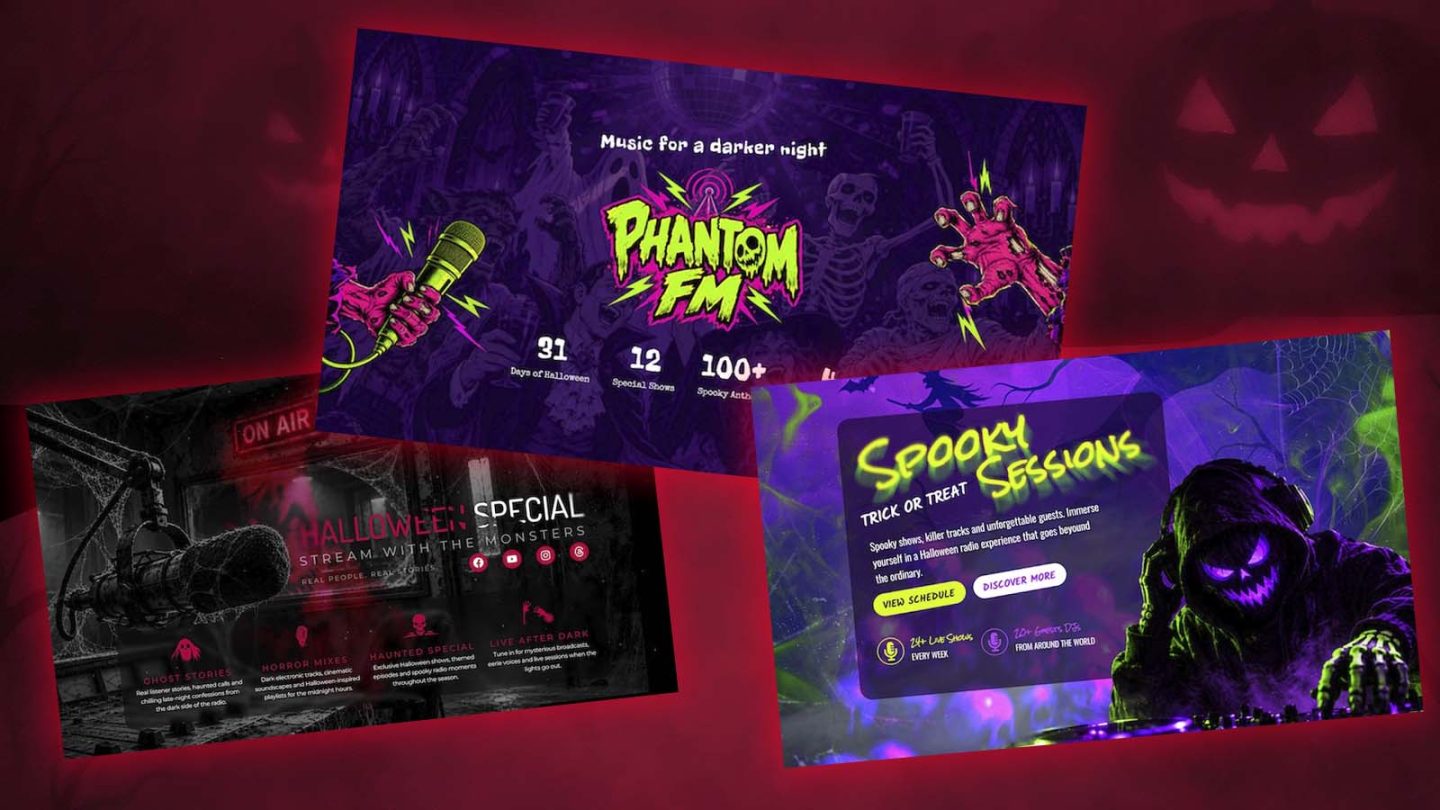
The free download includes 3 generic Halloween Elementor templates.
These templates do not use Pro Radio widgets.
They do not require the Pro Radio theme.
They do not need any Pro Radio plugin or Pro Radio software.
They are normal Elementor section templates that you can import into your own WordPress website using the included .json files.
That means you can use them for:
- A Halloween landing section
- A seasonal hero banner
- A show promotion block
- A music event section
- A podcast promo area
- A dark Halloween homepage section
- A radio-style visual section for any Elementor website
You can add your own logo, text, buttons, images and links.
This is the easiest option if you just want to download the files, import them into Elementor, and create a Halloween section quickly.
👉 Download the free Halloween Elementor Templates
How to import the free Elementor .json templates
Importing the free generic templates is simple.
After downloading the pack, you will find the Elementor template files in .json format.
To use them:
- Open your WordPress dashboard.
- Go to Elementor → Templates.
- Choose Import Templates.
- Upload the .json file included in the download.
- Create or edit a page with Elementor.
- Open the Elementor template library.
- Find the imported template under your saved templates.
- Insert it into your page.
- Replace the demo text, buttons, logo, images and links with your own content.
You import the template, place it on the page, and customize it visually with Elementor.
If you can edit a normal Elementor section, you can edit these templates.
3 extra Pro Radio templates for Pro Radio Plus users
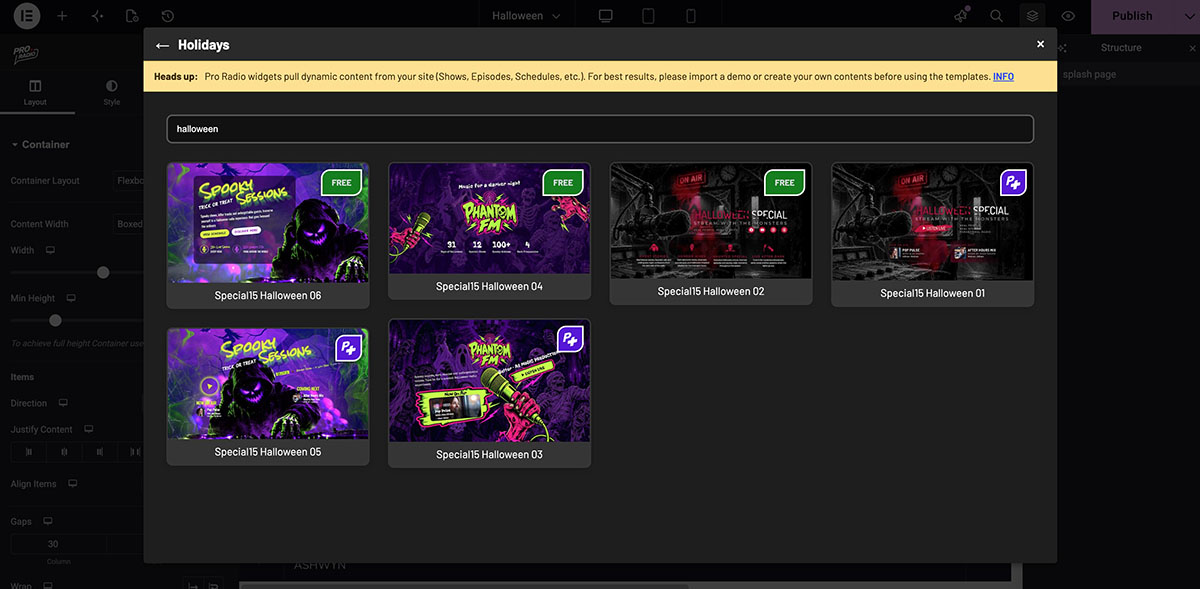
If you have Pro Radio Plus, you can also install 3 additional Halloween Elementor templates built with Pro Radio widgets.
They are made for Pro Radio websites and can include radio-specific elements that help your listeners understand what is happening on your station.
That can mean things like:
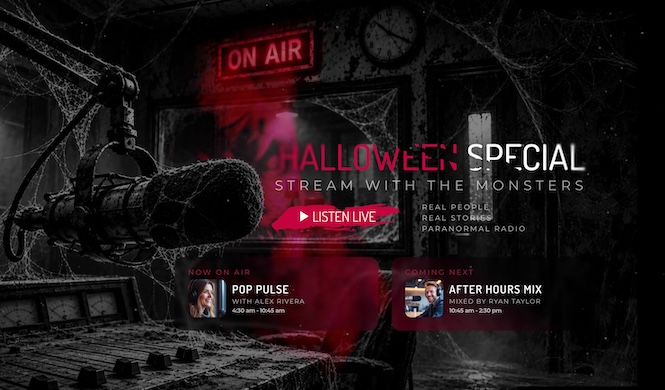
- Listen live actions: make it easy for visitors to start listening.
- Now on air blocks: show what is currently happening on the station.
- Coming next sections: help listeners discover what is scheduled after the current show.
- Radio show promotion: connect the Halloween design with your actual programming.
- Presenter or show cards: make your content feel organized and active.
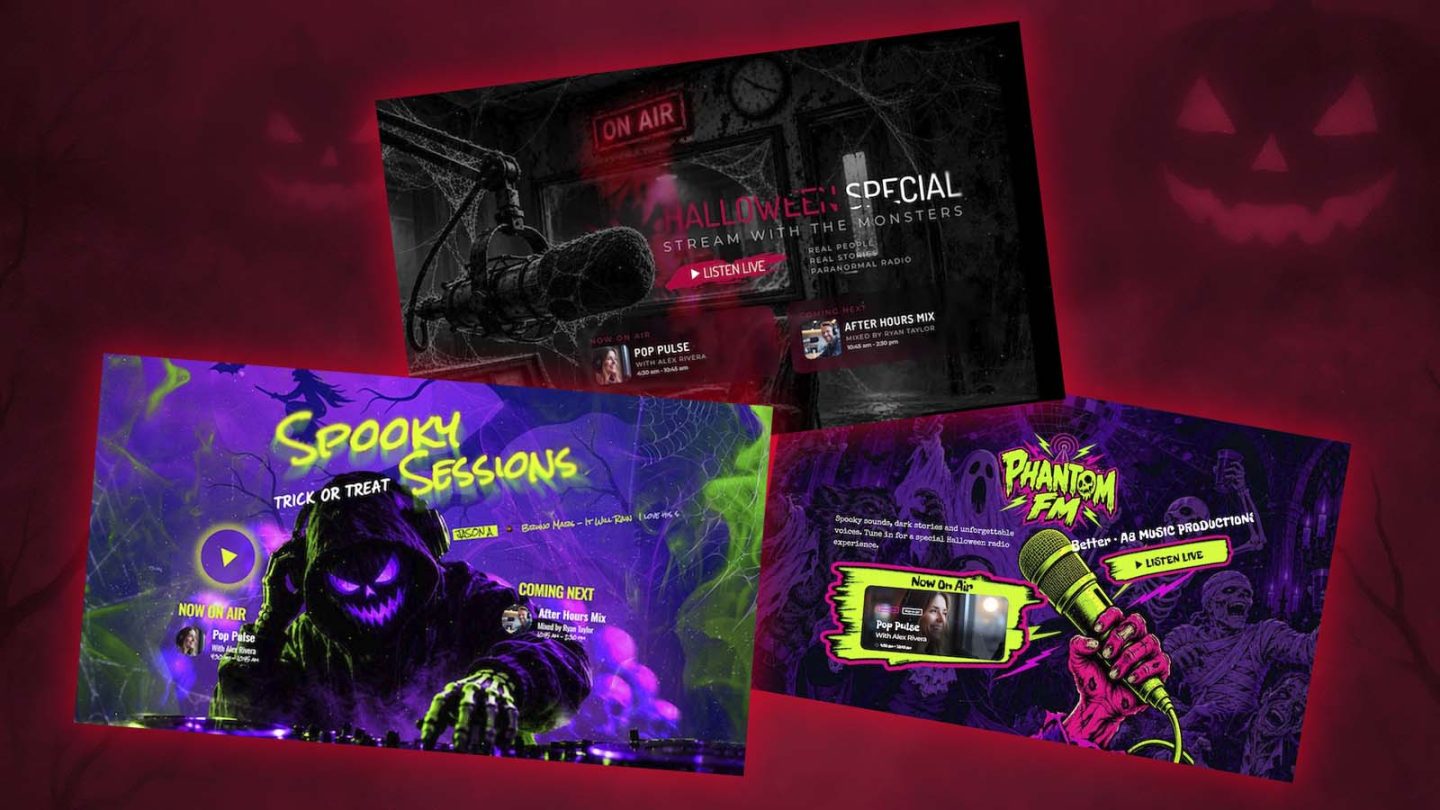
This is where Pro Radio Plus gives you more than a visual section.
The design can work together with your radio website features, and they are installable on top of any existing website.
Your listeners do not only see a spooky design.
They can understand what is live, what is coming next, and where to press play.
How Pro Radio Plus users can install the widget templates
If you have Pro Radio Plus, the process is even more direct.
The 6 Elementor templates are available from the Pro Radio Elementor Templates Library.
Open the library, choose the Halloween section you want, insert it into your page, and customize it with your own station content.
You can update the title, text, buttons, images and links, then connect the section with your live radio content and show information.
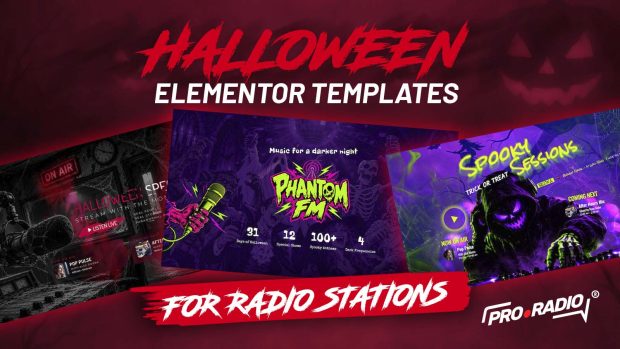
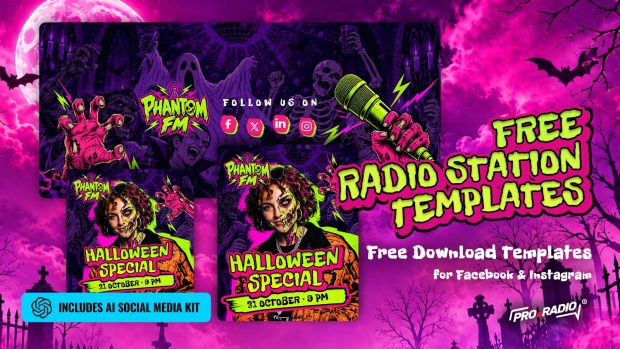
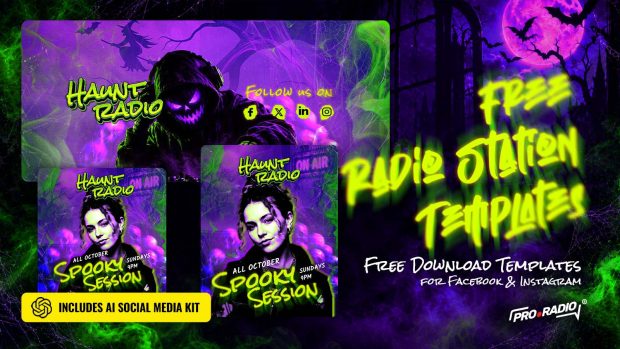
These Elementor templates work especially well together with our Halloween social media template packs.
You can use the social graphics to announce the show, then send listeners to a matching section on your website.
For example:
- Post the Halloween show graphic on Instagram.
- Update your Facebook header for the season.
- Use a story template as a reminder before the show.
- Add one of these Elementor sections to your homepage.
- Link the buttons to your live player, schedule or show page.
Now the campaign feels connected.
People see the promo on social media, click through, and arrive on a website that continues the same Halloween mood.
That is much stronger than sending them to a generic homepage with no seasonal context.
👉 Discover free Halloween poster neon style templates
👉 Discover free Halloween comic style templates
👉 Discover free Halloween horror-movie style templates
👉 Discover free Halloween radio breaks
Save 20% on Your New Radio Station Website
Till October 31st, you can save 20% on Pro Radio WP, Pro Radio Plus, All-In-One Radio and all premium add-ons.
Use coupon code: HALLOWEEN26 at the checkout and start your new radio website today.

AD

You may also like

Copyright 2019-2026 ProRadio® Qantum Themes SL® ESB02979078 All Rights Reserved