

'/%3E%3Cpath%20fill='%23b2b2b2'%20d='M241%20382q0%2016%2017%2026%2017%2011%2042%2011t42-11q16-11%2017-26V269H241'/%3E%3Cpath%20fill='%239f7e00'%20d='M241%20379q0%2014%208%2023%209%209%2021%209%2014%200%2021-9%209-9%209-23V269h-59'/%3E%3Cpath%20d='M241%20339v-70h59v110q0%2014-9%2023l-6%205v-68h-15v72q-8%200-14-4v-68zm59%2040c0%2022%2015%2032%2029%2032%2021%200%2030-18%2030-32v-40h-59'/%3E%3Cpath%20fill='%239f7e00'%20d='M266%20277v5h2v12h-3v-5h2v-5h-9v5h2v5h-4v9h3v18h-5v10h34v-10h-5v-18h3v-9h-4v-5h2v-5h-9v5h2v5h-3v-12h2v-5zm42%20101q0%2010%206%2017%206%206%2015%207%2010-1%2016-7%206-7%206-17v-29h-43'/%3E%3Ccircle%20fill='%230044ad'%20cx='329.5'%20cy='372'%20r='6'/%3E%3Cellipse%20fill='%230044ad'%20cx='300'%20cy='340'%20rx='16'%20ry='21'/%3E%3C/svg%3E)
 NEW!
NEW!

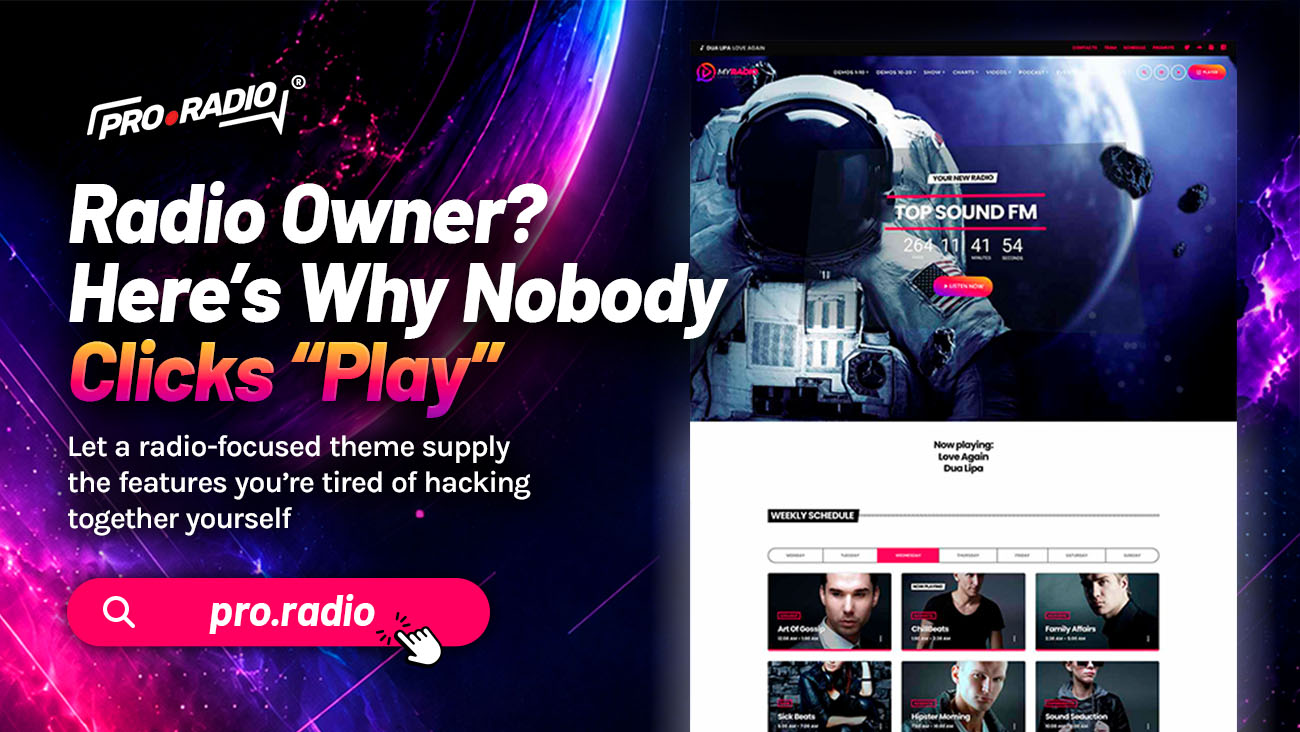
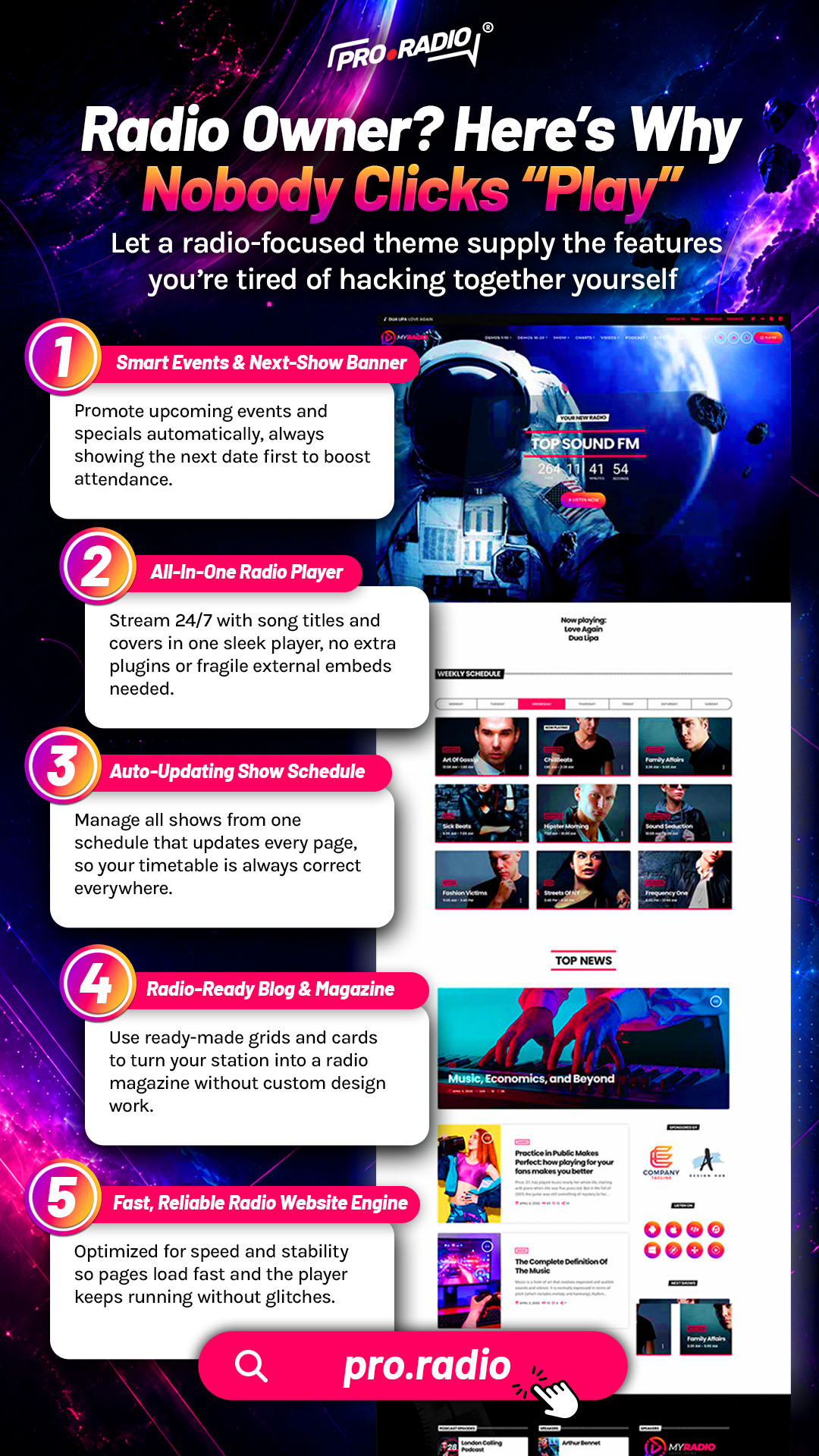
Radio Owner? Here’s Why Nobody Clicks “Play”
AD
Most stations are missing the clear player, schedule and show blocks that drive that first click. The visitor arrives. They scan the page for a second. They make a tiny mental decision: press play or close the tab. Most stations lose that decision before the audio ever has a chance to convince anyone. The audio is good. The website is not asking for the click.
You do not need a complicated setup to create a radio website that feels professional. A few smart changes can make your station easier to listen to, easier to browse, and easier to remember. Here is what is actually missing.
Contents
hide
- 1. The First Five Seconds Decide Everything
- 2. A Play Button You Cannot Miss
- 3. “What Is On Right Now” Has To Be Visible
- 4. Show Blocks That Sell The Schedule
- 5. Show Pages As The Closer
- 6. Mobile Is Where Most Clicks Are Won Or Lost
- 7. The Sound Of A Confident Player
- 8. Why One Toolkit Drives Better Clicks
- 9. Make The Click Easy
The First Five Seconds Decide Everything
A visitor lands on a station website with a small amount of patience. If they can not see a play button, identify the current show, and understand what they are about to hear within roughly five seconds, they leave.
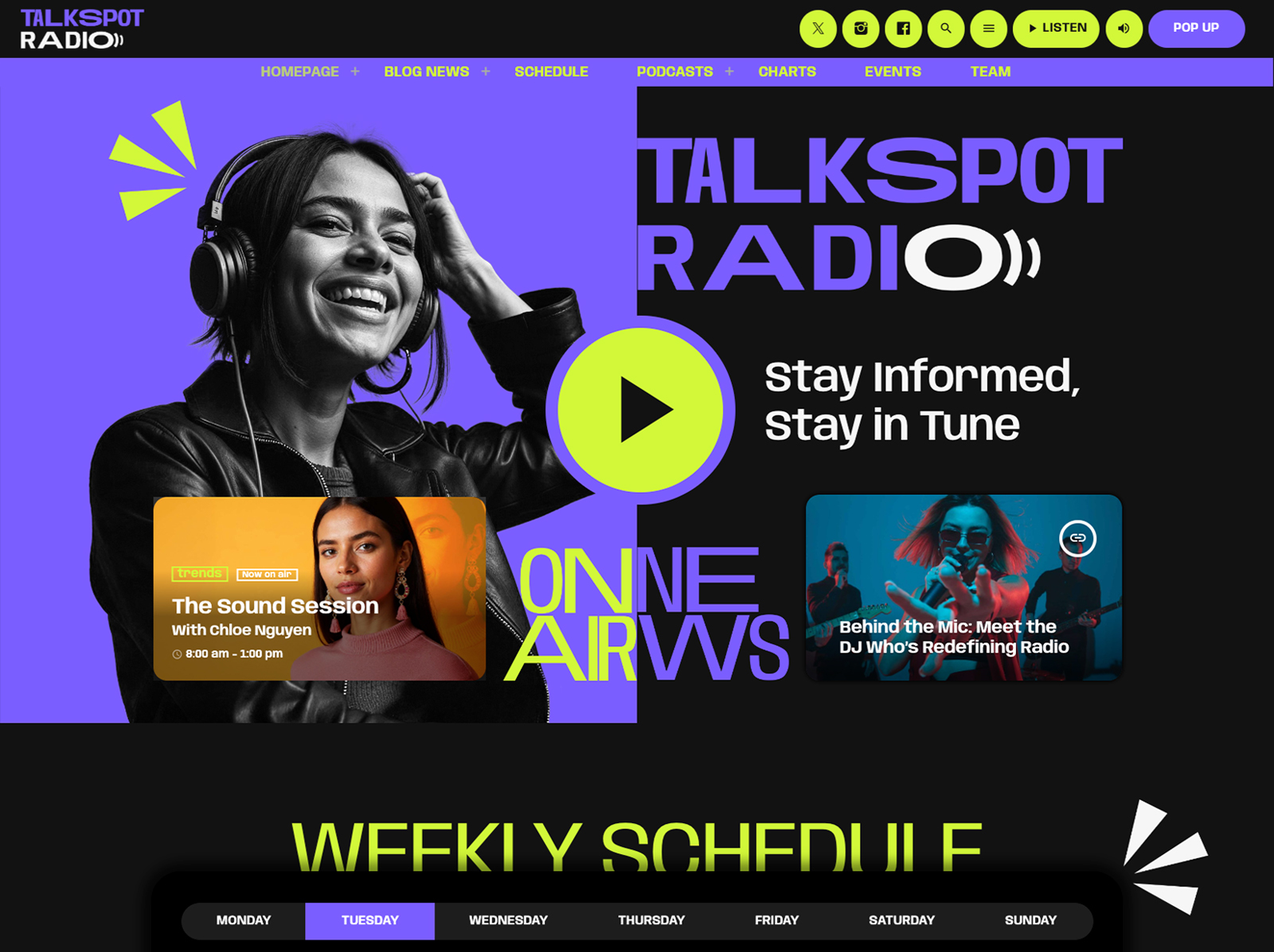
Most radio sites fail this test in three ways. The play button is too small or buried below the fold. There is no information about what is on the air right now. The page feels slow or visually overwhelming. Each failure is fixable, and Pro Radio is built around fixing all three.
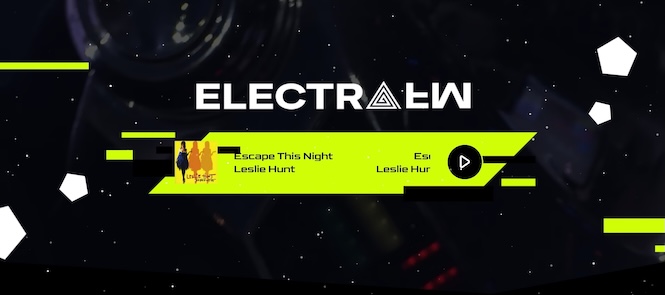
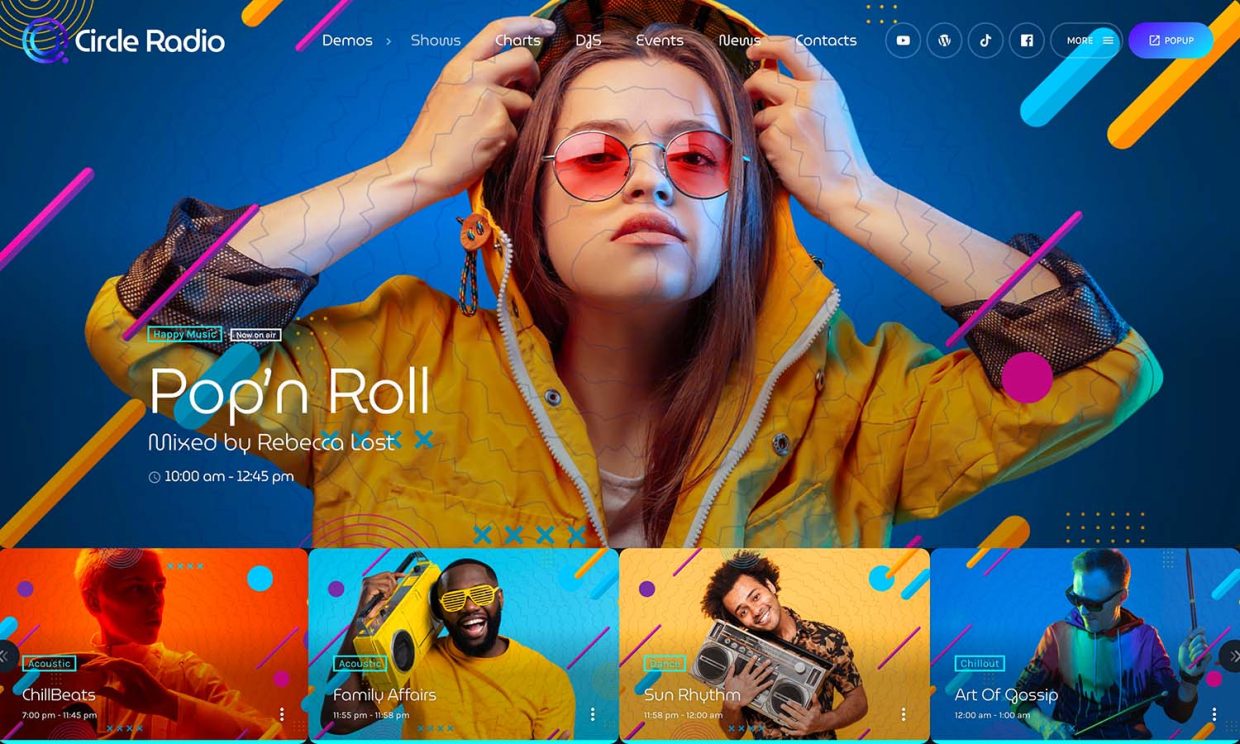
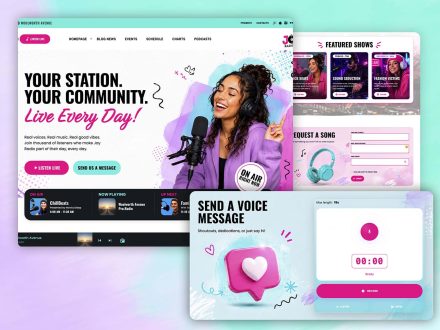
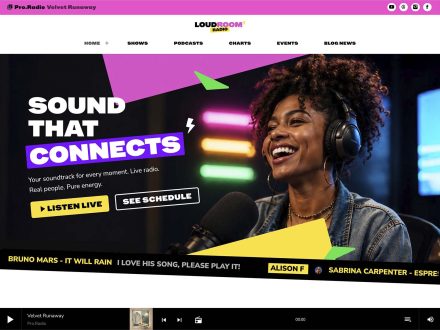
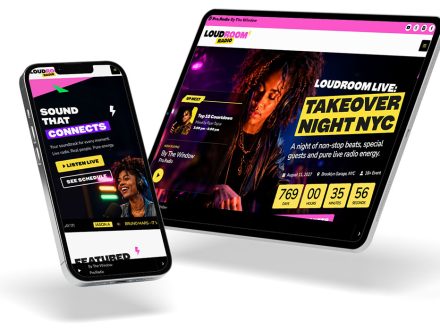
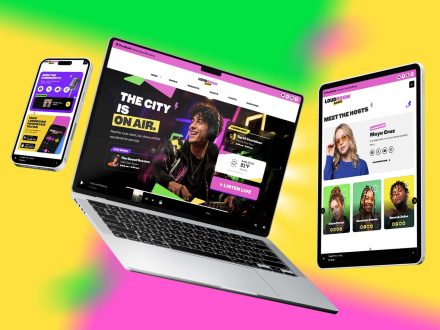
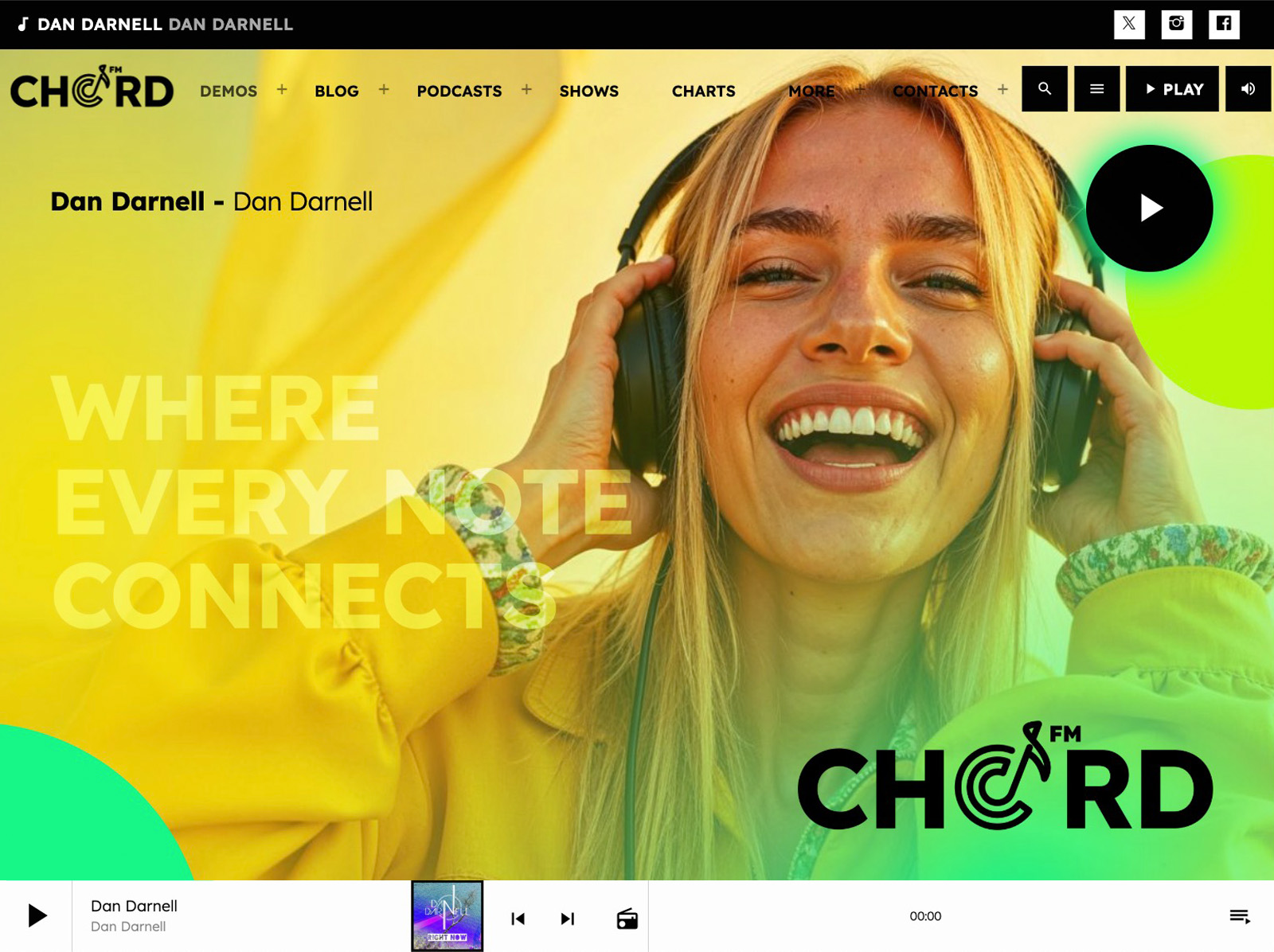
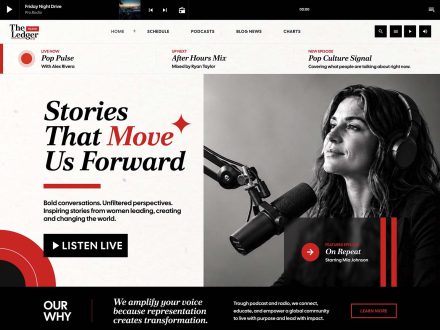
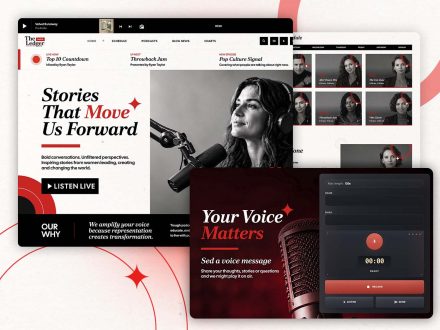
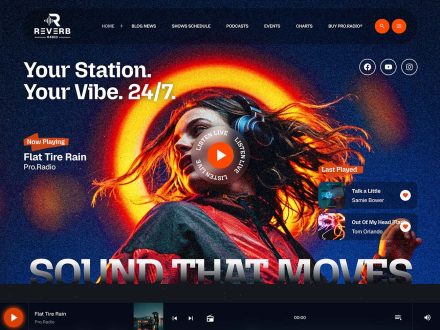
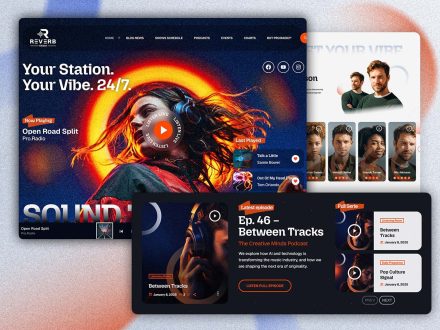
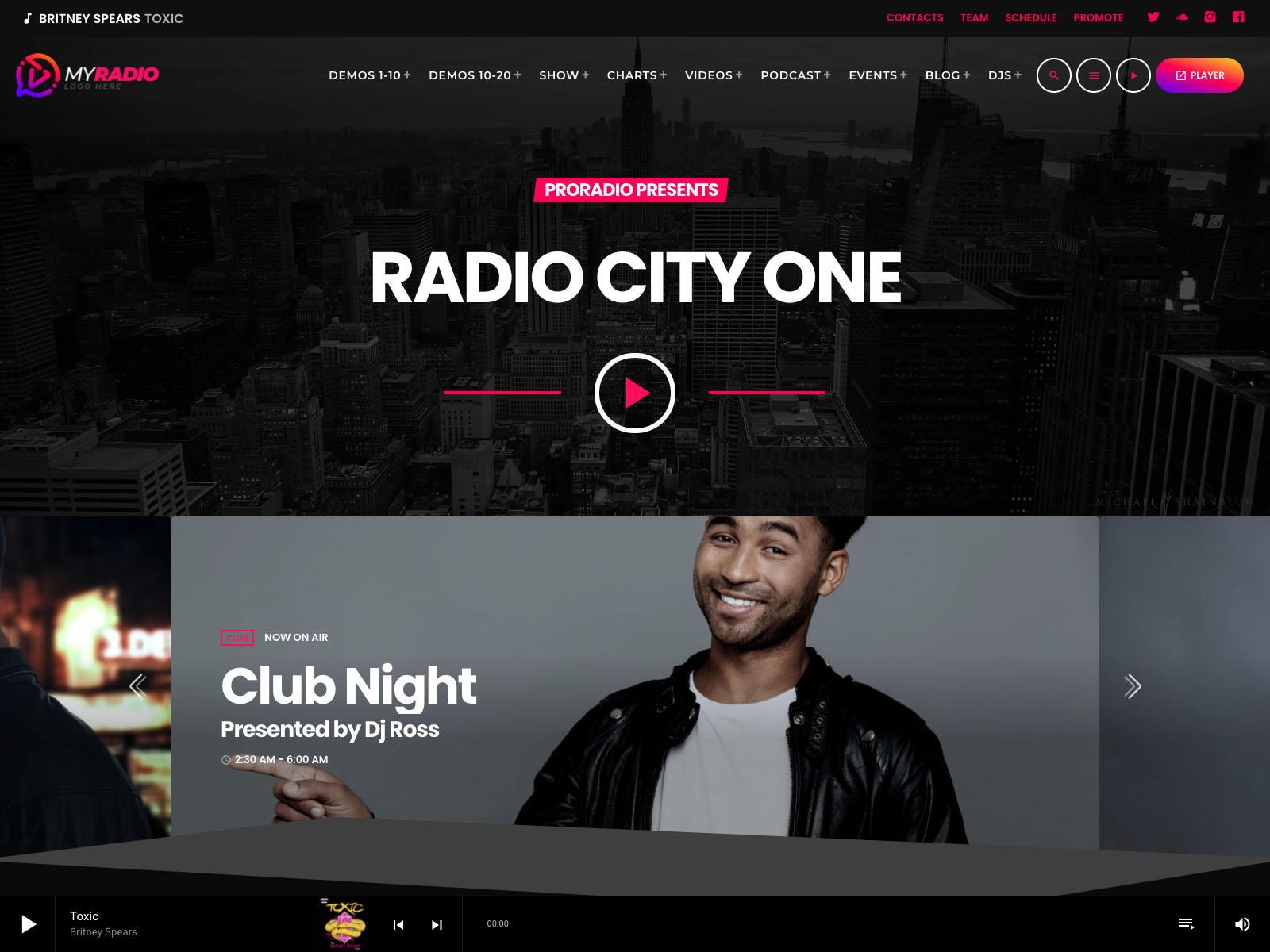
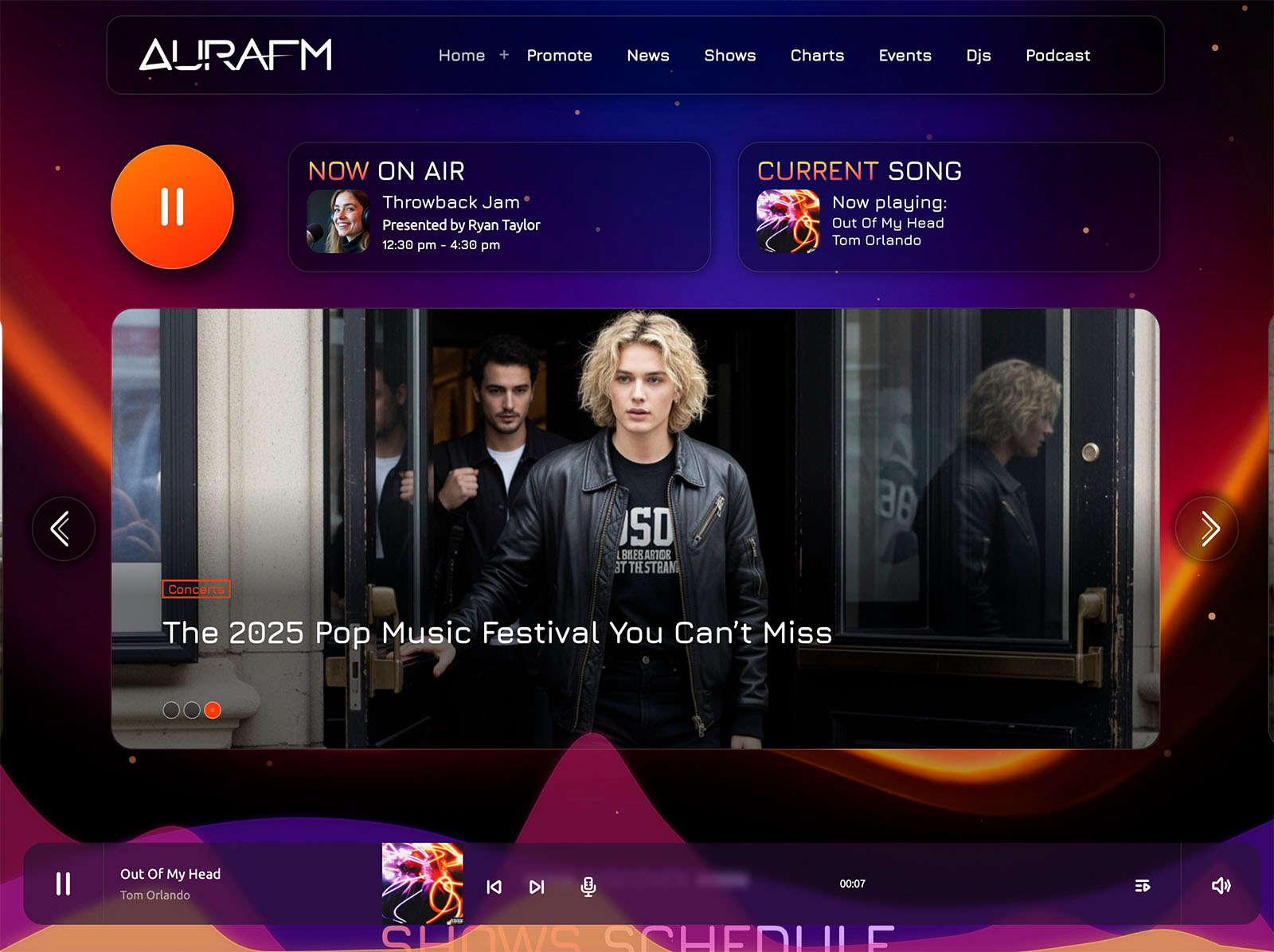
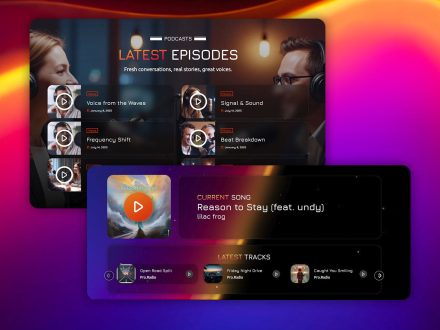
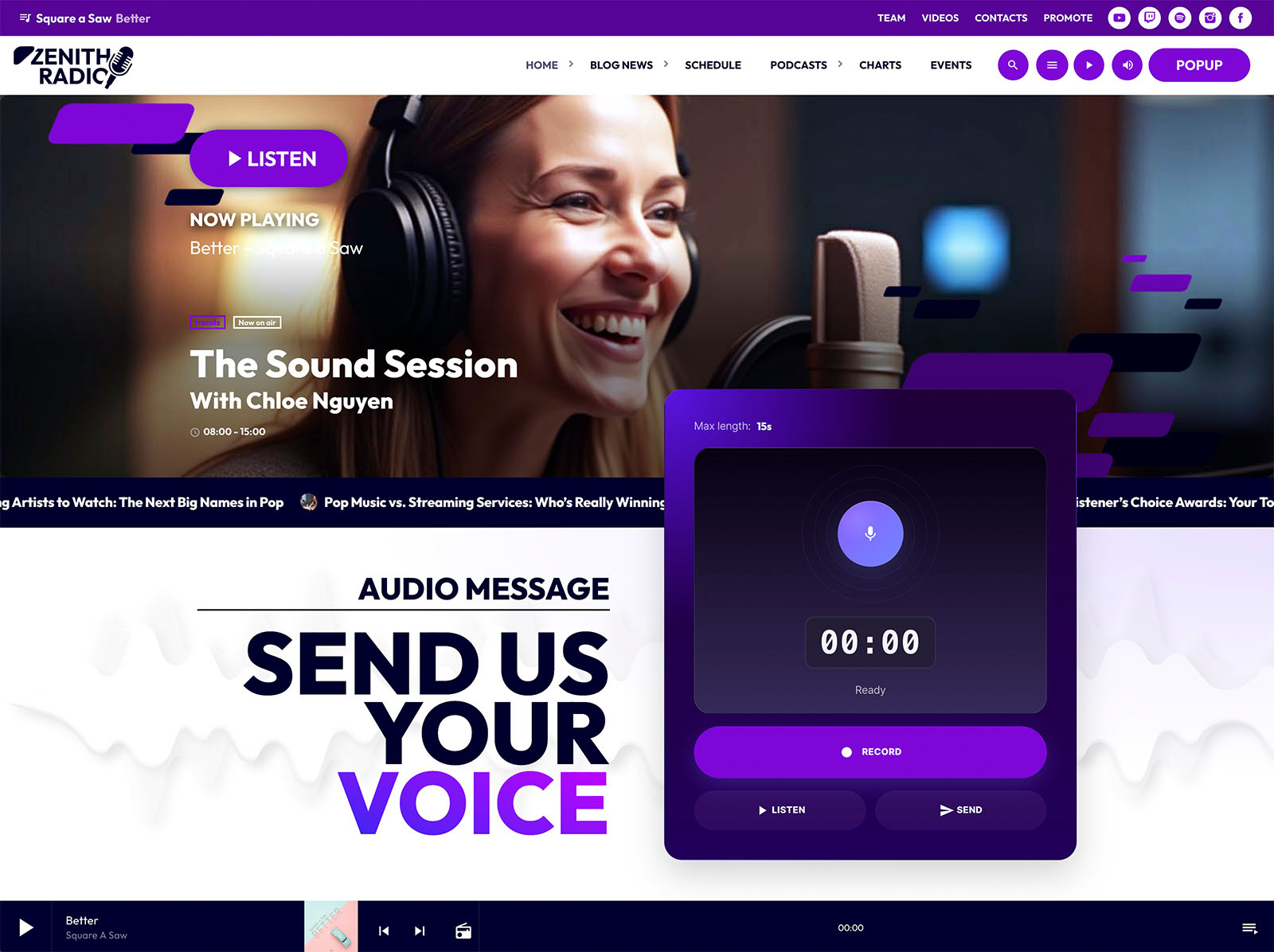
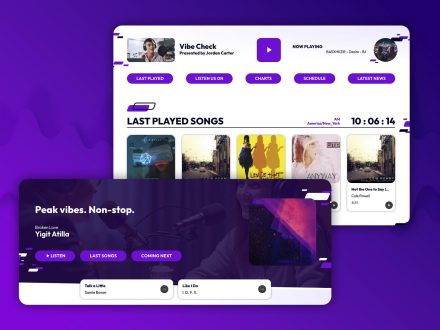
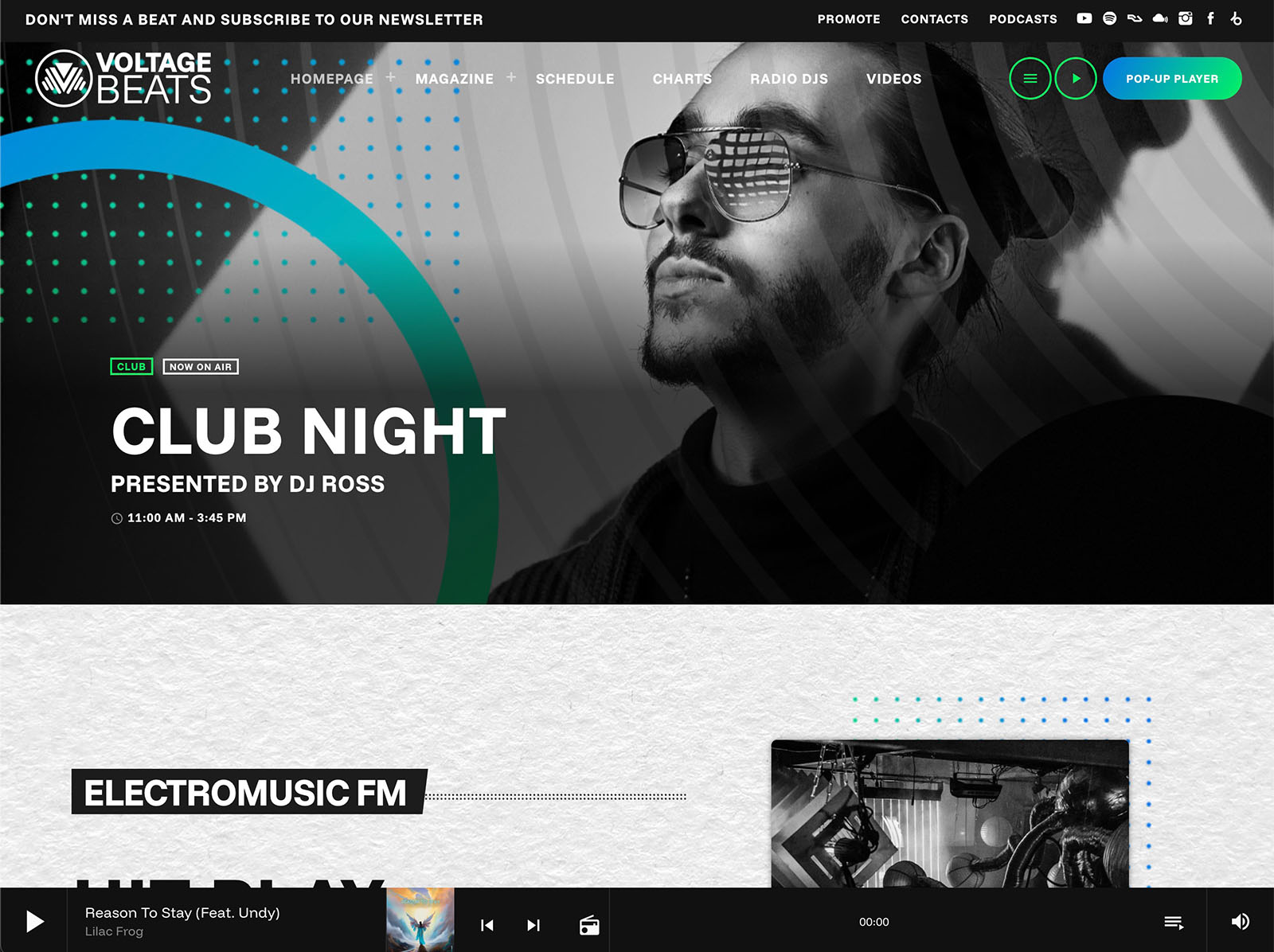
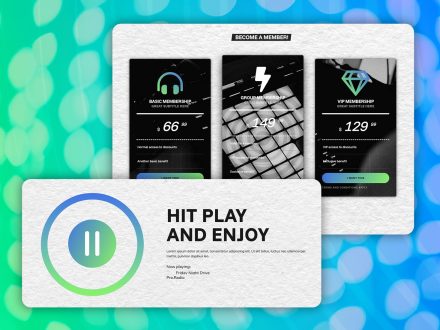
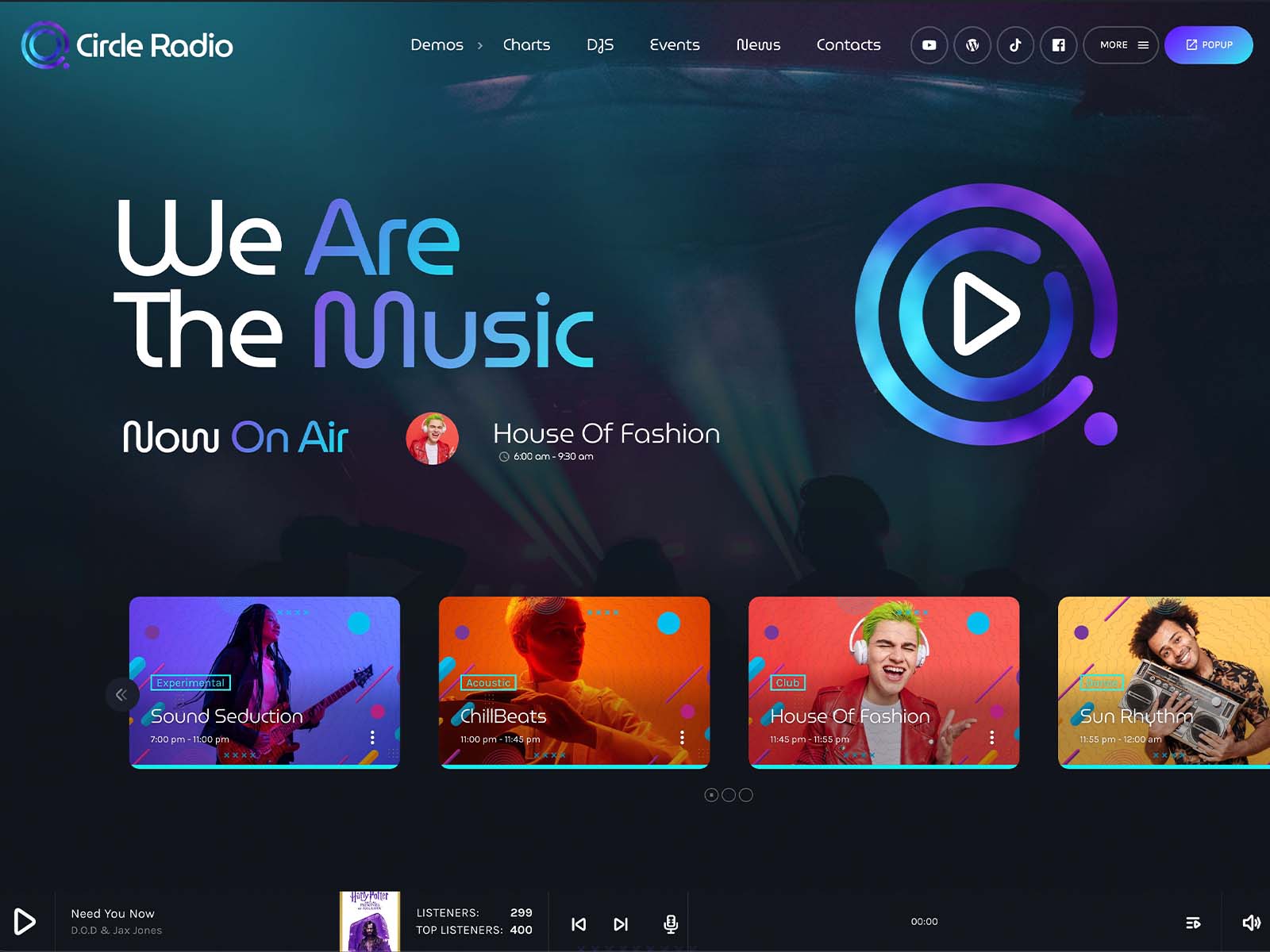
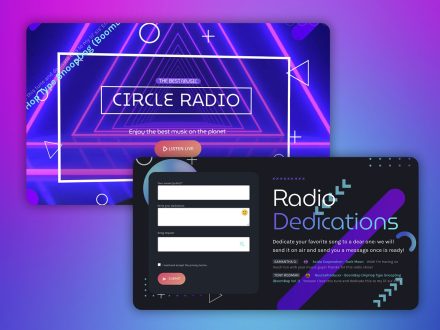
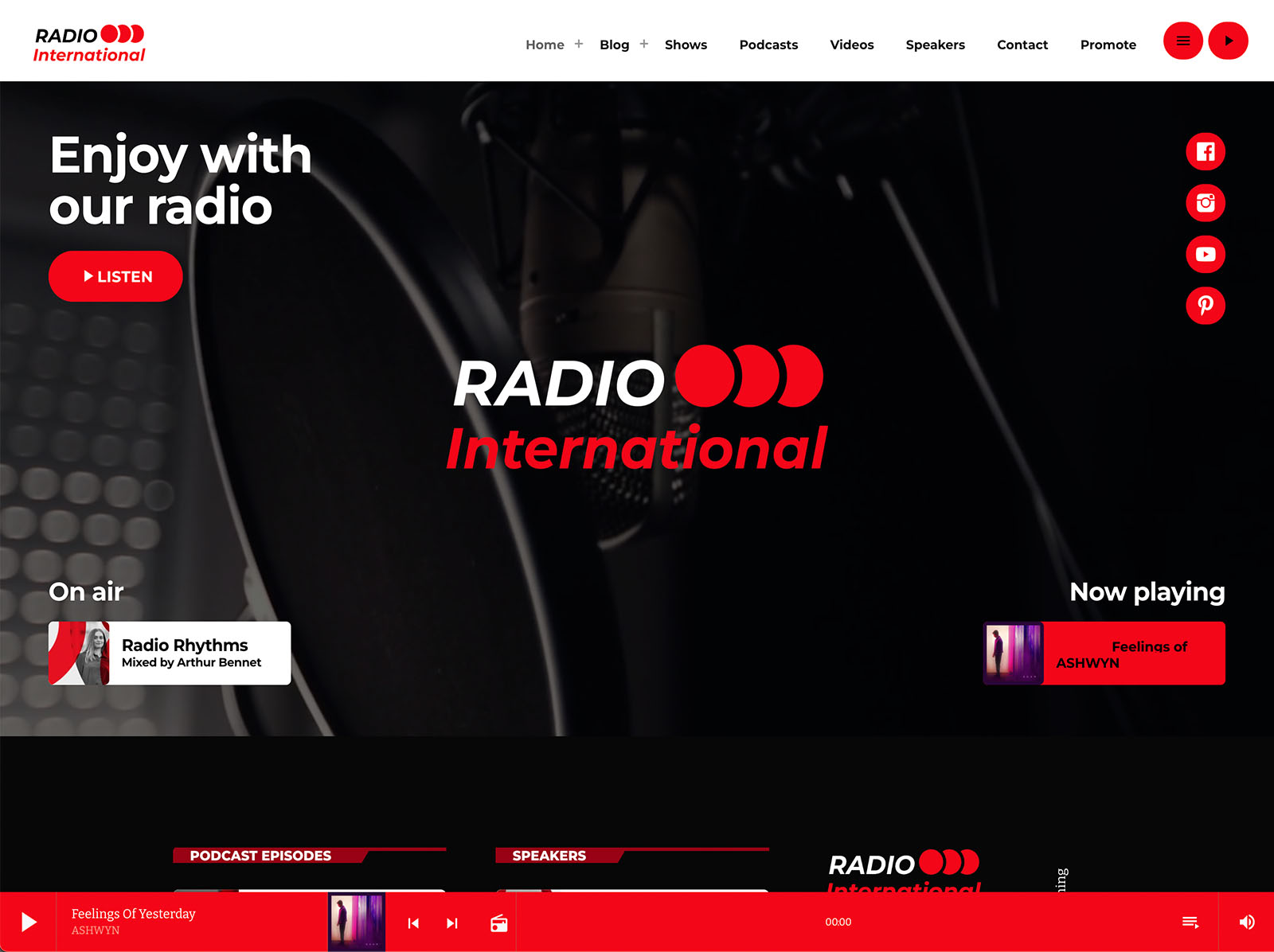
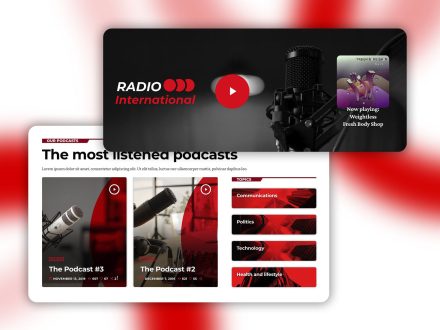
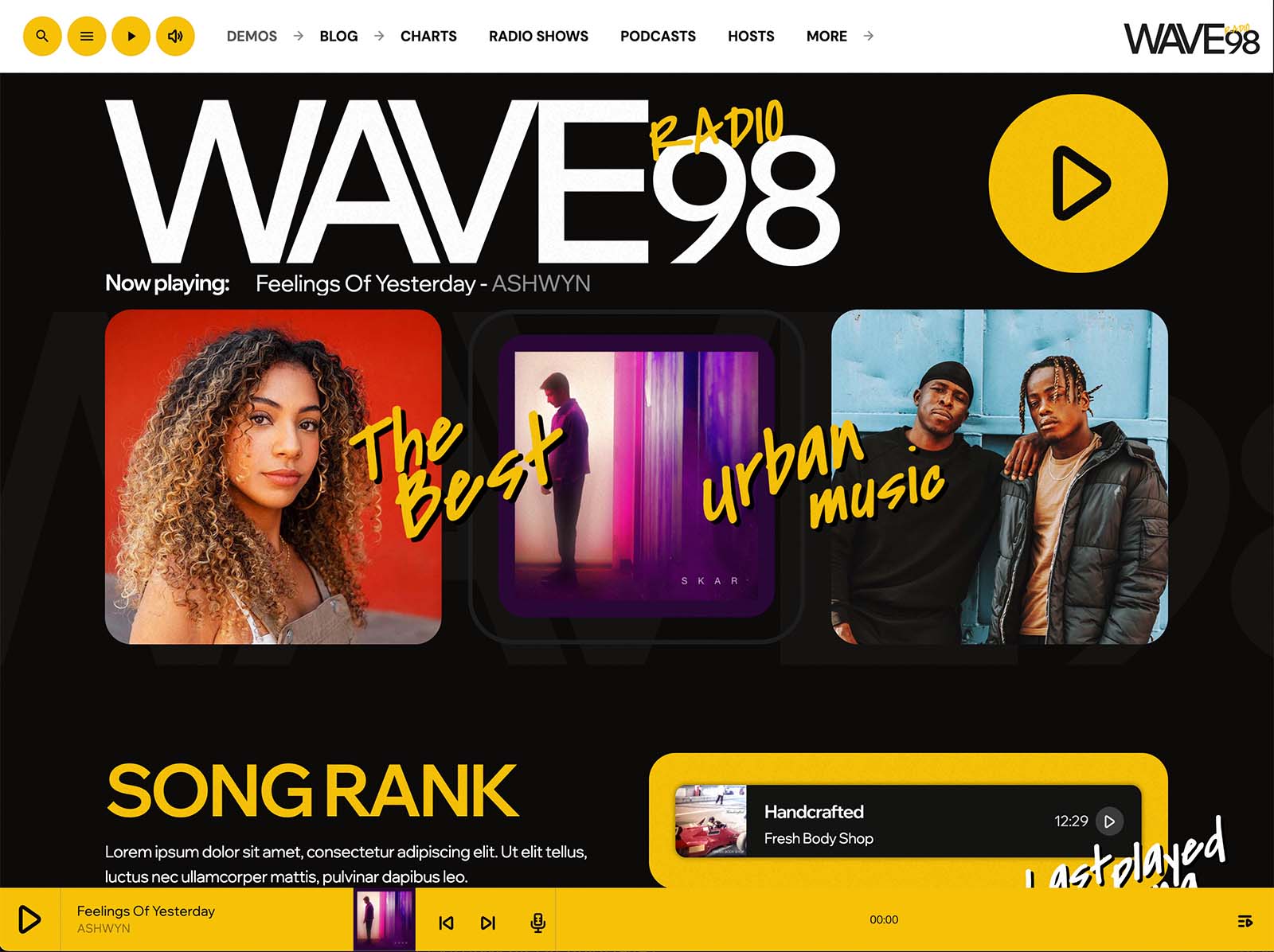
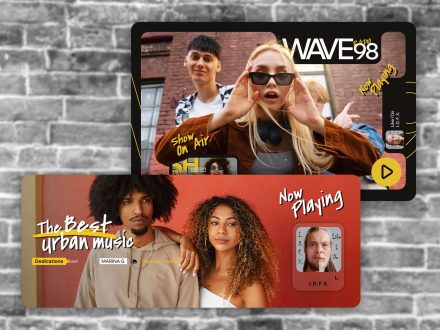
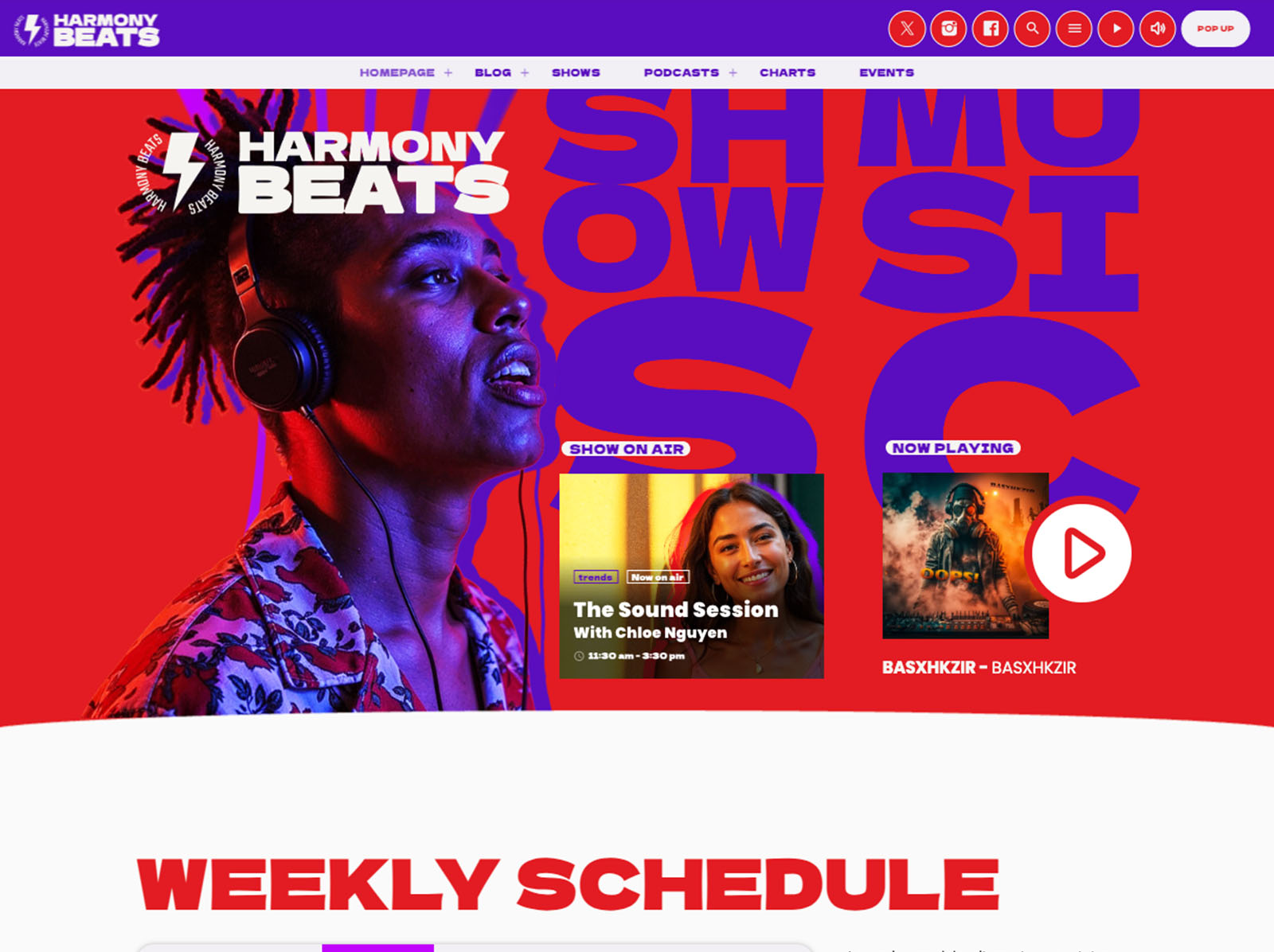
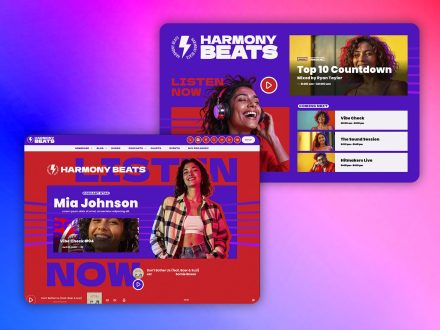
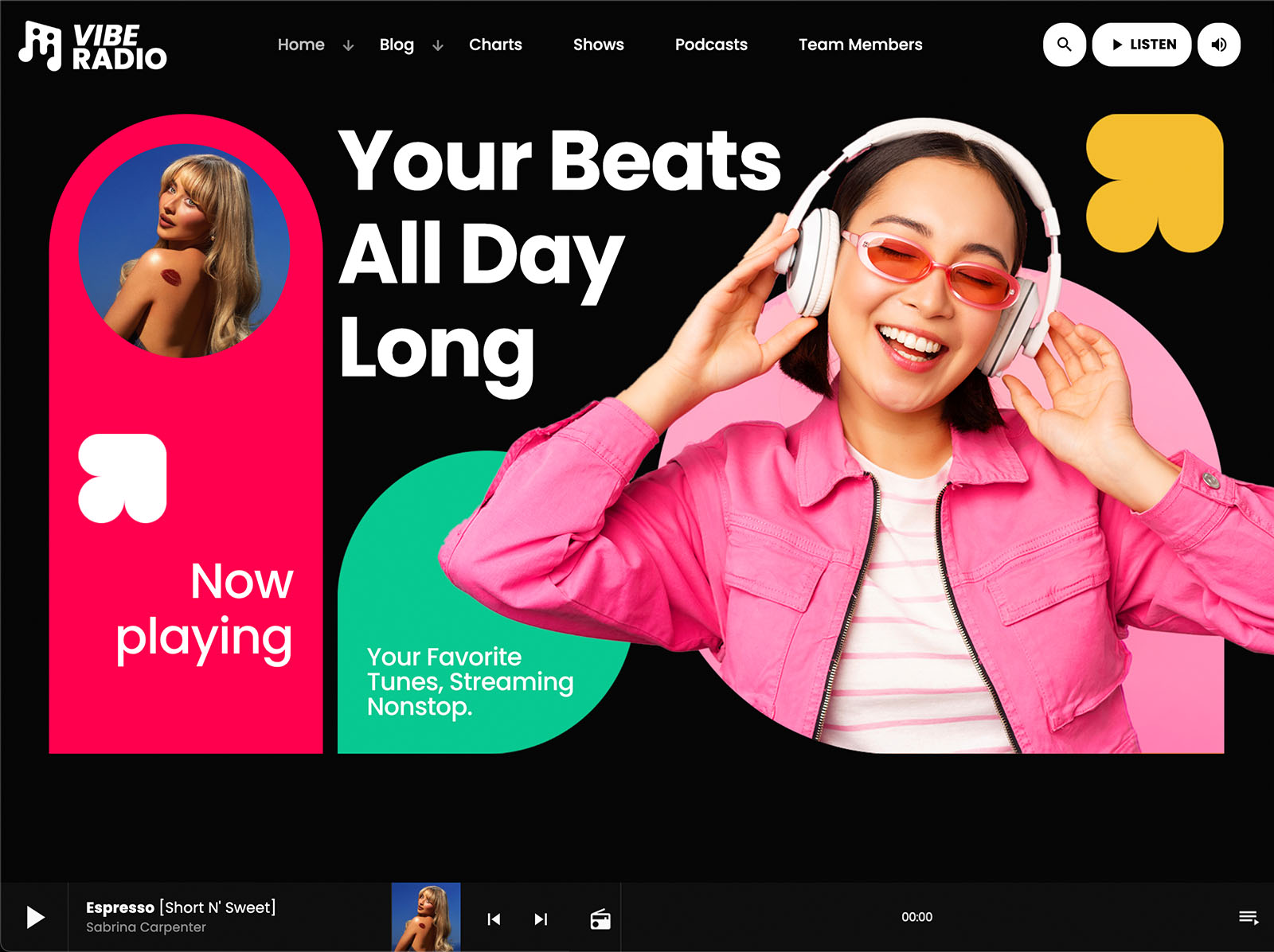
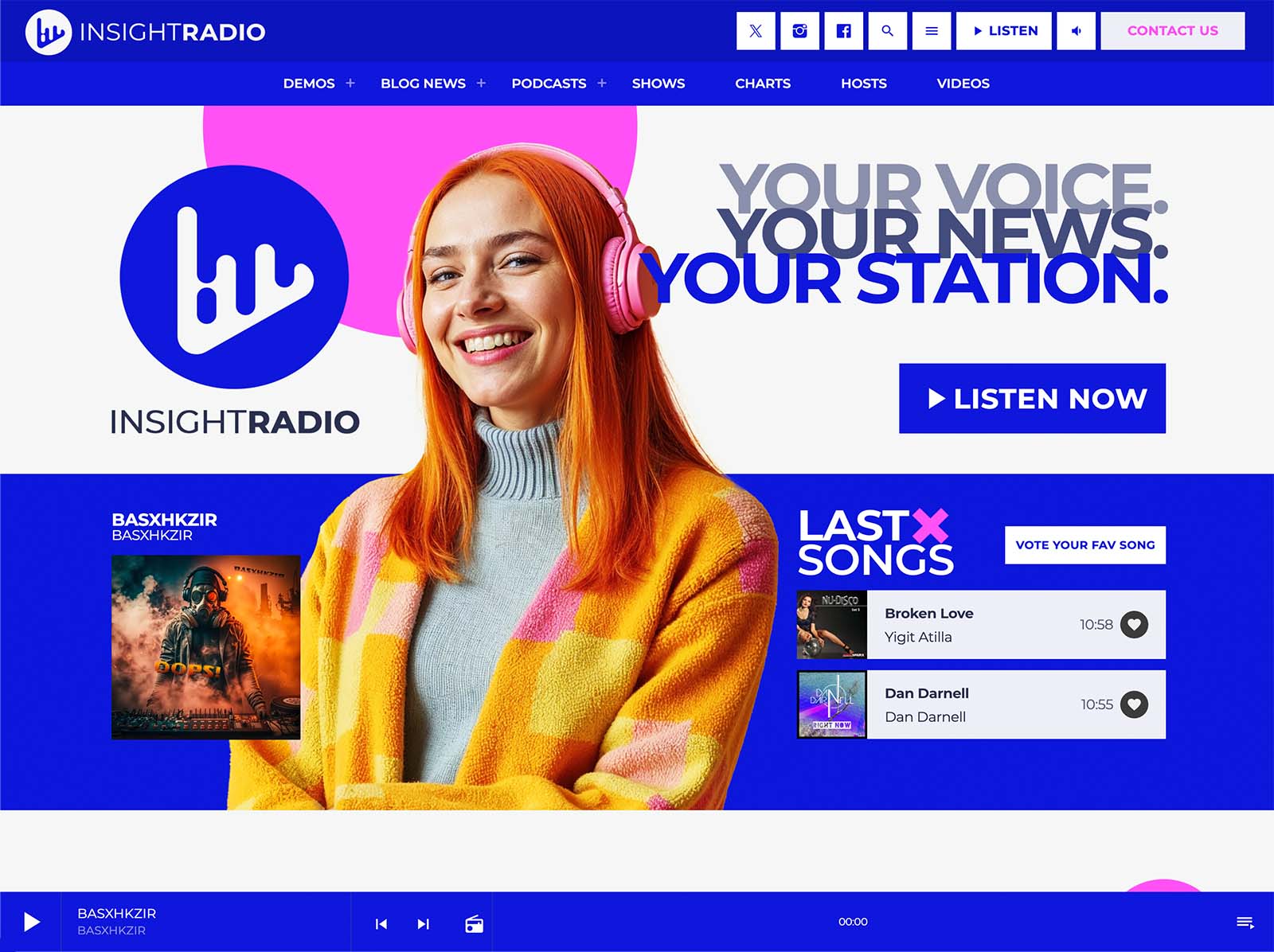
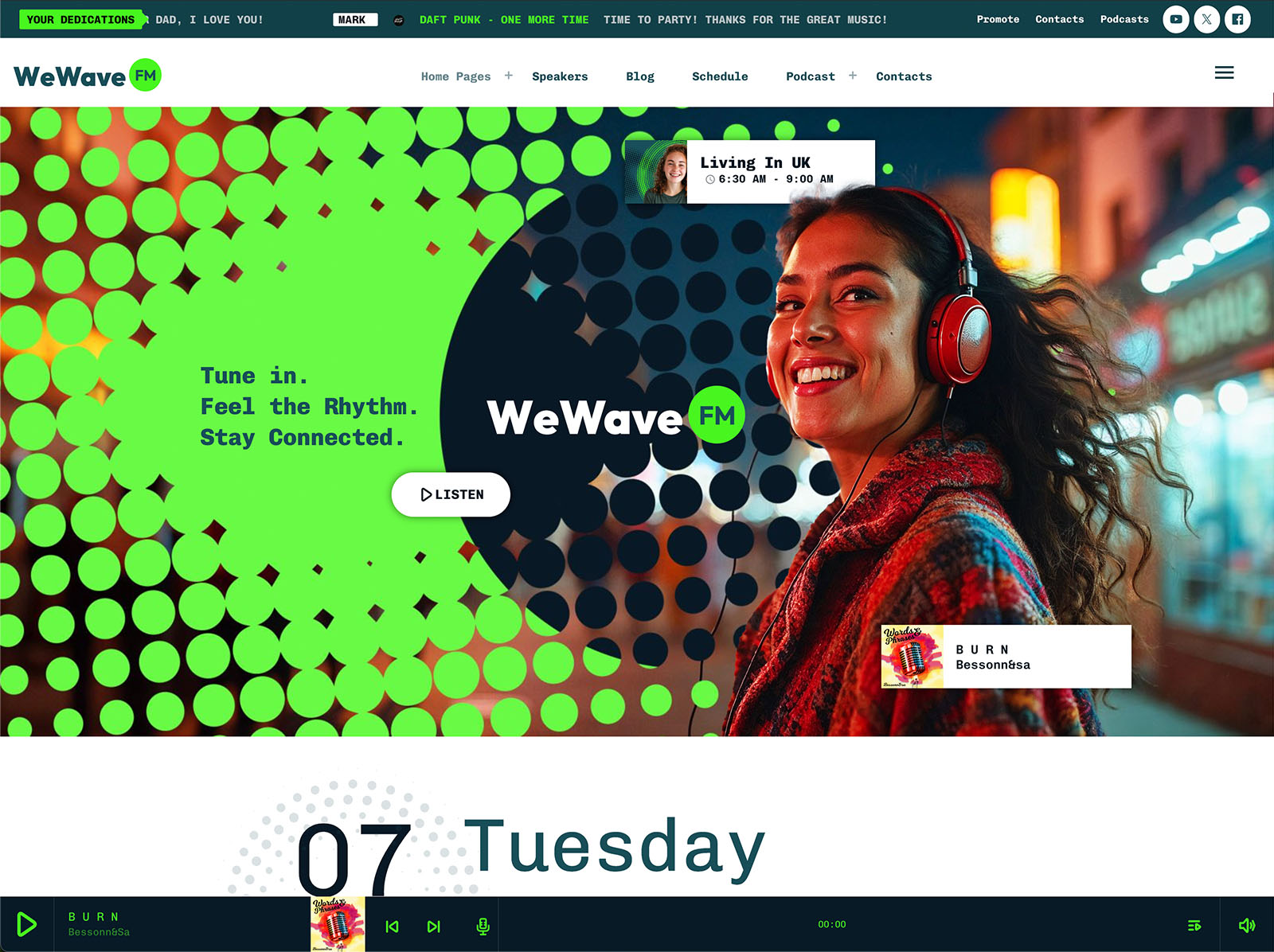
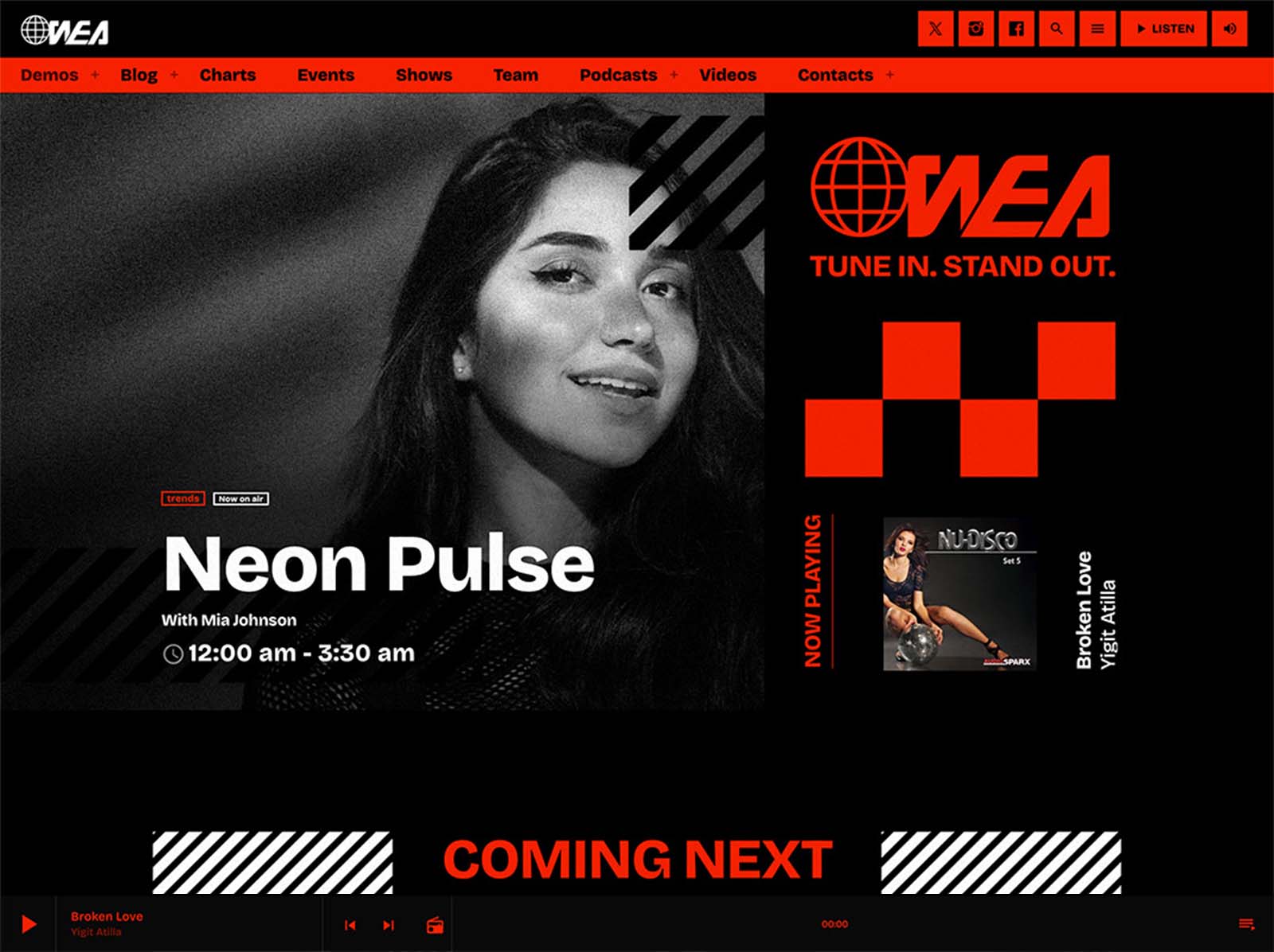
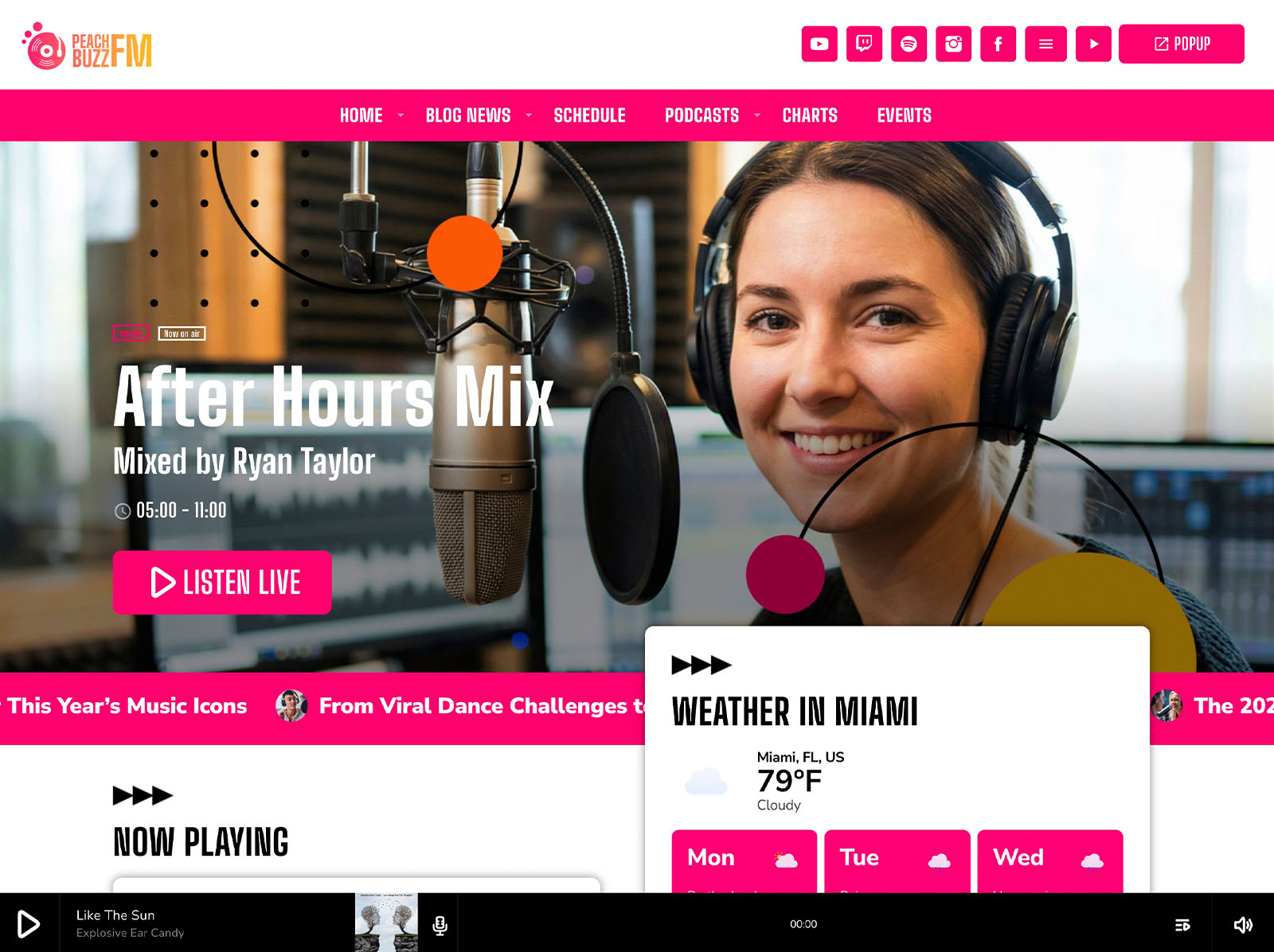
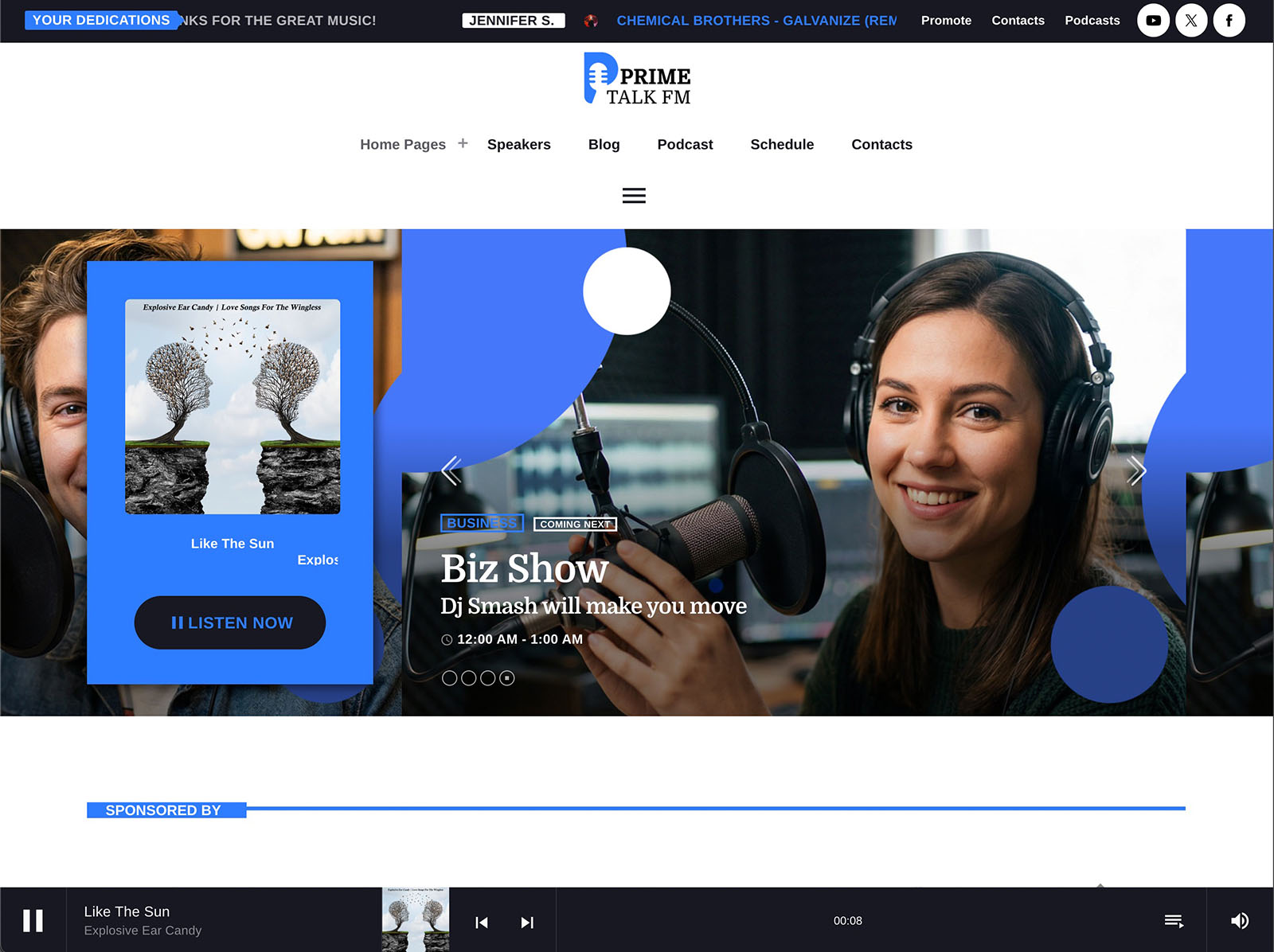
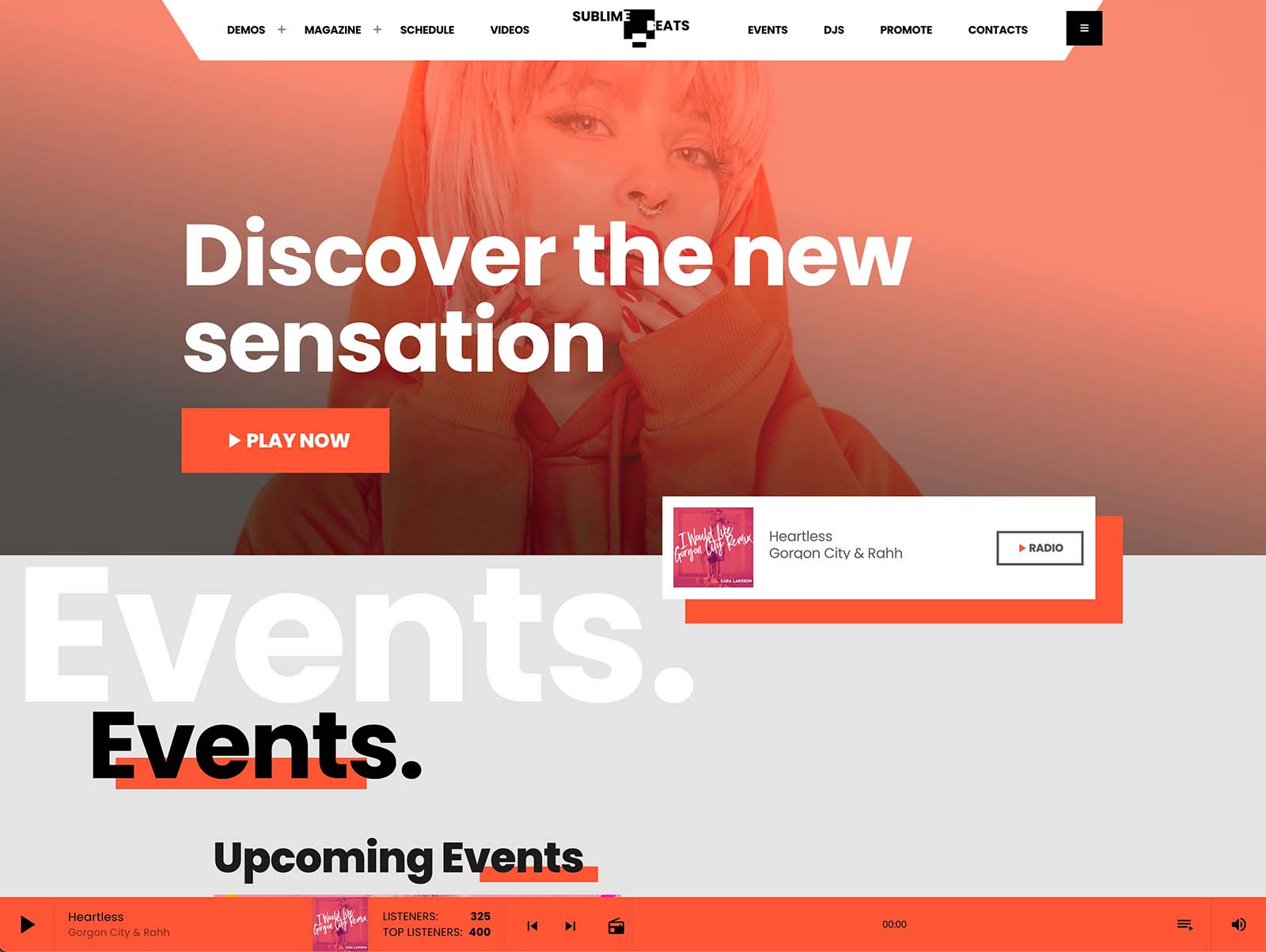
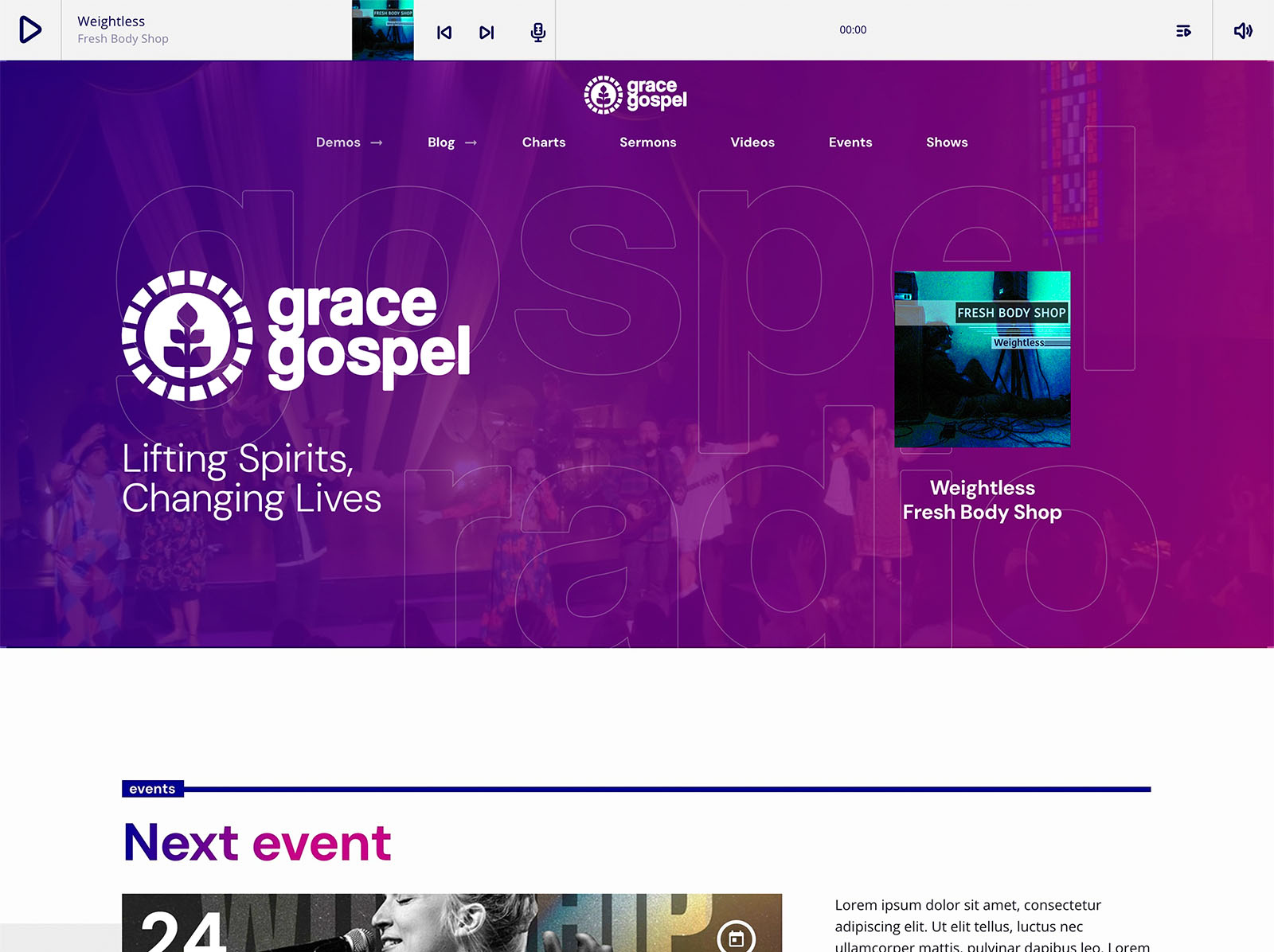
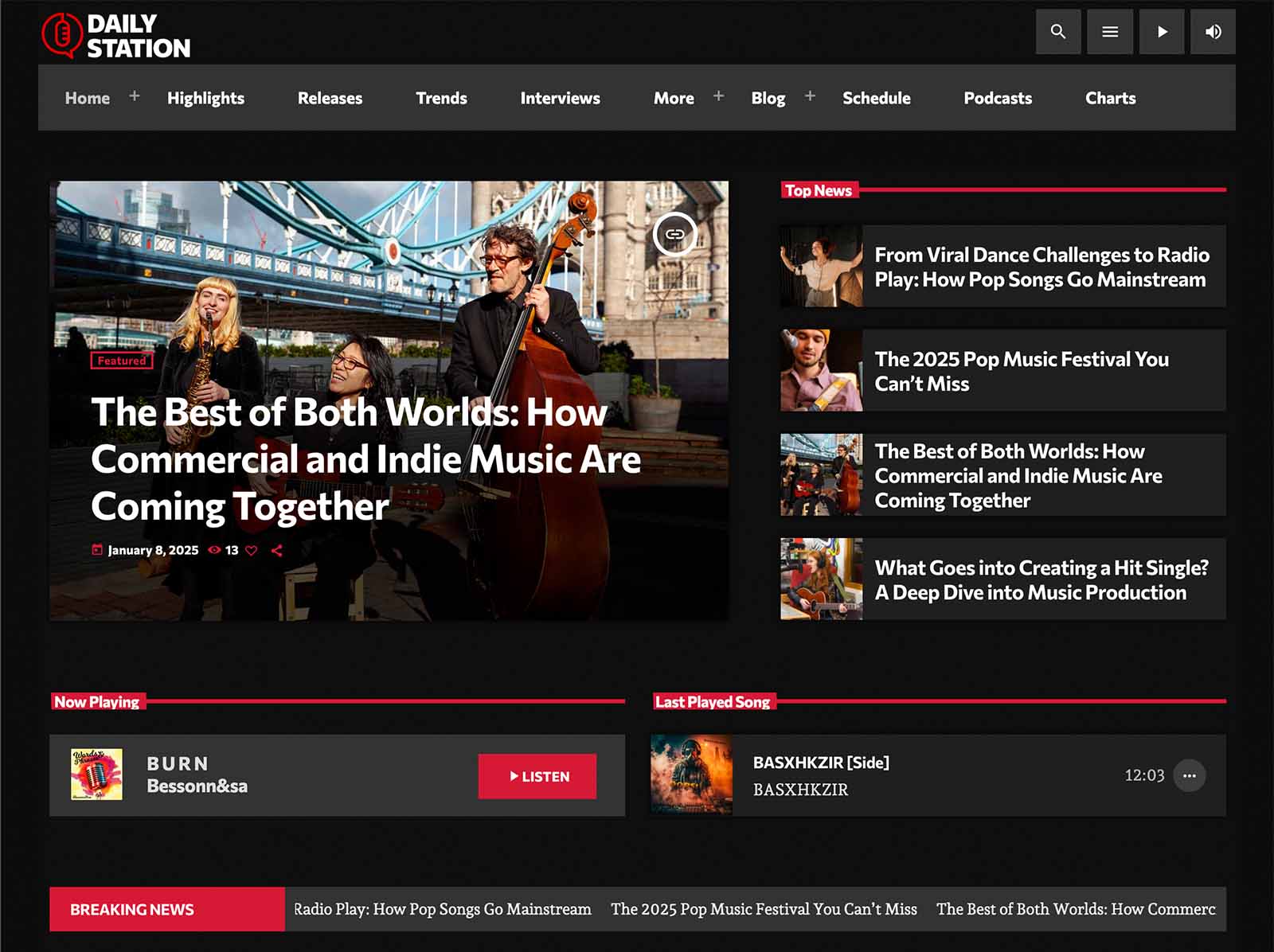
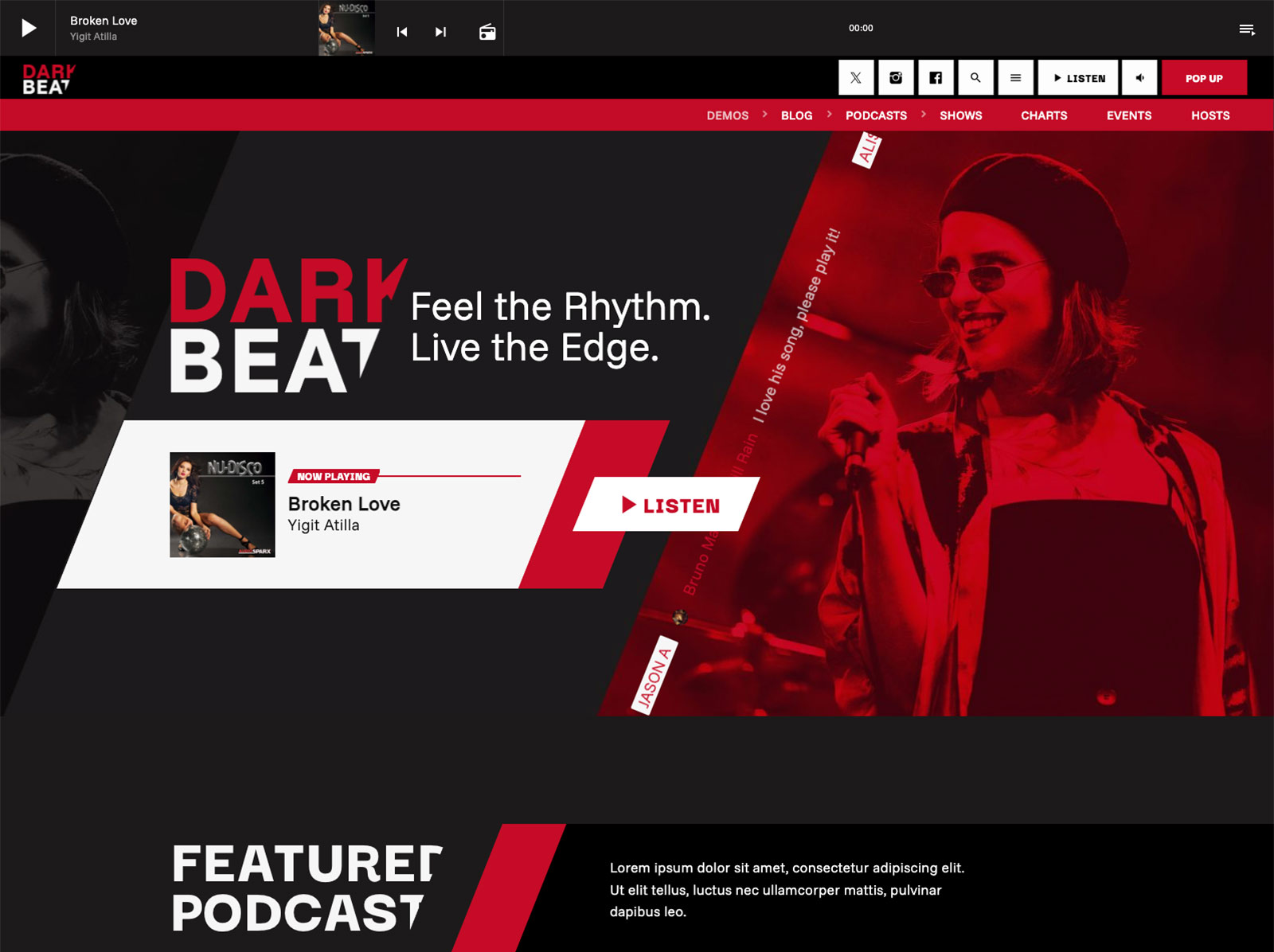
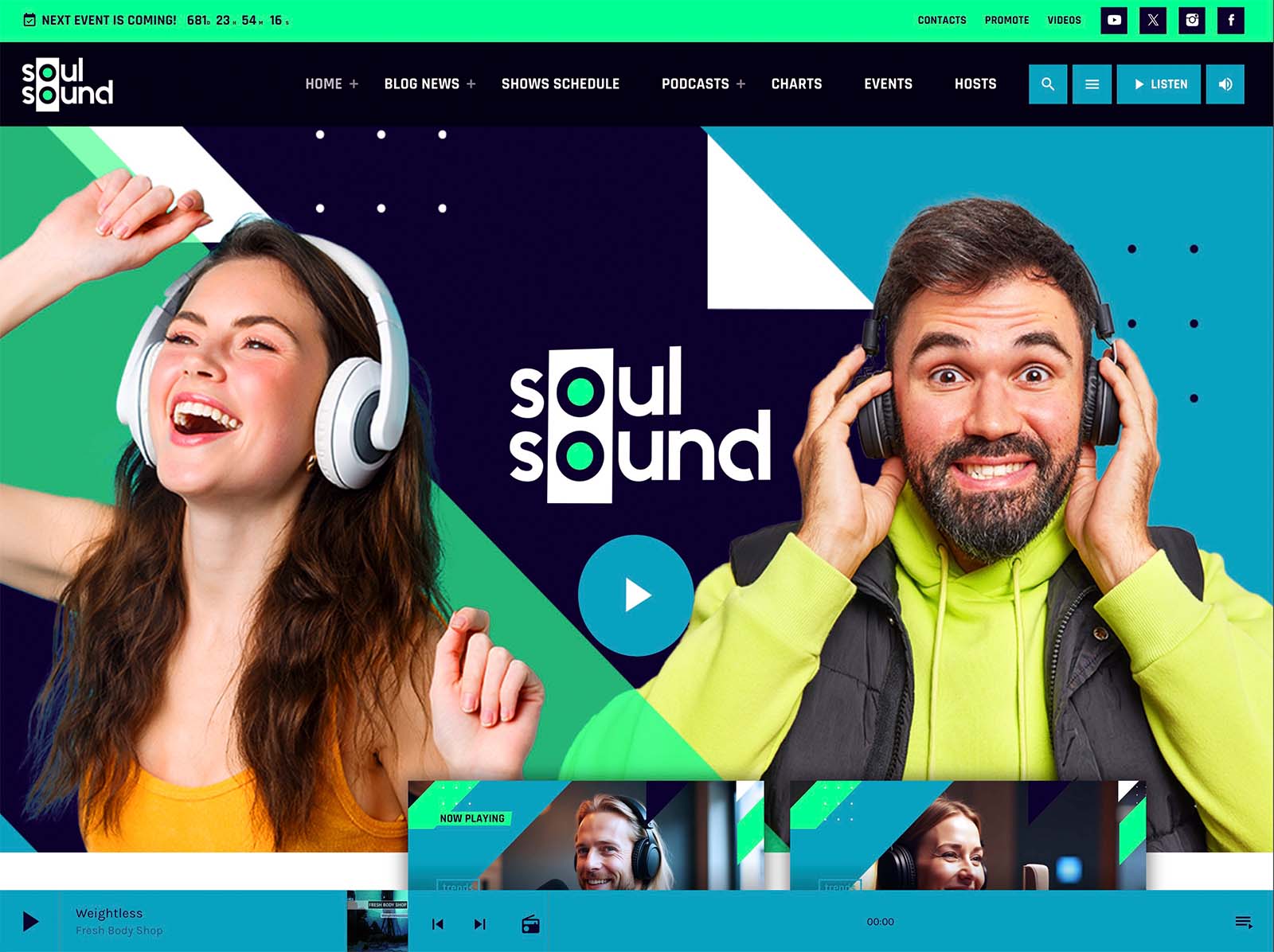
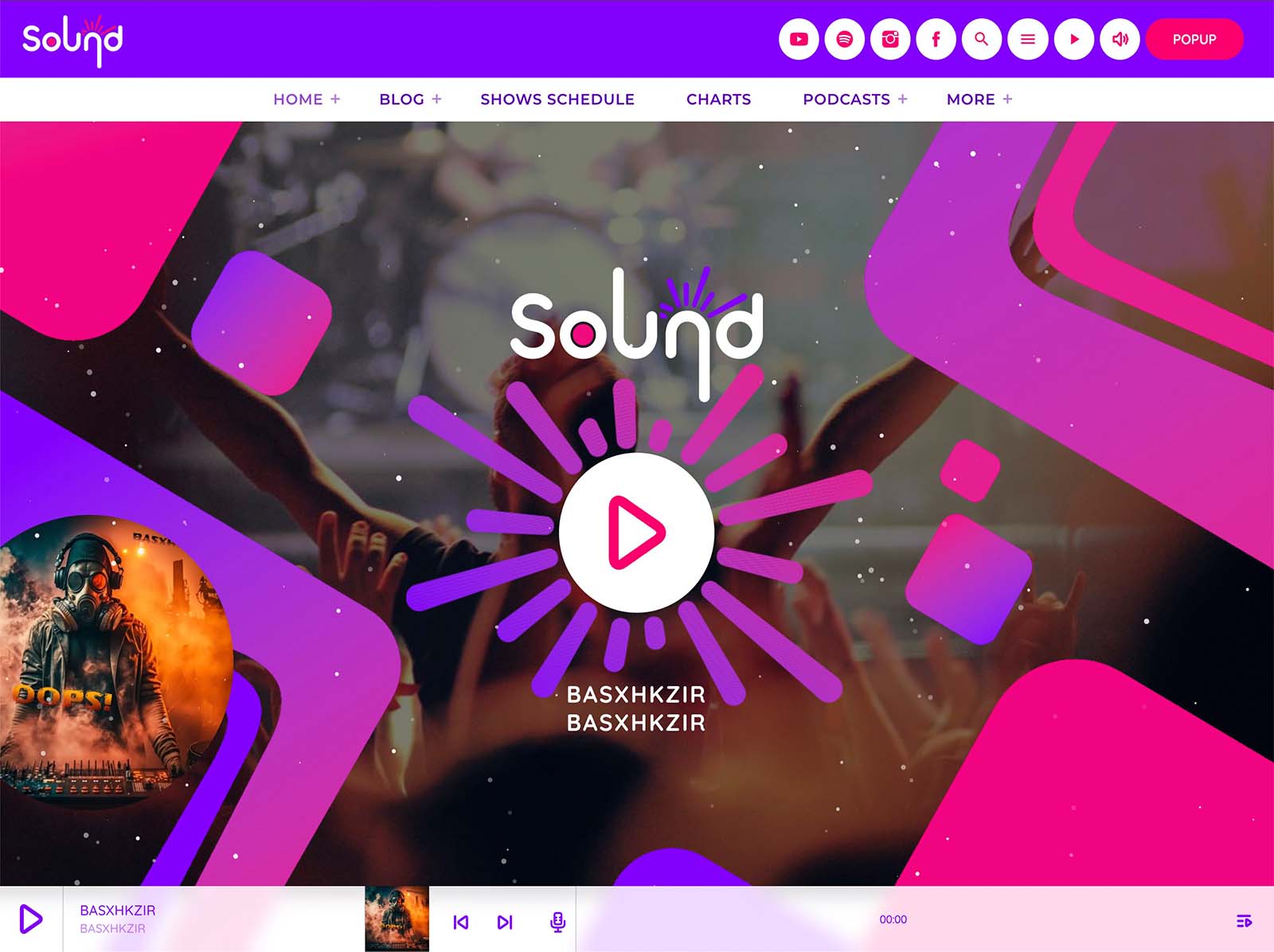
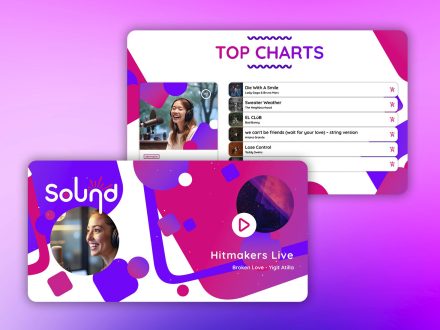
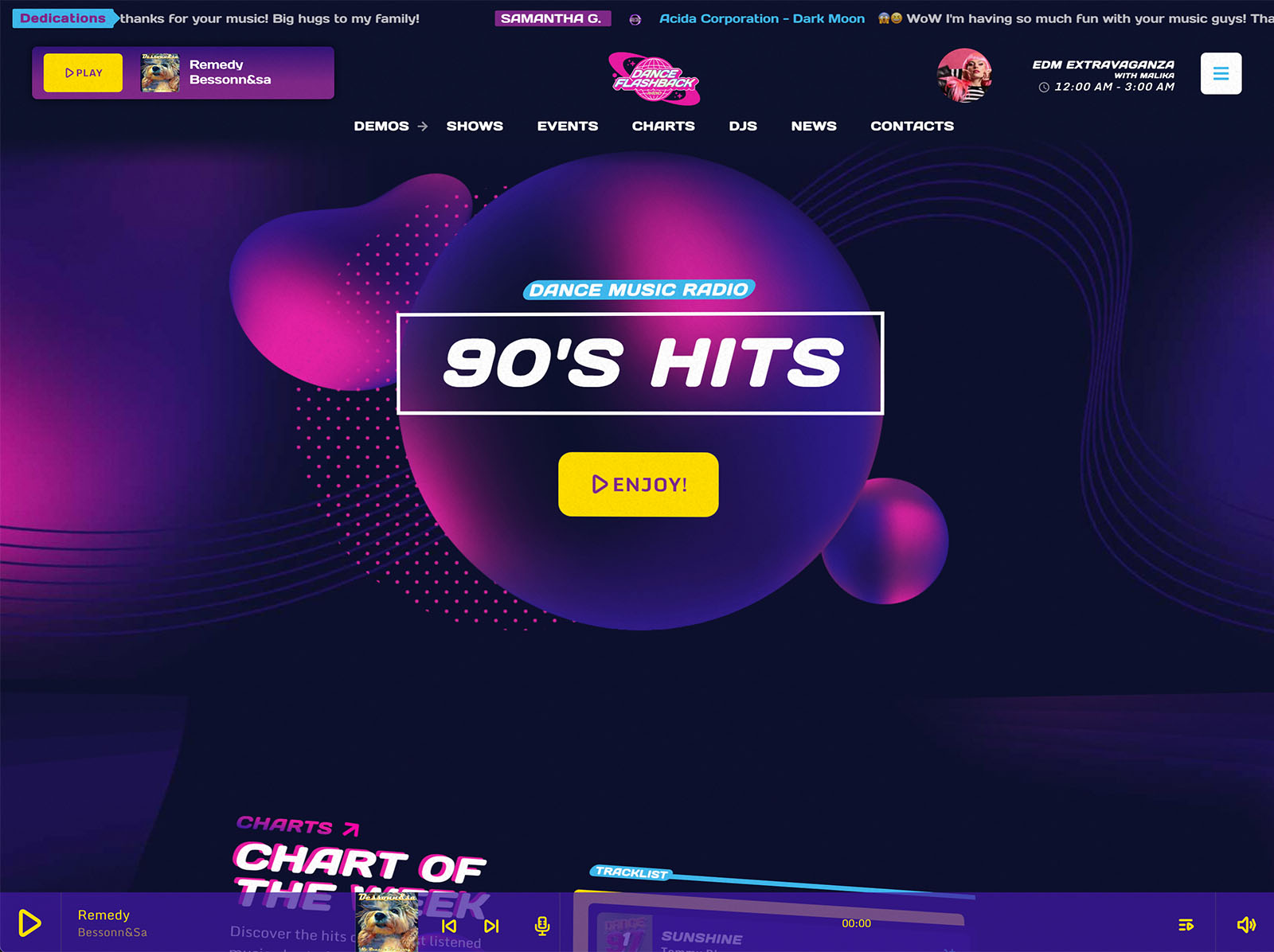
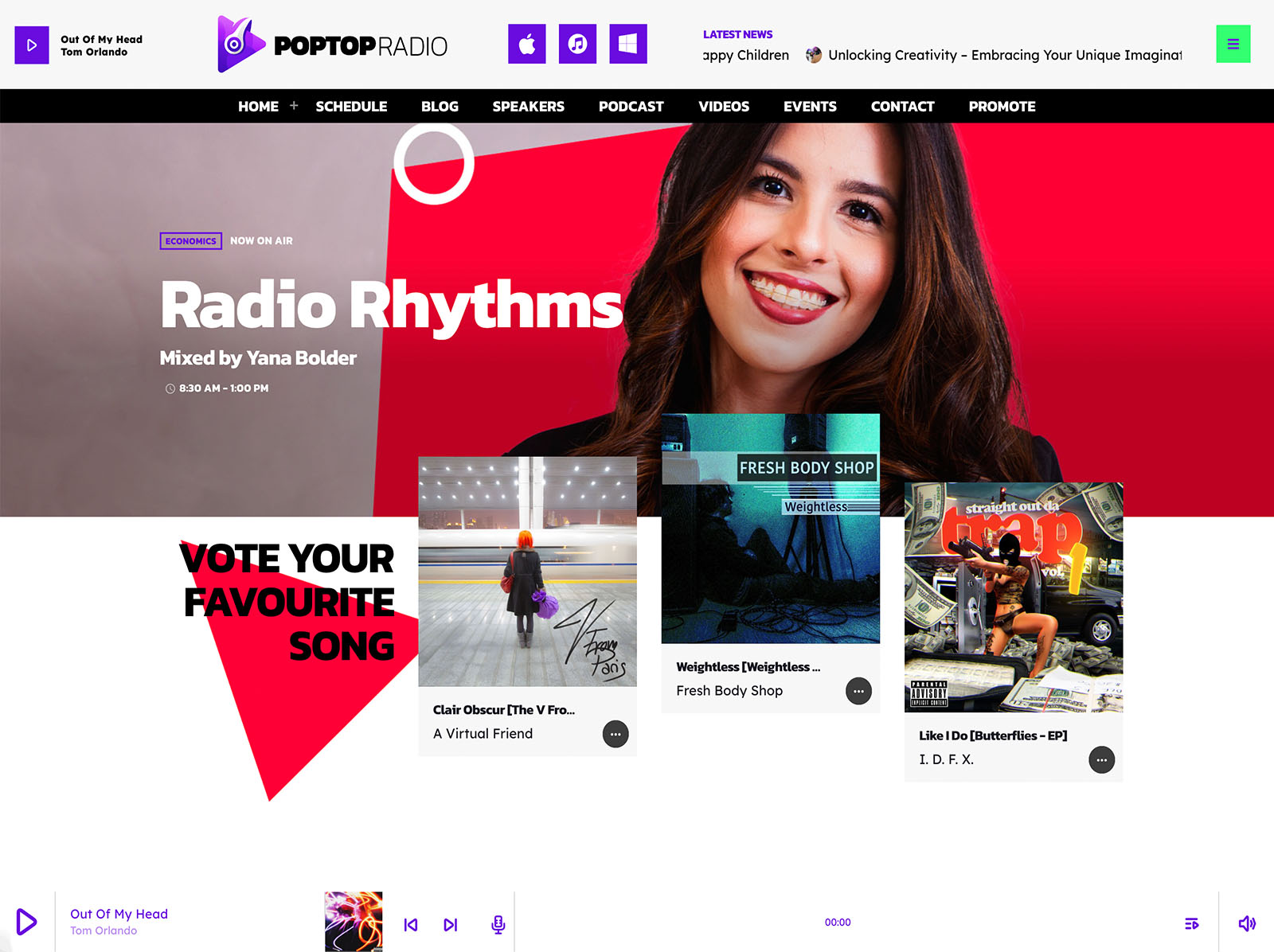
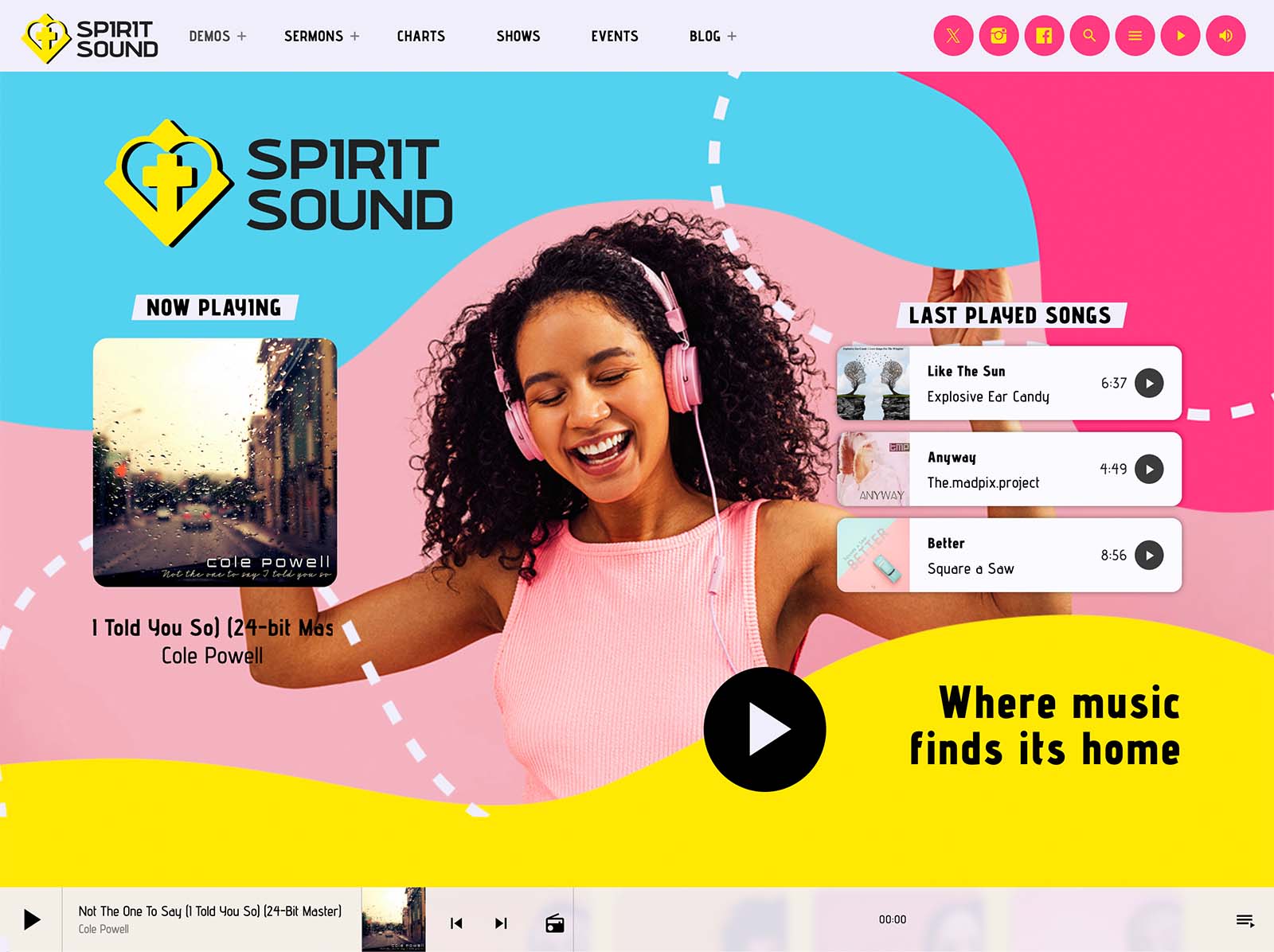
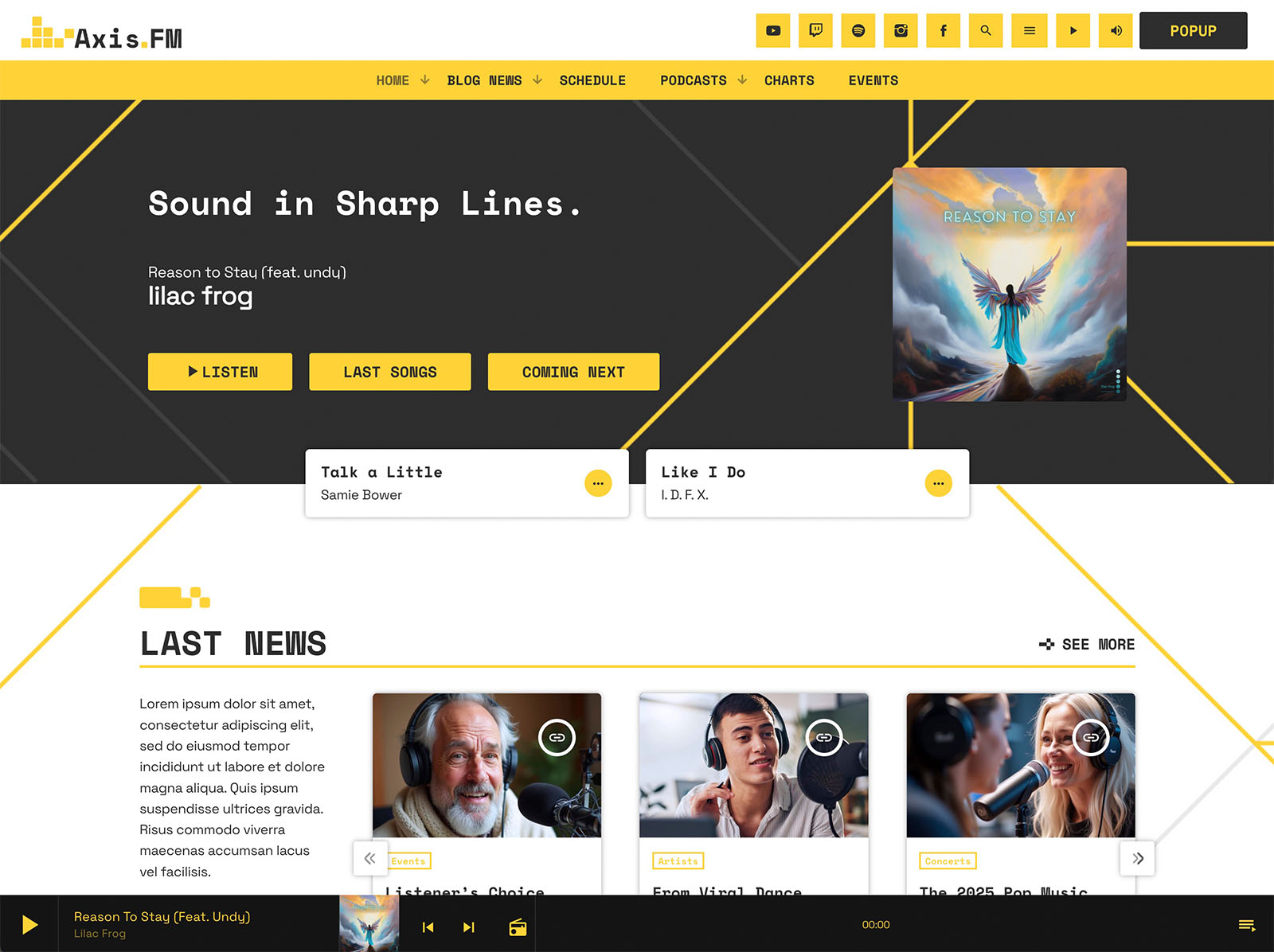
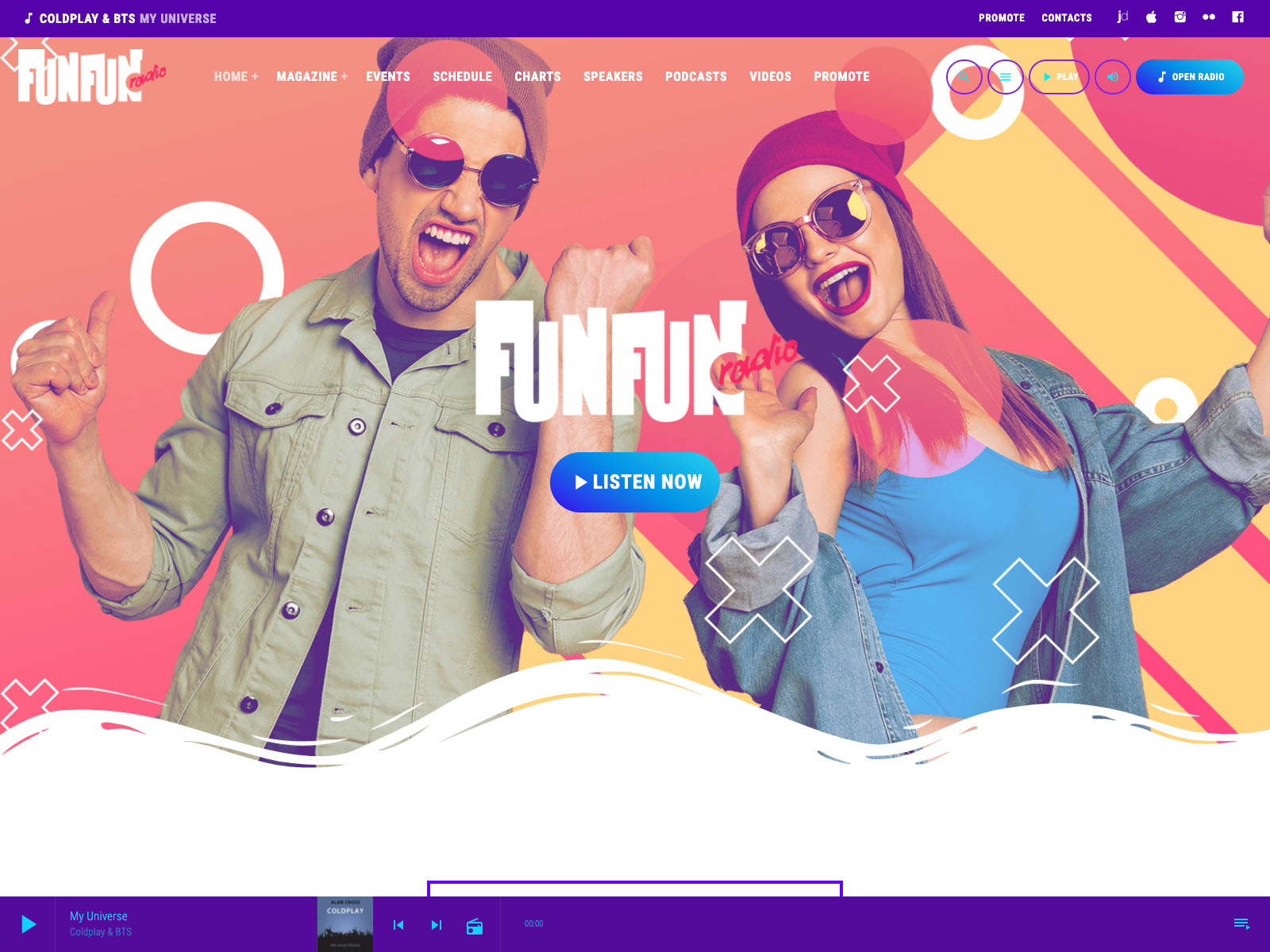
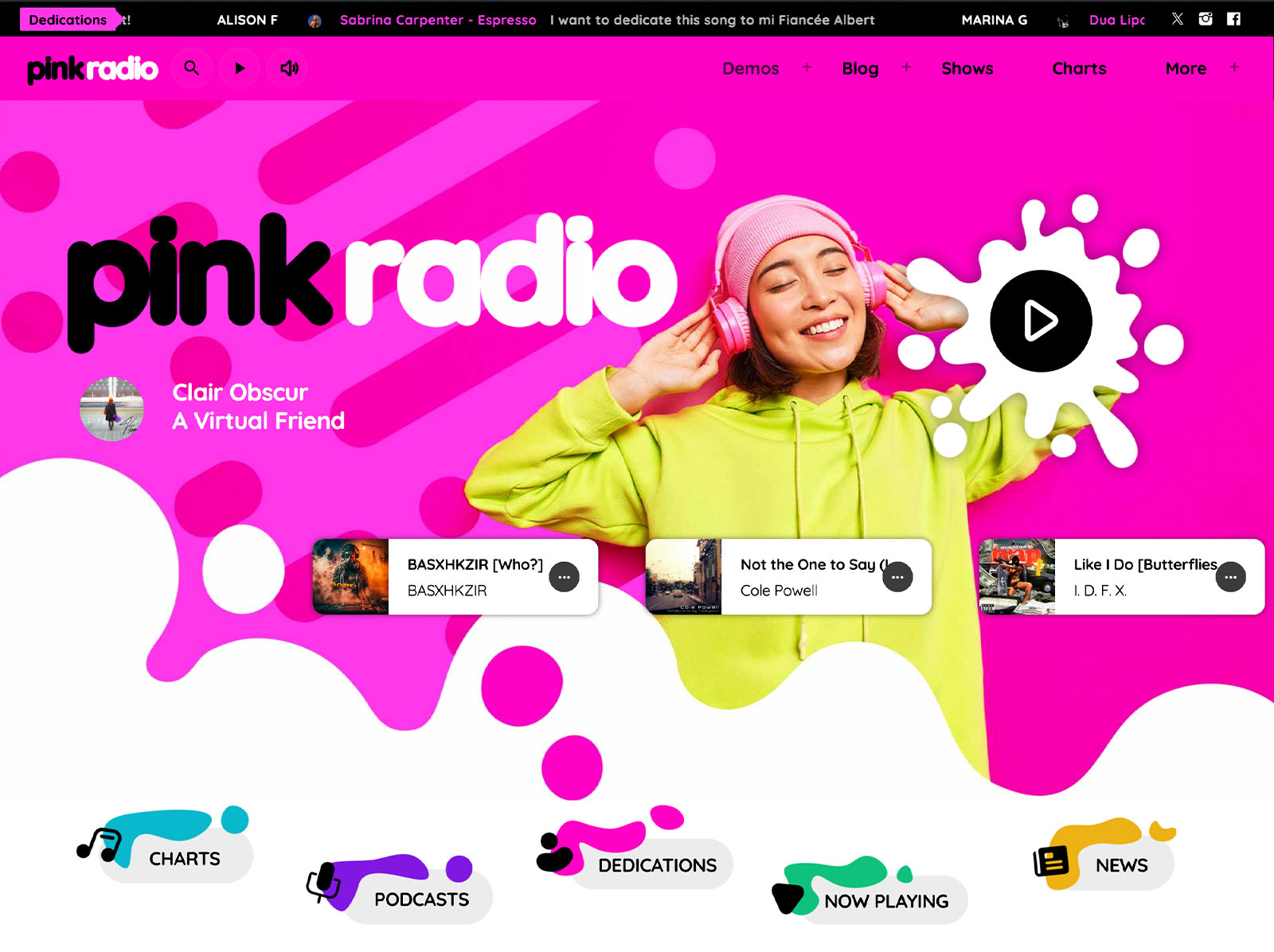
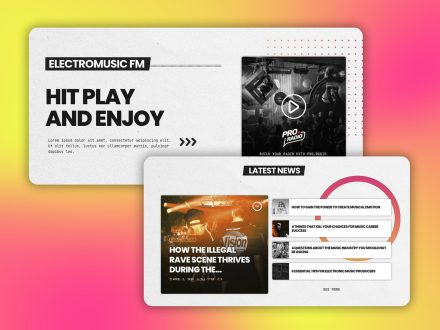
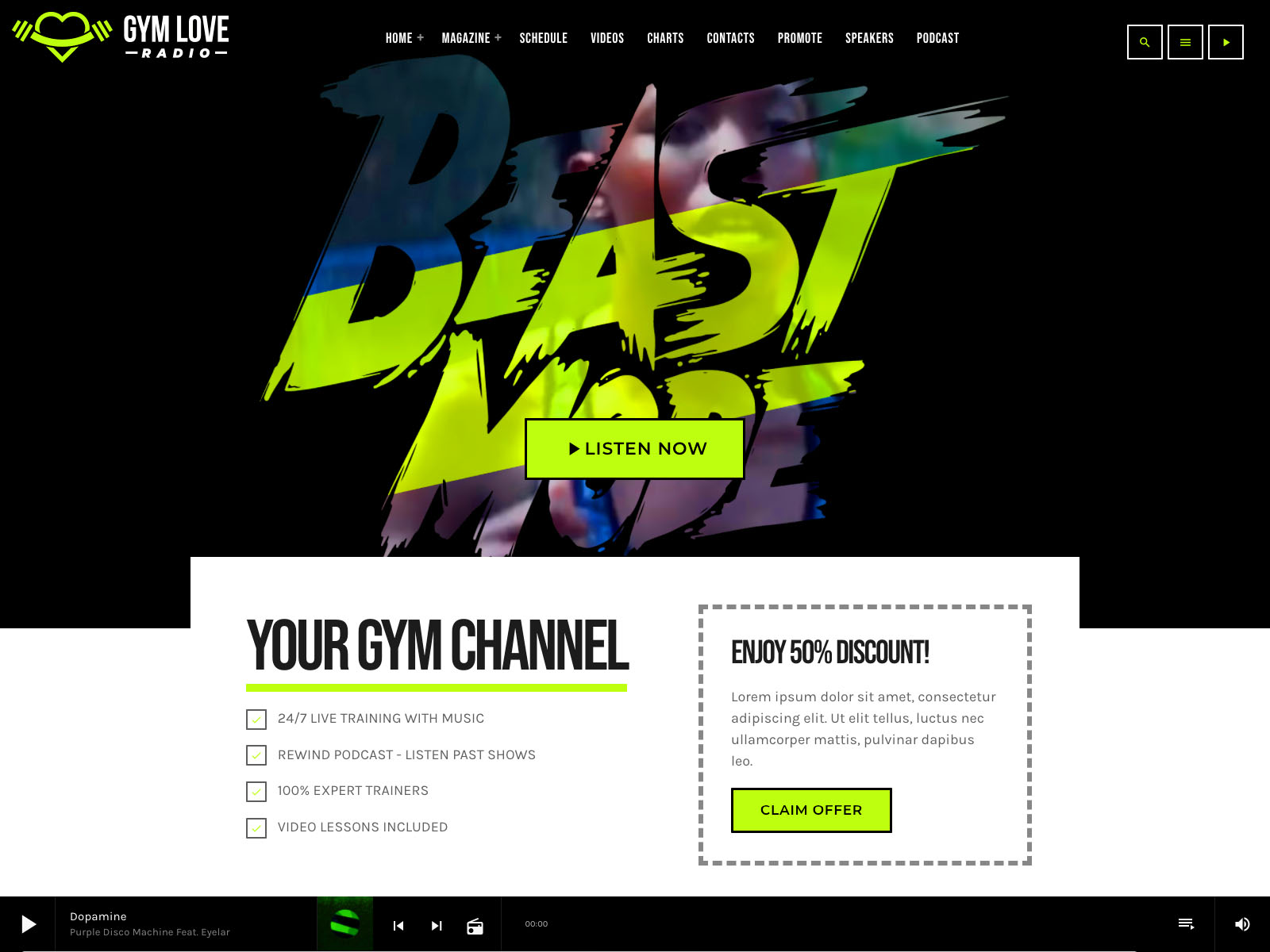
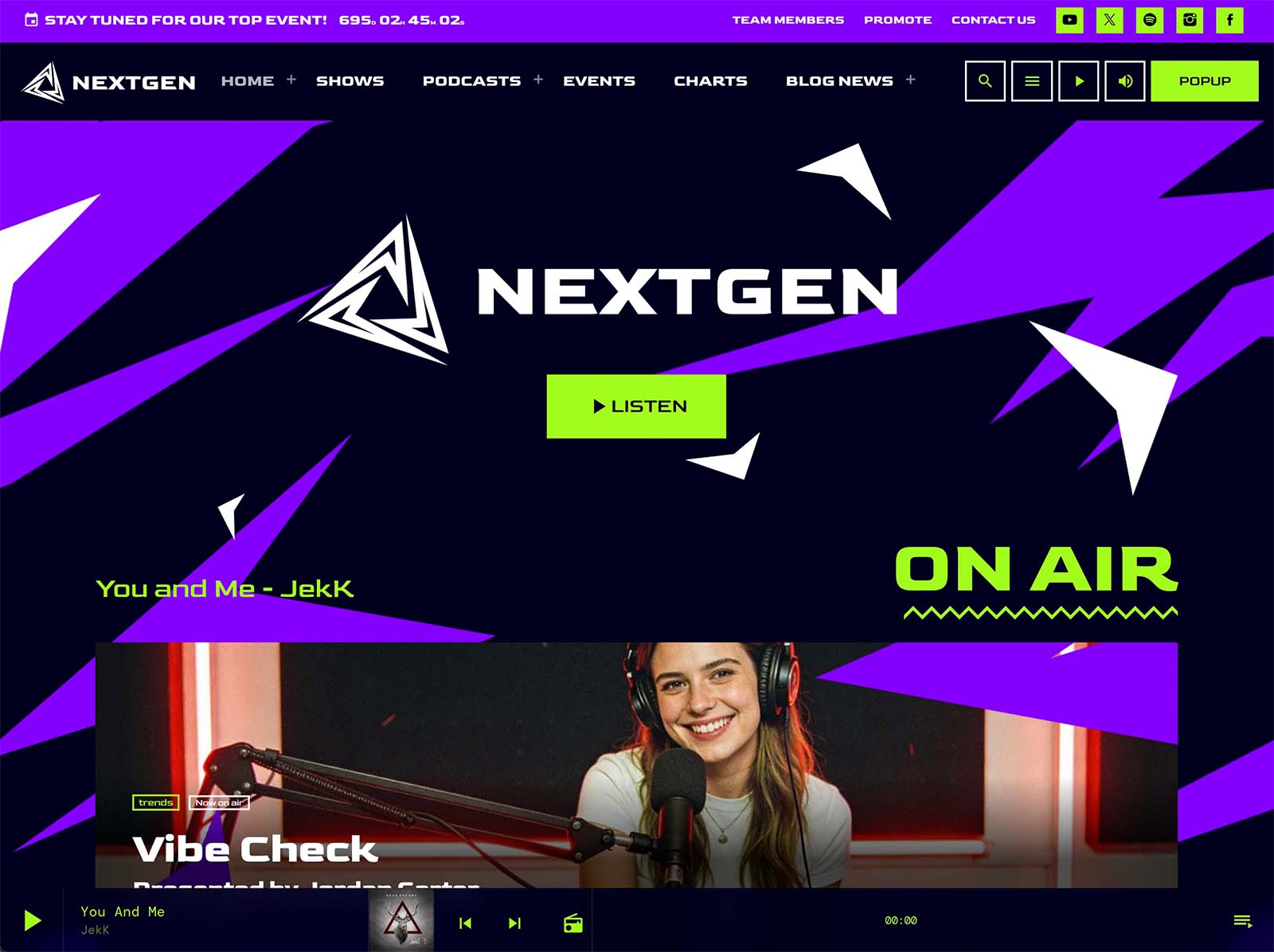
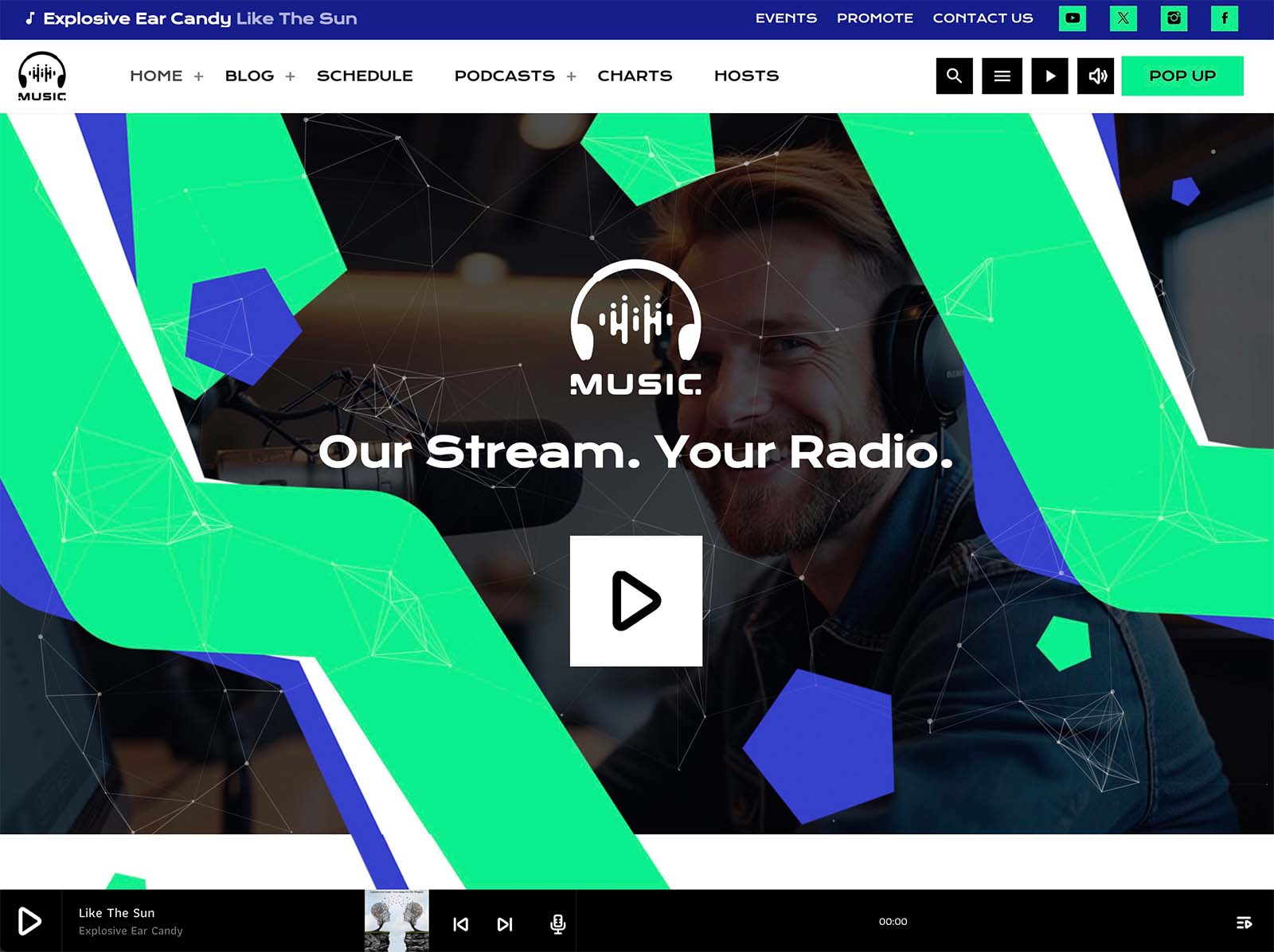
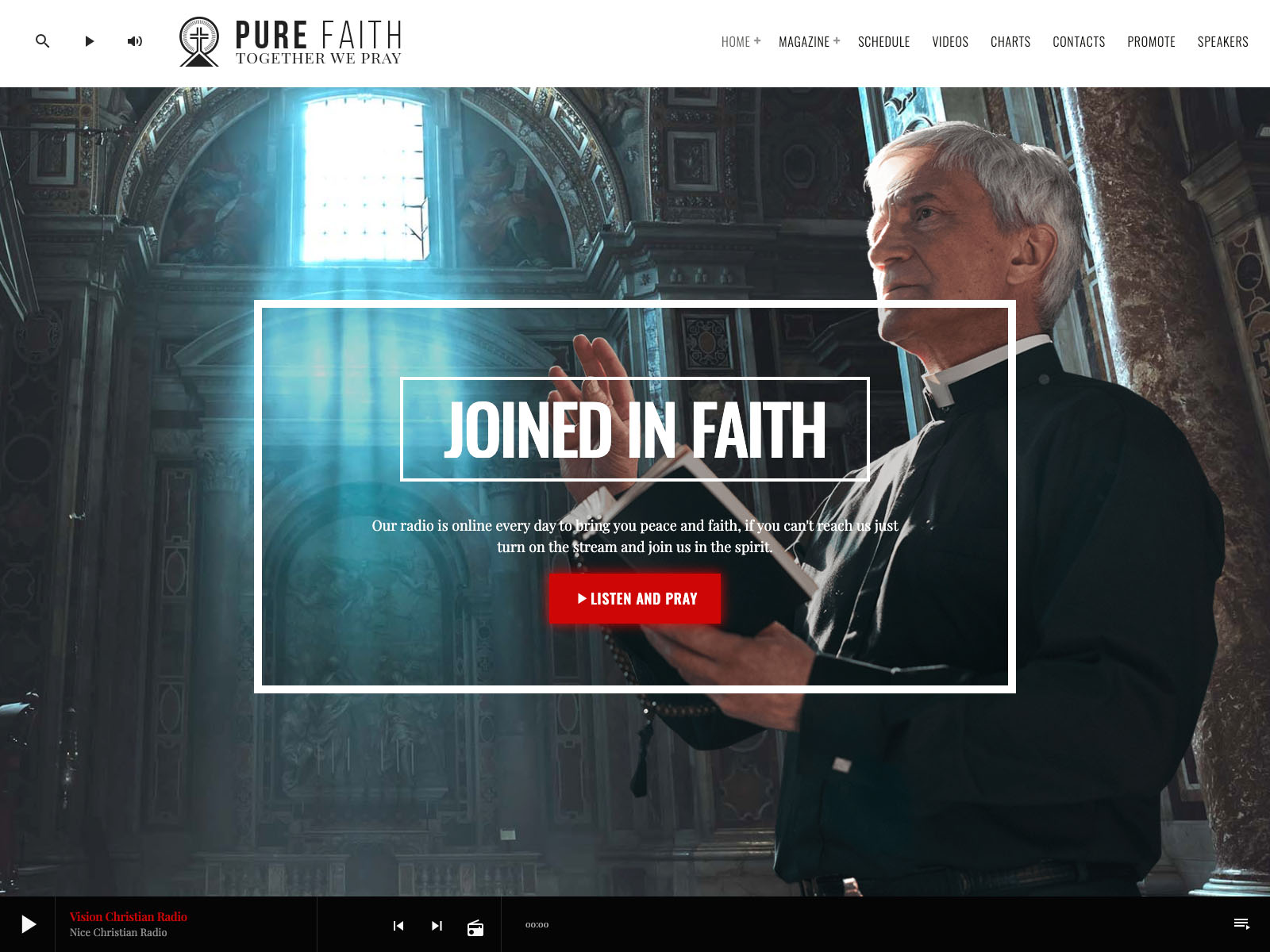
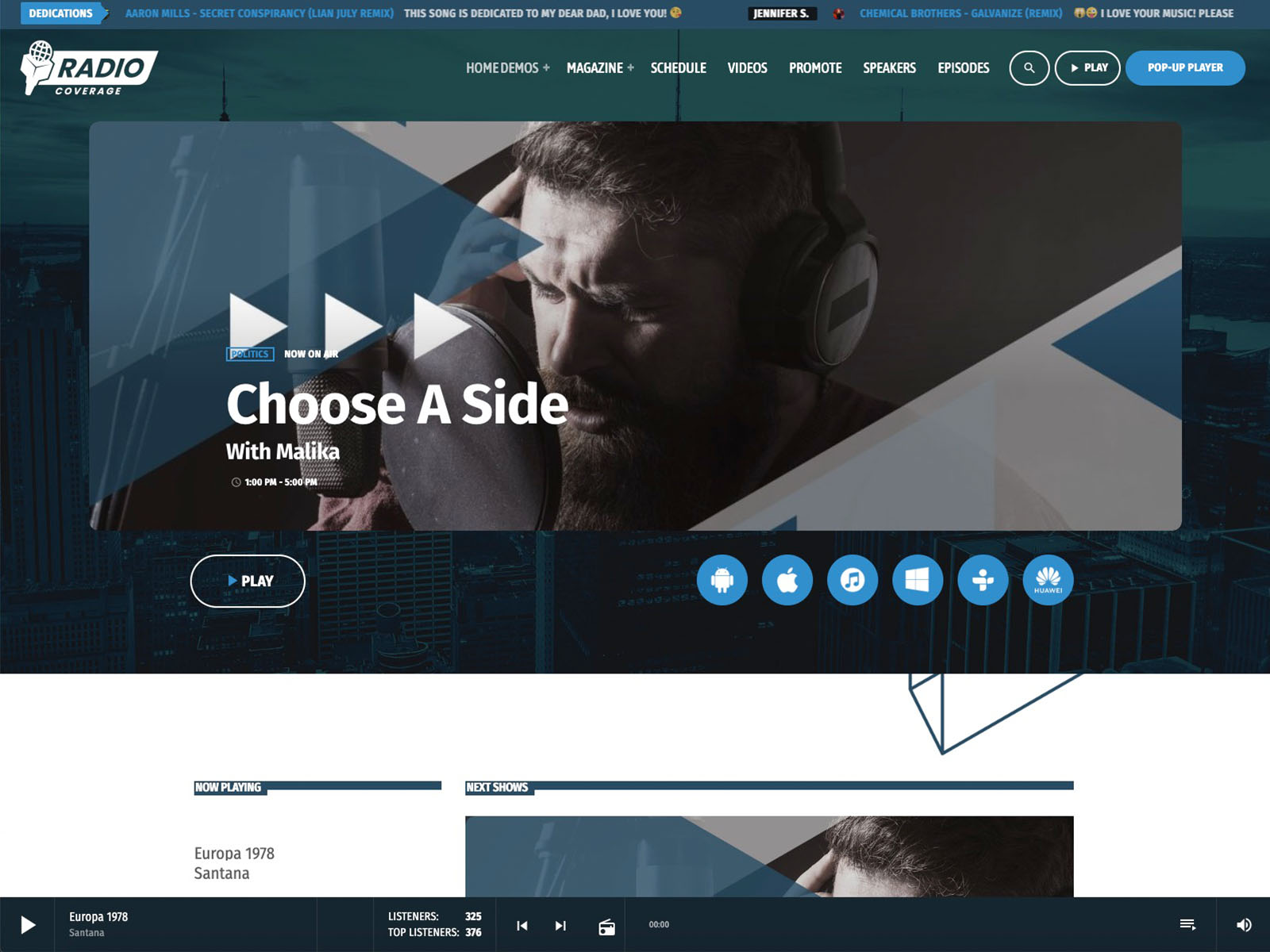
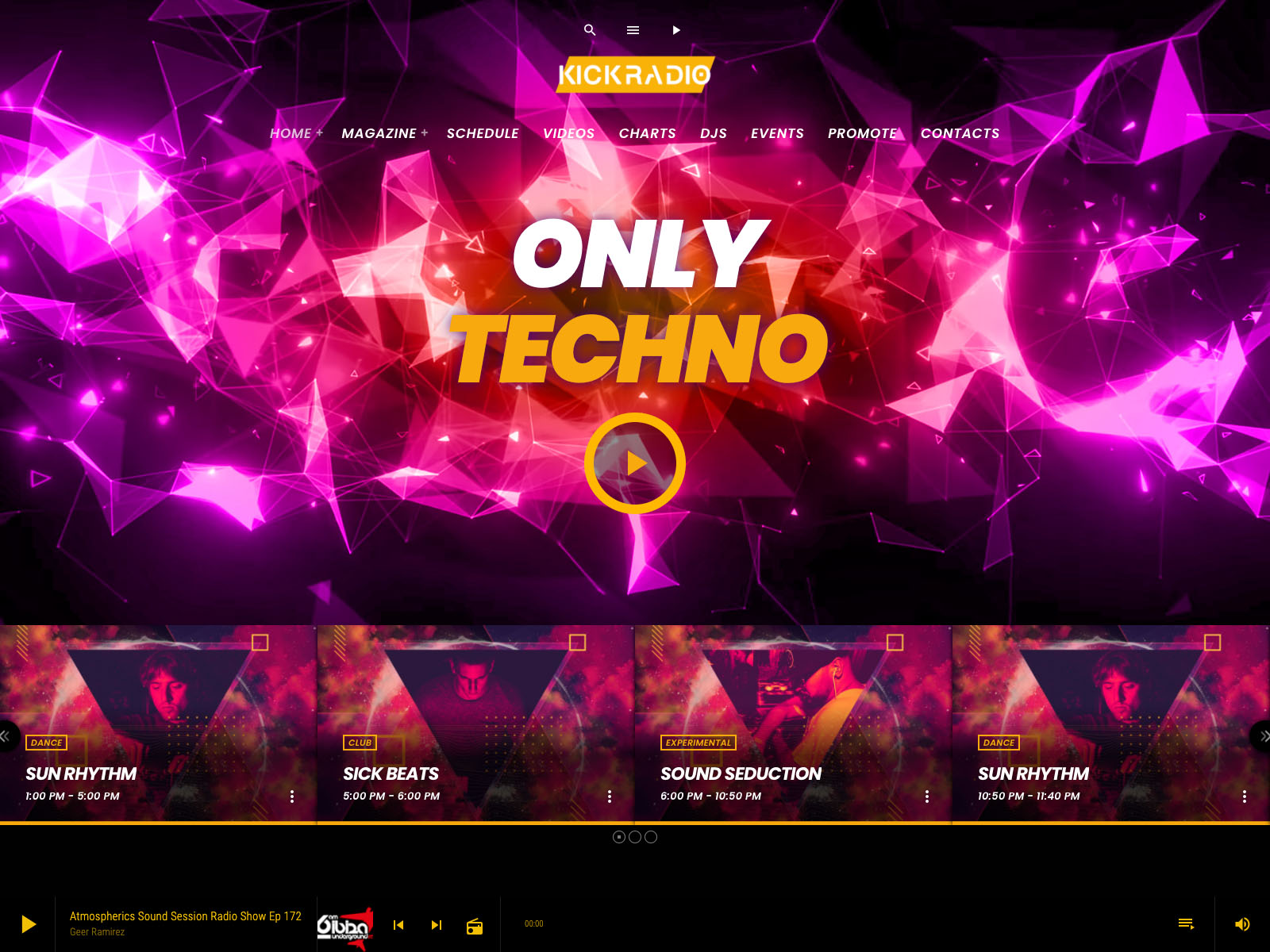
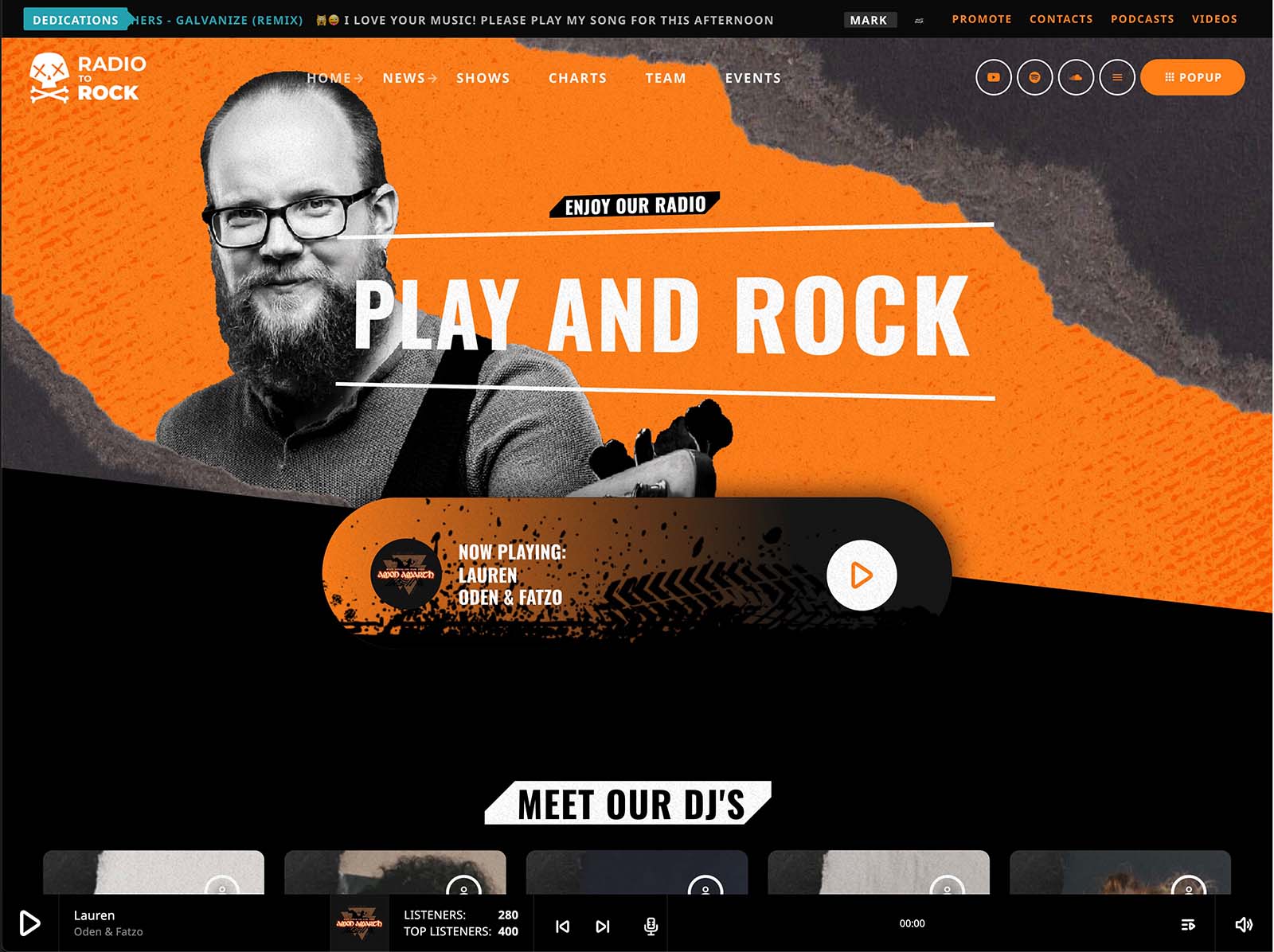
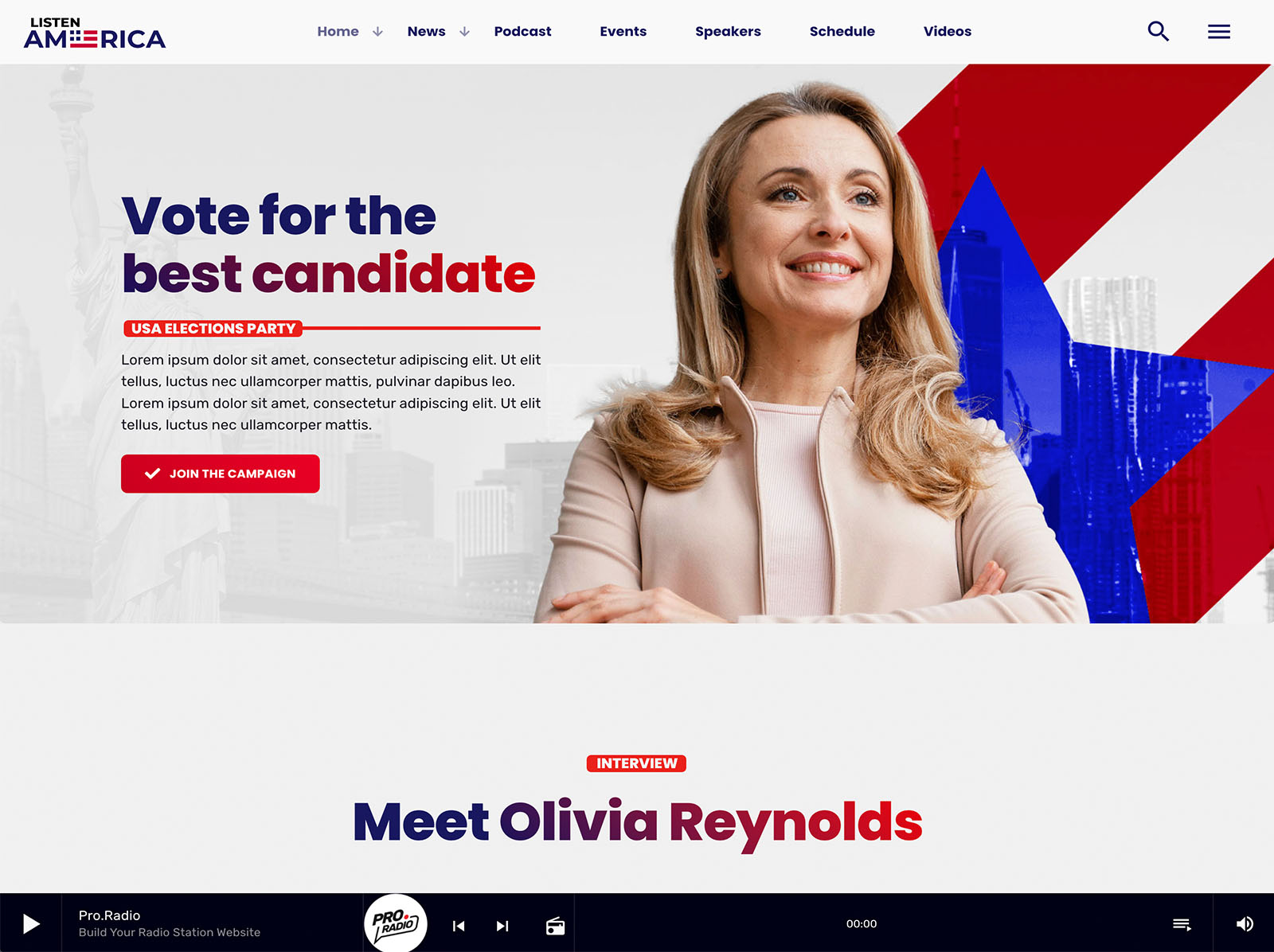
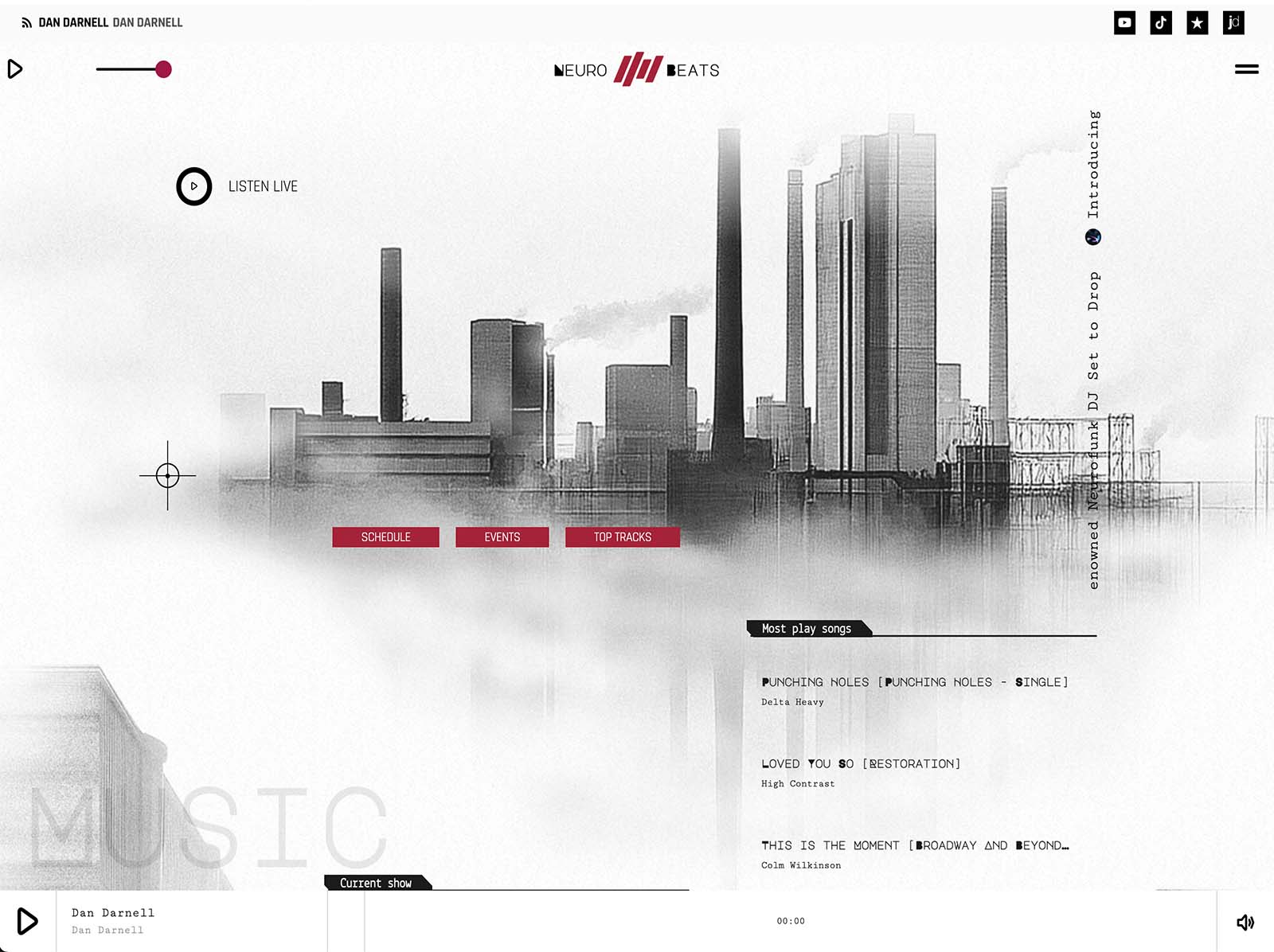
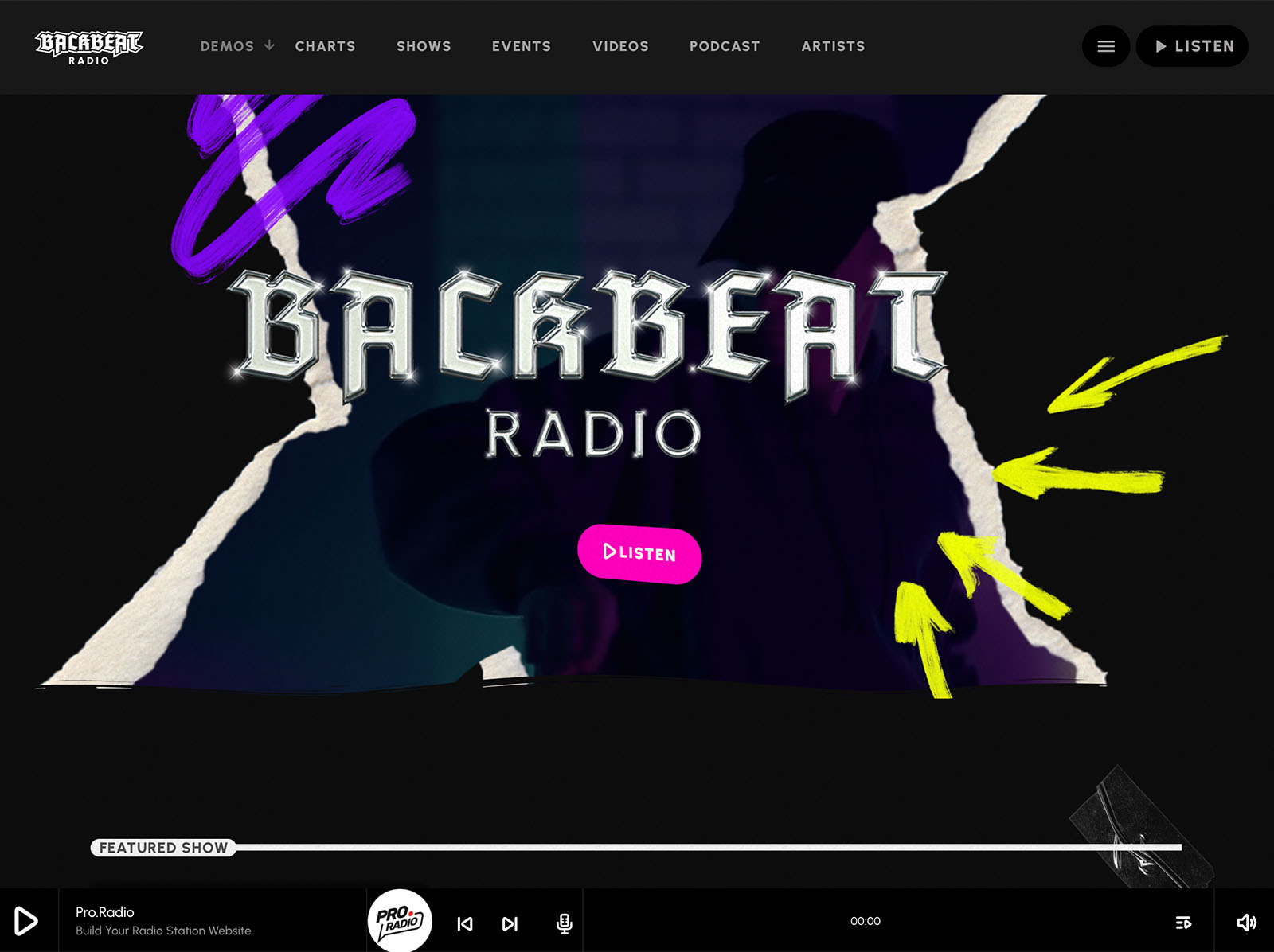
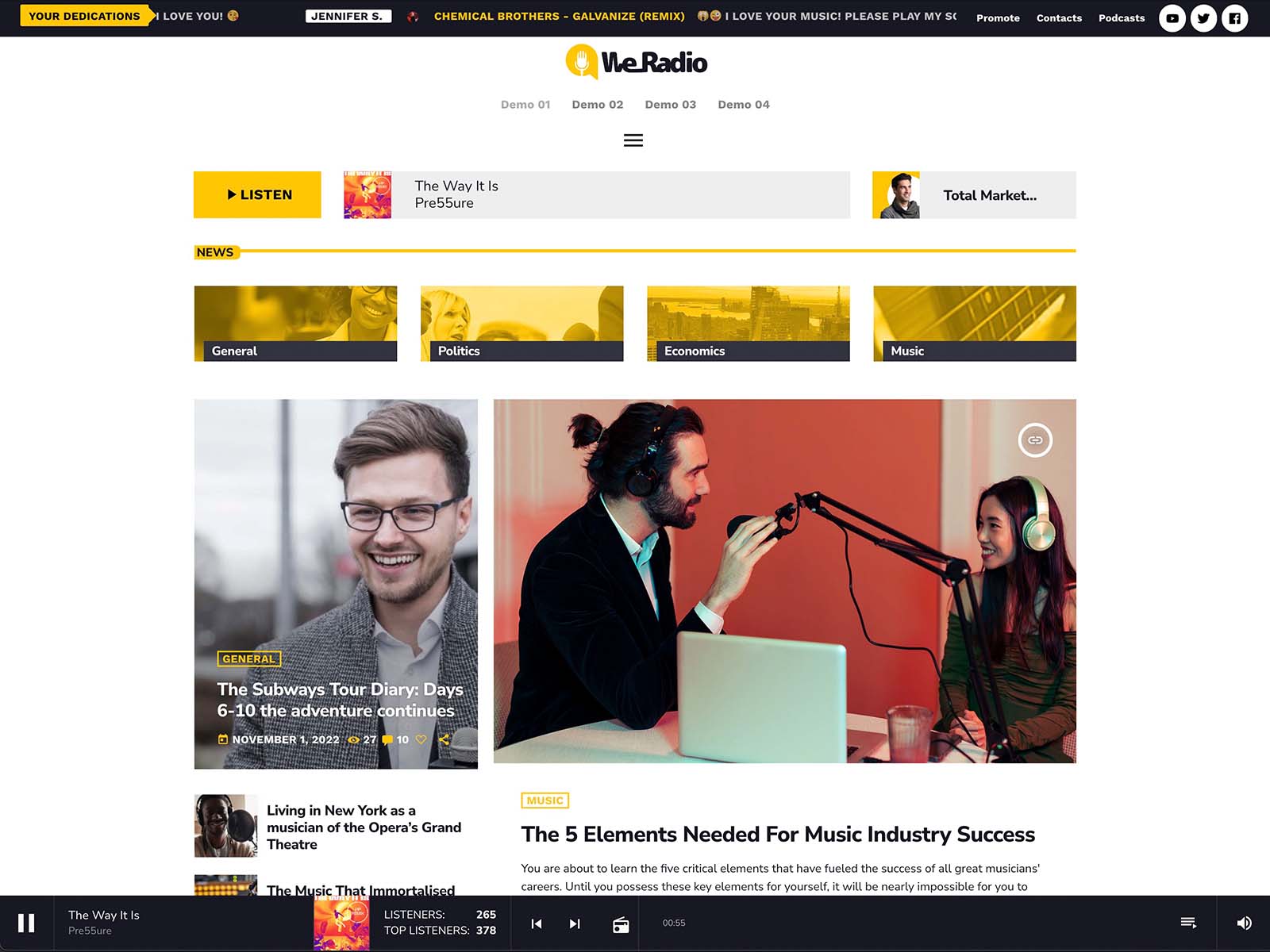
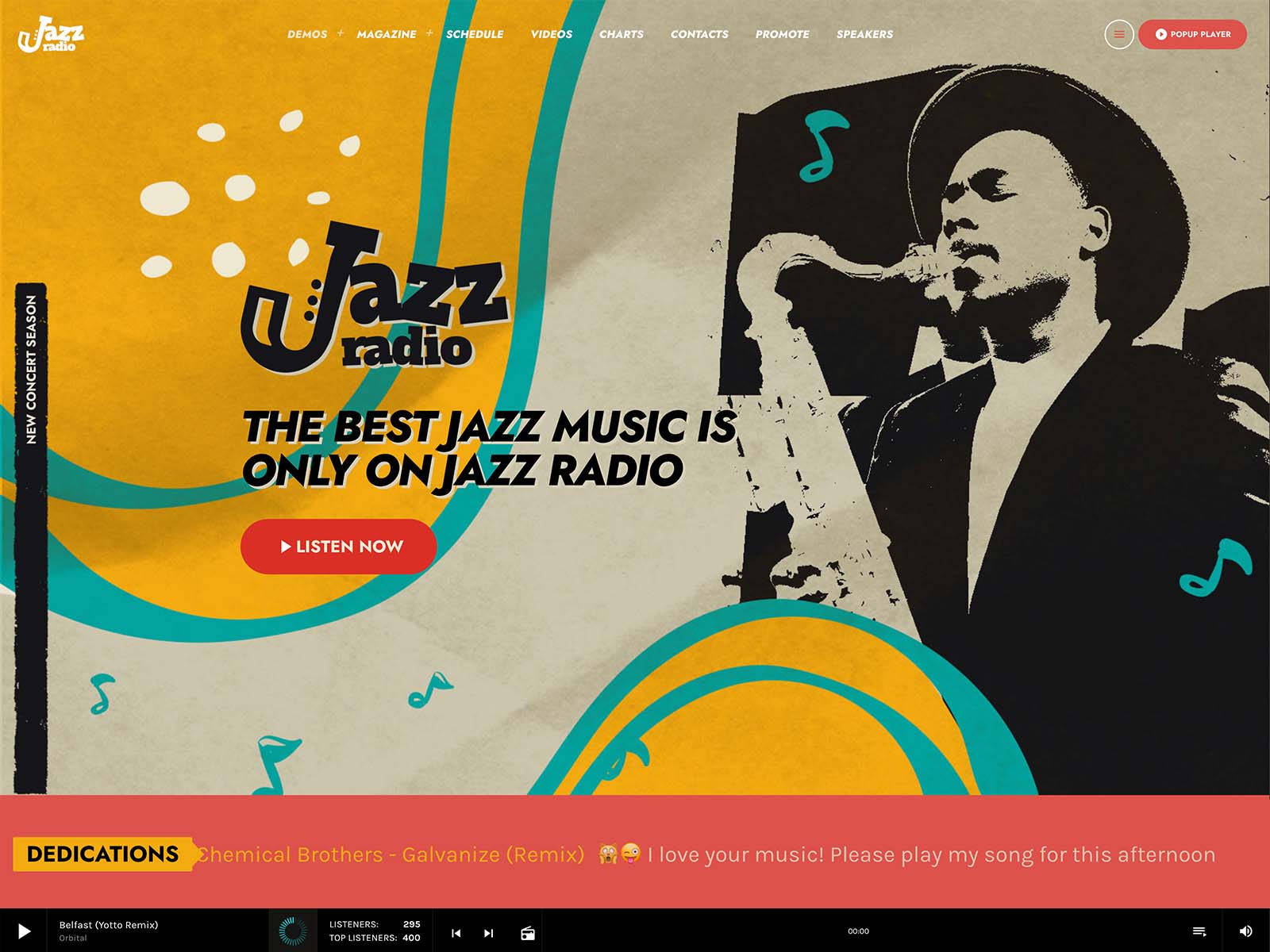
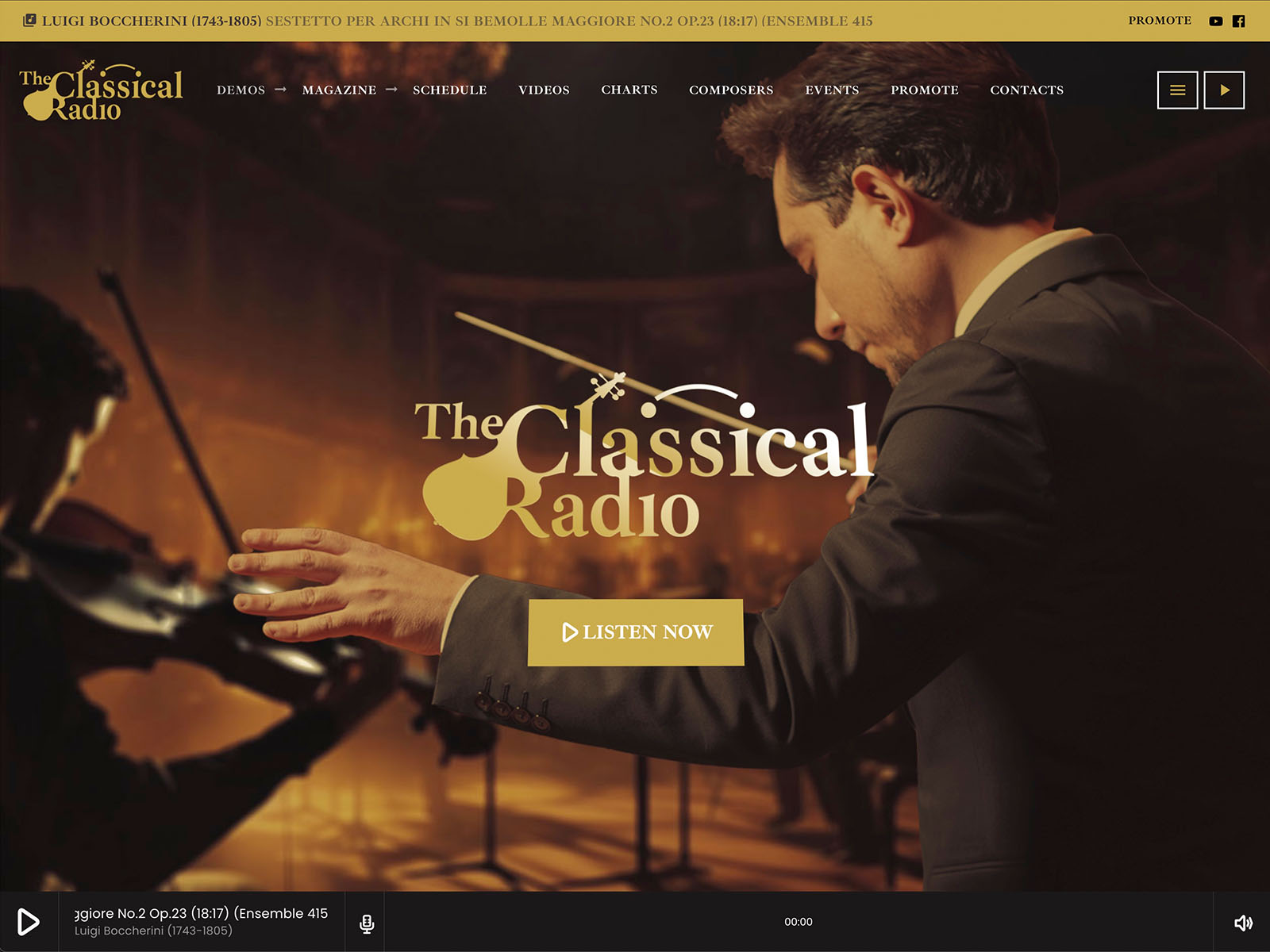
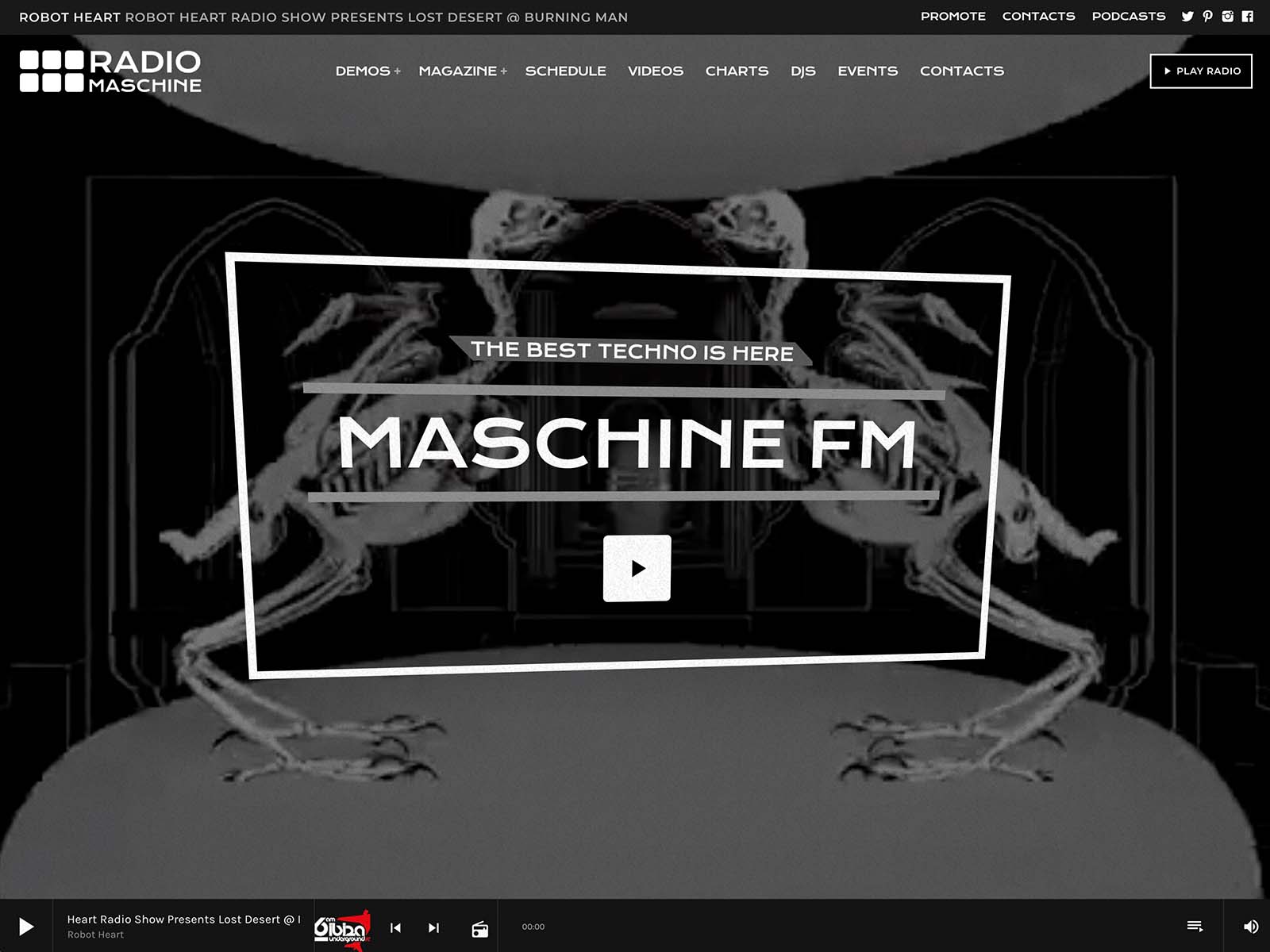
Pro Radio includes a non-stop player with the option to place play buttons anywhere through Elementor widgets. You can have a clear play button in the header, another inside a hero block, and a popup player on mobile, all part of the same continuous audio stream. ICY metadata reads real-time song titles. Album covers load automatically for public commercial releases.
The bundled Ajax page load keeps the audio alive while visitors browse, so the first click does not become a frustrating restart. Volume and play controls can live in the menu bar. The popup player gives mobile visitors a fixed, comfortable control surface.
A great play button is not just visual. It is behavioral. It promises that pressing play will work, will sound good, and will not interrupt the rest of the experience.
“What Is On Right Now” Has To Be Visible
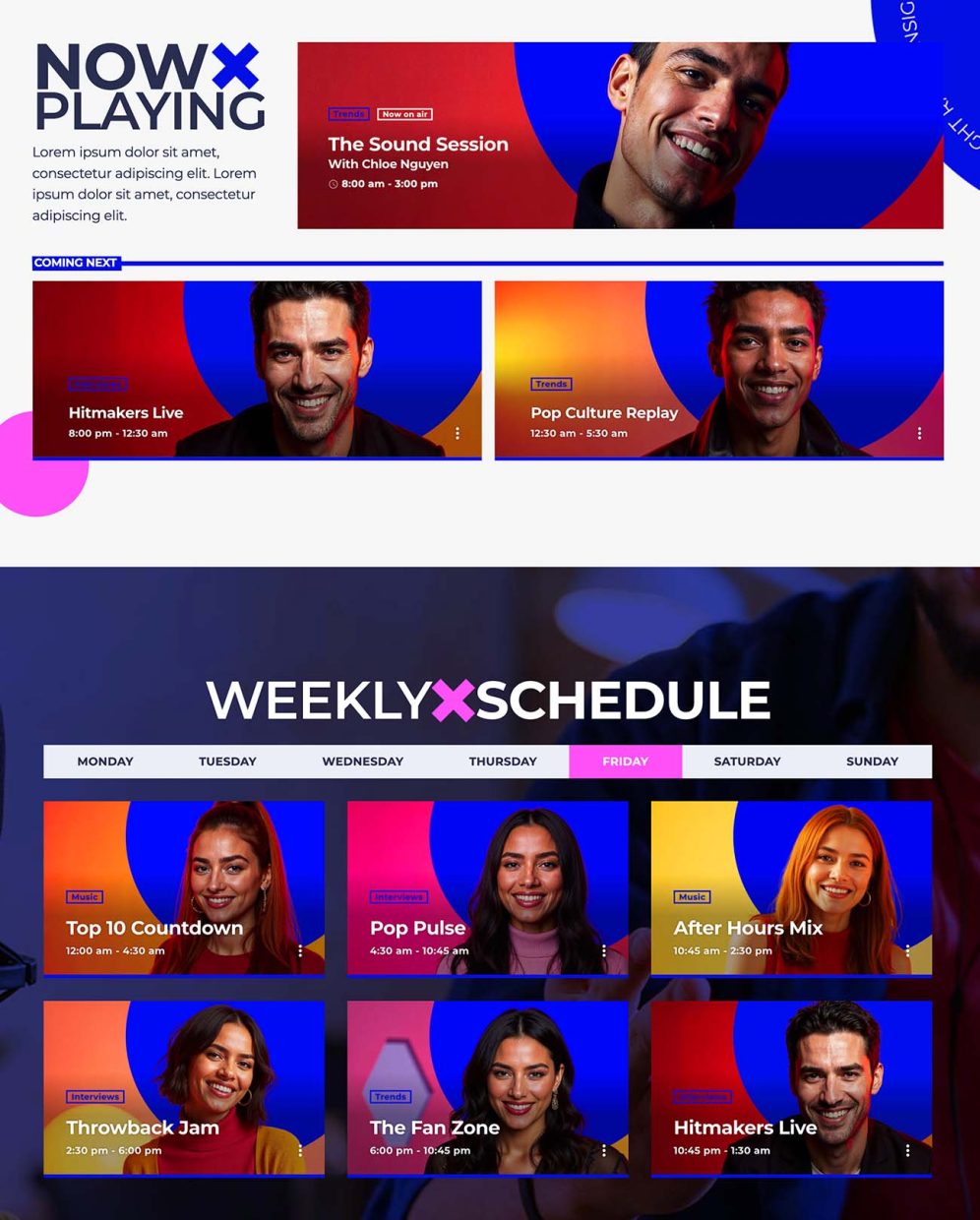
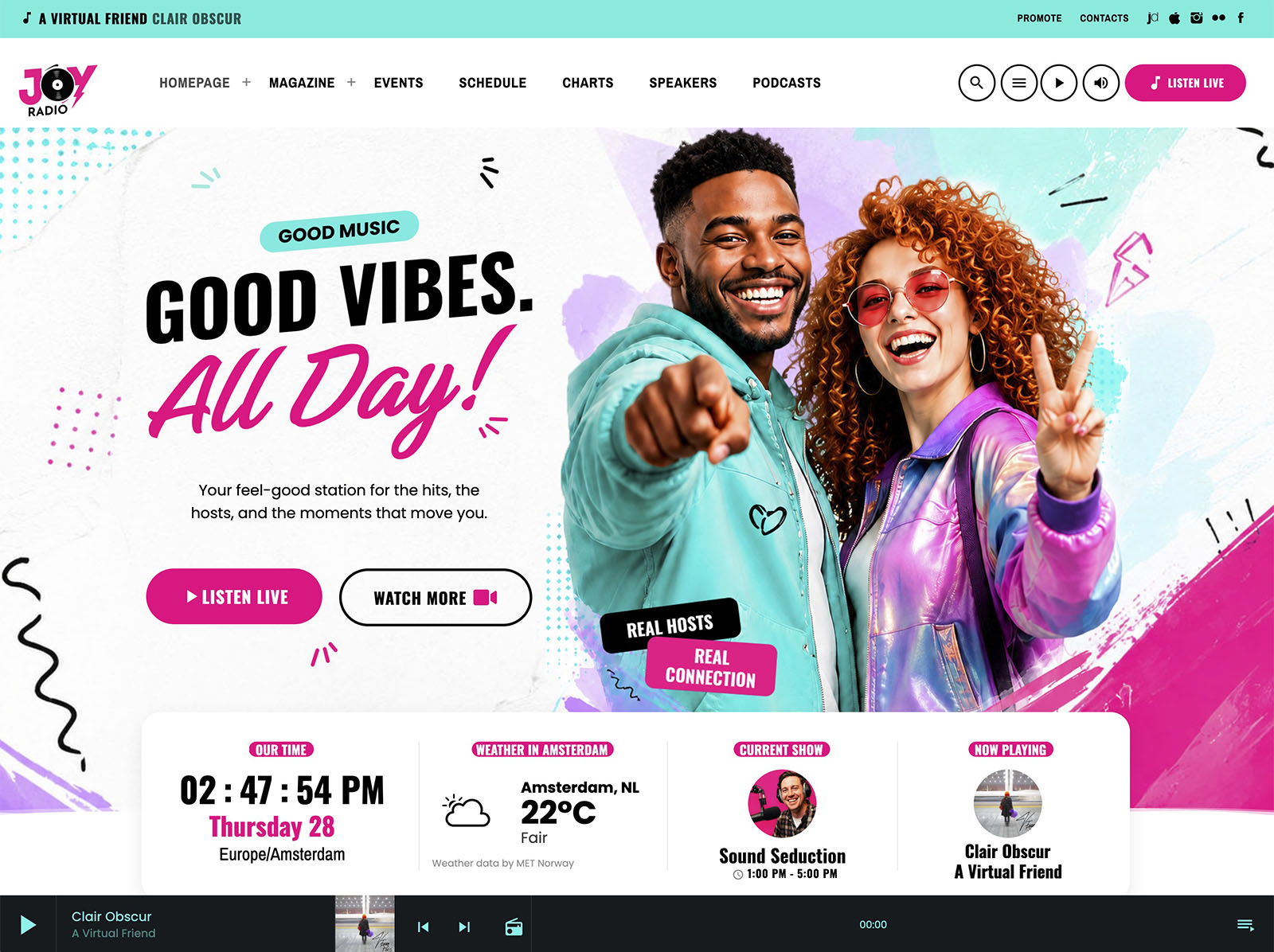
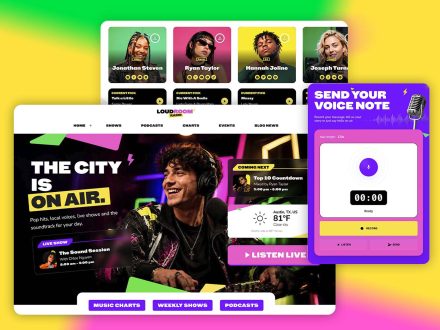
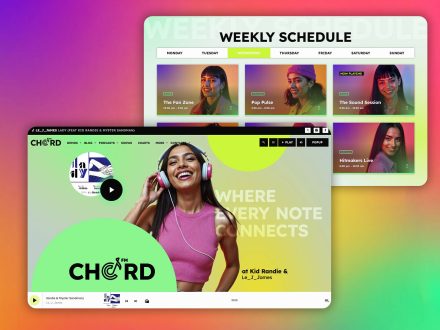
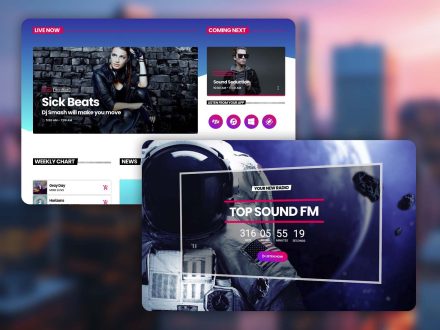
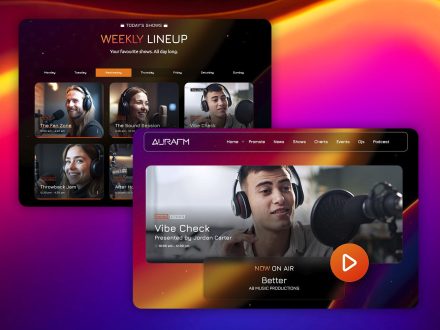
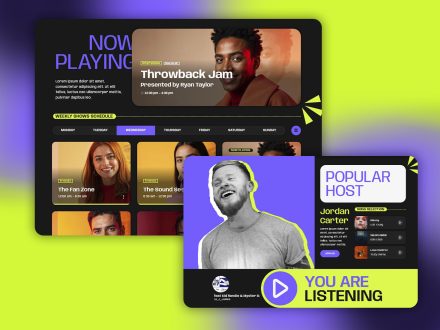
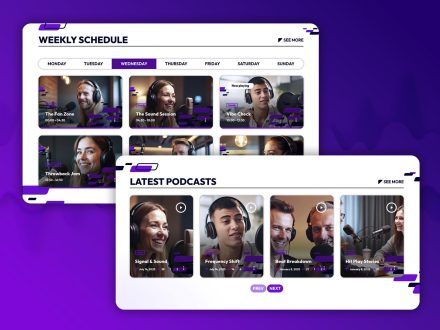
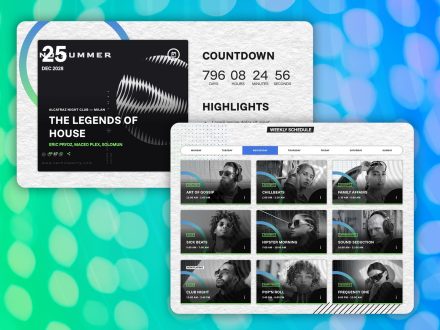
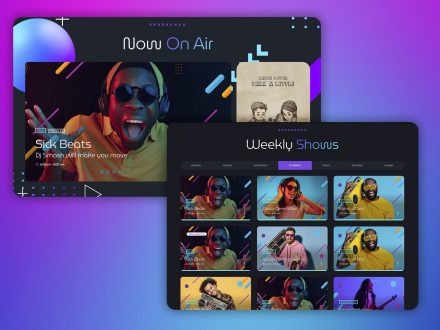
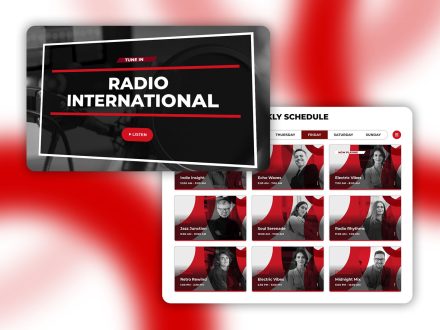
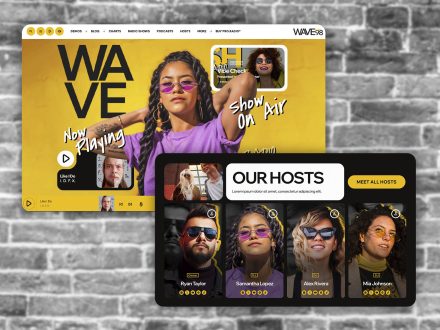
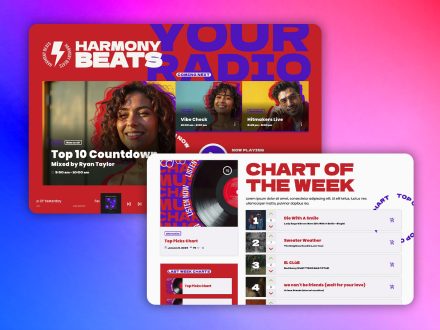
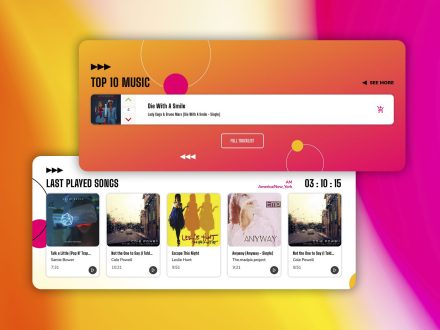
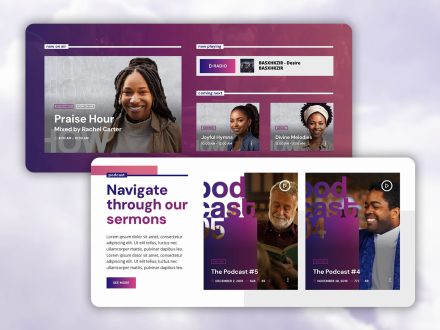
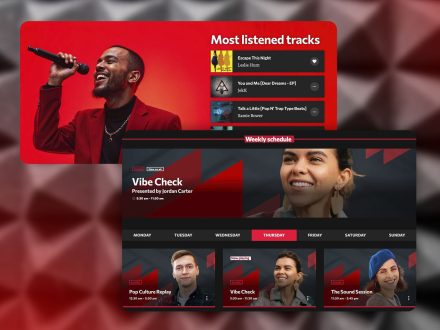
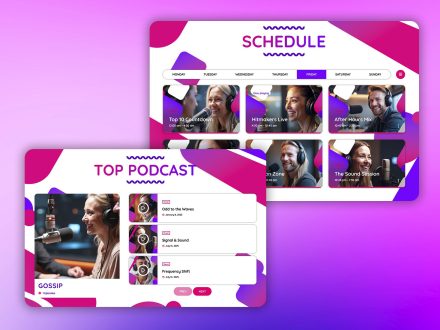
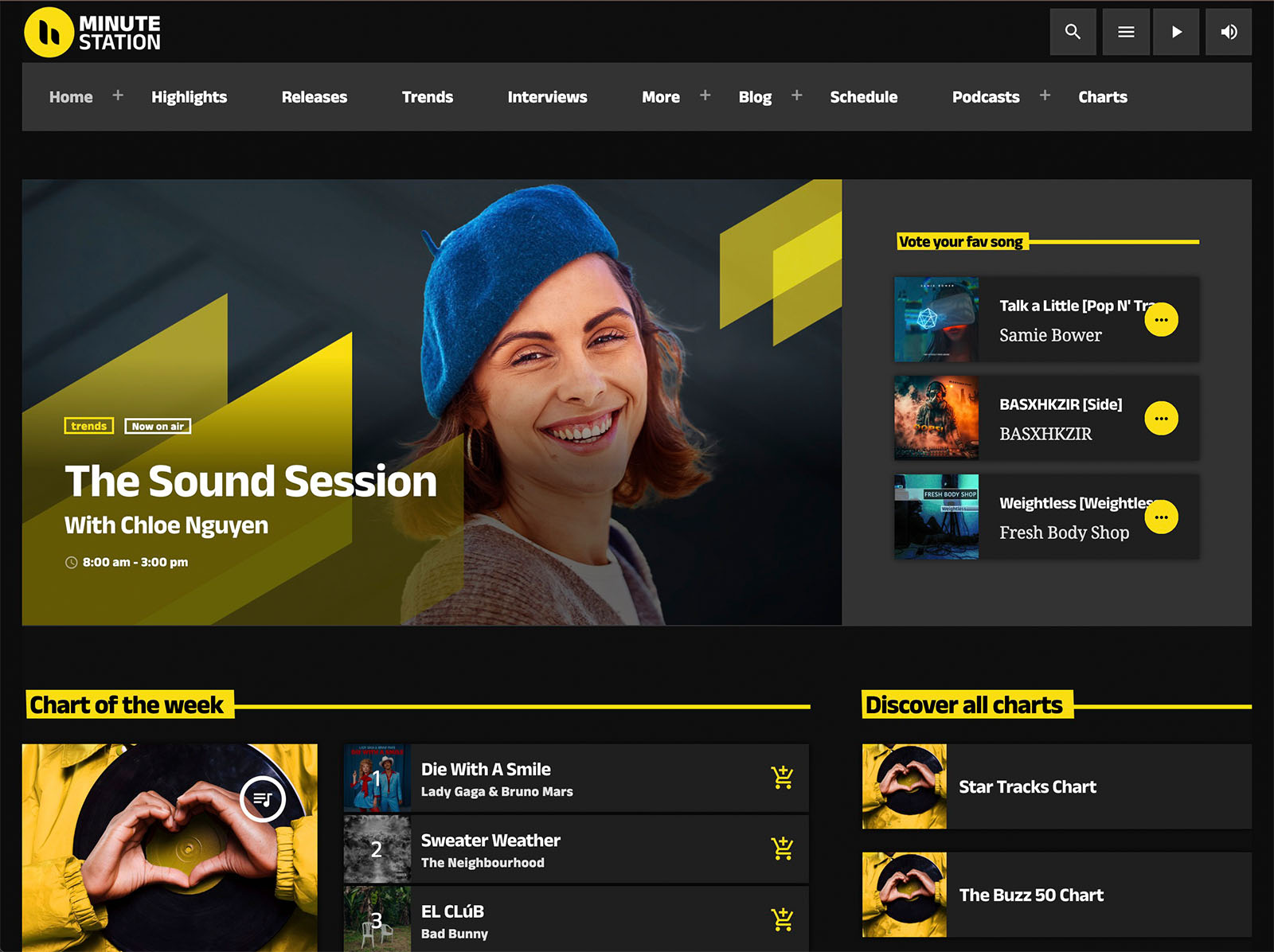
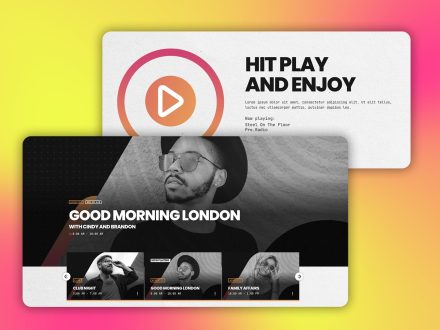
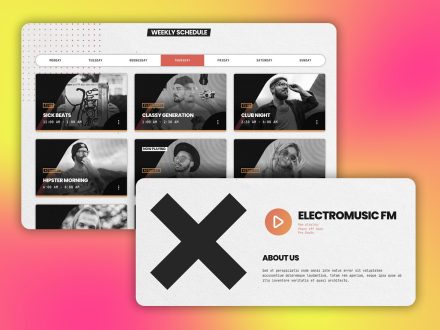
Visitors do not click play on a stream they know nothing about. They click play when they know what they are about to hear. The interactive schedule in Pro Radio automatically detects the current time and day and highlights the show on air. The current day is preselected. Sliders and carousels of upcoming shows can sit on the homepage so visitors immediately see what is now and what is next.
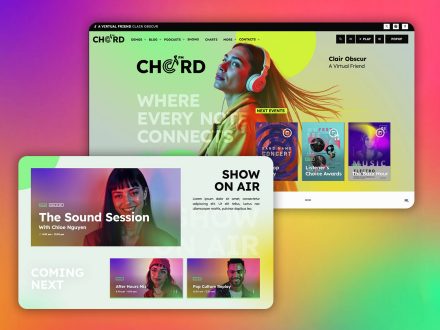
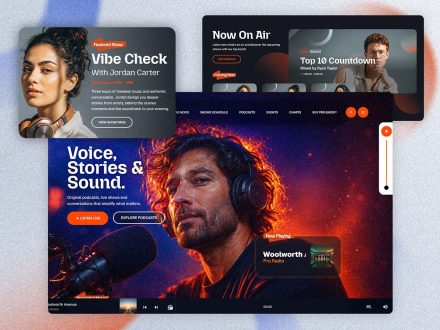
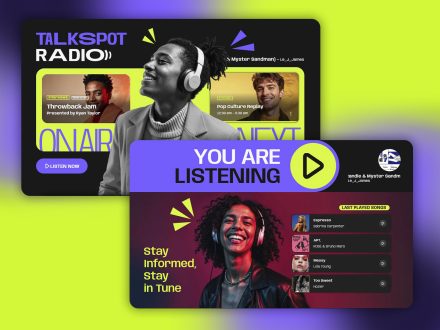
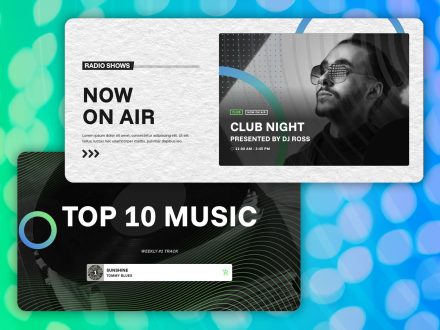
Current show information can also be displayed via dedicated widgets in the header area, in a hero section, or anywhere inside an Elementor layout. A new visitor sees “On Air Now: The Morning Drive with [Host Name]” and the click becomes obvious.
Show Blocks That Sell The Schedule
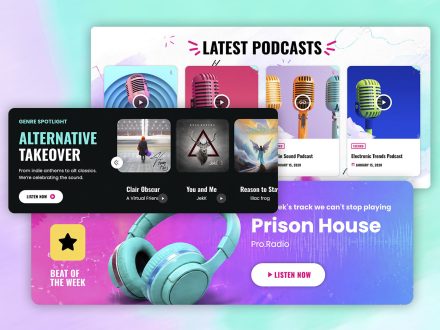
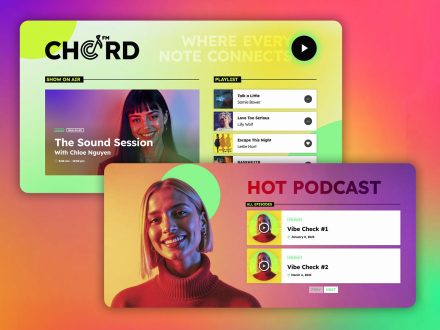
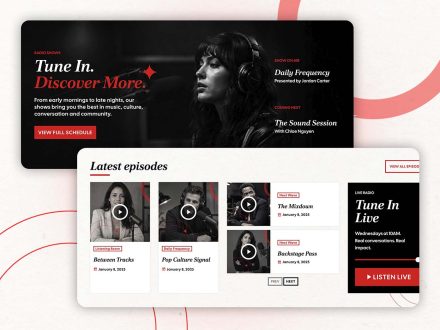
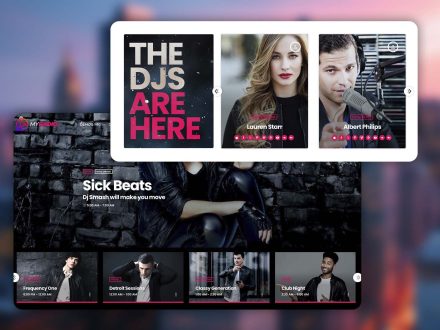
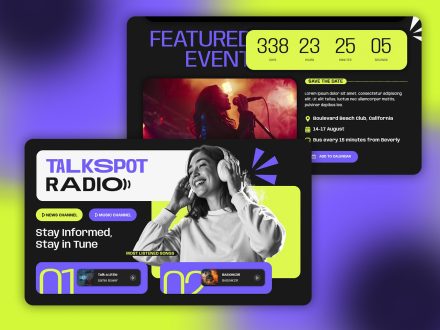
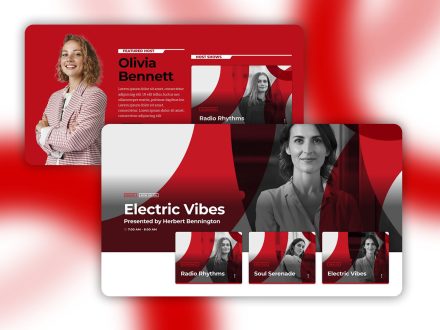
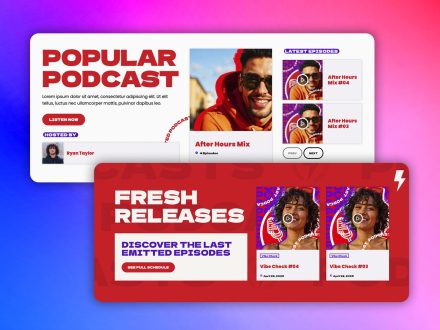
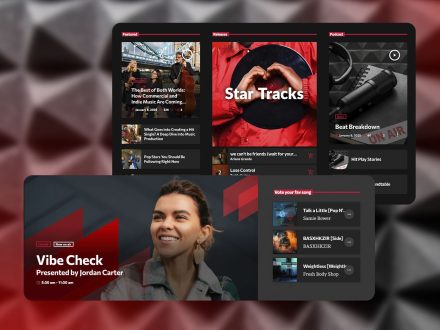
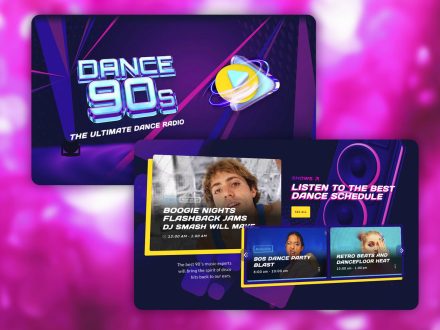
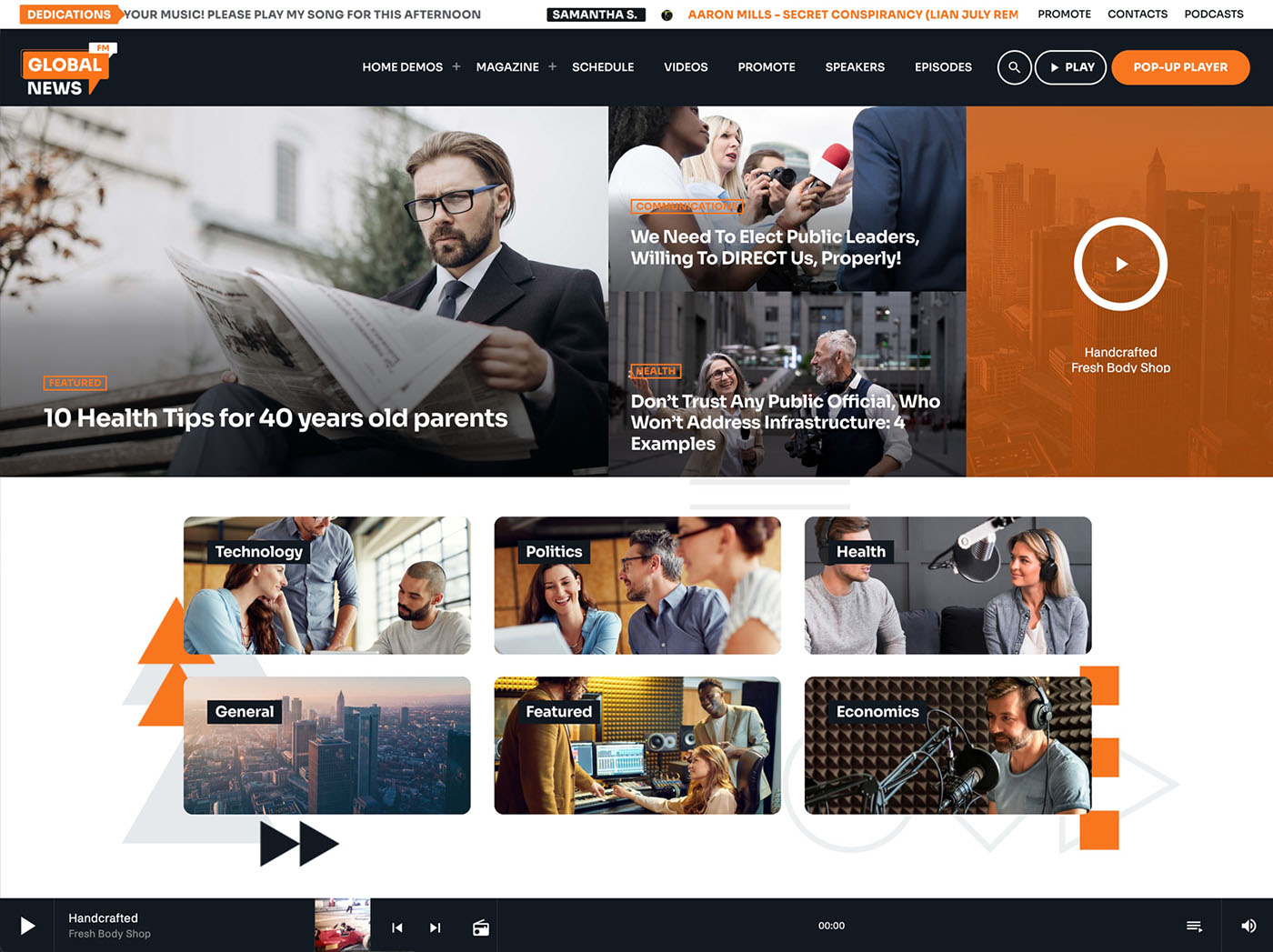
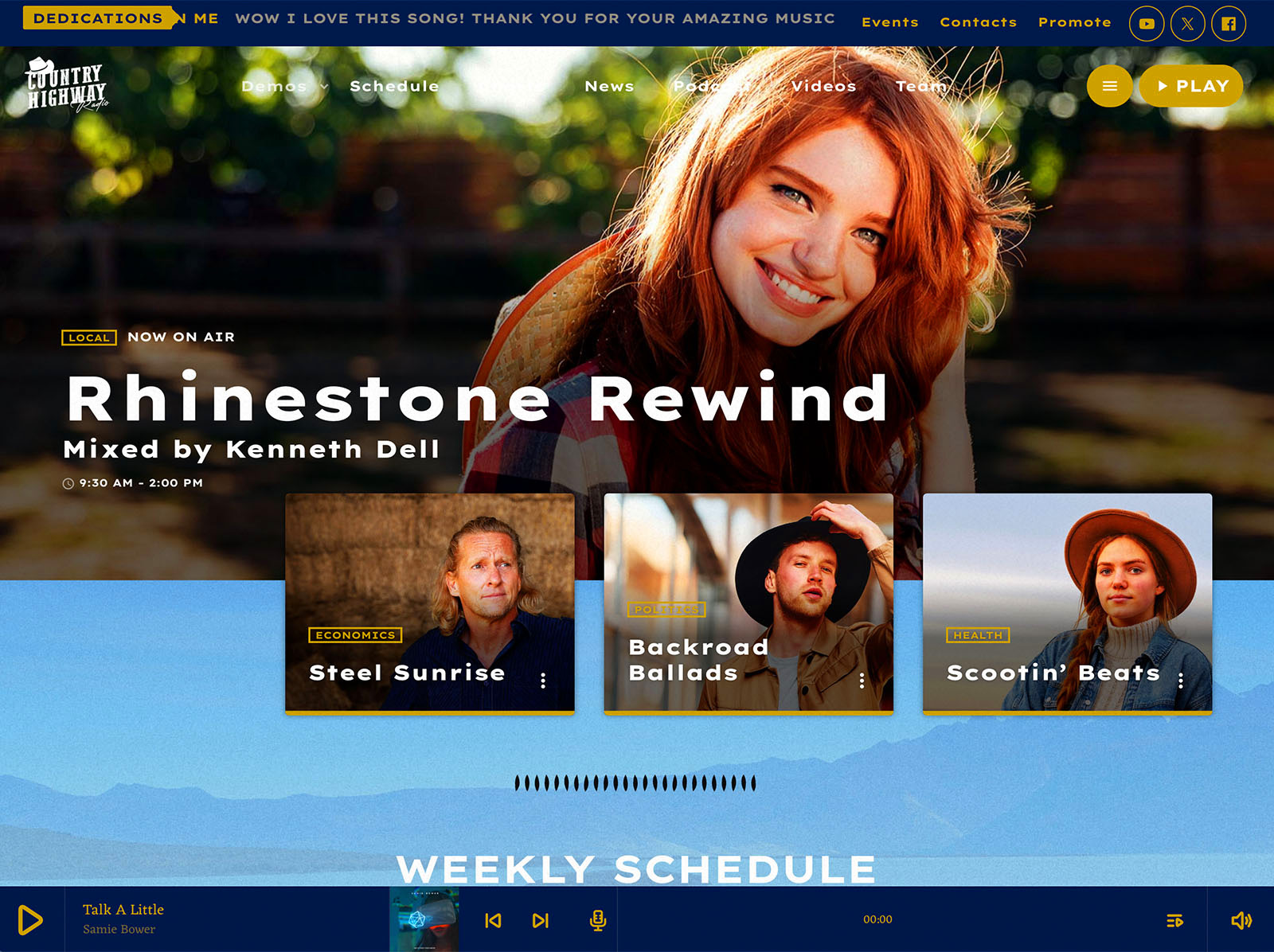
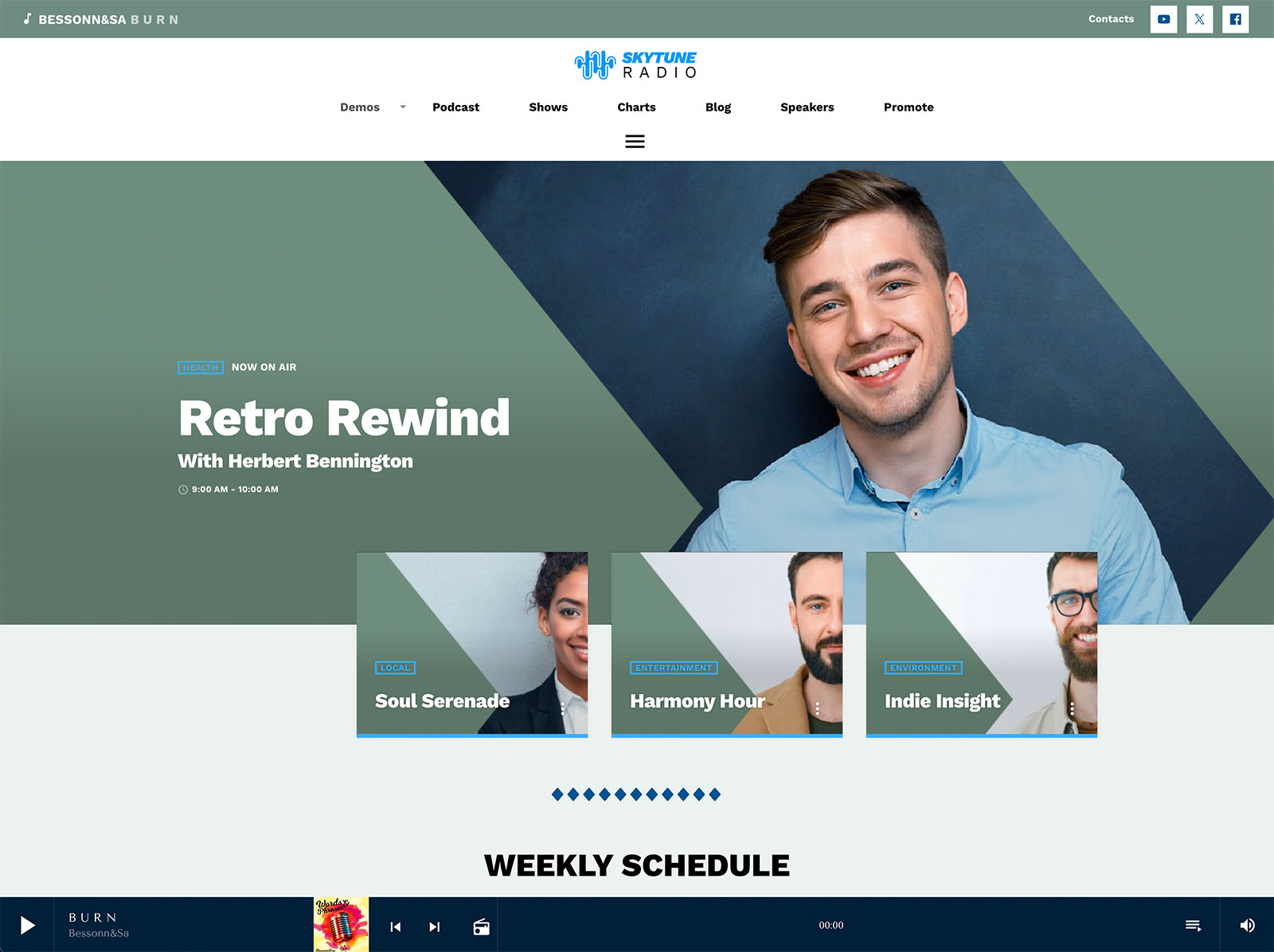
A homepage with a tiny play button and no context is asking for trust the visitor has not yet decided to give. A homepage with strong show blocks does the opposite. Pro Radio includes Elementor widgets for current show, upcoming shows, upcoming shows carousel, animated captions, and show carousels.
These blocks turn the homepage into a clear pitch. The visitor sees what is on, what is coming, and which shows the station is proud of. The click becomes a small, easy decision instead of a leap of faith.
Show Pages As The Closer
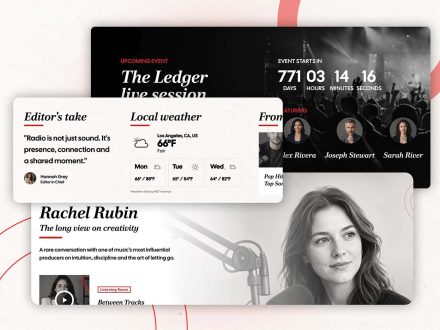
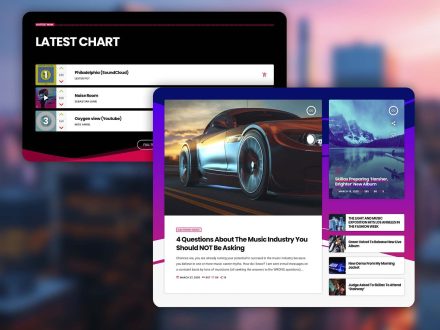
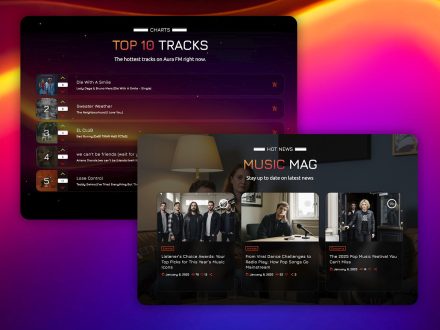
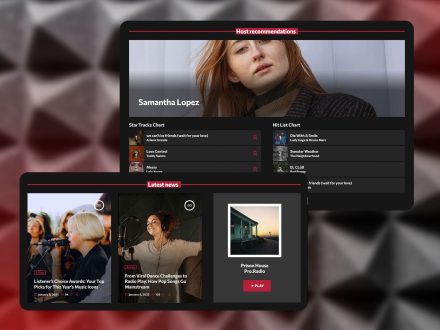
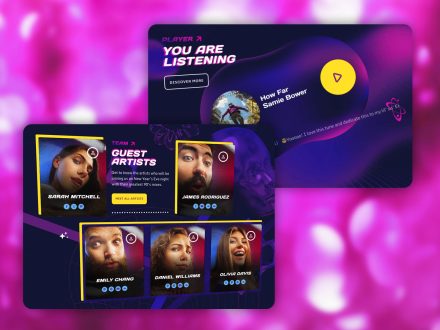
When a visitor clicks a show name instead of pressing play, you have a second chance to convert them. The show page in Pro Radio is a self-updating hub. It can include the show’s timetable, recent podcast episodes, related news posts, music charts tied to the show, presenters, and upcoming events. A visitor who arrived skeptical can preview a recent episode in the same radio player, read about the host, see the chart, and notice the next air time, all in a minute.
That is when the click finally happens. Not because the visitor was sold by the player, but because the show page explained who you are.
Mobile Is Where Most Clicks Are Won Or Lost
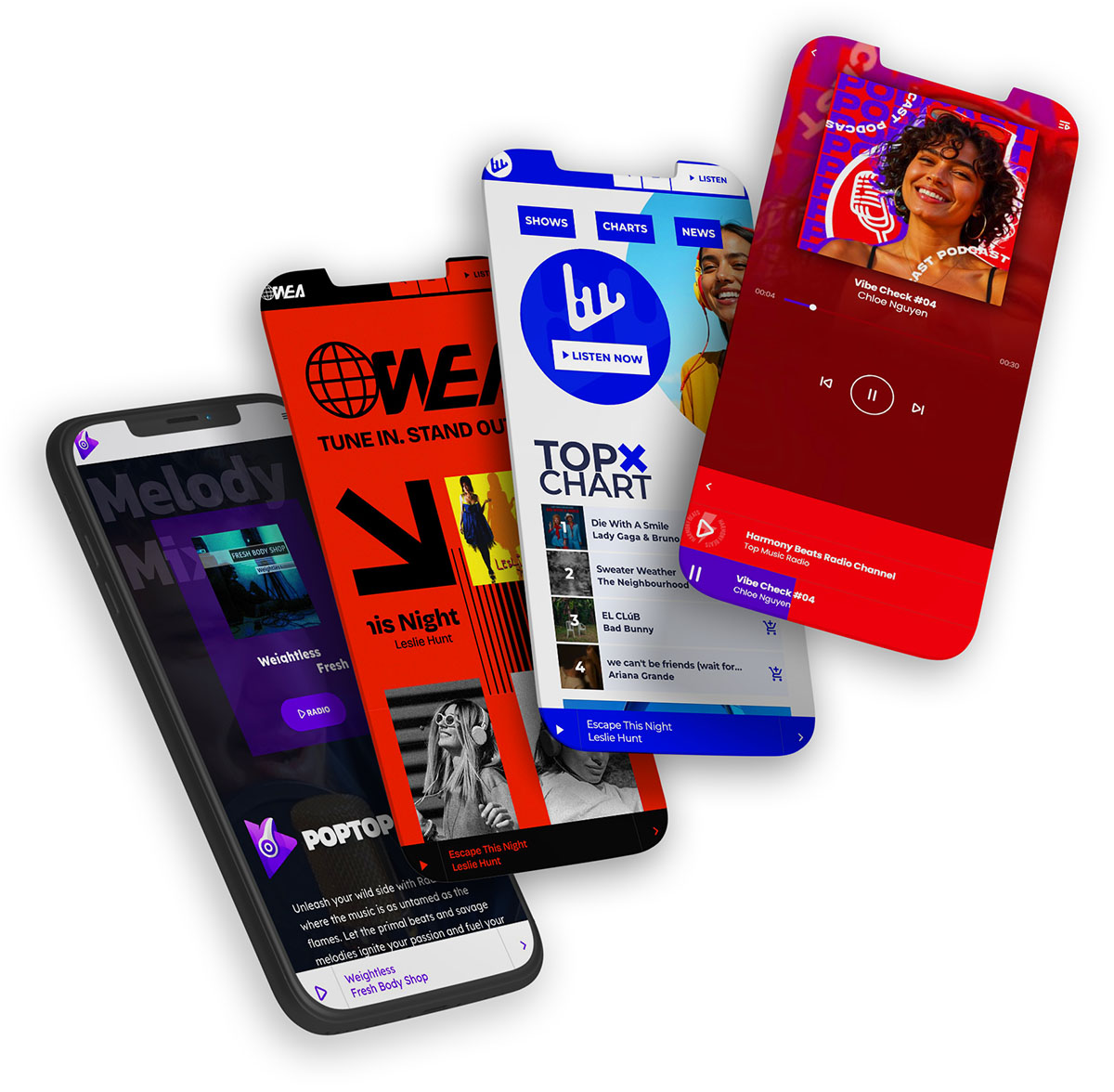
A growing share of radio listeners are on a phone. Pro Radio is optimized for mobile streaming. The popup player works on small screens. The alternative audio source toggle offers a lighter, lower-bitrate stream for visitors on weaker connections. Volume and play controls can sit in the menu bar so the listener is never more than one tap away from pause.
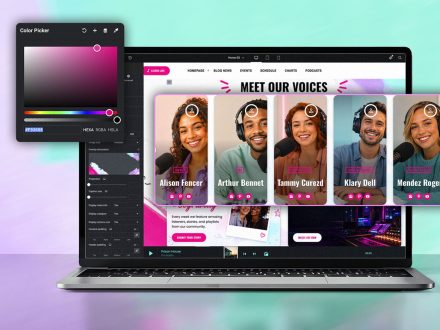
The customizer also lets you set a separate mobile logo and a mobile call-to-action treatment, so the small-screen version of the site is intentional, not a leftover. These choices add up to a mobile listener who actually presses play instead of bouncing.
The Sound Of A Confident Player
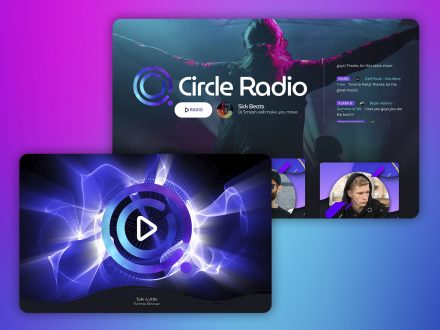
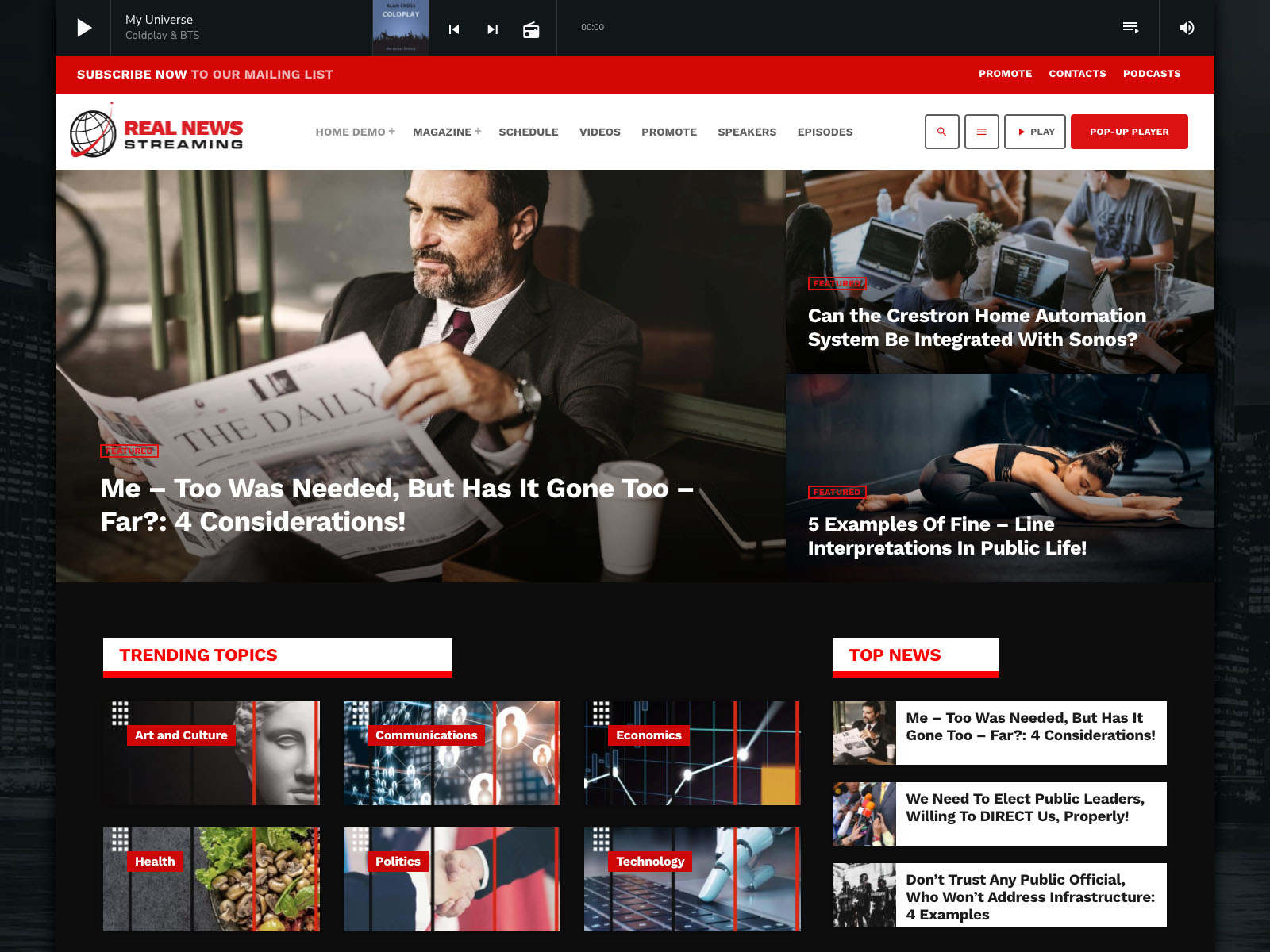
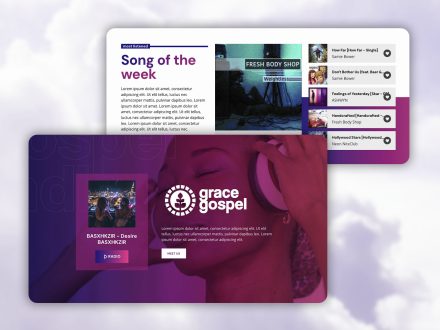
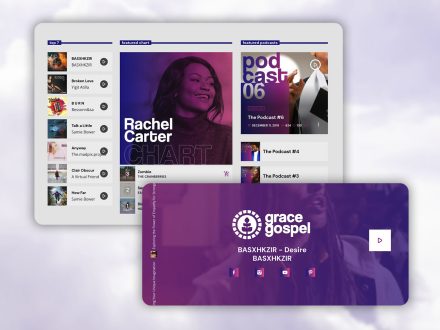
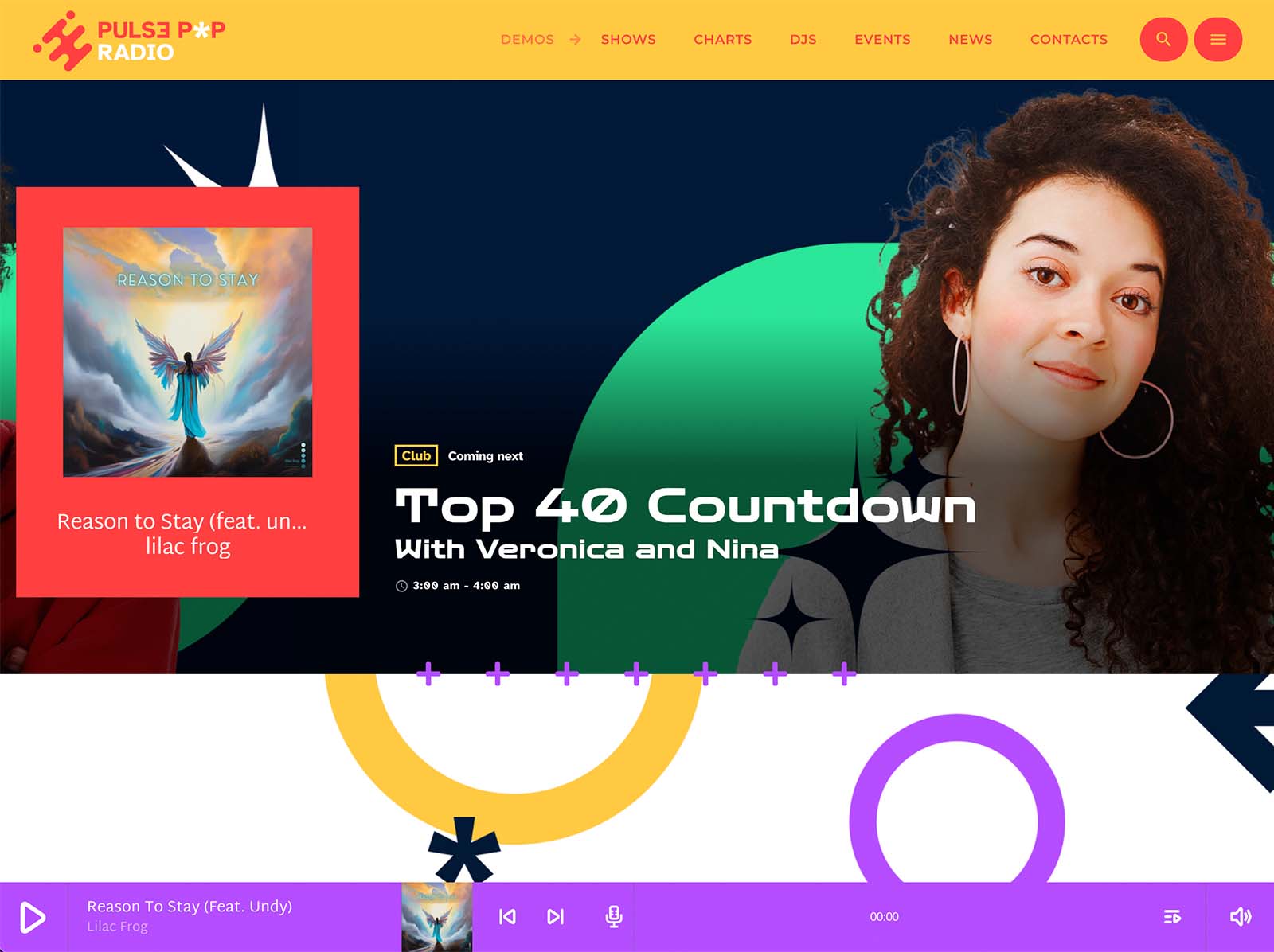
The visual presentation of the player matters as much as its function. Pro Radio offers multiple player styles, including custom popup designs. The player can sit in the header or footer on large screens. You can show the cover of the current show in the player. The same player handles streams, podcasts, and chart samples, so a listener who hits play on a podcast or a chart preview uses the same familiar interface they would use on the live stream.
A consistent, confident player signals professionalism. Visitors press play on stations that look like they take audio seriously.
Why One Toolkit Drives Better Clicks
A stitched-together radio site is the most common reason nobody clicks play. The header is from one tool, the player is from another, the schedule is from a third, the show pages are blog posts in disguise. Each piece slightly contradicts the others, and the click suffers.
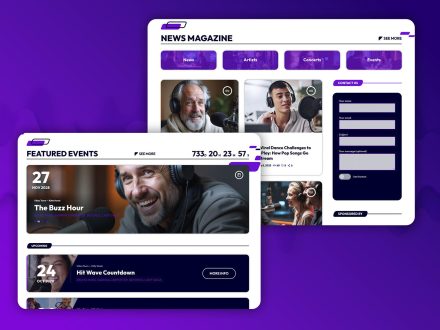
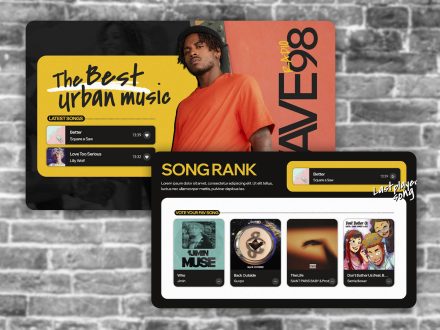
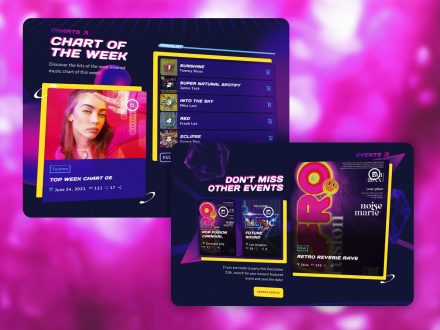
Pro Radio handles everything in one ecosystem. The customizer drives the global look. Elementor handles the page-by-page work with over thirty Pro Radio widgets and over eighty templates. The Plus bundle adds well over three hundred more templates plus premium plugins. The player, the schedule, the show pages, the podcasts, the charts, and the events share the same design language and performance optimizations.
When the path from arrival to play is built as one experience, more visitors complete it.
Make The Click Easy
If your numbers look quiet, do not start by changing the audio. Start by checking whether your website even asks for the click. A visible play button. A clear current show. Upcoming shows on the homepage. Show pages that convert skeptics. A mobile experience that does not punish.
Pro Radio includes all of these. Drop them into the right places this week and watch the click rate finally start to behave.



AD
You may also like
Copyright 2019-2026 ProRadio® Qantum Themes SL® ESB02979078 All Rights Reserved