



Pro Radio 9.4: See the Music, Get more Listeners
Your radio website has one important job: turn visitors into listeners and give them a reason to stay.
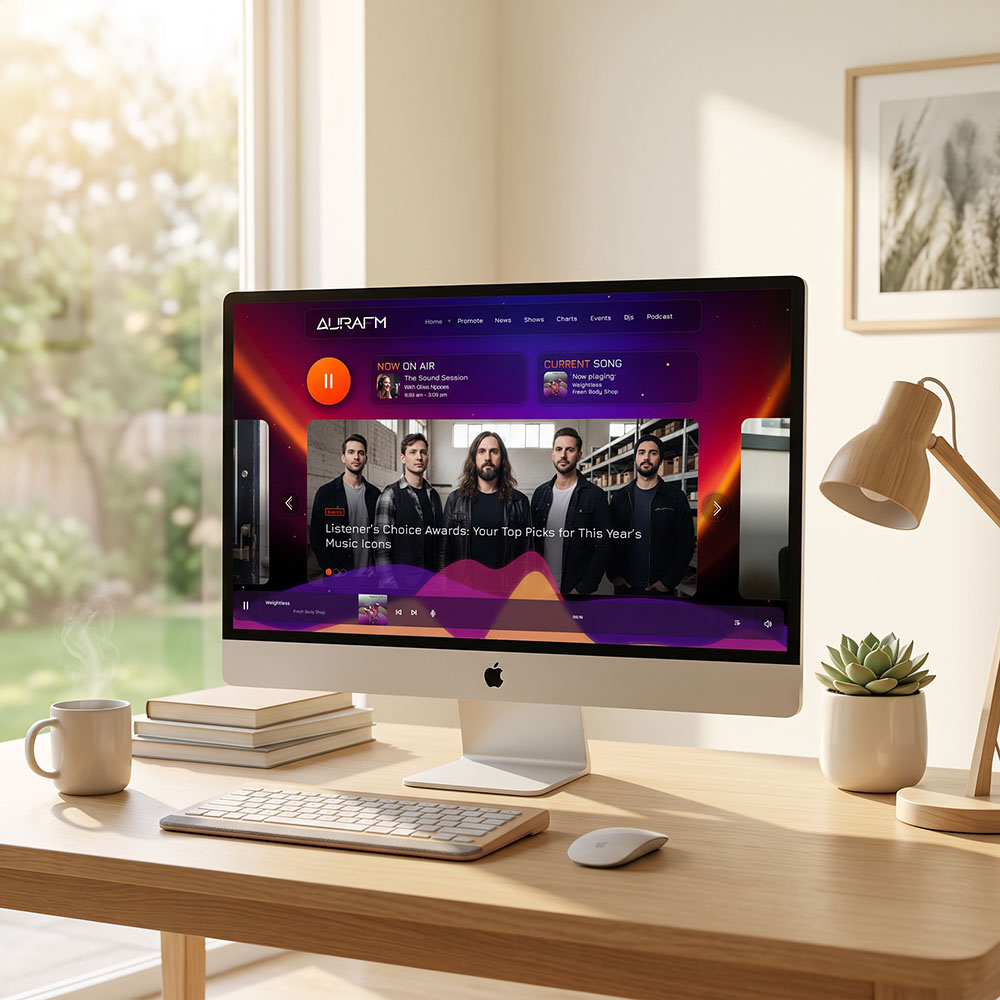
That first impression matters. A new visitor arrives, looks around for a few seconds and decides whether your station feels interesting, active and worth exploring—or whether it is time to return to social media and watch another video of a cat attacking a microphone.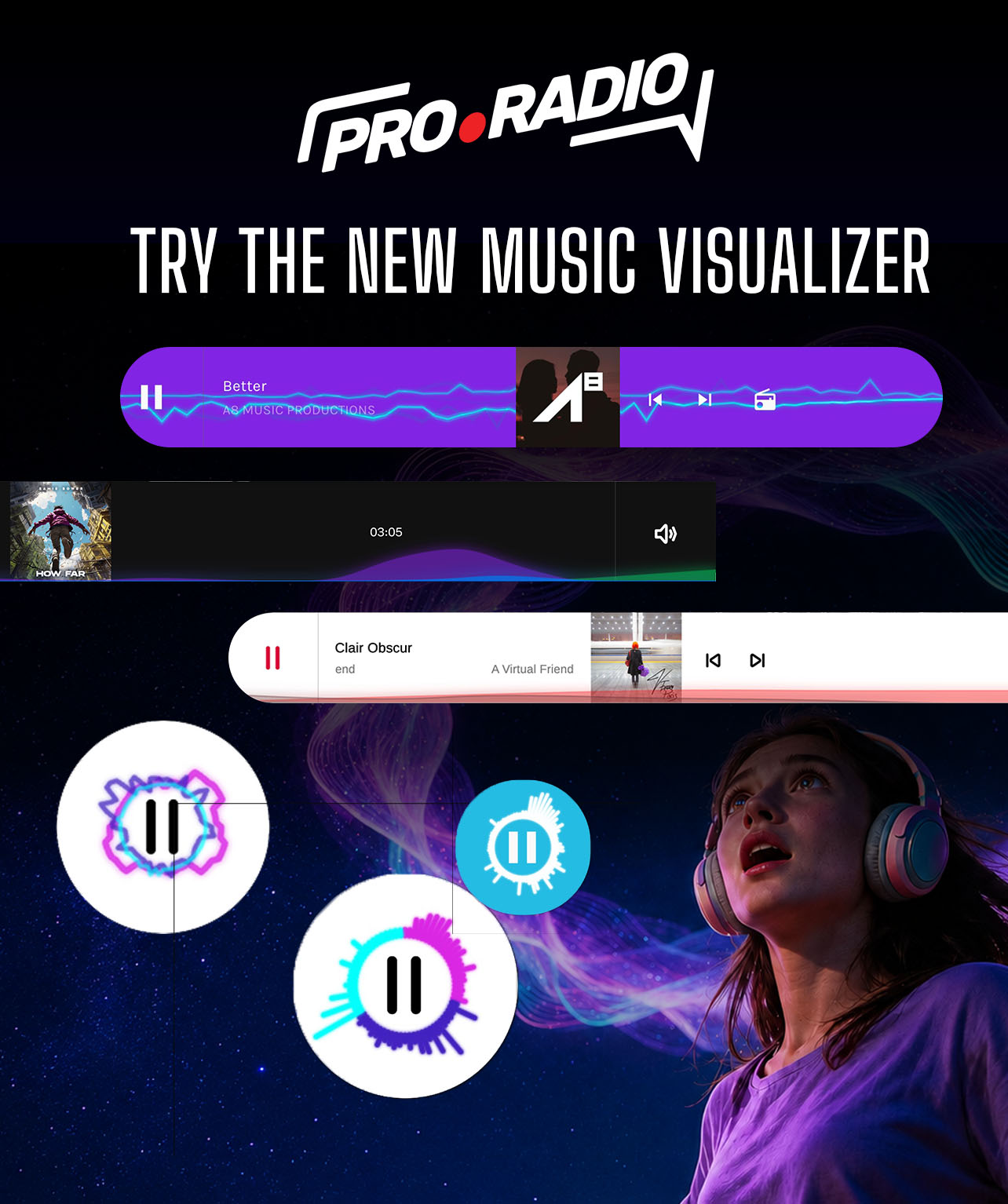
Pro Radio 9.4 helps you make those first seconds count.
The new release brings a major visual update to the radio player, a more complete Sidekick AI publishing workflow, better podcast tools and improvements across the entire Pro Radio ecosystem.
See the music: Pro Radio 9.4 Comes with a Stunning Audio Visualizer
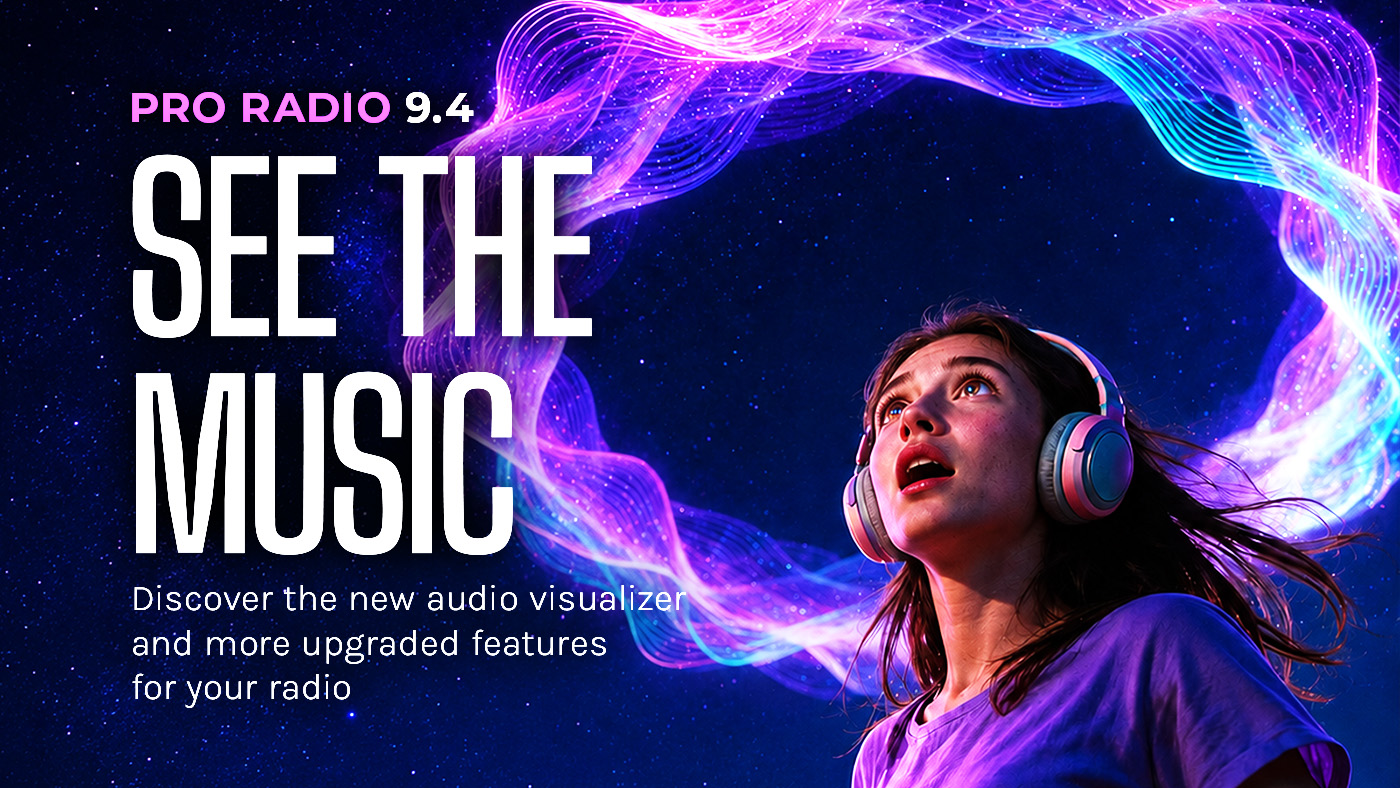
Imagine pressing Play and watching the audio generate a mesmerising visual effect.
Remember the age of Winamp, when you could spend ten minutes staring at the fractals? Seeing music has always been intriguing. Now you can use that same engaging sensation to capture attention and keep visitors connected to your radio for longer.
The new Pro Radio Player 9.4 introduces a powerful audio visualizer that analyses your radio stream in real time and transforms it into an engaging animation.
Actually, multiple animations.
You can choose your favourite, customise it and adapt it to your station’s visual identity. The result is a spectacle of lights moving in sync with the music, making your radio feel genuinely alive and present.
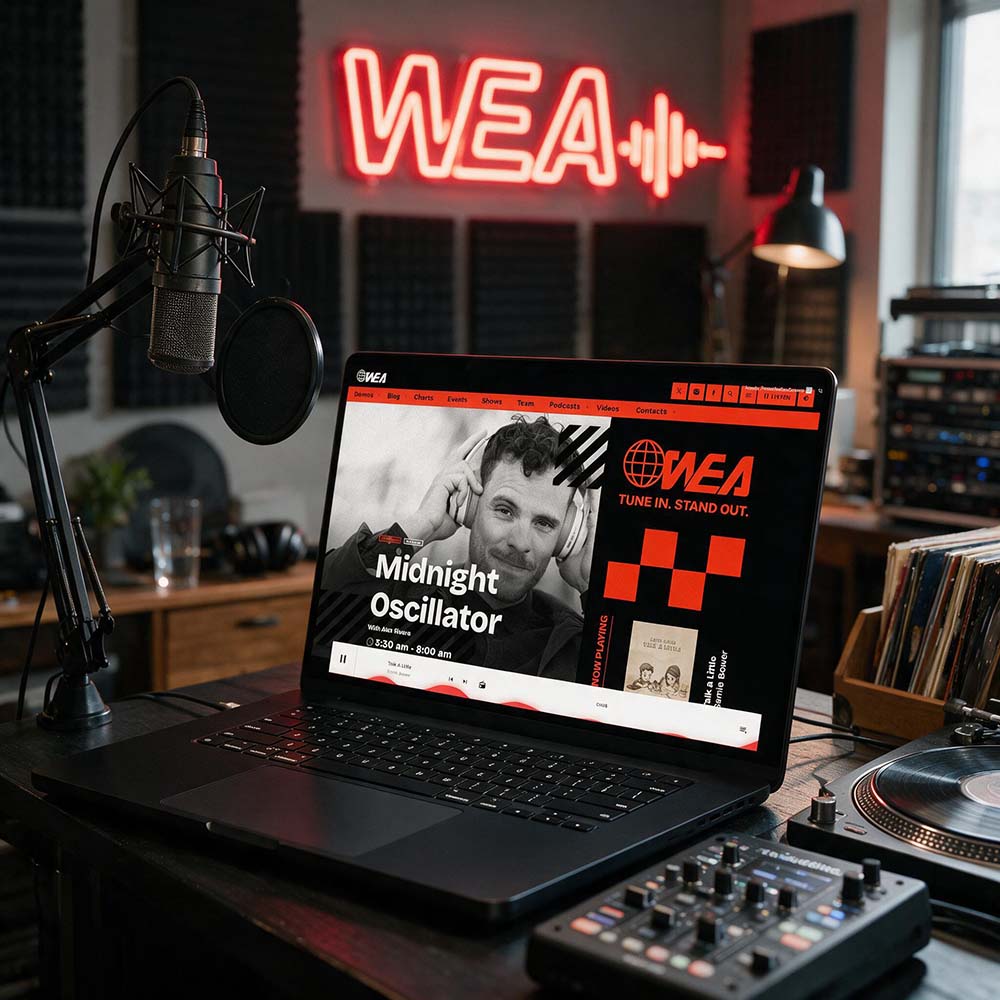
You will not find this experience in any other radio player on the market. It is exclusive to Pro Radio and works with both radio streams and static audio files, including MP3 tracks and podcasts.
This helps your station capture the attention of first-time visitors, bring the stream to life and encourage people to remain on your website while they discover your shows, presenters, podcasts, events and charts.
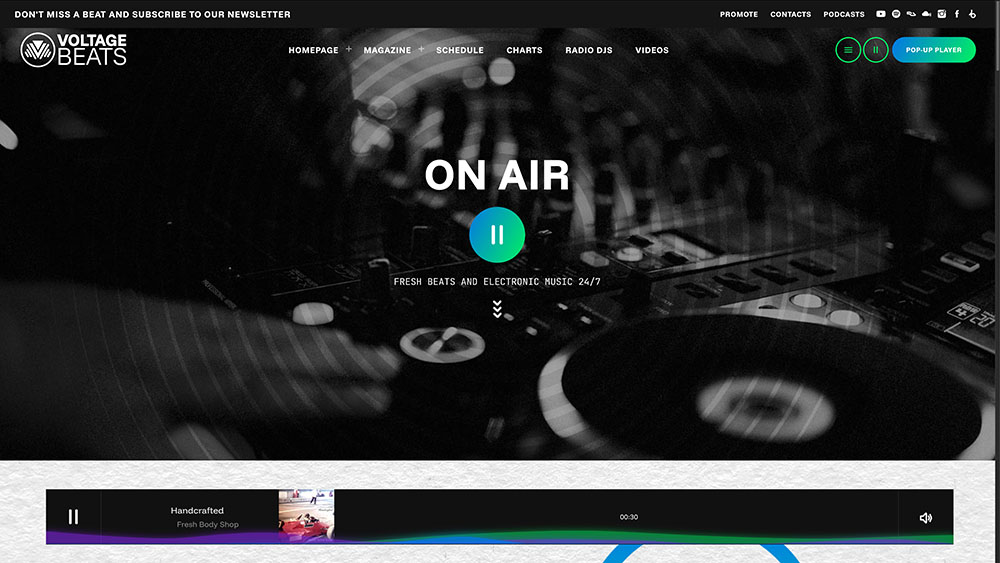
The longer a visitor stays interested, the more opportunities you have to turn a quick visit into real listening time.
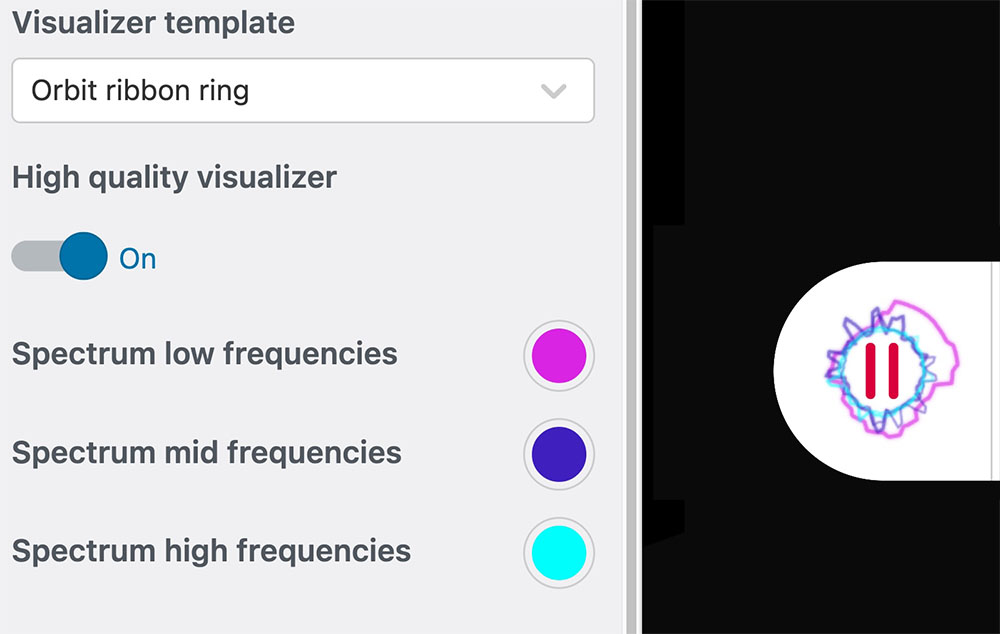
To activate the new effects, open the WordPress Customize, enter the Player options and select your preferred visualizer. You can also customise its background, bass, mid-frequency and high-frequency colours.
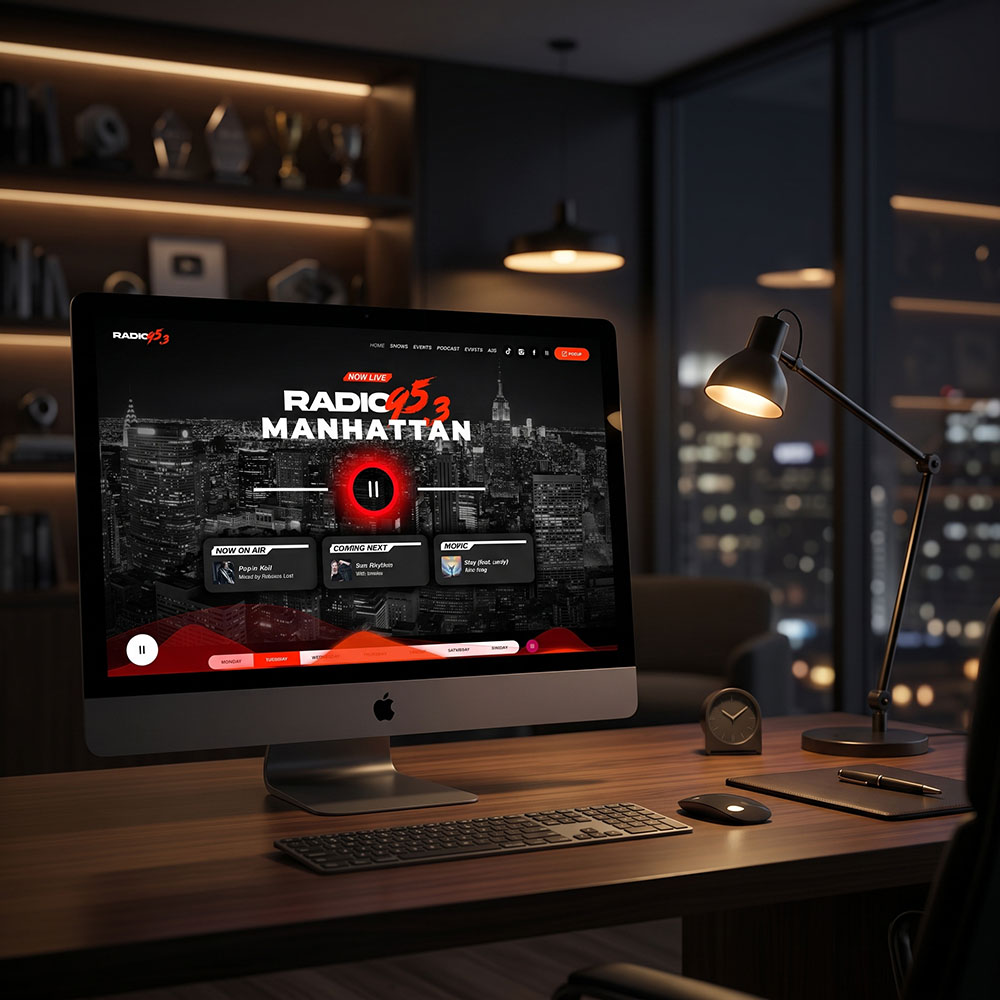
Want to see it in action? Check out this new demo.
New Pro Radio player design options
Every radio website has a different personality. Some need a bold player that is always visible. Others need something more minimal that stays out of the way until the listener needs it.
Pro Radio 9.4 adds two new floating layouts.
The compact floating player occupies very little space while inactive, then expands smoothly when the visitor moves over it. It keeps the stream accessible without covering the website.
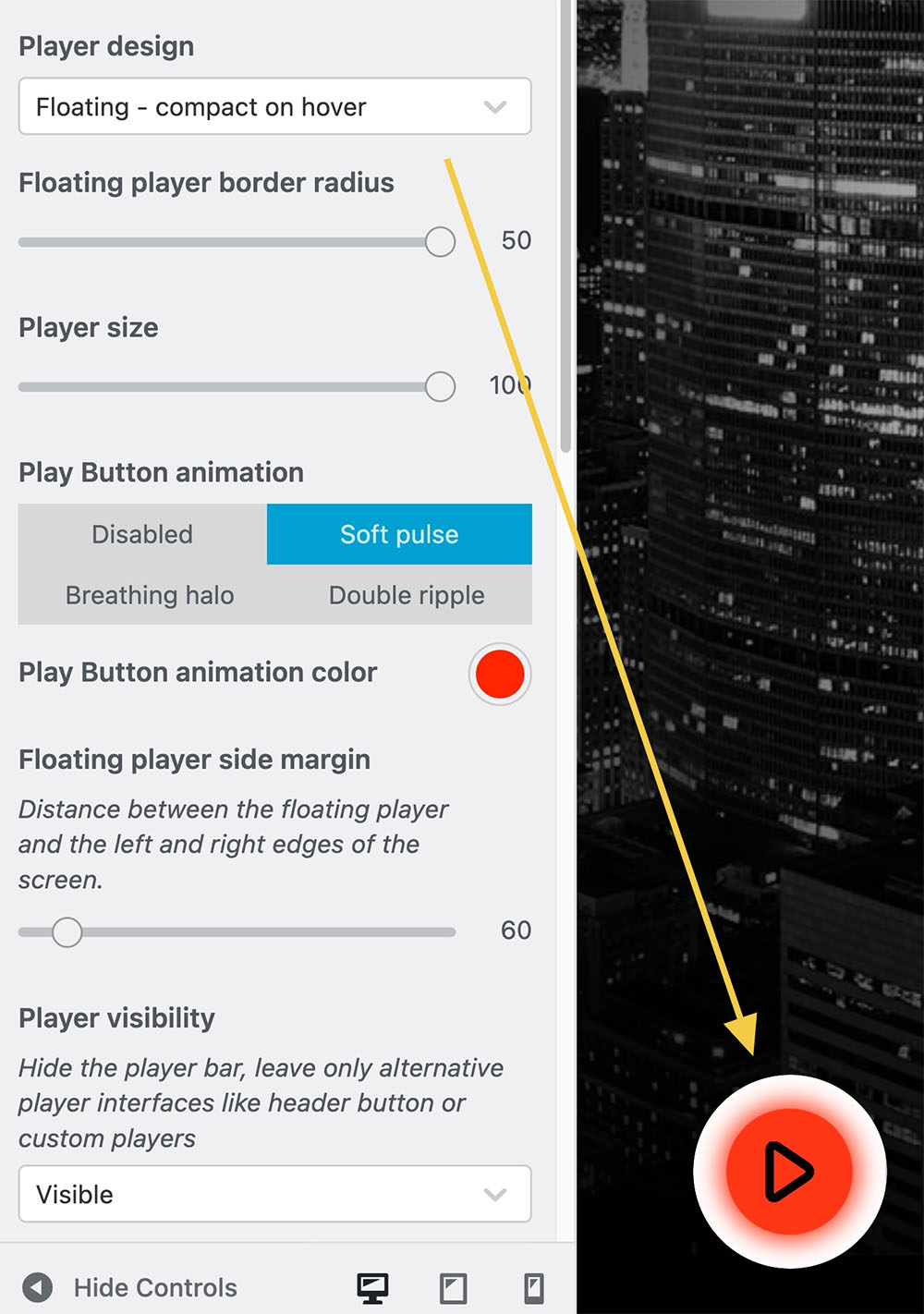
The always-open floating player keeps the full controls visible above the bottom of the page, making Play, volume, artwork and playlist access immediately available.
You can adjust the player size, distance from the sides of the screen and border radius directly from the Customizer. You can create a clean square design, a strongly rounded player or something in between.
The original header and footer player layouts are still available, so updating does not force you to redesign your existing website.
Sometimes the difference between an ordinary website and a professional one is not a giant feature. It is the collection of small details that make every interaction feel intentional.
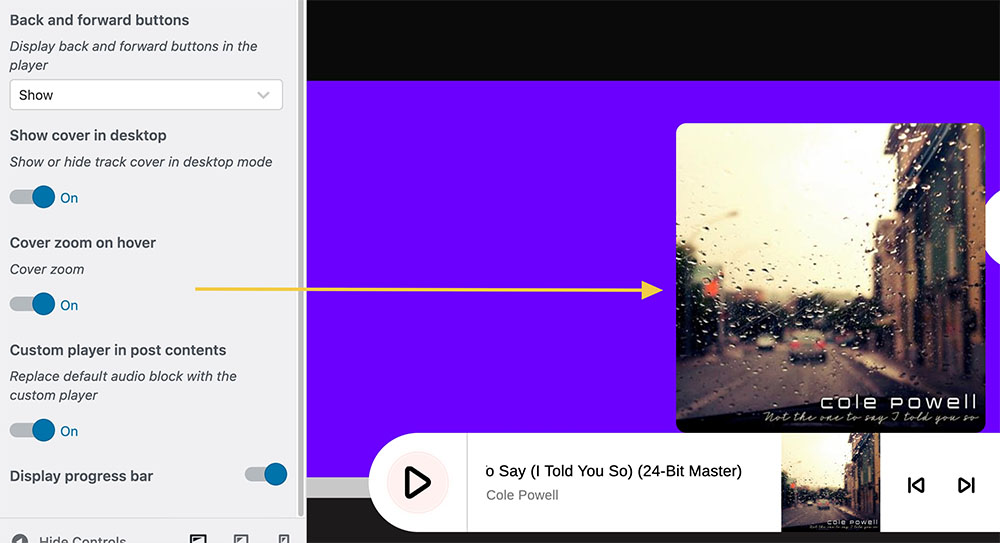
Pro Radio 9.4 adds an optional artwork preview that enlarges the current cover when the visitor moves over it.
Boost listeners with the attention-grabber option
Want to invite more visitors to press play? Enable the new player’s attention grabber: use a subtle pulse, breathing halo or ripple animation that highlights the play button. It is a simple way to guide the visitor towards the most important action on the website: starting the stream.
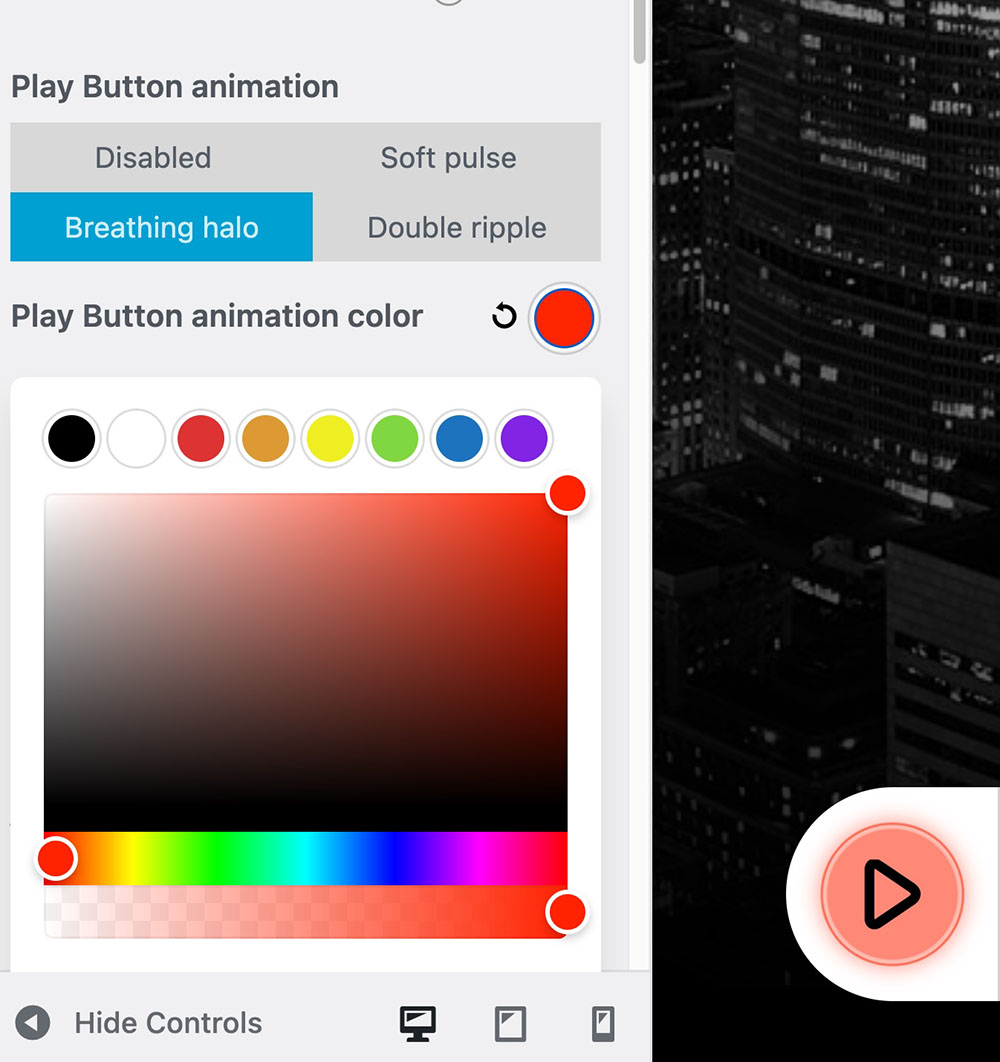
You can activate these options from the Player section of the Customizer. They are disabled by default, so existing websites will not suddenly change appearance after updating.
Volume controls, transparent colours, rounded corners and playlist transitions have also been refined to make the new floating layouts feel smoother and more consistent.
Visual excitement without risking the stream
Not every streaming provider allows to analyze the music in real time, we we ranted every Pro Radio user to take advantage of this feature.
When a normal stream works but does not provide the required CORS access, Pro Radio Player can display a lightweight generated spectrum instead. The website still feels active, but playback always receives priority.
In simple terms: the visuals can adapt to the stream, but the stream never depends on the visuals. So if your stream doesn’t like to be analyzed to make the visualizer “live”, the player generates a fallback animation to still provide an entertaining animation.
Turn your station’s music into useful content
Finding time to publish articles is difficult.
You already have a schedule to manage, programmes to prepare, social posts to create and perhaps an actual radio station to run. Starting every article from an empty page is not exactly the highlight of the week.
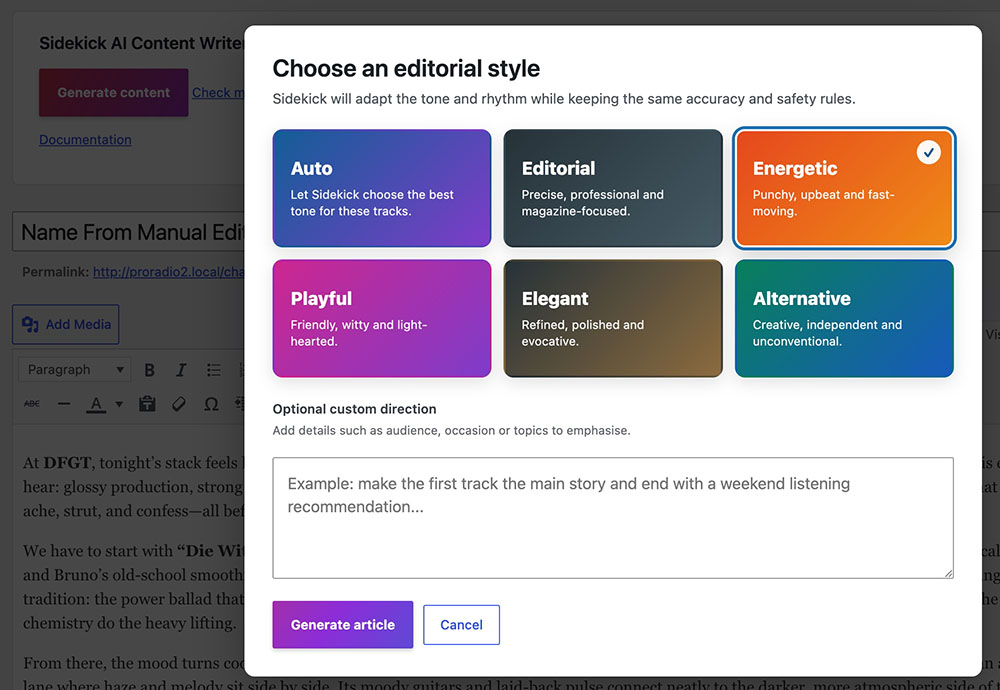
The Sidekick AI Content Writer helps you create article drafts from real information already available in your station, including songs, artists, albums, playlists, charts and track history.
You can select an editorial style such as Energetic, Playful, Elegant, Alternative or Editorial. You can also choose Auto and allow Sidekick to select an appropriate tone from the available music information.
The result is an editable draft designed around radio and music—not a generic article created from a vague prompt.
To use it, enable the AI feature in the Sidekick settings. The Content Writer requires an active Sidekick Premium service or Pro Radio Plus.
Publish faster without giving control to the machine
Sidekick can help you write, but your station remains the editor.
Every generated article is treated as an unverified draft. Before publication, an authorised WordPress user must review the content and confirm responsibility for facts, names, dates, quotations and potentially sensitive claims.
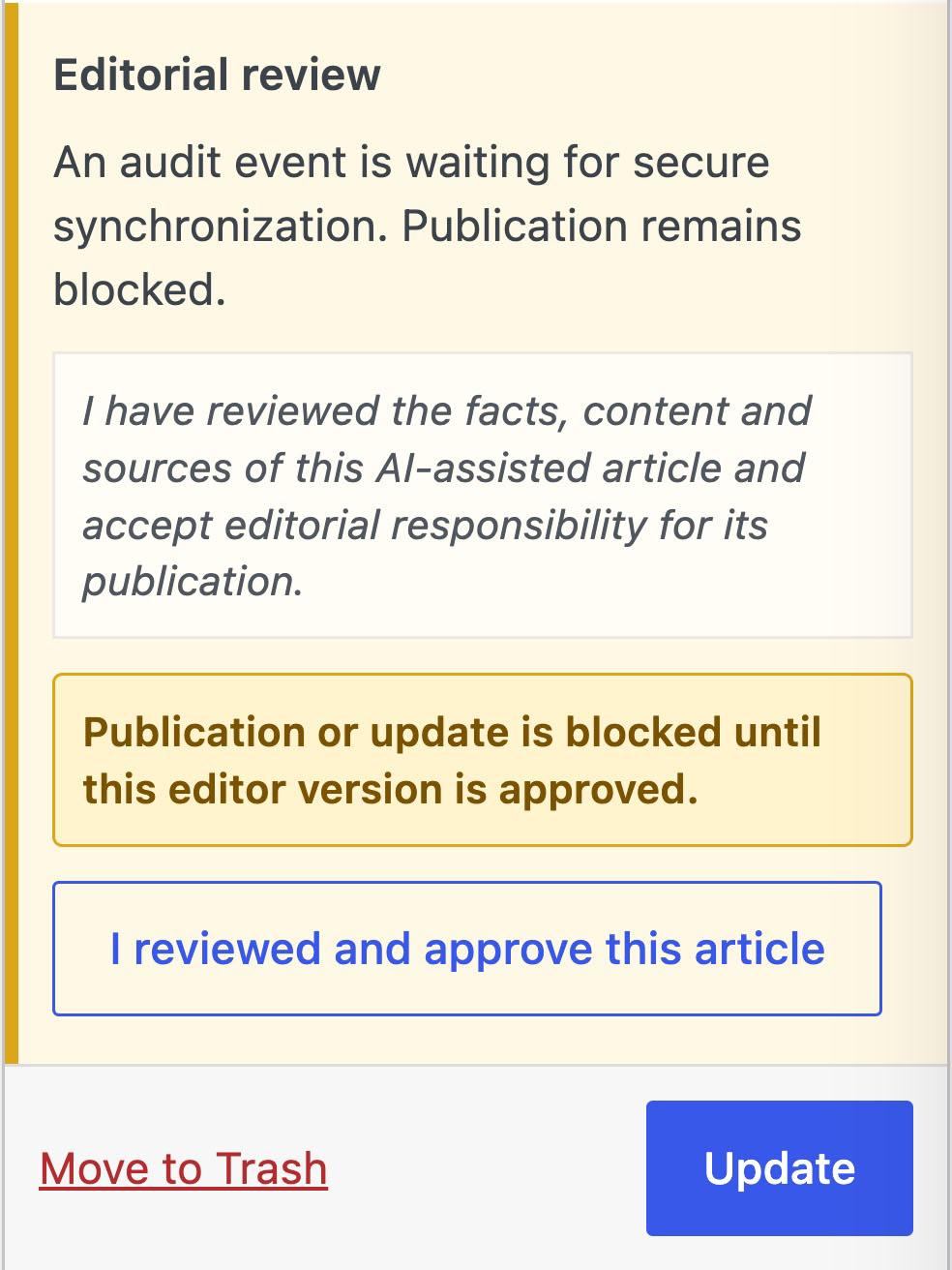
When an approved article is changed, the previous approval is automatically invalidated and the new version must be reviewed again.
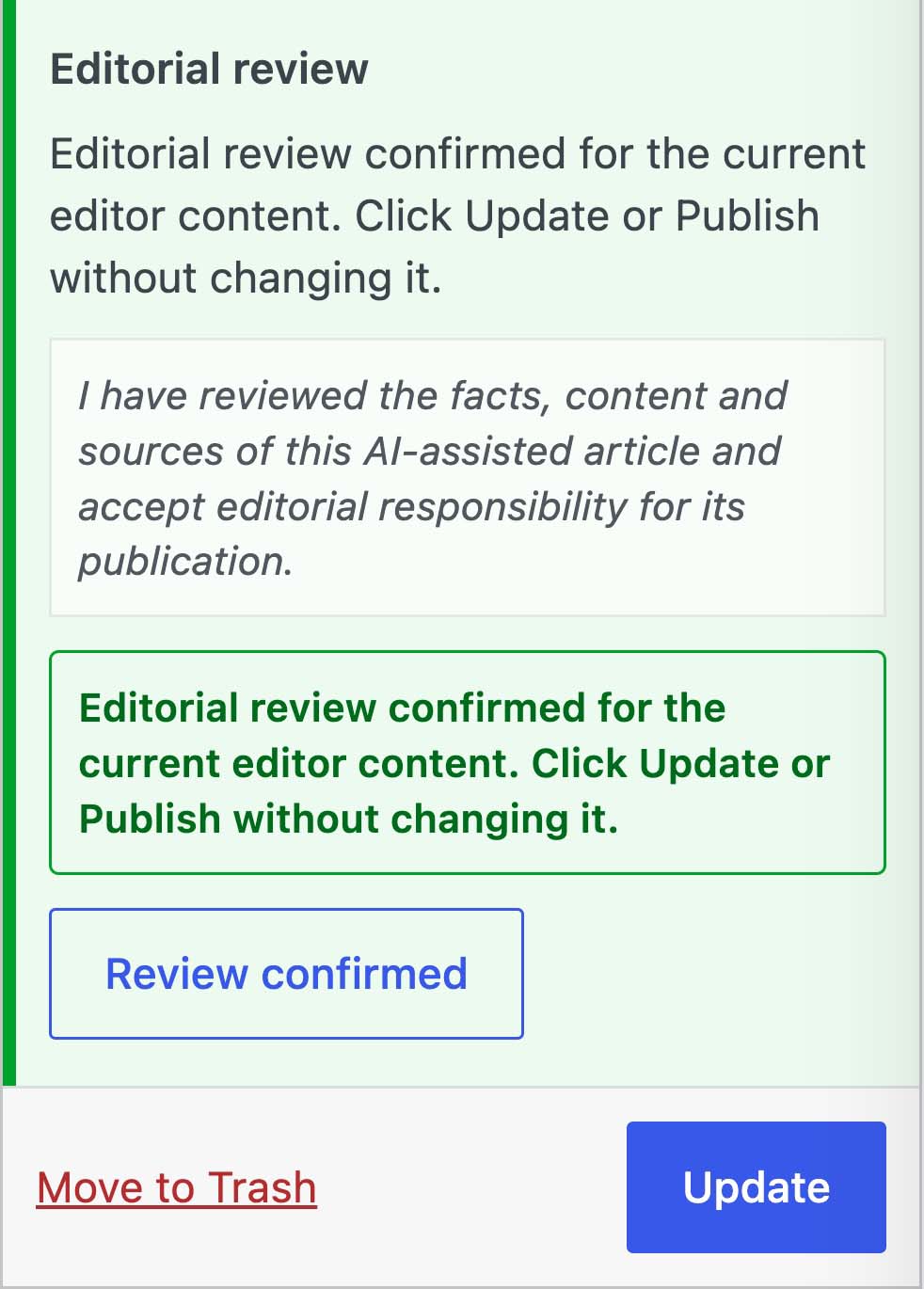
This gives your team a faster way to create content without introducing a “generate and blindly publish” workflow. Prevent AI slop, and ensure your published contents have human-level quality.
Clean your music archive without deleting what still matters
Years of song history can create thousands of old records, artwork files and audio previews.
Sidekick 9.4 introduces a new Cleanup Old Tracks tool to help remove obsolete material and recover server storage.
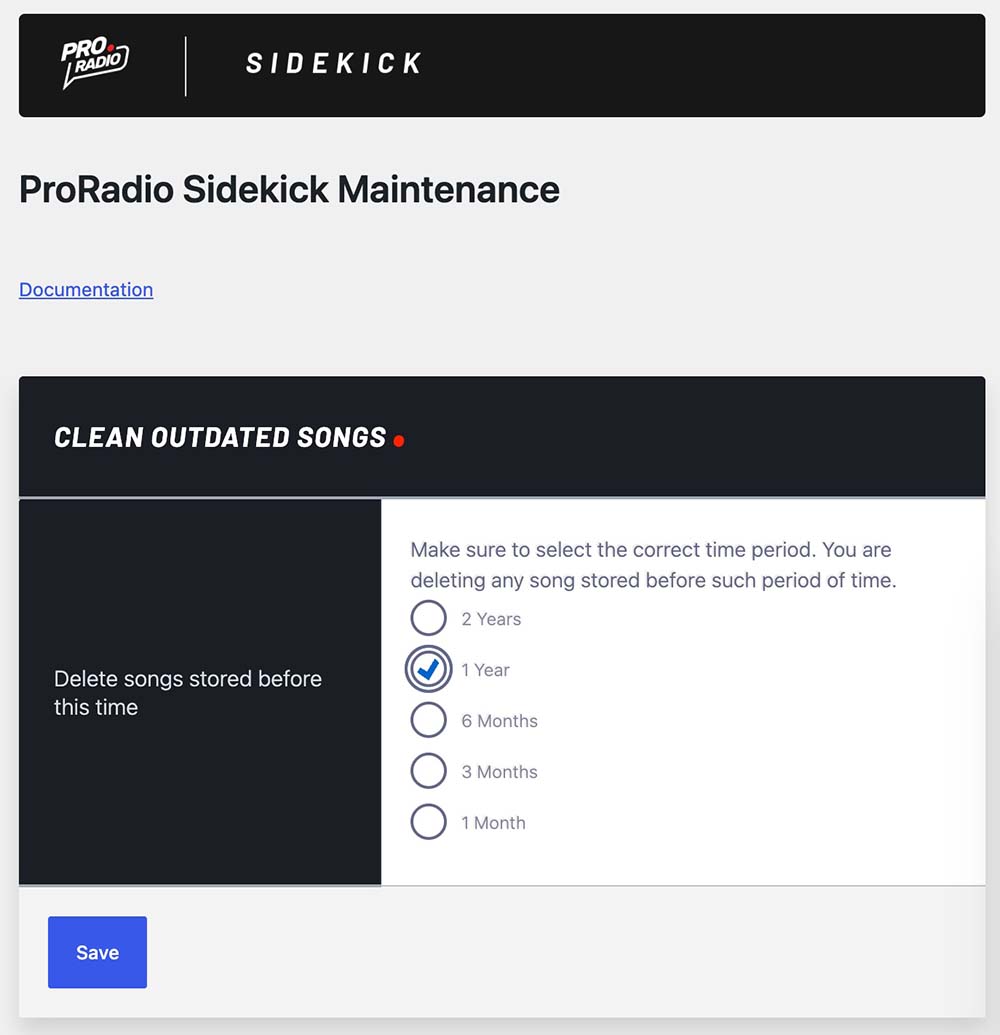
Simulation mode shows what would be deleted before anything happens. Sidekick protects recently played songs and media still used by existing charts, and permanent deletion requires an explicit confirmation.
You can find the feature inside the Sidekick maintenance tools. A backup is still recommended before running the final cleanup—because cautious radio owners sleep better.
Better podcast presentation and distribution for iTunes
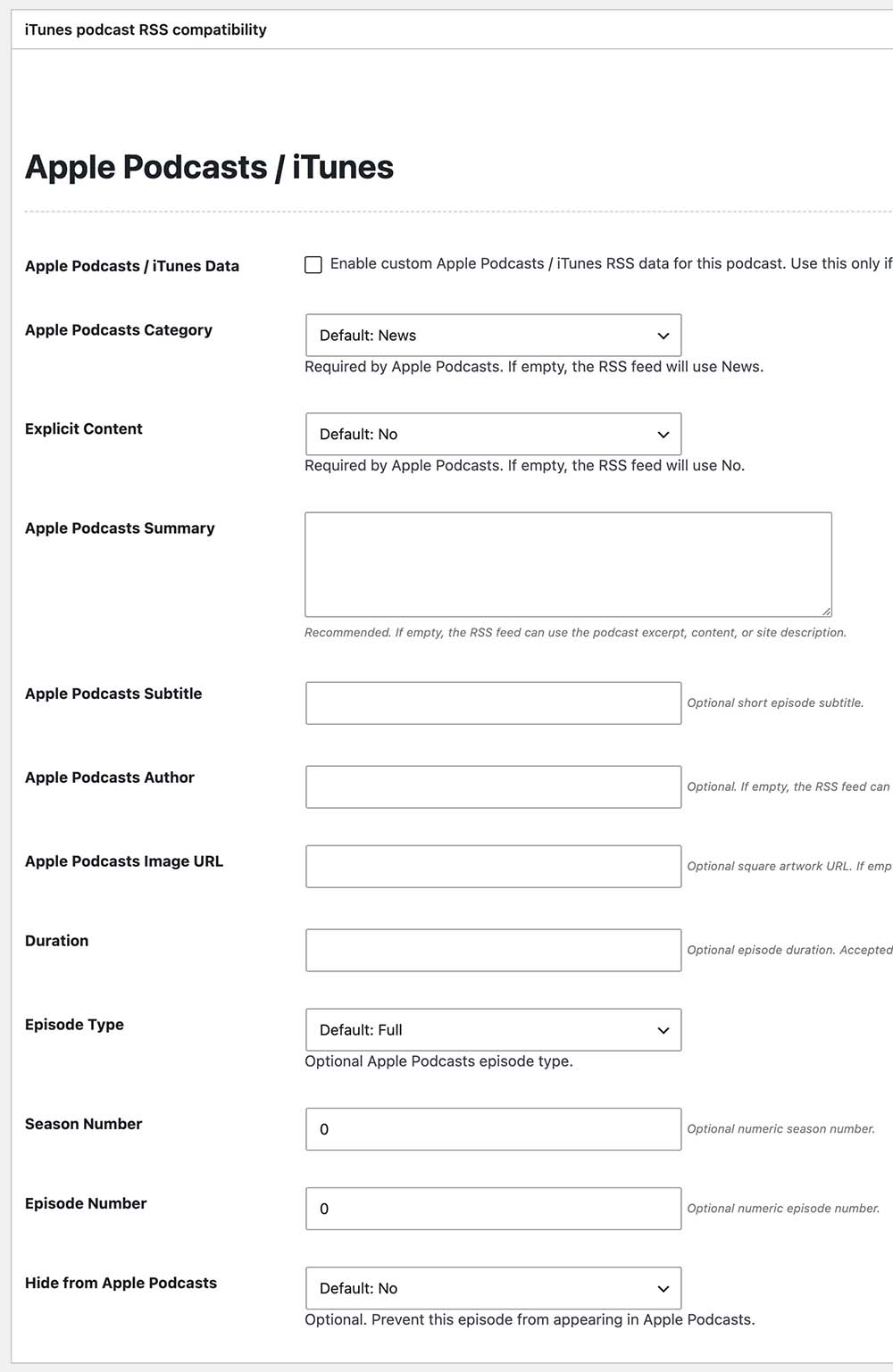
Easily generate iTunes-compatible RSS XML feeds from your podcasts, without any third party plugin.
Pro Radio 9.4 adds iTunes compatibility to your podcasts, helping generate without third party plugins a valid RSS XML Feed to publish your episodes under the iTunes podcast archives.
For each podcast episode, you can now add the required information to make the feed indexable from iTunes. No need for third party plugins anymore!
The Elementor podcast widgets are also more flexible. You can hide titles, build clean grids using square artwork and Play controls, and adjust the minimum height of compact podcast cards.
These options help you create a more visual podcast section without forcing every episode into the same rigid layout.
More design fixes and improvements
The update also includes fixes for mobile menus, sticky-header scrolling, event archives, Elementor compatibility, sidebar widgets, MegaFooter settings and transparent parallax backgrounds.
Pricing-plan widgets now include more colour options and a clearer control order, while the WooCommerce templates have been updated for current compatibility.
These changes may not receive a dramatic visualizer animation of their own, but they help the entire website work more smoothly.
Update WordPress and keep your station protected
Pro Radio 9.4 has been tested and updated to work with the latest stable WordPress release.
WordPress 7.0.2 is an important security update addressing critical and high-severity vulnerabilities in WordPress core. WordPress recommends updating affected websites immediately.
Keeping both WordPress and Pro Radio current helps you apply important security fixes while maintaining compatibility across the theme, plugins, widgets and player.
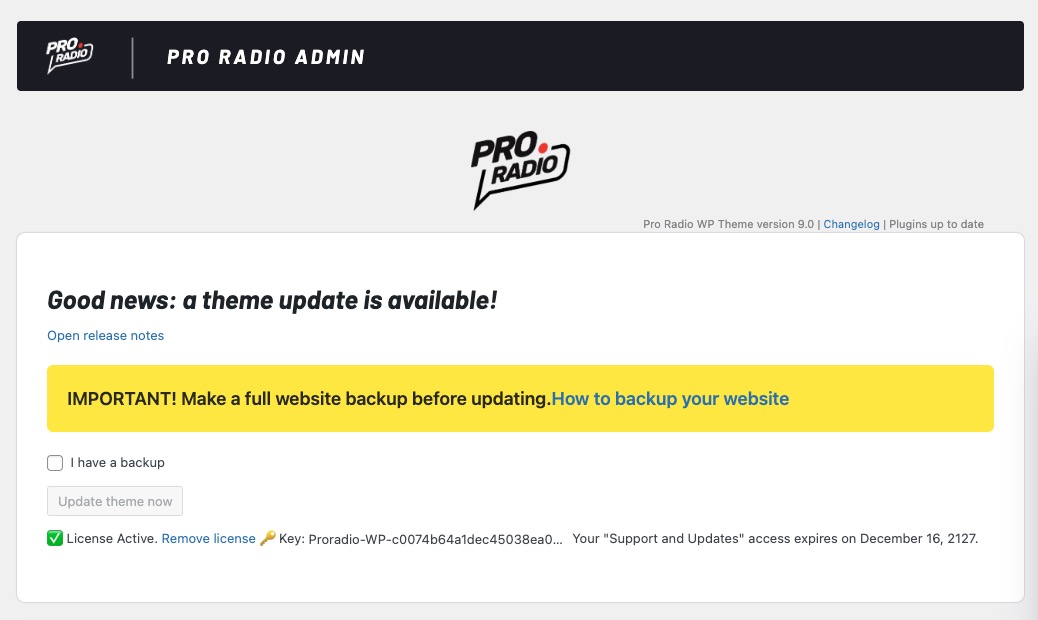
Before updating, create a backup and check that your update coverage is active.
Summer is the right time to prepare what comes next
Summer is often quieter. Schedules change, teams take holidays and the new broadcasting season still feels a few weeks away.
That makes it one of the best moments to improve your website, refresh the player or finally prepare the station you want to launch after the holidays.
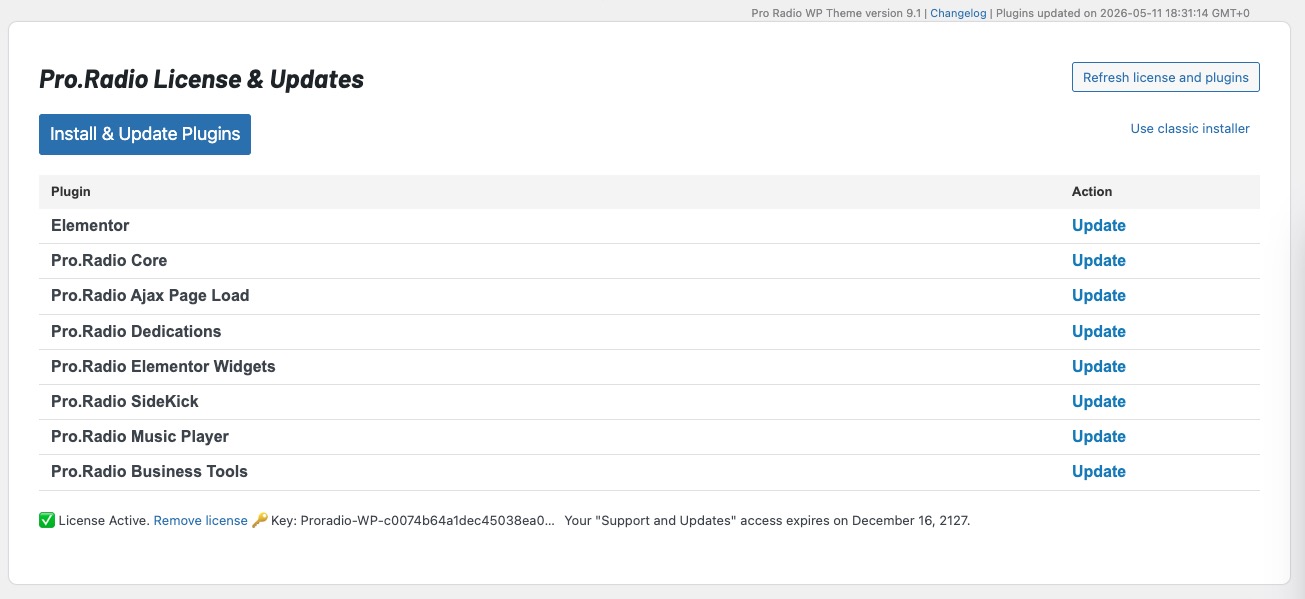
If your Pro Radio updates service is active, install version 9.4 from the Pro Radio Admin area and follow the update instructions.
If your service has expired, contact us. We can help you extend your updates coverage and bring your website back to the latest version.
And if you are discovering Pro Radio for the first time, version 9.4 is another sign that this is not a radio theme created once and left behind. The player, podcast system, publishing tools and wider ecosystem continue to evolve around what real radio stations need.
Update your website, give visitors a better reason to press Play, and get your station ready for what comes next.
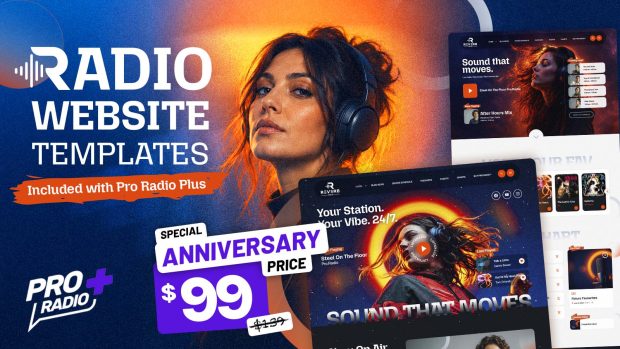
Upgrade to Plus and enjoy more features and 500 new templates
With Pro Radio Plus, we wanted to open the door to many smaller and mid-size radios that need advanced tools without forcing an enterprise budget.
Upgrade or switch to Pro Radio Plus and you’ll get:
- Pro Radio Sidekick Premium features
- Pro Radio Business Tools for campaigns, sponsorships, and promotions
- Pro Radio Podcast Importer for automated podcast integration
- Pro Radio Dedications Premium
- Pro.Radio Voiceline Premium
- Over 500 extra Elementor templates to build pages in minutes
Many improvements in this update — from Sidekick reliability and maintenance tools to the new widget options — shine even more when combined with the full Plus ecosystem.
Stay up to date
Subscribe to our newsletter to get exclusive access to content, discover new templates before anyone else, enjoy amazing discounts, and much more!
Pro Radio 9.4: More fun, More radio!
If your “Updates and Support” has expired, no need to buy a new license! You can send us a message to reactivate the updates for your existing license.

You may also like

Copyright 2019-2026 ProRadio® Qantum Themes SL® ESB02979078 All Rights Reserved