




Your Radio Schedule Looks Like A Spreadsheet
AD
Replace clumsy tables with visual schedule features made to sell shows and keep times clear. The schedule is one of the most underrated assets of any radio station. It is the place where curious visitors decide whether your station fits into their week. When the schedule looks like a spreadsheet, it fails that test. The shows are there, the times are there, but nothing about the page makes anyone want to come back.
A schedule should sell hours, not list them. In this article, you will discover practical ways to build your radio website around your listeners, your shows, and your content.
Contents
hide
- 1. Why The Spreadsheet Schedule Loses Listeners
- 2. An Interactive Weekly Schedule
- 3. Dynamic Linking Saves Hours Of Maintenance
- 4. Sliders And Carousels That Sell The Next Hour
- 5. Show Pages That Continue The Pitch
- 6. Current Show Widgets For Always-On Visibility
- 7. Practical Examples
- 8. SEO And Visibility From Real Schedule Pages
- 9. Why One Schedule System Beats A Pile Of Patches
- 10. Stop Calling It A Spreadsheet
Why The Spreadsheet Schedule Loses Listeners
A typical bad schedule shares a few features. It is a static table. It lists every day at once, in the same uniform style. It does not highlight what is on right now. It does not preselect the current day. It uses tiny text. It does not show host photos. It does not include any link to the show’s content, just maybe a hover state.
A visitor scanning this kind of page learns nothing about why they should listen to any of these shows. They leave without committing to a single program. The schedule, which should be a conversion tool, becomes a roadblock.
Pro Radio replaces the spreadsheet with an interactive system that does the selling for you.
An Interactive Weekly Schedule
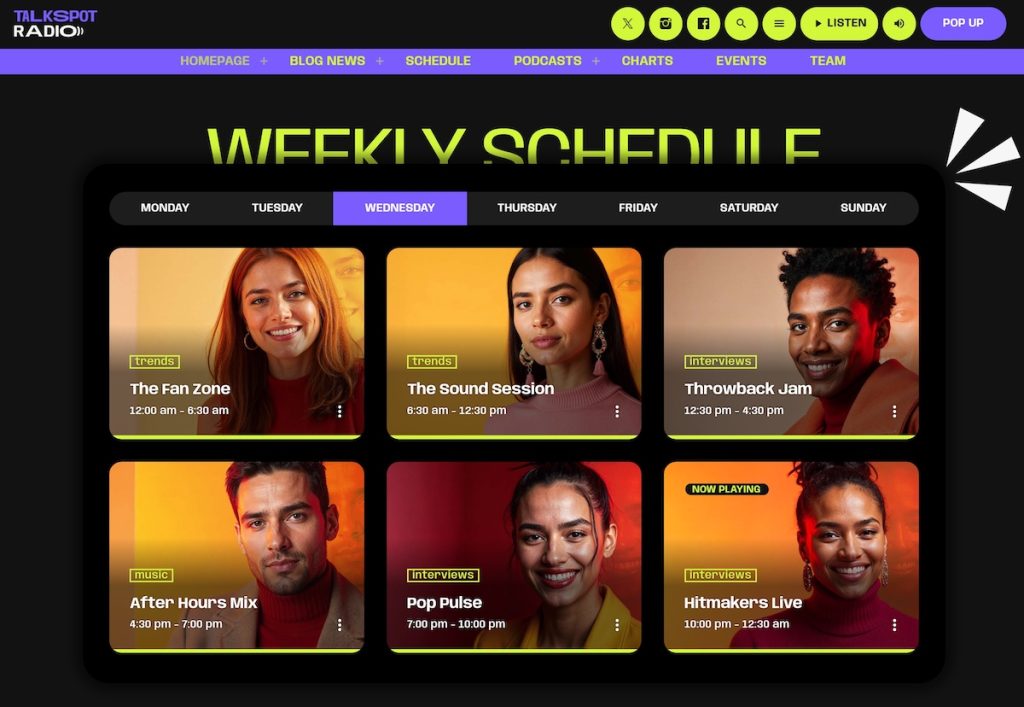
The Pro Radio interactive schedule supports unlimited radio shows and unlimited weekly schedules. Setup takes three steps. Create the shows. Link each show to one or more time slots. Publish.
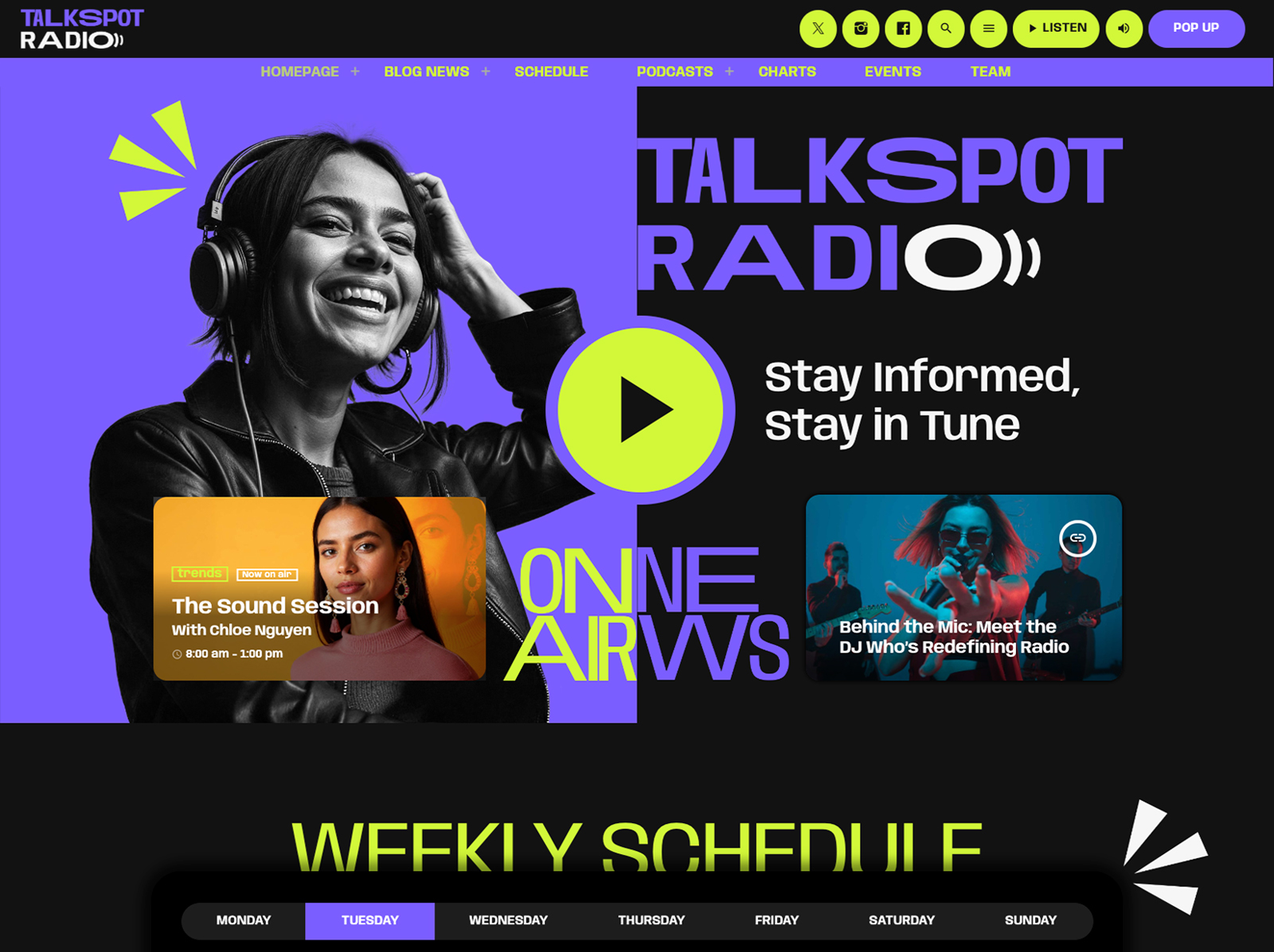
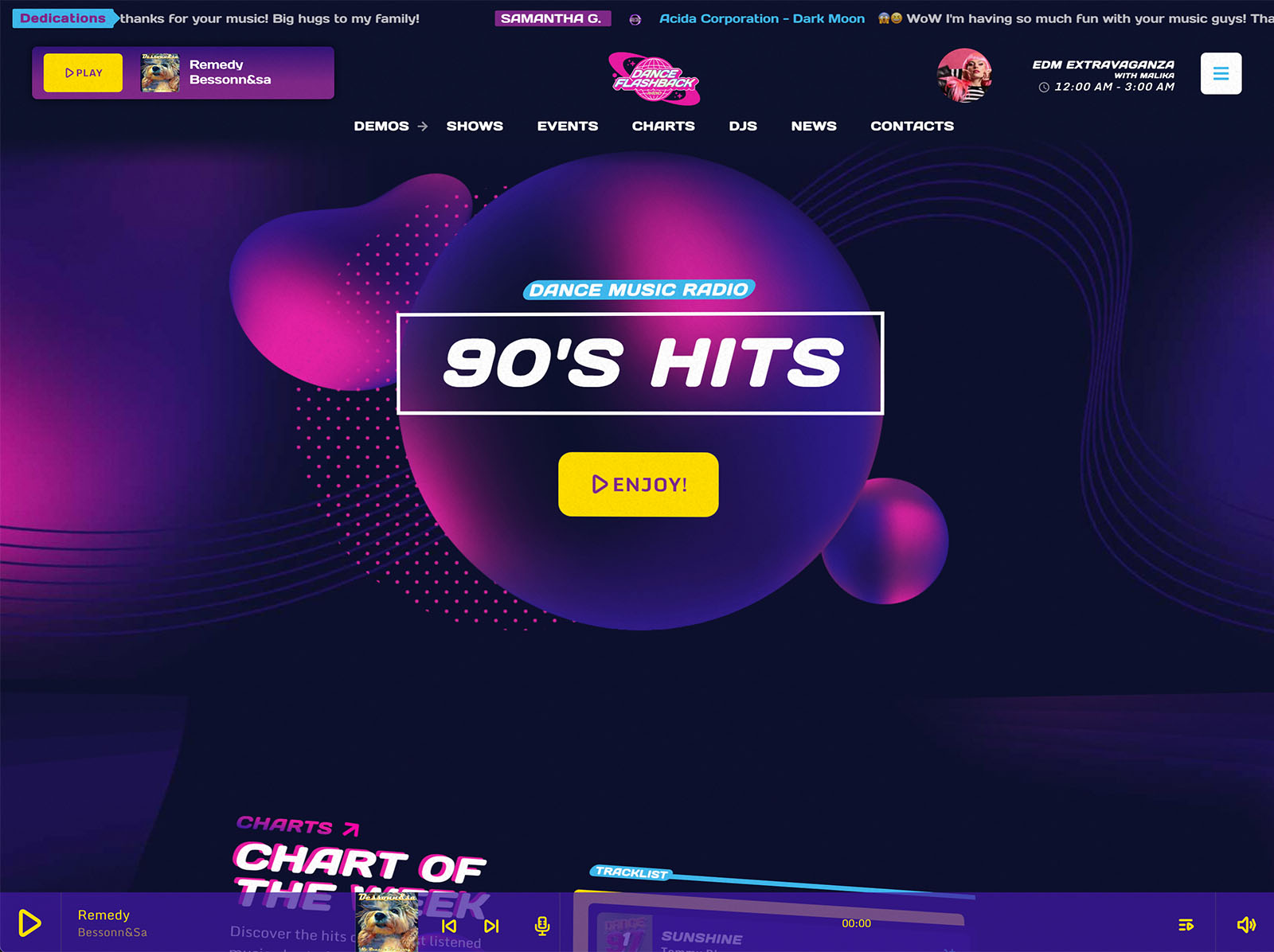
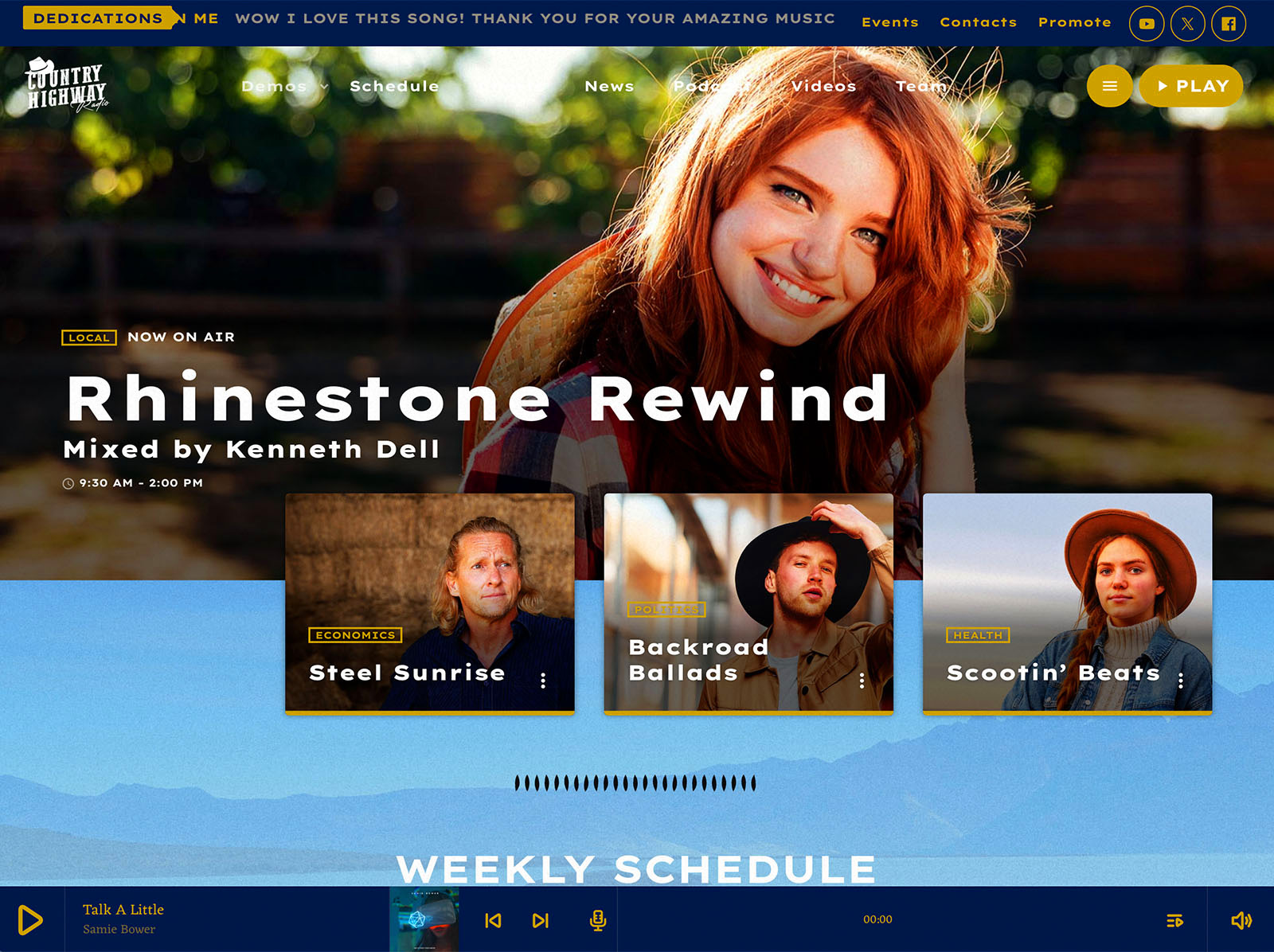
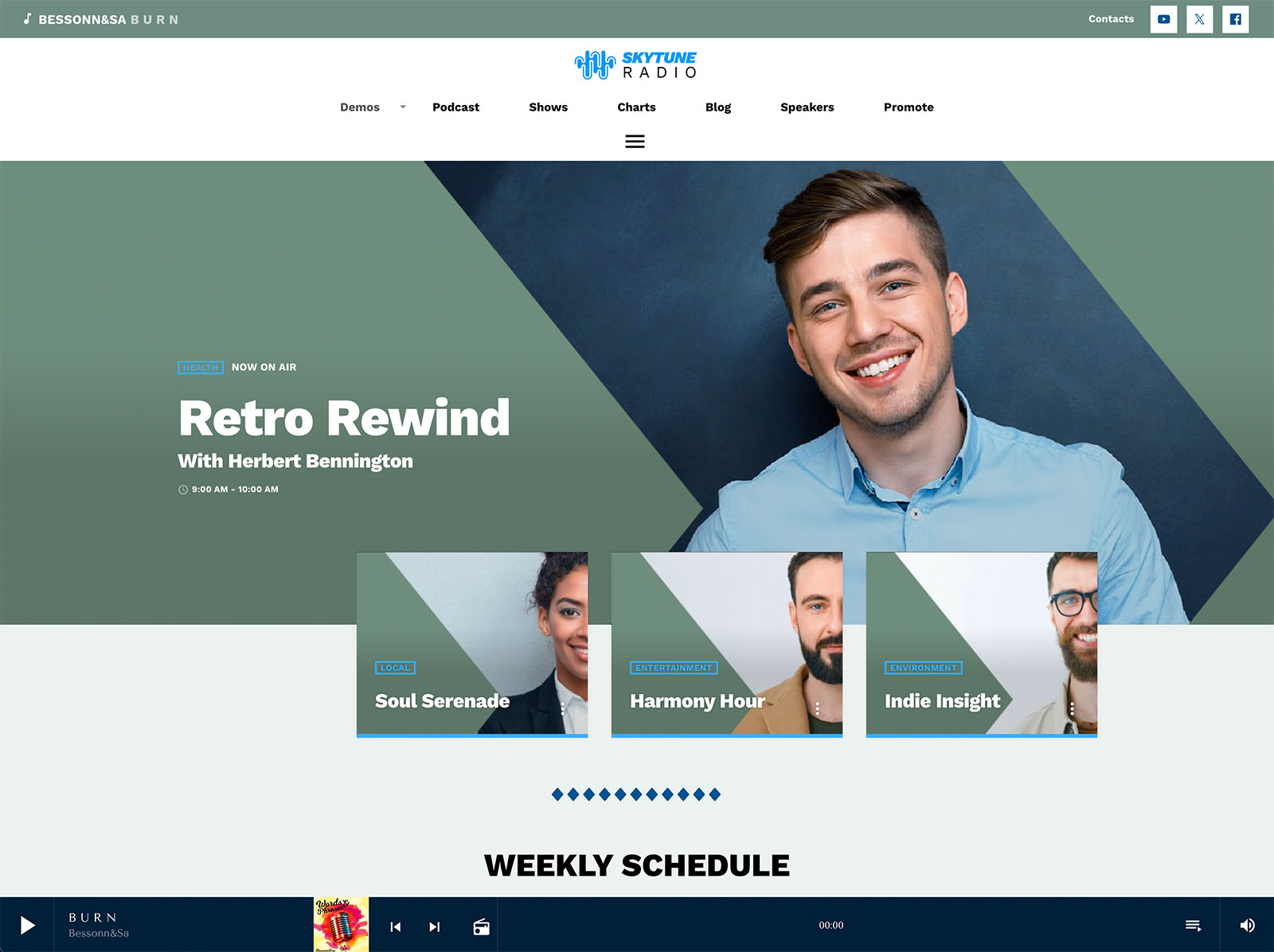
Automatic time and day detection highlights the show on air right now. The current day is preselected, so visitors do not have to search for “today.” A dropdown selection lets them switch days easily. The schedule can be displayed in multiple visual styles, including slideshows and carousels for upcoming shows. For multi-channel stations, a built-in filter system handles up to five channels on the same schedule.
The schedule stops being a table and becomes a navigation tool.
Dynamic Linking Saves Hours Of Maintenance
The dynamic linking system means a show only needs to be edited once. If the same show airs in multiple time slots, you link it to each slot. Editing the show updates every instance everywhere on the site automatically. Change the host. Update the artwork. Adjust the description. Every place that shows that program reflects the change without your intervention.
This is a quiet but enormous productivity gain. Station managers often spend half their website time keeping the schedule consistent. With dynamic linking, that time disappears.
Sliders And Carousels That Sell The Next Hour
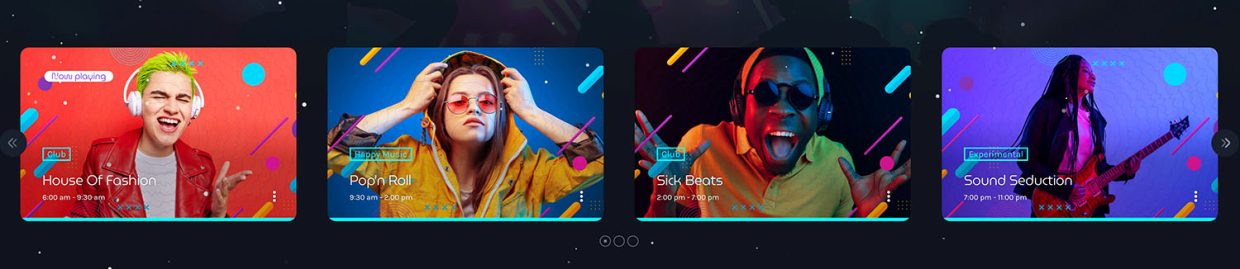
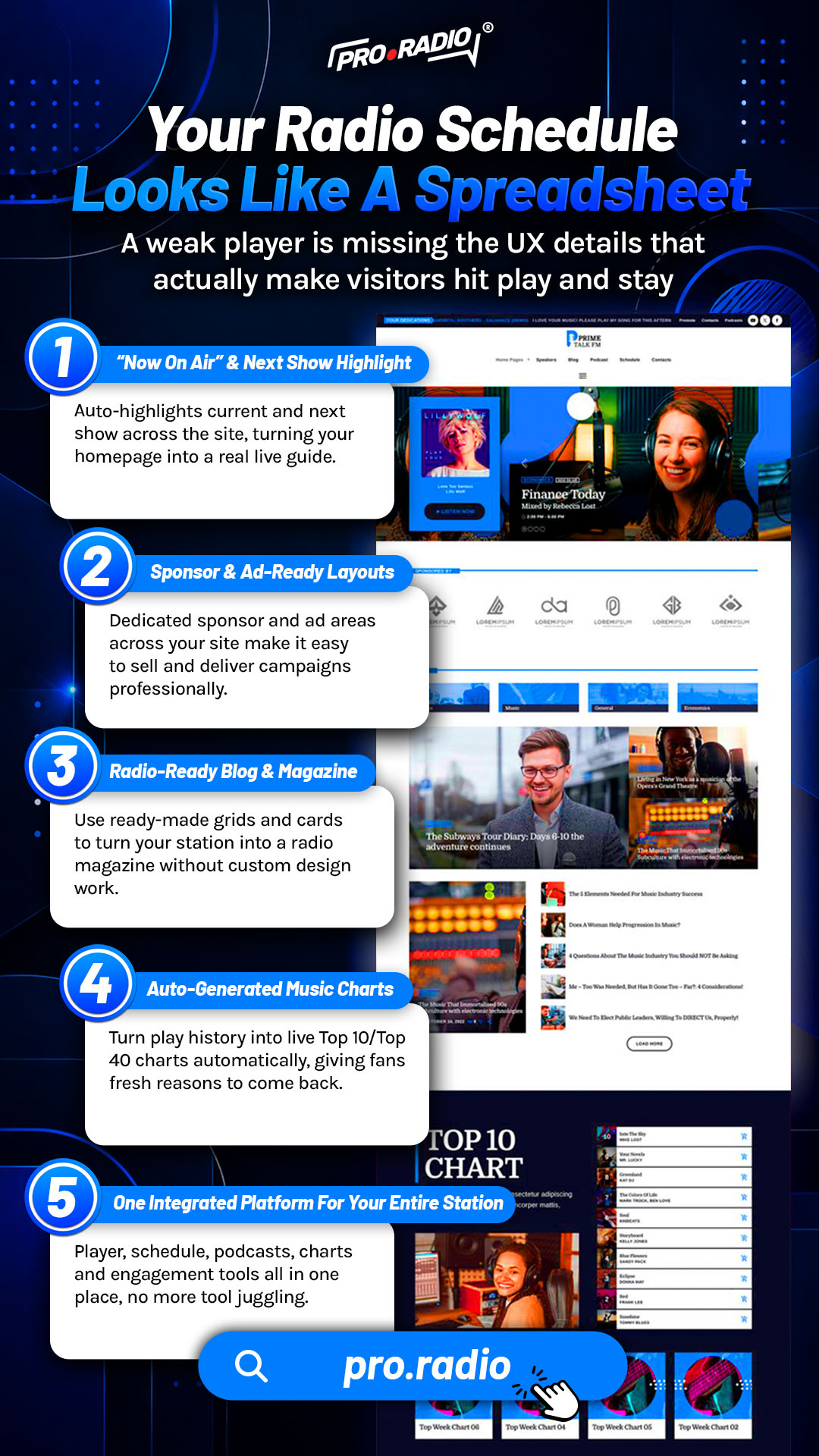
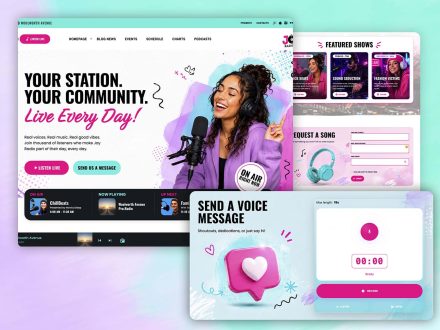
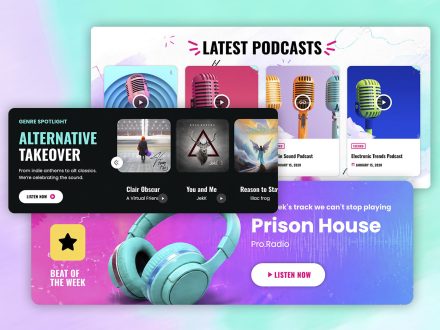
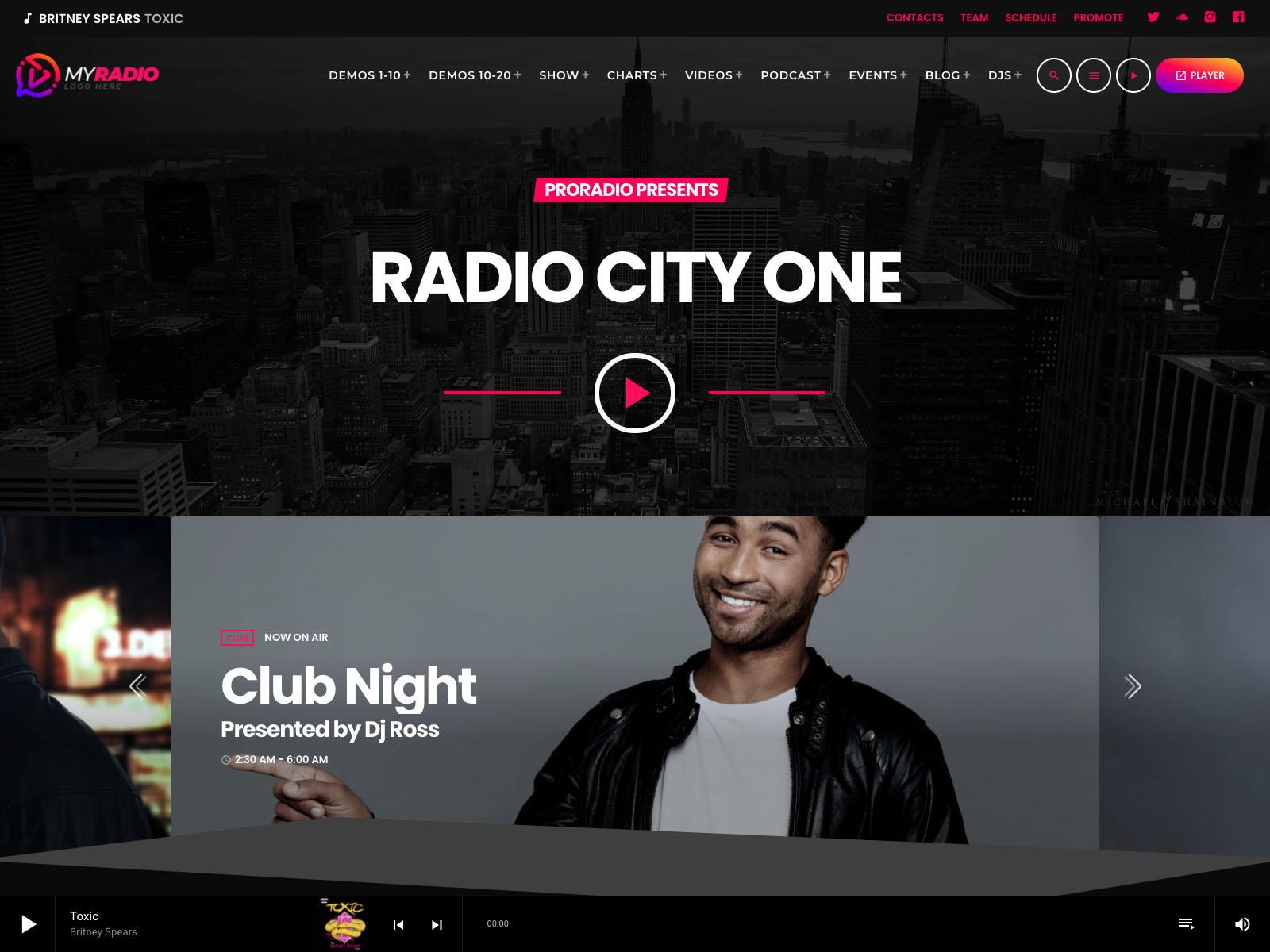
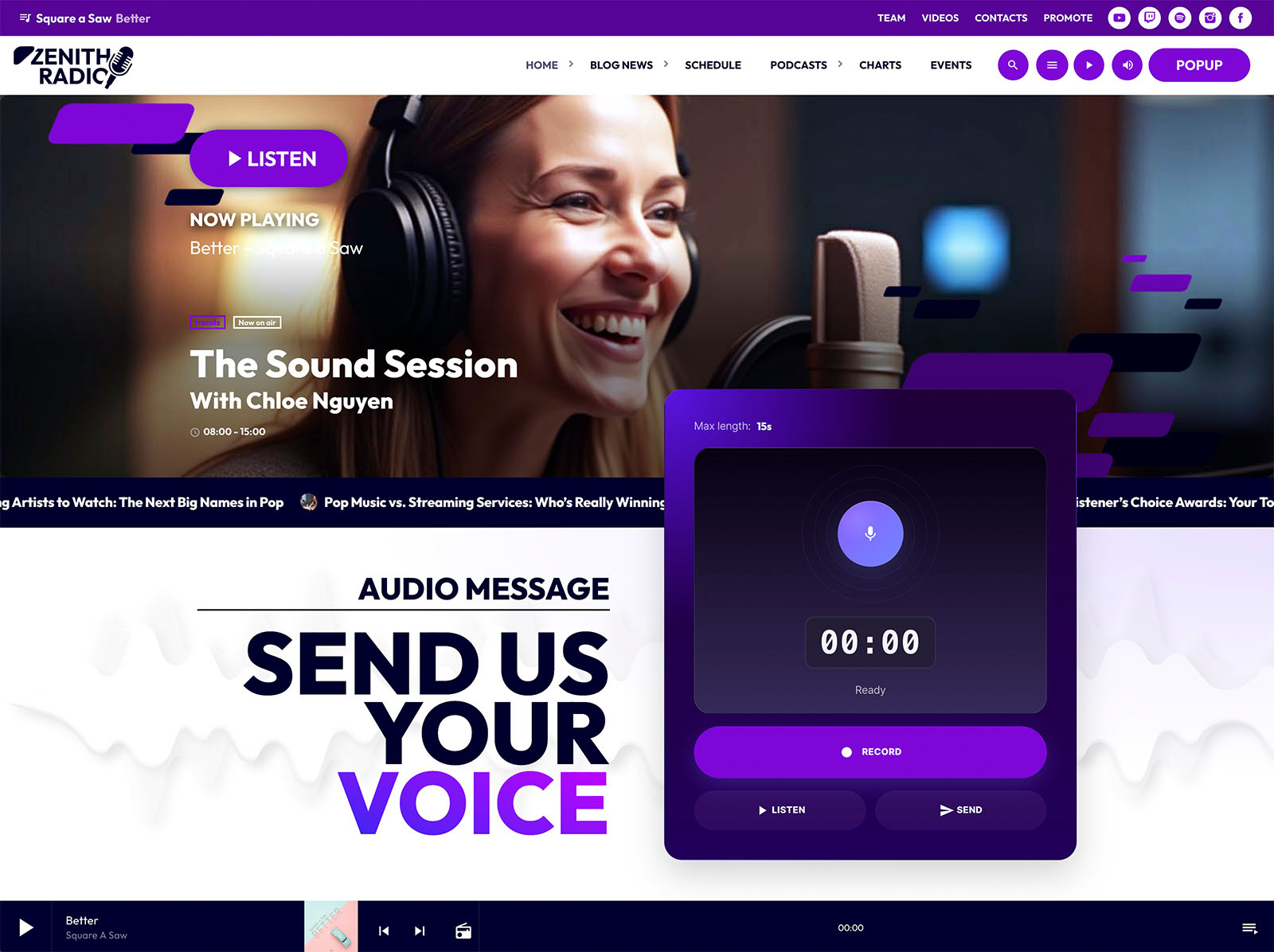
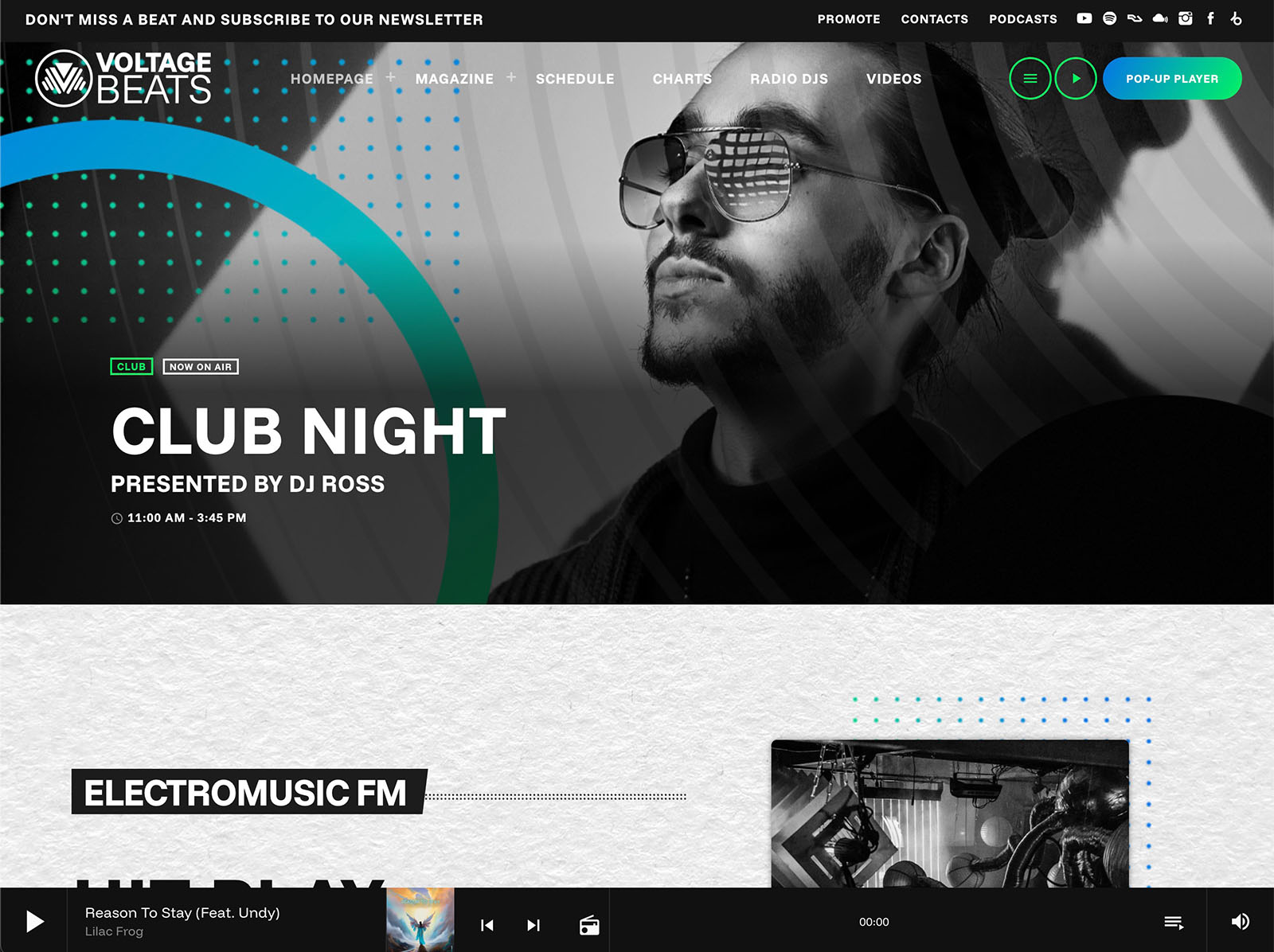
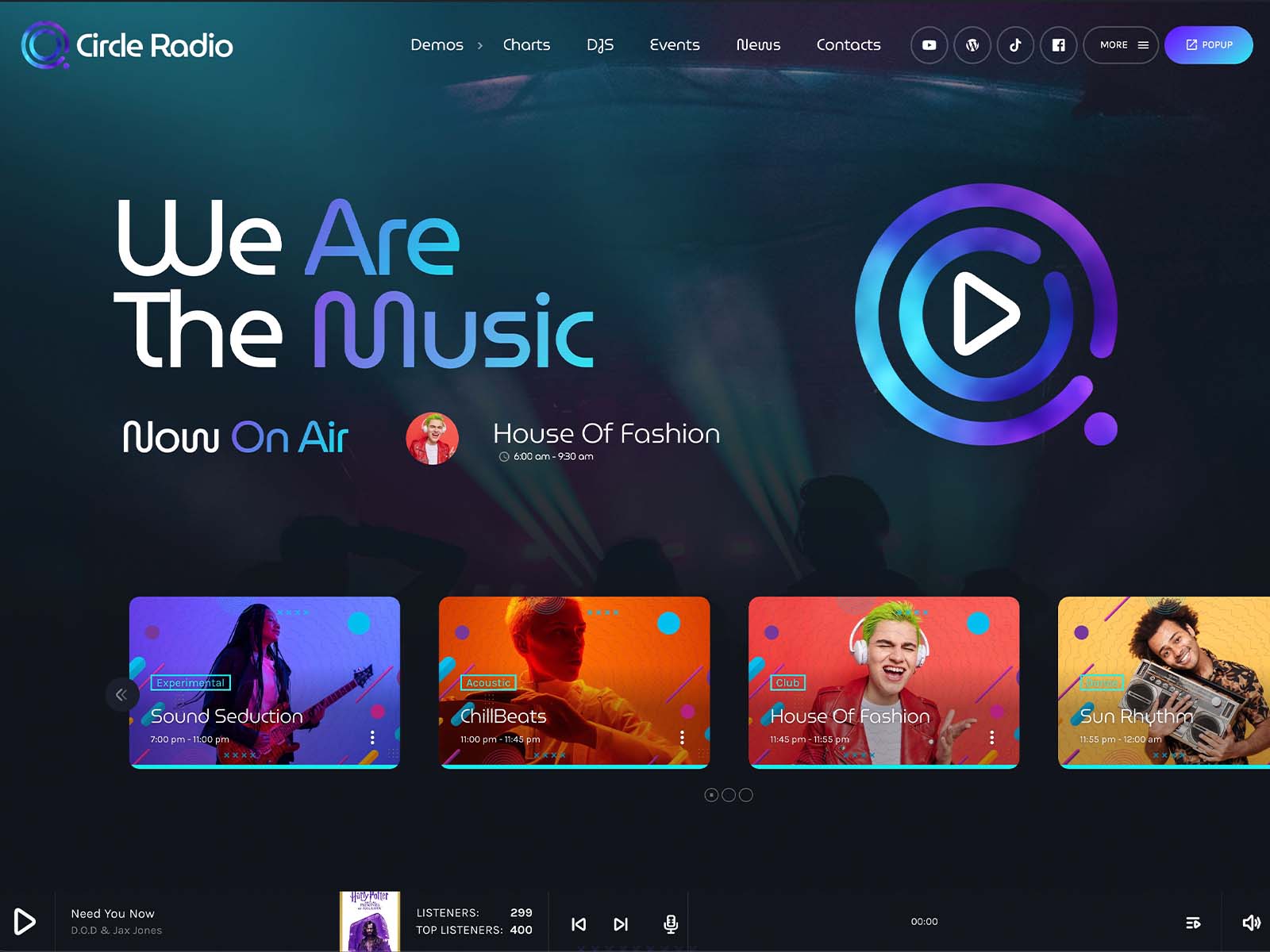
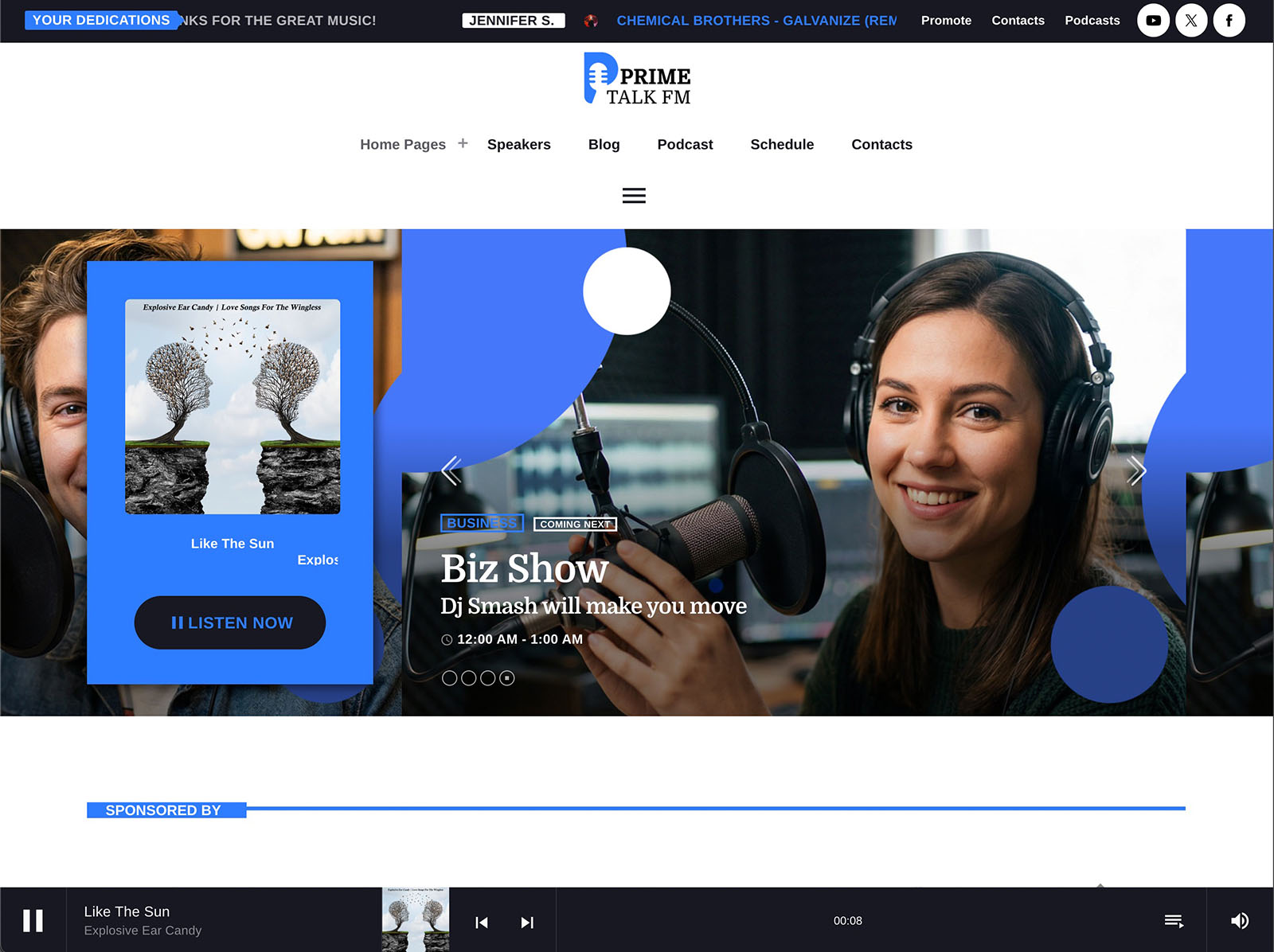
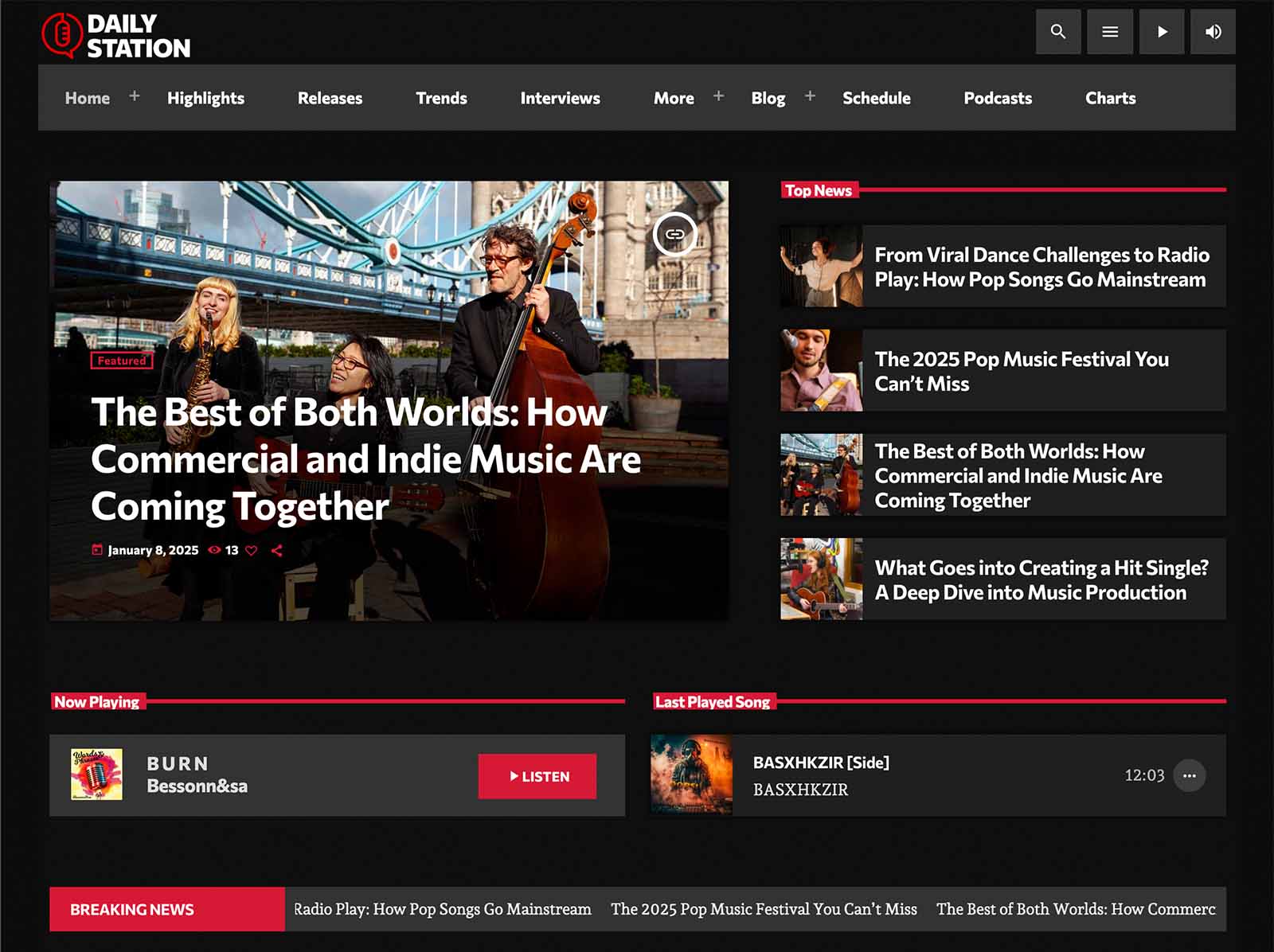
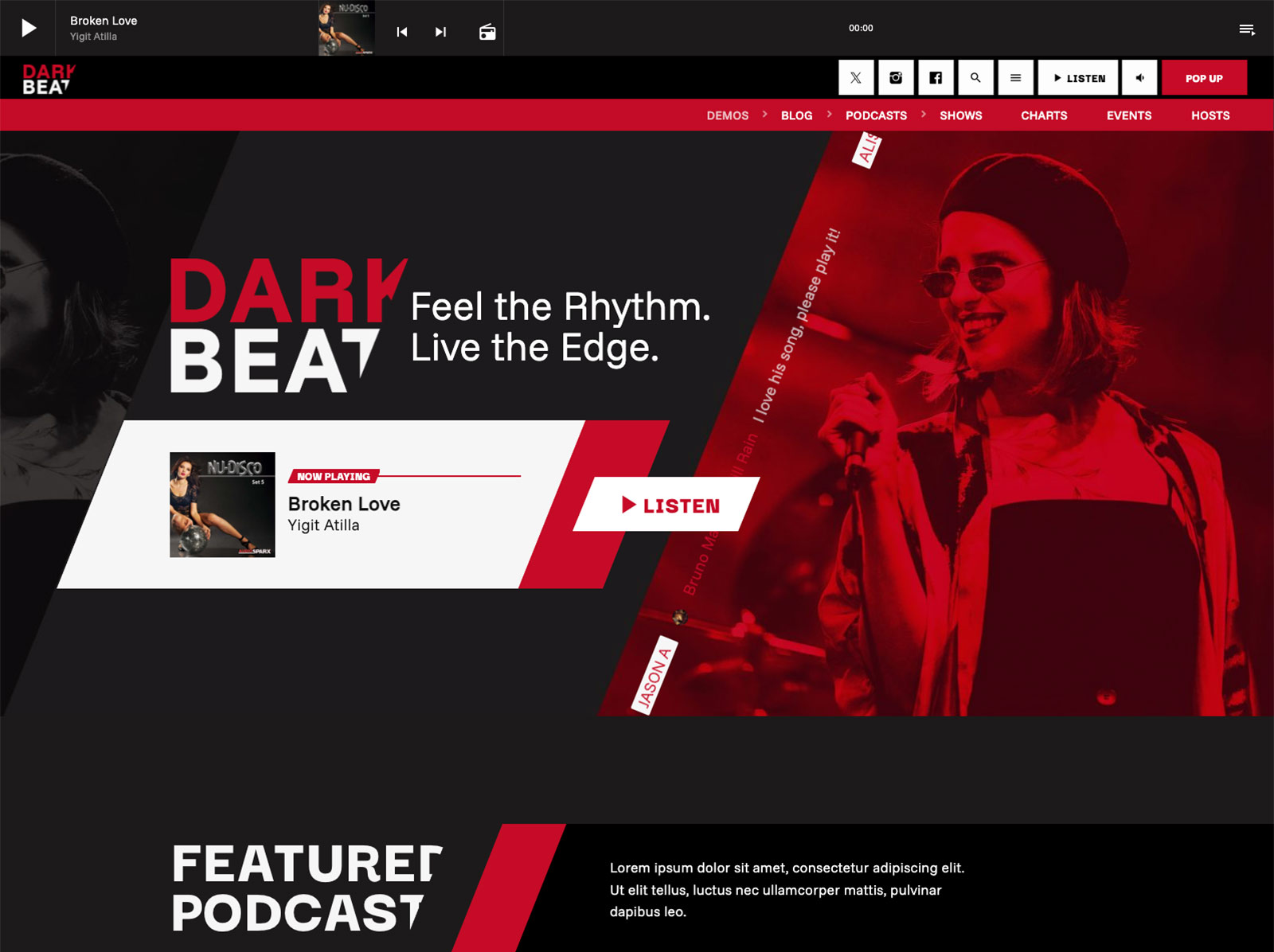
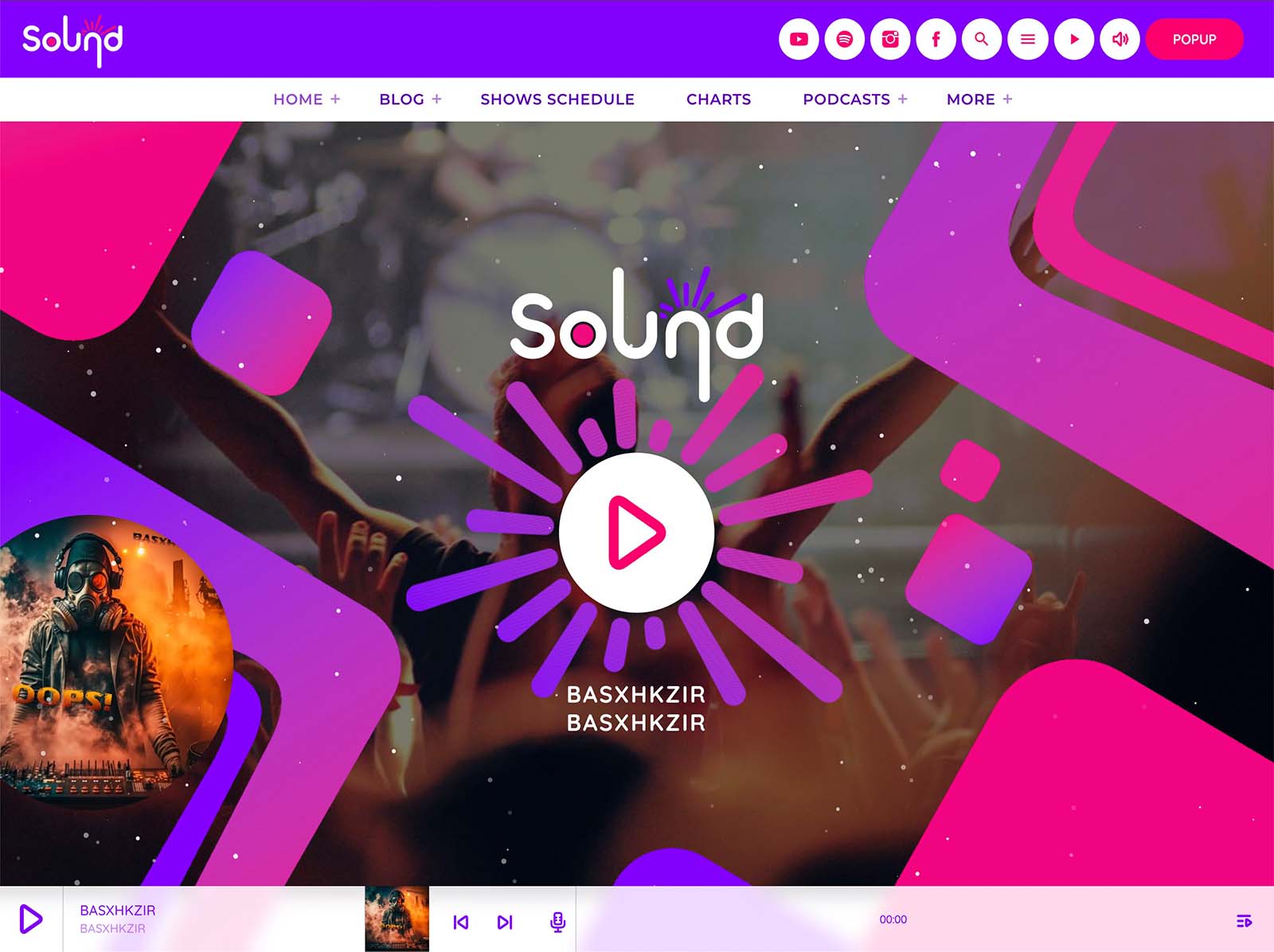
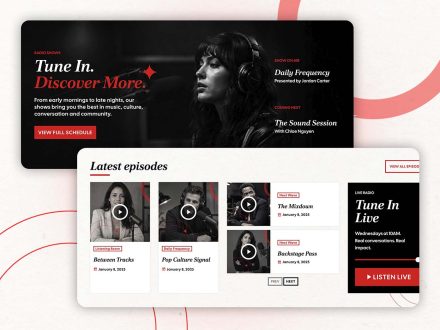
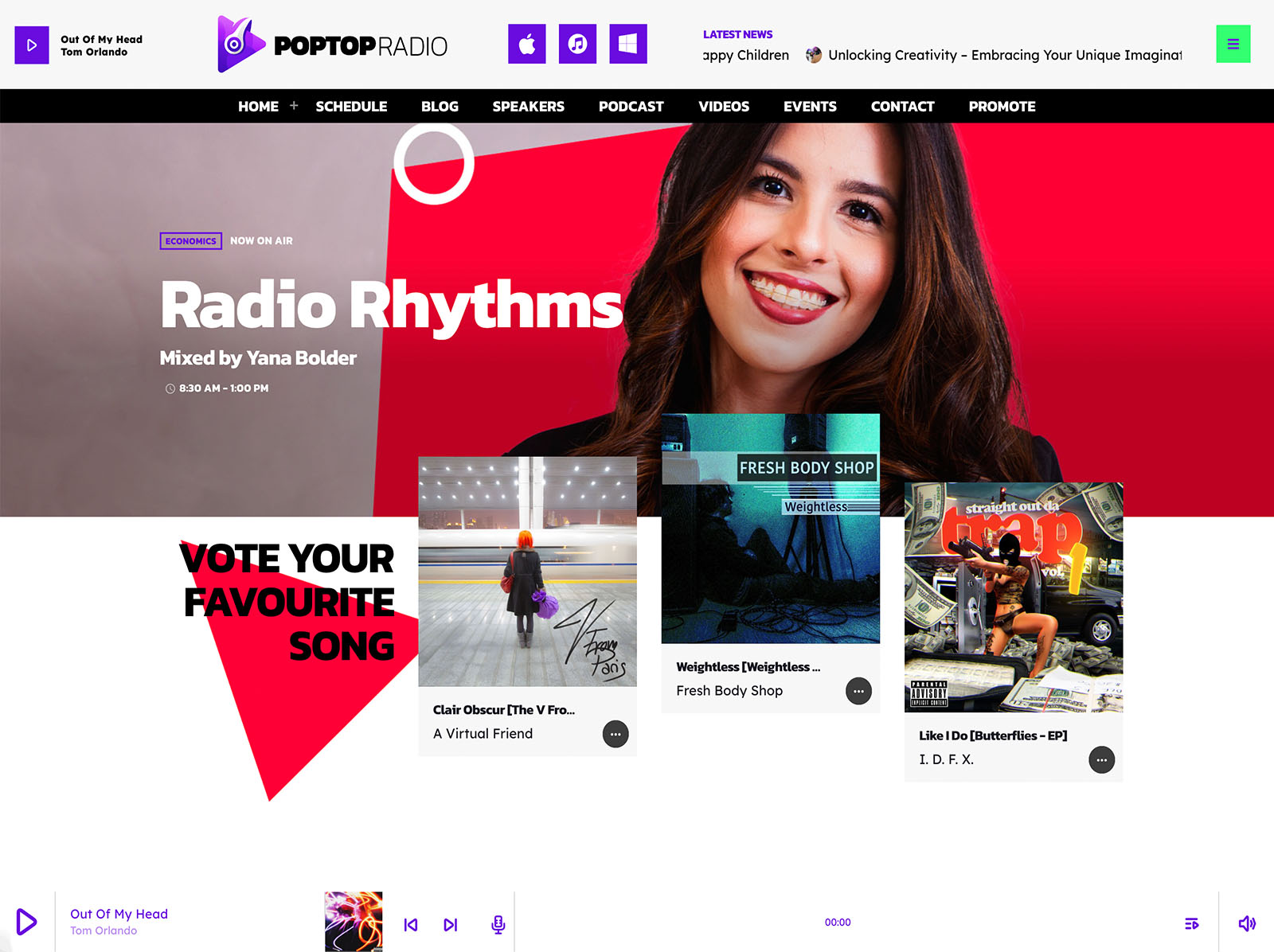
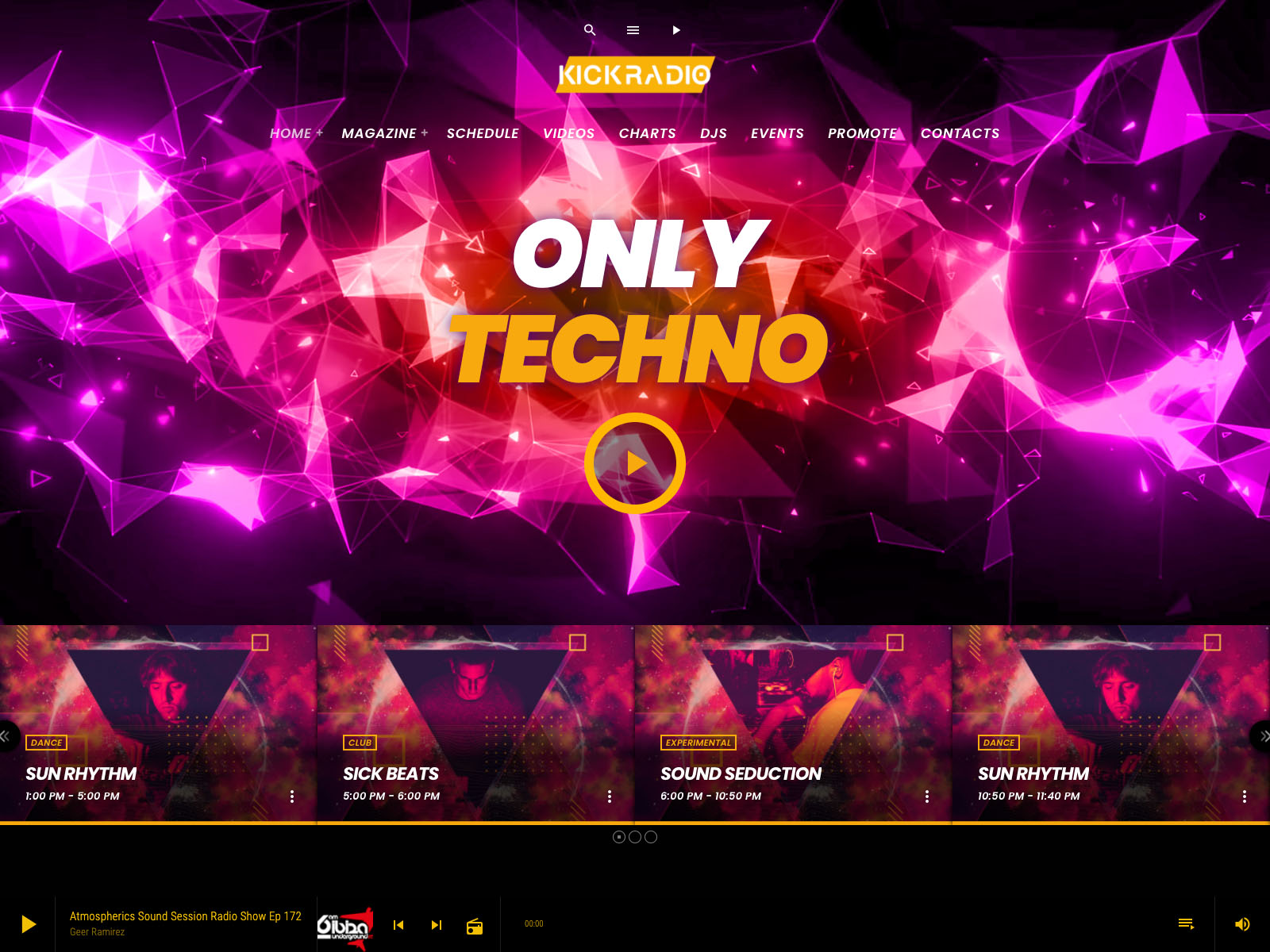
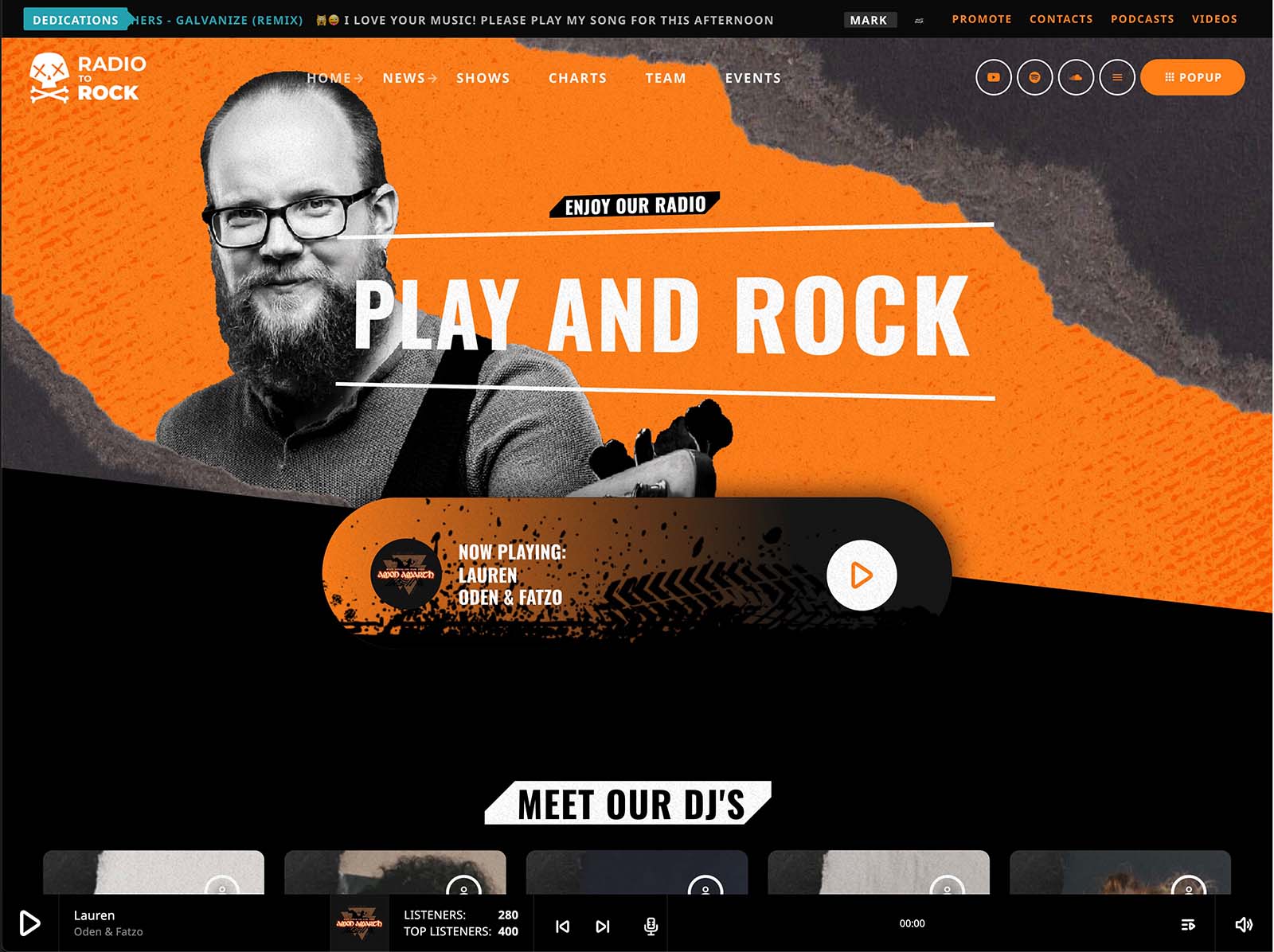
A spreadsheet schedule does nothing visual. Pro Radio includes sliders and carousels of upcoming shows that can sit on the homepage. A visitor immediately sees what is on now and what is coming. Each slide can include show artwork, host photos, descriptions, and clear calls to action.
This is the difference between a passive list and an active pitch. The schedule becomes a constantly rotating promo for your own station.
Show Pages That Continue The Pitch
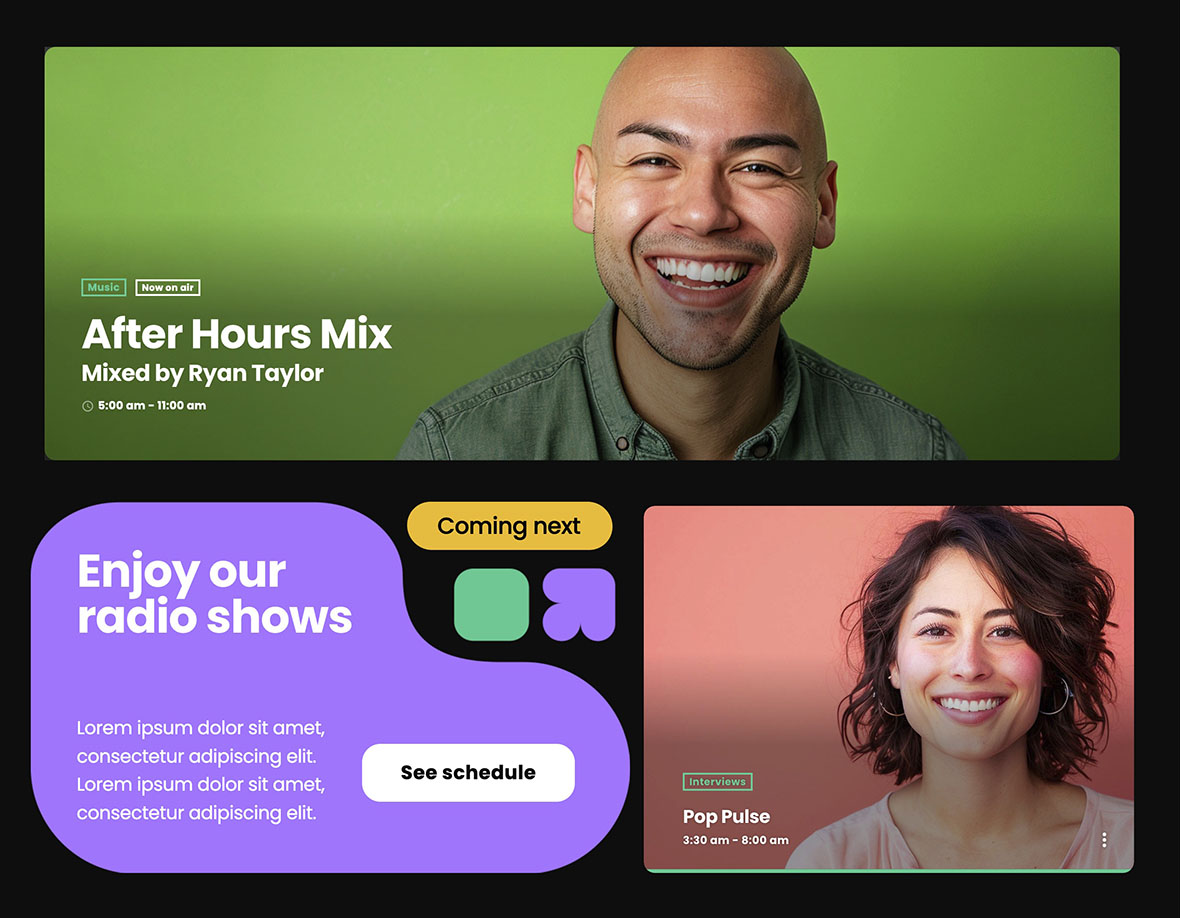
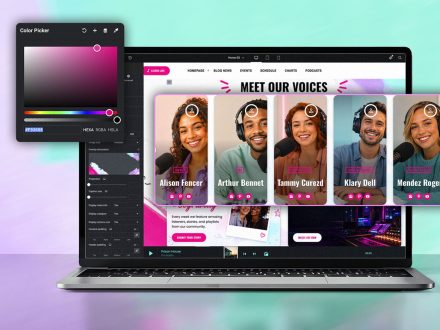
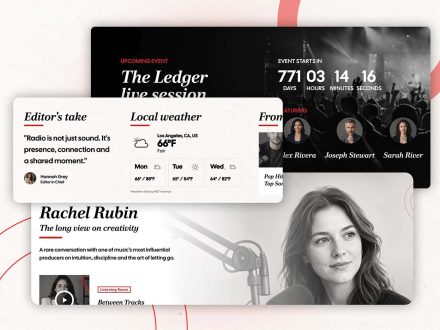
When a visitor clicks a show in the schedule, the show page should continue the conversation. Pro Radio show pages are self-updating hubs. They can include the show’s timetable, recent podcast episodes, related news posts, music charts tied to the show, presenters, and upcoming events. A visitor sees more than a time. They see the program, the recent episodes they can preview in the same radio player, the hosts behind it, and the next chance to hear it live.
That is how a schedule converts curiosity into actual listening.
Current Show Widgets For Always-On Visibility
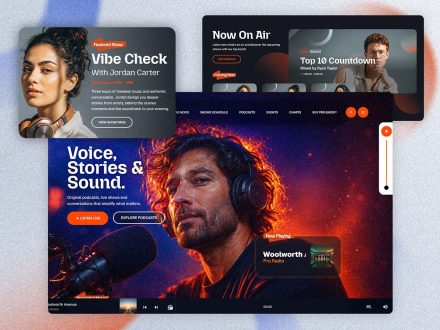
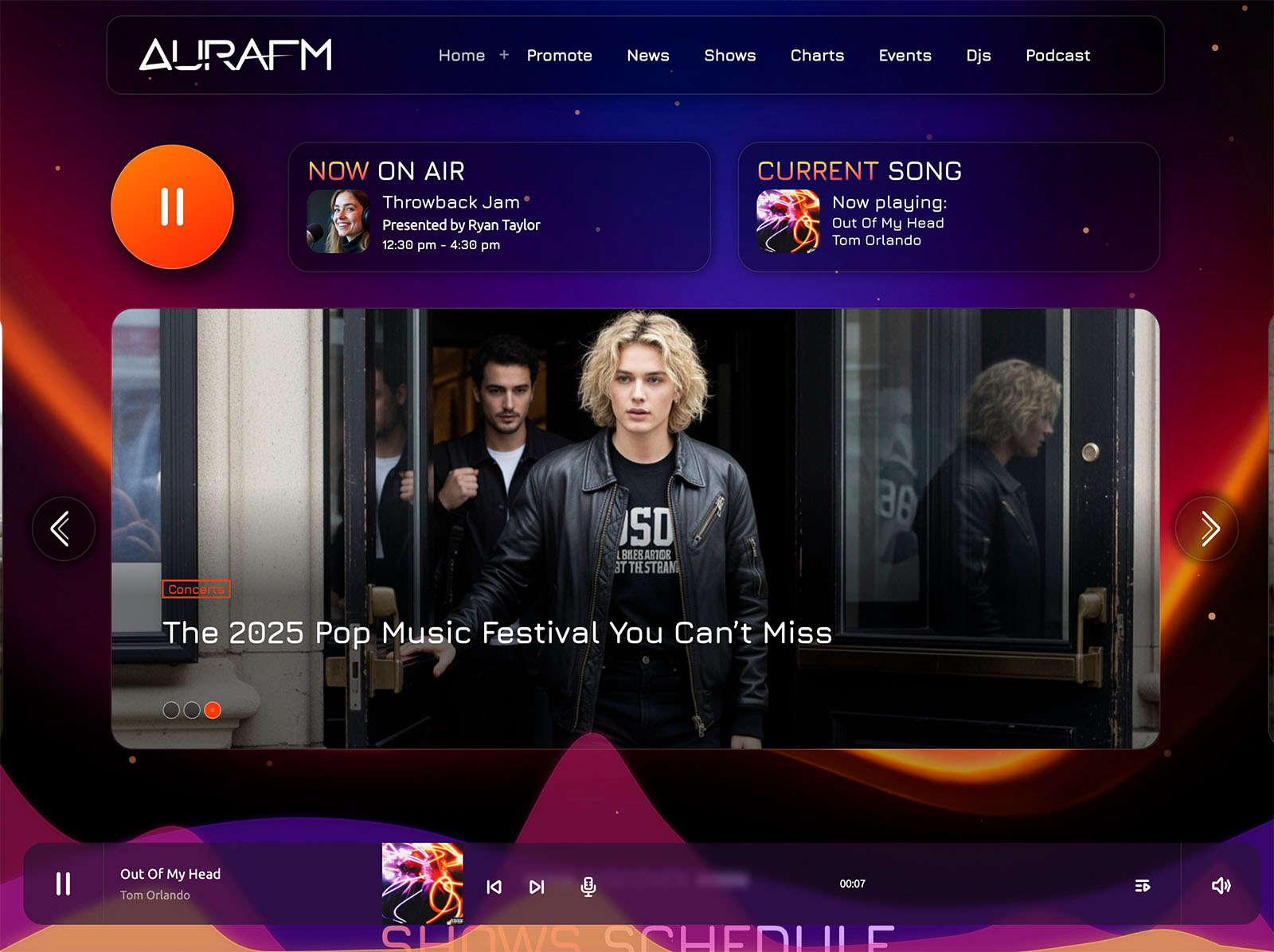
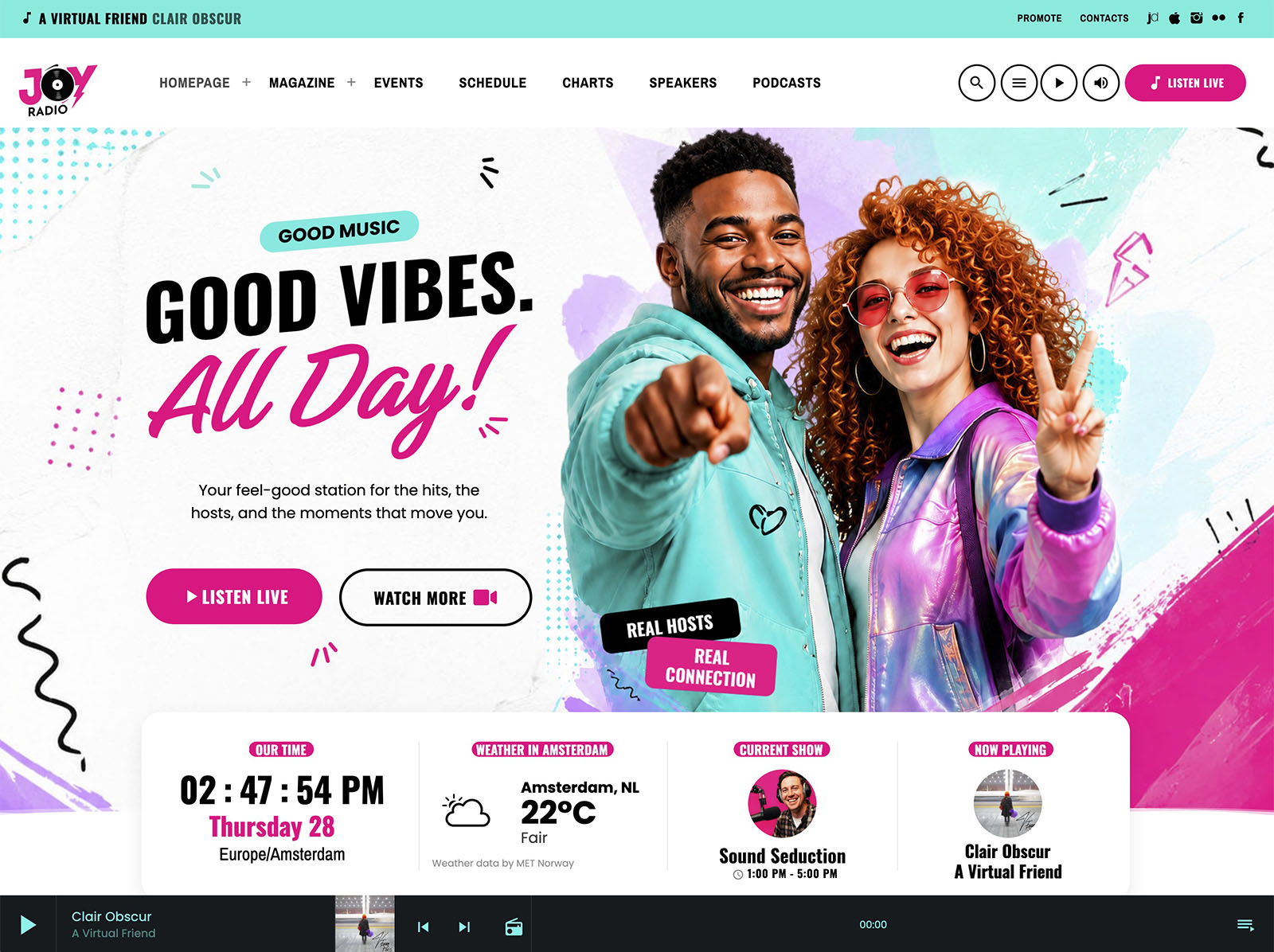
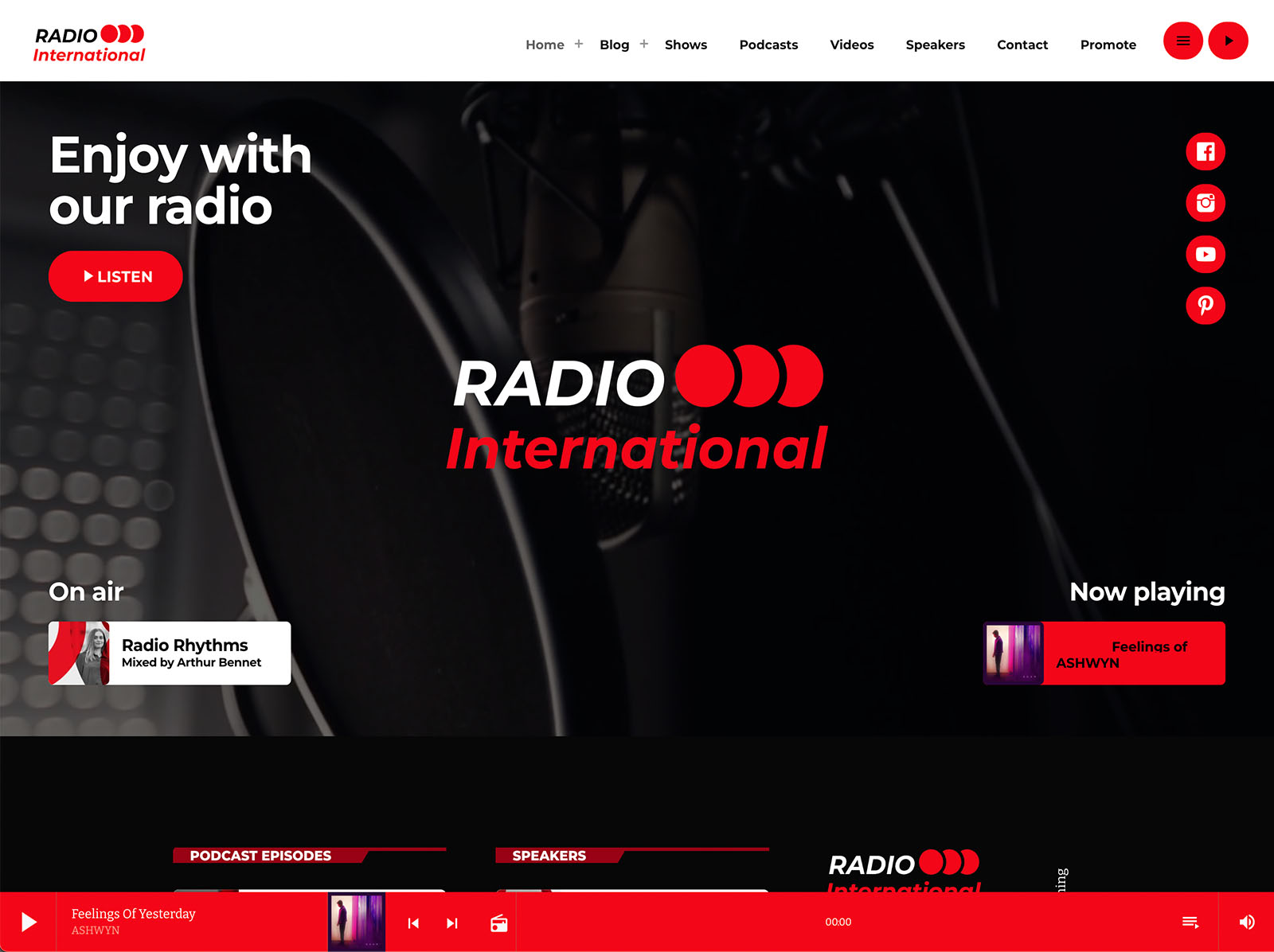
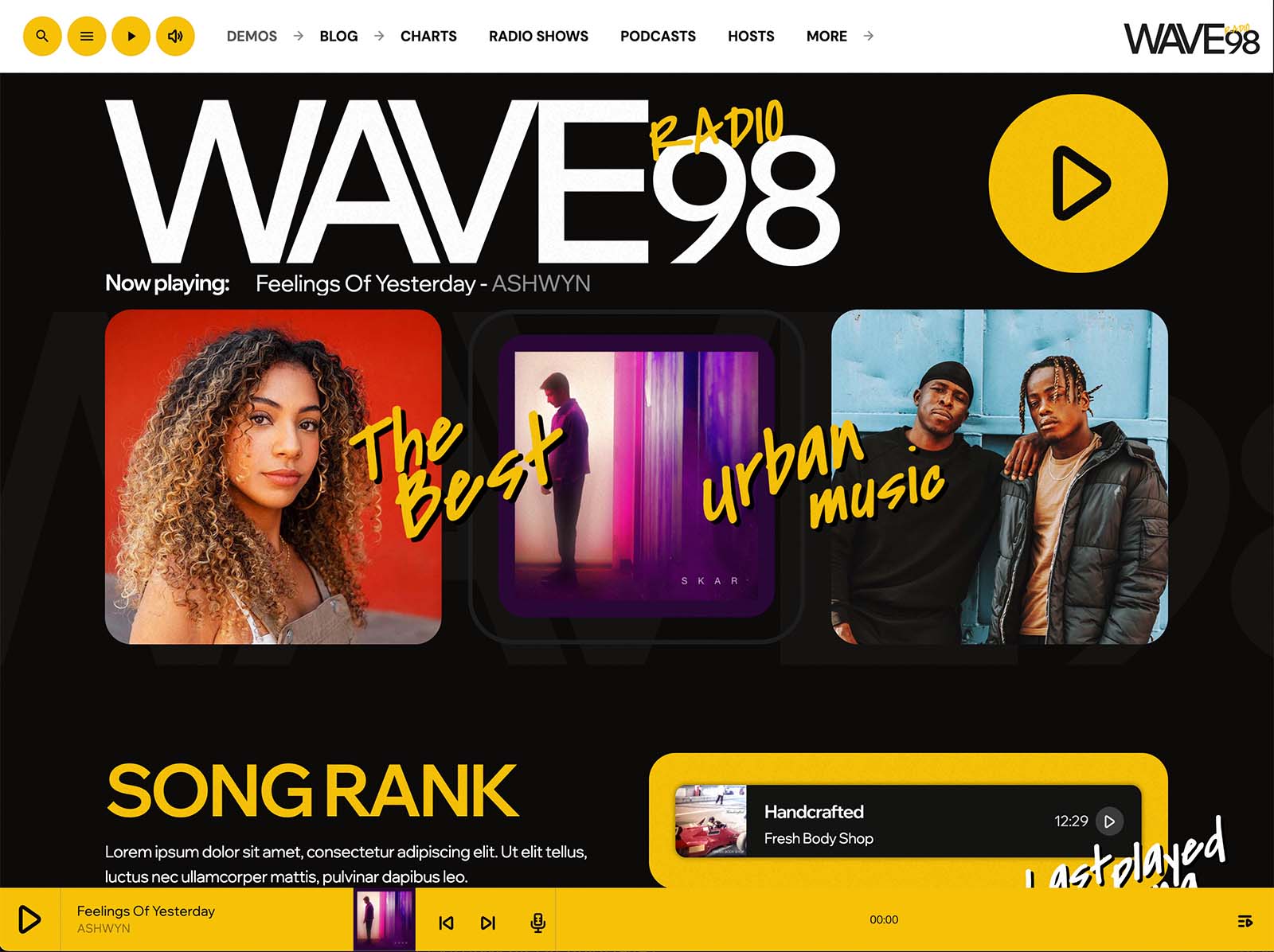
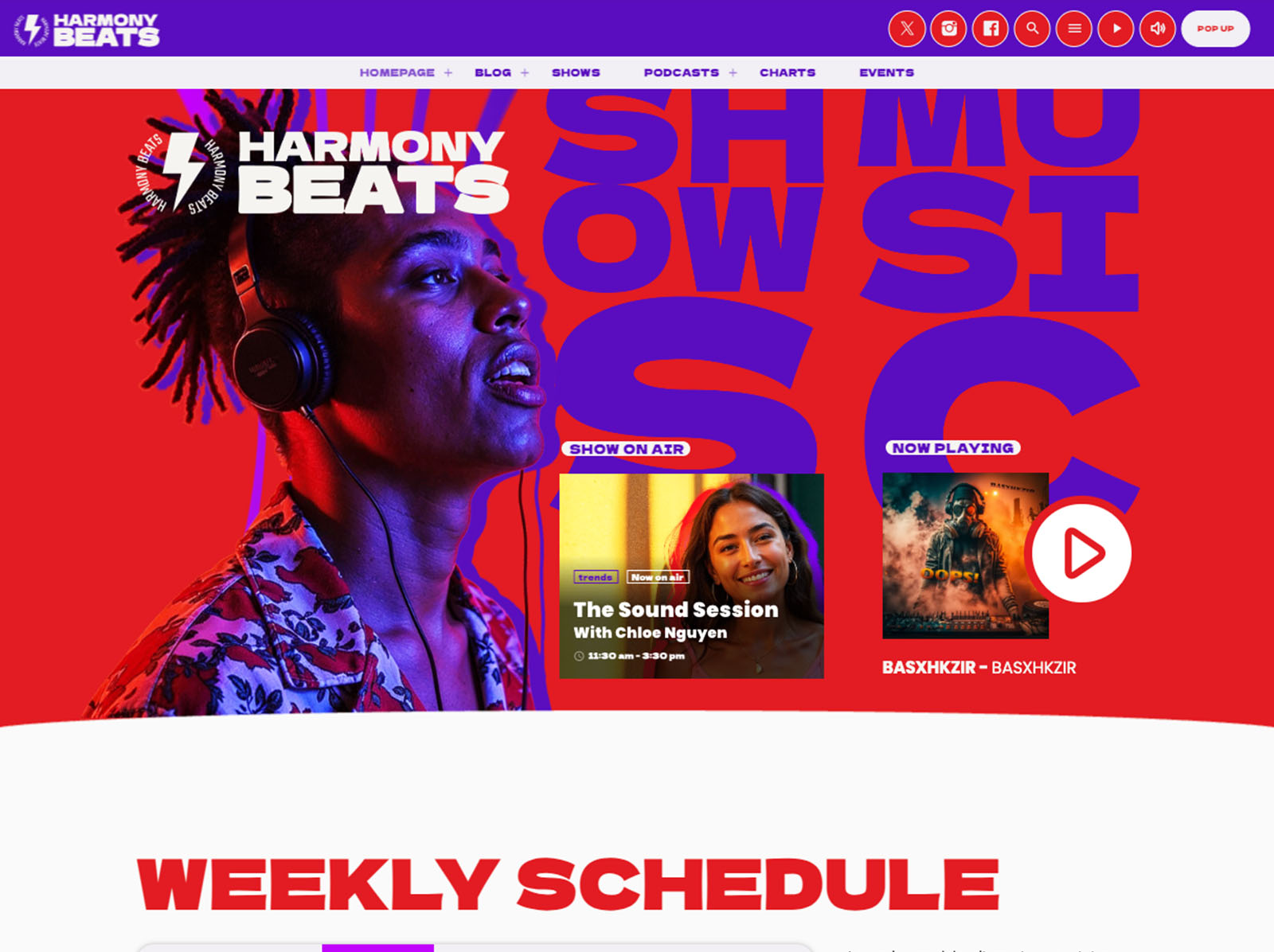
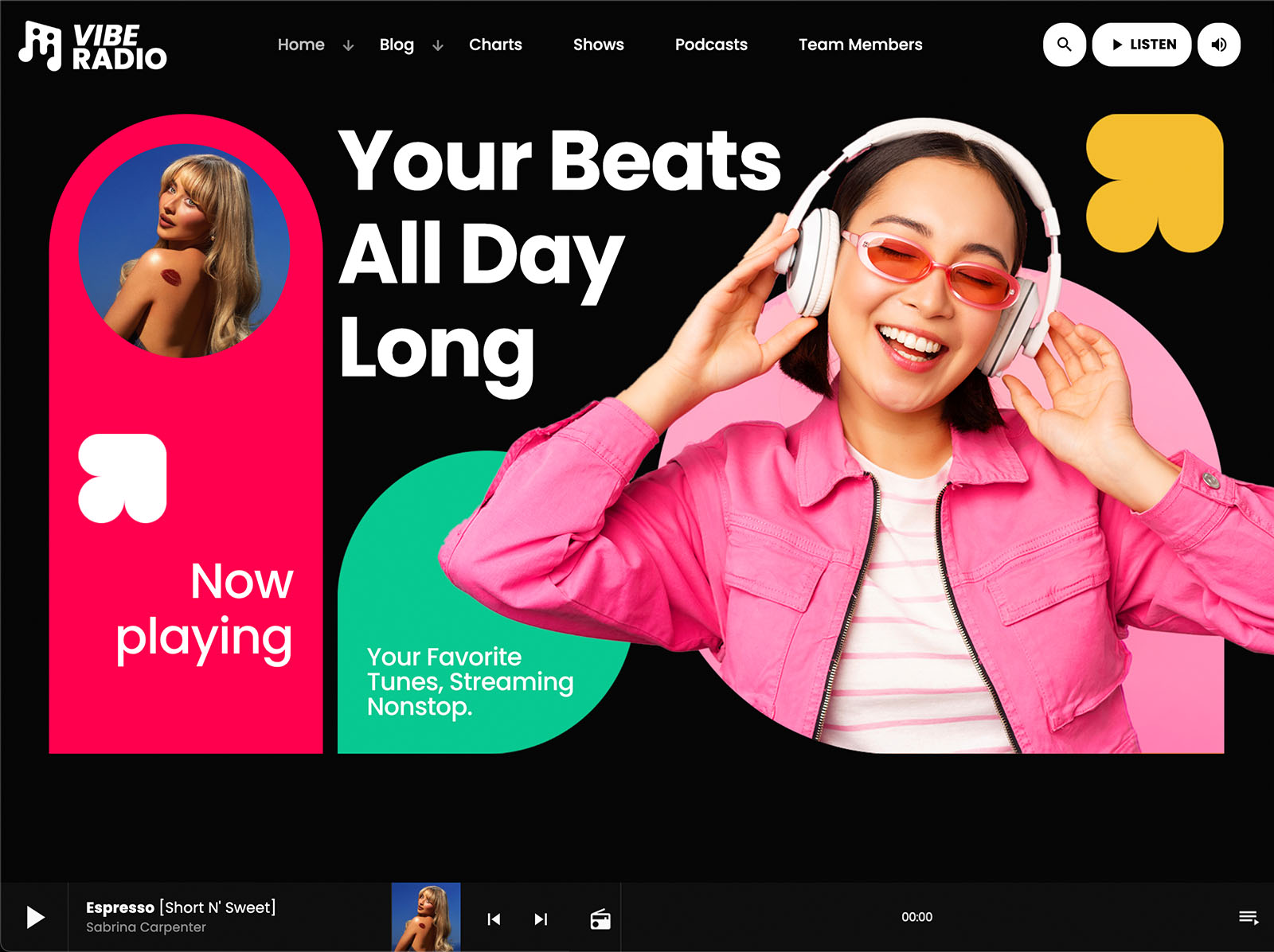
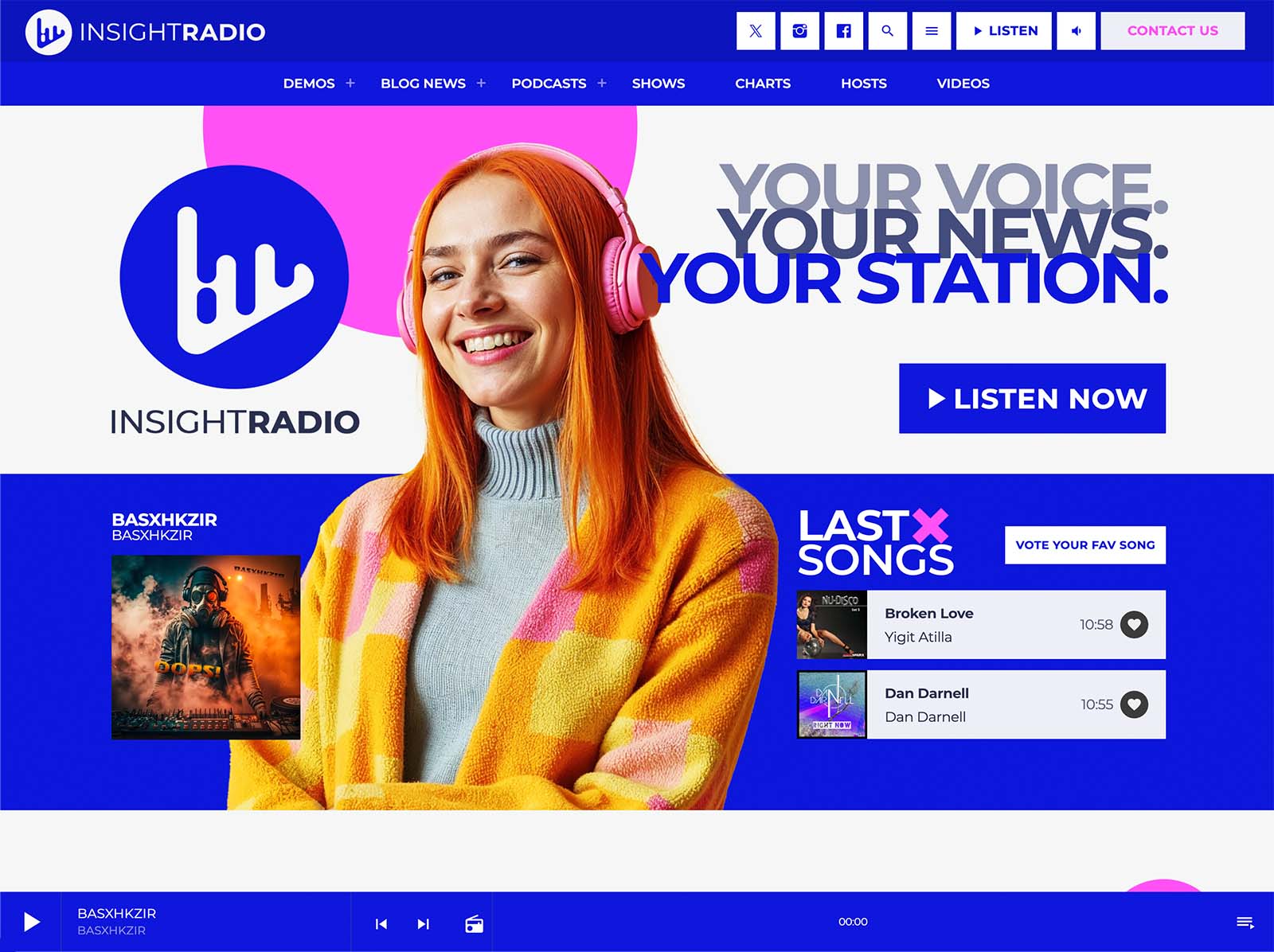
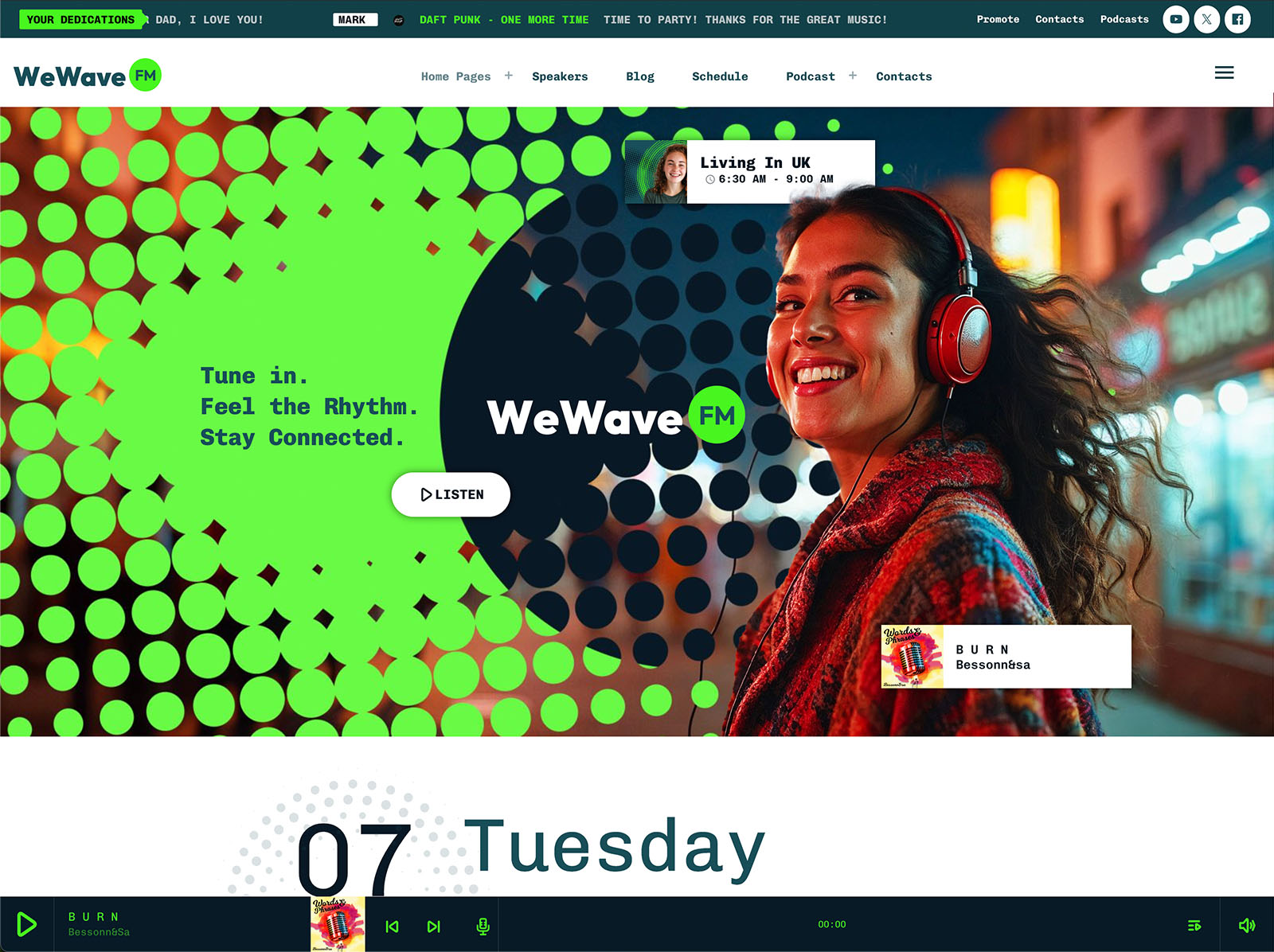
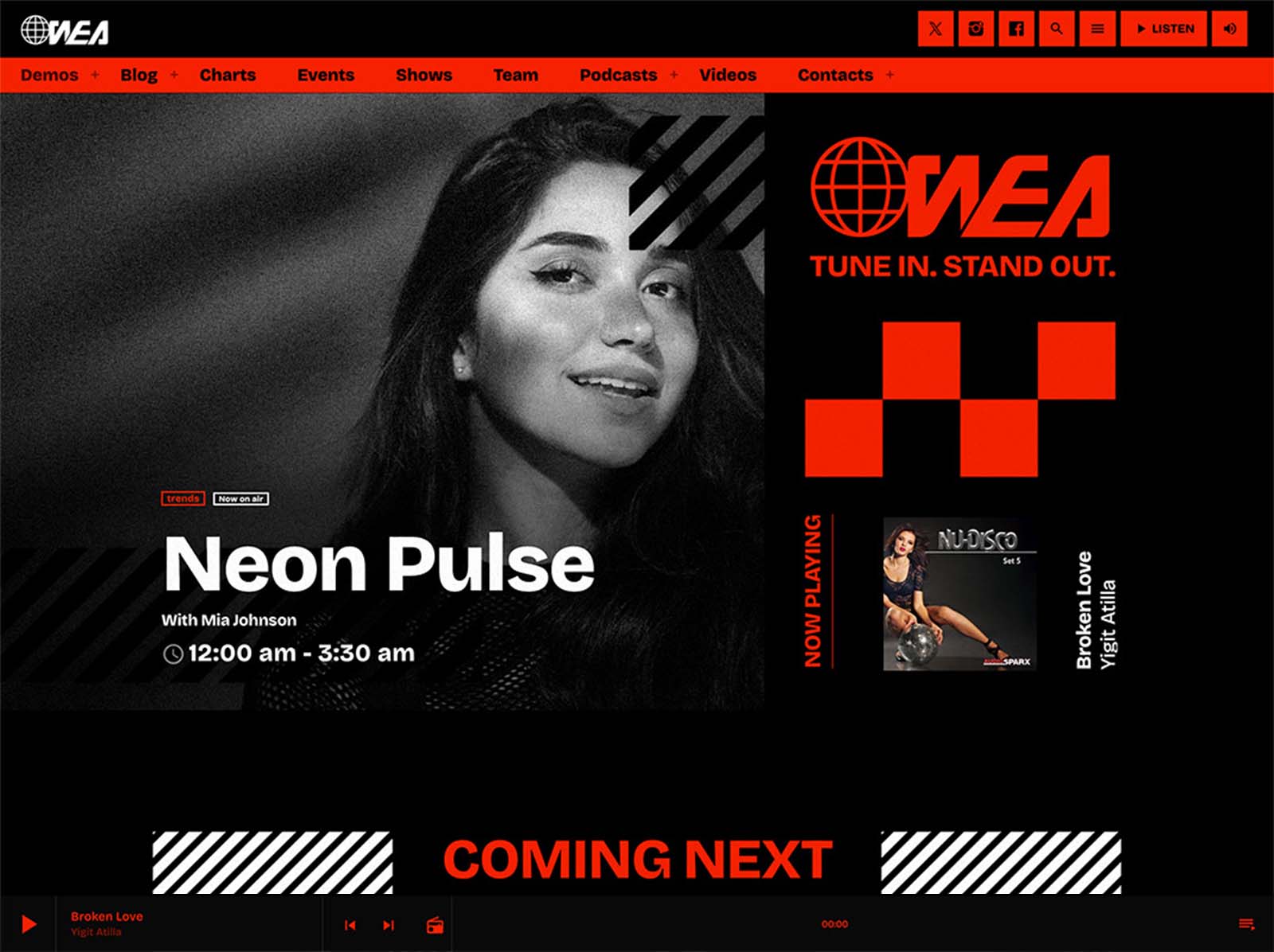
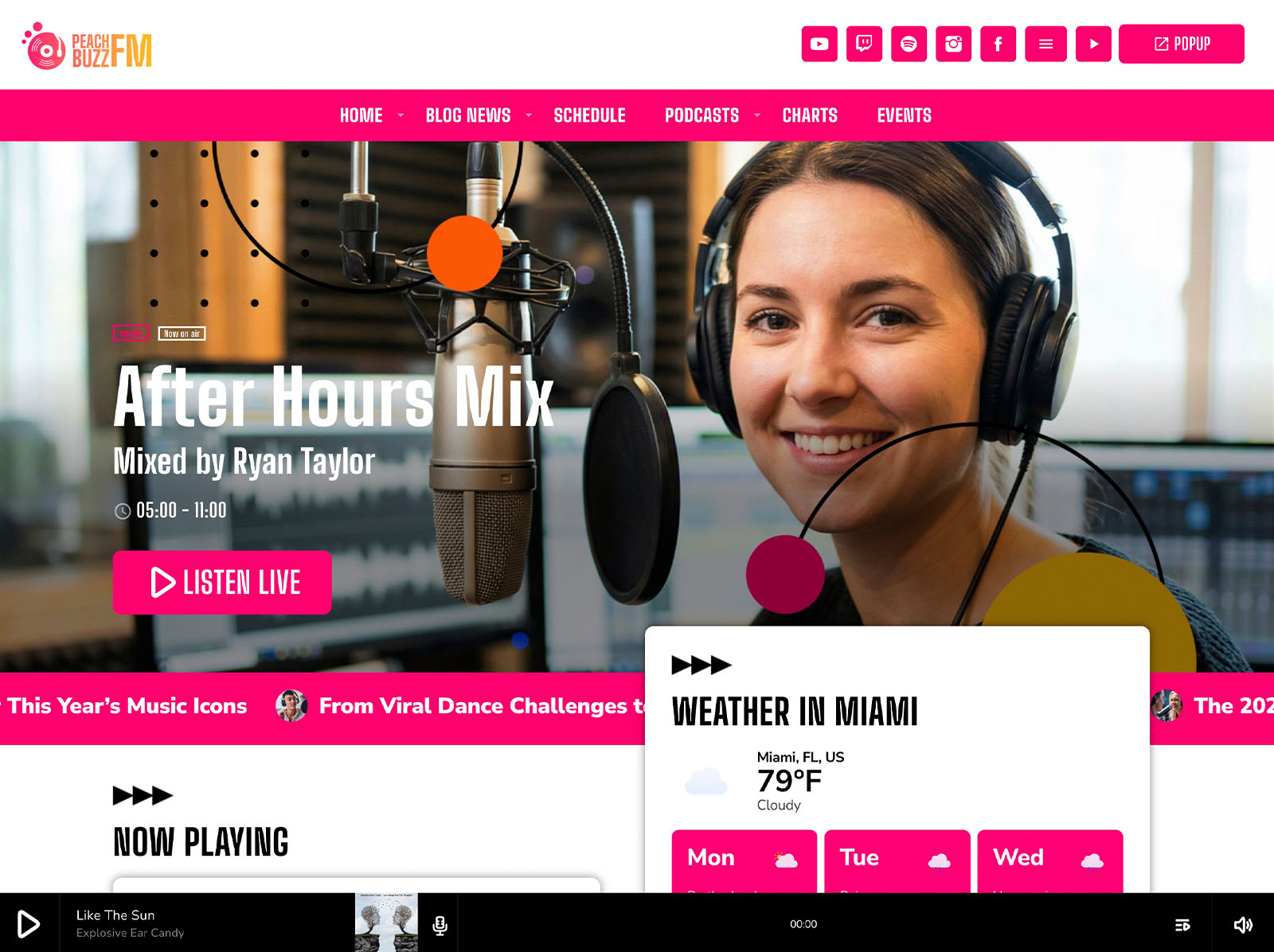
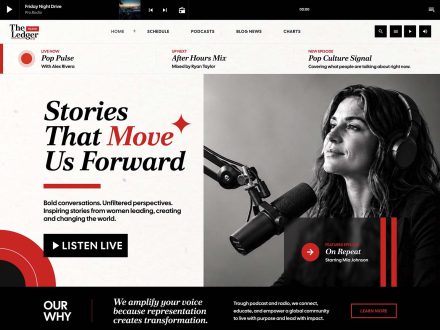
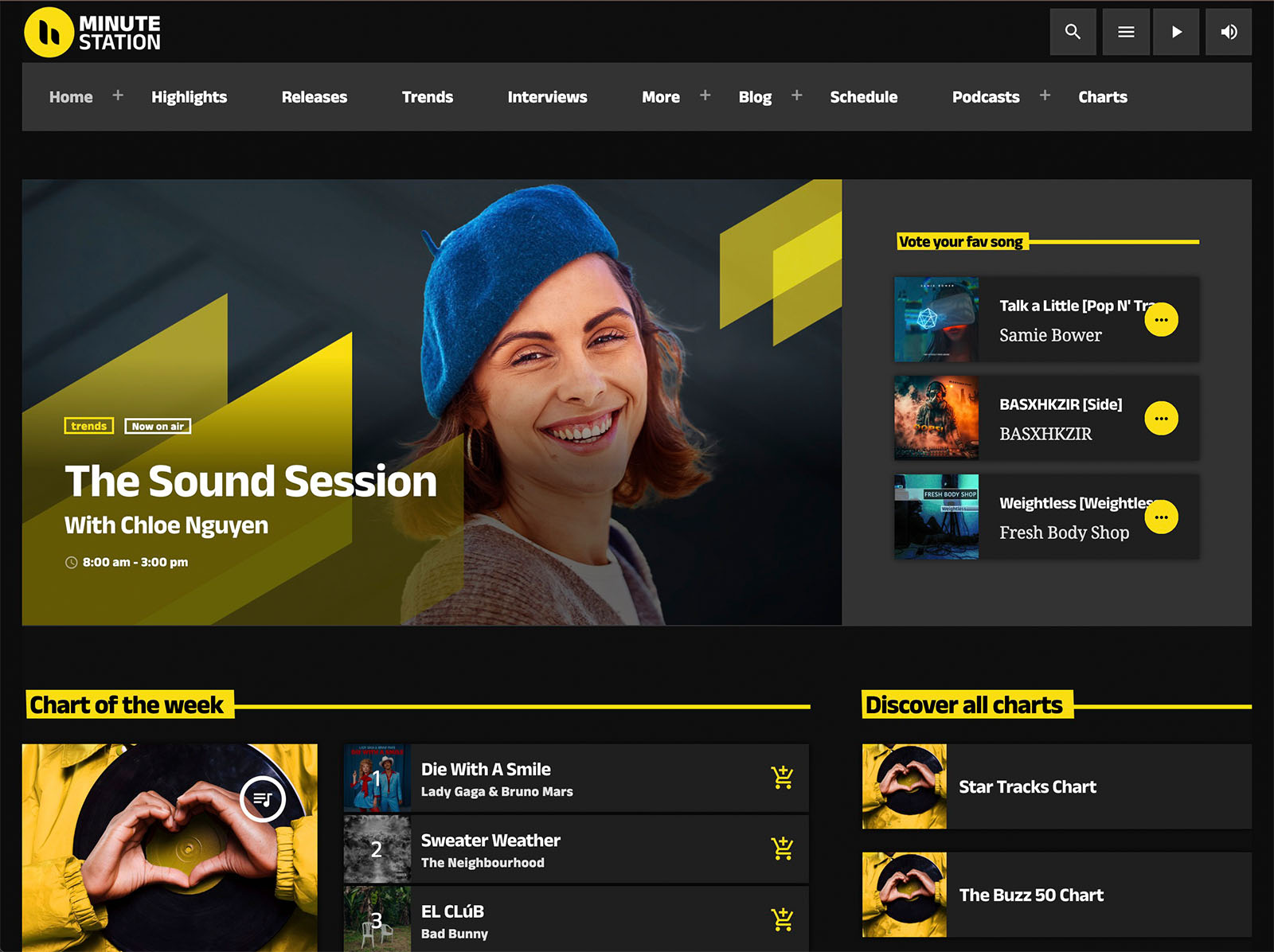
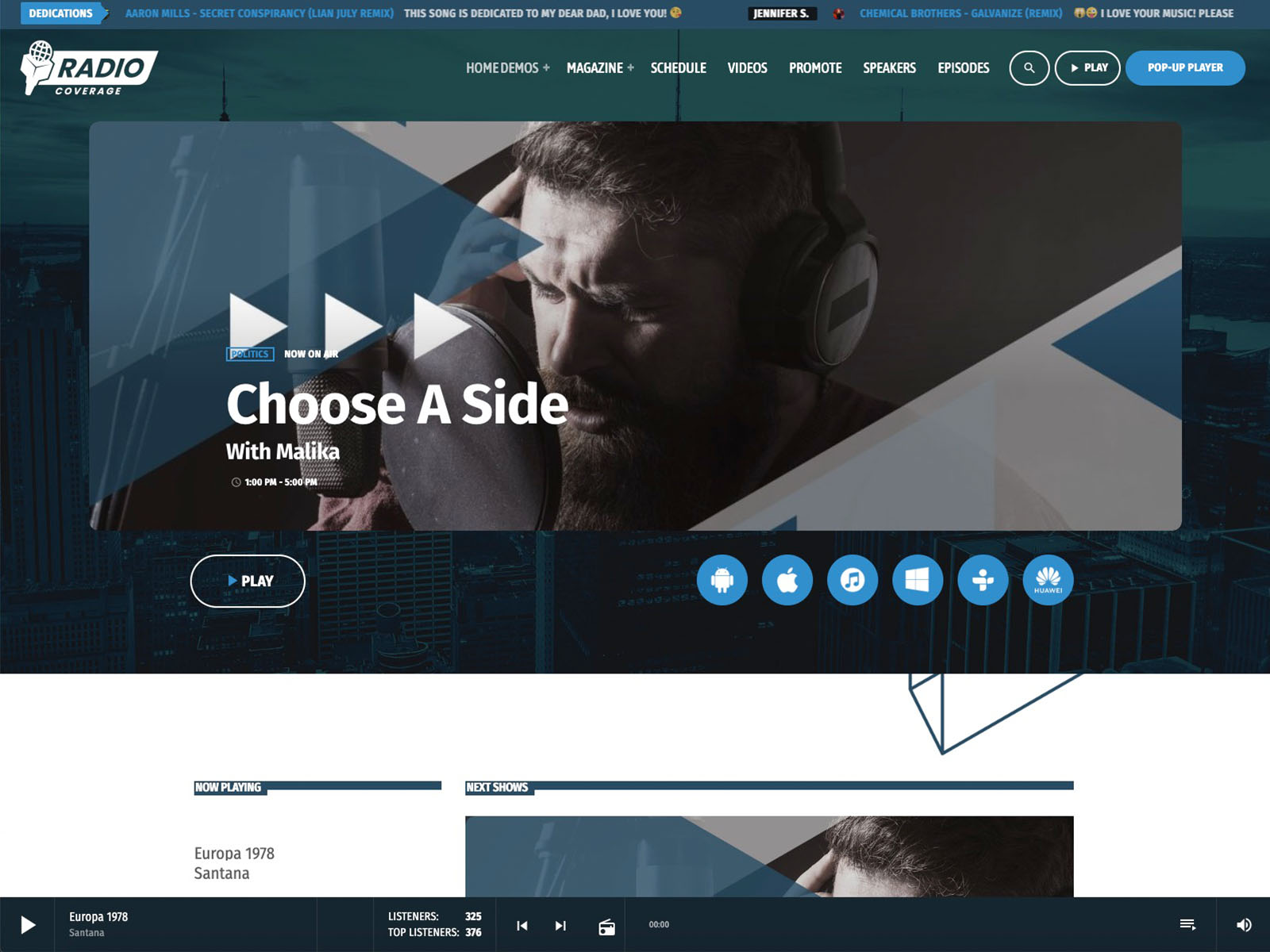
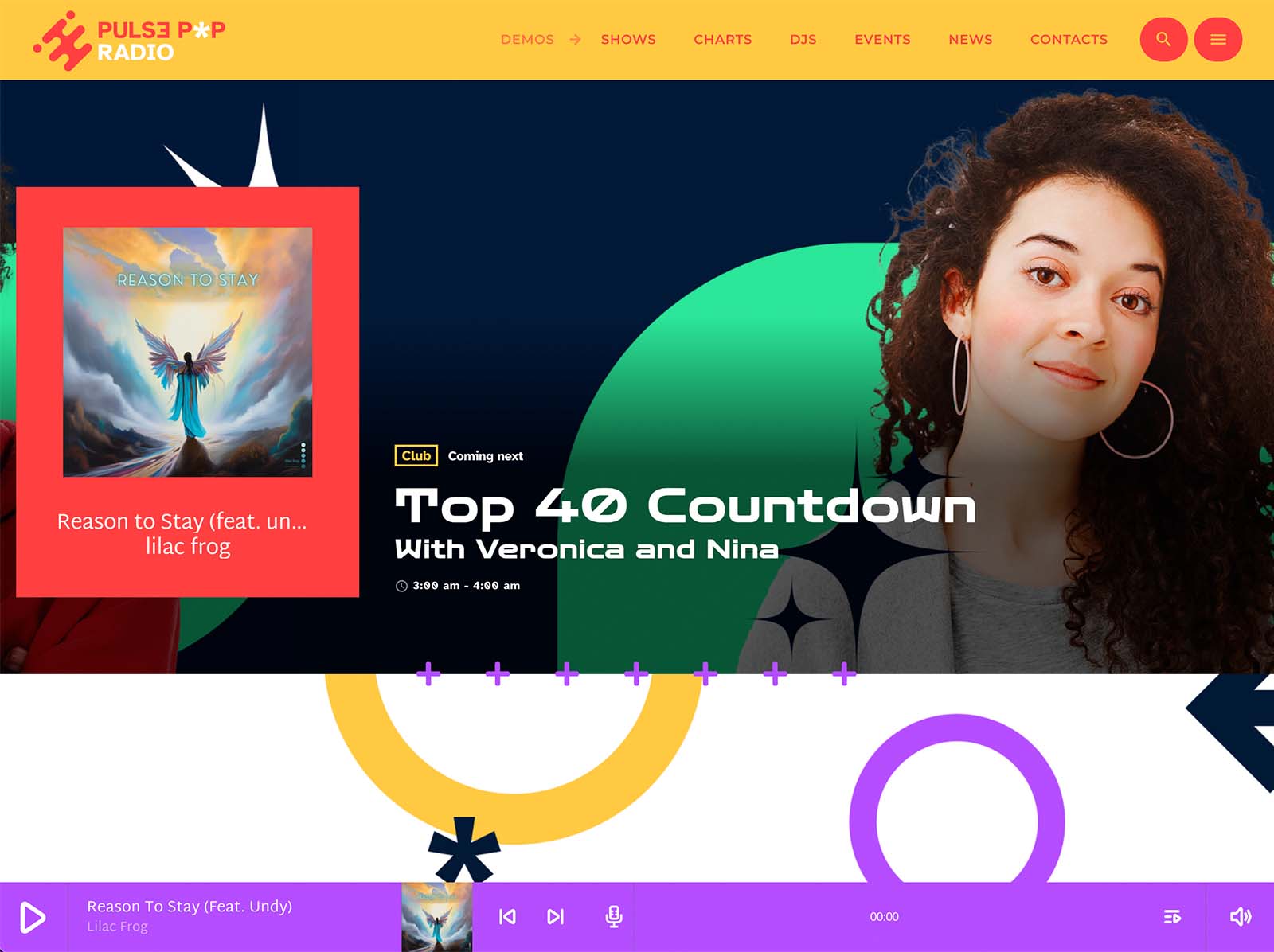
The current show information should not live only inside the schedule page. With Elementor and Pro Radio’s widgets, you can display the current show prominently on the homepage, in the header, in show carousels, or anywhere else that makes sense. The widget updates automatically based on time and day.
A new visitor lands on the homepage and sees, without scrolling, that “The Morning Drive with [Host Name]” is on right now. They click play already knowing what they are about to hear. That is the structure of conversion.
Practical Examples
- Community station with twenty shows: the schedule highlights the current show, shows tomorrow’s morning lineup in a carousel, and lets visitors click through to show pages with podcast archives.
- College station with rotating hosts: presenter profiles linked to each show page mean the audience knows exactly who is on air this week, with social icons to follow individual hosts.
- Multi-channel music station: the filter system handles up to five channels on one schedule, so listeners can switch between channels without leaving the page.
- Sports station with seasonal shows: dynamic linking makes seasonal scheduling changes painless, since one edit updates every instance.
Each of these is a real configuration of the same Pro Radio system.
SEO And Visibility From Real Schedule Pages
Static schedule tables do almost nothing for search engines. Pro Radio show pages, on the other hand, are content-rich, cross-linked, regularly updated, and tied to fresh podcasts, news posts, and events. Search engines see active, related content. Visibility grows quietly over time.
The schedule does not just sell shows to existing visitors. It also brings in new ones through search.
Why One Schedule System Beats A Pile Of Patches
Many stations have tried to upgrade their schedule with a separate plugin. The result is usually a schedule that looks different from the rest of the site, slows the page down, and breaks at the worst moment. Pro Radio handles the schedule natively, inside the same theme and design system as the rest of the website. Customizer colors and typography apply. The non-stop player works alongside the schedule. Show pages connect automatically to podcasts, charts, presenters, and events.
The schedule stops being a separate thing. It becomes part of the broadcast.
Stop Calling It A Spreadsheet
If your schedule looks like a homework assignment, it is doing damage you may not be measuring. Replace it with the Pro Radio interactive schedule, dynamic linking, current show widgets, sliders, and show pages. The schedule becomes an active part of the station, not a static document.
Spend an hour setting up the schedule properly and watch your shows finally sell themselves.






AD


You may also like




Copyright 2019-2026 ProRadio® Qantum Themes SL® ESB02979078 All Rights Reserved