




Pro Radio 9.3 – Shape The Website Of Your Dreams With Tons Of New Options
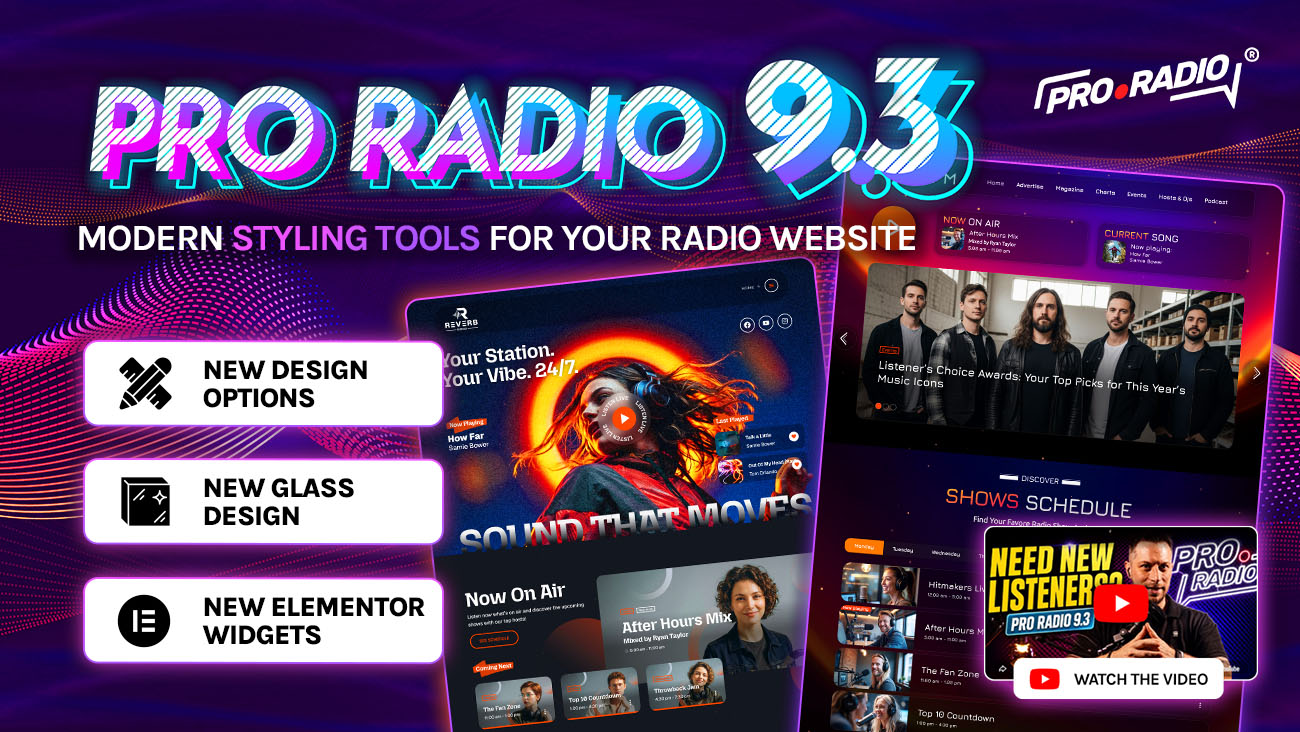
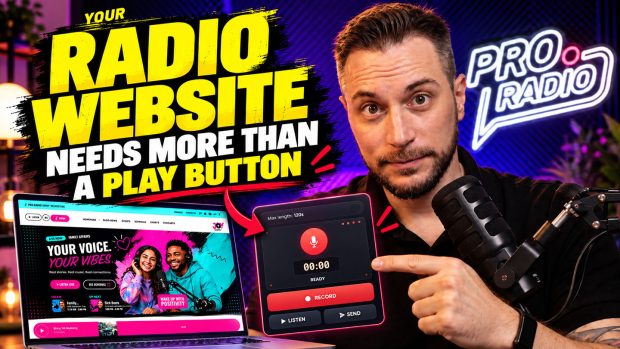
🔴 Watch the video: discover Pro Radio 9.3
Your Pro Radio Updates access expired? Here’s how to fix
If your “Updates and Support” has expired, no need to buy a new license! You can send us a message to reactivate the updates for your existing license.
- 1. 🔴 Watch the video: discover Pro Radio 9.3
- 2. Your Pro Radio Updates access expired? Here’s how to fix
- 3. What’s new in Pro Radio 9.3
- 4. New menu options
- 5. New typography options
- 6. New card design options
- 7. The weekly schedule of the single radio show pages now has border radius
- 8. New event archive options
- 9. Astroidz new features
- 10. Elementor: Particles decorations have now new options
- 11. New Elementor widget: Show On Air Mini
- 12. Elementor: Sliders and carousels have new design options
- 13. Song titles widget – added artwork in Song Feed Title
- 14. Pro.Radio® Voiceline 9.3
- 15. Discover Voiceline
- 16. Pro.Radio® Theme Core PR.9.3
- 17. Pro.Radio® Music Player PR.9.3
- 18. Pro.Radio® Sidekick PR.9.3
- 19. Before You Update
- 20. Ready to upgrade?
- 21. Upgrade to Plus and enjoy more features and 500 new templates
- 22. Stay up to date
- 23. Pro Radio 9.3: Bring modern styling to your radio website
What’s new in Pro Radio 9.3
Dear radio lovers, welcome to this new Pro Radio theme update. We are now at version 9.3, which is focused on bringing all of the latest design trends to your favorite radio website builder.
This year is definitely marked by big changes related to web design trends, colors, the look and feel of websites, and typography. That is why it was time to update the possibilities that come with the Pro Radio website builder for WordPress, allowing your radio to stand out from the rest and refresh its look with beautiful new styles.
We will soon present new demos featuring these design options. For now, we are introducing these features, and we can’t wait to see what you are going to do with them on your radio station website.
Let’s start!
- 1. 🔴 Watch the video: discover Pro Radio 9.3
- 2. Your Pro Radio Updates access expired? Here’s how to fix
- 3. What’s new in Pro Radio 9.3
- 4. New menu options
- 5. New typography options
- 6. New card design options
- 7. The weekly schedule of the single radio show pages now has border radius
- 8. New event archive options
- 9. Astroidz new features
- 10. Elementor: Particles decorations have now new options
- 11. New Elementor widget: Show On Air Mini
- 12. Elementor: Sliders and carousels have new design options
- 13. Song titles widget – added artwork in Song Feed Title
- 14. Pro.Radio® Voiceline 9.3
- 15. Discover Voiceline
- 16. Pro.Radio® Theme Core PR.9.3
- 17. Pro.Radio® Music Player PR.9.3
- 18. Pro.Radio® Sidekick PR.9.3
- 19. Before You Update
- 20. Ready to upgrade?
- 21. Upgrade to Plus and enjoy more features and 500 new templates
- 22. Stay up to date
- 23. Pro Radio 9.3: Bring modern styling to your radio website
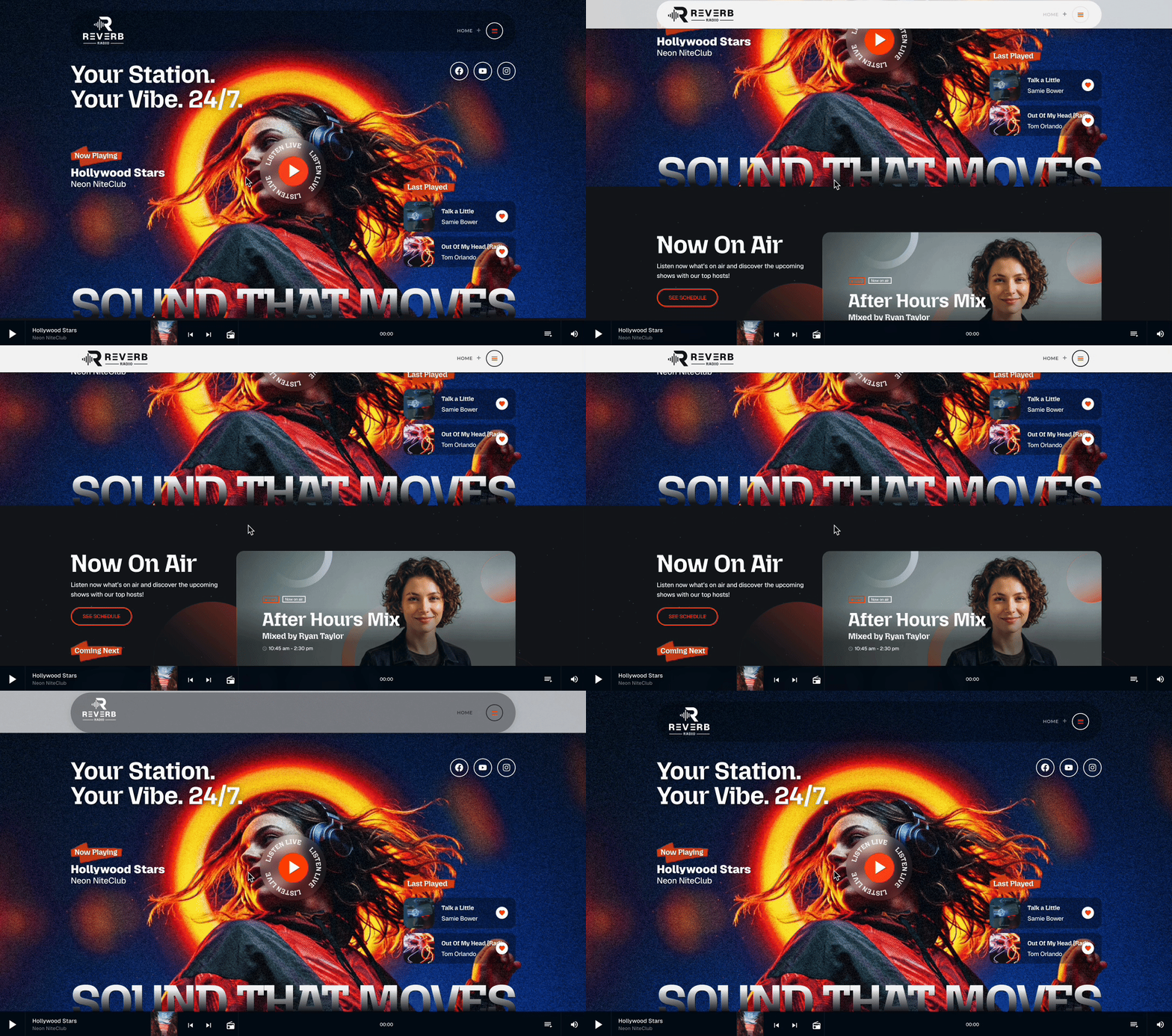
With Pro Radio 9.3, you can now create completely new menu styles.
The customizer has a whole new palette of options: Menu Container
In appearance > customize > logo and menu bar, you can now access Menu Container, and customize separately the menu container design. This allows a whole new array of design possibilities, matching the most modern 2026 design styles.

Added menu container background
Make your main menu stand out in a perfect material design glass style by choosing a custom color for the menu container instead of the entire menu bar. The end result will be modern, attractive, and fresh.

Menu container border radius
Smooth, satinated, and soft: with some border radius, your menu will add a friendly touch to the page.
Menu container max width
Want a more boxed design? Set the menu width of your choice!
Menu container shadow
Yes, the menu should pop out from the page and detach from the background. That is why, especially on a light background, adding a shadow can make your page feel more solid and interactive, even on mobile!
Menu container border
Following the new glass design trends, managing your menu border is a perfect option for a modern touch.
Menu items radius

The single menu items also received a restyle, and you can set a custom border radius for a fancy “pill” effect that makes your menu items feel smooth and usable.
All controls are dynamic, and you can choose different values for when your page is scrolled or not.
Moreover, the logo size and menu background are now animated, and the scrolling transition is now smooth and elegant.
New typography options

Hundreds of new Google Fonts are available in the customizer
In the WordPress Customizer, you can set different fonts for headings, text, buttons, and labels. Google adds new fonts every year, and we just updated the list to include all of the new options that recently came out, so you can choose any of the latest font options for your radio website.
New card design options

Increased card max border radius
Glass design and rounded corners are now a must to make your site feel slick and edgy. Our previous options had a maximum border radius of 10px, while with Pro Radio 9.3, you can set a radius of up to 25 pixels for your website content, such as cards and widgets.
Added post item border options
Along with glass design, you need to set some borders to highlight cards and content. Now this is possible from the very same Customizer, helping you create a consistent look across all pages. The option is available from the Layout section of the Customizer.
Added post item blur background option
If you set a semi-transparent background for the cards by choosing an alpha color from the color palette for the card color sample, website content such as posts, podcasts, radio shows, and more will allow the page background to be seen behind them. But what’s even cooler is that now you can apply a custom blur effect to the background behind them, meaning posts will generate a dynamic blur on scroll. Modern, fancy, and engaging, for a fresh look on your pages.
The weekly schedule of the single radio show pages now has border radius

In Pro Radio, radio shows autonomously generate their own weekly timetable right on the same radio show page.
For a complete look restyle, we added an option to set a custom border radius for the show timetable. You can find it in the Customizer, under Special Content, Radio Shows.
New event archive options
Pro Radio Website Builder comes with built-in events calendar management. Events now have additional design styles to match the most modern design requirements.

In the Customizer, in the Events section, available under Special Content, you can find new options for the Event List cards. Feel free to change the background, size, and colors consistently across the entire website. Modern web design trends are pushing toward minimal and neat pages, and these options will help you trim down your page design to meet the most modern design requirements.

Astroidz new features
Pro Radio comes with an animated, interactive, dynamic 3D background animation of space asteroids. This background is very cool because it reacts to your mouse position, and you can change colors, lights, and backgrounds. It’s the ultimate trick for a proper WOW effect that will amaze your visitors when they open your page.
The dynamic background is called Astroidz and is available from the Customizer. This requires setting the standard background as transparent, but not many users were able to do so, as this required changing multiple color values.
This is why, from Pro Radio 9.3, you can now turn off the standard background and let your users look at the stars with a single click.
From the Customizer, in the Astroidz options, you can turn on “Disable default background” and let the default page background disappear. Also, color changes in the Astroidz background will now apply in real time, without a page reload.
Elementor: Particles decorations have now new options
You can now tweak your container Particles decoration to refine the Particles decoration and meet your specific design requirements

New Elementor widget: Show On Air Mini

Ever wanted to easily display the current radio show in a tiny space? Or perhaps just the upcoming one? Now you can, without tweaking bigger widgets.
In the Elementor widgets from Pro Radio, search for Show On Air Mini and drag it to your page. This new widget comes with the show artwork, title, subtitle, and show start and end time.
With a simple option, you can switch between the current or upcoming show, creating interactive and engaging sections for your pages in a minute.
Check the widget documentation here.
Elementor: Sliders and carousels have new design options
We added new options to all carousels and sliders in Elementor: modify the appearance of slides, navigation arrows, and dots independently to achieve new design possibilities.
New slider layout possibilities
You can now change the slider gap, padding, and size beyond the default settings, add space between the slides, make corners rounded, and shape a more modern page design.

New arrow options
Now navigation arrows can change background, size, corner radius, color, and position.


Song titles widget – added artwork in Song Feed Title
Pro.Radio® Voiceline 9.3
Voiceline is our popular plugin for collecting voice messages from your radio station page. It comes with a set of premium skins with a pre-styled appearance to resemble various hardware devices, encouraging interactions and offering unique styling for your site.
Some skins have been updated to offer a more precise design on mobile.

Discover Voiceline
Pro.Radio® Theme Core PR.9.3
Our core plugin, which takes care of the Customizer options and custom post fields, had a functionality upgrade. It now solves a tedious bug that was causing the options panel to scroll up when clicking a switch, and the color picker no longer deletes the color option if you choose a completely transparent color.
Pro.Radio® Music Player PR.9.3
Some streaming providers are now publishing titles using a different ICY metadata format. The new music player can now correctly read titles from those streaming providers when the ICY server type is selected, preventing the “No title available” error.
Pro.Radio® Sidekick PR.9.3
Sidekick integration with the iTunes API just received a minor fix. When the iTunes API returns an error for some reason, it no longer causes an error on your WordPress website.
This powerful plugin allows your radio website to generate automatically music charts using your streaming information, with playable and sortable lists, and AI integration to write magazine-quality articles out of your songs in the chart.
Before You Update
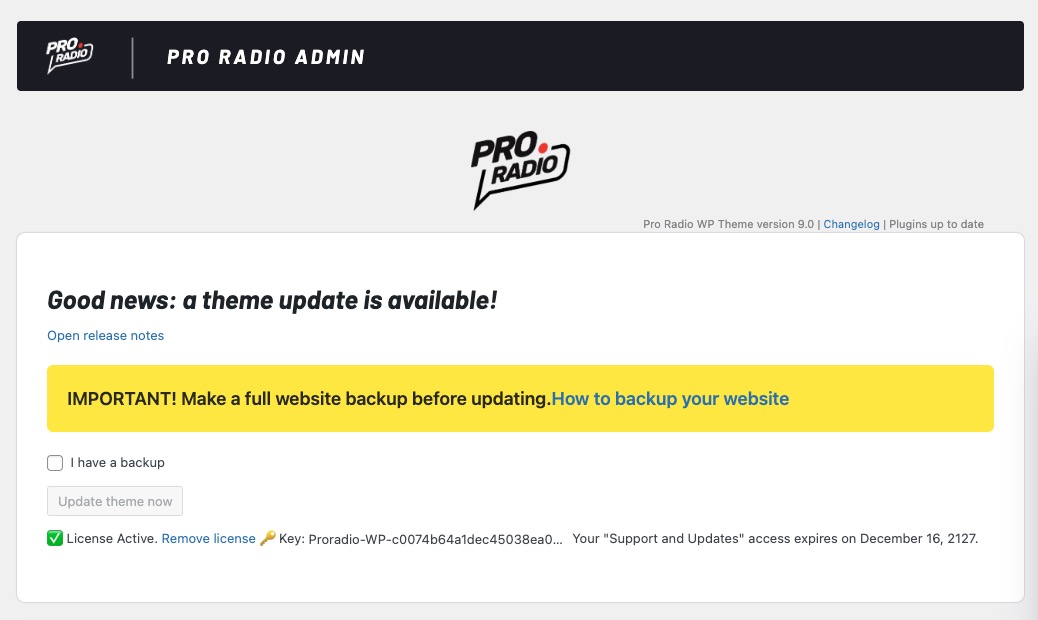
Because Pro Radio 9.3 is a major release, please follow a safe update process.
- Make a full backup of your website
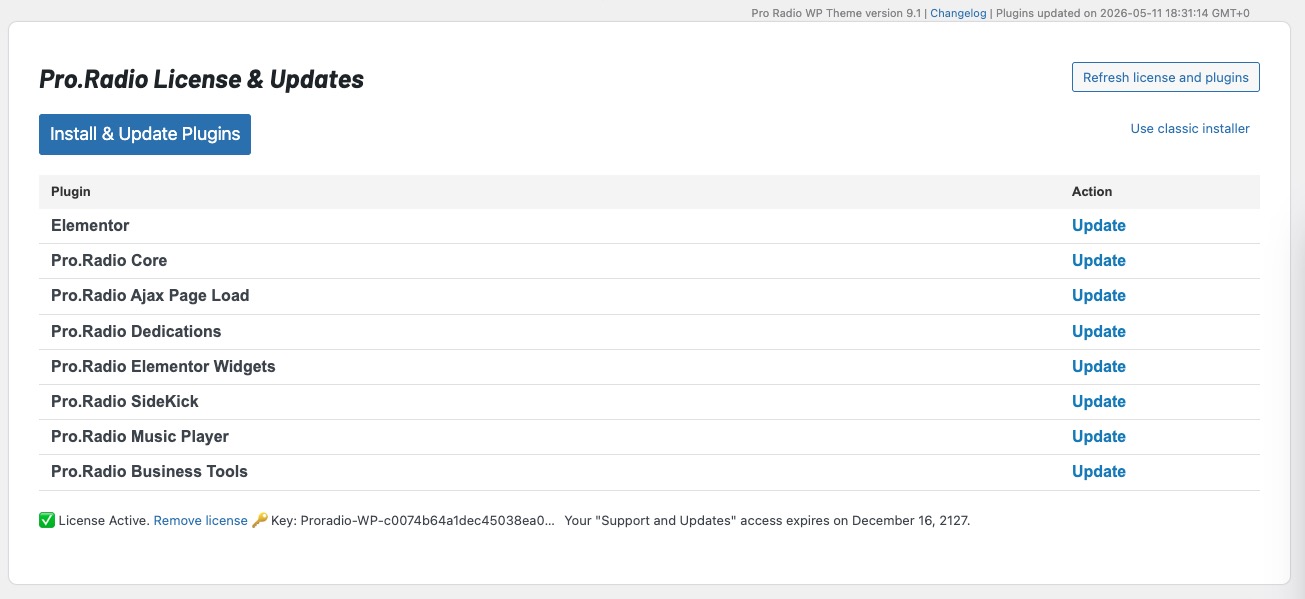
- Update the Pro Radio theme and all Pro Radio plugins together to keep versions aligned.
- Clear your cache if you use a cache plugin, server cache, or CDN cache.
A clean update process helps your website receive the new compatibility, performance, and security improvements correctly.
Ready to upgrade?
The latest Pro Radio 9.3 update is now available for all users with active Updates and Support. Updating is easy and totally automatic. Learn more.
Upgrade to Plus and enjoy more features and 500 new templates
With Pro Radio Plus, we wanted to open the door to many smaller and mid-size radios that need advanced tools without forcing an enterprise budget.
Upgrade or switch to Pro Radio Plus and you’ll get:
- Pro Radio Sidekick Premium features
- Pro Radio Business Tools for campaigns, sponsorships, and promotions
- Pro Radio Podcast Importer for automated podcast integration
- Pro Radio Dedications Premium
- Pro.Radio Voiceline Premium
- Over 500 extra Elementor templates to build pages in minutes
Many improvements in this update — from Sidekick reliability and maintenance tools to the new widget options — shine even more when combined with the full Plus ecosystem.
Stay up to date
Subscribe to our newsletter to get exclusive access to content, discover new templates before anyone else, enjoy amazing discounts, and much more!
Pro Radio 9.3: Bring modern styling to your radio website
If your “Updates and Support” has expired, no need to buy a new license! You can send us a message to reactivate the updates for your existing license.

You may also like


Copyright 2019-2026 ProRadio® Qantum Themes SL® ESB02979078 All Rights Reserved