Background
AD
trending_flat

Upgrade Your Radio Website with These 3 Free Templates

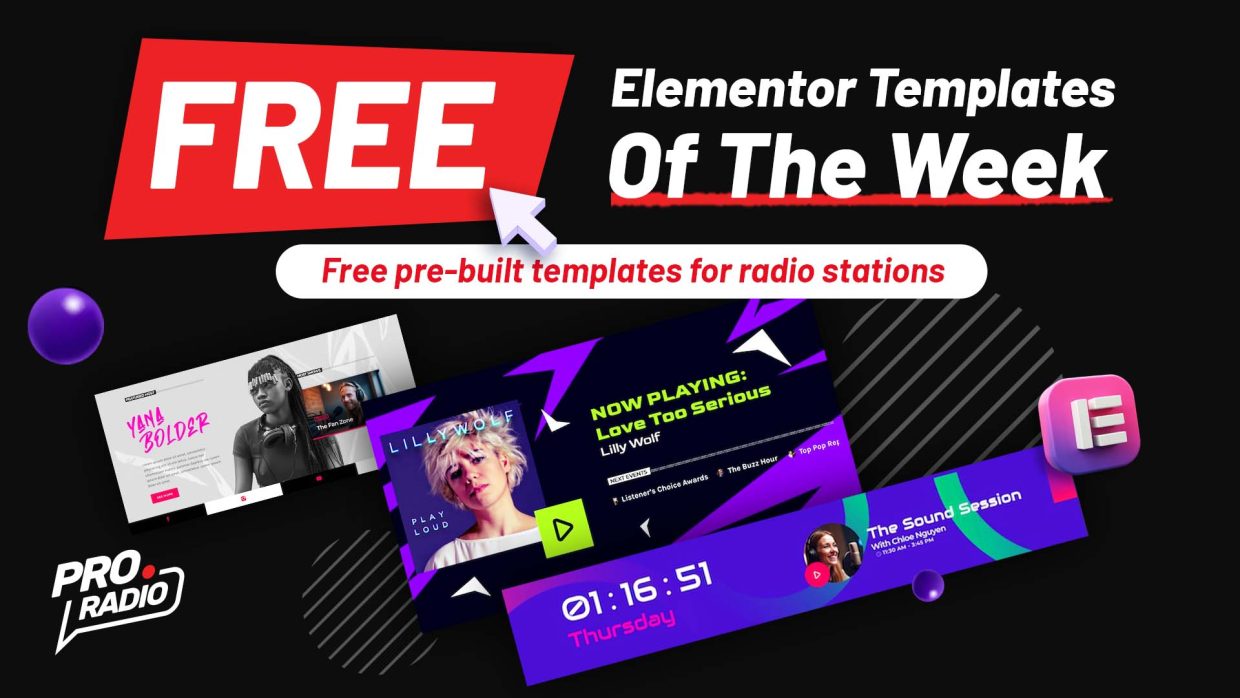
Boost your radio website design with our latest free Elementor templates! This week, we’re giving away three brand-new templates designed especially for radio stations and broadcasters. Whether you’re starting fresh or adding new features, these free designs will help you create a modern and engaging website for your listeners. Templates are accessible for free only this week using Pro Radio 8 and the new Elementor templates library! Once installed, a free template can be freely used forever, no need for a Pro Radio Plus subscription. What’s Included This Week Special03 footer 02 Custom Footer: A professional, responsive footer template where you can highlight your station logo, social links, and song playing Add this footer globally using the MegaFooter included with Elementor: tutorial Sticky radio player widget: Special03 player fixed 06 Would you like to display a sticky player on any […]

trending_flat

ProRadio SimpleChat – Pre-Launch Announcement

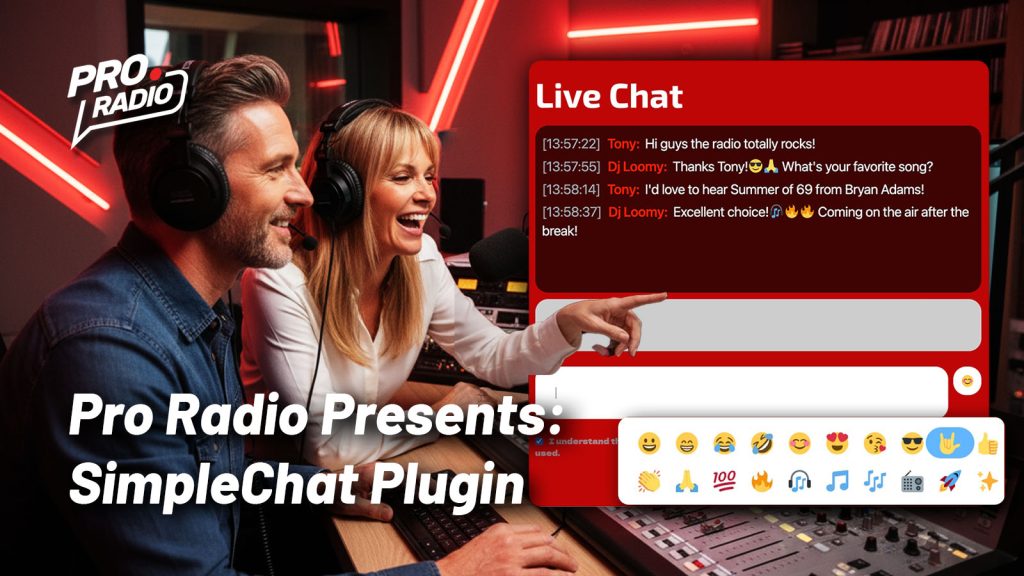
Dear DJs and radio managers, we have some juicy news for your website: we’re about to launch a brand-new plugin designed specifically for radio stations! Say hello to the ProRadio SimpleChat plugin — a fast, reliable and lightweight chat tool, focused on simplicity, performance, and with an eye to security and design. The best part? It will be included for free with any ProRadio Plus subscription and with the upcoming Pro Radio 8.1 update — no extra costs involved. Let’s take a look at what makes this plugin perfect for your station’s community. Easy Setup Just activate the plugin and place the chat wherever you like using Elementor. You can even add it to the MegaFooter to keep the chat persistent across all pages — perfect for listeners who browse while tuning in. Age Restriction From the settings, you can […]

trending_flat

Free Elementor Radio Website Templates Of The Week!

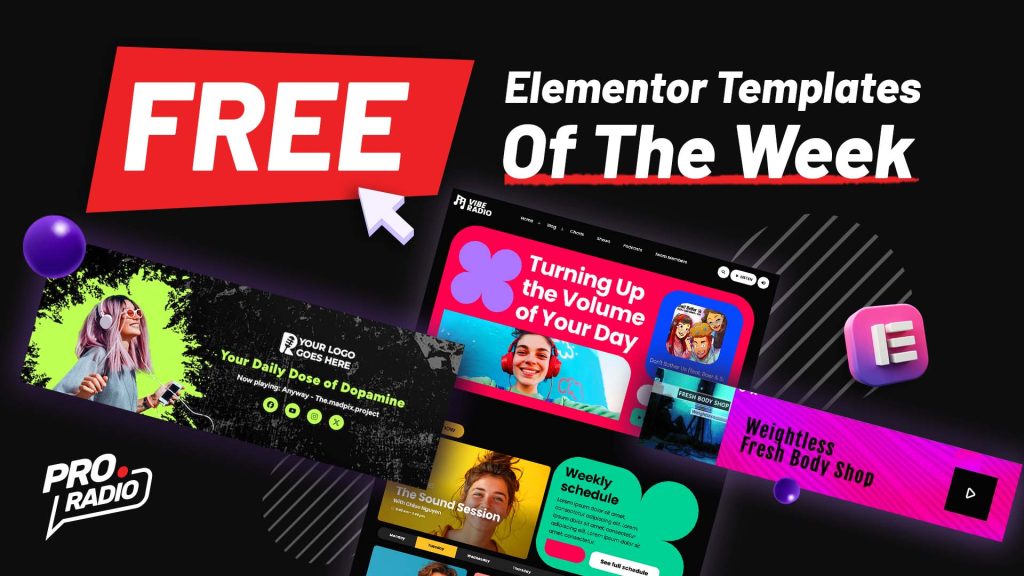
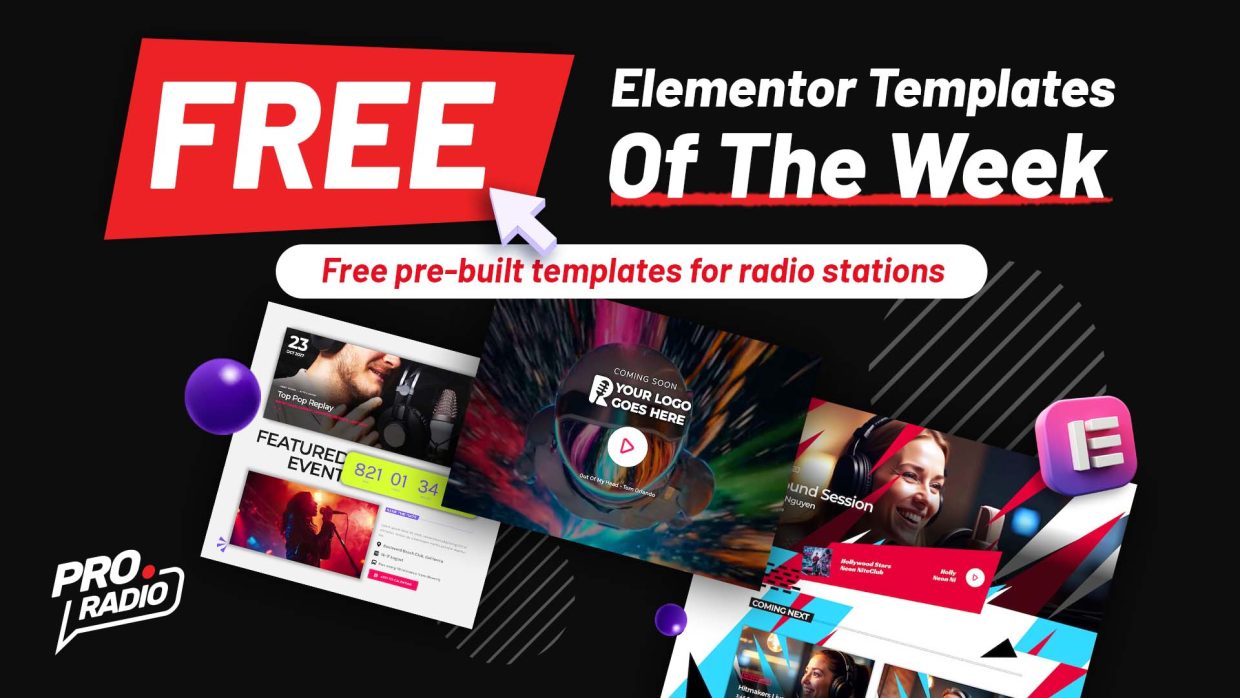
Discover New Designs Every Week Try the new Elementor templates and refresh your website with modern, ready-to-use layouts. Each week, we release exclusive free Elementor templates available for all users. How to Access the Free Templates Open your Elementor editor page Click the purple P+ button Search for these templates and click: Special05 homepage 01 Demo38 homepage 01 Demo42 homepage 04   How to use the new Pro Radio Elementor templates library In just a few clicks, you can add stunning new pages to your radio website. Discover more about Pro Radio 8.0    Stay Updated Don’t miss out on next week’s free Elementor templates. Subscribe to our newsletter and receive updates straight to your inbox, so you’re always first to know about the latest designs.

trending_flat

Summer Is Here: Pro Radio 7.7 Brings Tons of New Features!

Summer is here, and it’s the perfect time to build or refresh your radio station website. Our team never stops, and we’re thrilled to deliver Pro Radio 7.7 with dozens of powerful upgrades across the theme, Sidekick, Player, and Elementor widgets. Changelog Pro Radio 7.7 Improvements Faster License Verification: Redesigned redundant network checks and a fail-proof system to prevent license disconnections caused by network or firewall issues. Backend Speed Boost: Multiple code optimizations and warning fixes ensure smoother and faster page rendering. Mobile Series Grid: Optimized podcast series grid for multi-column layouts on mobile devices. Pro Radio Sidekick 7.7: More Power to the Ninja! Apple Affiliation Link: With Sidekick Premium, add your iTunes Partner Program ID to all song purchase links—drive more revenue for your station. Your Apple Affiliation code is automatically added to any chart or playlist purchase link […]

trending_flat

Pro Radio Version 7.5 is Here – Packed With Powerful Enhancements!

We're excited to announce the latest update to Pro Radio – version 7.5! This new release introduces significant upgrades and integrations, delivering an even smoother and richer experience for your online radio platform. Enhanced Music Player The brand new Pro.Radio Music Player PR.7.5 now integrates seamlessly with Radiolize, StationPlaylist and Broadcast.Radio, expanding your streaming possibilities and enhancing your listener's experience. Business Tools Improved Pro.Radio Business Tools have received critical code updates in version 7.5, ensuring improved performance, stability, and functionality, enabling you to run your online radio business more efficiently. Elementor Widgets Our popular Pro.Radio Elementor Widgets have been updated to version 7.5, including exciting new design options for Featured Events, allowing you to present your content with more customization and visual appeal. Sidekick: More Integration, Better Performance The Pro.Radio Sidekick has undergone major improvements: Added support for Broadcast.Radio, Radiolize, […]

trending_flat

We Wave FM: A Bold, Bright Radio Template for the Next-Gen Broadcaster

In a world where every radio station is fighting for attention, We Wave FM cuts through the noise — not by being louder, but by being fresher. Designed for creators who want to make a bold first impression, this radio website template, included with Pro Radio WordPress Theme is a celebration of vibrant design, forward-thinking layouts, and features that let your content shine. From the moment you land on the homepage, it’s clear that We Wave FM isn’t following trends — it’s setting them. The electric green palette, punchy halftone decorations, and sharp typography built with Outfit and Chivo Mono come together to create a visual identity that feels alive. Everything about the design says: This station has something to say — and it sounds great doing it. Explore features and live demo Open demo in a new tab Get […]

trending_flat

⏰ 24 Hours Left: Get How to Start a Radio Station FREE on Kindle!

Ready to Launch Your Own Radio Station? We’ve just published our brand-new Amazon Kindle eBook:  “10-Step Guide to Building an Internet Radio Station” And it’s FREE from Saturday to Wednesday (April 5–9)! Inside you’ll learn how to: Set up your internet radio station from scratch Choose the right tools and avoid expensive mistakes Stream live from your computer or auto-dj Monetize and grow your listener base Build an engaging website to launch your professional site instantly Grow your audience with organic tools like charts and podcasts Create a network of collaborators to promote your channel  Now a Top 10 Amazon Kindle Bestseller! How to Start a Radio Station just hit the Top 10 in Interactive & Multimedia Technology on Amazon Kindle! That means you're not just getting a free eBook—you're getting one of the most popular and trusted guides out there.   Cheers, The […]

trending_flat

TalkSpot Radio: The Ultimate Radio Station Template for WordPress

Creating a professional and engaging online presence is essential for any modern radio station. If you're running a digital station, having a website that not only streams your content but also engages your audience with interactive features is key. This is where the TalkSpot Radio Template, designed for the Pro Radio WordPress Theme, comes in. With a bold design, intuitive layout, and full compatibility with essential streaming and podcasting tools, this radio website builder is a complete solution for broadcasters, DJs, and music networks. The TalkSpot template is included with the Pro Radio WordPress Theme. https://www.youtube.com/watch?v=8RNUpMLVfiw Envision a radio station website that radiates vibrancy—TalkSpot is bold and dynamic. Featuring striking bold color accents, modern typography, and immersive visuals, this template is built to captivate audiences from the moment they land on your site. Designed to reflect the rhythm of contemporary music […]

trending_flat

Radio Website Builder Video Tutorial: How to customize your Speakers and Djs carousel

https://www.youtube.com/watch?v=fjiYsUlZBJA   The Pro Radio WordPress Theme includes a versatile widget called Post or Page Grid. This widget allows you to display various post types with unique designs. In this tutorial, we’ll demonstrate how to customize the Team Members post type, perfect for showcasing your DJs, speakers, or guests. Step 1: Select the Post Type Open your page in Elementor and locate the Post or Page Grid widget. Set the post type to Team Members. Step 2: Filter Content Filter by Category: Choose specific member types to display (e.g., DJs, speakers, or guests). Exclude Categories: Remove specific member types (e.g., exclude the "DJ" category). Step 3: Adjust Design Settings Meta Information: Show or hide details like member type or other metadata. Maximum Items: Set the number of members displayed in the grid. Order Options: Arrange items in ascending or descending […]

trending_flat

How to Build a Cool Magazine Radio Station Page with the Post Mosaic Widget [Pro Radio WordPress Theme Tutorial]

https://www.youtube.com/watch?v=tvKmGQinvy8 Want to create a stylish magazine-style page for your radio station website? The Post Mosaic widget, included with the Pro Radio WordPress theme, is an excellent tool for showcasing content in an engaging and visually appealing grid format. In this guide, we’ll walk you through the steps to modify the Post Mosaic widget and build a dynamic, magazine-style layout for your site. Step 1: Edit the Page with Elementor To begin, you’ll need to edit the page where you want to display the Post Mosaic widget. Right-click on the page and select Edit with Elementor. Once inside the Elementor editor, find the Post Mosaic widget in your panel. Step 2: Filter Posts by Category The Post Mosaic widget allows you to easily filter the posts displayed based on their category. Here’s how you can set it up: On the […]

AD
AD

Login to enjoy full advantages

Please login or subscribe to continue.

Go Premium!

Enjoy the full advantage of the premium access.

Stop following

Unfollow Cancel

Cancel subscription

Are you sure you want to cancel your subscription? You will lose your Premium access and stored playlists.

Go back Confirm cancellation