

'/%3E%3Cpath%20fill='%23b2b2b2'%20d='M241%20382q0%2016%2017%2026%2017%2011%2042%2011t42-11q16-11%2017-26V269H241'/%3E%3Cpath%20fill='%239f7e00'%20d='M241%20379q0%2014%208%2023%209%209%2021%209%2014%200%2021-9%209-9%209-23V269h-59'/%3E%3Cpath%20d='M241%20339v-70h59v110q0%2014-9%2023l-6%205v-68h-15v72q-8%200-14-4v-68zm59%2040c0%2022%2015%2032%2029%2032%2021%200%2030-18%2030-32v-40h-59'/%3E%3Cpath%20fill='%239f7e00'%20d='M266%20277v5h2v12h-3v-5h2v-5h-9v5h2v5h-4v9h3v18h-5v10h34v-10h-5v-18h3v-9h-4v-5h2v-5h-9v5h2v5h-3v-12h2v-5zm42%20101q0%2010%206%2017%206%206%2015%207%2010-1%2016-7%206-7%206-17v-29h-43'/%3E%3Ccircle%20fill='%230044ad'%20cx='329.5'%20cy='372'%20r='6'/%3E%3Cellipse%20fill='%230044ad'%20cx='300'%20cy='340'%20rx='16'%20ry='21'/%3E%3C/svg%3E)
 NEW!
NEW!

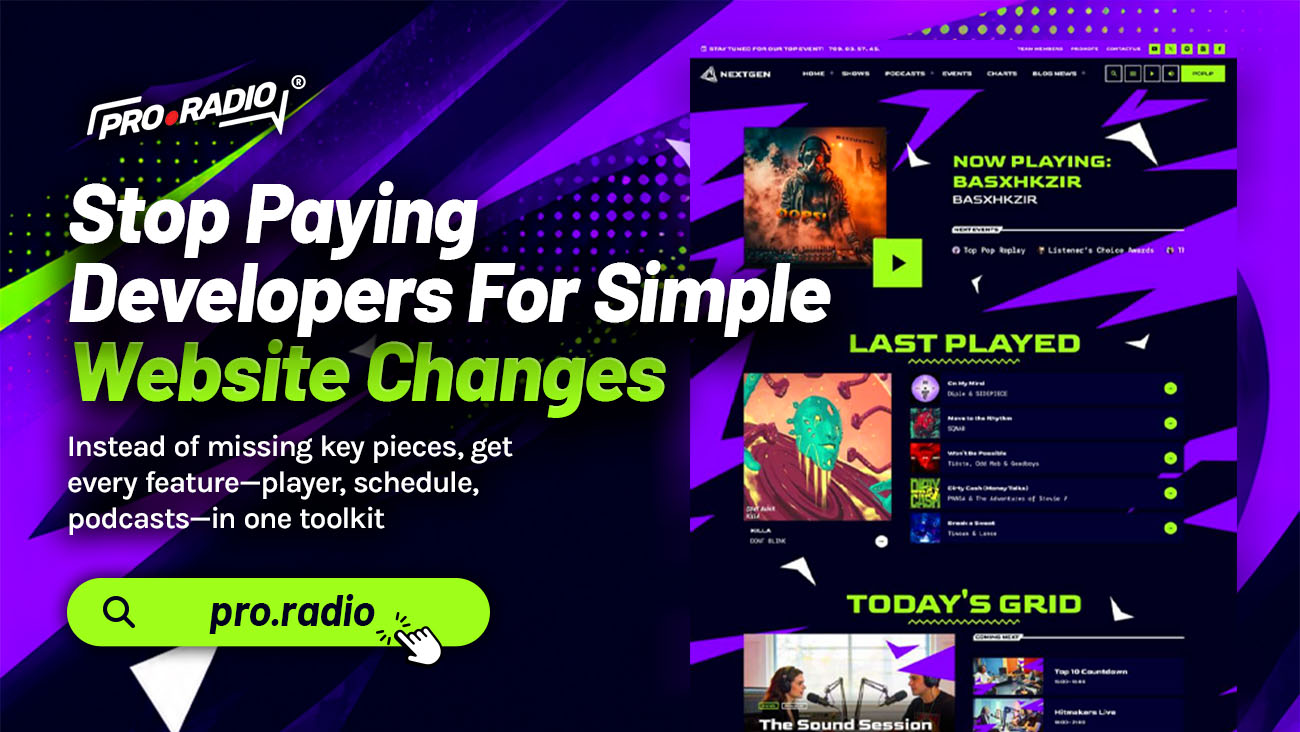
Stop Paying Developers For Simple Website Changes
AD
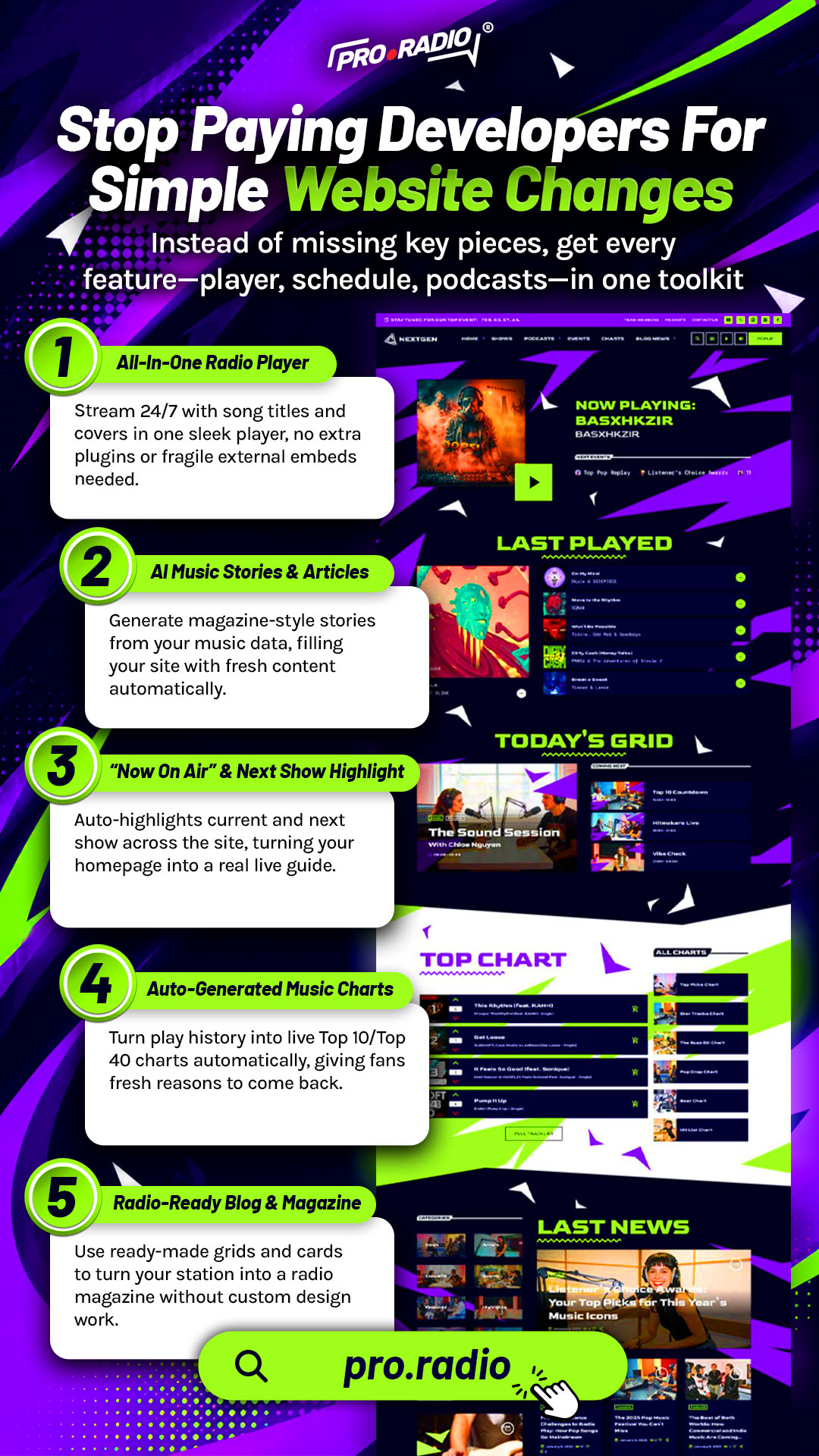
Switch to editable widgets and layouts so you’re not missing basic control over your own site. There is a familiar pattern in small radio operations. You want to change a homepage banner, update a show description, or move a section. You open the website, you do not know where to click, and you end up emailing a developer. A simple change becomes a one-week project and a small invoice. Multiply that by every month, and the website is quietly draining your budget.
The fix is not learning to code. The fix is using a system that does not demand code.
Contents
hide
- 1. Why Stations End Up Paying For Every Change
- 2. A Customizer With Everything On One Page
- 3. Elementor For Visual Page Edits
- 4. Editable Widgets For Daily Updates
- 5. Permalink And Performance Controls Without Code
- 6. When You Genuinely Need A Developer, You Save Their Time
- 7. One Subscription, One Toolkit, One Skill Set
- 8. Practical Scenarios For Self-Managed Stations
- 9. Take Back Control Of The Website
Why Stations End Up Paying For Every Change
Most station websites were built by someone else. A developer set up the theme, added the plugins, and handed over the keys. The owner can technically log in, but the actual editing tools are scattered, technical, or hidden inside CSS files. The smallest visual change requires a developer to safely make it.
That is a fragile arrangement. The developer is the only person who knows where things live. If they are busy, the site stays stale. If they raise rates, the site becomes expensive. If they disappear, the site becomes unmaintainable.
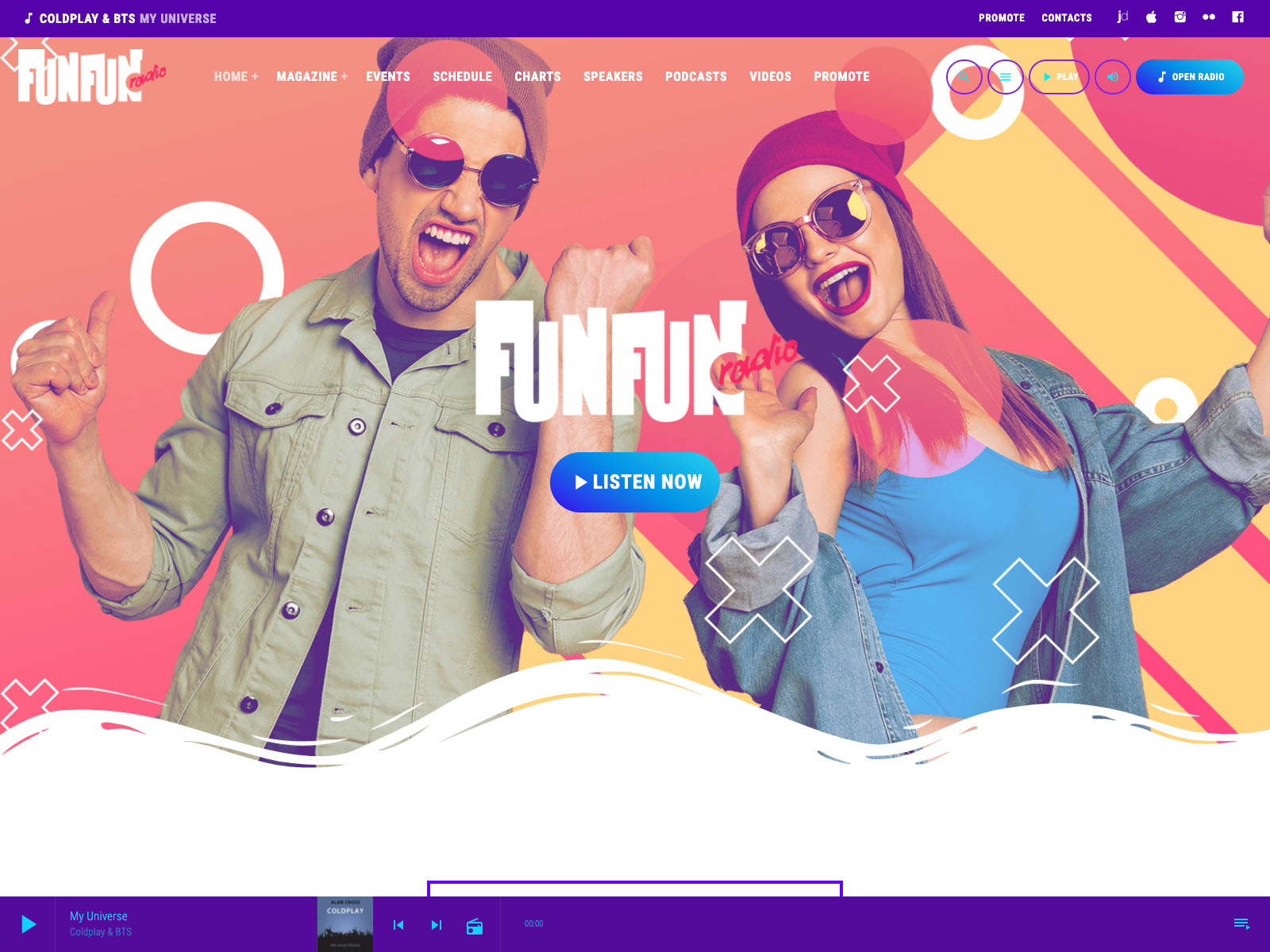
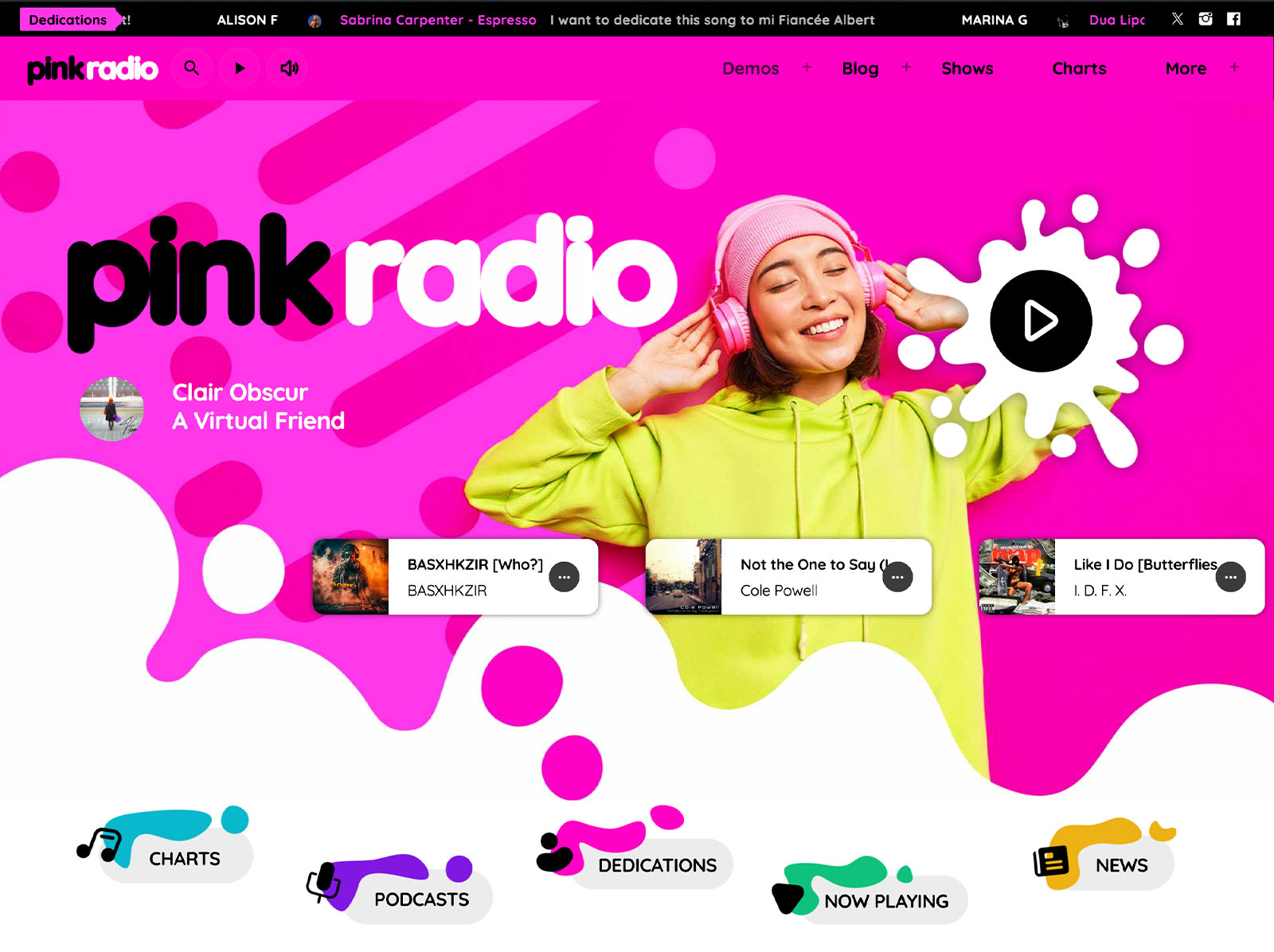
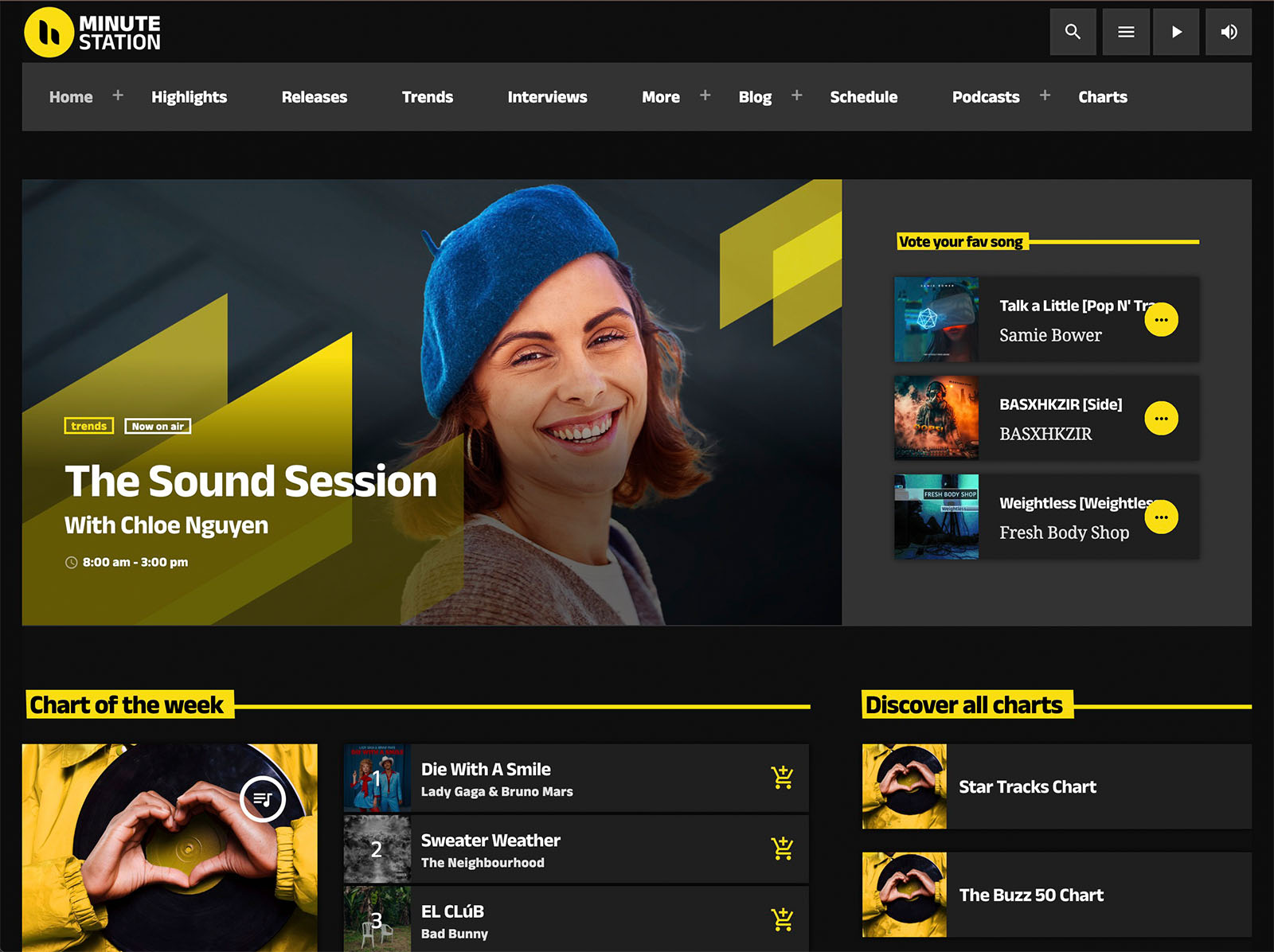
If your goal is to start a radio website with less stress and better results, start with the basics: clear navigation, fast access to the stream, and content that helps listeners know what is happening now. Pro Radio is built so the owner can run the site without that dependency.
A Customizer With Everything On One Page
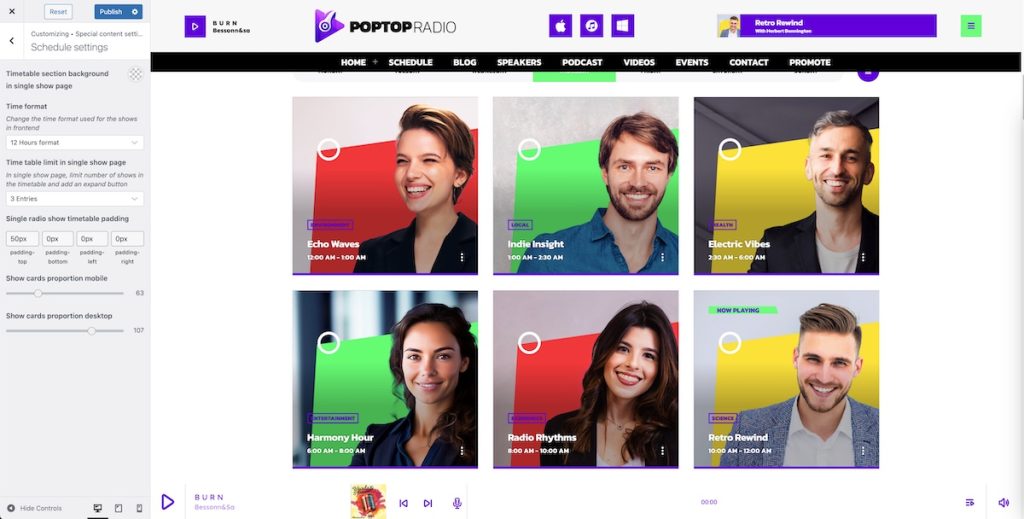
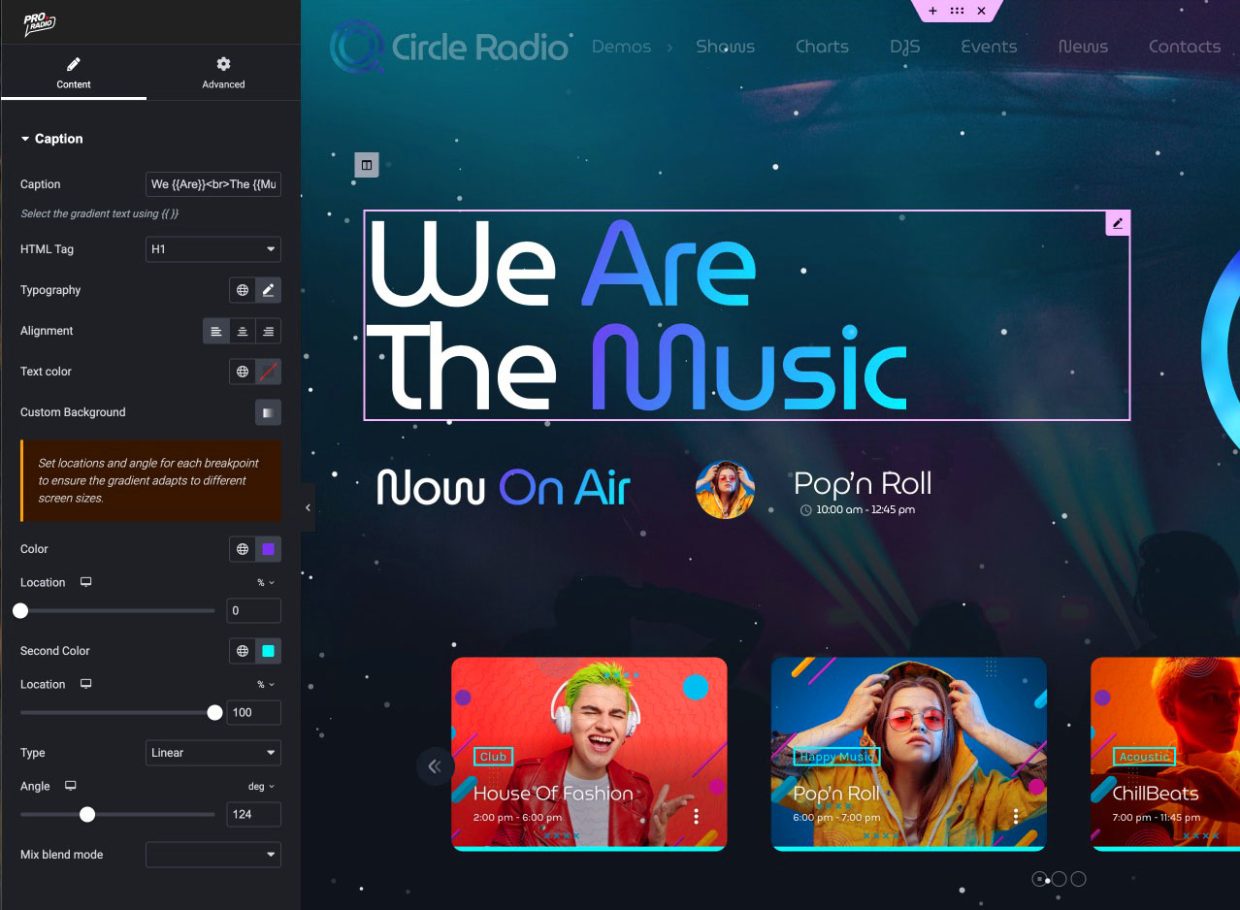
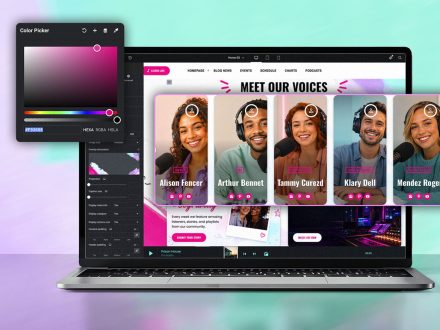
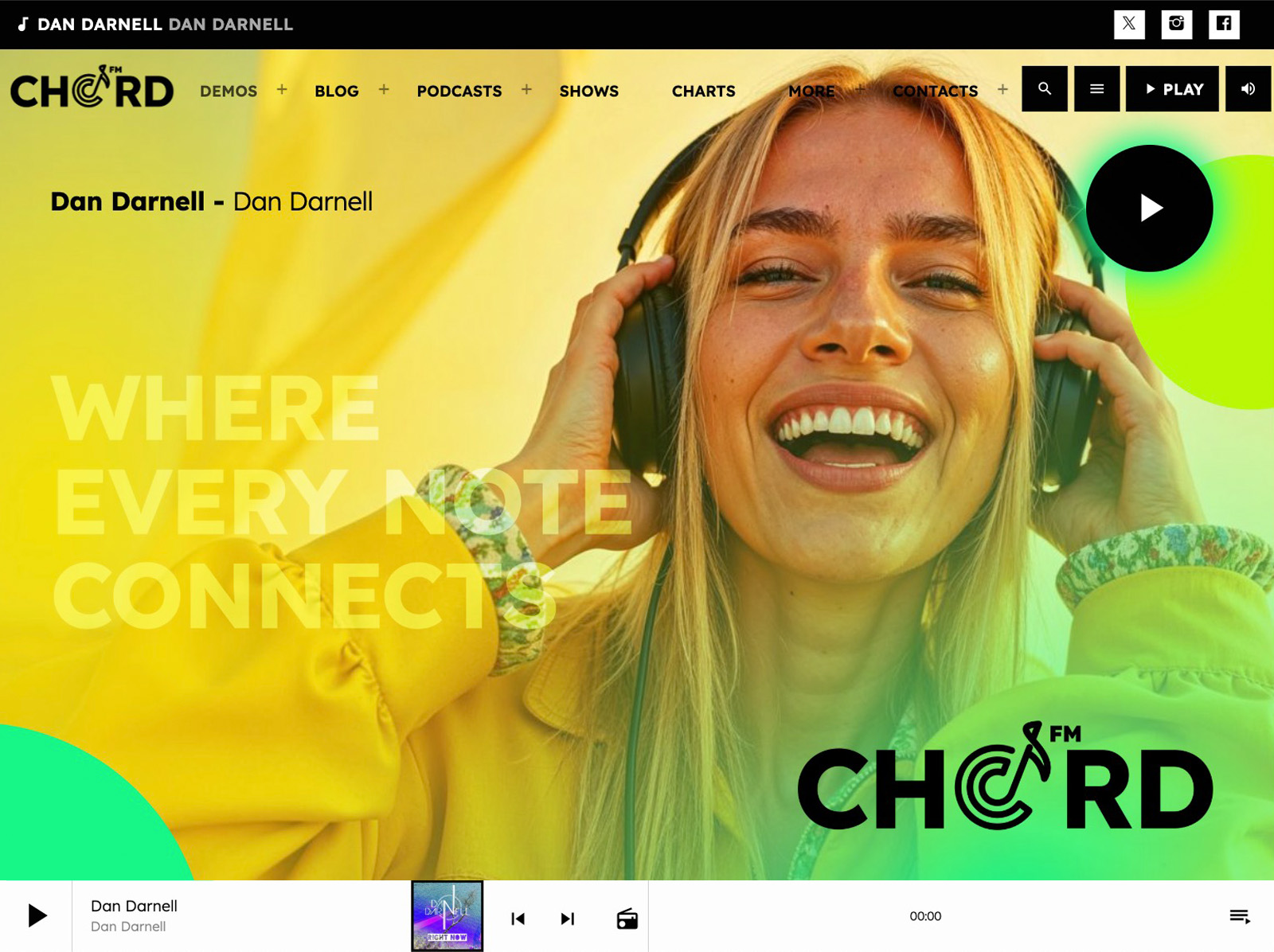
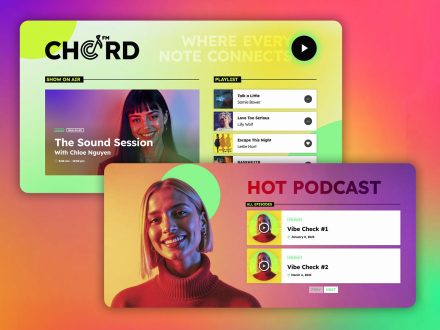
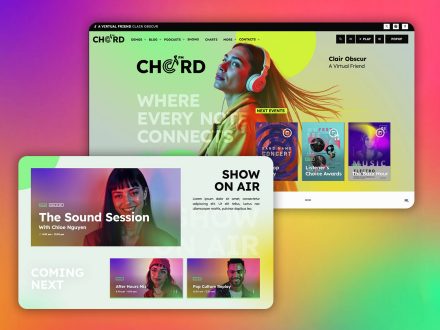
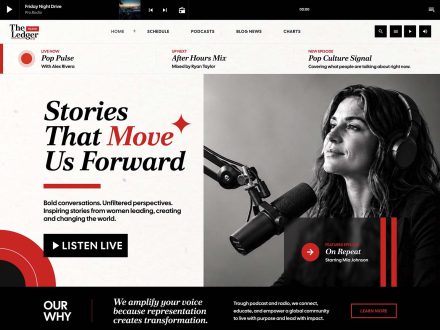
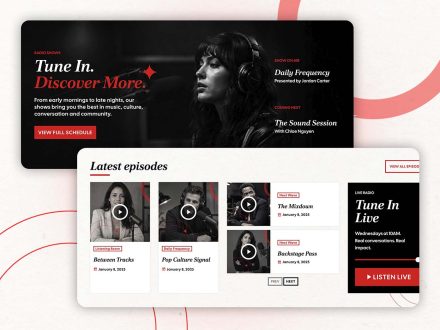
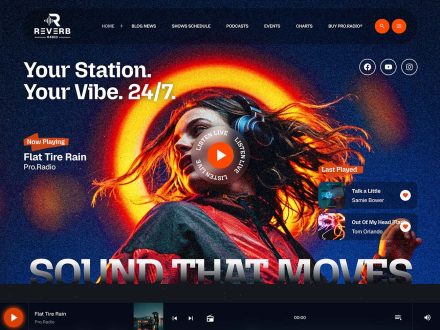
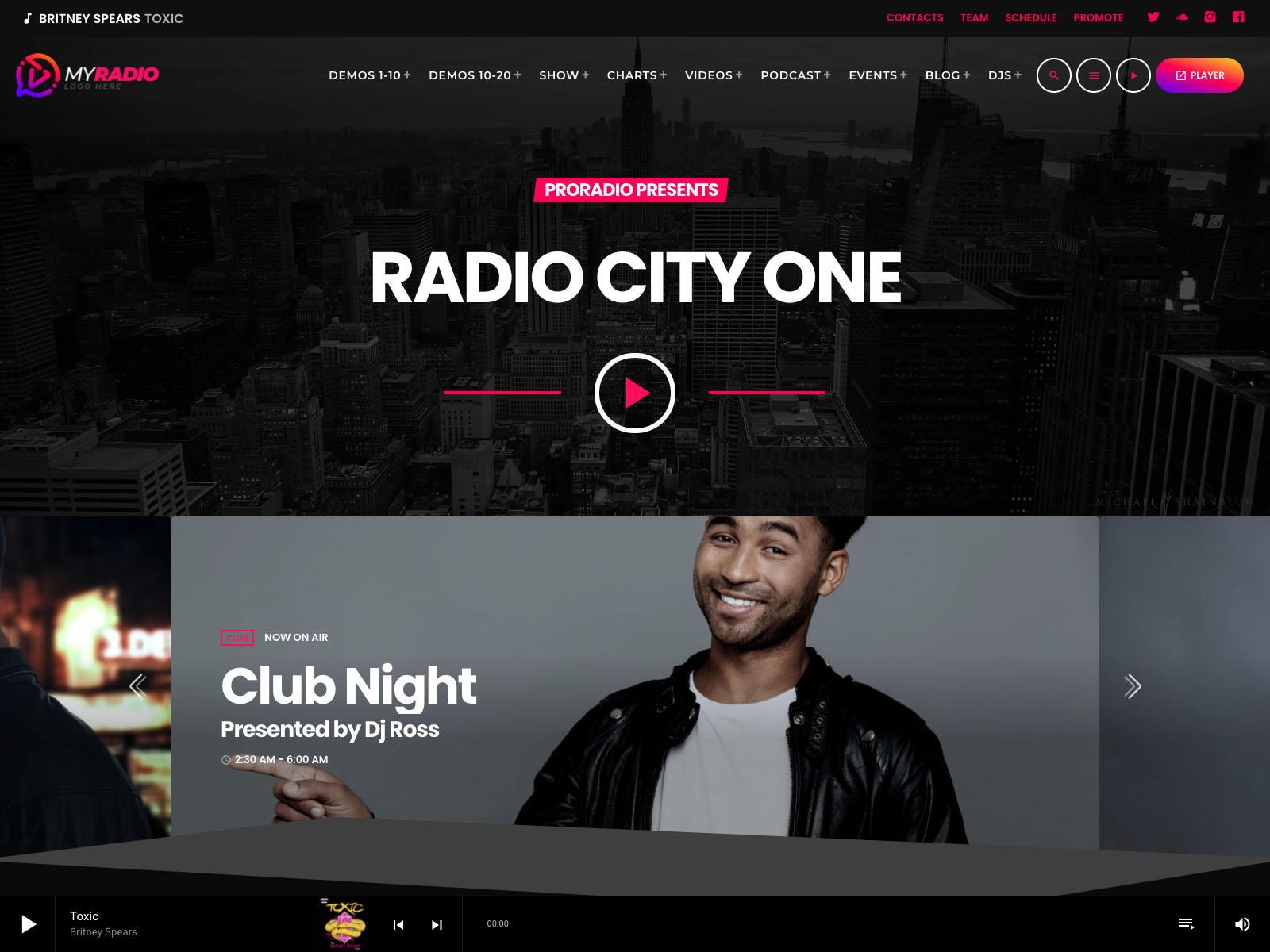
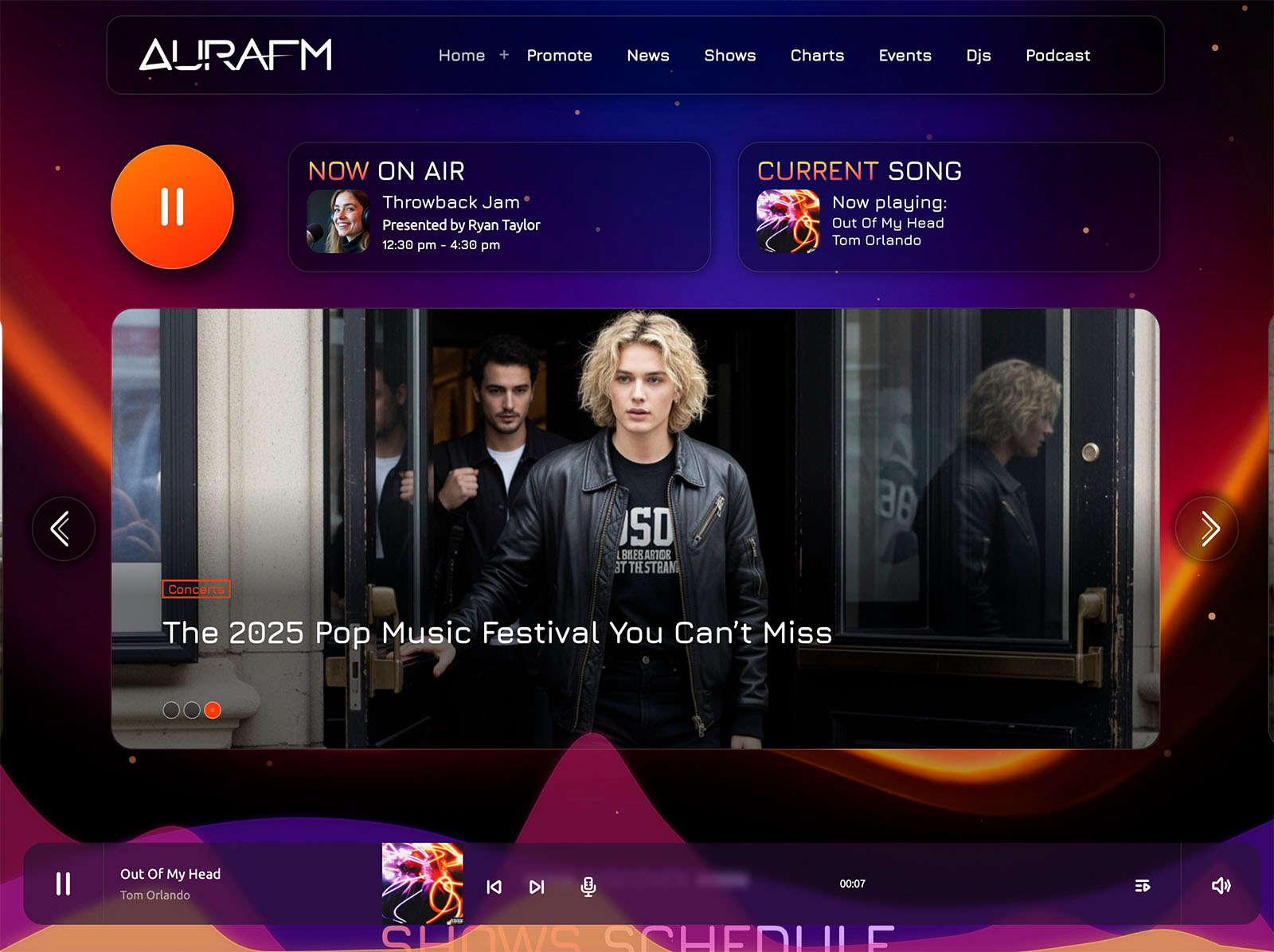
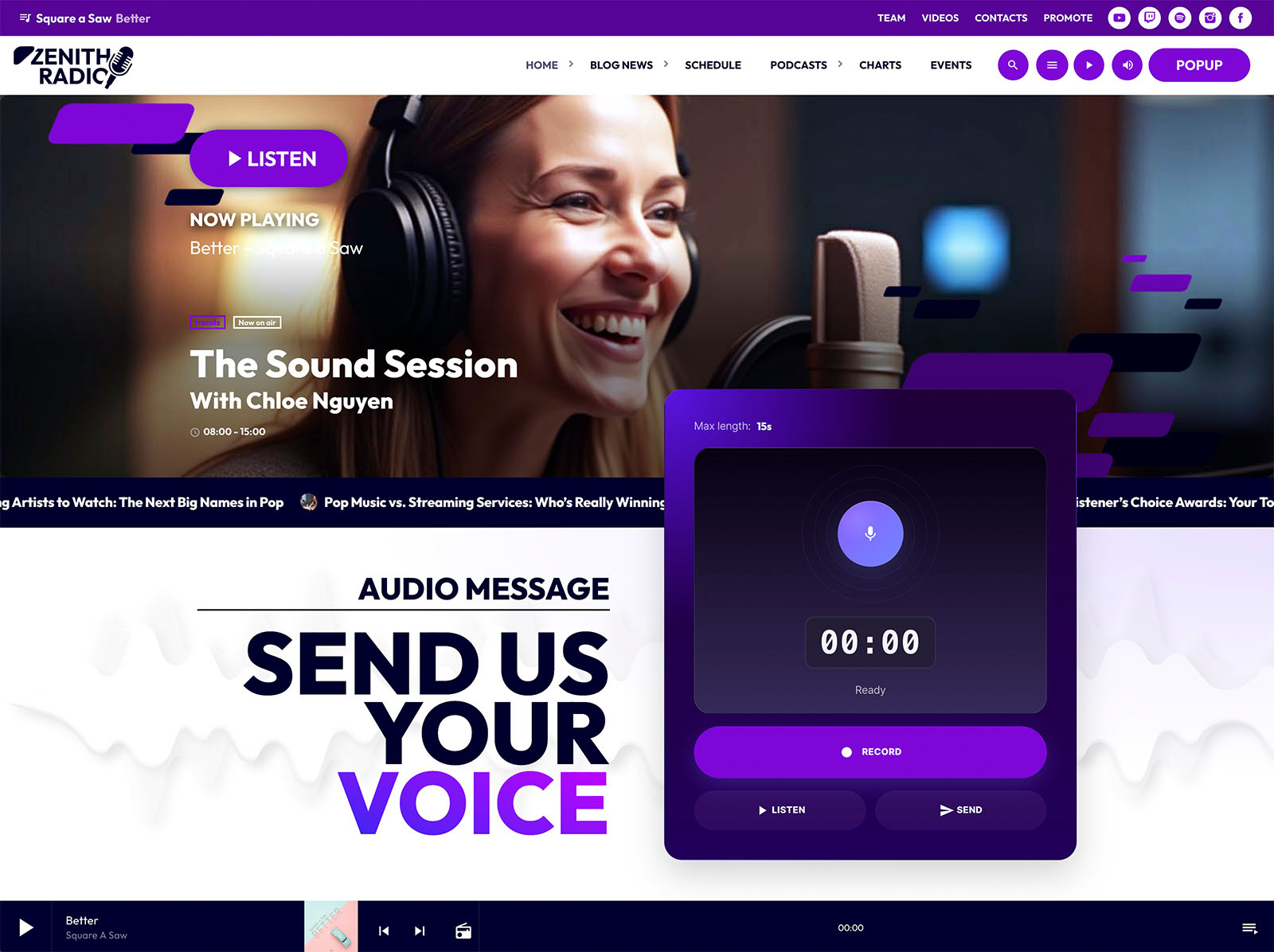
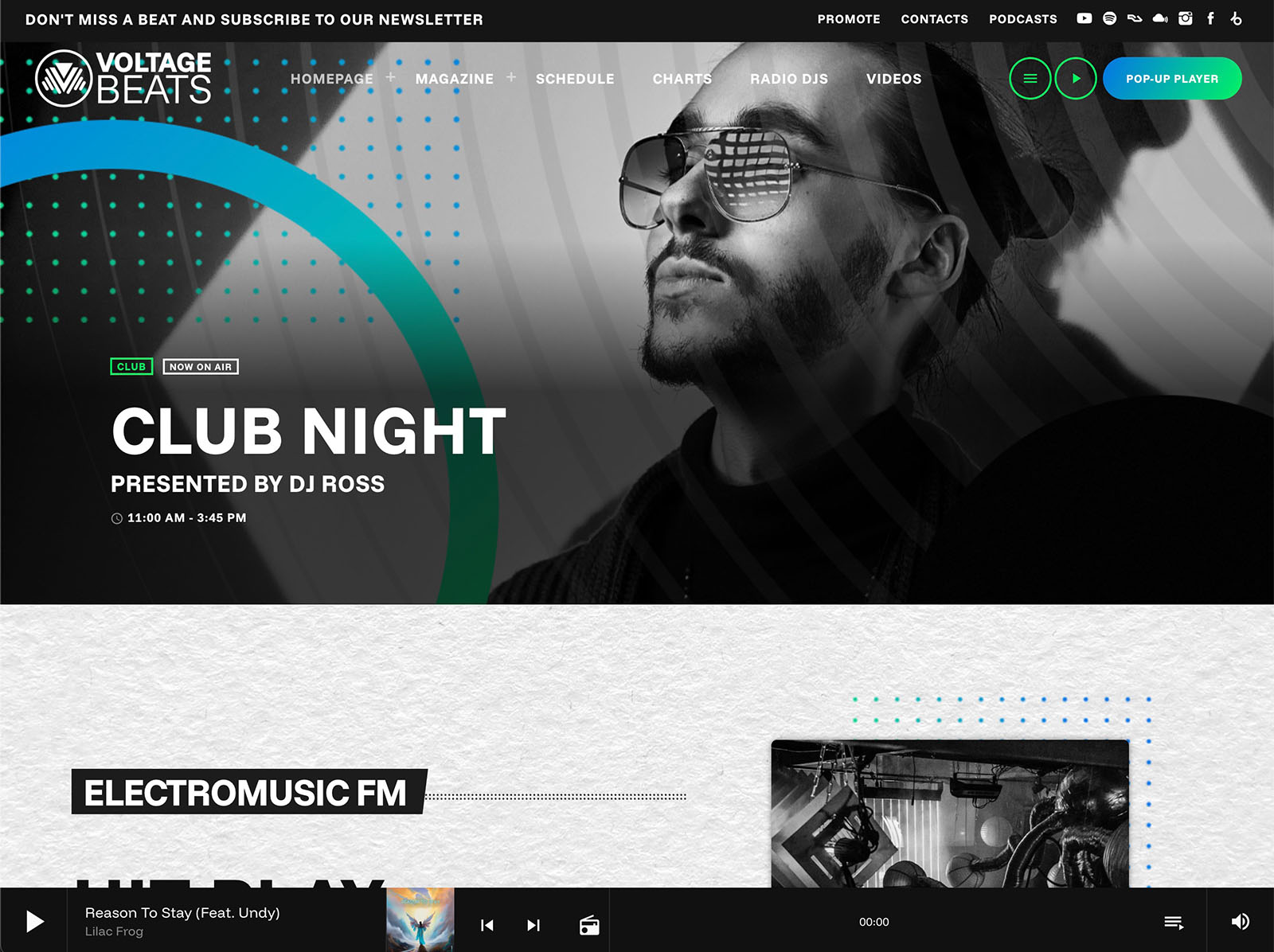
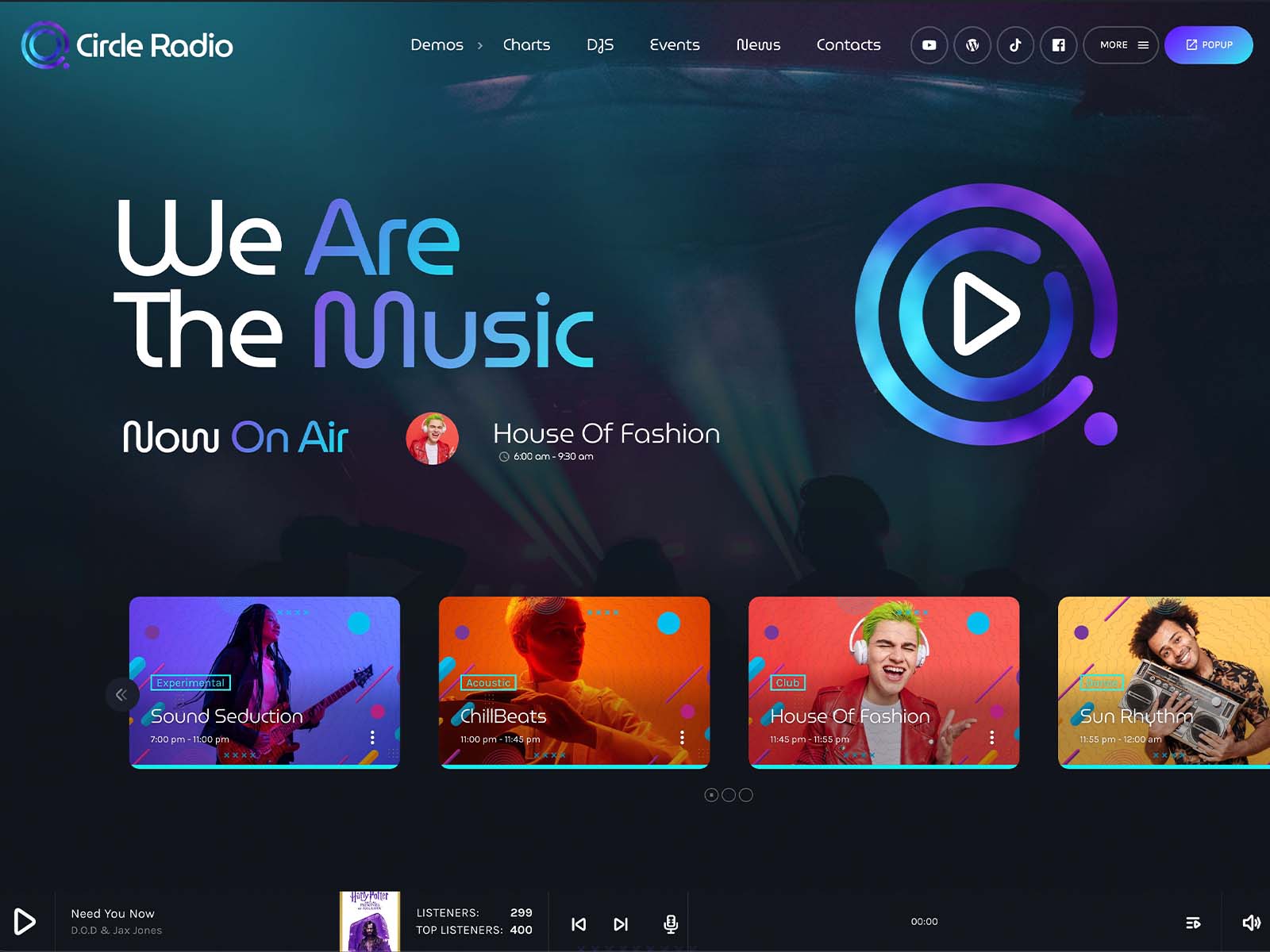
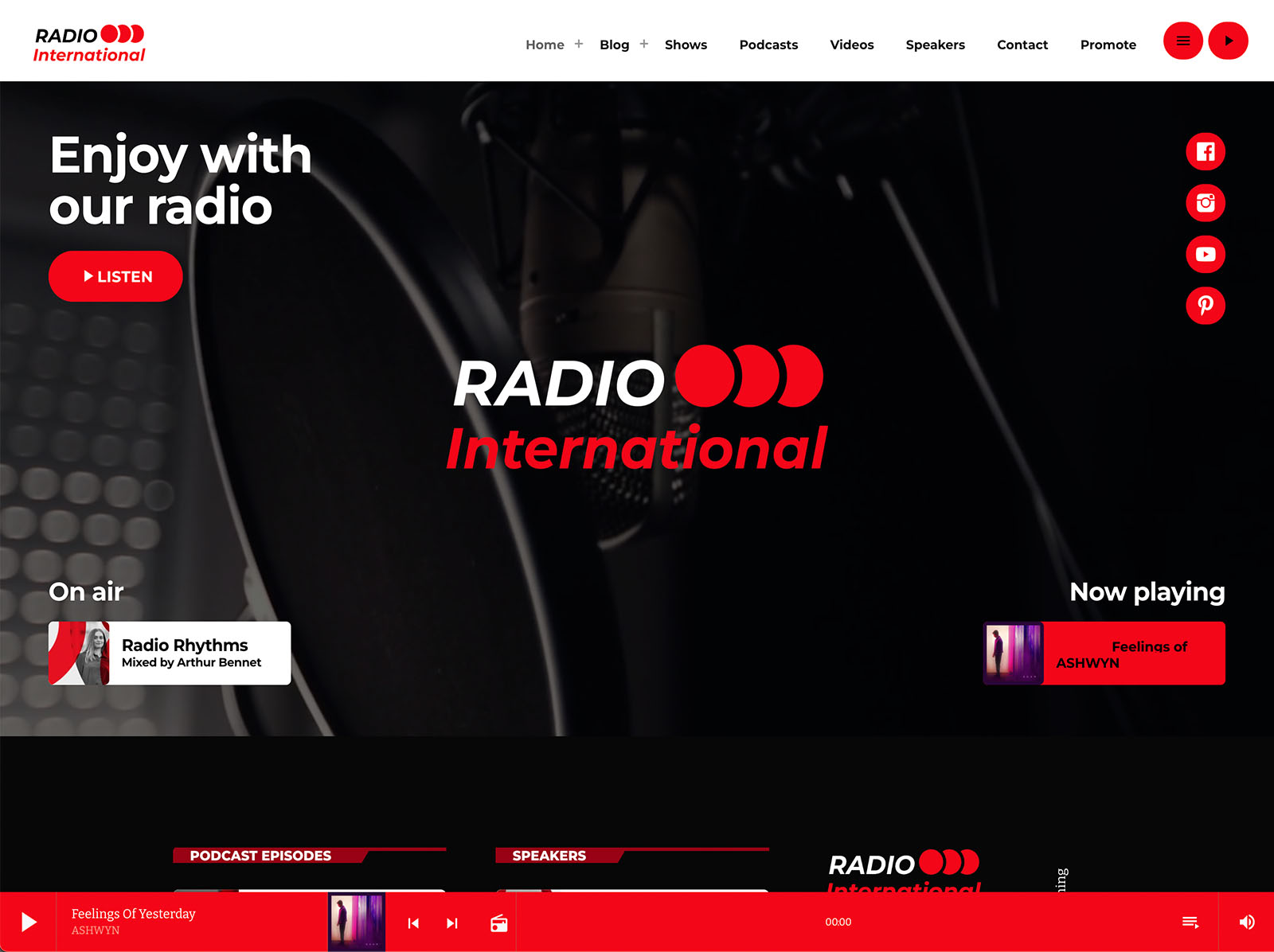
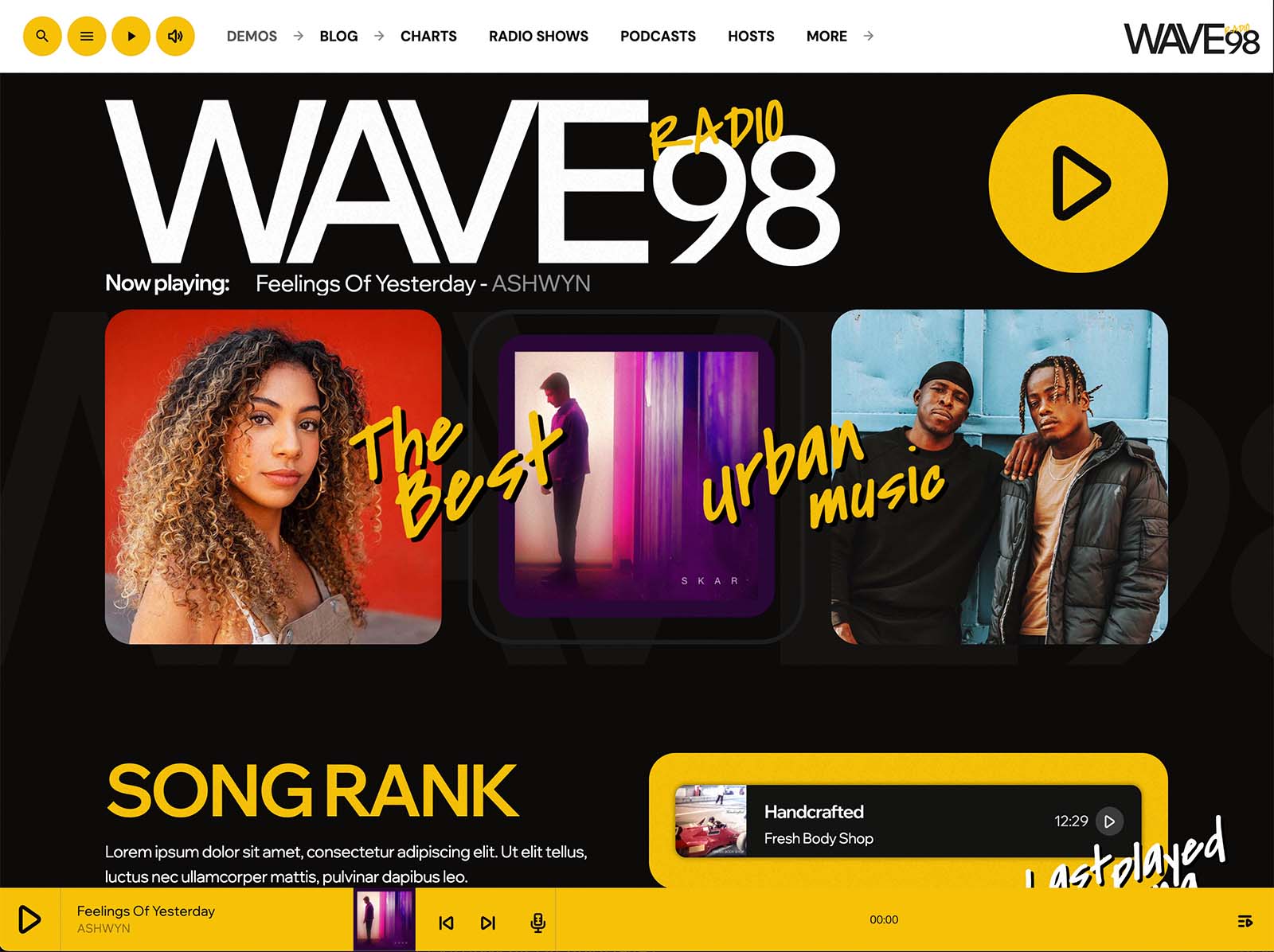
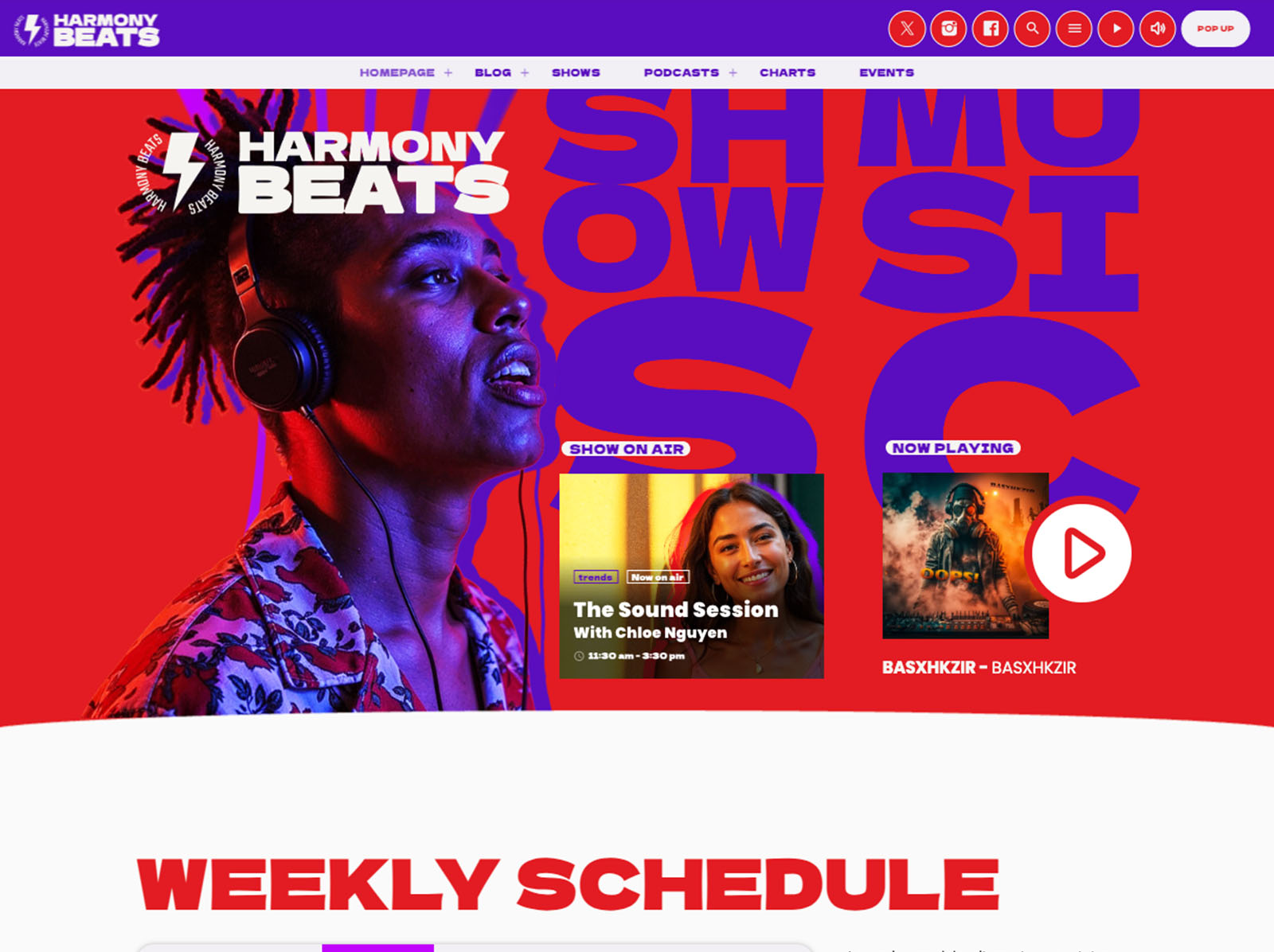
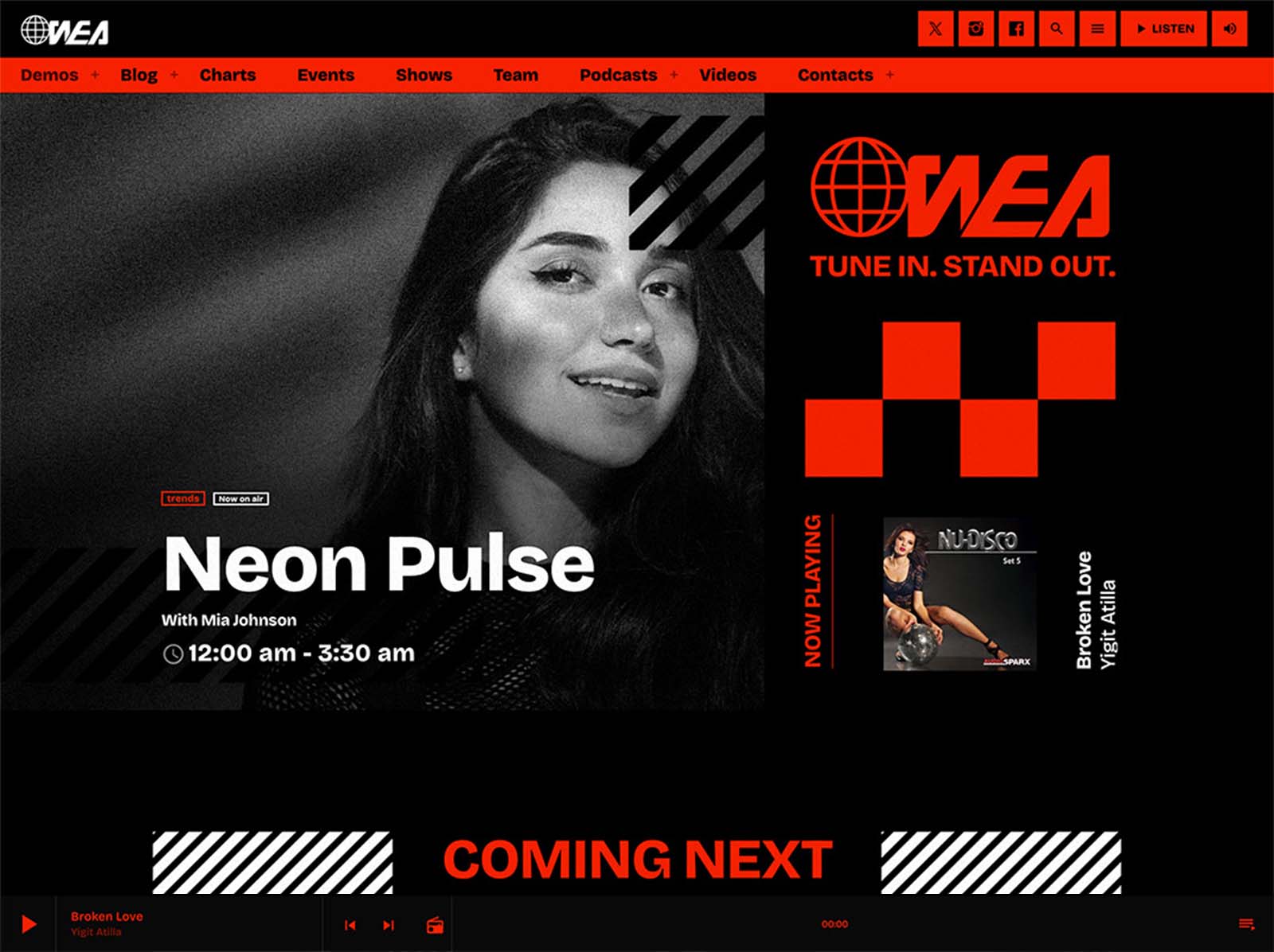
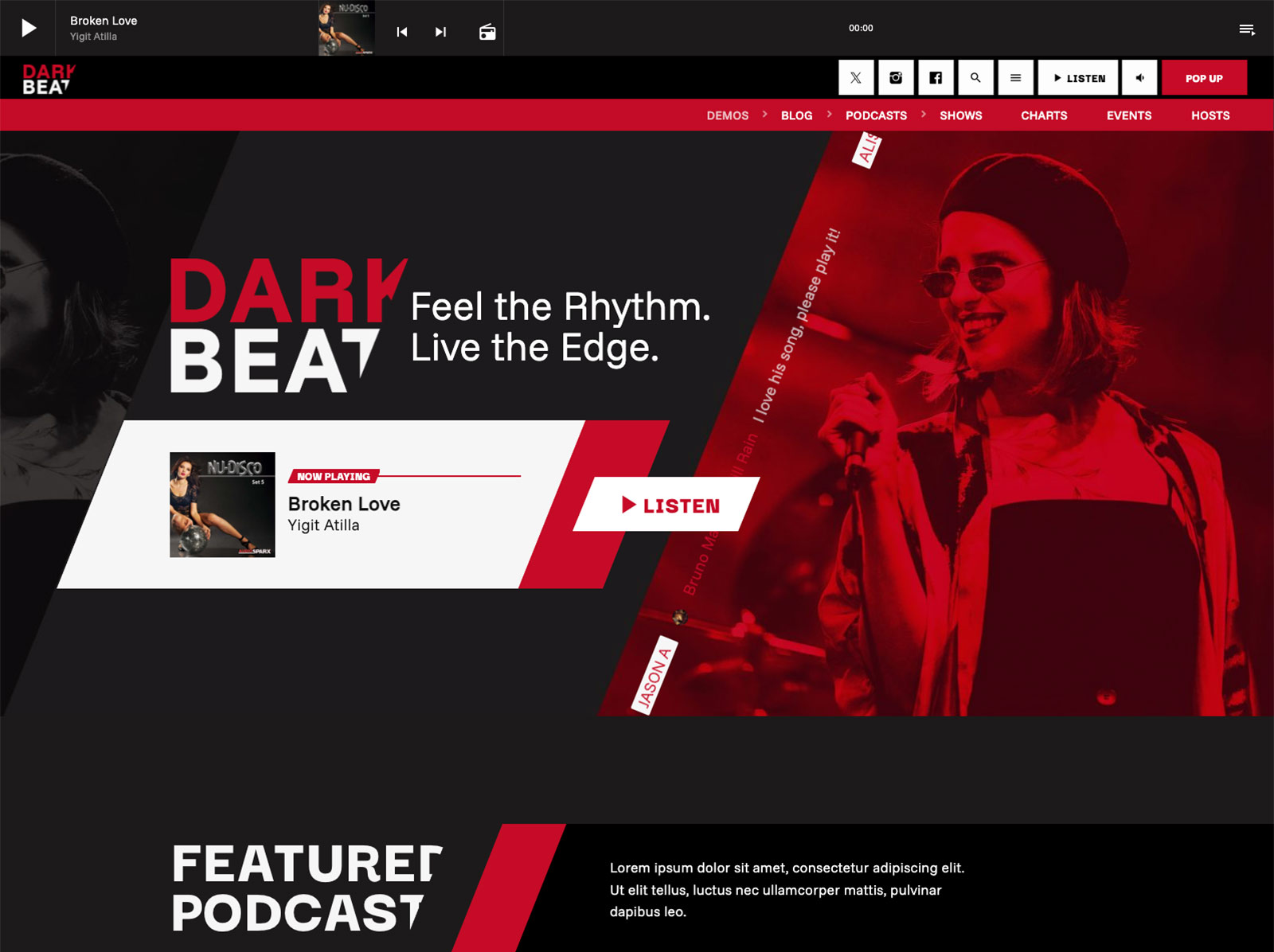
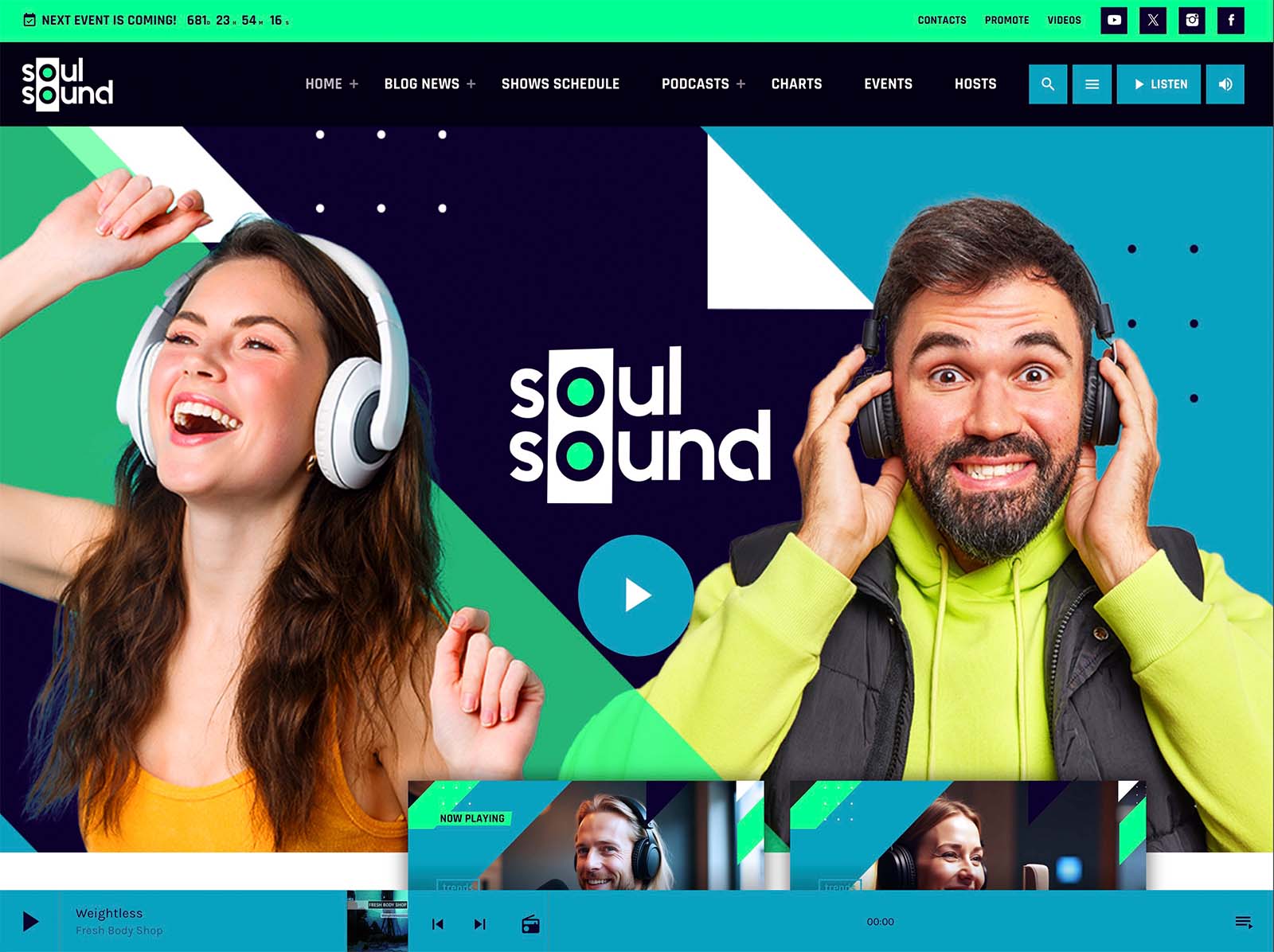
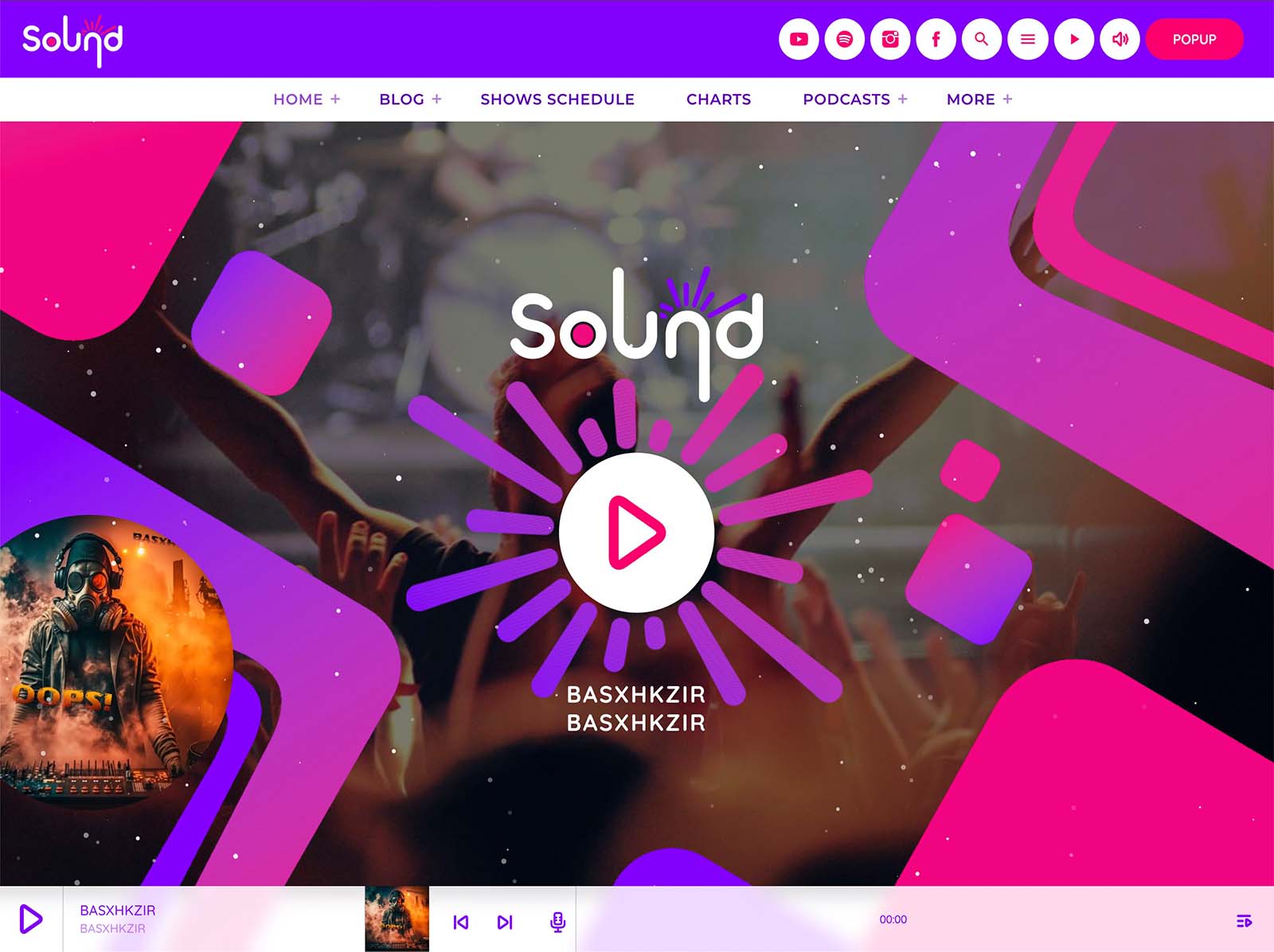
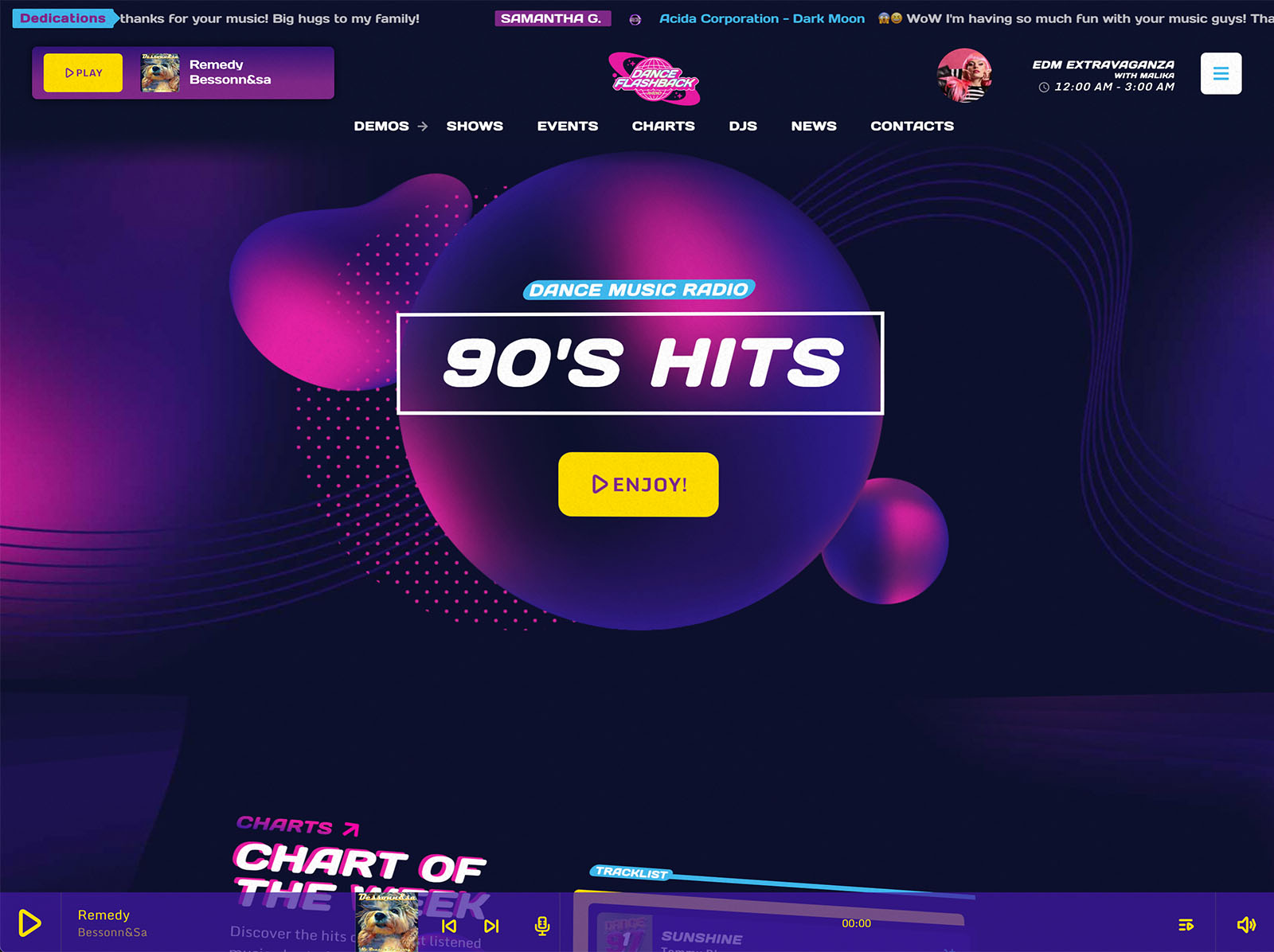
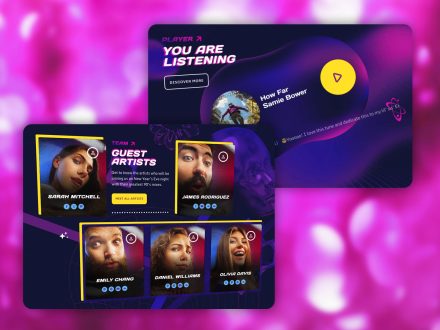
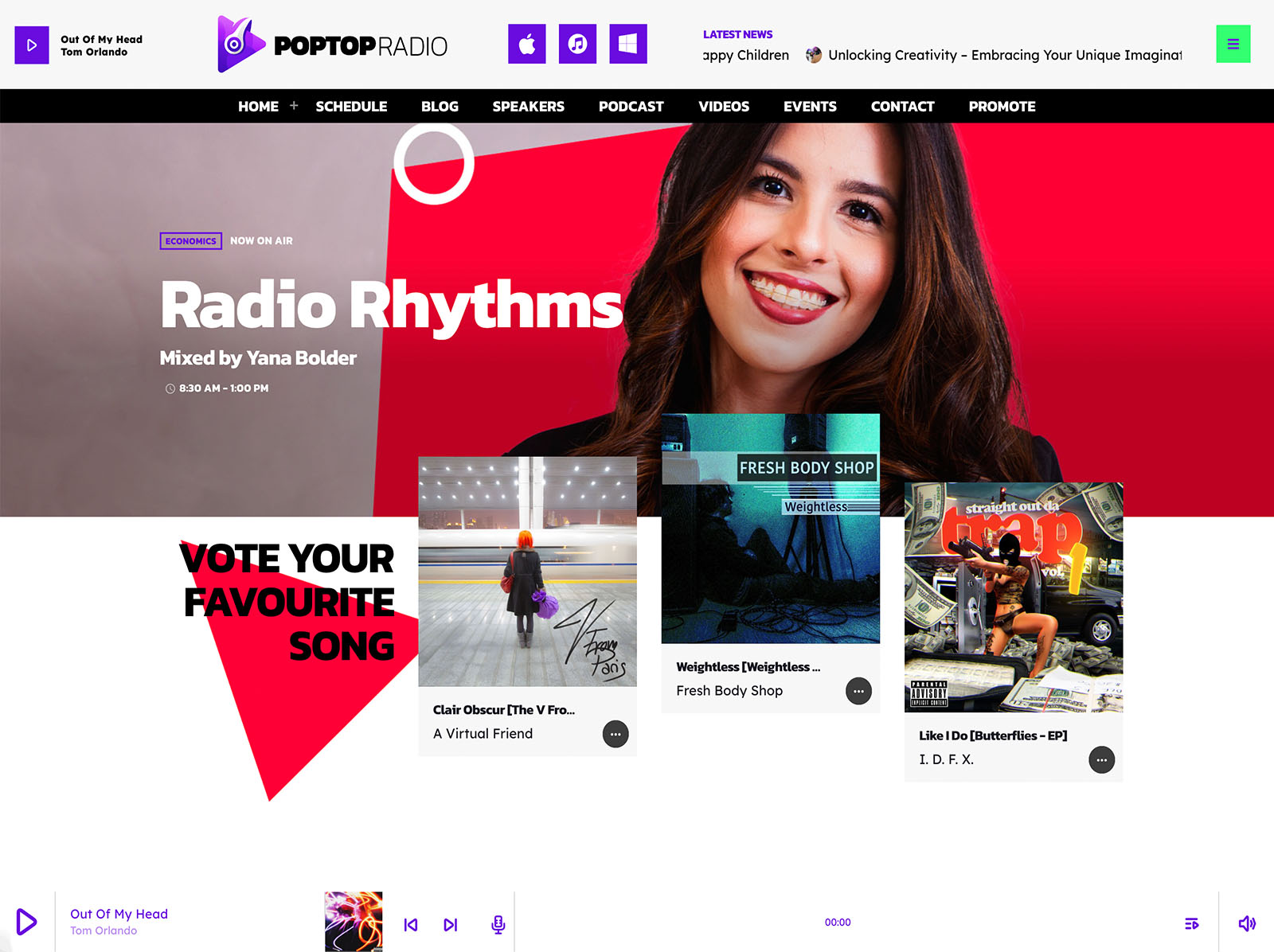
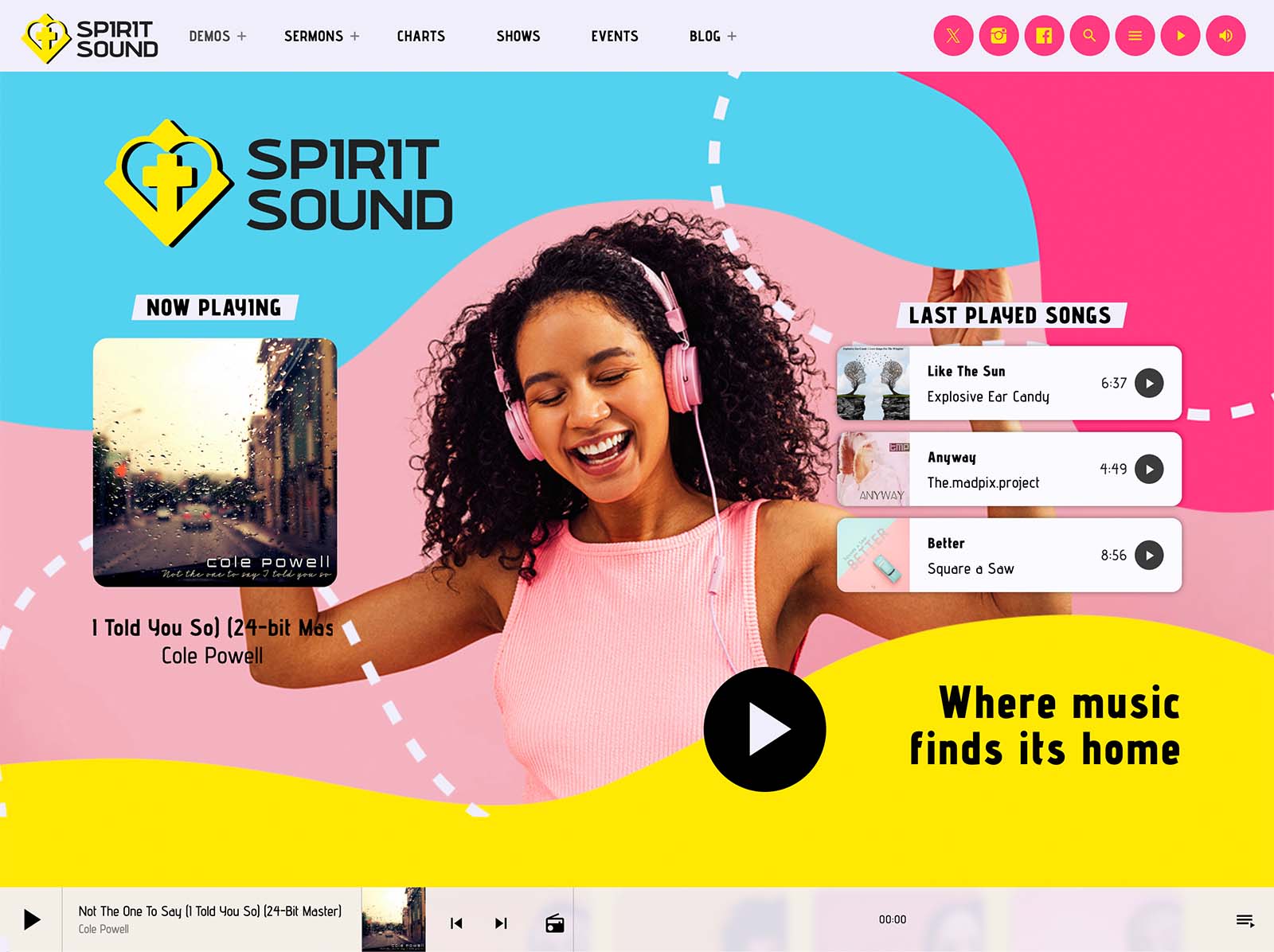
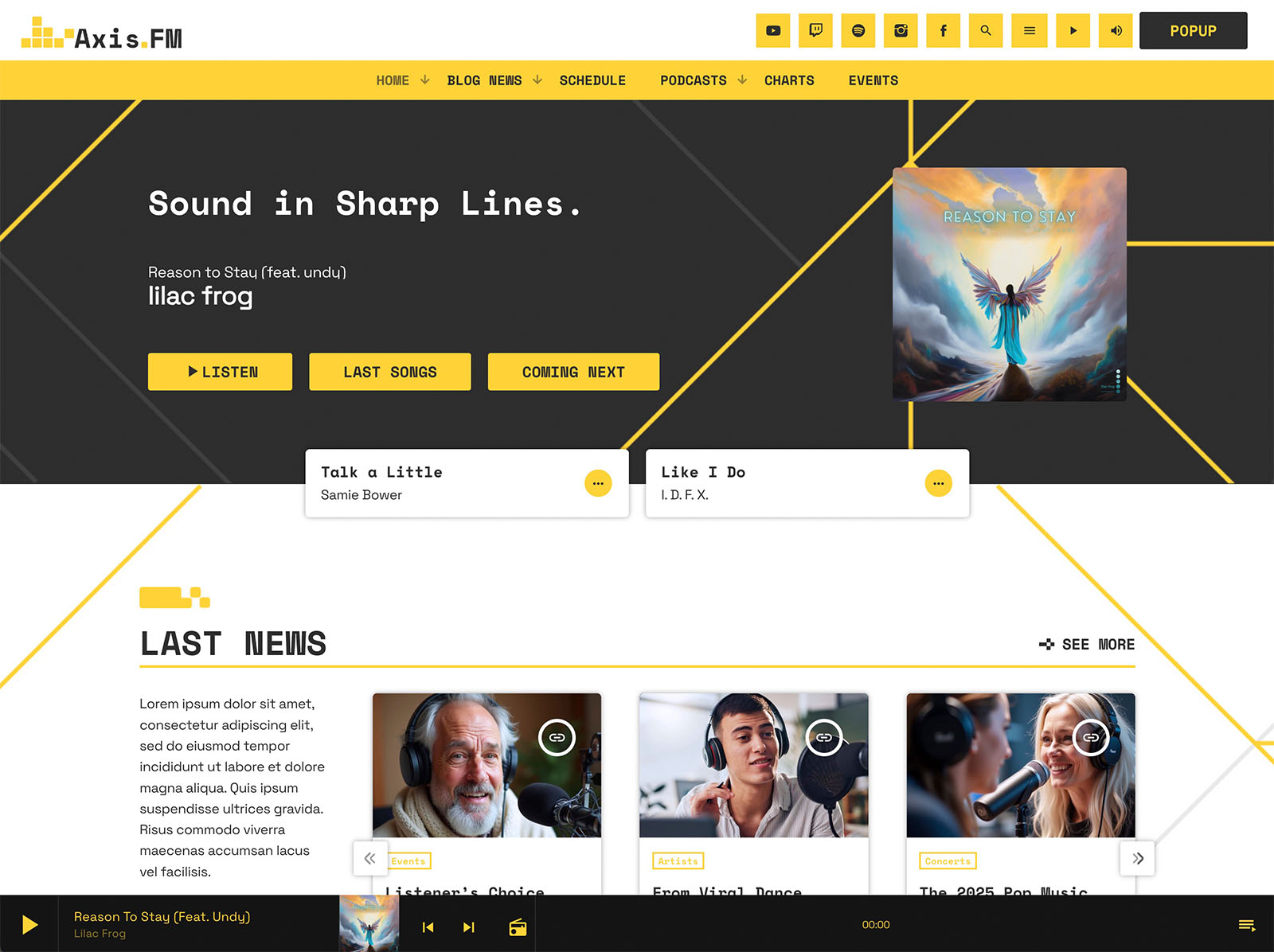
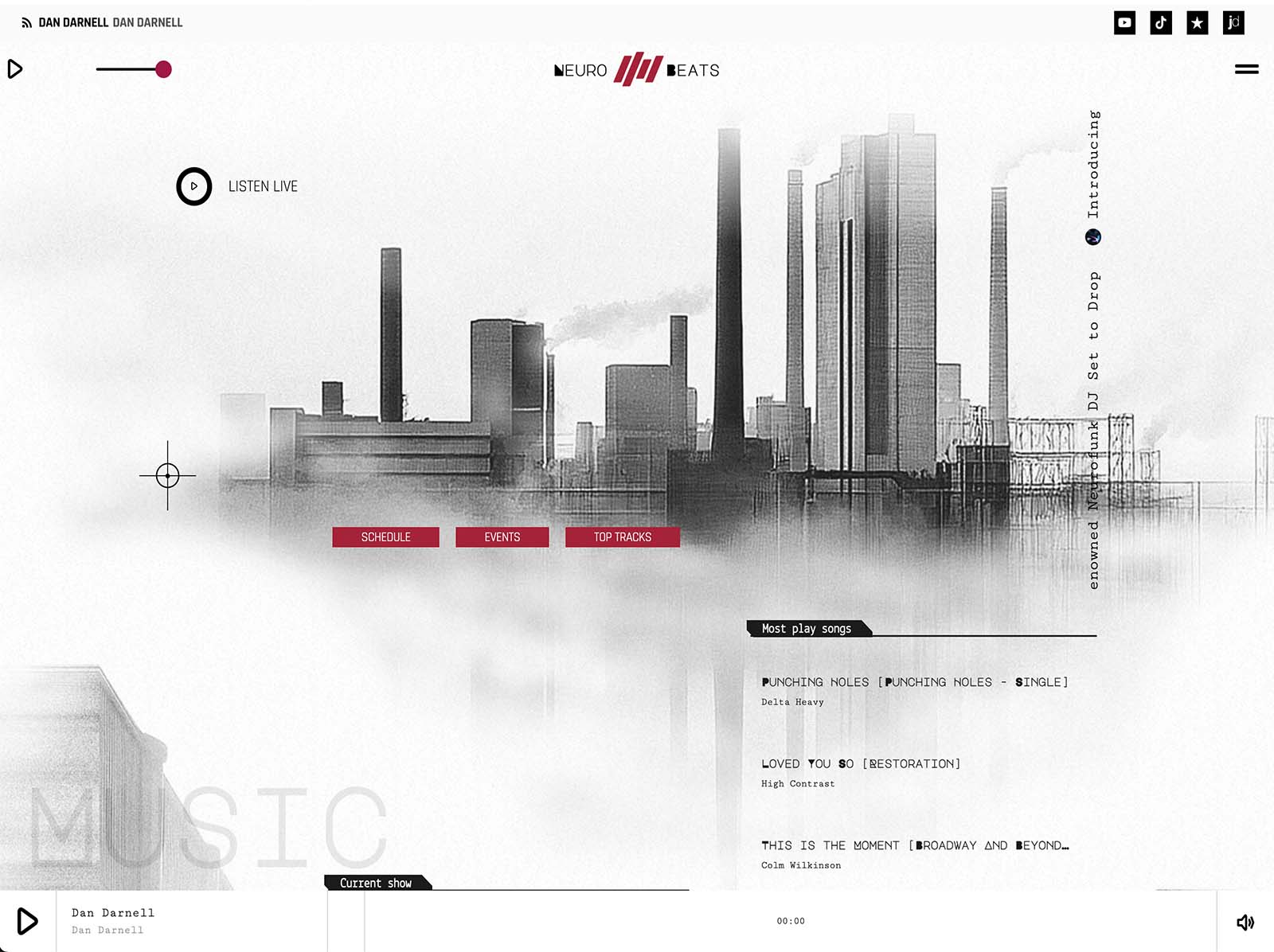
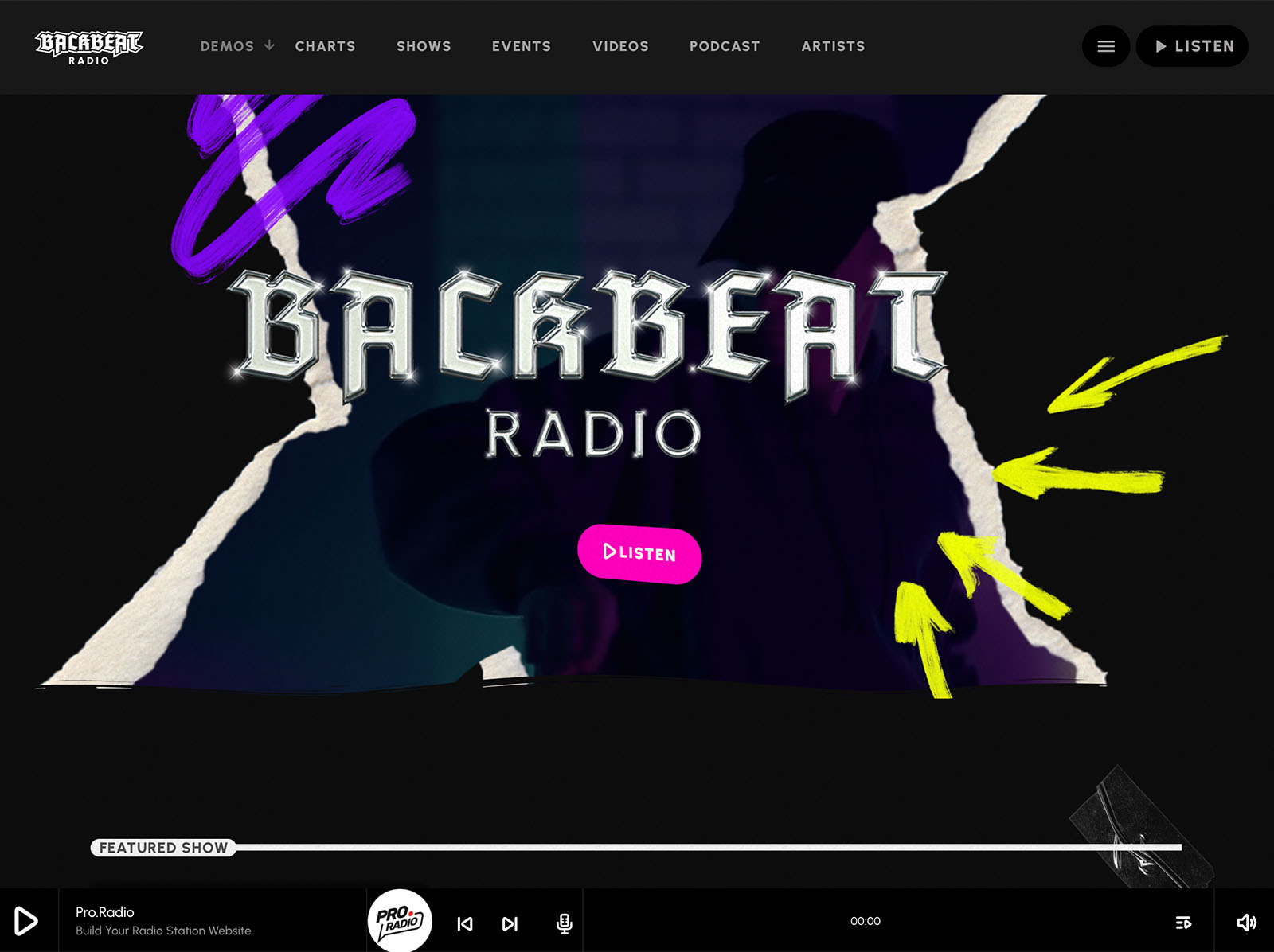
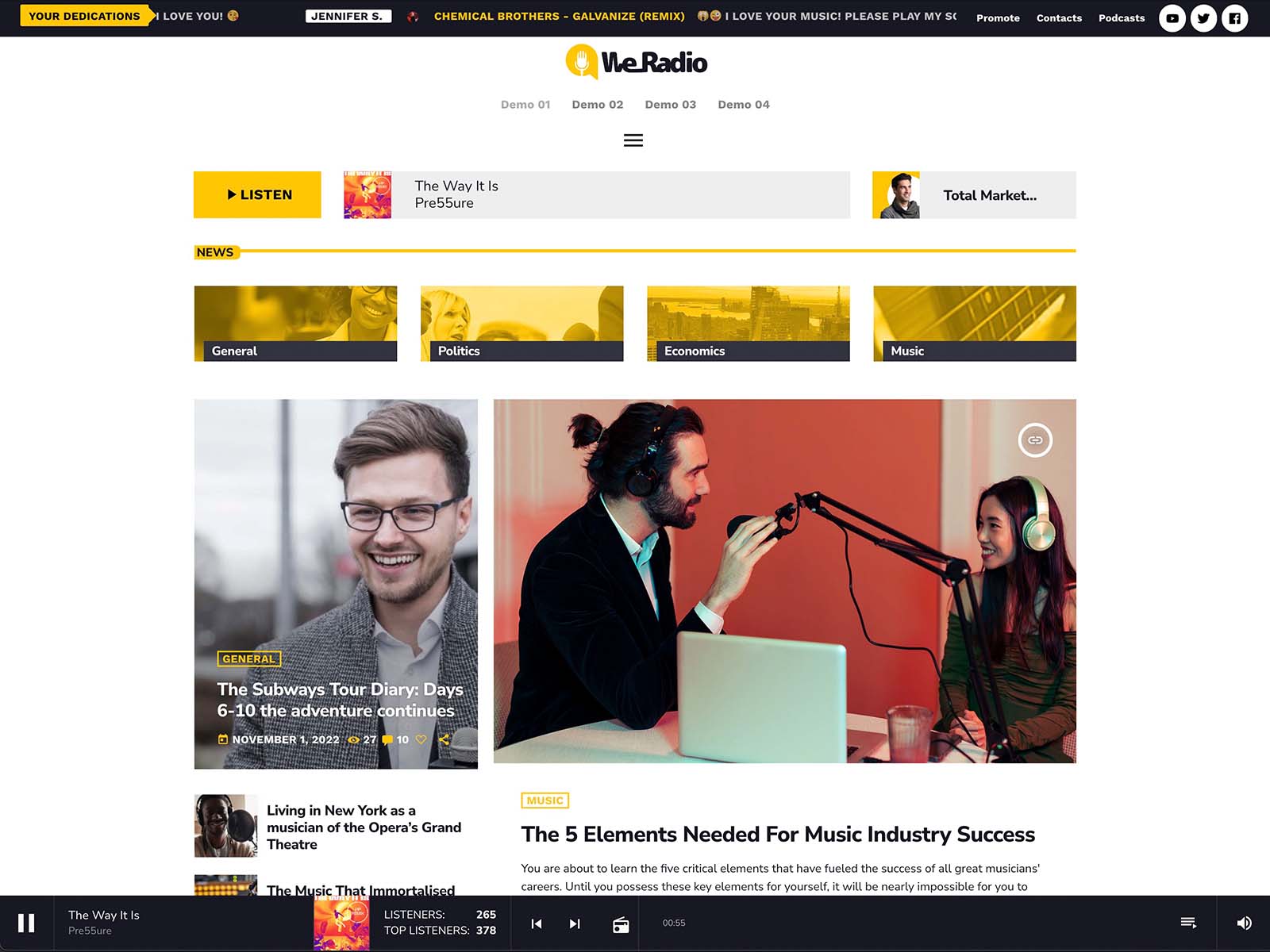
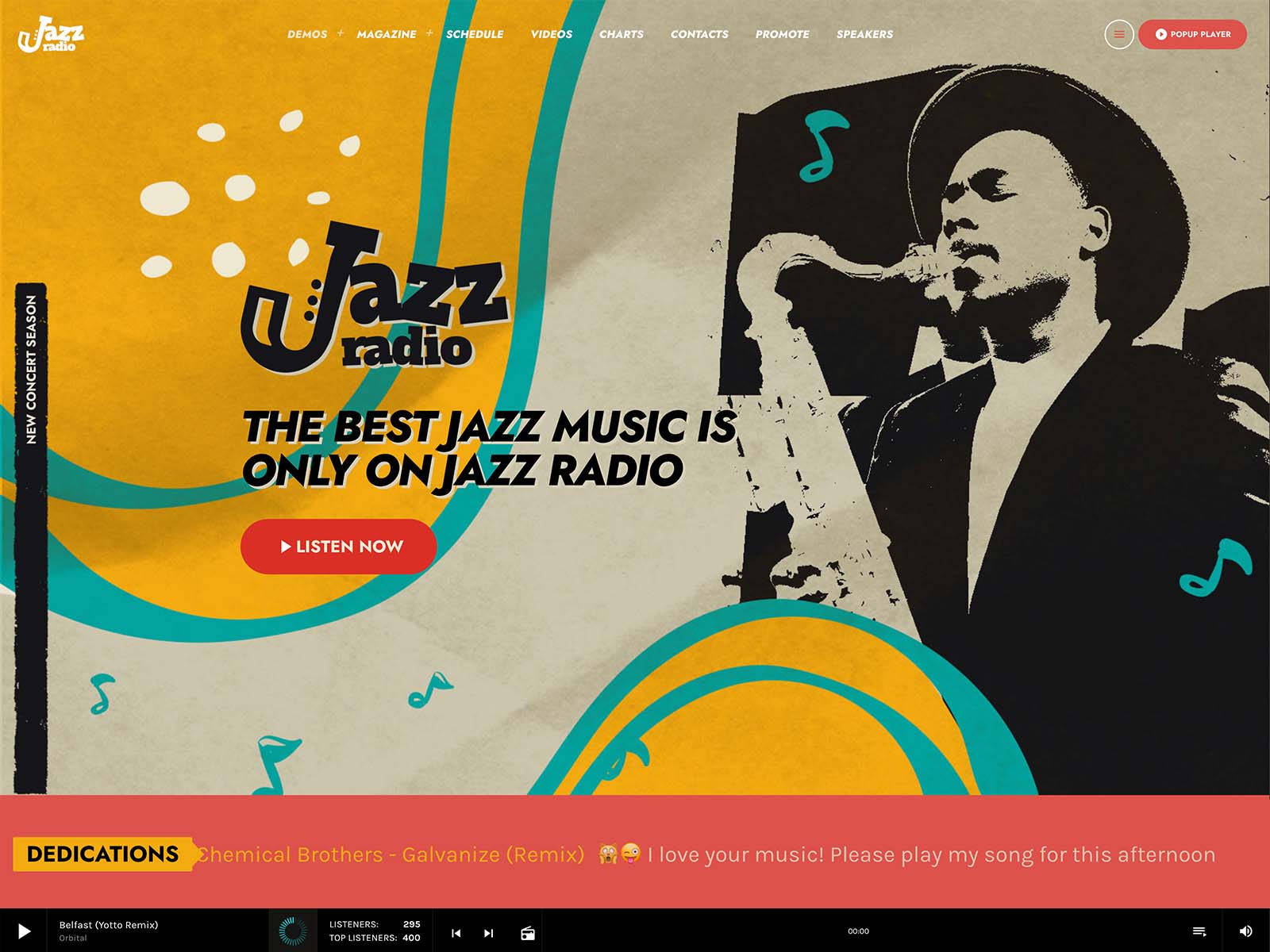
The Pro Radio customizer holds more than two hundred options on one page with a live preview. Material-design-based colors for menu, button, footer, and player. Typography controls for content, bold, headings, and captions. Four menu locations, two sidebar locations, a hundred CTA icons, a hundred secondary menu icons. Sticky and transparent menus. Page header effects including parallax, waves, duotone, grayscale, and gradient. Player design controls for header or footer placement and show cover display.
You change a setting and see the result immediately. No code editor. No developer review. The most common requests, “can you change the button color,” “can you switch the typography,” “can you make the header smaller,” are all settings.
Elementor For Visual Page Edits
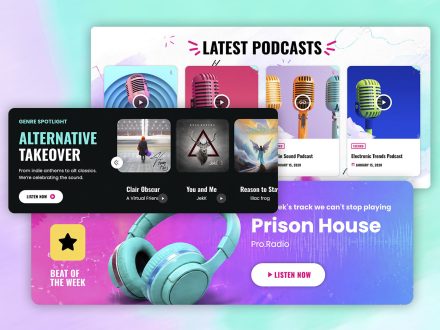
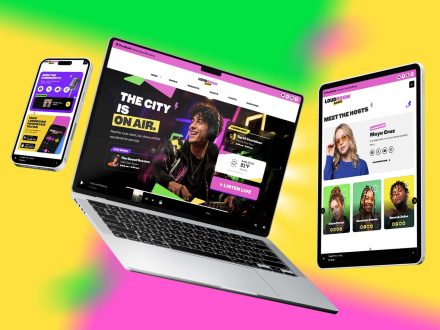
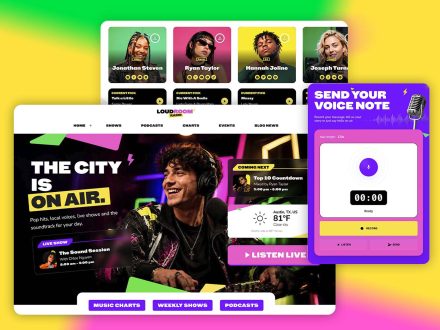
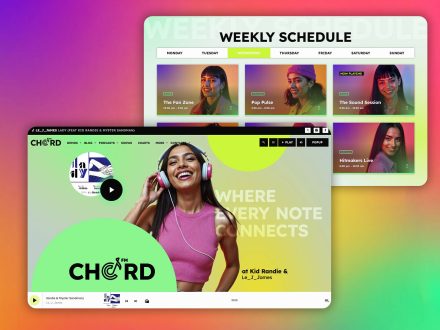
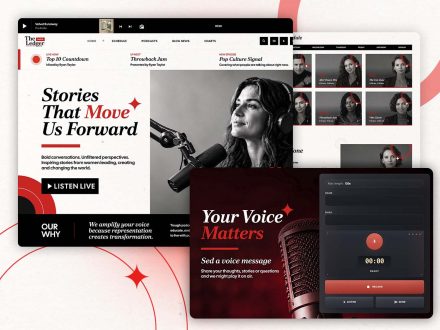
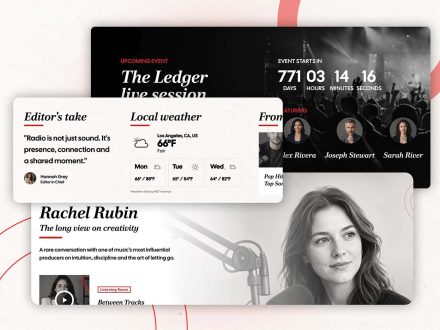
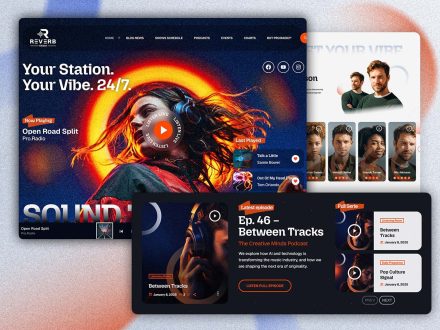
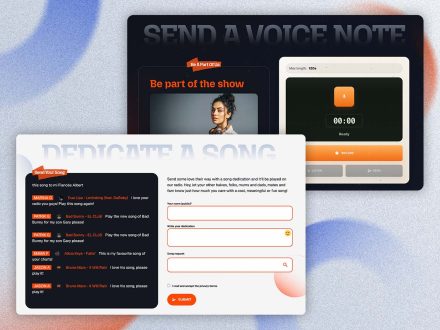
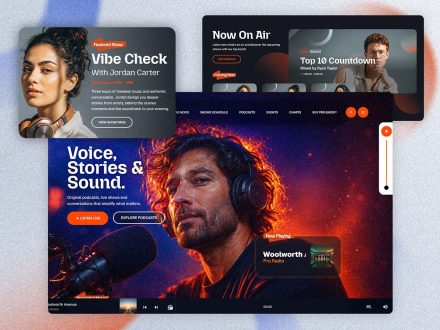
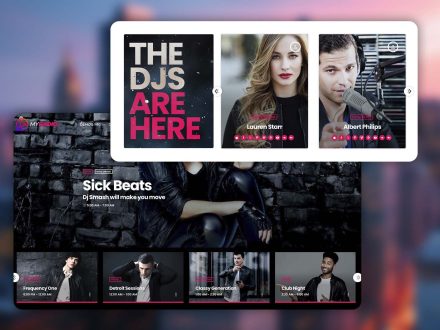
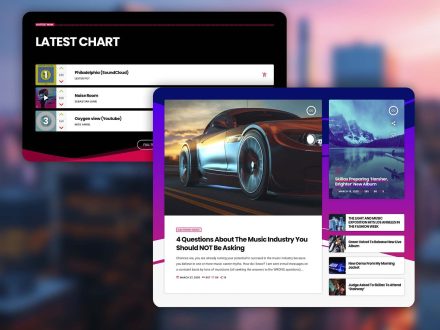
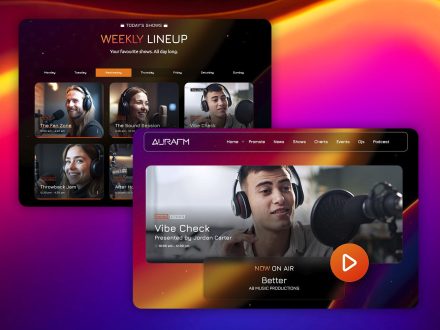
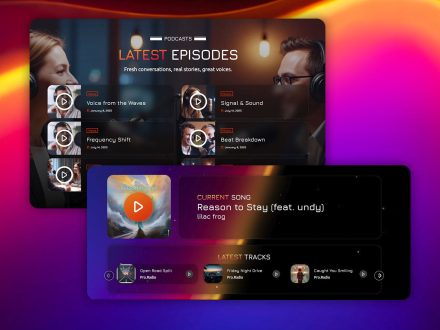
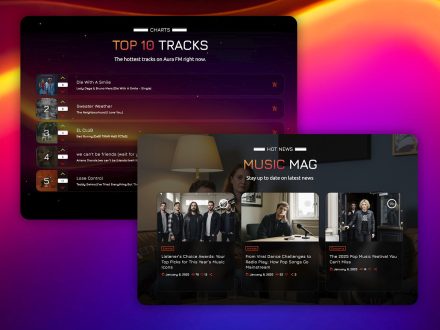
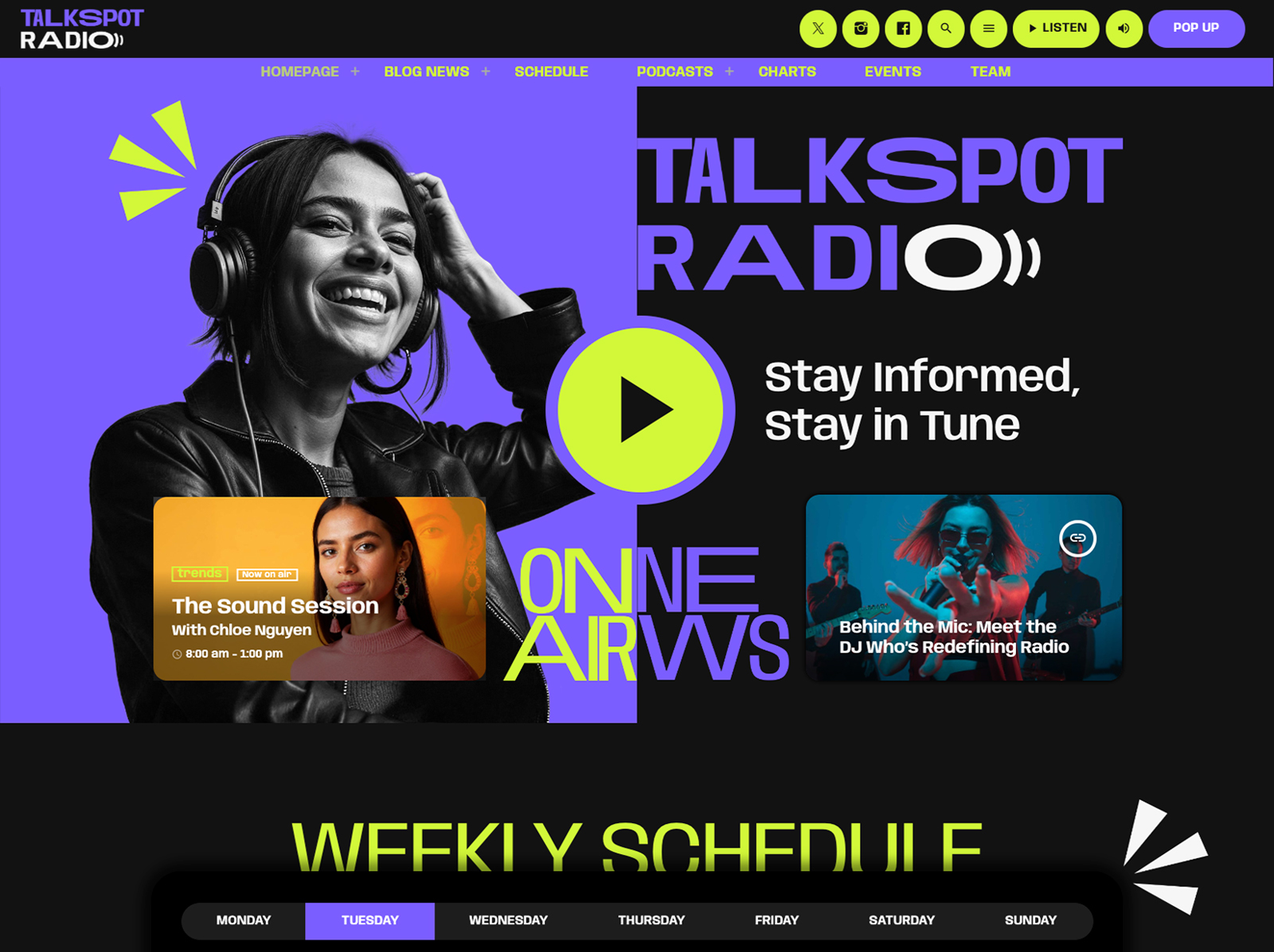
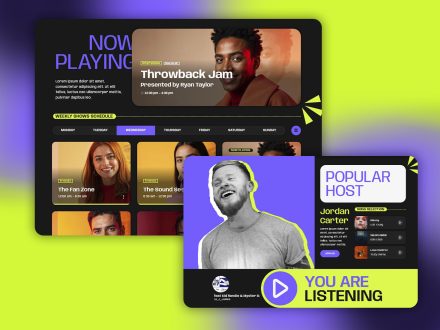
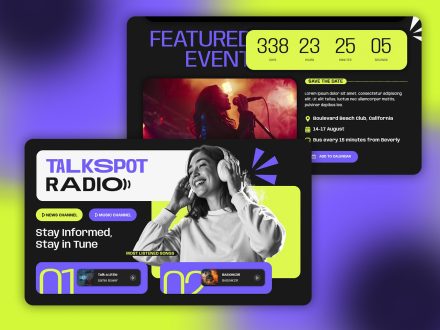
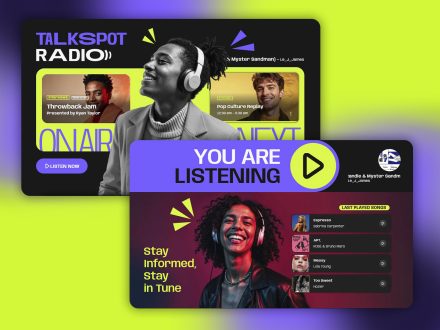
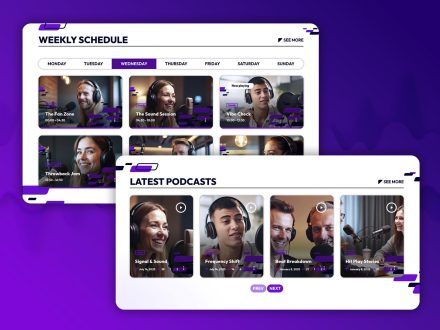
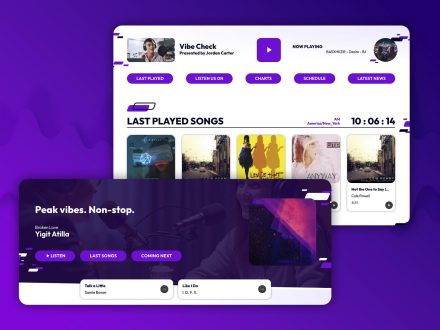
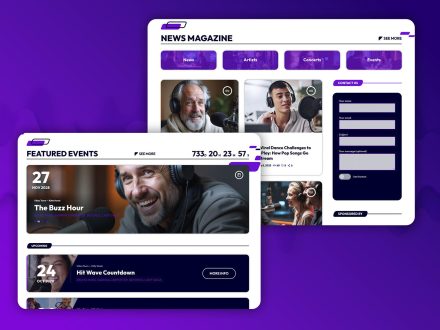
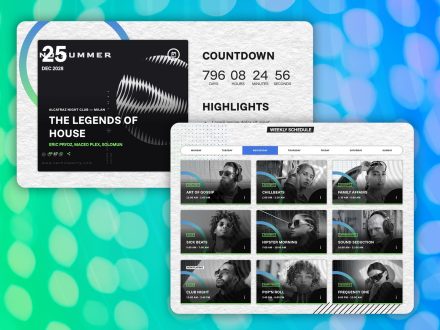
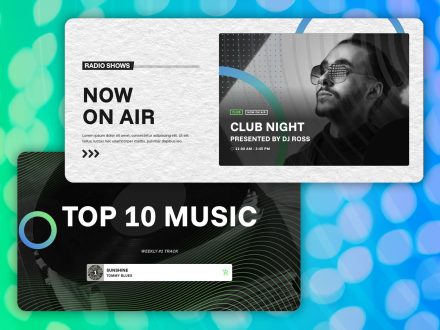
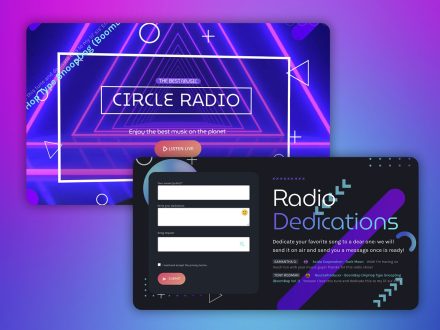
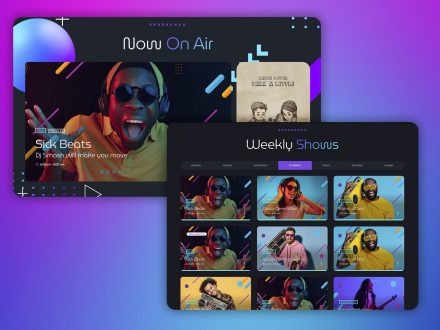
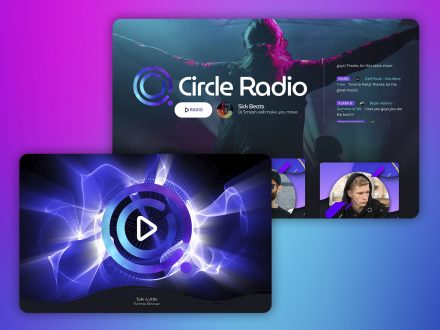
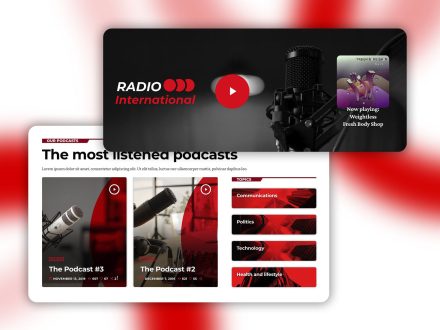
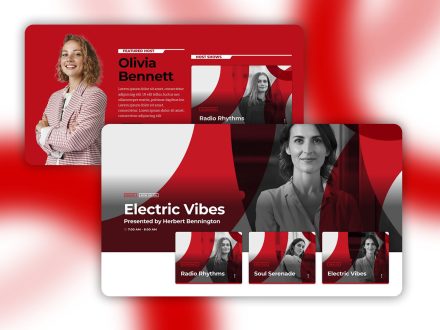
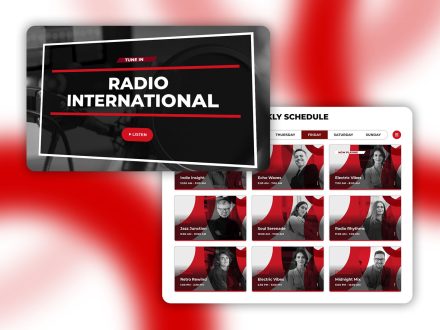
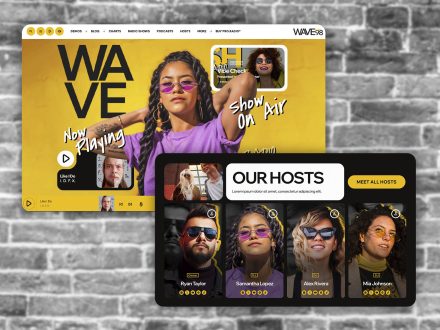
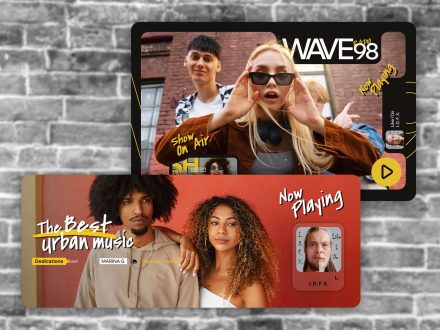
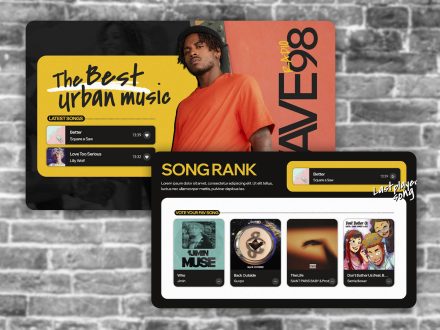
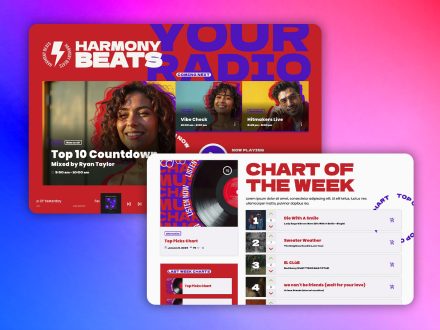
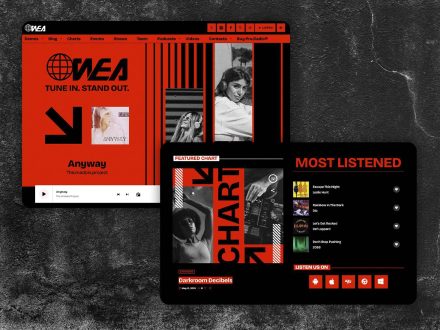
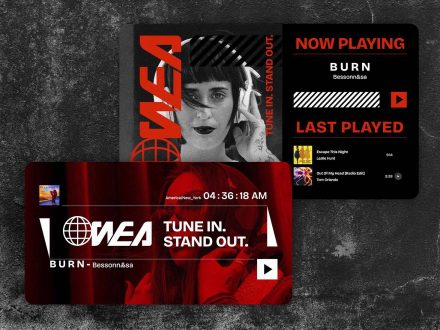
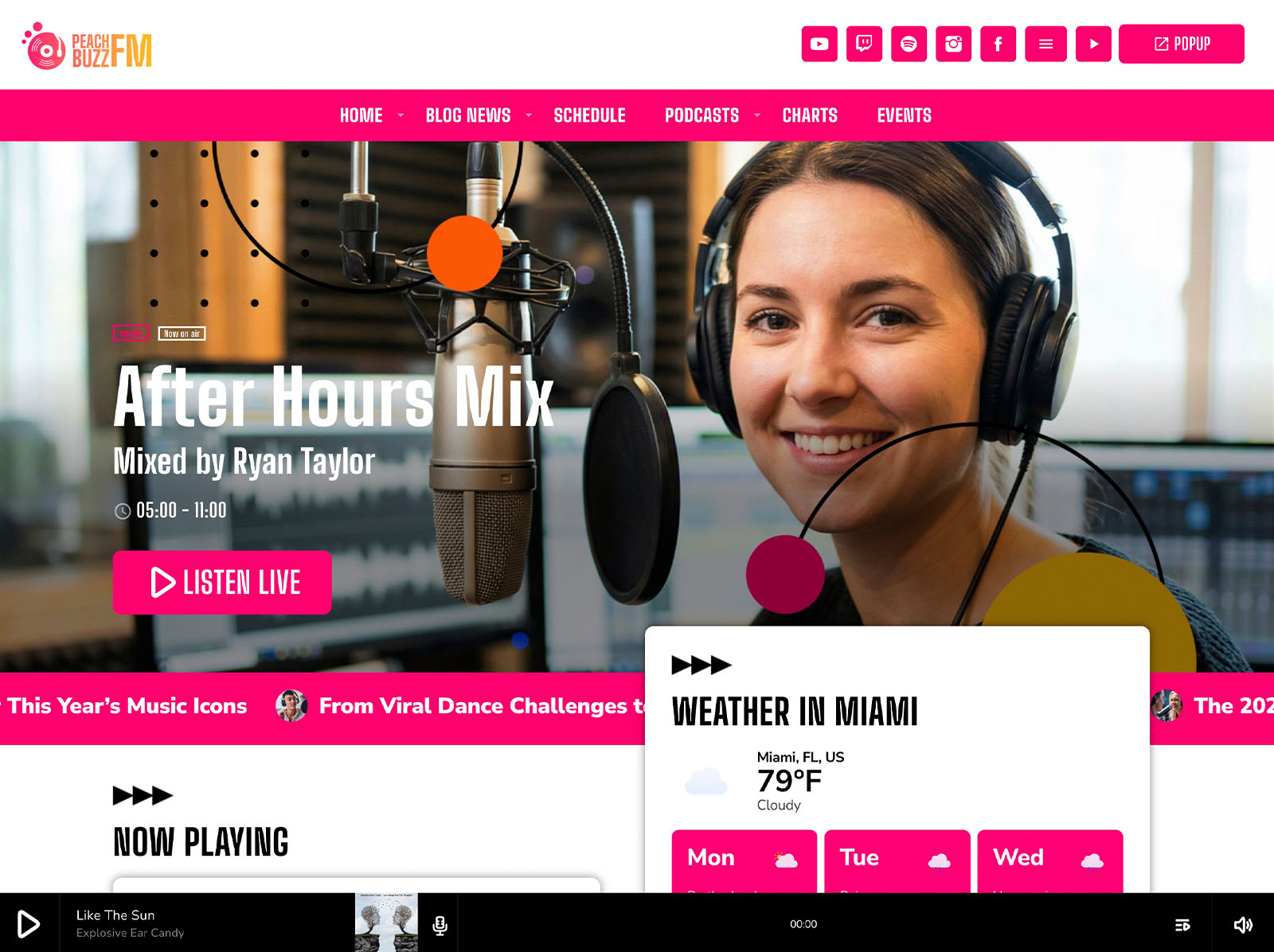
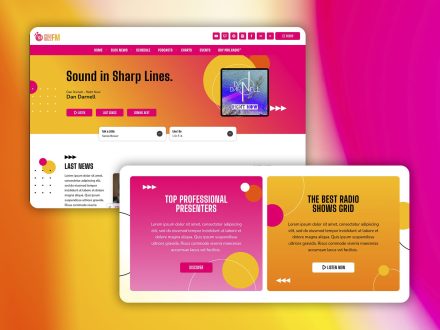
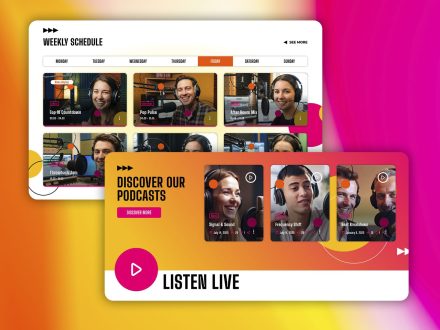
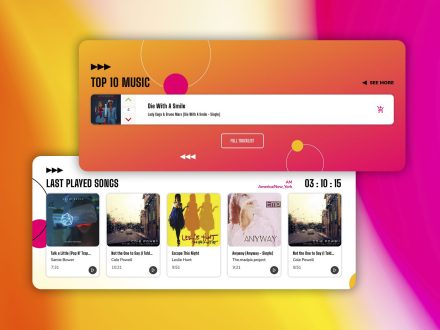
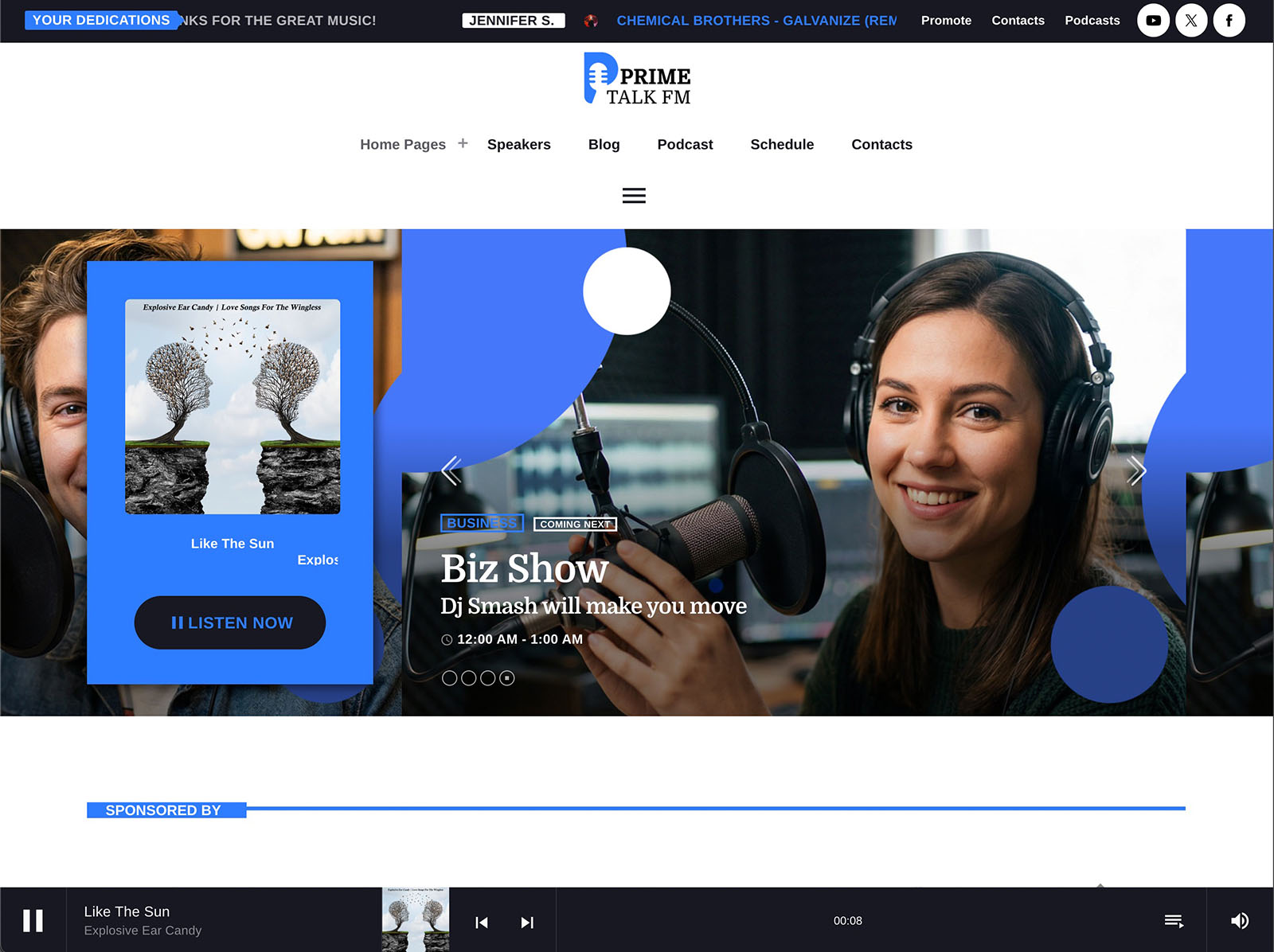
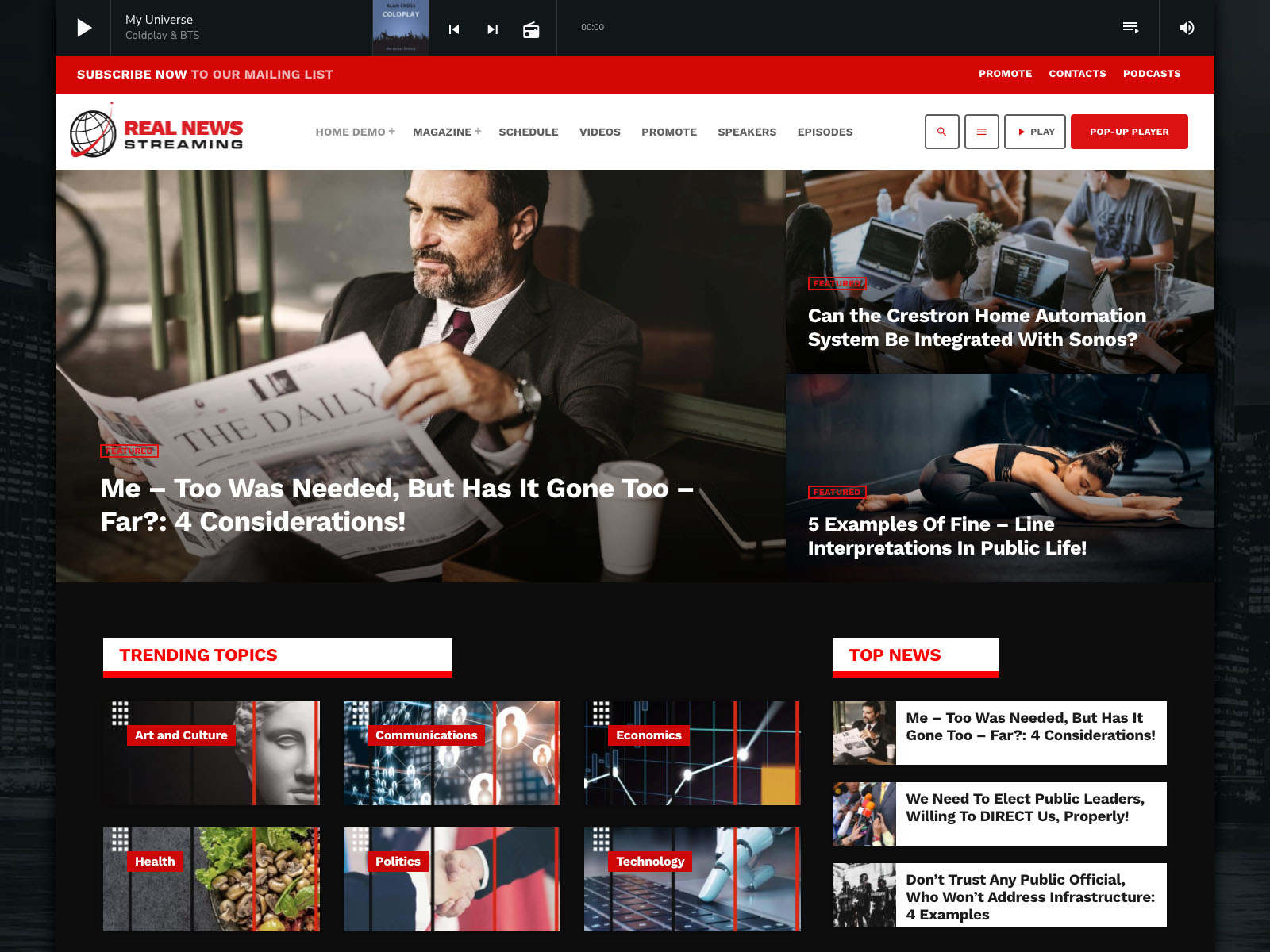
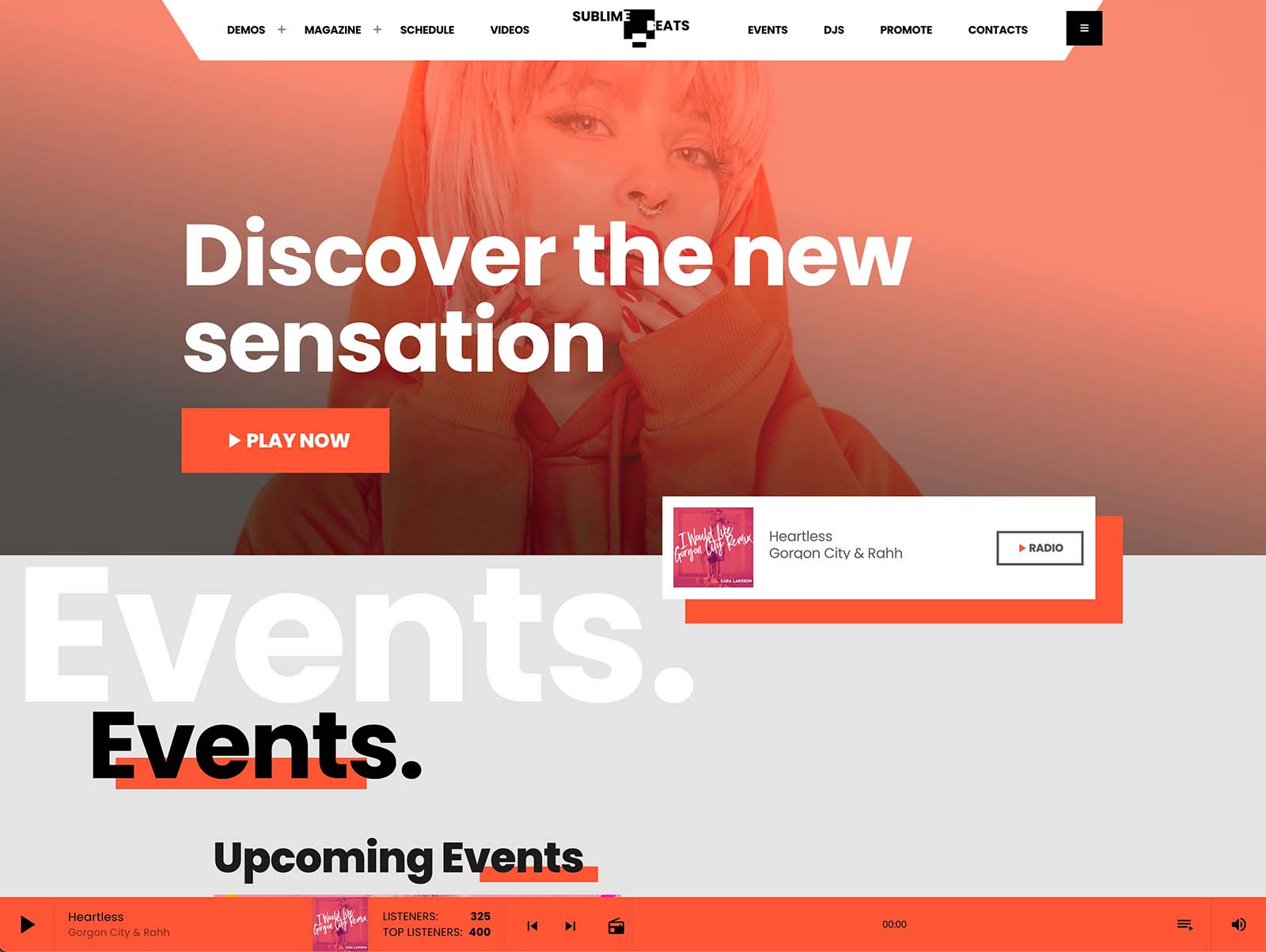
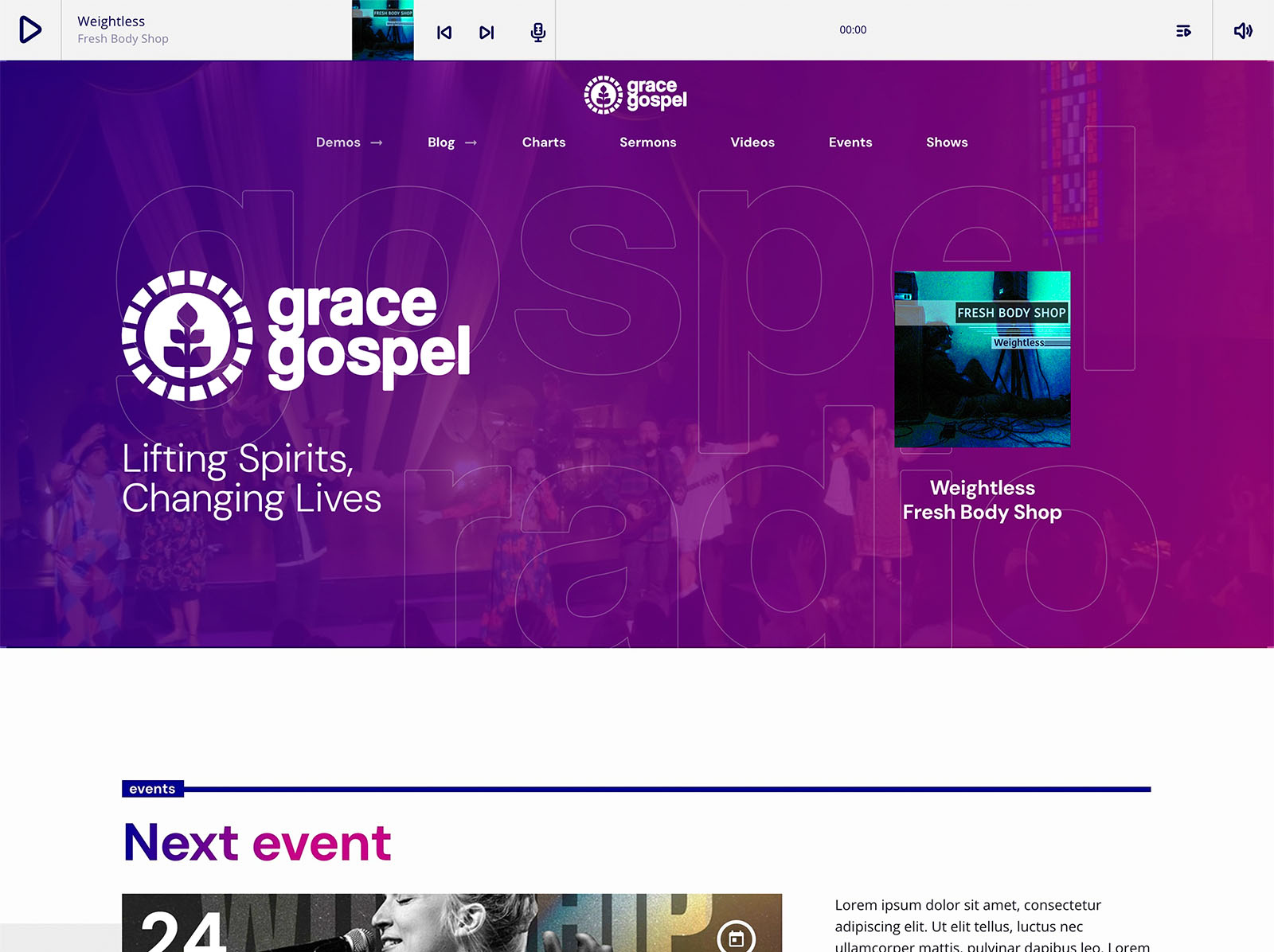
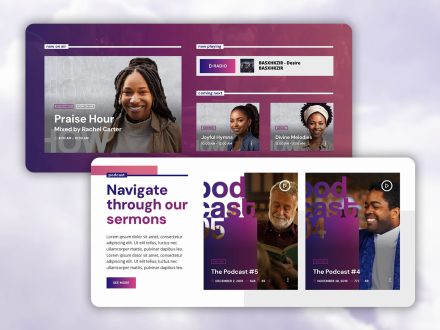
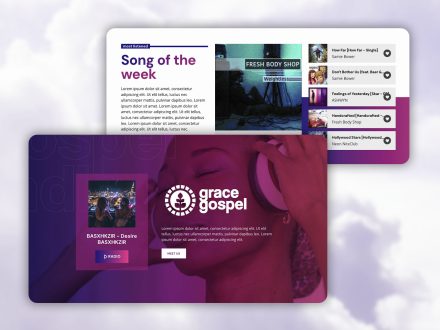
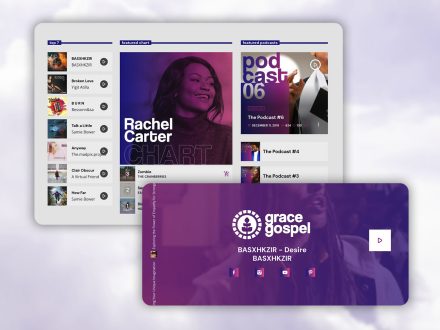
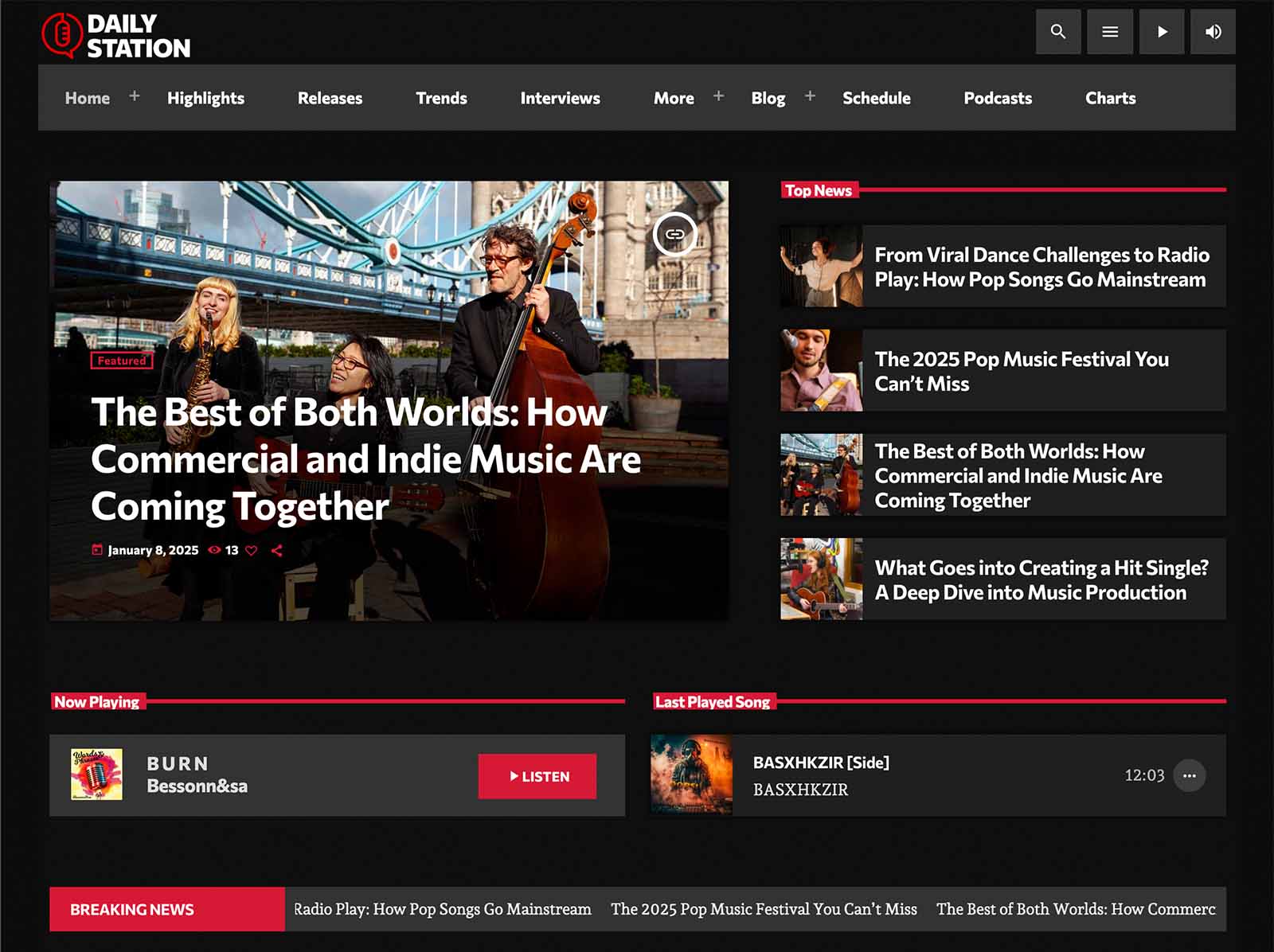
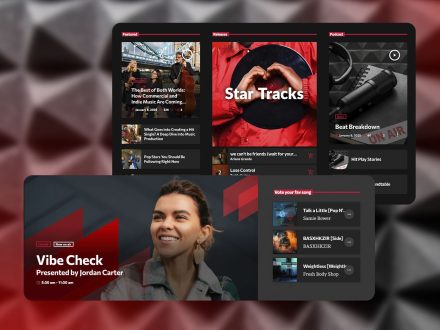
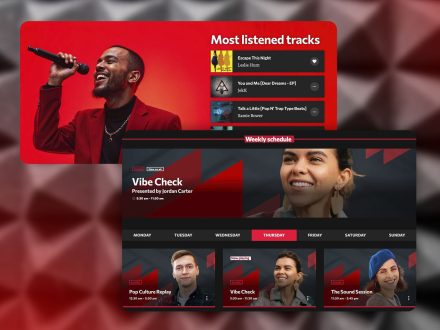
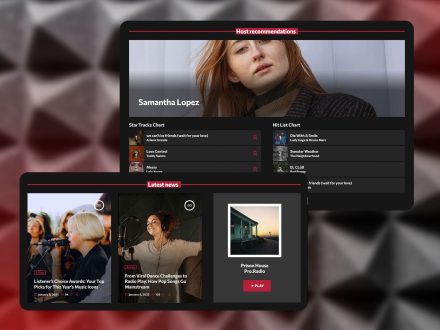
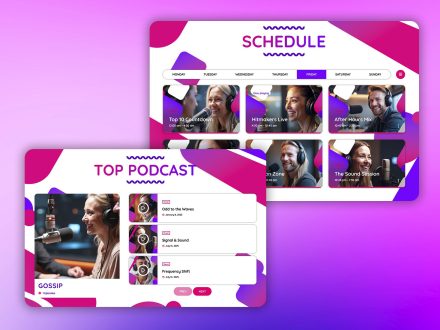
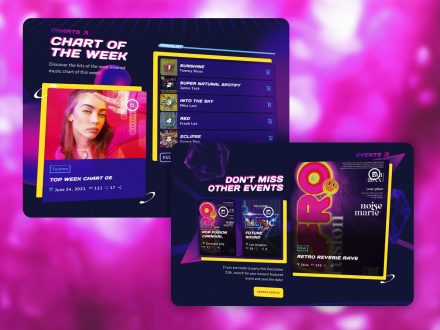
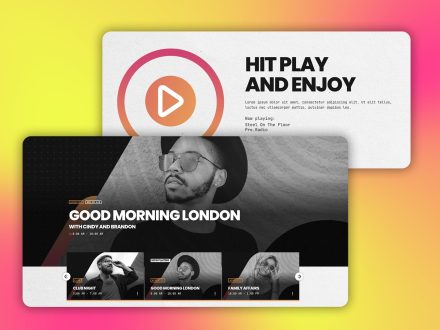
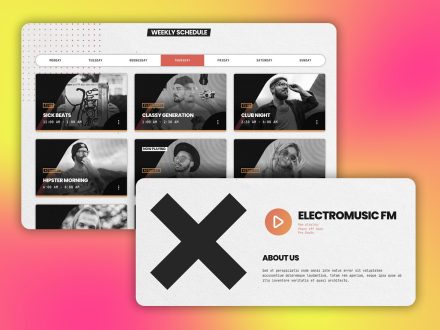
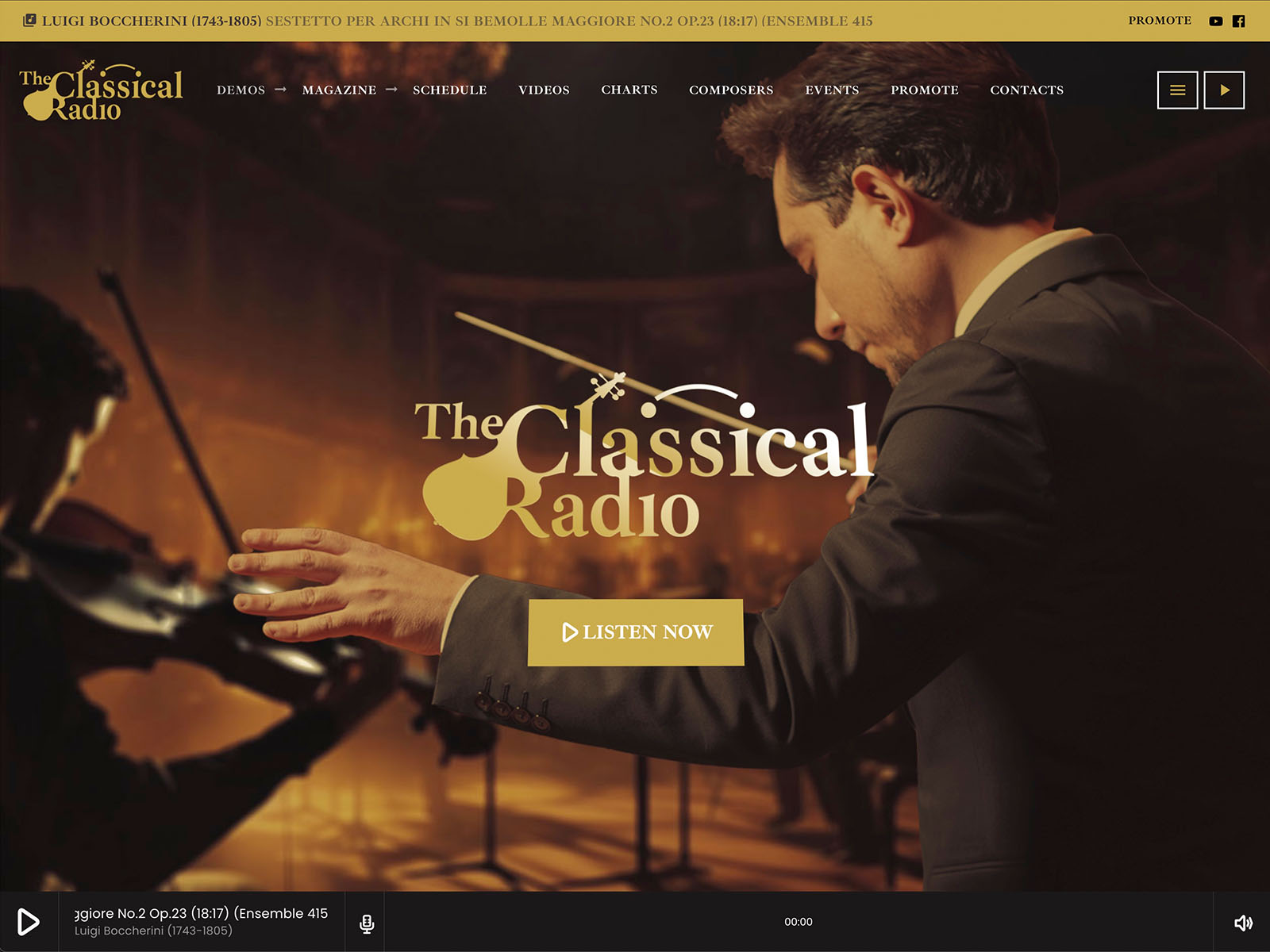
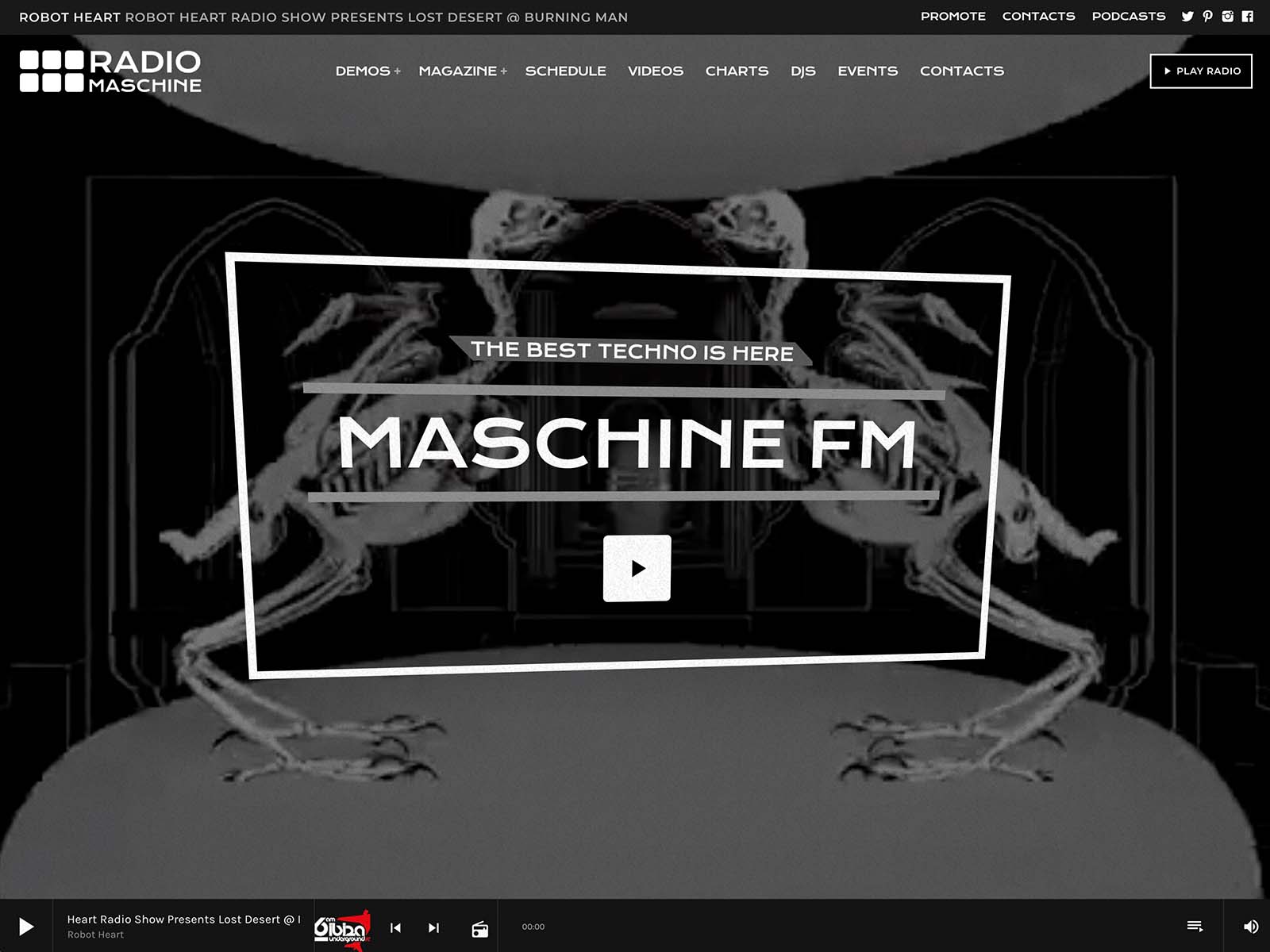
For page-specific work, Pro Radio integrates Elementor. You can build any page visually by dragging blocks into place. Pro Radio includes more than thirty custom radio widgets in Elementor, including schedules, play buttons, real-time song titles, current and upcoming shows, animated captions, carousels, sliders, charts, podcast players, dedications, and Voiceline.
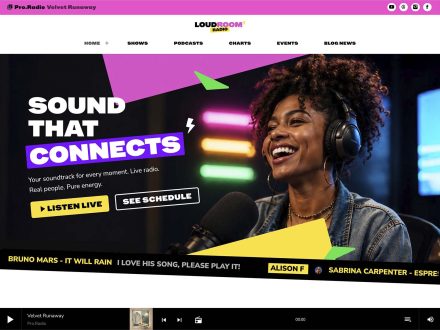
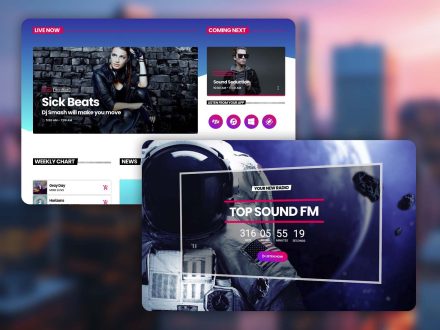
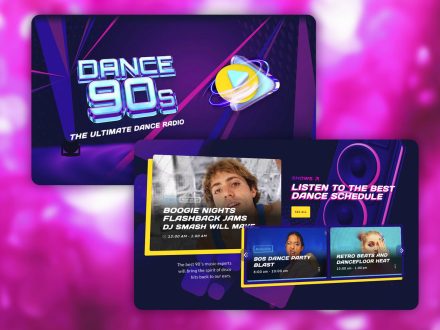
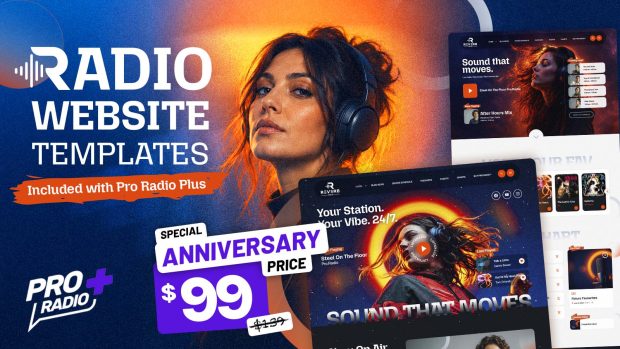
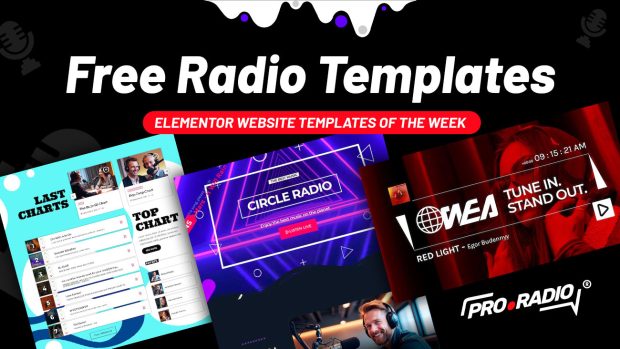
More than eighty Elementor templates are included. The Plus bundle adds well over three hundred more. Every section of the official demos is available as a reusable template. You can rebuild a page in fifteen minutes without writing a single line of code.
The change from “send to developer” to “drag and drop” is enormous. Most station owners are pleasantly surprised by how much they can do once the workflow is visual.
Editable Widgets For Daily Updates
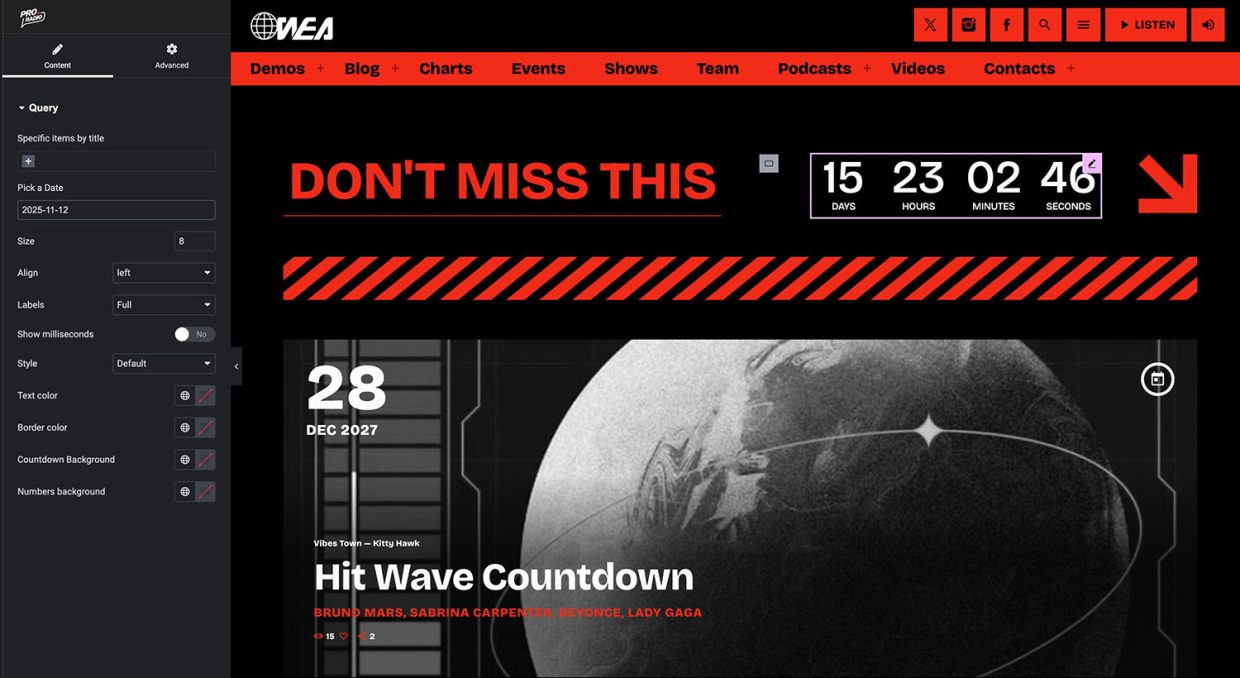
Daily updates should not require any developer. With Pro Radio you can:
- Add a new show: create a show post, set the time slot, save. The schedule, the show pages, and the homepage carousels update automatically.
- Publish a podcast episode: upload an MP3 or embed from Anchor.fm, Blubrry, Mixcloud, Soundcloud, Spotify, or YouTube. The same radio player plays it. The show page picks it up.
- Add a presenter: create a member profile with a role label, a short bio, and social icons. They appear on related show pages automatically.
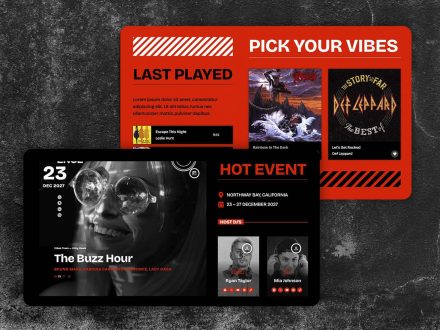
- Publish an event: create an event with date, address, contacts, and ticket link. The events block updates automatically. Past events hide on their own.
- Approve a dedication: open the moderation queue, click approve. The dedication appears on the page.
None of these tasks require a developer. They are part of the daily content workflow.
Permalink And Performance Controls Without Code
Even some of the more technical settings are exposed as customizer toggles. Minified styles and JavaScript are part of the theme. The bundled Ajax page load keeps the stream alive across navigation. Permalink controls are visual settings, not code edits. Mobile logo and mobile call-to-action treatments are separate from desktop.
For most stations, this covers the entire range of changes a developer used to handle.
When You Genuinely Need A Developer, You Save Their Time
There are still cases where a developer adds value, like custom integrations or complex migrations. The difference with Pro Radio is that the developer spends their time on actual development, not on twiddling colors or moving sections. When you do hire them, the cost is justified by real work, not by routine maintenance.
A station that runs on Pro Radio uses developers strategically, not constantly.
One Subscription, One Toolkit, One Skill Set
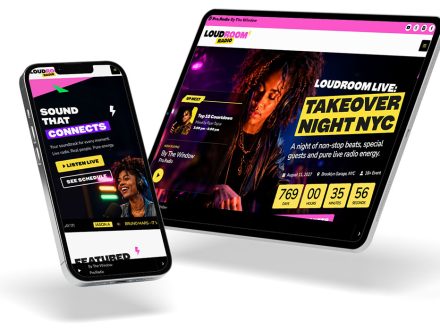
The Plus subscription brings the theme, Sidekick, Business Tools, Dedications, Podcast Importer, Voiceline, and over three hundred Elementor templates under one umbrella. Continuous updates, helpdesk support, and unified plugin management mean one system instead of many. The skill set required to manage the site is the same skill set required to write a blog post and use Elementor.
That is a learnable skill set. Most station owners and volunteers can pick it up in a weekend.
Practical Scenarios For Self-Managed Stations
- Community station with one volunteer manager: the manager updates the schedule, adds new hosts, publishes podcasts, and changes the homepage banner without ever opening a code editor.
- Church station run by the communications team: the team adds events, manages dedications, and updates show pages as part of their normal weekly workflow.
- Online radio run by a small team of two: one person handles the audio, the other handles the website using Pro Radio’s visual editor.
- College station with rotating staff each semester: new staff learn the visual editor in a single training session, with templates that keep the brand consistent.
These are realistic configurations. The website becomes a tool the station uses, not a system the station serves.
Take Back Control Of The Website
If your developer is the only person who can change anything on your radio site, the system is wrong. Pro Radio puts the daily and weekly work back into your hands with a deep customizer, Elementor widgets, ready-to-use templates, and content workflows that do not require code.
Switch to Pro Radio and let your developer focus on the parts that genuinely deserve their attention. The simple changes belong to you.



AD


You may also like

Copyright 2019-2026 ProRadio® Qantum Themes SL® ESB02979078 All Rights Reserved