



New Free Radio Station Templates — Download the Social Media Pack + AI Kit
AD
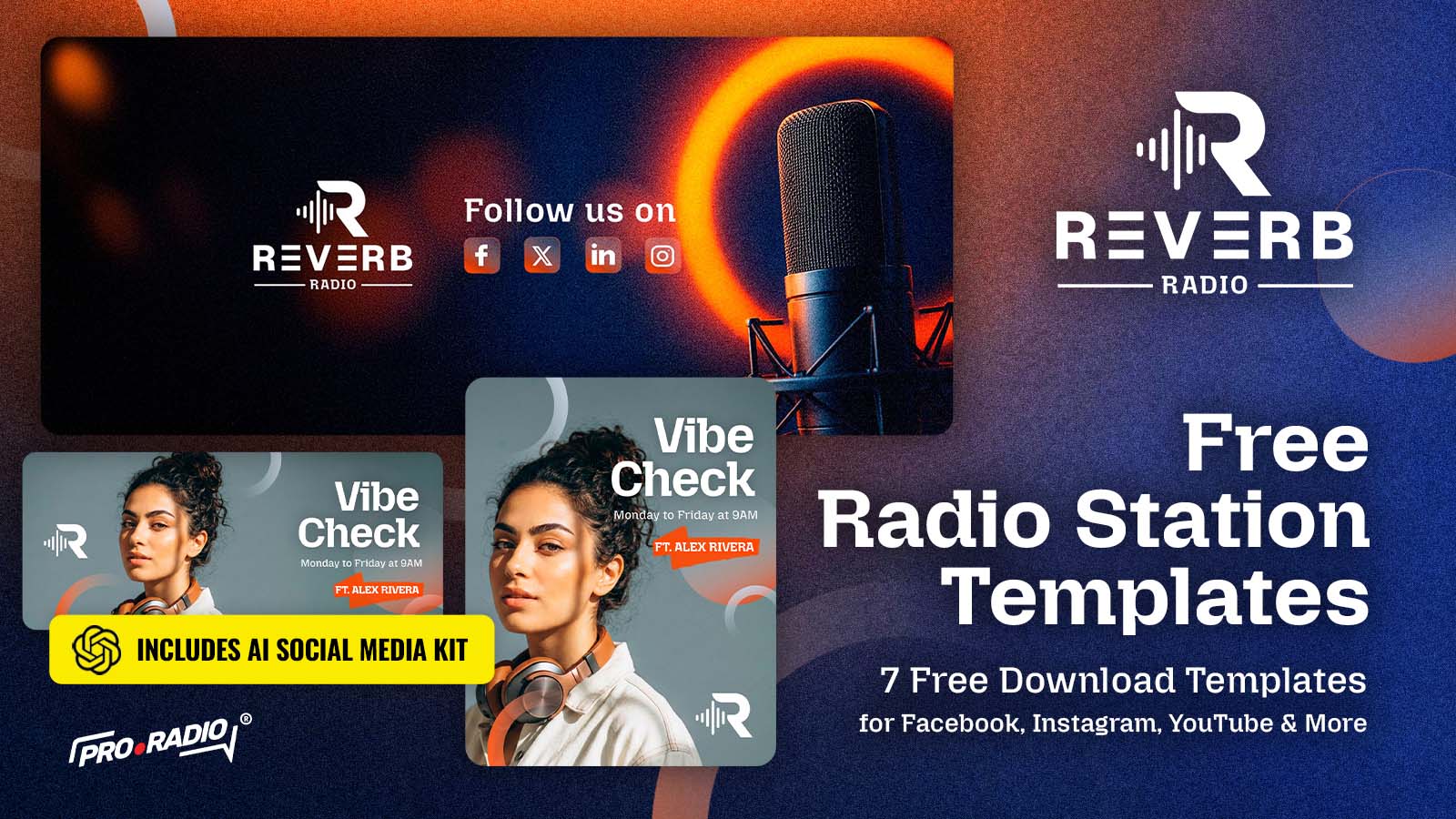
Download a free social media template pack for radio stations, including editable designs and a AI Social Media Kit to create new visuals faster.
If you manage a radio station, you already know how quickly social media content is needed.
One day you need a post for tonight’s show. The next day you need a story for a guest DJ, a new podcast episode, a presenter announcement, a schedule update, or a quick “listen live” reminder.
And every time, the same question comes back:
Who is going to design it?
That is why we created this new free template pack for radio stations, DJs, broadcasters, podcasters and music creators who want to publish better-looking content with less effort.
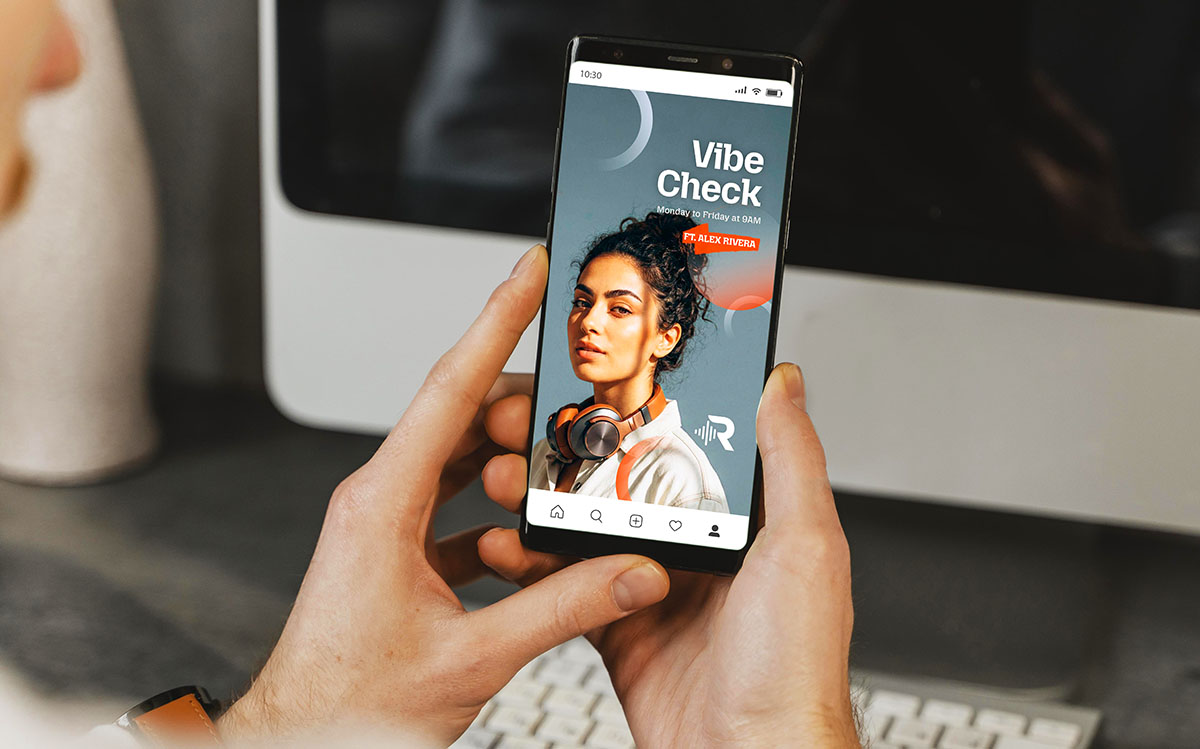
This pack is inspired by a modern radio station design style: dark studio atmospheres, clean orange accents, bold typography, microphones, headphones, presenter portraits and social media-ready compositions.
Inside the pack, you will find editable templates for promoting shows, presenters, podcasts, live broadcasts and radio content across different platforms.
And this time, there is something extra included.
👉 GET YOUR FREE TEMPLATES NOW
Along with the editable templates, this free download also includes an AI Social Media Kit.
That means you do not only get ready-made design files. You also get a guided AI workflow that helps you create new versions of the same visual style using your own content.
You can adapt the templates with your own:
- Radio station logo
- Presenter or DJ photo
- Show name
- Broadcast time
- Social media handles
- Podcast episode details
- Station branding
The goal is simple: help you create professional-looking graphics faster, even if you do not want to start from a blank Photoshop file every time.
If you prefer to work manually, you can use the editable templates. If you want a faster workflow, you can use the AI kit to generate new visuals in a similar direction.
Both options are included.
The idea is not to give you a generic template.
The idea is to give you a visual starting point that already feels like a real radio brand.
You open the file, change the content, replace the images and publish. Or you use the AI kit, follow the instructions, upload your references and create a new version in the same visual direction.
What is inside the free radio template pack?
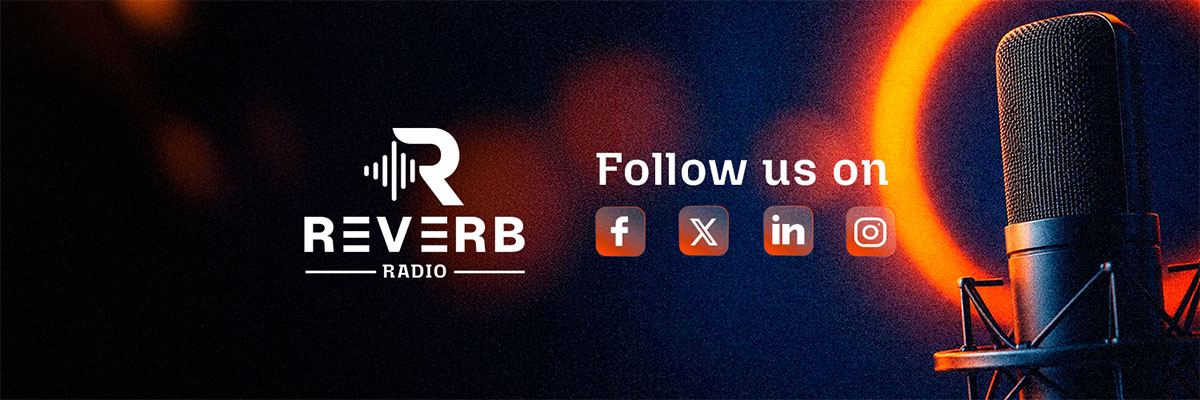
This pack includes a collection of ready-to-use graphics for common radio station needs.
You can use them to promote:
- Radio shows
- Weekly programs
- Presenters and DJs
- Podcast episodes
- Live broadcasts
- Station announcements
- Social media channels
- Music features
- Schedule updates
- Special radio content
The templates are designed to work together, so your station does not look like it is using a different visual style every time you post.
That consistency matters.
When your audience sees one post today and another one next week, they should immediately feel that both belong to the same station.
That is one of the easiest ways to make your radio brand look more professional.
Customize the templates with Photoshop
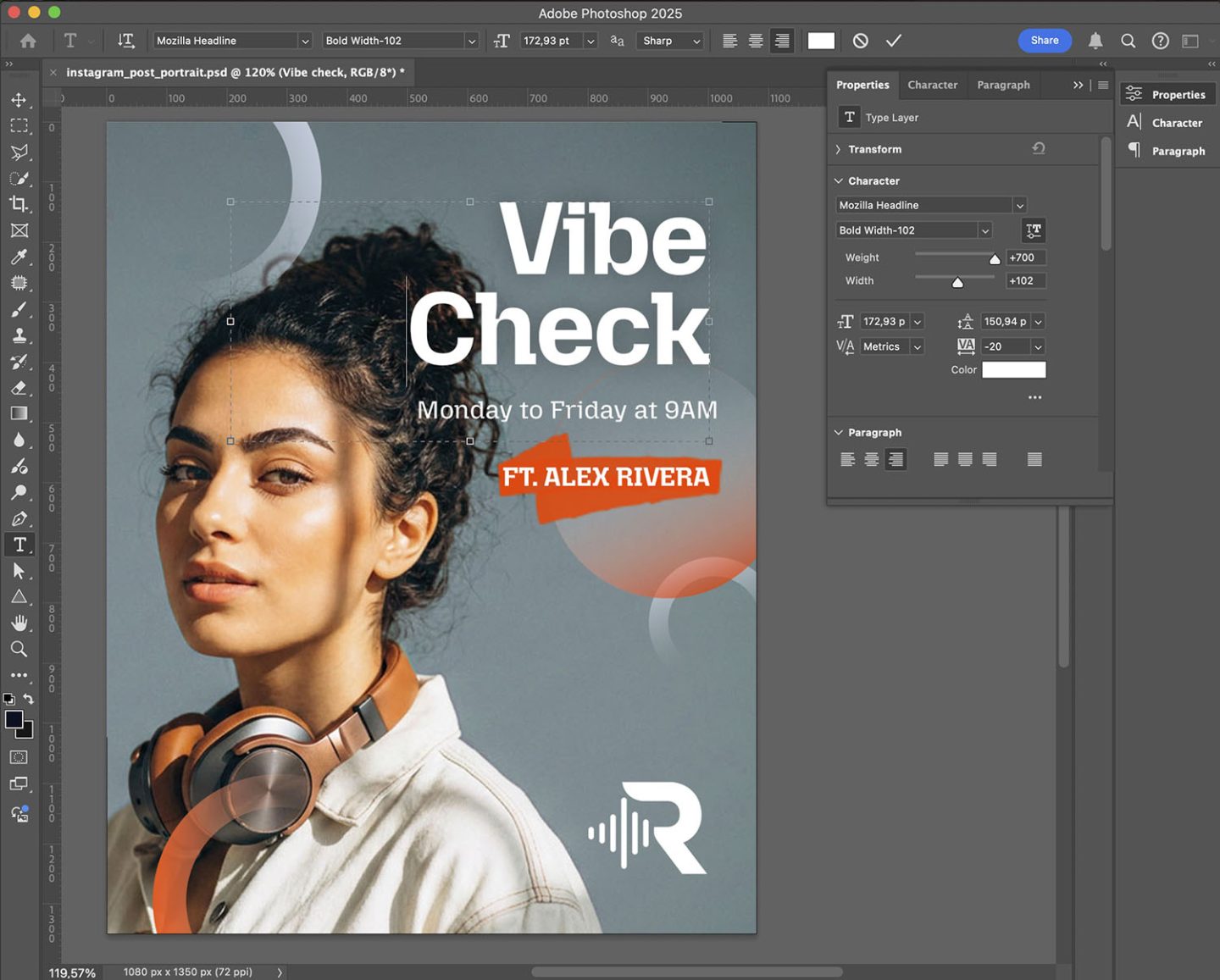
The pack includes editable files so you can customize the designs in a traditional way.
You can replace images, update text, add your station logo and adjust the colors to match your own branding.
This is useful if you want more control over the final result or if your station already has somebody working with design tools.
You can use the templates as a base and adapt them for different formats, campaigns and shows.
Why this pack can help your radio brand
Good radio branding is not only about the website.
Your audience sees your station in many places:
- YouTube
- Stories
- Posters
- Event graphics
- Podcast covers
- News posts
- Live stream announcements
If every platform looks different, the station feels less recognizable.
A template pack helps you create a more consistent identity across all these touchpoints.
You do not need to reinvent your visual style every time you have something to announce.
You just need a flexible system that already looks good.
That is what this free radio template pack is for.
Perfect for shows, podcasts and presenters
This visual style works particularly well for radio stations with a strong personality.
- Show promotion: Create graphics for daily, weekly or special radio shows. Add the show title, presenter name, schedule and station logo.
- Podcast episodes: Promote new episodes with strong cover-style visuals, episode numbers, guest names and short descriptions.
- Presenter spotlights: Introduce DJs, hosts and team members with modern portrait-based graphics.
- Social media campaigns: Create a small visual campaign for a station launch, new season, event, broadcast or content series.
- Listen live reminders: Use simple branded graphics to remind listeners when and where to tune in.
Make it yours
The templates give you a starting point, but the final result should feel like your own station.
You can adapt everything to match your brand:
- Change the logo.
- Use your own hosts.
- Update the colors.
- Replace the show names.
- Add your schedule.
- Make the design match your programming.
A template is only the beginning.
The final result should feel like your radio station.
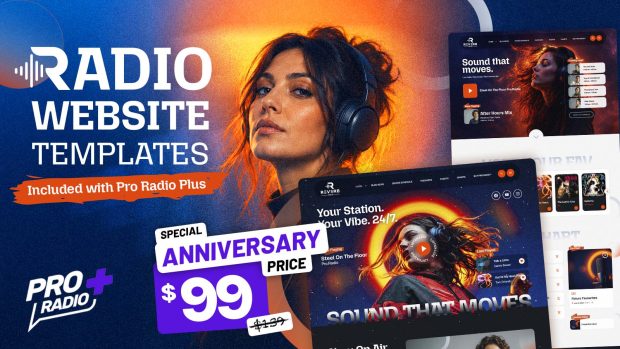
Stay tuned next week for the launching of a radio website template matching this free templates – exclusive for Pro Radio Plus users!
Download the free radio station templates
This social media template pack is free to download. Just subscribe to our newsletter and get the link to a direct download.
Inside you will find the editable templates and the included AI Social Media Kit, so you can choose the workflow that fits you best.
Use the design files if you want full control.
Use the AI kit if you want to generate new versions faster.
Either way, the goal is the same: help your radio station publish better graphics with less effort.
Download the pack, customize it with your own station content and start creating social media graphics that look like they belong to a real radio brand.
👉 GET YOUR FREE TEMPLATES NOW
AD

You may also like
Copyright 2019-2026 ProRadio® Qantum Themes SL® ESB02979078 All Rights Reserved