




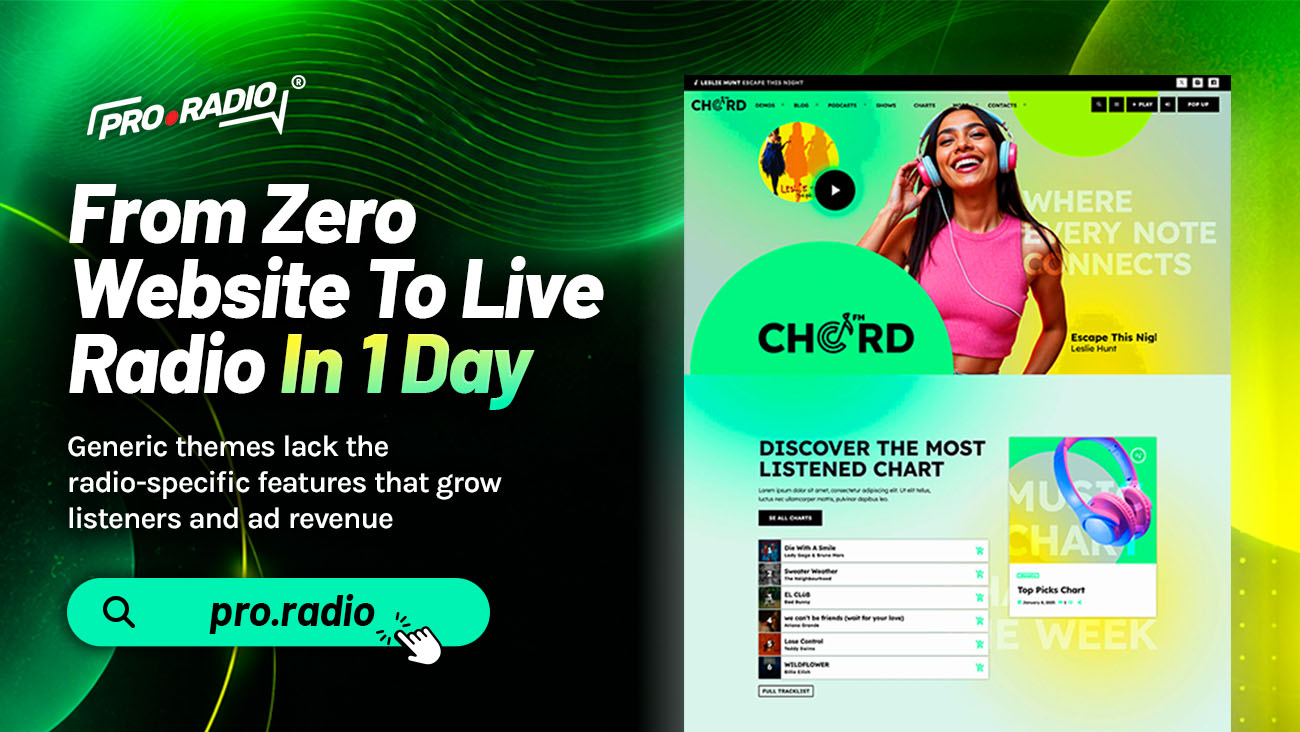
From Zero Website To Live Radio In 1 Day
AD
All the pieces you’ve been missing to go live fast are already integrated in one place. There is a particular flavor of stress for anyone launching a station. The audio is ready, the schedule is decided, the hosts are eager, and the website does not exist yet. Every hour spent fighting a generic theme is an hour the station is not on air.
Spoiler: a real radio site can go live in a day if you start with the right foundation. Before you add more content, promotions, or shows, it is worth asking one simple question: does your website really help people listen? These tips will help you create a radio station site that feels easier, faster, and more useful from the first visit.
Contents
hide
- 1. Why Most “Day One” Launches Get Stuck
- 2. Morning: The Fastest Setup On Record
- 3. Late Morning: Player, Stream, And Brand
- 4. Early Afternoon: Schedule And Shows
- 5. Late Afternoon: Podcasts, Hosts, And Engagement
- 6. Early Evening: Events, Charts, And Sponsors
- 7. Evening: Performance, Final Check, Launch
- 8. Why A Single Toolkit Makes One-Day Launches Possible
- 9. One Day, A Live Station
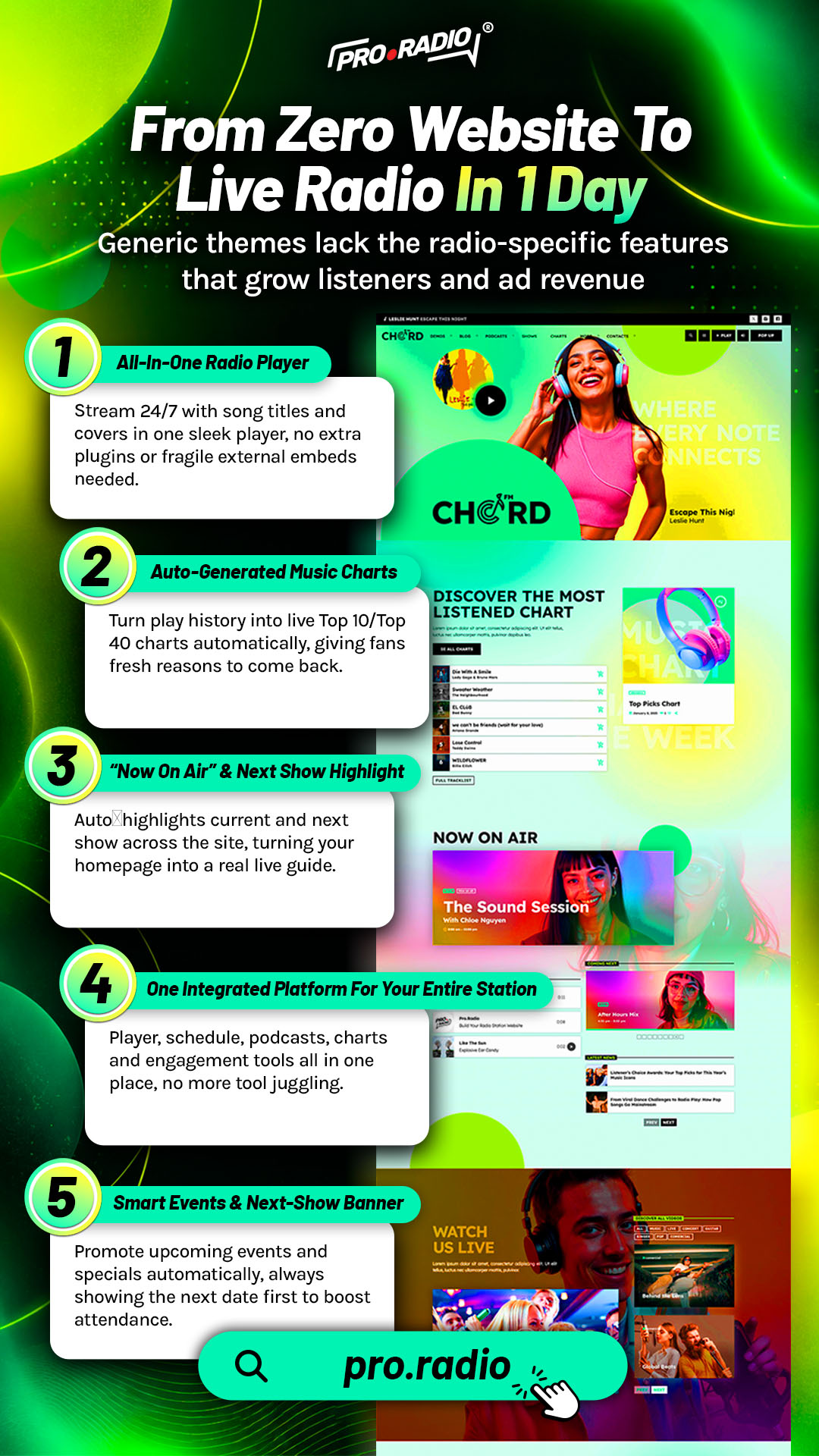
Why Most “Day One” Launches Get Stuck
The standard launch story goes like this. Buy a domain, install WordPress, pick a free theme, install eight plugins, fight conflicts, get a play button that almost works, try to add a schedule, give up, paste a stream link, and call it done. Two weeks later, you finally have something that vaguely looks like a radio site, and the launch energy is long gone.
The bottleneck is not your speed. It is the assembly cost of stitching radio features into a generic theme. Pro Radio removes that cost by shipping a system that already understands radio.
Morning: The Fastest Setup On Record
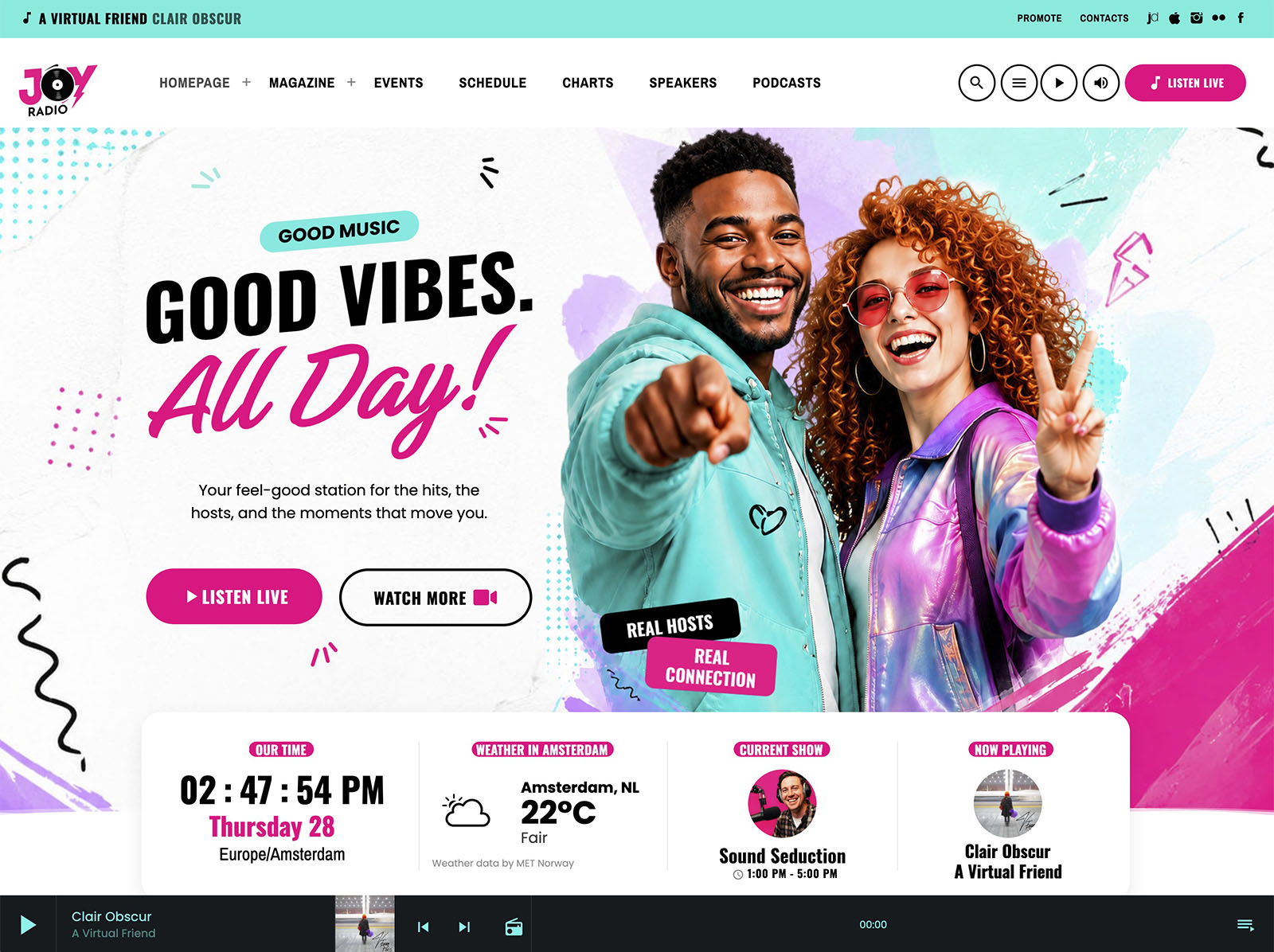
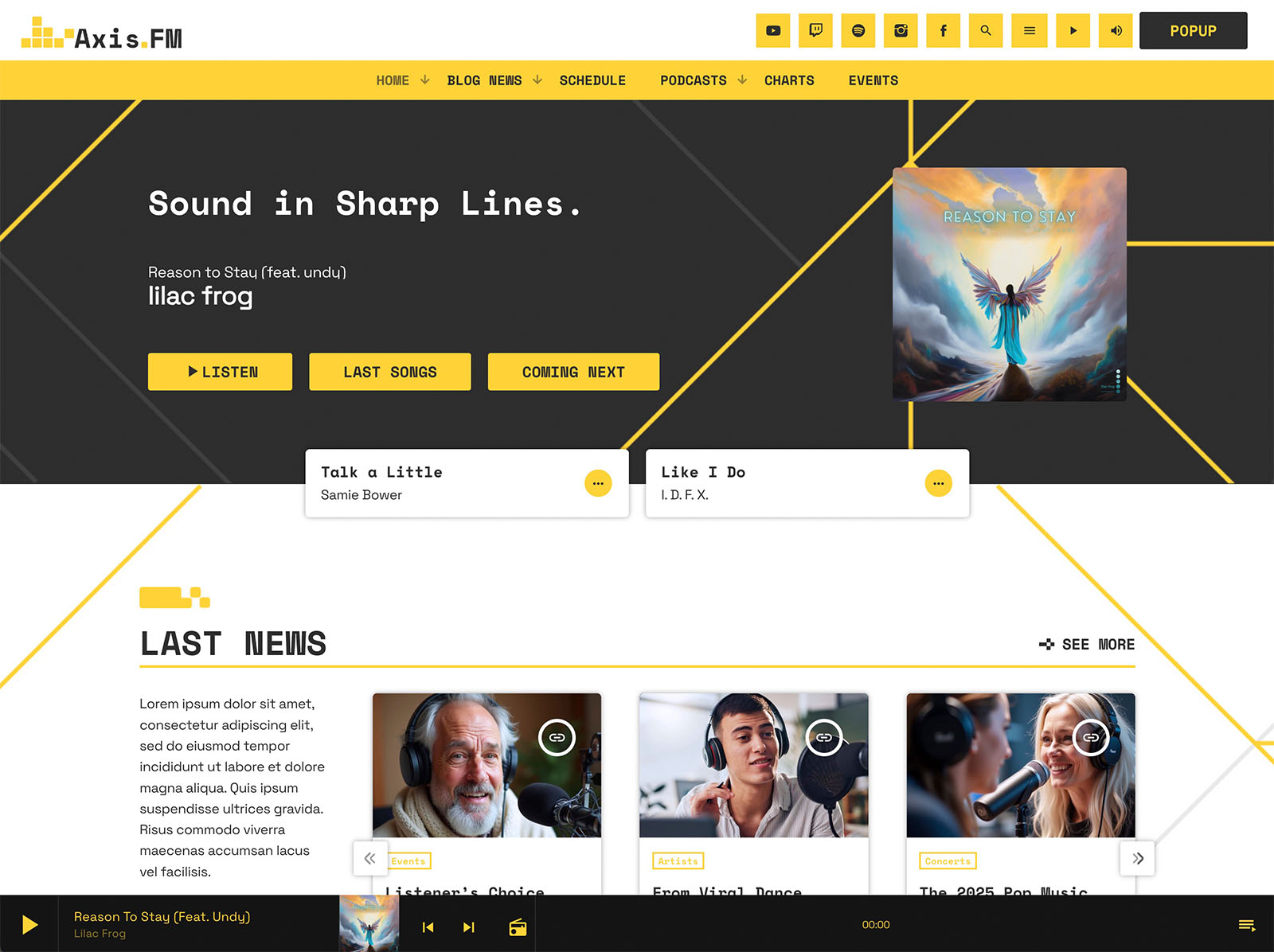
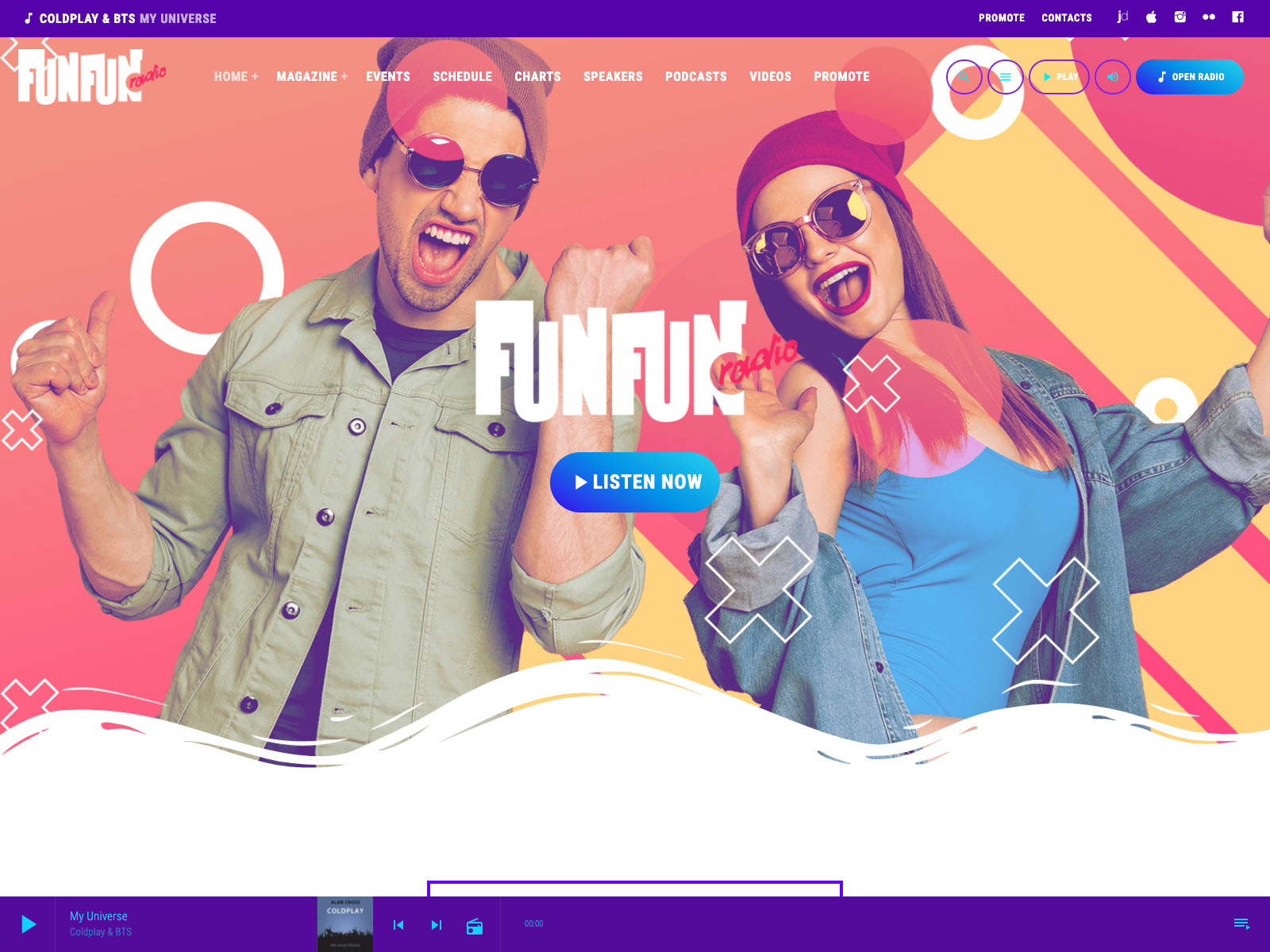
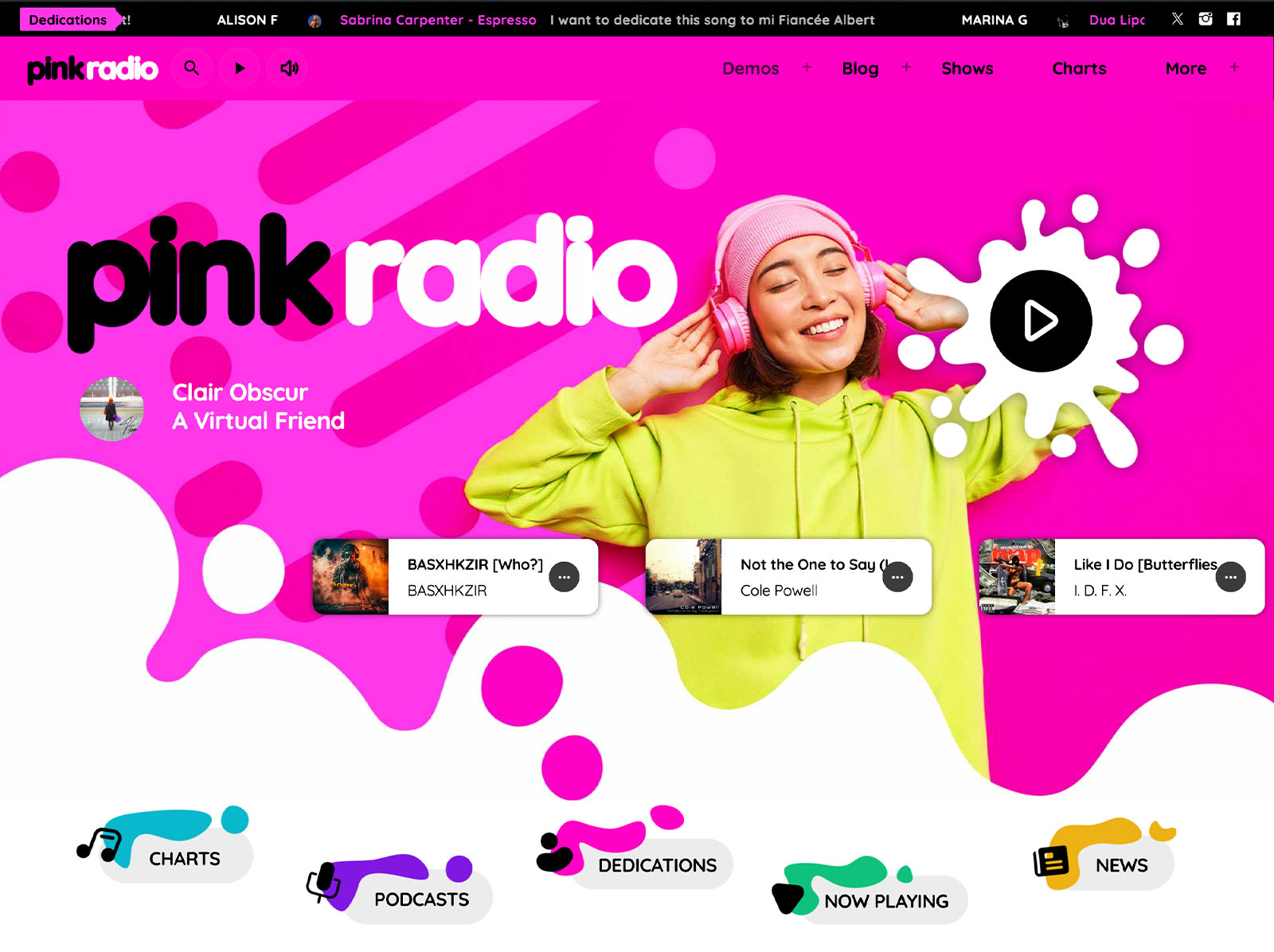
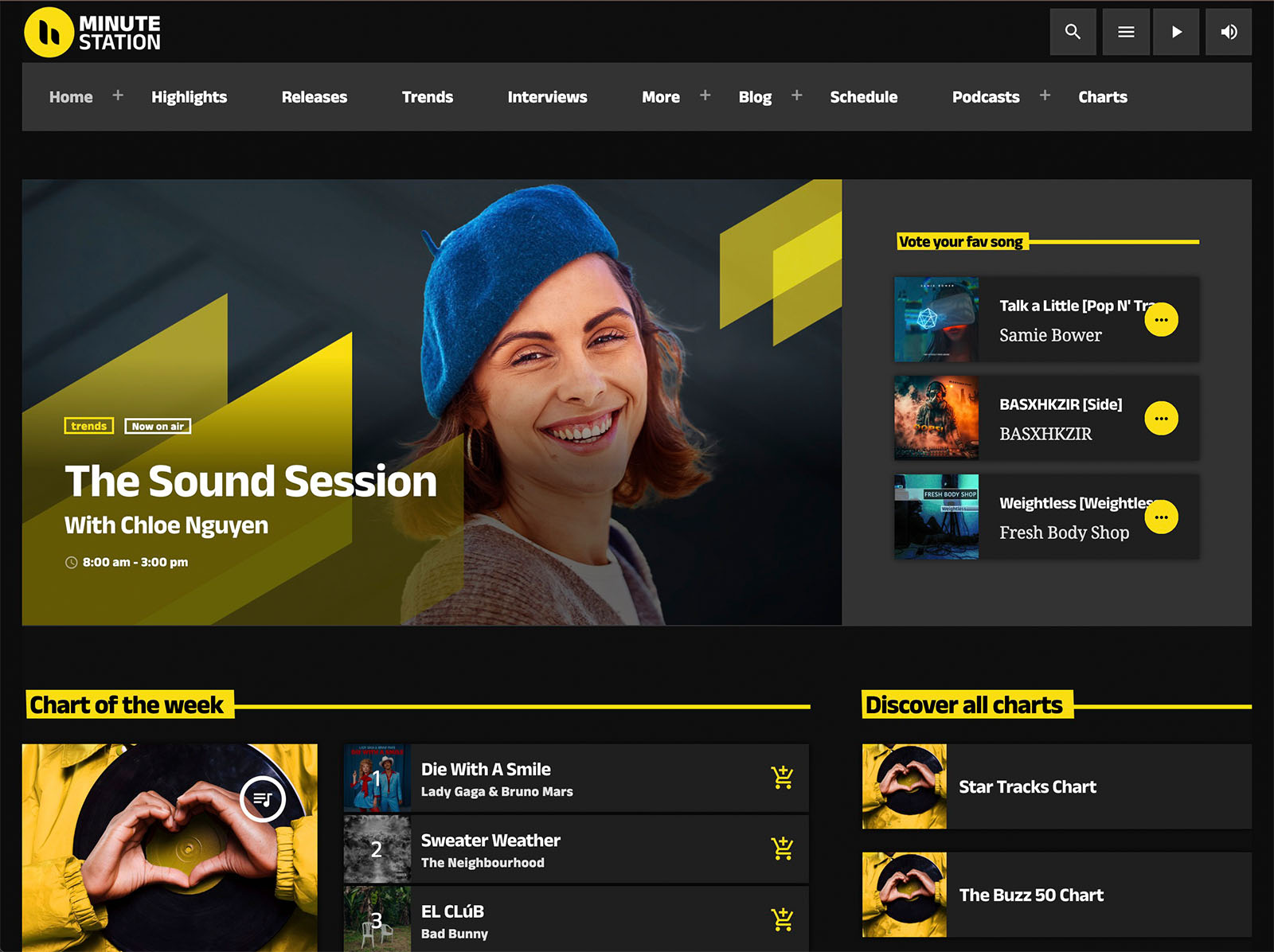
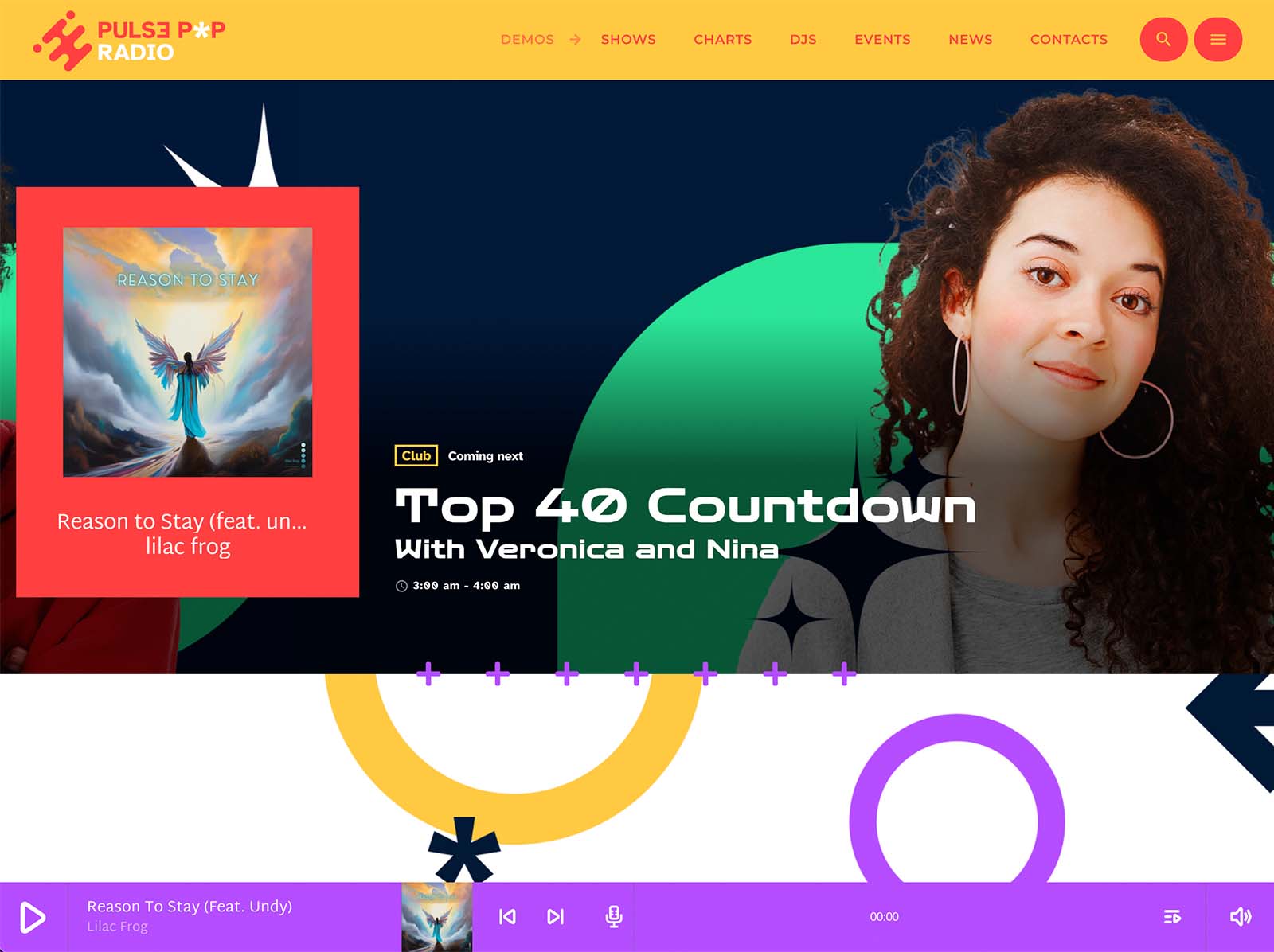
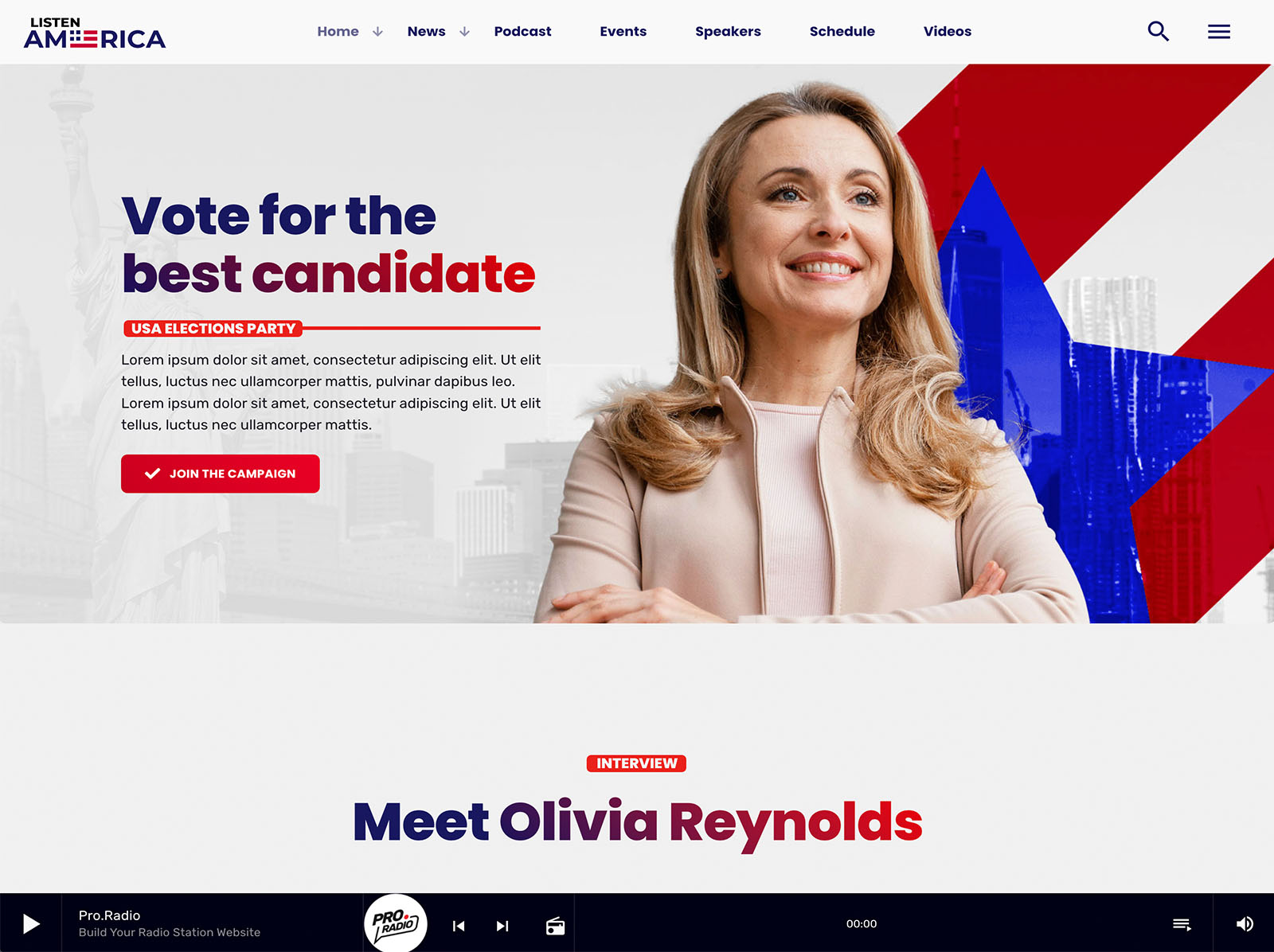
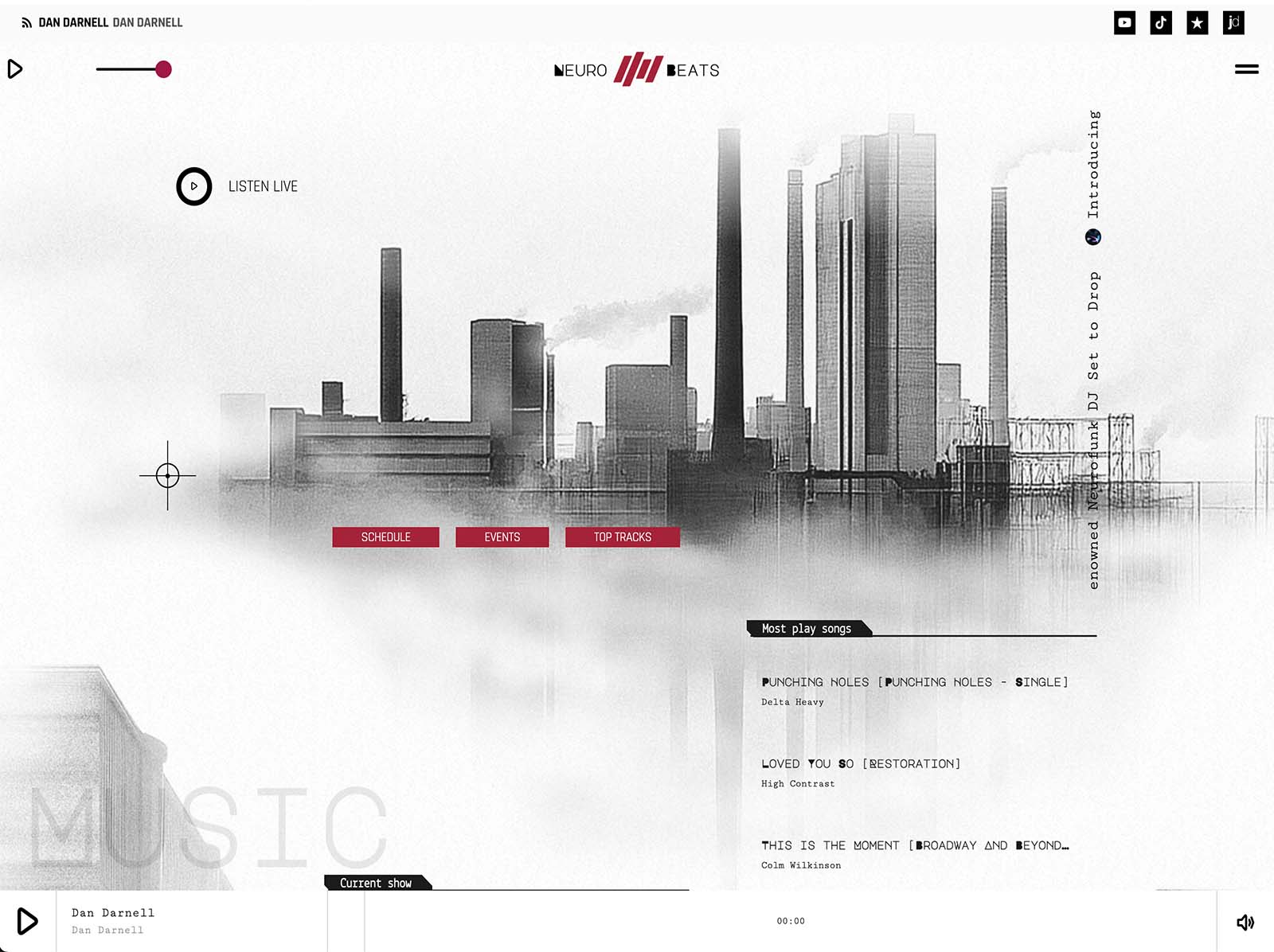
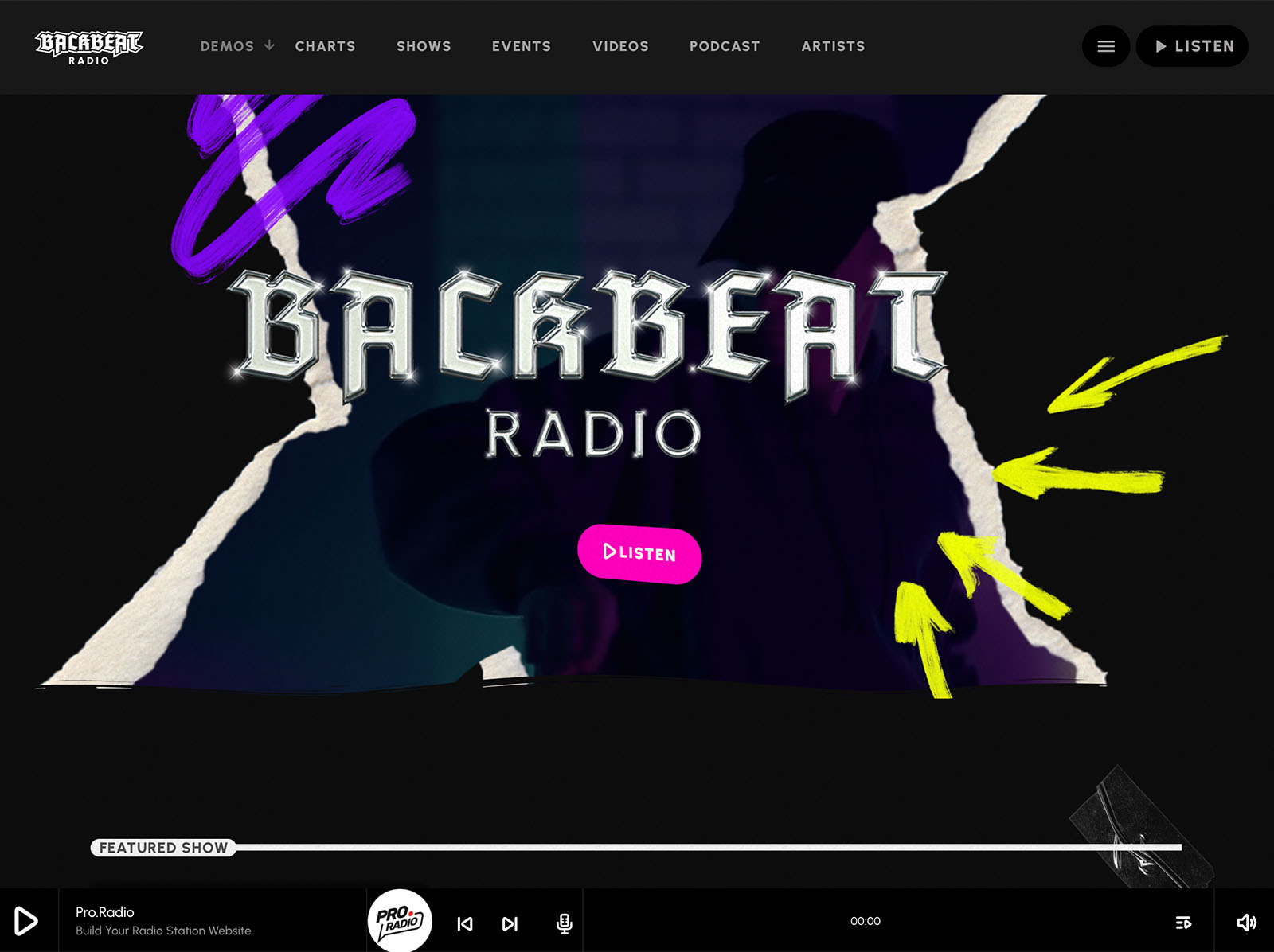
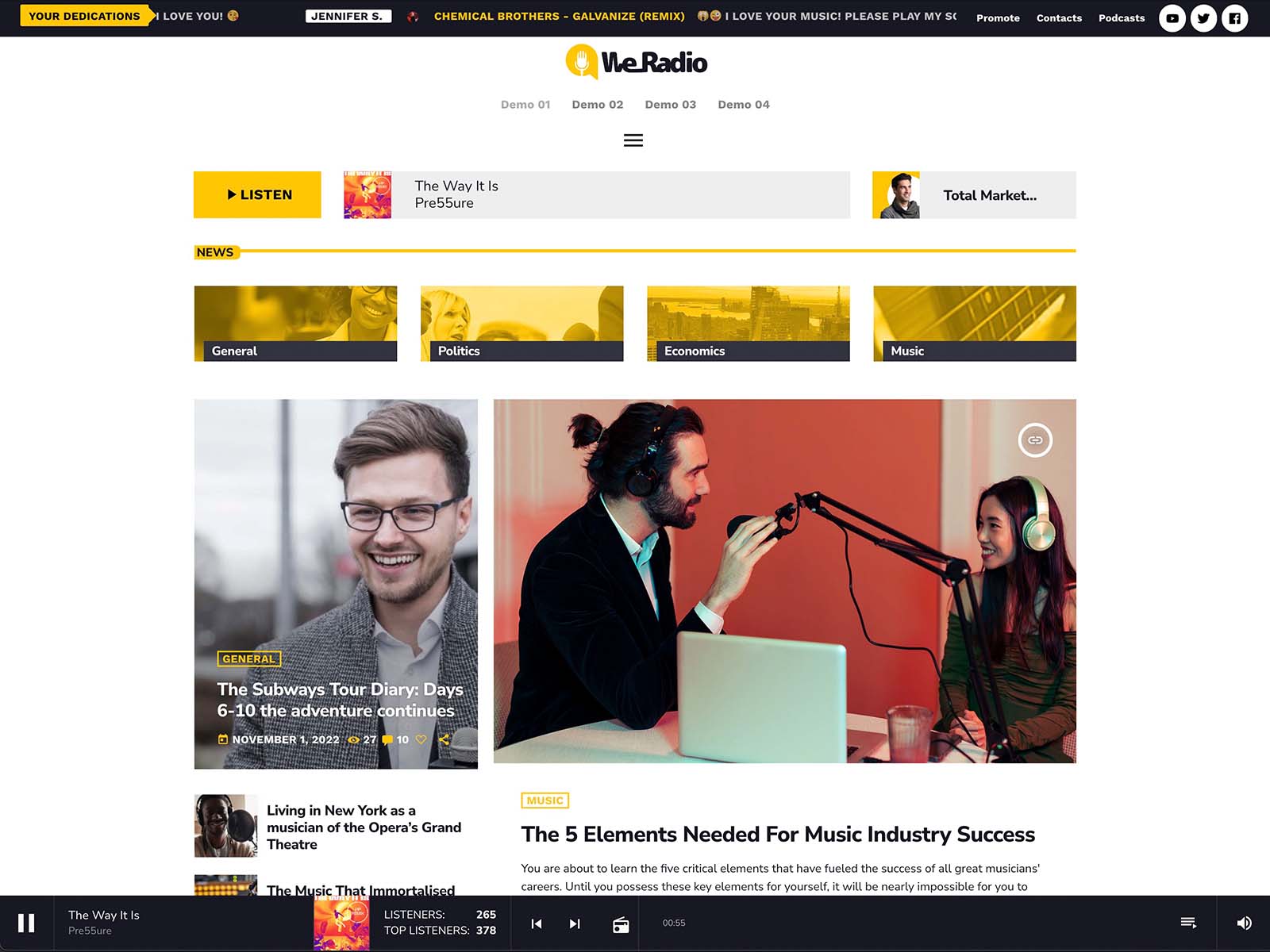
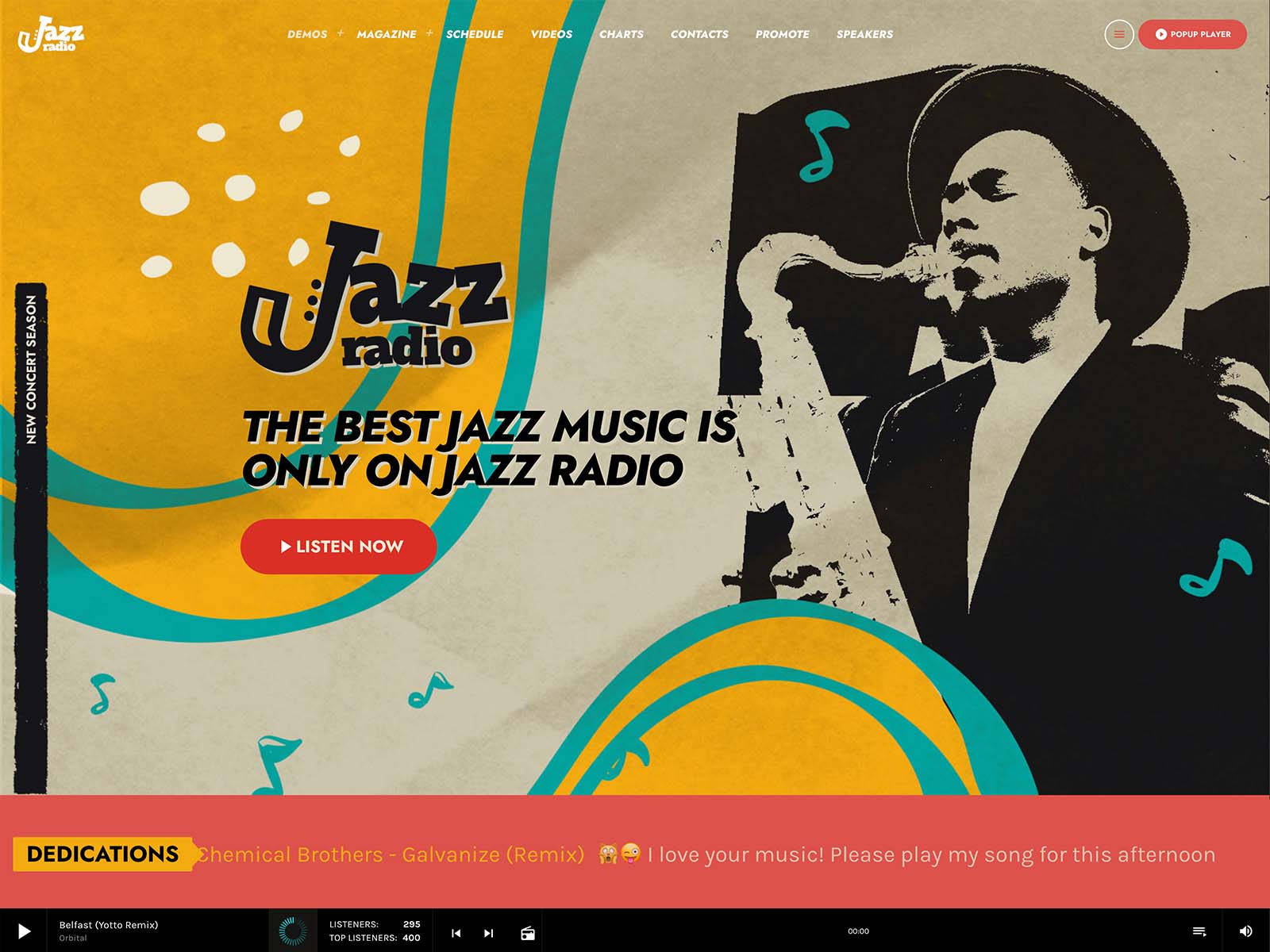
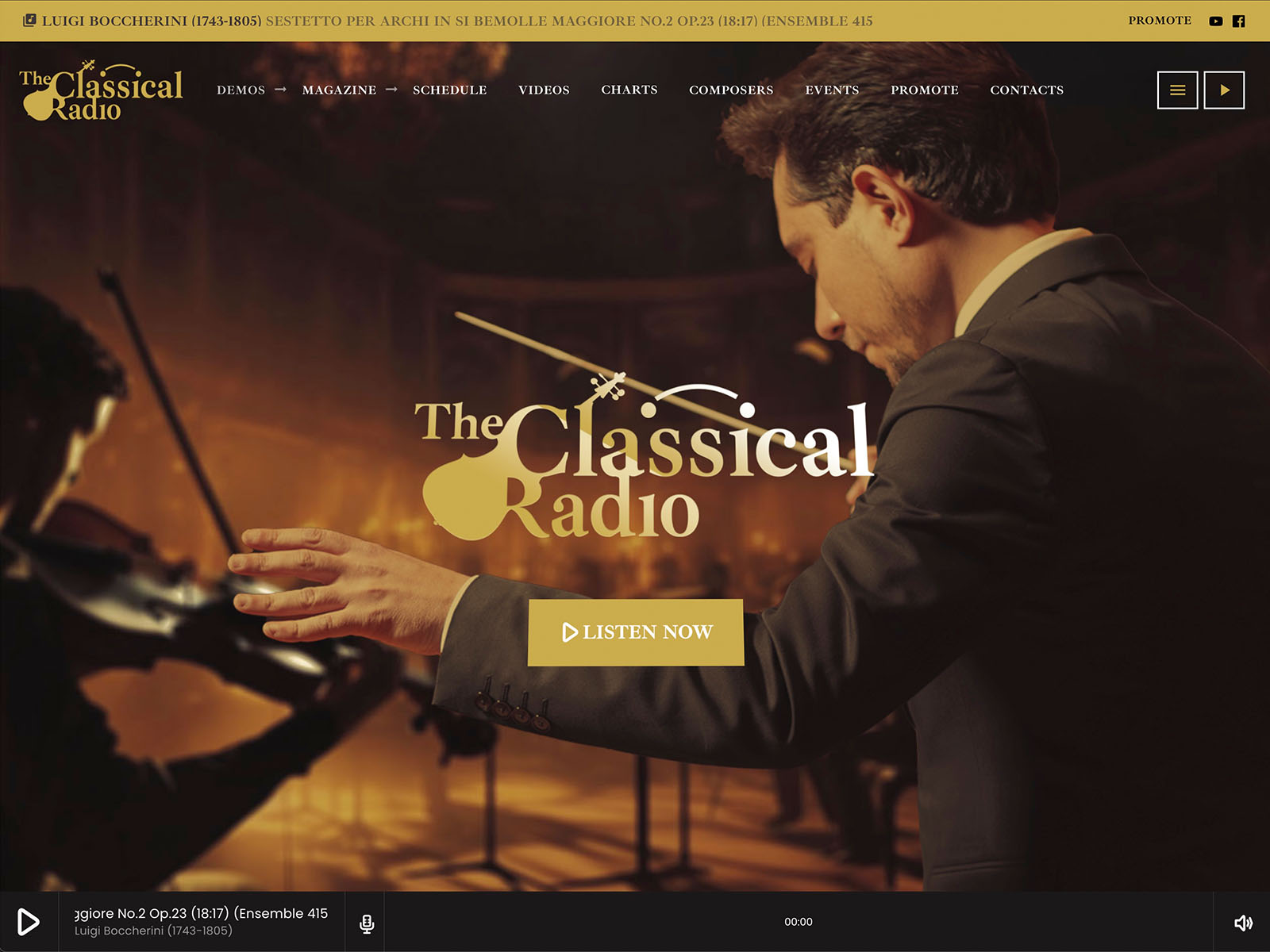
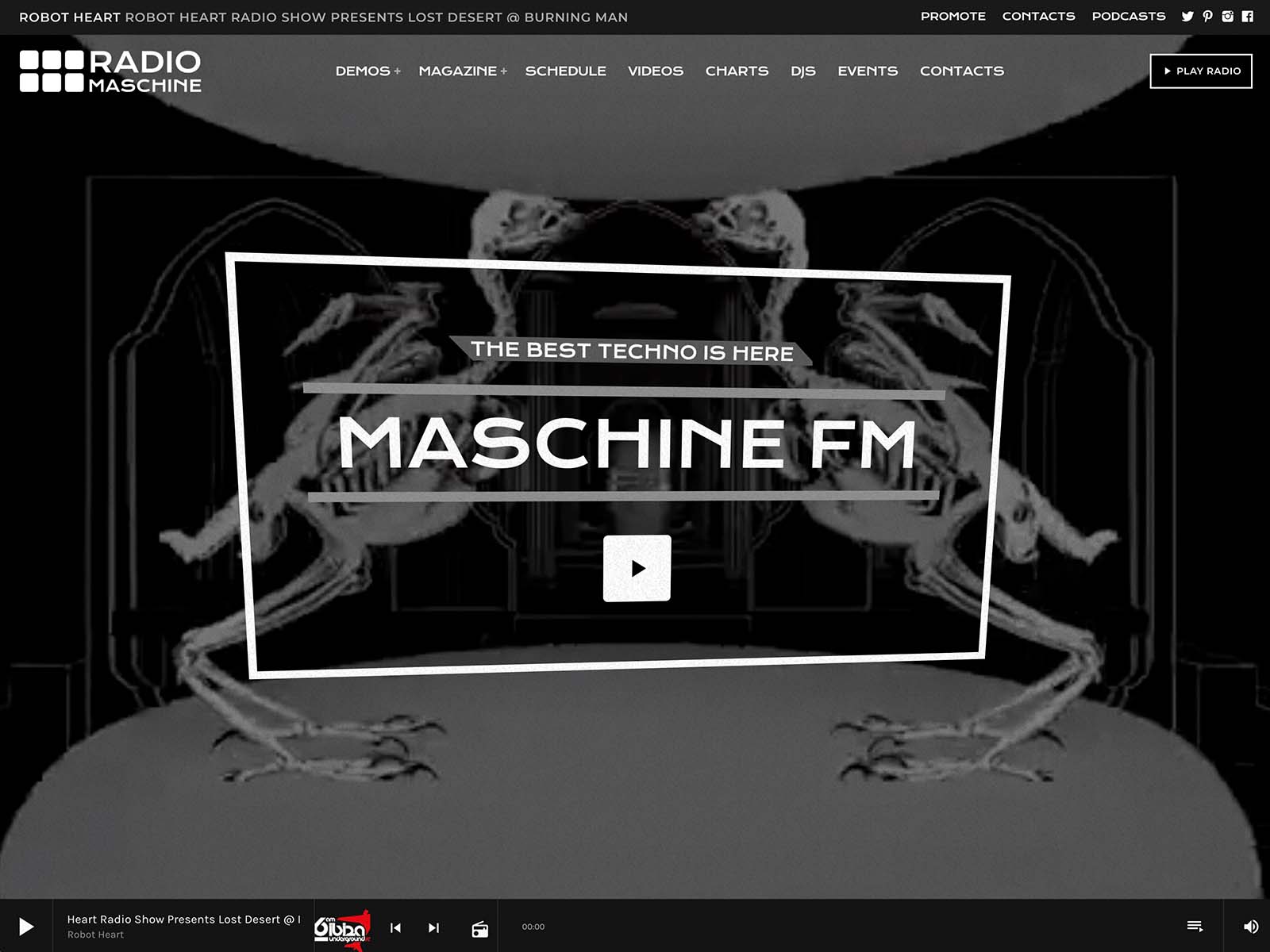
If you use the all-in-one hosted package, the install takes about one minute. WordPress, the Pro Radio theme, the required plugins, and the demo content of your choice are pre-installed. You log in and start editing. The hosted package includes 10GB SSD storage, three daily backups, three email accounts, and the usual professional access through cPanel, FTP, and shell. You can attach an existing domain, register a new one, or run on a staging domain while you finalize.
If you prefer to install on your own hosting, the demo import takes about five minutes. Either way, by mid-morning you have a complete radio website on screen.
Late Morning: Player, Stream, And Brand
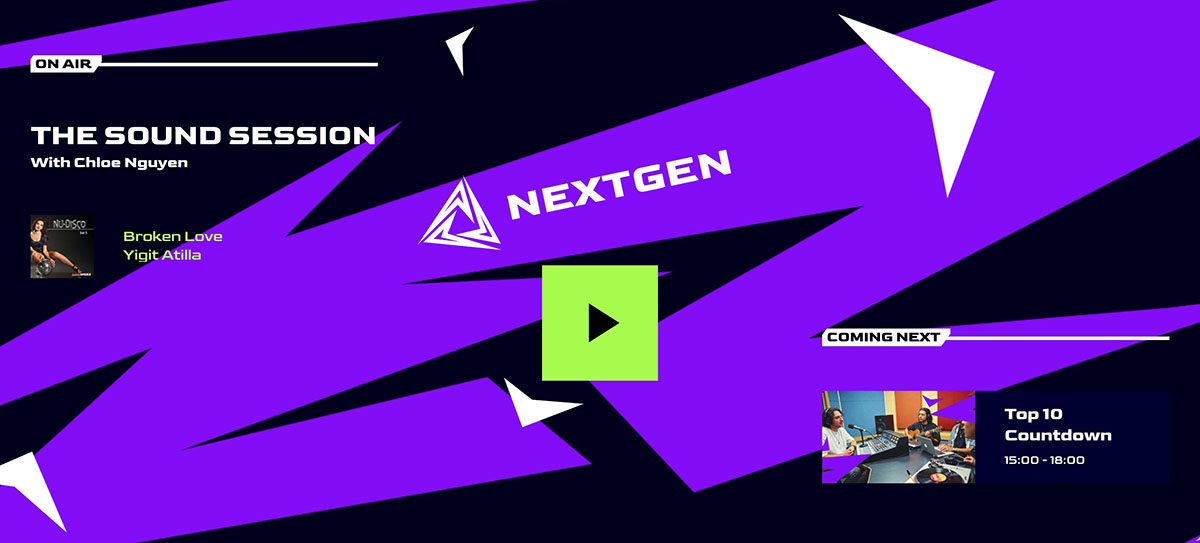
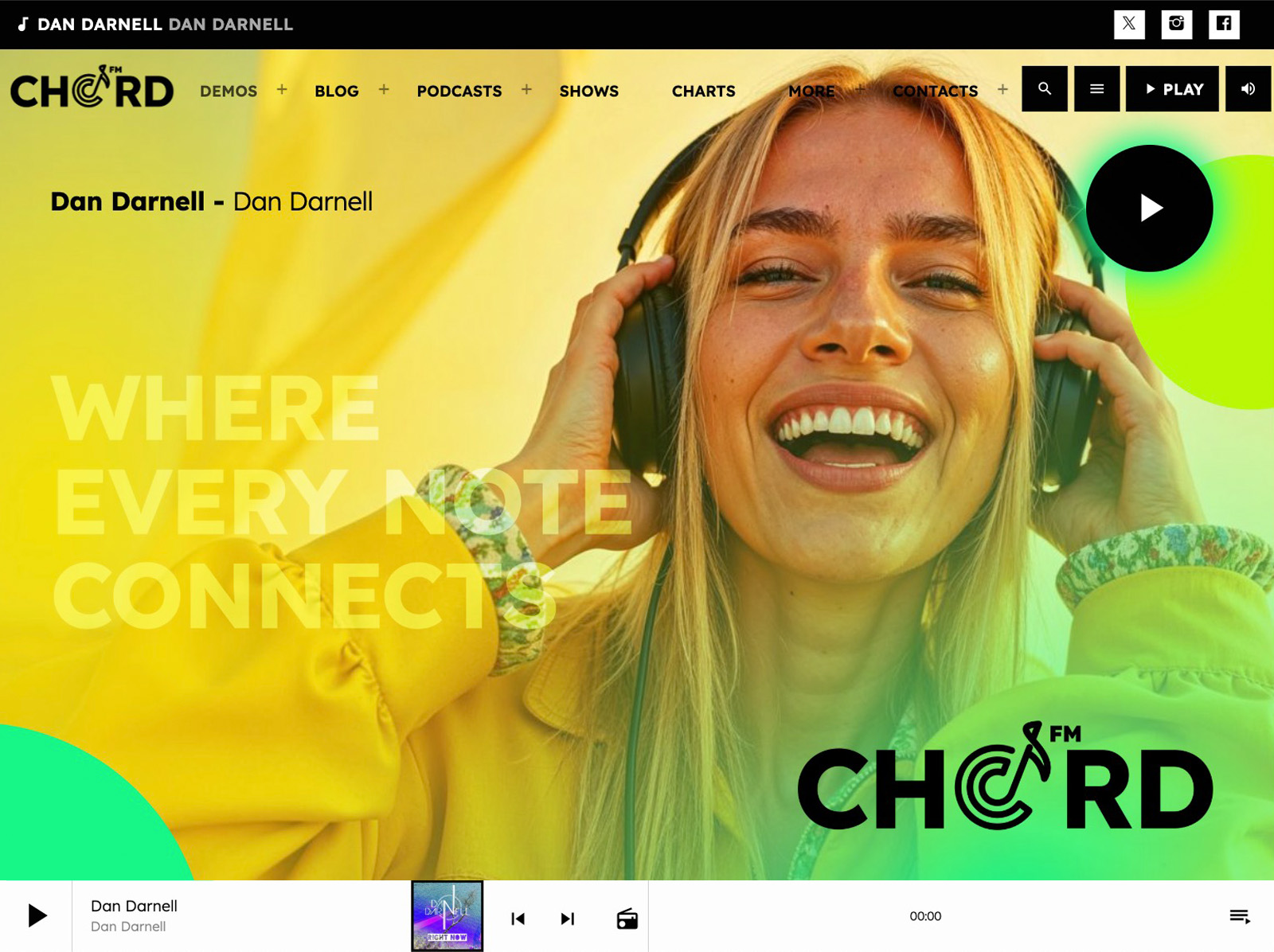
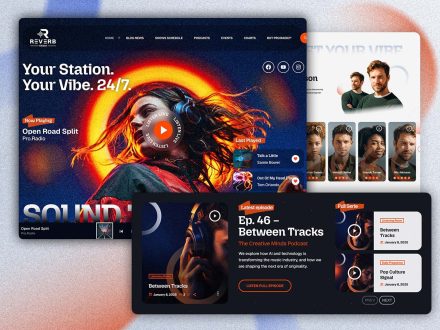
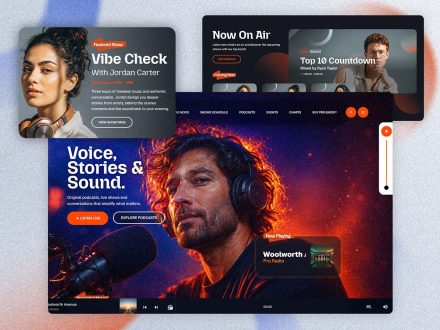
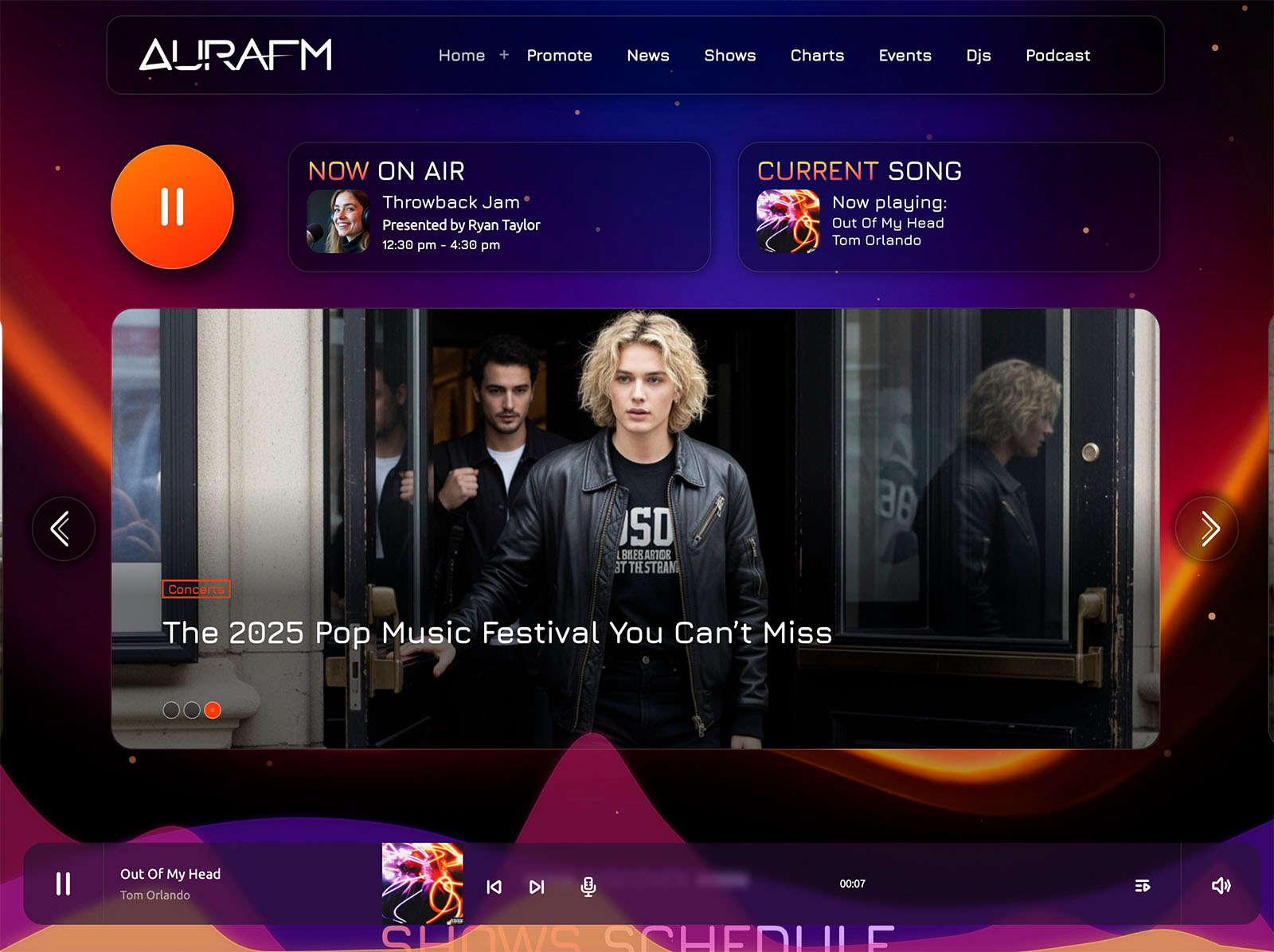
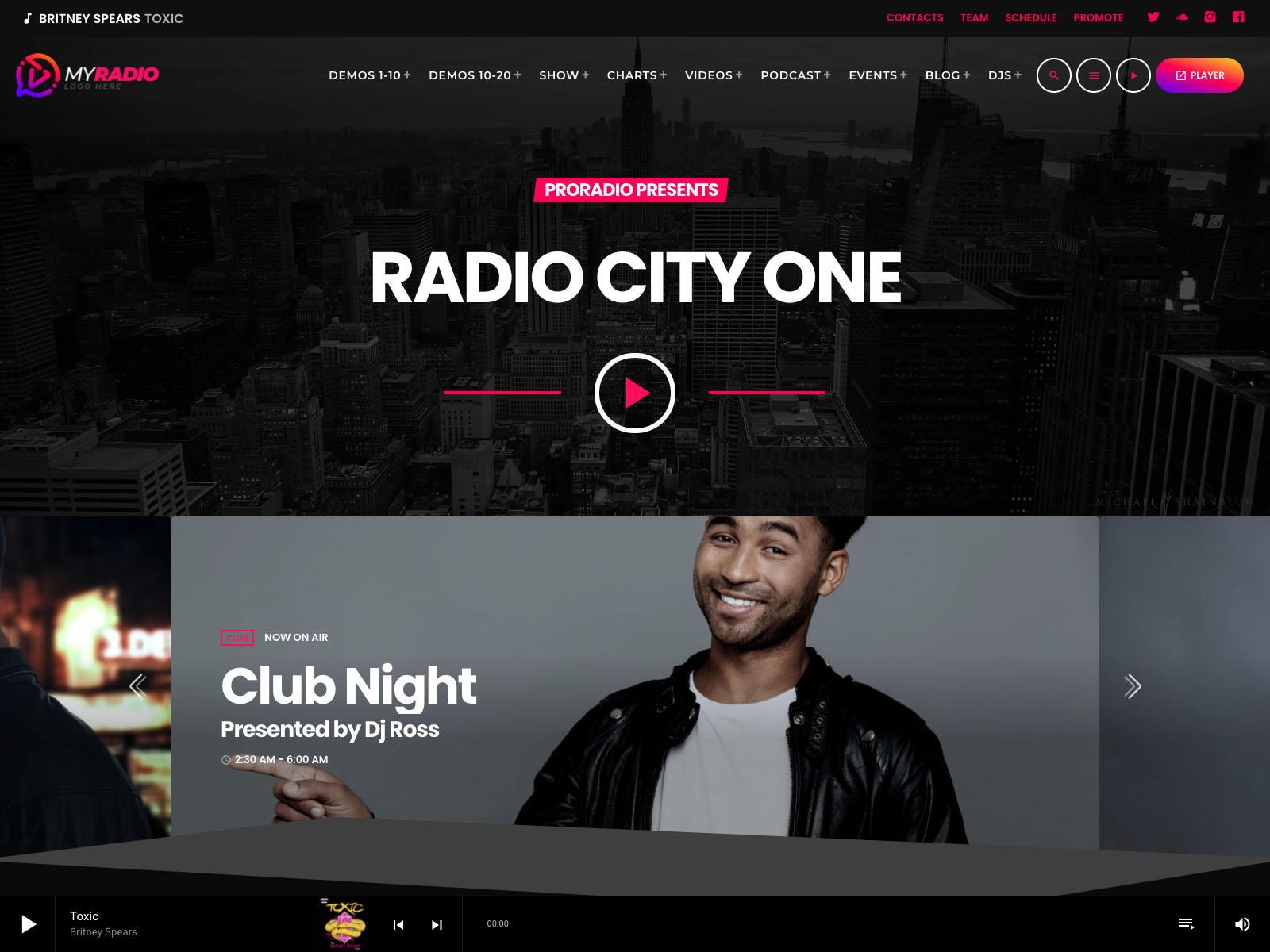
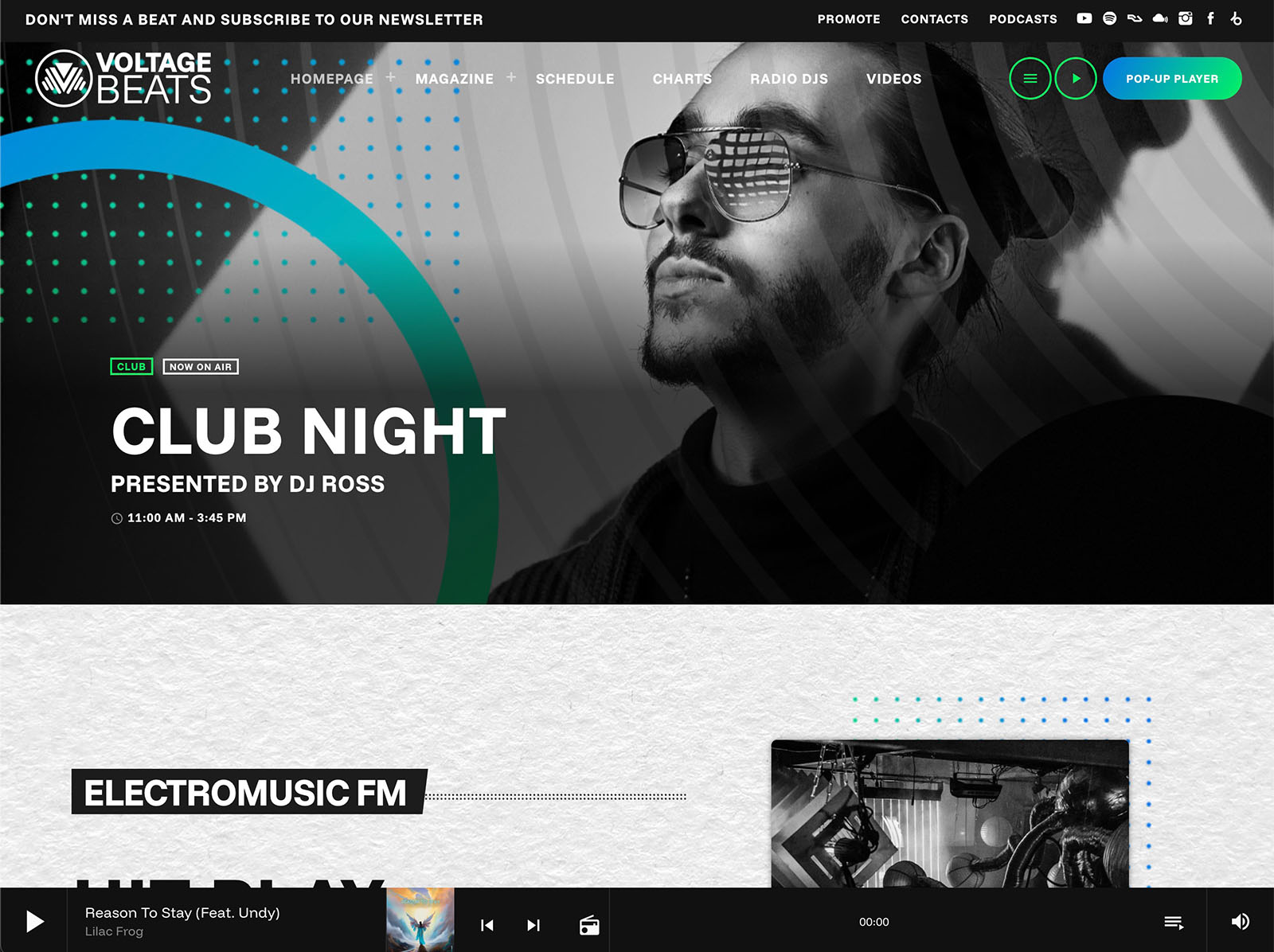
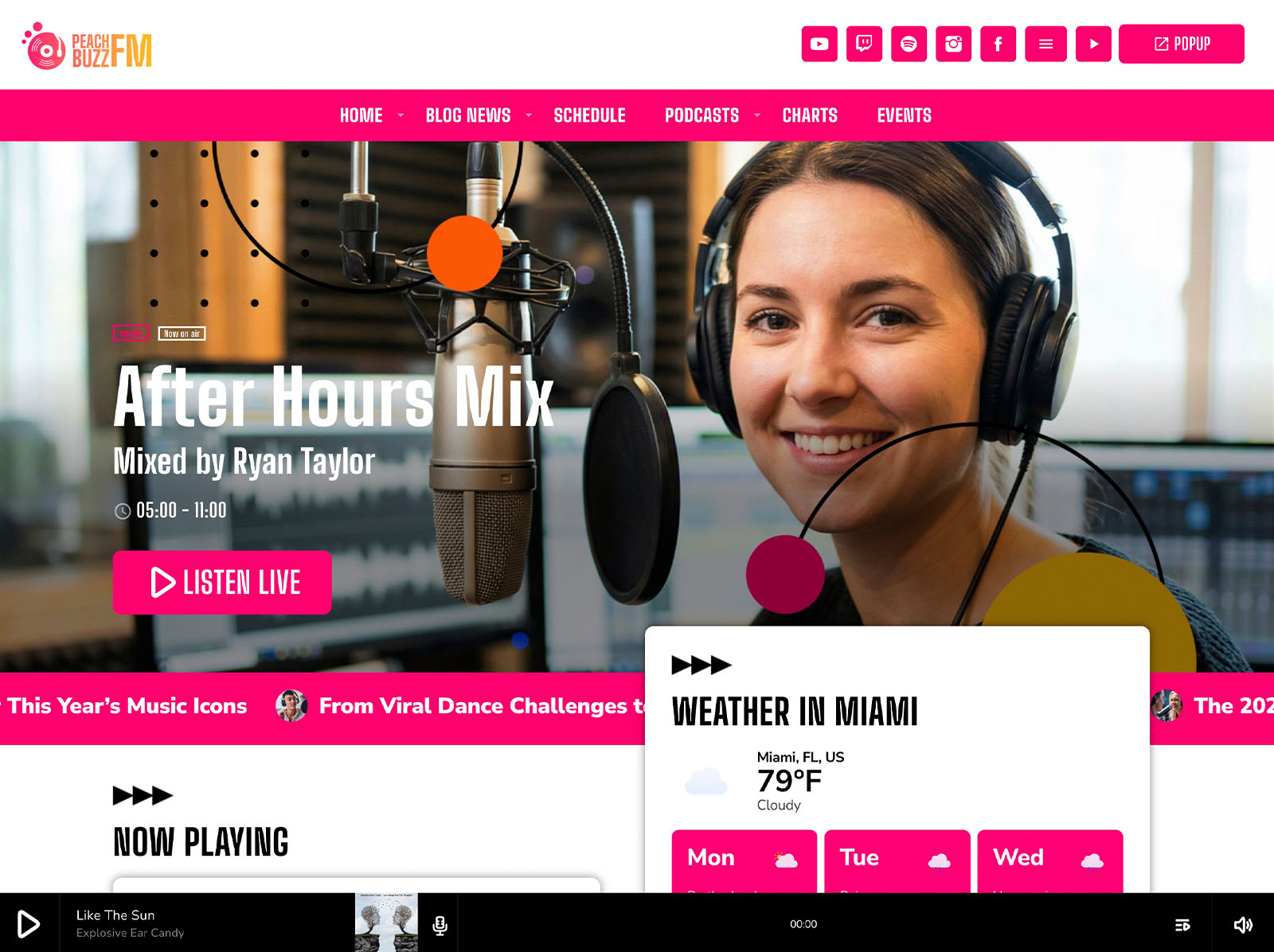
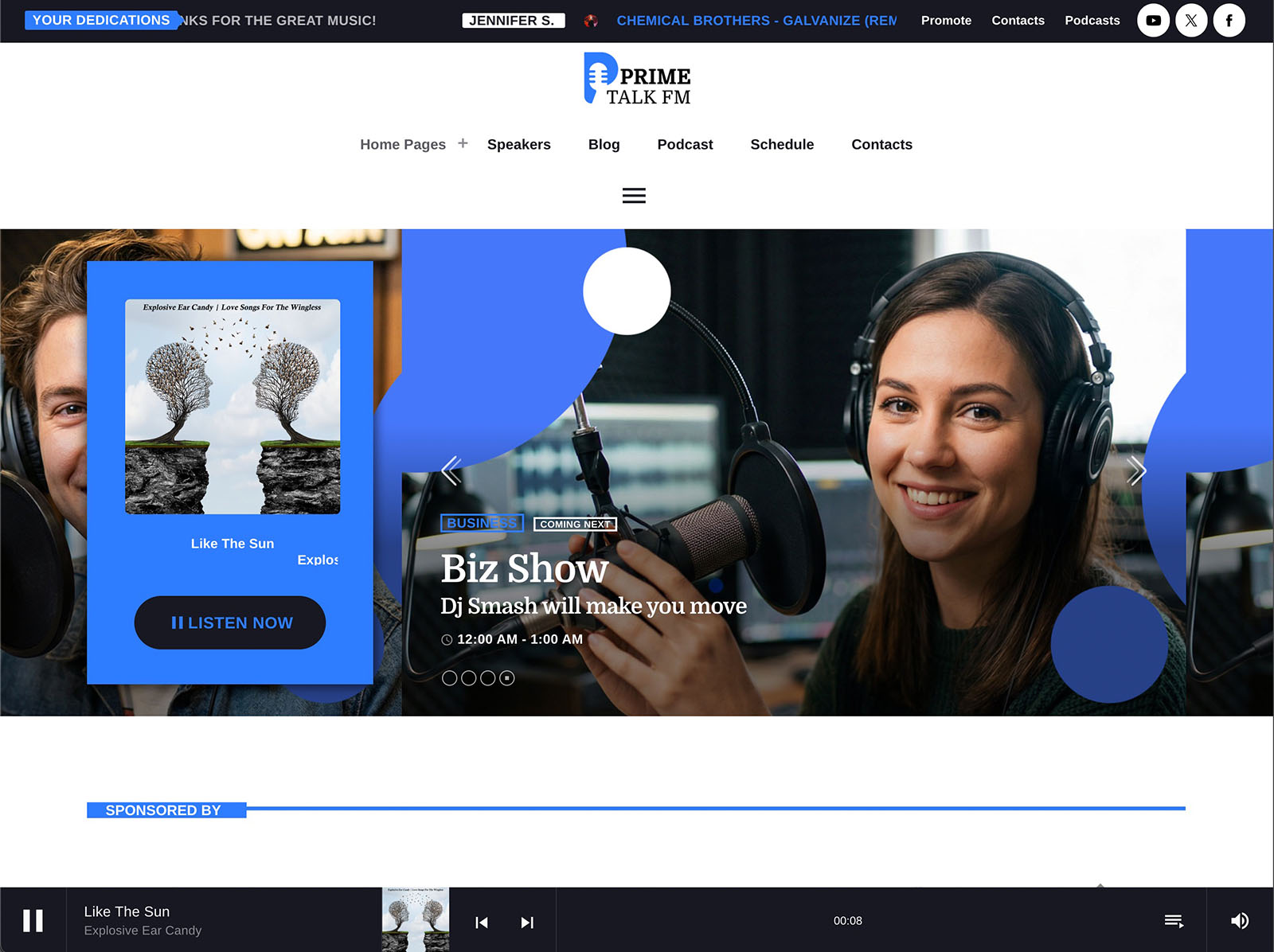
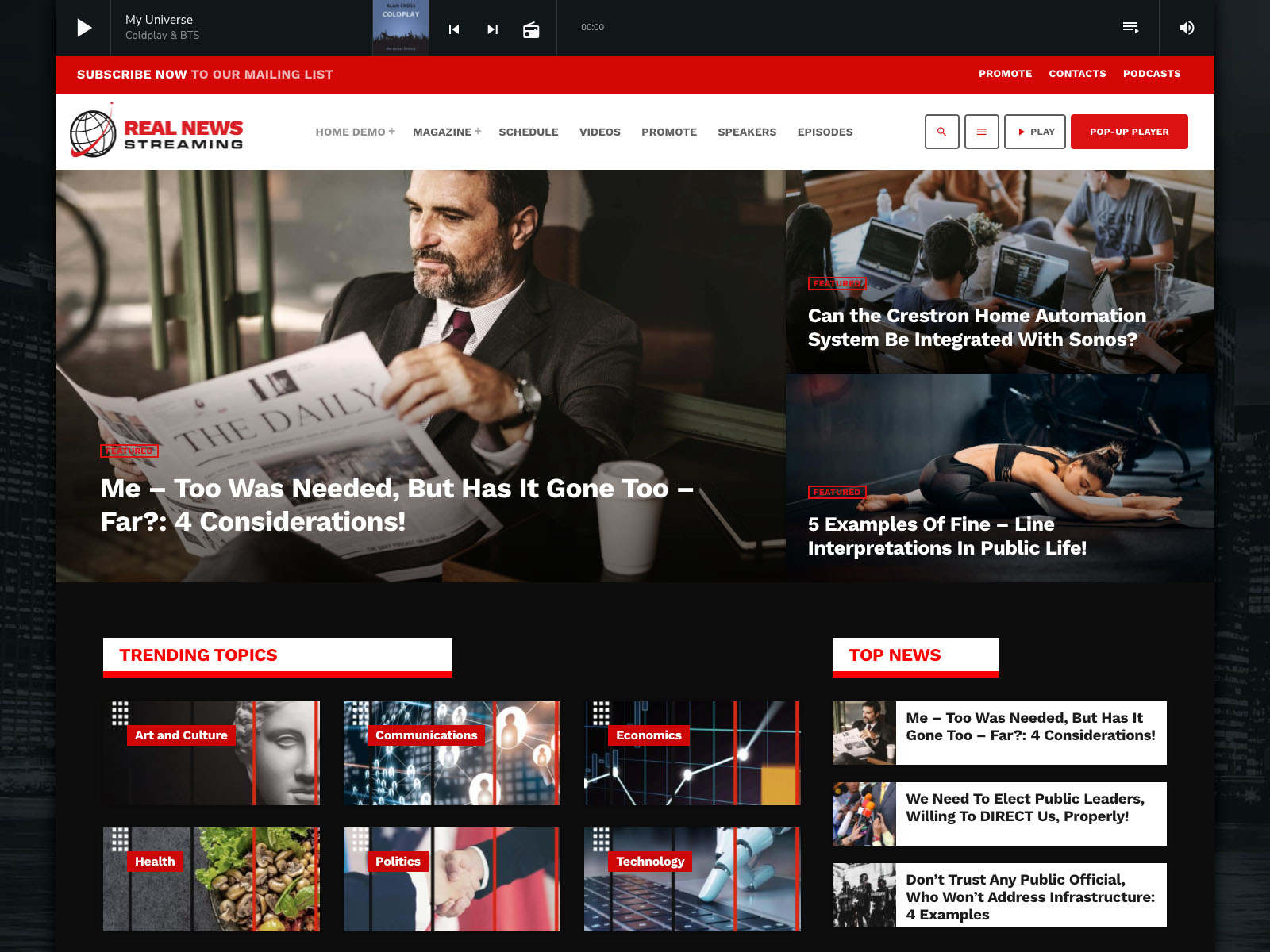
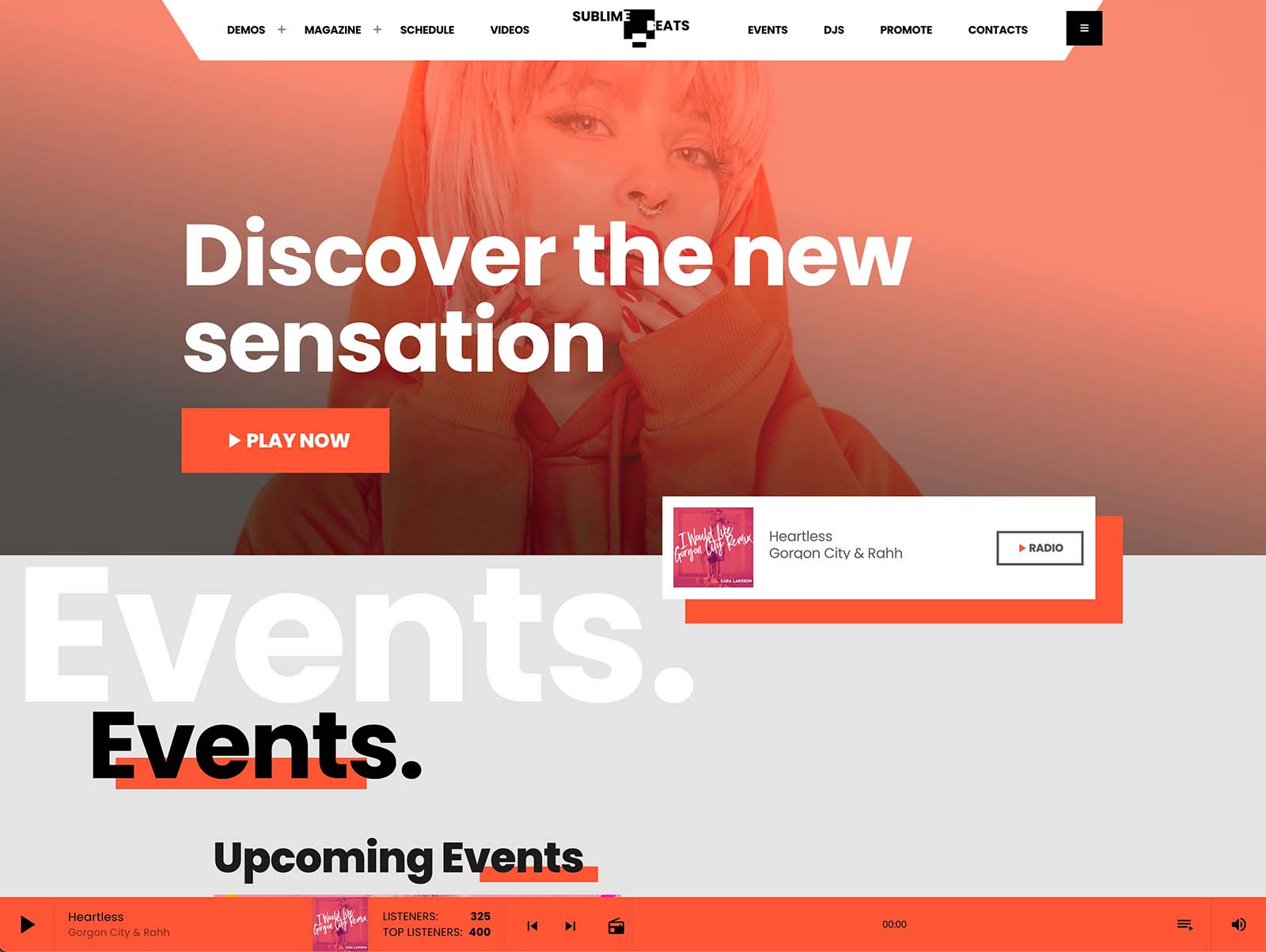
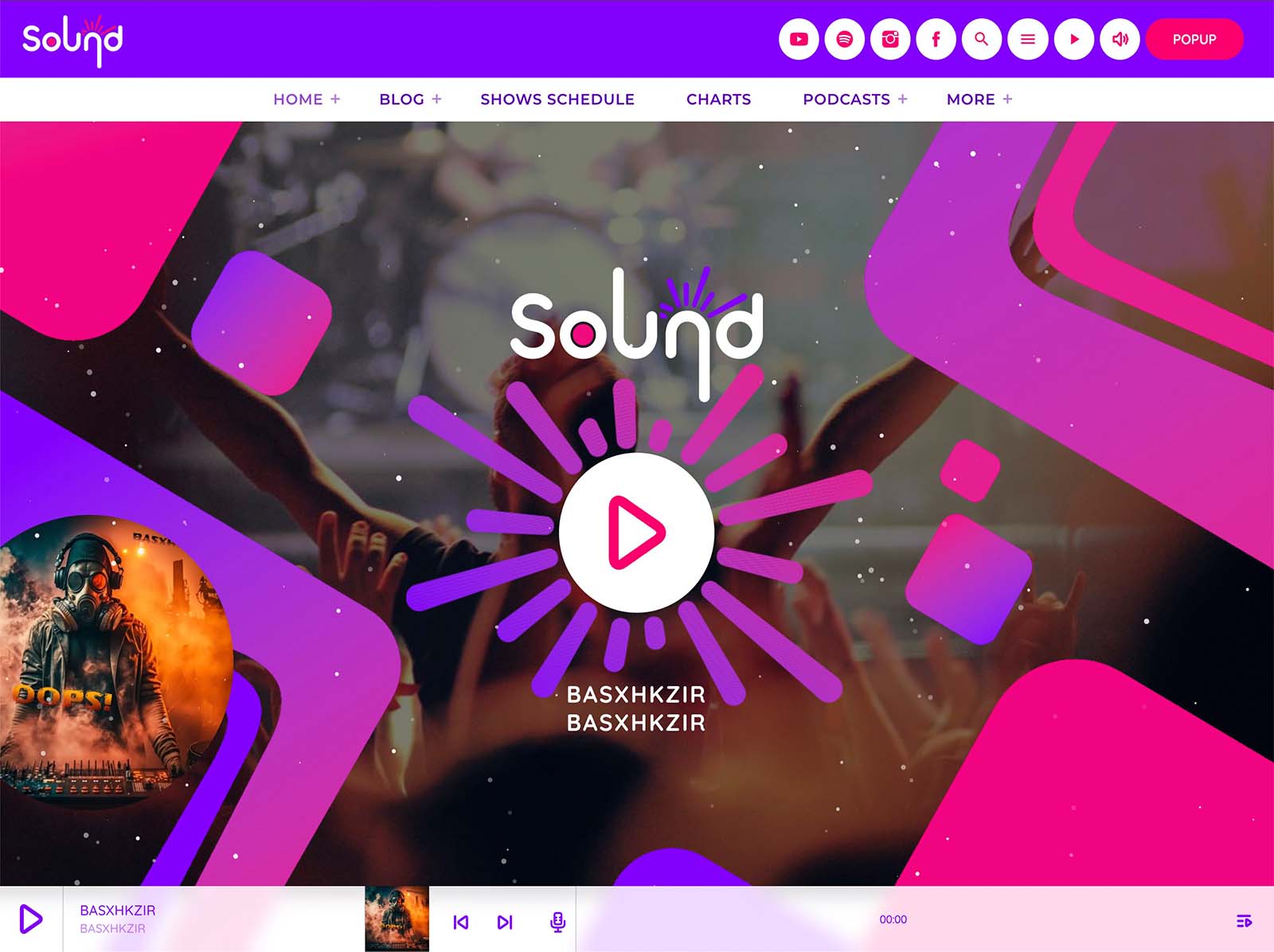
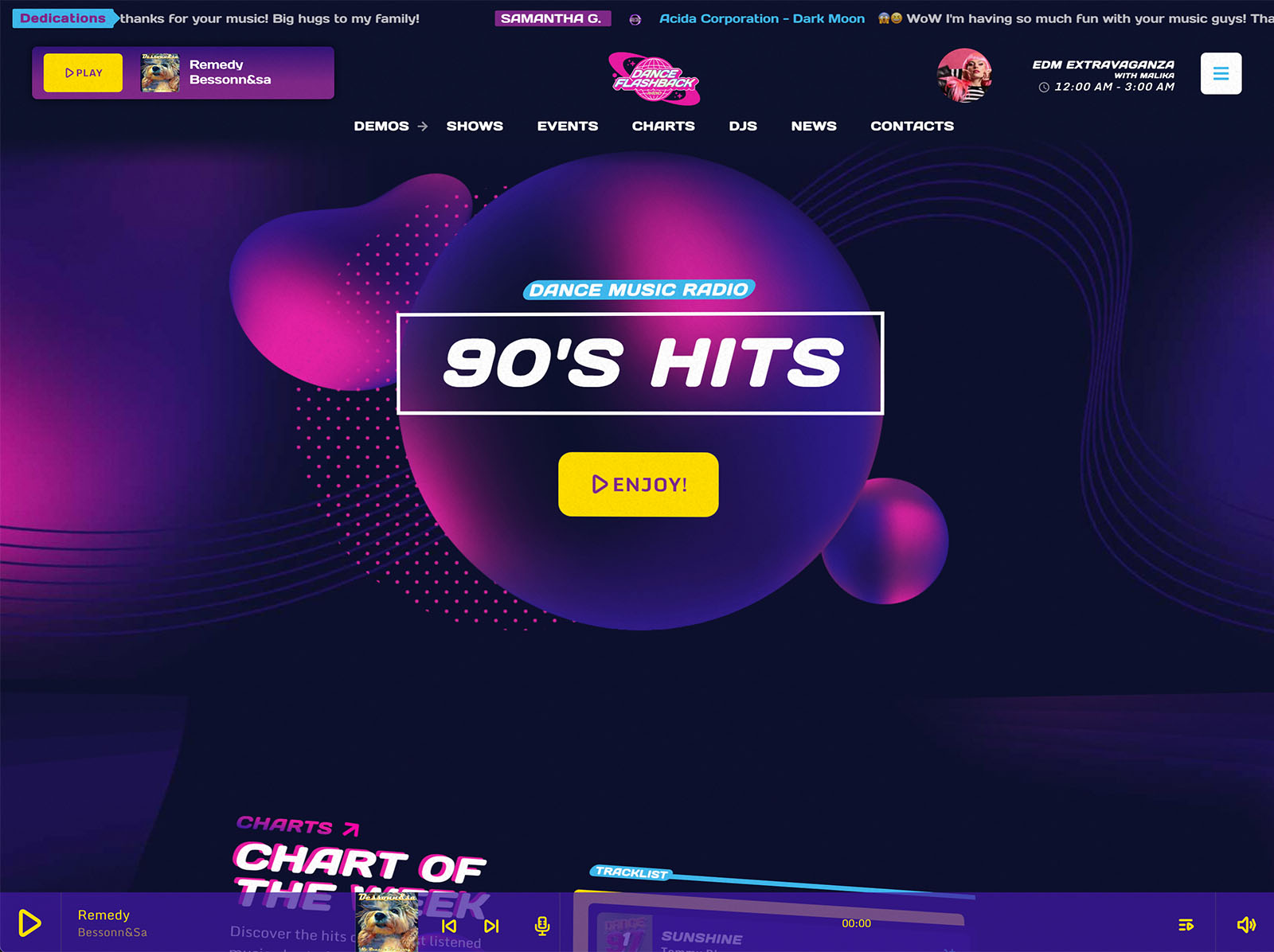
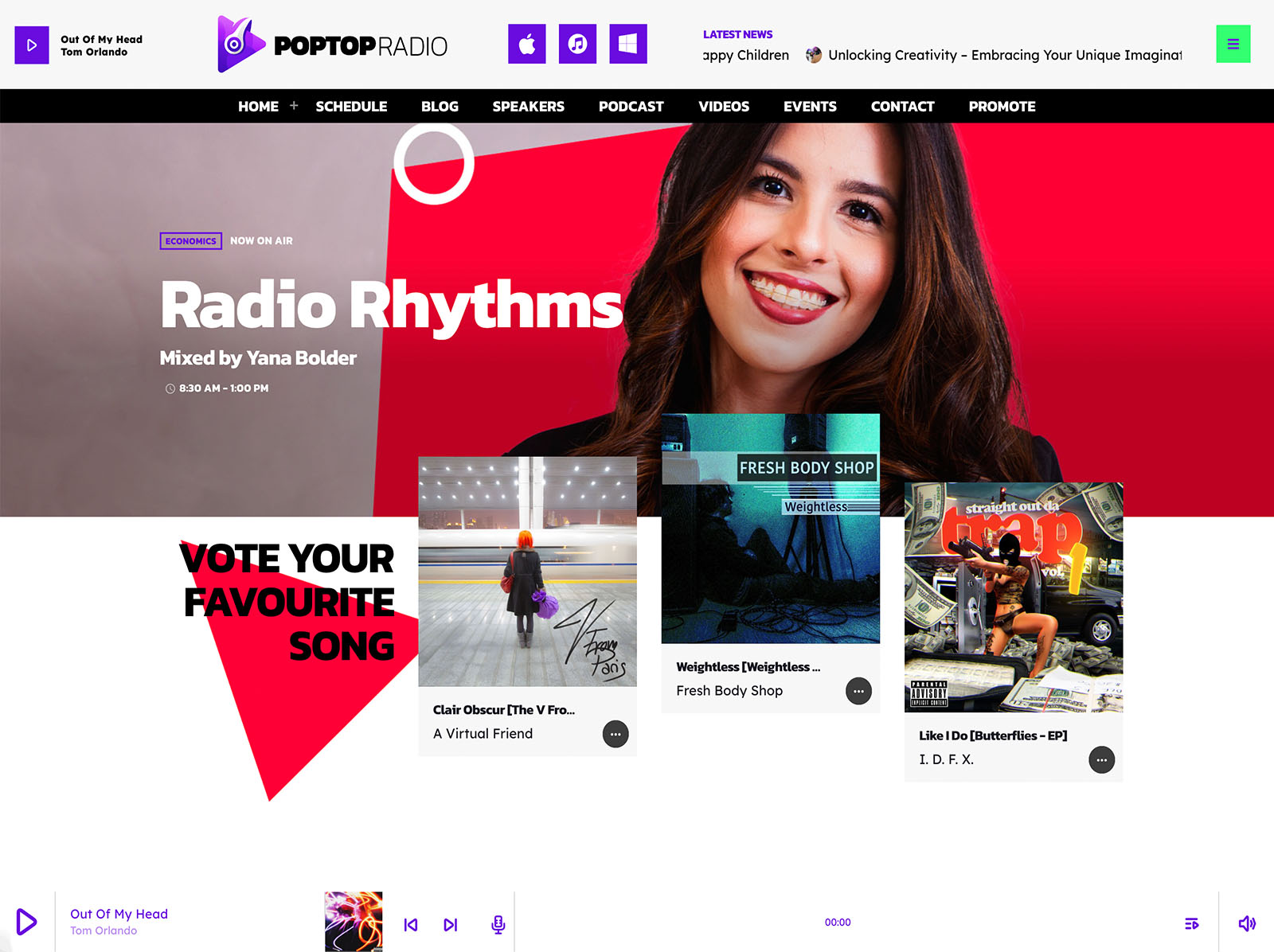
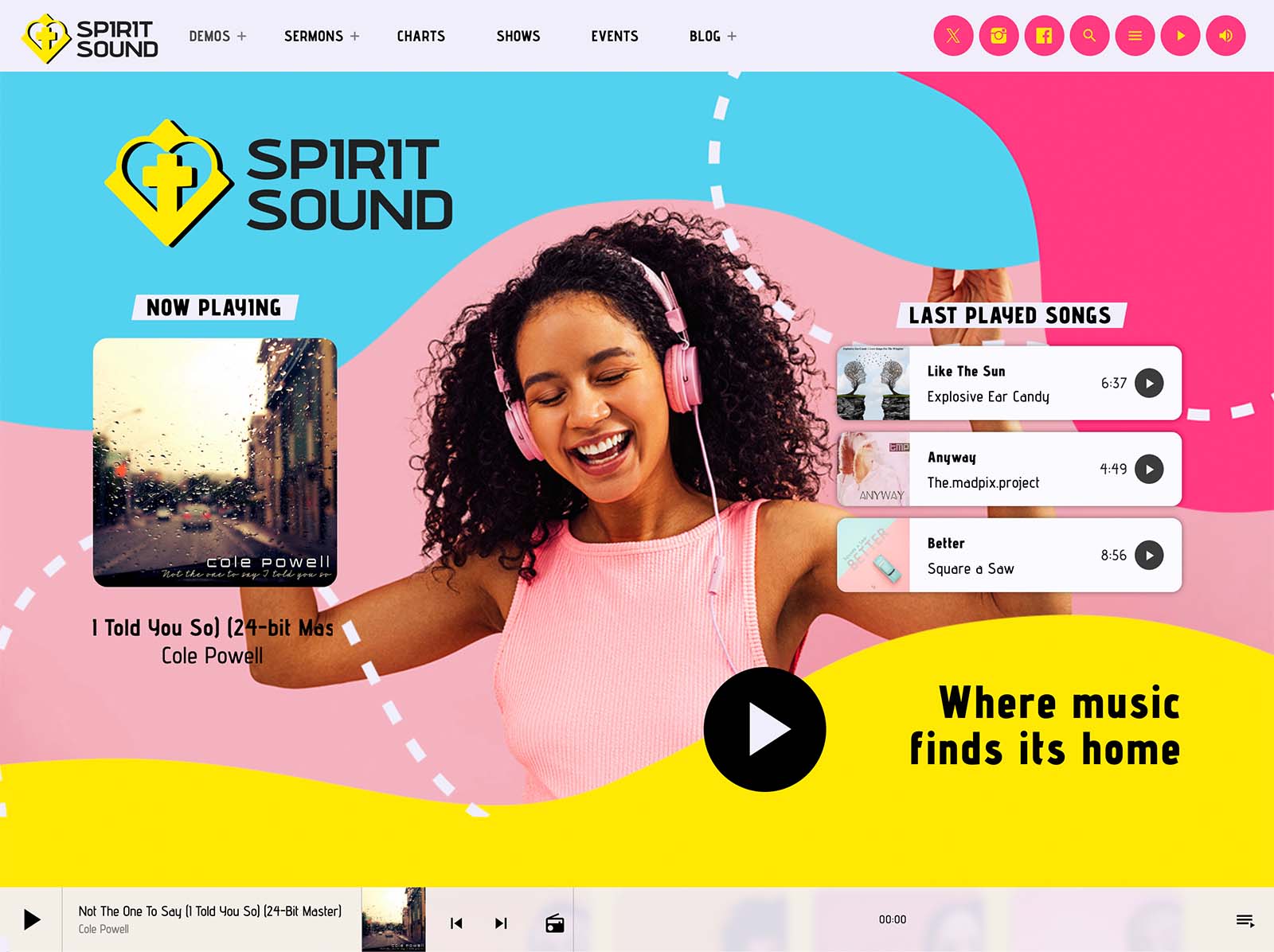
The next step is the audio. Pro Radio supports the major streaming providers, including Shoutcast, Icecast, Radio.co, Airtime Pro, Airtime, Live365, Radionomy, RadioKing, and Azuracast, plus plain MP3 or AAC sources. You paste the stream URL in the player settings, decide where the player lives, and the non-stop playback follows visitors across the site. ICY metadata reads song titles in real time. Album covers load automatically for public commercial releases.
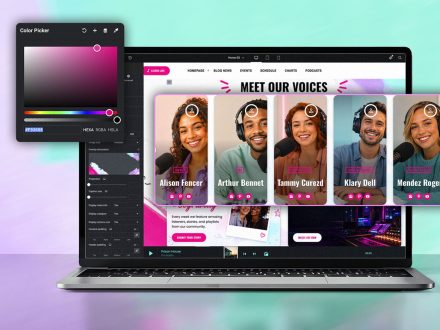
While you are in the customizer, you set your colors, typography, and header treatment. The whole brand is configurable from one page with a live preview. By noon, the player works, the live stream is on, and the site looks like yours instead of a demo.
Early Afternoon: Schedule And Shows
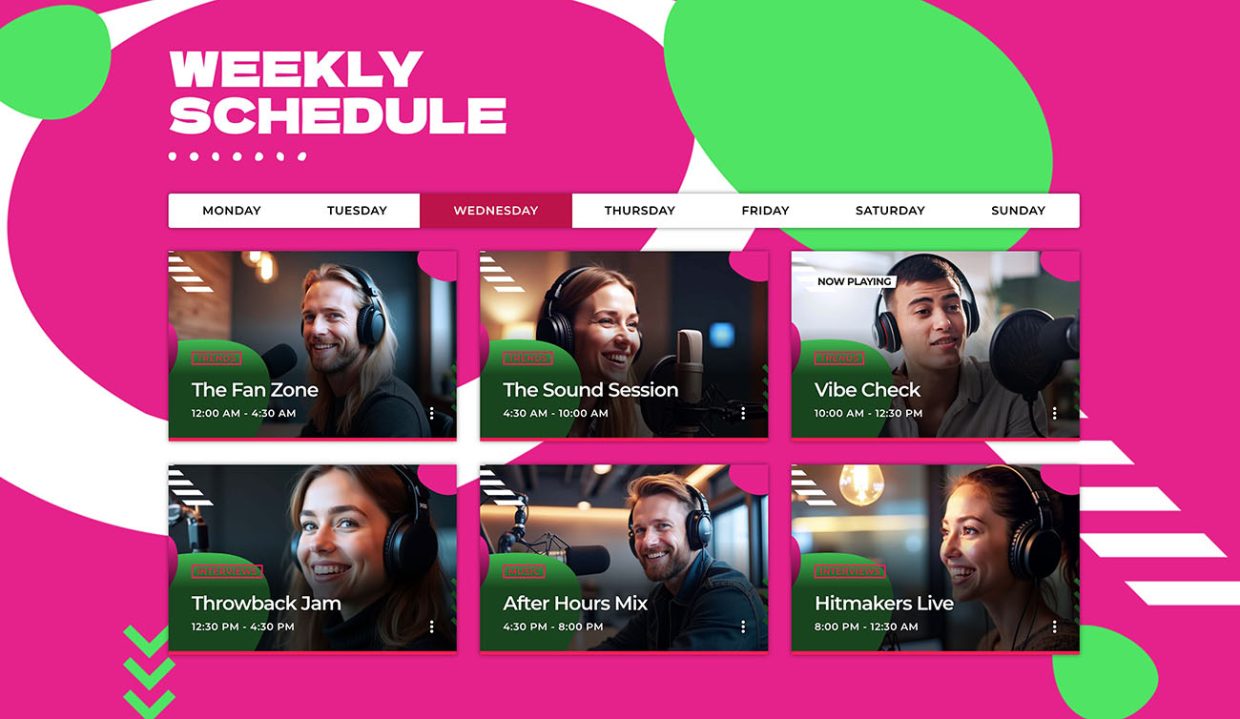
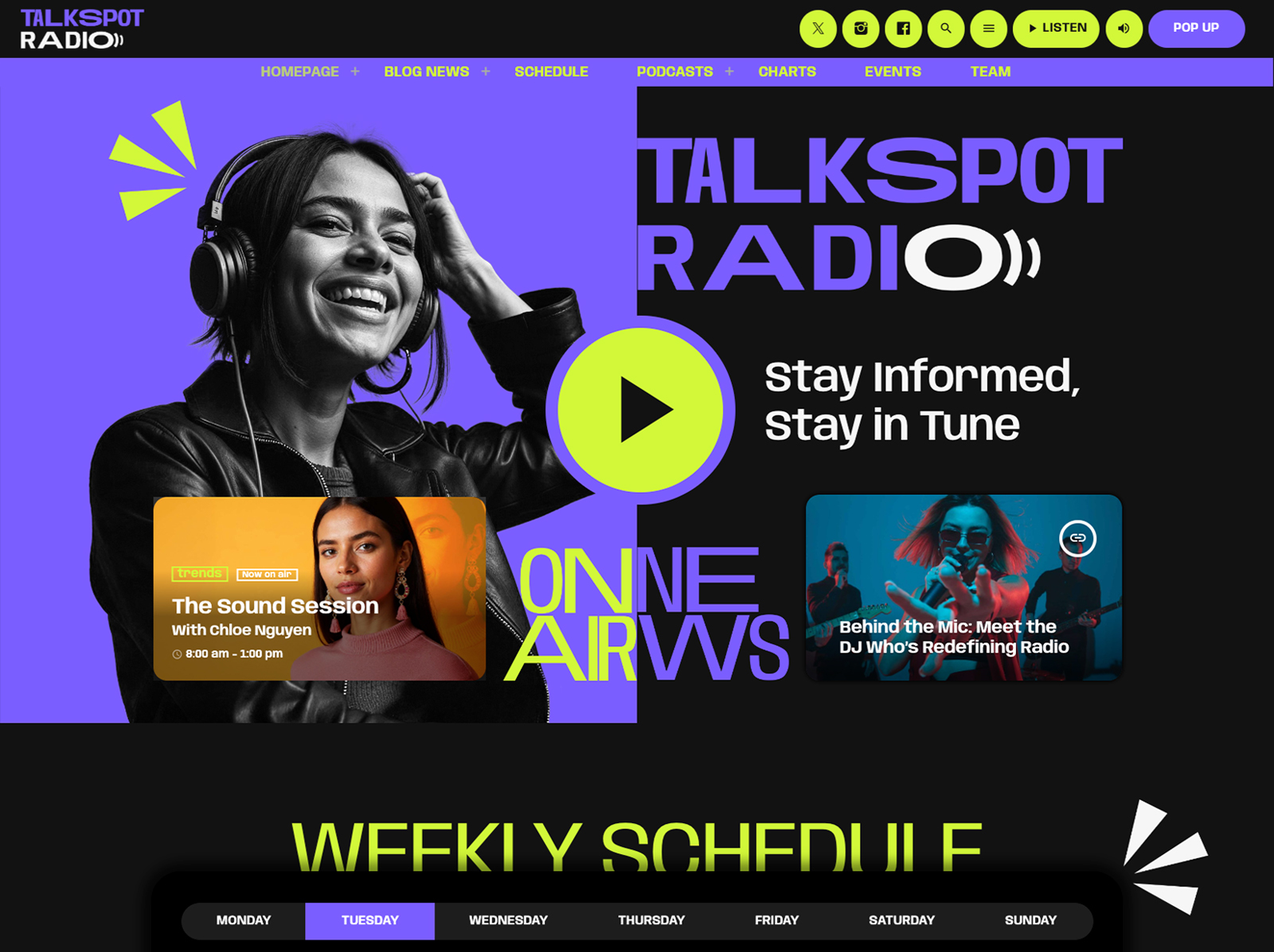
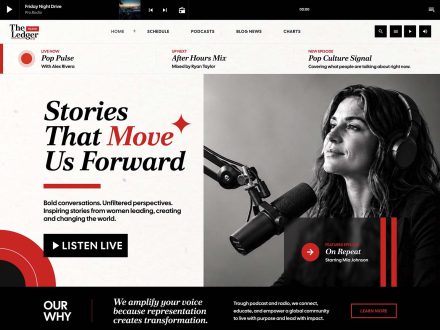
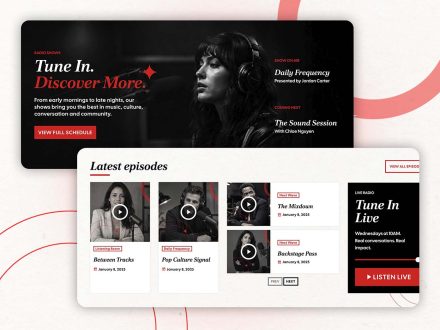
A radio site without a schedule does not feel like a station. Pro Radio gives you an interactive weekly schedule with unlimited shows, automatic time and day detection, and a highlight for the show currently on air. Setup takes three steps: create the shows, link each show to its time slots, publish.
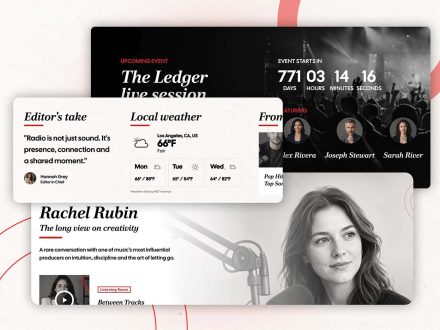
Each show gets a page that automatically gathers related podcasts, blog posts, charts, presenters, and upcoming events. You do not wire those connections by hand. In an afternoon you can publish the full weekly lineup, and every show page already looks like a self-contained little site.
If you operate more than one channel, the built-in filter system handles up to five channels on the same schedule.
Late Afternoon: Podcasts, Hosts, And Engagement
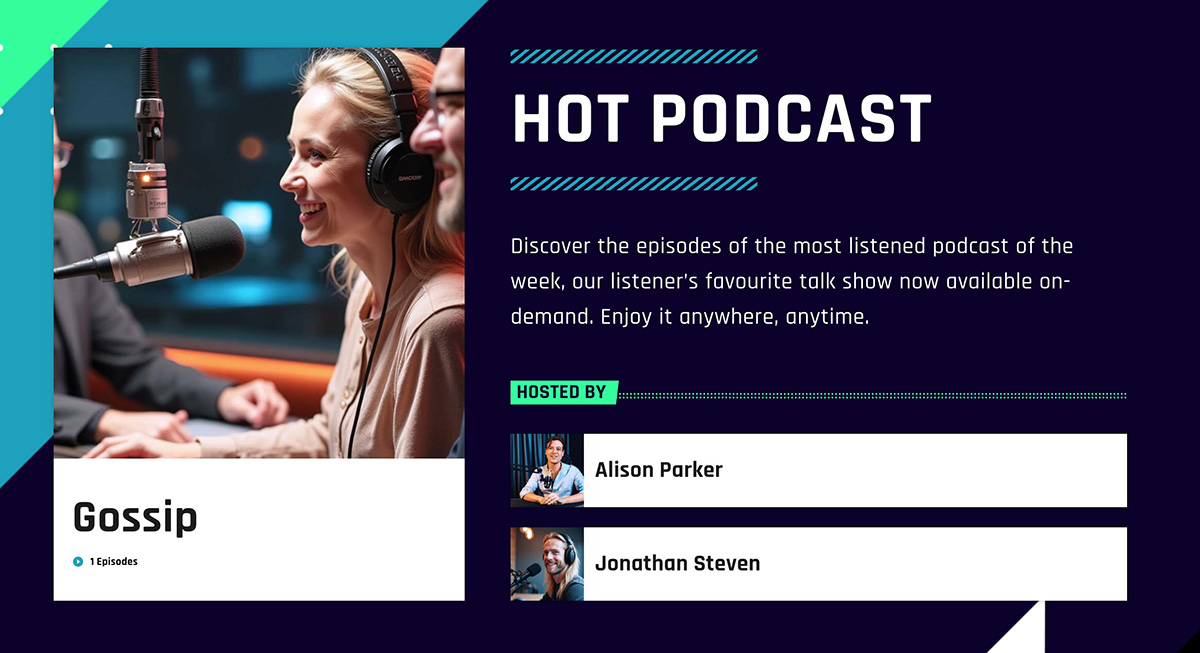
You bring in the team next. The Members post type gives each DJ, presenter, or journalist their own profile with a role label, a short bio, and social icons. They appear on related show pages automatically.
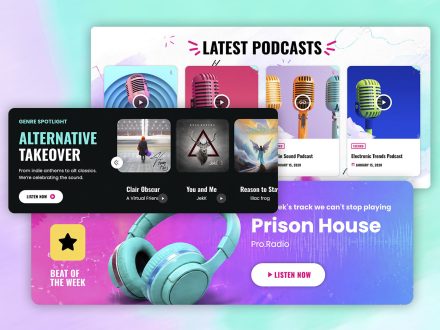
Podcasts are the same fast process. Upload MP3 files directly, or embed from Anchor.fm, Blubrry, Mixcloud, Soundcloud, Spotify, or YouTube. The same radio player handles podcasts. A new visitor can listen to the latest show without leaving the page.
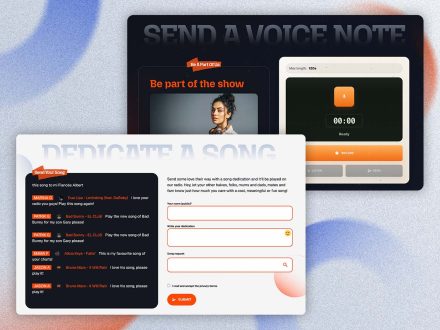
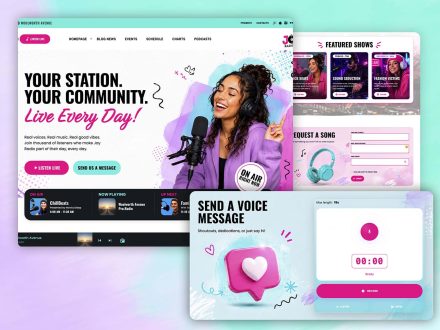
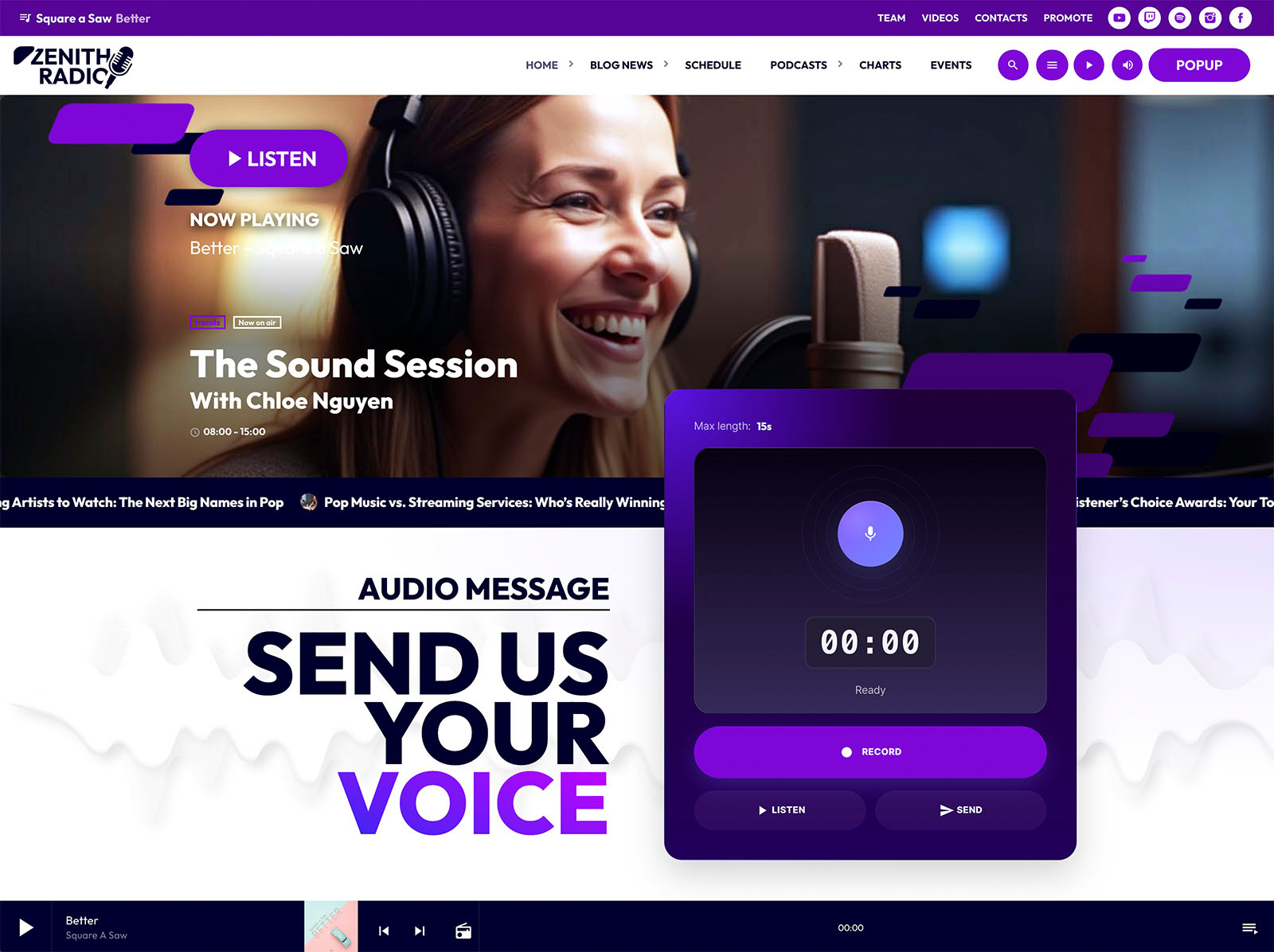
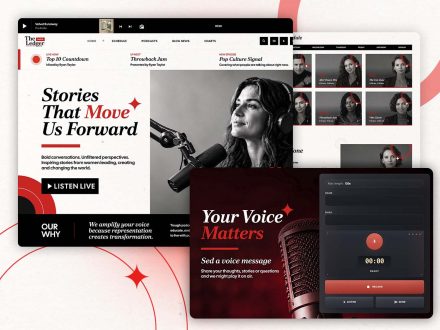
If you want listener interaction from day one, drop a Dedications form into the page through Elementor. Listeners submit dedications, you approve them, and they appear automatically. For voice messages, the Voiceline widget lets visitors record audio directly from the site for review and on-air playback.
Early Evening: Events, Charts, And Sponsors
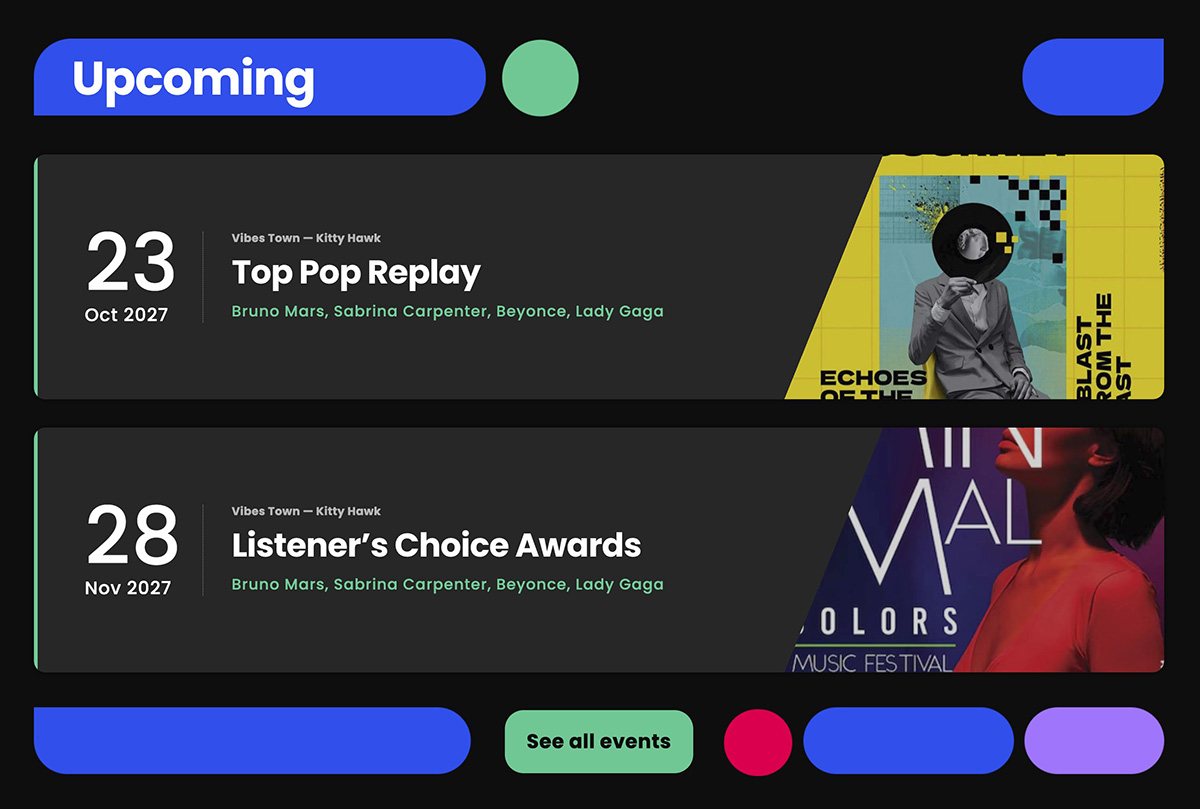
The events manager covers concerts, station parties, meet-ups, or community events. Each event has details, address, contacts, and a link to buy tickets. Visitors can hit Add to Calendar, see countdowns, and view events as a list, cards, or carousels. Past events hide automatically.
A music chart with voting is a quick addition. Unlimited tracks, samples that play in the radio player, voting that reorders the chart automatically. Listeners participate without leaving the page.
If you plan to monetize from day one, the Business Tools ad manager addon installs in about five minutes through a 3-step automatic setup. You define banner positions through Elementor widgets, mix AdSense and affiliate codes with direct campaigns, and let the WooCommerce integration accept sponsor submissions from the frontend.
Evening: Performance, Final Check, Launch
Before going live, run through the customizer one more time. Minified styles and JavaScript are part of the theme, the Ajax page load keeps the stream playing during navigation, and permalink settings are sensible by default. Mobile logo and mobile call-to-action controls keep the small-screen version polished. The alternative audio source toggle gives mobile listeners a lower-bitrate option if their connection wavers.
Open the site on a phone. Press play. Move between pages. Confirm the stream stays alive. Confirm the schedule highlights the right show. Send the link to two friends. Go live.
Why A Single Toolkit Makes One-Day Launches Possible
One-day launches are only possible when the system is integrated. With Pro Radio you do not chase compatibility between a player plugin, a schedule plugin, a podcast plugin, and a page builder. The player, the schedule, the show pages, the podcasts, the charts, the events, the team profiles, the dedications, the Voiceline, and the sponsor system share the same ecosystem.
Demos, Elementor templates, and the customizer remove most of the design work. Performance optimizations and the Ajax page load are bundled. The Plus package brings in Sidekick, Business Tools, Dedications, Podcast Importer, and more under one subscription if you want everything from the start.
When the foundation is built for radio, one day is enough.
One Day, A Live Station
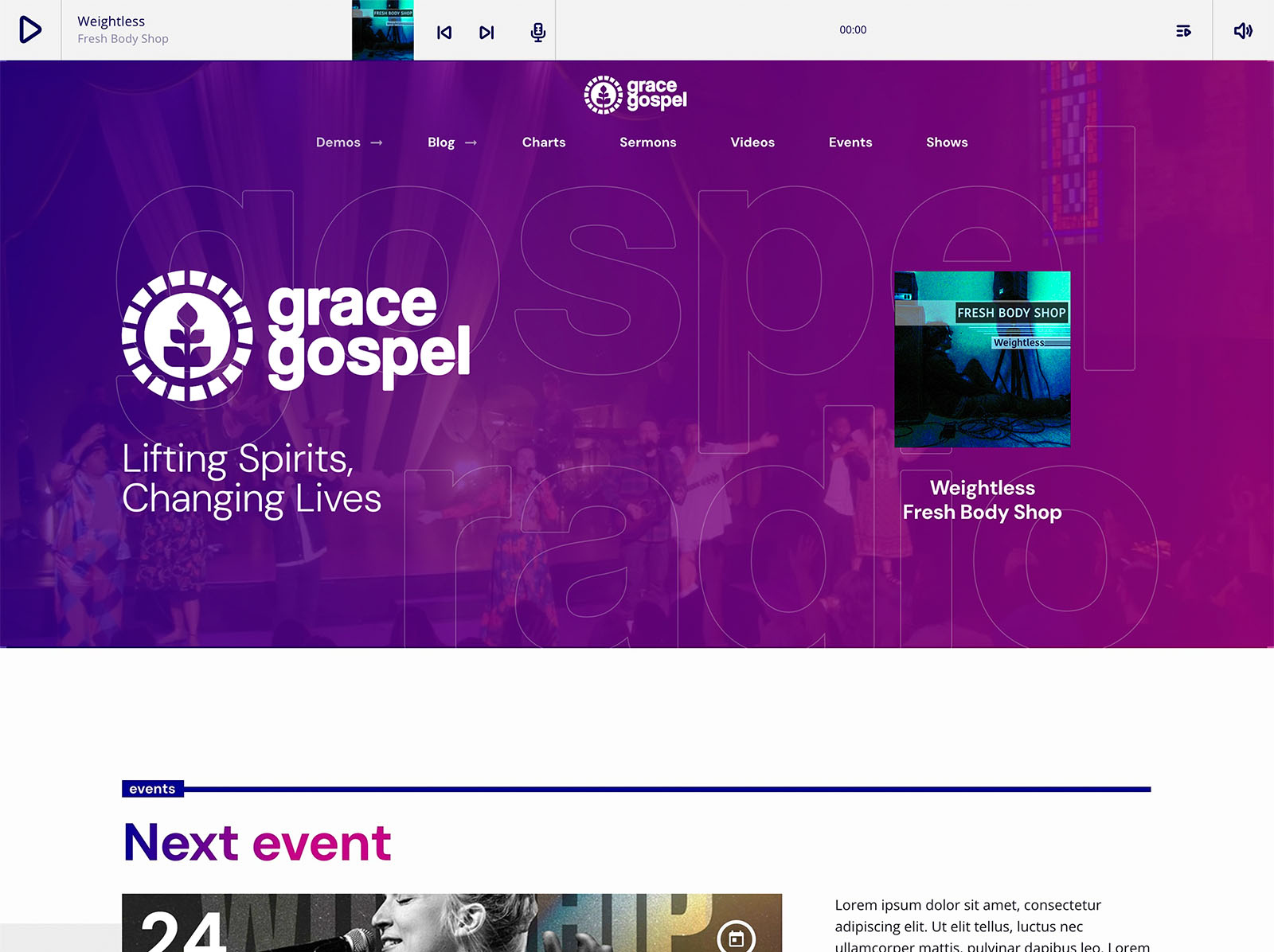
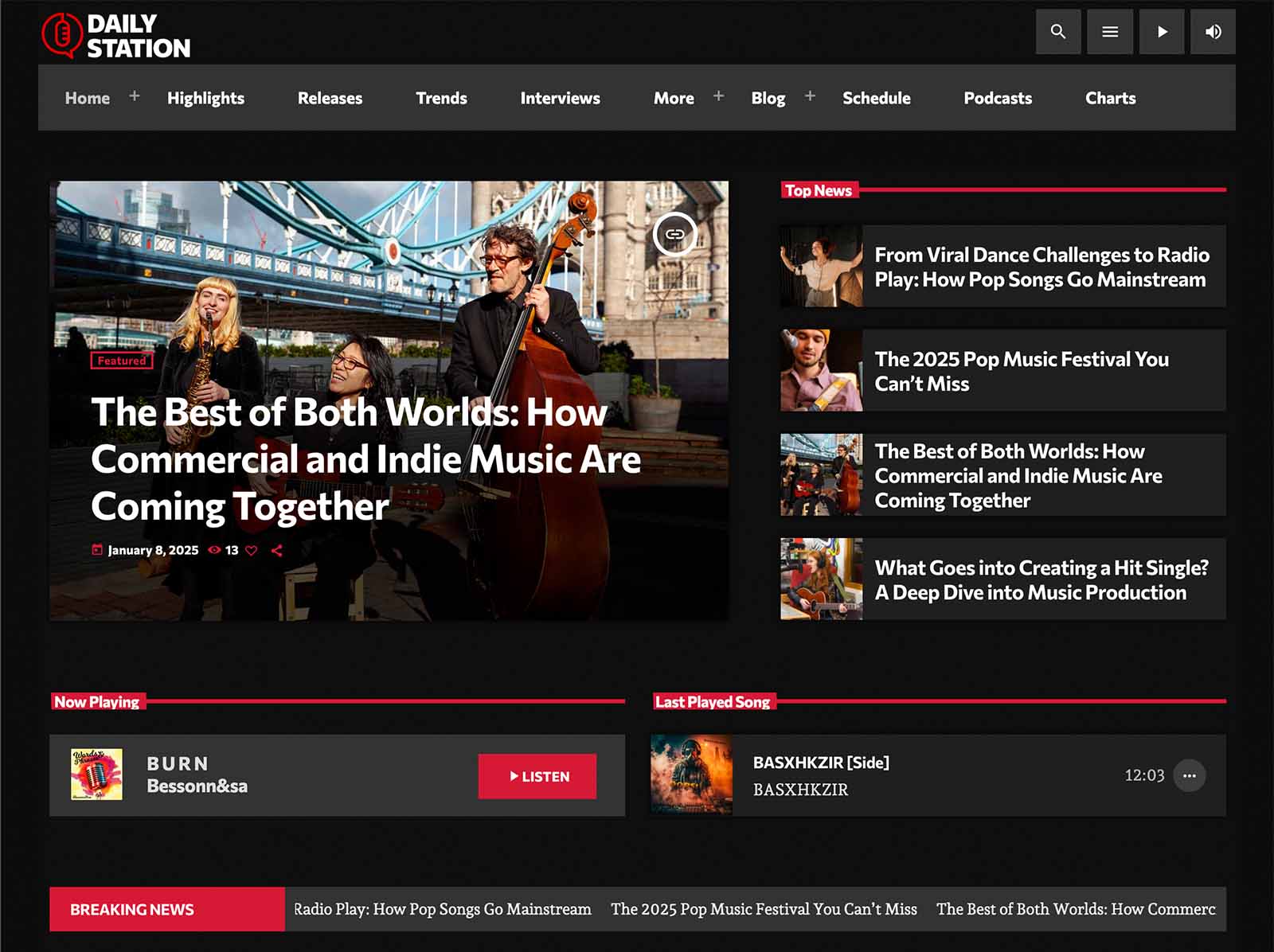
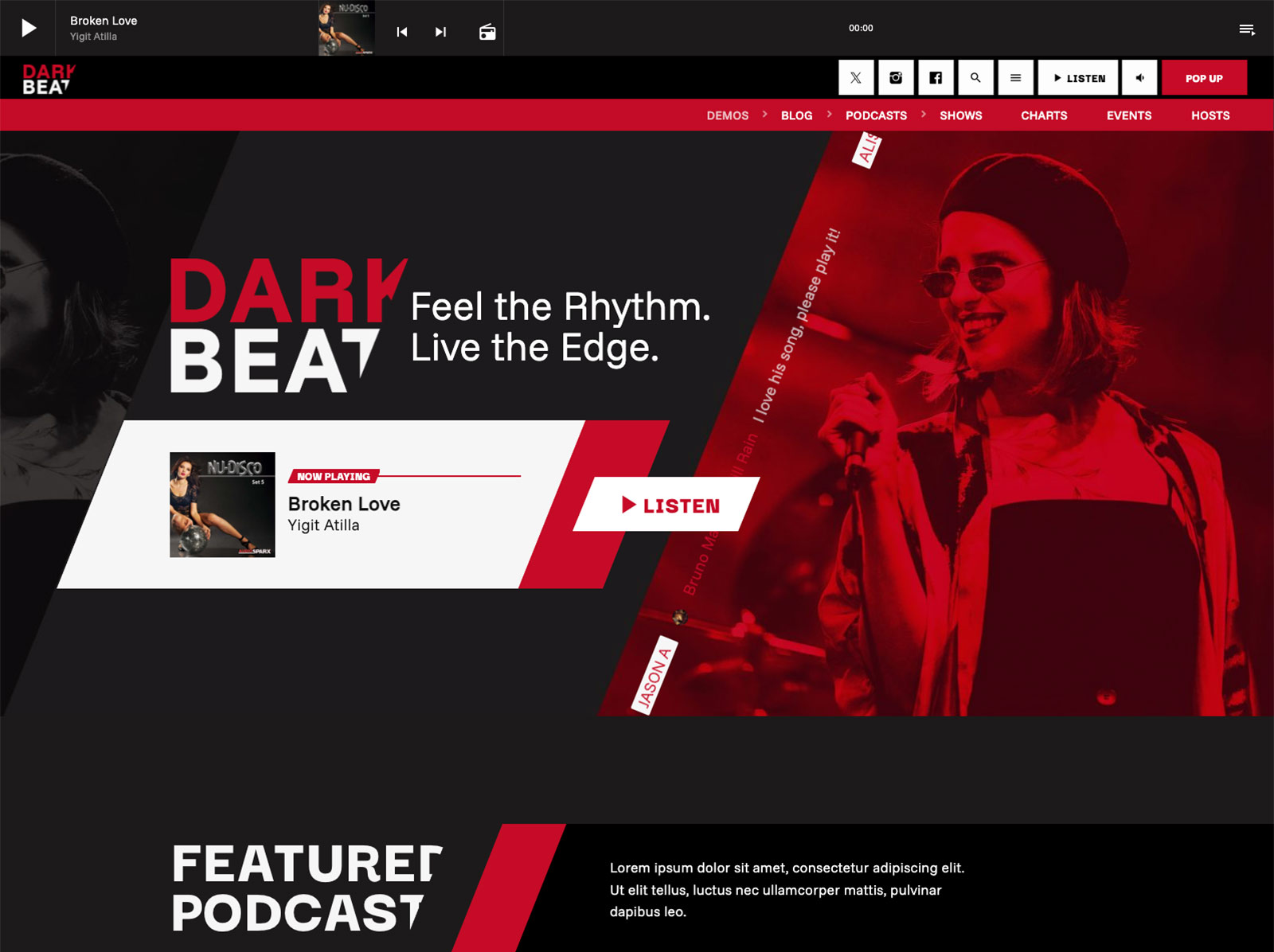
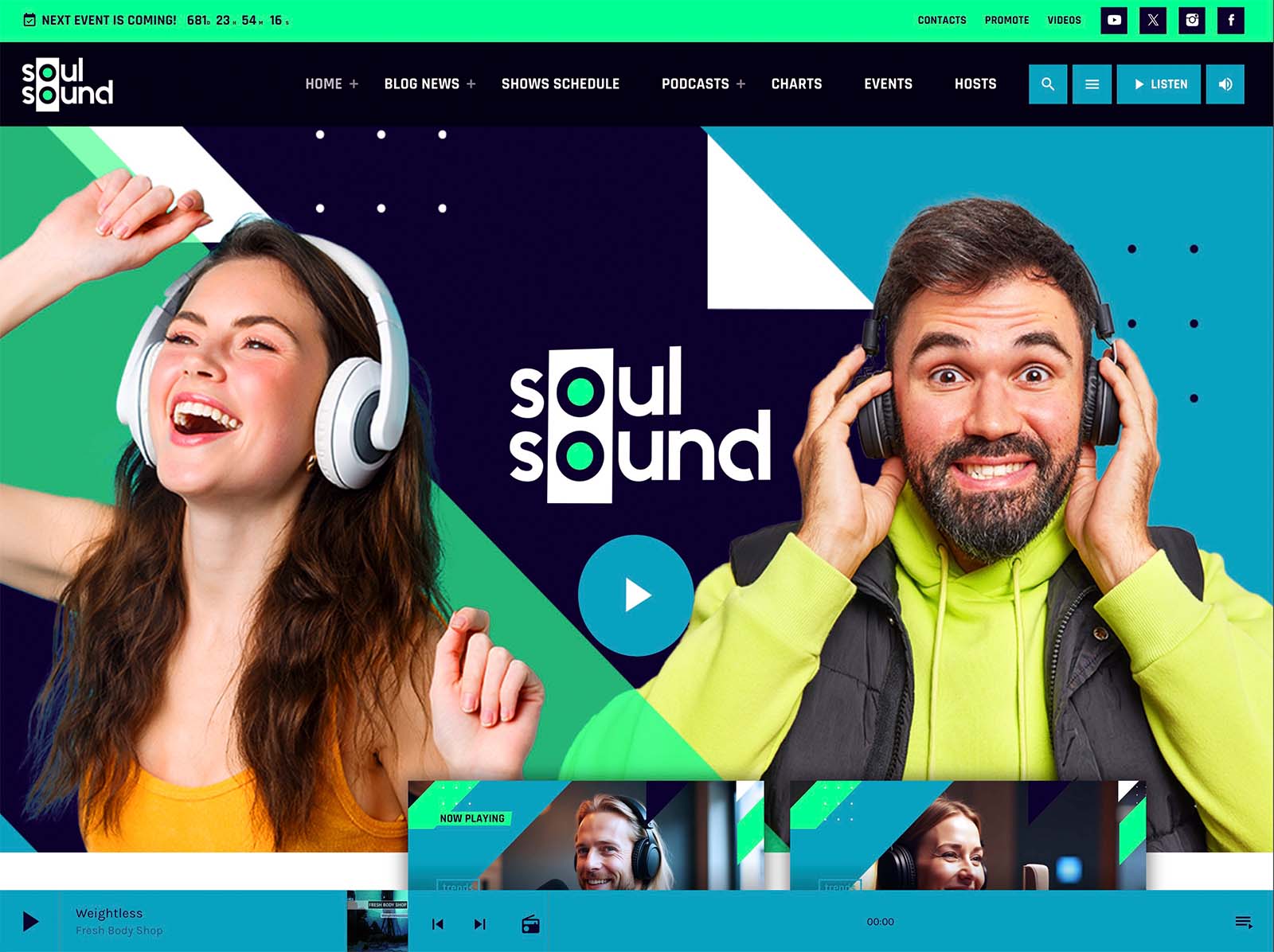
If your audio is ready, your website should not be the reason you delay the launch. Pro Radio compresses what used to take weeks into a single day of focused work.
Block a day on the calendar, pick a demo, and at the end of the day your station is live, with a real player, a real schedule, real show pages, and a website that looks like a station you would want to listen to.
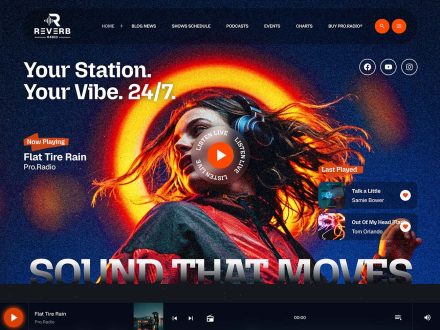
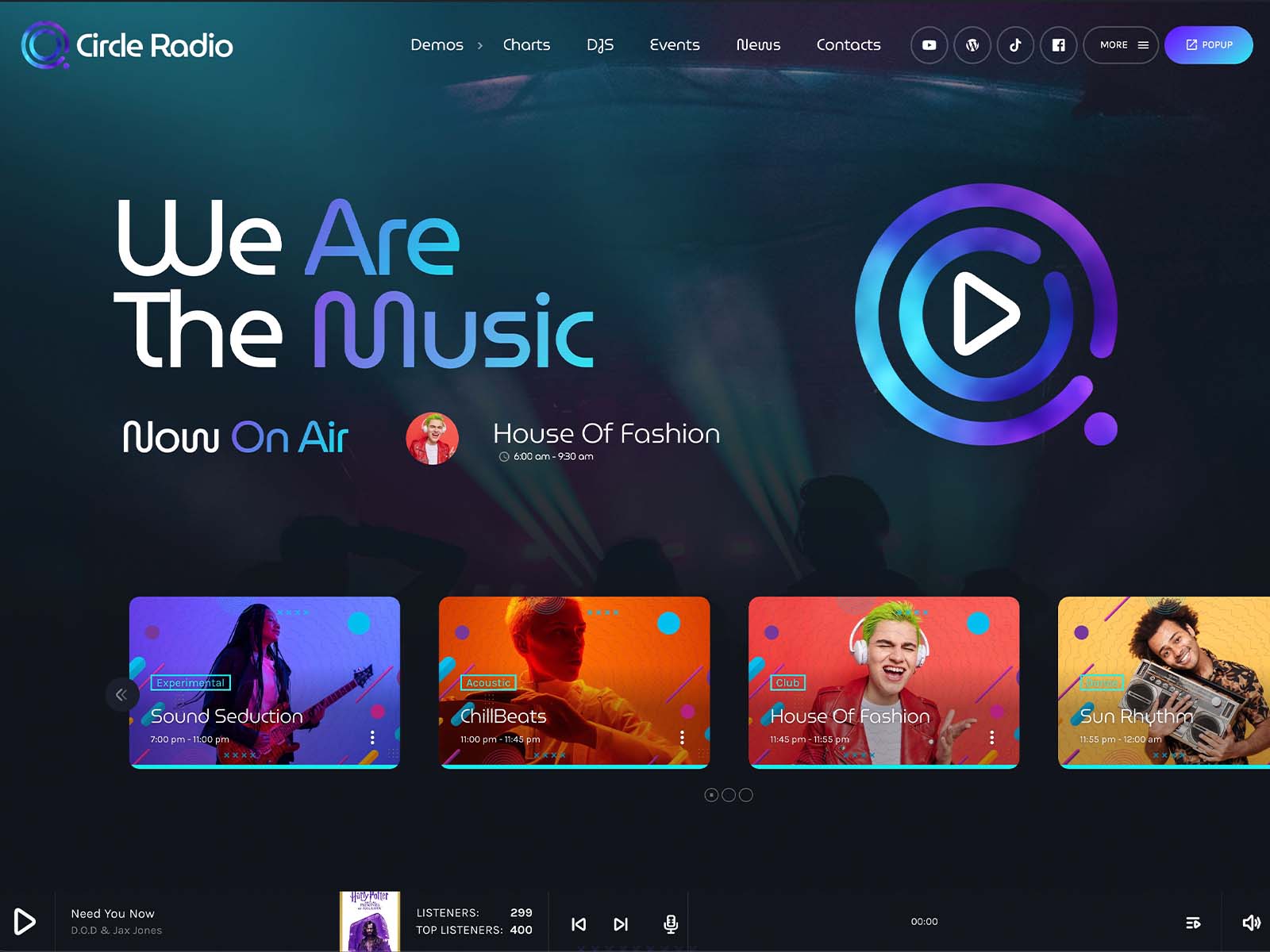
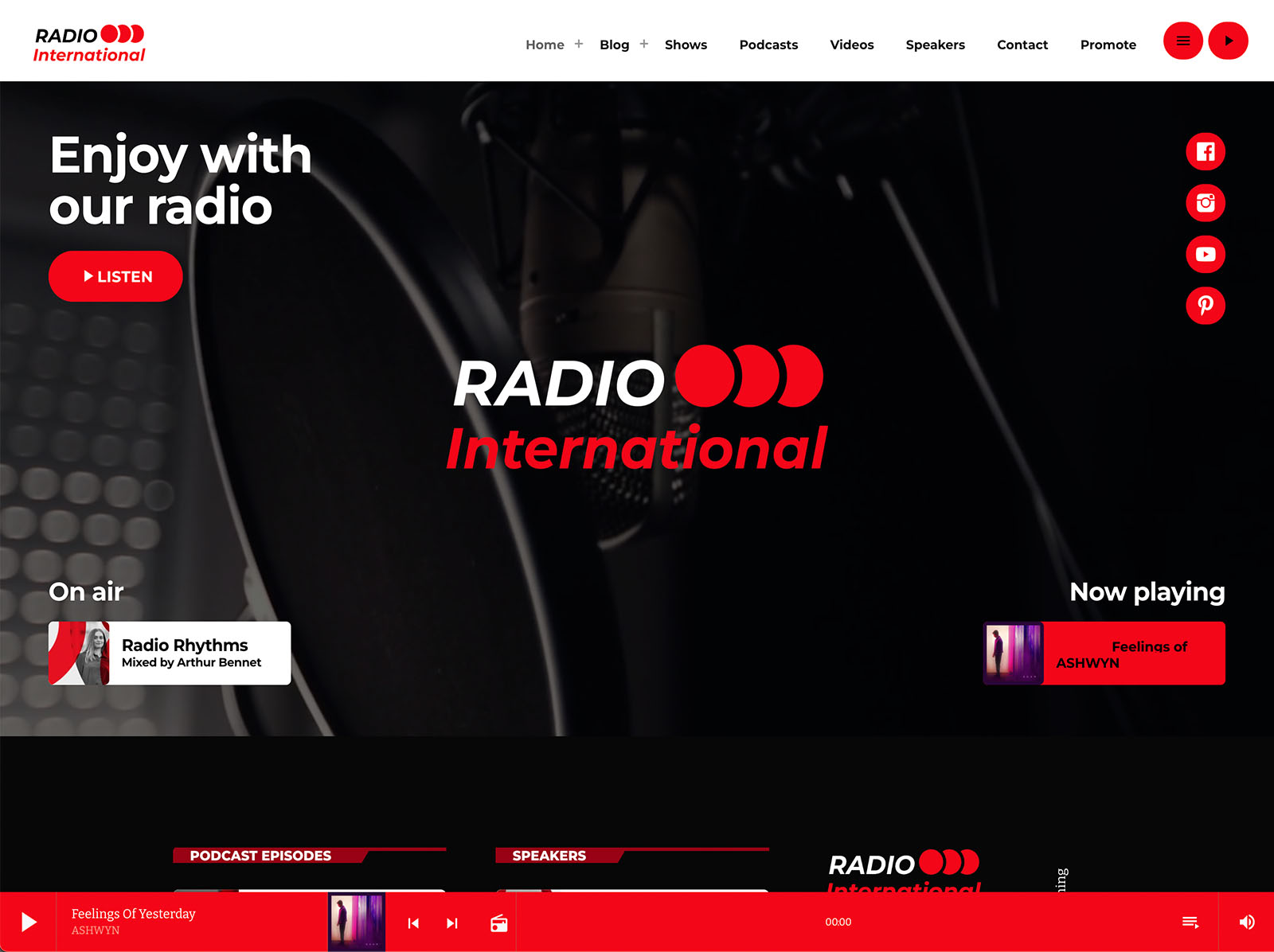
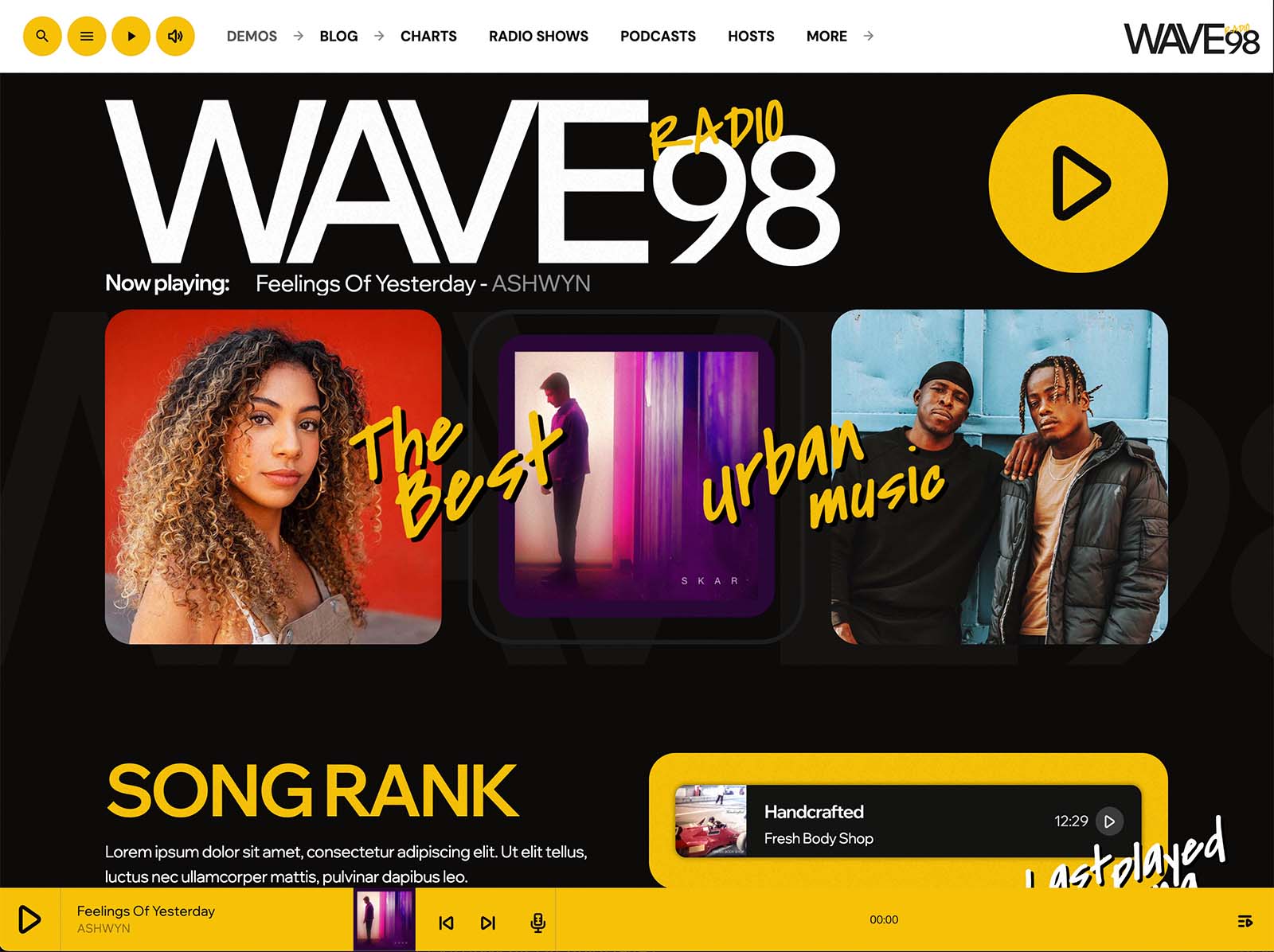
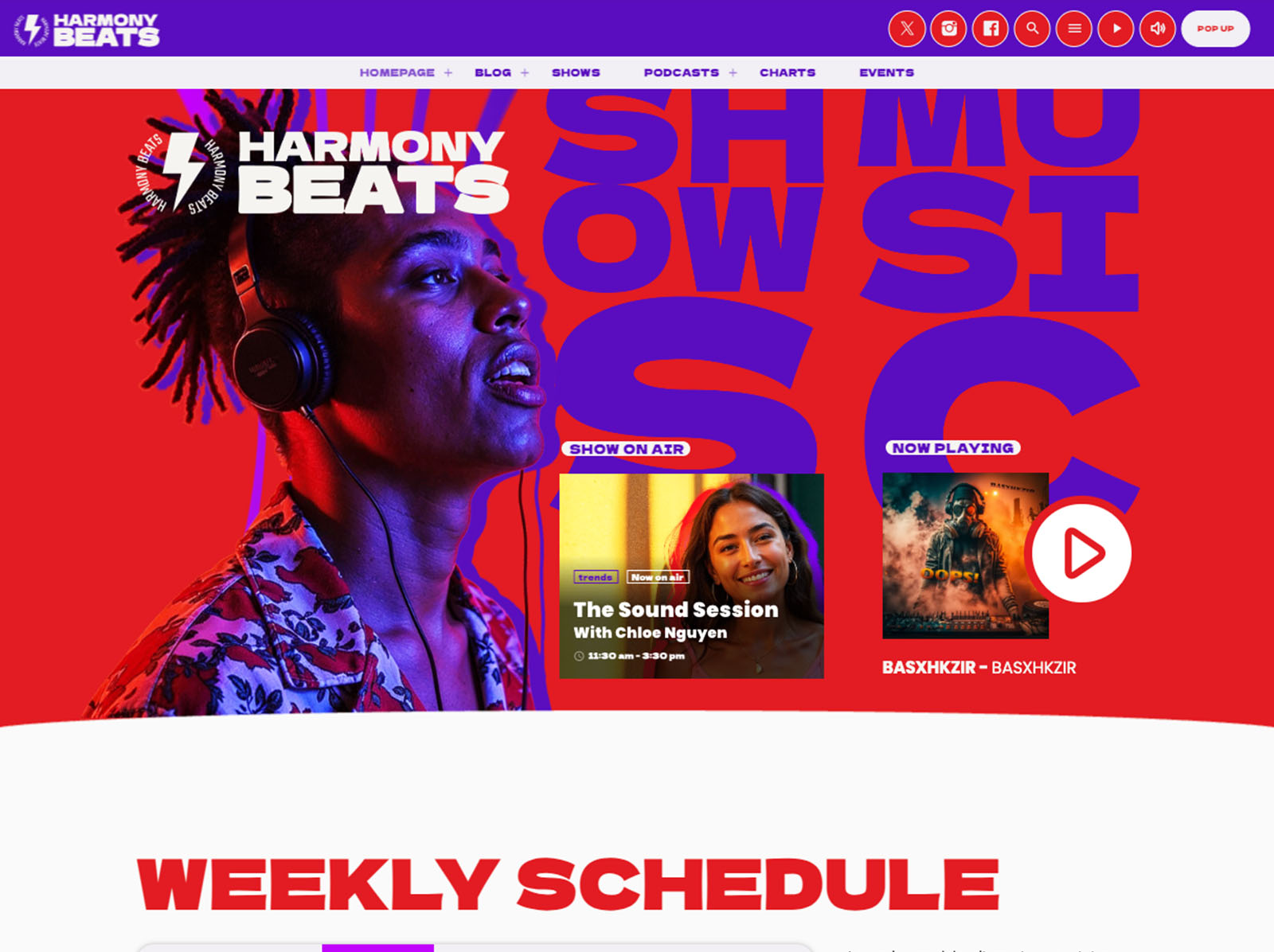
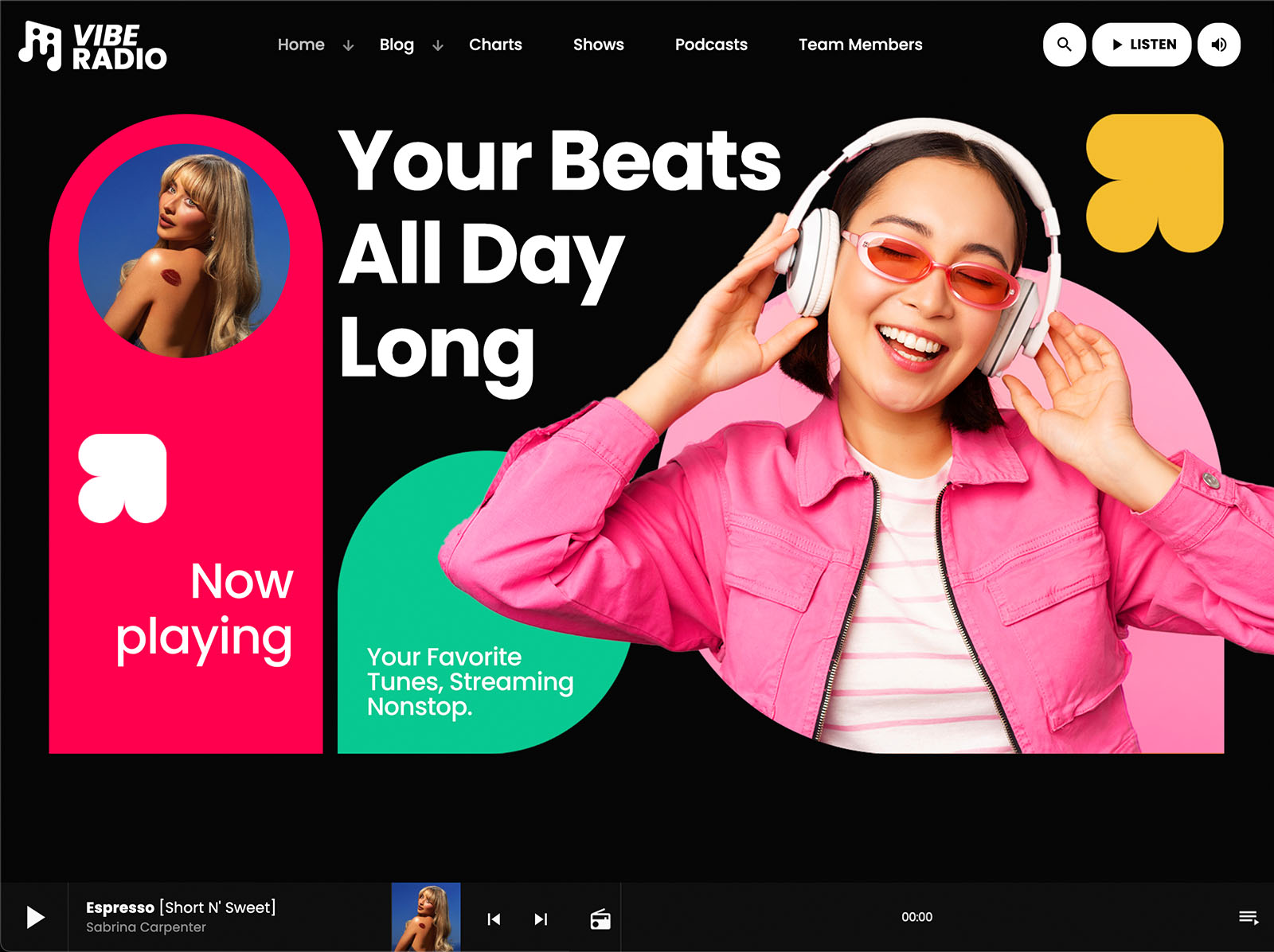
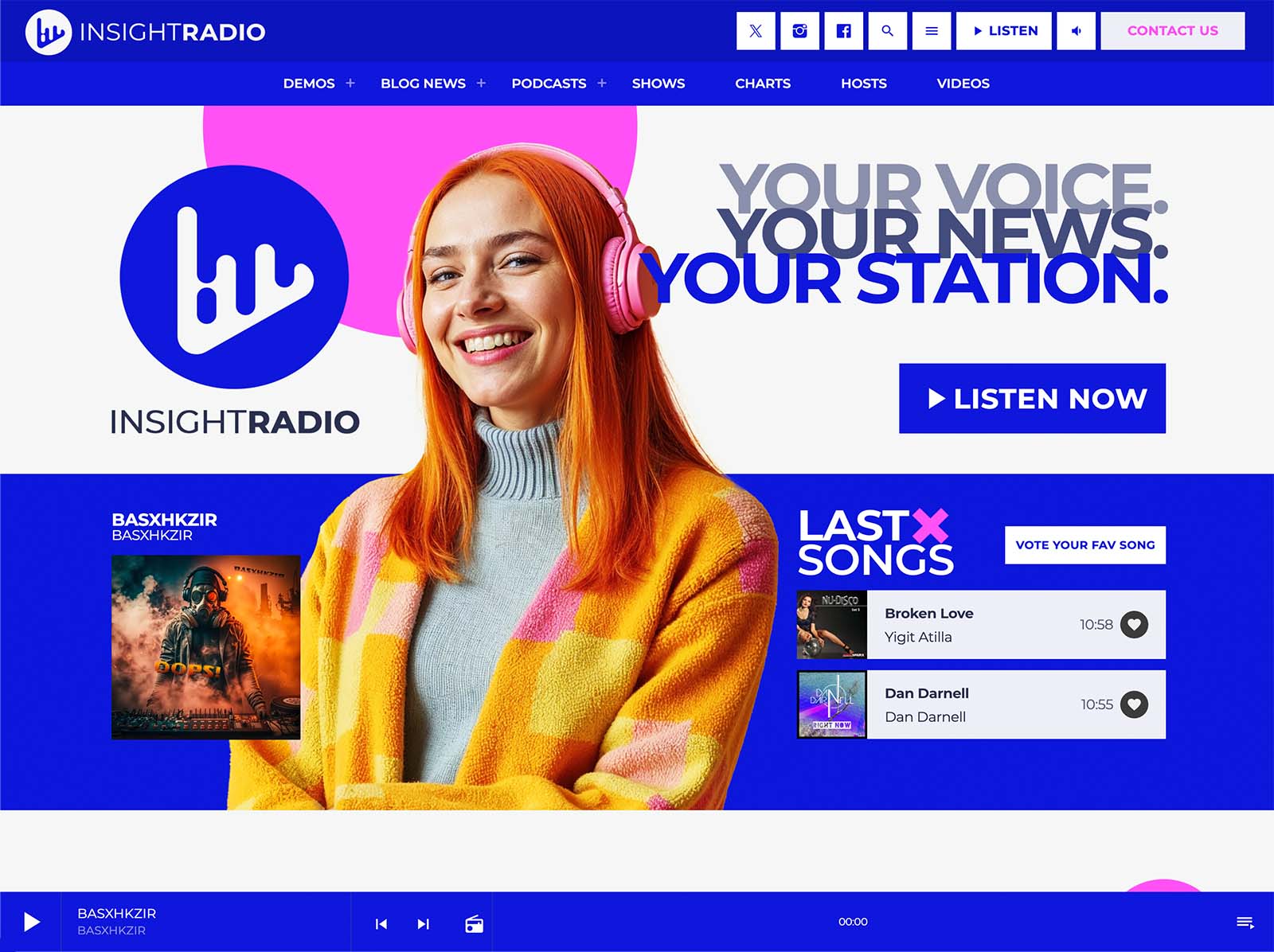
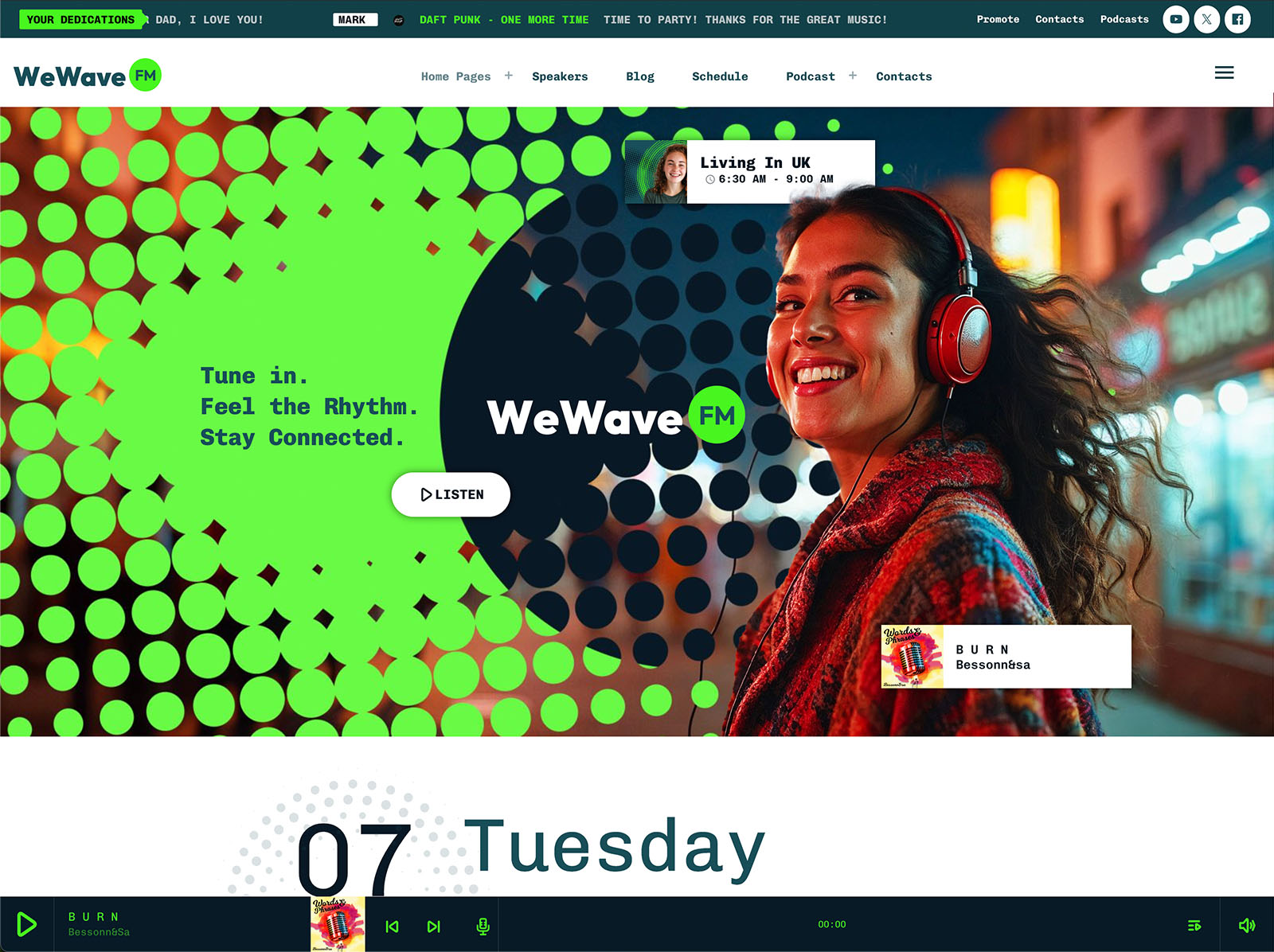
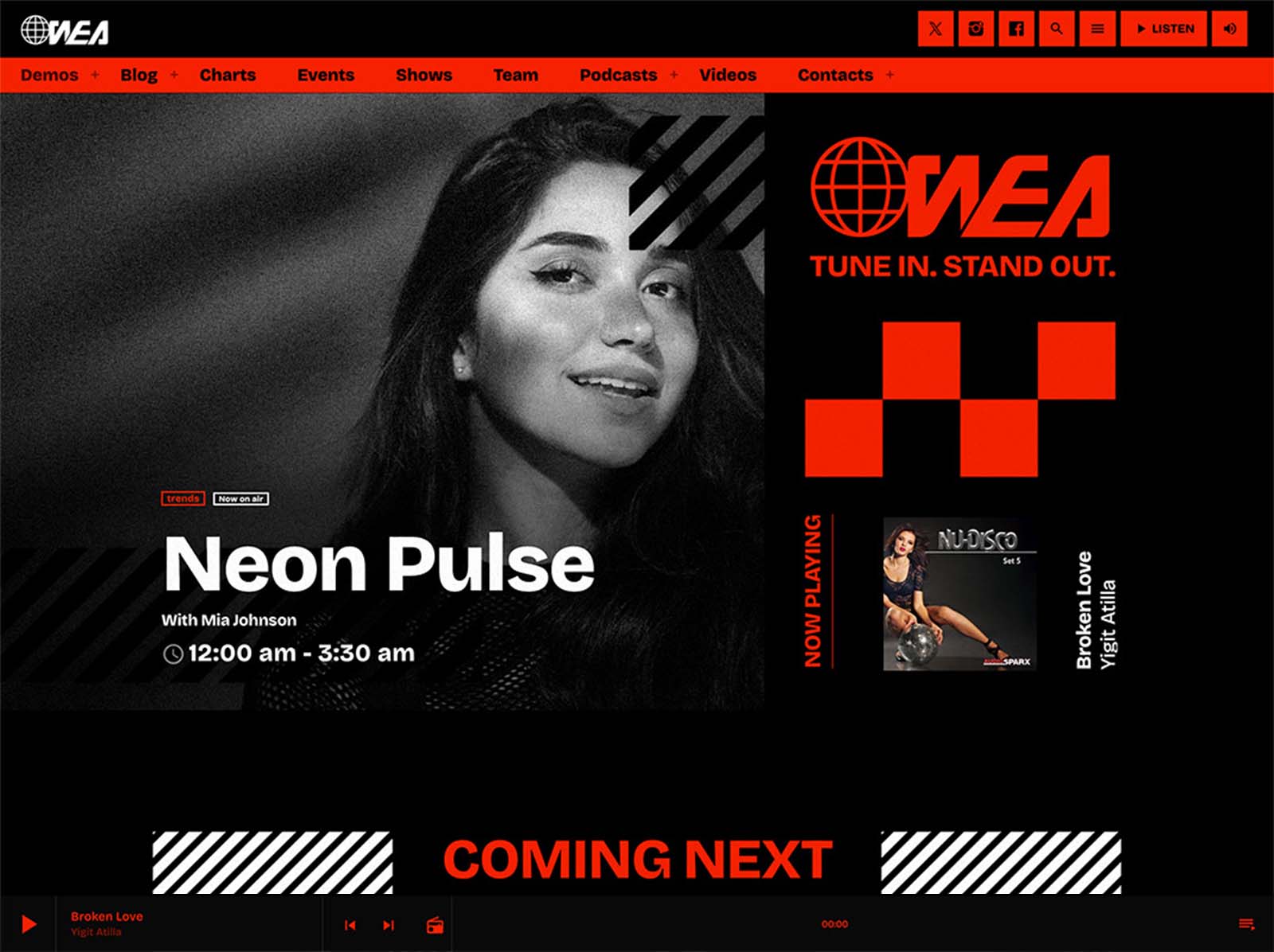


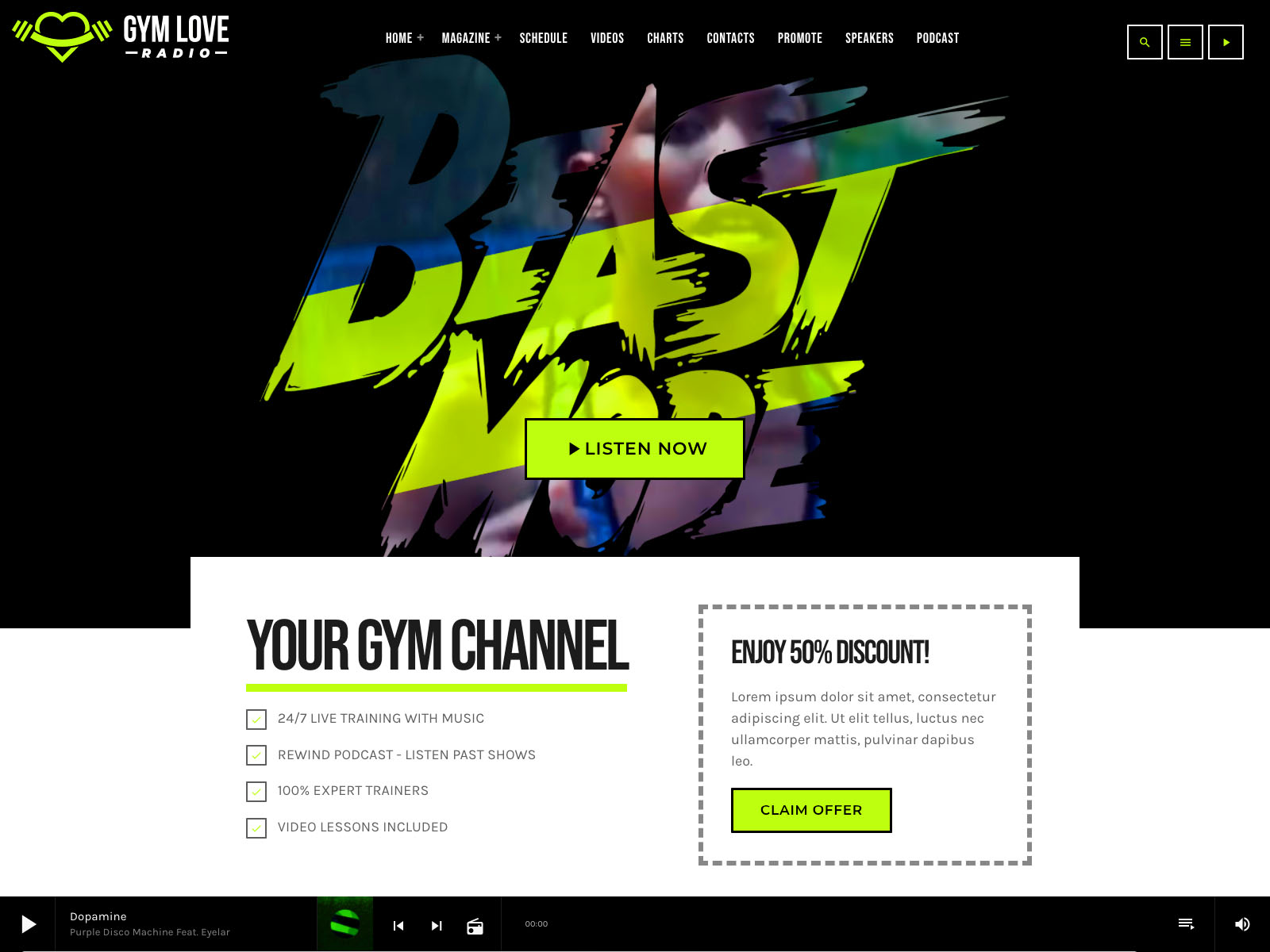

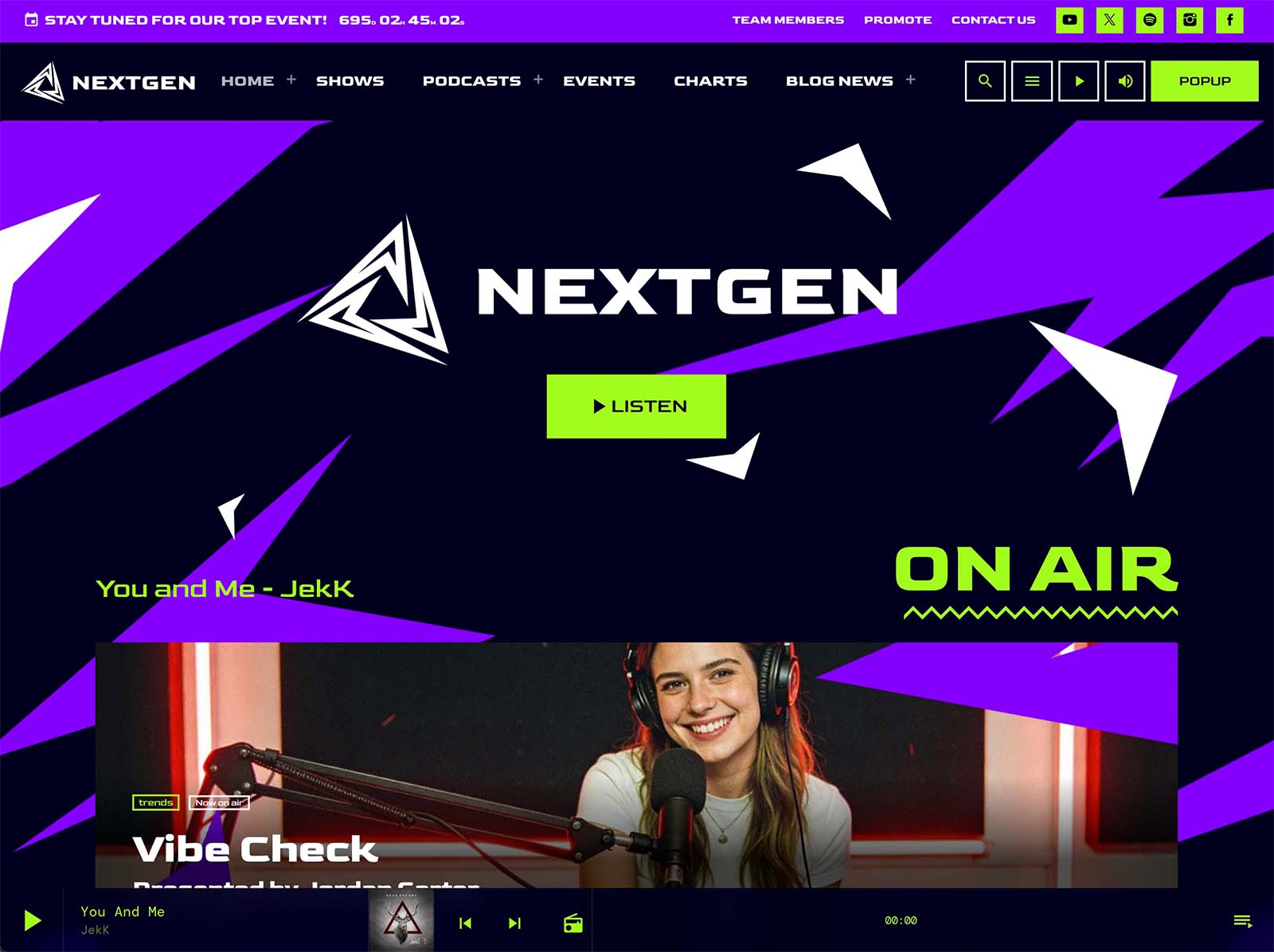
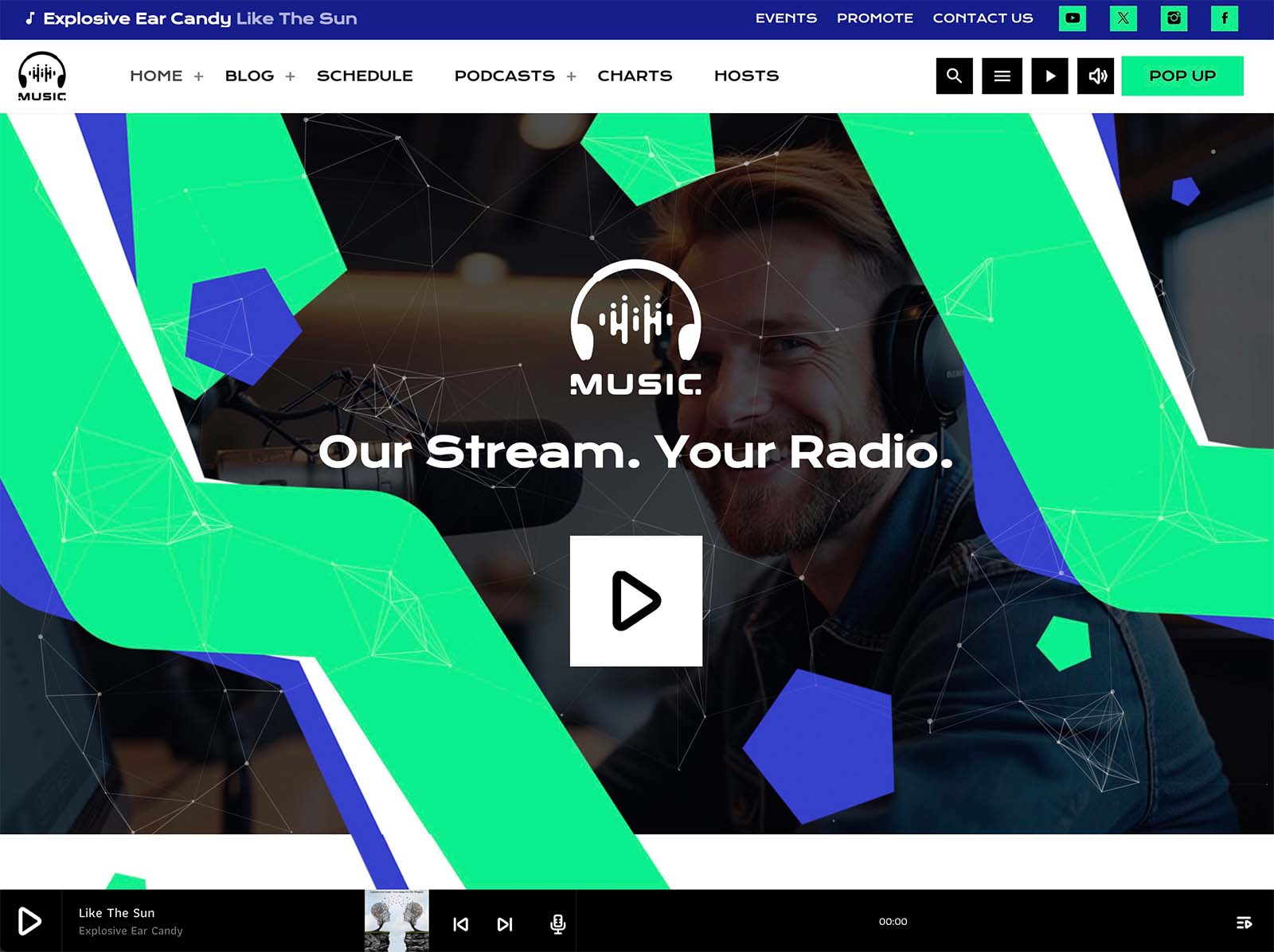
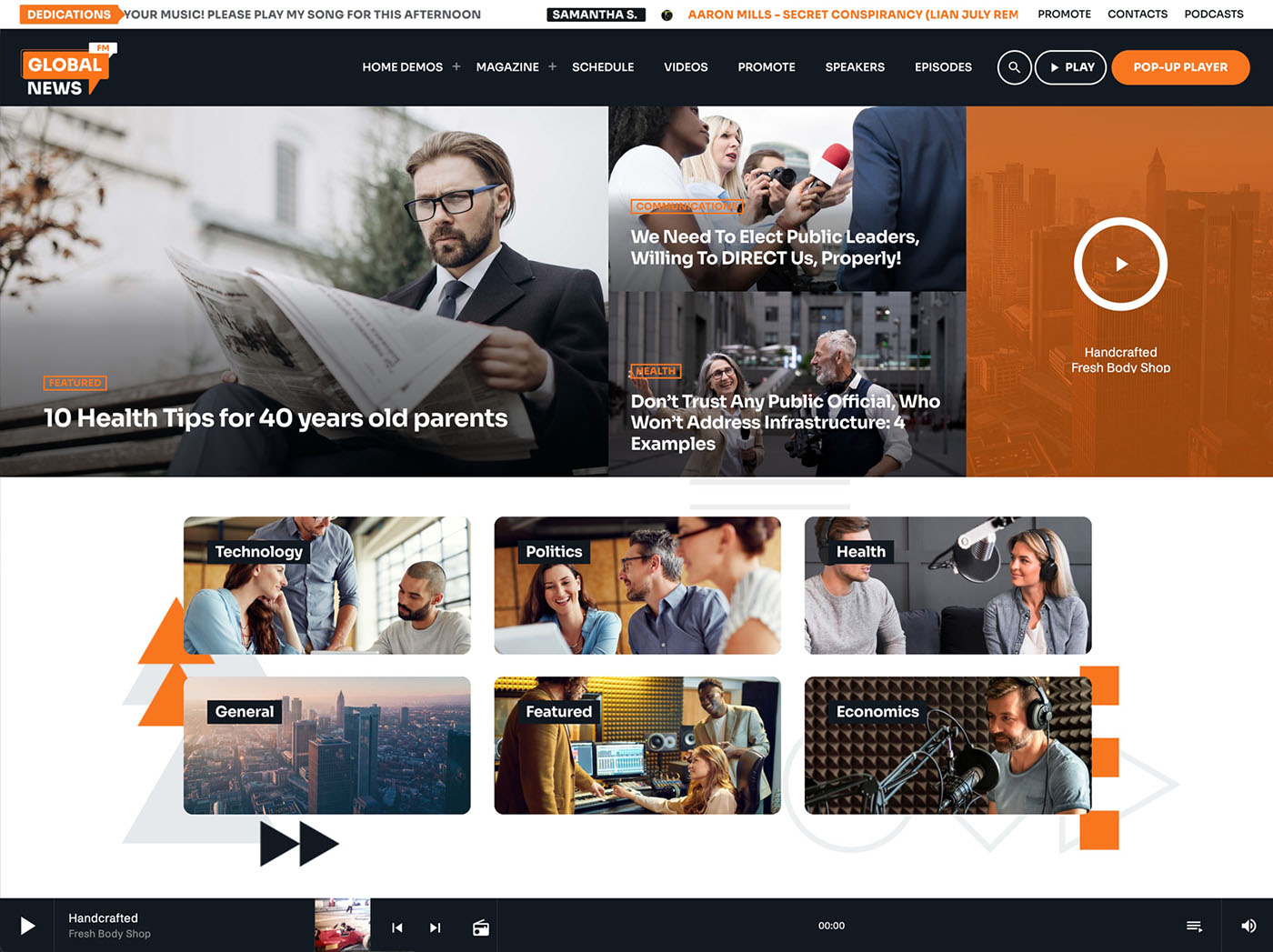
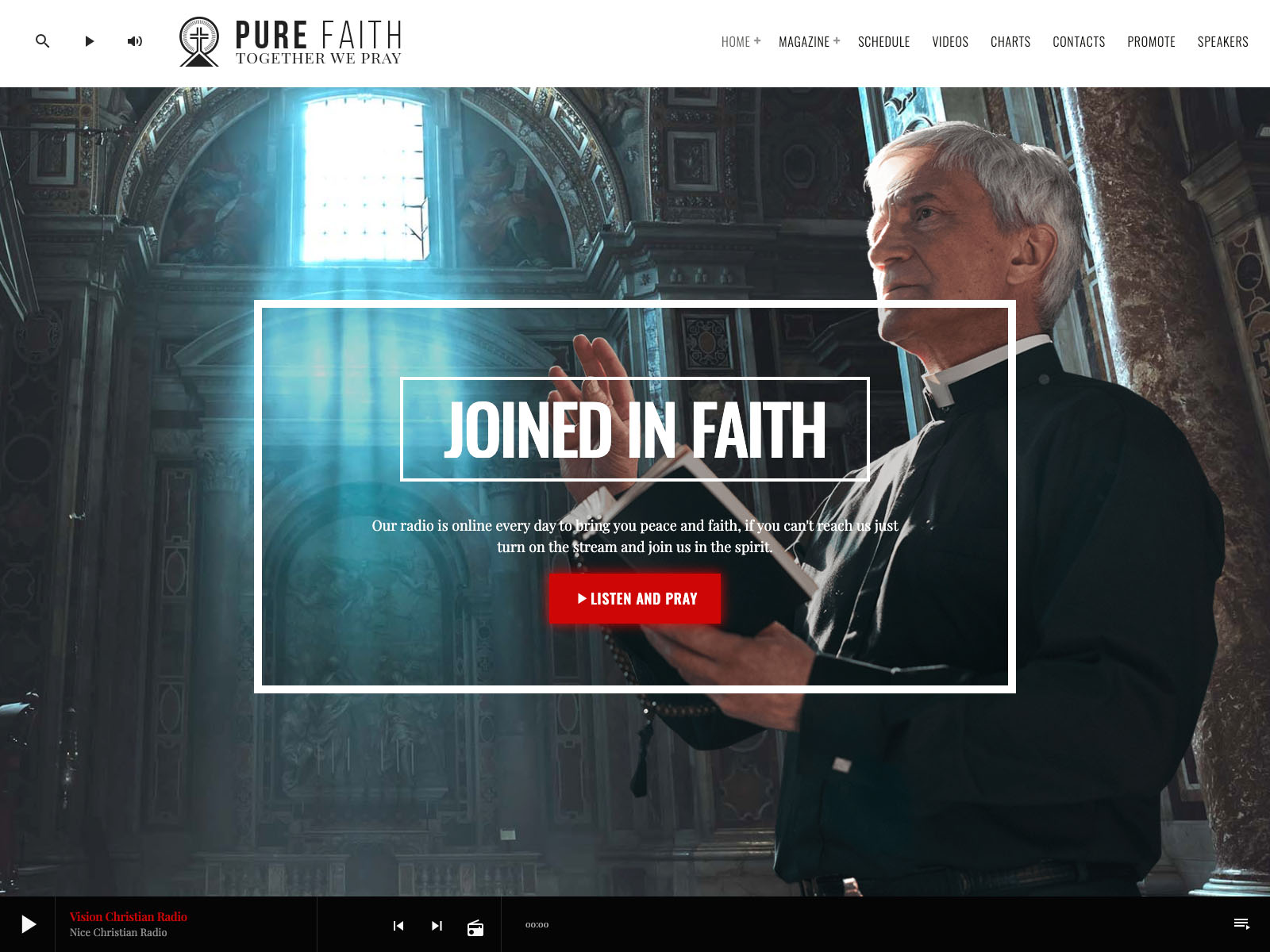
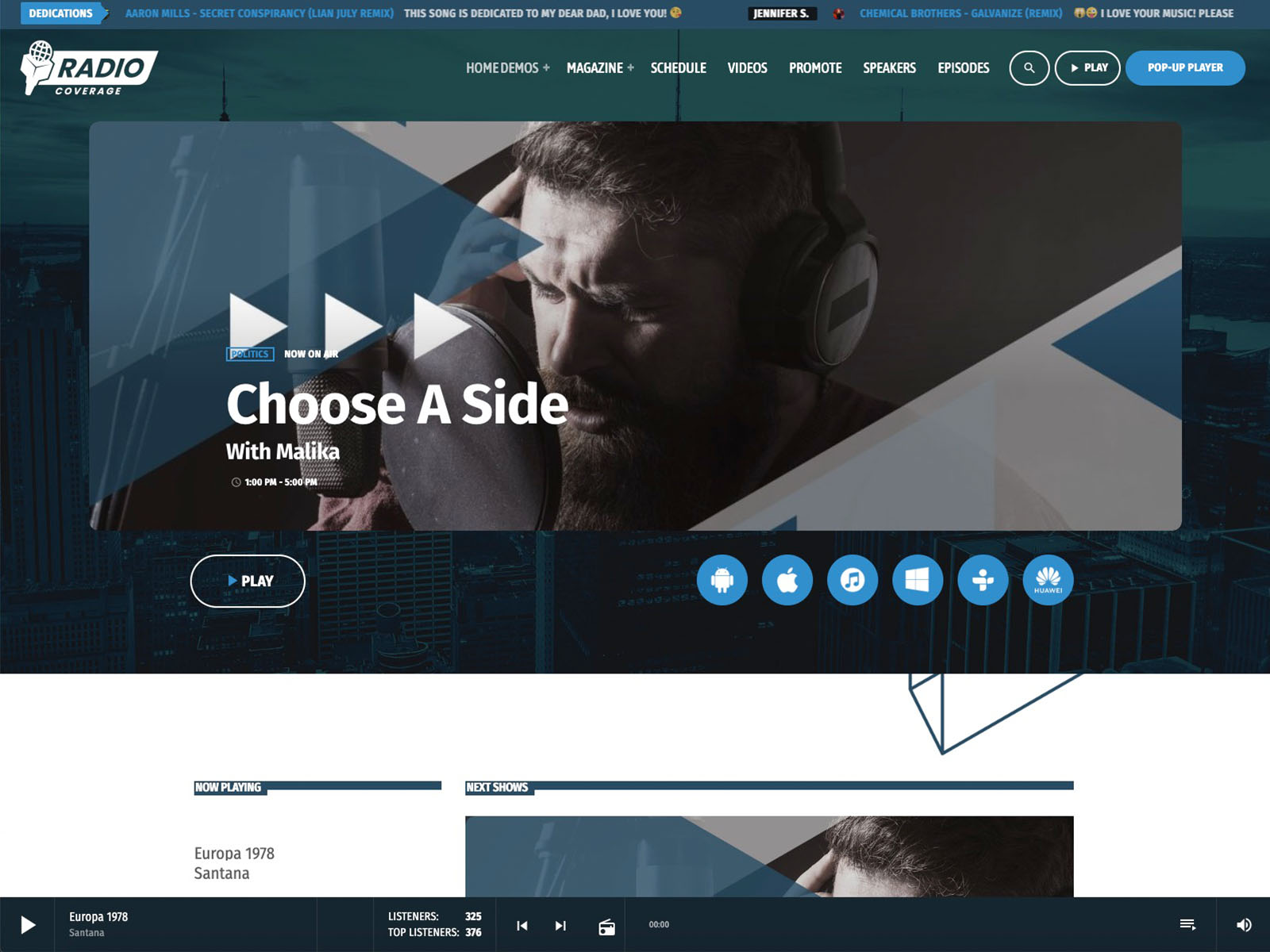
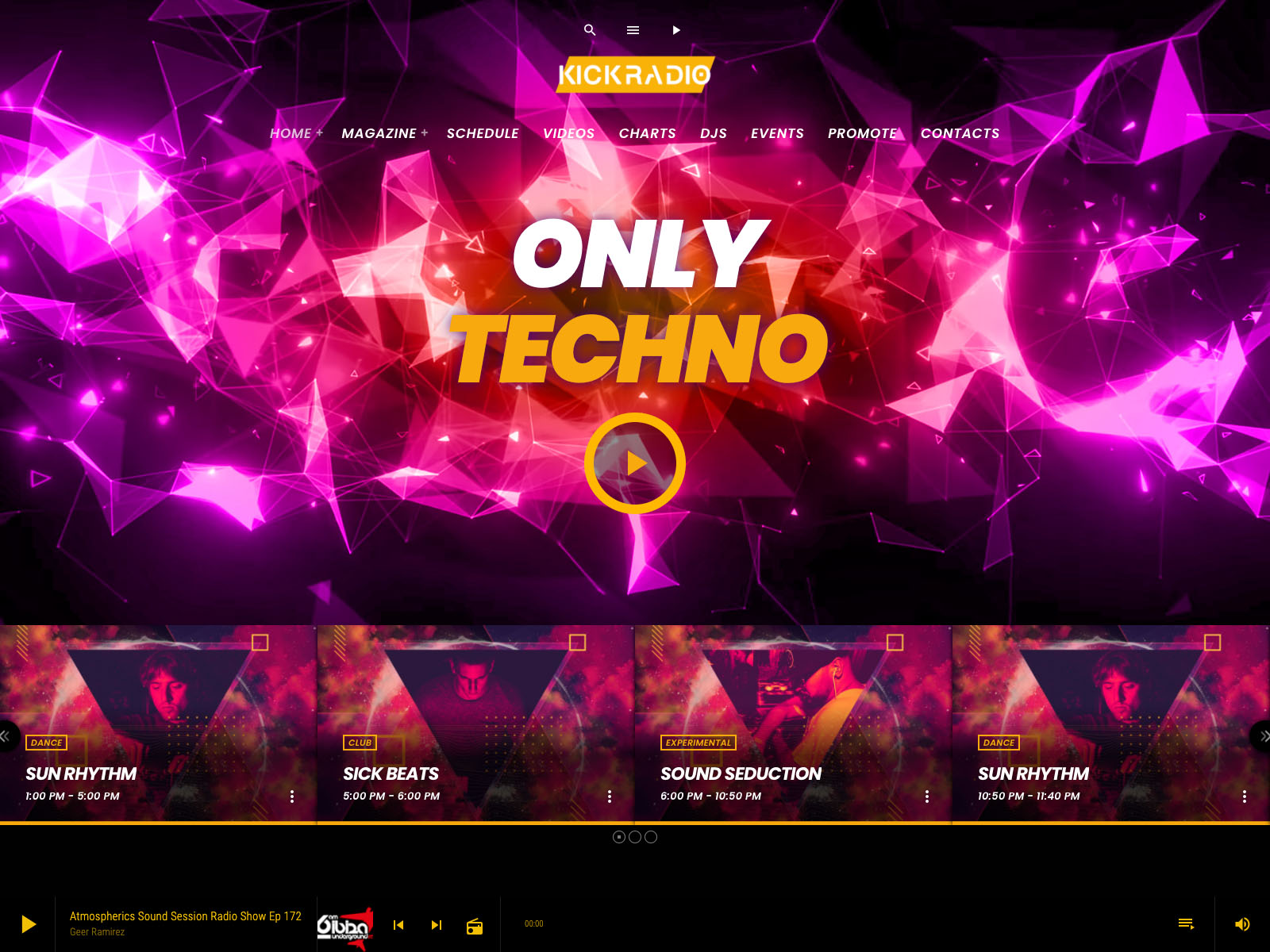
👉 Get Pro Radio With 15% Discount
AD
You may also like
Copyright 2019-2026 ProRadio® Qantum Themes SL® ESB02979078 All Rights Reserved