


 NEW!
NEW!

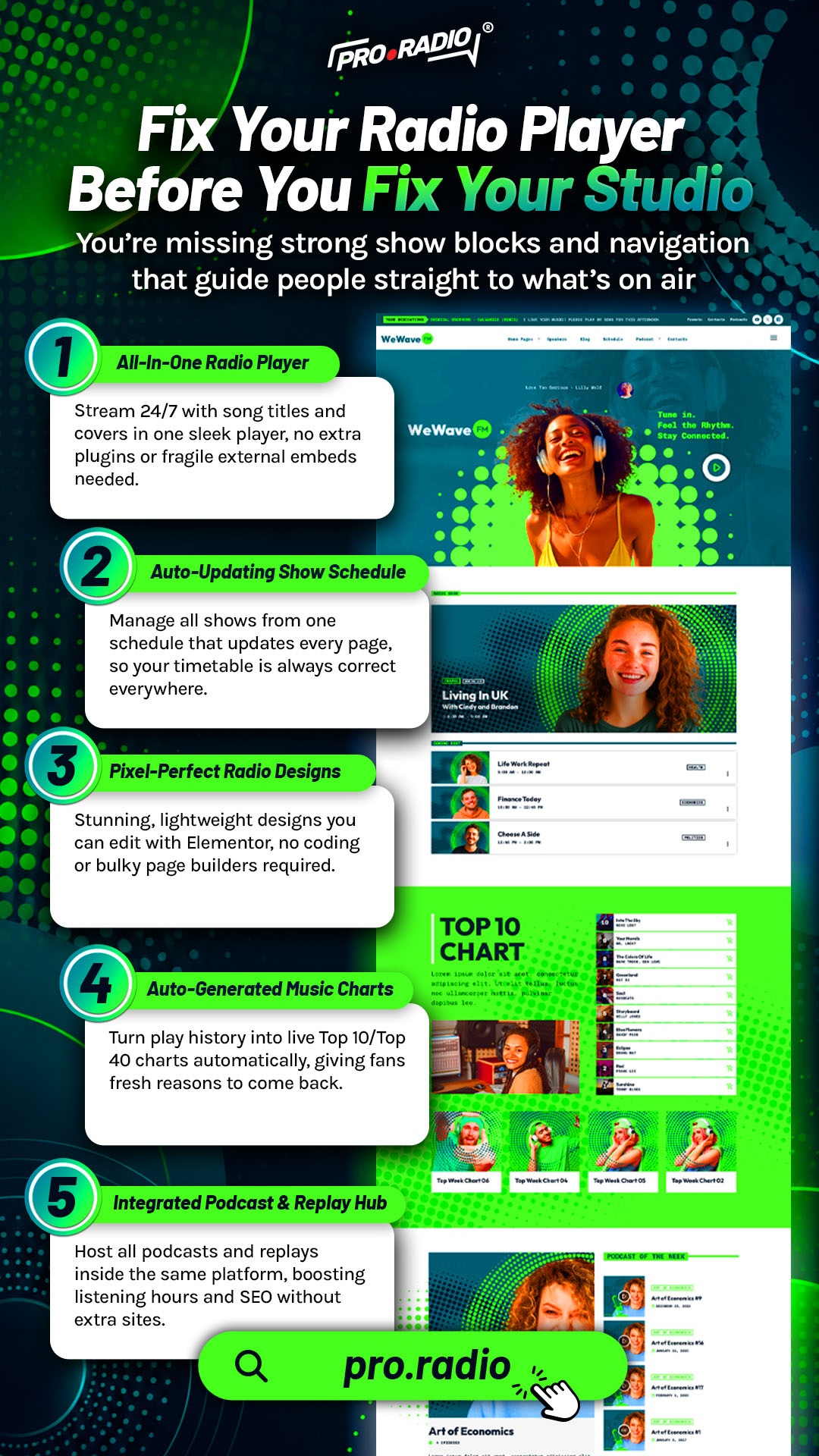
Fix Your Radio Player Before You Fix Your Studio
AD
A weak player is missing the UX details that actually make visitors hit play and stay. There is a familiar trap in radio operations. You spend money on new microphones, new mixers, and new processing chains, and yet the audience numbers refuse to grow. The studio is great. The audience does not know that, because the player on the website is failing the most important job: turning a curious visit into a confident press of play.
The player is the studio of the website. Treat it that way.
Contents
hide
- 1. The Player Is The First Studio Decision
- 2. A Non-Stop Player That Survives Navigation
- 3. Real-Time Information Inside The Player
- 4. Player Placement And Multiple Play Buttons
- 5. Mobile UX Details That Make Or Break The Click
- 6. Stream Compatibility With The Major Providers
- 7. Popup Player And Custom Styles
- 8. Why The Player And The Studio Are Different Investments
- 9. One Toolkit Makes The Player Stay Pro
- 10. Upgrade The Player First
The Player Is The First Studio Decision
A new visitor to your site forms an impression of your station from the player itself. A small, awkward player suggests an amateur station no matter how good the audio behind it is. A clear, confident player suggests a professional station no matter how modest the studio actually is.
Most player problems are small UX details that compound. The play button is too small. The “now playing” area is empty. The stream cuts out when the visitor clicks to another page. The mobile version is broken. The popup steals the visitor’s attention without offering anything useful. Each of these can be fixed, and fixing them is cheaper and more impactful than the next microphone upgrade.
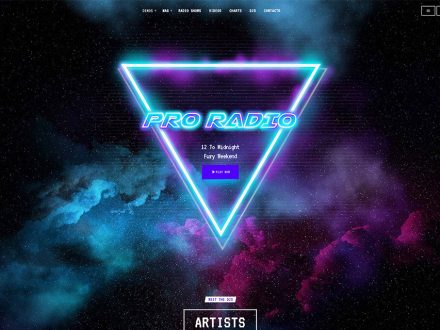
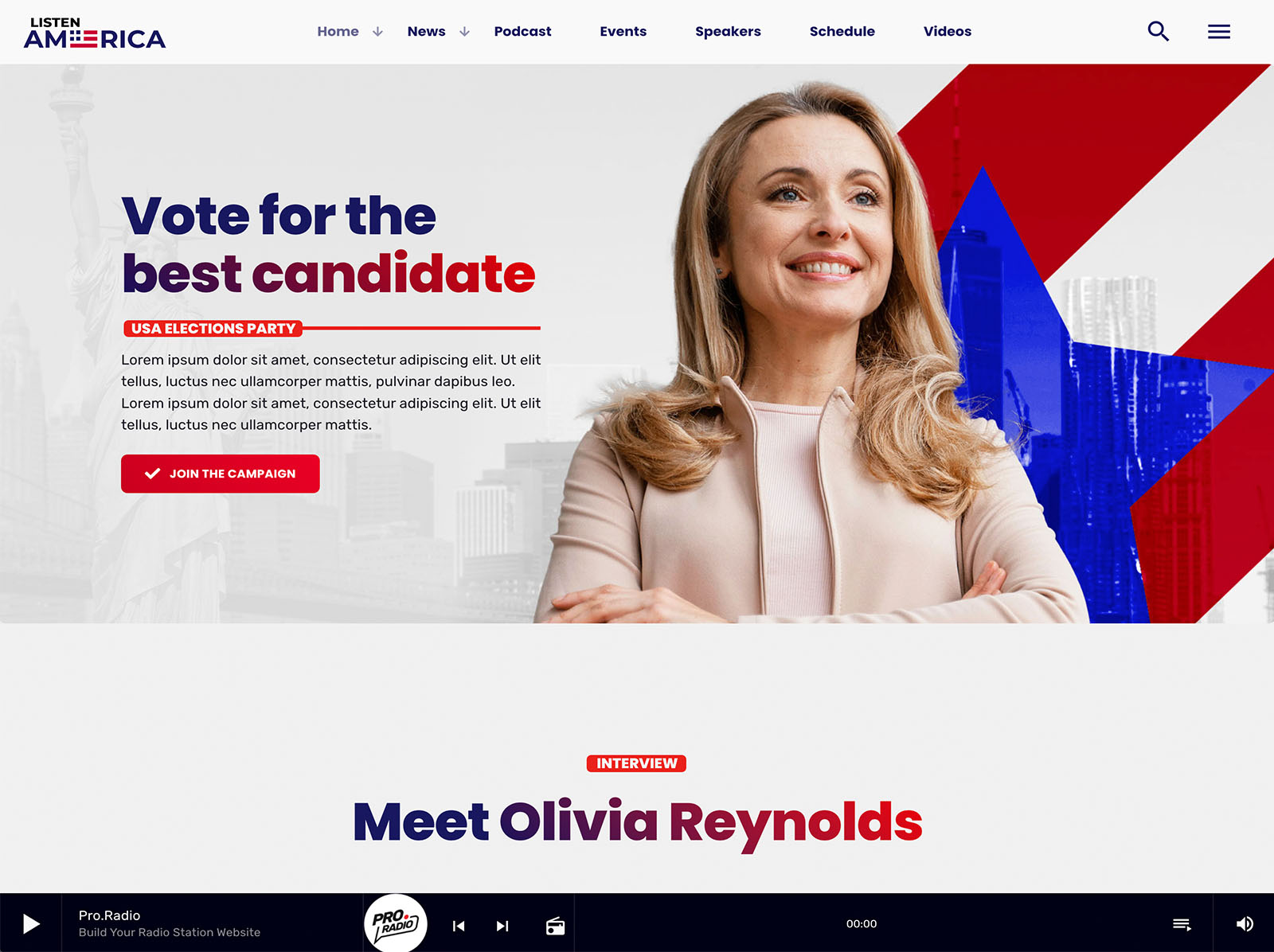
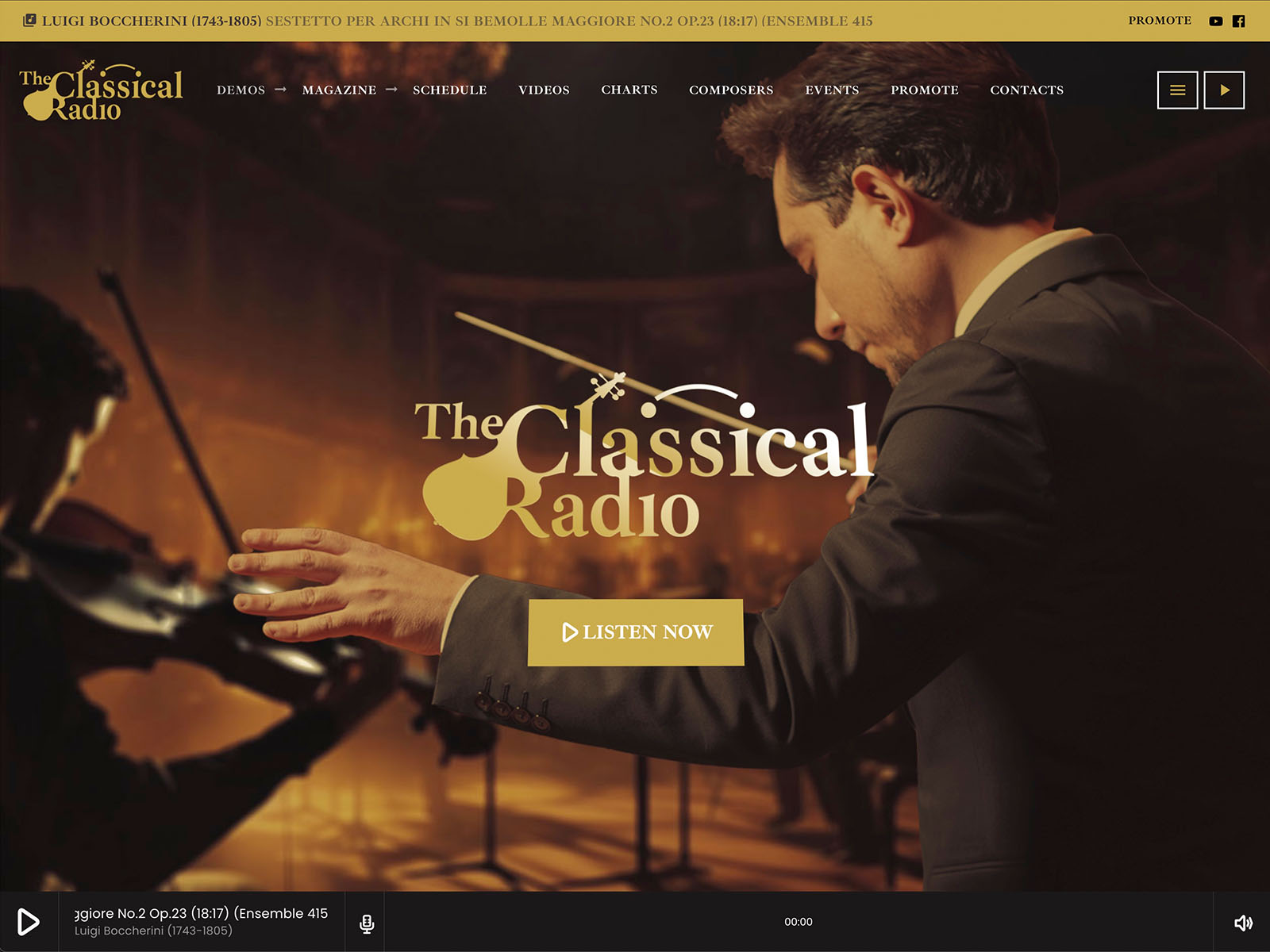
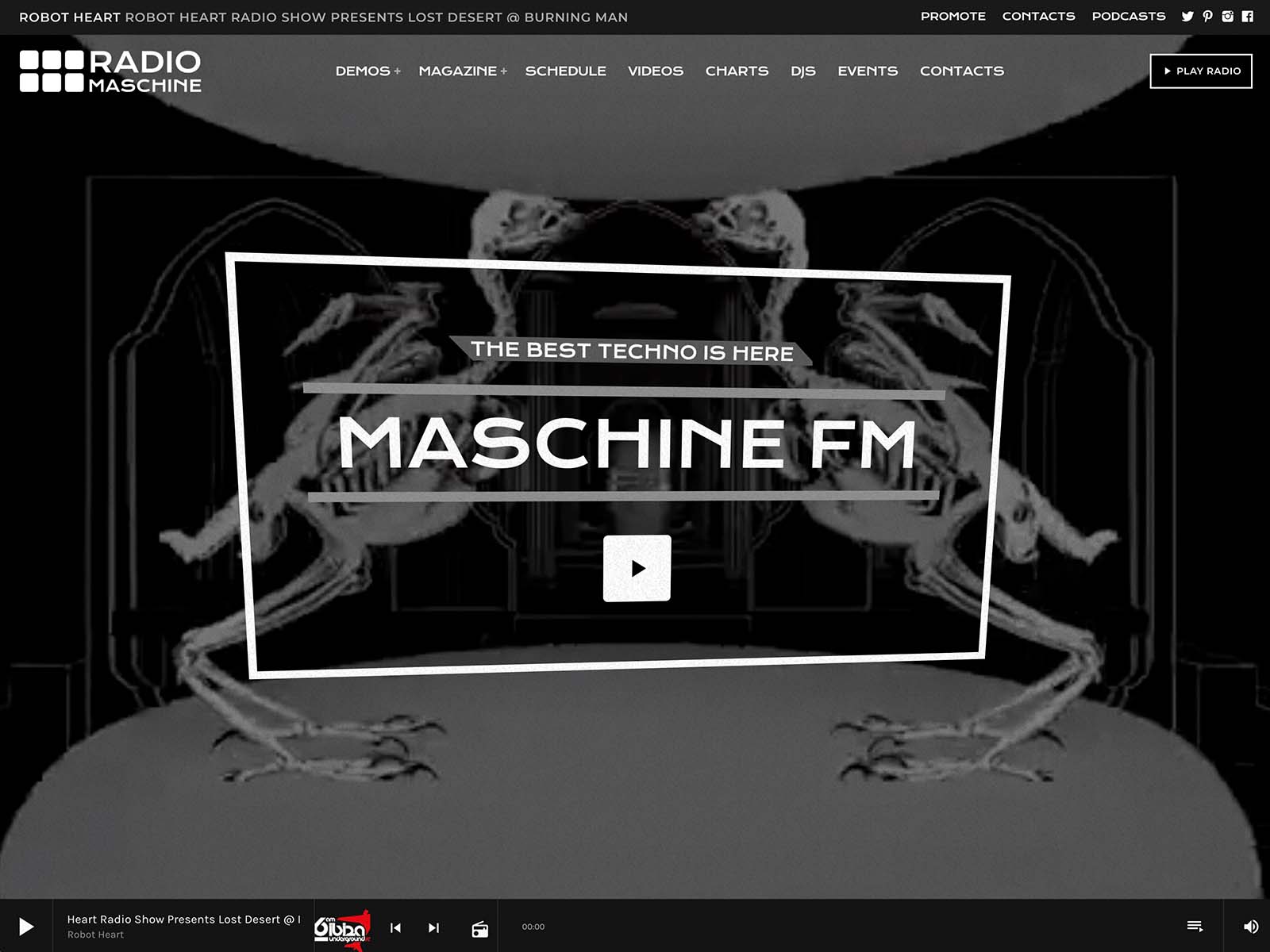
Pro Radio is built around player UX. If your station website feels outdated or confusing, this guide will help you understand how to build your radio website with a clearer structure, better content, and a stronger listener experience.
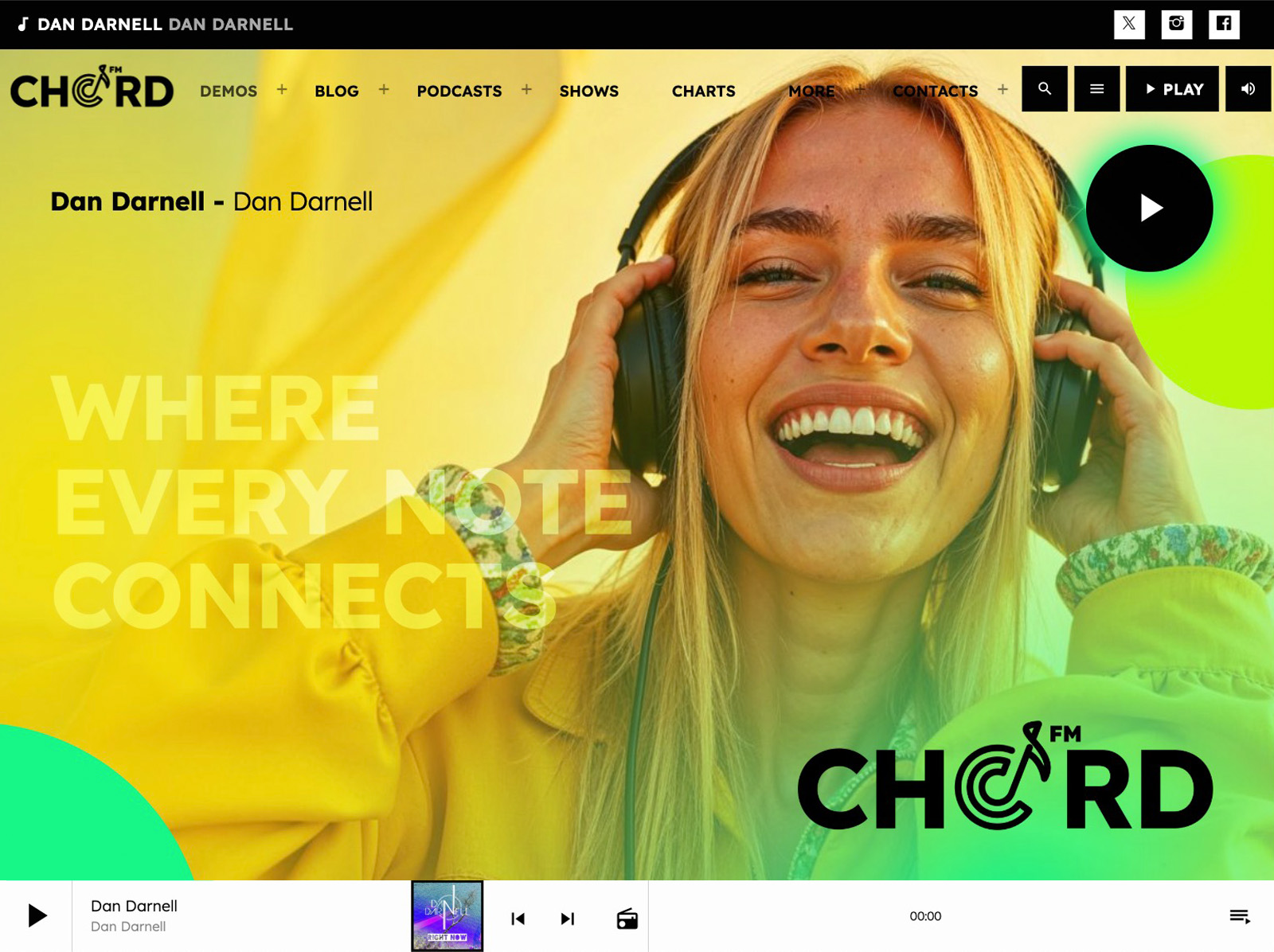
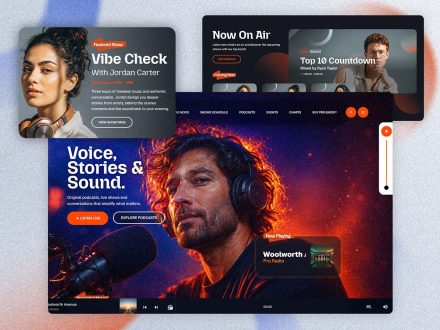
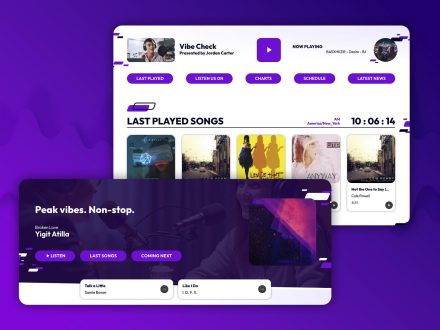
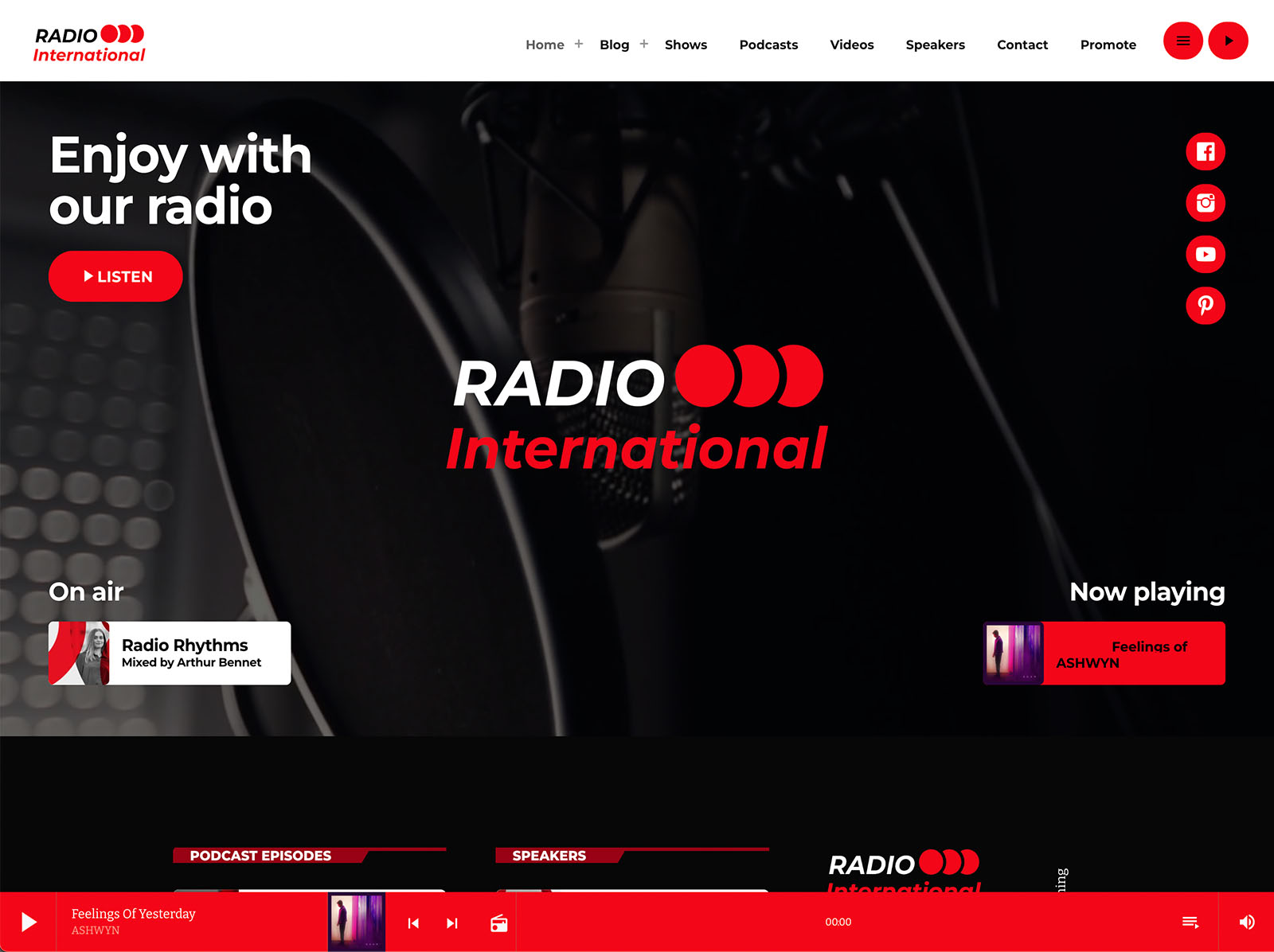
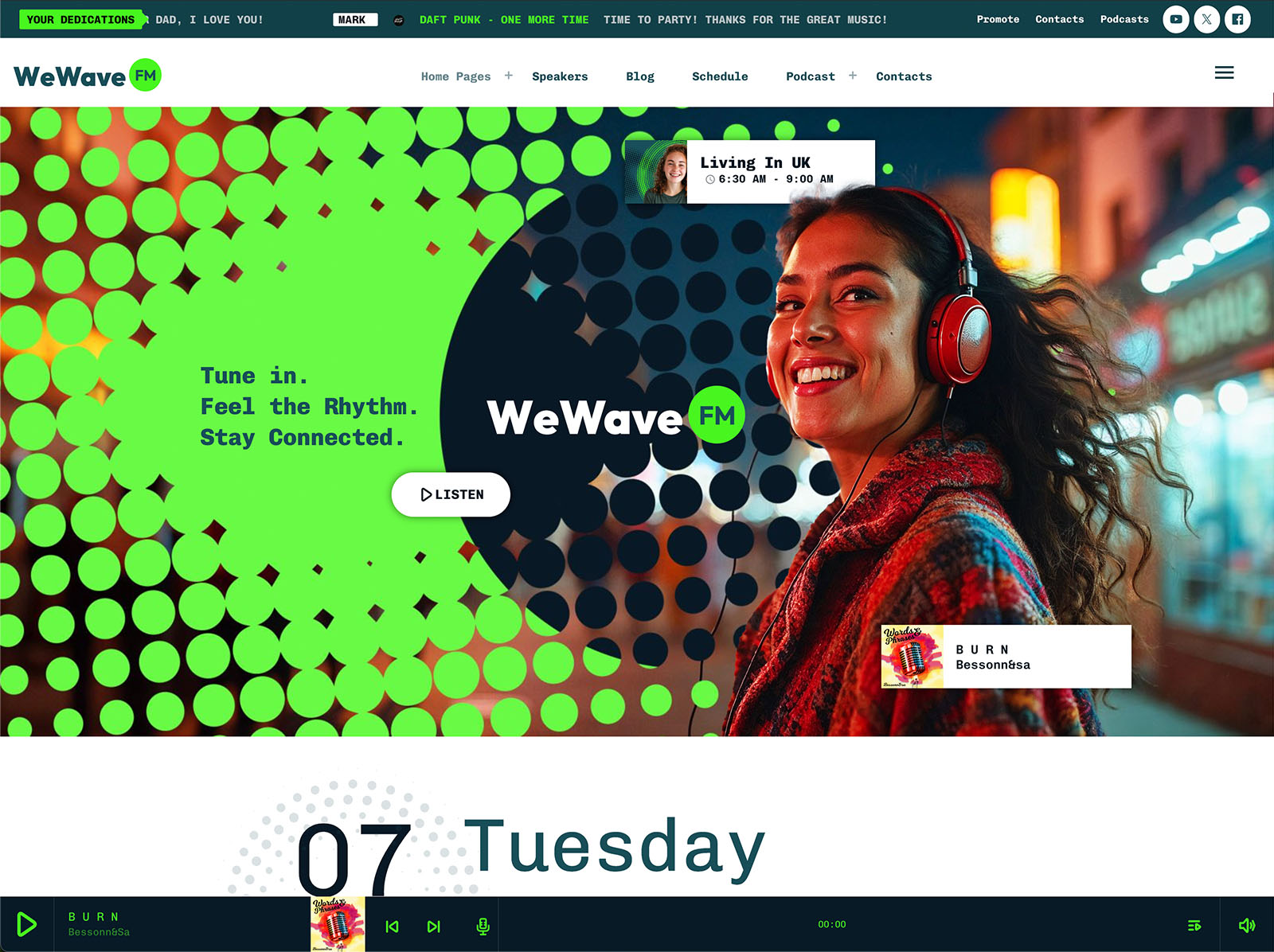
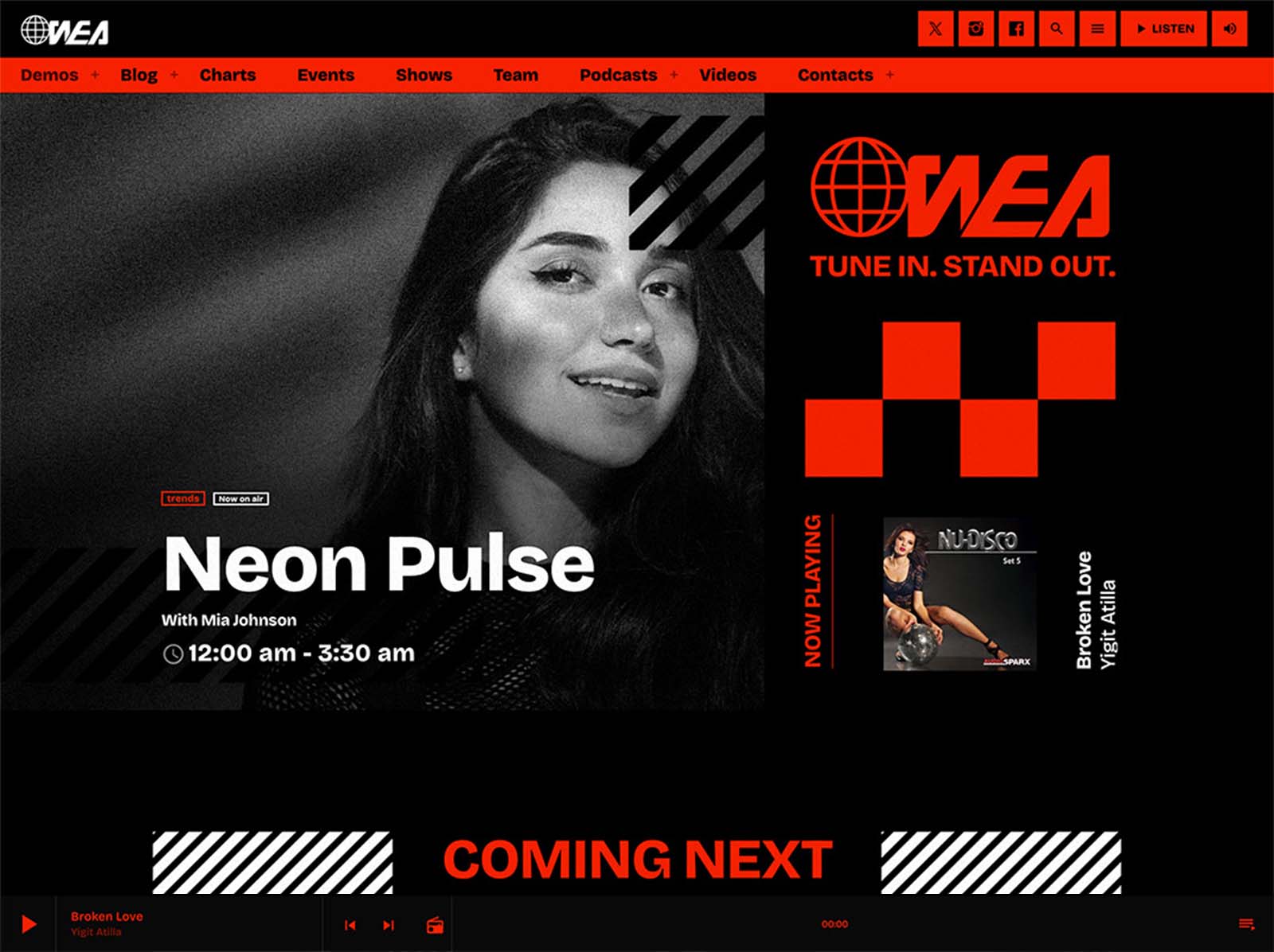
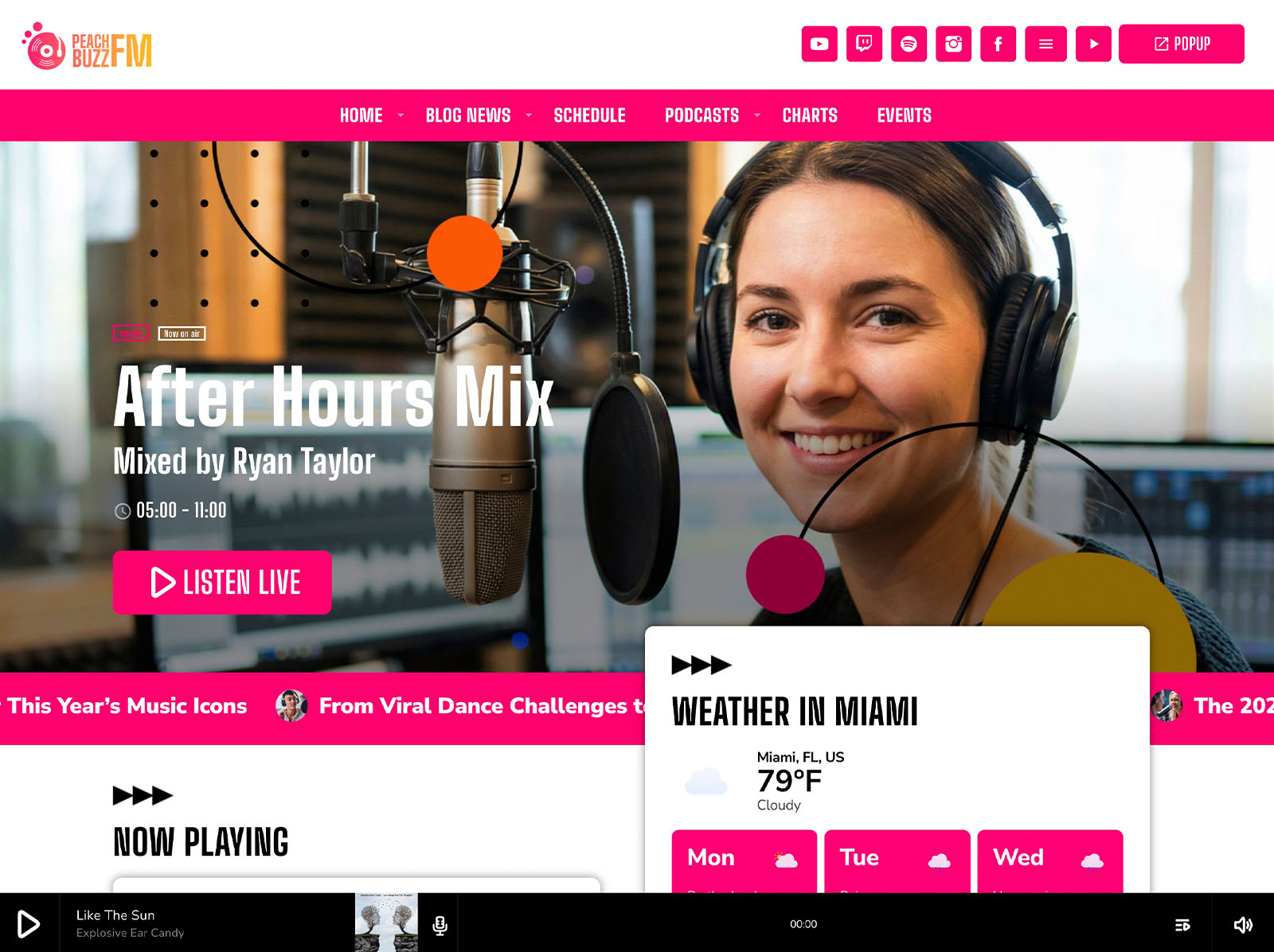
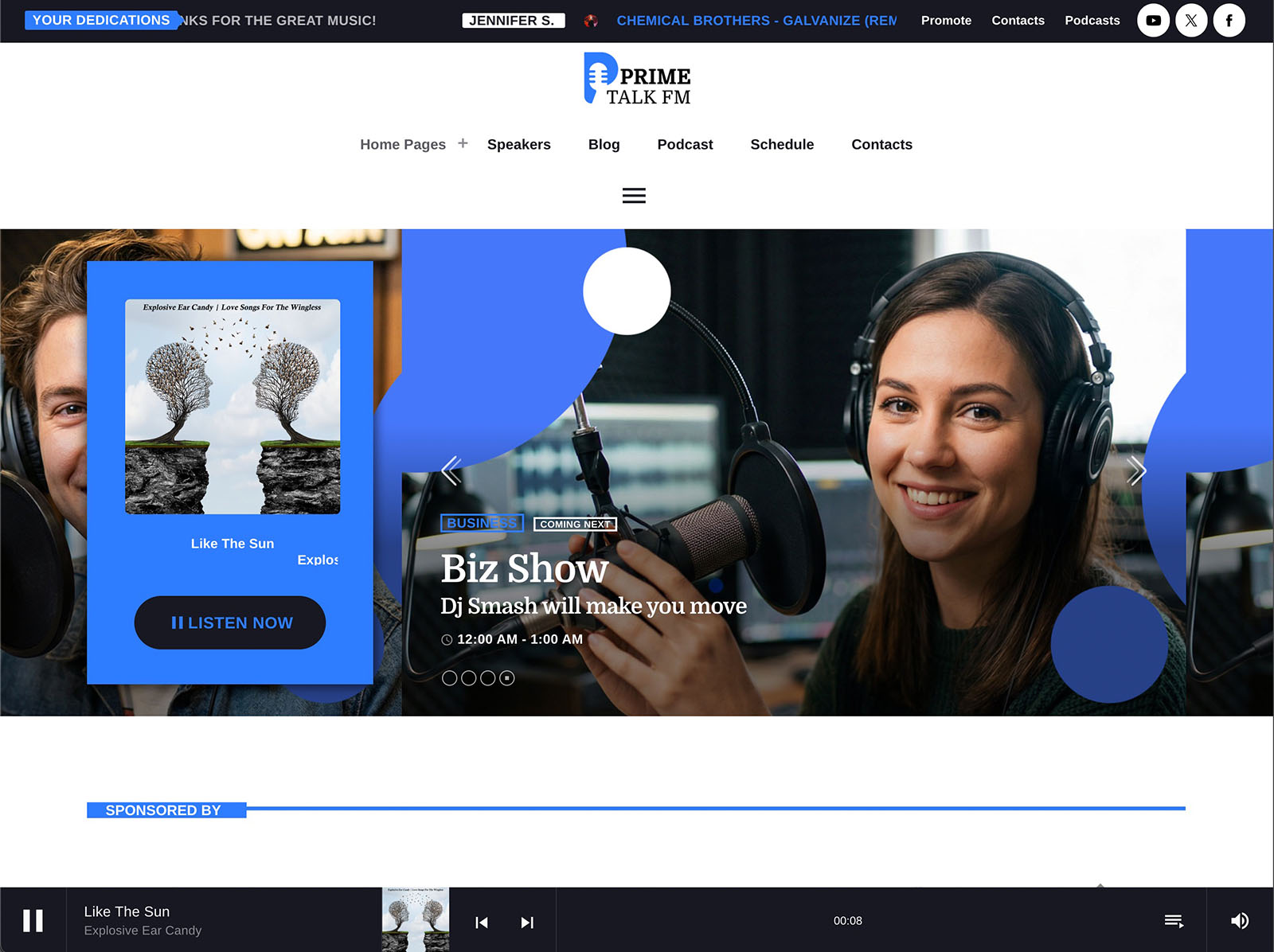
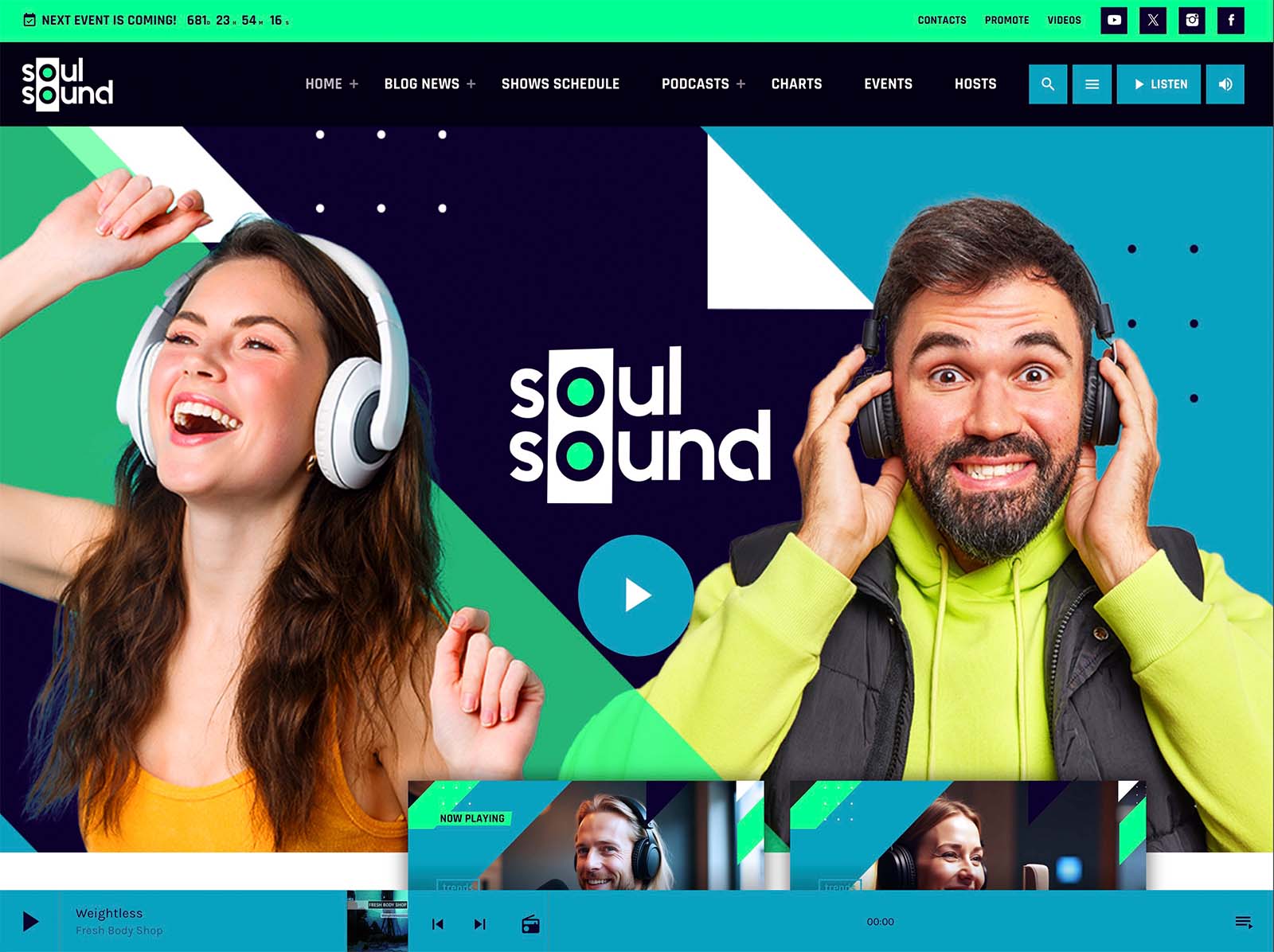
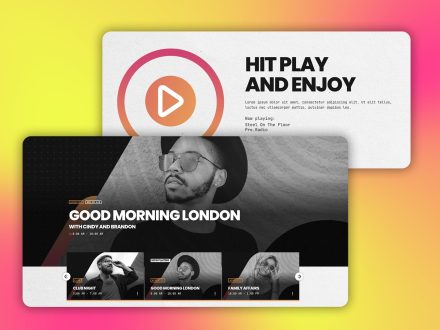
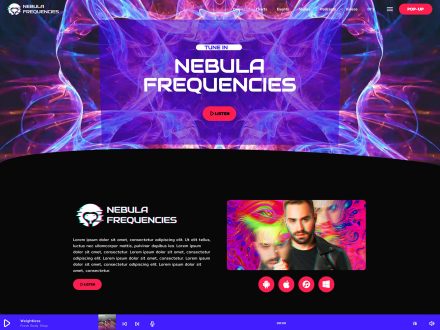
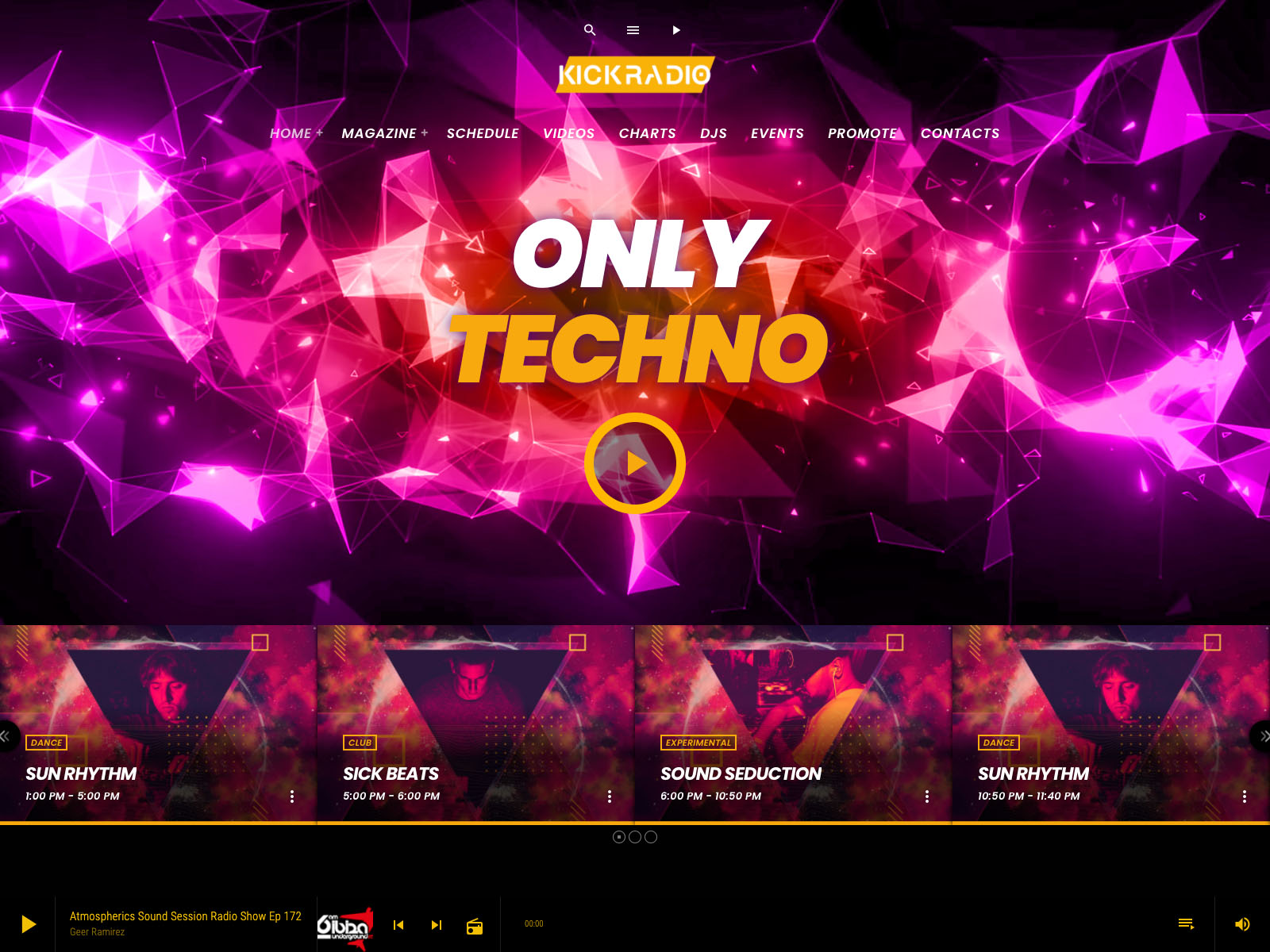
The Pro Radio non-stop player keeps audio playing across the entire site, thanks to the bundled Ajax page load. A visitor presses play on the homepage, moves to a show page, browses a podcast archive, scrolls through the chart, and the music never stops.
This single behavior changes how the website feels. Instead of a place visitors can either listen on or browse, it becomes a place where they can do both. Session times grow. Bounce rates fall.
Real-Time Information Inside The Player
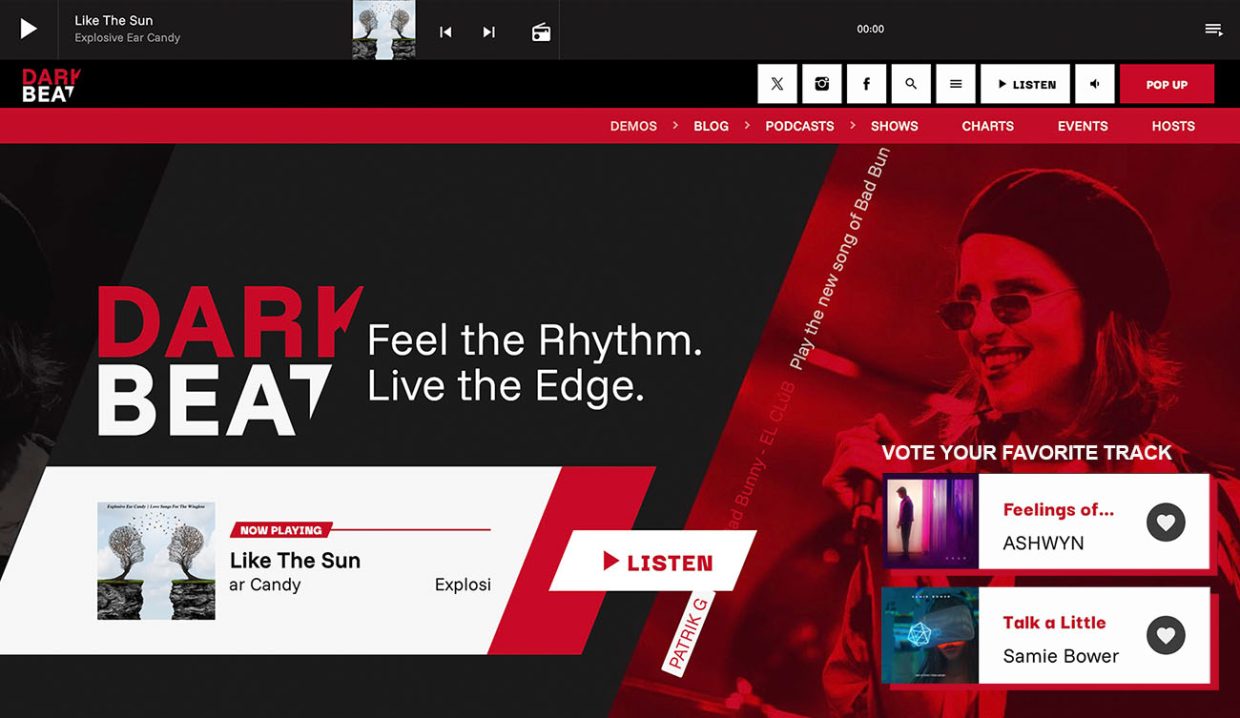
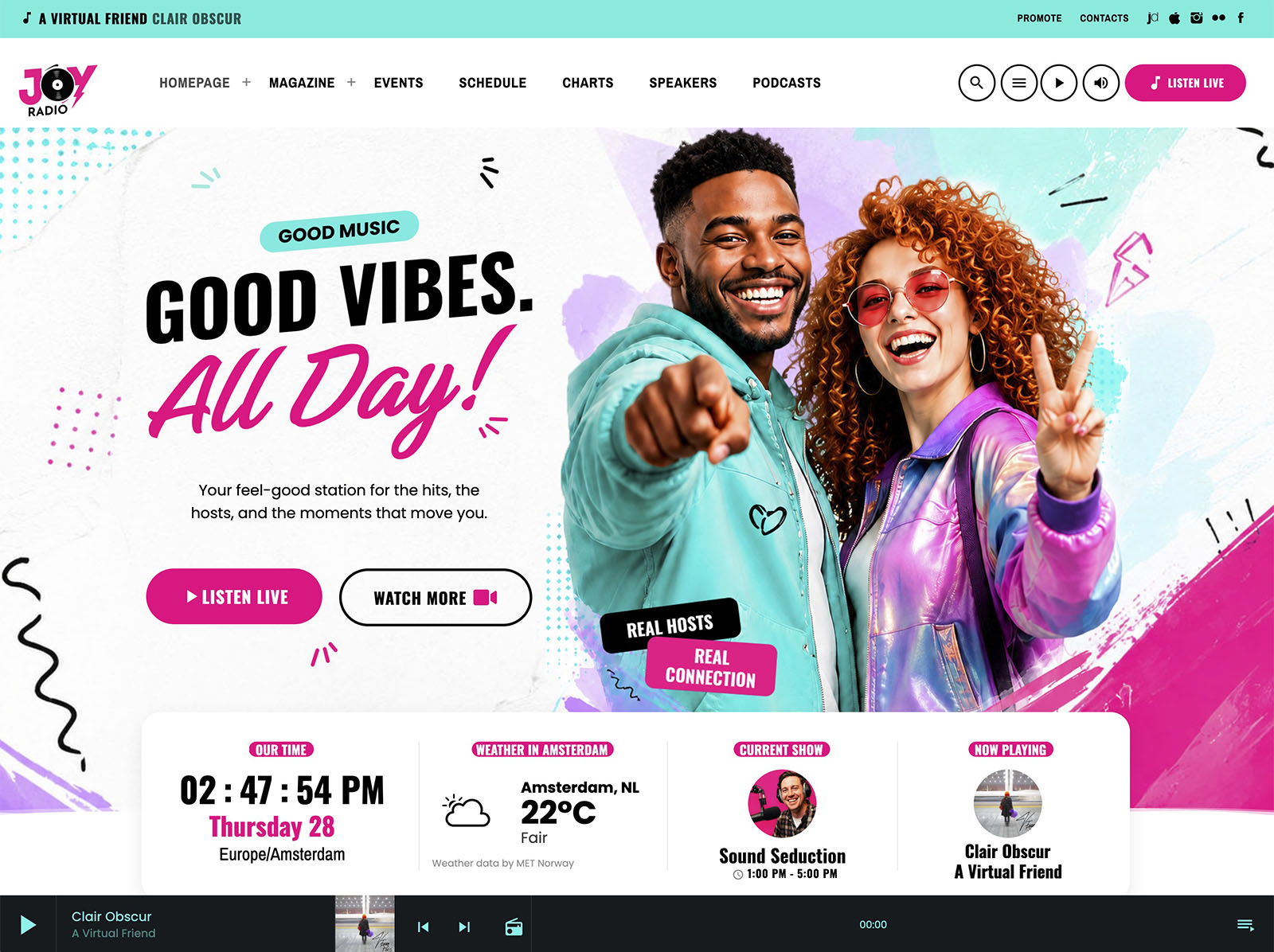
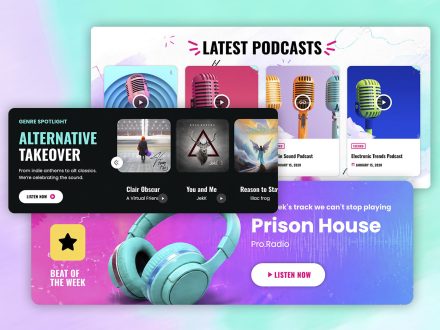
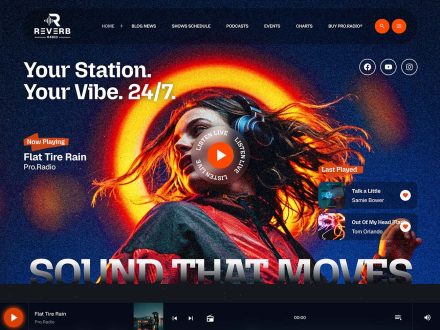
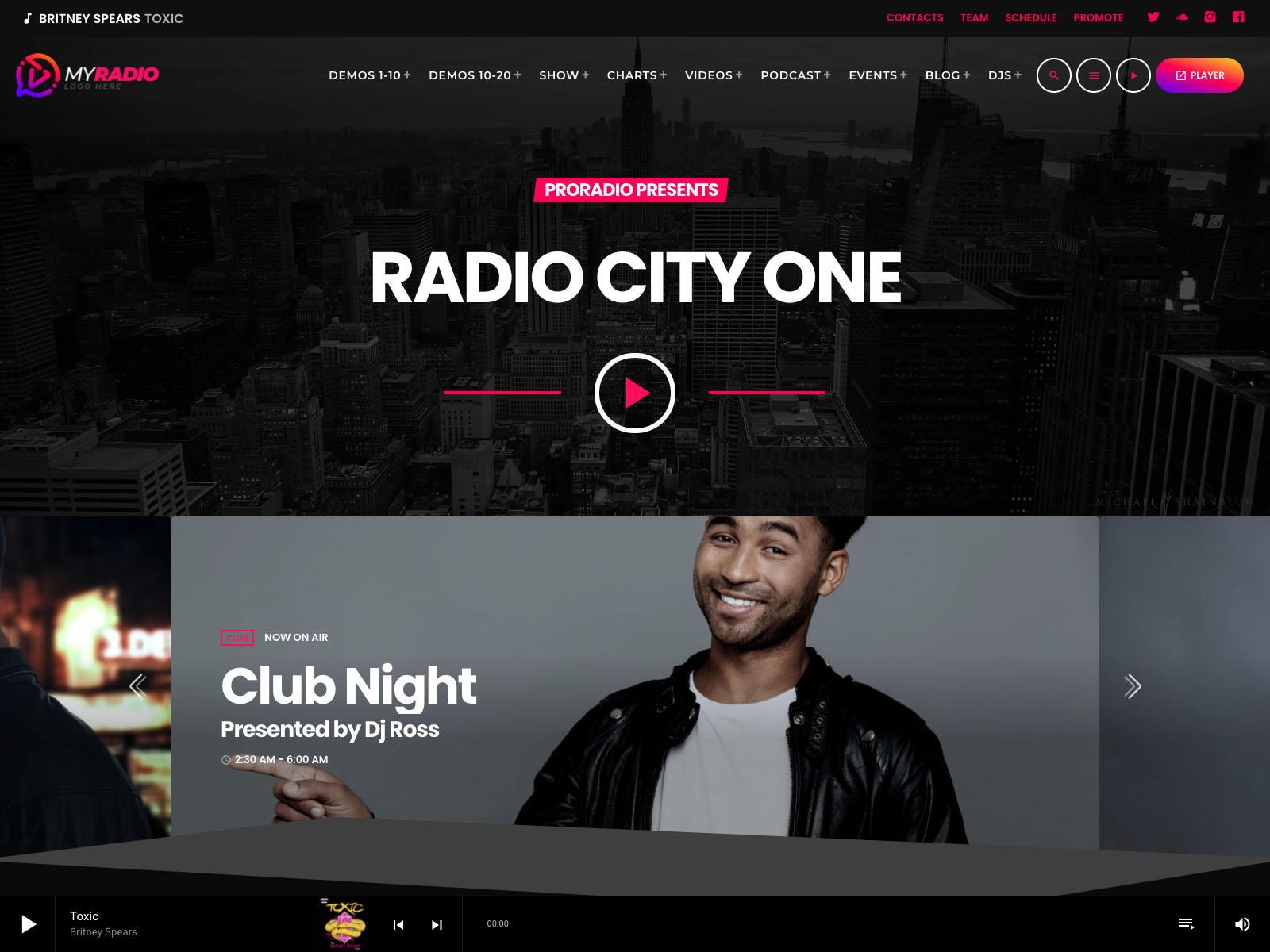
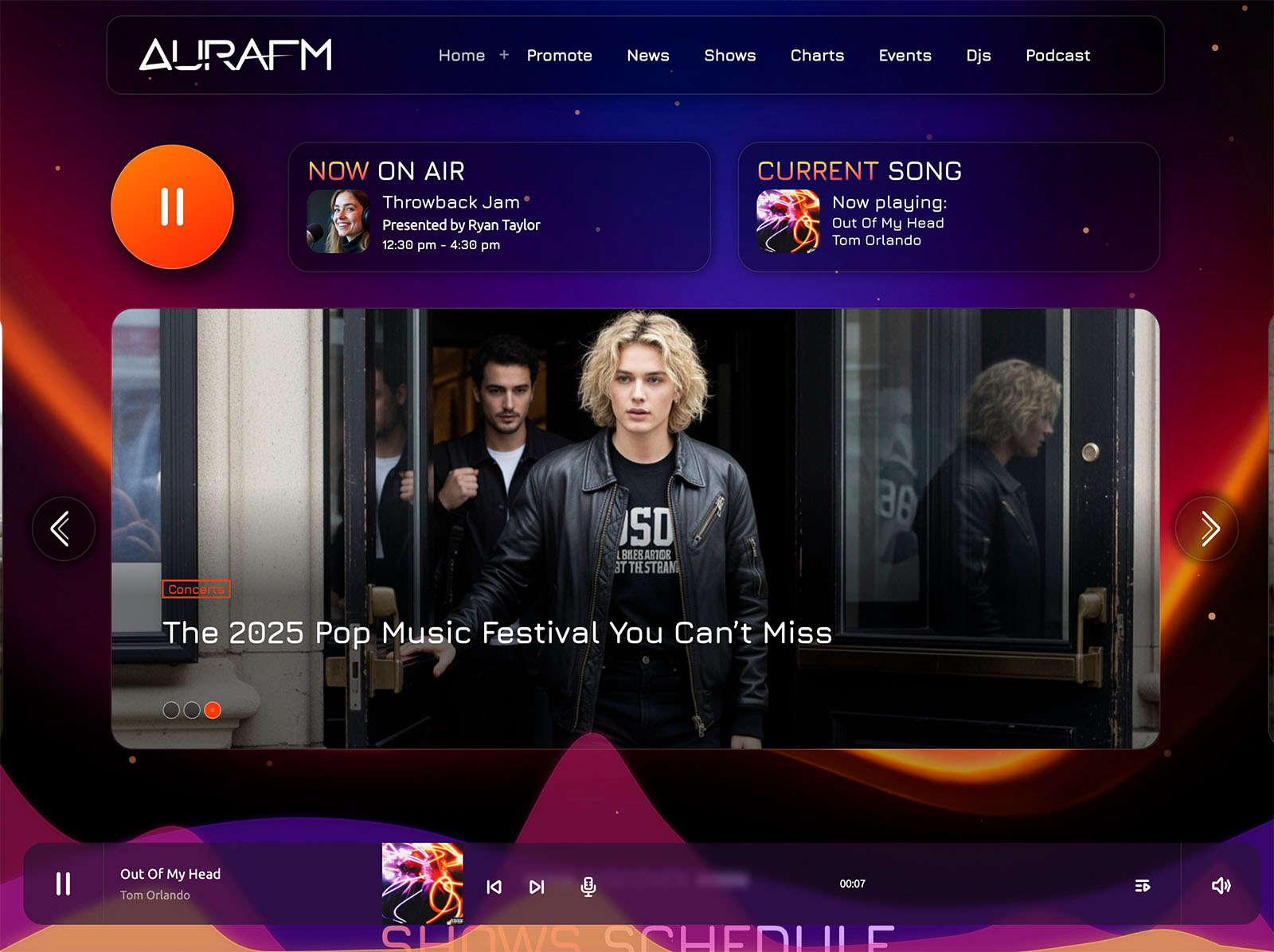
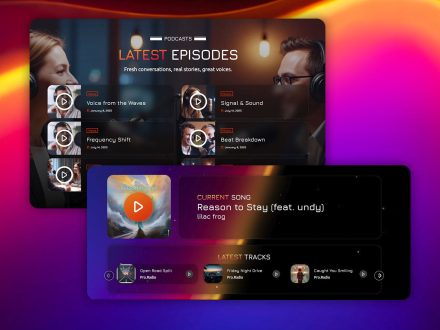
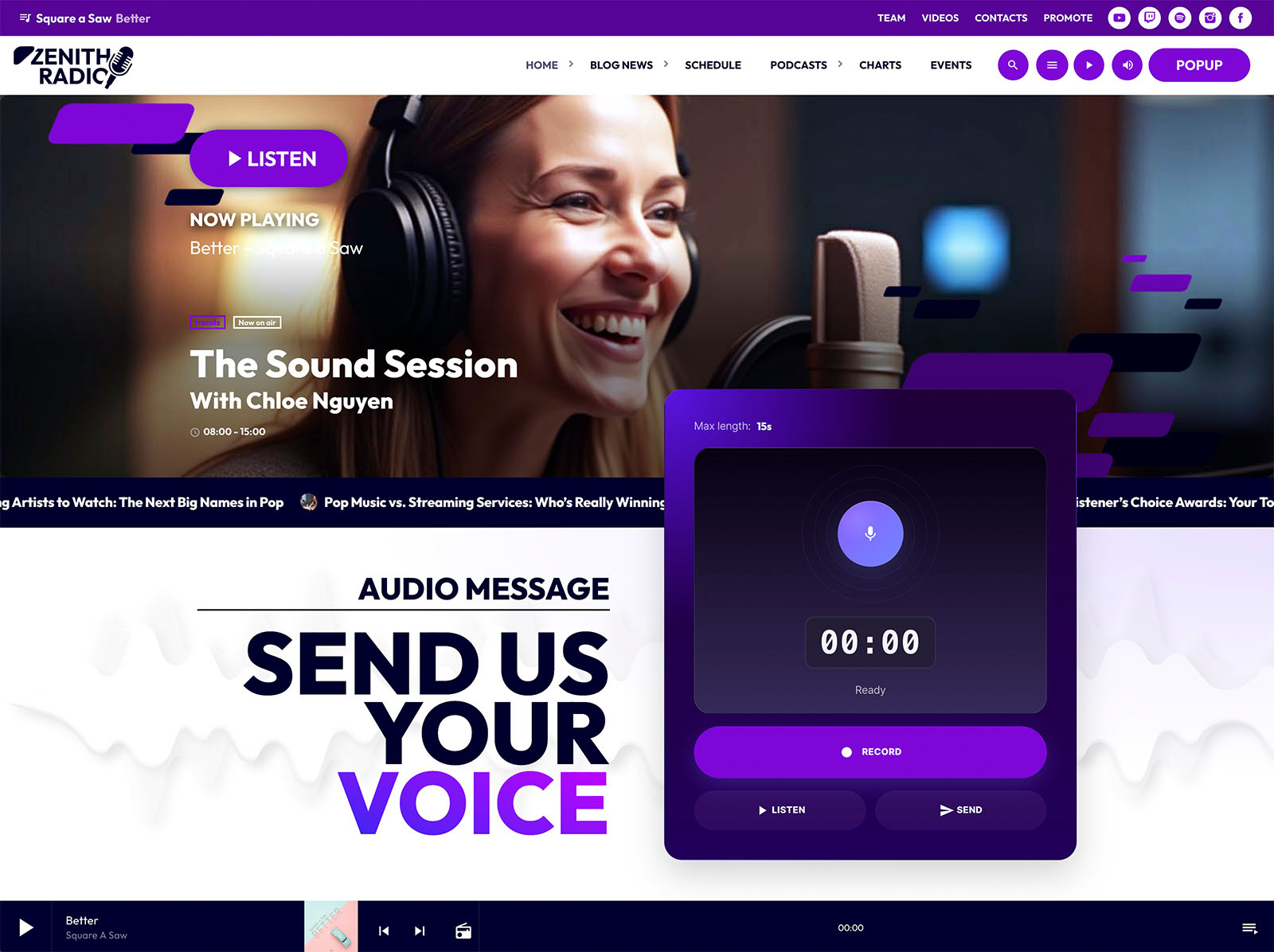
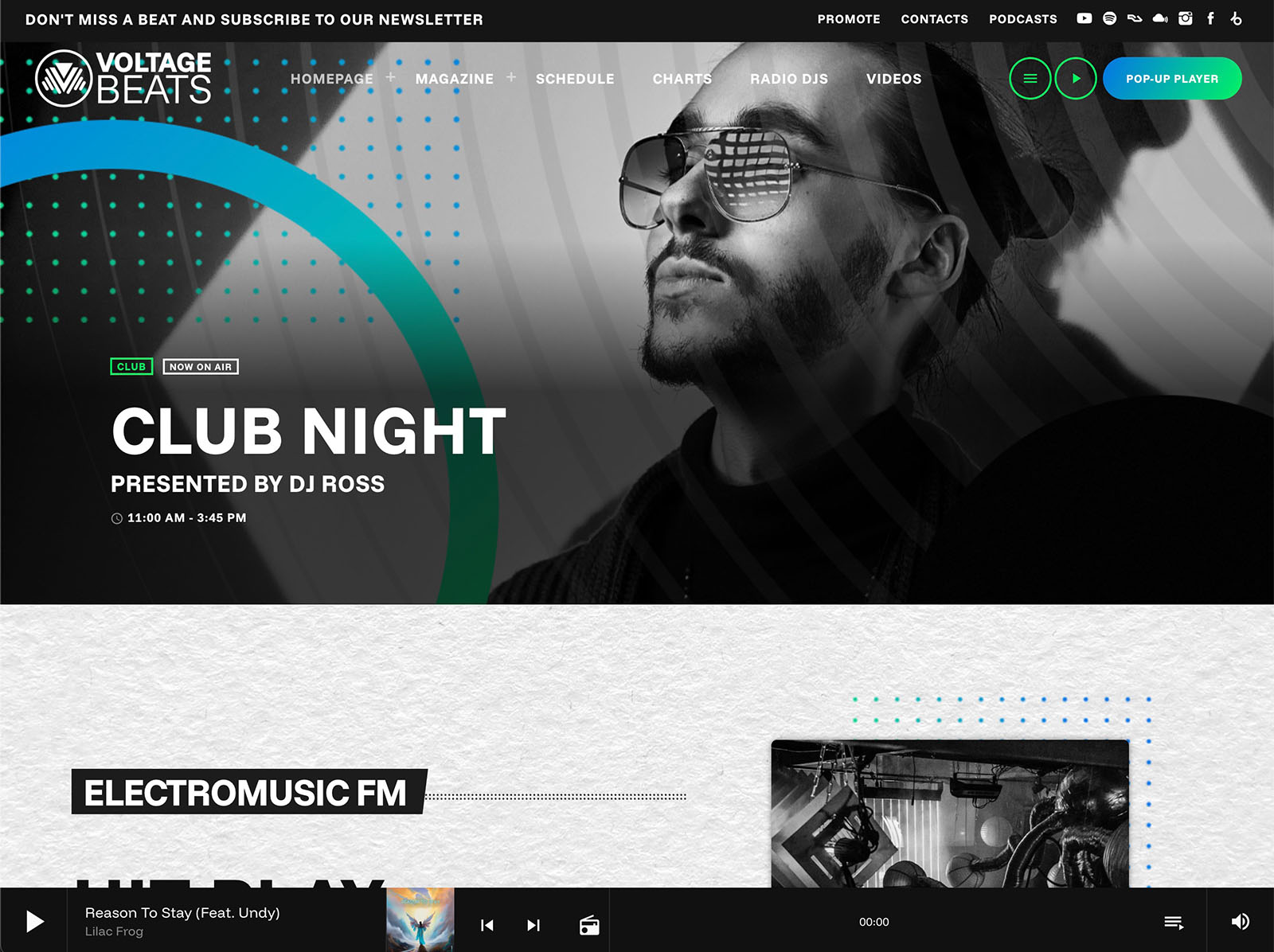
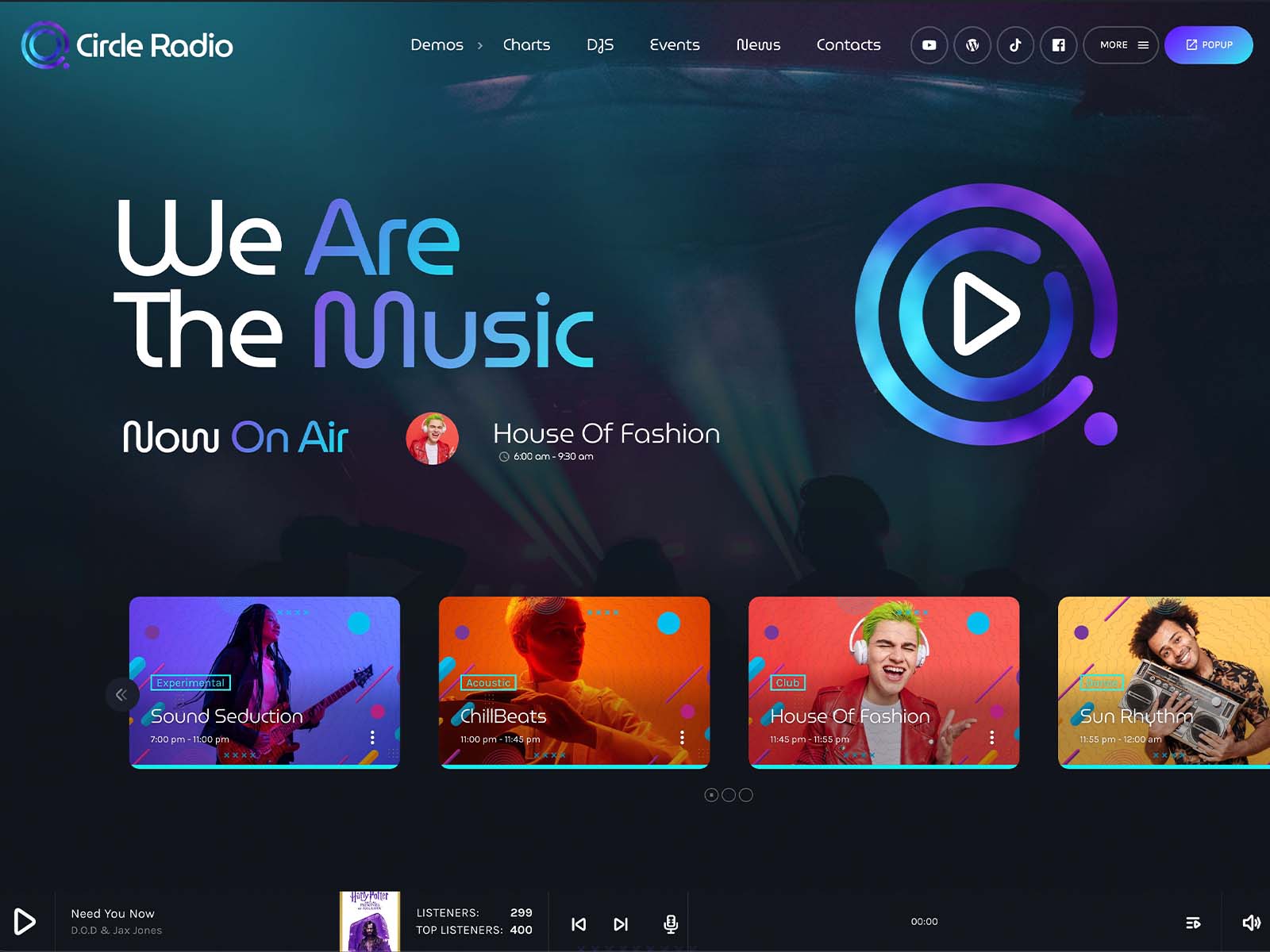
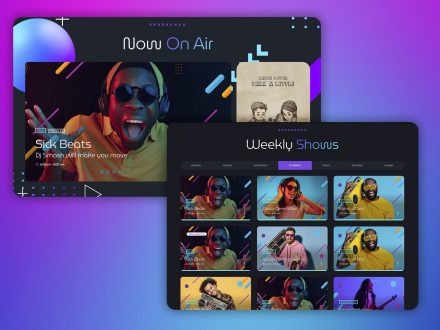
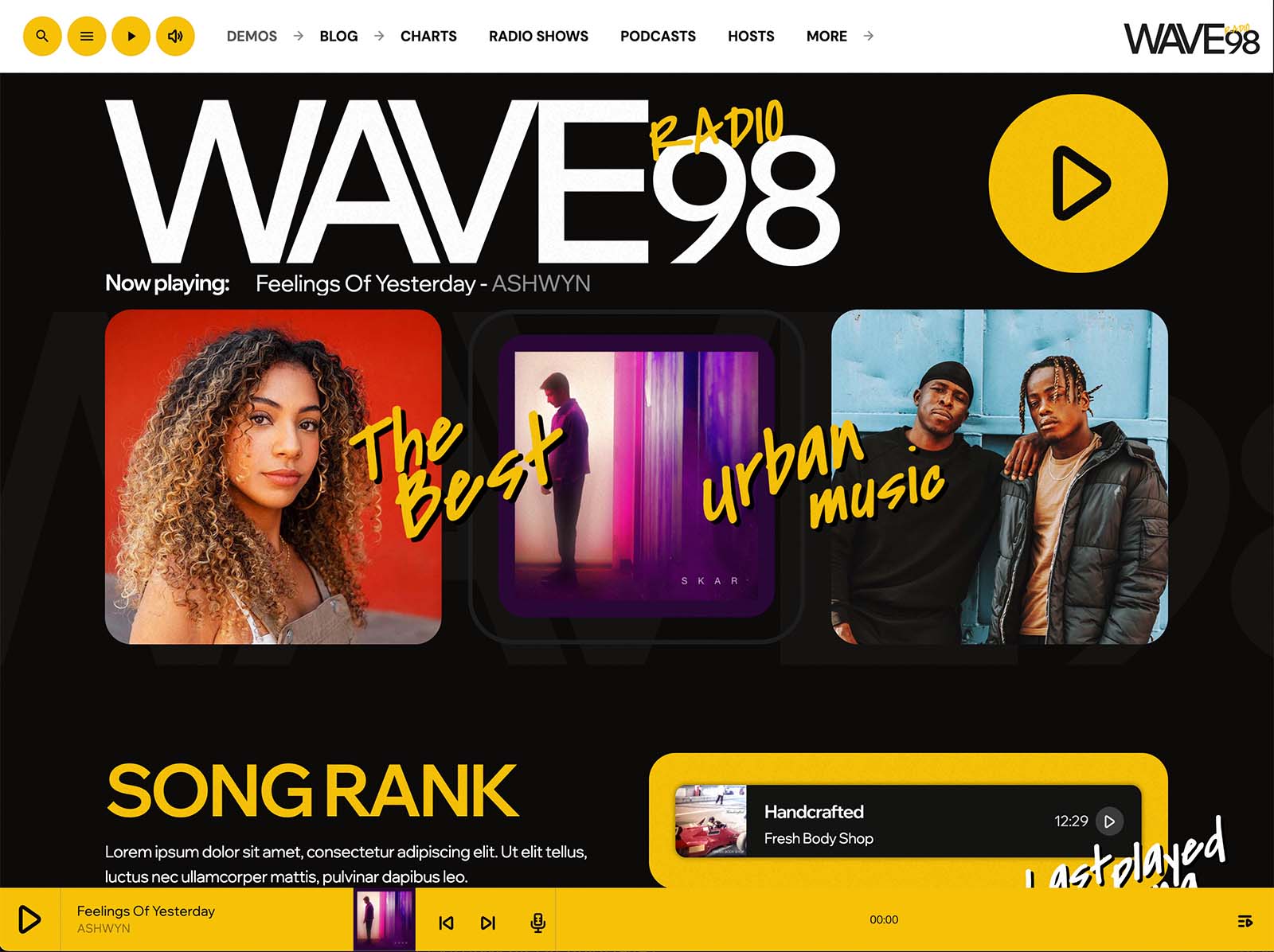
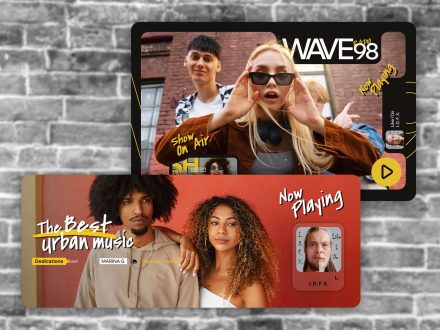
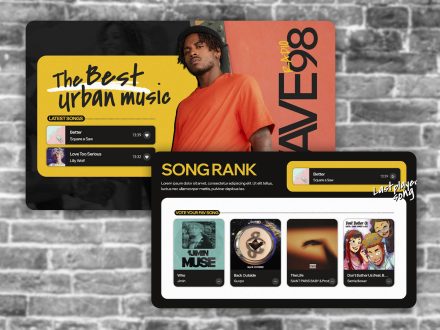
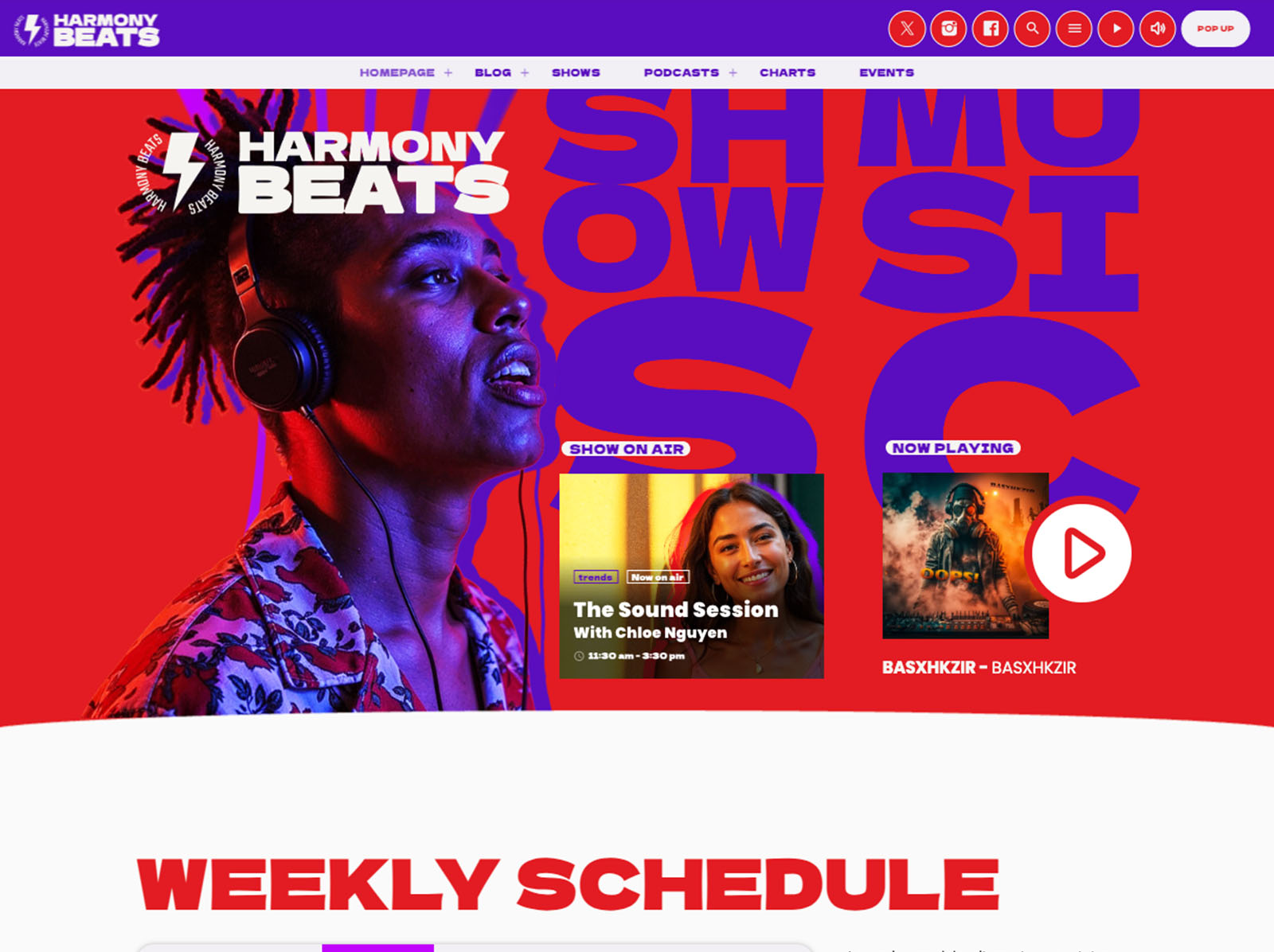
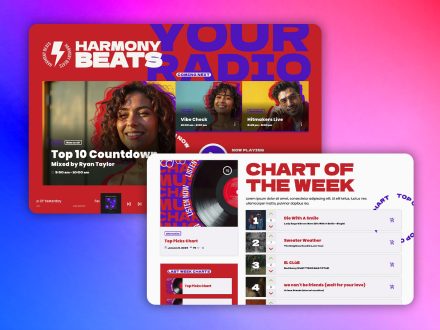
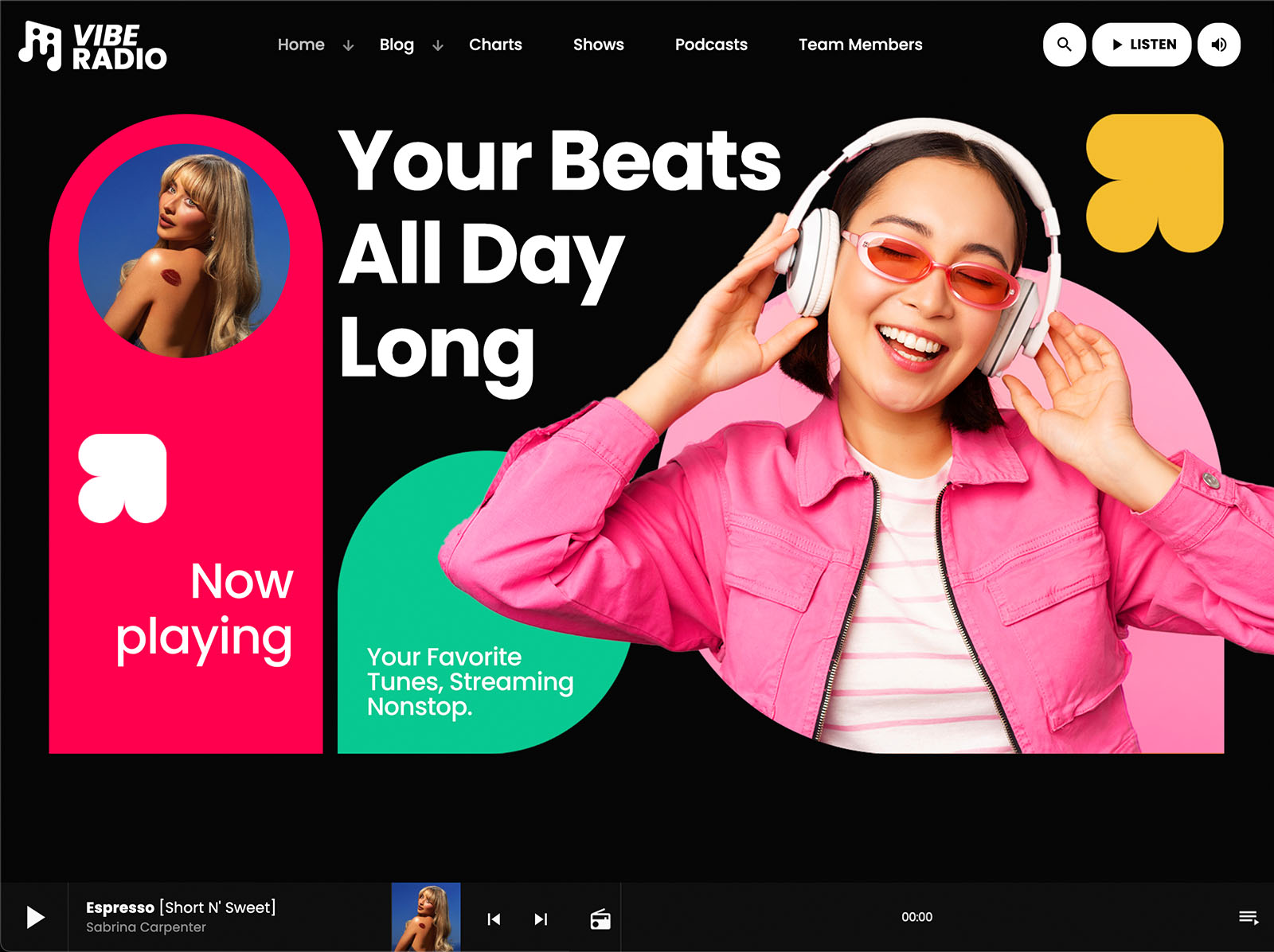
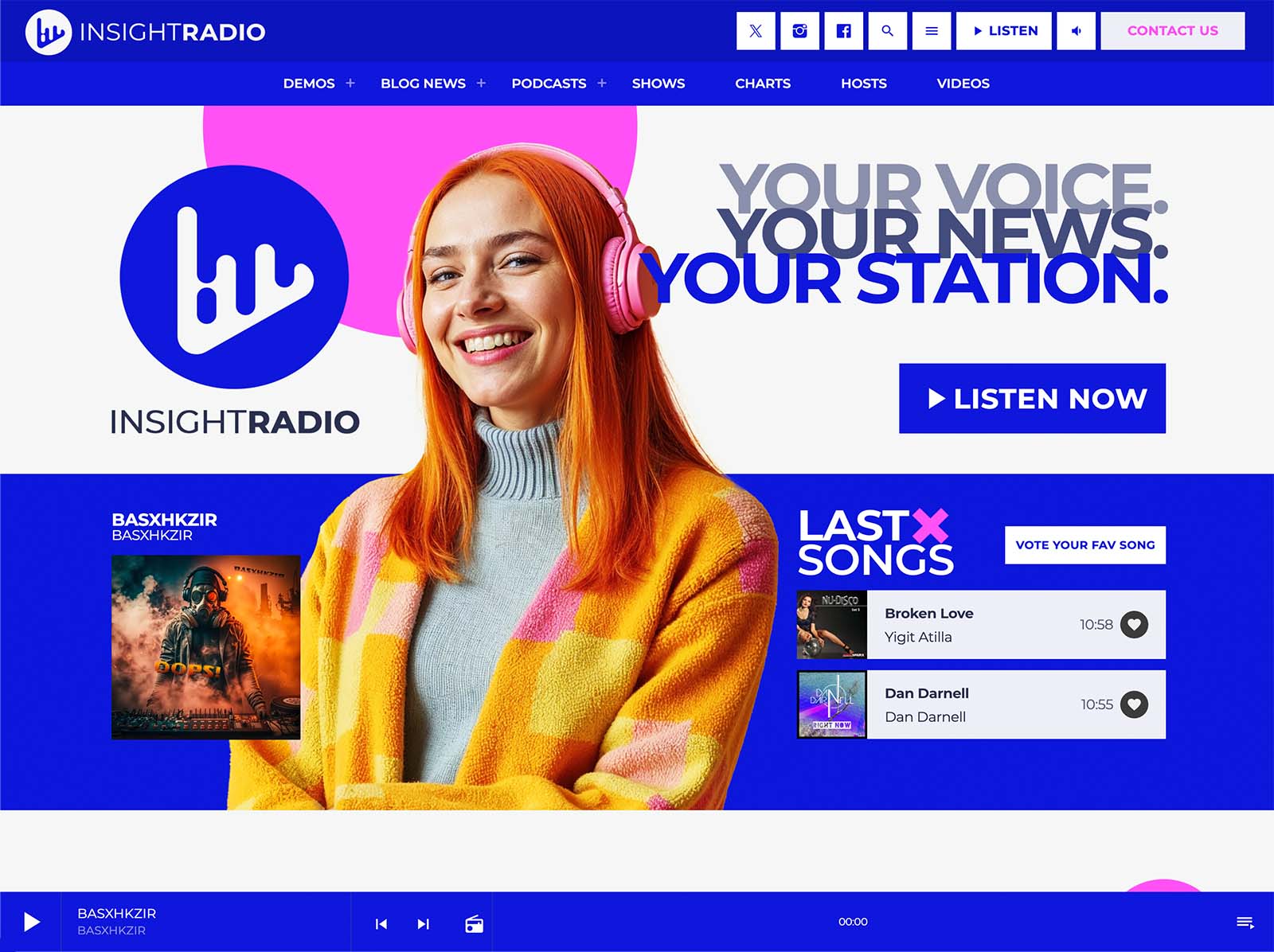
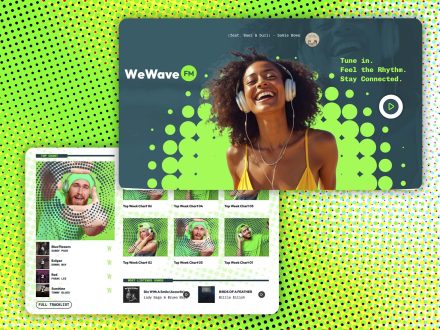
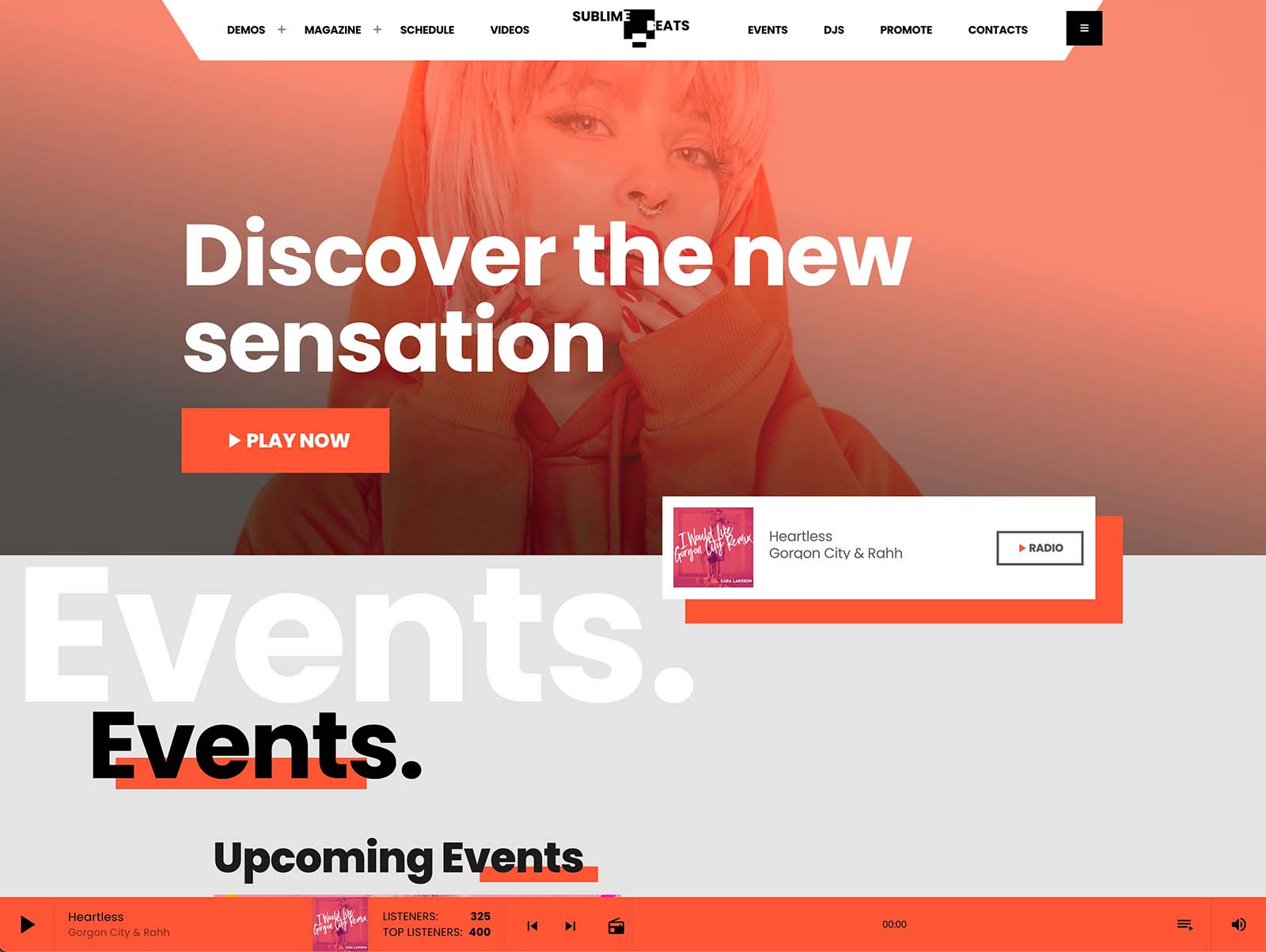
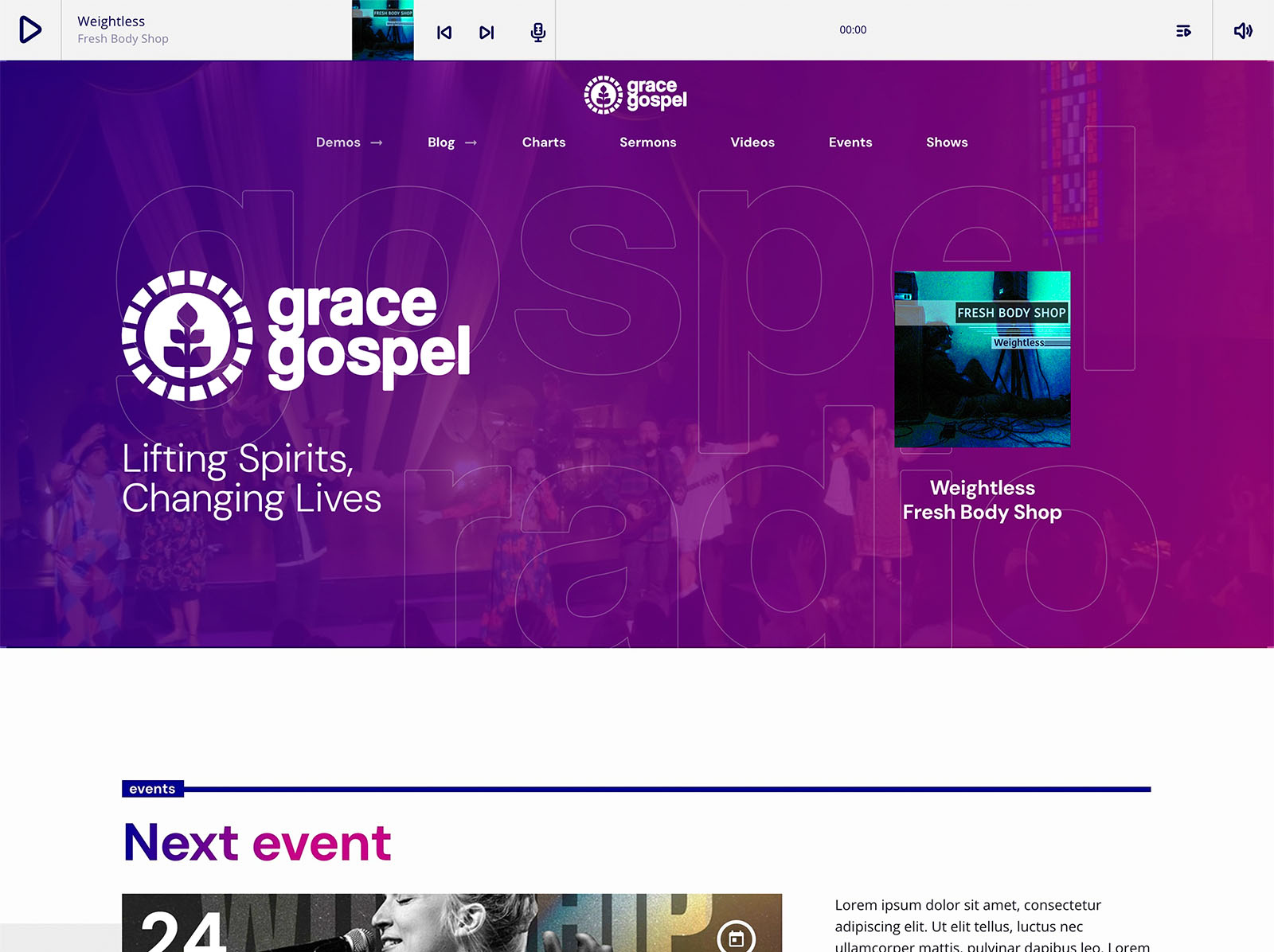
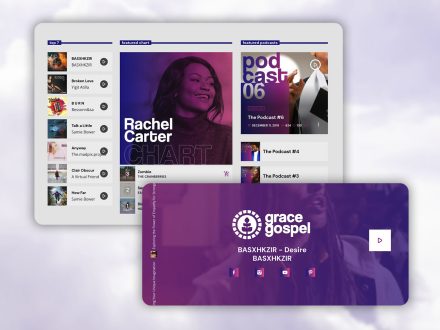
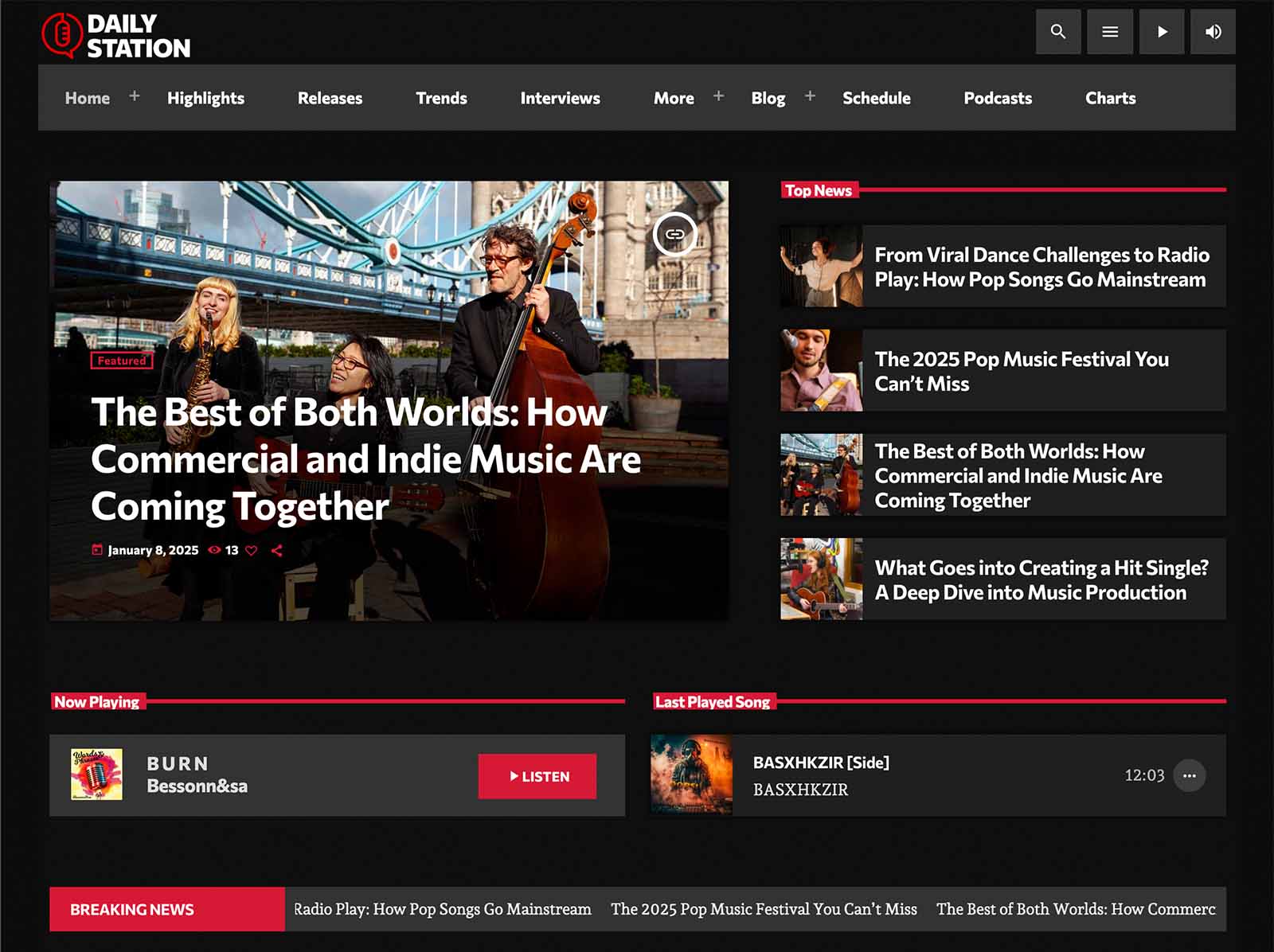
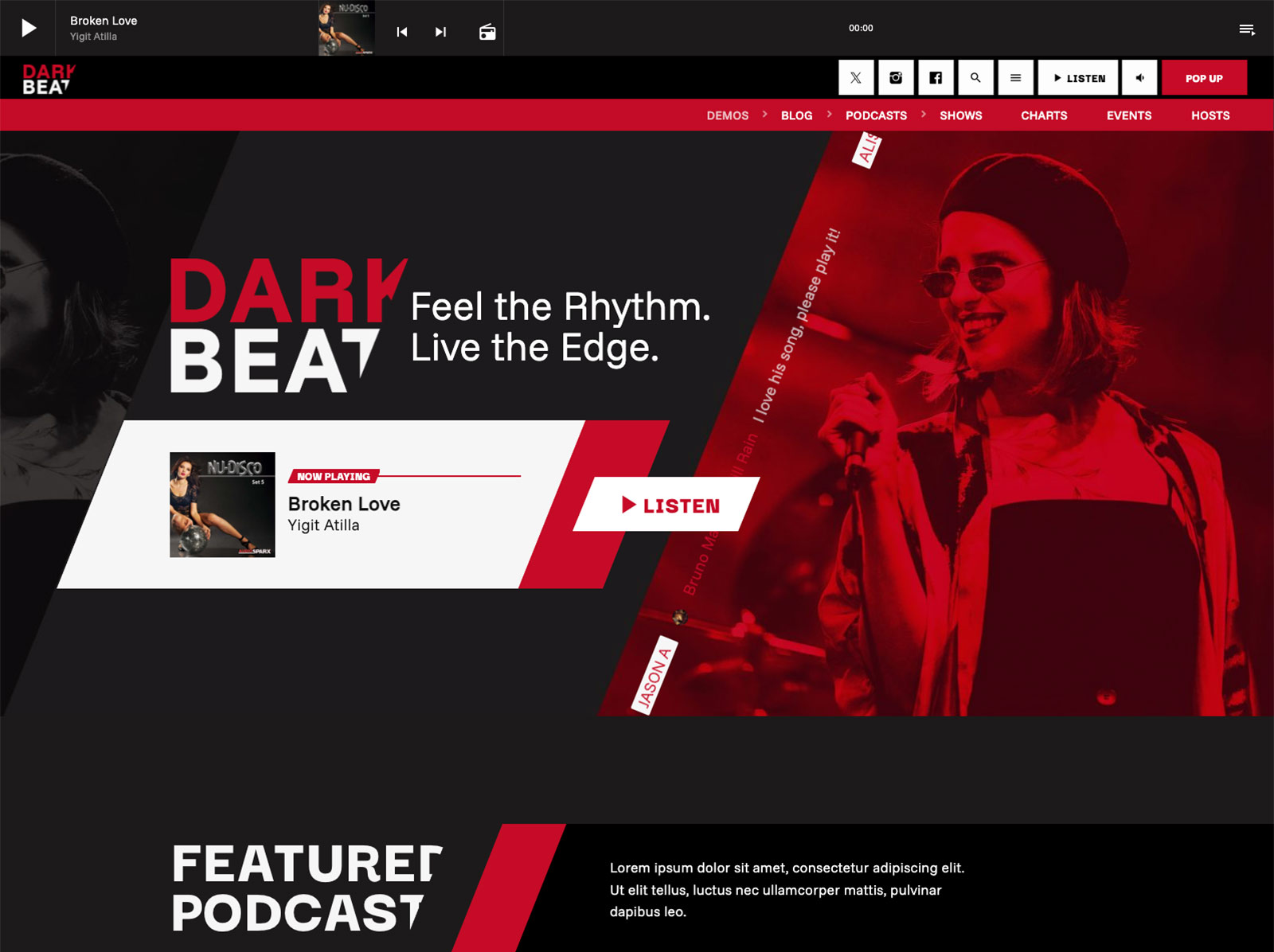
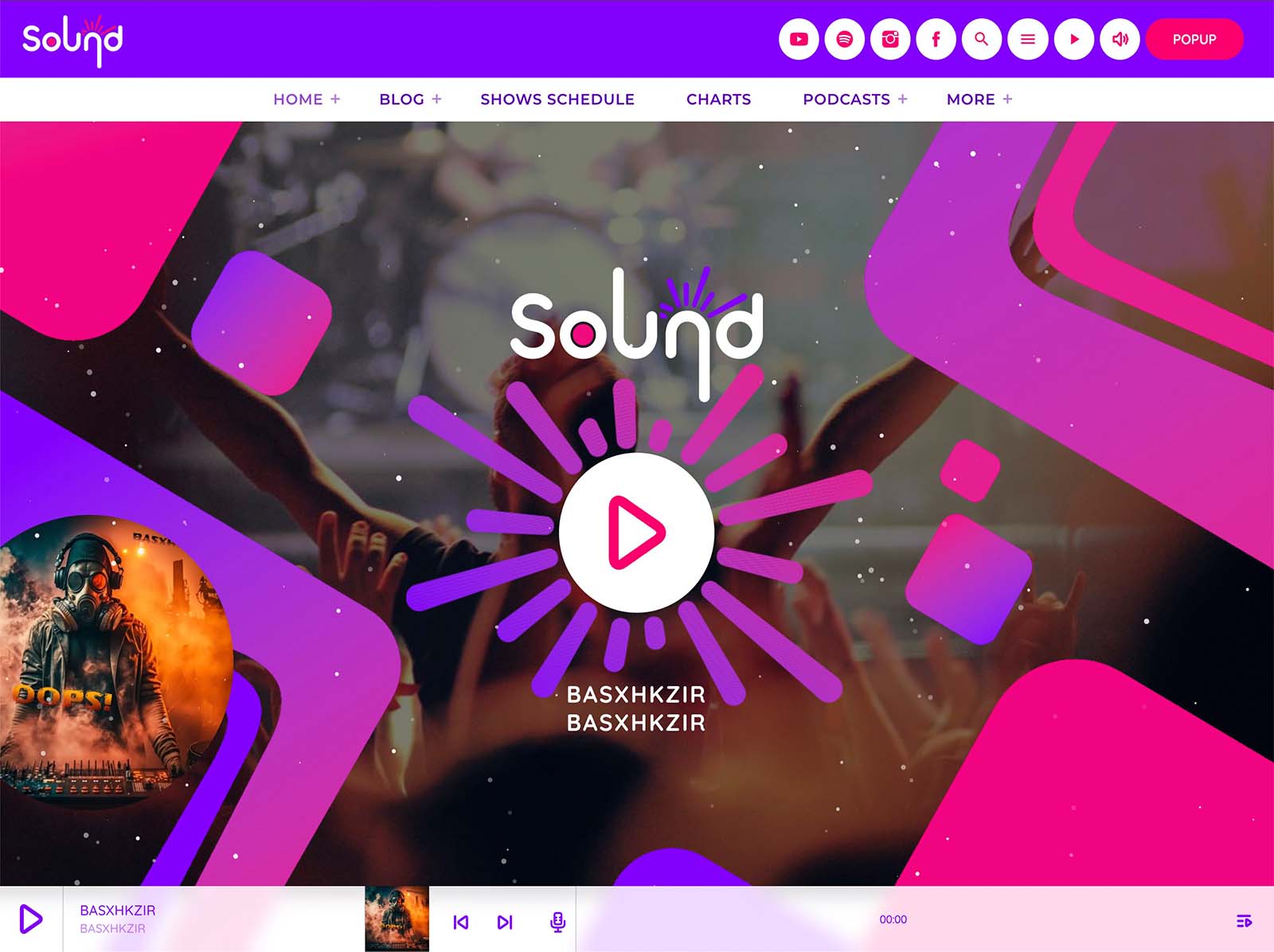
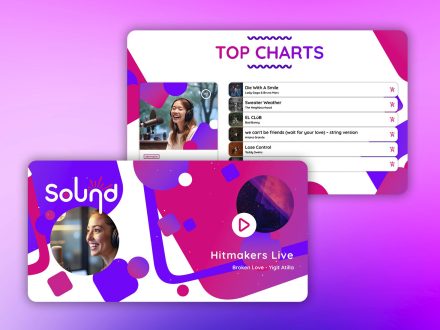
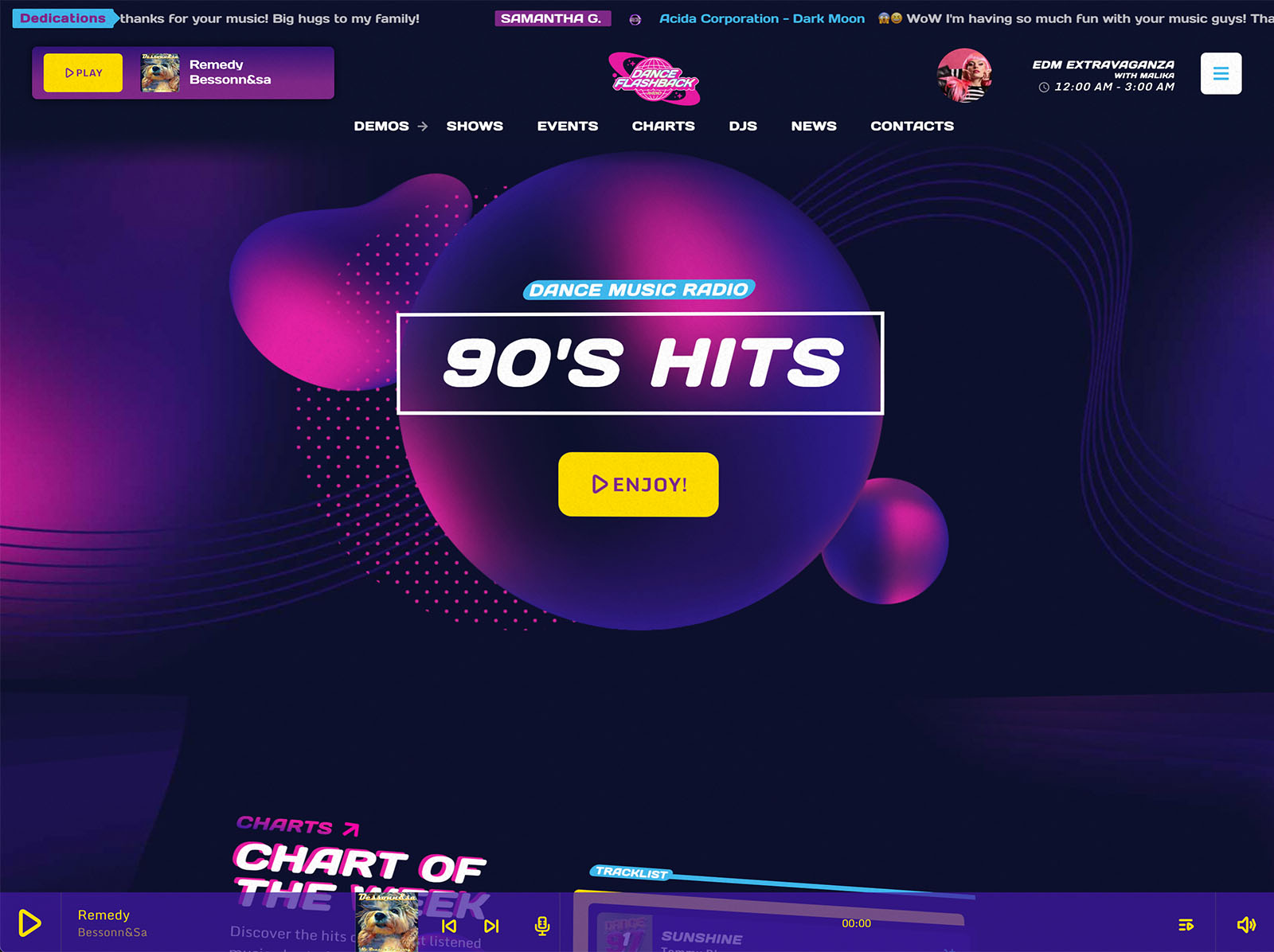
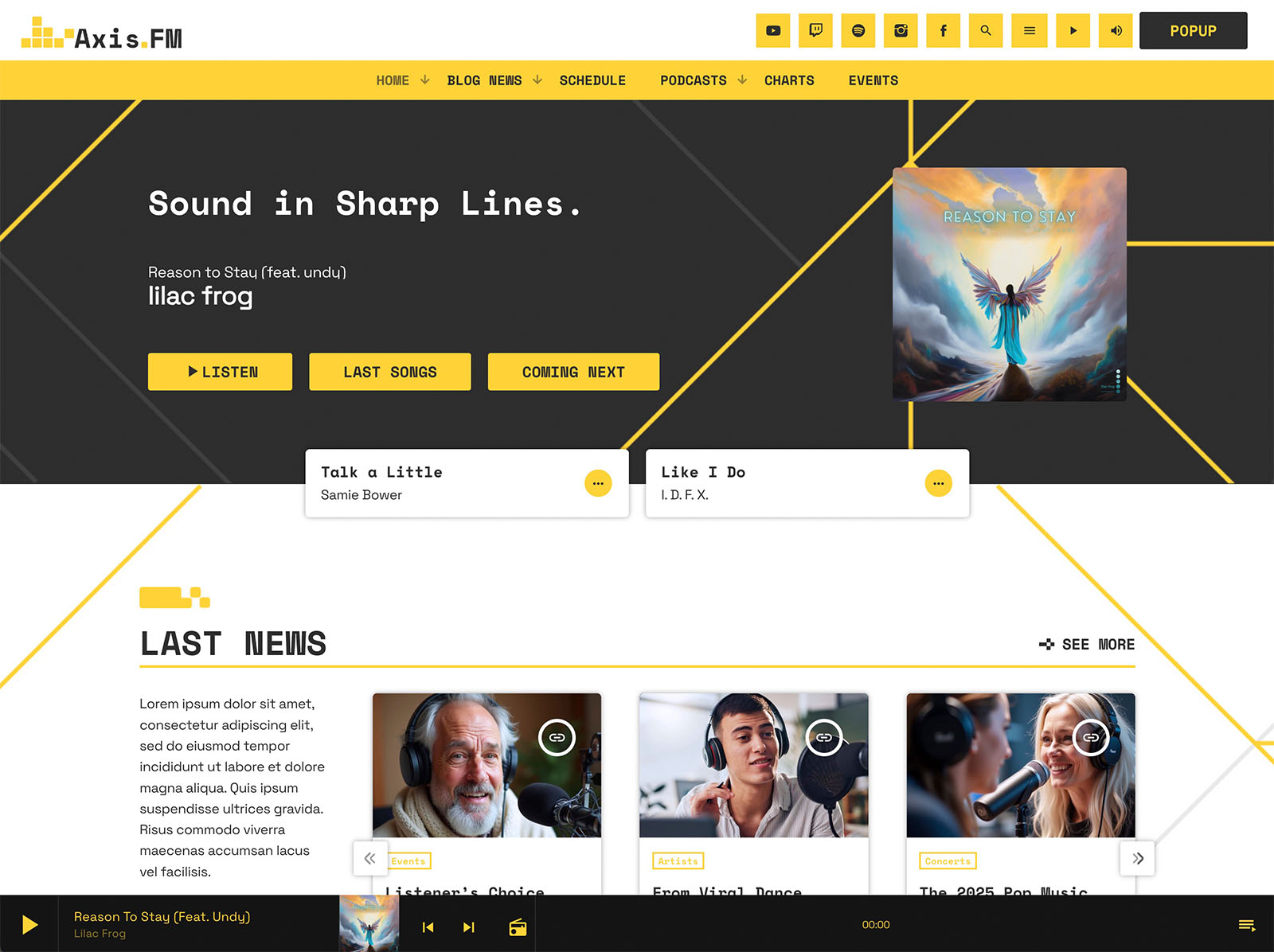
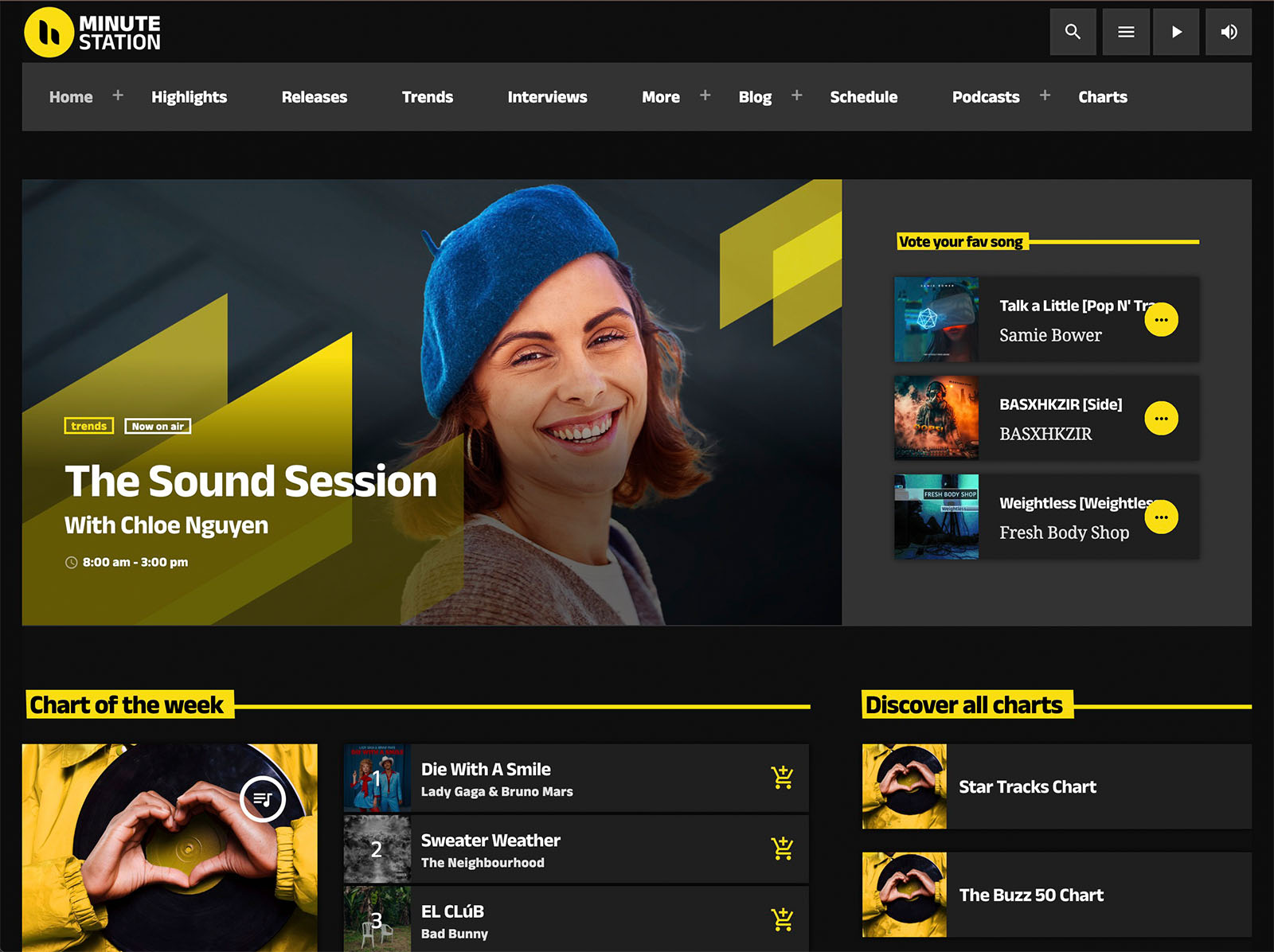
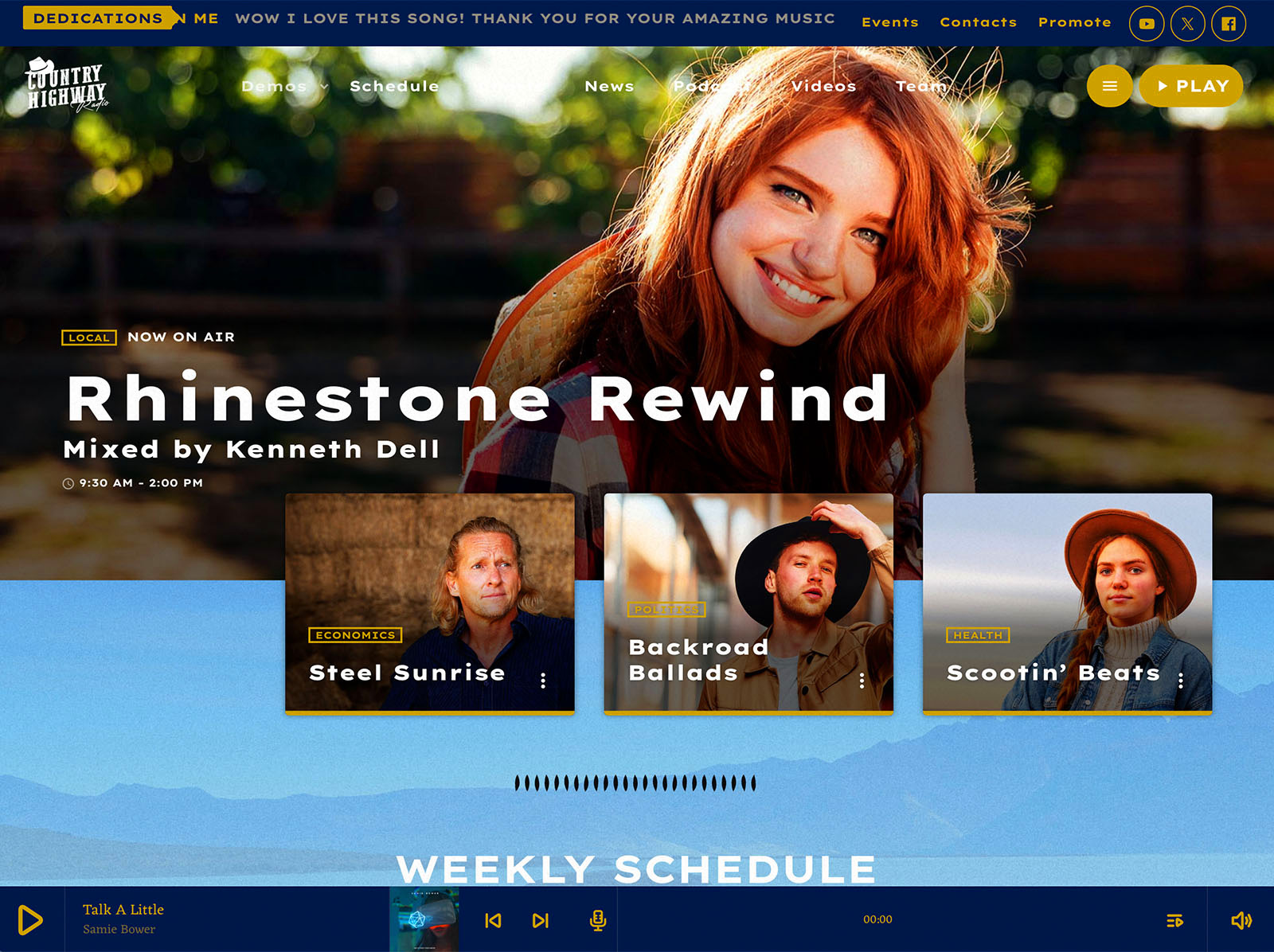
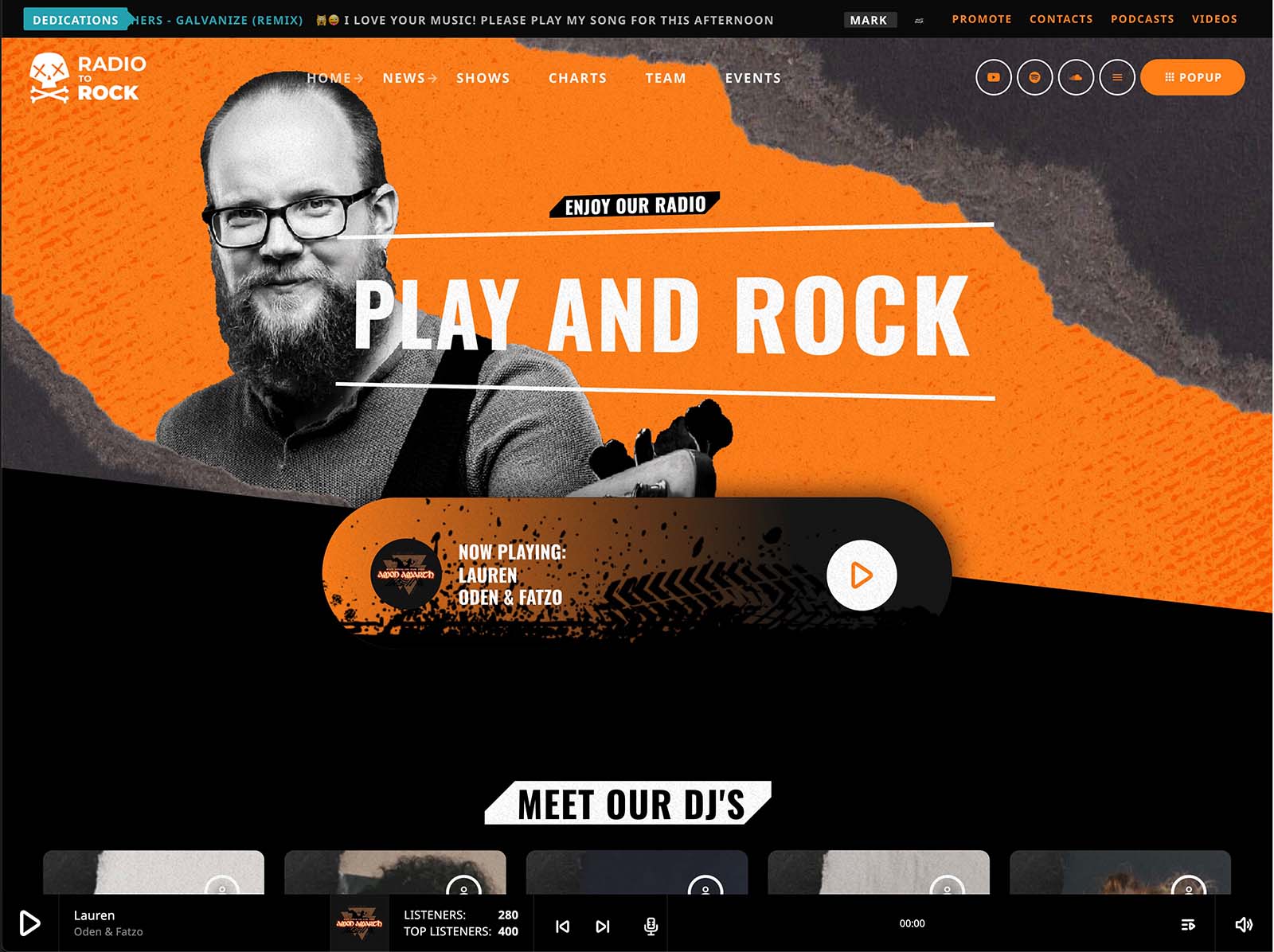
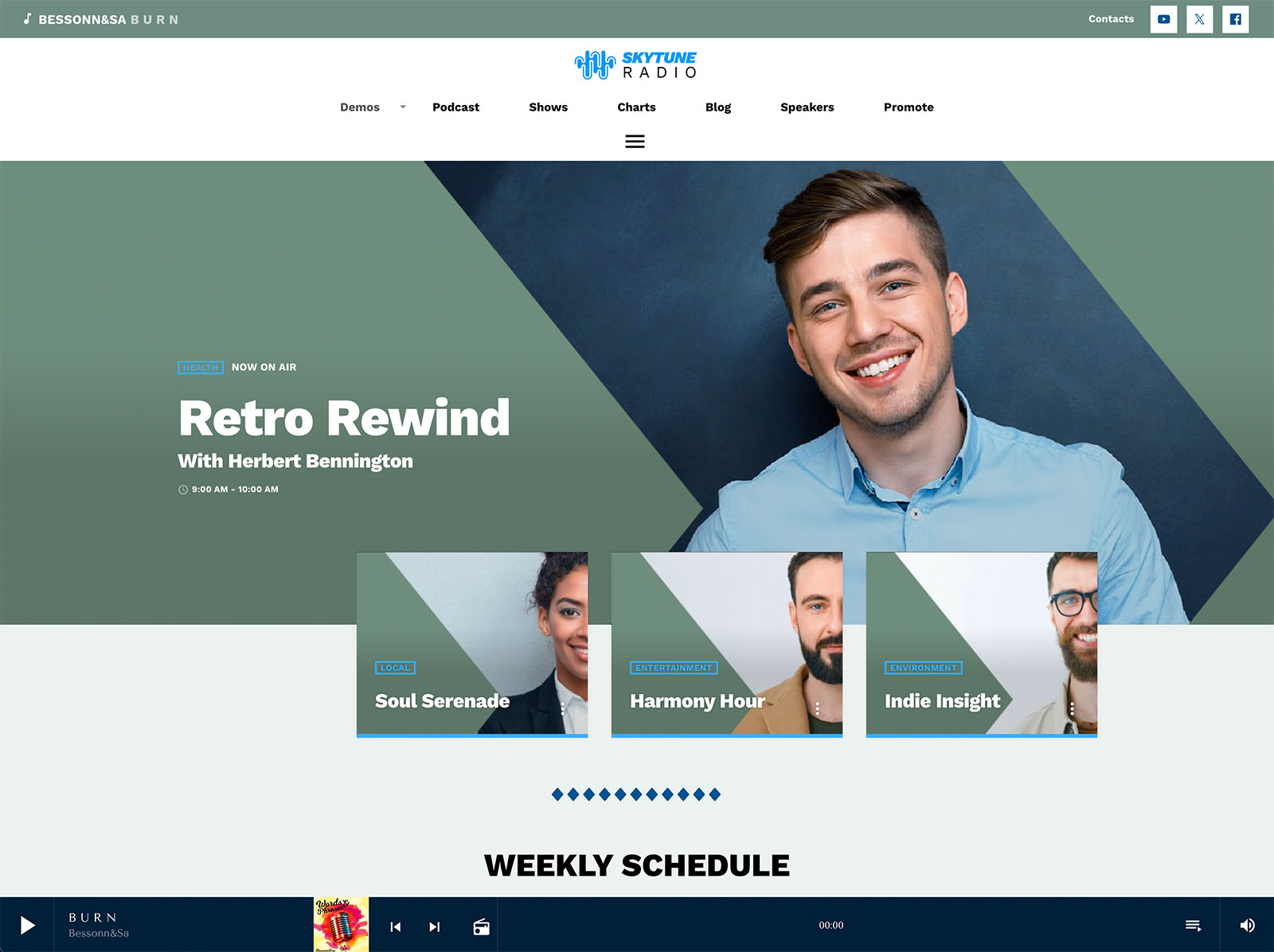
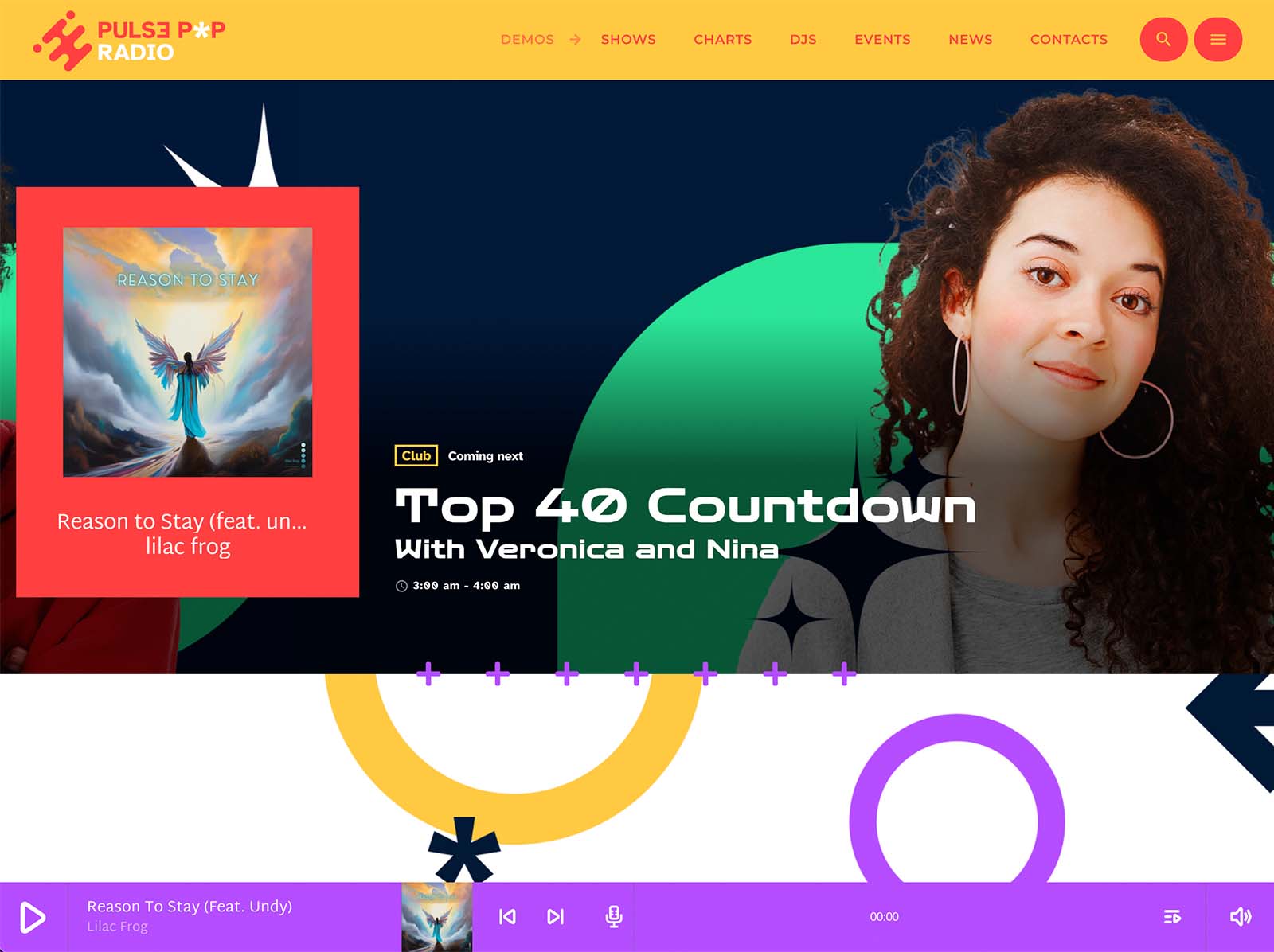
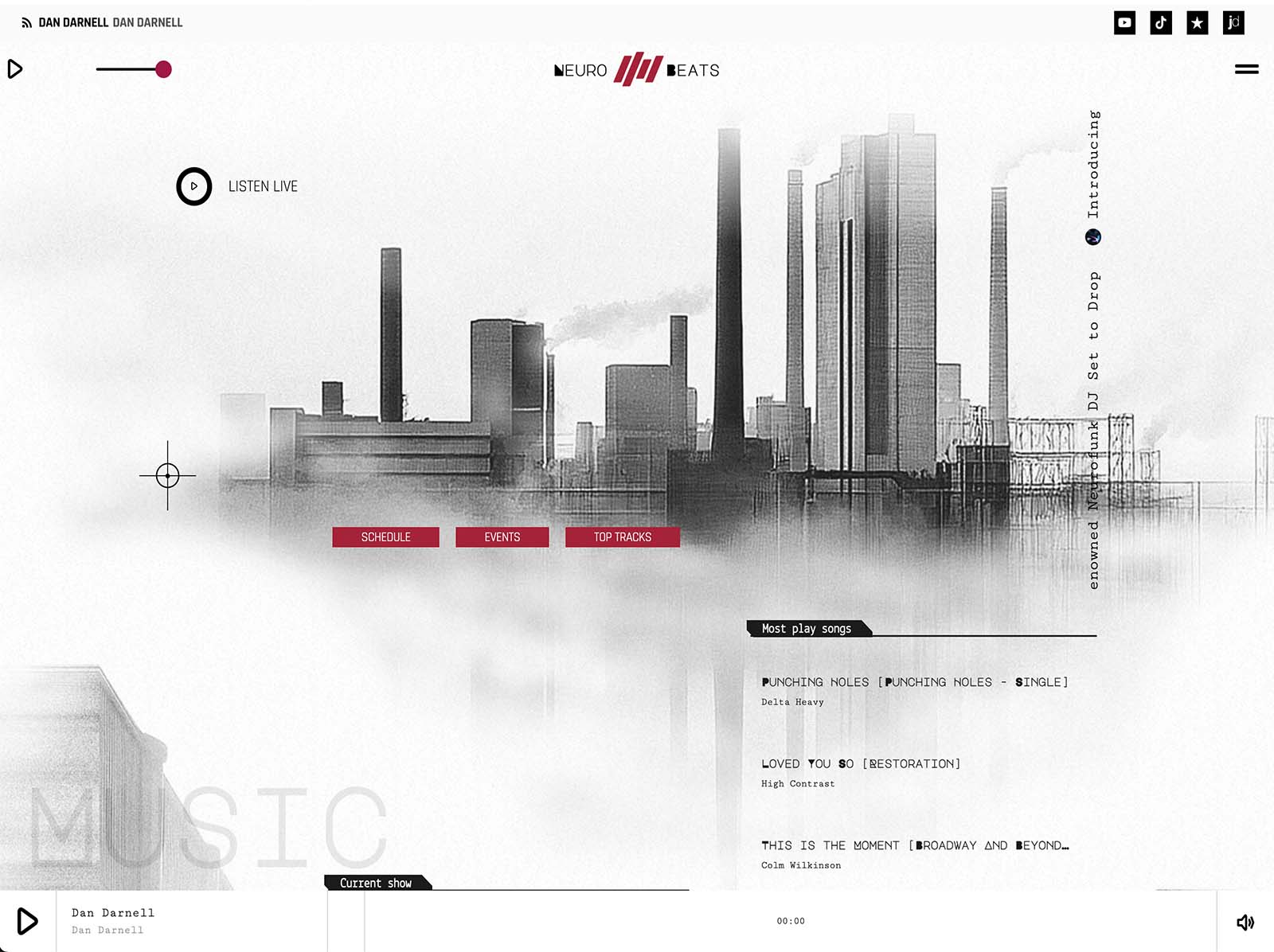
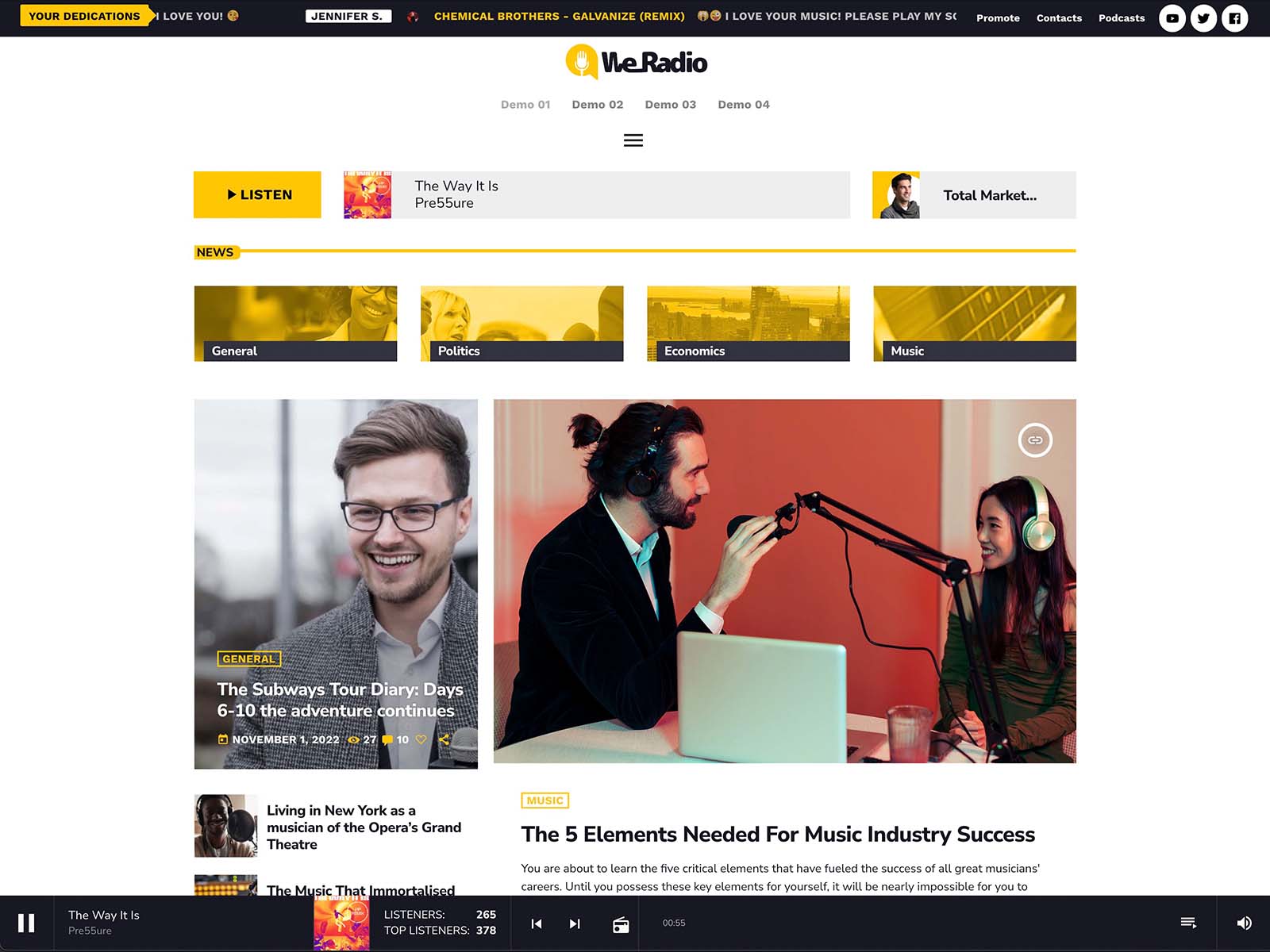
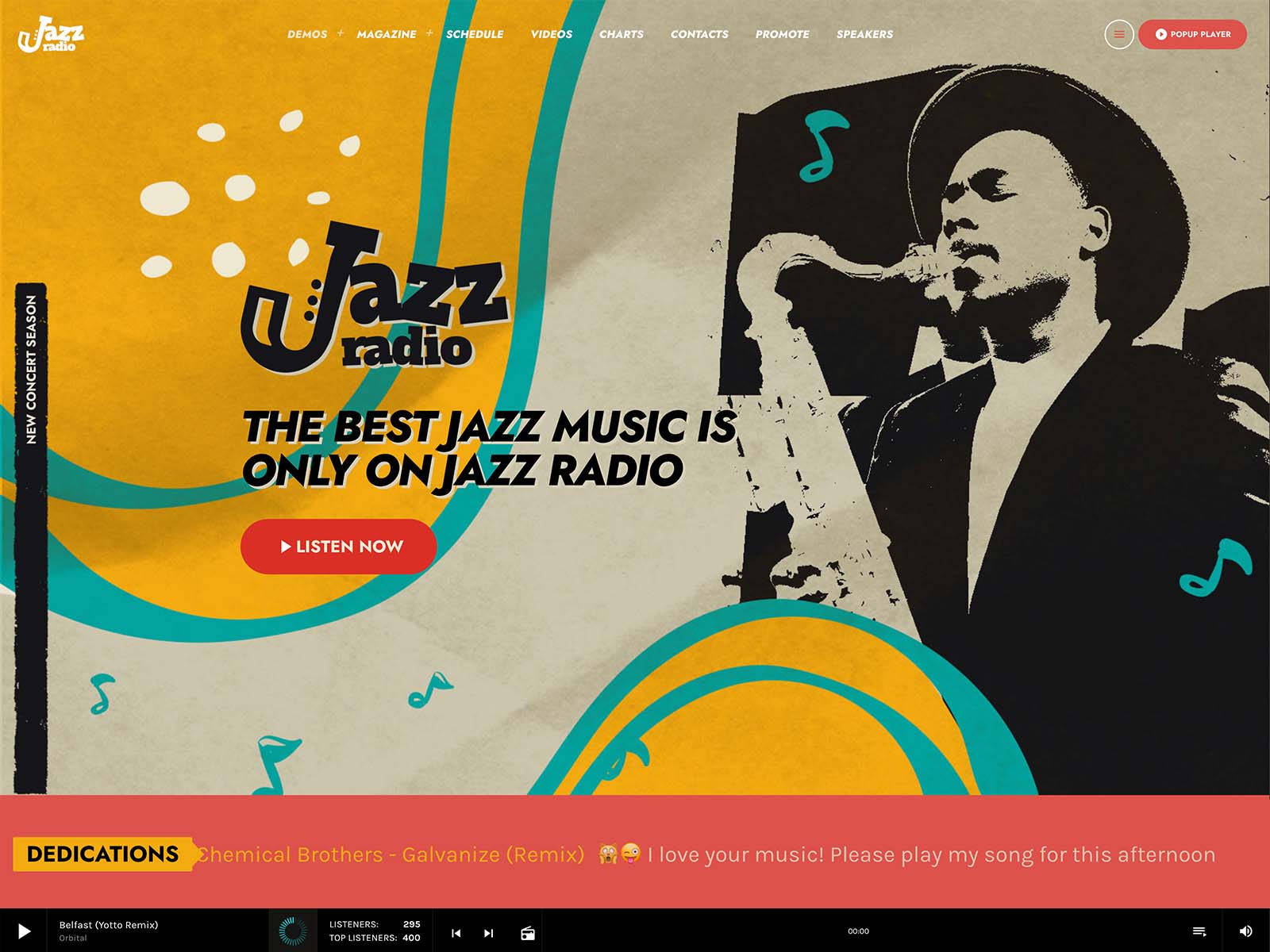
The player reads ICY metadata to display real-time song titles. For public commercial releases, the cover loads automatically from public archives. The player can show the cover of the current show. The same player handles streams, podcasts, and chart samples, so listeners do not switch interfaces.
This is a small but important UX layer. A visitor who presses play and immediately sees the song title and cover gets a quick reward. They stay. The reward is information.
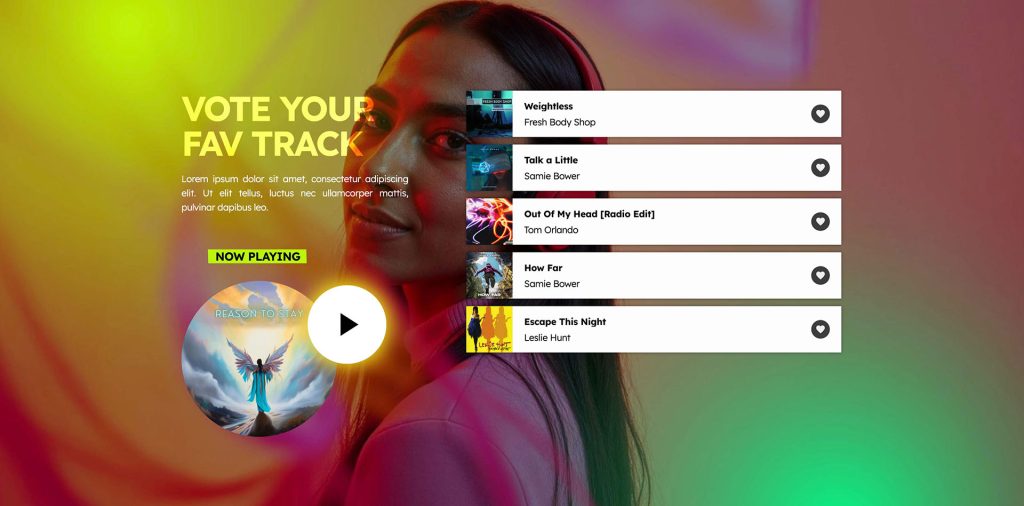
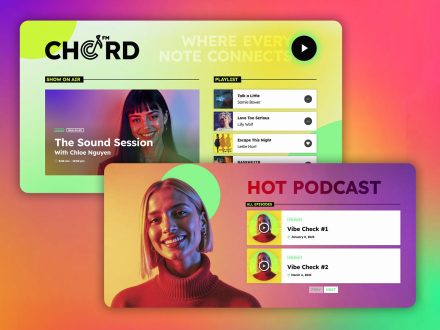
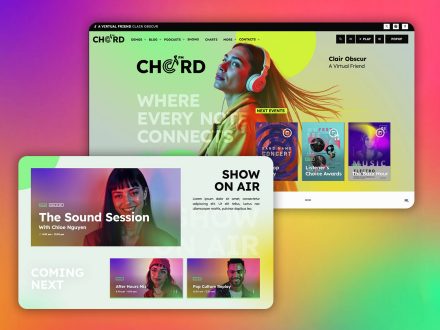
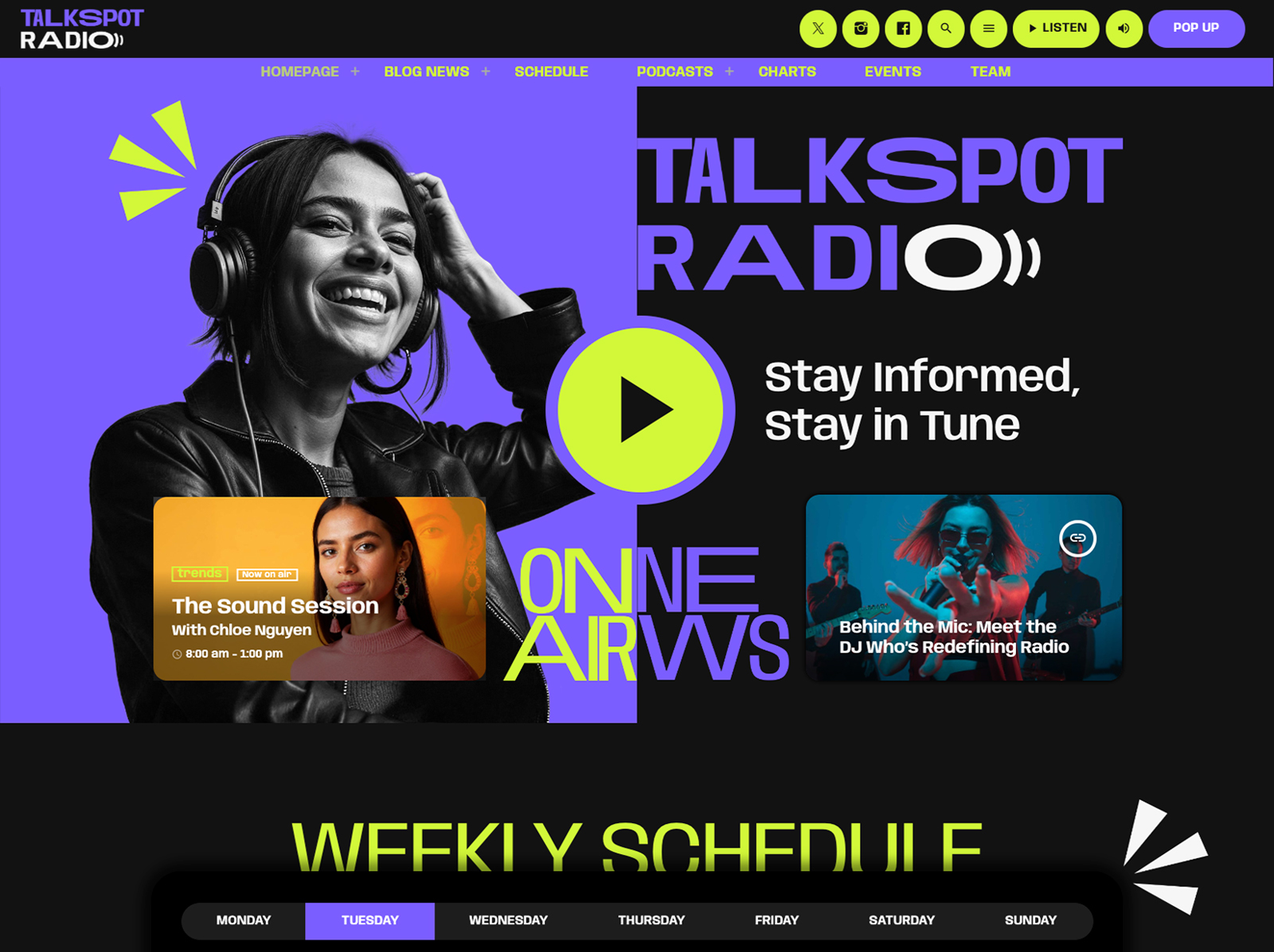
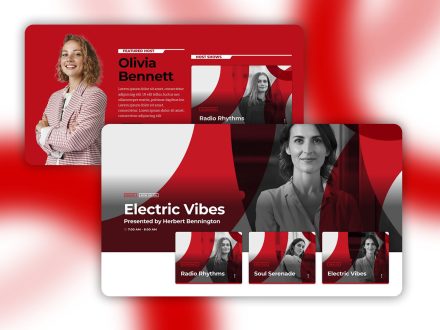
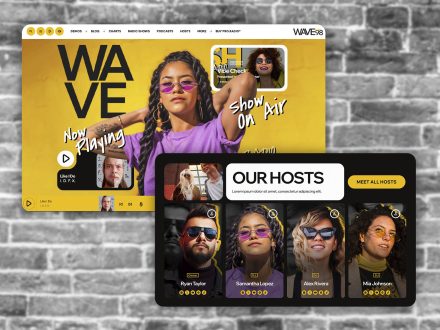
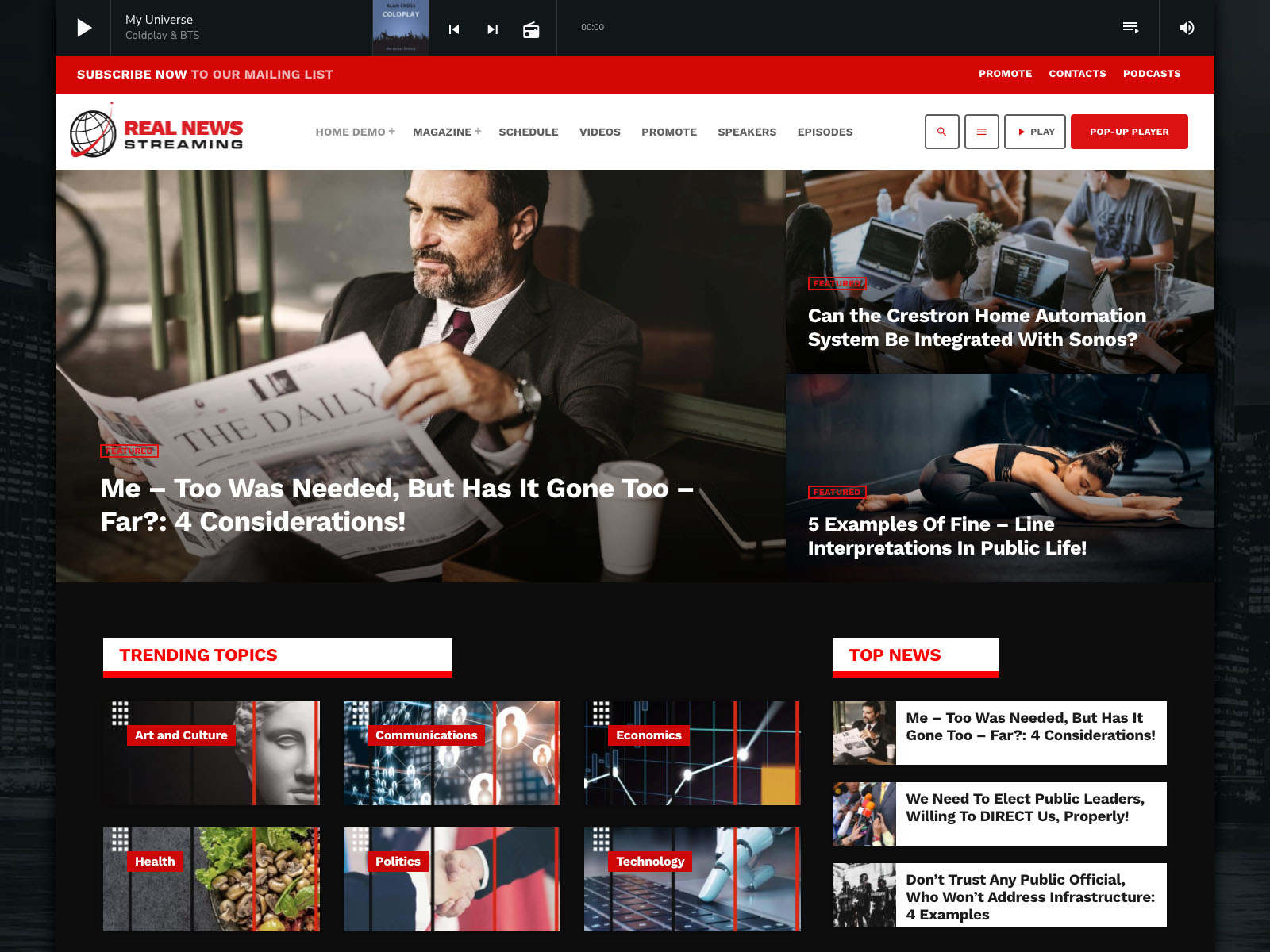
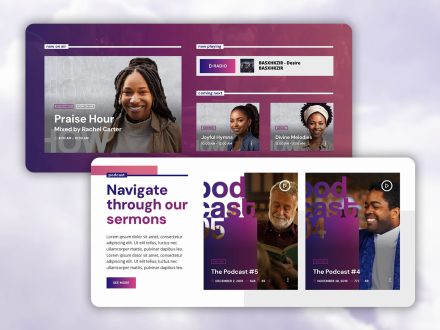
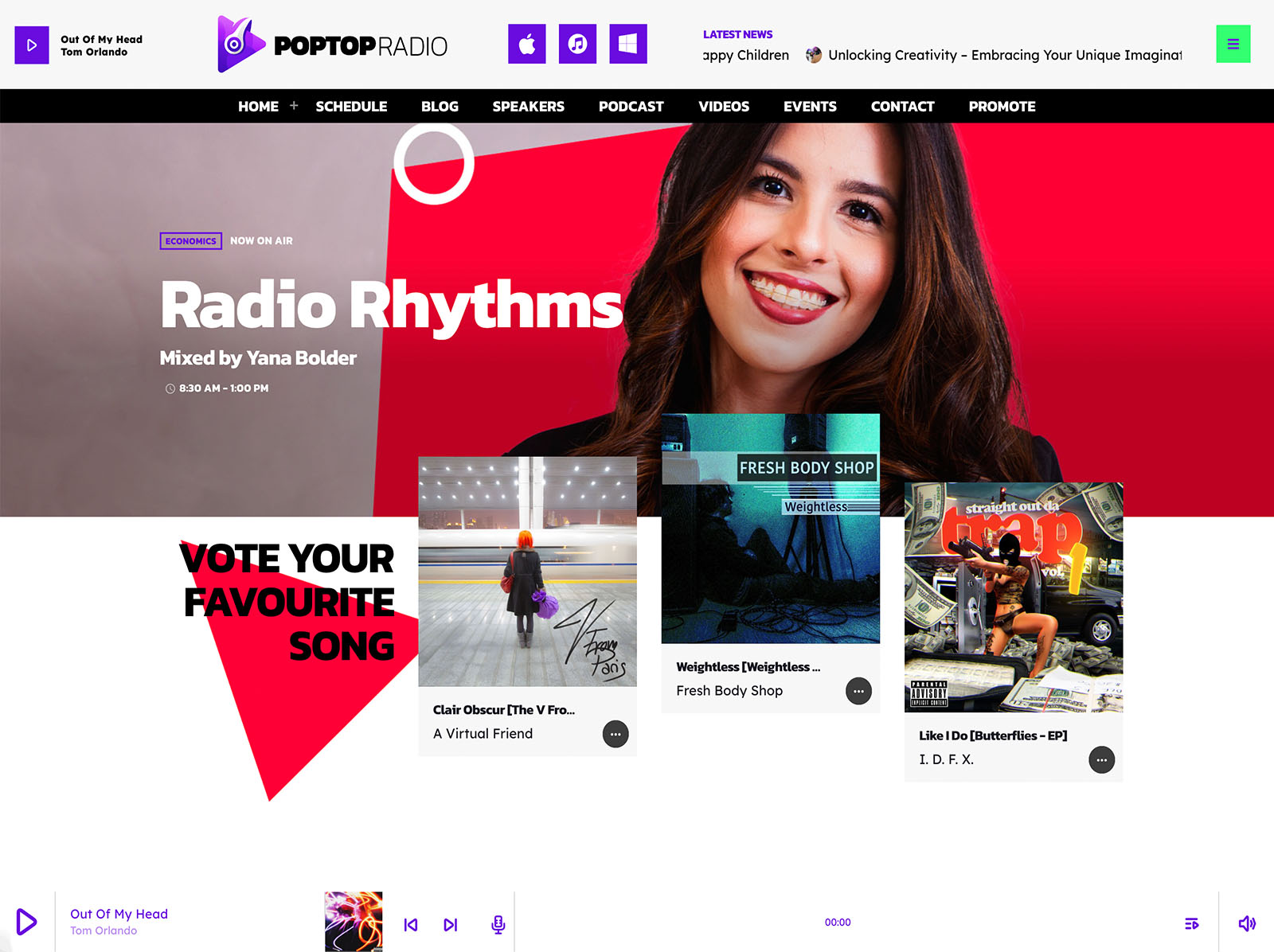
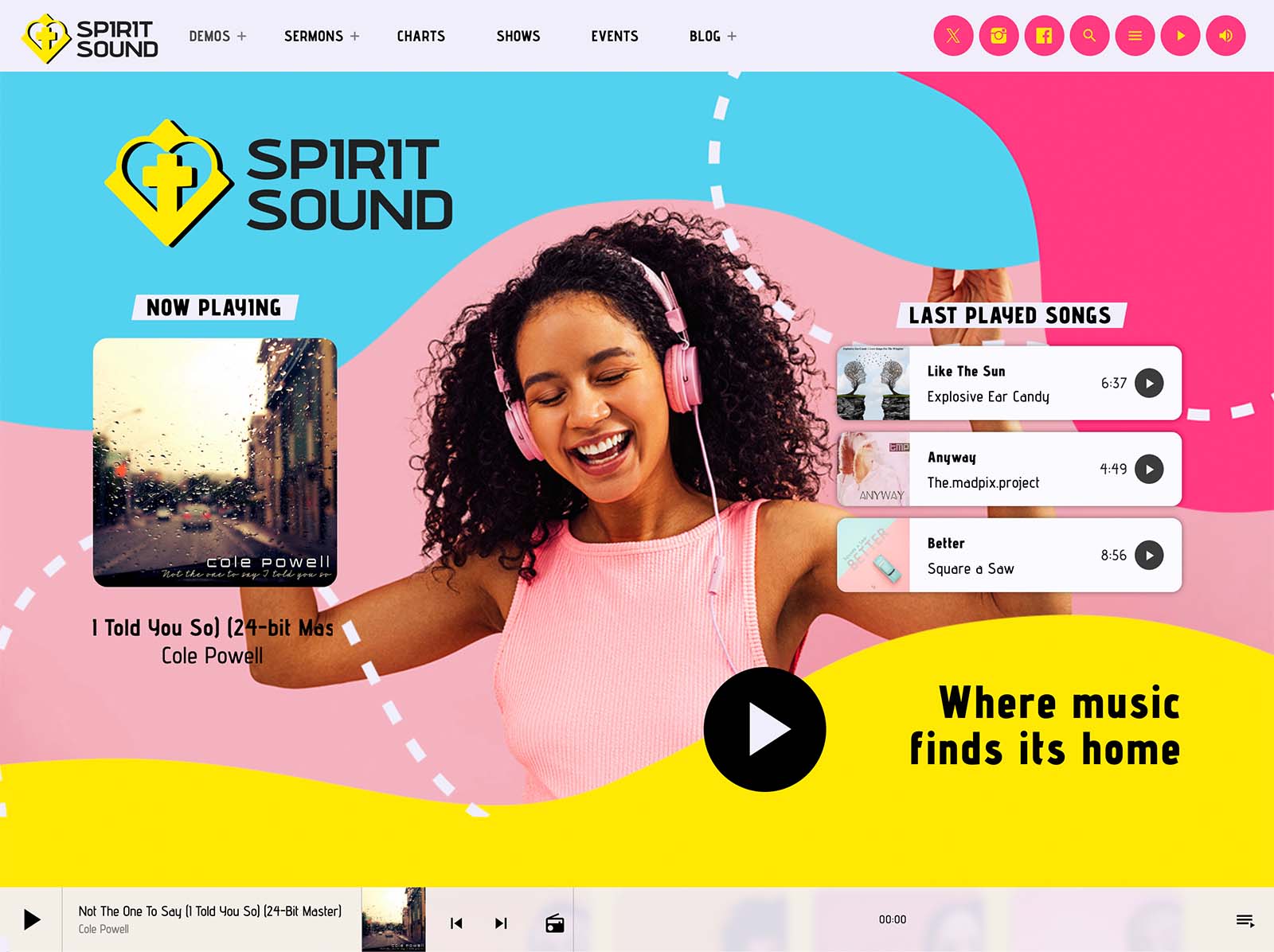
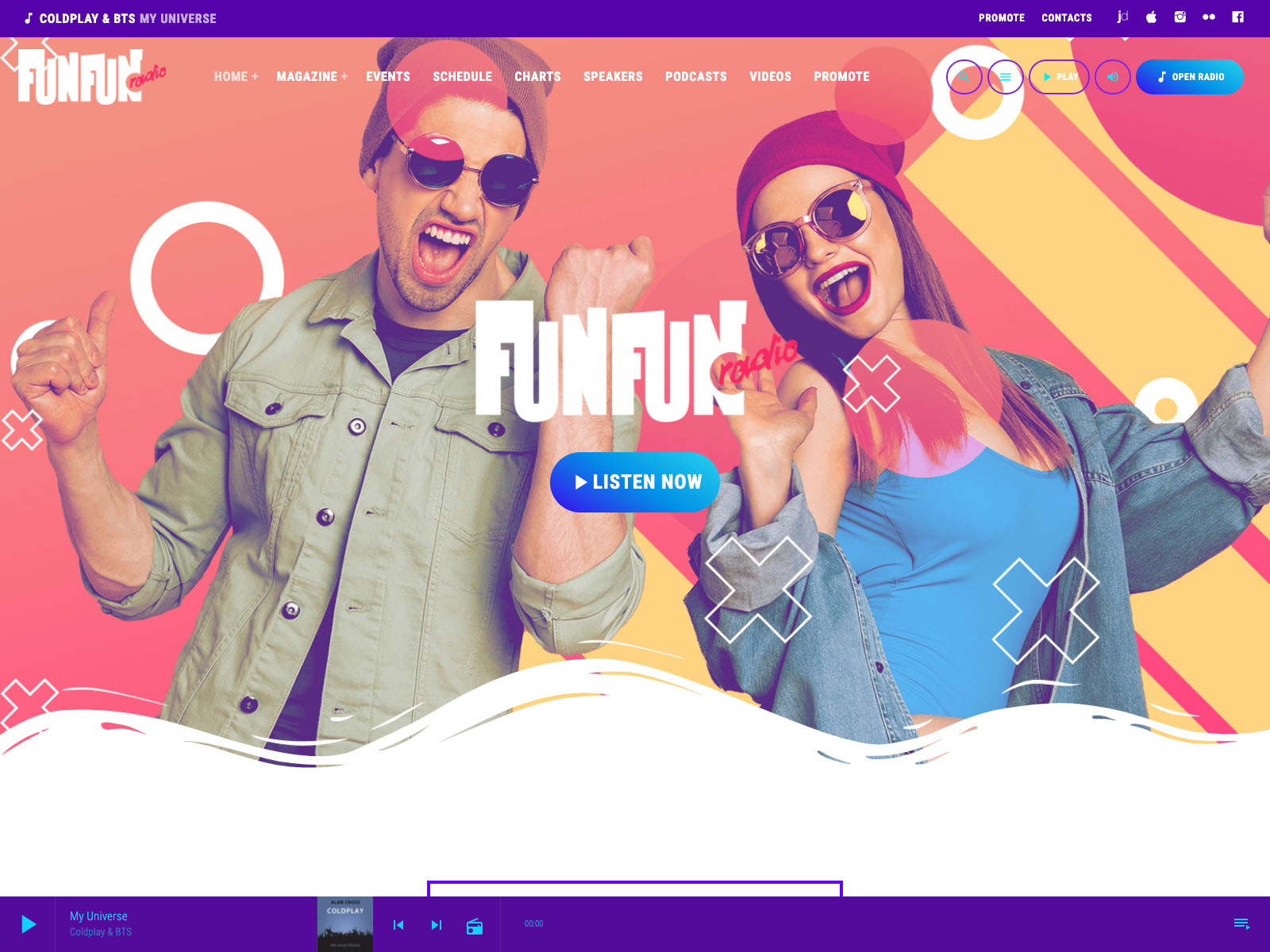
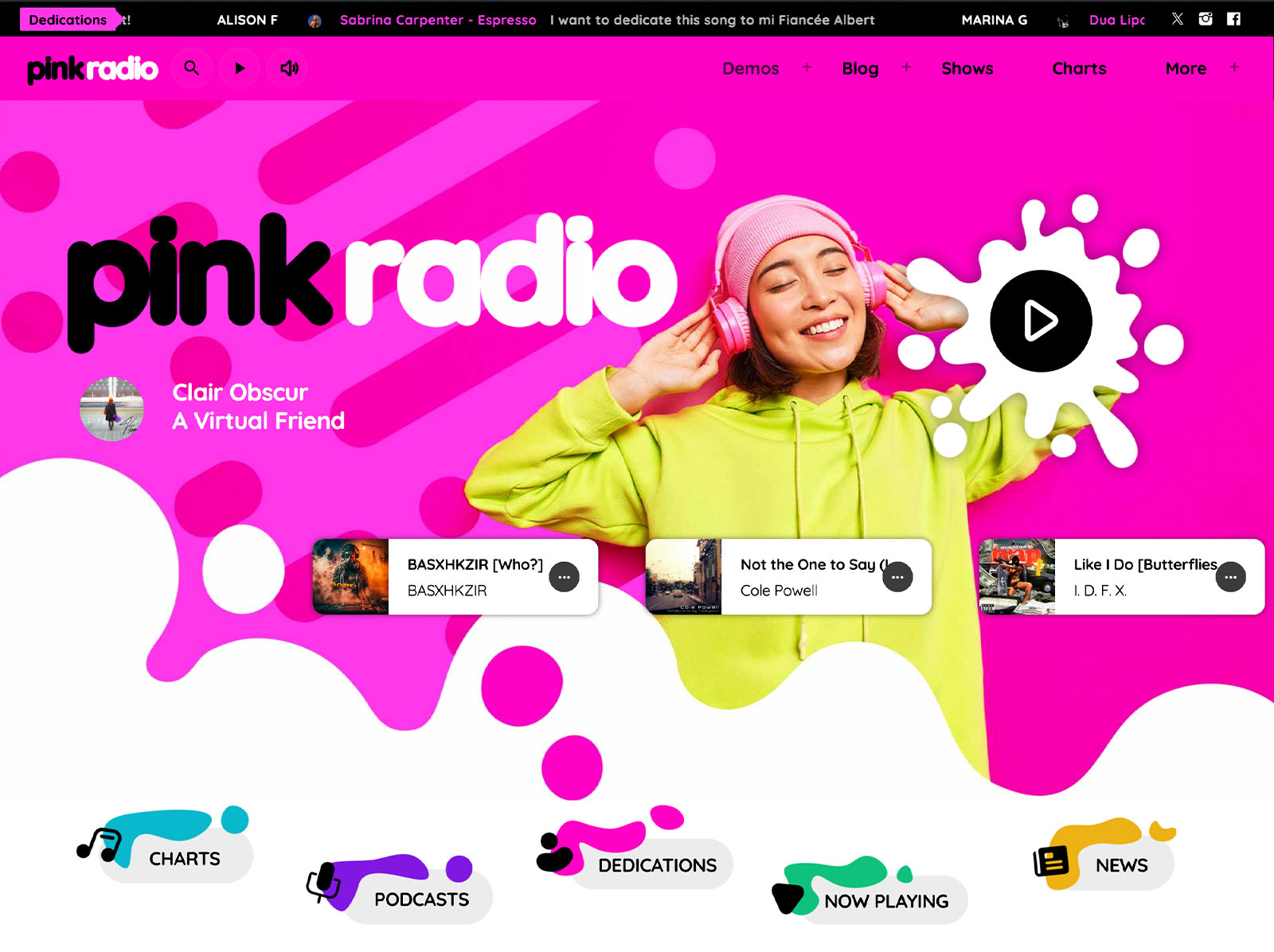
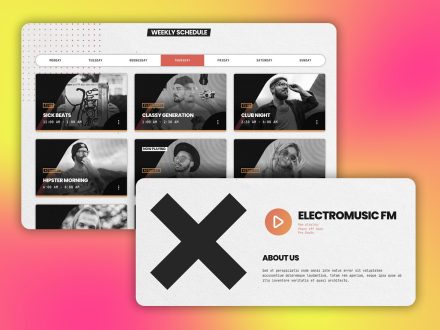
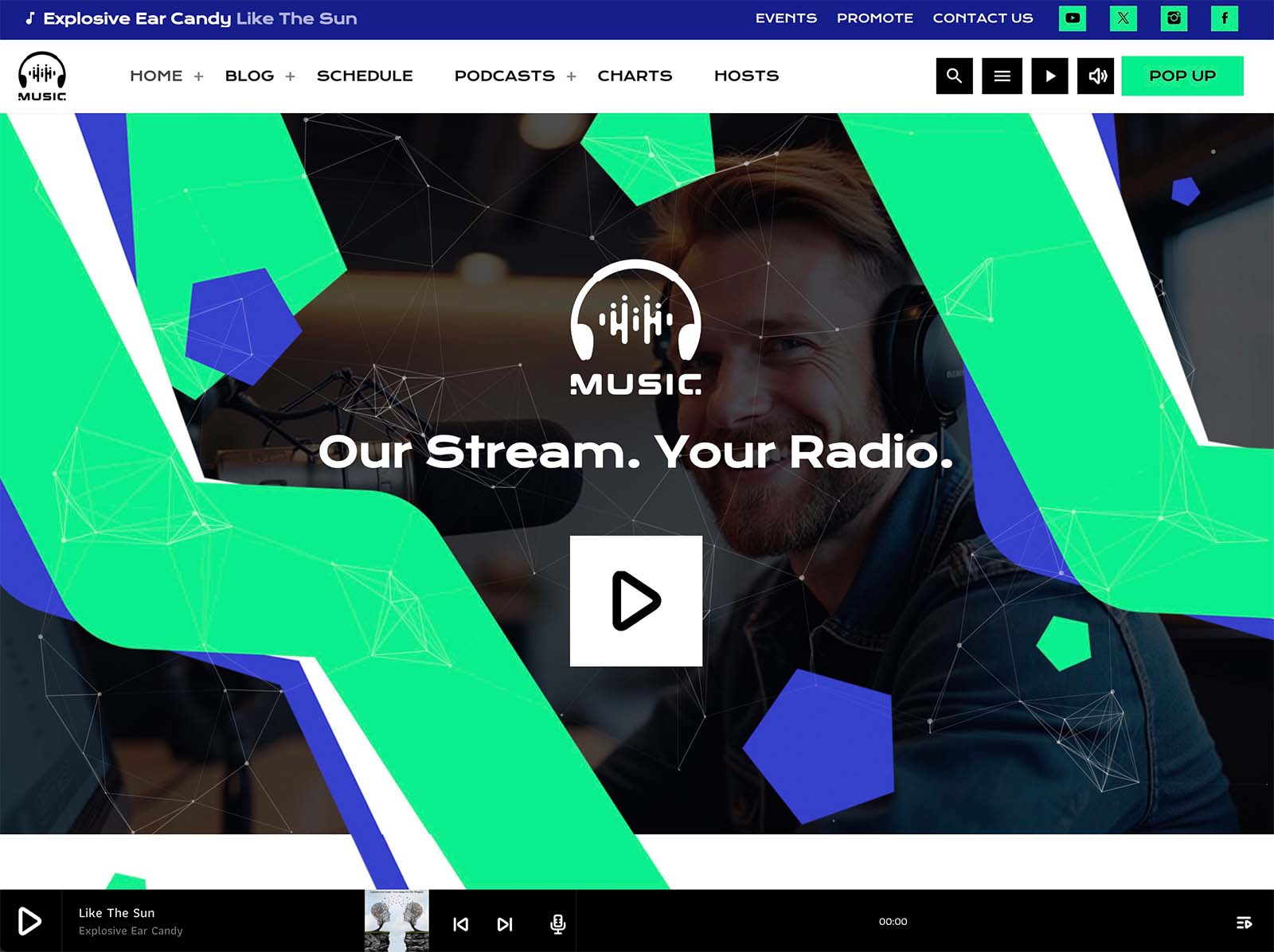
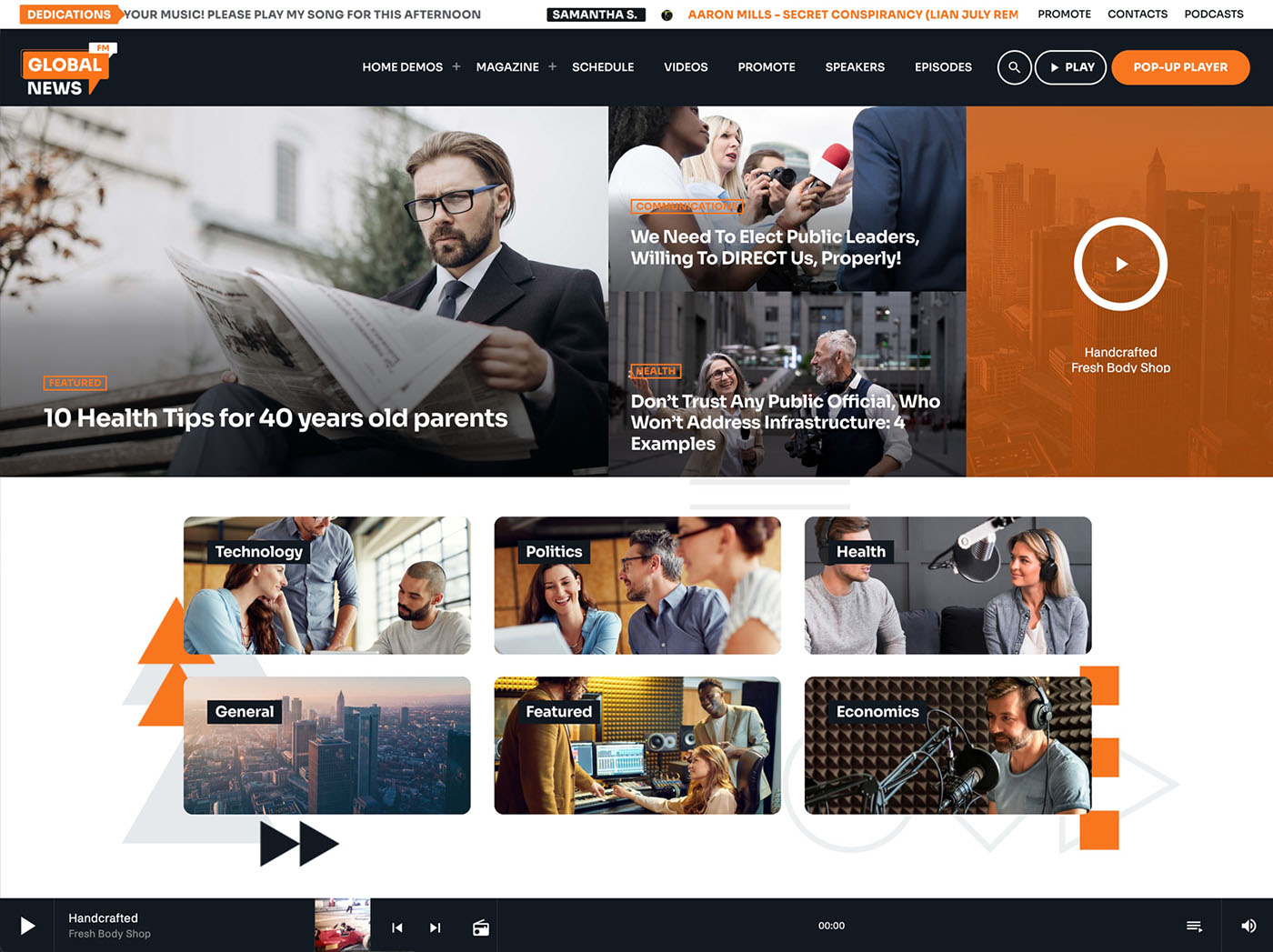
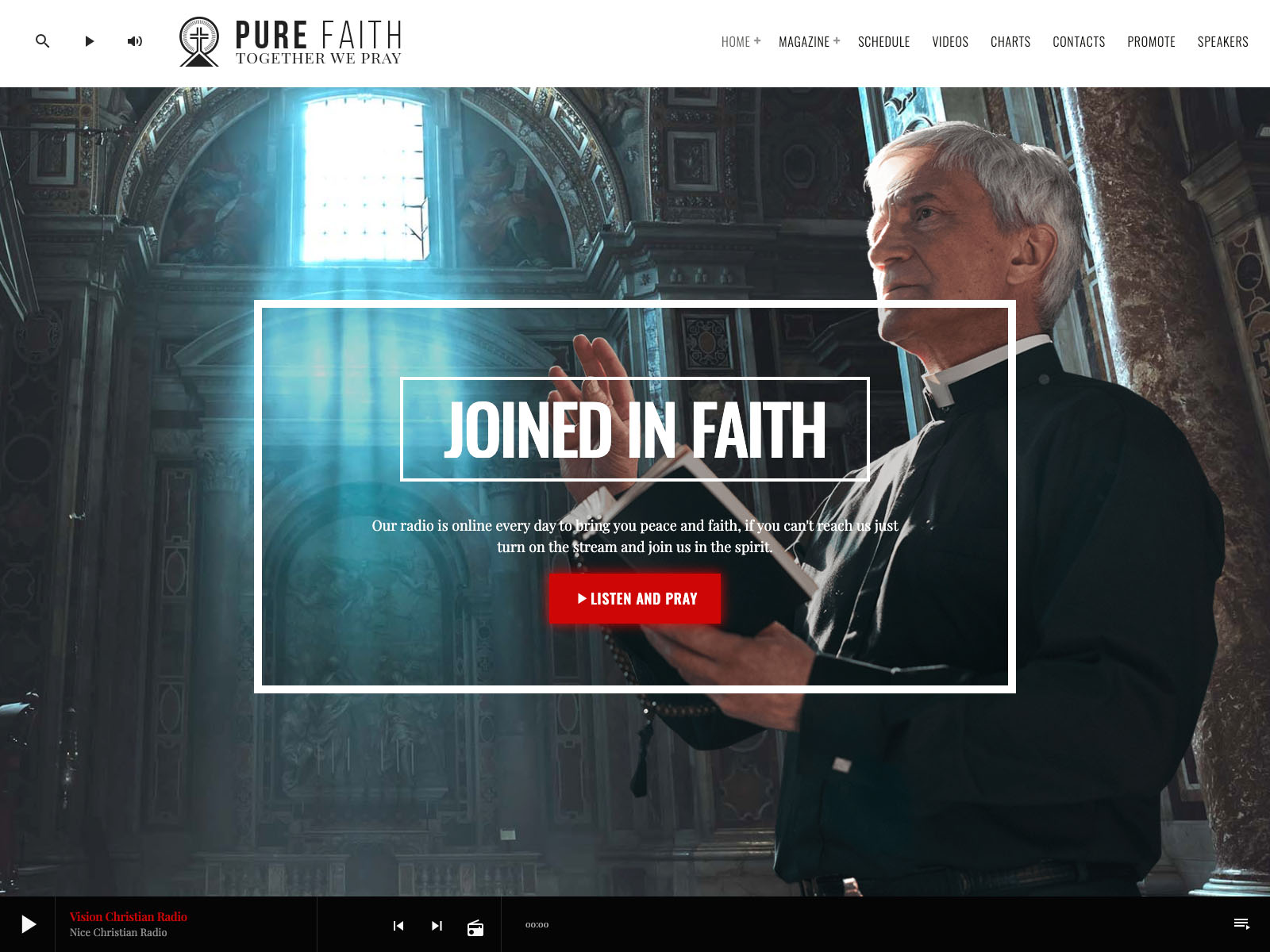
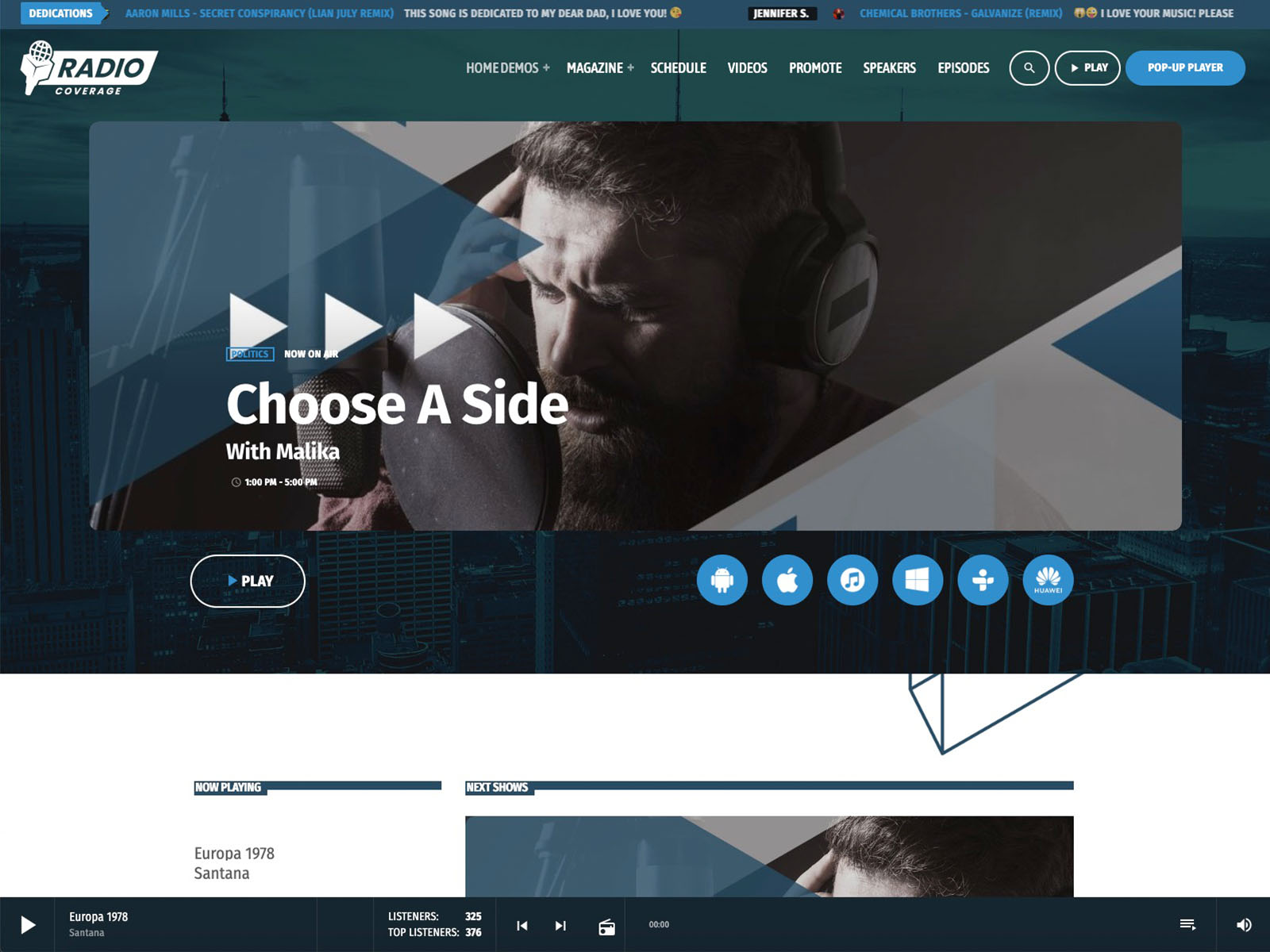
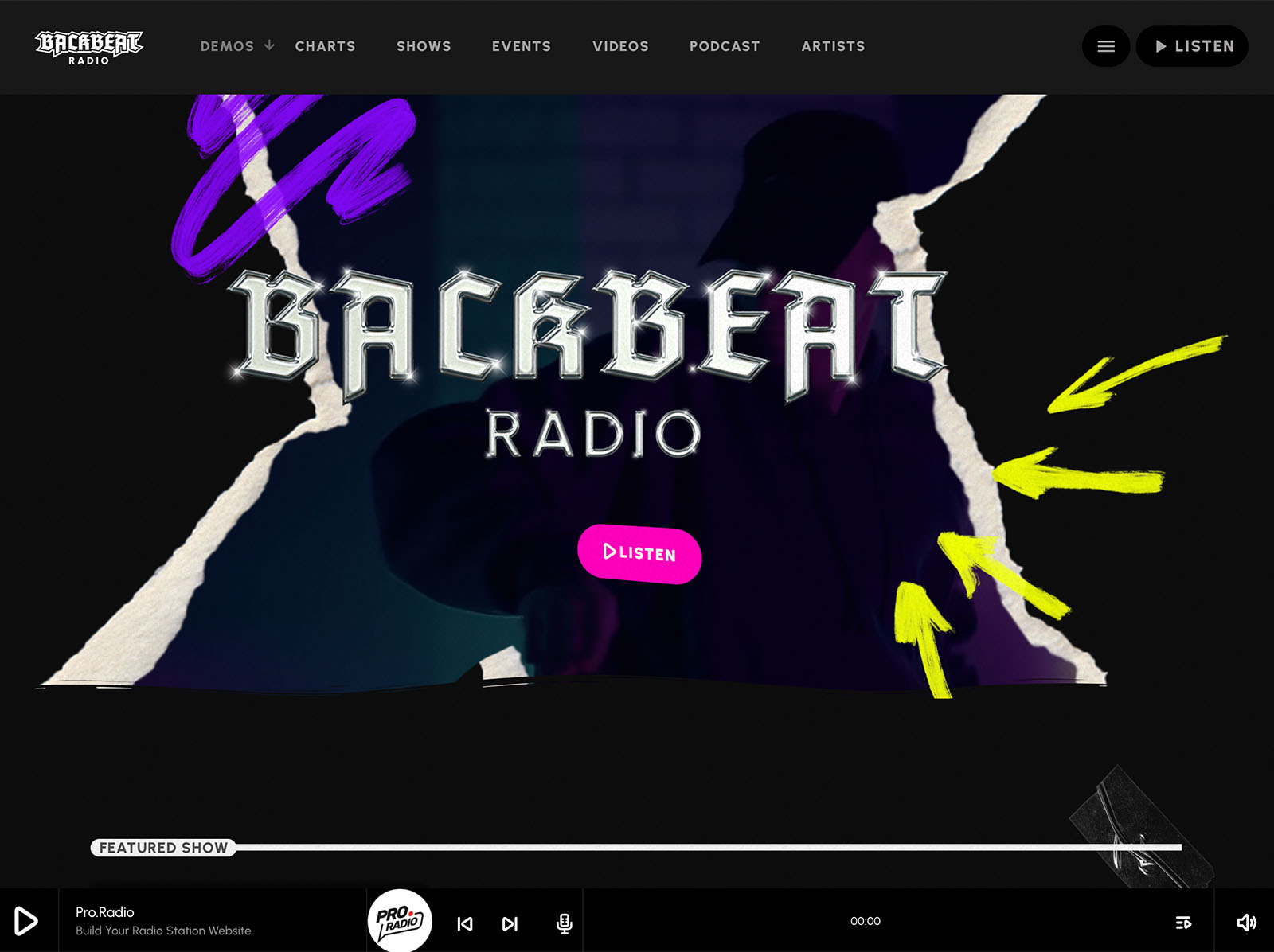
A great player is visible everywhere a visitor might want to listen. Pro Radio lets you drop play buttons anywhere on the site through Elementor widgets. The player can sit in the header or footer on large screens. There can be a clear play button inside a hero section, another in a show carousel, another on a podcast card, all part of the same continuous audio stream.
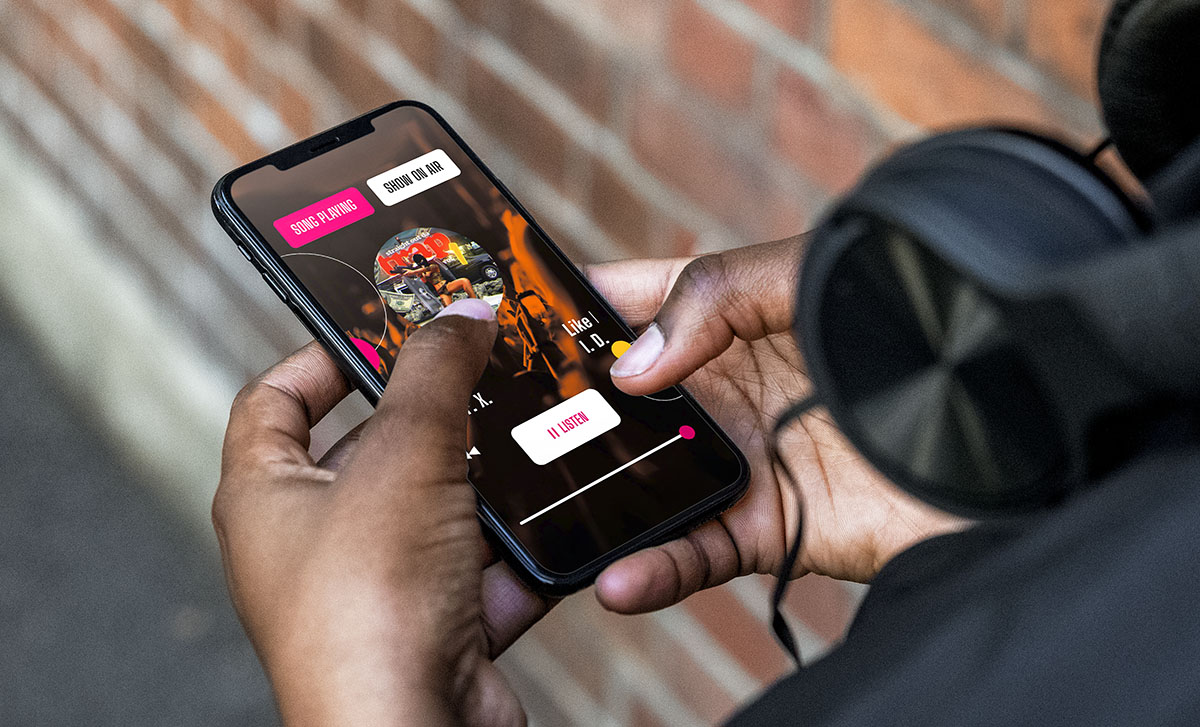
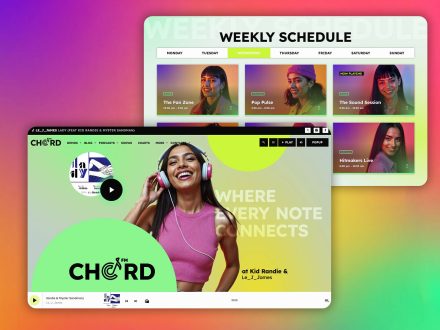
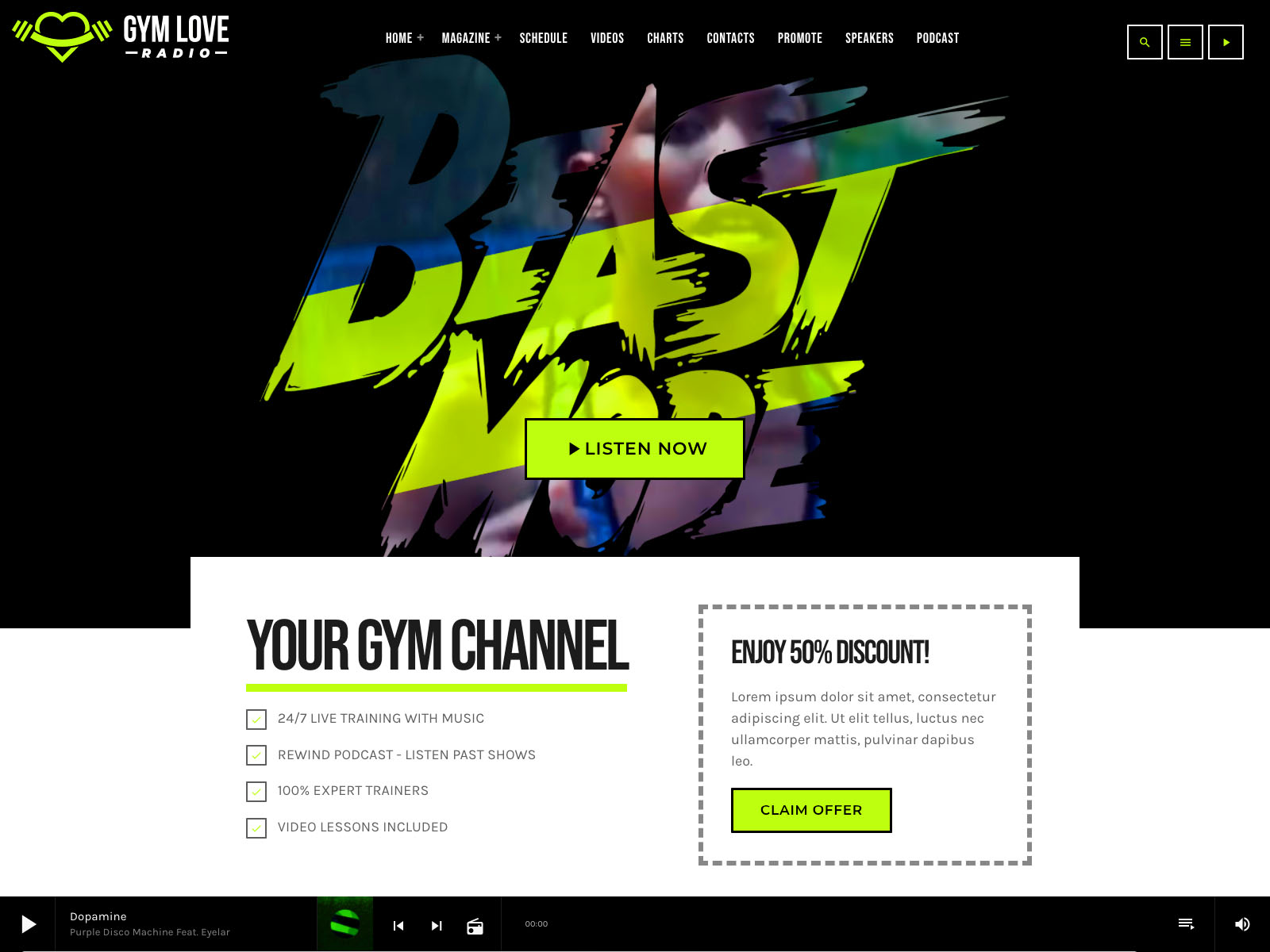
Volume and play controls can live in the menu bar. The popup player gives mobile visitors a fixed, comfortable control surface that follows them as they browse.
The point is consistency. Every play button on the site does the same thing. The visitor never has to relearn how to listen.
Mobile UX Details That Make Or Break The Click

Stream Compatibility With The Major Providers
A great player is useless if it cannot reliably play your stream. Pro Radio supports Shoutcast >2, Icecast >2.4, ICY metadata, Radio.co, Airtime Pro and Airtime, Live365, Radionomy, plain text streams, RadioKing, and Azuracast. Plain MP3 and AAC streams are supported. Whatever your station is using today, the player can read it.
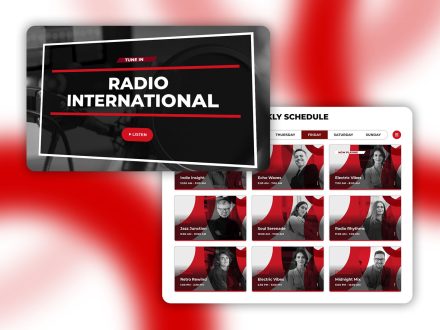
The Radio Channels post type handles unlimited streams. You can reorder channels and decide which appear in the player. Custom playlists with single tracks, prices, icons, and purchase links are also available if you sell music. Podcasts preload from internal or external MP3 sources, including the latest audio podcast.
Popup Player And Custom Styles
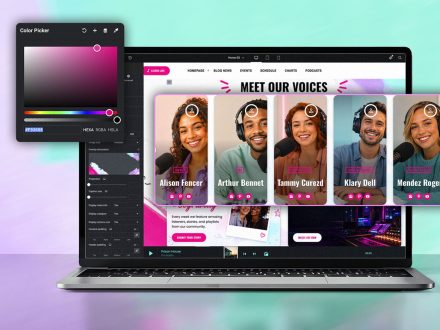
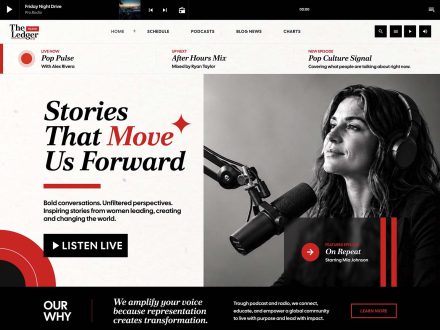
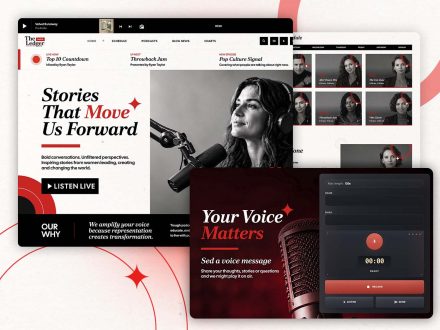
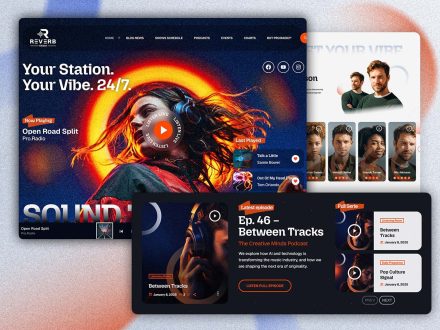
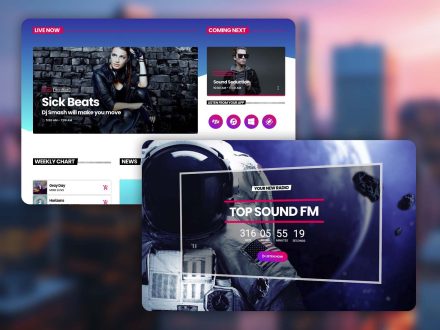
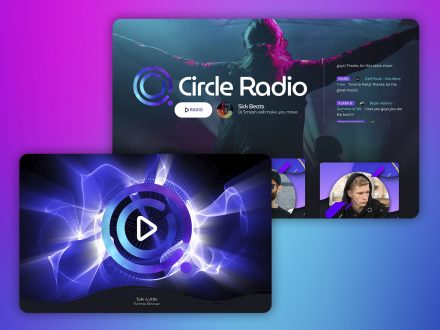
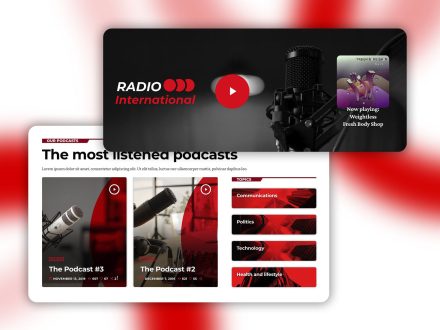
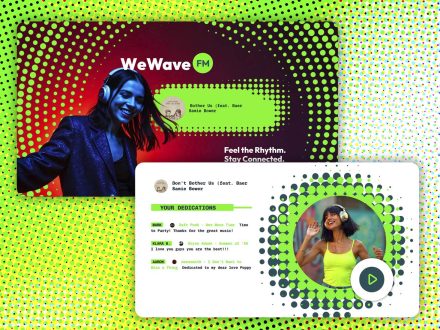
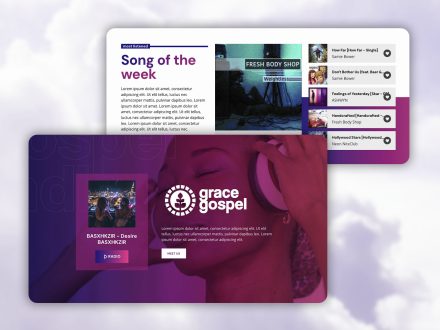
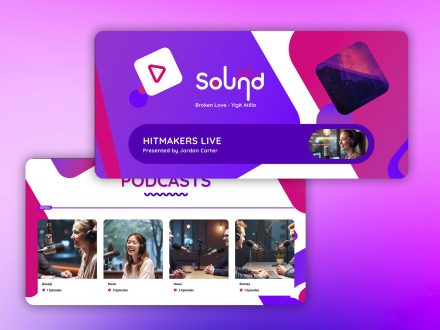
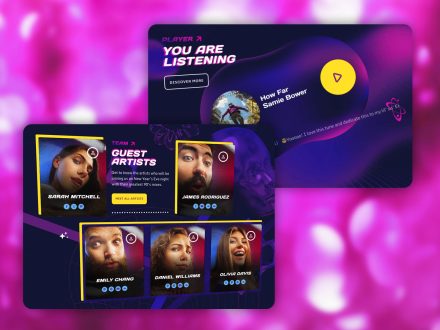
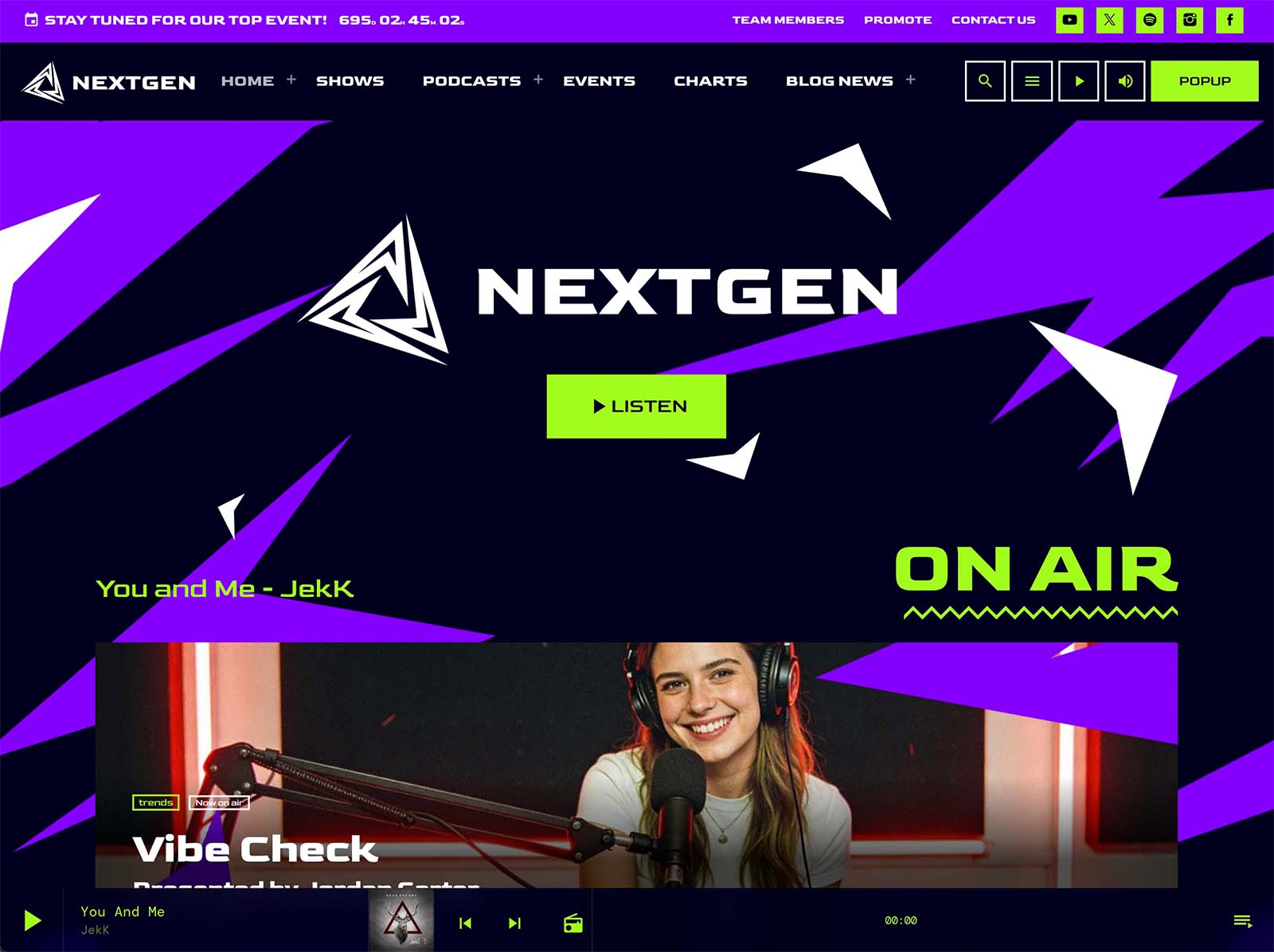
The custom popup player is one of the most underrated features. It gives a clean, fixed control surface that opens when needed without taking over the page. Multiple player styles let you match the look to your brand. The customizer offers player color controls and player design options for header or footer placement. You can decide whether to show the show cover in the player.
A polished player UI is what separates a stitched-together site from a real broadcasting platform.
Why The Player And The Studio Are Different Investments
Studio upgrades pay off if the audience already exists. Player upgrades pay off in growing the audience that will eventually justify the studio upgrades. The sequence matters. A great-sounding stream behind a weak player is a self-defeating combination. A reasonable-sounding stream behind a great player can outperform a much fancier station with a broken site.
This is not an argument against good studio gear. It is an argument for spending the next chunk of effort on the player, because the player is where listeners decide whether to give the gear a chance.
One Toolkit Makes The Player Stay Pro
A great player is hard to maintain when it is grafted onto a generic theme through a plugin. Updates break things. Styling stops matching. Performance drops. Pro Radio handles the player as a core part of the theme. It shares the same design language, the same performance optimizations, and the same Elementor integration as the rest of the site.
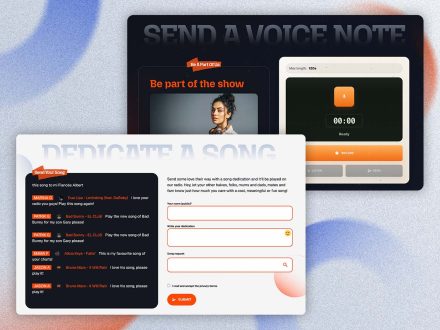
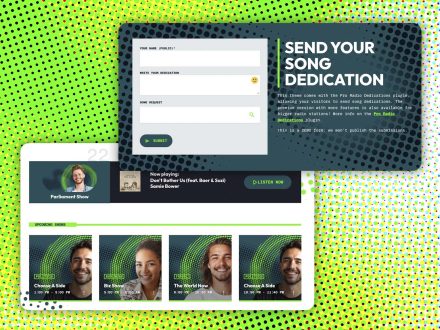
The Plus subscription brings Sidekick, Business Tools, Dedications, Podcast Importer, Voiceline, and over three hundred Elementor templates under one umbrella, with unified updates and support. The player stays excellent without ongoing maintenance work from you.
Upgrade The Player First
If your audience is not growing the way the studio quality suggests it should, look at the player. Most of the time, the limiting factor is on the website, not in the room with the microphones. Pro Radio gives the player the UX care it deserves: continuous playback, real-time information, multiple placements, mobile optimization, custom popups, and consistent design.
Upgrade the player first. The studio will sound louder to more people the moment that single change lands.



AD

You may also like

Copyright 2019-2026 ProRadio® Qantum Themes SL® ESB02979078 All Rights Reserved