



The Fastest Way To Launch A Professional Radio Site
AD
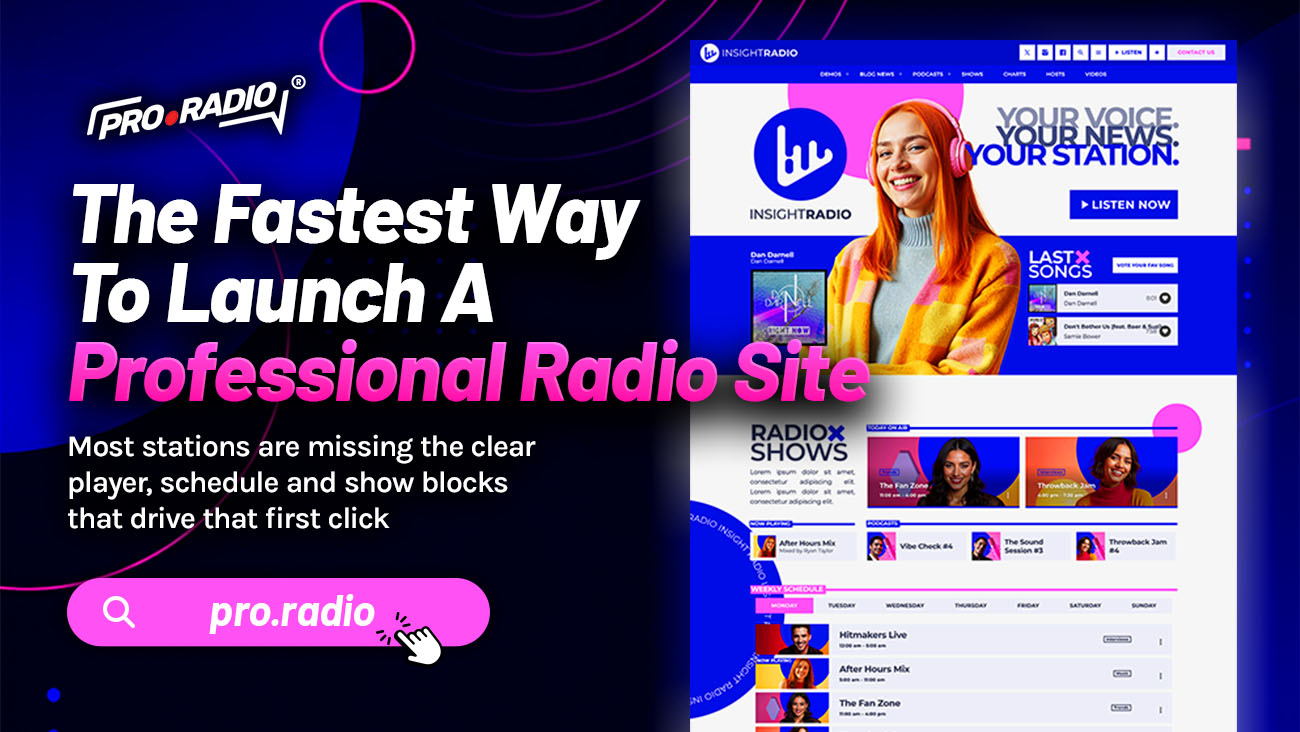
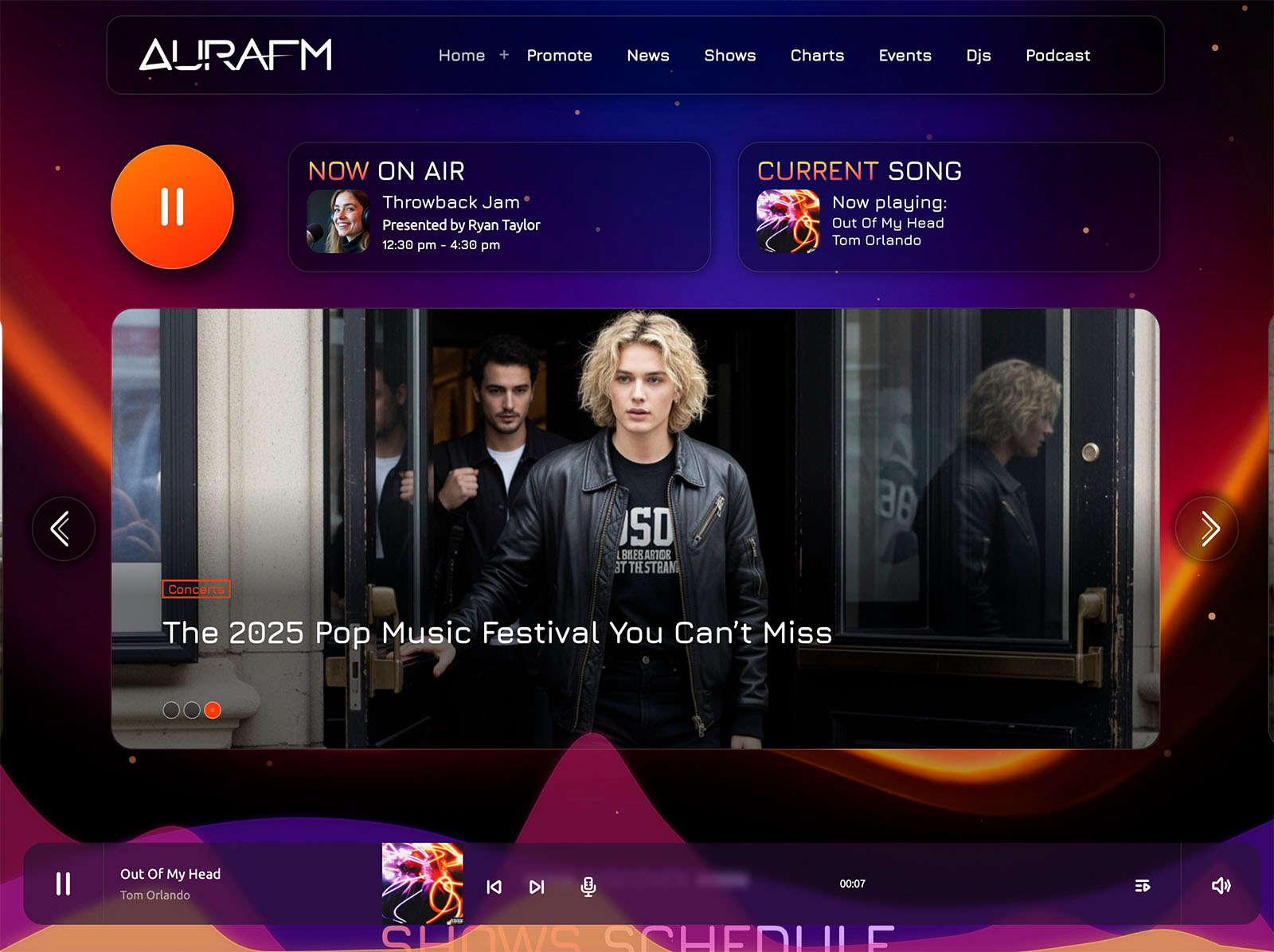
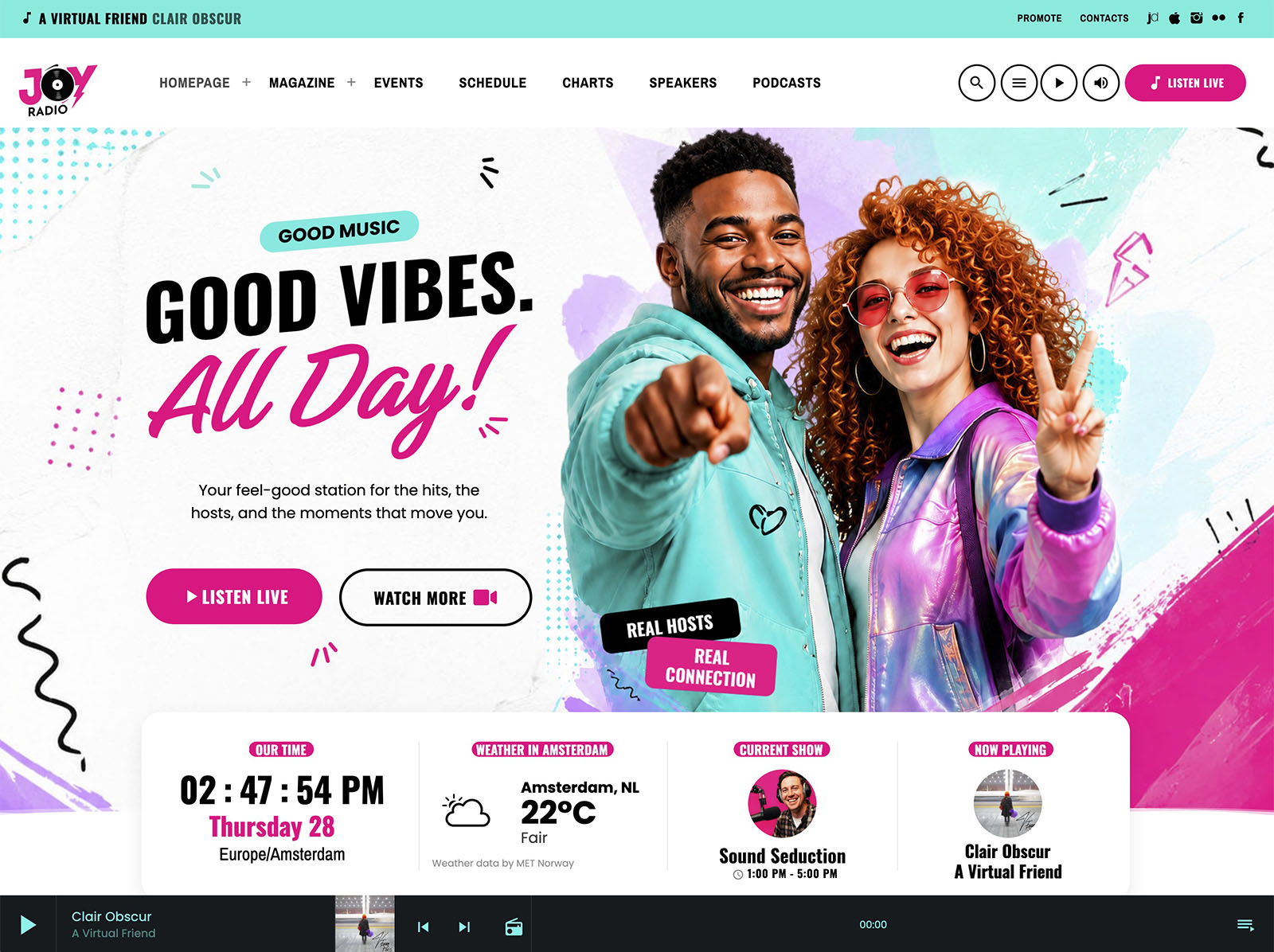
Stop piecing tools together and use an all-in-one theme that already includes what you lack. There is a slow way to launch a radio website. It involves a generic theme, a player plugin, a schedule plugin, a podcast plugin, an events plugin, a sponsor plugin, and weeks of trying to make them look like one site. The fast way is a single ecosystem designed for radio.
This is the actual fastest path, with the exact pieces involved.
Contents
hide
- 1. Why “Fast” Usually Means “Sloppy”
- 2. The Fastest Possible Start
- 3. The Player That Just Works
- 4. Schedule And Shows In Three Steps
- 5. Podcasts, Hosts, Charts, Events
- 6. Design Without A Designer
- 7. Engagement And Monetization Ready On Day One
- 8. Why The All-In-One Approach Is Actually Faster
- 9. Block A Few Days And Go Live
Why “Fast” Usually Means “Sloppy”
Most quick launches fail because they cut corners on the foundation. The player works but only kind of. The schedule looks like a spreadsheet. The podcast page is a list of external links. The site looks like several different sites stitched together with duct tape.
That kind of fast is not fast. It is debt. You spend the next six months patching things you should not have skipped.
The best way to build your radio website is to think like your listener: what do they want to hear, where do they need to click, and how quickly can they understand your station?
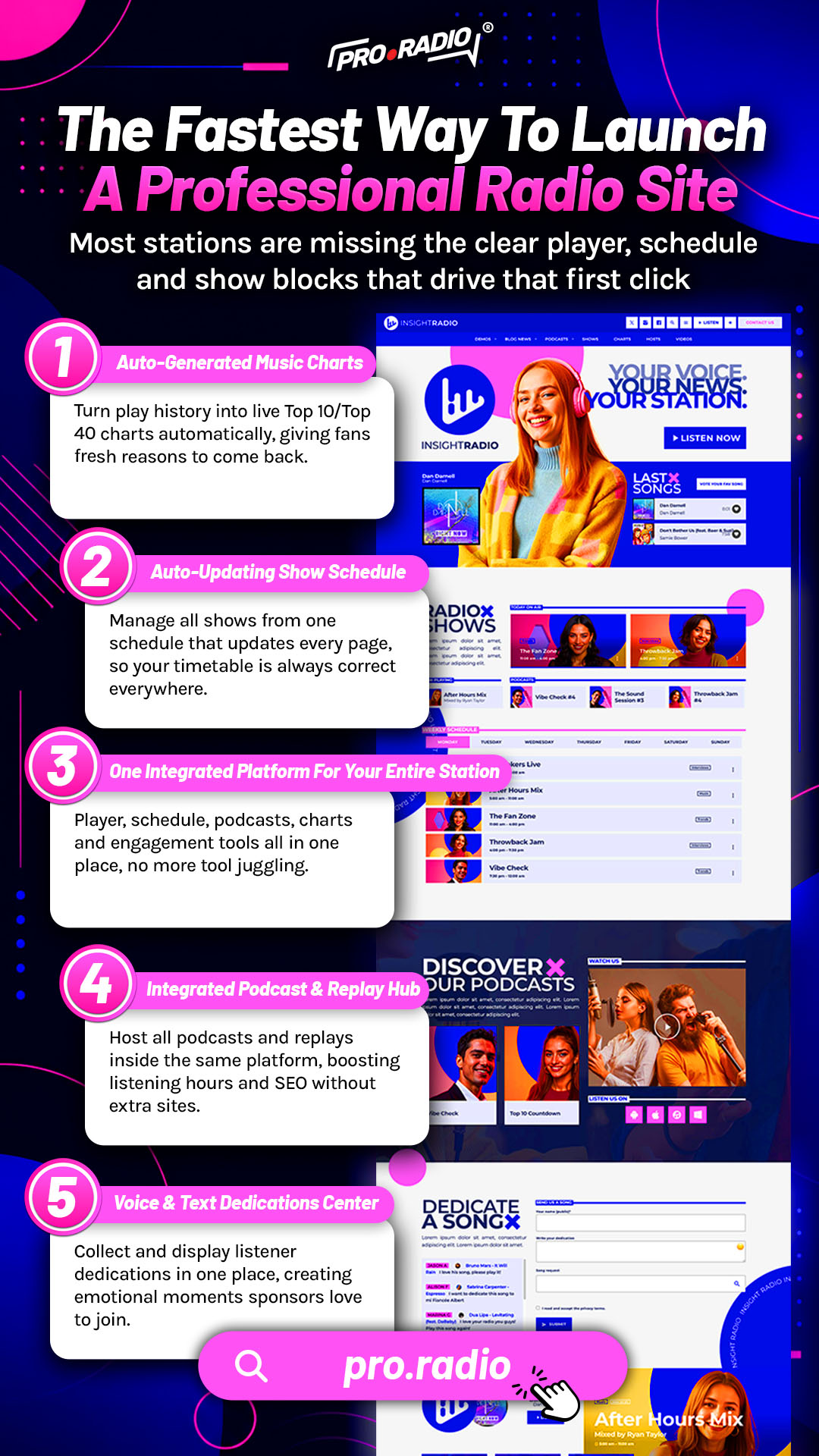
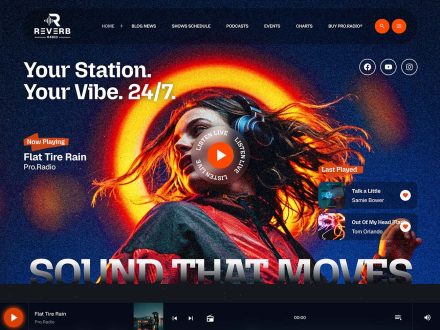
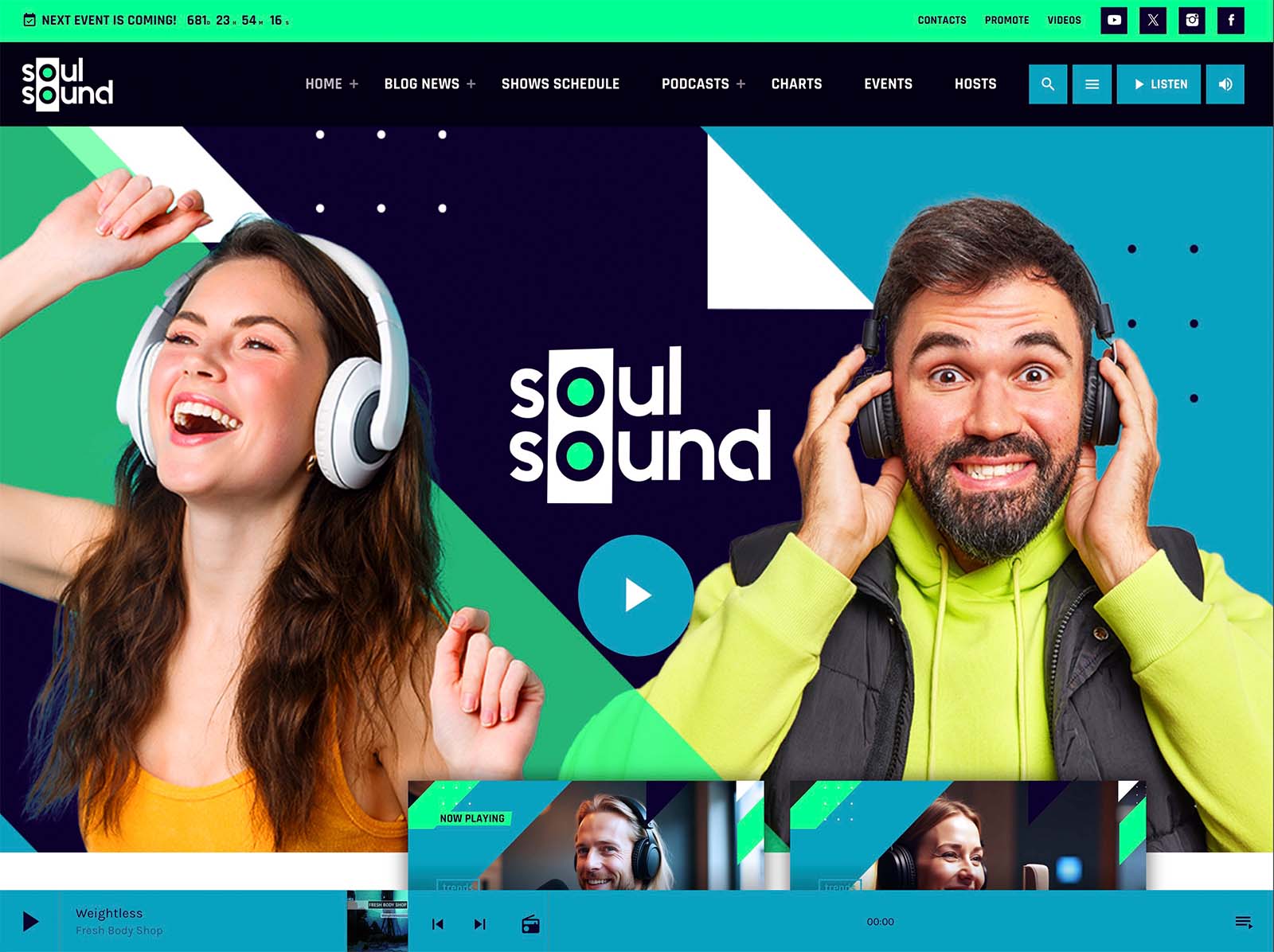
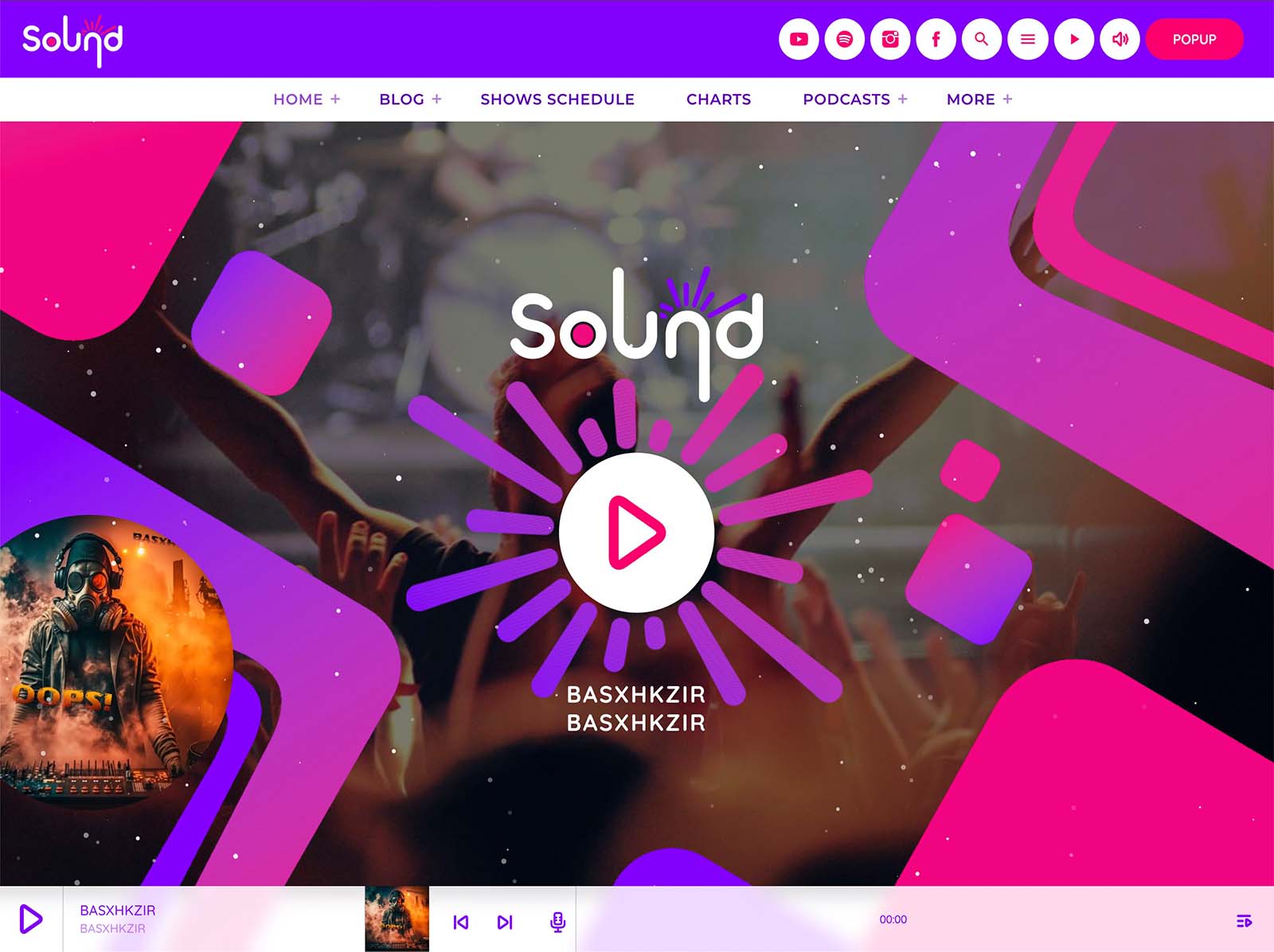
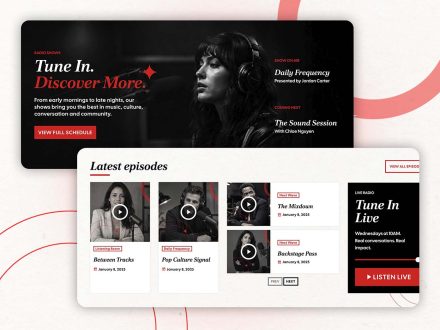
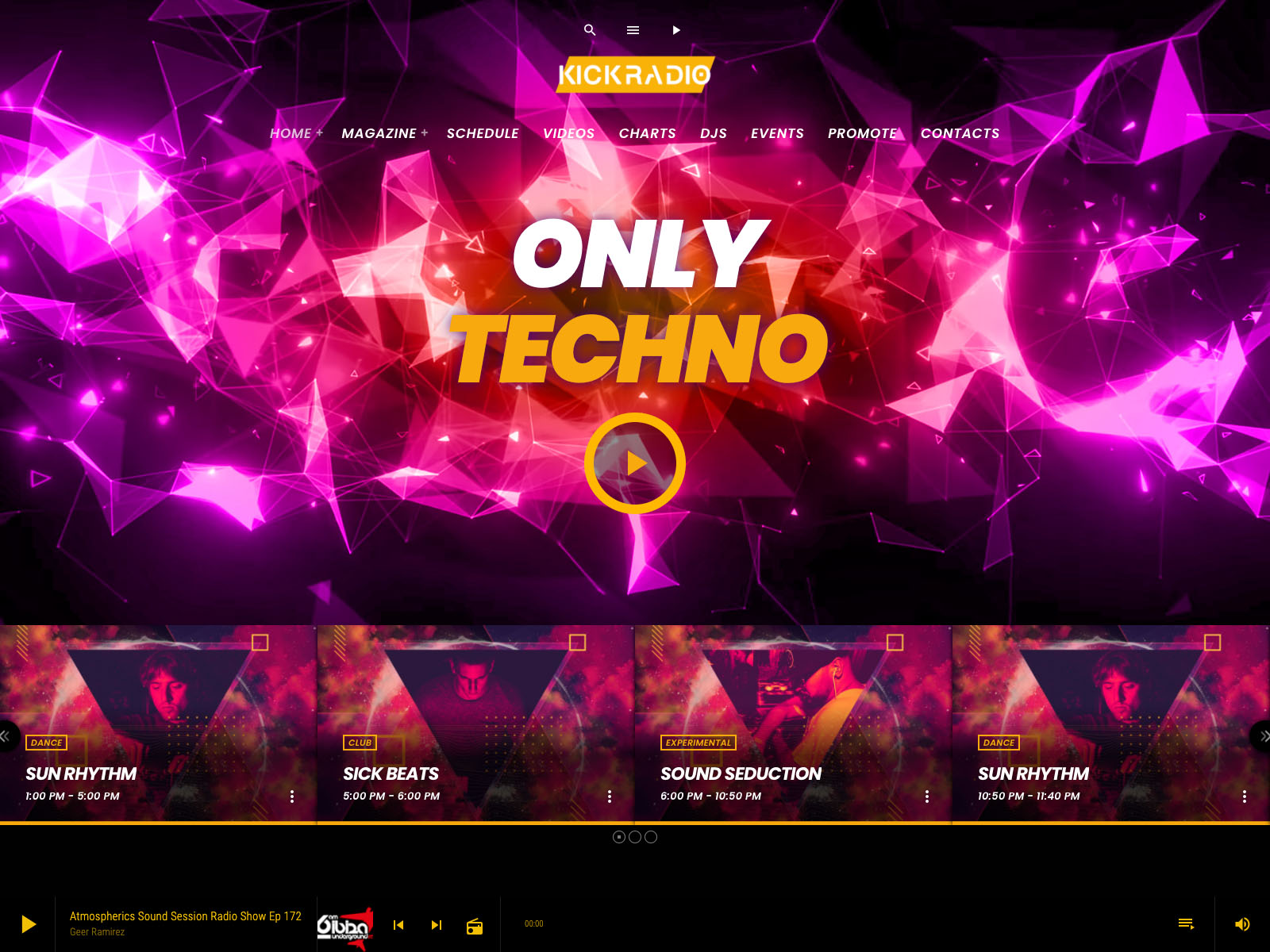
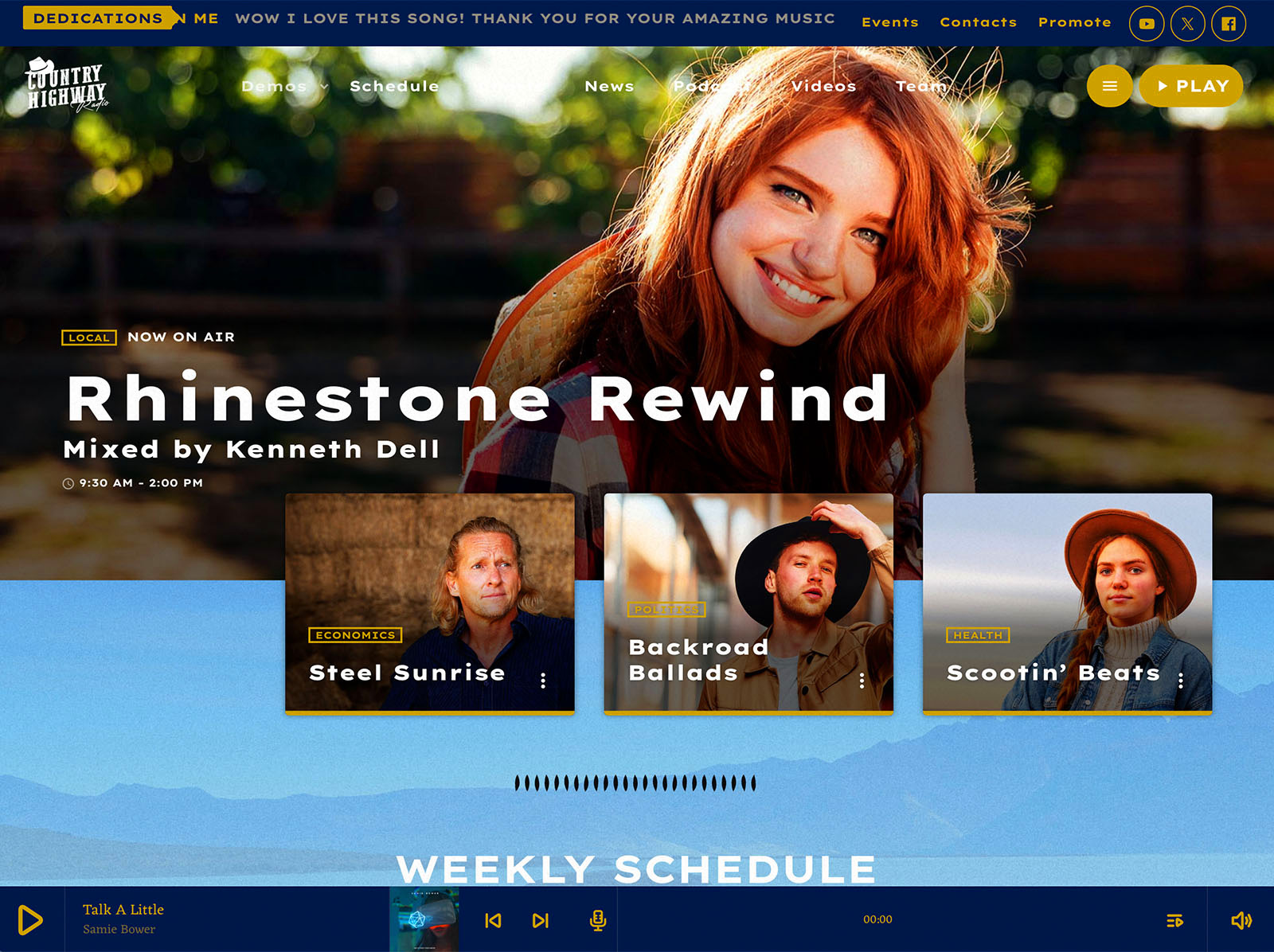
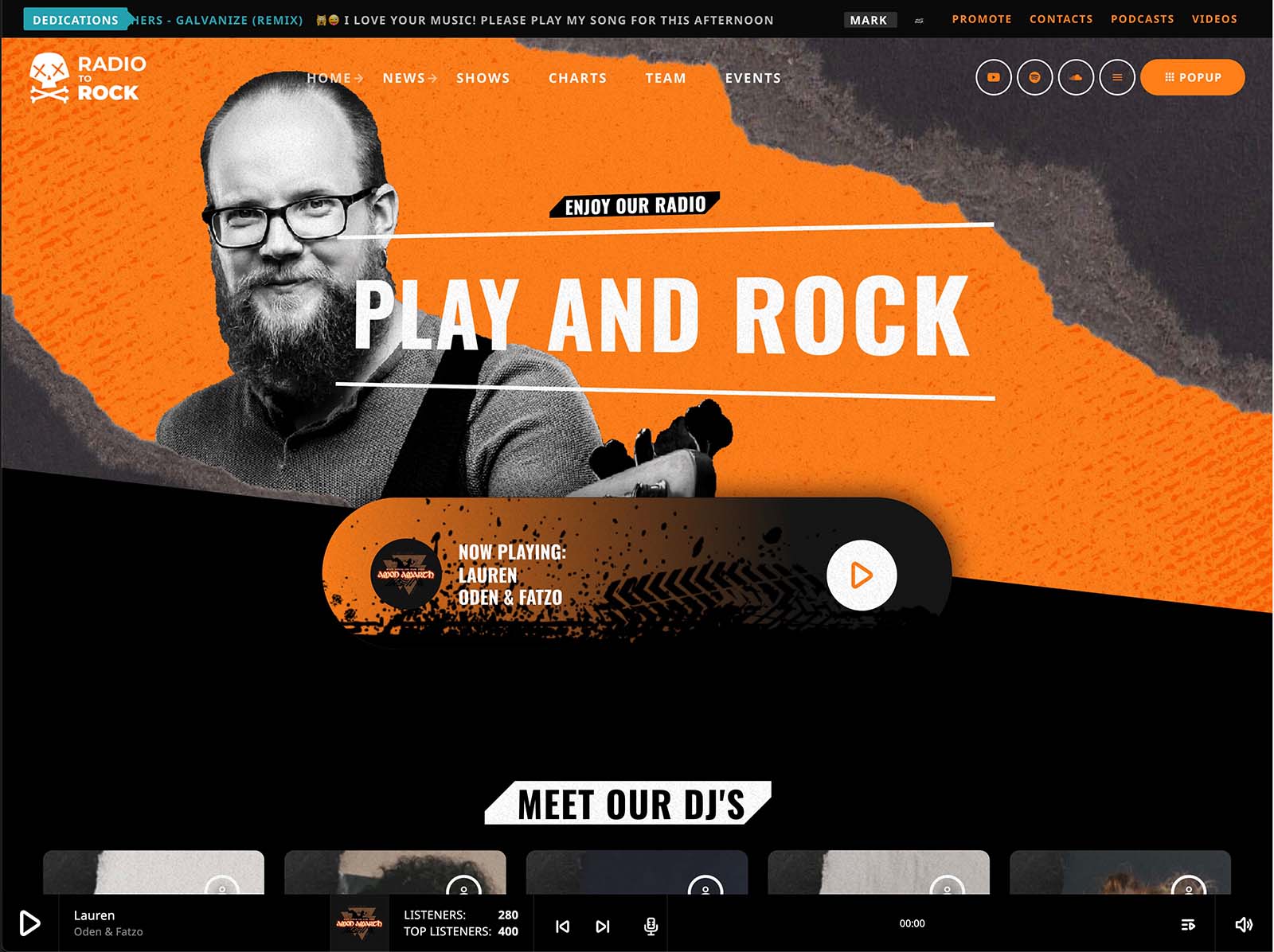
Pro Radio offers a different definition of fast: a foundation that includes the parts you would have skipped, ready to go in minutes rather than weeks.
The Fastest Possible Start
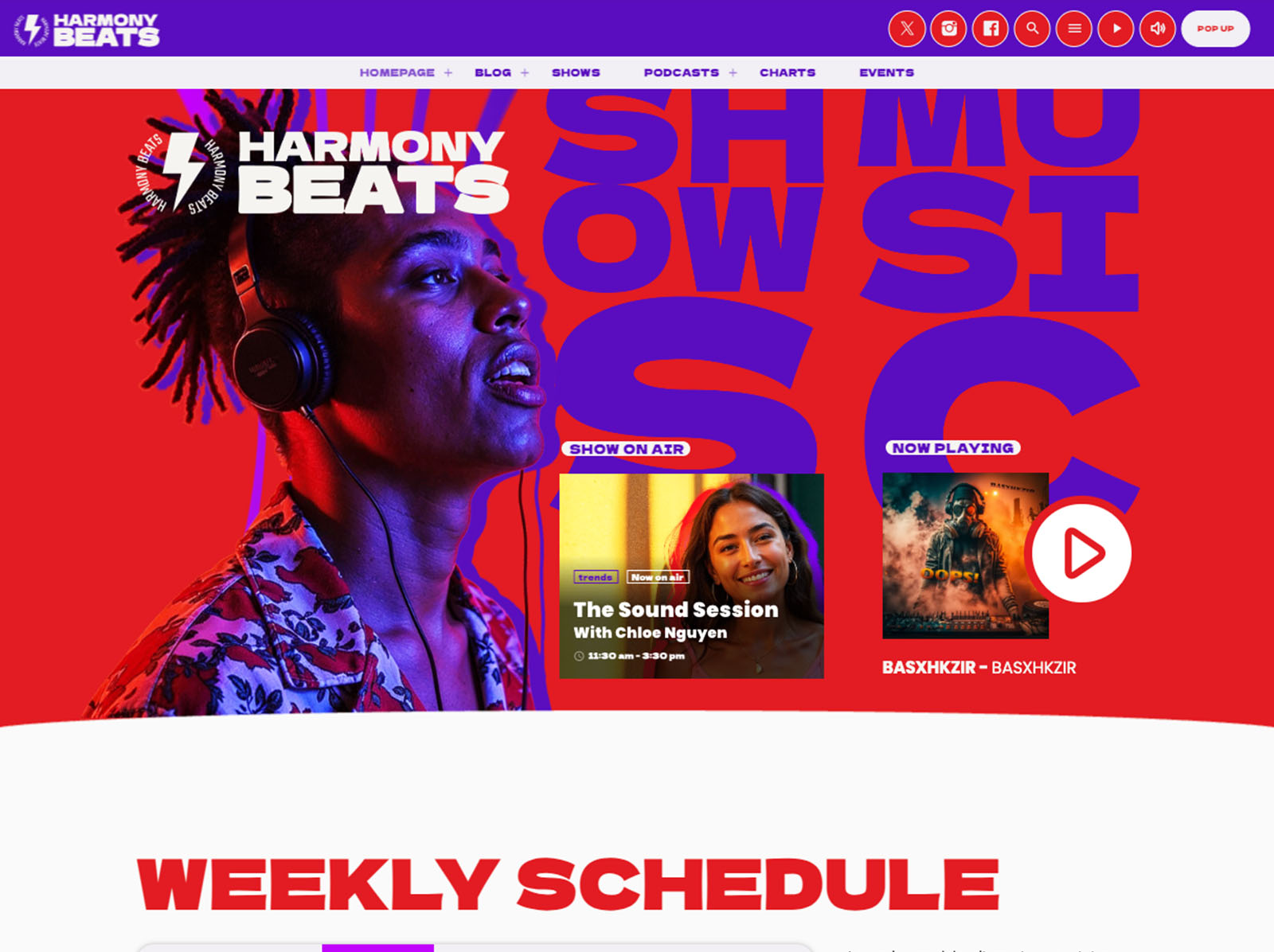
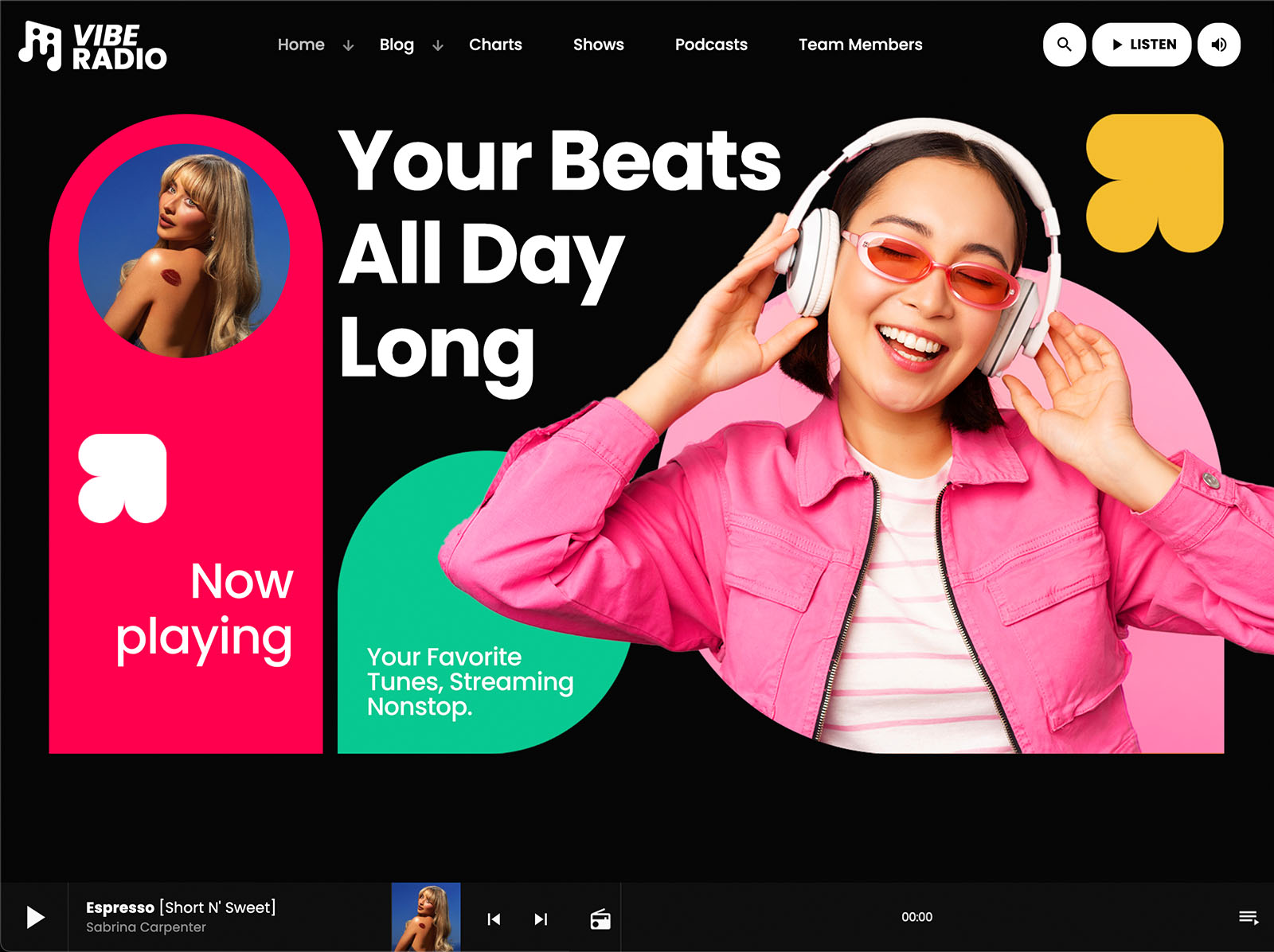
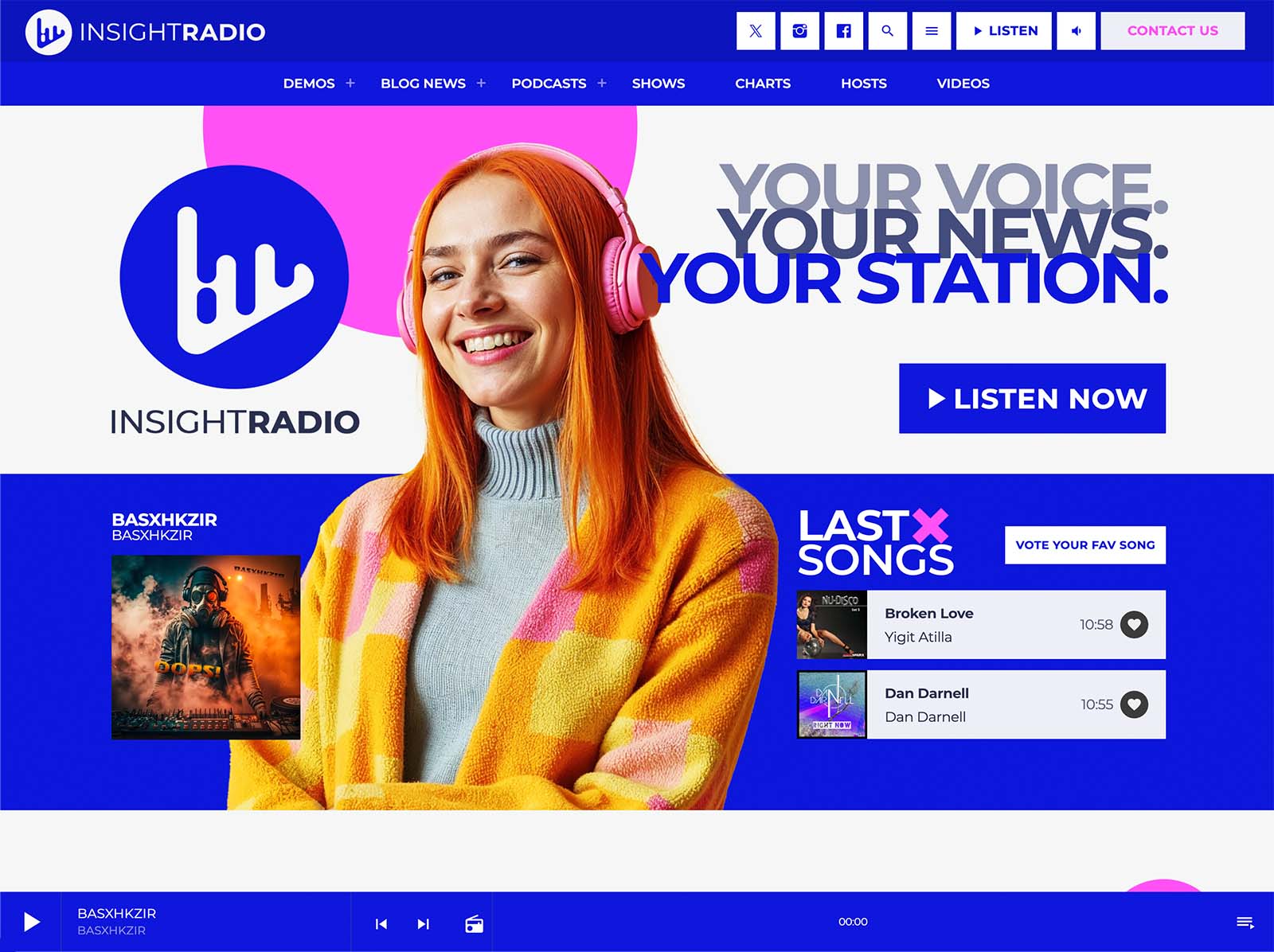
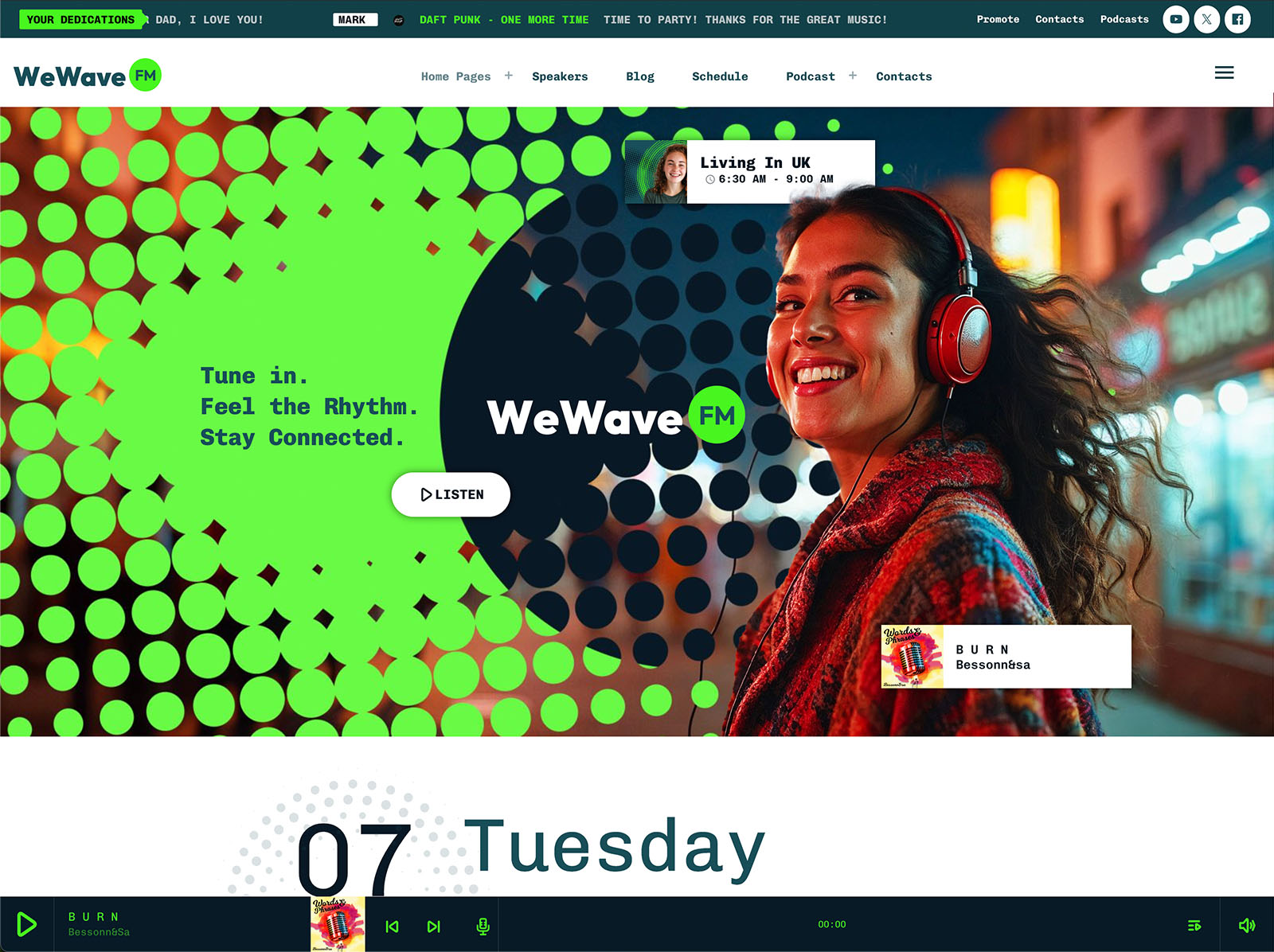
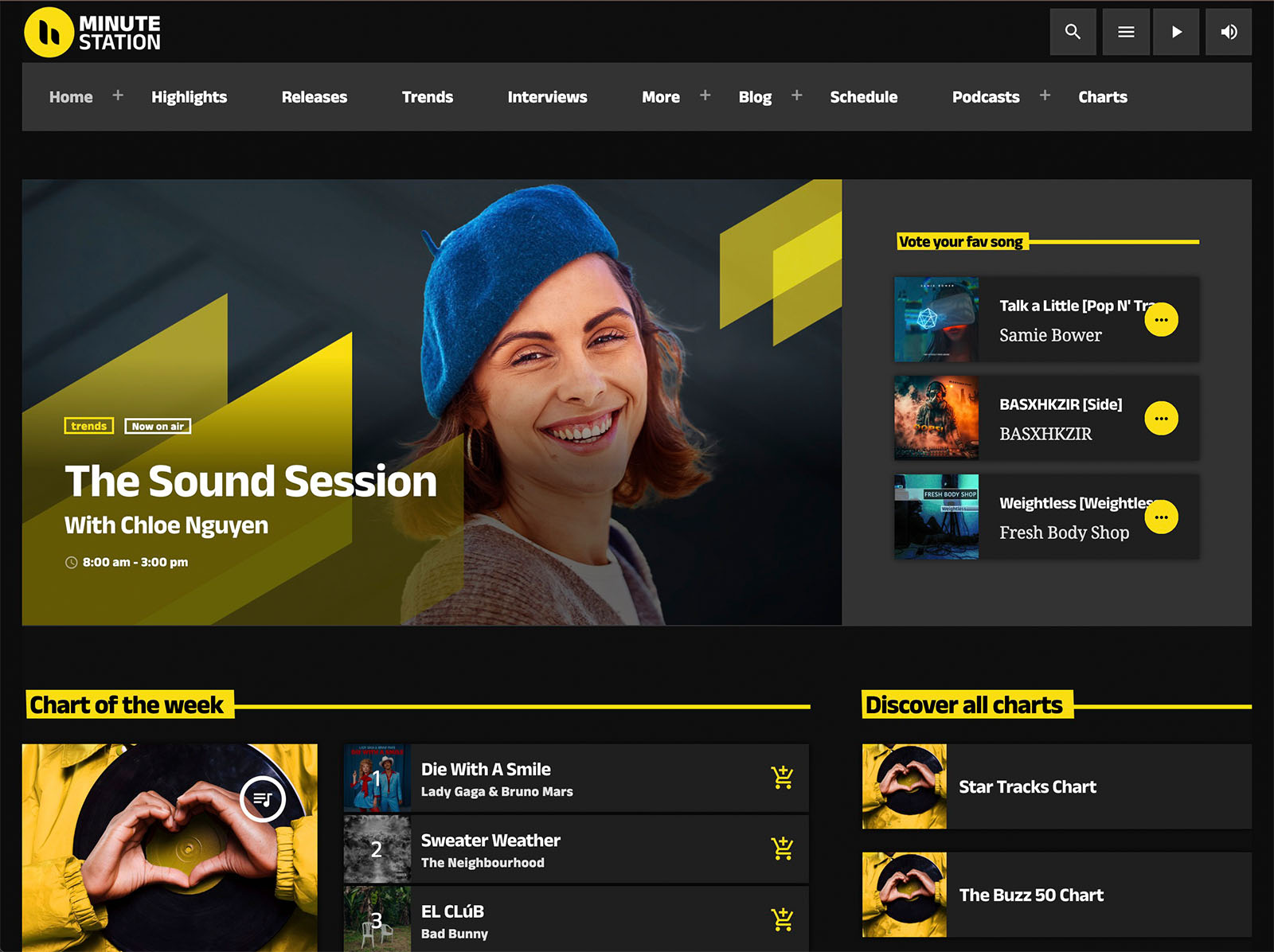
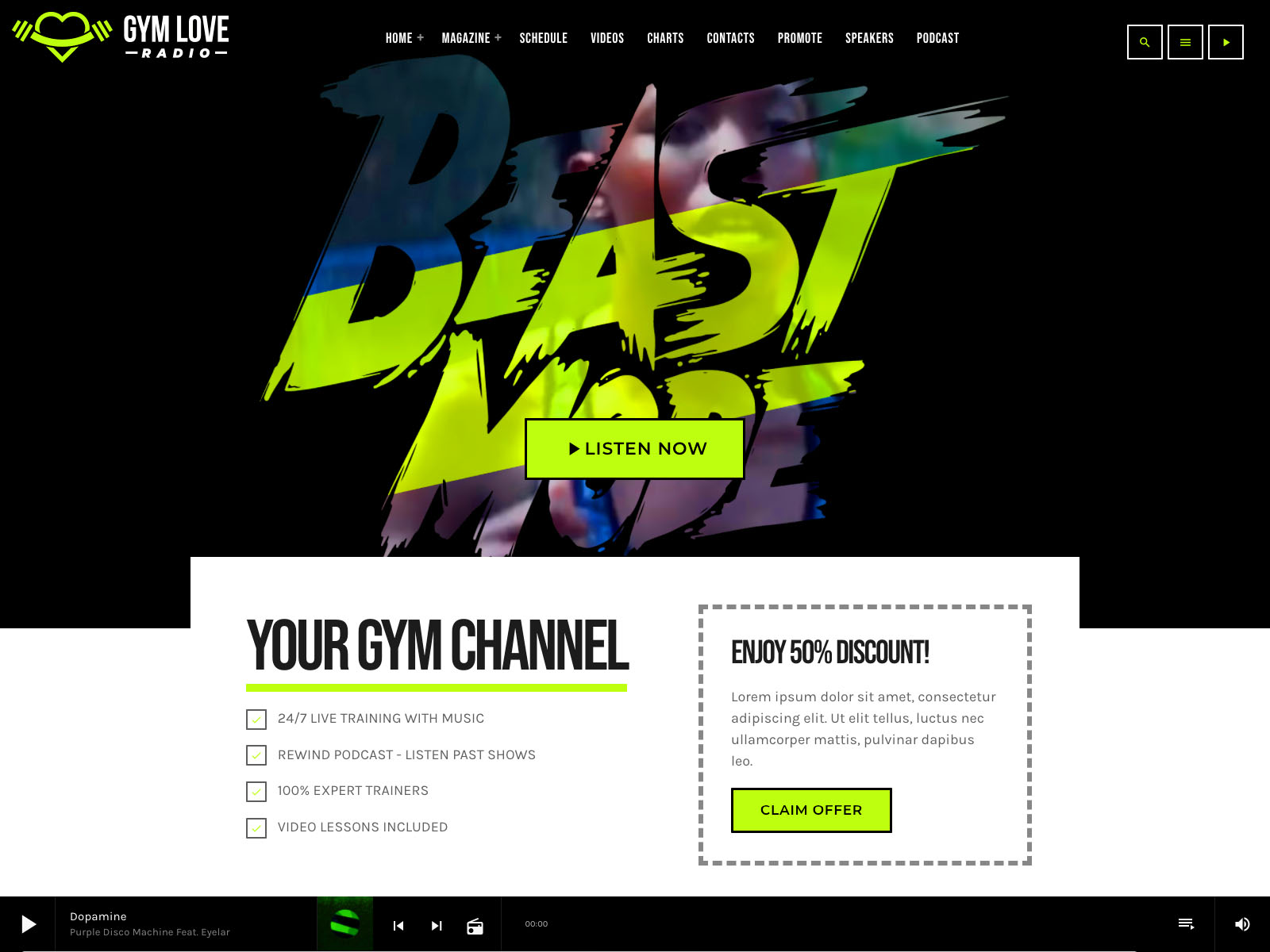
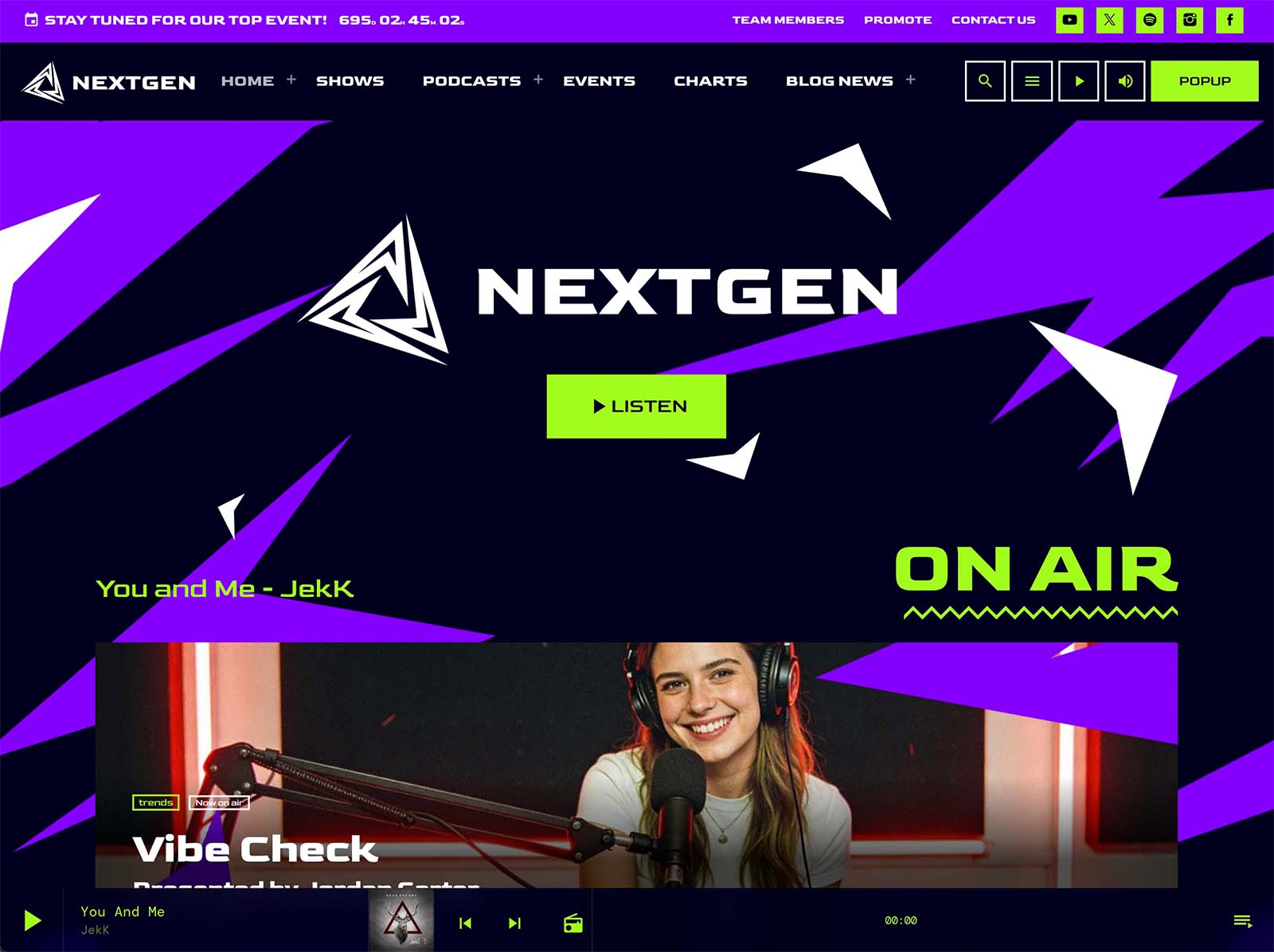
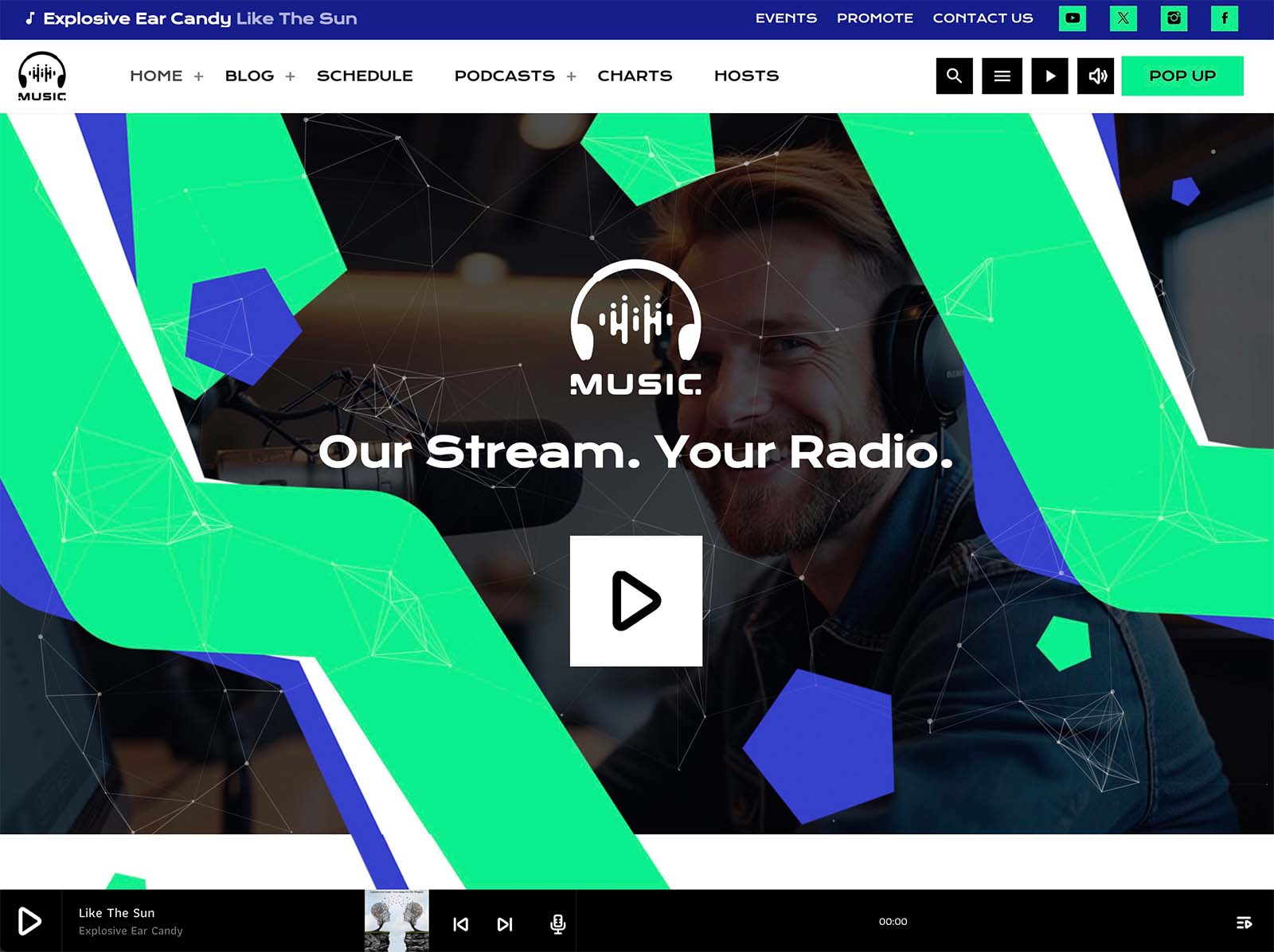
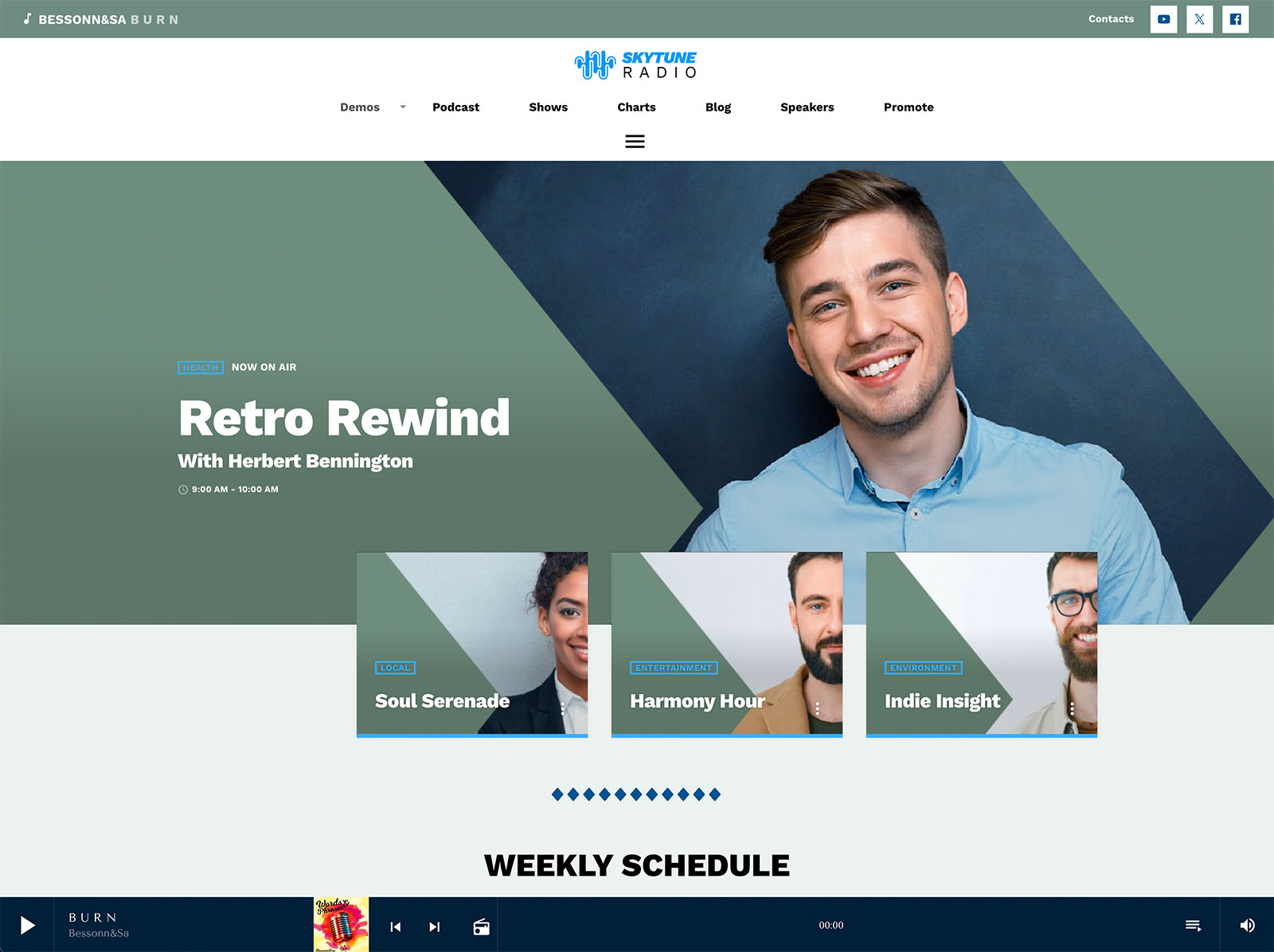
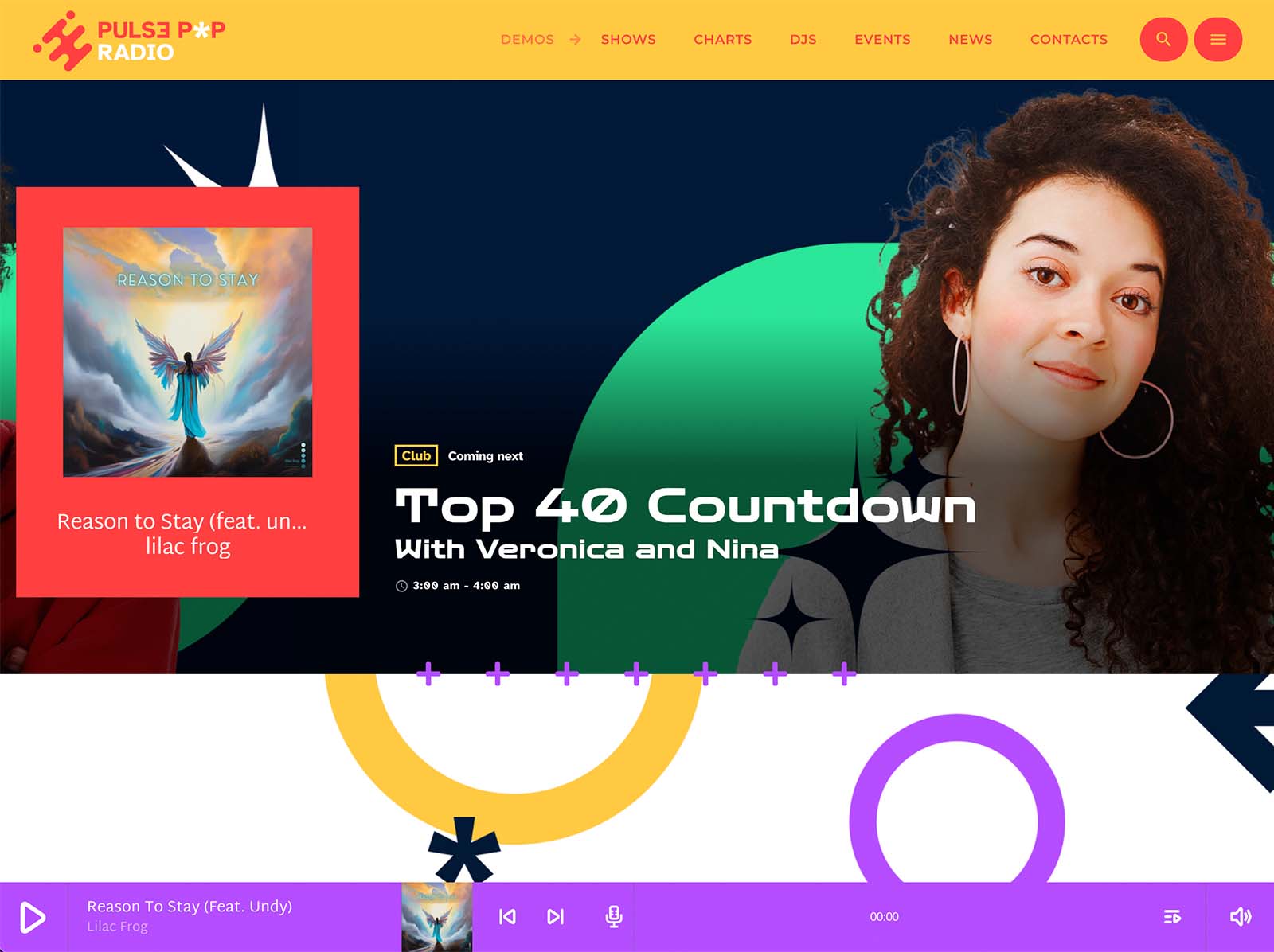
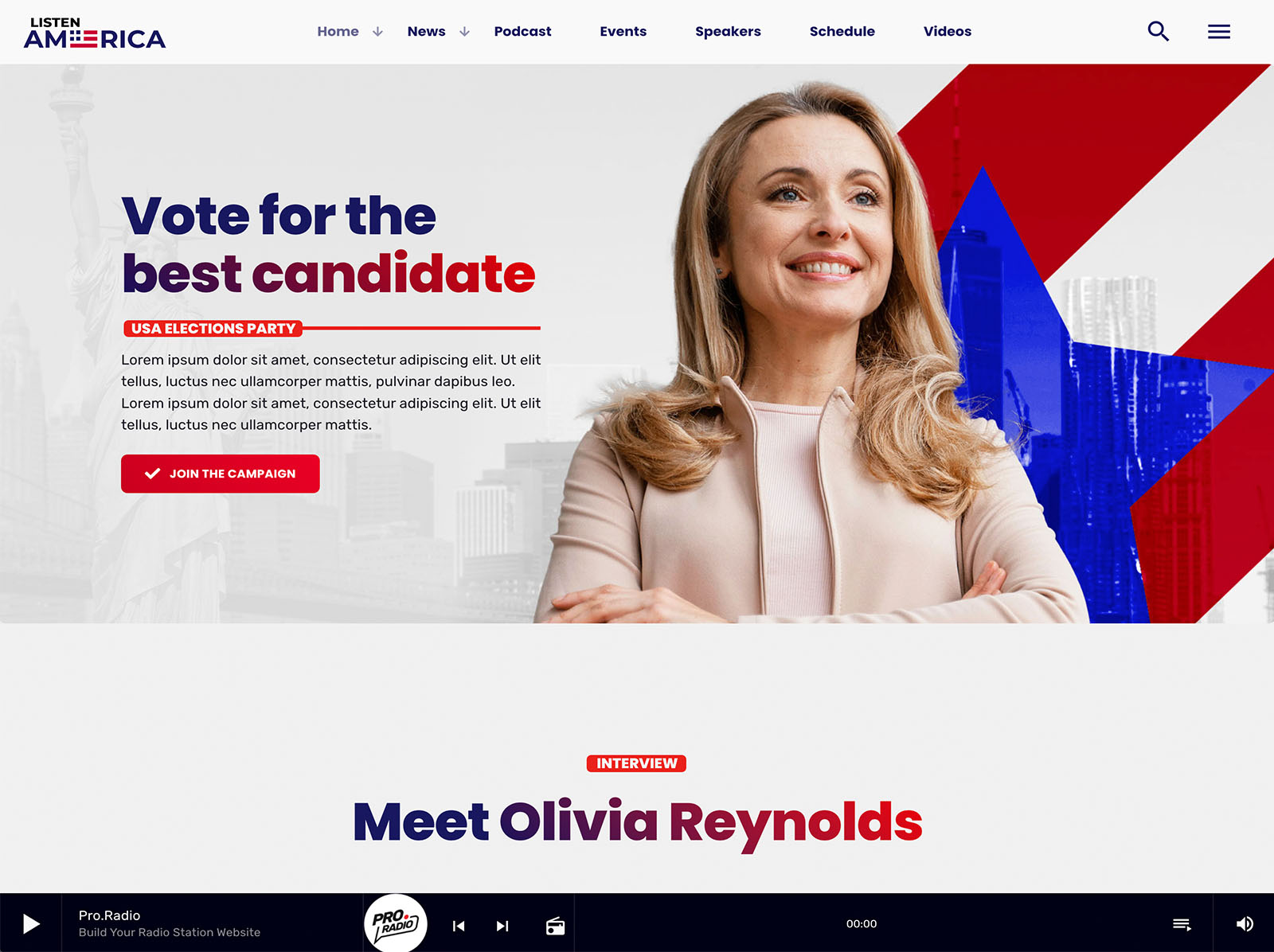
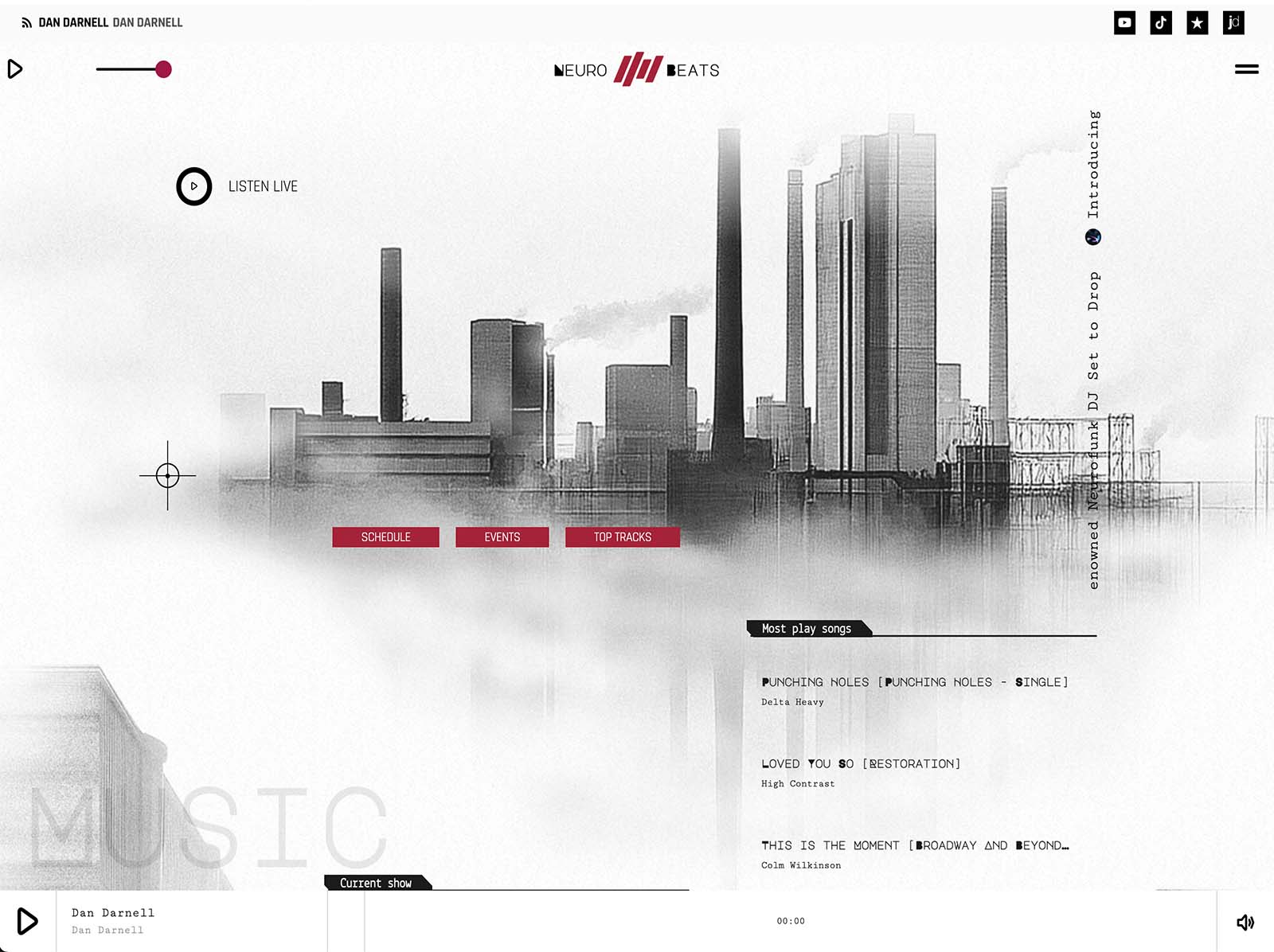
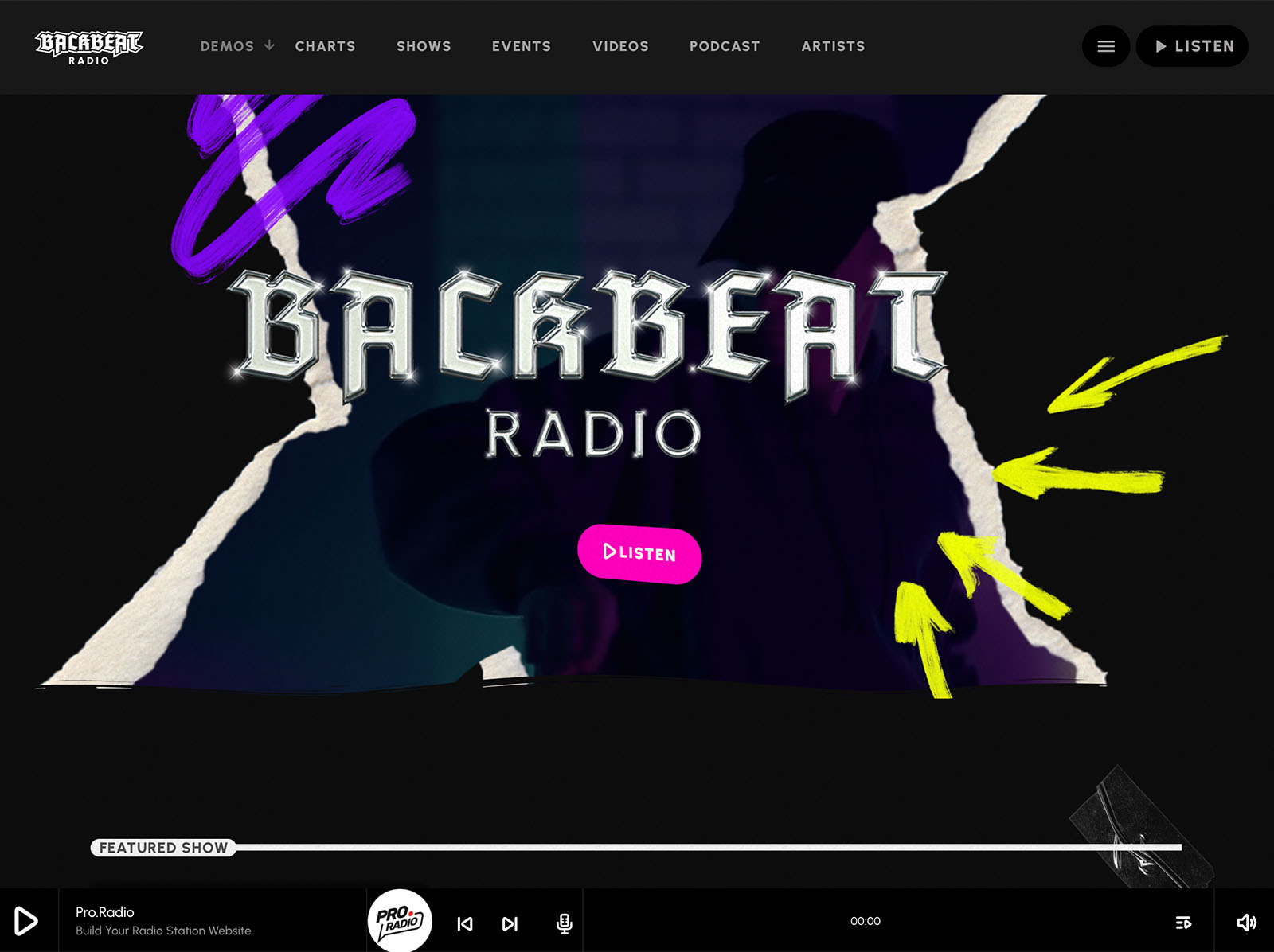
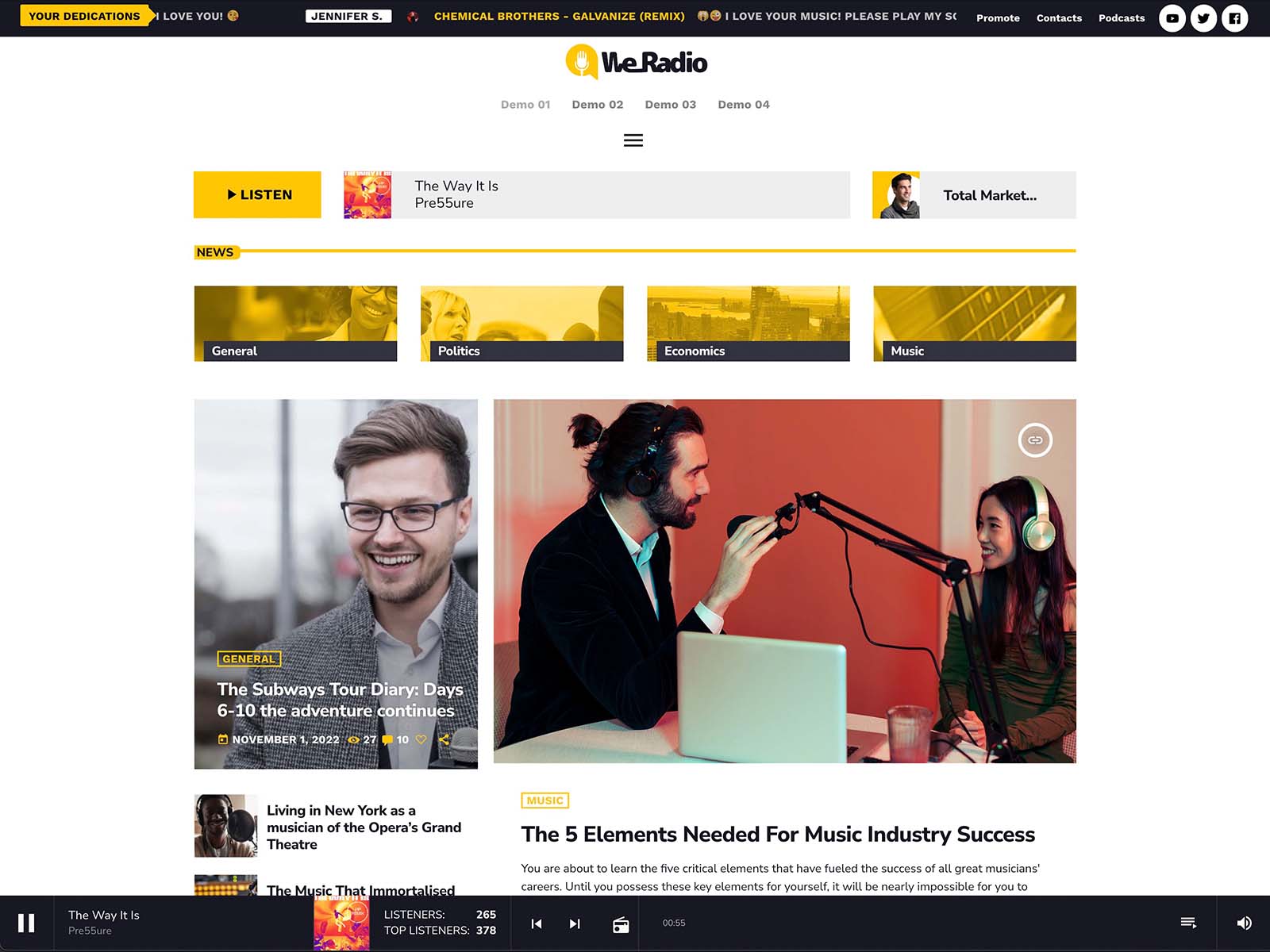
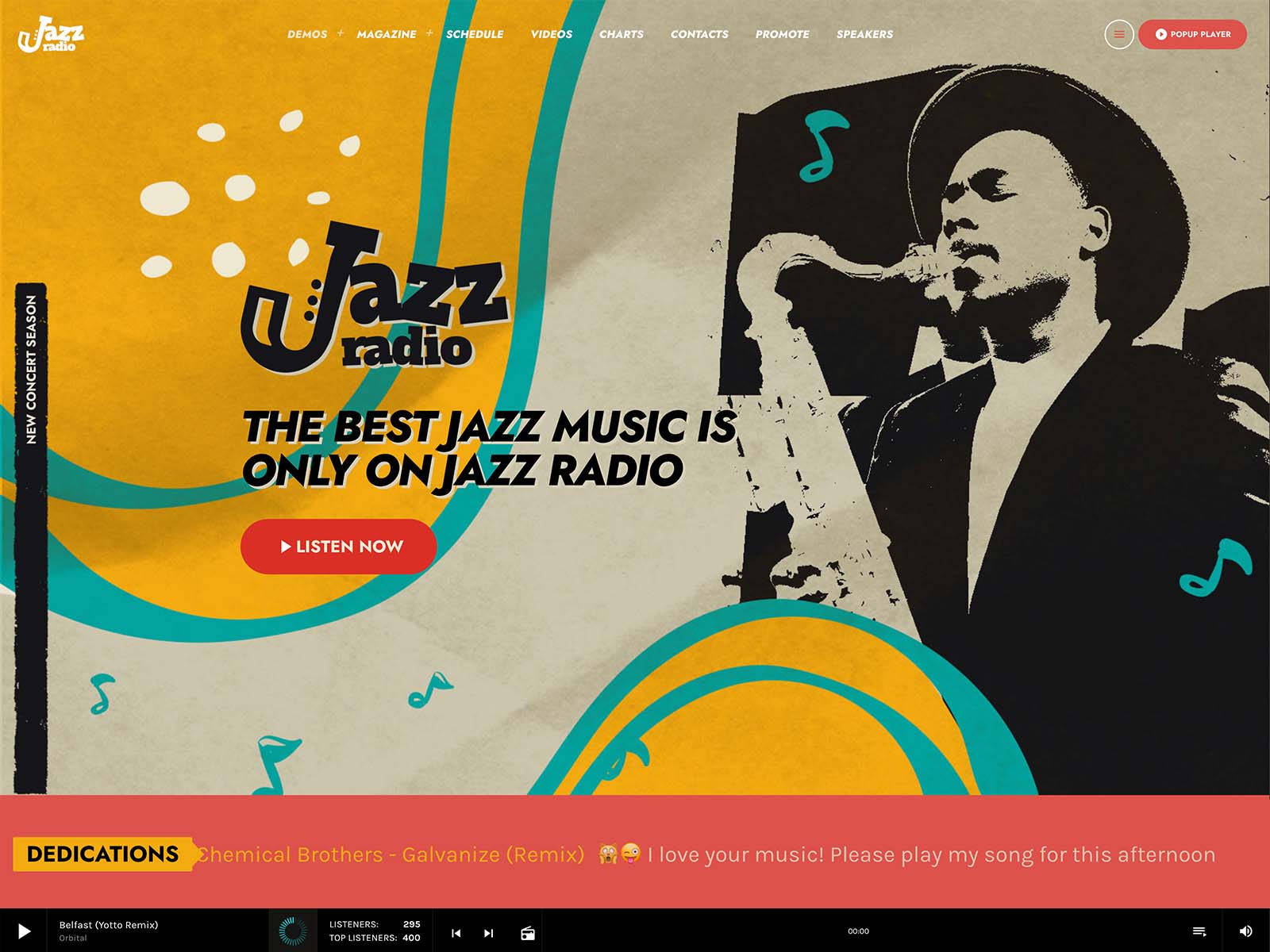
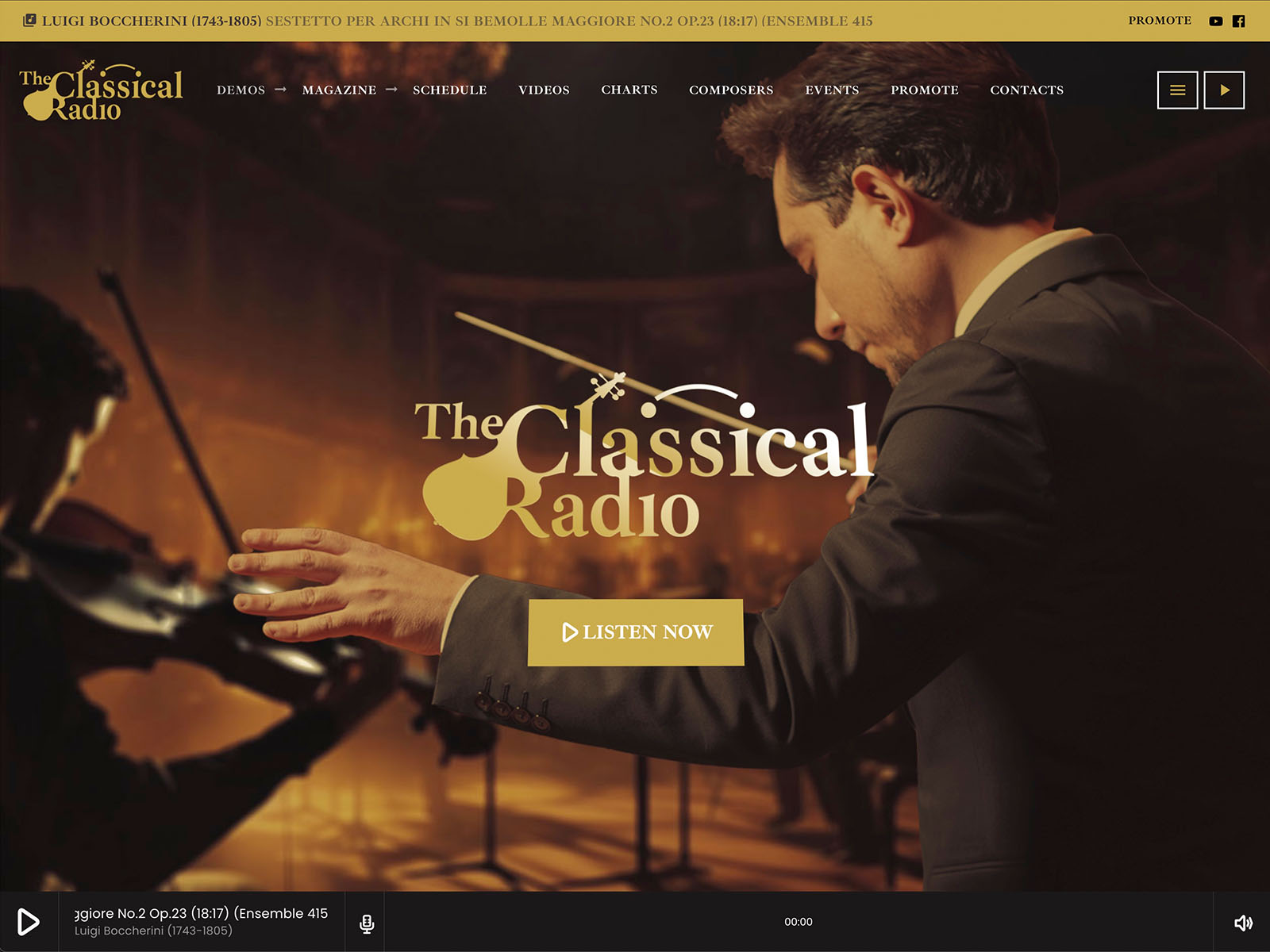
The all-in-one hosted Pro Radio package installs in about one minute. WordPress, the Pro Radio theme, the required plugins, and the demo of your choice are pre-installed. The hosted package includes 10GB SSD storage, three daily backups, three email accounts, and the usual professional access through cPanel, FTP, and shell. You can attach an existing domain, register a new one, or work on a staging domain.
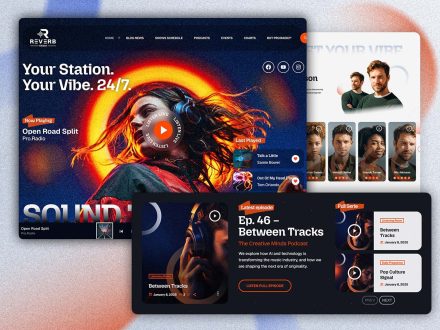
If you prefer to install on your own hosting, the one-click demo import takes about five minutes. Either way, your station has a working homepage, live player, schedule, sample shows, podcasts, presenters, charts, and events the moment you log in.
That is the difference between starting from a foundation and starting from a blank theme.
The Player That Just Works
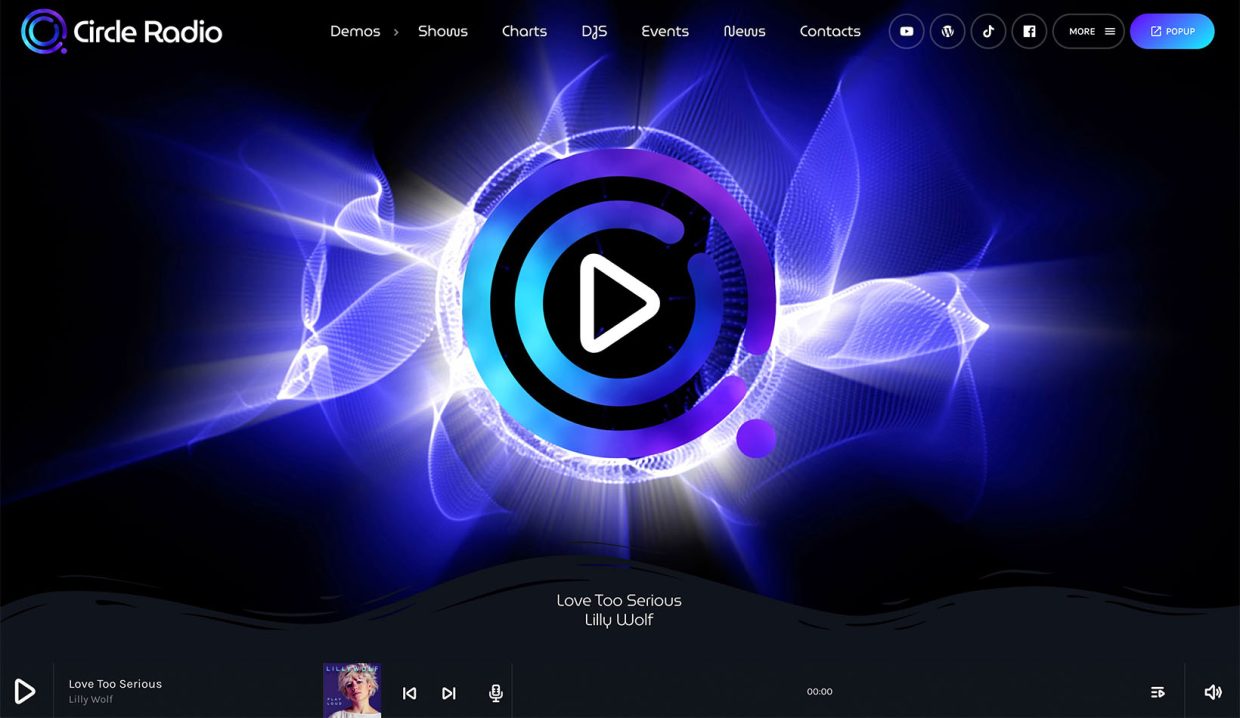
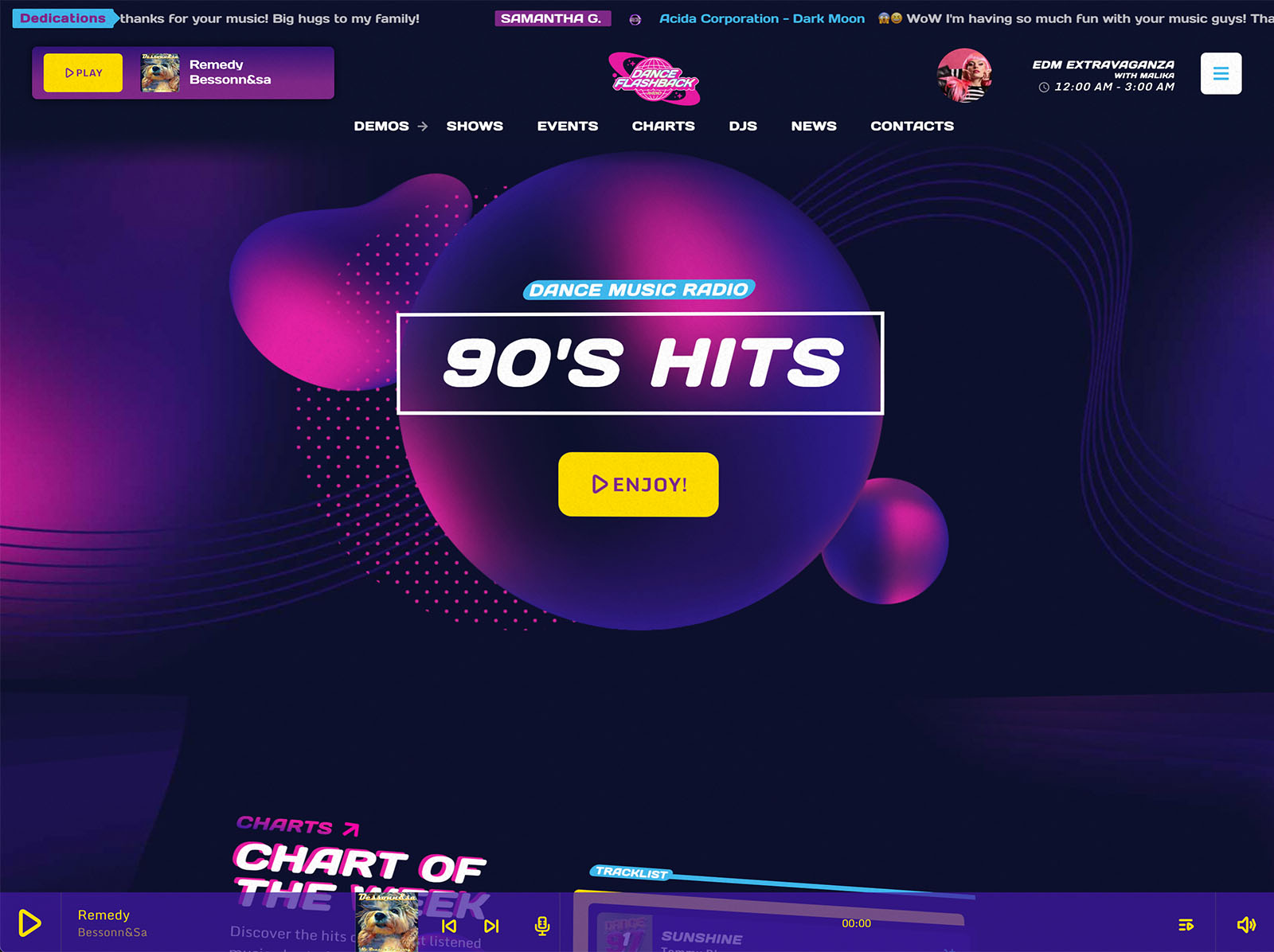
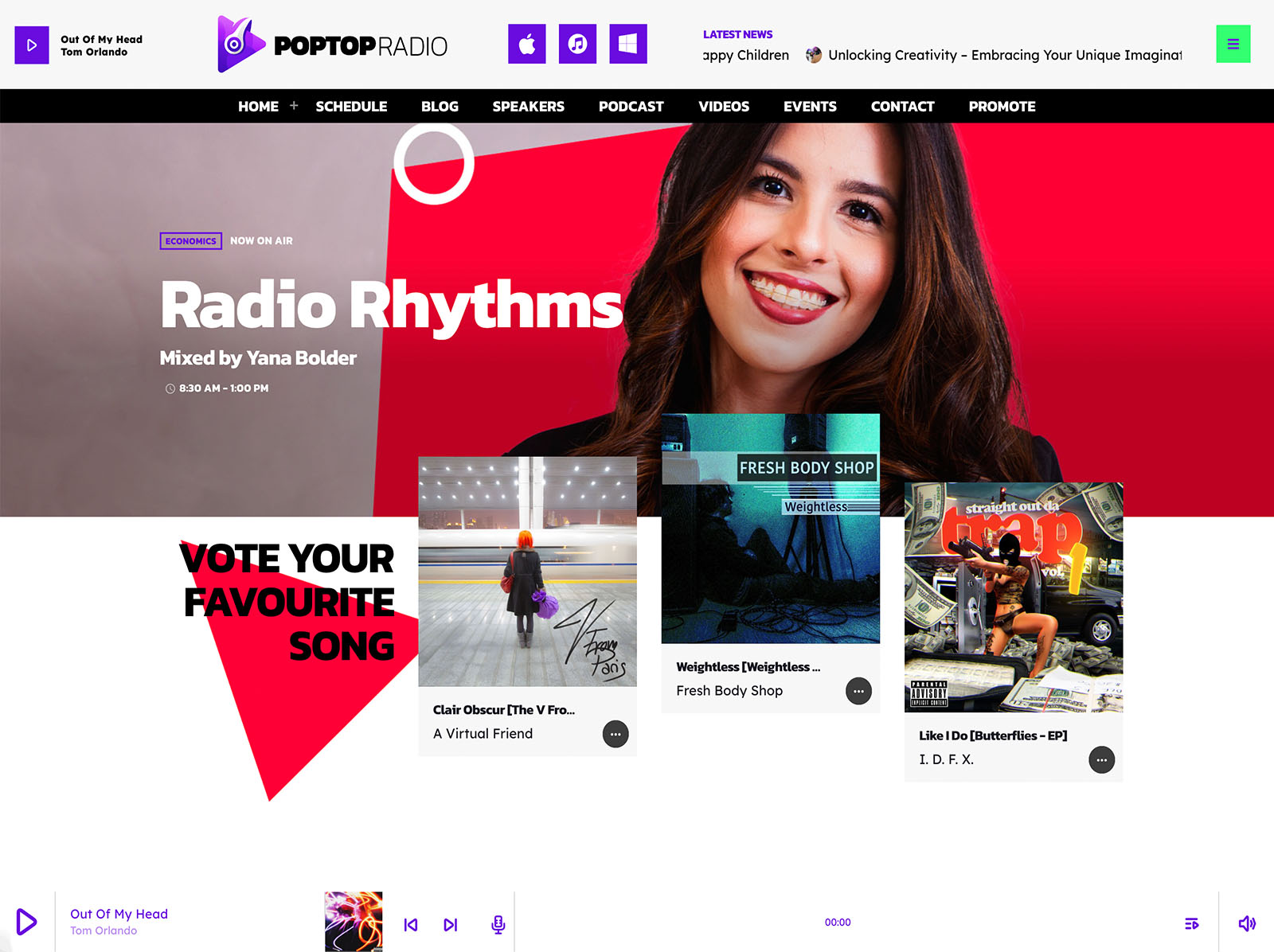
The non-stop player supports Shoutcast, Icecast, Radio.co, Airtime Pro, Airtime, Live365, Radionomy, RadioKing, Azuracast, and plain MP3 or AAC streams. ICY metadata reads real-time song titles. Album covers load automatically for public commercial releases. The bundled Ajax page load keeps the stream playing while visitors browse. The popup player works on mobile. The alternative audio source toggle offers a lighter stream for weaker connections.
You paste your stream URL into the player settings, choose where the player appears, and the most important part of your radio site is finished.
Schedule And Shows In Three Steps
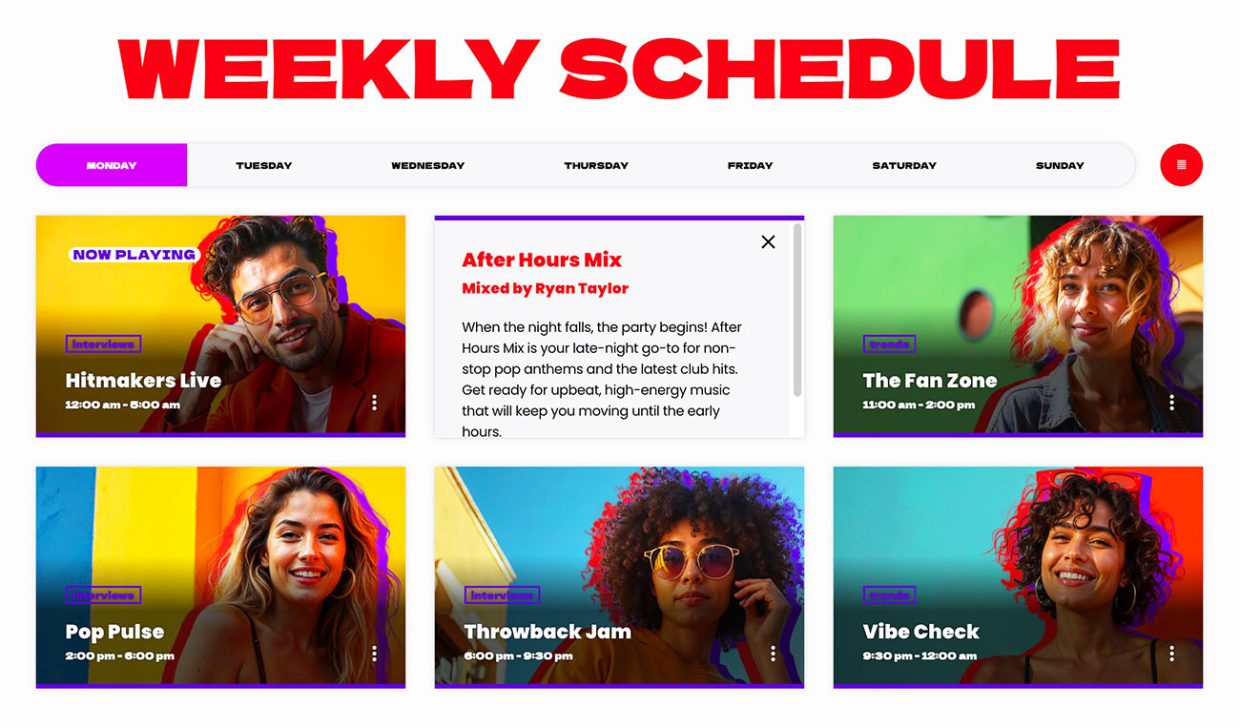 Schedule setup takes three steps. Create your shows. Link each show to one or more time slots. Publish. The interactive weekly schedule supports unlimited shows, automatic time and day detection, and a highlight for the show on air right now. If you operate multiple streams, a built-in filter system handles up to five channels.
Each show automatically gets a self-updating page that gathers related podcasts, blog posts, charts, presenters, and events. You add a show once and the rest of the site assembles itself around it.
The speed comes from the fact that you are not manually wiring connections. The system does that work.
Podcasts, Hosts, Charts, Events
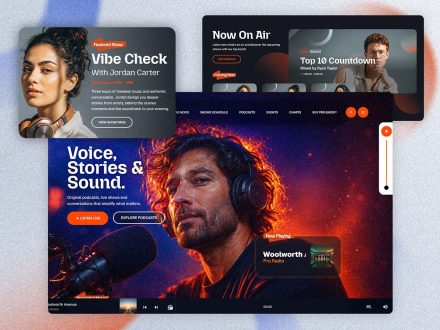
Podcasts plug in instantly. Upload MP3 files directly or embed from Anchor.fm, Blubrry, Mixcloud, Soundcloud, Spotify, or YouTube. The same radio player handles them.
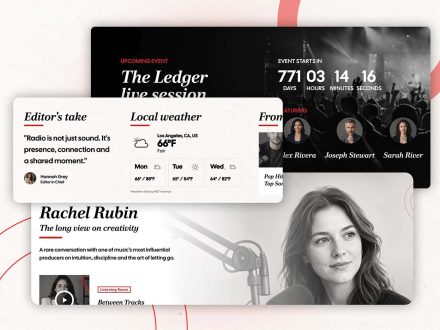
The Members post type creates host profiles in minutes. Each profile has a role label, a short bio, and social icons. They appear on related show pages automatically.
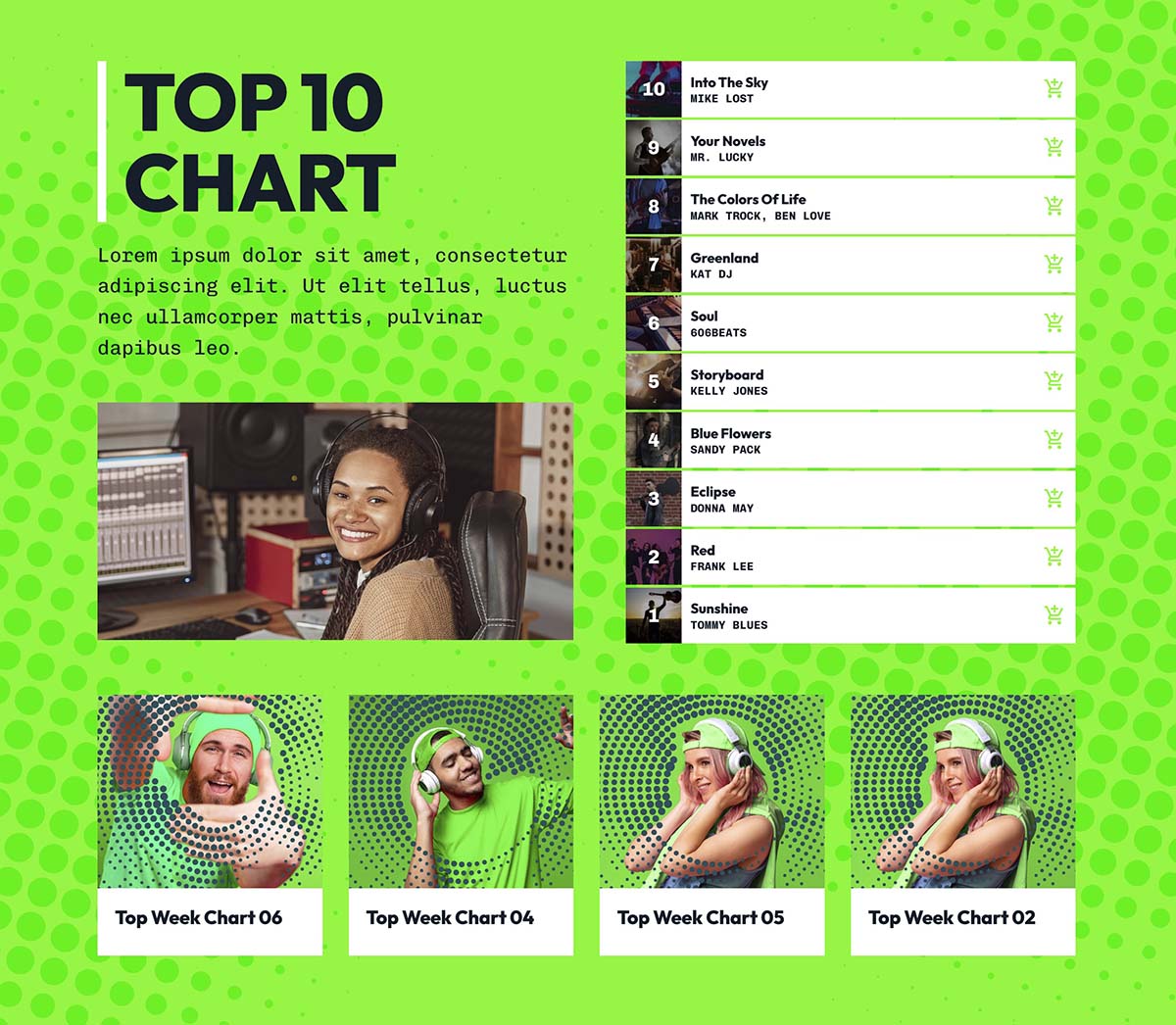
Charts can be added with unlimited tracks and voting. Samples play in the radio player.
Events have automatic date ordering, multiple display styles, countdown shortcodes, automatic hiding of past events, Add to Calendar, and Google Maps integration. You can publish a real events calendar in an evening.
Each of these used to require its own plugin and its own setup. Pro Radio rolls them into one launch.
Design Without A Designer
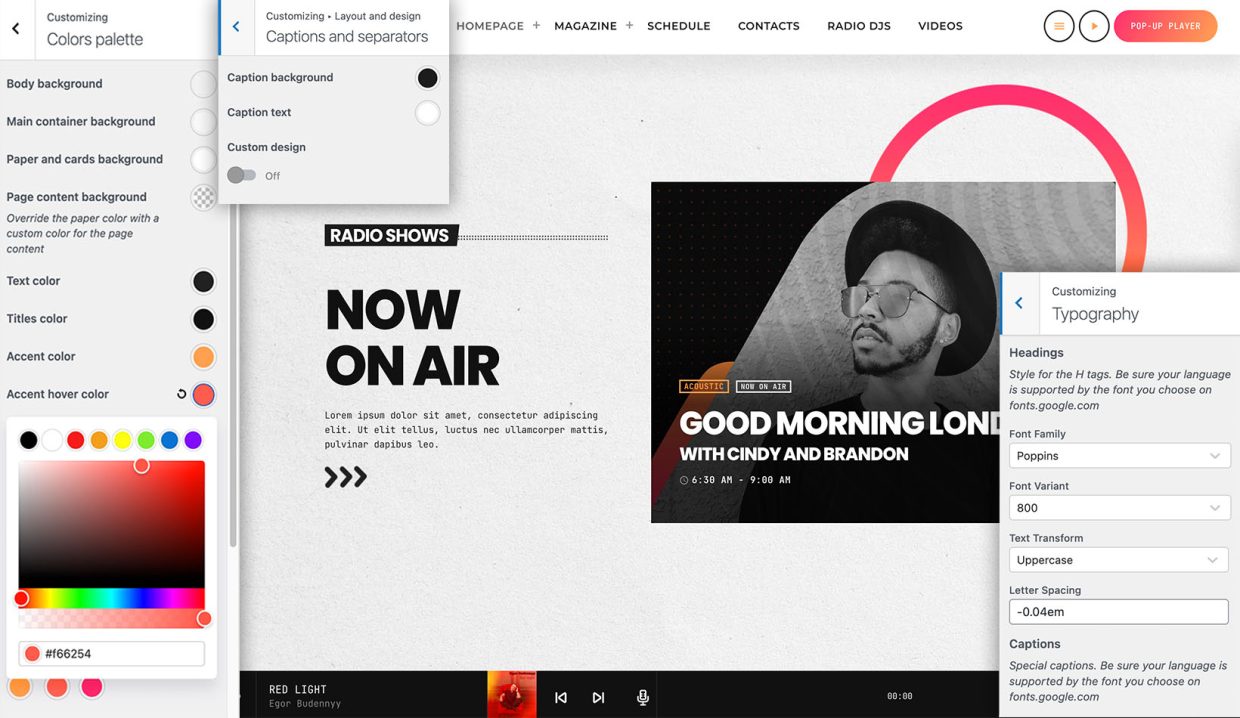
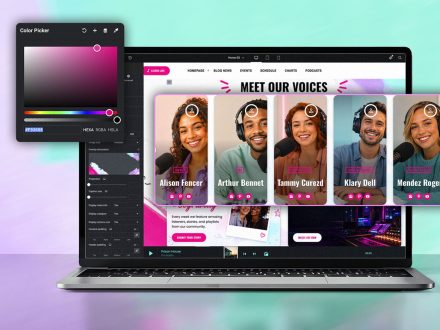
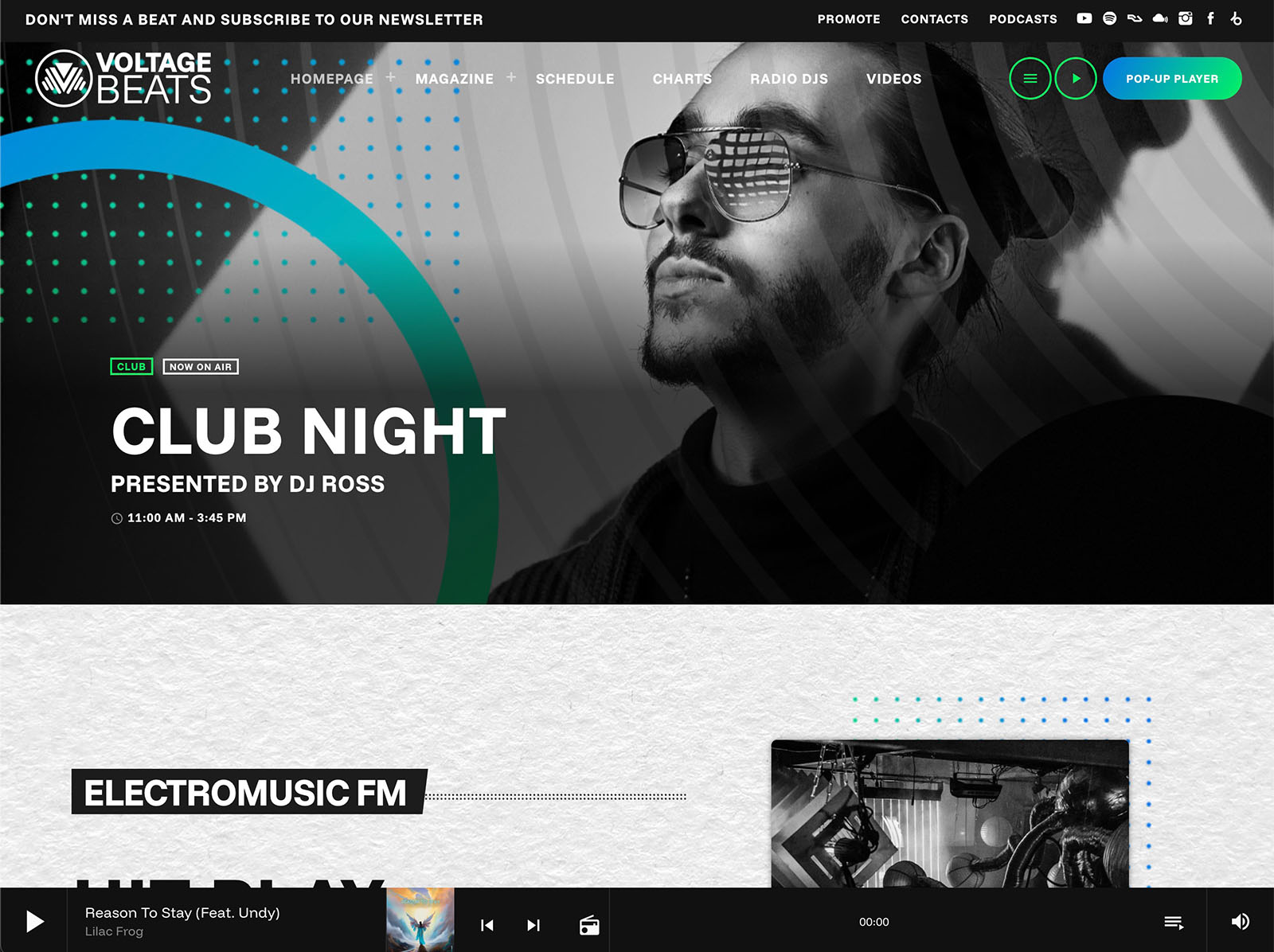
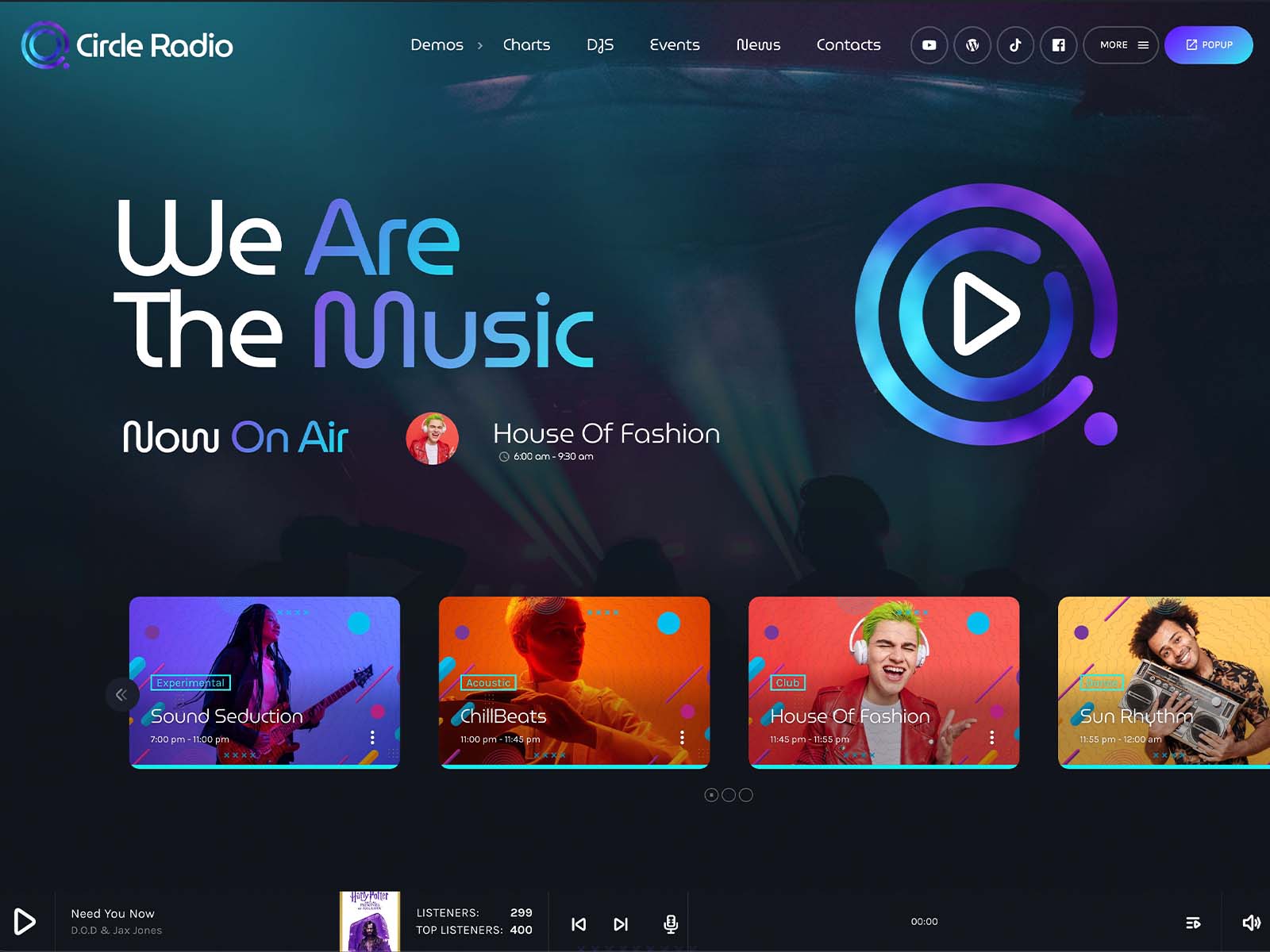
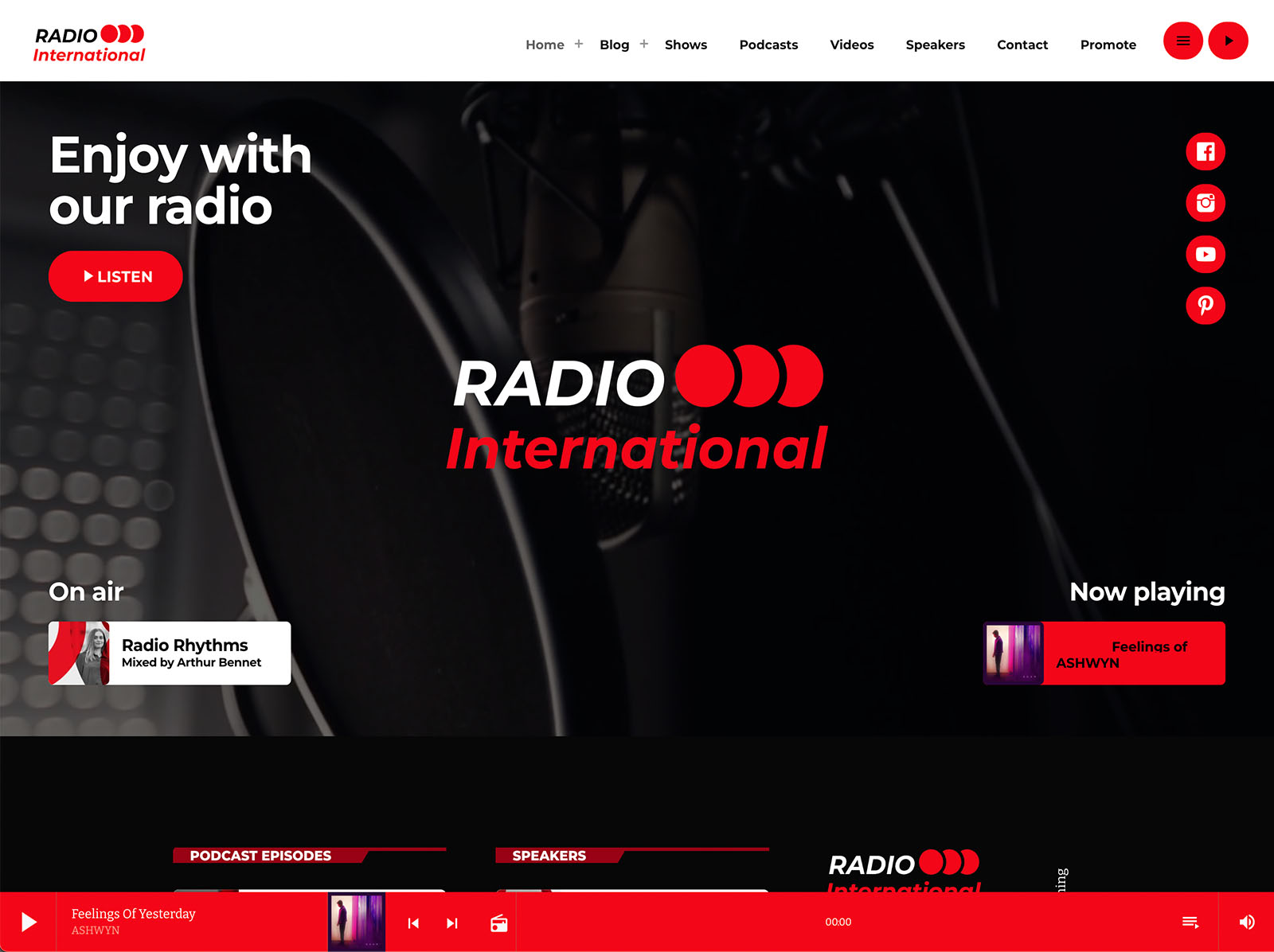
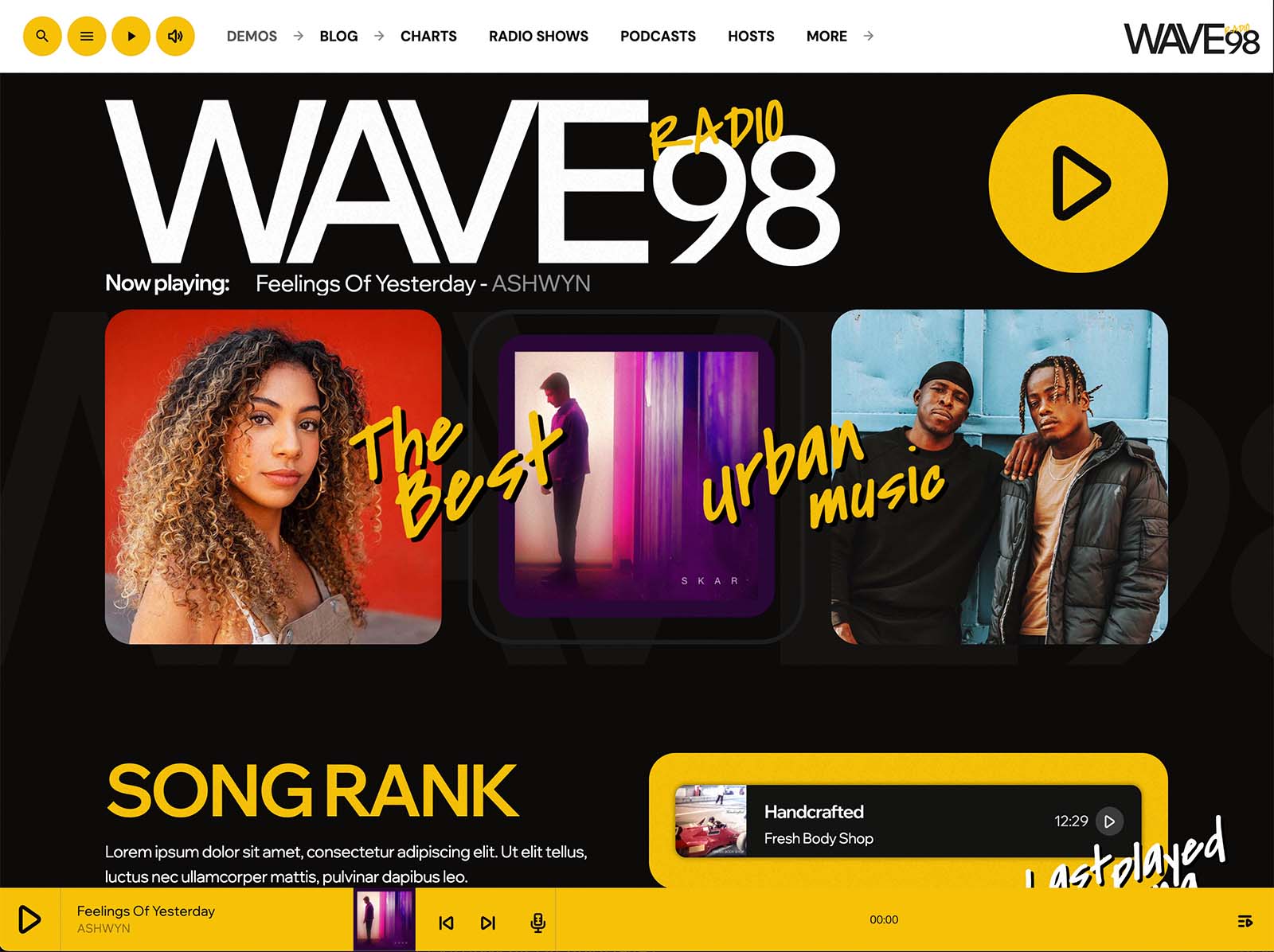
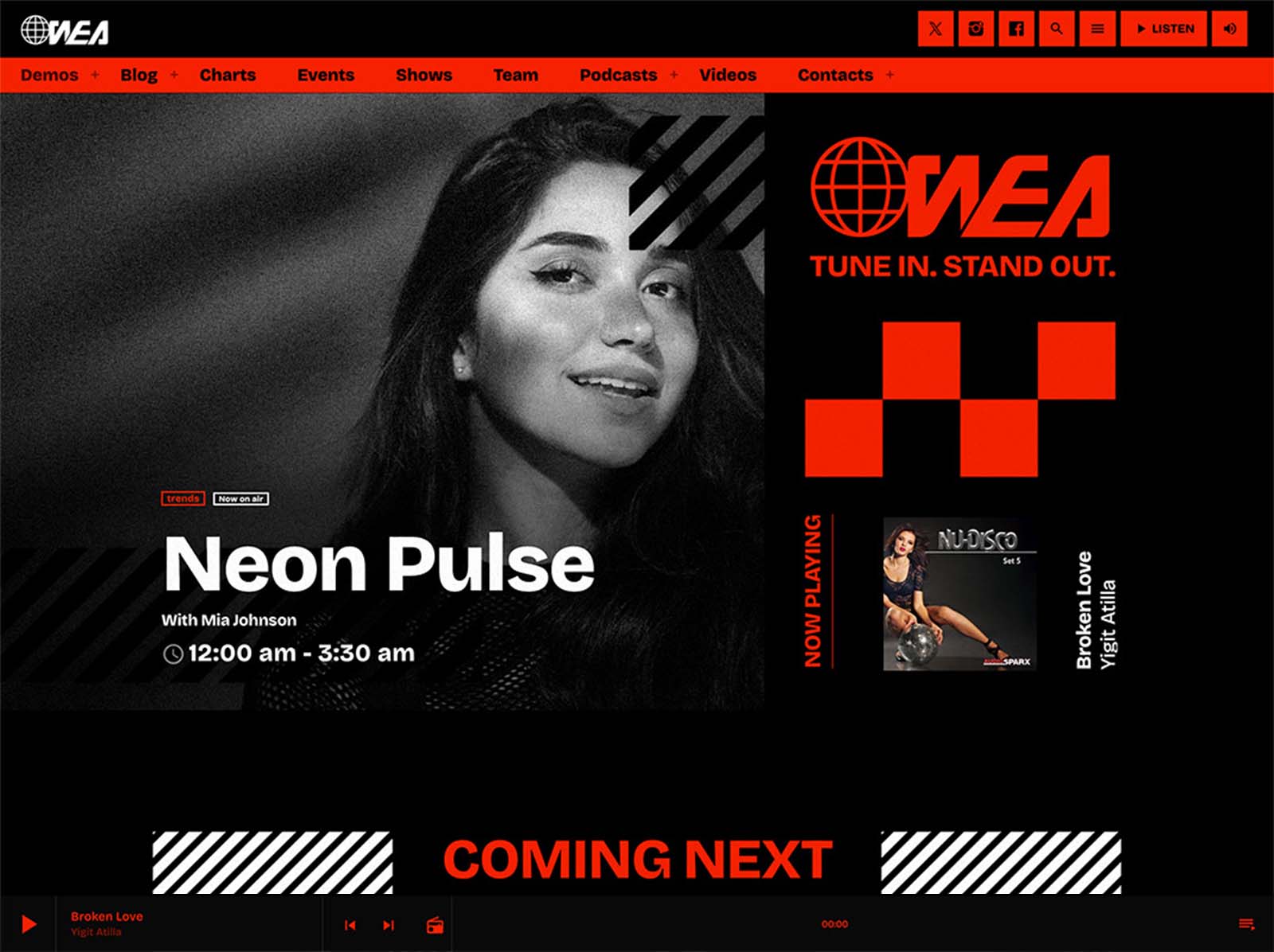
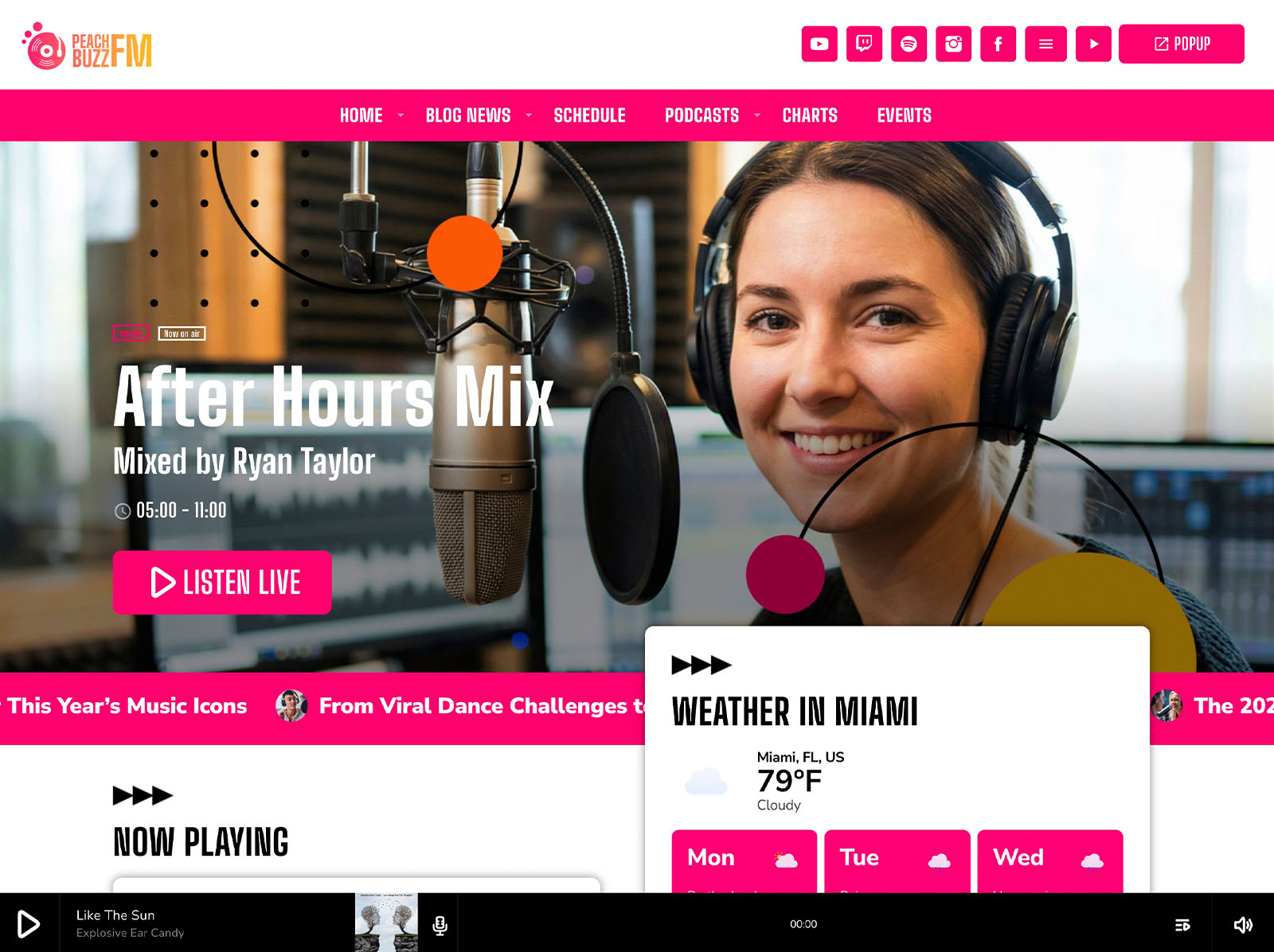
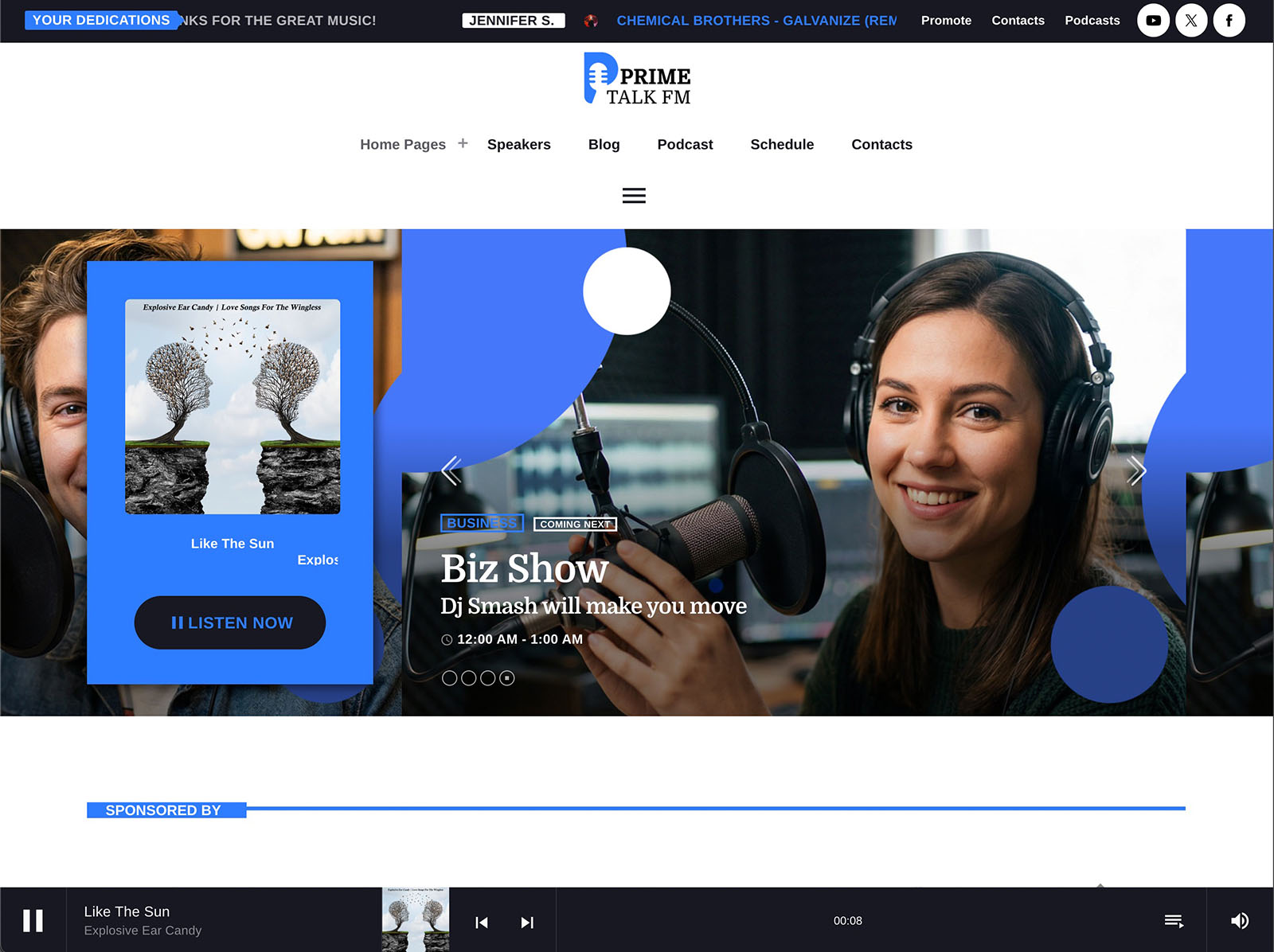
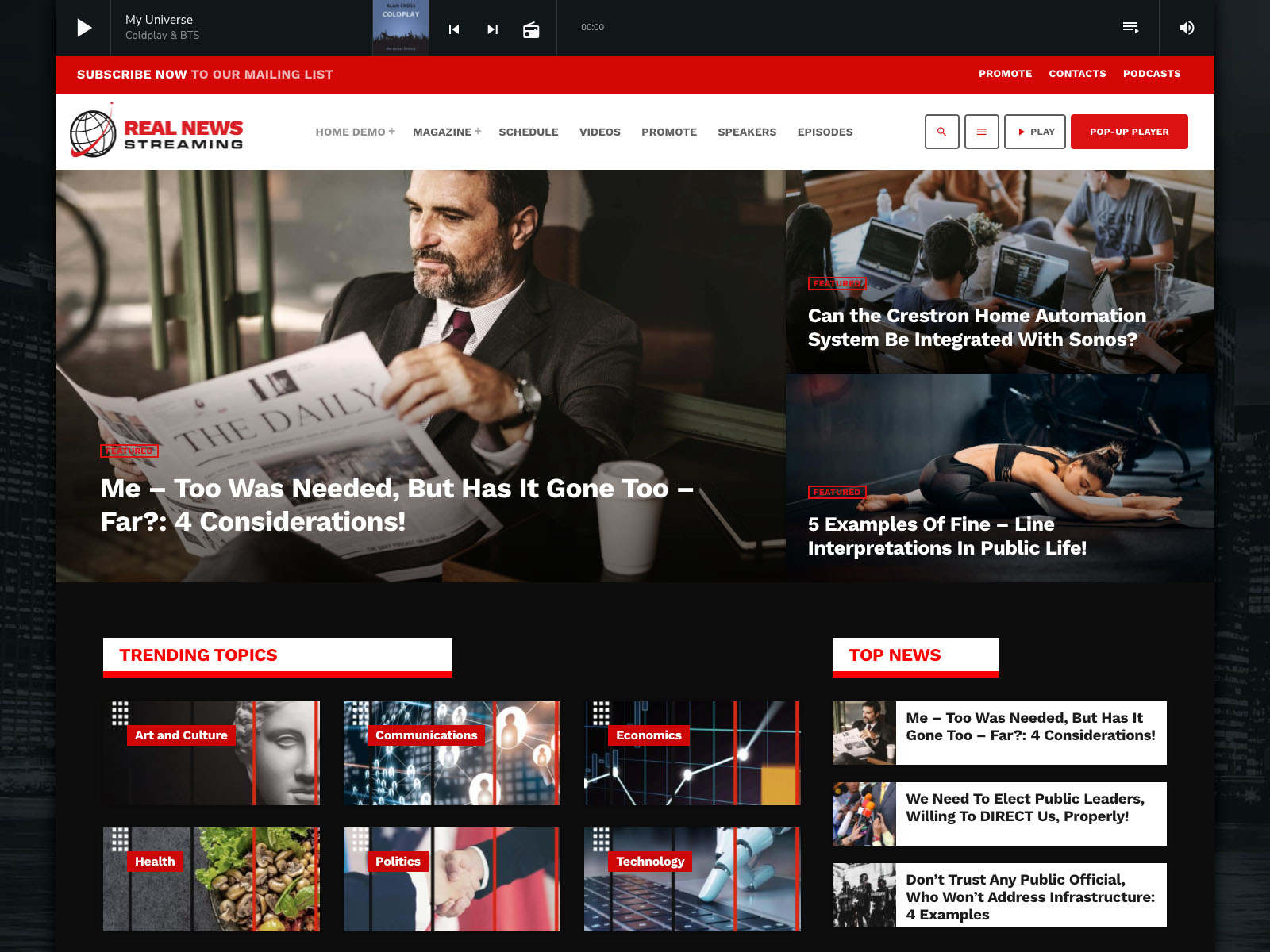
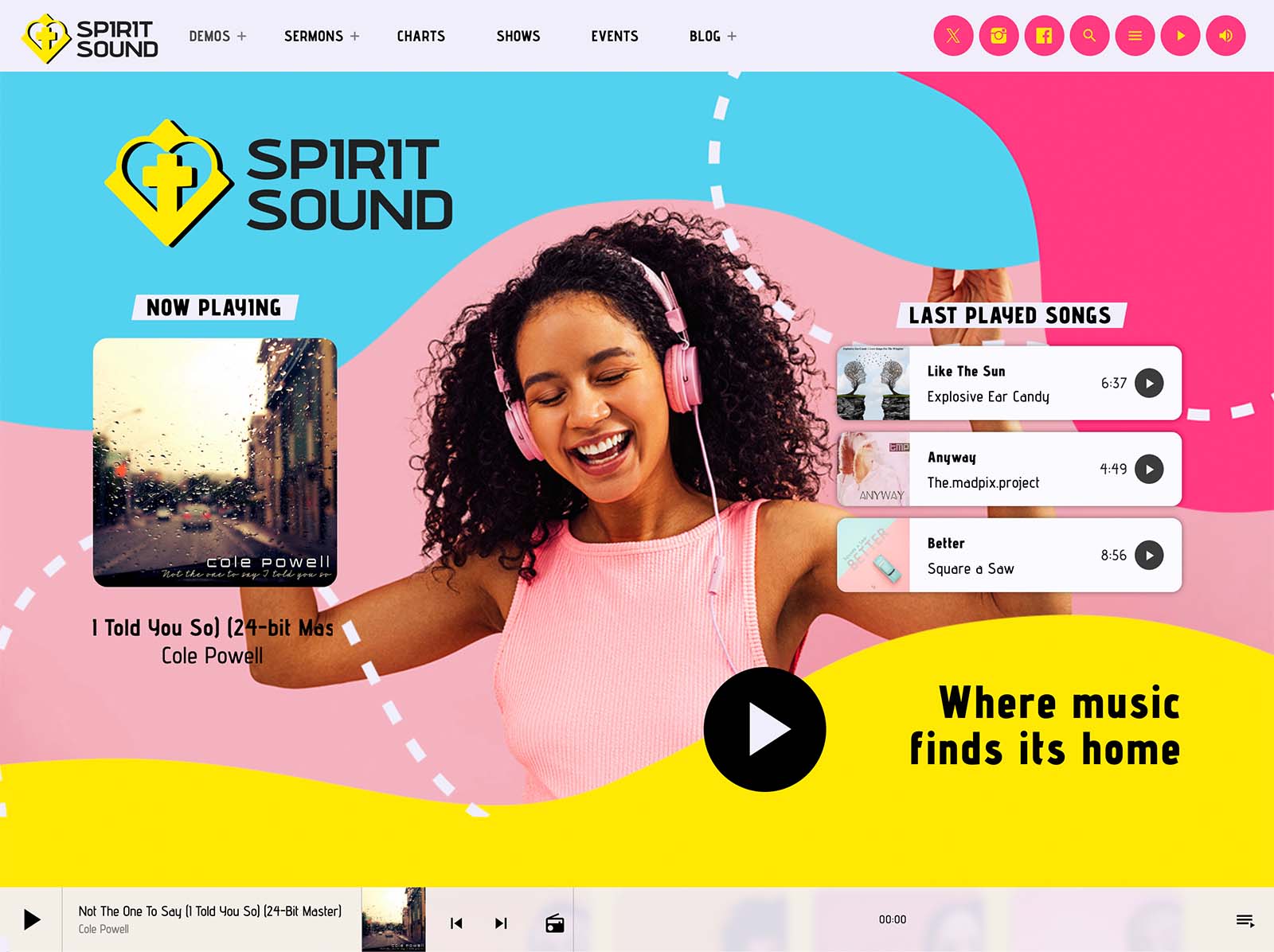
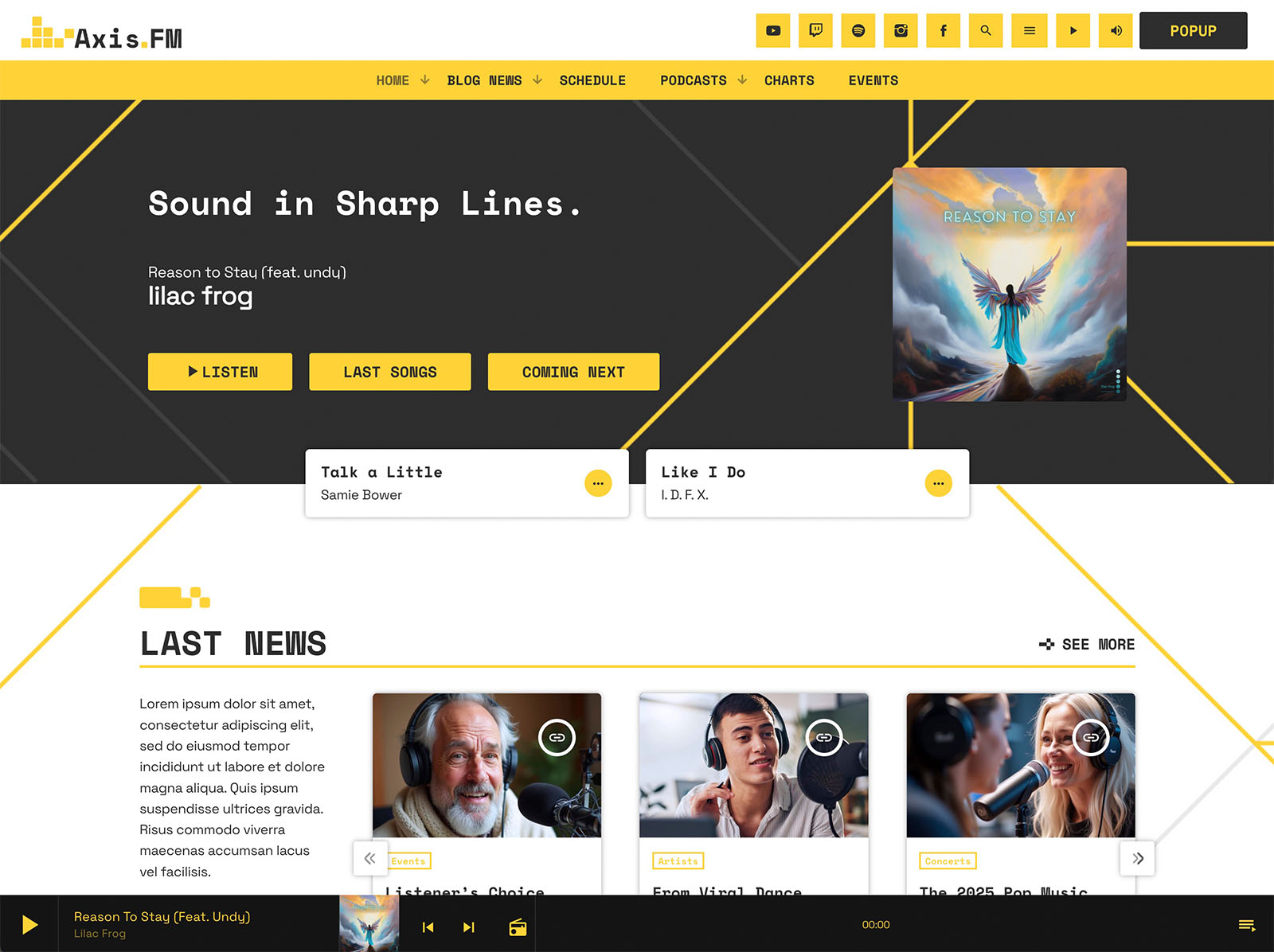
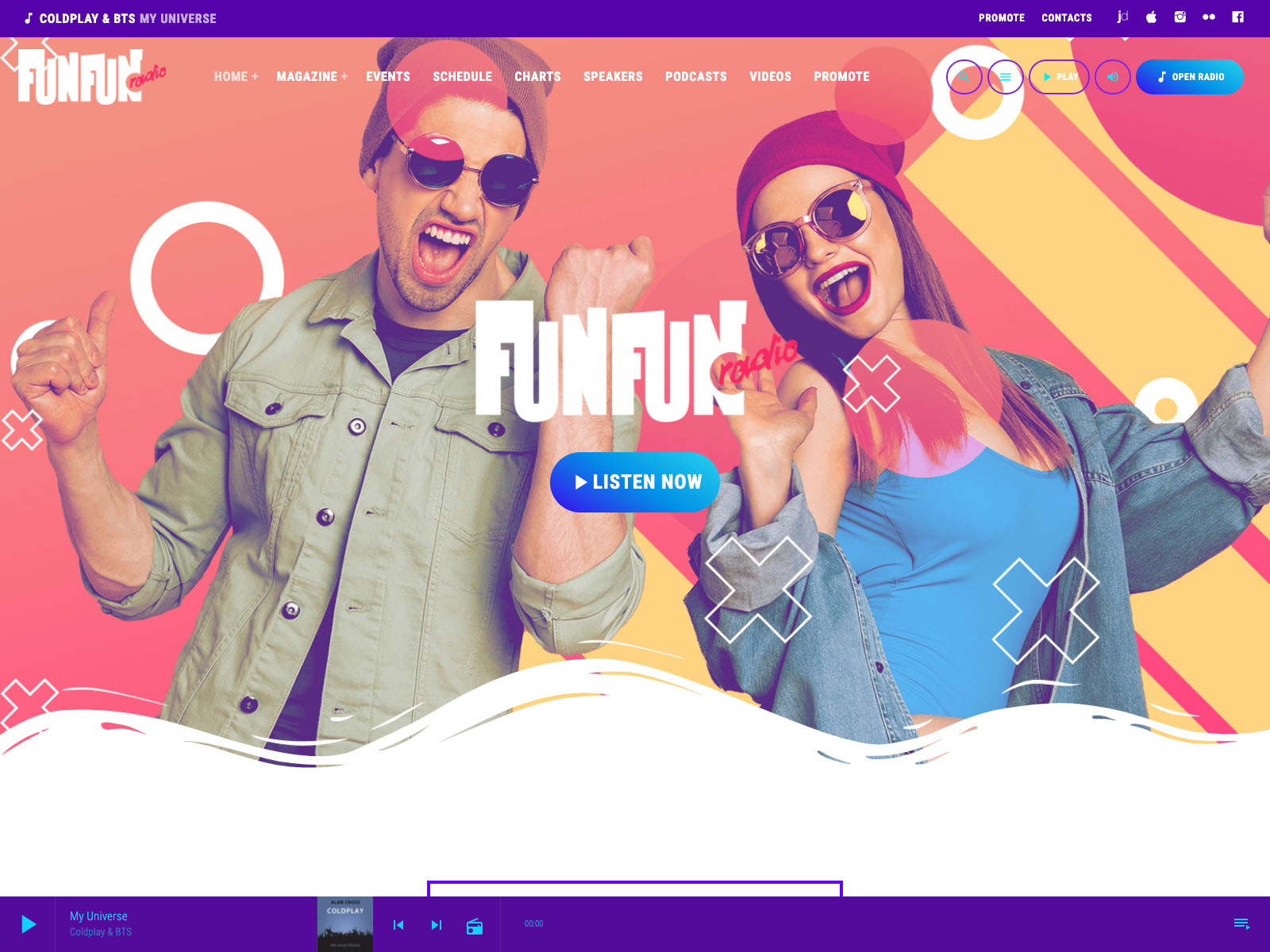
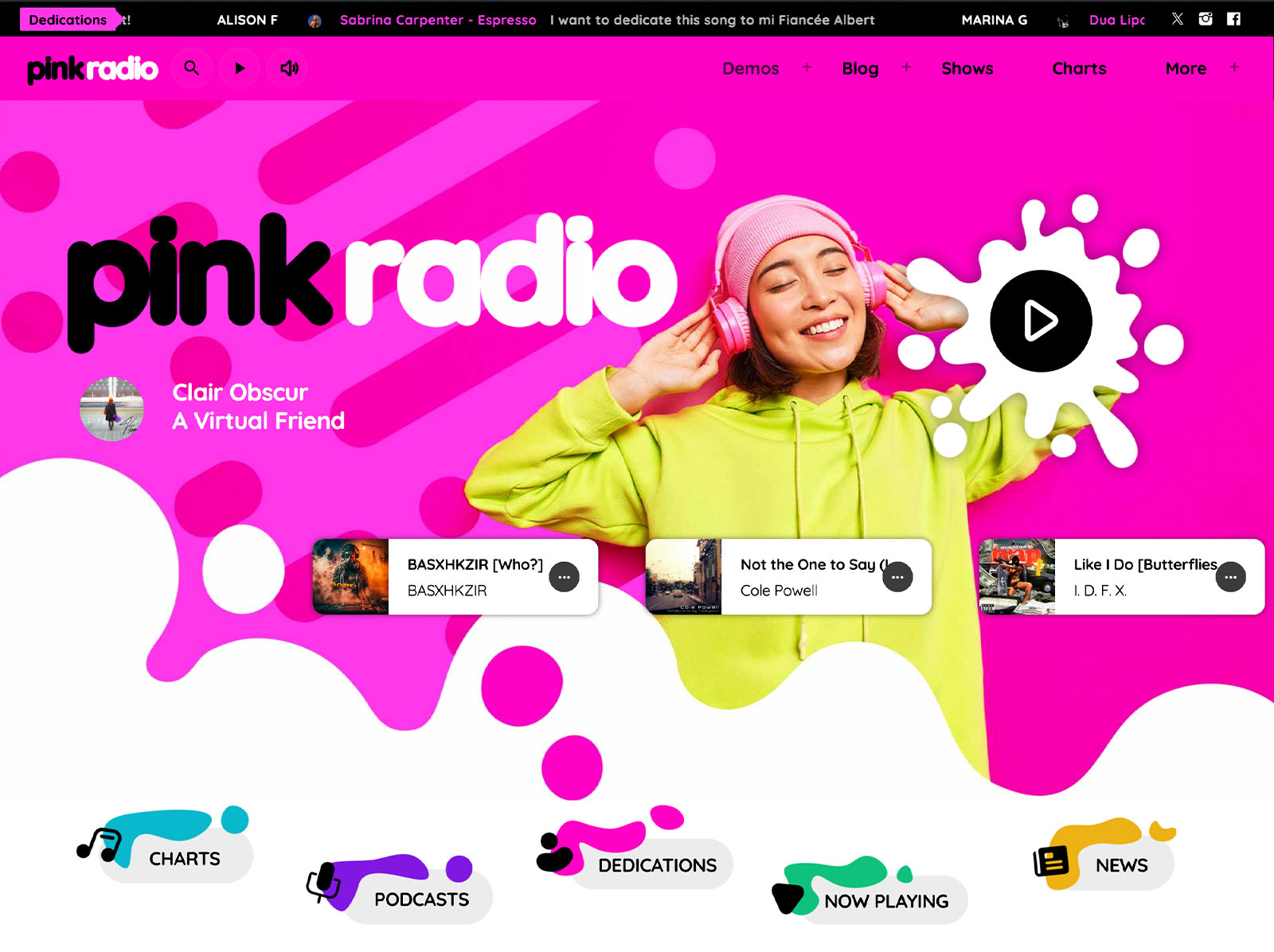
The customizer holds more than two hundred options on one page with a live preview. Material-design-based colors, typography controls, four menu locations, two sidebar locations, a hundred CTA icons, a hundred secondary menu icons, sticky and transparent menus, and page header effects including parallax, waves, duotone, grayscale, and gradient cover most decisions without code.
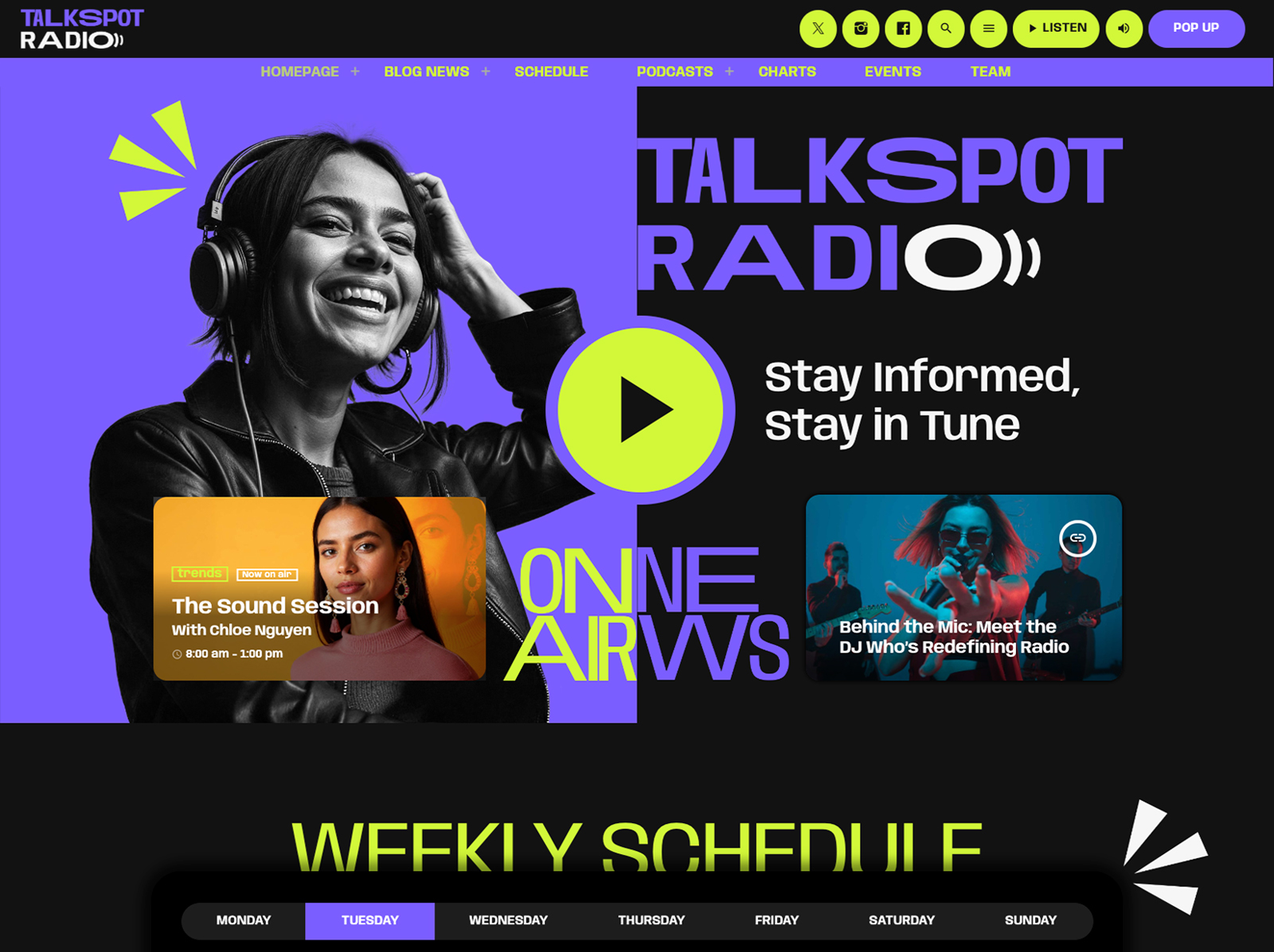
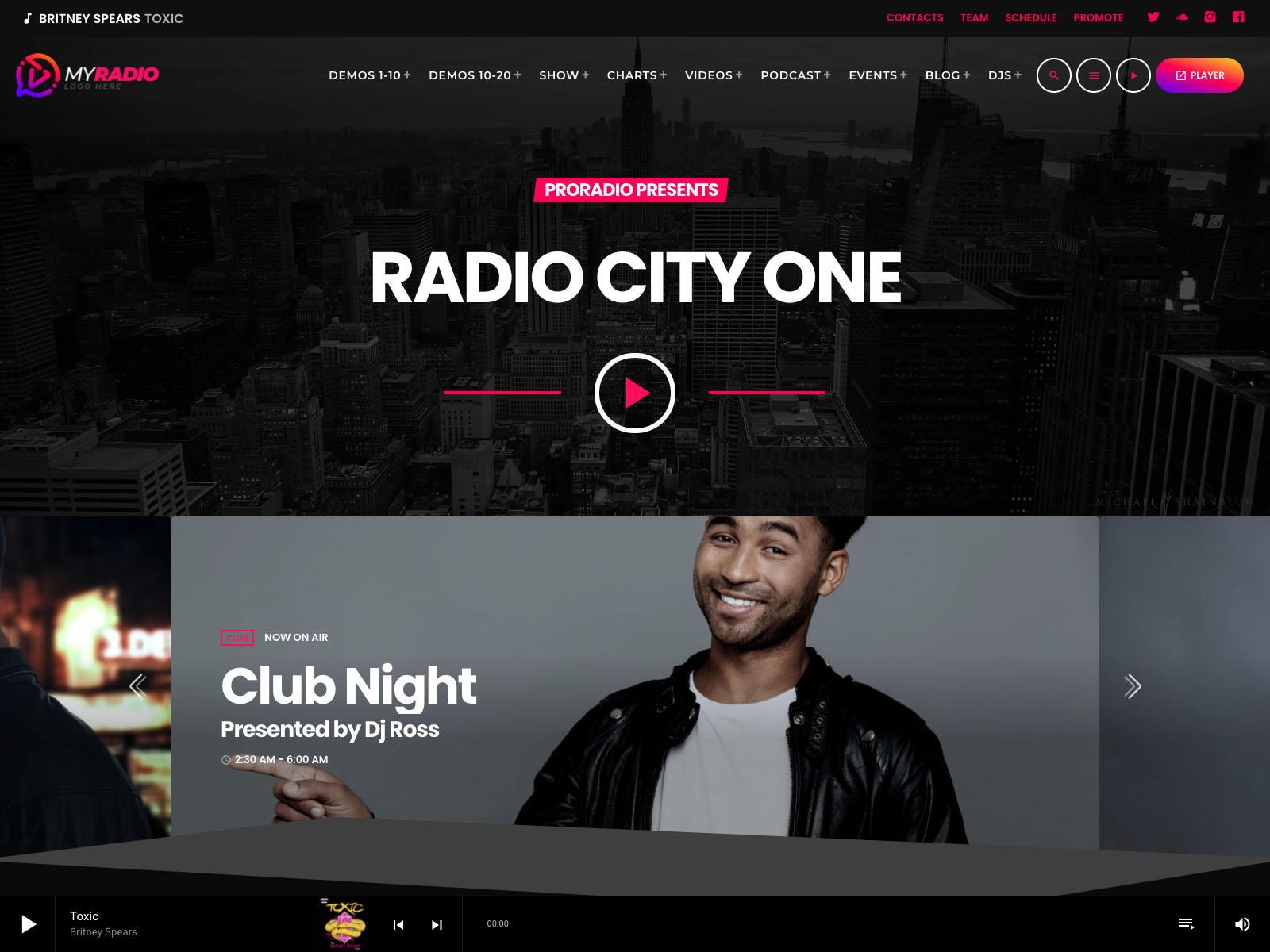
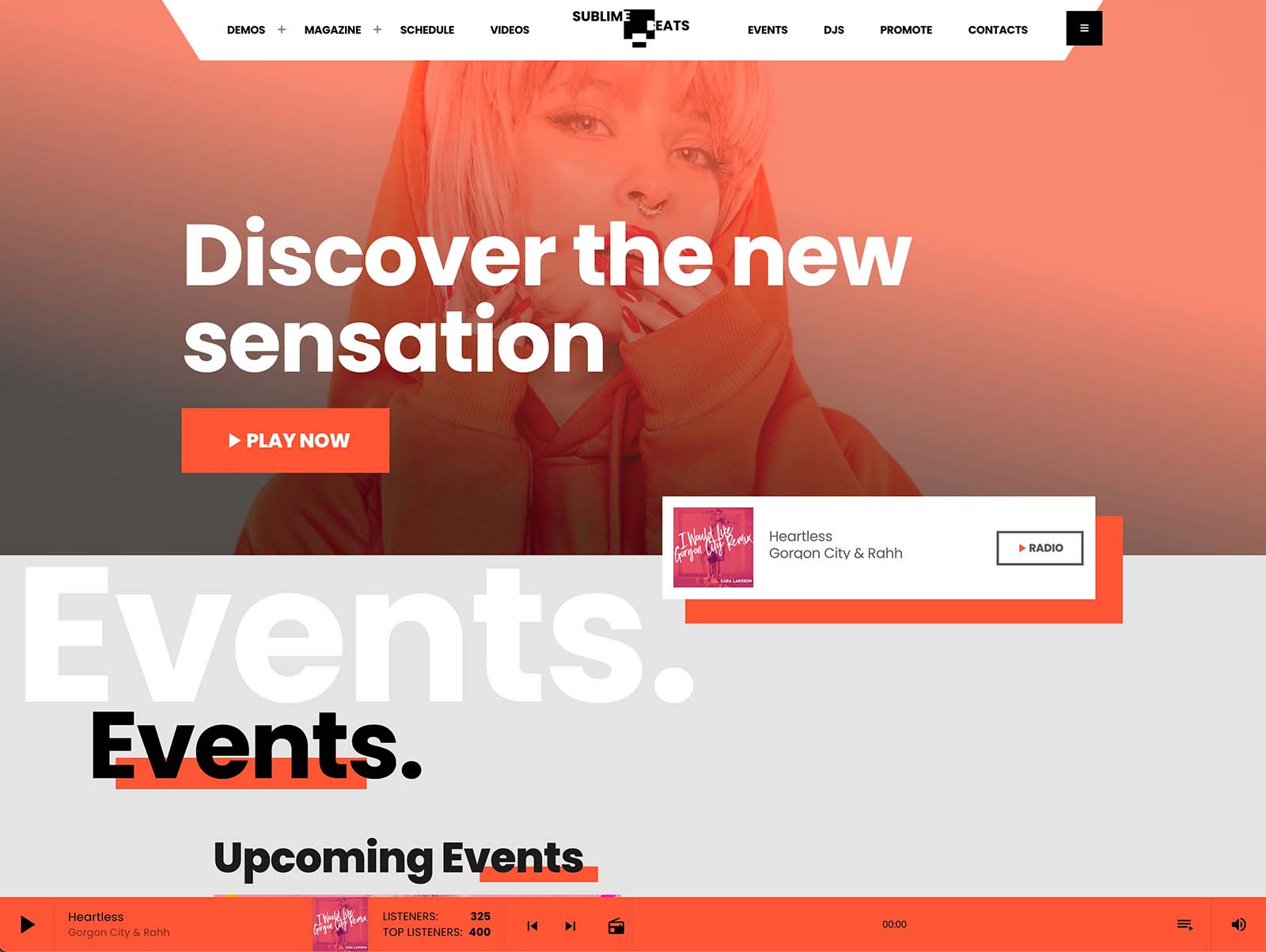
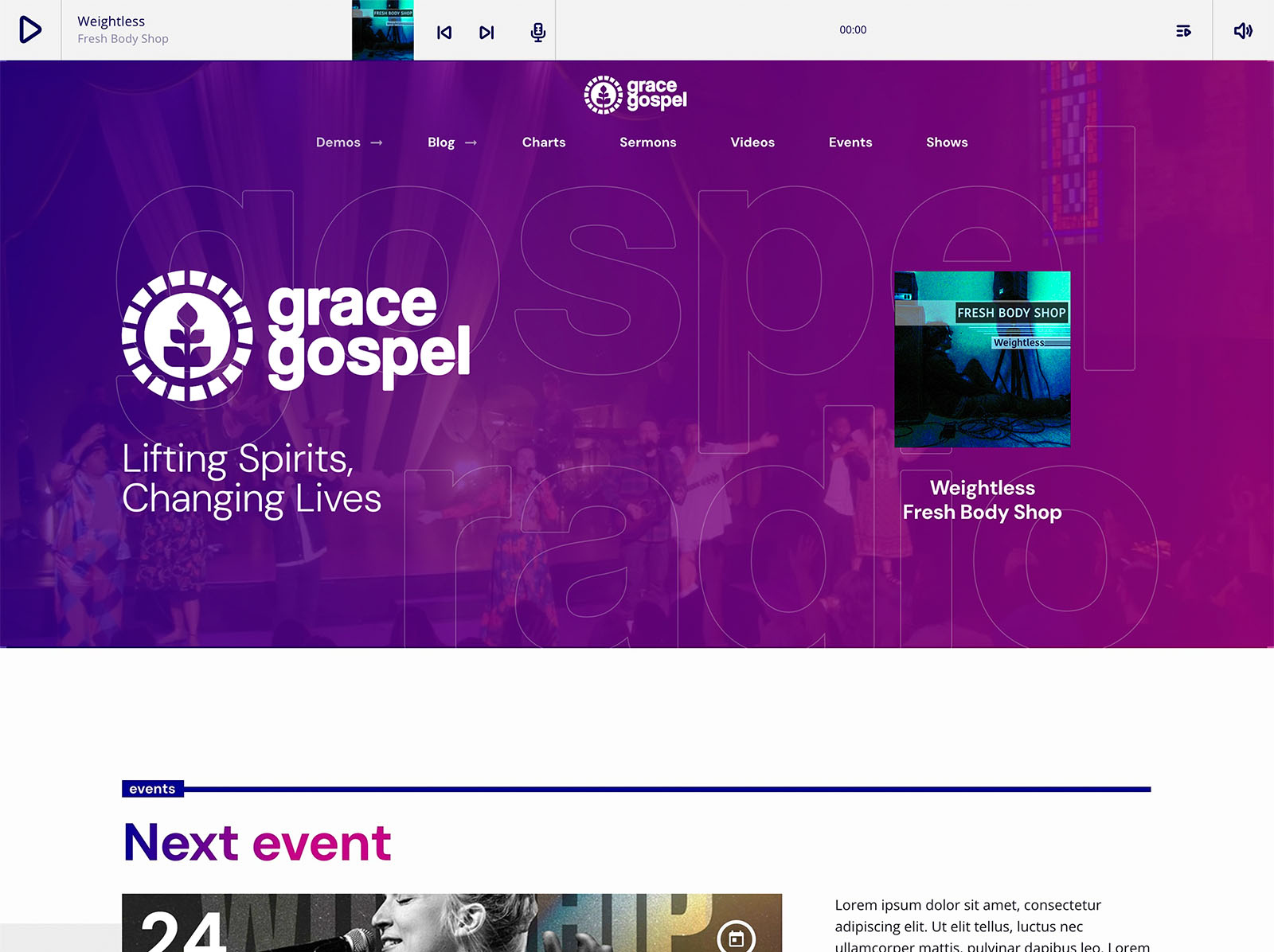
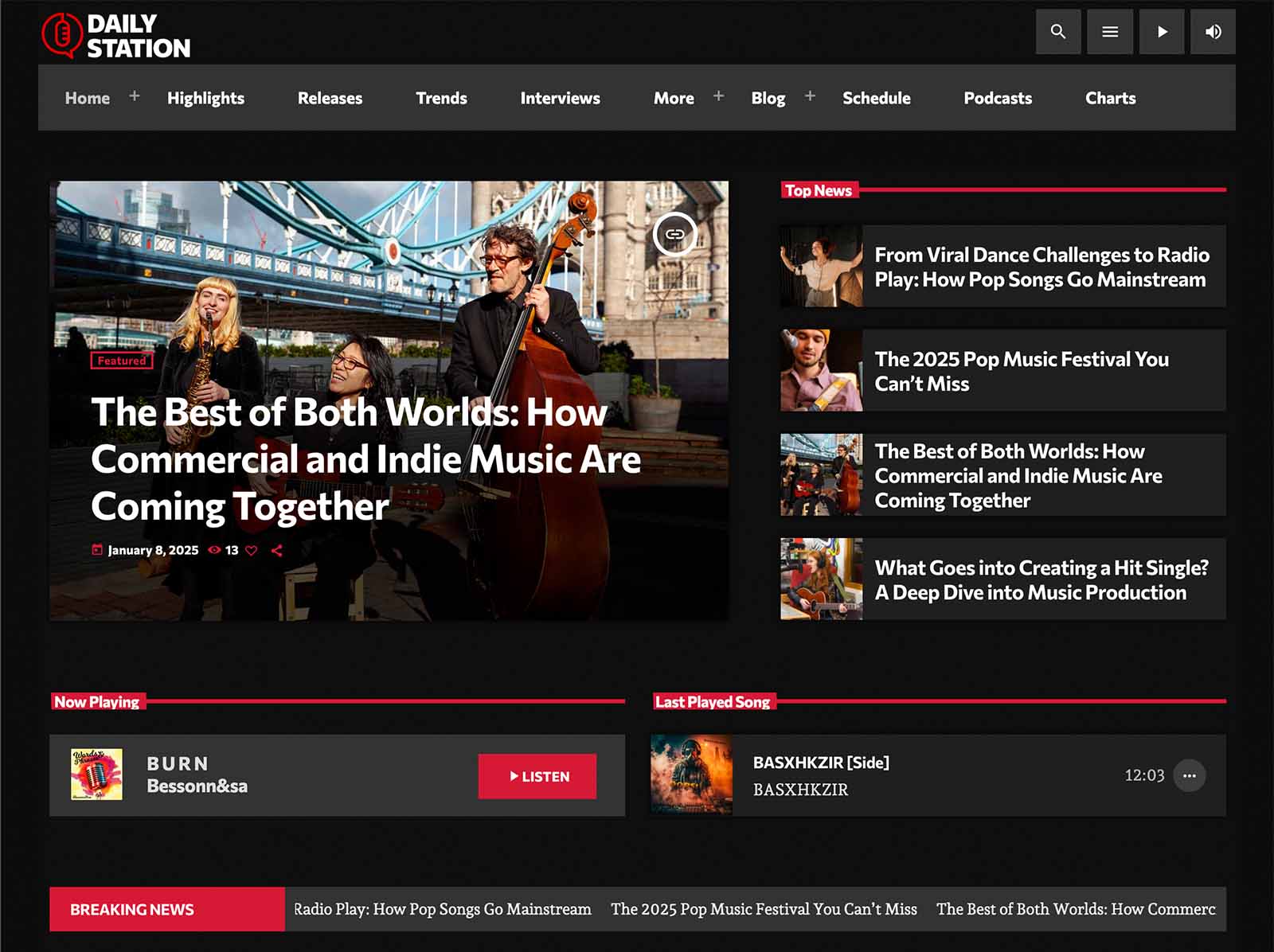
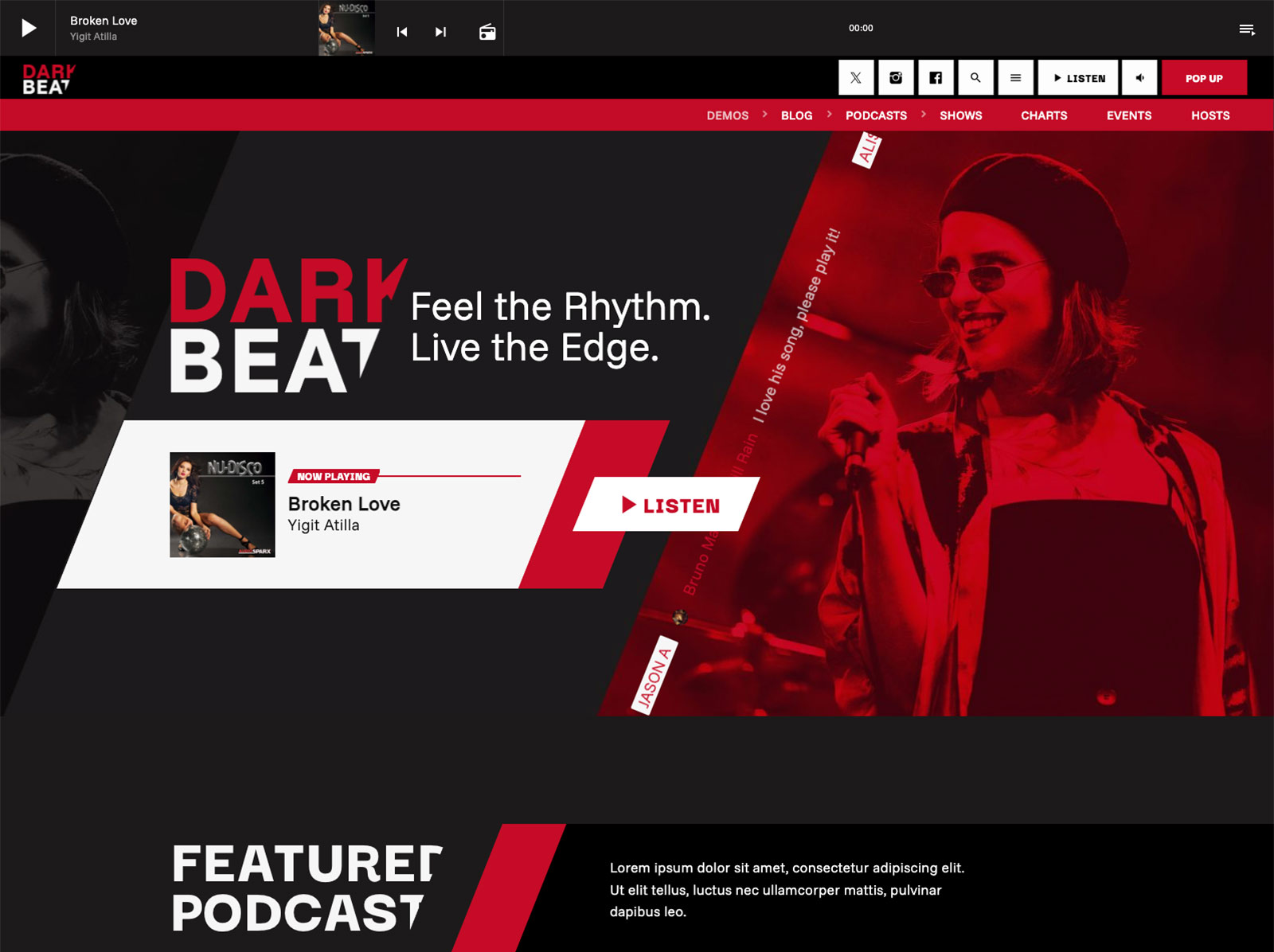
For page-specific work, Elementor integration includes more than thirty Pro Radio widgets and over eighty templates. The Plus bundle adds well over three hundred more templates. You drag, you drop, you publish.
Speed without ugliness. That is what fast should mean.
Engagement And Monetization Ready On Day One
The fastest launches often skip engagement and monetization, then bolt them on later. Pro Radio includes both at launch.
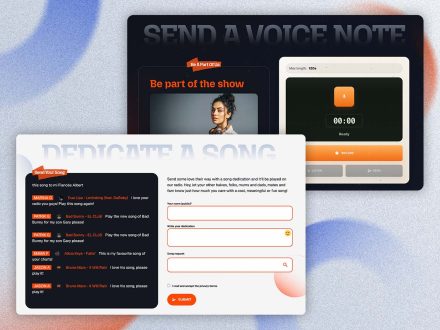
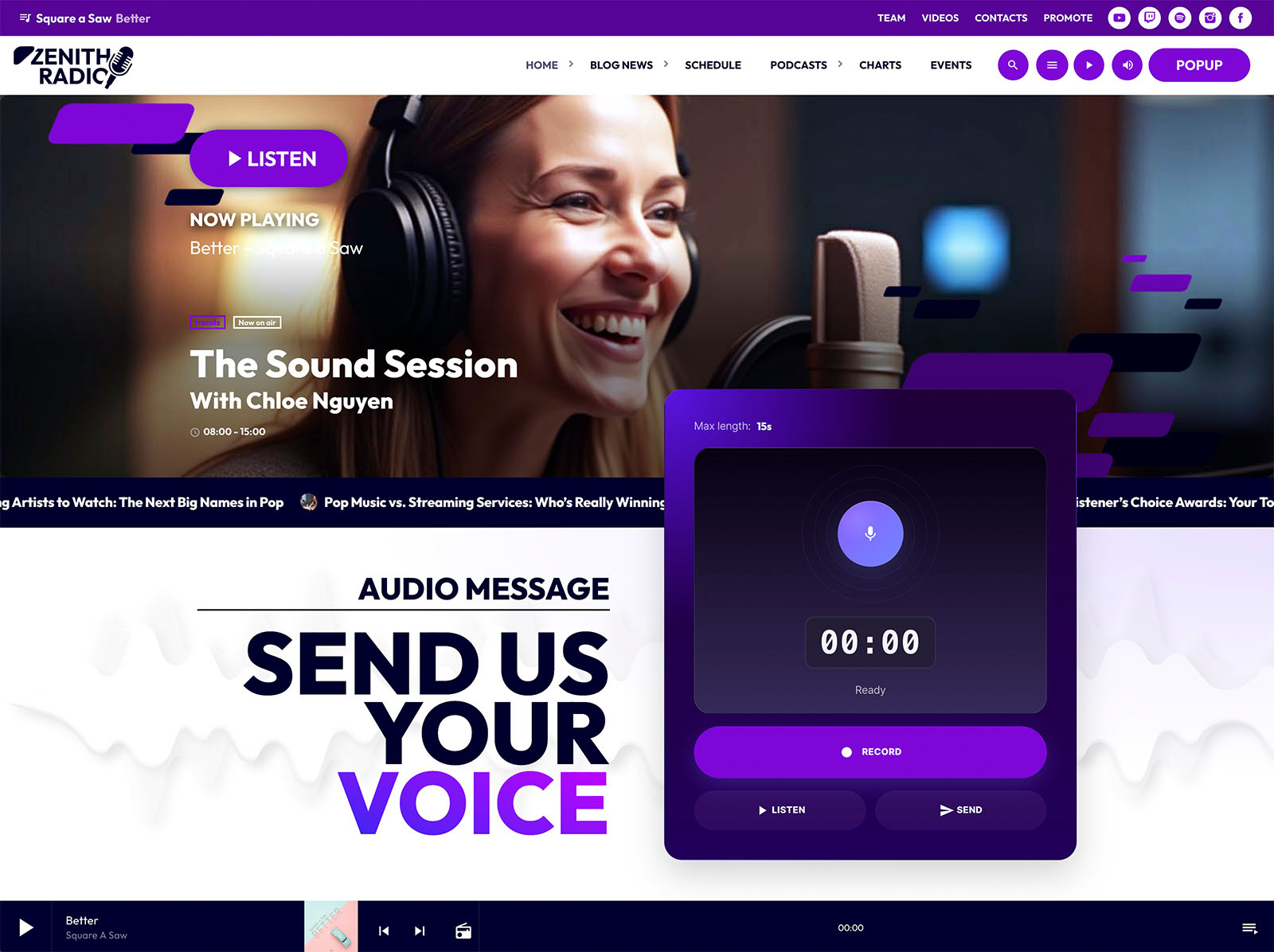
The Dedications add-on lets listeners submit dedications through a form, with antispam, IP blacklist, email notifications, and one-click approval. Voiceline lets visitors record voice messages directly from the site for editorial review or on-air playback. Charts with voting create return visits. Events with countdowns build anticipation.
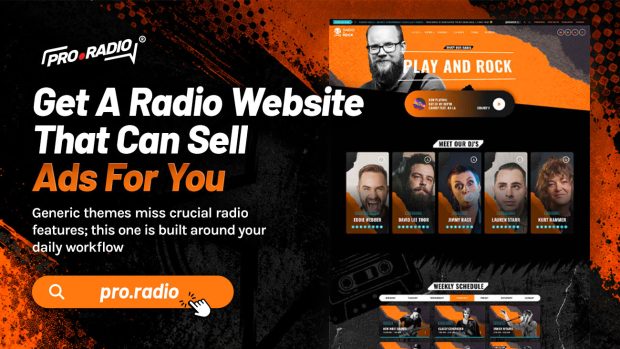
If you plan to sell ads from day one, the Business Tools ad manager installs in about five minutes through a 3-step automatic setup. Banner positions through Elementor widgets, AdSense and affiliate codes mixed with direct campaigns, unlimited campaigns with automatic start and end dates, frontend submission via WooCommerce, and automatically generated statistics pages per campaign give you a professional sales platform on launch day.
Why The All-In-One Approach Is Actually Faster
Speed in radio website launches is not about cutting features. It is about removing assembly cost. Pro Radio removes that cost by integrating the player, the schedule, the show pages, the podcasts, the charts, the events, the team profiles, the dedications, the Voiceline, the design system, and the sponsor system into one ecosystem.
You stop comparing plugins. You stop debugging conflicts. You stop styling tools that were not built to look the same. You spend your time on the choices that actually differentiate your station: the music, the hosts, the brand, the schedule.
That is the real fastest path.
Block A Few Days And Go Live
A professional radio launch does not have to take months. With Pro Radio it takes hours or days, depending on how much customization you want. The hosted setup gets you to a working site in about a minute. A weekend gets you to a polished, on-brand, fully featured launch.
Block the time, pick a demo, and let the foundation do the work it was built to do.



AD
You may also like
Copyright 2019-2026 ProRadio® Qantum Themes SL® ESB02979078 All Rights Reserved