Background
AD
trending_flat

Radio show schedule: how to make a cross-midnight show program

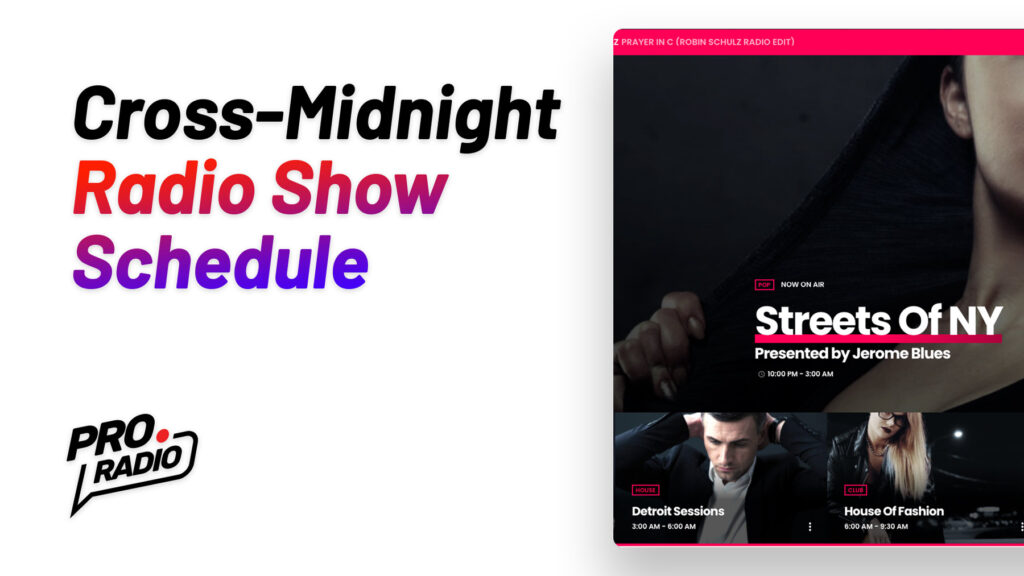
Broadcasting programming usually covers from midnight to midnight, but due to recent changes on the common broadcasting software, it is now possible, using certain providers, to set a show across midnight, for instance starting at 11 PM and ending at 02 AM of the next day. The Pro.Radio WordPress Theme now allows this type of program, and in this article, you'll learn how to make it. What is a cross-midnight show A cross-midnight show is a show scheduled with an end time earlier than the beginning time, intended to end on the day after. For instance, a show starting at 10 in the night and ending at 5 in the morning. This type of schedule is not very common, mainly because many broadcasting platforms only supports a standard program that goes from midnight to midnight. Anyway, nowadays, some platforms are […]

trending_flat

WordPress Radio Player: why is Pro Radio the best plugin?

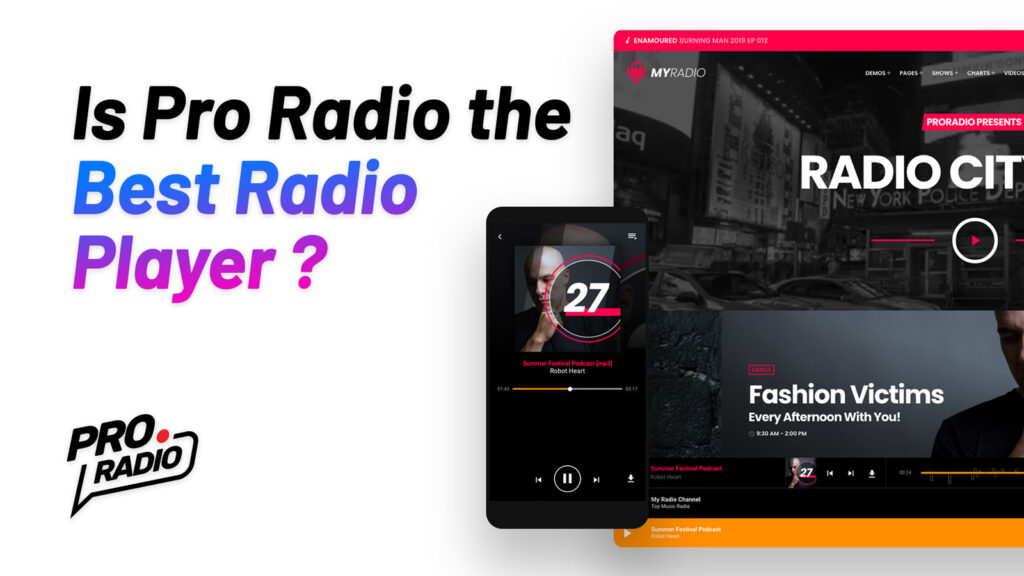
The radio player is the most important part of a radio station WordPress website. After building the players for OnAir Classic, OnAir 2, Vice, Kentha, and WPcast , we thought it was time to put together any best feature in a single, powerful and flexible WordPress music player, for the Pro Radio theme. Pro Radio is a WordPress Theme for radio stations that comes with its own radio player, featuring all of the most important functionalities for radio station websites. The player is, in fact, compatible with all of the most popular streaming providers and has all of the key features that any radio station should have, including non-stop play functionality, great customizability, and compatibility with custom mp3 sources as single tracks. This article will show you why the Pro Radio streaming player for WordPress is the best choice for […]

how to install the pro.radio wordpress theme
trending_flat

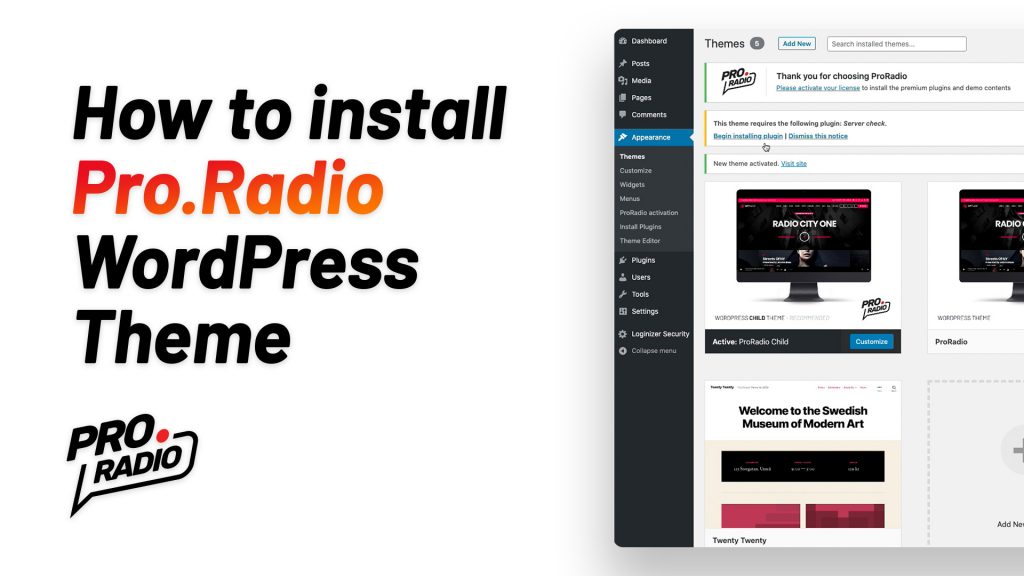
How to install the Pro.Radio WordPress Theme

This article will explain how to correctly install the Pro.Radio WordPress theme for radio stations. Installing the Pro.Radio WordPress Theme and Child Theme Pro.Radio WordPress Theme is the most powerful and professional WordPress theme for a radio station and it comes with the regular theme installable zip file and with the child theme. A child theme is basically an empty box made to contain any template that you want to change compared to the original theme version. Using a child theme is extremely useful if you want to do code changes to the original template files, because once you place them in the child theme folder, the upcoming theme updates will not delete your customizations. Maybe you are not planning on doing any code change right now, but it will eventually come the day where you want to change somehting […]

trending_flat

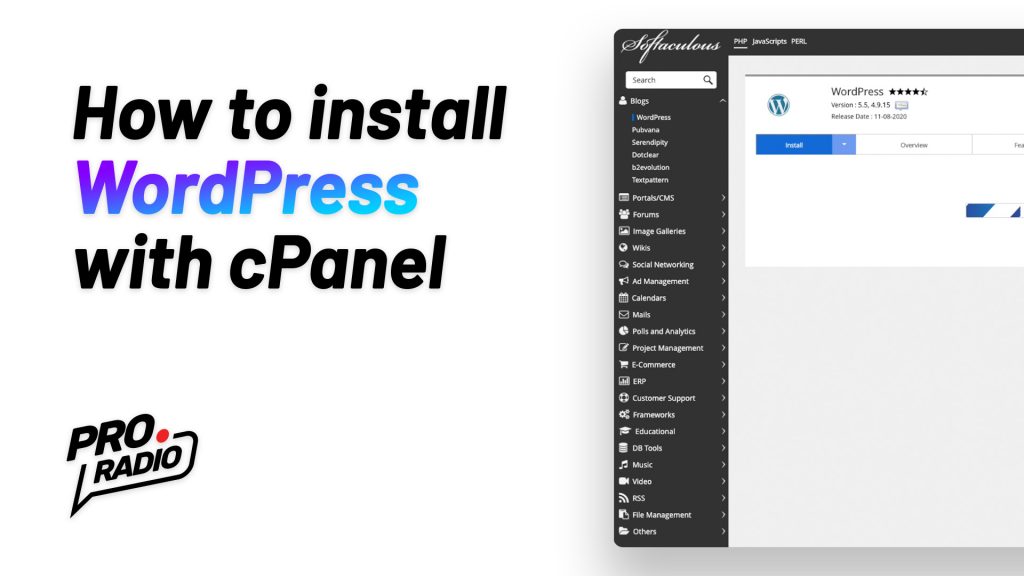
How to install WordPress using cPanel and Softaculous

Hello and welcome to this new tutorial about WordPress. WordPress is a widely used free and open source content management system (CMS) to create websites. This platform is the required software to run our radio station (WordPress) theme, and can be easily installed in different ways. The standard old-school installation is based on a manual process, and requires to upload the WordPress files via FTP, create a database and manually configure the CMS. https://www.youtube.com/watch?v=0rG2L1vrGNE Nowadays fortunately we have a much faster option, that is Softaculous, usually provided within any cPanel hosting account. Softaculous is an App manager and allows to install and manage several popular CMS. Installing WordPress with Softaculous is much easier and is takes only a few clicks and fields compiling, allowing to skip the nerdy stuff that nobody likes. In this tutorial we will show you how […]

trending_flat

How to start a radio station: Equipment you need to start bradcasting

To start your own radio station you will need some equipment. This list covers the basic options to build up a small broadcasting studio without investing a fortune. Update: at this link you can find our full guide on how to start a radio station. We will present the basic setup required for an automated broadcast, along with some live shows. This means you’ll need to create a weekly schedule of shows, with the right amount of podcasts, music, and recordings gathered ahead of time. Then, you need to prepare them to go on air. To start, you need a computer and some software. Then, once you’re ready, you can interrupt the automated broadcasting to take over with a live show, right from your home studio. This will require a few small pieces of extra gear that we will present […]

trending_flat

How to start a radio station: the beginners essencial guide

  How do I start my own radio station? Nowadays creating a radio station is very simple and can be also pretty cheap or almost free. You don’t need expensive gear and now there are plenty of online streaming services to simplify your work. We are now going to list all the things you need so you can properly plan the launch of your amazing radio channel. Update: make sure to check our latest full guide How to Start a Radio Station - The Ultimate Guide Choose how to broadcast: There are 3 types of broadcasting: Live broadcasting Automated broadcasting Mixed broadcasting 1. Live broadcasting This is the classic model of radio streaming very similar to a classic radio transmission, where you broadcast a direct live output from your computer. It means that you have to broad cast live 24 […]

trending_flat

OnAir Radio WordPress Theme version 1.3.4 is available now

We just published a new version with a javascript debug glitch published yesterday, and in this post you can check also all the new features recently added to OnAir Radio Wordpress Theme:   1.3.4 [2016 12 07] * qt-main.js debugger bug fixed 1.3.3[2016 12 06] * fixed recent schedule tabs issue * fixed new javascript Safari incompatibility in IF conditions ###### QantumThemes Radio Suite updated: ######################## # ###### Version: 1.1.2 ###### * assets/script.js restored $("[data-dynamicwidth]") # ###### Version: 1.1.1 ###### * style.css fixed columns width schedule grid # ######################## ######################## ############### 1.3.2[2016 12 02] * fixed new mobile menu issue 1.3.1 * fixed sidebars mismatch 1.3.0 * fixed issue with multiple schedule shortcode [showgrid schedulefilter="angelstream"] requires QT Radio Suite update to 1.1.0 1.2.9 * added better woocommerce support (woocommerce.php and templates in /woocommerce + few js fixes) * added class […]

trending_flat

OnAir 1.2.6 is out!! iOs 10 compatible, more social, and Microsoft-Edge ready!

Dear customers, we are finally out with the new version of the OnAir theme. In the latest period we had to face 2 big revolutions: iOs 10 for ipads and iphones, and the new Microsoft Edge giving us some nice challenge to win. And we are here to say that we did it! You can download the new version of your OnAir Radio Station Wordpress Theme and update as usual to get all the afvantages of the new version! 1.2.6 * Updated soundmanager2 libraries for ios10 * fixed styles for radio list in mobile * fixed logo alignment in mobile (left aligned) * added "scheduled on" section in single show page (ADDED part-showdate-by-title.php and edited single-shows.php:86->99) * added sharing button to single.php * added large share buttons template (sharepage-large.php) * added large share formatting in main-style.css:602-611 * added better mobile […]

trending_flat

ONAIR 1.2.0 is out!

1.2.0 * Blockquote custom color added in customizations.php * default page template hide title enabled * youtube responsiveness updated 1.1.9 * updated .po .mo * added .pot file * updated plugin WT Radio Suite (added better support for translation) * updated part-post.php, part-post-third.php and part-post-featured.php where the word Read was not translatable How to update: You can update the theme downloading the latest version linked from your purchase confirmation email, from the radiowordpresstheme.com website or from the official Dropbox repository link. If you have problems accessing your updated theme version, please get in touch with the support via email at info @ qantumthemes.com . To update, please follow the instructions contained in the manual.

trending_flat

OnAir Version 1.1.8:

We are proud to introduce the new version of OnAir: 1.1.8. After a long month of work on our customers' best requests, we decided to add a couple of features, and to optimise some aspects of the theme. Podcasts support Now you will find a new post type, called Podcasts, which allows you to create a new type of contents. Podcasts are essentially pages with a media content inside, a featured image, and a content. The new podcast type supports podcast from Mixcloud, Soundcloud and Youtube, and you can also link directly to the MP3 file of your self hosted podcast. Simply adding the URL of your resource, the player will be automatically embedded in the page. Podcast archives: Podcasts have their own archive templates, and you can easily create a podcast archive page by creating a new page and choosing the "Podcast […]

AD

Login to enjoy full advantages

Please login or subscribe to continue.

Go Premium!

Enjoy the full advantage of the premium access.

Stop following

Unfollow Cancel

Cancel subscription

Are you sure you want to cancel your subscription? You will lose your Premium access and stored playlists.

Go back Confirm cancellation