




 NEW!
NEW!

Make Your Radio Website Finally Match Your Sound
AD
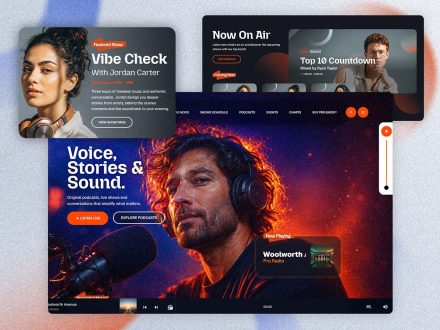
Add the show, schedule and player features your current template simply doesn’t have. There is a sound your station makes and a feeling that goes with it. The website should produce the same feeling the moment a listener arrives. Most of the time, it does not. The audio is mature, the design is junior.
This is about closing that distance with features that actually fit the way a radio station works. If your goal is to build your radio website with less stress and better results, start with the basics: clear navigation, fast access to the stream, and content that helps listeners know what is happening now.
Contents
hide
- 1. The Sound Of A Real Radio Site
- 2. A Player That Sounds Like You Look
- 3. A Schedule That Behaves Like A Station Week
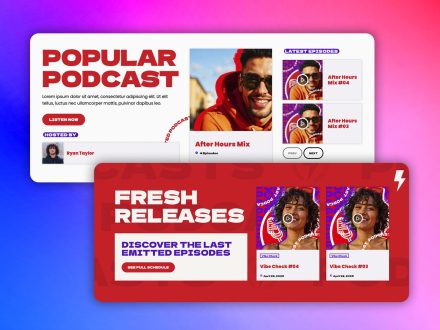
- 4. Show Pages That Feel Like Programs
- 5. Podcasts In The Same Sonic Identity
- 6. Hosts With Real Identities
- 7. Engagement That Sounds Like Two-Way Communication
- 8. Design Choices That Match The Brand
- 9. One Toolkit Means The Website Holds Together
- 10. Make The Two Halves Of The Brand Agree
The Sound Of A Real Radio Site
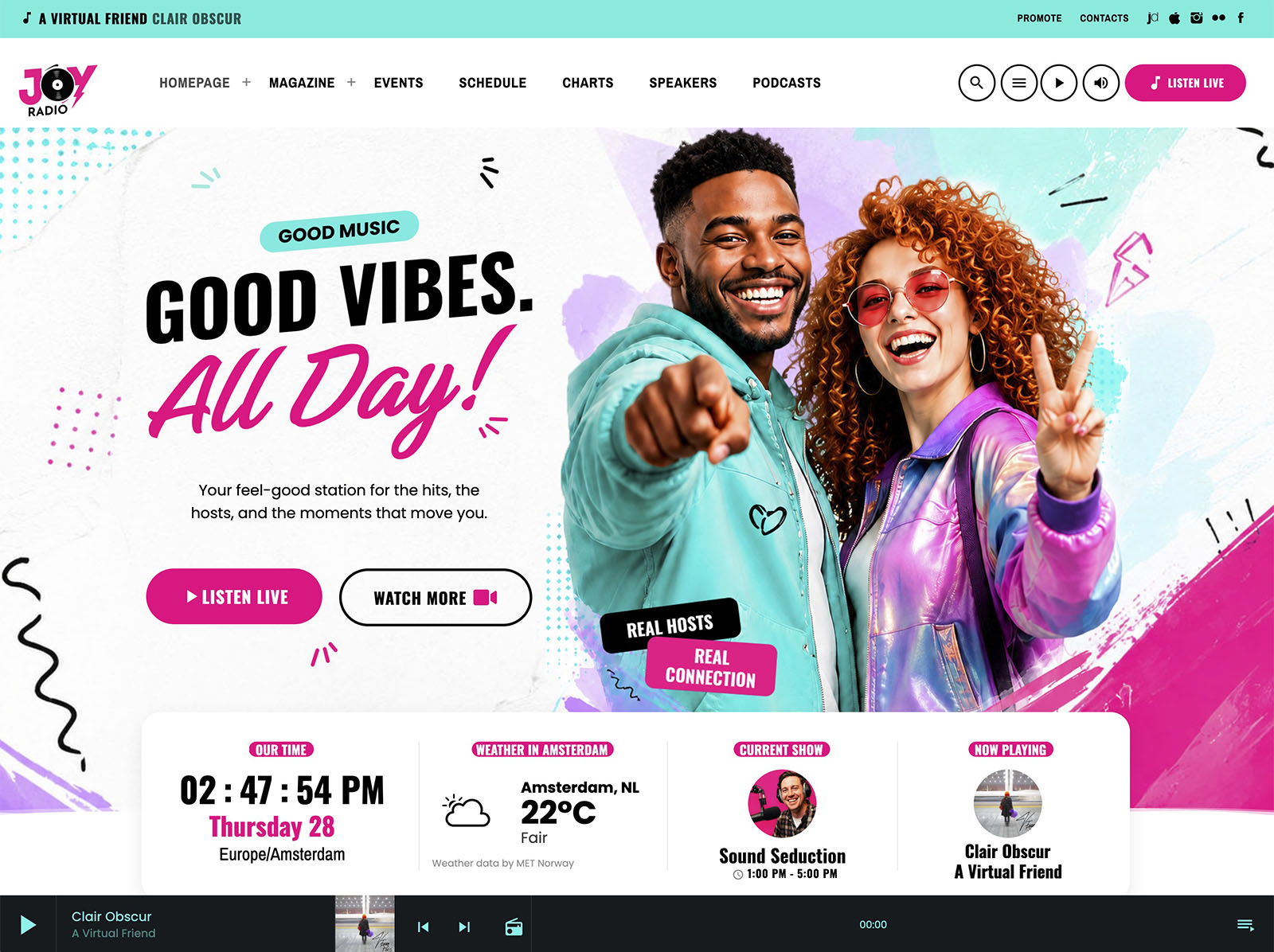
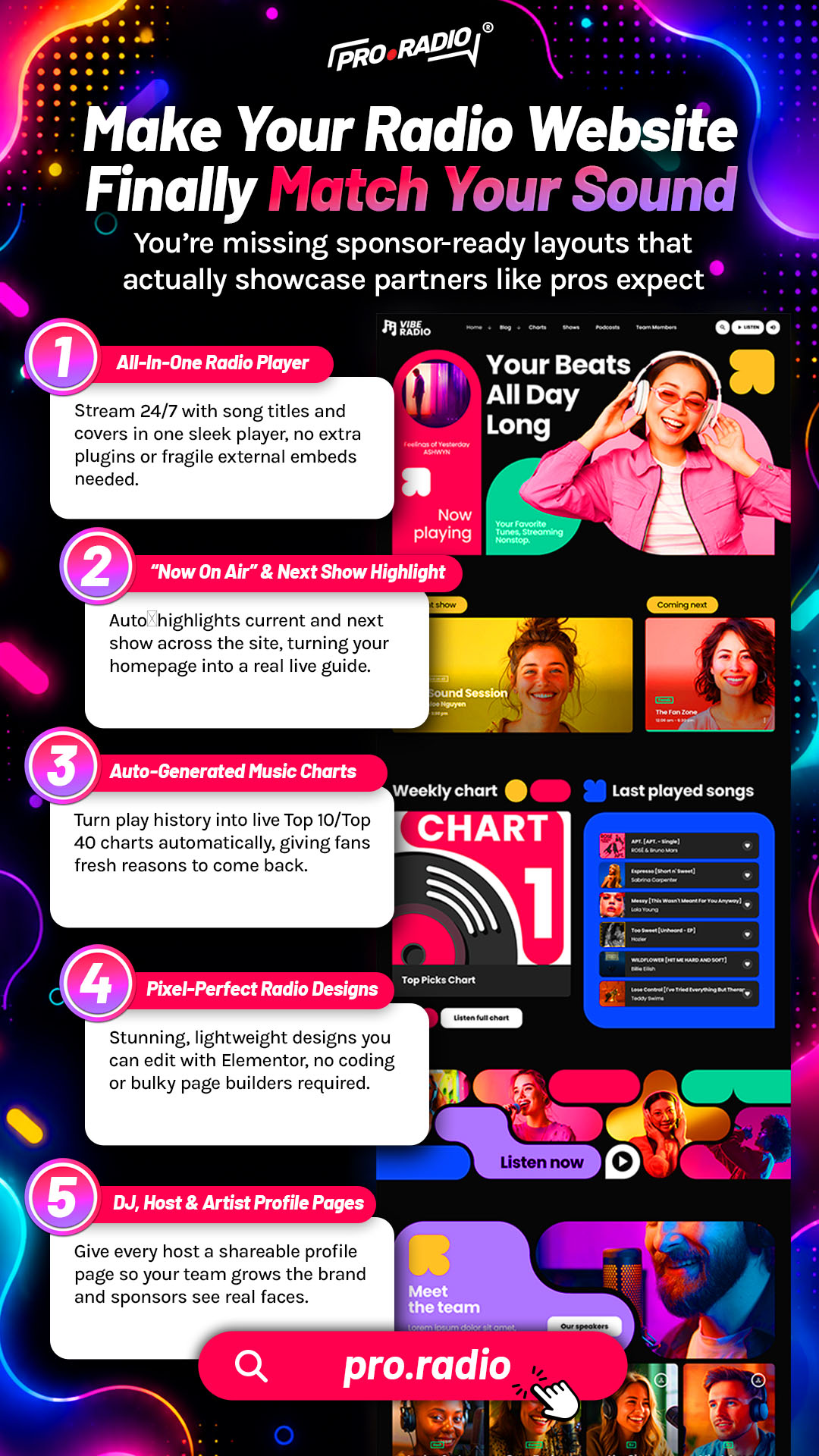
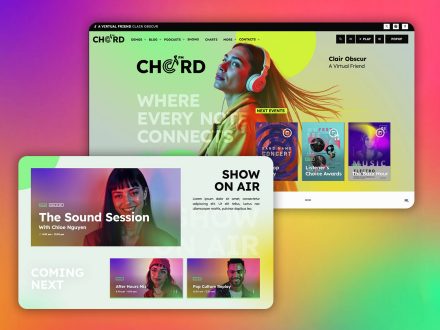
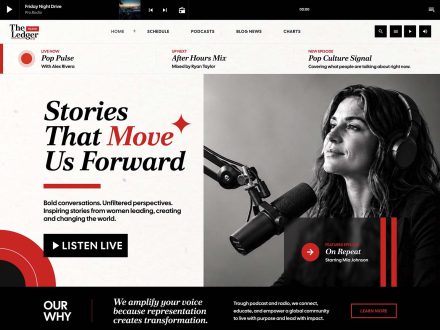
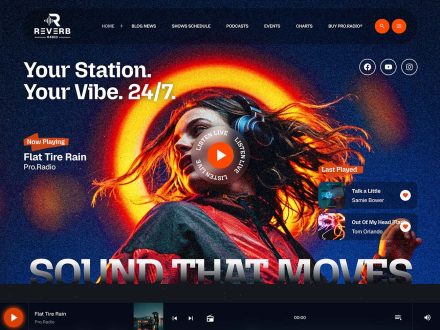
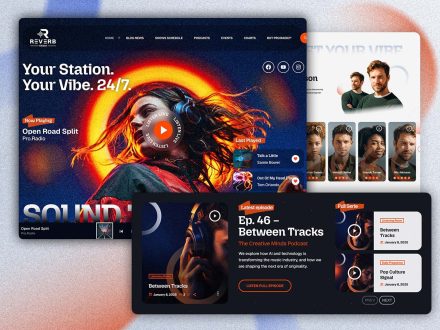
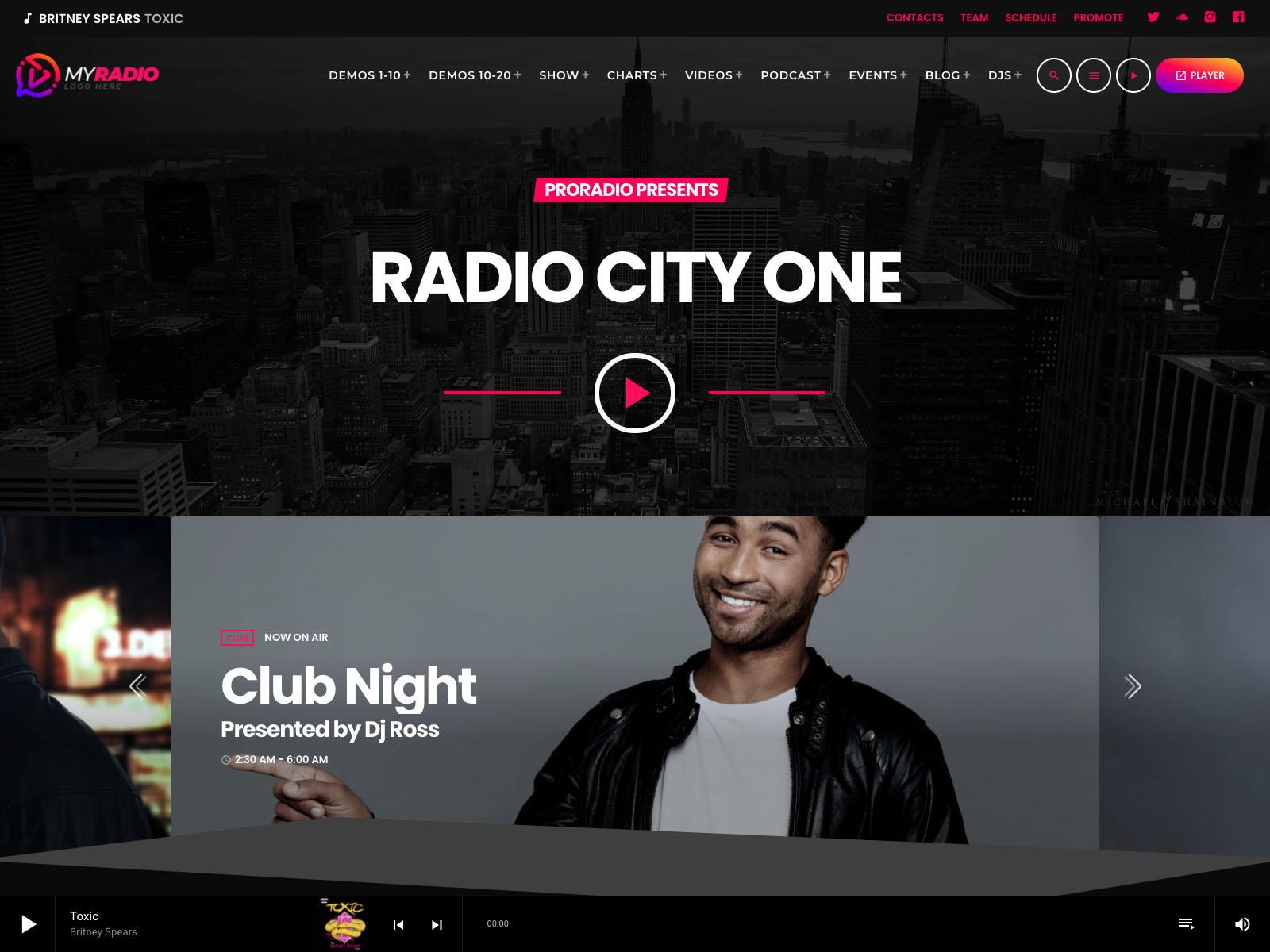
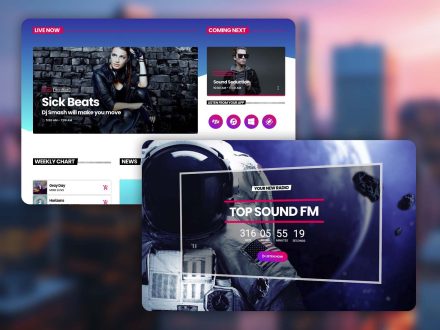
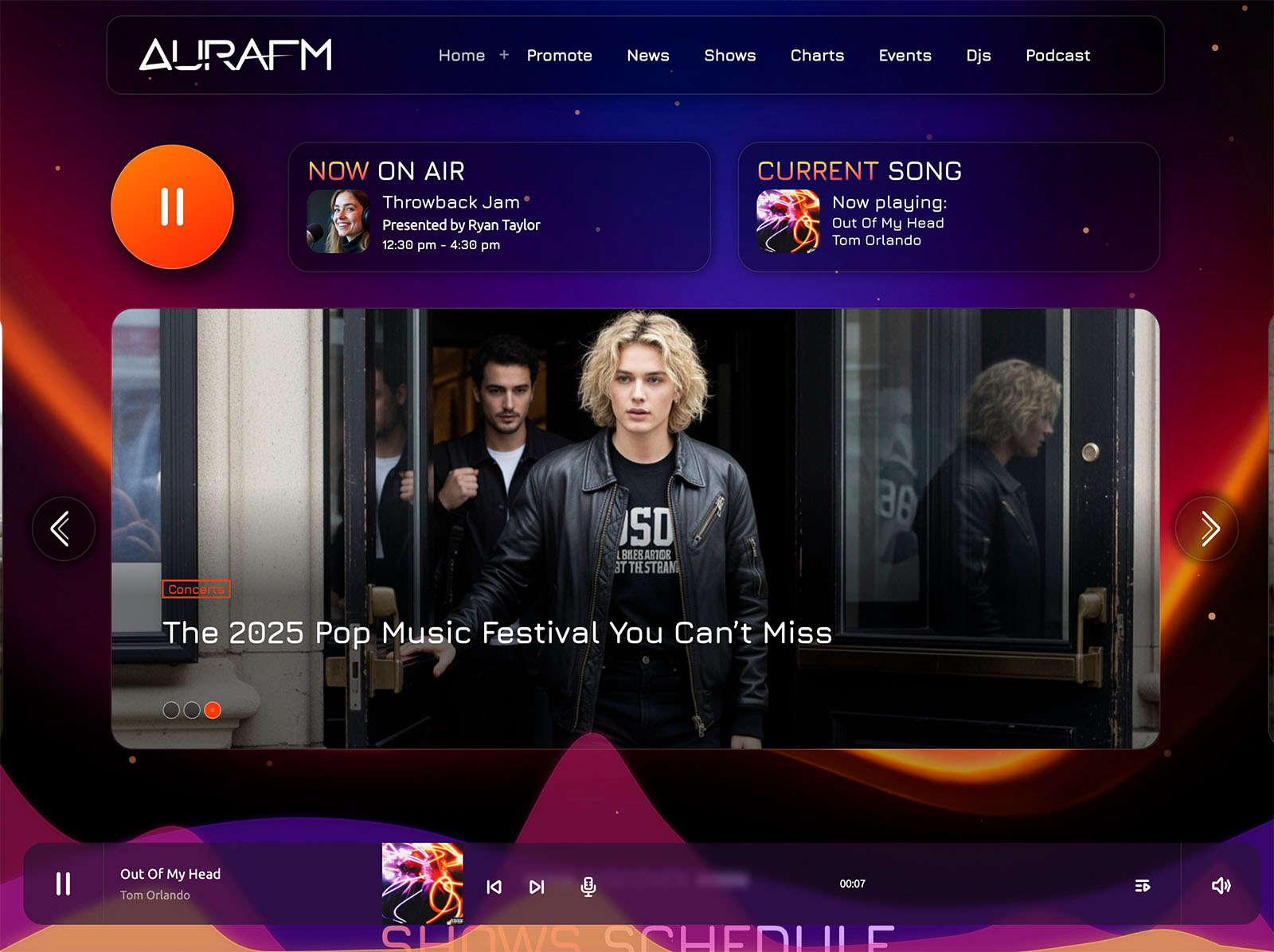
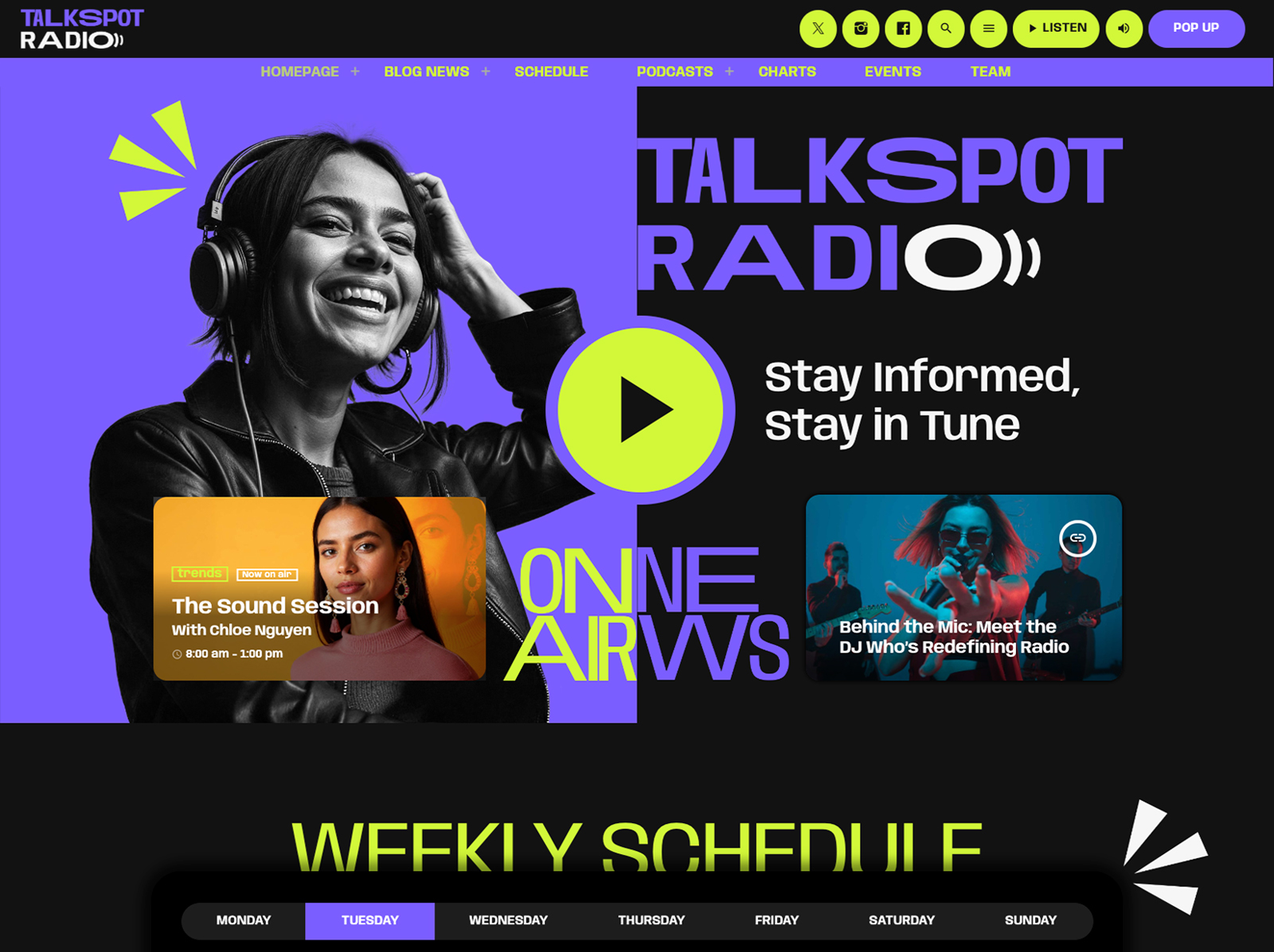
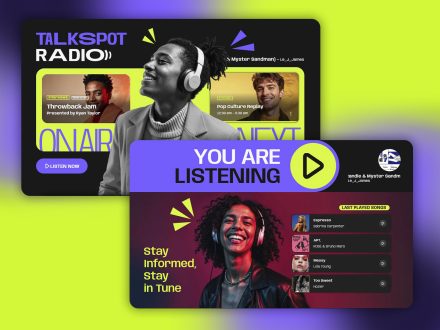
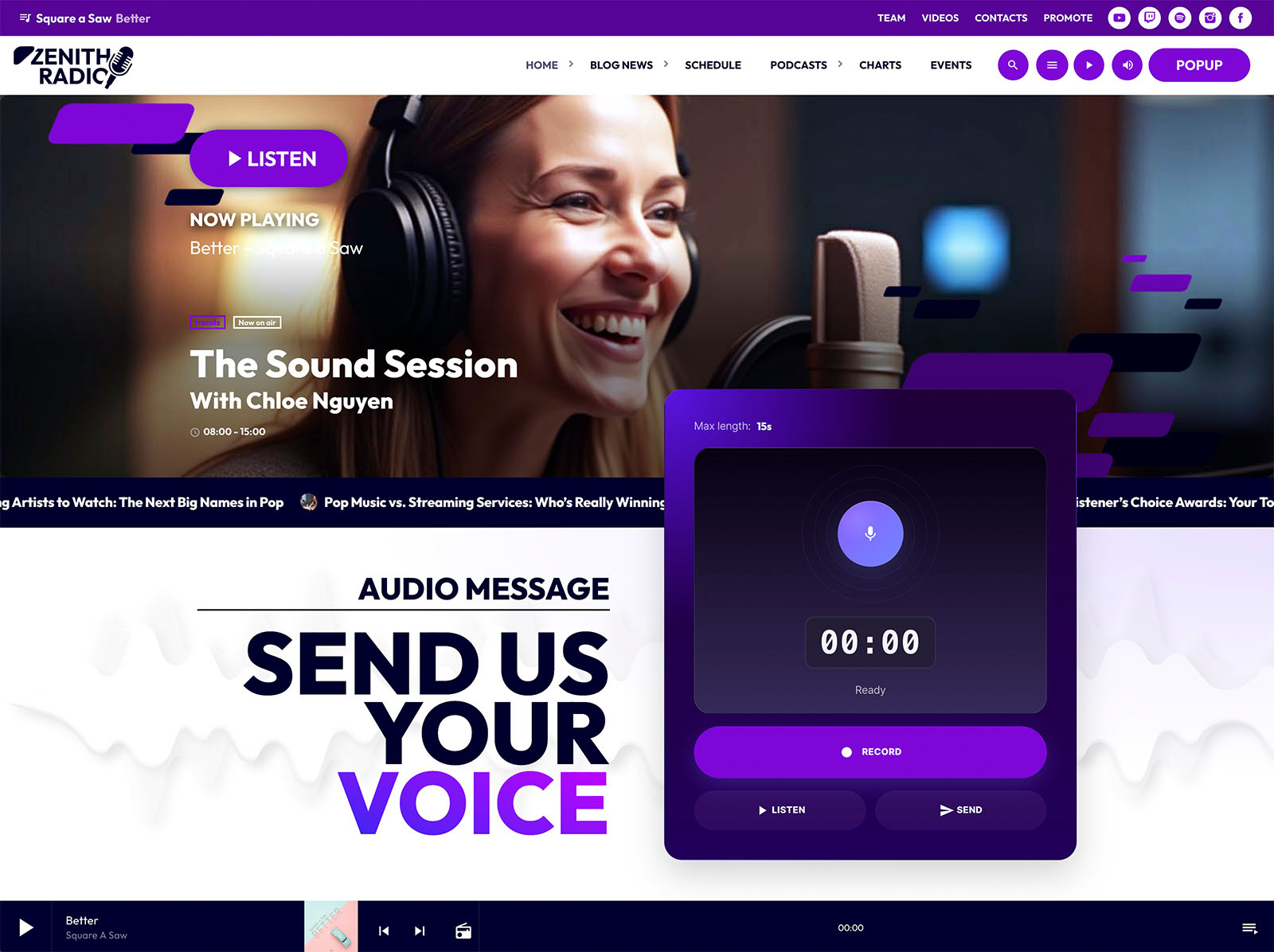
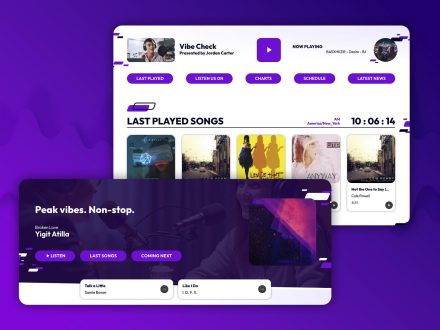
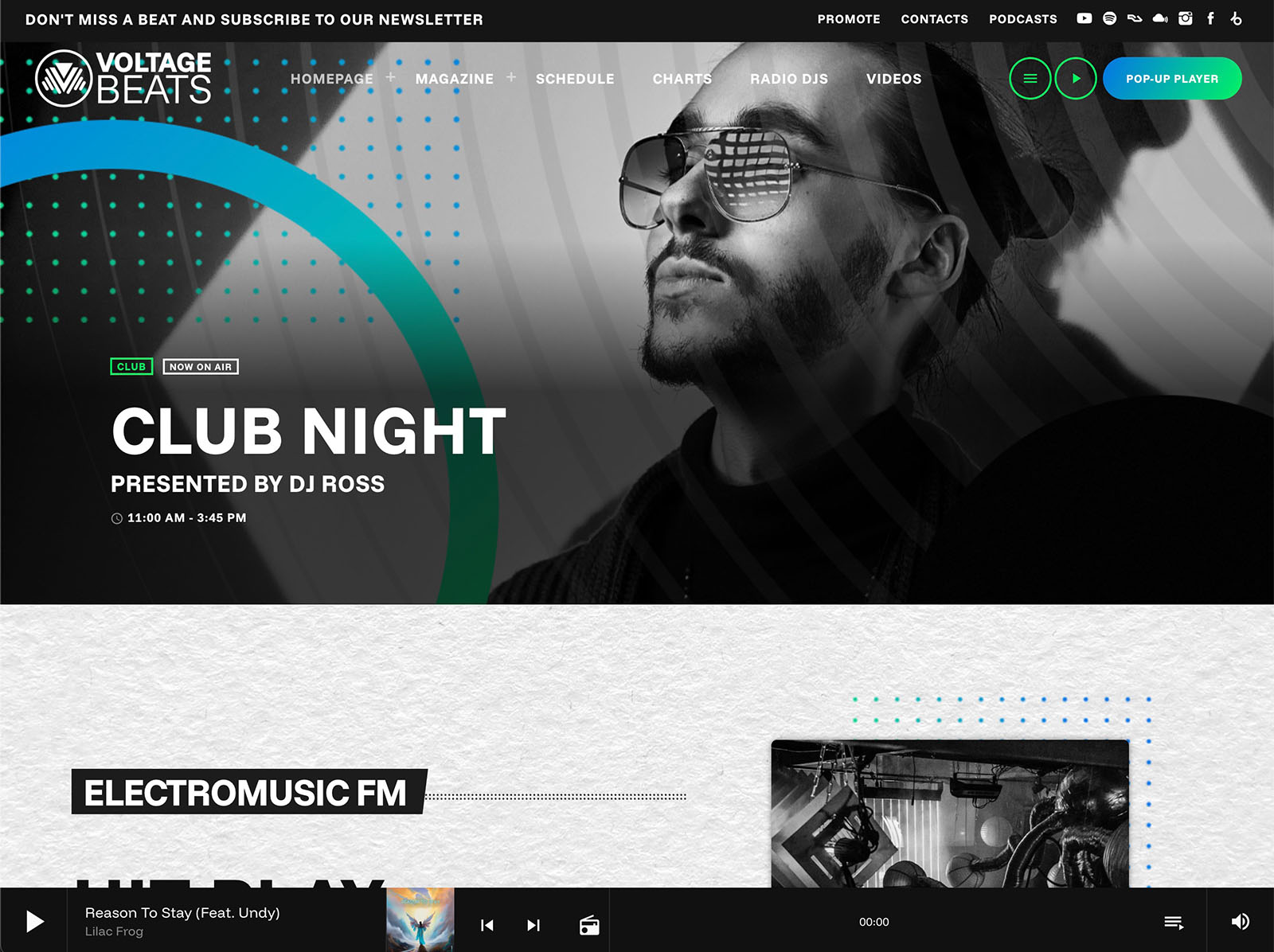
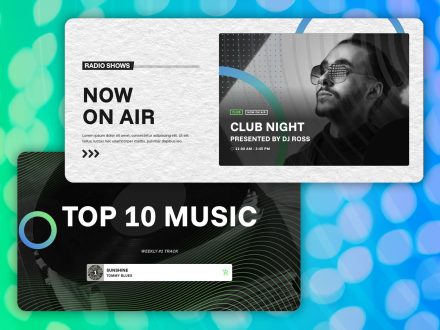
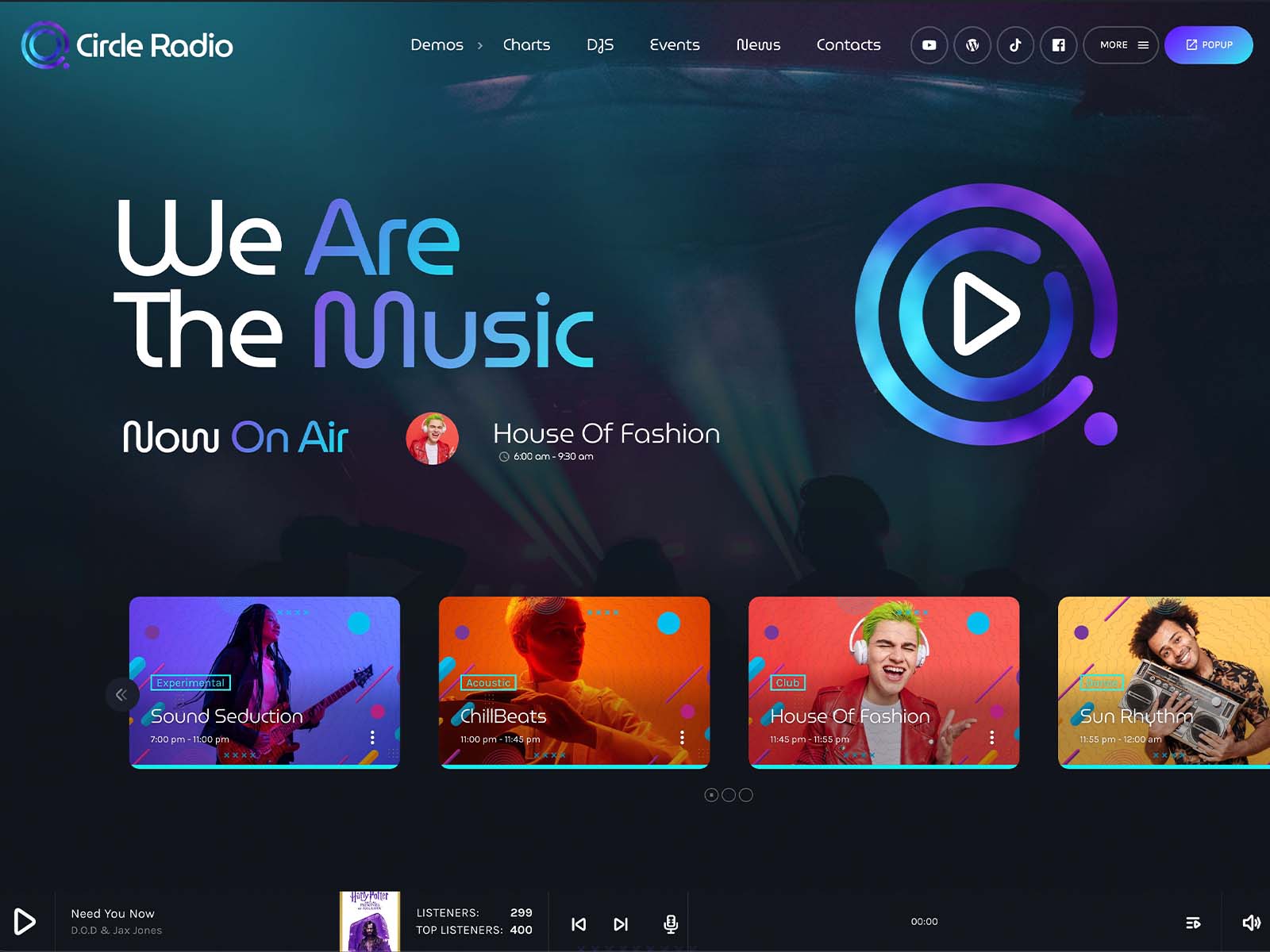
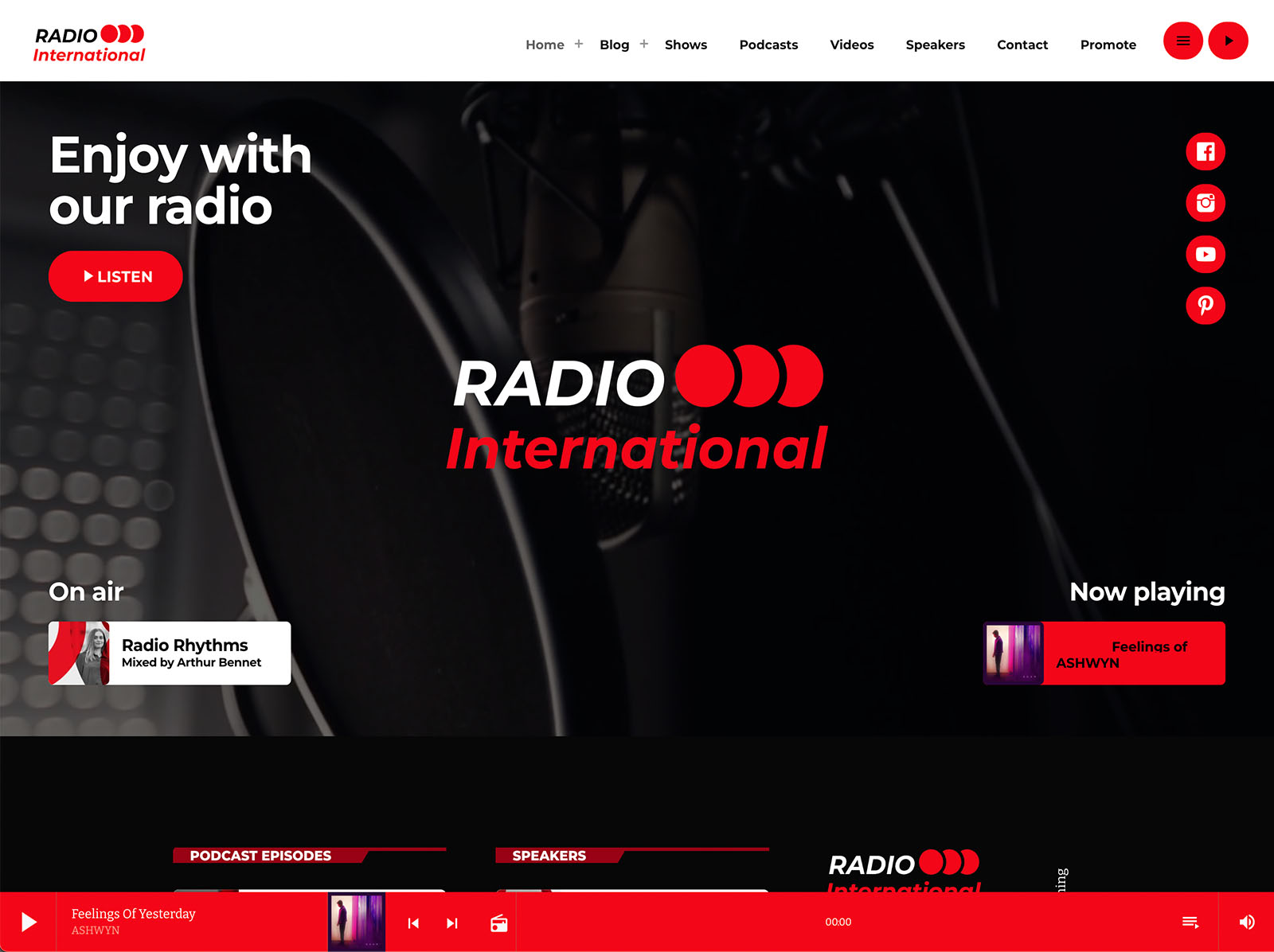
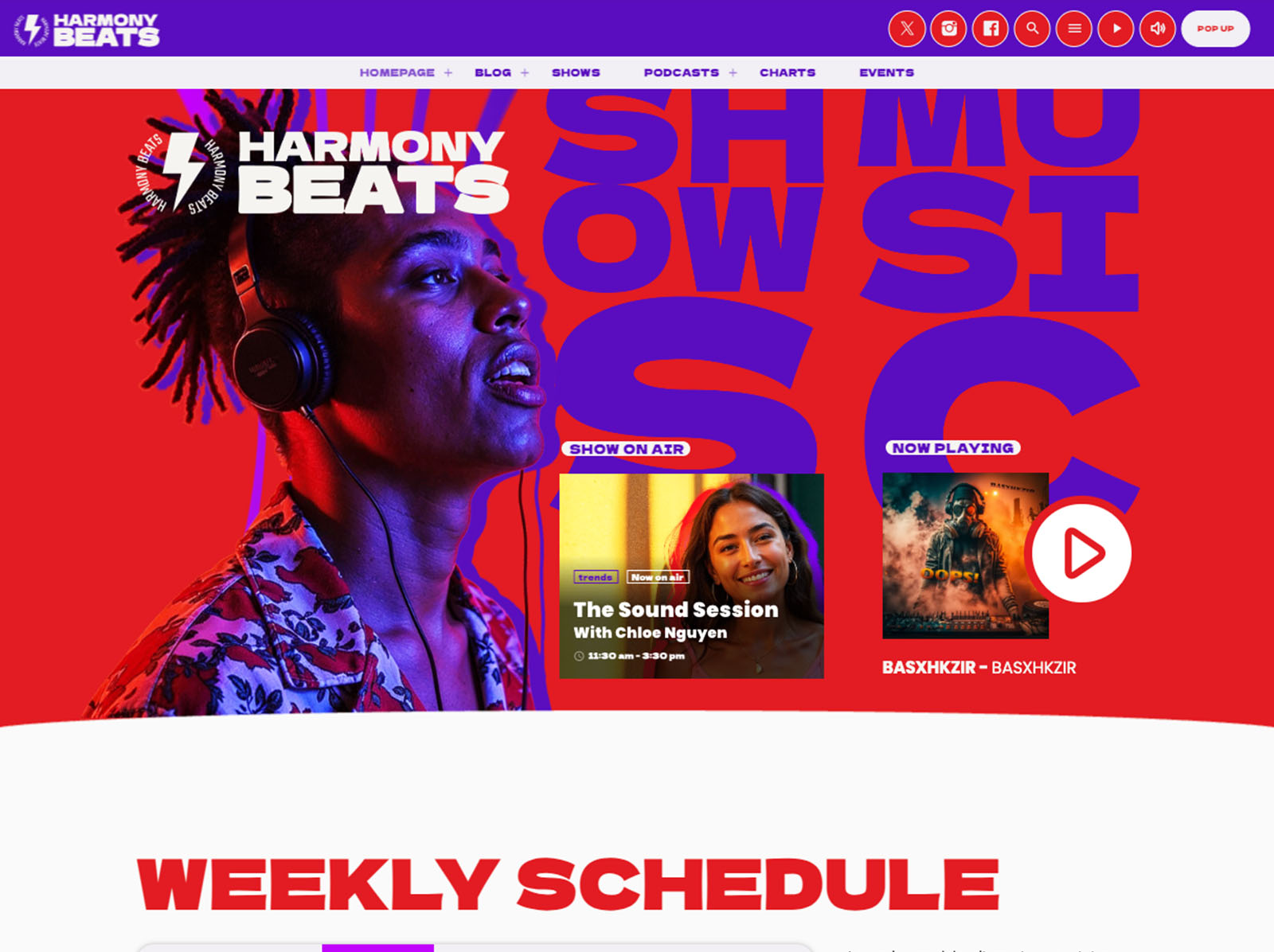
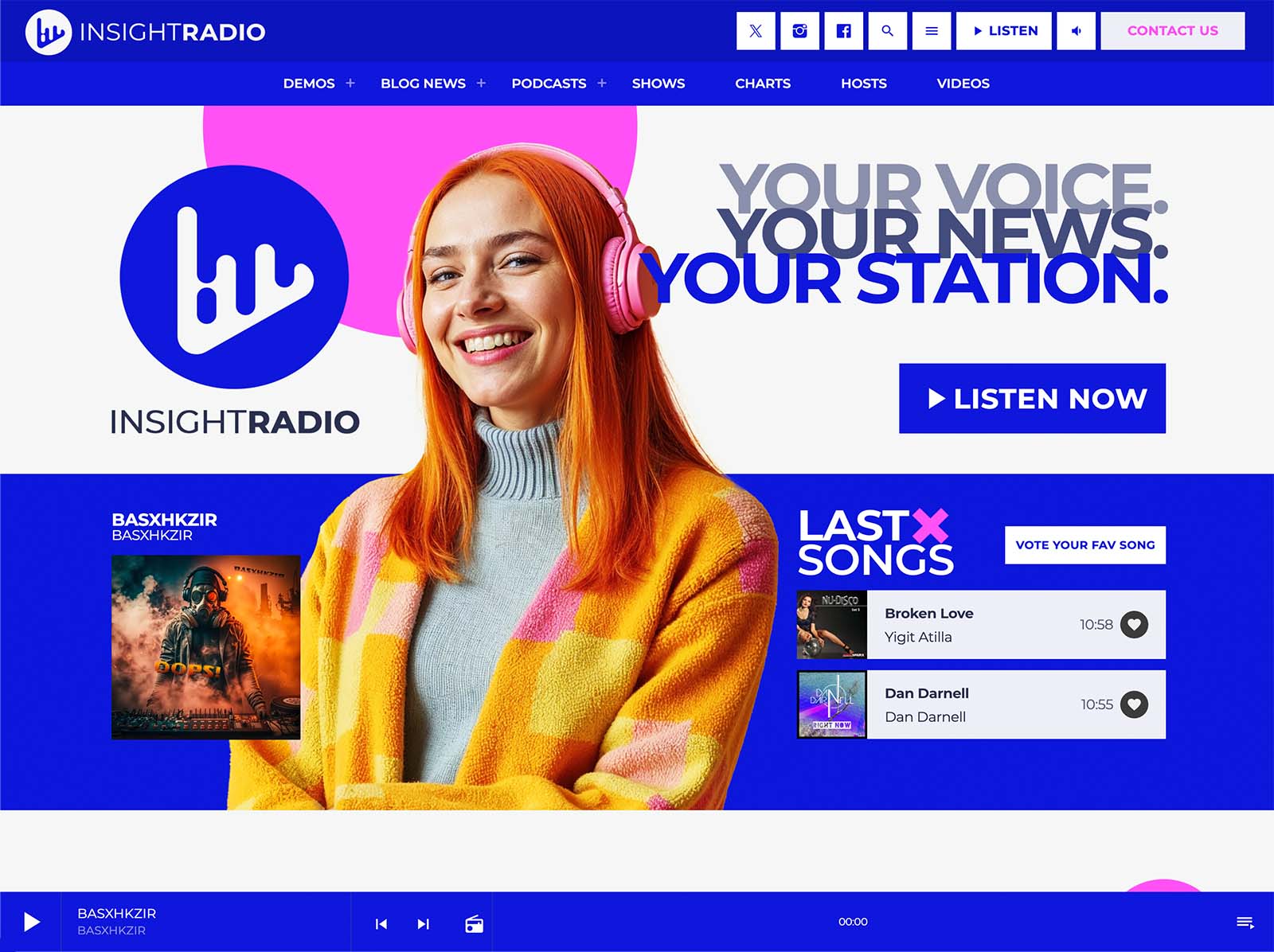
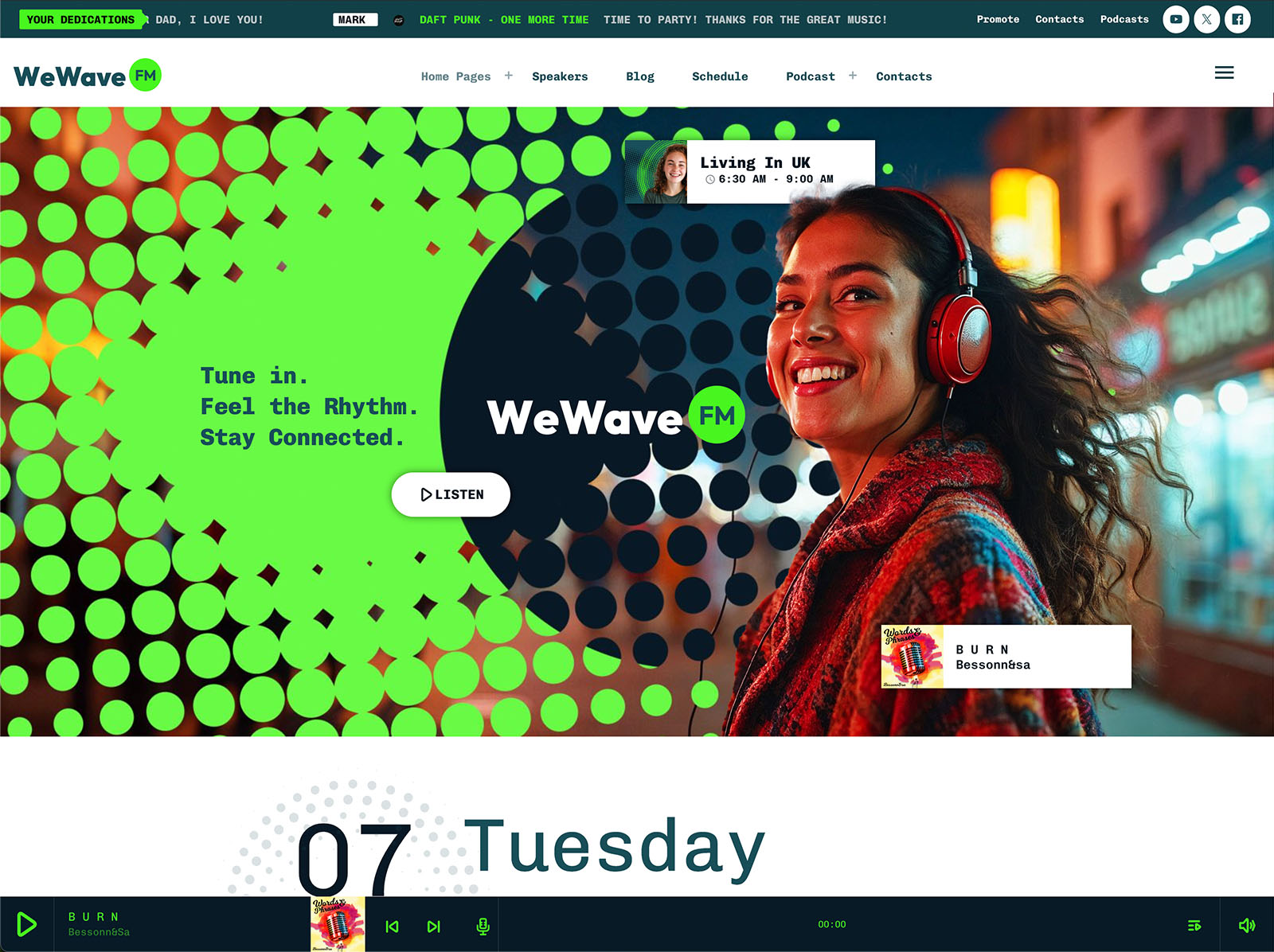
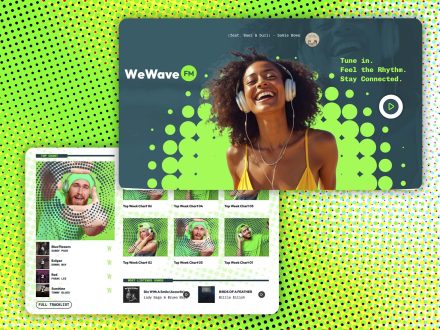
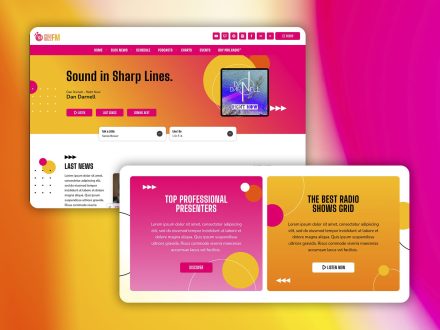
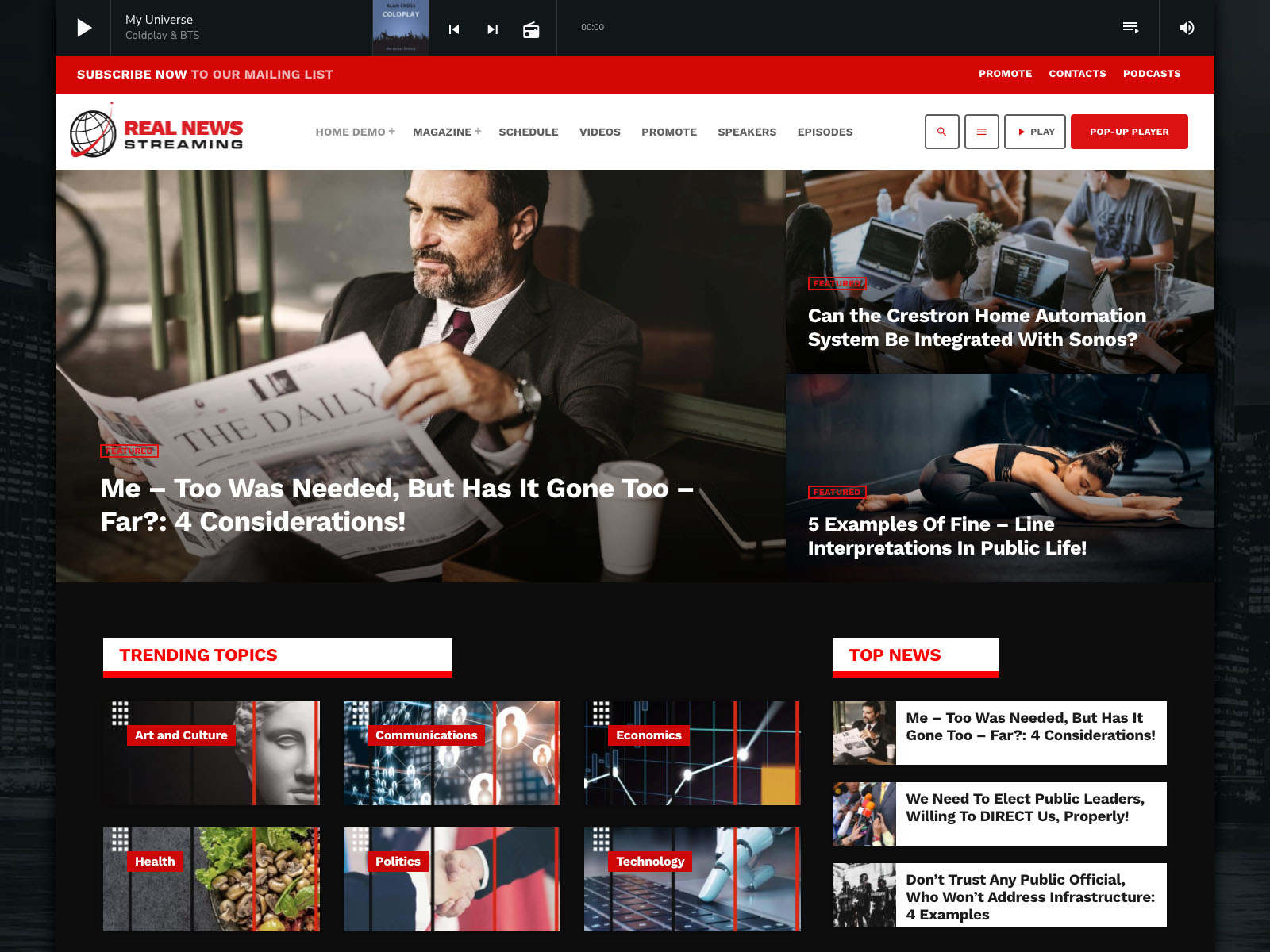
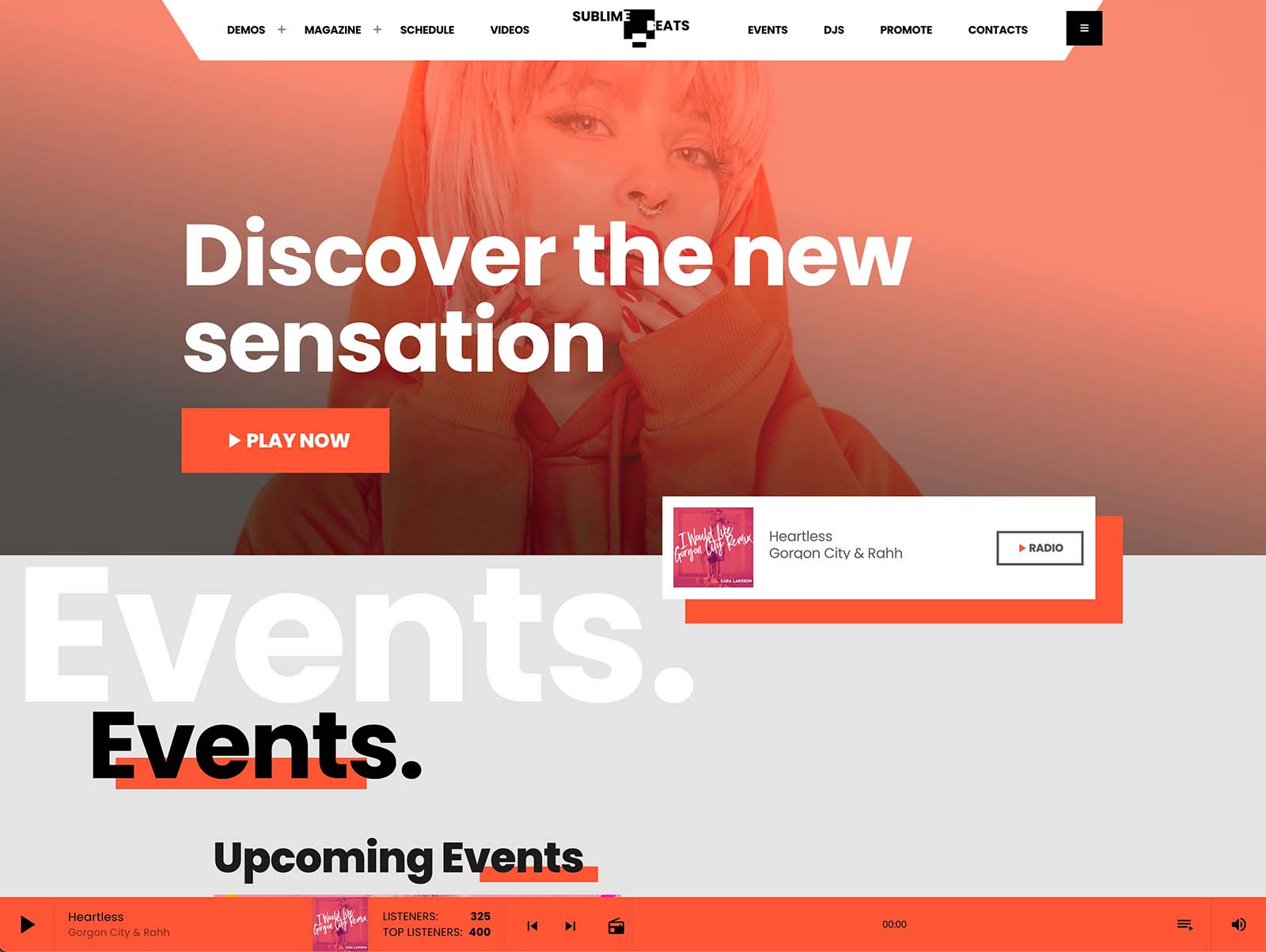
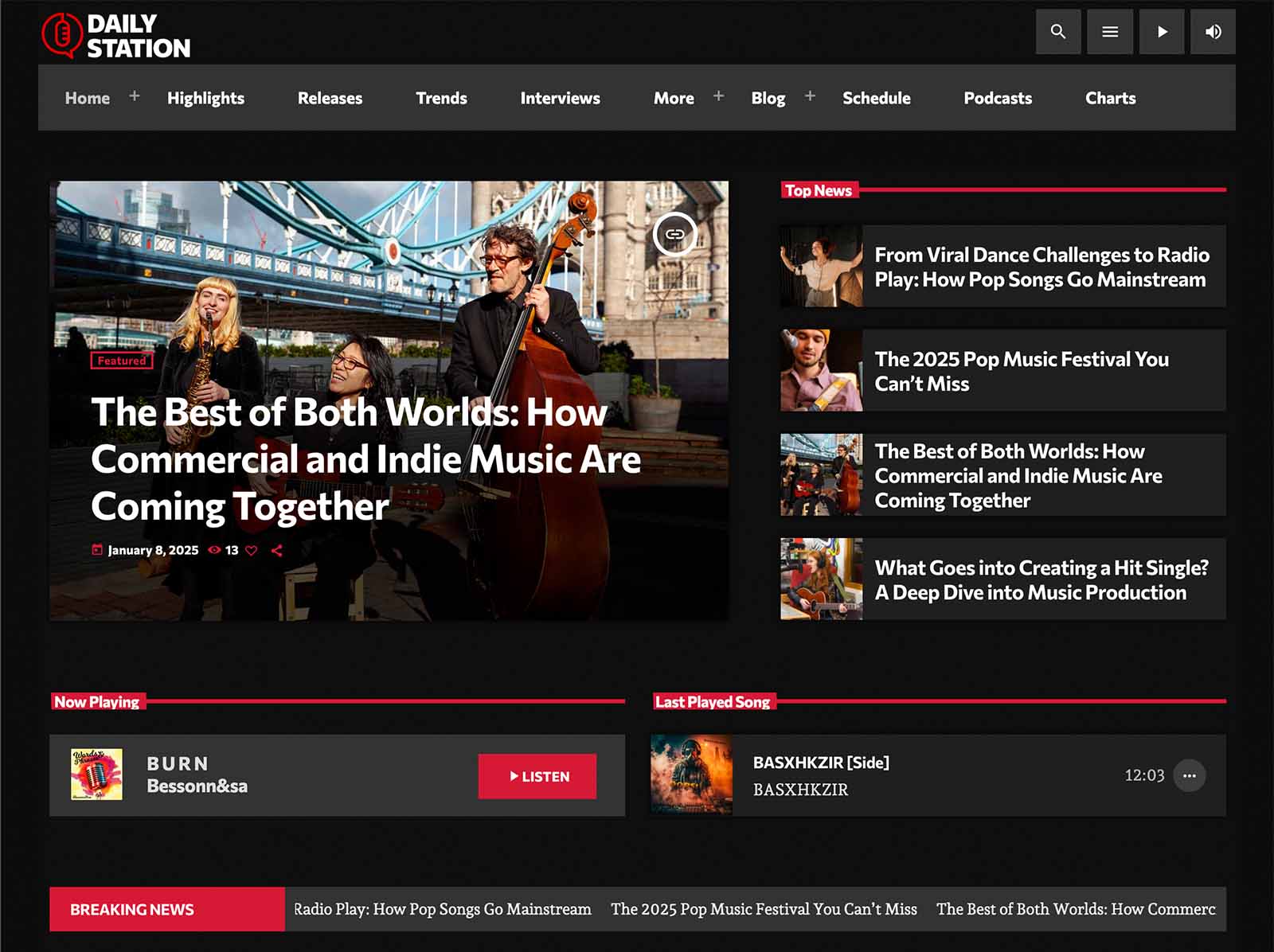
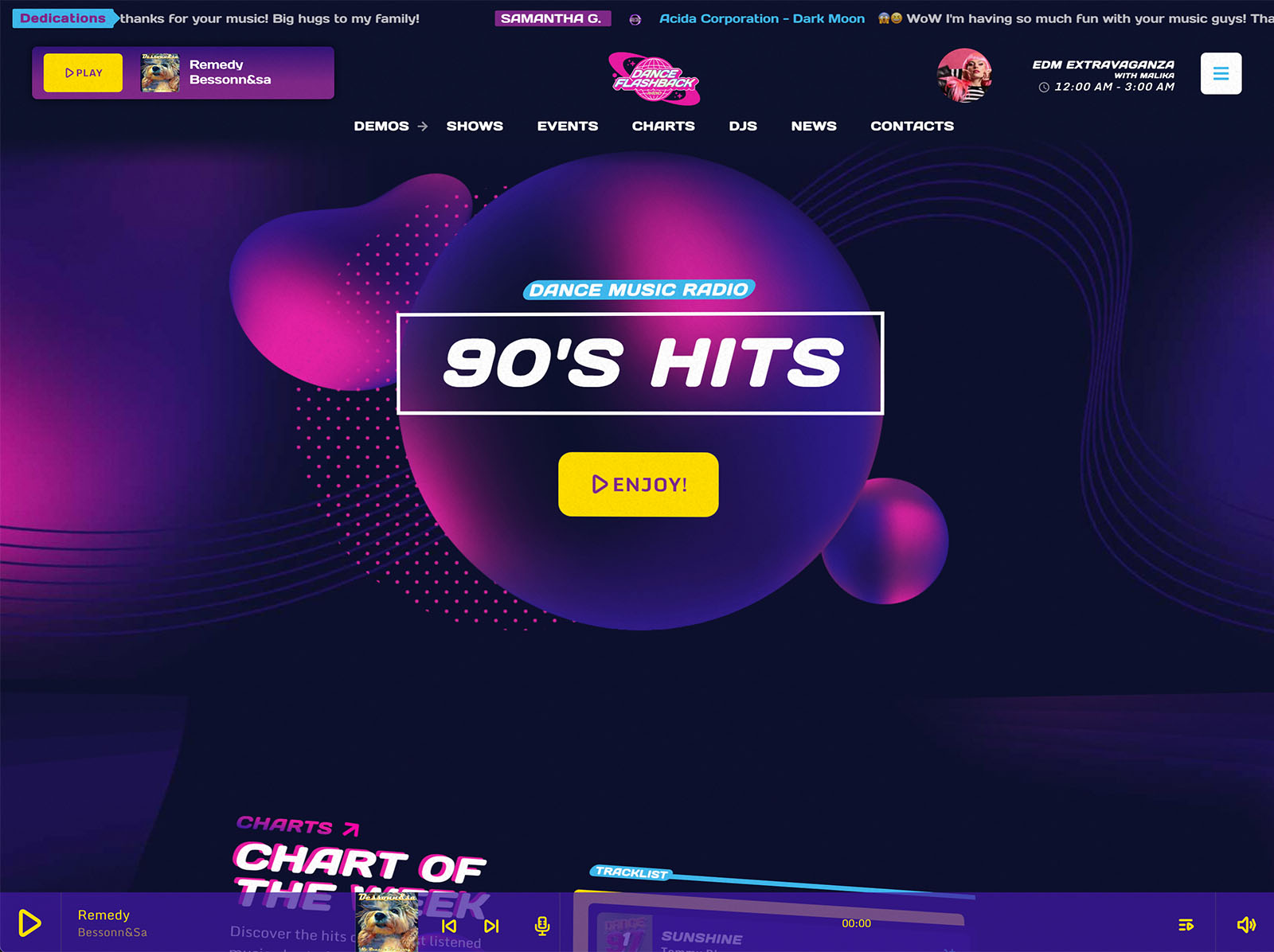
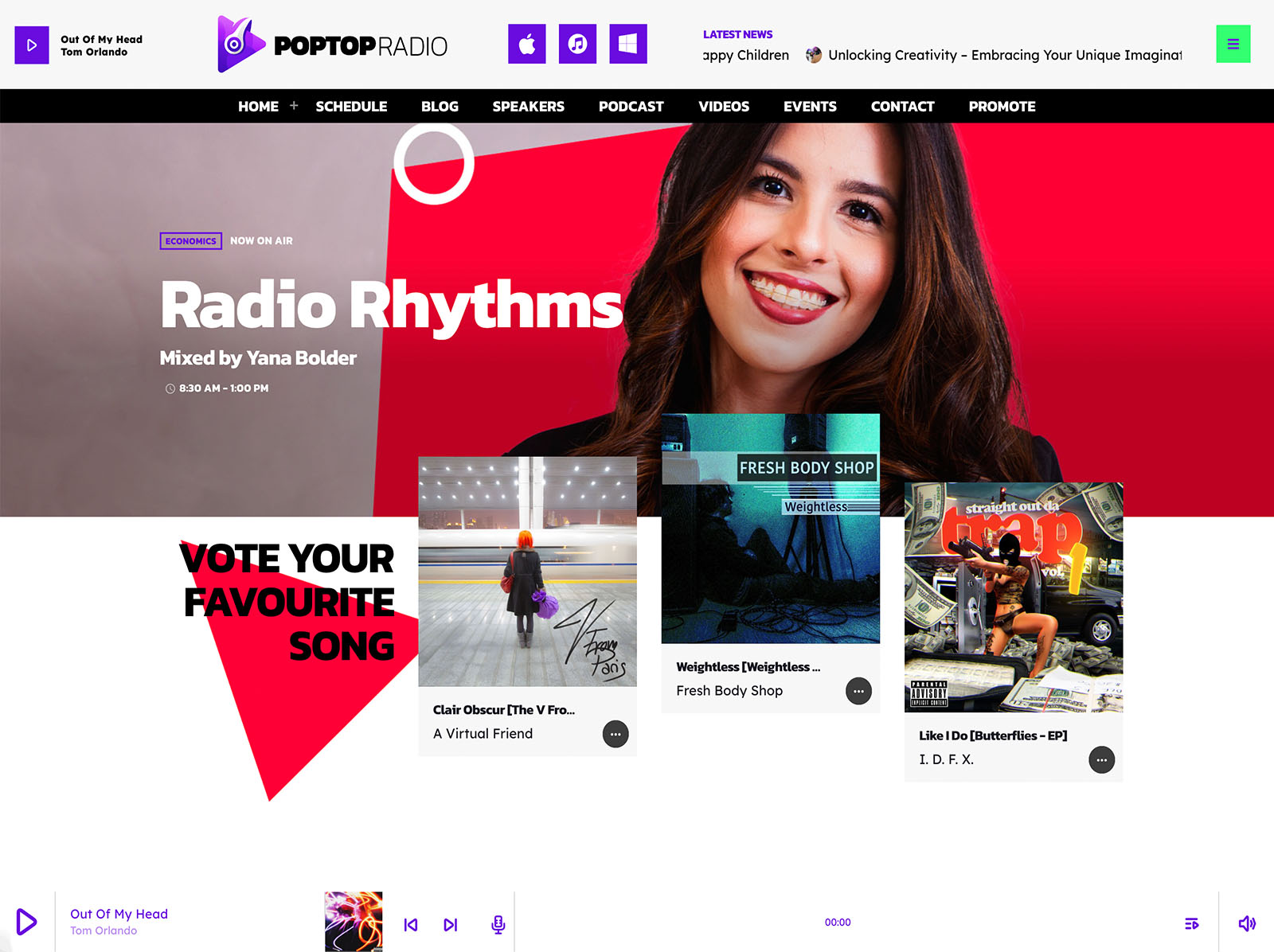
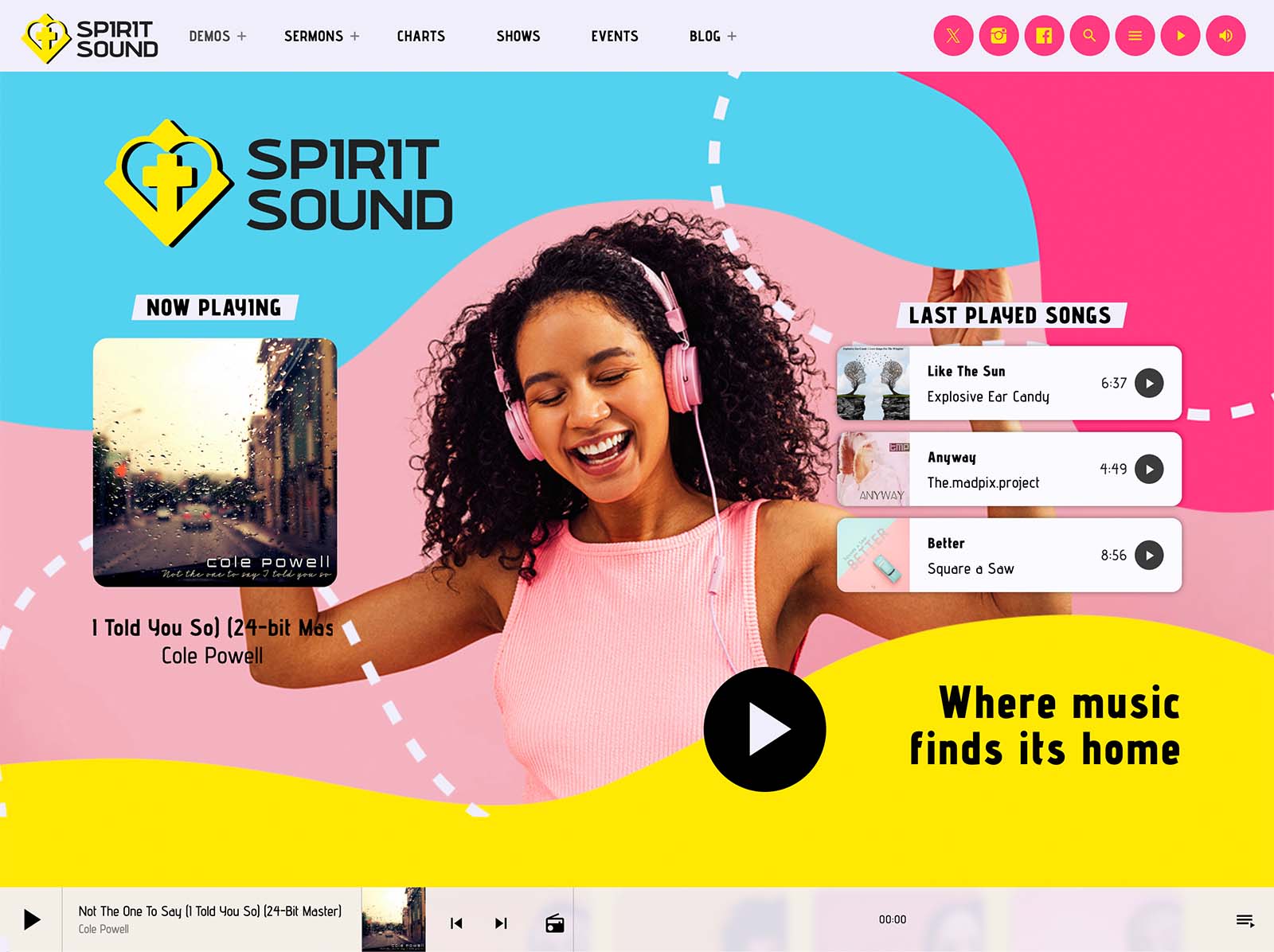
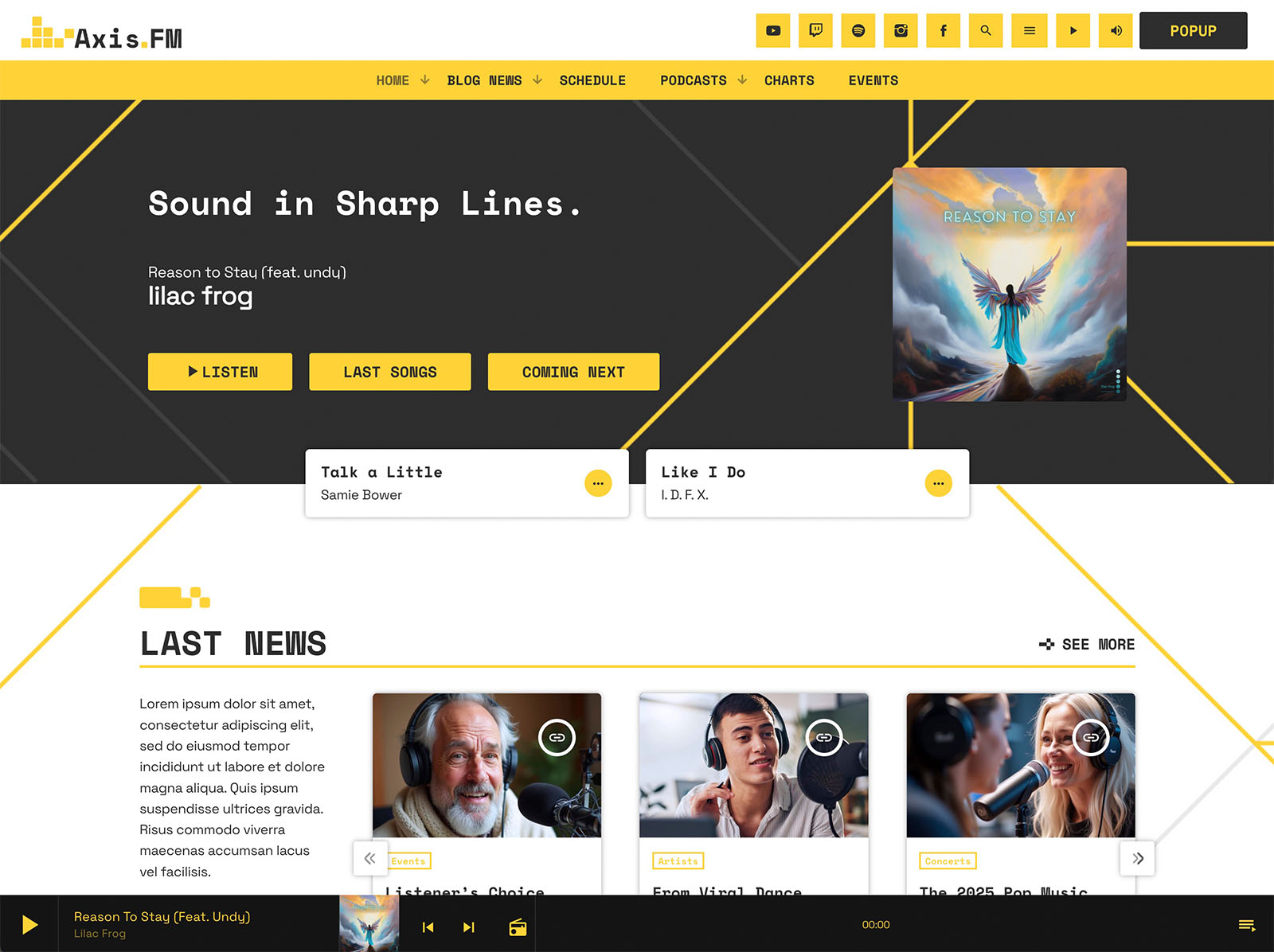
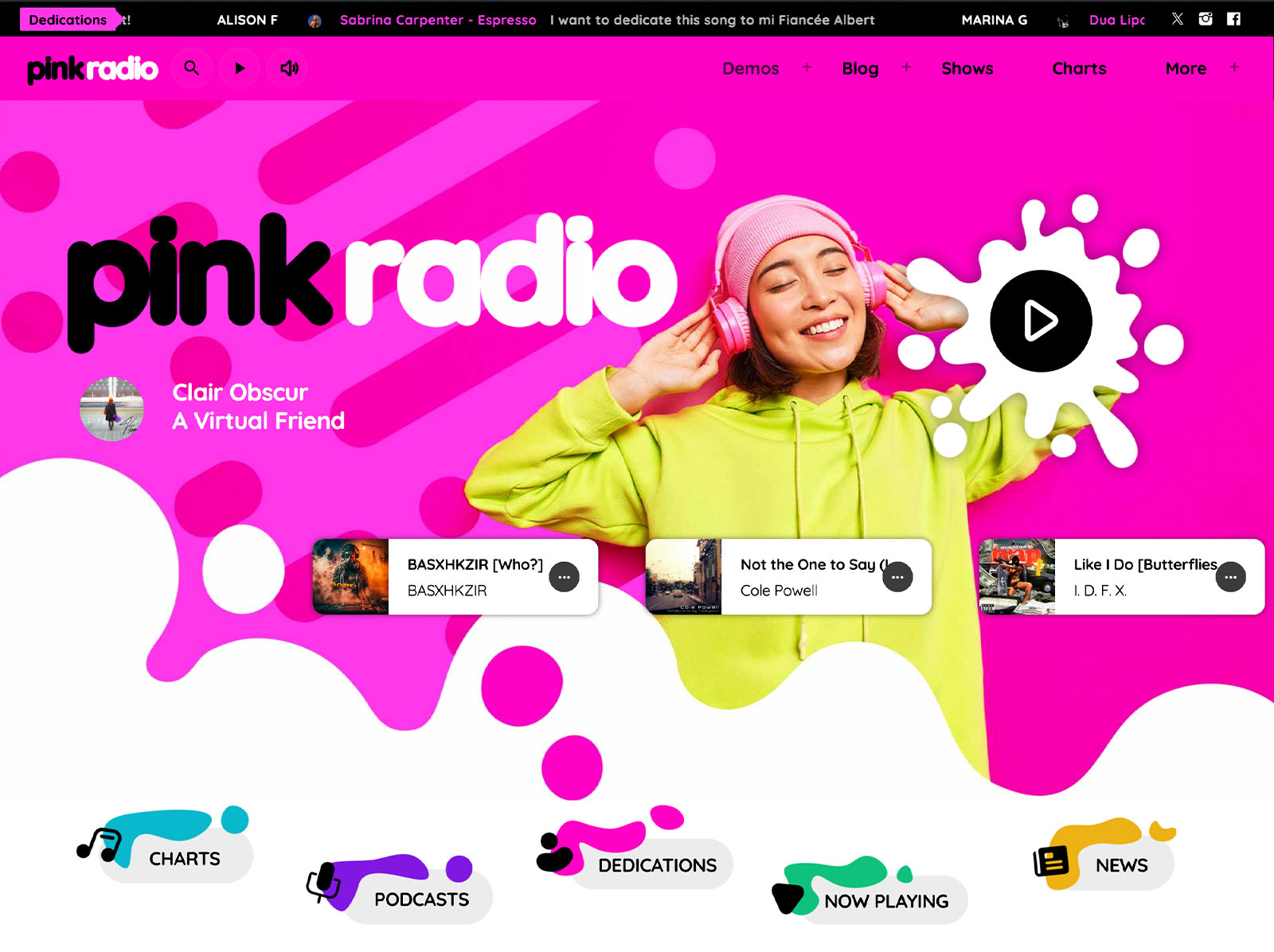
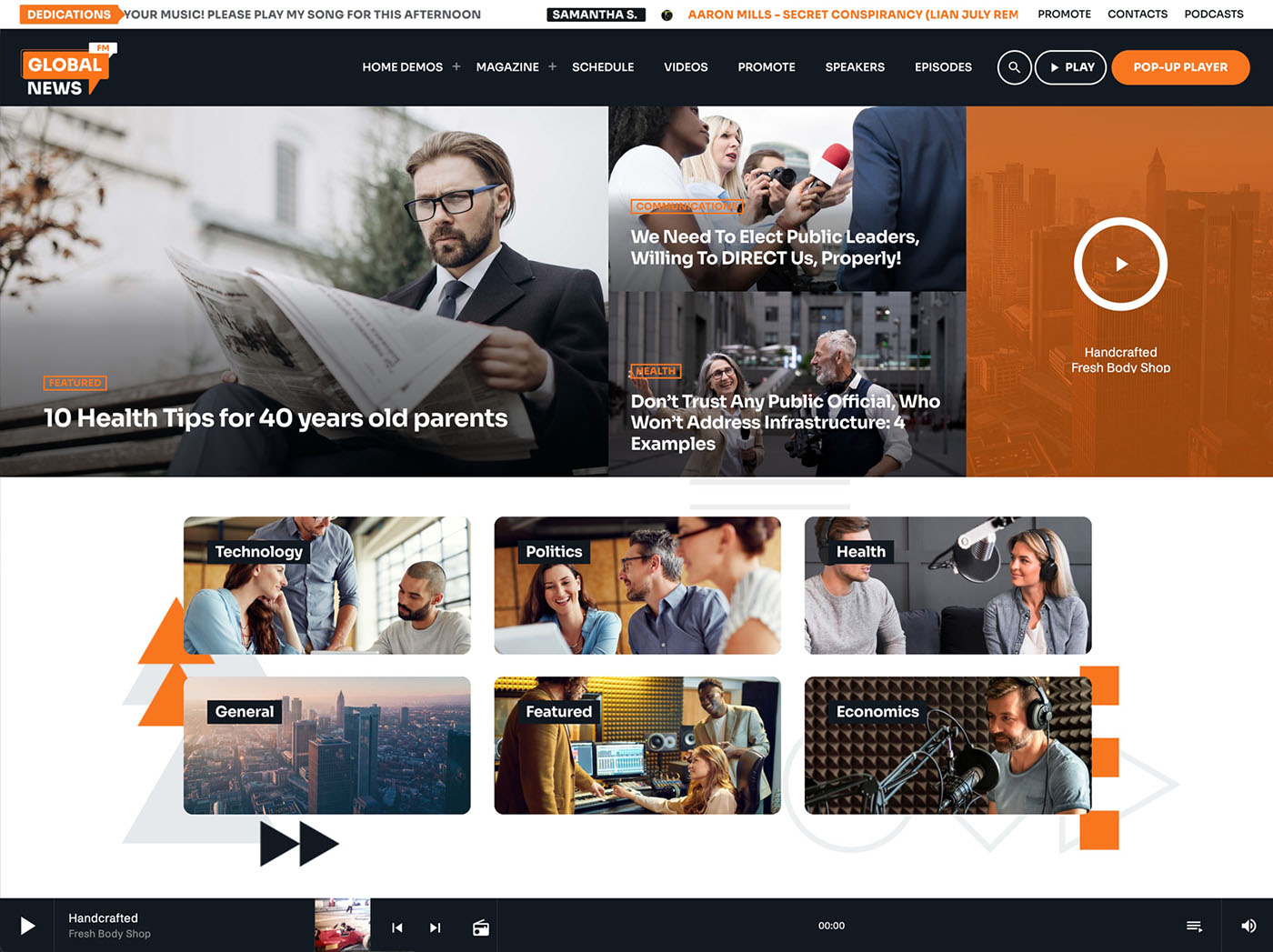
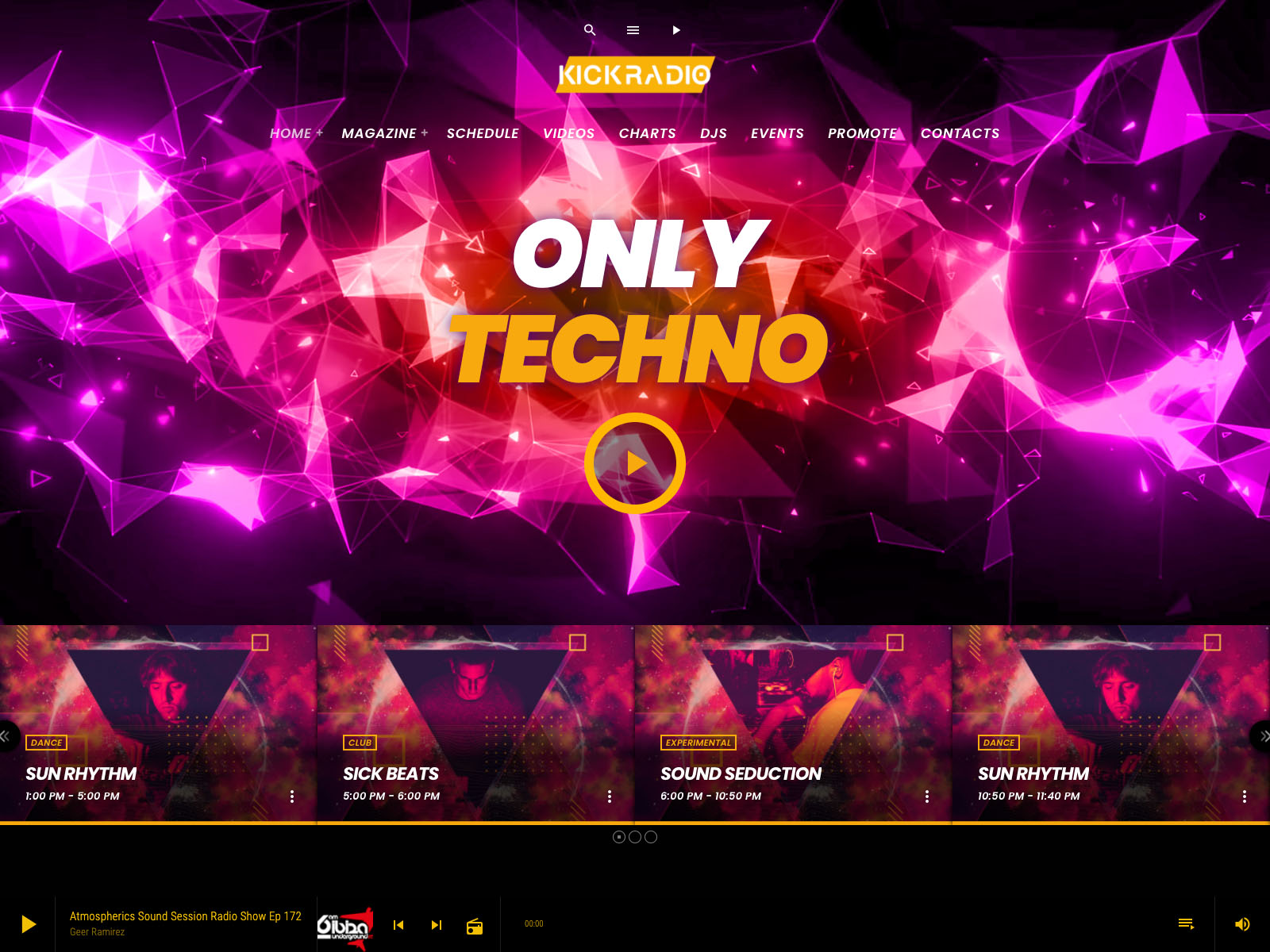
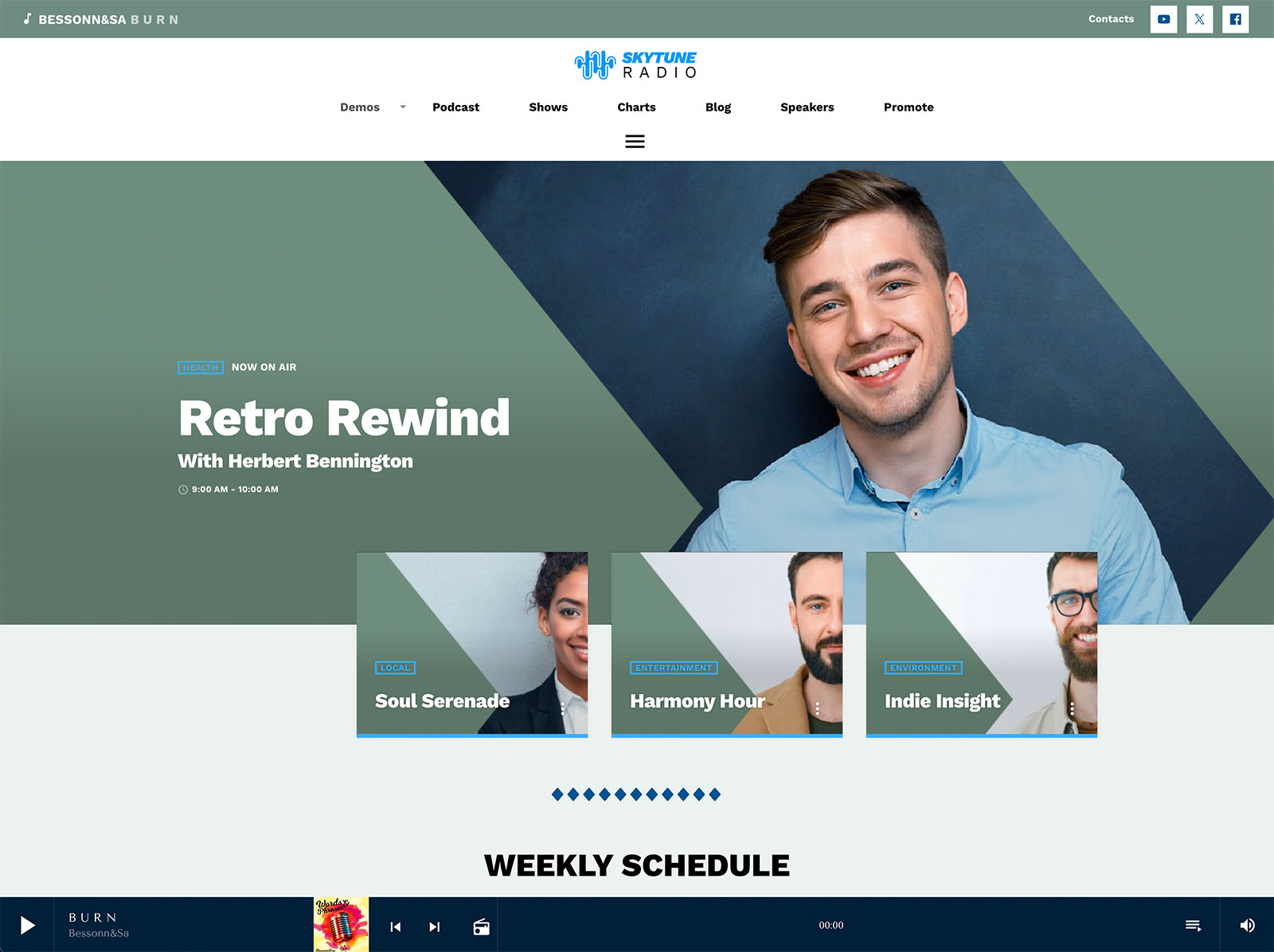
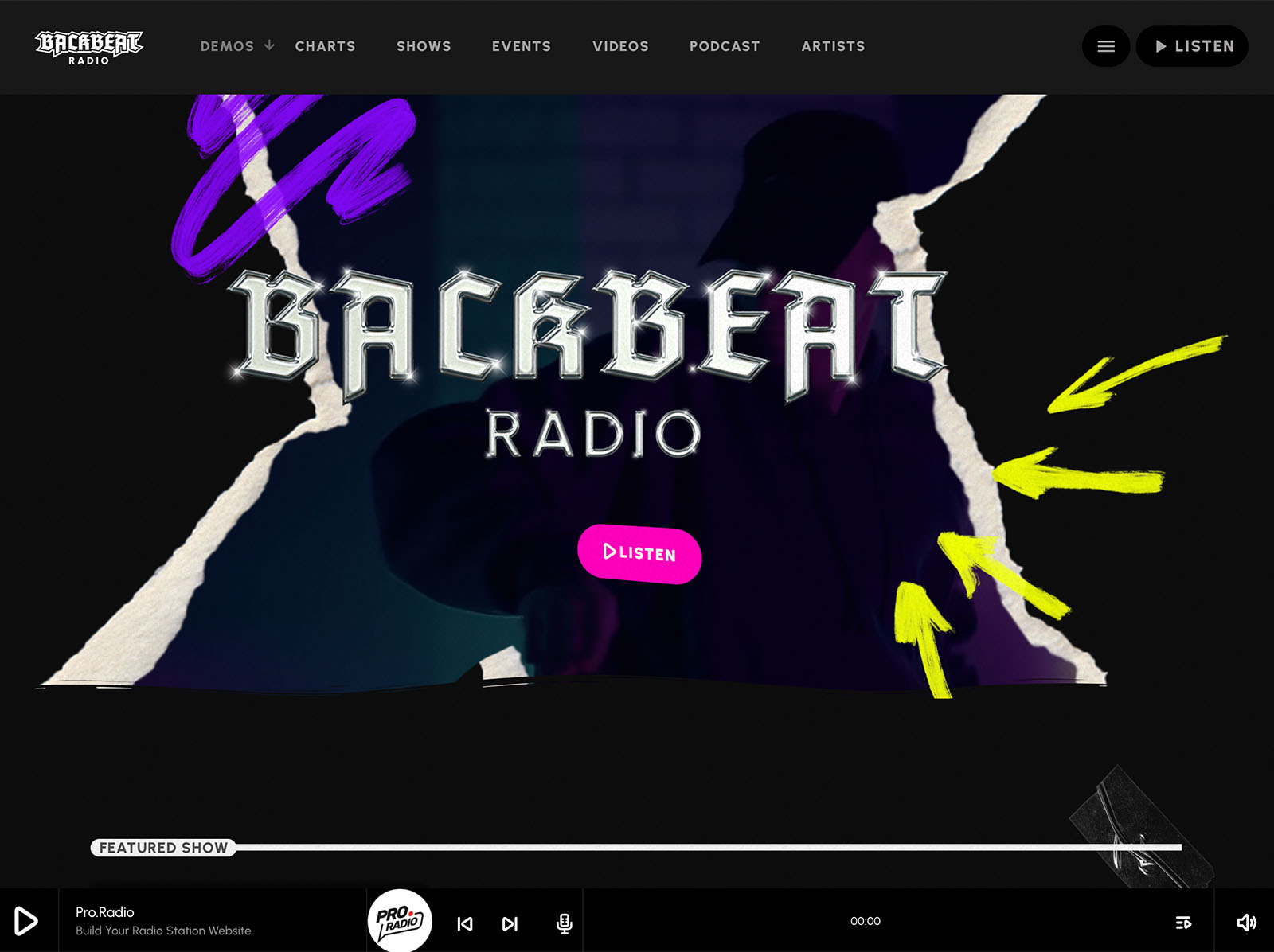
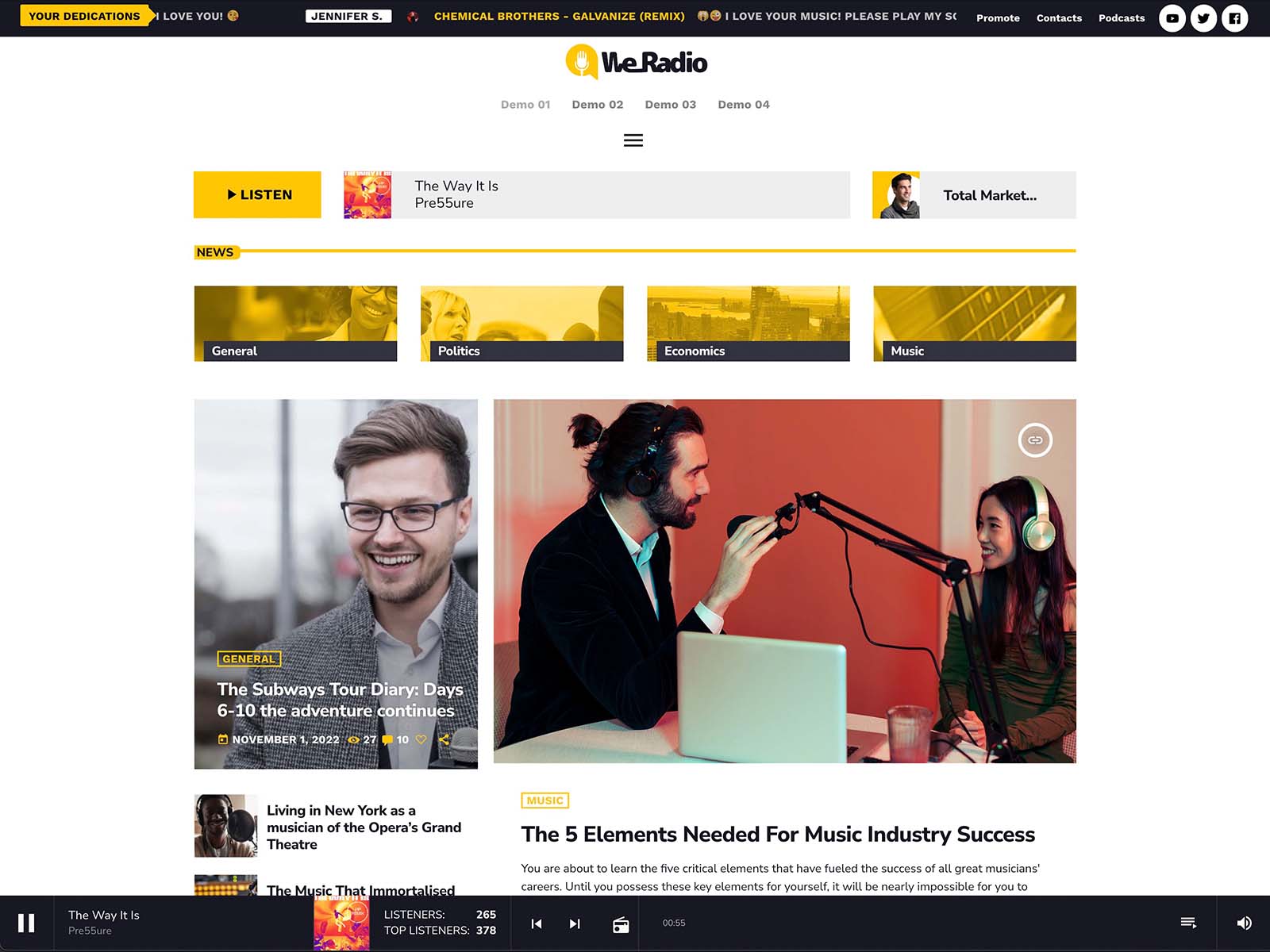
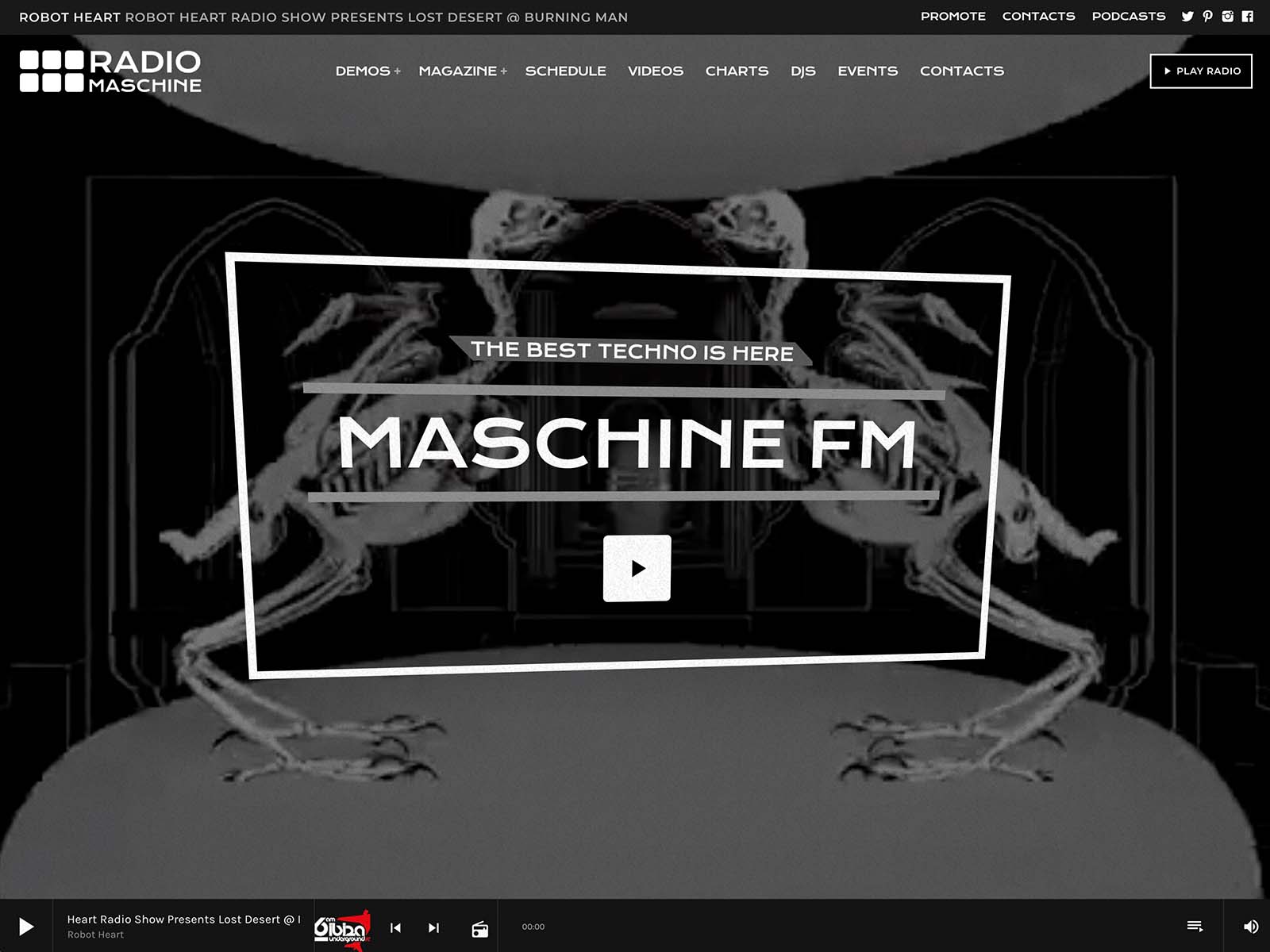
A real radio site has rhythm. A clear play button that loads fast. A live show indicator that tells you what is on right now. A schedule that highlights today. A few upcoming shows in a clean carousel. A “now playing” area with the current song title. Podcasts that play in the same player. Hosts who look like real people. None of this is decorative. Each is a structural element that gives the website the same texture as the broadcast.
A generic theme cannot produce this rhythm. It can fake the appearance, but the underlying behavior is wrong. Pro Radio gives you the behavior.
A Player That Sounds Like You Look
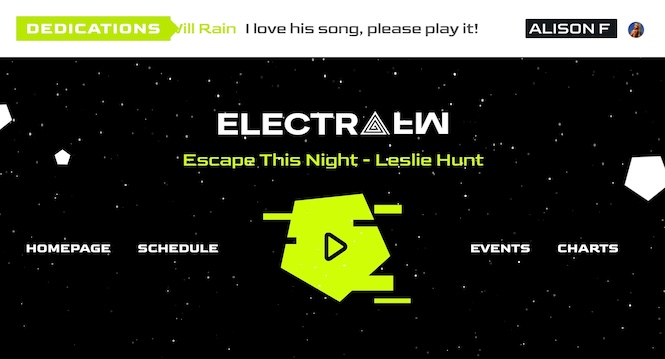
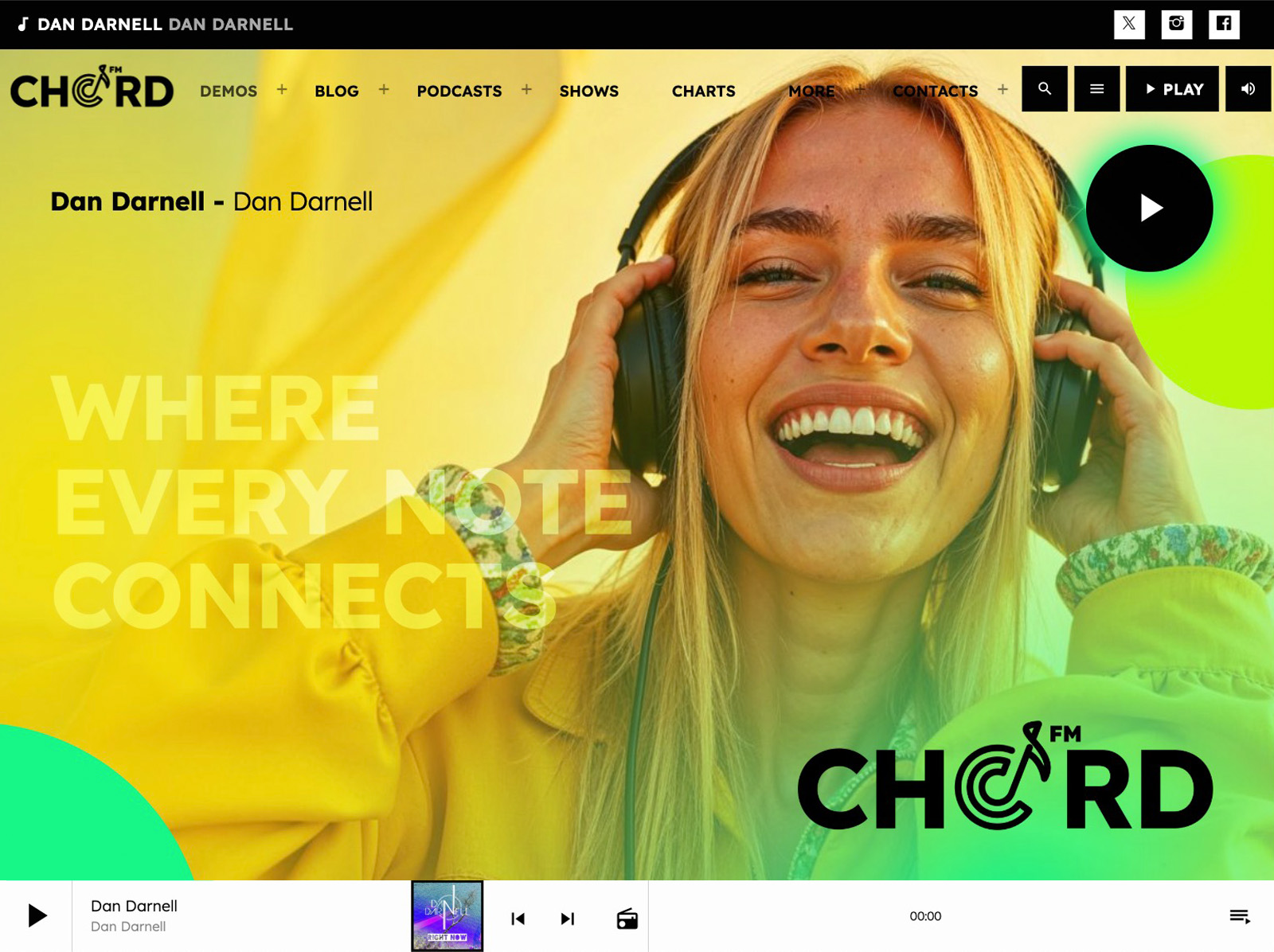
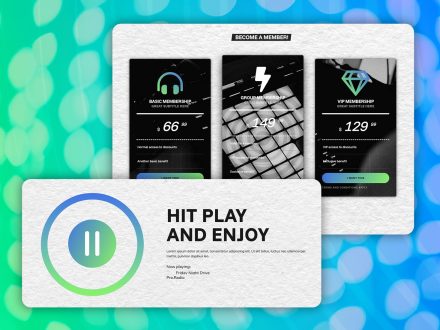
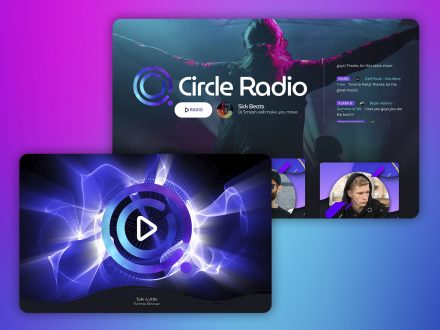
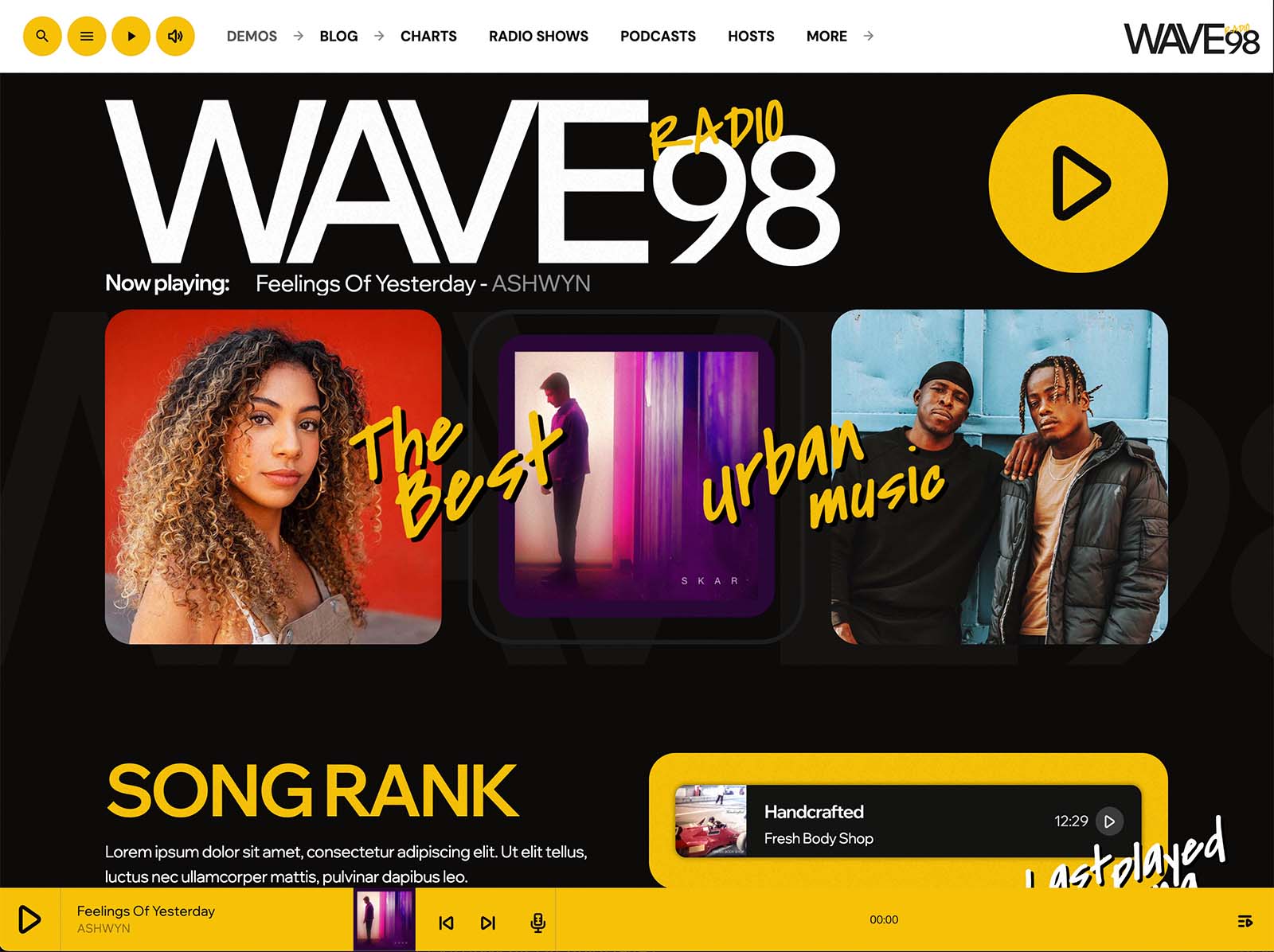
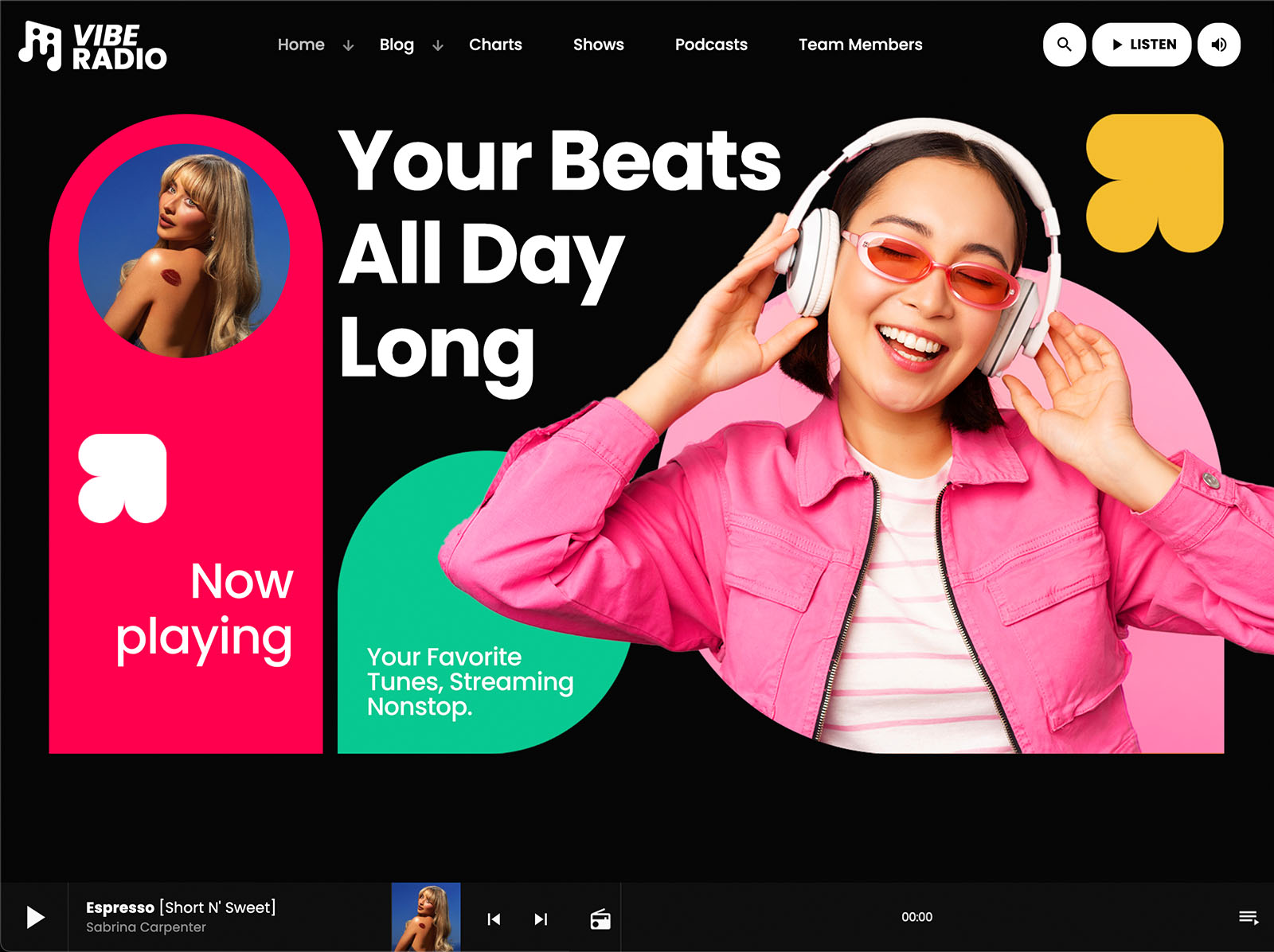
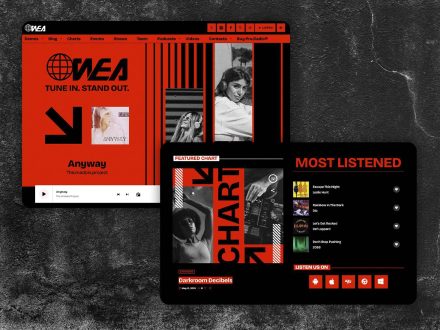
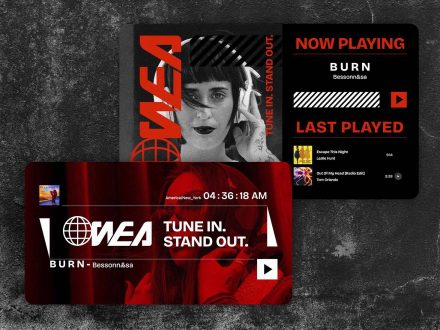
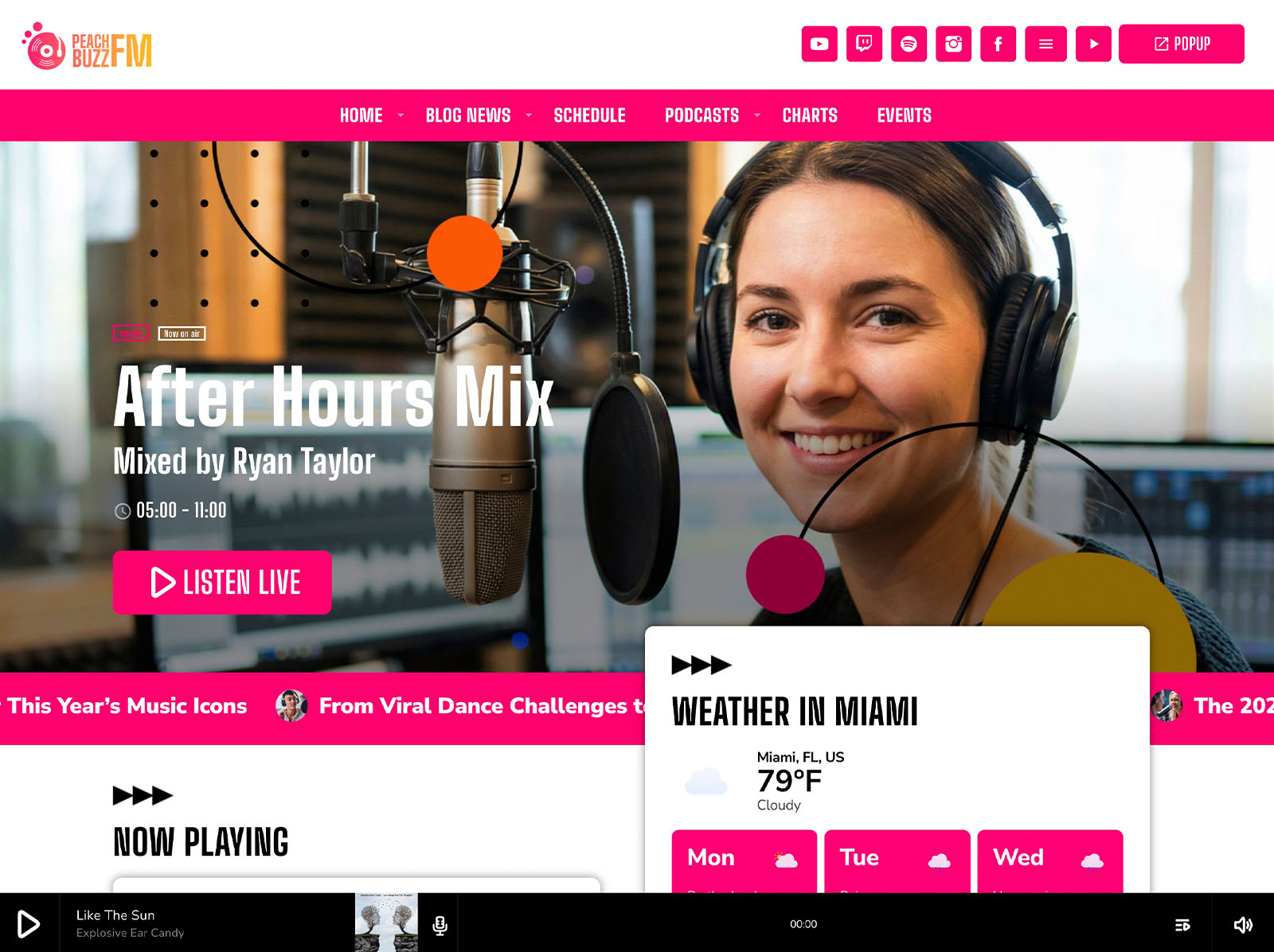
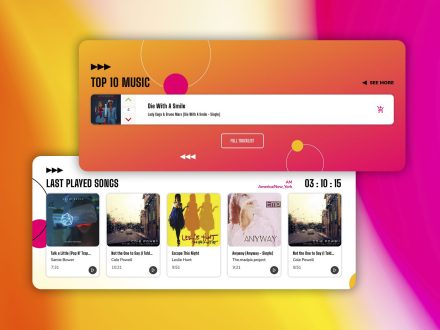
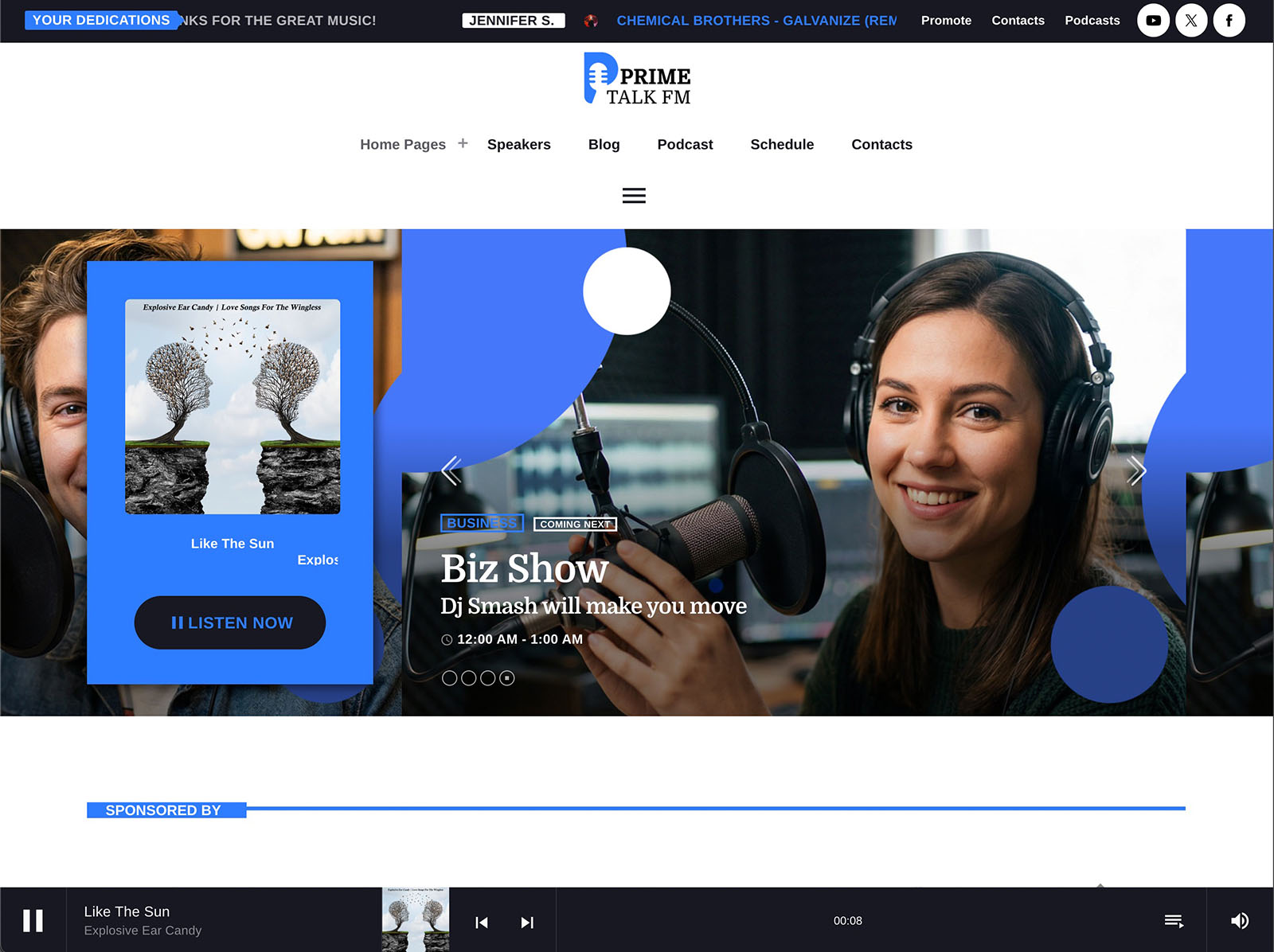
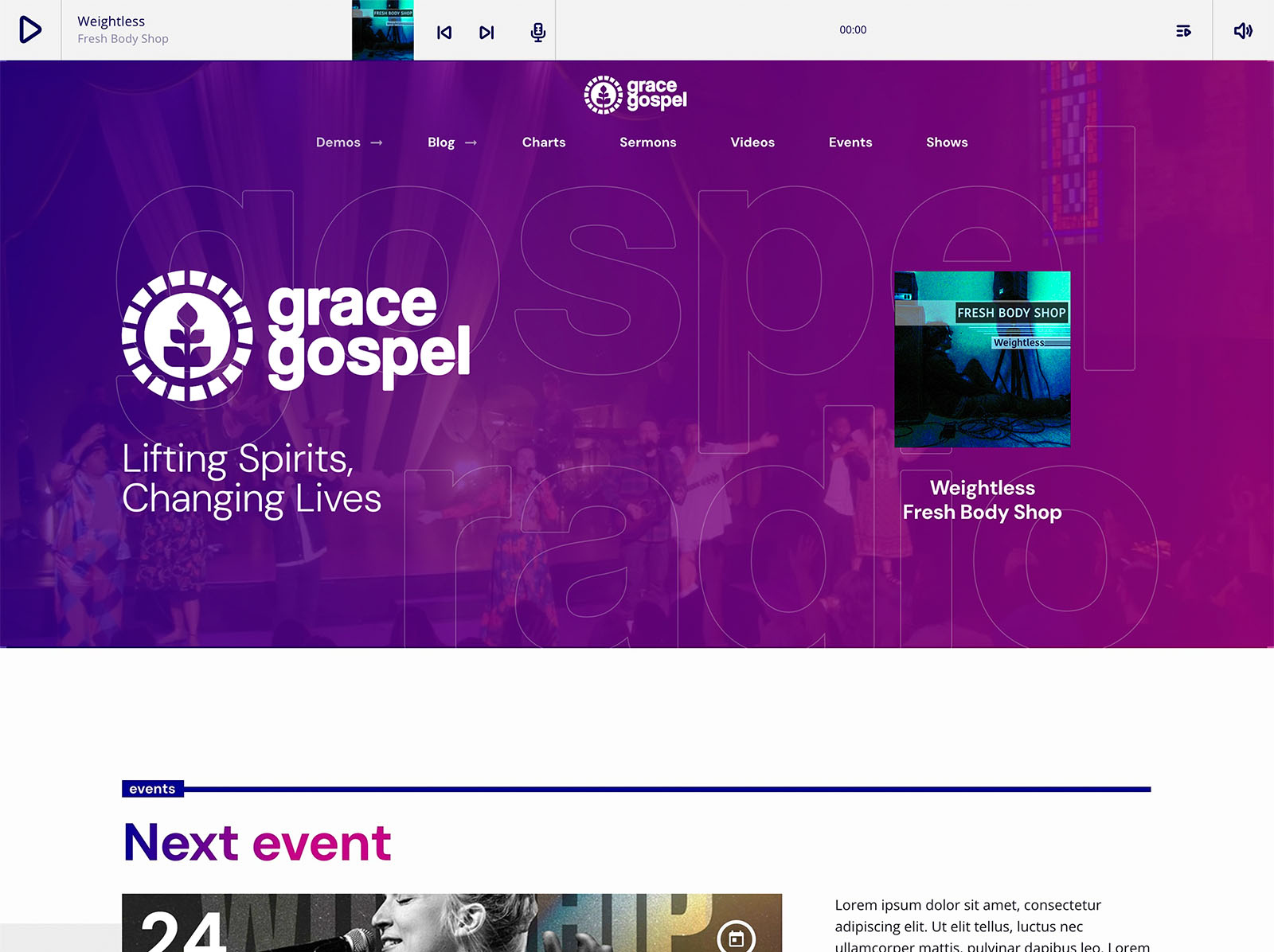
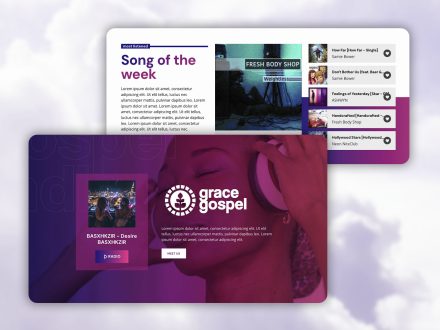
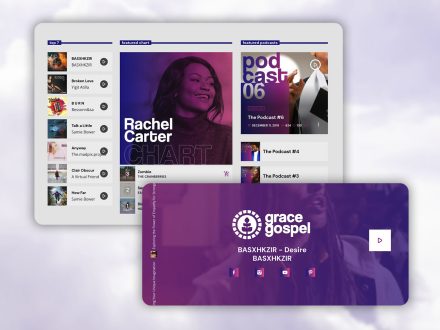
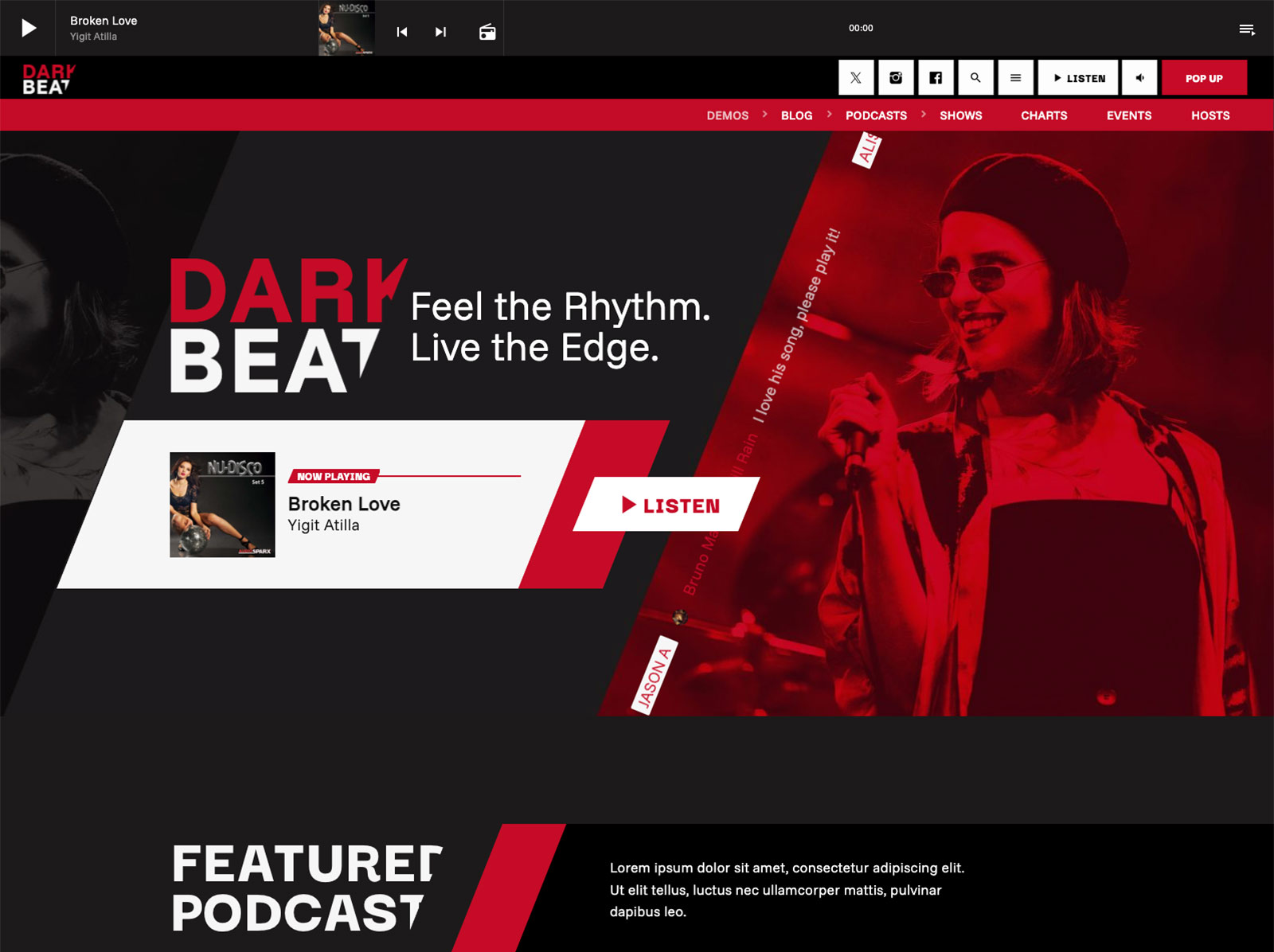
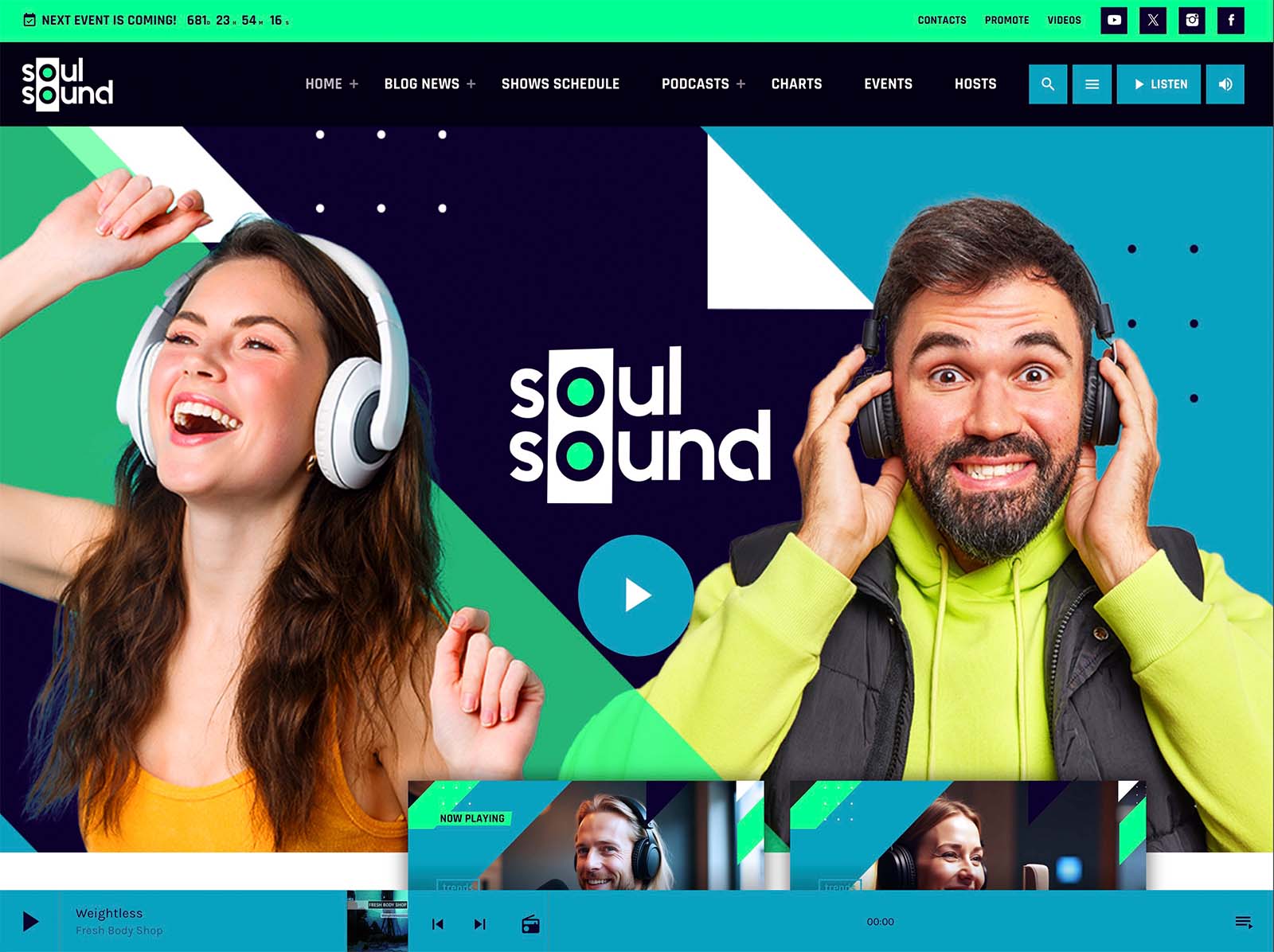
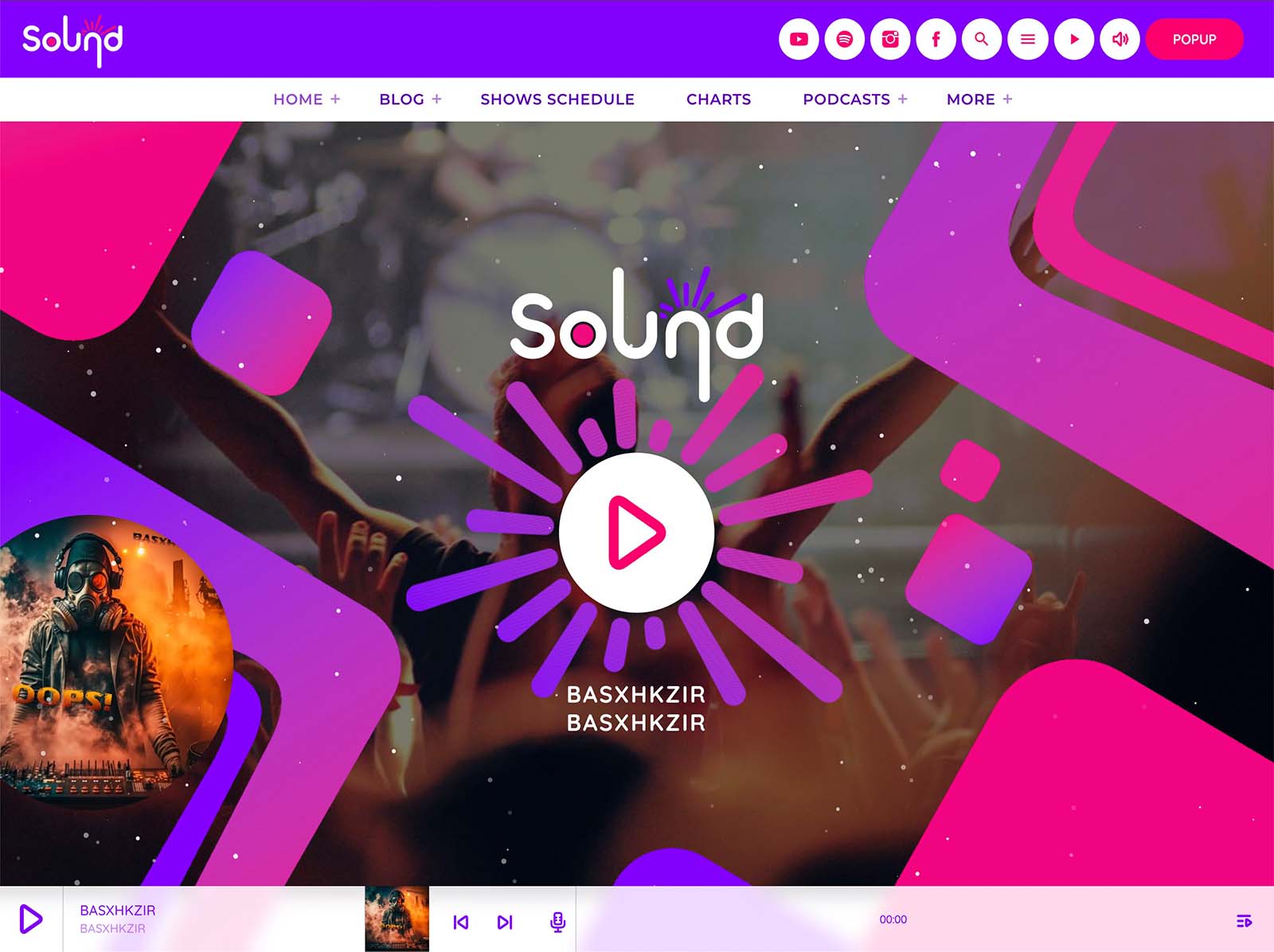
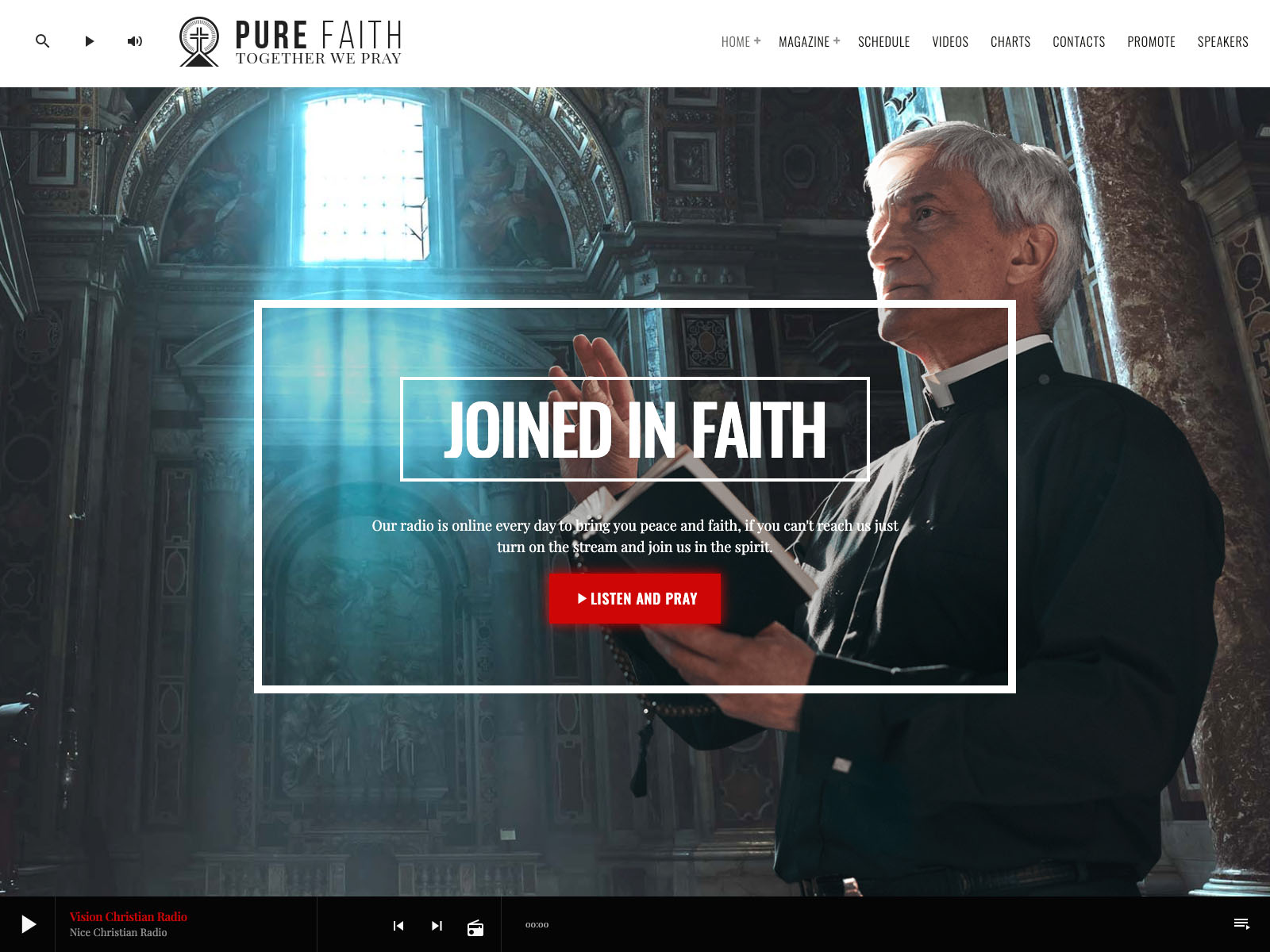
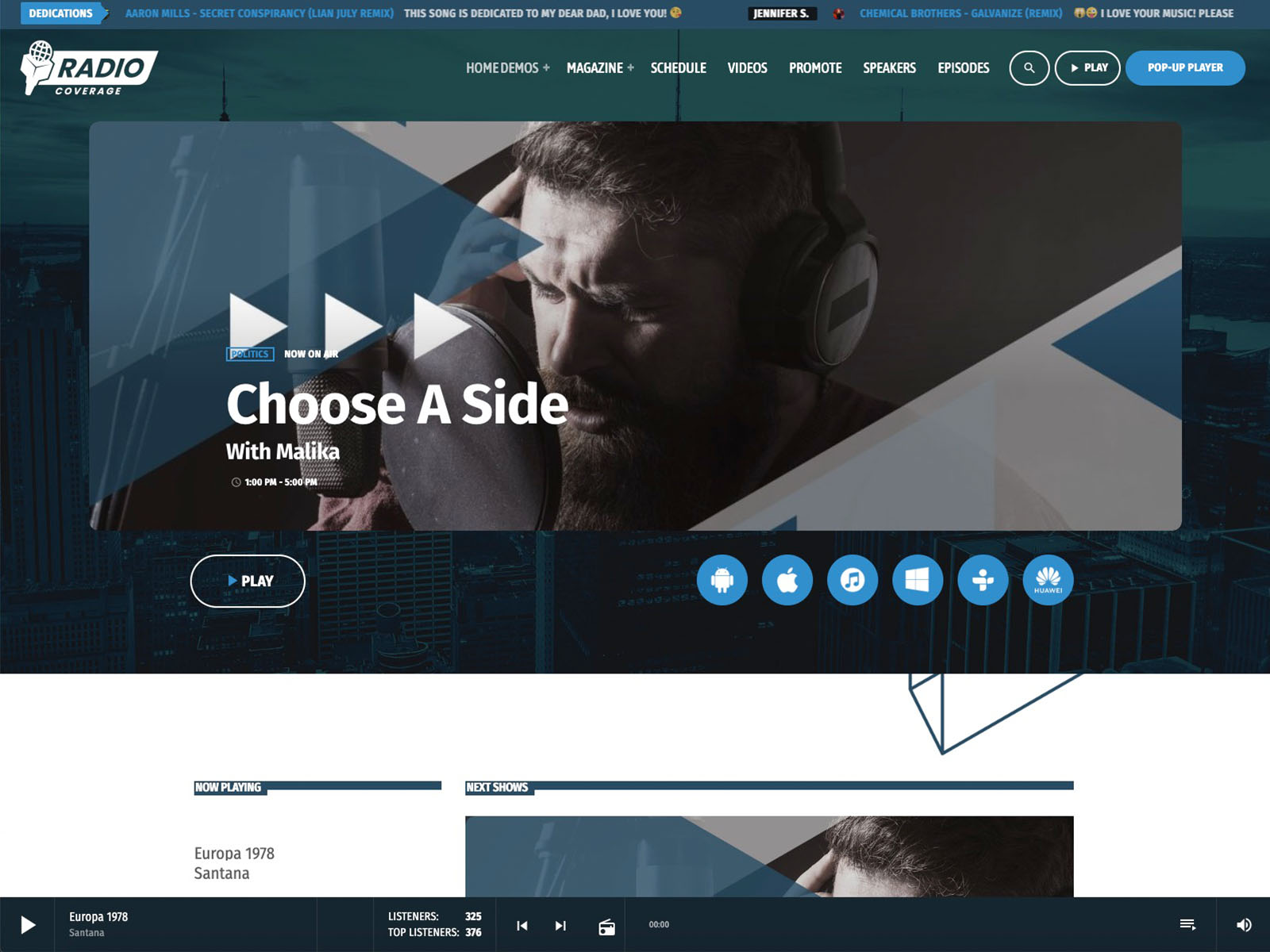
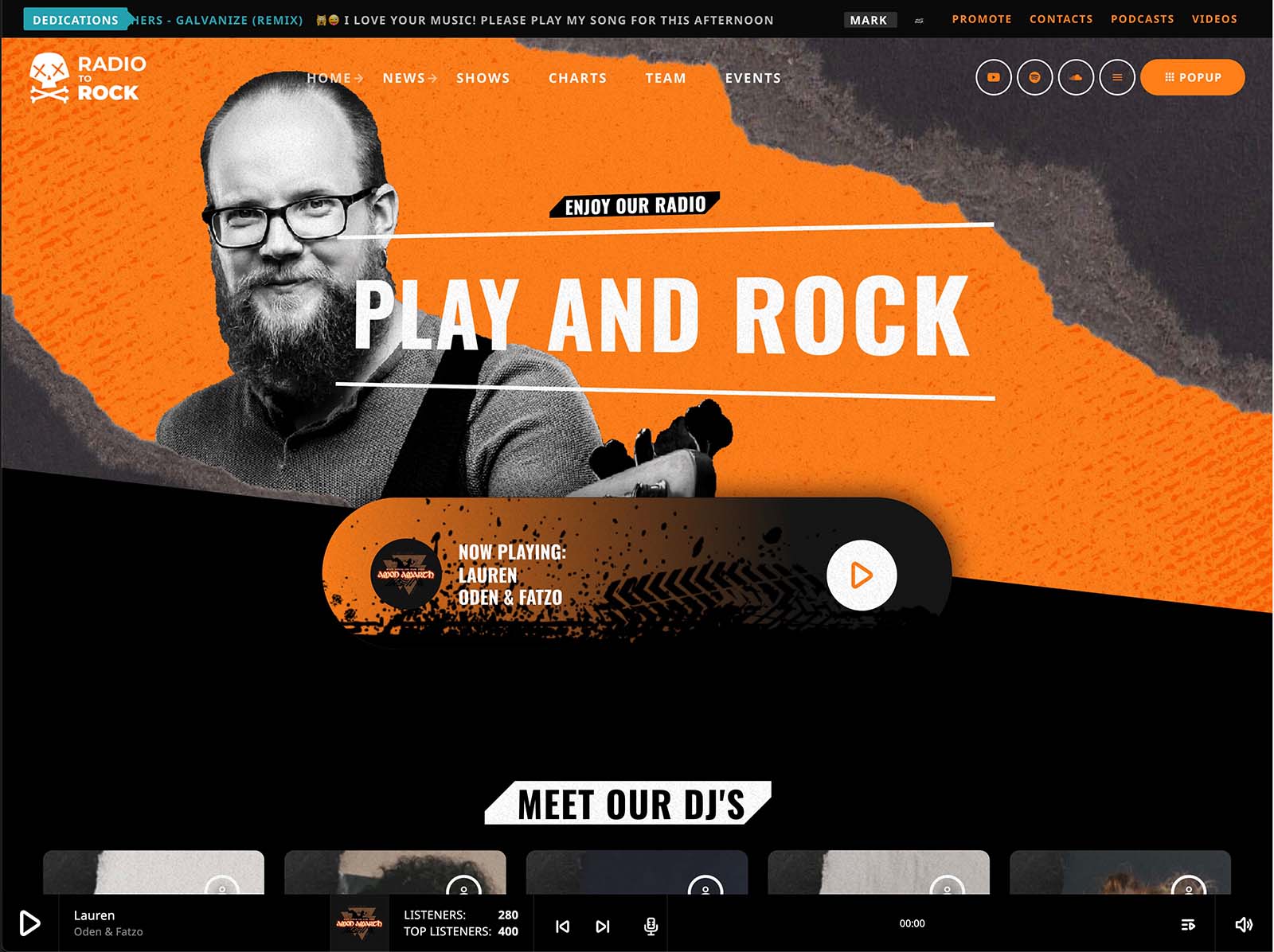
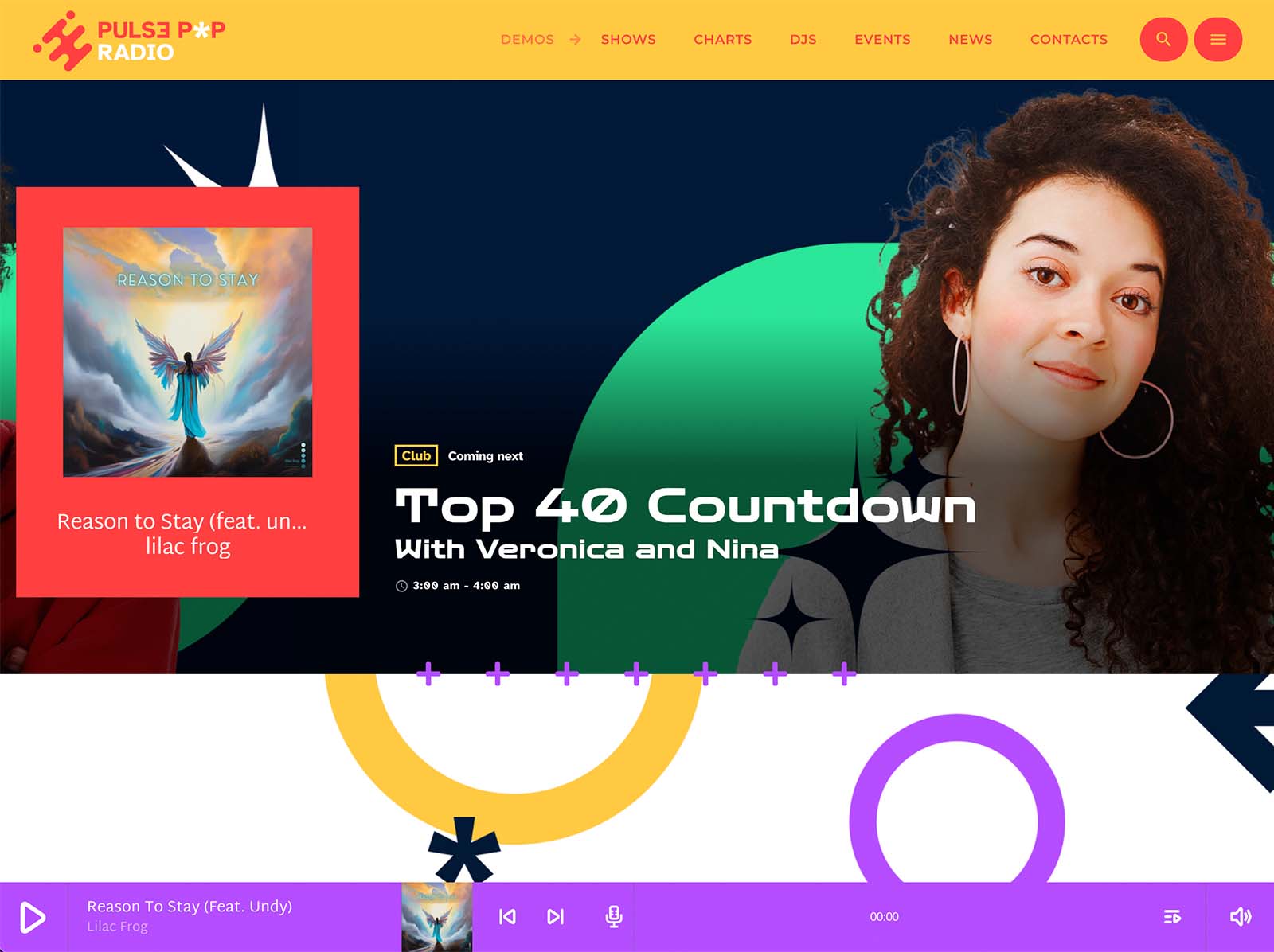
The non-stop player in Pro Radio is built around continuous listening. The bundled Ajax page load keeps the stream alive as visitors browse the site. ICY metadata reads real-time song titles. Public commercial album covers load automatically. Volume and play controls can live in the menu bar. The popup player works comfortably on mobile.
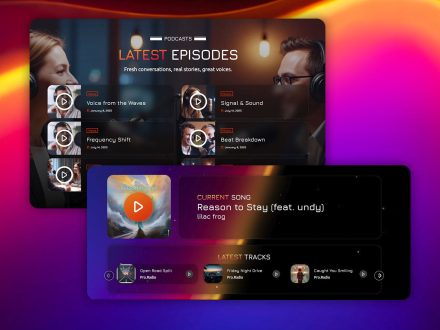
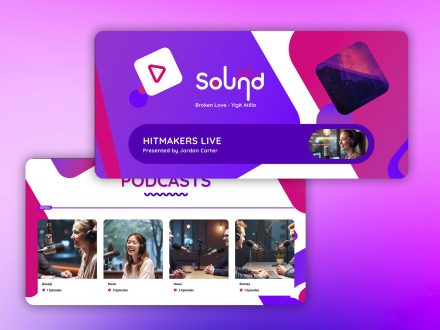
You can drop play buttons anywhere through Elementor widgets. The player can sit in the header on large screens, so it is always visible without dominating the page. The Radio Channels post type covers unlimited streams if you operate more than one. The same player handles streams, podcasts, and chart samples, so the audio experience stays consistent regardless of what the listener is doing on the site.
This is what a player should feel like for a station whose audio is already polished.
A Schedule That Behaves Like A Station Week
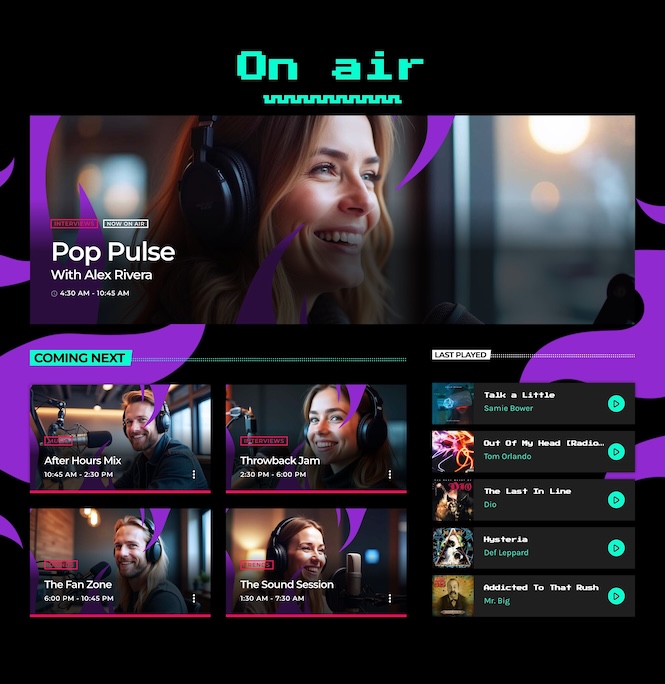
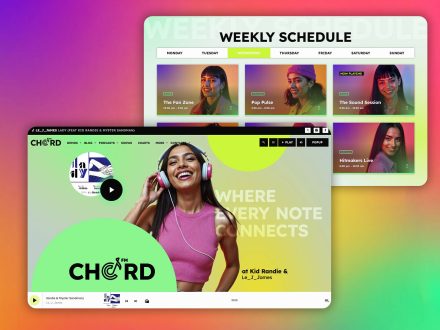
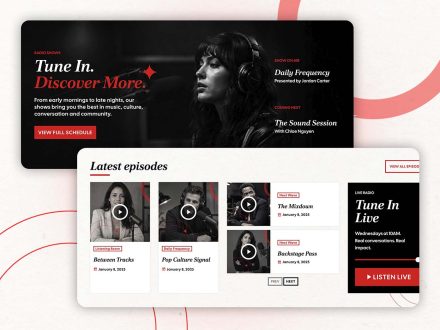
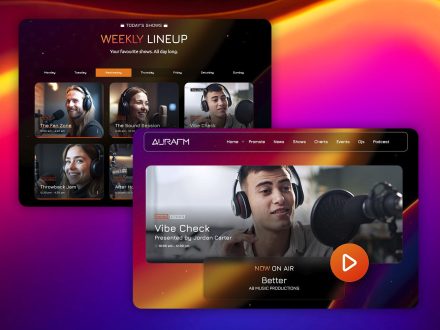
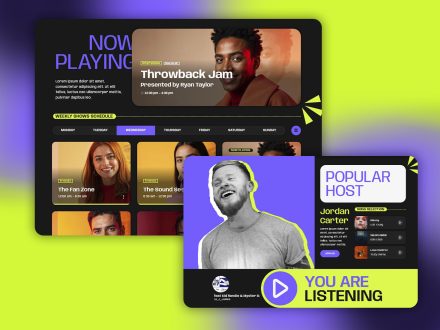
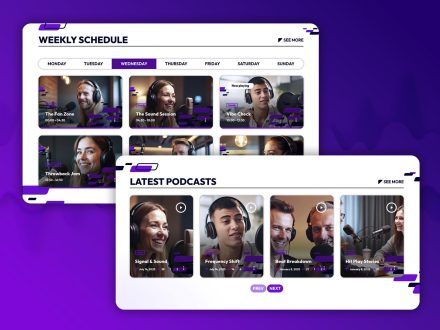
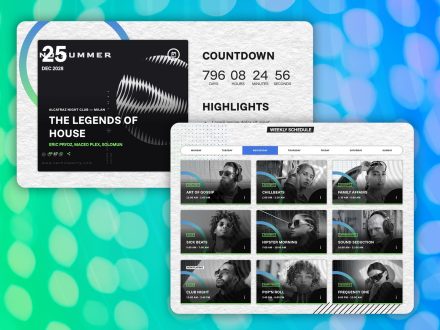
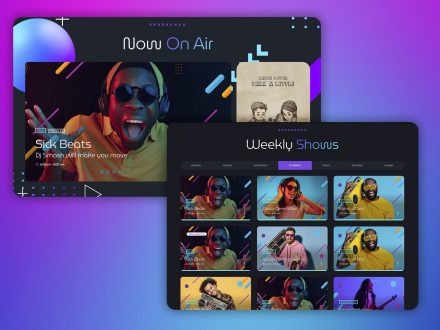
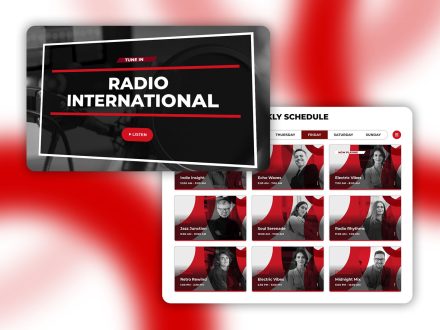
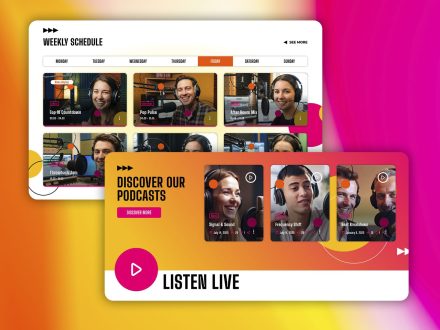
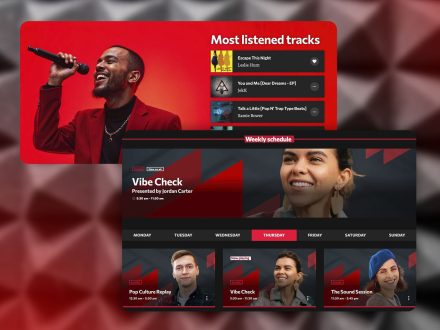
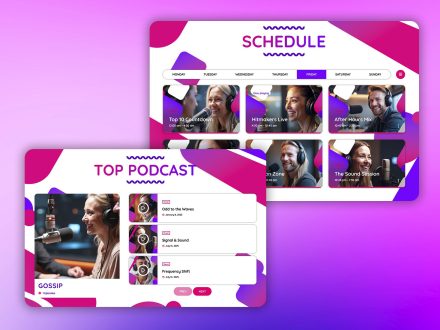
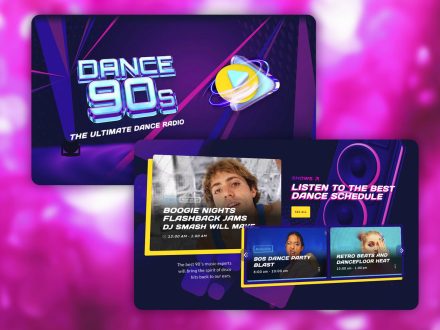
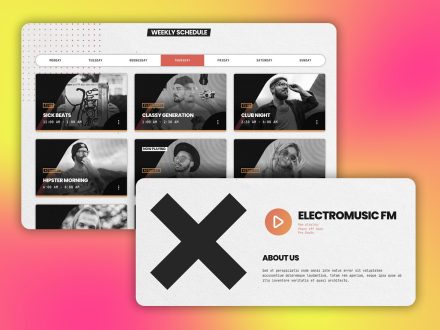
The interactive weekly schedule supports unlimited shows. The current day is preselected. The show on air right now is highlighted. Editing one show updates every time slot it occupies. For multi-channel stations, the filter system handles up to five channels in the same schedule.
Visitors do not have to translate a static table into their own time zone of curiosity. They glance at the schedule and immediately know what is on, what is next, and where the night is heading. That alone changes how the site feels.
Show Pages That Feel Like Programs
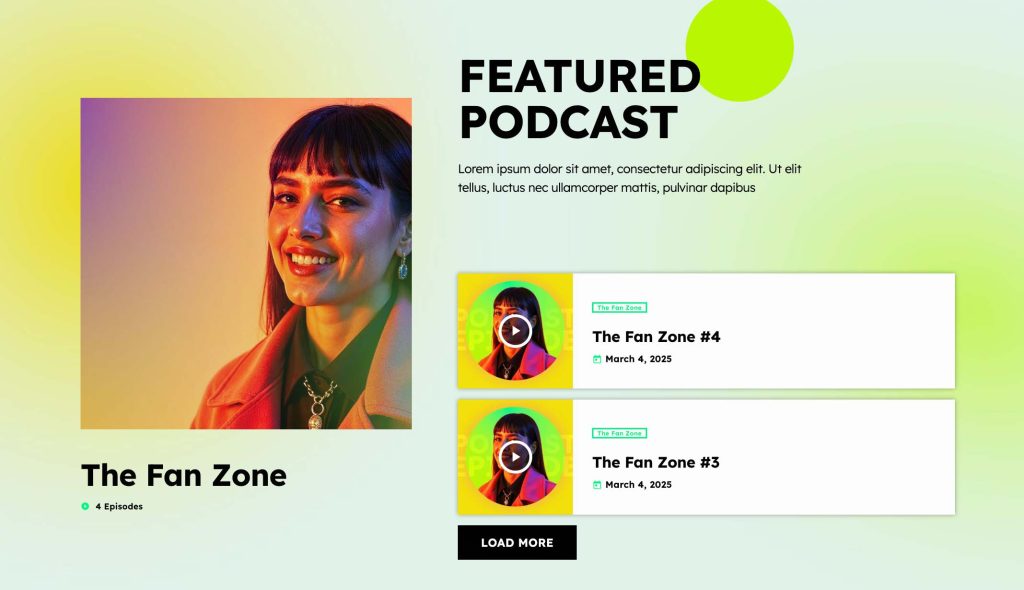
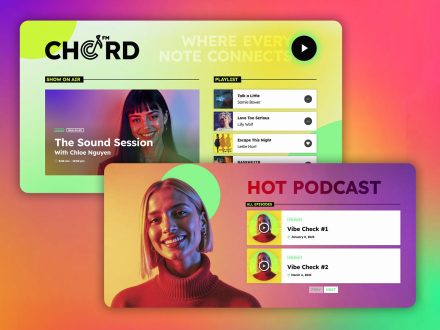
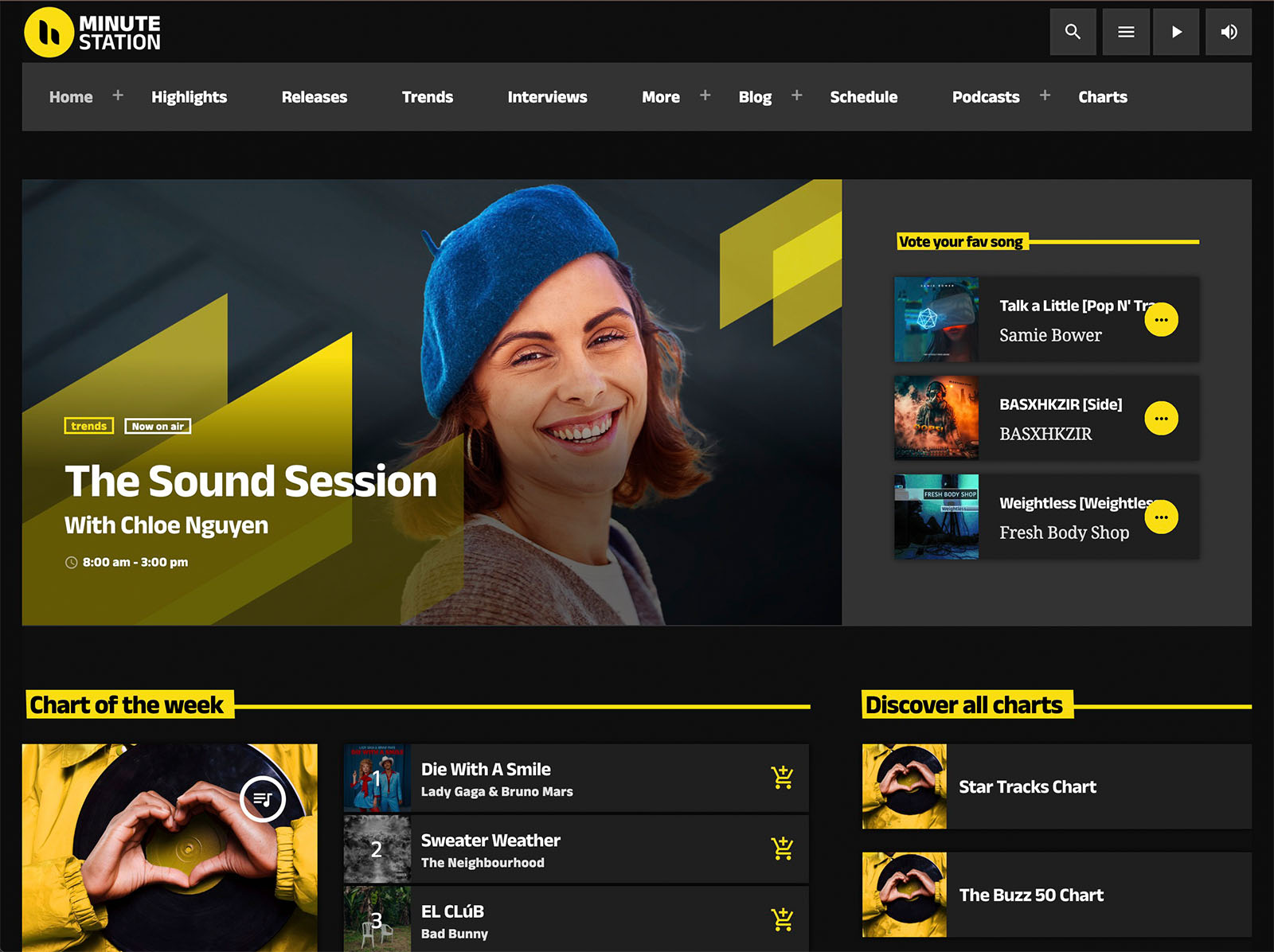
Each show in Pro Radio has its own page that automatically gathers related content. The timetable for the show. Recent podcast episodes. The music chart tied to the show. Presenters and DJs. Related news posts. Upcoming events.
These pages build themselves. You add a show once and the connections appear. Presenters can share their show page like a portfolio. Listeners who click a show name fall into a small ecosystem of content tied to that program. That is the difference between a static list of programs and a real catalog.
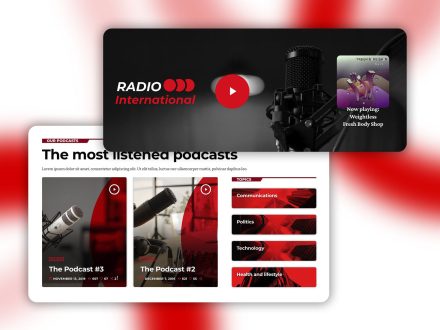
Podcasts In The Same Sonic Identity
Hosts With Real Identities
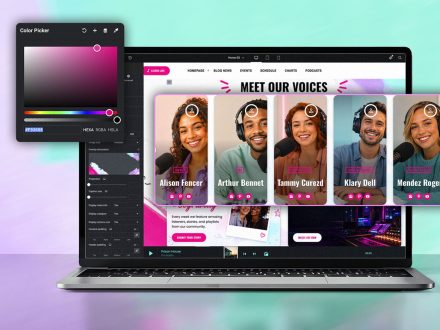
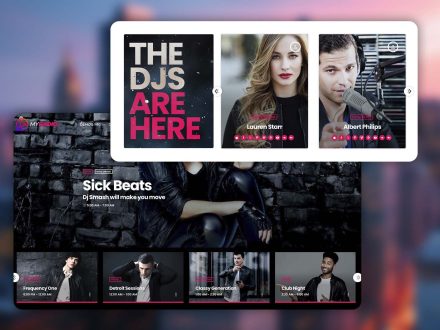
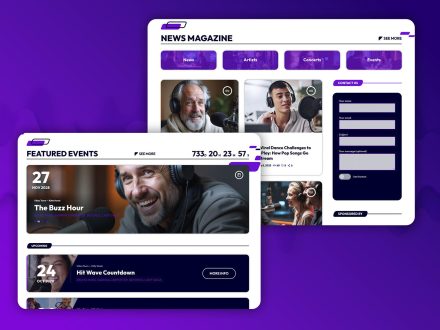
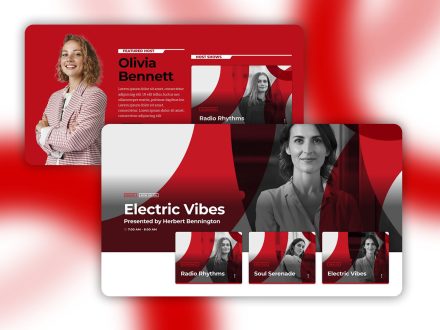
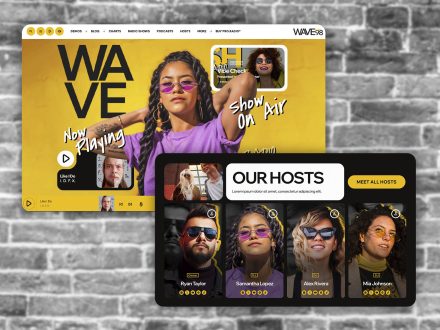
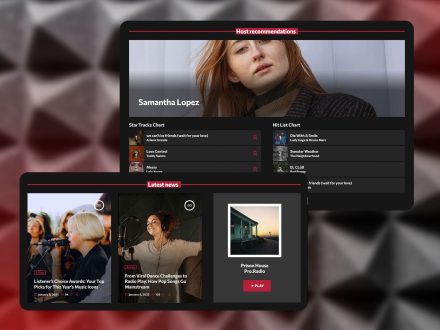
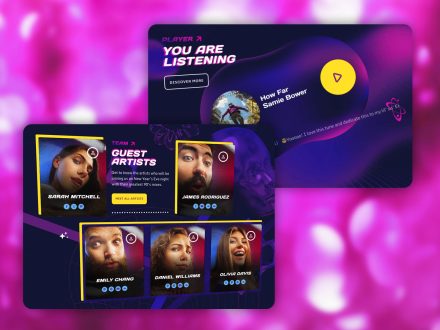
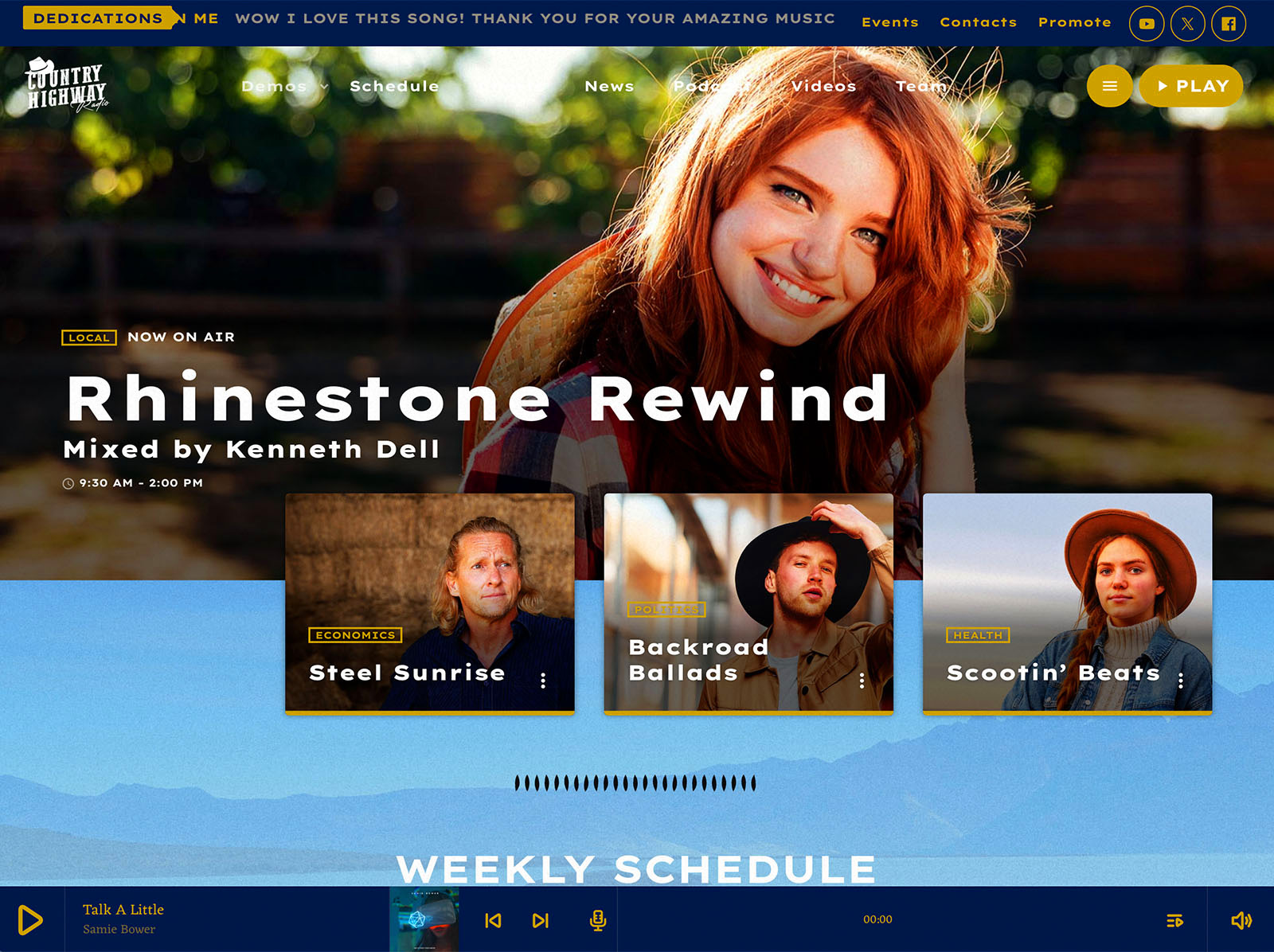
A polished broadcast has real personalities. The website should reflect those personalities. The Members post type in Pro Radio gives each DJ, presenter, or journalist a profile with a role label, a short bio, and social network icons. Custom taxonomies group them by show, genre, or team. They appear in carousels, archives, and related show pages automatically.
A small change with a large effect. Hosts feel like people. Listeners attach to them. The station feels less like a stream and more like a community.
Engagement That Sounds Like Two-Way Communication
A great broadcast invites participation. The website should too. Pro Radio includes a few features that handle this without becoming a maintenance burden.
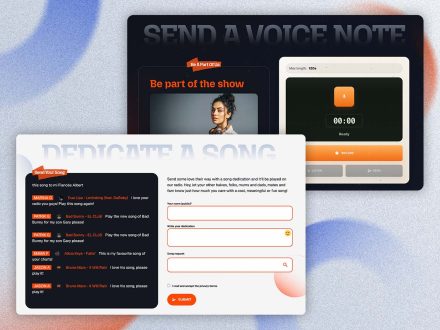
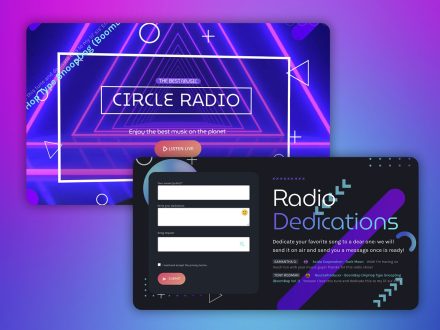
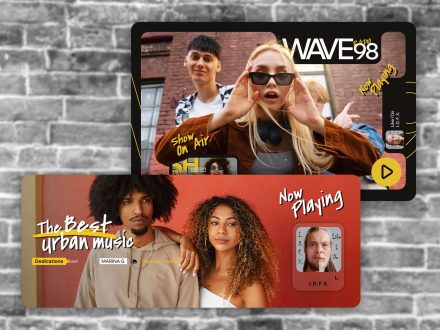
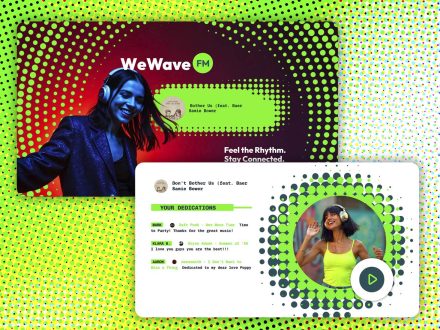
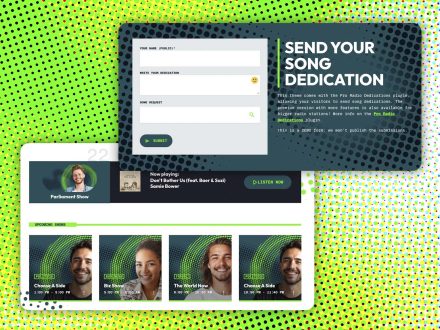
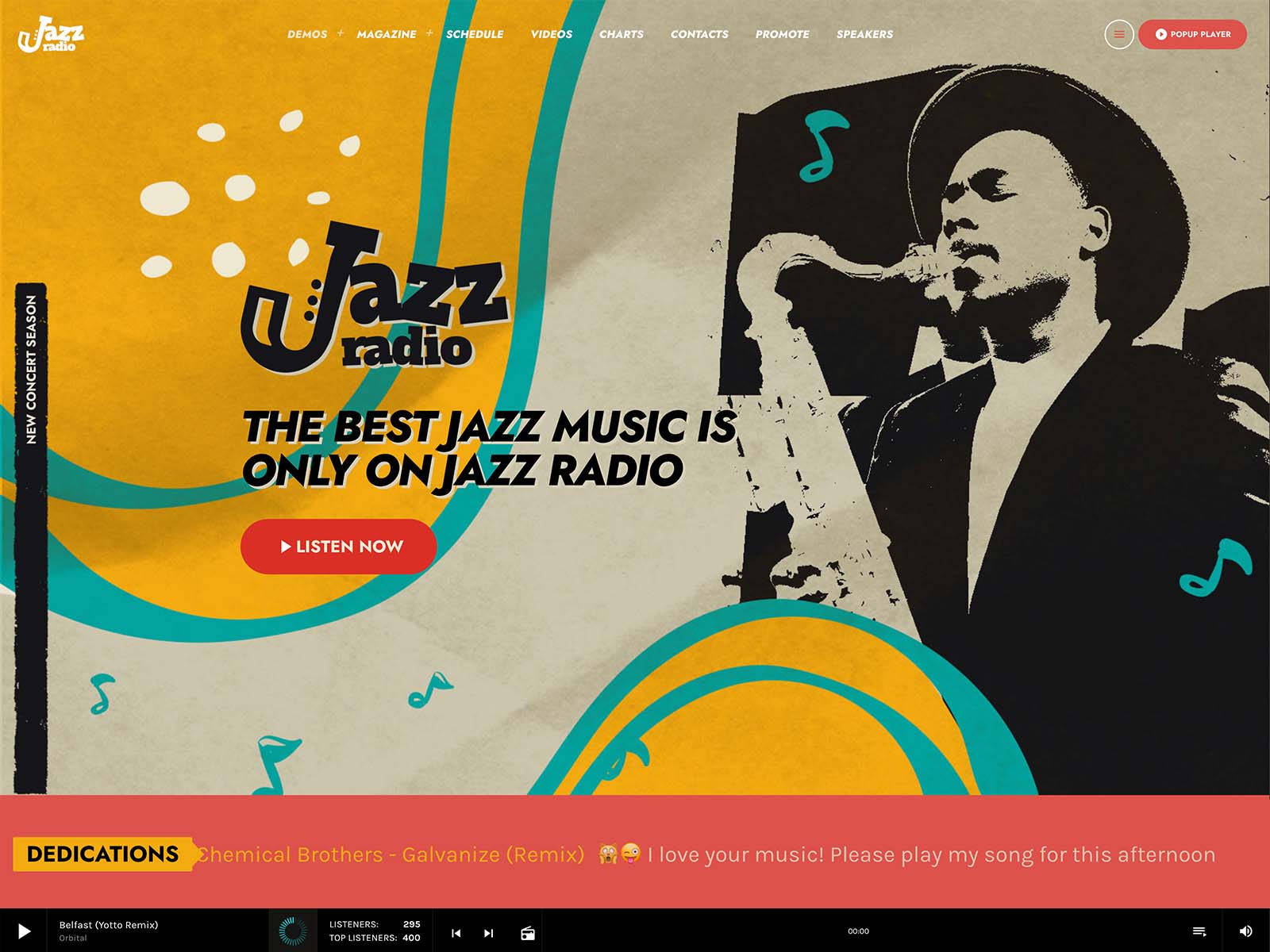
- Dedications: listeners submit dedications through a form. You approve them with one click. They appear on the page automatically. Antispam, IP blacklist, and email notifications handle the boring parts.
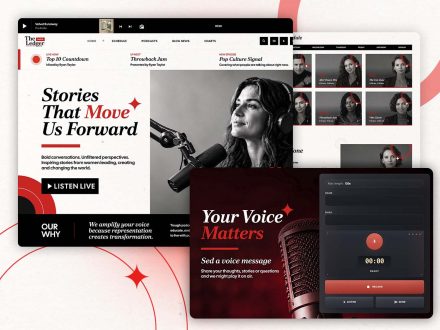
- Voiceline: listeners record voice messages directly from the site through an Elementor widget. You review them, edit if needed, and air the approved ones.
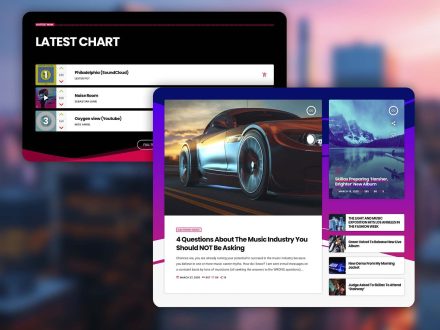
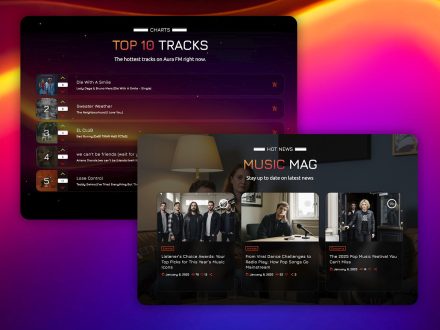
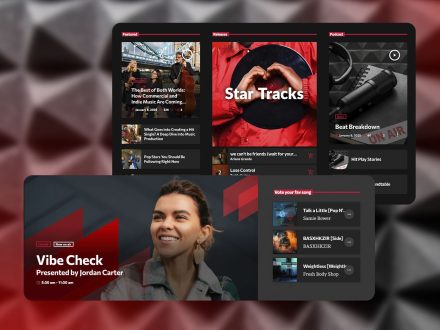
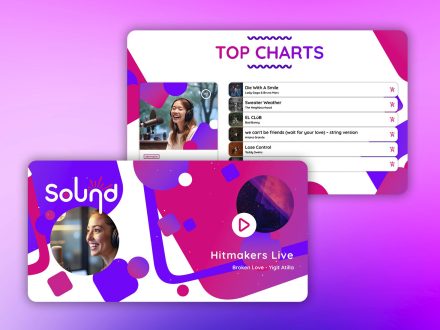
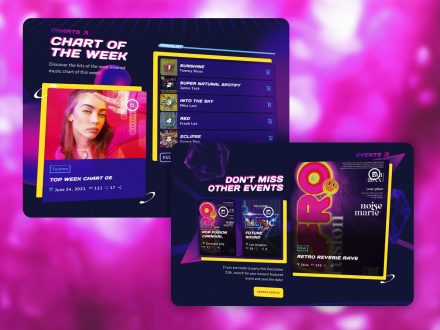
- Charts with voting: listeners vote, the chart reorders by votes, and they come back to see whether their pick climbed.
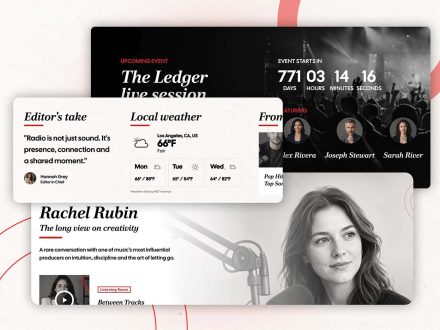
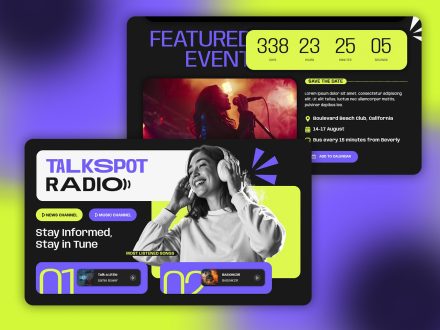
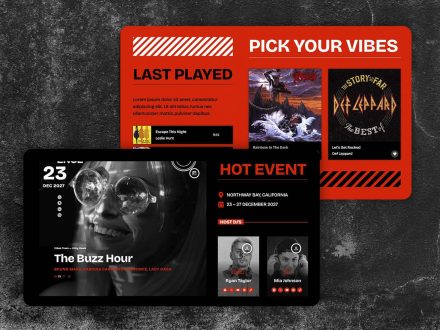
- Events with countdowns: upcoming events display with countdowns and Add to Calendar buttons.
Participation features make the website feel alive in the same way a great broadcast does.
Design Choices That Match The Brand
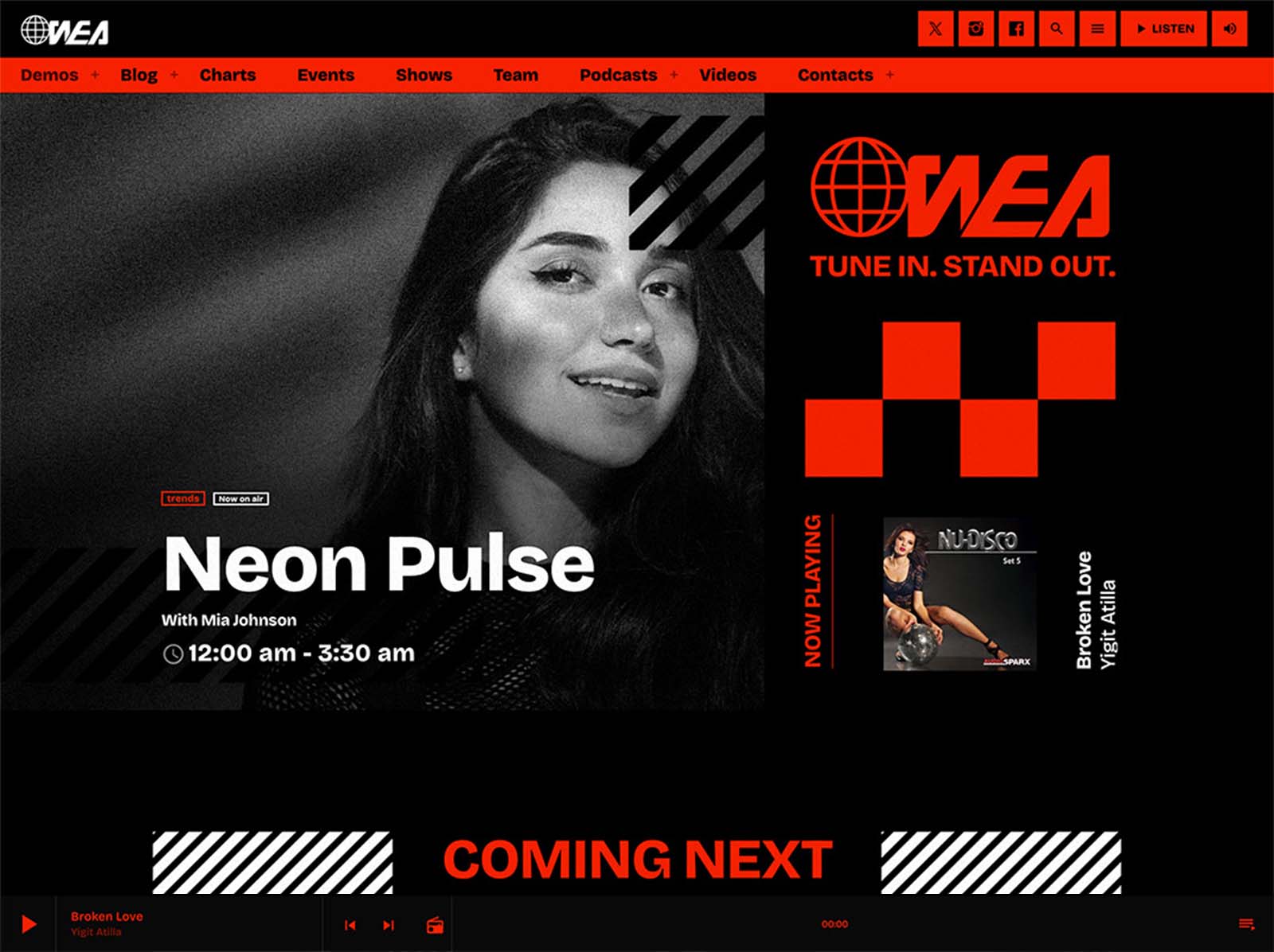
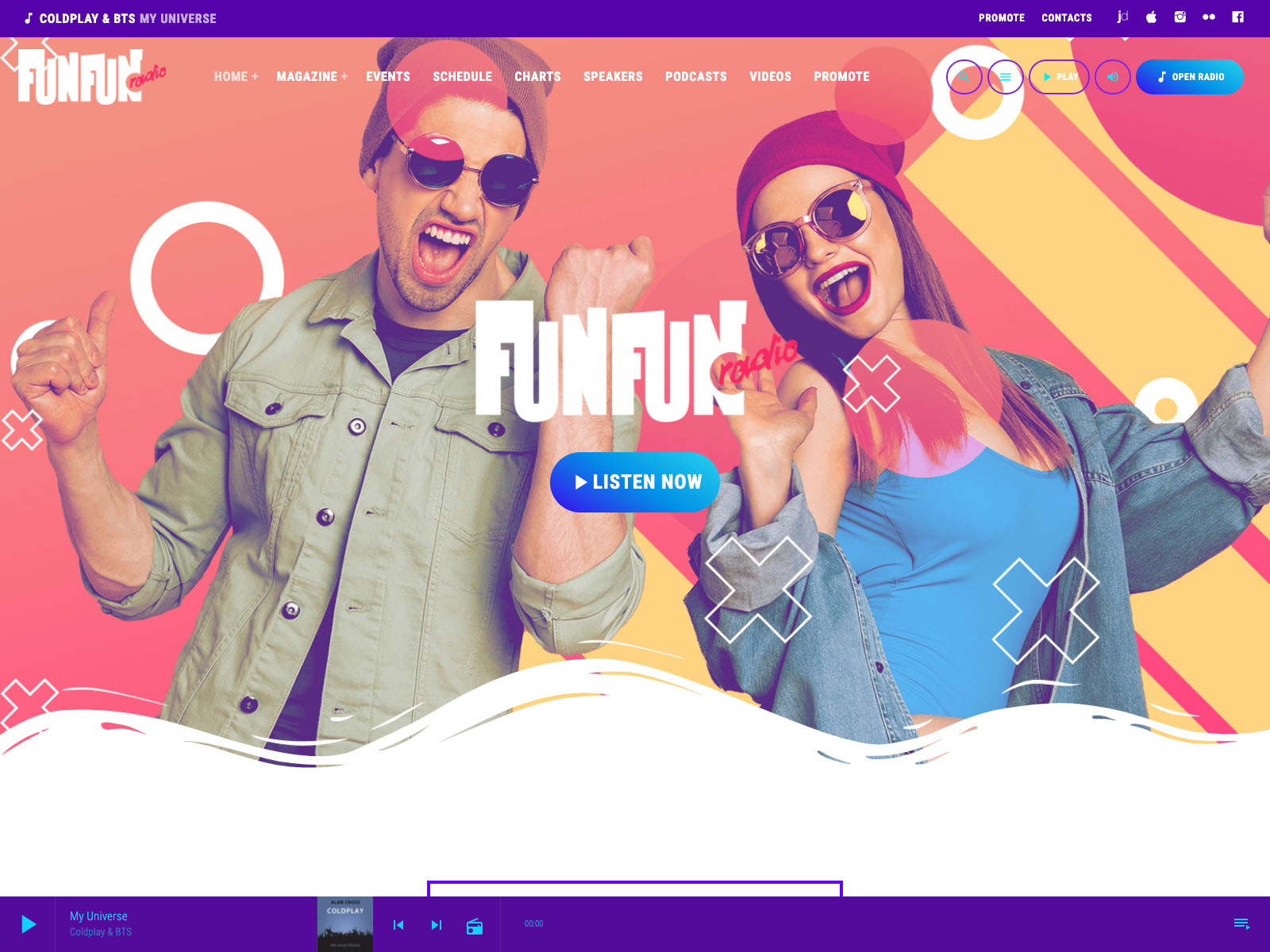
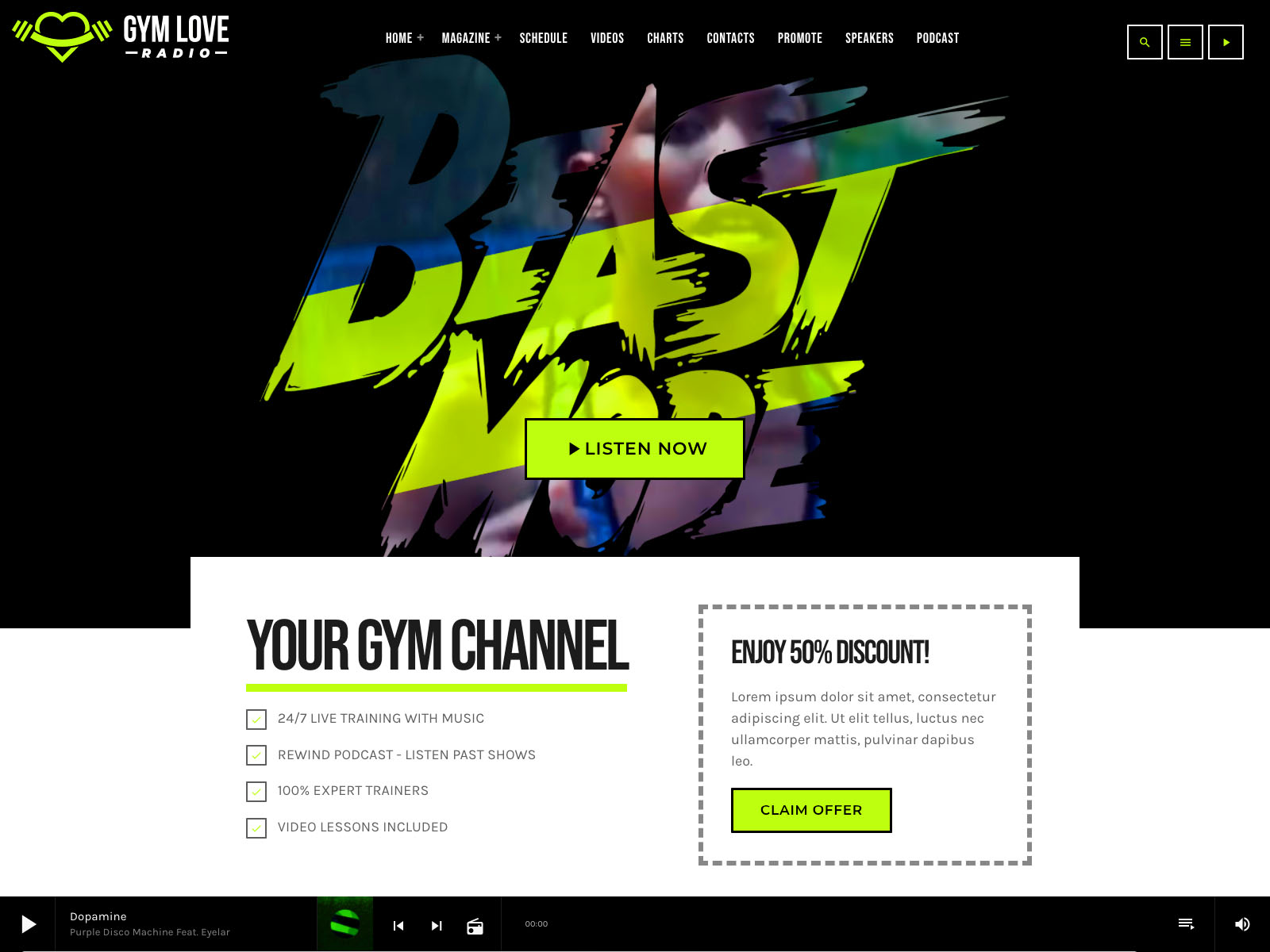
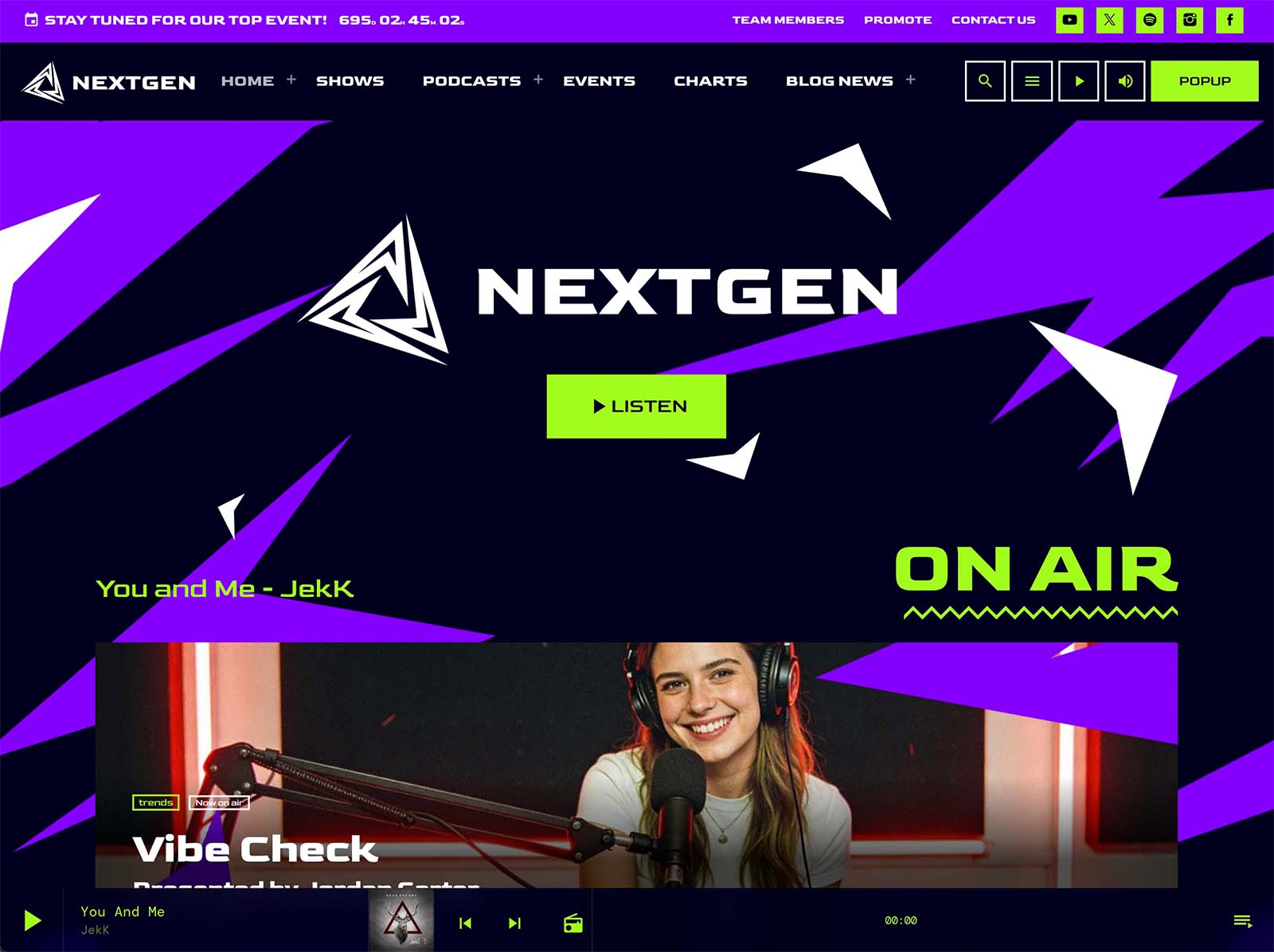
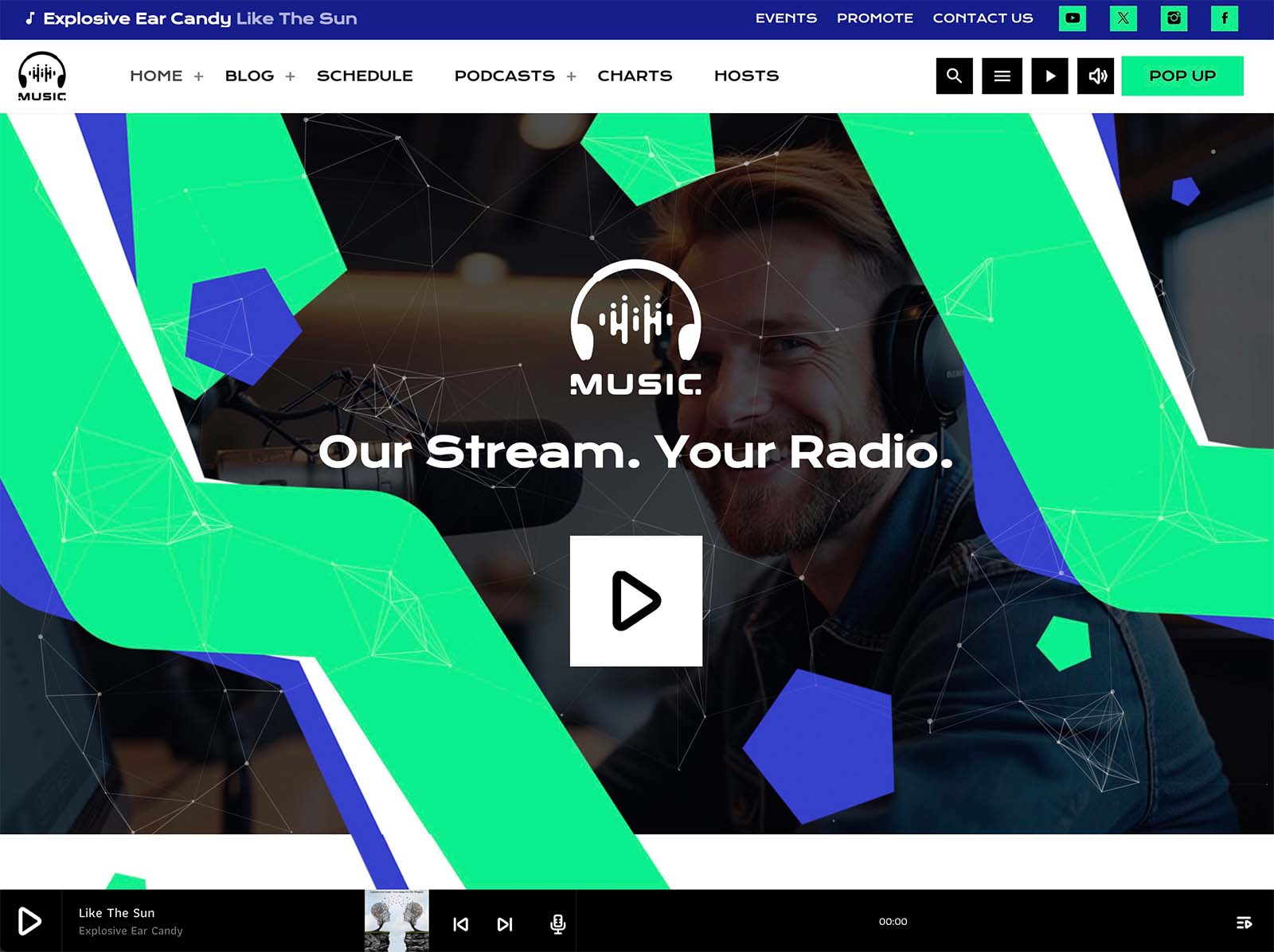
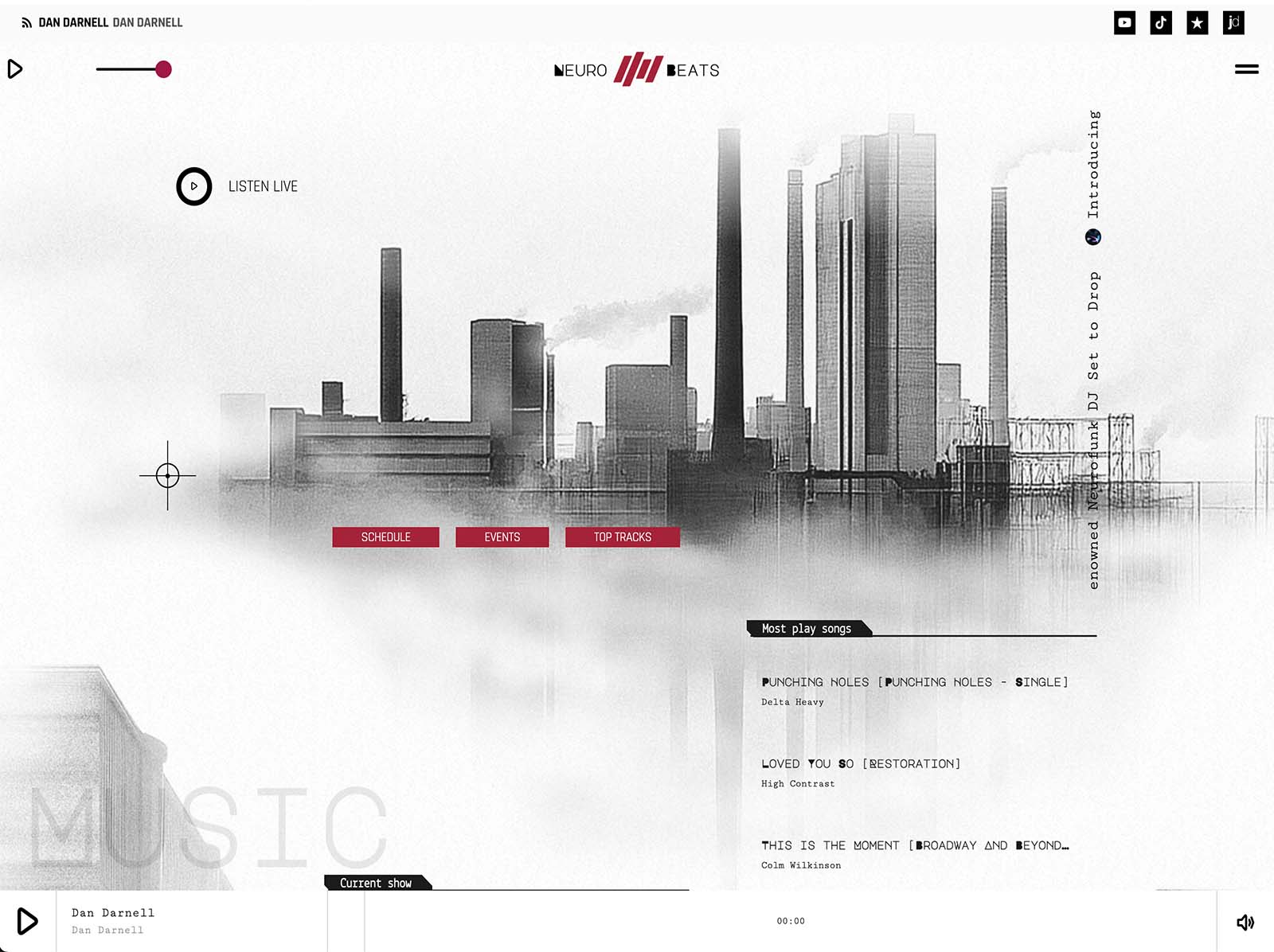
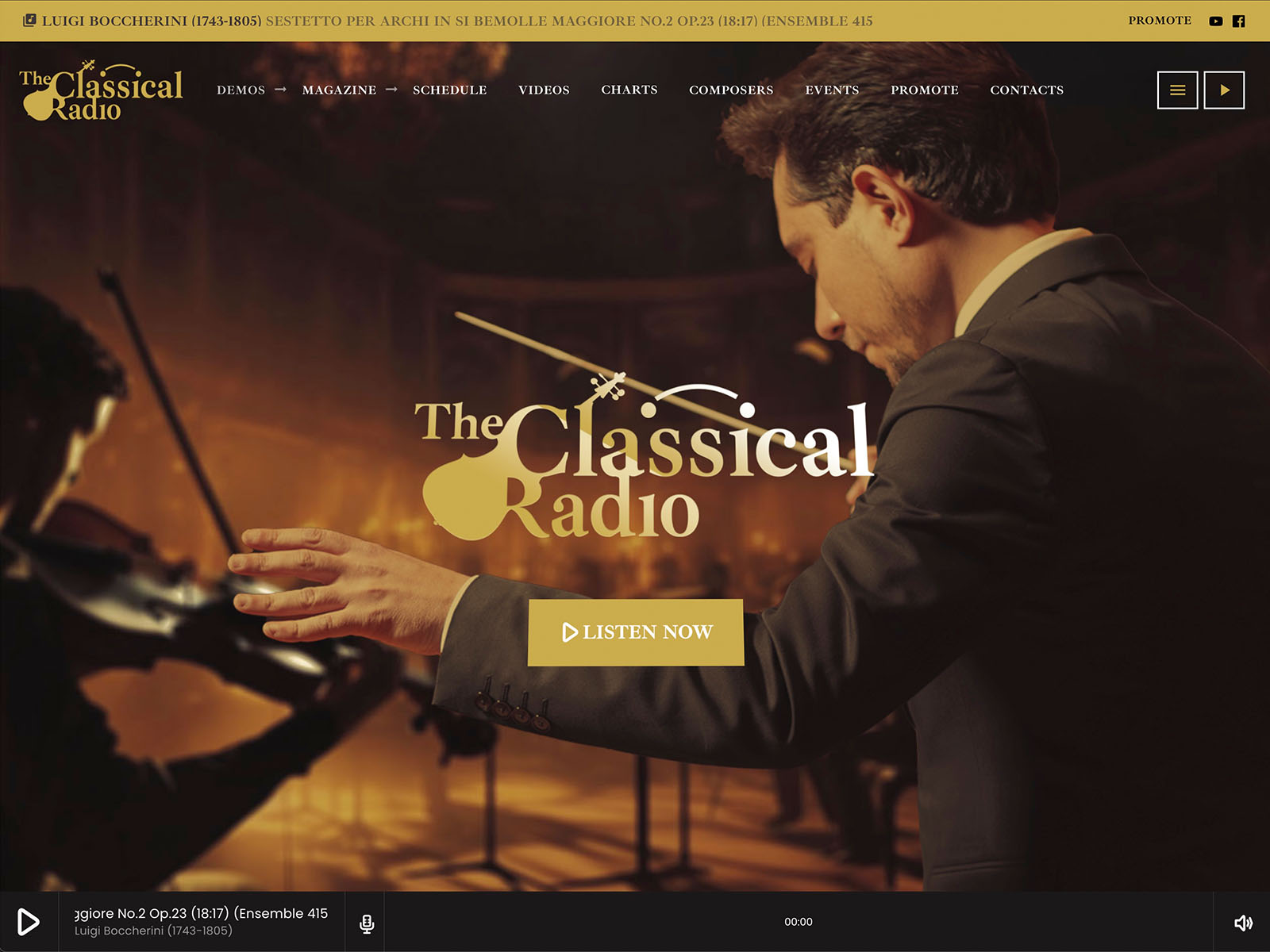
The customizer in Pro Radio holds more than two hundred options. Material-design-based colors for menu, button, footer, and player. Typography controls for content, bold, headings, and captions. A hundred CTA icons, a hundred secondary menu icons, four menu locations, two sidebar locations. Sticky and transparent menu modes. Page header effects including parallax, waves, duotone, grayscale, and gradient.
Each control is part of the live customizer. You change a setting, you see the effect immediately. A coordinated visual language emerges across the homepage, the show pages, the player, the schedule, and the team profiles. The site finally feels like one production.
One Toolkit Means The Website Holds Together
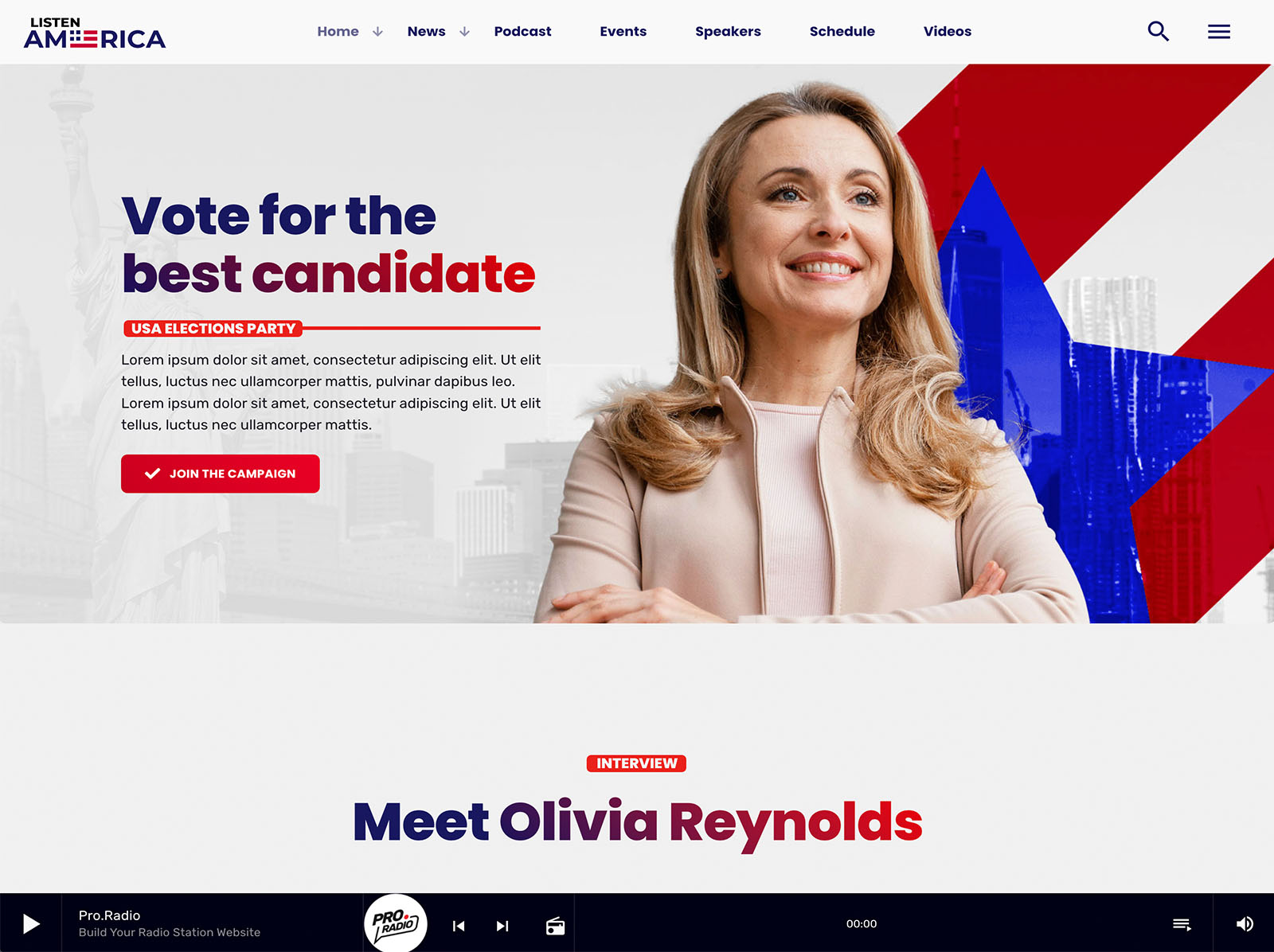
The reason most station websites cannot match the sound is fragmentation. Pro Radio replaces that with a single ecosystem. The customizer controls the global look. Elementor handles the page-by-page work with thirty-plus radio widgets and eighty-plus templates. The Plus bundle adds Sidekick, Business Tools, Dedications, Podcast Importer, and over three hundred more Elementor templates. The minified styles and JavaScript and the bundled Ajax page load keep the experience fast and continuous.
When the whole site is built as one production, it finally sounds like the broadcast. The mismatch disappears.
Make The Two Halves Of The Brand Agree
If your sound is ready, the website should not be the part that holds the brand back. The right features close that gap quickly. A non-stop player. A live schedule. Show pages that build themselves. Podcasts in the same player. Real host profiles. Listener participation. A coordinated design system.
Take an afternoon with Pro Radio and let the website finally match the sound.



AD
You may also like

Copyright 2019-2026 ProRadio® Qantum Themes SL® ESB02979078 All Rights Reserved