Background
AD
trending_flat

We just added support for new streaming providers to Pro Radio WordPress Theme v.2.0

If you're searching how to create a radio station website, you're in the right place, in fact with Pro Radio you can count on the most flexible player on the market, which can integrate any popular audio stream out there. The WordPress theme Pro Radio, in fact, comes with a built-in player that can play the music and display title, author and artwork of any radio station audio stream out there (aac and mp3). The player has a huge variety of compatible formats, and our documentation will guide you in a couple easy steps to configure your radio channel in no time. We also recently added 4 new streaming providers to the existing list, taking it to 18 total compatible formats for our music player, which are the following: MP3 / AAC audio stream The player can reproduce any mp3 […]

trending_flat

10 Must Have Radio Show Features for a Radio Station website

To get more listeners, you need better radio show pages. Each radio show must represent its speakers and DJs at its best. In this post you'll have a list of the 10 most important pieces of information for your radio shows, crafted after years of research and analysis on thousands of popular radio stations. So, here it comes the... List of top features for a radio show page   1. Catchy featured image Visual appeal is a fundamental aspect of online communication, and your radio shows make no exception, even though the nature of the radio is mainly auditive and textual, when visiting a website even the eye wants its part, so a cool picture for your radio show is very important. With the WordPress theme Pro Radio, for instance, you can easily add a featured image for every show. […]

trending_flat

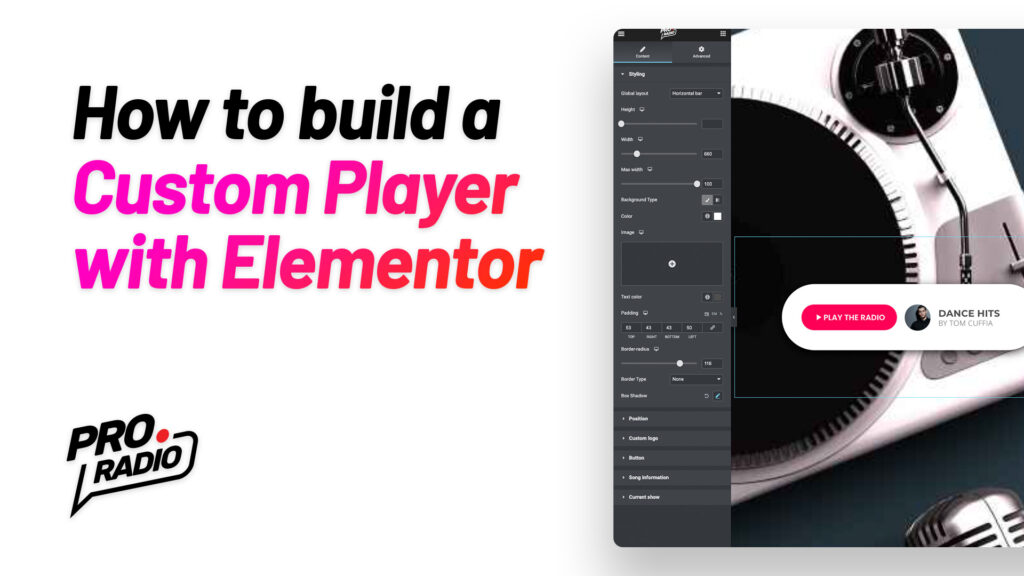
How to make a custom radio player in Elementor using the Pro Radio WordPress Theme

https://www.youtube.com/watch?v=1XdB2l7DGtk With the Pro Radio WordPress Theme and Elementor you can now create unlimited radio payers, with any shape, size and position. You can build them to stay inside of the content of a specific page, to appear as popup player, or even to stick to a fixed position in any page. This quick tutorial will show you an simple example usage and building process: you'll see how to create a custom player, and how to set it as default player across the entire website, replacing the original player bar. First of all, we build a custom MegaFooter. Then, using Elementor, we add a Custom Player to the page. This new widget, included with any Elementor standard license, has more than a hundred options to craft any sort of player, including the option to display titles, song album and artwork, […]

trending_flat

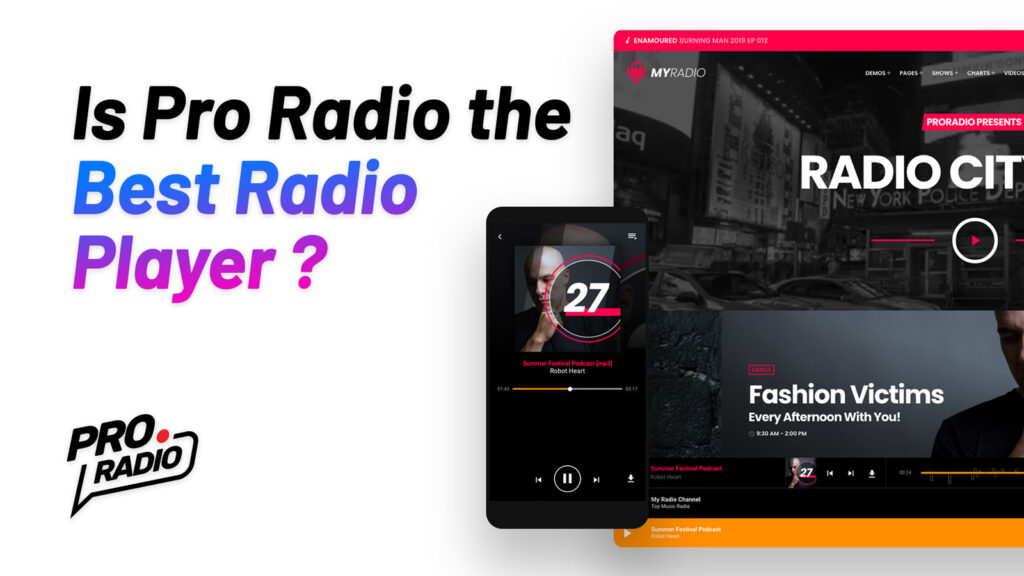
WordPress Radio Player: why is Pro Radio the best plugin?

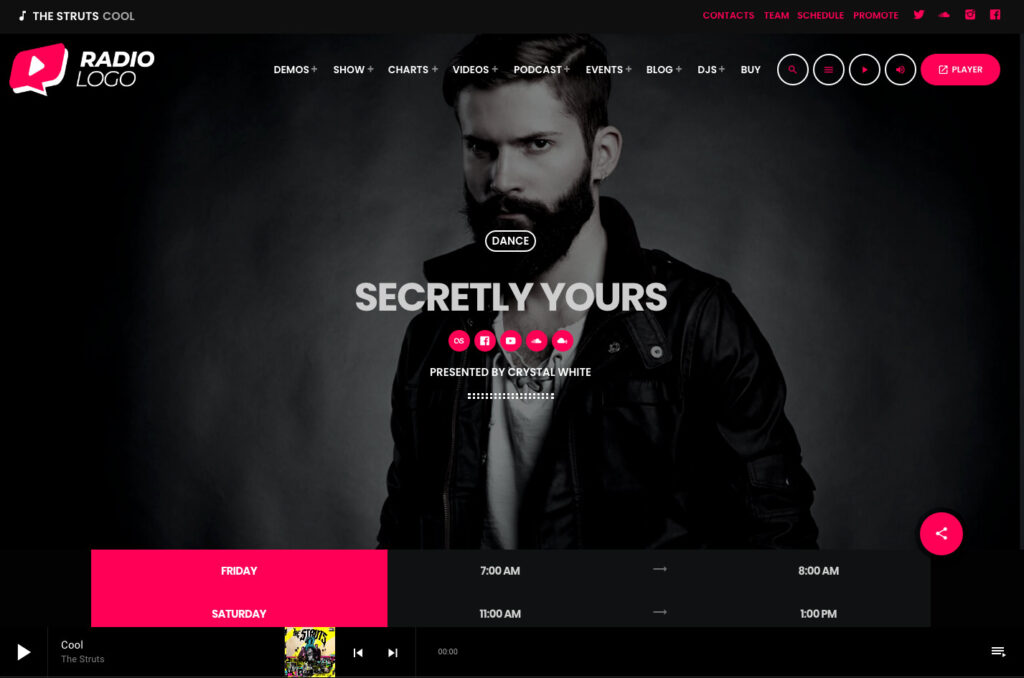
The radio player is the most important part of a radio station WordPress website. After building the players for OnAir Classic, OnAir 2, Vice, Kentha, and WPcast , we thought it was time to put together any best feature in a single, powerful and flexible WordPress music player, for the Pro Radio theme. Pro Radio is a WordPress Theme for radio stations that comes with its own radio player, featuring all of the most important functionalities for radio station websites. The player is, in fact, compatible with all of the most popular streaming providers and has all of the key features that any radio station should have, including non-stop play functionality, great customizability, and compatibility with custom mp3 sources as single tracks. This article will show you why the Pro Radio streaming player for WordPress is the best choice for […]

AD

Login to enjoy full advantages

Please login or subscribe to continue.

Go Premium!

Enjoy the full advantage of the premium access.

Stop following

Unfollow Cancel

Cancel subscription

Are you sure you want to cancel your subscription? You will lose your Premium access and stored playlists.

Go back Confirm cancellation