Background
  • arrow_back Home
  • keyboard_arrow_rightcategories
  • keyboard_arrow_rightWeb Radio Tutorials

Web Radio Tutorials

trending_flat

The best setup for a small radio station

If you are running a small radio station, it is important to have the right equipment to ensure that your broadcasts are of high quality and reliable. While there are many options to choose from, there are a few key pieces of equipment that are essential for any small radio station. One of the most important pieces of equipment for a small radio station is a mixer. A mixer allows you to adjust the levels of different audio sources, such as microphones, music tracks, and sound effects, and to route them to your broadcasting software or hardware. There are many mixers available, and the best one for you will depend on your specific needs and budget. Some popular options for small radio stations include  Mackie PROFX12V2 Behringer X32 Yamaha MG06 Allen & Heath Qu-16. Another essential piece of equipment for […]

trending_flat

How to find djs for a radio station?

Finding DJs for a radio station can be an important step in creating engaging programming and building a strong listener base. Here are a few tips for finding DJs for your radio station: Identify your needs: Before you start looking for DJs, think about the type of programming you want to offer and the skills and experience you are looking for in a DJ. Use your networks: Leverage your personal and professional networks to find DJs. This could include reaching out to friends, colleagues, and other connections to see if they know anyone who might be interested in working for your radio station. Post job listings: Use job boards, social media, and other online platforms to advertise DJ positions at your radio station. This can help you reach a wide pool of potential candidates. Consider local DJs: Look for local […]

trending_flat

Web Radio: How to Broadcast Live with a mixer from your laptop in 10 minutes

When you need to create a radio station there are many different things to know, but setting up the streaming environment is really not all that complex. Since many years one of our favorite broadcasting companies is Radio.Co, and our Pro Radio WordPress Theme can integrate a stream from radio.co seamlessly, displaying also song titles and artwork, and integrating the mobile and deskp streams in an excellent responsive manner. For this reason, we thought it was useful to repurpose a very good video tutorial created by Radio.Co about how to setup an audio stream for your web radio from your laptop. I want also to be very clear on the fact that we are not being paid by Radio.co nor we receive any affiliation reward for this post, it's just a very good streaming provider and they make excellent video […]

trending_flat

30 MINUTES FREE VIDEO COURSE: How to create a new Radio Station Template with Elementor

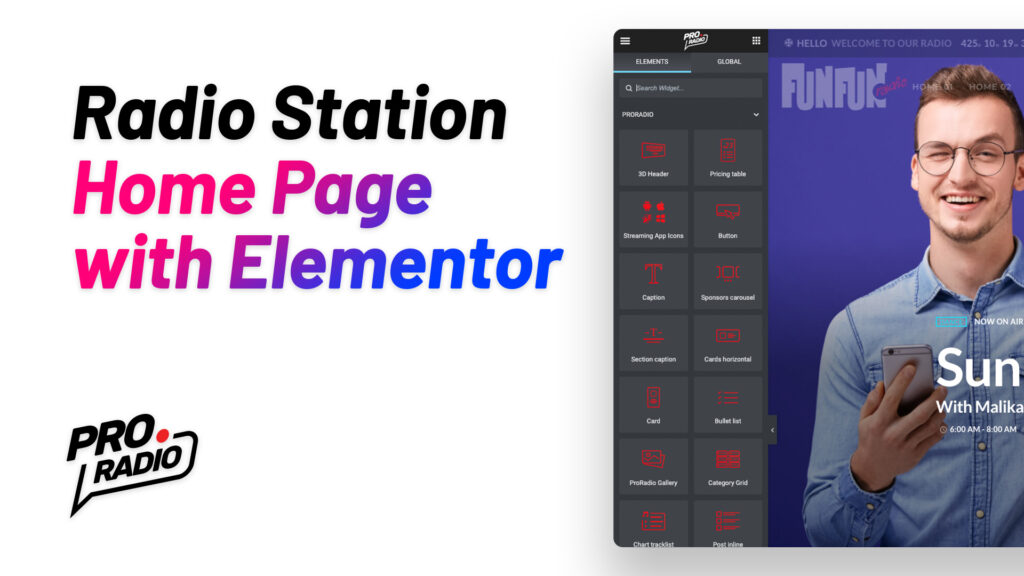
If you want to build a brand new radio station website, and you're looking for the right website template, look no further! Pro Radio is the best WordPress theme you can find right now, most complete, easiest to use, cheapest and fastest! In this video tutorial, you can see how easy it is to create in 30 minutes a brand new home page from scratch using only Elementor, WordPress and the Pro Radio theme. If you're not subscribed yet, you can find at the end of this article the form to subscribe to our newsletter. You can get an immediate discount, and free Photoshop templates for your radio station, social pages and website! https://www.youtube.com/watch?v=Zi9RZnePNxs&list=PLQIOXbXtFjtgczoSCYGnG0eVcK-NM4E0e&index=17   What's in the tutorial This video lesson will show you how to create a new home page for your radio station. We start from a […]

trending_flat

How to create your community radio forum in bbPress

The Pro Radio theme for WordPress just got better! You can now create your own forum easily and without extra costs, with the popular bbPress plugin, perfect for your fans, community, and listeners. What is bbPress The free plugin bbPress is an add-on for your WordPress website to add forum functionalities such as discussion and user management. You can turn your entire website into a forum, or just add the forum as part of your existing website. The plugin bbPress is fast and light, open-source, and easy to use. It was created back in 2004, to manage the official WordPress.org support forums. One of the key concepts of this plugin is simplicity: in fact, it doesn't overload your website with a bloat of options and heavy functions but focuses on the core essential features to run a forum, such as […]

trending_flat

10 Must Have Radio Show Features for a Radio Station website

To get more listeners, you need better radio show pages. Each radio show must represent its speakers and DJs at its best. In this post you'll have a list of the 10 most important pieces of information for your radio shows, crafted after years of research and analysis on thousands of popular radio stations. So, here it comes the... List of top features for a radio show page   1. Catchy featured image Visual appeal is a fundamental aspect of online communication, and your radio shows make no exception, even though the nature of the radio is mainly auditive and textual, when visiting a website even the eye wants its part, so a cool picture for your radio show is very important. With the WordPress theme Pro Radio, for instance, you can easily add a featured image for every show. […]

trending_flat

How to make a custom radio player in Elementor using the Pro Radio WordPress Theme

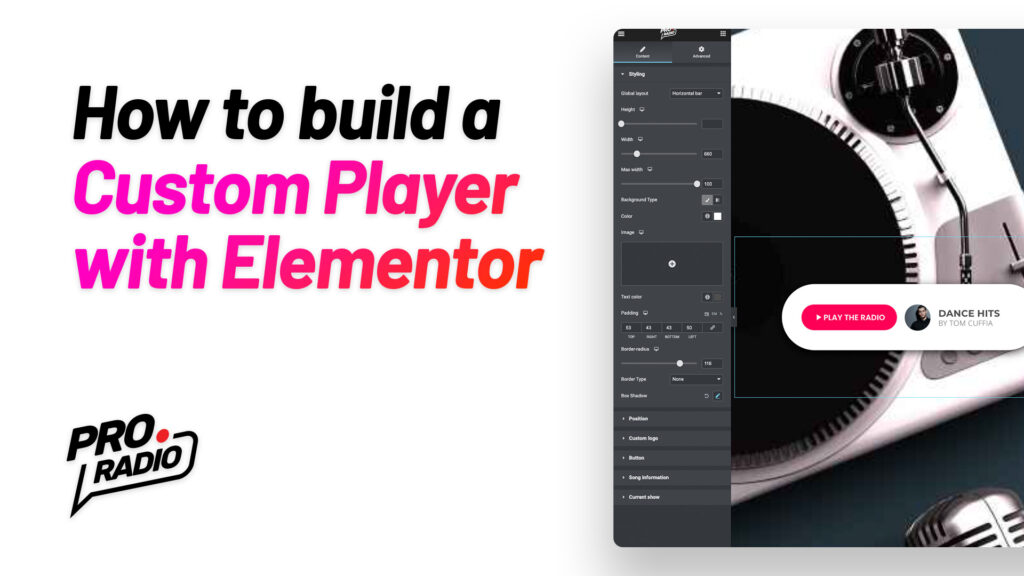
https://www.youtube.com/watch?v=1XdB2l7DGtk With the Pro Radio WordPress Theme and Elementor you can now create unlimited radio payers, with any shape, size and position. You can build them to stay inside of the content of a specific page, to appear as popup player, or even to stick to a fixed position in any page. This quick tutorial will show you an simple example usage and building process: you'll see how to create a custom player, and how to set it as default player across the entire website, replacing the original player bar. First of all, we build a custom MegaFooter. Then, using Elementor, we add a Custom Player to the page. This new widget, included with any Elementor standard license, has more than a hundred options to craft any sort of player, including the option to display titles, song album and artwork, […]

trending_flat

Radio show schedule: how to make a cross-midnight show program

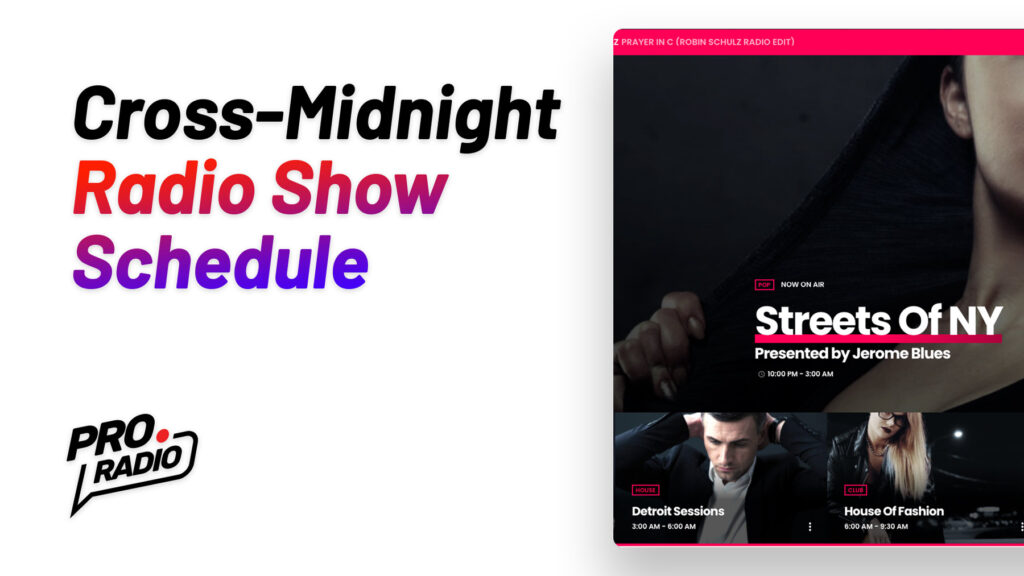
Broadcasting programming usually covers from midnight to midnight, but due to recent changes on the common broadcasting software, it is now possible, using certain providers, to set a show across midnight, for instance starting at 11 PM and ending at 02 AM of the next day. The Pro.Radio WordPress Theme now allows this type of program, and in this article, you'll learn how to make it. What is a cross-midnight show A cross-midnight show is a show scheduled with an end time earlier than the beginning time, intended to end on the day after. For instance, a show starting at 10 in the night and ending at 5 in the morning. This type of schedule is not very common, mainly because many broadcasting platforms only supports a standard program that goes from midnight to midnight. Anyway, nowadays, some platforms are […]

how to install the pro.radio wordpress theme
trending_flat

How to install the Pro.Radio WordPress Theme

This article will explain how to correctly install the Pro.Radio WordPress theme for radio stations. Installing the Pro.Radio WordPress Theme and Child Theme Pro.Radio WordPress Theme is the most powerful and professional WordPress theme for a radio station and it comes with the regular theme installable zip file and with the child theme. A child theme is basically an empty box made to contain any template that you want to change compared to the original theme version. Using a child theme is extremely useful if you want to do code changes to the original template files, because once you place them in the child theme folder, the upcoming theme updates will not delete your customizations. Maybe you are not planning on doing any code change right now, but it will eventually come the day where you want to change somehting […]

Login to enjoy full advantages

Please login or subscribe to continue.

Go Premium!

Enjoy the full advantage of the premium access.

Stop following

Unfollow Cancel

Cancel subscription

Are you sure you want to cancel your subscription? You will lose your Premium access and stored playlists.

Go back Confirm cancellation