Background
AD
trending_flat

The Best Radio Website Templates for Stations That Mix Live Shows, Podcasts & Schedules

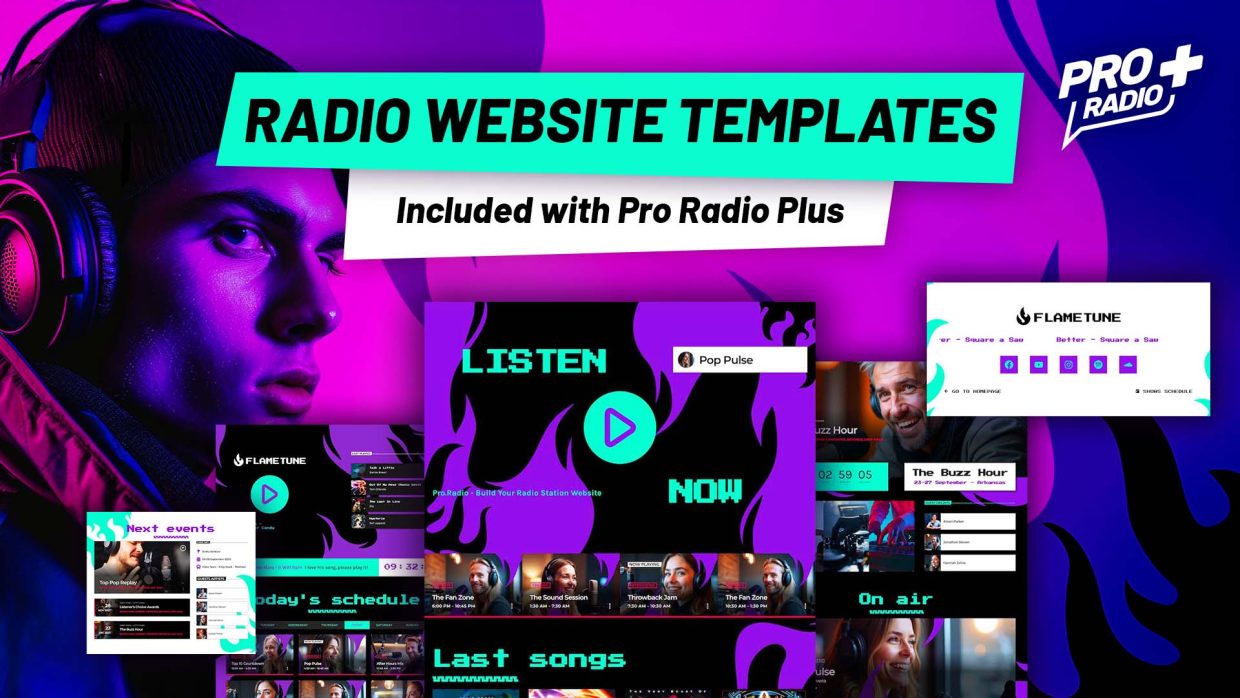
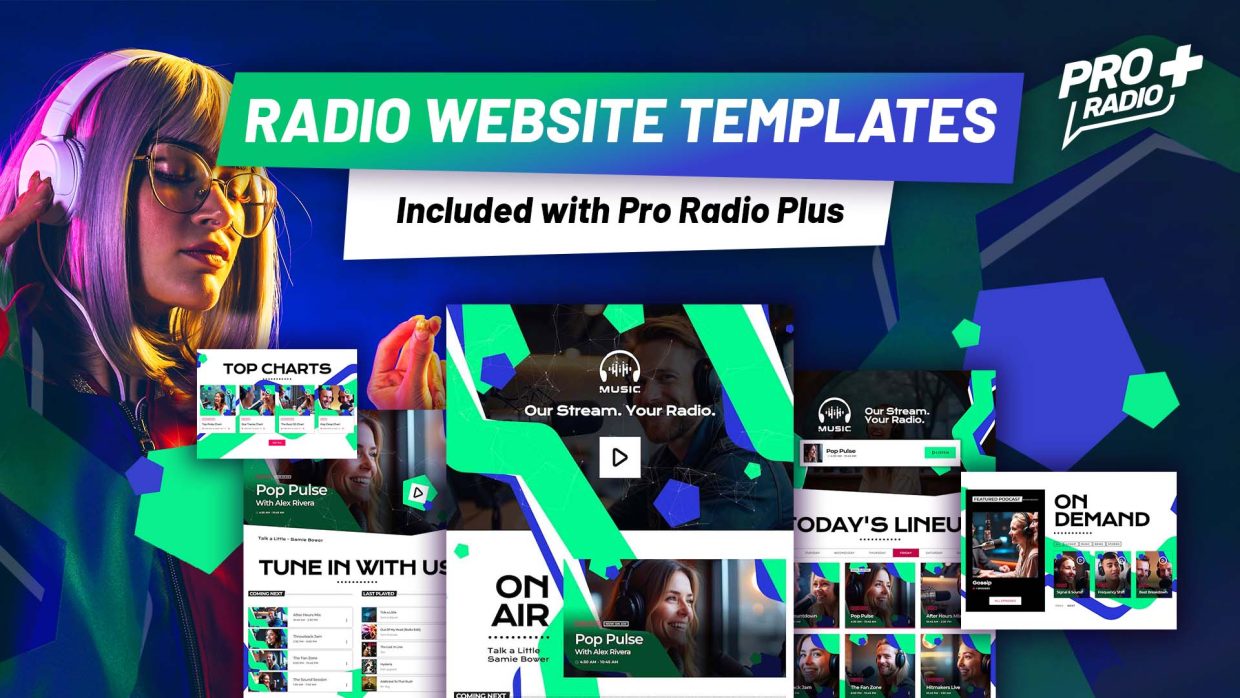
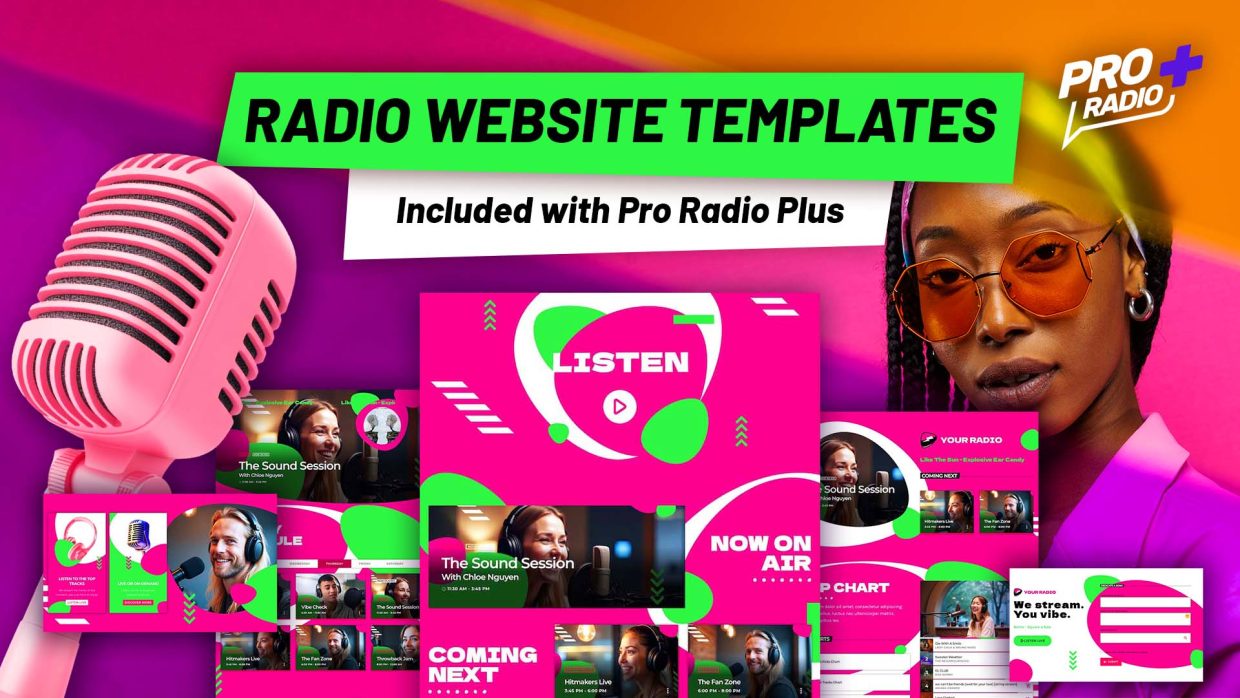
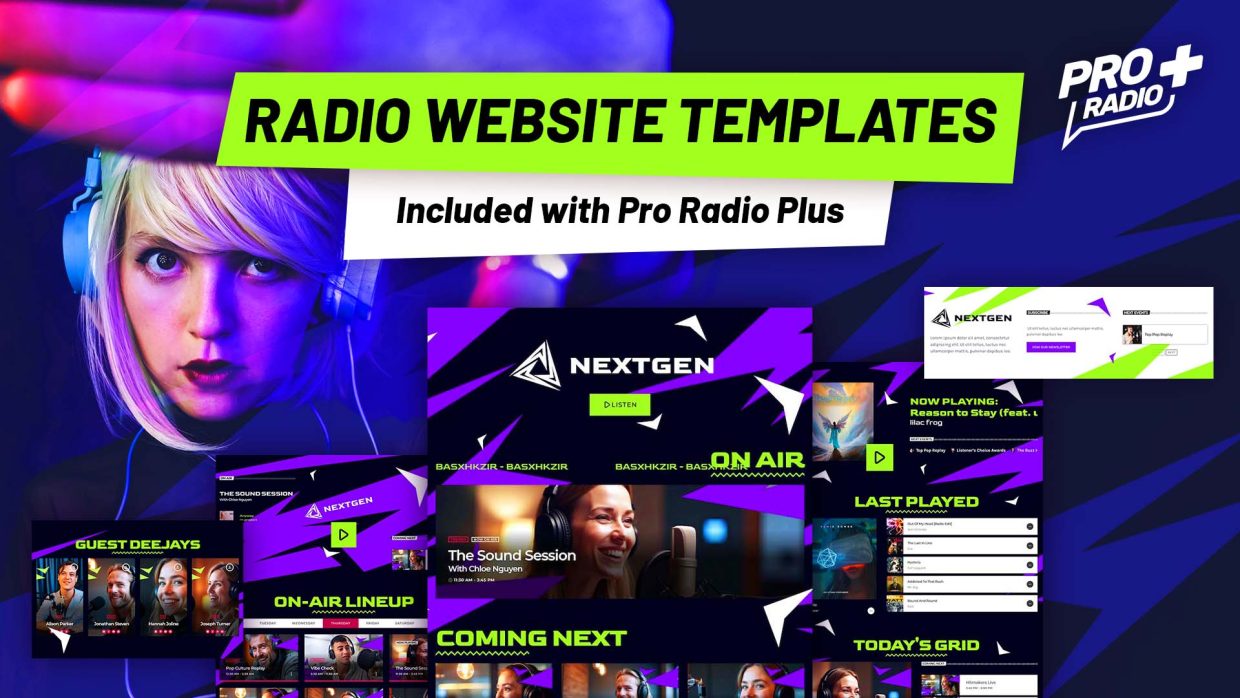
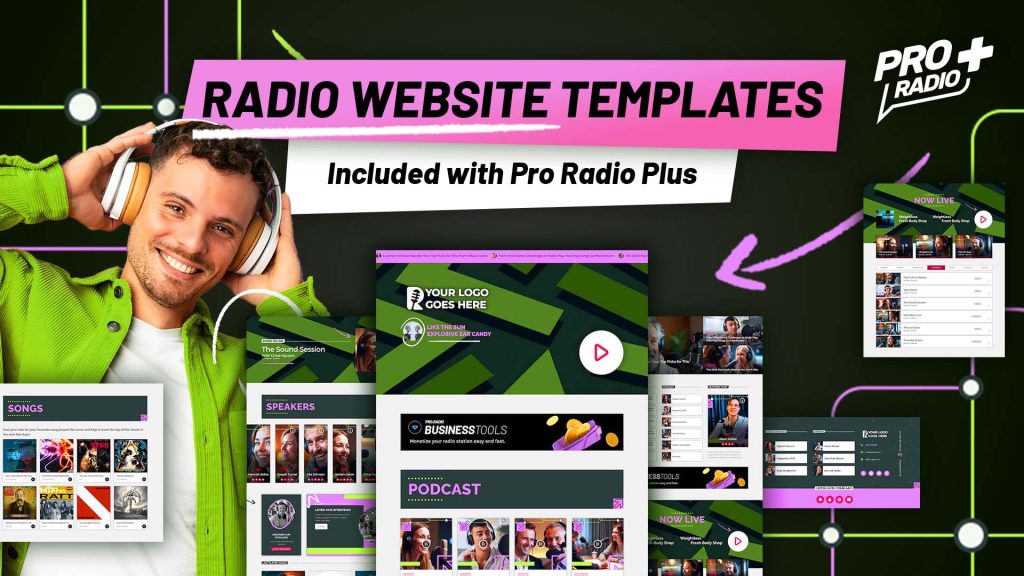
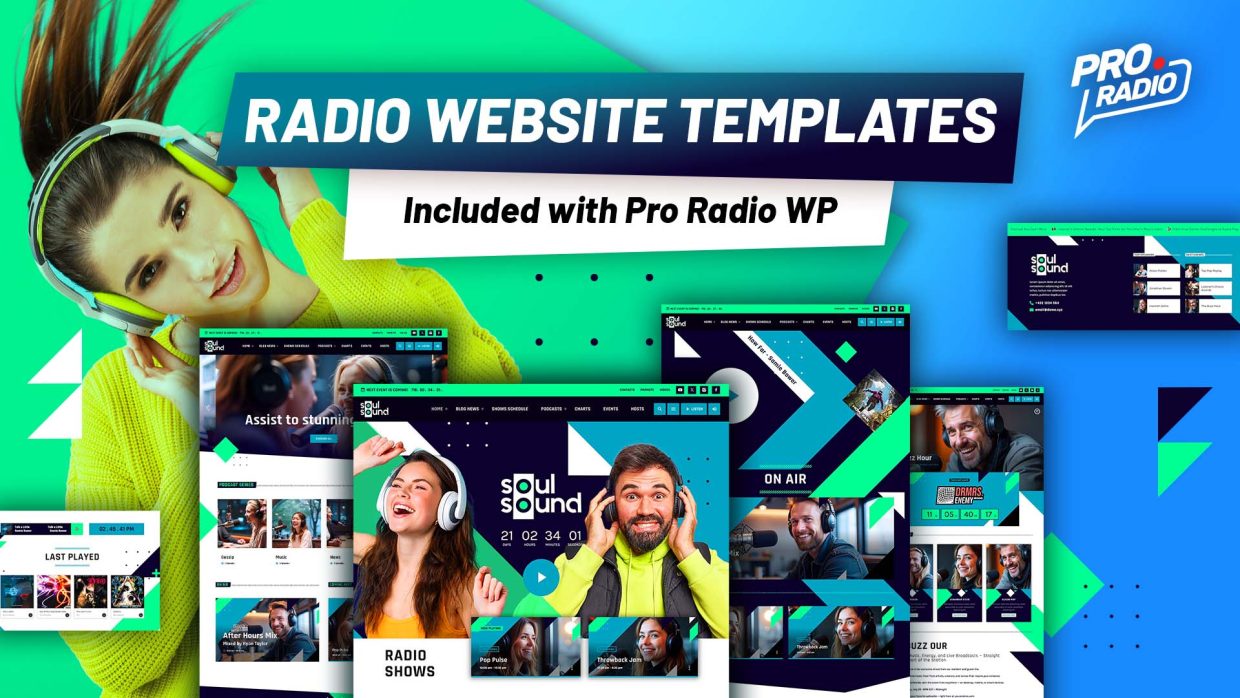
If you’re building a modern radio station website that blends live shows, podcasts, interviews, and tight schedules, Pro Radio WordPress Theme offers specialized radio website templates designed exactly for this multi-format broadcasting style. Whether you're running a podcast-driven station, streaming live talk shows, or balancing scheduled broadcasts with on-demand content, these radio WordPress themes provide the perfect solution for broadcasters who do it all. Edit everything visually, No coding skills required The global settings can be edited using the standard customizer with preview, change colors, fonts and design globally to match your radio style. Single pages can be edited visually with Elementor, using the 50+ custom radio station Elementor widgets included with Pro Radio WordPress Theme. Each demo comes with 5 to 10 Elementor full page templates which you can tweak and mix via drag-and-drop builder. Intuitive, fast and easy! […]

trending_flat

How to Build a Sound Identity for Your Radio Station

Video sneak peek  A radio station isn’t just about what it plays—it’s about how it sounds over time. And that comes down to one essential (and often forgotten) element: structure. A strong, well-designed schedule doesn’t call attention to itself—but it’s felt. It keeps listeners tuned in a little longer, brings them back tomorrow, and makes your station feel alive, intentional, and dynamic. Without structure, everything blends together—or worse, it feels aimless. Get the Next Updates in Your Inbox Want to go deeper? Subscribe now and get the next chapters, tips, free templates, and exclusive radio updates straight to your inbox. Tone, voice and personality – How to Make Your Station Recognizable Without Saying Its Name When someone tunes into your station—whether by accident or recommendation—they instantly ask themselves a question, even if it’s not out loud: “What am I […]

trending_flat

Redefine Your Radio: The Ultimate Website Template for Underground Techno

If your sound is raw, pulsating, and underground — your radio website should reflect it. WEA Radio is the definitive WordPress template for techno, house, EDM, and electronic music radio stations. Built with a brutalist design approach, powered by the Pro Radio WordPress Theme, and infused with a bold red and black visual identity, WEA Radio is more than a template — it’s a visual and functional extension of your station’s energy. View demo All demos Buy Pro Radio Brutalist Design Meets High-Performance Radio The underground techno scene has a style of its own: sharp contrasts, minimalism, and raw intensity. WEA Radio captures that aesthetic perfectly with: Red and black tones that evoke power and rebellion Geometric minimalism for a clean yet dynamic structure Black and white imagery for a gritty, authentic look Brutalist design that rejects the polished in […]

trending_flat

Chapter 3: Designing a Schedule That Sounds Good and Makes Sense

Structure, Rhythm and Coherence for a 24/7 Station That Doesn’t Bore or Repeat Sneak peek of this post: Get next updates in your inbox! A radio station is not just what it plays. It’s how it sounds over time. And that depends on a key word often forgotten: structure. A well-designed schedule goes unnoticed, but it’s felt. It makes the listener stay a bit longer. Come back tomorrow. Feel like they’re listening to something alive, that breathes, that moves with purpose. Without structure, everything sounds the same. Or worse: it sounds aimless.   What Exactly Is a Programming Grid? The programming grid is the backbone of your station. It defines what plays, when, and how. It provides order, meaning, and rhythm. It’s what turns a collection of content into a listening experience. It doesn’t have to be rigid, but it […]

trending_flat

Transform Your Broadcast: The Ultimate Professional Radio Website Template

Introduction Imagine turning your passion for music into a thriving online platform that reaches listeners worldwide. With the Harmony Beats demo template—included with Pro Radio WordPress Theme—you can launch a professional-grade radio station without writing a single line of code. This vibrant, magazine-style layout empowers creators at every stage, whether you’re diving into how to start a radio station or scaling your existing broadcast. Design That Speaks Volumes From the moment your audience lands on your homepage, they’re greeted by bold red-purple gradients and dynamic hero sections. Animated countdowns build anticipation, while oversized headlines and geometric accents deliver a modern magazine feel. Every element—from the “Listen Live” button to the rotating podcast carousel—has been crafted to amplify your brand’s personality. And because it’s fully editable with Elementor, you can fine-tune every detail in minutes. Your Sound, Your Style Harmony Beats […]

trending_flat

Pro Radio Podcast Episode 23 – New Features, New Demo, and a Game-Changing Radio Masterclass

 Hello Pro Radio community! Today we have a full plate of exciting updates that will help your station grow and shine even brighter! In this post, we’ll cover: ✔️ The release of Pro Radio 7.5, packed with improvements for a faster and smoother experience ✔️ The launch of Spirit Sound, our latest demo designed for pop, gospel, and inspirational stations ✔️ And the announcement of a brand-new educational series by Ivan Tenorio, created to help you build a real professional online radio Let’s dive right in! Pro Radio 7.5: Seamless Streaming and Faster Pages Pro Radio 7.5 introduces a major improvement for your music player and Sidekick plugin: It now integrates natively with Radiolize, StationPlaylist, and Broadcast.Radio streaming providers. What’s new? Live song titles, album artwork, and buy links appear automatically Real-time updates in sync with your broadcast Easier […]

trending_flat

Pro Radio 7.4 – Fresh features for your station

 Get ready for a smoother, faster, and more dynamic experience with the latest Pro Radio 7.4 update. Here’s what’s new: New Clock Widget for Elementor Now available in Elementor: the new Clock widget. It displays the current date and time based on your website’s time zone—perfect for helping listeners understand your show schedule at a glance. This widget is cache-free, updates every second, and pulls the correct time from your WordPress settings. Fully customizable, you can choose what to display (hours, minutes, date, etc.), pick the format, set fonts, and style it as you like—giving you the freedom to create a unique clock that fits perfectly in your site design. New Upcoming Shows Grid & Lists A brand new way to display your current and next shows: the Upcoming Shows Grid. Unlike the old carousel, this version loads faster, […]

trending_flat

Choosing the Right Online Radio Streaming Service

Starting an online radio station is an exciting venture that can connect you with a wider audience. However, selecting the right streaming service is crucial for a smooth and successful broadcast. Let's break down the key factors to consider and explore some of the top options available. Understanding Your Needs Before diving into the world of streaming services, it's essential to define your specific requirements. Consider the following: Budget: Determine your monthly or annual spending limit. Features: Identify essential features like auto-DJ, live broadcasting, scheduling, and guest broadcasting. Audience size: Estimate your target listener count to choose an appropriate bandwidth and storage plan. Technical expertise: Evaluate your ability to manage server rentals and software installations. Key Factors to Consider When comparing streaming services, focus on these key factors: Reliability: Prioritize uptime, audio quality, and customer satisfaction. Price: While cost is […]

trending_flat

Dark Beat: The Energetic Website Template for Music Radio Stations

https://youtu.be/eaUB33zEqDE In the high-energy realm of radio and music, your website is the heartbeat of your brand—a dynamic hub for your voice and your audience's experience. Dark Beat Radio is the cutting-edge WordPress template, forged for the diverse world of music: commercial hits, electrifying electronic, and raw rock anthems. With a striking blend of bold black and intense red accents, amplified by a modern, impactful font, this template, powered by Pro Radio Website Builder, delivers a powerful and visually arresting aesthetic that commands attention from the first click. View demo and more info All radio website demos   A Bold, Minimalist, and Vibrant Design Designed to make a statement, Dark Beat Radio balances bold visuals with a clean, uncluttered aesthetic. The deep black backdrop exudes confidence and power, while vibrant red accents inject energy and dynamism. This high-impact design, paired with […]

trending_flat

How to Use Grid Filters & Pagination in Your Radio Website Template

https://www.youtube.com/watch?v=Y01s2MBKLRw   How to Use Grid Filters & Pagination in Your Radio Website Template A well-organized radio station website should provide an easy way for visitors to browse content efficiently. Whether you're managing a radio website template with music shows, podcasts, or blog articles, implementing grid filters and pagination can significantly improve user experience. In this guide, we’ll walk you through how to set up and customize these features using Elementor. Why Use Grid Filters and Pagination? Grid filters allow users to quickly sort through content based on categories, such as show genres, podcast types, or featured events. Pagination enhances navigation, ensuring that large amounts of content don’t overwhelm visitors. Together, these features create a seamless and intuitive browsing experience. Setting Up Grid Filters in Elementor To enable grid filters in Elementor, follow these steps: Edit the Page with Elementor […]

AD

Login to enjoy full advantages

Please login or subscribe to continue.

Go Premium!

Enjoy the full advantage of the premium access.

Stop following

Unfollow Cancel

Cancel subscription

Are you sure you want to cancel your subscription? You will lose your Premium access and stored playlists.

Go back Confirm cancellation